How to Build a Shopify Product Recommendation Strategy for Existing Customers
Learn how to build a Shopify product recommendation strategy using customer history, product relationships, timing, and personalized recommendations.
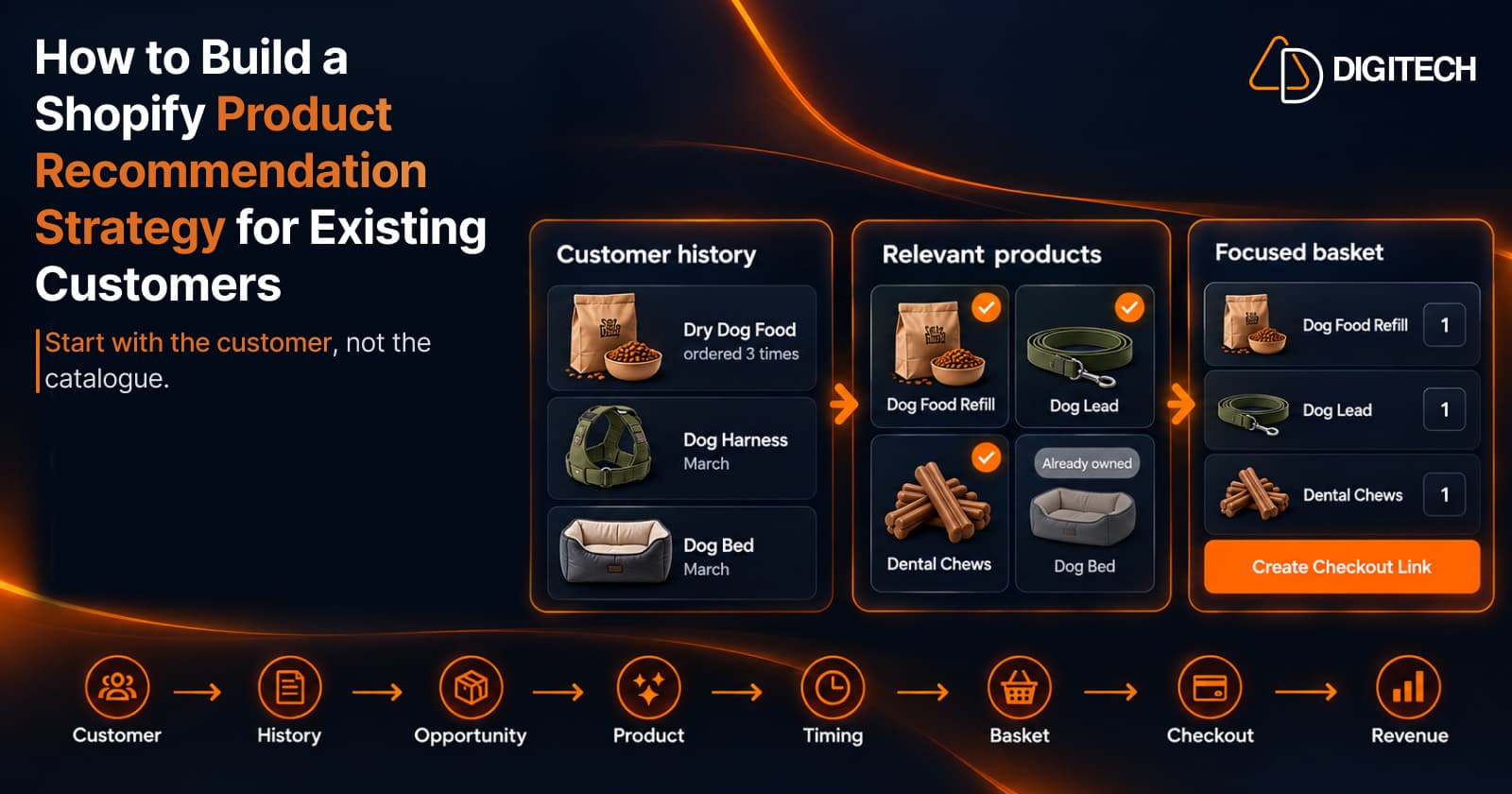
Ask most Shopify merchants about product recommendations and they'll describe a block on the storefront: related products, best sellers, or "customers also bought". Those blocks are built for visitors the store knows nothing about.
An existing customer is a different case. You already know what they bought, when, and how often. So the useful question changes from "what do people buy?" to:
What should THIS customer buy next?
Answering that once is a good recommendation. Answering it the same way, customer after customer, is a strategy. This guide sets out a repeatable one, built around customer context.
What Is a Shopify Product Recommendation Strategy?
A Shopify product recommendation strategy is a repeatable process for deciding what to recommend, to whom, and when. It's more than choosing a recommendation app. An app shows products. A strategy decides:
- Which customers to prioritize
- What customer information to consider
- Which products may be relevant
- What the customer already owns
- Which products naturally go together
- When the recommendation may make sense
- How many products to recommend
- How to make the recommendation easy to buy
- How to measure what happens afterward
It runs in this order:
Customer → History → Opportunity → Product → Timing → Basket → Checkout → Revenue
The rest of this guide follows that order.
Start With Existing Customers
Existing customers are the practical place to start, because the information already exists. For each one you have:
- Previous orders
- Product history
- Purchase timing
- Product and category relationships
- Possible repeat-purchase signals
That doesn't make every existing customer a recommendation opportunity. Someone who bought one gift two years ago gives you very little to work with. The strategy is about finding the customers where a meaningful next product exists, and they aren't always the customers who have spent the most.
Our guides to increasing repeat purchases from existing Shopify customers and identifying high-value customers for personalized recommendations cover why to start here and whom to prioritize.
Use Customer Purchase History as the Foundation
Purchase history is the one source of customer context every store has. In Shopify, each customer's profile shows their orders. Read them for:
- What the customer bought: products and variants.
- How recently they last ordered.
- How often they order.
- Which categories they return to.
- Complementary products they have or haven't bought.
- Repeat products: anything ordered more than once.
- Potential next purchases these point to.
History is context, not a prediction. It tells you what would be reasonable to suggest. Our guide to turning Shopify customer purchase history into new sales goes through this reading in detail.
Identify the Customer's Next Opportunity
Two different questions are easy to confuse:
- What is a popular product? The answer is the same for everyone.
- What product makes sense for this customer? The answer depends on their history.
That is the difference between personalized and generic product recommendations. For one customer, the opportunity usually falls into one of these groups:
- Complementary products that go with something they own.
- Replenishment of something they use up.
- Accessories and add-ons.
- Replacement products for items that wear out.
- Products that naturally follow a previous purchase.
- Products related to their category preferences.
None of these guarantees a purchase. A past order may suggest a need, and that's enough to make a product worth considering. See how to recommend the next product to existing Shopify customers for the selection decision itself.
Consider Products the Customer Already Owns
Recommending something the customer already has makes the recommendation less useful, and it shows that nobody looked. Before a product stays on the list, check:
- Previous purchases of the same product or a close variant.
- Quantity, where relevant. Two of something may mean the need is covered.
- Recent purchases. A product bought last month rarely needs suggesting again.
- Product ownership. Durable items are usually bought once.
- Replacement versus repeat purchase. A consumable they've bought before is a reason to recommend it again. A durable item is a reason not to.
How to choose the right products for each Shopify customer treats these checks as filters on a list of candidates.
Use Product Relationships
Product relationships describe what tends to belong with what:
- Accessories
- Complementary products
- Consumables
- Care and maintenance products
- Add-ons
- Products commonly used together
- Products that naturally follow another product
A relationship is defined at the product level, so it's the same for every buyer. That makes it one input, not the answer. "A lead goes with a harness" is true in general. Whether this customer needs a lead depends on what they've already bought. See how to recommend complementary products to existing Shopify customers.
Add Purchase Timing
The right product at the wrong time may still be a poor recommendation. A refill offered a week after delivery is easy to ignore. The same refill offered when the last one is running low is useful. Look at:
- Last purchase date
- Purchase frequency
- The typical gap between this customer's orders
- Product type
- Replenishment cycle, where there is one
- Whether a follow-up purchase may be becoming relevant
There's no universal number of days. Timing comes from the customer's own pattern and the kind of product. How to use purchase timing to recommend products to Shopify customers explains how to read it.
Consider Customer Fit and Price Range
Relevance isn't only about product relationships. A product can be related and still be wrong for this customer. Consider:
- Their previous price range, at the level of individual items.
- Product fit: size, model and compatibility.
- Category preference.
- Previous buying behavior, such as choosing mid-range over premium.
- Whether the product is a reasonable next step from what they own.
Keep this to what the orders show. Purchase history tells you what a customer has chosen before. It says nothing about their income, their demographics or what they'd be willing to pay.
Don't Recommend Too Many Products
The objective is not to show the customer everything they might like. It's to give them a small set of products that make sense.
- Focus. One need, served well.
- Relevance. Every product earns its place.
- A clear reason for each product, in a few words.
- No catalogue overload. A long list hands the selection work back to the customer.
A focused recommendation is easier to understand and easier to act on. Our guide to building a personalized recommendation basket covers how to narrow a shortlist, and personalized product bundles covers grouping products that belong together.
Make the Recommendation Easy to Buy
Many good recommendations fail at the last step. Compare two paths:
Recommendation → Customer has to search → Customer builds the basket
Recommendation → Ready-to-buy basket → Checkout
In the first, the merchant did the thinking and the customer still does the work. In the second, the products arrive together, and the customer reviews them and pays.
A strategy should reduce unnecessary steps between recommendation and purchase. Fewer steps don't guarantee a sale. They remove a reason for a willing customer to give up.
Measure the Recommendation
A recommendation strategy should eventually answer:
- Which recommendations were created?
- Which customers received them?
- Which were acted on?
- Which generated orders?
- Which generated revenue?
The chain to measure is:
Customer → Recommendation → Checkout → Revenue
If you send a customer a few product links, you usually can't connect a later order to that message. When an order is tied back to the recommendation that led to it, personalized selling becomes measurable, and you can see which kinds of recommendation are worth repeating.
A Practical 10-Step Shopify Recommendation Strategy
- Start with existing customers. Pick those with a clear next-product opportunity.
- Review purchase history. Products, dates and frequency.
- Identify the customer's current opportunity. A refill, a complement, an accessory, a replacement or a next step.
- Remove products already owned, where relevant.
- Find complementary or related products.
- Consider purchase timing. Is now a sensible moment?
- Check product and price fit.
- Keep the recommendation focused. A few products, one need.
- Build a ready-to-buy basket.
- Track what happens after the recommendation.
Here is the strategy applied to one customer of a pet supplies store.
| Stage | What the orders show | Decision |
|---|---|---|
| History | Dry dog food ordered three times, about six weeks apart. A harness and a dog bed, both in March. | An active customer with a regular pattern |
| Opportunity | The last food order was five weeks ago | A refill may be becoming relevant |
| Already owned | Dog bed and harness | Leave both out |
| Relationships | A lead goes with the harness. Dental chews go with a feeding routine. | Two candidates |
| Fit | Mid-range products each time | A mid-range lead. Leave out the premium GPS tracker. |
| Basket | One need: the dog's everyday routine | Dog food refill, lead and dental chews |
Three products, each with a reason, in one basket.
Manual vs. AI-Assisted Recommendations
The strategy can be run in two ways.
Manual
- The merchant reviews the customer's history.
- The merchant chooses the products.
- The merchant builds the basket.
- The merchant sends the checkout link.
AI-assisted
- Customer context and product data are analyzed.
- AI suggests several options.
- The merchant reviews the options.
- The merchant chooses and edits the recommendation.
- The merchant remains in control.
AI doesn't replace the merchant's judgment. It does the sorting, which is the slow part, and leaves the decision with the person who knows the customer. The principle is: AI selects. Your data grounds it. You decide.
How Curivo Helps Shopify Merchants Build This Strategy
Curivo is a personalized customer recommendations app for Shopify, available on the Shopify App Store. Its workflow follows the strategy above:
- Select a known customer.
- Review their purchase history and customer context.
- Choose "Build it yourself" or "Suggest four options".
- With "Suggest four options", Curivo generates four differentiated recommendation options.
- Review and edit the recommendation.
- Optionally apply a discount, an expiry or a single-use setting.
- Create a draft order with a direct checkout link.
- Share the ready-to-buy basket with the customer.
- Track recommendation activity and revenue attribution, where supported.
The two ways to build:
- Build it yourself. You choose the products, with co-purchase context to help. It doesn't use an AI generation, and it's unlimited on every plan, including the free one.
- Suggest four options. One AI generation produces four complete recommendation proposals. You choose the one you prefer and edit it.
For baskets you build, you share the checkout link through whichever channel you already use. On the Starter and Growth plans, Curivo can also send offers automatically after an order is created or delivered, under rules you set. It isn't a storefront widget.
Customer → Basket → Revenue
The strategy comes down to three parts:
- Customer. Start with a known customer.
- Basket. Turn the relevant products into one focused recommendation basket.
- Revenue. Send the basket to checkout and measure what happens.
Personal. Buyable. Measurable.
Common Mistakes When Building a Recommendation Strategy
- Recommending the same products to everyone.
- Ignoring purchase history.
- Recommending products the customer already owns.
- Ignoring timing.
- Showing too many products.
- Confusing popularity with relevance. A best seller is popular. It isn't automatically right for this customer.
- Making customers rebuild the basket themselves.
- Measuring clicks but not recommendation outcomes. A click isn't an order.
- Letting AI make the final decision without merchant review.
Conclusion
A strong Shopify product recommendation strategy starts with the customer, not the catalogue. It uses purchase history, customer context, product relationships, products already owned, purchase timing, and price and product fit. Then it turns the relevant products into a focused basket that is easy to buy and measurable.
Your next recommendation should not be based only on what is popular. It should be based on what makes sense for the customer.
Frequently asked questions
What is a Shopify product recommendation strategy?
It's a repeatable process for deciding which customers to prioritize, which products are relevant to each one, when to recommend them, and how to make the recommendation easy to buy and measure.
How can Shopify merchants personalize product recommendations?
Start from a known customer's purchase history. Consider what they own, which products relate to it, the timing, and price and product fit, then recommend a small set of products chosen for that customer.
Can purchase history be used for product recommendations?
Yes. Past orders show what a customer bought, how recently and how often. That context can indicate a relevant next product, though it doesn't guarantee a purchase.
How many products should a personalized recommendation include?
There's no fixed number. A small, focused set, often two to four products serving one need, is easier to review and buy than a long list.
Should Shopify recommendations consider purchase timing?
Yes. The right product at the wrong time is a poor recommendation. Use the customer's last order date, their usual gap between orders and the type of product.
What is the difference between generic and customer-specific recommendations?
Generic recommendations, such as best sellers, are the same for everyone. Customer-specific recommendations are chosen for one known customer, based on their purchase history and context.
Can AI help Shopify merchants choose products for individual customers?
Yes, as an assistant. AI can analyze customer context and product data and suggest options. The merchant should review, edit and choose the final recommendation.
How does Curivo create personalized recommendations?
You select a customer and review their purchase history, then build a basket yourself or ask Curivo to suggest four options. You edit the result and create a direct checkout link to share with the customer.
Build Your Next Customer Recommendation
Use Curivo to turn customer purchase history into personalized recommendations, ready-to-buy baskets, and measurable revenue.
Related reading
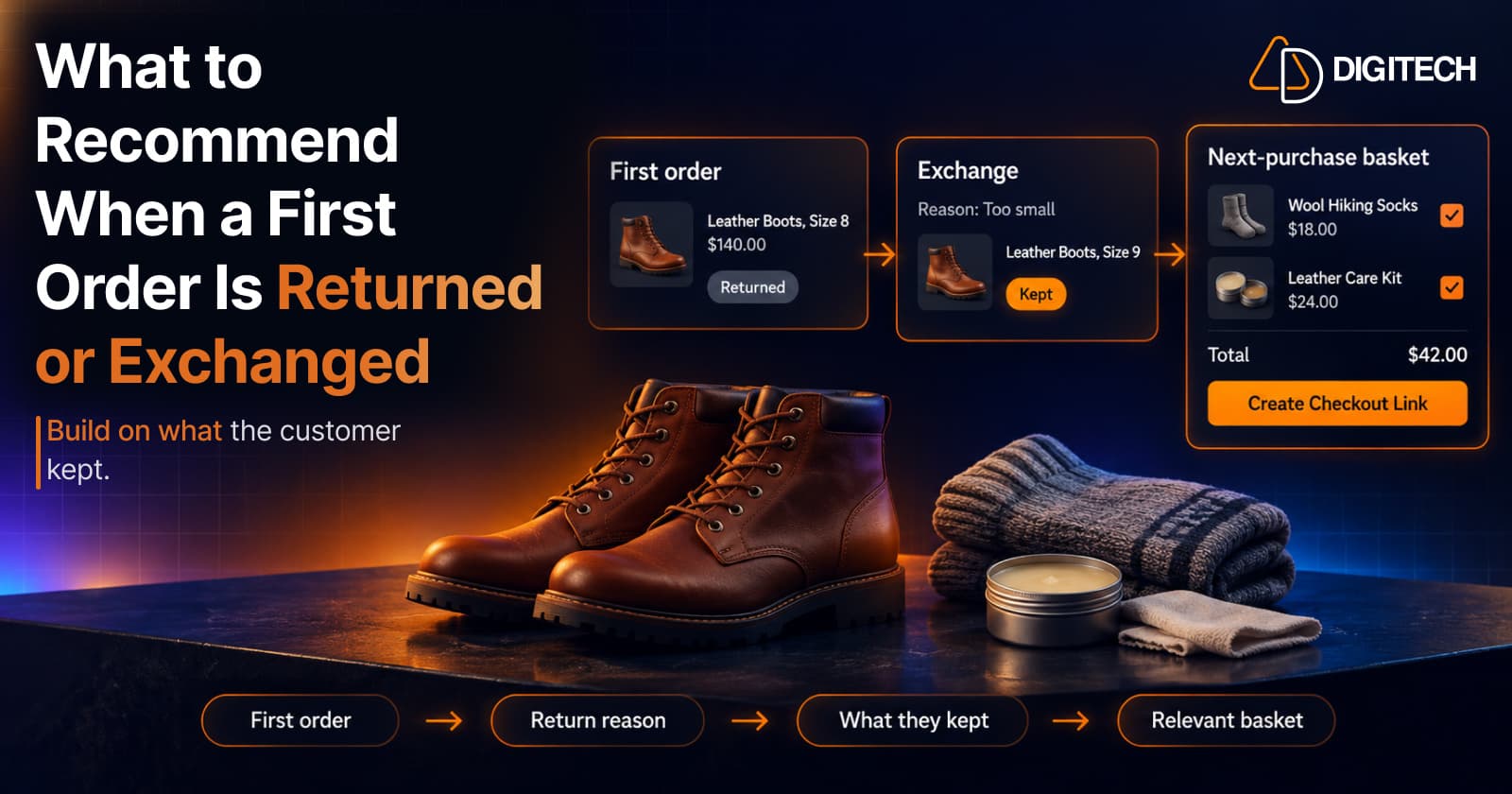
What to Recommend When a Customer's First Shopify Order Is Returned or Exchanged
A returned or exchanged first order changes what you know about a customer. Here's how Shopify merchants can read return reasons and recommend a relevant next product.
Read article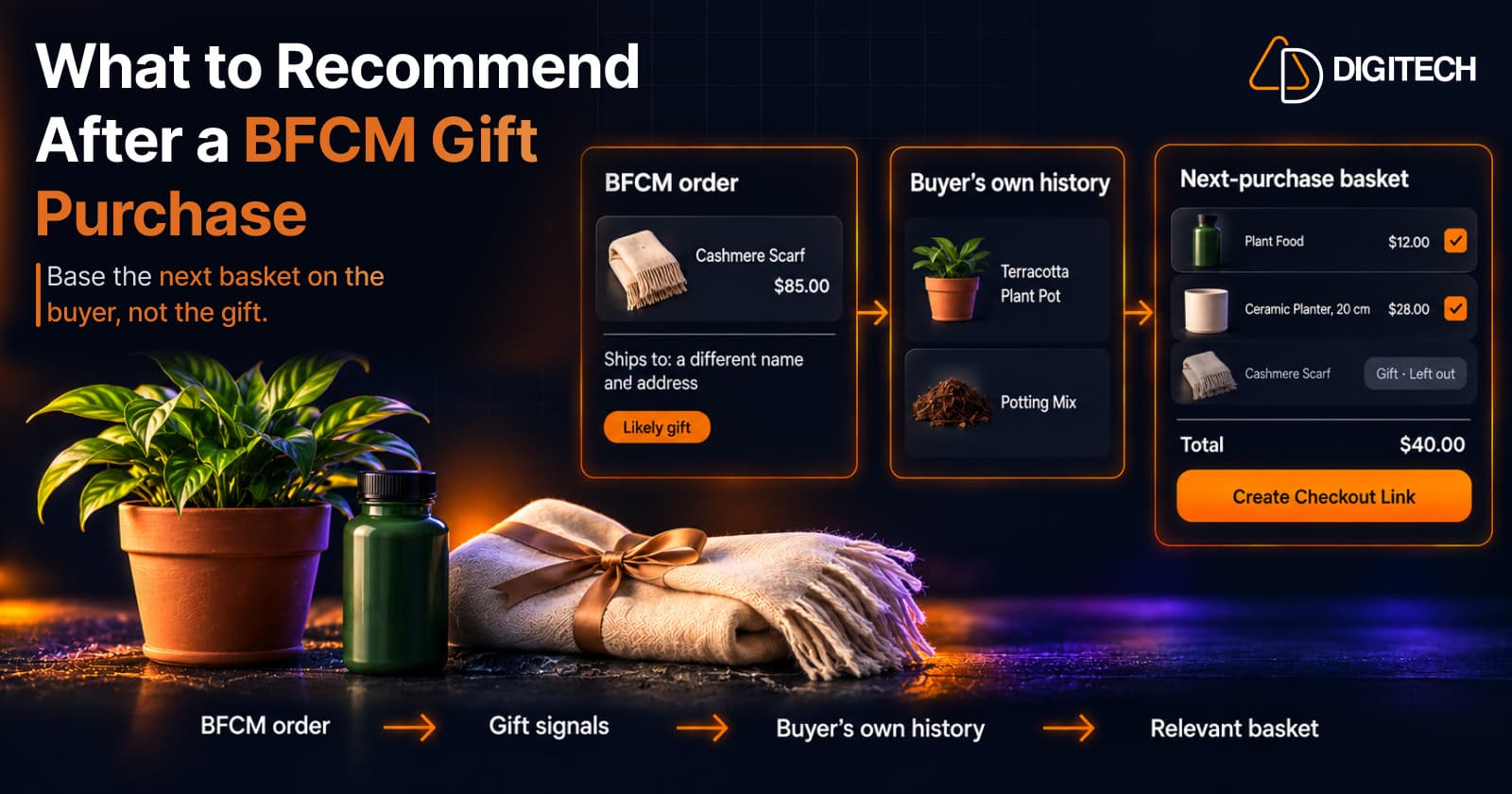
What to Recommend After a BFCM Gift Purchase: A Guide for Shopify Merchants
Some BFCM orders are gifts, which makes purchase history misleading. Here's how Shopify merchants can spot likely gift orders and recommend a relevant next product.
Read article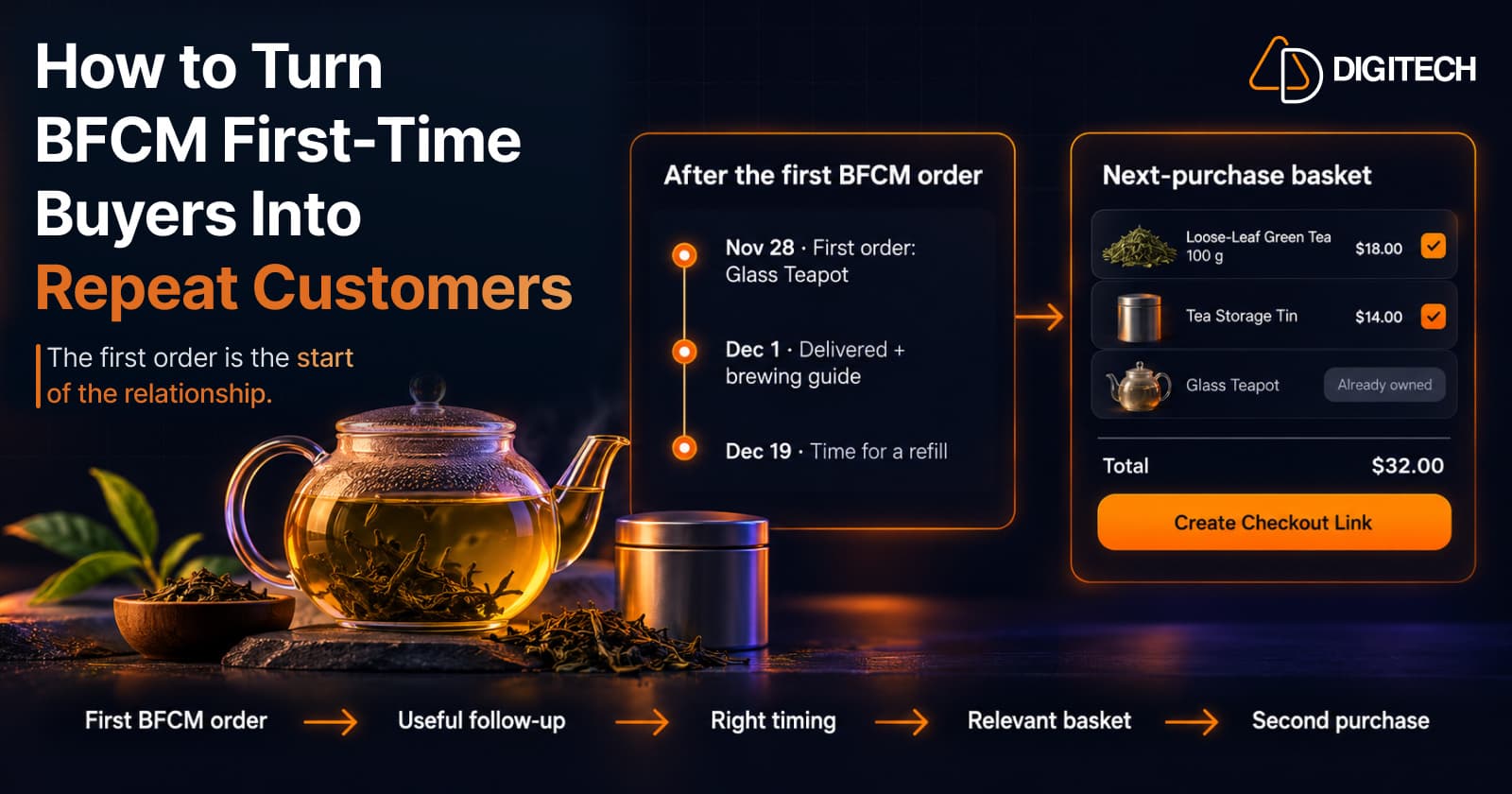
How to Turn BFCM First-Time Buyers Into Repeat Customers
A first BFCM order is the start of a customer relationship. Here's how to follow up with first-time buyers so a relevant second purchase becomes more likely.
Read article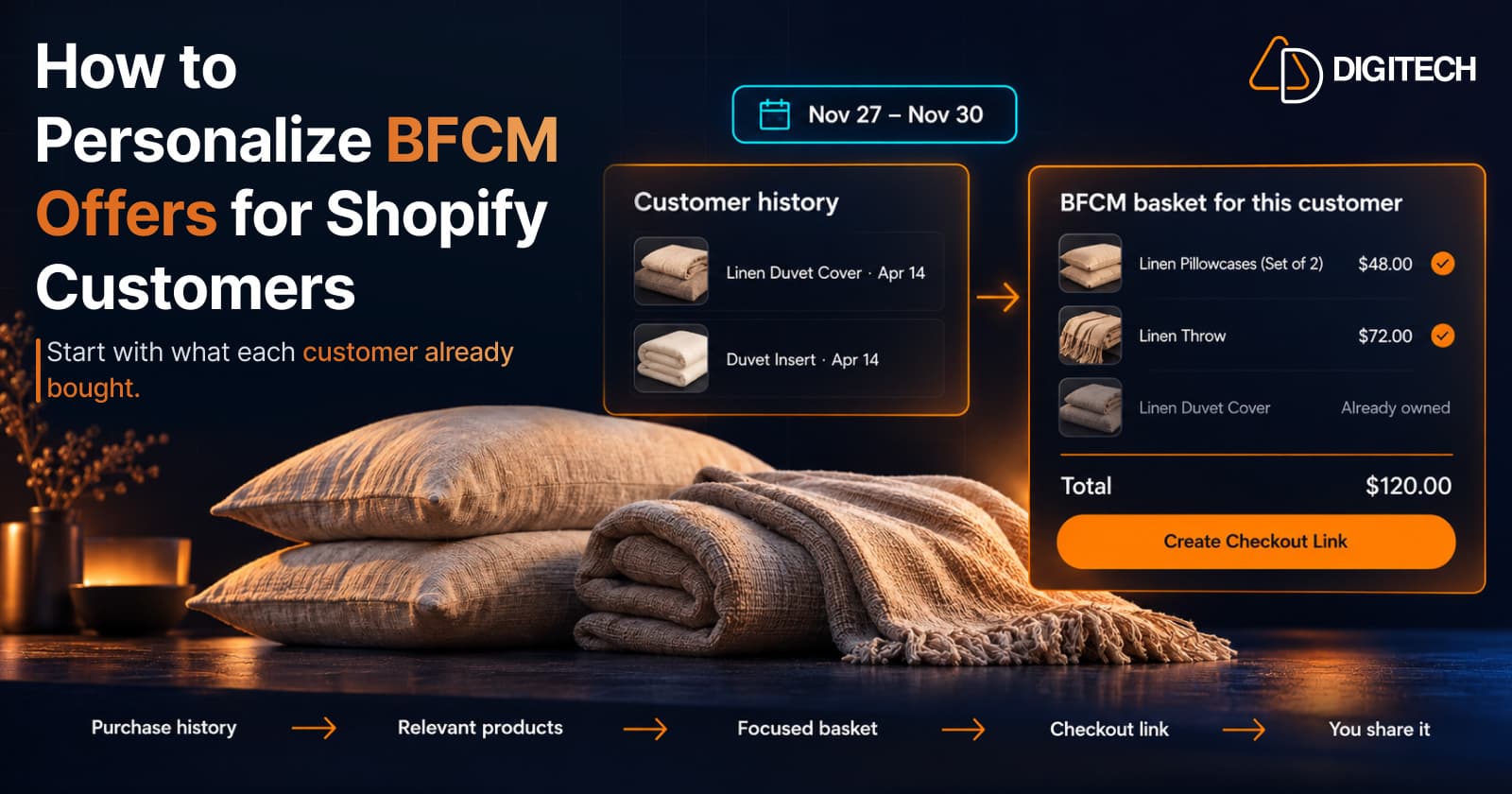
How to Personalize BFCM Offers for Shopify Customers
Use Shopify customer purchase history to build relevant BFCM offers for existing customers: what to check, five ways to personalize, and how to measure it.
Read article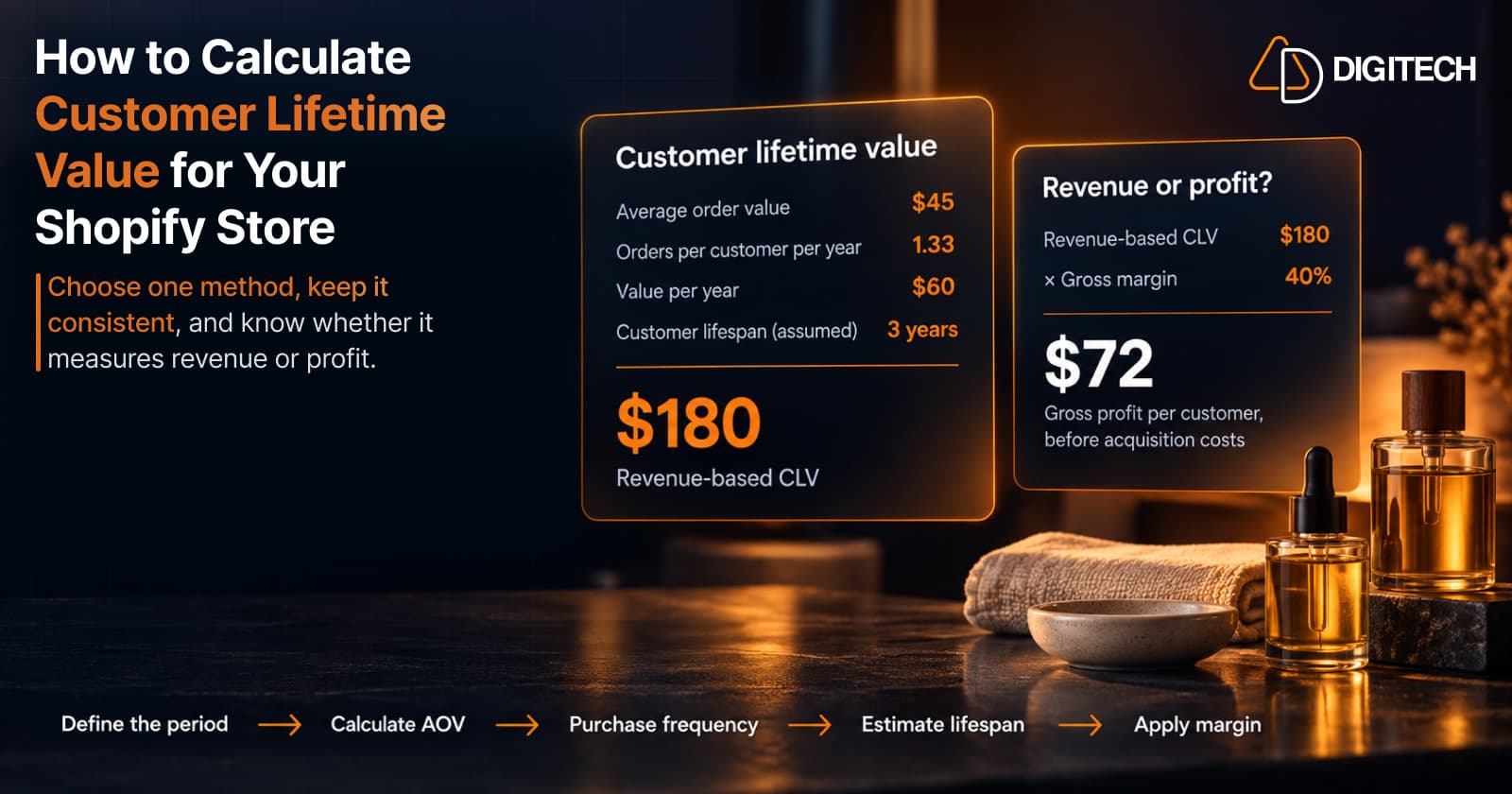
How to Calculate Customer Lifetime Value for Your Shopify Store
Learn how to calculate customer lifetime value for a Shopify store, choose between revenue and profit-based CLV, find the data in Shopify, and avoid common mistakes.
Read article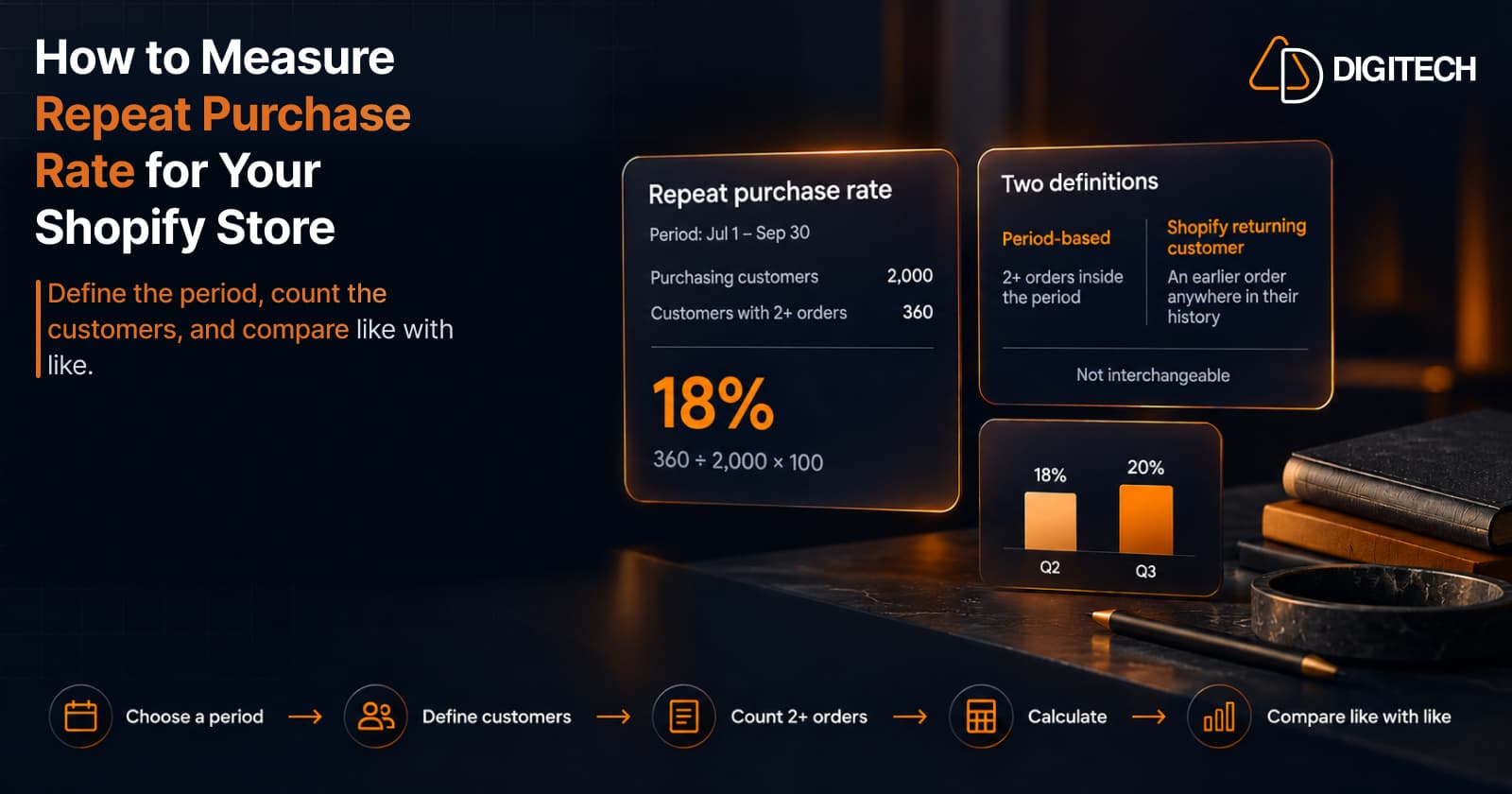
How to Measure Repeat Purchase Rate for Your Shopify Store
Learn how to calculate repeat purchase rate for a Shopify store, choose the right period and customer population, read the result carefully, and track the related retention metrics.
Read article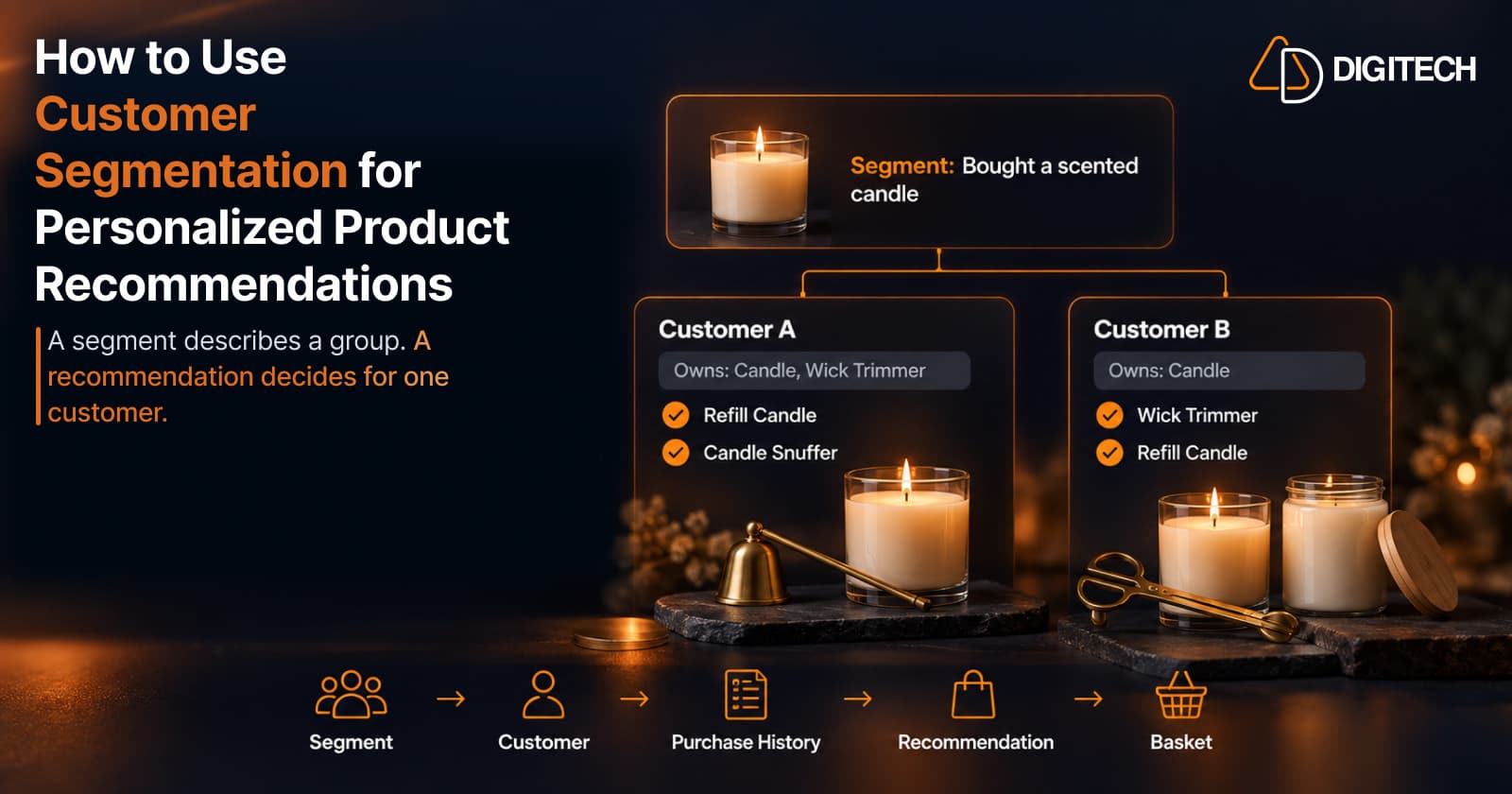
How to Use Customer Segmentation for Personalized Product Recommendations on Shopify
Learn how to use Shopify customer segments to make product recommendations more relevant, and how to turn a segment-level insight into a recommendation for one customer.
Read article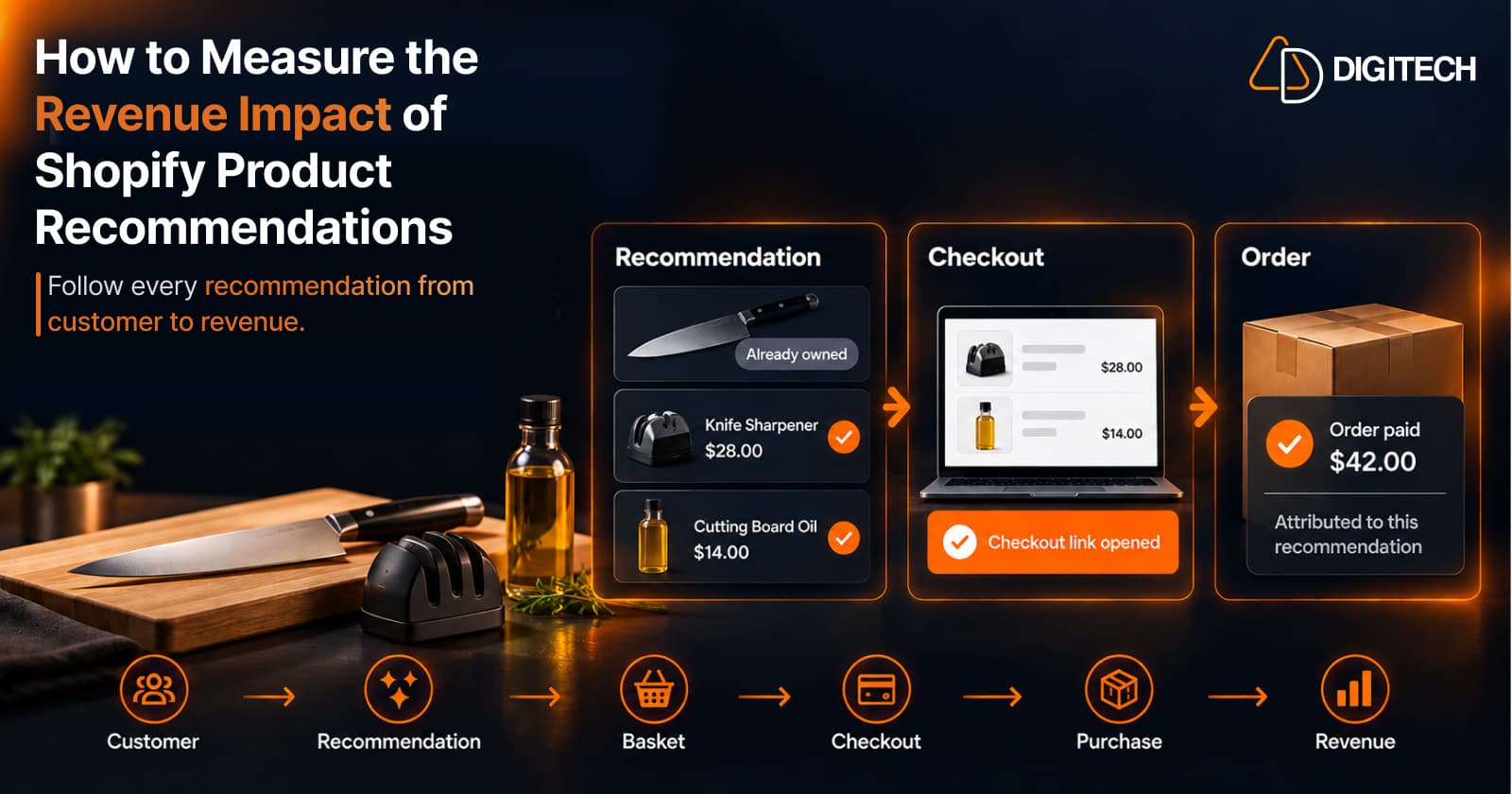
How to Measure the Revenue Impact of Shopify Product Recommendations
Learn how Shopify merchants can measure product recommendation performance, track checkout activity, attribute revenue, and improve personalized recommendations.
Read article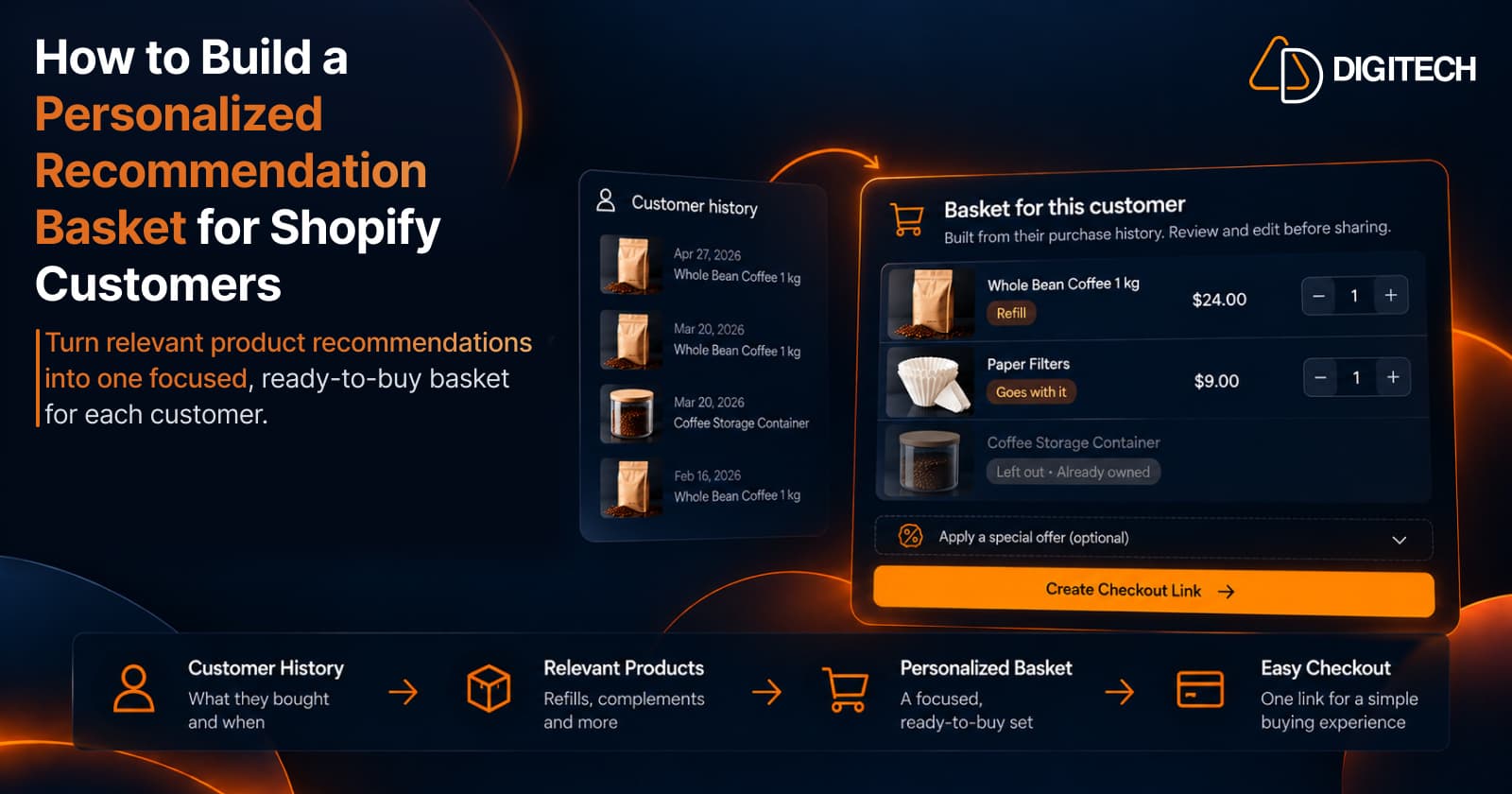
How to Build a Personalized Recommendation Basket for Shopify Customers
Learn how Shopify merchants can build personalized recommendation baskets using customer history, product relationships, timing, and product fit.
Read article