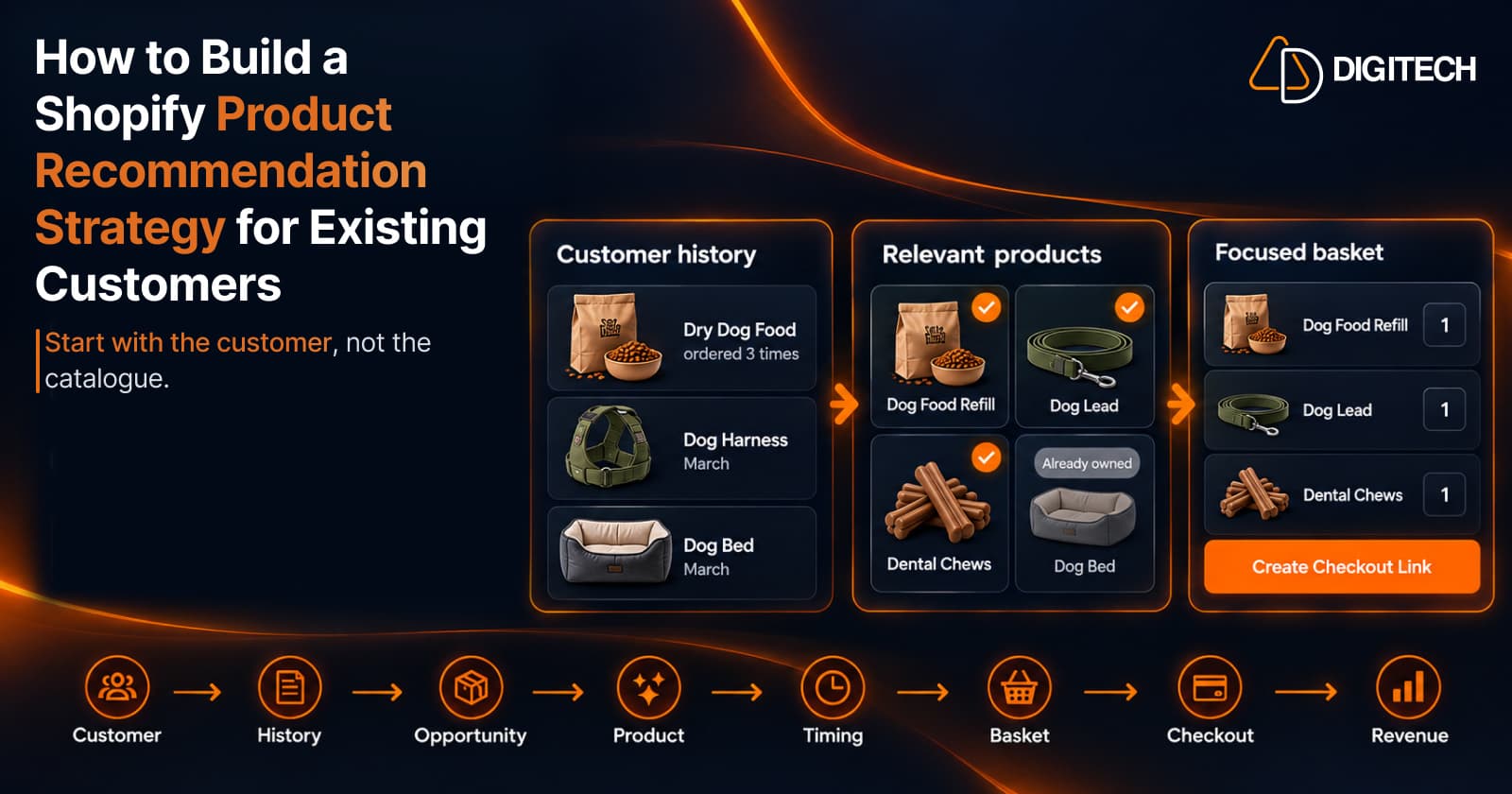
How to Build a Shopify Product Recommendation Strategy for Existing Customers
Learn how to build a Shopify product recommendation strategy using customer history, product relationships, timing, and personalized recommendations.
Recommend what each customer should buy next, based on their purchase history. Build a personalised basket by hand, or let Curivo send offers automatically after an order is created or delivered. Every offer goes straight to checkout, and you track the revenue it generates.
Two ways to use Curivo
You know your customers, but deciding what to suggest can mean digging through past orders, browsing the catalogue, and relying on personal judgment.
Sending individual product links leaves customers to find the products and rebuild the basket themselves — friction at exactly the wrong moment.
Without recommendation-level attribution, it's hard to know which of your personal recommendations actually generated revenue.
Curivo turns customer purchase history into a personalised product basket that you can review, edit, and send directly to checkout.
See their purchase history, lifetime value, previous recommendations, and outcomes — all in one place.
Two choices: build your own basket with product co-purchase suggestions, or let Curivo suggest four differentiated basket options based on the customer's purchase history.
Pick the basket you want, then change products or quantities before it's sent to the customer.
Create a Shopify draft order and send the customer a direct checkout link — no rebuilding required on their end.
See the clicks, orders, and revenue attributed back to the recommendation.
Create your own basket and use product co-purchase suggestions to move faster.
Curivo generates four differentiated basket options based on the customer's purchase history.
Generic recommendation tools start with the visitor, the browsing session, or a broad segment. Curivo starts with a known customer and their purchase history.
The question isn't “what do people like this buy?” It's what should THIS customer buy next?
Curivo uses your store's purchase patterns and the customer's history to generate four differentiated basket options. You choose the one that makes sense, edit it if needed, and decide what to send.
AI selects. Your data grounds it. You decide.
Curivo helps you move faster — it doesn't take the merchant out of the decision. You stay in control of every basket before it reaches a customer.
Curivo turns the recommendation into a Shopify draft order, so the customer can move directly toward checkout instead of rebuilding the basket themselves.
Curivo connects the resulting order back to the specific recommendation, helping you understand which personalised recommendations actually generate revenue.
For merchants who already know what they want to recommend.
For merchants who want Curivo to help decide.
Both paths lead to the same ready-to-buy checkout and attribution flow.
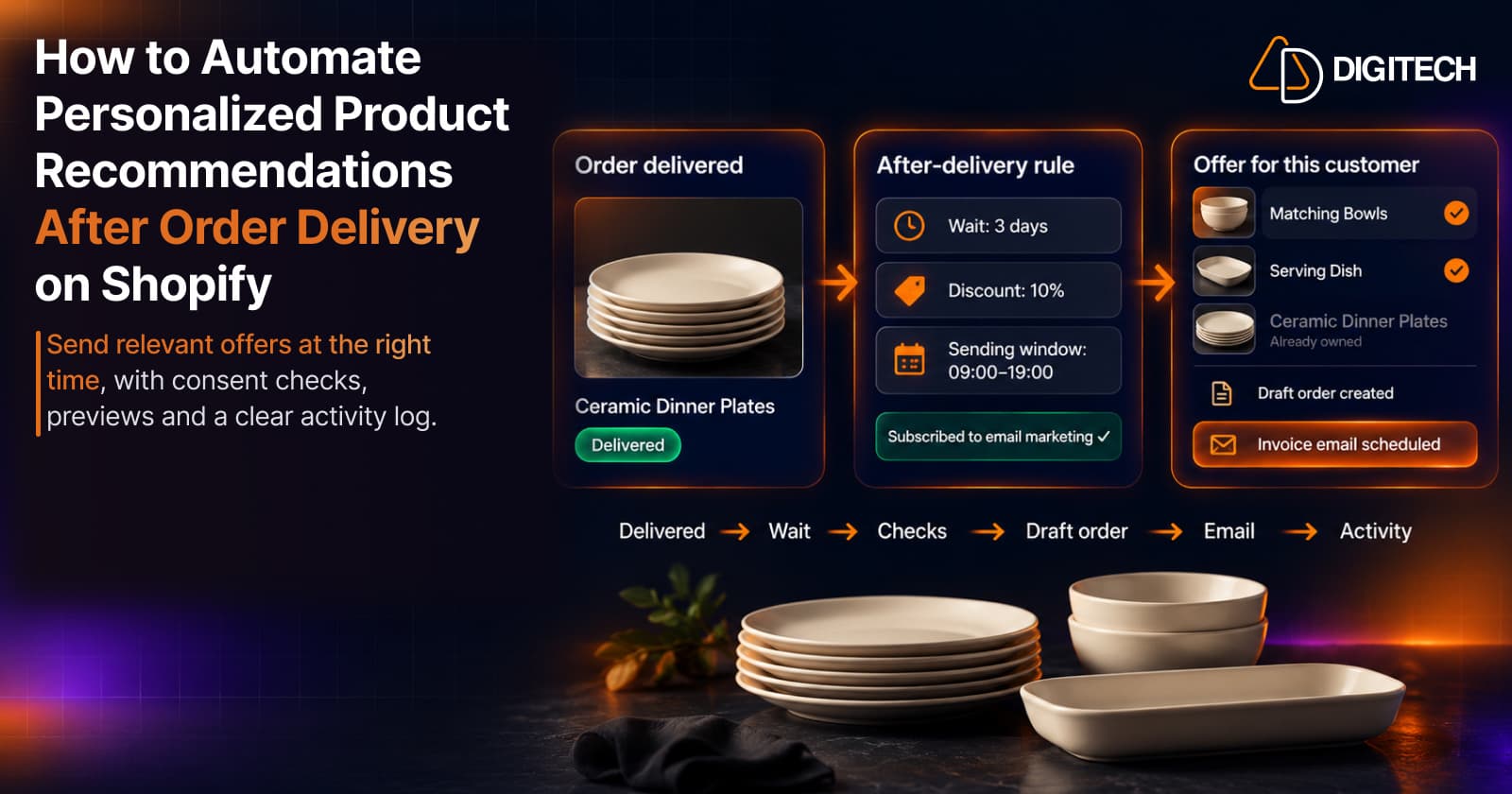
On the Starter and Growth plans, Curivo can send offers for you after an order is created or delivered. It waits the time you set, checks each customer, builds a basket from products they don't already own, and sends a Shopify draft order invoice with a checkout link.
A new rule rehearses for at least 24 hours, and you can replay the last seven days of orders. Nothing is created or sent.
See upcoming offers and their likely basket, cancel any of them, or hold drafts for review before they go out.
See every offer sent, skipped (with the reason) or failed, and export the log as a CSV.
Automated offers go only to customers subscribed to email marketing, inside the sending window you set. Building baskets by hand works exactly as before, and automation is optional.
If your customers have a reason to come back, Curivo helps you turn their purchase history into a smarter next recommendation.
Consumables, subscriptions, wellness, food & beverage, and products customers naturally buy again.
Accessories, add-ons, care products, and products that naturally go together.
Fashion, home, sports, specialty retail, and stores where customers can discover what to buy next.
Products where customer preferences, previous purchases, and buying history can help shape the next sale.
From everyday products to high-consideration purchases, Curivo is built around one question: what should this customer buy next?
Recommendations built around an individual customer's history — not a segment.
A complete basket ready for checkout, not a list of links to chase.
Revenue tied back to the recommendation that generated it.
Curivo is built by AD Digitech, a Shopify-focused development agency building Shopify apps, SaaS products, and custom commerce solutions.
See our Shopify app developmentEvery plan includes unlimited baskets built by hand and full analytics and attribution. Paid plans add more AI generations and unlimited checkout links.
Plus usage charges
Plus usage charges
One AI generation gives you four personalised basket options. All charges are billed in USD. Recurring and usage-based charges are billed every 30 days.
Curivo is a personalized customer recommendations app for Shopify. It helps merchants recommend what each customer should buy next based on that customer's purchase history — you build a personalised basket, send it directly to checkout, and track the revenue attributed to the recommendation. On the Starter and Growth plans, it can also send offers automatically after an order is created or delivered.
Shopify stores whose customers have a meaningful reason to buy again. That includes repeat and replenishment products, complementary products and accessories, collection- and catalogue-based stores, and high-consideration or custom products — anywhere a customer's purchase history can help shape their next purchase.
You select a customer and review their purchase history. Then you either build a basket yourself using product co-purchase suggestions, or ask Curivo to suggest four differentiated basket options generated from that customer's purchase history and your store's purchase patterns. You choose the final recommendation.
Yes. Whichever path you take, you can change products and quantities before you send a basket. Automated offers follow the rules you set, and a rule can hold drafts for review so you approve each one before it goes out.
One AI generation produces four differentiated personalised basket options for the selected customer. You pick the one that makes sense, edit it if needed, and send it. Building a basket manually doesn't use a generation.
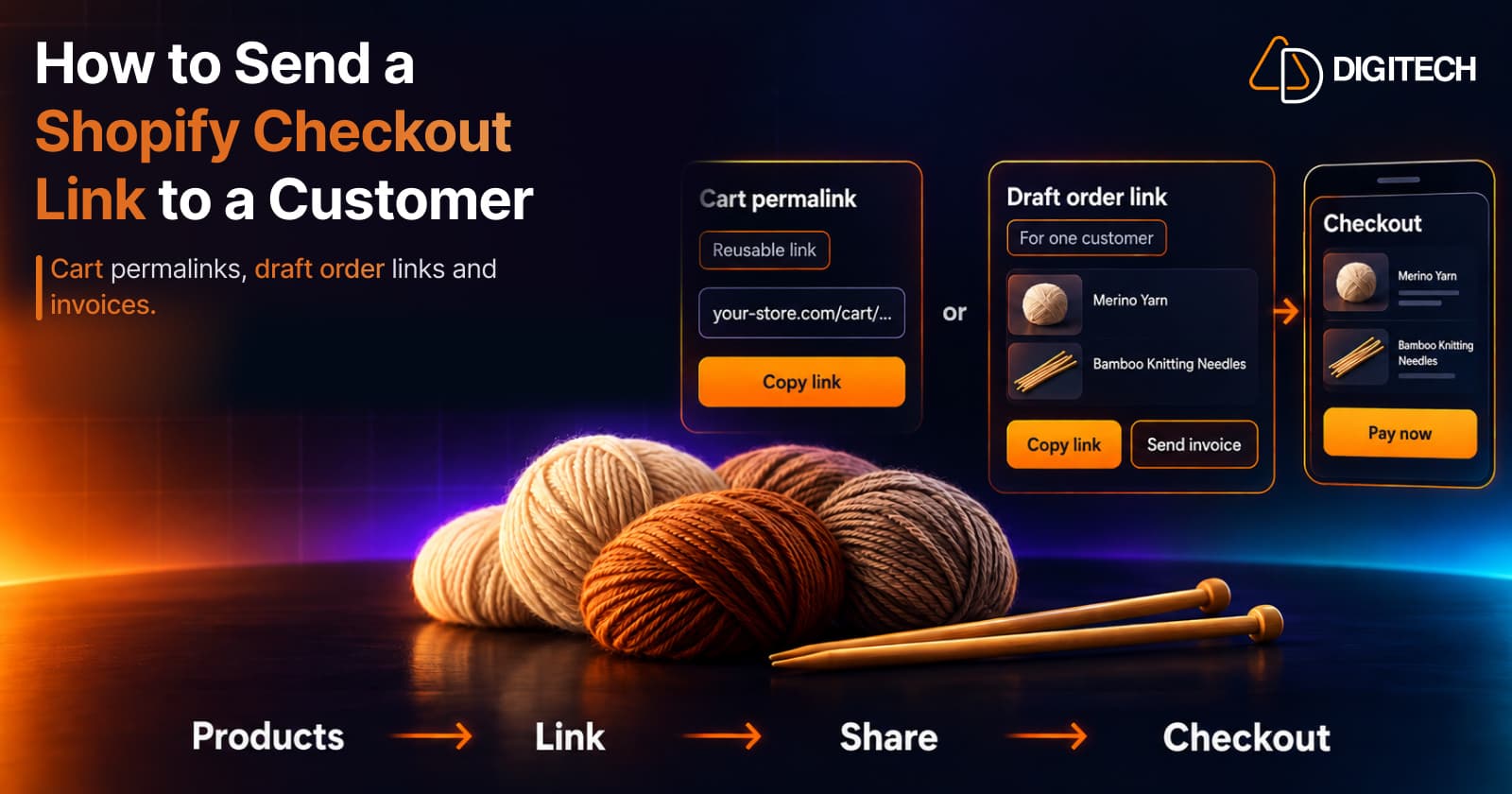
Curivo turns the basket into a Shopify draft order and gives you a direct checkout link to send. The customer moves straight toward checkout instead of hunting down products and rebuilding the basket themselves.
Yes, on the Starter and Growth plans. You set a rule that starts when an order is created or when it's delivered, for example three days after delivery. When the offer is due, Curivo checks the order and the customer, builds a basket from in-stock products they don't already own, creates a Shopify draft order and sends Shopify's invoice email with a checkout link. Offers go only to customers subscribed to email marketing. You can rehearse a rule before it goes live, review the queue, and see what was sent, skipped or failed.
Curivo connects the resulting order back to the specific recommendation, so you can see the clicks, orders, and revenue attributed to each personalised recommendation — and understand which ones actually generate sales.
Not in this phase. Curivo does not have a direct WhatsApp integration yet. You can share a basket's checkout link however you already talk to your customers — email, DM, or WhatsApp — and automated offers are sent by email as Shopify draft order invoices.
Yes. Curivo is live on the Shopify App Store as Curivo Product Recommendations, with a free plan. You can install it on your store from the App Store listing.
Planning recommendations for existing customers, sending checkout links and automating offers after delivery.

Learn how to build a Shopify product recommendation strategy using customer history, product relationships, timing, and personalized recommendations.

Learn how to create and share Shopify checkout links using cart permalinks, draft orders, and personalized offers. Compare methods and avoid common mistakes.

Automate post-delivery product recommendations on Shopify: delivery triggers, wait periods, consent, previews, queues and tracking sent or skipped offers.
Start turning customer purchase history into personalised product recommendations.