How to Send a Shopify Checkout Link to a Customer
Learn how to create and share Shopify checkout links using cart permalinks, draft orders, and personalized offers. Compare methods and avoid common mistakes.
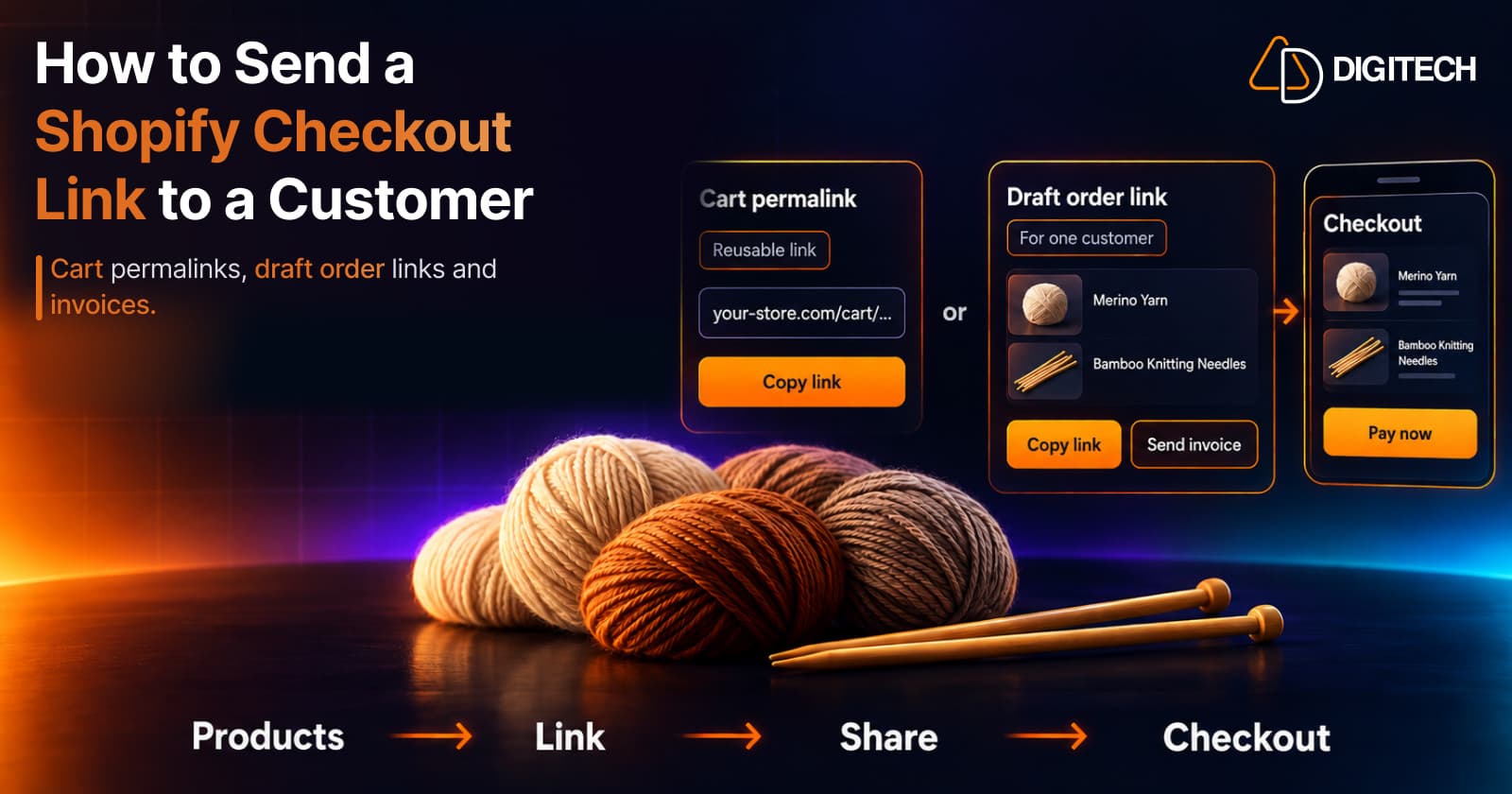
To send a Shopify checkout link to a customer, you have two native options. A cart permalink is a link that loads chosen products into a checkout for whoever opens it. A draft order checkout link is a link to one specific order you've prepared for one customer, which you can copy and send in a message or email as an invoice. Which one fits depends on whether the link is for many people or for one person and one order.
This guide covers how each Shopify checkout link works, how to create and test one, and when an app is worth adding. Choosing which products to put in the link is a separate decision, covered in our guide to choosing the right products for each Shopify customer.
What Is a Shopify Checkout Link?
A checkout link is a URL that takes a customer straight to checkout, or to a filled cart, with products already added. The customer doesn't have to find the products, pick variants or build the cart.
Shopify has two kinds, and they behave differently:
| Cart permalink | Draft order checkout link | |
|---|---|---|
| What it is | A link that builds a cart from the products in the URL | A link to the checkout for one draft order |
| Who it's for | Anyone who opens it | One specific order, usually prepared for one customer |
| Reusable? | Yes: "creates a new checkout for each customer" | No: it checks out that one draft order |
| Where it's made | Product page (Buy Button) or built by hand | Orders > Drafts |
| After payment | A normal new order | The draft becomes an order, marked Paid |
Neither is the same as the "You may also like" section on a product page. That section comes from the theme and Shopify's Search & Discovery app, and it shows the same products to every visitor of that page. A checkout link is something you send deliberately.
Three Ways to Create and Share a Shopify Checkout Link
1. Create a Cart Permalink From a Product Page
If you have the Buy Button sales channel installed, Shopify adds a quick option to every product page:
- From your Shopify admin, go to Products and open the product.
- Click More actions, then Create checkout link.
- Select a product variant.
- Click Copy link.
This link holds one variant at a quantity of one. It's the fastest route for a single product, but for several products or different quantities you need to build the link yourself.
2. Build a Cart Permalink Manually
A cart permalink is your store's domain, then /cart/, then one or more variant_id:quantity pairs separated by commas. Shopify's examples look like this:
- One product:
https://my-shop-name.myshopify.com/cart/36485954240671:1 - Several products and quantities:
https://my-shop-name.myshopify.com/cart/36485954240671:3,31384149360662:1
You need each product's variant ID; Shopify's Help Center on cart permalinks explains where to find it. You can then add parameters after a ?, for example:
discount=CODEto apply a discount codestorefront=trueto open the filled cart instead of checkout, so the customer can review or change itpayment=shop_payto send the customer to a Shop Pay checkout
Two limits from Shopify's developer documentation are worth knowing: cart permalinks don't work with selling plans (subscriptions), and they can't bypass a storefront password.
3. Share a Draft Order Checkout Link or Send an Invoice
A draft order is an order you prepare in the admin before the customer pays. It's the better choice when the link is for one person: a specific basket, a custom price or a reply to a customer's question.
To copy the link:
- Go to Orders > Drafts.
- Open a draft order, or click Create order to make one.
- Click Share.
- Click Copy link, then paste it into your message.
To email it instead, click Send invoice in the Payments section, add a message, then Review invoice and Send invoice. The customer gets an email with a link to the checkout page.
When you share or invoice a draft, Shopify offers three options. Product prices are locked by default, and you can unlock them. Discount codes lets the customer enter a code at checkout. Ignore all checkout rules lets them check out without your checkout validation rules.
The Shopify mobile app can share draft order links too (Orders > Draft orders > Share), so you can reply to a customer by SMS or messenger from your phone. Shopify notes that the option letting customers apply their own discount codes has to be switched on from a desktop.
A few points from Shopify's Help Center on draft order invoices to keep in mind:
- Add the customer's email or phone number before the order is completed, or the order confirmation won't be sent.
- Don't mark the draft as Paid before the customer pays, or the link stops working.
- Check inventory. If an item is out of stock, the customer is told so at checkout and can't complete the sale.
- After payment, the draft order becomes an order on the Orders page and is marked Paid. Until then it's still a draft, not an order.
- Inactive drafts expire. Draft orders created on or after April 1, 2025, are deleted after a year without edits.
Cart Permalink or Draft Order Link: Which Should You Use?
| Situation | Better fit | Why |
|---|---|---|
| One link in a social post, email campaign or bio | Cart permalink | Reusable, with a new checkout for each customer |
| A one-off offer for one known customer | Draft order link | Tied to that order and customer |
| A custom price or a manually adjusted order | Draft order link | You set the order before sending it |
| A subscription product | Draft order link | Cart permalinks don't support selling plans |
| Let the customer change the cart first | Cart permalink with storefront=true | Opens the cart instead of checkout |
| You want a formal invoice email | Draft order invoice | Shopify sends the email for you |
In short, a cart permalink is a reusable shortcut, and a draft order link is a prepared order waiting for payment.
What About the New /buy Links?
On October 28, 2026, Shopify's developer changelog announced a new /buy link route, Shopify's support for the Universal Commerce Protocol (UCP) permalink format. A /buy link can add items by variant ID, prefill buyer details such as email, set the buyer's country and language, apply discount codes, indicate a preference for Shop Pay and send the buyer to a specific page on the store.
For merchants, the important line is that existing /cart permalinks keep working. Shopify now calls them the legacy format and says new capabilities will go to /buy, but it keeps supporting /cart. Shopify recommends /buy for new links. The new /buy format does not currently support selling plans, line item properties, cart notes, or cart attributes. Existing /cart permalinks continue working, and Shopify recommends retaining /cart links when these features are required. Merchants can migrate compatible links to /buy on their own schedule. One caveat: Shopify's cart permalink documentation says selling plans don't work with /cart links either, so a draft order is the route for subscription products. The change mostly matters to developers and apps that build links, so if someone builds yours, ask them about /buy.
Can a Checkout Link Prefill the Customer's Details?
Shopify's Help Center lists pre-filling the customer's email or shipping address as one of the ways to customize a cart permalink. Treat it as helpful, not guaranteed. In June 2026, developers on Shopify's community forum reported that prefilled email and phone fields had stopped working. A Shopify staff member confirmed a regression, and in August said a fix had been pushed but might not cover every parameter. That's a forum report, not documentation, and it doesn't show whether any problem remains today, but it's a good reason to test a link before relying on prefill.
Shopify's /buy announcement also warns against putting buyer personal details in links you share widely. For a link meant for one known customer, a draft order with that customer added is the more dependable route.
How to Test a Checkout Link Before Sending It
Open the link in a private browser window, as a customer would, and check:
- The right products, variants and quantities are in the cart.
- The discount applies and the total is what you expect.
- Shipping options appear for the customer's region.
- Every item is in stock.
- The page works on a phone, since many links are opened from messages.
For draft orders, check the link without paying, and avoid placing a real paid order just to test. Never mark the draft as Paid to "check" it, because that breaks the link.
Common Mistakes With Shopify Checkout Links
- Sending a cart permalink when you meant a one-off offer. Anyone with the link can use it.
- Using the product page button for several products. It makes a single-variant, quantity-one link.
- Forgetting the customer's contact details on a draft order.
- Marking a draft order as Paid before payment arrives.
- Linking to out-of-stock items, which stops the checkout.
- Relying on prefilled customer details without testing them.
- Sending a link without a reason. A short line explaining why you picked these products matters as much as the link.
When an App Like Curivo Helps
Shopify's tools handle the link itself. The slow part is deciding what goes in it for each customer: reading their order history, picking products that fit and setting the right offer. If you do that often, an app can take over the repetitive work.
Curivo is built for that step. Curivo lets merchants build personalized recommendation baskets manually or choose from four AI-generated options based on customer purchase history. Merchants can review and edit recommendations, apply discounts, and share checkout links. Curivo also supports automated post-delivery offers using Shopify draft orders and scheduled customer emails, with reporting on orders and revenue attributed to recommendations. Building baskets by hand is unlimited on every plan, and the Free plan includes 20 checkout links a month.
For how to put the basket together, see our guide to building a personalized recommendation basket, and for tracking results, measuring the revenue impact of product recommendations. If you'd rather have offers sent after delivery without building each one, that's covered in automating product recommendations after delivery.
Conclusion
A Shopify checkout link comes in two forms. Use a cart permalink when one reusable link should work for many people, and a draft order link or invoice when the offer is for one customer and one order. Build multi-product permalinks by hand, test every link in a private window, and don't rely on prefilled customer details. When choosing the products for each customer becomes the real work, that's the point where an app like Curivo earns its place.
Frequently asked questions
How do I create a checkout link in Shopify?
There are two native ways. A cart permalink sends anyone who opens it to checkout with set products: create one from a product page with More actions > Create checkout link (Buy Button channel needed) or build it by hand from variant IDs. A draft order checkout link is for one specific order: go to Orders > Drafts, open the draft, click Share and Copy link, or use Send invoice.
Do I need the Buy Button channel to create a Shopify checkout link?
Only for the Create checkout link option on a product page. You can build a cart permalink manually without it, and draft order links don't use it.
Can a Shopify checkout link include a discount?
A cart permalink can apply a discount code through a URL parameter. When you share or invoice a draft order, you can also let the customer enter discount codes at checkout by selecting the Discount codes option.
Is a Shopify cart permalink reusable?
Yes. Shopify says the same cart permalink is reusable and creates a new checkout for each customer, which suits a link you post or send to many people. For one customer's specific order, a draft order link is the better fit.
Should I switch my cart links to the new /buy format?
There's no deadline. Shopify's developer changelog says existing /cart permalinks keep working and are still supported. It recommends /buy for new links and moving /cart links where you can, on your own schedule, and says to keep /cart if you need line item properties, cart notes or cart attributes. The change mostly matters to developers and apps that build links.
Turn Customer History Into Your Next Sale
See how Curivo helps Shopify merchants turn customer purchase history into personalized recommendations, ready-to-buy baskets, and measurable revenue.
Related reading
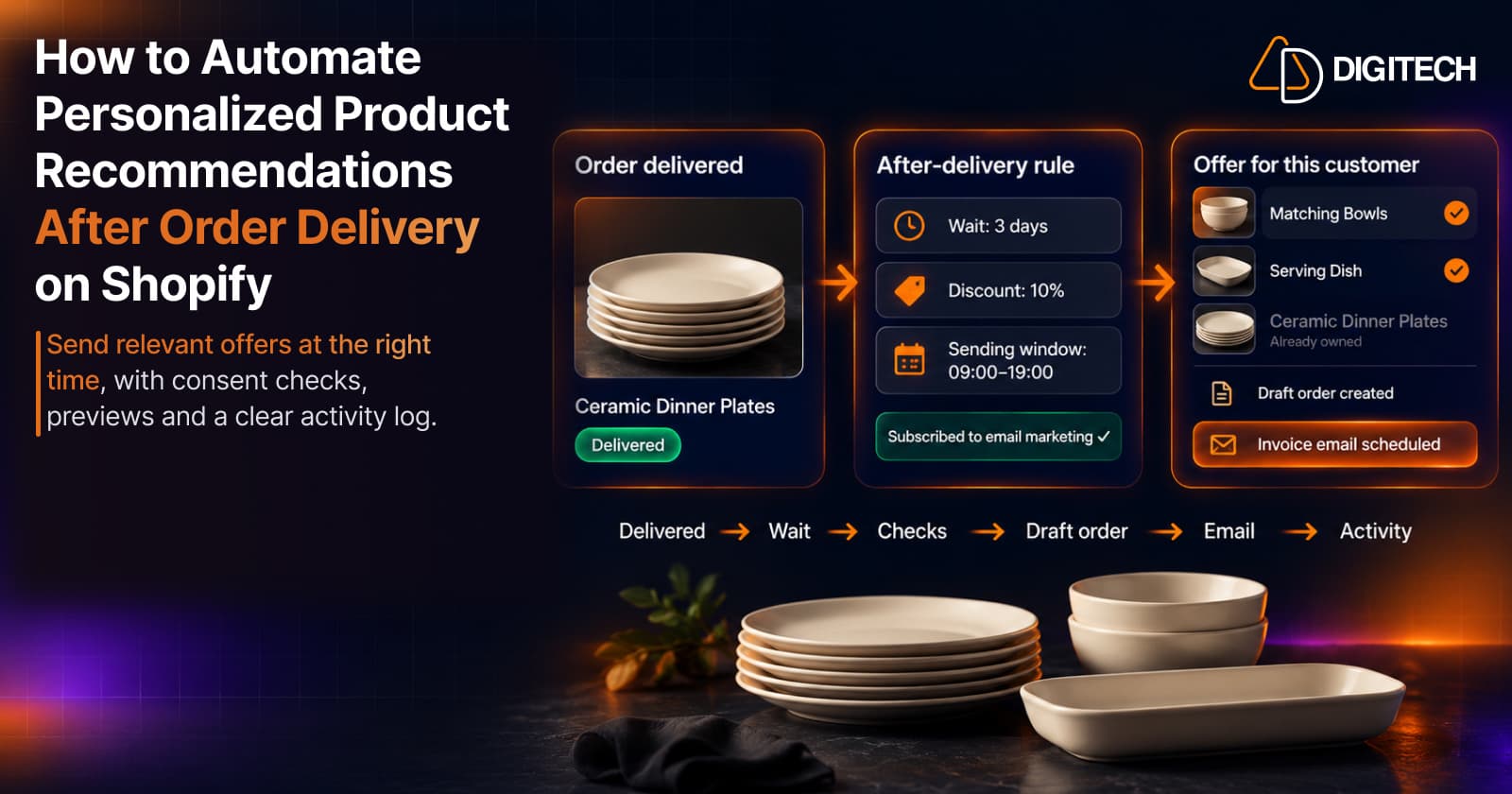
How to Automate Personalized Product Recommendations After Order Delivery on Shopify
Automate post-delivery product recommendations on Shopify: delivery triggers, wait periods, consent, previews, queues and tracking sent or skipped offers.
Read article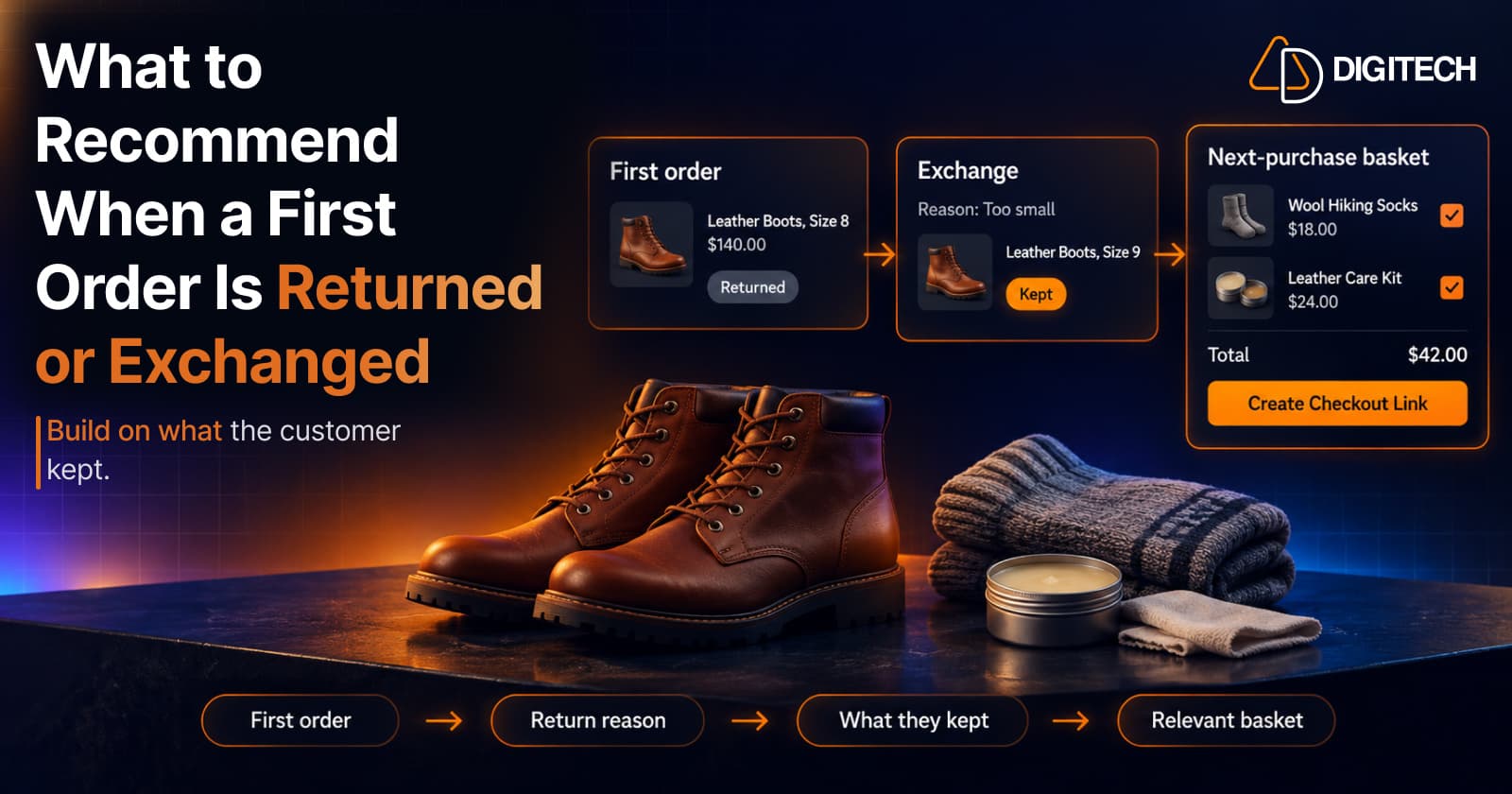
What to Recommend When a Customer's First Shopify Order Is Returned or Exchanged
A returned or exchanged first order changes what you know about a customer. Here's how Shopify merchants can read return reasons and recommend a relevant next product.
Read article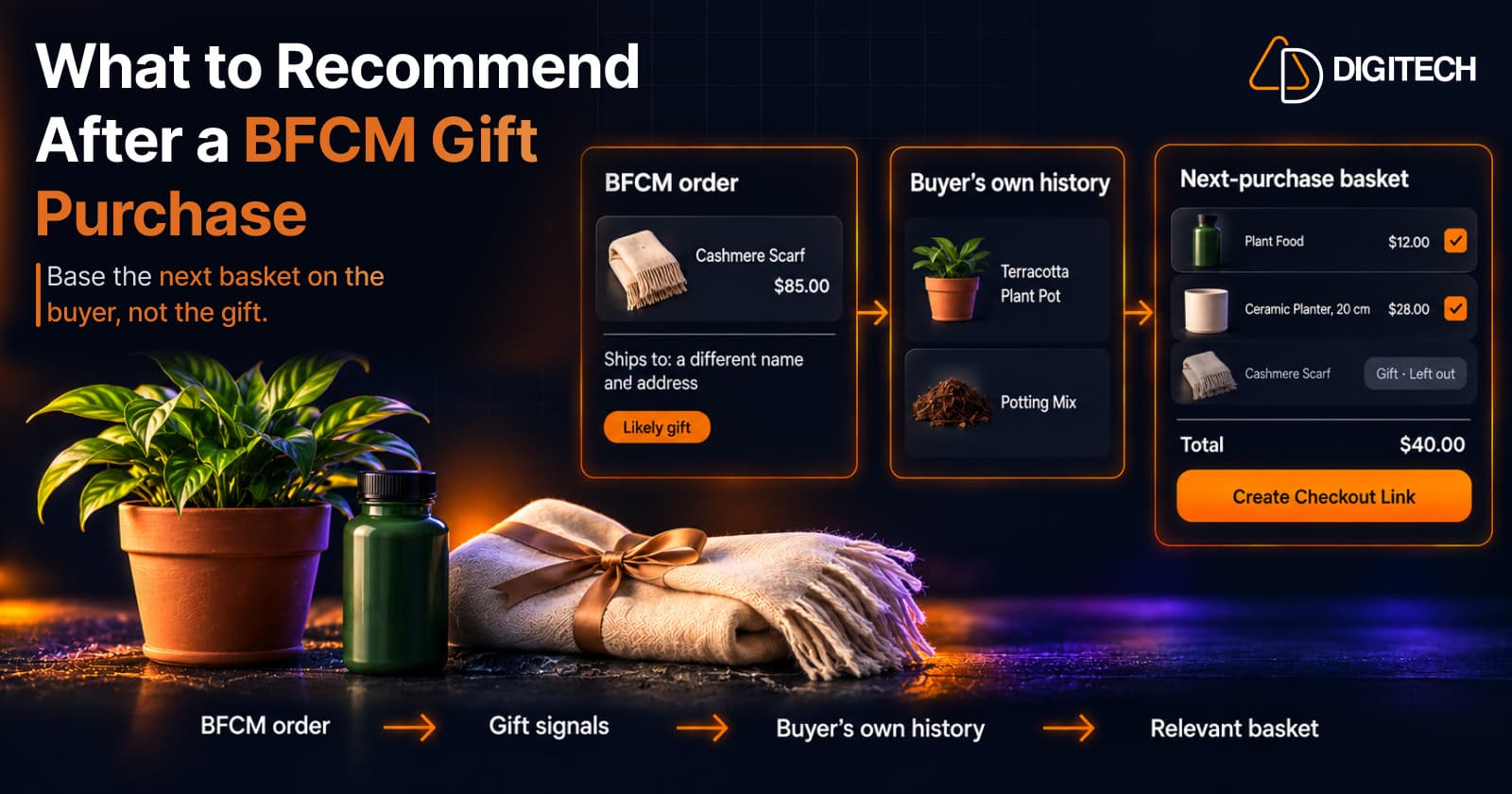
What to Recommend After a BFCM Gift Purchase: A Guide for Shopify Merchants
Some BFCM orders are gifts, which makes purchase history misleading. Here's how Shopify merchants can spot likely gift orders and recommend a relevant next product.
Read article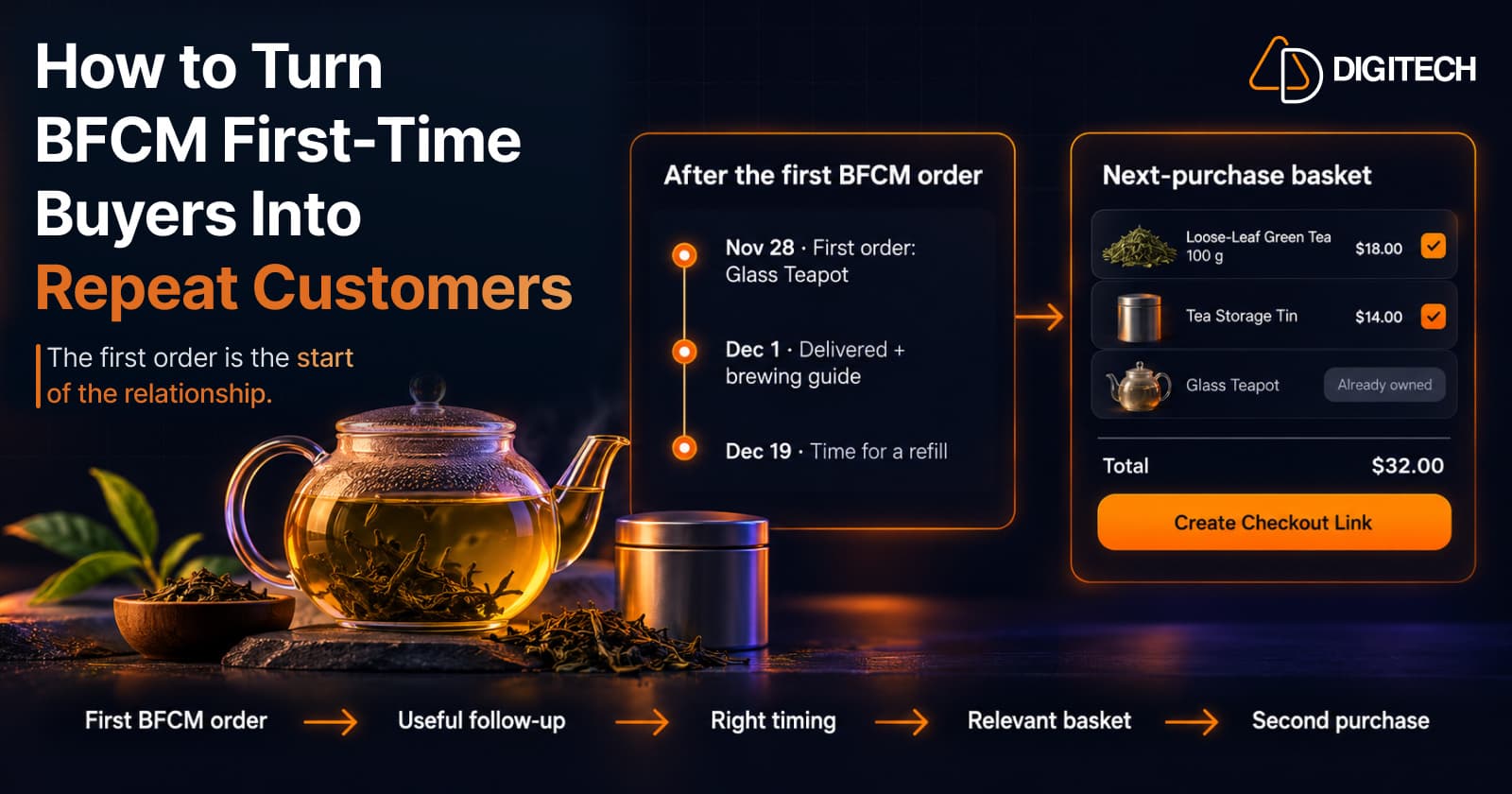
How to Turn BFCM First-Time Buyers Into Repeat Customers
A first BFCM order is the start of a customer relationship. Here's how to follow up with first-time buyers so a relevant second purchase becomes more likely.
Read article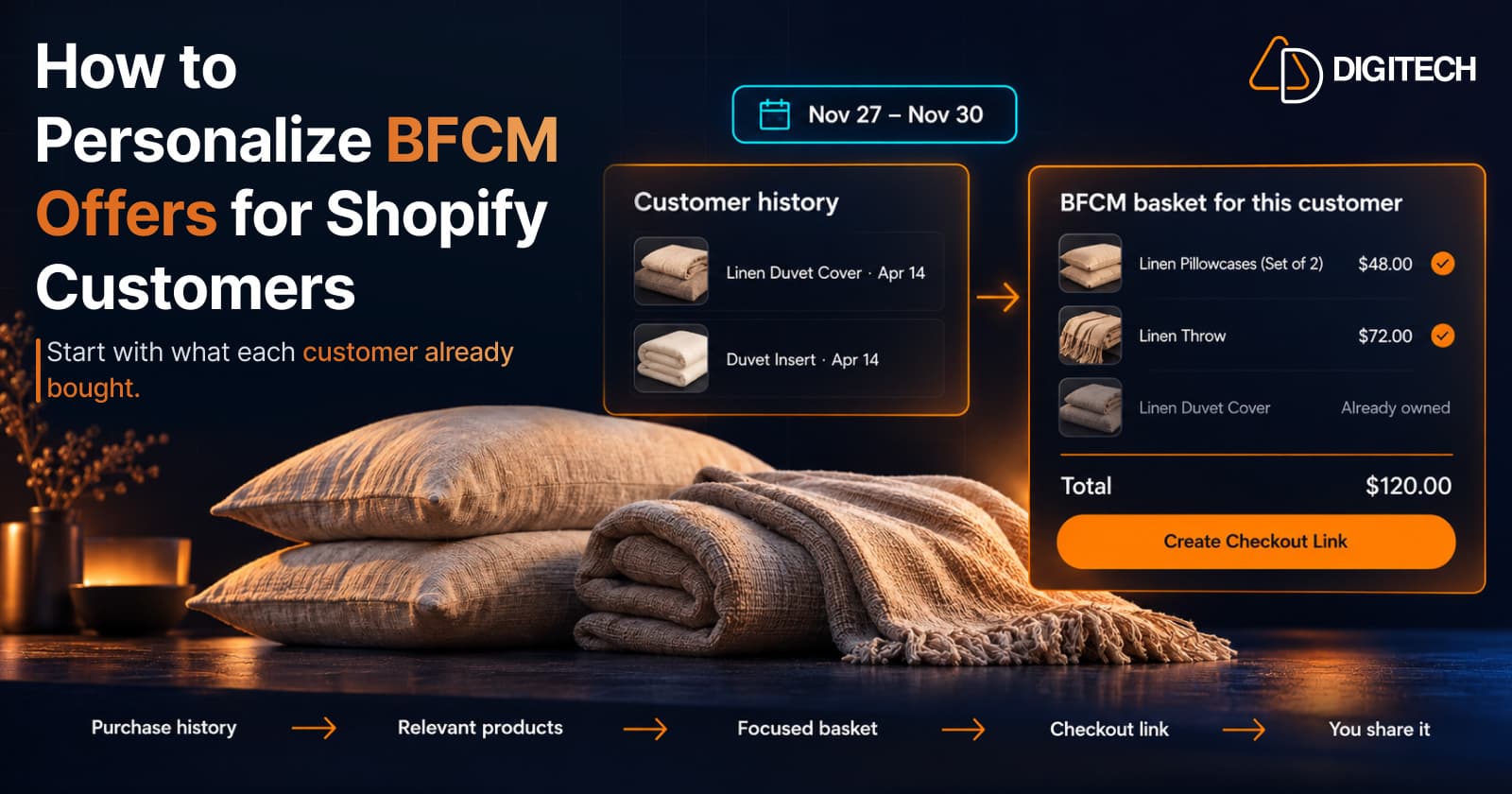
How to Personalize BFCM Offers for Shopify Customers
Use Shopify customer purchase history to build relevant BFCM offers for existing customers: what to check, five ways to personalize, and how to measure it.
Read article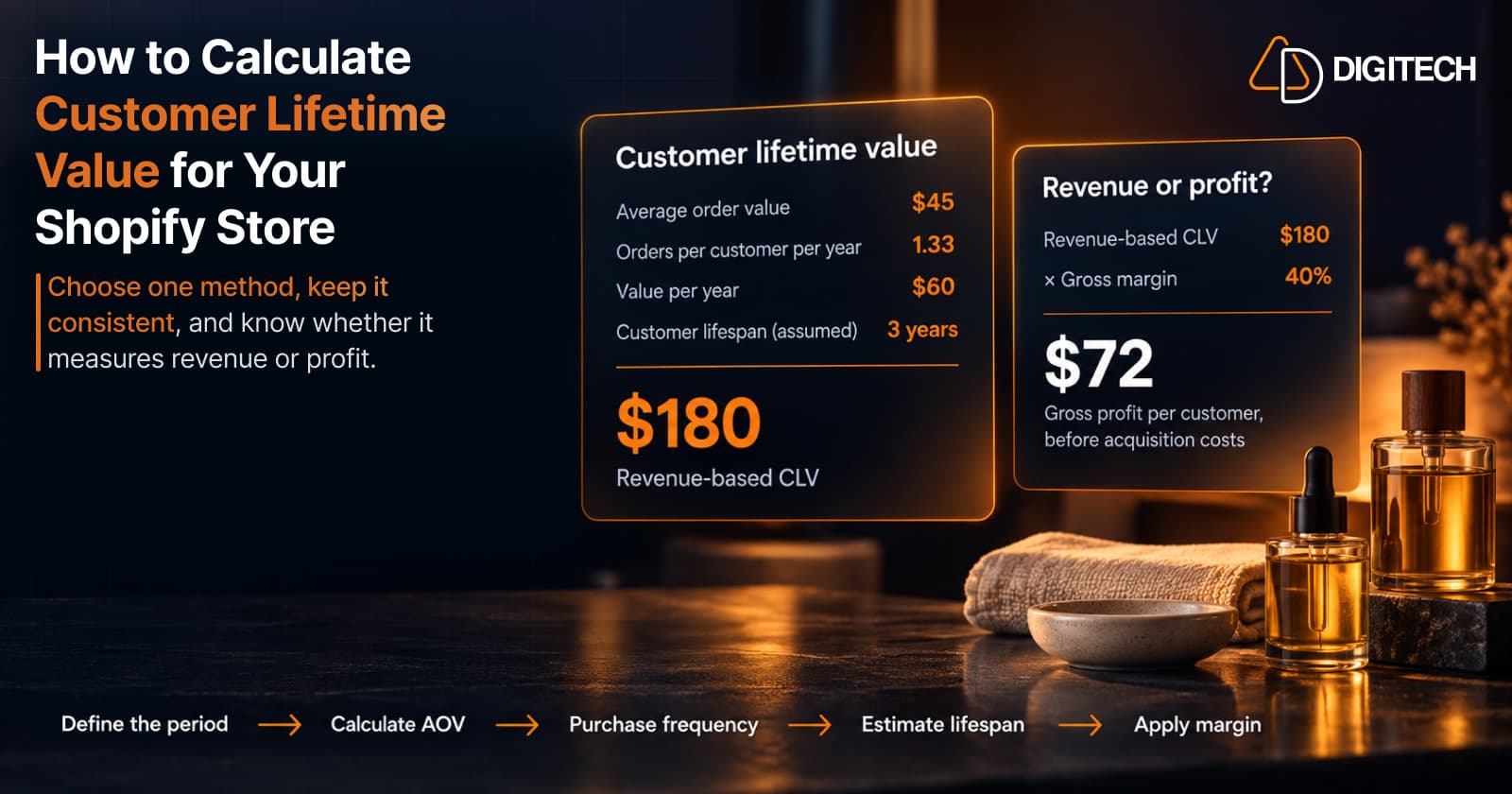
How to Calculate Customer Lifetime Value for Your Shopify Store
Learn how to calculate customer lifetime value for a Shopify store, choose between revenue and profit-based CLV, find the data in Shopify, and avoid common mistakes.
Read article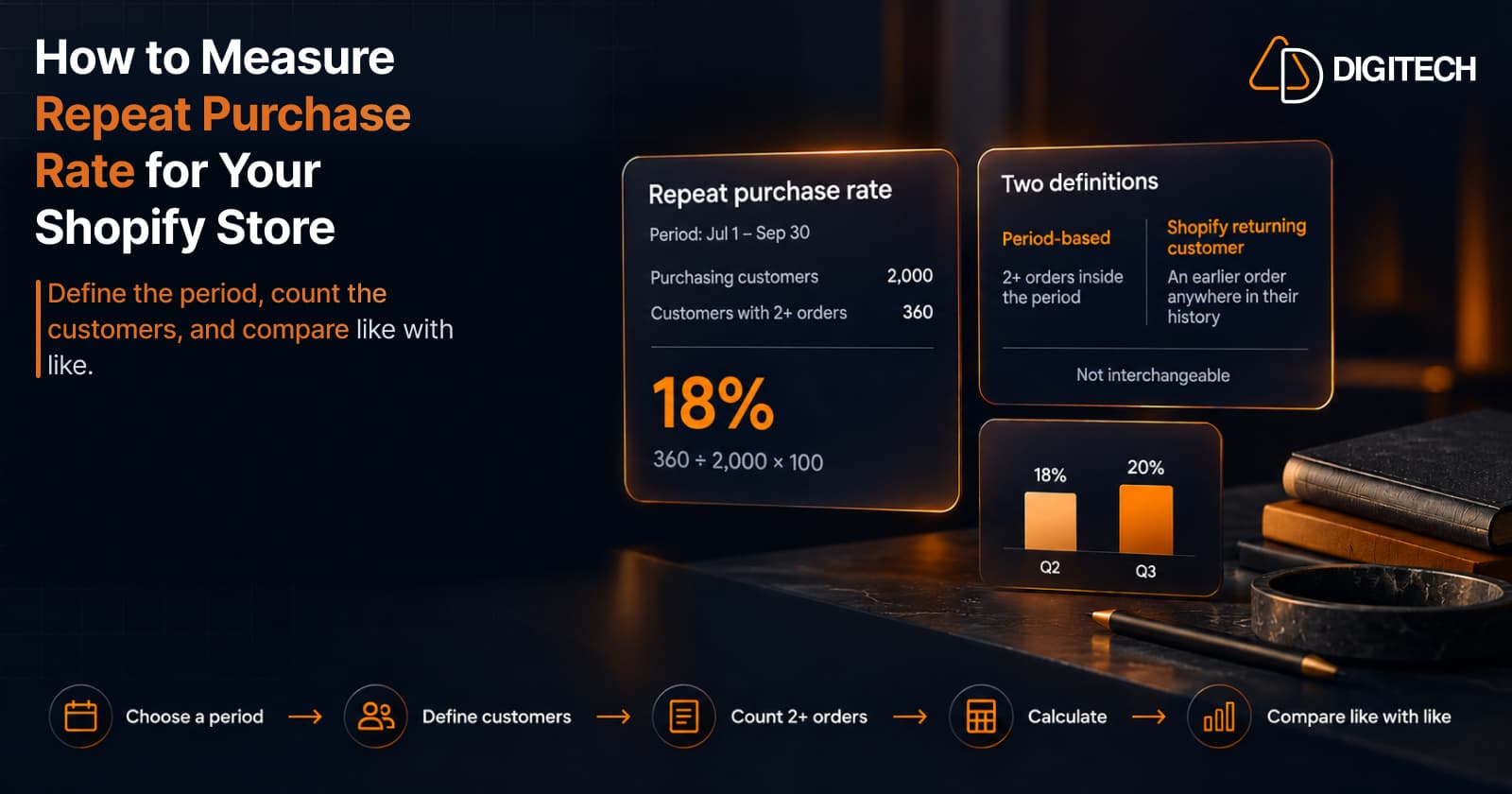
How to Measure Repeat Purchase Rate for Your Shopify Store
Learn how to calculate repeat purchase rate for a Shopify store, choose the right period and customer population, read the result carefully, and track the related retention metrics.
Read article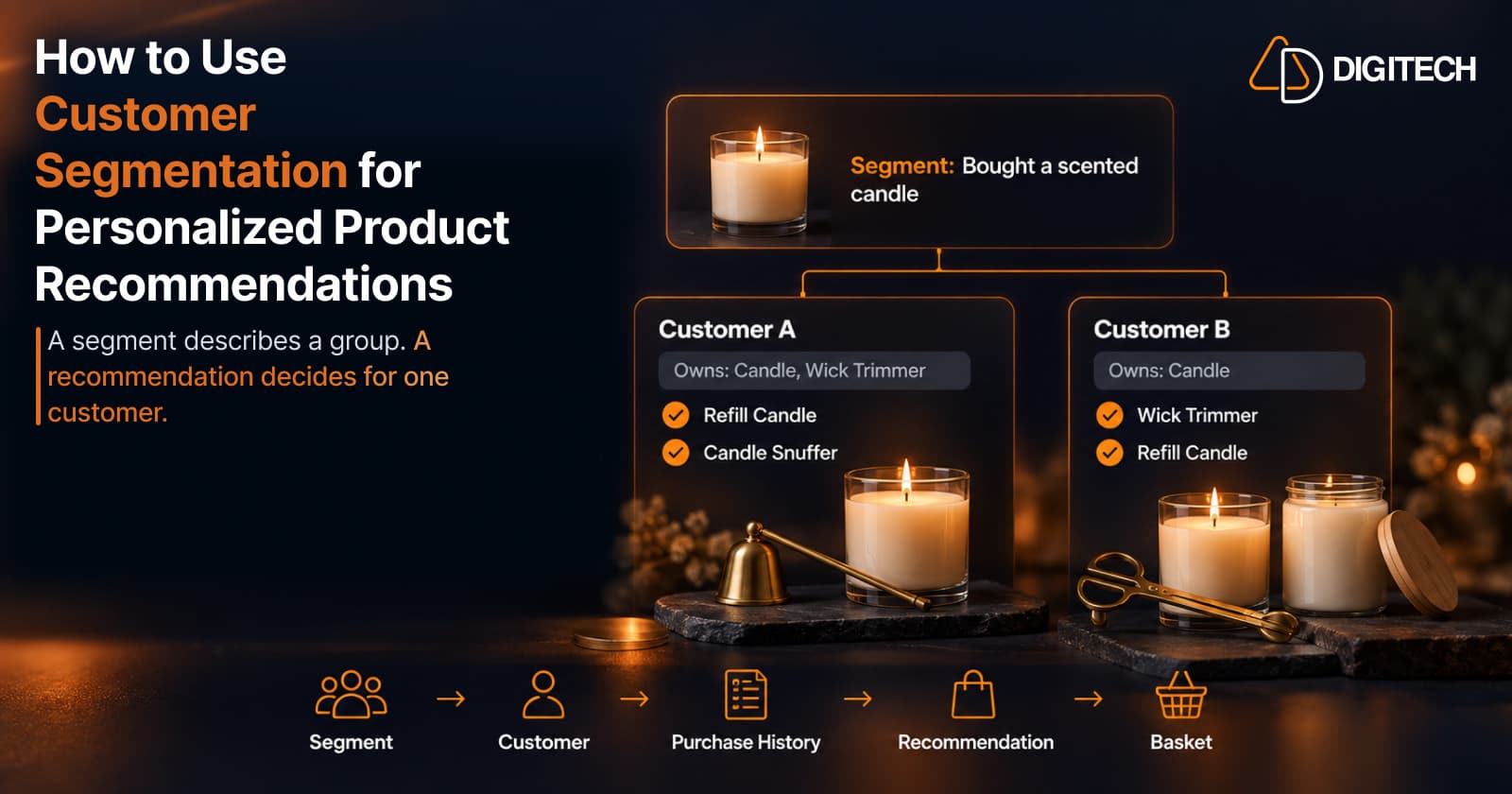
How to Use Customer Segmentation for Personalized Product Recommendations on Shopify
Learn how to use Shopify customer segments to make product recommendations more relevant, and how to turn a segment-level insight into a recommendation for one customer.
Read article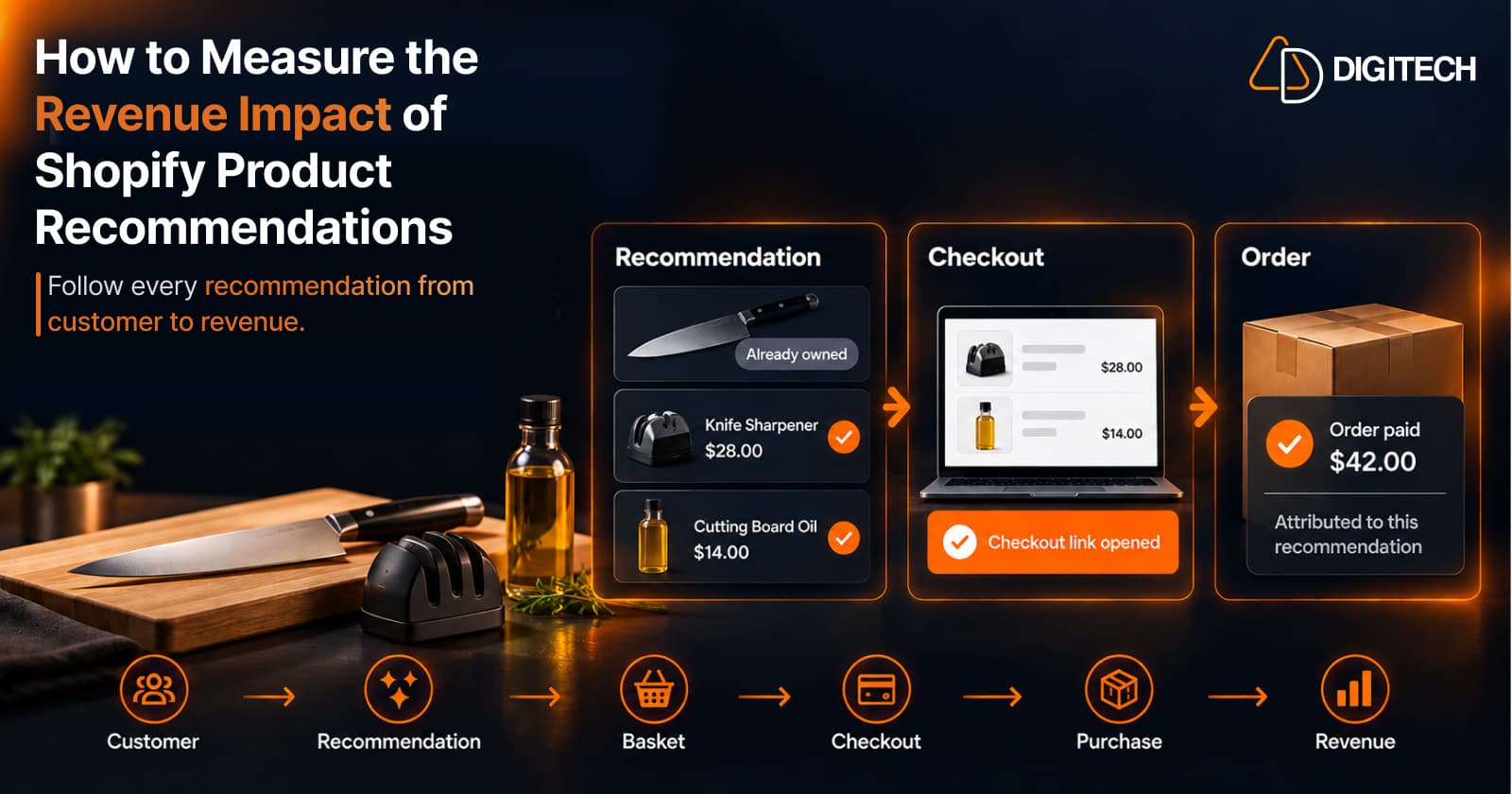
How to Measure the Revenue Impact of Shopify Product Recommendations
Learn how Shopify merchants can measure product recommendation performance, track checkout activity, attribute revenue, and improve personalized recommendations.
Read article