How to Win Back Lapsed Shopify Customers With Personalized Product Recommendations
A customer who used to buy from you and stopped is easier to bring back than a stranger is to win, if you give them a real reason. Here's how to find lapsed customers in Shopify, decide who to contact first, and build a win-back offer from what they already bought.
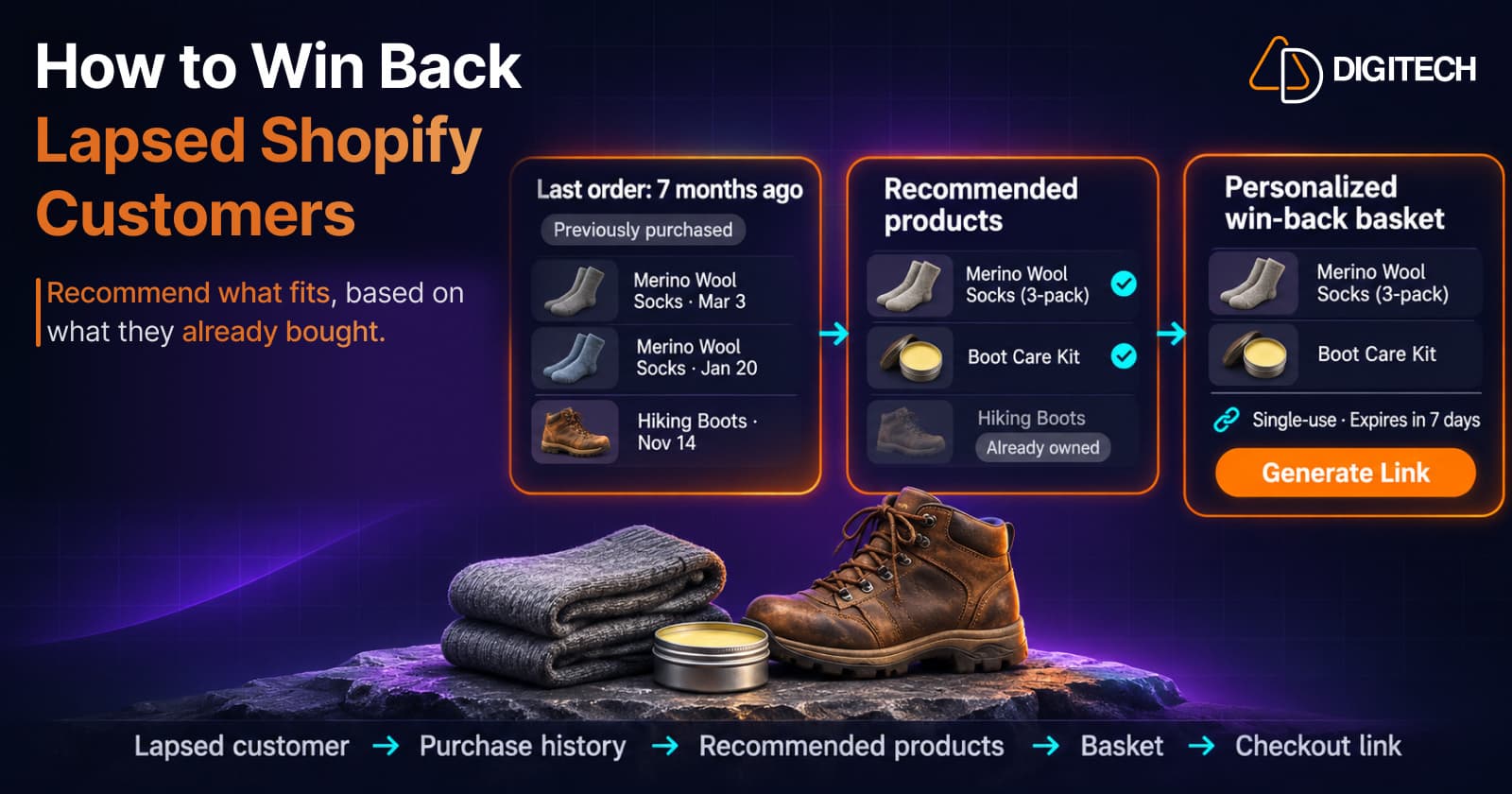
Your store has customers who used to buy regularly and then stopped. They already know your products, your shipping and your quality. Bringing even a few of them back is often easier than finding new buyers, but only if you give them a reason that's about them.
A generic "We miss you, here's 10% off" email doesn't do that. This guide covers how to find lapsed customers in Shopify, decide who to contact first, and build a win-back offer from what each customer already bought.
What "Lapsed" Means for Your Store
There's no universal cut-off. A customer who buys coffee every five weeks is lapsed after three months. A customer who bought a sofa may not need anything for a year.
Start from your own order history:
- For repeat buyers, compare the time since their last order with the gap they usually leave between orders. A customer who ordered every 6 weeks and hasn't ordered in 5 months has clearly changed pattern. Our guide to purchase timing explains how to read those gaps.
- For one-time buyers, use your store's typical buying cycle for the product they bought.
Write your definition down, so everyone on the team means the same thing by "lapsed".
How to Find Lapsed Customers in Shopify
Shopify gives you two useful tools for this, both in customer segments.
Last order date
The last_order_date filter "Includes customers who placed their last order on the date specified," and it accepts relative dates such as the last week or the last eight months. Combine it with number_of_orders to separate customers who bought several times from customers who bought once. Shopify notes that date values "depend on which time zone your store is in."
RFM groups
Shopify's RFM customer analysis scores customers from 1 to 5 on recency, frequency and monetary value, and "RFM scores are based only on data from your store." Four of its 11 groups describe customers who haven't bought recently:
| RFM group | Shopify's definition |
|---|---|
| Previously loyal | "Customers without recent purchases, but with a very strong history of orders and spend." |
| At risk | "Customers without recent purchases, but with a strong history of orders and spend." |
| Almost lost | "Customers without recent purchases, fewer orders, and lower spend." |
| Dormant | "Customers without recent purchases, with infrequent orders, and with low spend." |
You can use these groups directly with the rfm_group filter in Shopify's segment editor. Our guide to customer segmentation covers the other filters.
Decide Who to Contact First
A segment tells you who has gone quiet. It doesn't tell you who is worth a personal offer. Start with the customers where you have the most to work with:
- Previously loyal and At risk customers. They have a strong history, so you have the most purchase data to base a recommendation on.
- Repeat buyers of replenishable products who are well past their usual reorder time.
- One-time buyers whose first product has a natural next step.
Leave Dormant customers with a single small order for later or for a general newsletter. A personal basket takes time, so spend it where the history gives you a clear reason. Our guide to identifying high-value customers explains why value and opportunity aren't the same thing.
Five Reasons a Lapsed Customer Might Come Back
A win-back offer works best when it answers "why now?" for that customer. Their purchase history usually suggests one of these:
1. They probably ran out
A customer who bought skincare, coffee or pet food regularly and then stopped may have run out and bought elsewhere. Recommend the refill they used to buy, plus one useful addition.
2. What they bought may need replacing
Running shoes, razor blades, filters and phone cases wear out. If enough time has passed, a replacement of what they had is a natural reason to return.
3. They never bought the natural complement
A customer who bought a camera but never a spare battery or memory card still has a gap. Our guide to complementary products covers how to find those relationships.
4. You have something new in their category
New arrivals in a category they bought from are a reason to look again, as long as they genuinely fit what the customer bought before.
5. The season fits
Holiday gifting, a change of season or an event can make a past purchase relevant again. A customer who bought a gift set last December may be shopping for gifts again now.
Check Before You Send
Before contacting a lapsed customer, check four things:
- Consent. Only customers who agreed to marketing should get a promotional email. Filter with
email_subscription_status = 'SUBSCRIBED', and see our guide to email marketing consent before BFCM. - Why they stopped. A customer whose last order was returned or who contacted support with a complaint needs a different approach. See recommending products after a returned order.
- Gift orders. If their last order went to someone else, it may say little about their own needs. See recommending products after a gift purchase.
- What they already own. Don't recommend the product they already have unless it's a refill or a replacement. Our guide to choosing the right products for each customer covers these filters.
Should You Add a Discount?
A discount can lower the barrier, but it isn't the reason to come back. A relevant product is. If a customer receives 15% off with nothing they need, the discount does very little.
If you do add one:
- Tie it to the offer, not to everything in the store.
- Keep it modest, so you don't teach customers that waiting pays.
- Give it an end date, so it reads as a personal offer rather than a standing discount.
- Be careful around BFCM, when customers already see many storewide discounts.
A Simple Win-Back Workflow
- Define "lapsed" for each main product type.
- Build the segment with
last_order_date,number_of_ordersand, if useful,rfm_group. - Filter for consent with
email_subscription_status. - Prioritize Previously loyal and At risk customers first.
- Read each customer's history for one clear reason to return.
- Build a small basket, two or three products, with nothing they already own.
- Decide on an offer, with or without a discount.
- Send it once, with a short personal message and a link that goes straight to checkout.
- Measure who came back.
Where Curivo Fits
Curivo is built for step 6, the part that takes the most time.
For a win-back offer, the workflow is manual from start to finish:
- Open the customer you chose from your Shopify segment. Curivo shows their purchase history.
- Build the basket by hand, or choose from four AI-generated options.
- Review and edit the products, and add a discount if you want one.
- Set the link options. A checkout link can be single-use or multi-use, and you can give it an optional expiry date and time. For a win-back offer to one customer, a single-use link with an expiry keeps the offer personal and time-limited.
- Select Generate Link to create the checkout link.
- Share it yourself, through the channel you choose.
Generating a link doesn't create a Shopify draft order. Creating a draft order is a separate option, and Curivo creates one only when you select it. For how Shopify's own checkout links and draft order invoices compare, see our guide to sending a Shopify checkout link.
A few limits matter for win-back:
- Win-back is manual. Curivo's automated offers on the Starter and Growth plans are a separate feature. They start when an order is created or delivered, so they don't reach customers who haven't ordered in a while, and Curivo doesn't reactivate lapsed customers automatically.
- Plan limits apply. The Free plan includes 10 AI generations and 20 checkout links a month, with unlimited baskets built by hand. Starter and Growth add more AI generations and unlimited checkout links.
- You choose who to contact. Curivo doesn't build segments. Use Shopify segments to decide who is lapsed, then build their basket in Curivo.
Curivo is available on the Shopify App Store.
How to Measure a Win-Back Effort
Keep it simple:
- Reactivation rate: lapsed customers who placed an order within a set window, such as 30 days, divided by the lapsed customers you contacted.
- Revenue from reactivated customers in that window.
- What they bought: the recommended products or something else.
Compare against a similar group you didn't contact, if you can, since some customers return on their own. Our guide to measuring recommendation revenue covers attribution in more detail.
Common Mistakes
- Sending the same discount to every lapsed customer, with no reason that's about them.
- Contacting customers who didn't agree to marketing.
- Recommending what they already own.
- Ignoring why they left, such as a return or a complaint.
- Following up too often after a customer doesn't respond.
The Bottom Line
Lapsed customers aren't lost causes. They're customers whose history tells you what they might need next. Find them with Shopify segments, start with the ones who bought most, and send each one a short, relevant reason to come back.
Frequently asked questions
When is a Shopify customer lapsed?
There's no single number. A customer is lapsed when they've gone well past the gap they usually leave between orders, or past your store's typical buying cycle. For coffee that might be two months; for furniture it might be two years. Use your own order history to set it.
How do I find lapsed customers in Shopify?
Use customer segments. The last_order_date filter includes customers by when they placed their last order, and the rfm_group filter lets you select Shopify's RFM groups such as At risk, Previously loyal and Almost lost. Combine them with number_of_orders to focus on customers who bought more than once.
Should a win-back offer include a discount?
Not always. A relevant product is the reason to come back; a discount can make that easier, but it can't replace it. If you add one, keep it to that offer, so you don't train customers to wait for discounts.
Can I email every lapsed customer?
Only customers who agreed to receive marketing should get a promotional email. In Shopify, check the email subscription status, which you can filter with email_subscription_status in segments.
Can Curivo send win-back offers automatically?
No. Curivo's automations start when an order is created or delivered, so they don't reach customers who haven't ordered in a while. For win-back, you build the basket for each customer by hand or from four AI-generated options, review it, choose single-use or multi-use and an optional expiry, generate the checkout link and share it yourself.
Give Lapsed Customers a Reason to Come Back
Curivo turns each customer's purchase history into a personalized basket you can review, edit, discount and share as a checkout link.
Related reading
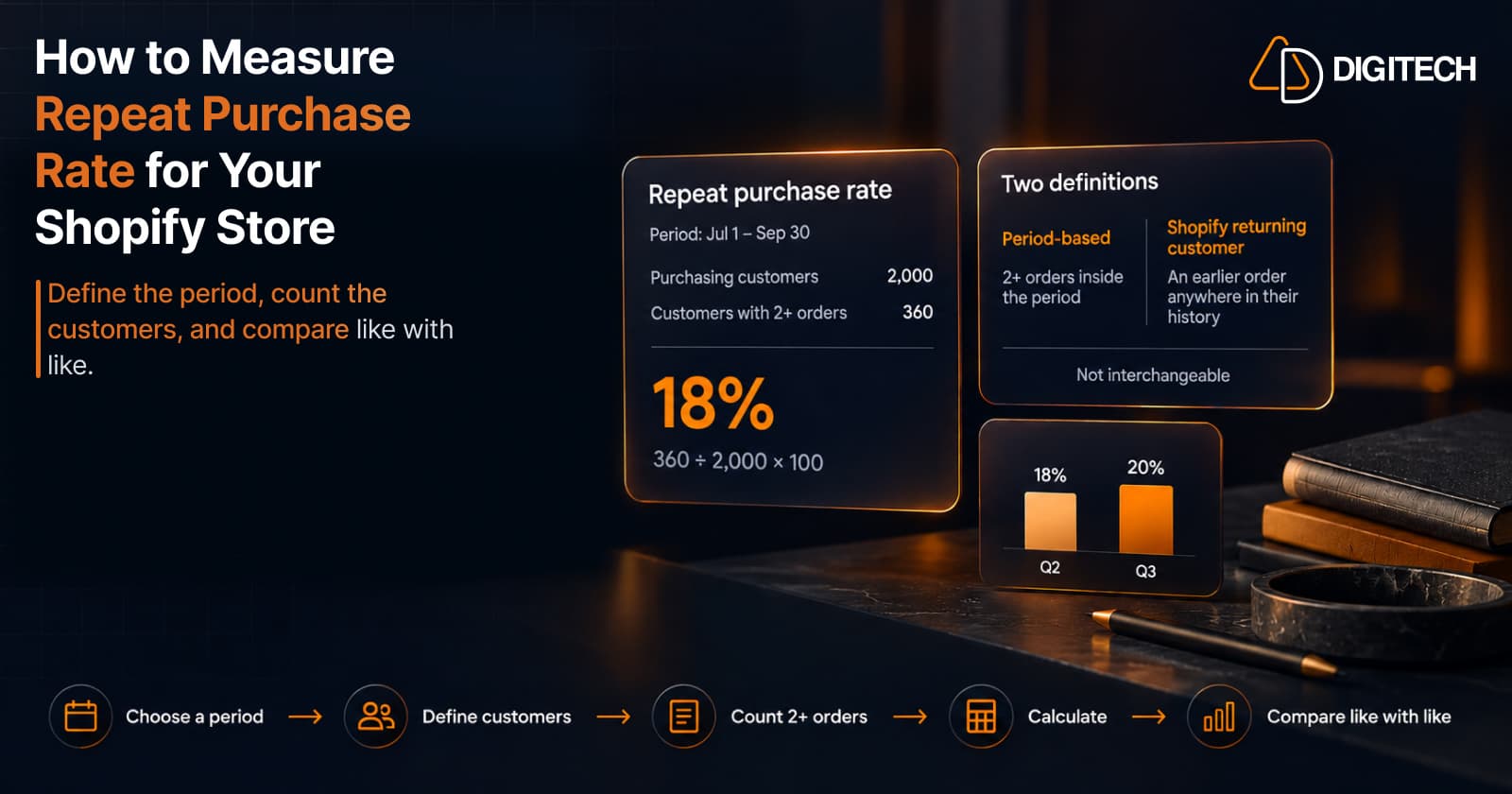
How to Measure Repeat Purchase Rate for Your Shopify Store
Learn how to calculate repeat purchase rate for a Shopify store, choose the right period and customer population, read the result carefully, and track the related retention metrics.
Read article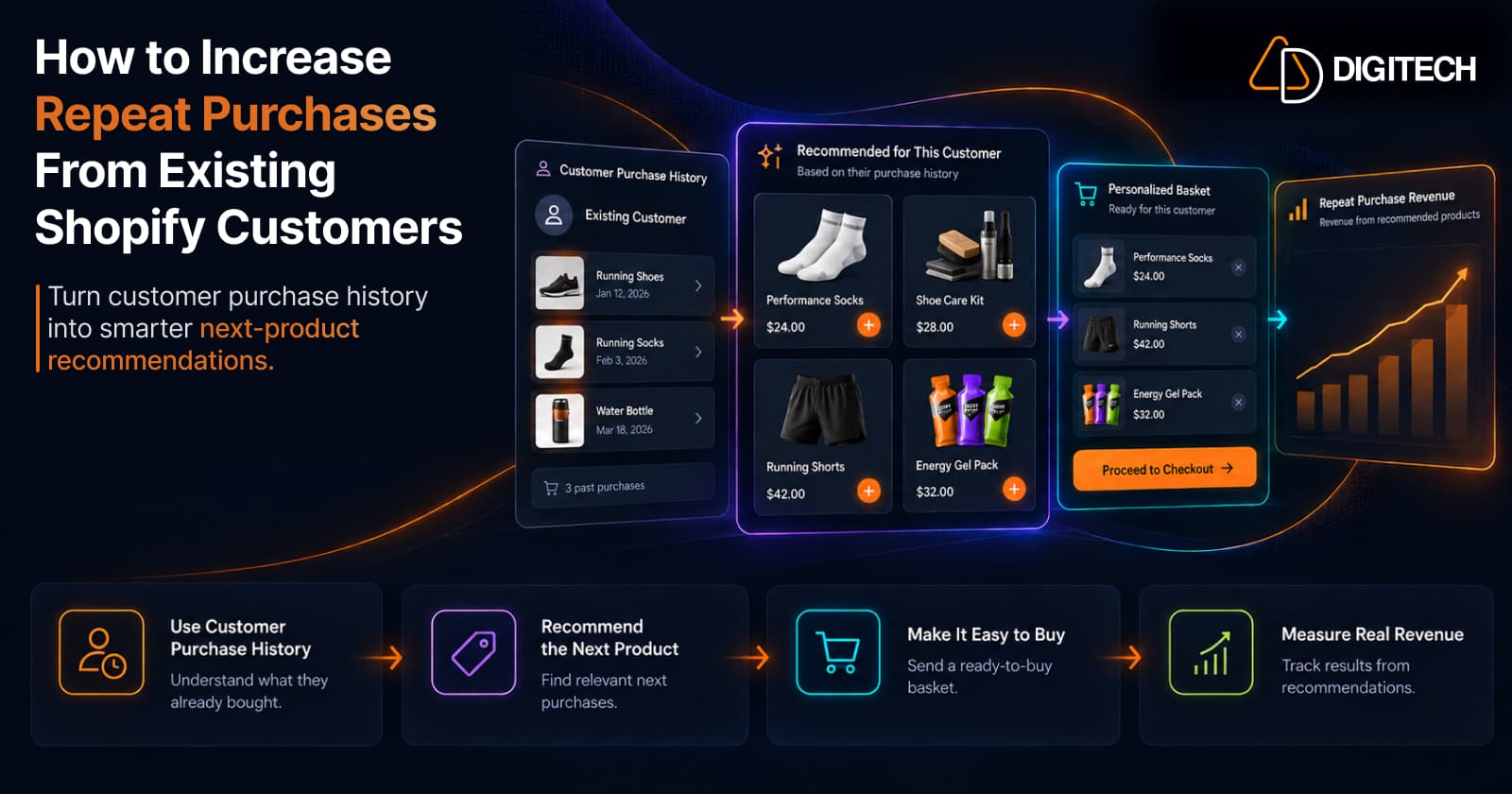
How to Increase Repeat Purchases From Existing Shopify Customers
Learn how to increase repeat purchases from existing Shopify customers using purchase history, personalized recommendations, smarter follow-ups, and measurable customer selling.
Read article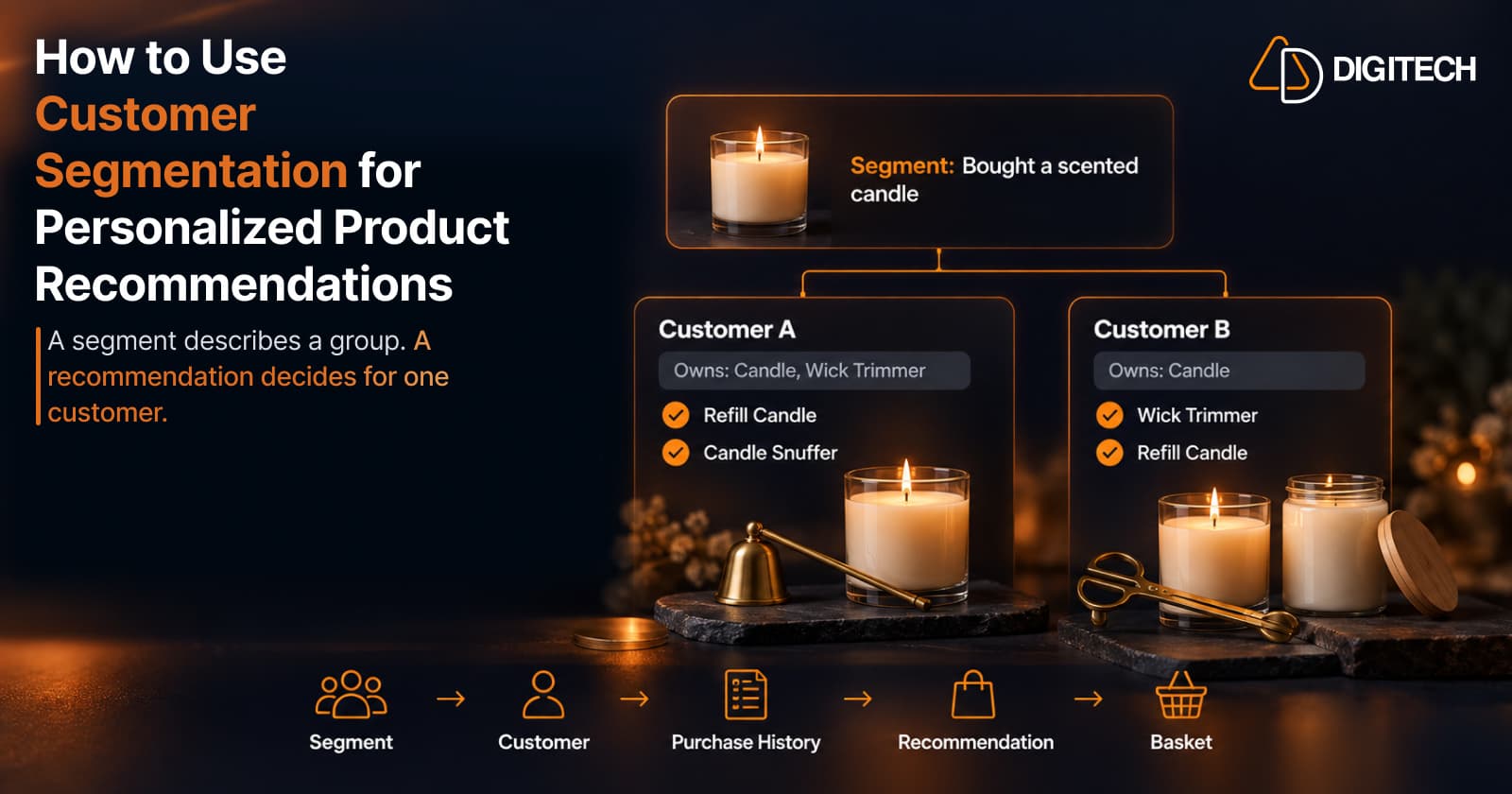
How to Use Customer Segmentation for Personalized Product Recommendations on Shopify
Learn how to use Shopify customer segments to make product recommendations more relevant, and how to turn a segment-level insight into a recommendation for one customer.
Read article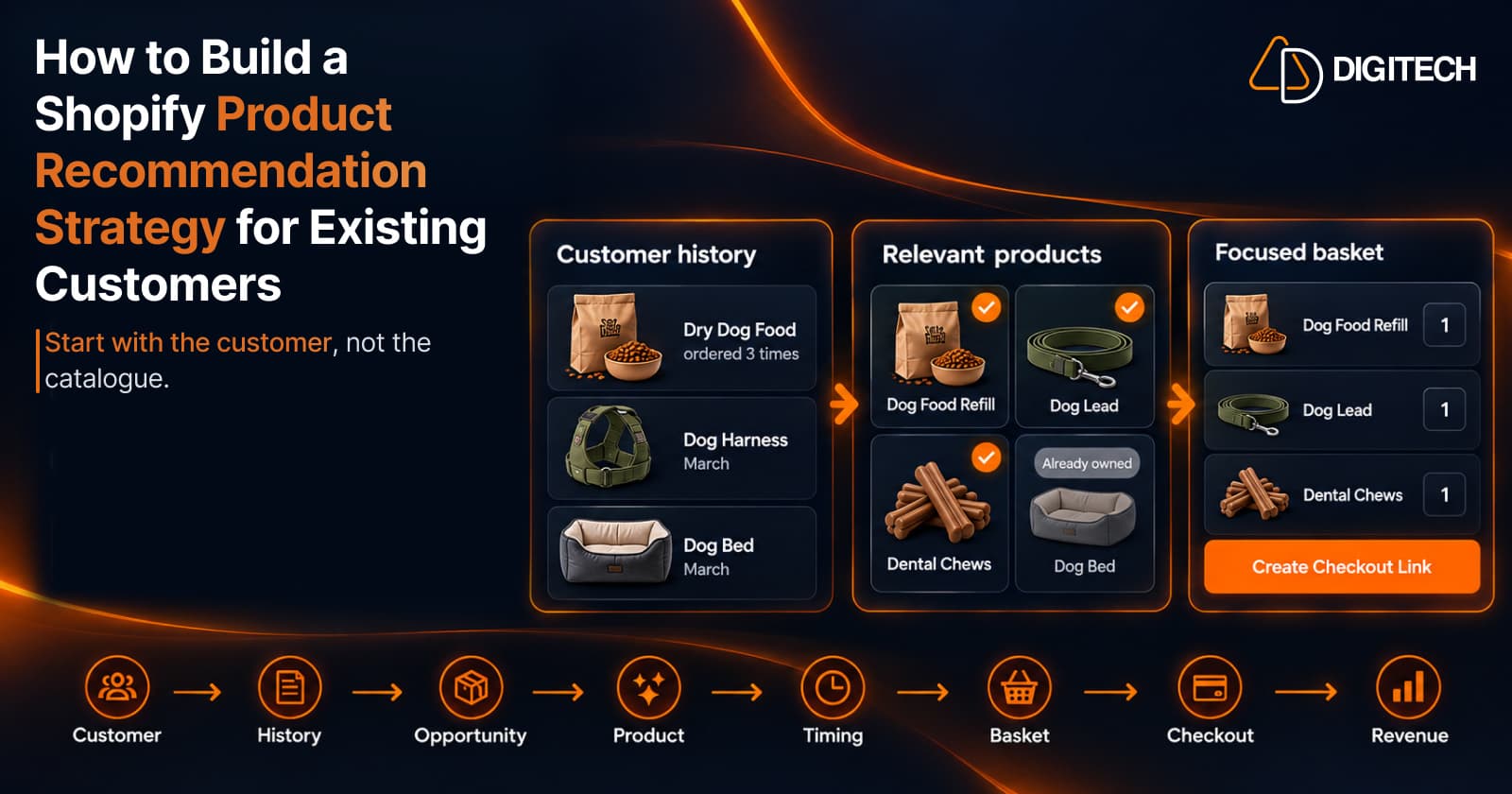
How to Build a Shopify Product Recommendation Strategy for Existing Customers
Learn how to build a Shopify product recommendation strategy using customer history, product relationships, timing, and personalized recommendations.
Read article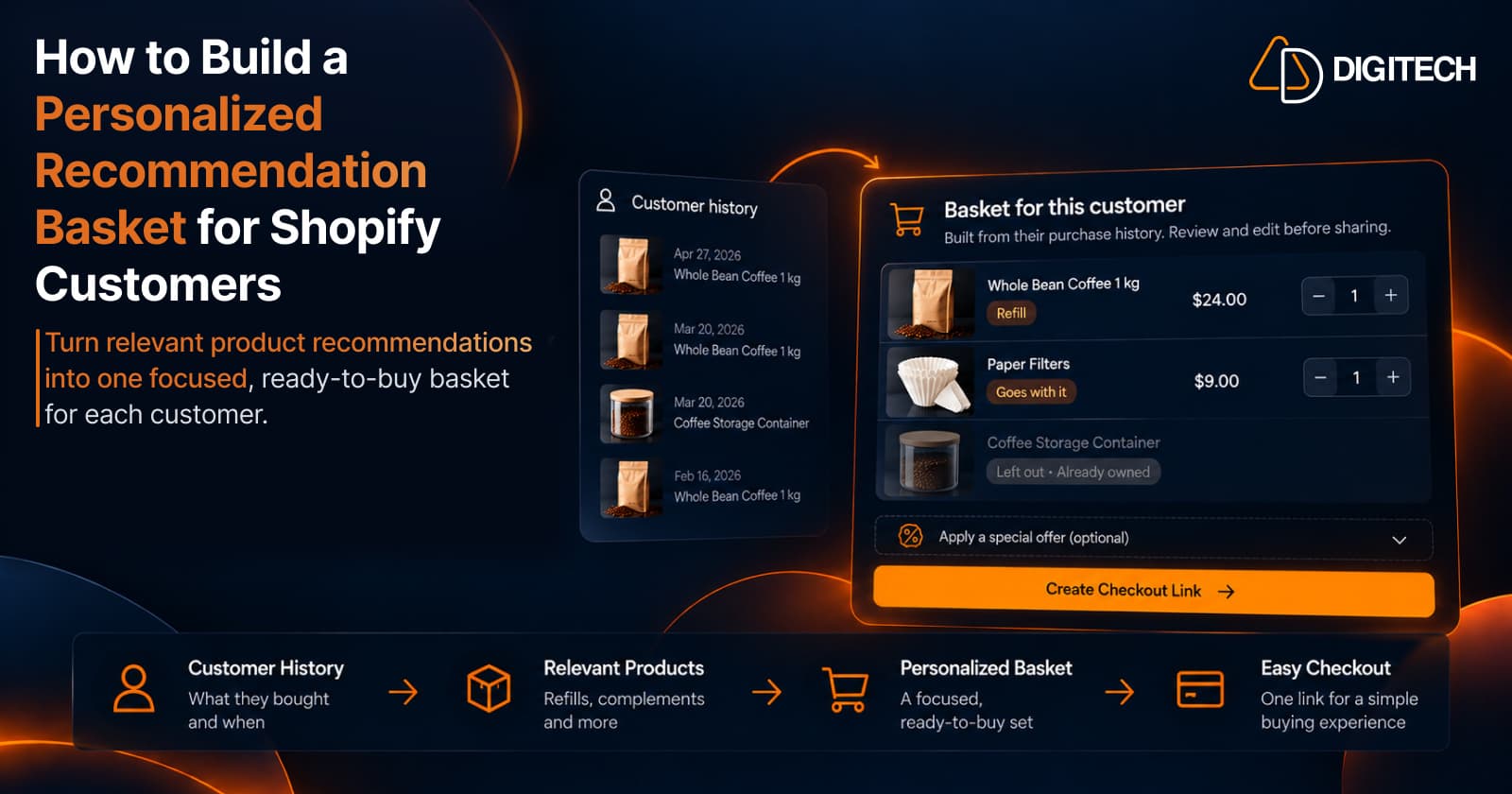
How to Build a Personalized Recommendation Basket for Shopify Customers
Learn how Shopify merchants can build personalized recommendation baskets using customer history, product relationships, timing, and product fit.
Read article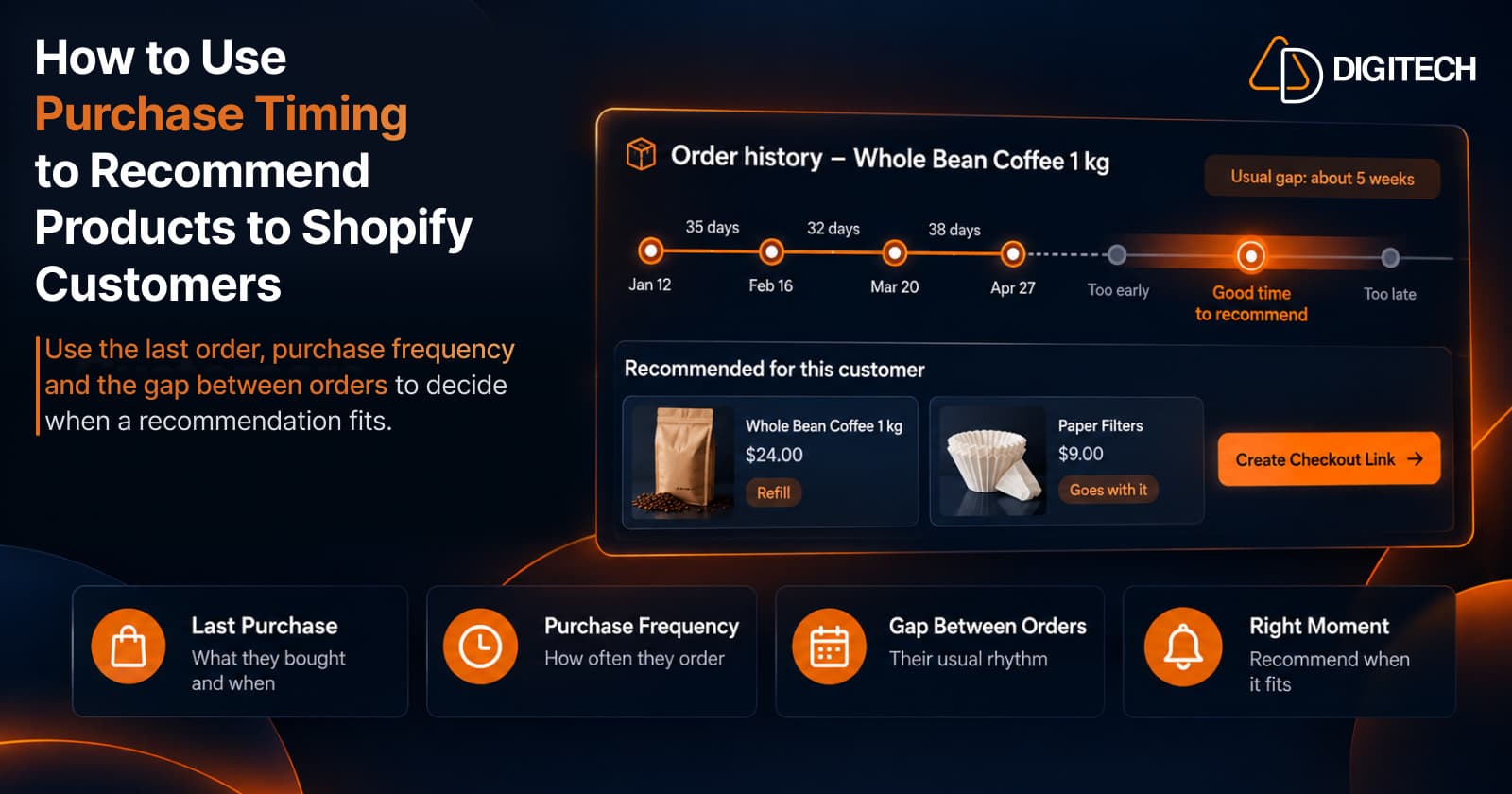
How to Use Purchase Timing to Recommend Products to Shopify Customers
Learn how Shopify merchants can use purchase timing, purchase frequency, recency, and customer history to make product recommendations more relevant.
Read article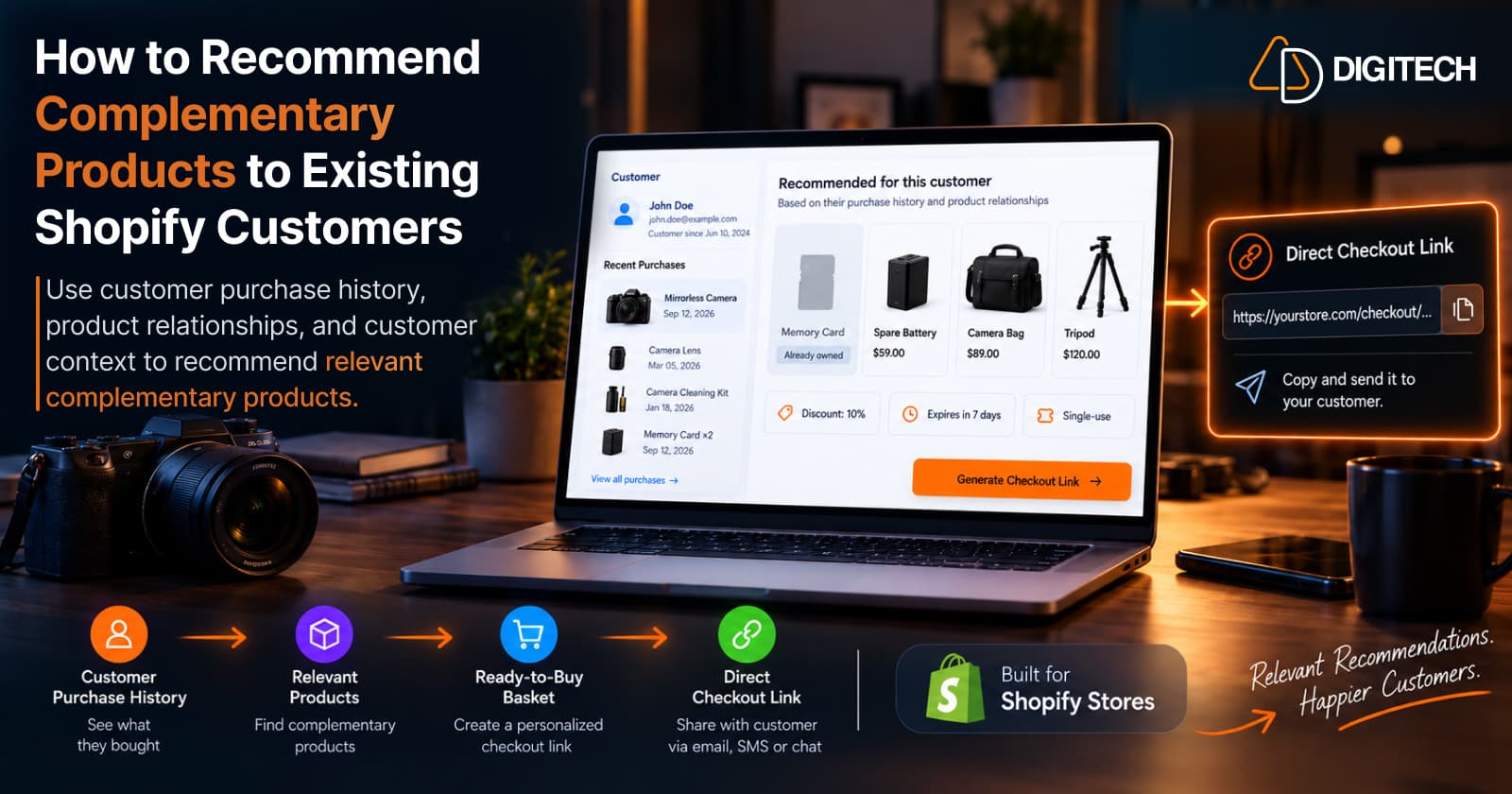
How to Recommend Complementary Products to Existing Shopify Customers
Learn how to recommend complementary products to existing Shopify customers using purchase history, product relationships, timing, and customer context.
Read article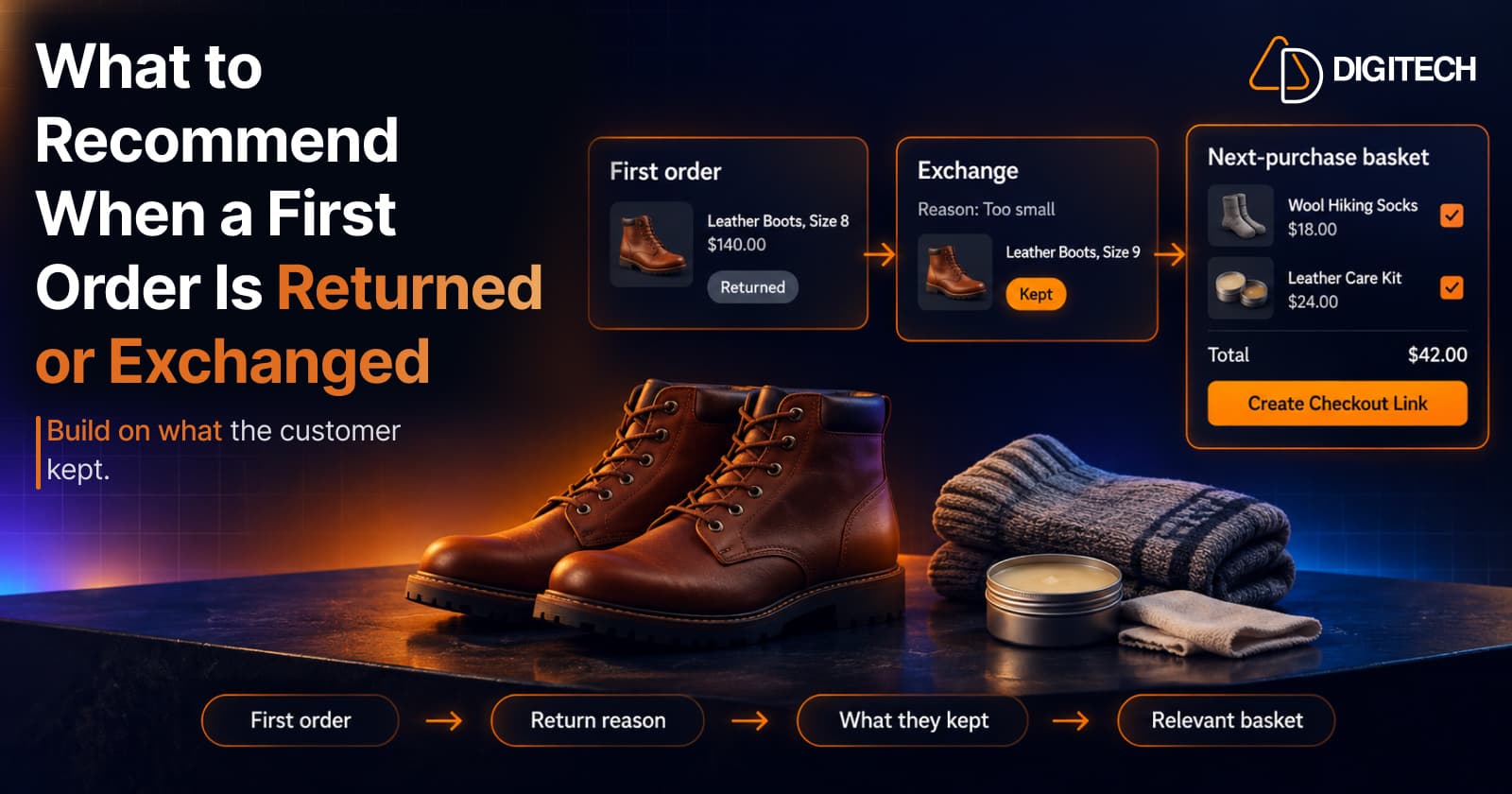
What to Recommend When a Customer's First Shopify Order Is Returned or Exchanged
A returned or exchanged first order changes what you know about a customer. Here's how Shopify merchants can read return reasons and recommend a relevant next product.
Read article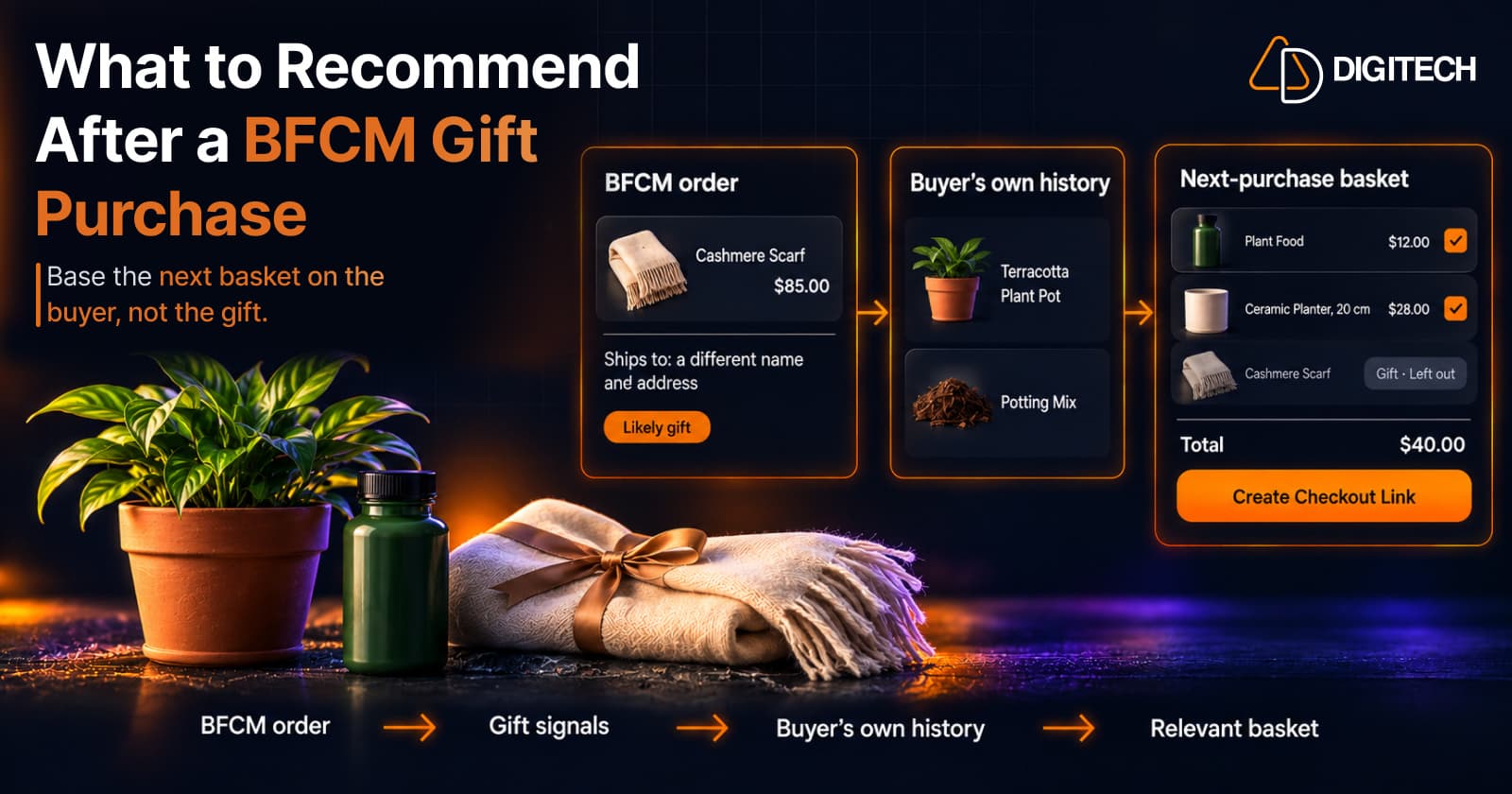
What to Recommend After a BFCM Gift Purchase: A Guide for Shopify Merchants
Some BFCM orders are gifts, which makes purchase history misleading. Here's how Shopify merchants can spot likely gift orders and recommend a relevant next product.
Read article