How to Recommend Complementary Products to Existing Shopify Customers
Learn how to recommend complementary products to existing Shopify customers using purchase history, product relationships, timing, and customer context.
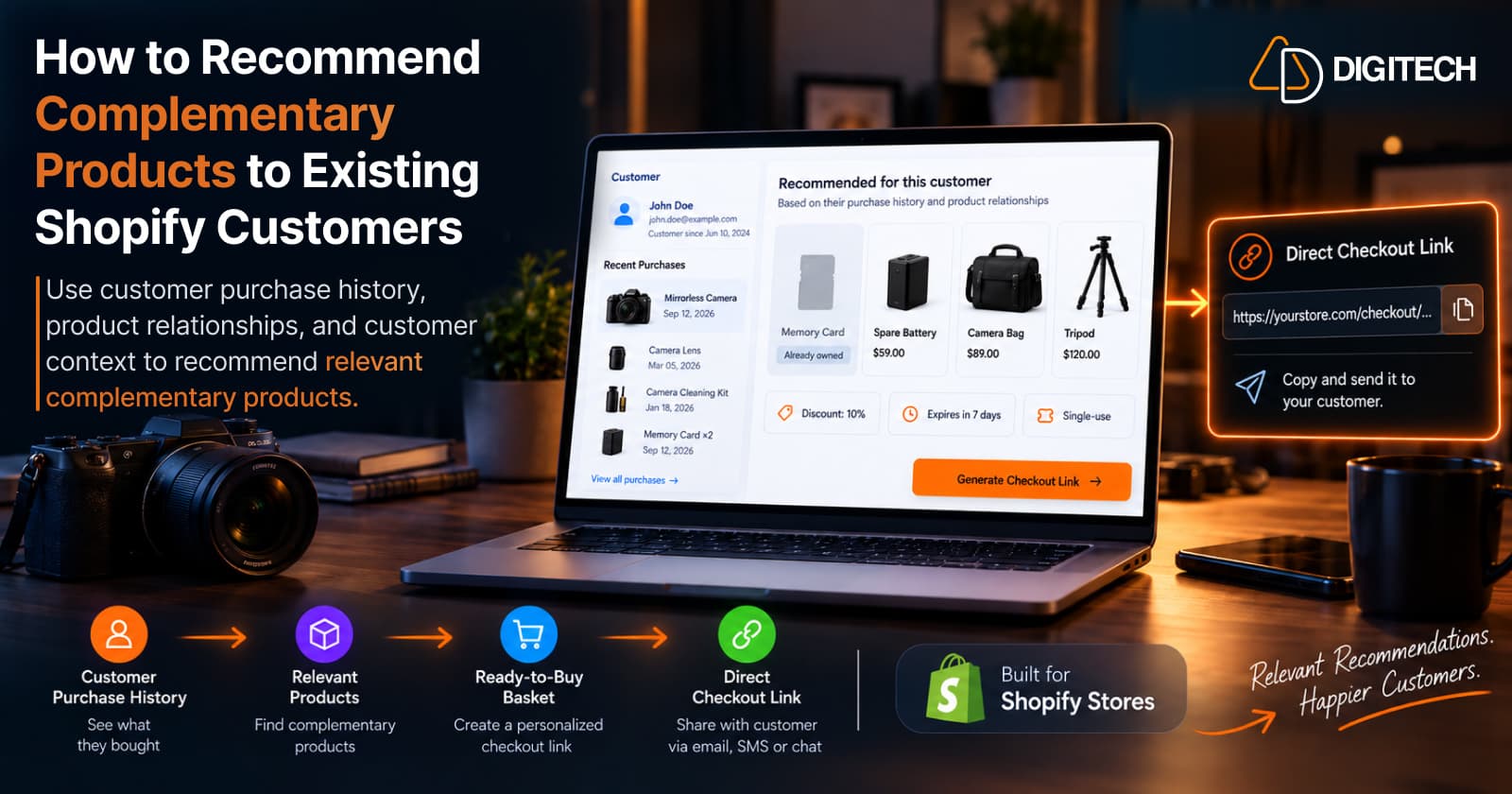
Most merchants already know which products go together. A camera goes with a memory card, a spare battery, a bag, and a tripod. The harder question is which of those makes sense for a particular existing customer, right now.
That depends on what this customer already owns, what they bought alongside the camera, how long ago they bought it, what they usually spend, and how each product relates to the one they have. A customer who bought a camera with two memory cards doesn't need a third. A customer who bought an entry-level camera may not want a professional tripod.
That's the gap between two kinds of recommendation:
- Generic complementary selling: "Customers who bought this also bought…" Everyone who buys the camera sees the same suggestion.
- Customer-specific complementary recommendations: "This customer already owns X. Based on their purchase history and how our products relate, Y may be a relevant next product."
The first describes products that go together. The second finds products this customer should consider next. This article covers how to map product relationships in your catalogue, and how to use customer context to decide which complementary product is actually worth recommending.
Why Complementary Products Matter for Existing Customers
With a new visitor, you only know what they're looking at. With an existing customer, you know what they bought, when, and in what combination. That purchase history is context, and complementary products are one of the most natural ways to use it.
A complementary product is a genuine follow-up opportunity: it helps the customer use, protect, extend, or refill something they already have. That makes it easier to explain than a random suggestion.
The goal isn't to show more products. It's to find the relevant next product for this customer. A complementary product can be a perfect fit for your catalogue and still be irrelevant to someone who already owns it, doesn't use the product that way, or isn't ready for it yet. Personalized complementary recommendations make cross-selling more relevant because they filter the catalogue's relationships through one customer's situation.
Start With What the Customer Already Bought
Every complementary recommendation starts from a previous purchase, which acts as the anchor. Some examples of possible relationships:
- Running shoes: running socks, insoles, or a reflective accessory.
- Camera: memory card, spare battery, camera bag.
- Coffee machine: coffee, filters, or cleaning and descaling products.
- Sofa: cushions, throws, or fabric care products.
- Skincare product: another product from the same routine, such as a moisturizer after a cleanser.
These are examples, not rules. Whether they apply depends on your catalogue and on the customer.
Before choosing anything, understand four things about the anchor purchase:
- What exactly they bought: the product and the specific variant, model, or size.
- Which category it belongs to, because that determines which relationships exist.
- Which products naturally relate to it in your catalogue.
- Whether they already own those related products, from you or, where you can tell, from elsewhere.
For more on reading order history as a whole, see Shopify customer purchase history.
Identify Product Relationships
"Complementary" covers several different kinds of relationship. Naming them helps you decide which ones matter for a given customer.
- Accessories help the customer use the original product, like a memory card or camera bag.
- Consumables get used up and may need replenishing, like coffee, filters, or cartridges.
- Care and maintenance products protect or maintain the purchase, like a lens cleaning kit or fabric protector.
- Add-ons enhance the original product or extend what it can do, like a second lens.
- Usage-based complements become relevant because of how the customer uses the product. A tripod makes sense for someone who shoots landscapes or video, not for everyone with a camera.
- Category-based relationships are products commonly associated with the same category or use case. They're the loosest link and usually the weakest recommendation.
A simple way to make this reusable is a relationship map for each main product in your catalogue. It records what each complement is for and what has to match. Here is one for a mirrorless camera:
| Complement | Relationship | Need it serves | Must match | Usually relevant |
|---|---|---|---|---|
| Memory card | Accessory | Storage | Card format the camera takes | At purchase |
| Spare battery | Accessory | Longer shooting | Camera's battery model | At purchase or after first use |
| Camera bag | Care / protection | Carrying and protection | Camera and lens size | At purchase |
| Lens cleaning kit | Care / maintenance | Clean optics | Nothing specific | After some use |
| Second lens | Add-on | New kinds of shots | Lens mount | Later, as skills grow |
| Tripod | Usage-based | Stable shots, video | Weight the tripod can hold | When usage suggests it |
The map describes the catalogue, not the customer. It tells you what could be recommended. Customer context decides what should be.
Shopify has native tools for the catalogue side. In the Search & Discovery app, you can add up to 10 complementary products to each product, shown on product pages if your theme includes a complementary products section. Shopify also generates "related products" automatically, which it describes as products similar to the selected one. Both work at the product level: they describe what goes with an item, not which complement a specific customer still needs.
"Frequently bought together" data is useful, but it's only one signal. It shows what other shoppers combined, not what this customer is missing.
Check What the Customer Already Owns
A complementary product shouldn't be recommended just because it relates to the anchor purchase. Purchase history isn't only for finding opportunities. It's also for removing bad recommendations.
Before recommending a complement, check:
- Have they already bought it? A customer who bought a camera and two memory cards doesn't need the standard "camera → memory card" suggestion.
- Did they buy something similar? A bag from a different range, or a tripod bought for an earlier camera, may already cover the need.
- Is it still relevant? A cleaning kit bought for a previous camera may still work; a battery for an old model won't.
- Is the need already covered? This is where the relationship map helps. If the storage need is met, move to the next need, such as power or protection, instead of offering another way to store photos.
Shopify customer profiles provide access to order history, and customer segments can be used to identify groups based on purchase behavior, such as customers who bought one product but not another. For the wider set of checks, including returns and gifts, see how to choose the right products for each Shopify customer.
Consider Purchase Timing
Each relationship type tends to have its own timing:
- Accessories are often relevant immediately, sometimes before the product even arrives.
- Consumables become relevant as they're used up. Base this on the customer's own reorder pattern where they have one, rather than assuming a fixed interval.
- Care products make more sense after the product has been used for a while.
- Add-ons and upgrades usually come much later, once the customer has settled into using what they bought.
When deciding, look at the purchase date, the customer's repeat purchase patterns and previous intervals between orders, and how the product is likely being used. The question is simple: is this complement likely to be relevant now, or should it wait?
Use Customer Price Range and Product Fit
Two complements can serve the same need at very different price points. A basic tripod and a professional one both provide stability, but they suit different customers.
Consider these signals together:
- Previous purchase value, especially of the anchor product.
- Typical order value across their history.
- The complement's price range and product tier, such as entry, mid, or premium.
- Compatibility: the "must match" column in the relationship map. A lens that doesn't fit the mount isn't a complement at all.
- Customer context, such as whether they buy for themselves or as gifts.
Price is one contextual signal among several. Customers don't always prefer products at the same price as their last purchase; someone who bought an entry-level camera may still want a good bag to protect it. Use price to rank candidates that already make sense, not to decide on its own.
Don't Recommend Every Complementary Product
The relationship map for one product can list ten complements. Showing all of them creates decision overload and makes the recommendation feel generic.
Narrow it down instead:
- Identify the strongest relationships for this customer's situation.
- Remove products they already own, or needs that are already covered.
- Remove incompatible products.
- Consider timing, and hold back anything that's for later.
- Keep one option per need, rather than three variations of the same accessory.
- Present only the most relevant options, usually two to four.
A short list with a clear reason behind each product is more useful to the customer than a long list of everything that goes with a camera.
A Practical Framework for Finding Complementary Products
Build the relationship map for your main products once, then apply it customer by customer:
- Select an existing customer.
- Review their recent and historical purchases to find the anchor product and when they bought it.
- Identify what they already own, including similar items and needs already covered.
- Map relevant product relationships using the relationship map for the anchor product.
- Remove incompatible products, such as the wrong mount, size, or model.
- Remove products they already purchased.
- Consider purchase timing, and mark items that are for later.
- Consider their price range and product fit.
- Shortlist the most relevant complementary products, one per need.
- Build the recommendation into an easy-to-buy basket. Several complements can become a personalized bundle.
- Track what happened after the recommendation, so you learn which relationships actually work for your customers.
Applied to a customer who bought a mirrorless camera three weeks ago, together with two memory cards: storage is covered, so skip memory cards. A spare battery for their camera model and a bag sized for the camera are strong options. A second lens can wait until they've used the camera for a while. For the next step after complementary products, see how to recommend the next product.
Manual Complementary Product Selection vs AI-Assisted Recommendations
Manual selection means the merchant reviews the customer's history, the catalogue, the product relationships, previous purchases, timing, and price, then chooses the complements. It works well for a small catalogue or a few important customers, but it takes time to repeat for many customers.
AI-assisted recommendations can evaluate those signals together and suggest several possible product combinations quickly. That only works if:
- It's grounded in actual store and customer data, meaning your real products and the customer's real orders.
- The merchant stays in control, deciding what's sent.
- Recommendations are reviewable and editable before a customer sees them.
- It doesn't invent products or customer information.
Used this way, AI speeds up the analysis while the merchant makes the final call.
How Curivo Helps Shopify Merchants Recommend Complementary Products
Curivo helps Shopify merchants turn customer purchase history into personalized product recommendations, ready-to-buy baskets, and measurable revenue. It's built around one known customer at a time, following Customer → Basket → Revenue.
The workflow:
- Select an existing customer.
- Review their purchase history and context.
- Build a basket manually, or ask Curivo to suggest four options.
- Curivo uses your actual product and customer data to generate differentiated recommendation options.
- Review and edit the recommendation, so you decide what's included.
- Optionally apply a discount, an expiry, or a single-use setting.
- Create a ready-to-buy basket as a draft order.
- Send the customer a direct checkout link, through whichever channel you already use to talk to them.
- Track recommendation activity and revenue attributed to the recommendation, where supported.
In short: AI selects, your data grounds it, you decide. Recommendations are personal, buyable, and measurable.
Curivo doesn't send messages for you. It creates the checkout link, and you share it however you normally contact the customer. It isn't a storefront recommendation widget either. It's for recommending products to a specific known customer. Curivo is available on the Shopify App Store.
Frequently asked questions
What are complementary products?
Products that are used with, or add to, something a customer already has, such as a memory card for a camera or filters for a coffee machine. They're different from similar products, which are alternatives to the original rather than additions to it.
How do I find complementary products for Shopify customers?
Map the relationships in your catalogue first: for each main product, list its accessories, consumables, care products, add-ons, and usage-based complements, plus what must match for each to fit. Then check that map against each customer's purchase history to see which complements they still need.
How is a complementary product different from a generic product recommendation?
A generic recommendation shows the same products to everyone viewing an item, often based on what other shoppers bought. A customer-specific complementary recommendation starts from what this customer already owns and checks whether each related product is still needed, compatible, and timely for them.
Can Shopify use purchase history to recommend complementary products?
Shopify’s Search & Discovery app can use purchase history as one signal for automatically generated related product recommendations, and merchants can manually add up to 10 complementary products to a product. These recommendations operate at the product level. For a recommendation tailored to one specific customer, the merchant needs to consider that customer’s purchase history and context separately.
How do I avoid recommending products a customer already owns?
Check their order history for the complement itself, for similar items from other brands, and for anything that already covers the same need. If the need is covered, move on to the next relationship instead of repeating it.
Should I recommend multiple complementary products at once?
A few, not many. Two to four well-chosen options, each serving a different need, are easier to act on than a long list of loosely related products.
Can AI help identify complementary products for individual customers?
Yes, if it's grounded in your actual products and the customer's real purchase history, and the merchant reviews the result. AI can weigh several signals at once and suggest options, but it shouldn't invent products or customer details.
Turn Customer History Into Your Next Sale
See how Curivo helps Shopify merchants turn customer purchase history into personalized recommendations, ready-to-buy baskets, and measurable revenue.
Related reading
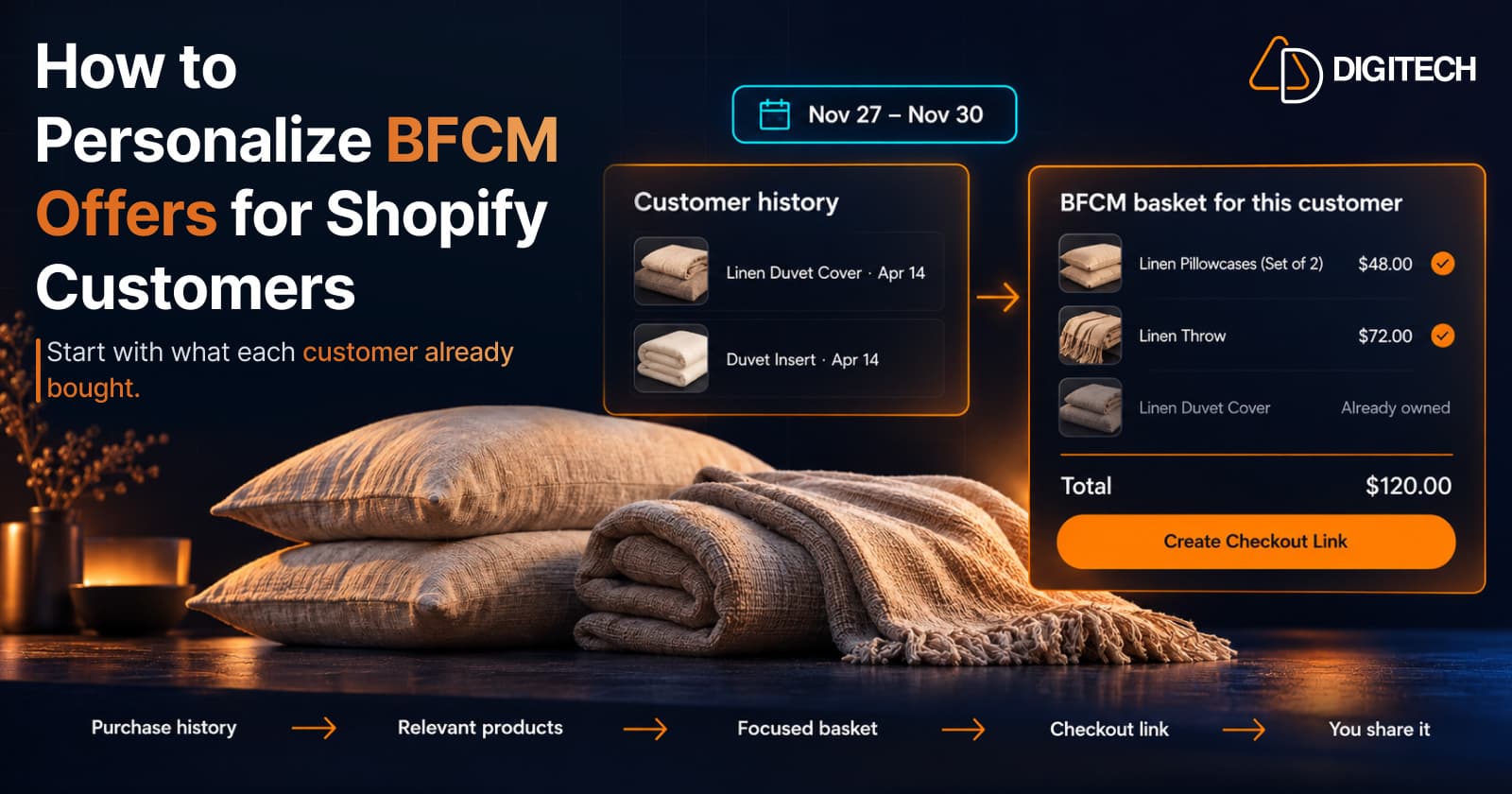
How to Personalize BFCM Offers for Shopify Customers
Use Shopify customer purchase history to build relevant BFCM offers for existing customers: what to check, five ways to personalize, and how to measure it.
Read article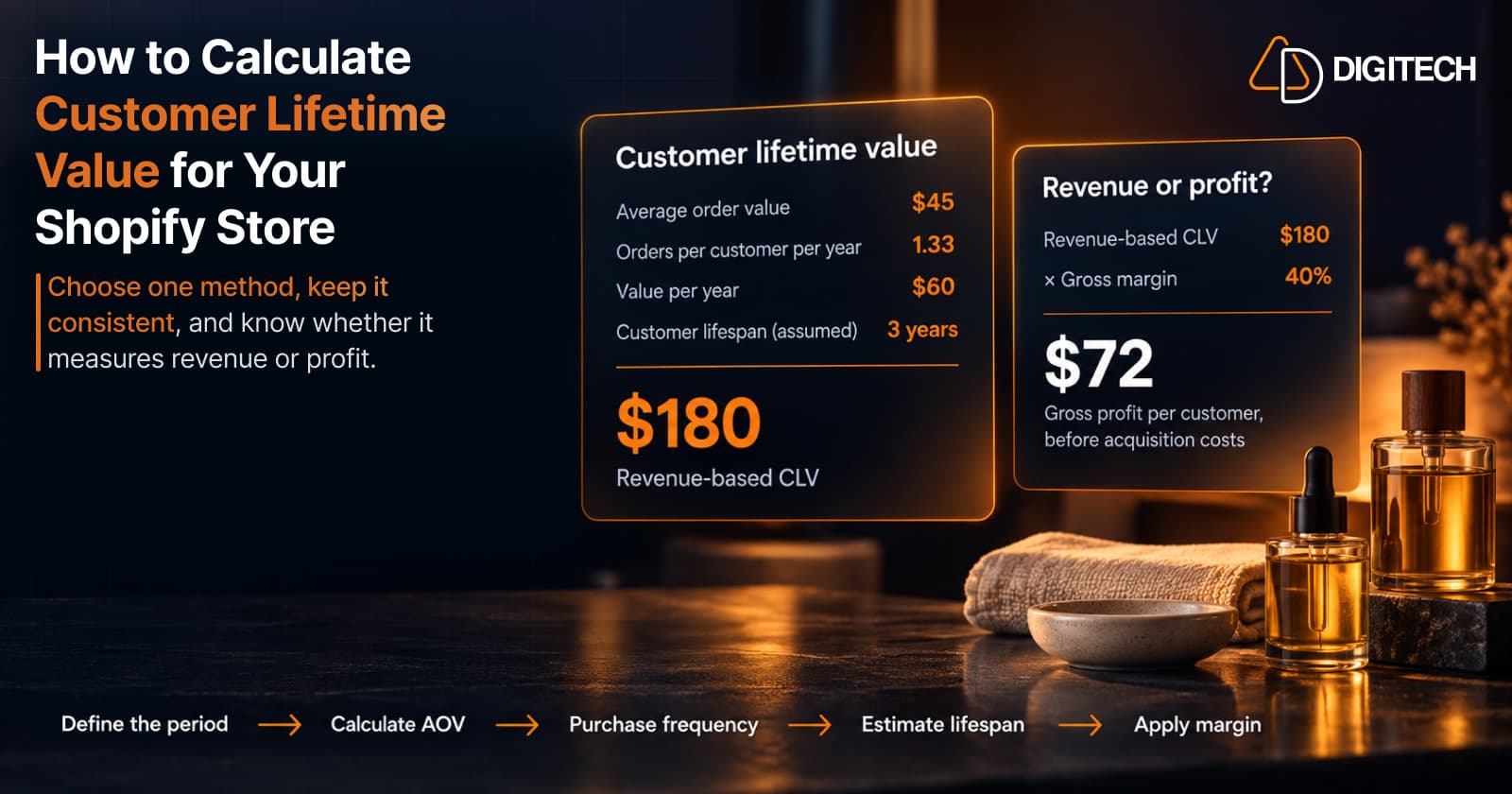
How to Calculate Customer Lifetime Value for Your Shopify Store
Learn how to calculate customer lifetime value for a Shopify store, choose between revenue and profit-based CLV, find the data in Shopify, and avoid common mistakes.
Read article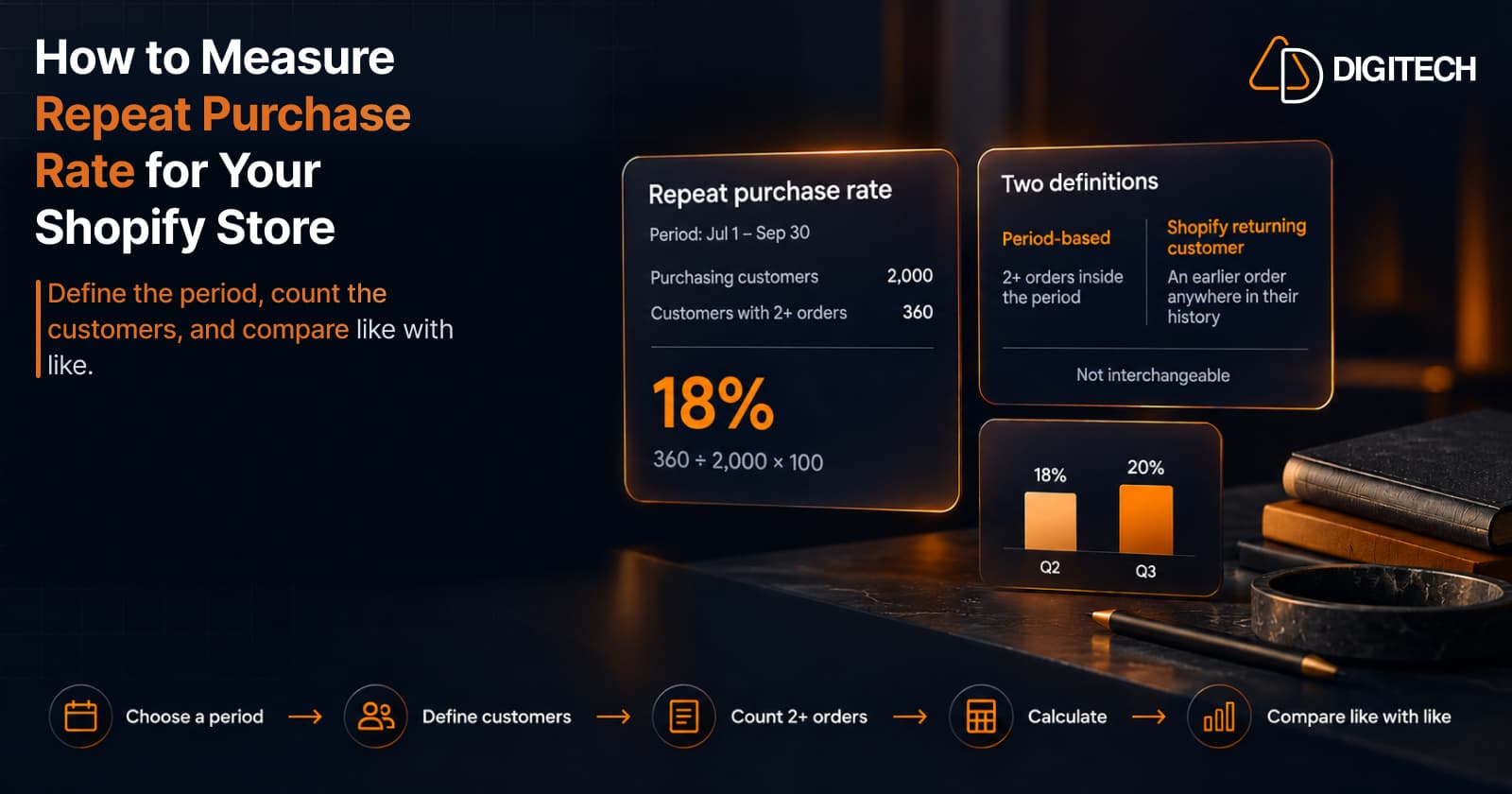
How to Measure Repeat Purchase Rate for Your Shopify Store
Learn how to calculate repeat purchase rate for a Shopify store, choose the right period and customer population, read the result carefully, and track the related retention metrics.
Read article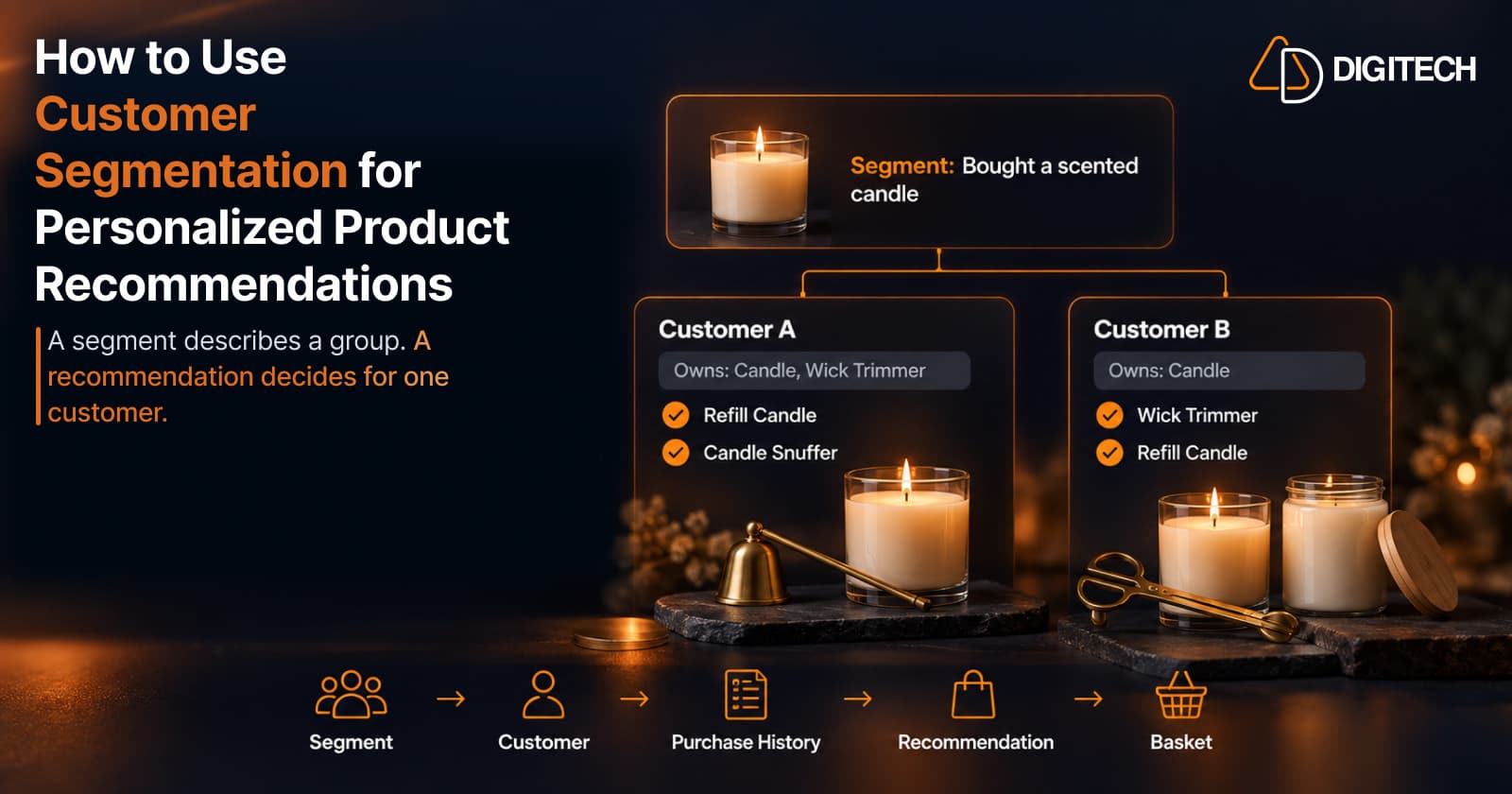
How to Use Customer Segmentation for Personalized Product Recommendations on Shopify
Learn how to use Shopify customer segments to make product recommendations more relevant, and how to turn a segment-level insight into a recommendation for one customer.
Read article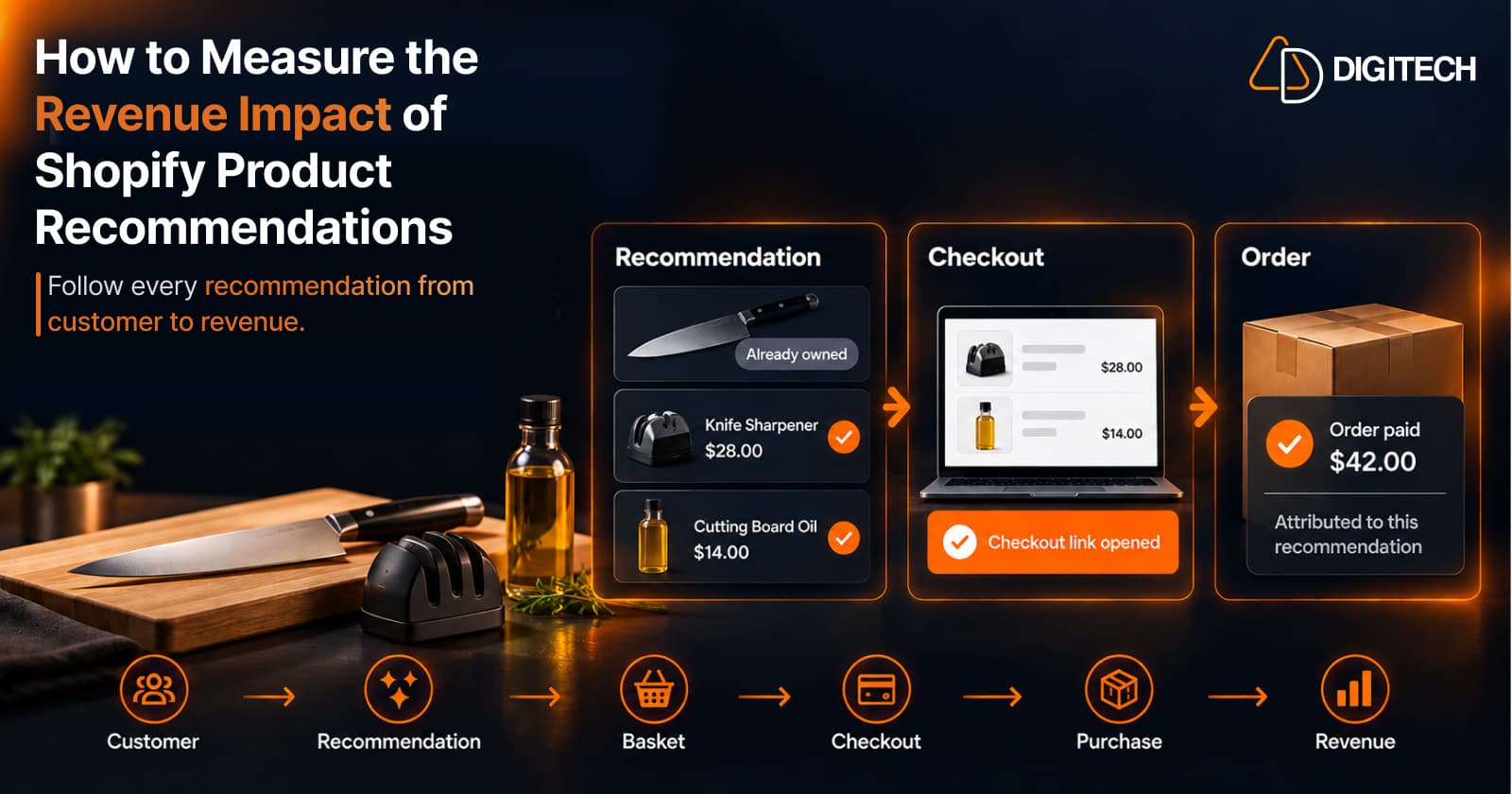
How to Measure the Revenue Impact of Shopify Product Recommendations
Learn how Shopify merchants can measure product recommendation performance, track checkout activity, attribute revenue, and improve personalized recommendations.
Read article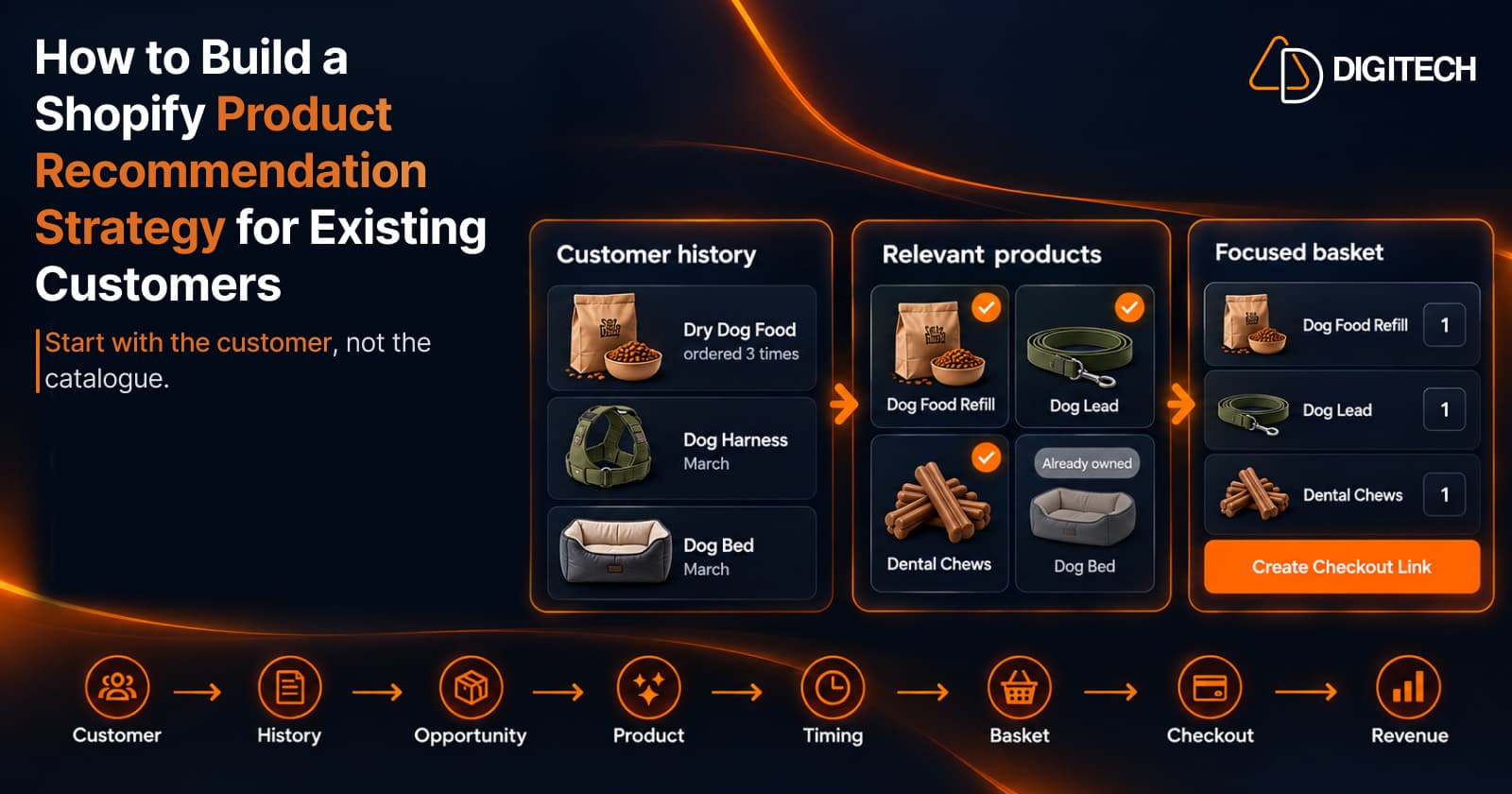
How to Build a Shopify Product Recommendation Strategy for Existing Customers
Learn how to build a Shopify product recommendation strategy using customer history, product relationships, timing, and personalized recommendations.
Read article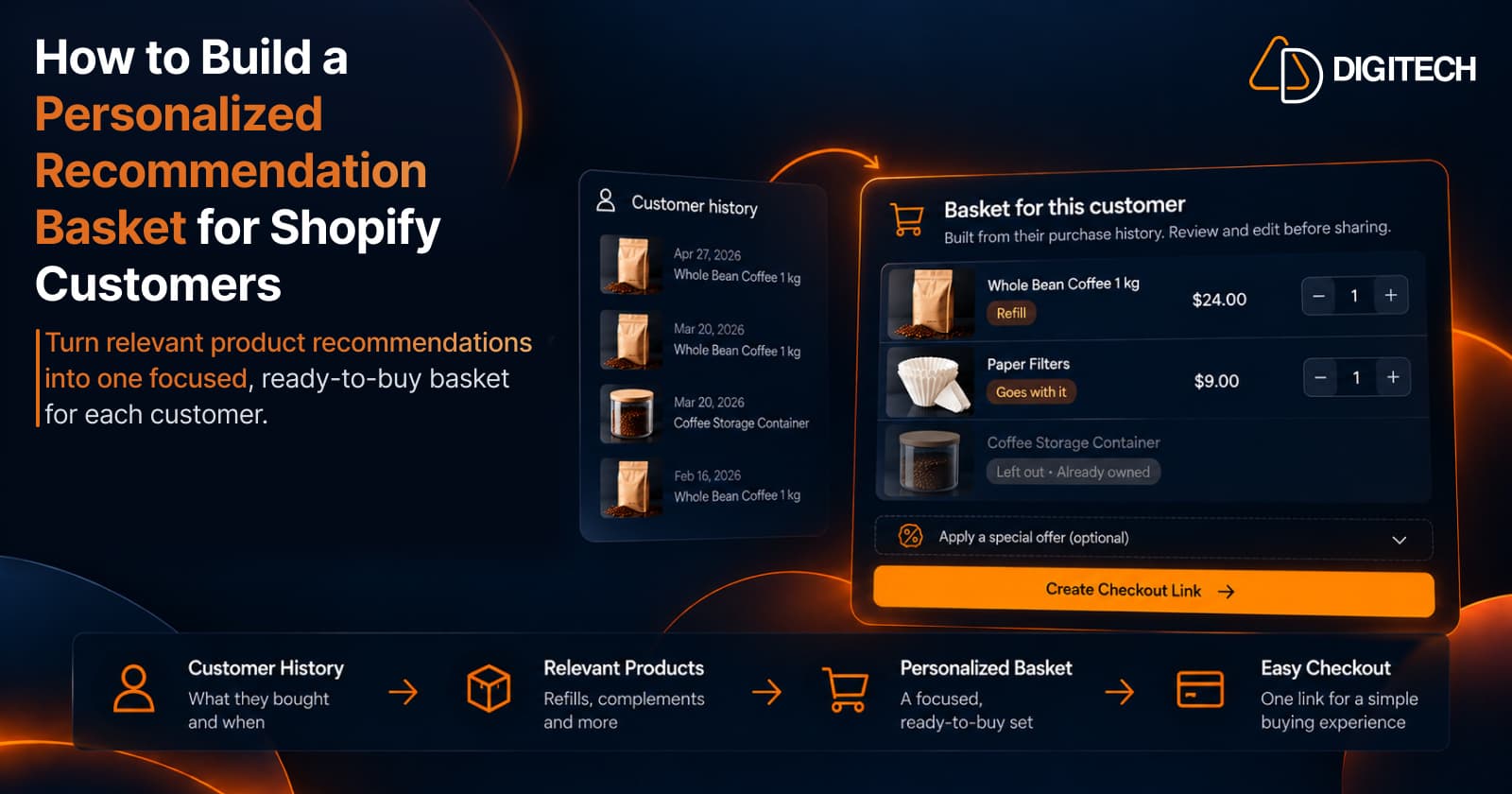
How to Build a Personalized Recommendation Basket for Shopify Customers
Learn how Shopify merchants can build personalized recommendation baskets using customer history, product relationships, timing, and product fit.
Read article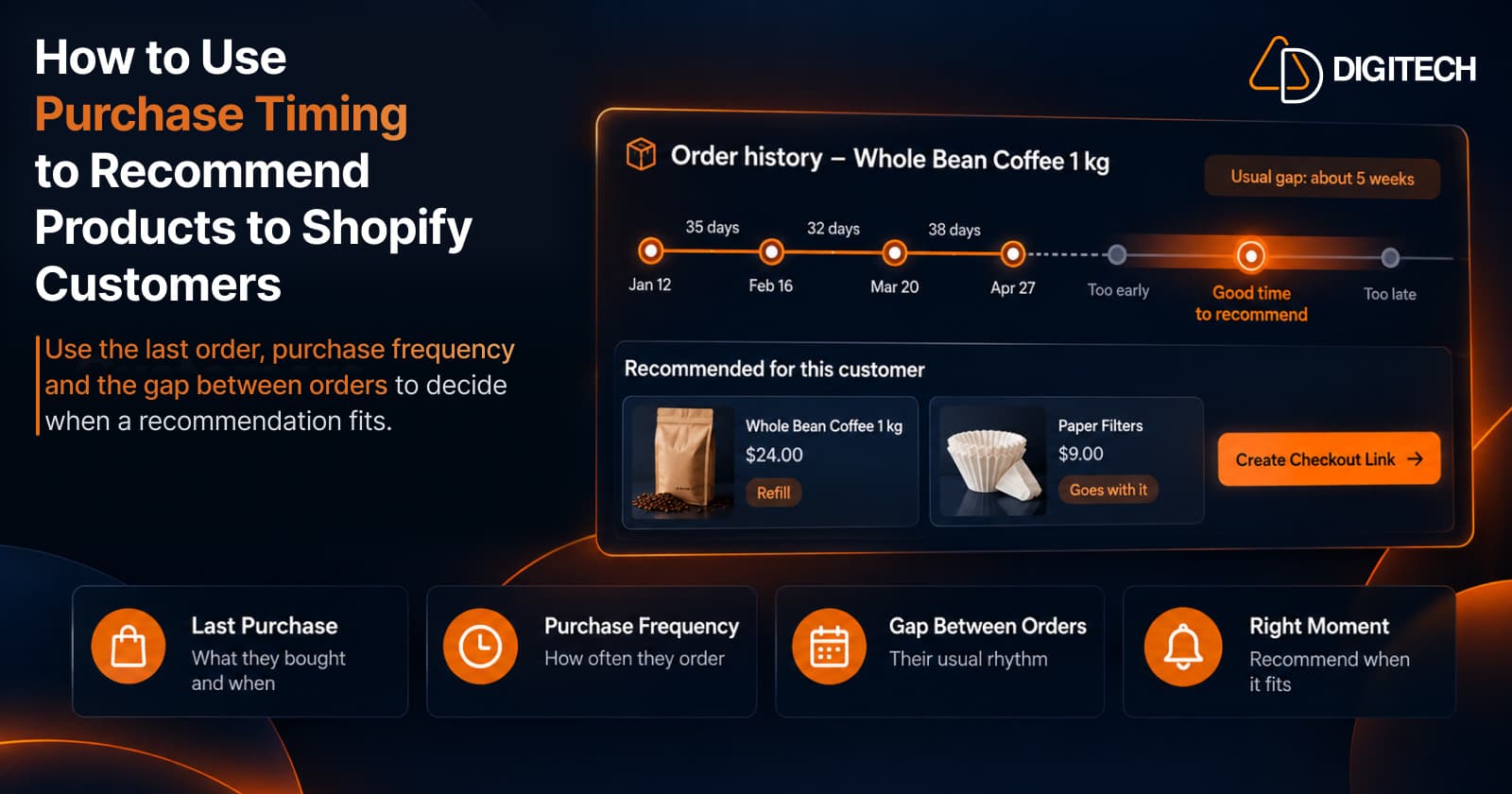
How to Use Purchase Timing to Recommend Products to Shopify Customers
Learn how Shopify merchants can use purchase timing, purchase frequency, recency, and customer history to make product recommendations more relevant.
Read article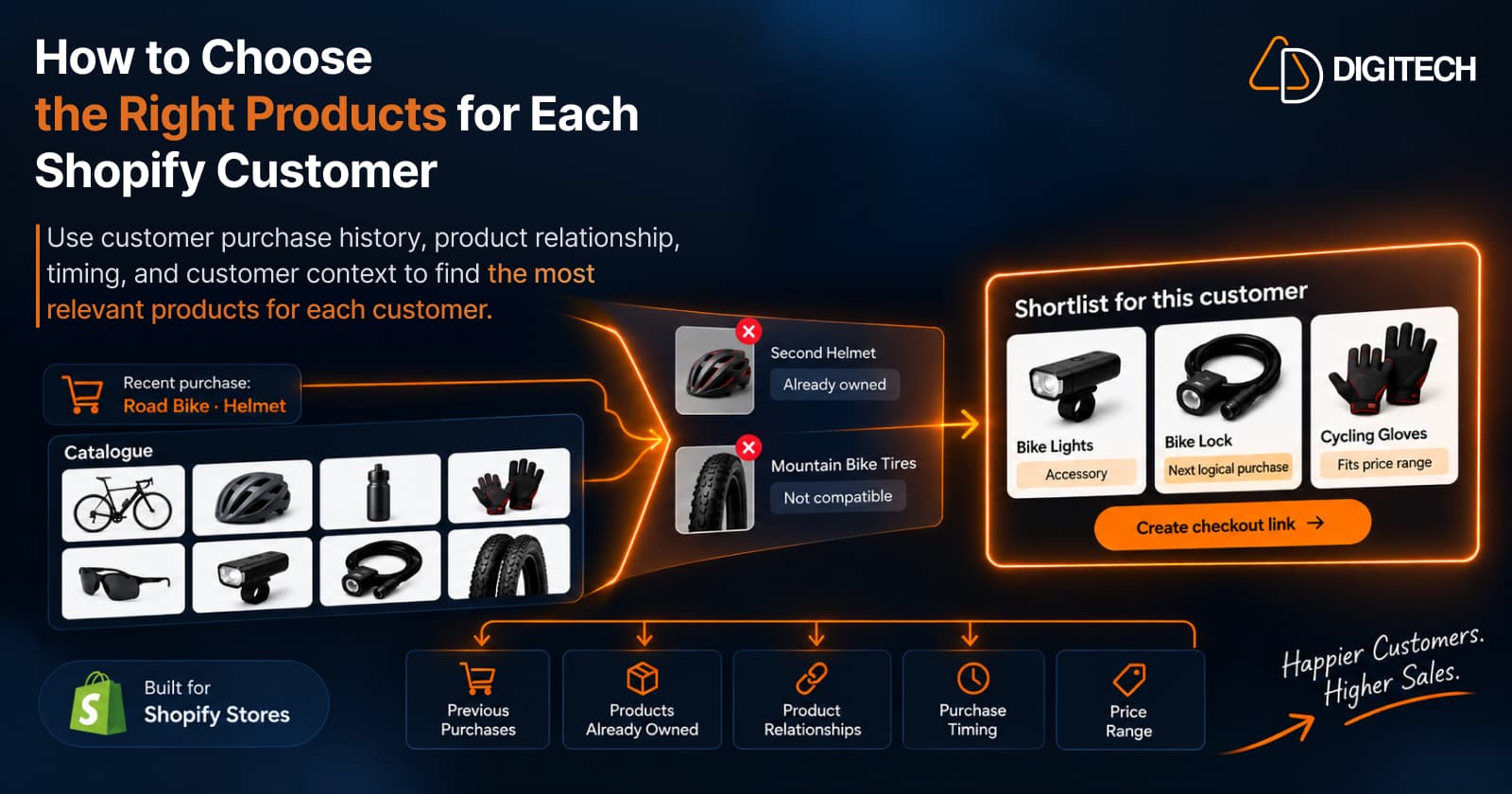
How to Choose the Right Products for Each Shopify Customer
Learn how Shopify merchants can choose more relevant products for each customer using purchase history, product relationships, timing, and customer context.
Read article