How to Use Purchase Timing to Recommend Products to Shopify Customers
Learn how Shopify merchants can use purchase timing, purchase frequency, recency, and customer history to make product recommendations more relevant.
A good product recommendation isn't only about what to recommend. It's also about when the recommendation becomes relevant.
Take a customer who bought a consumable product last week. They probably don't need another one yet. The same customer may be a strong recommendation opportunity later, depending on how they've bought in the past. For a durable product, the timing is different again.
So the question for an existing customer has four parts: Customer → Product → Timing → Recommendation. Earlier guides covered how to recommend the next product and which products fit. This one is about the "when".
Why Purchase Timing Matters for Shopify Recommendations
The same product can be the right recommendation in one month and the wrong one in another:
- Too early, and it feels irrelevant. The customer hasn't used what they bought.
- Too late, and the opportunity may have passed. They've bought elsewhere, or the need is gone.
- At a sensible time, it reads as helpful, because it matches where the customer is.
Existing customers give you something new visitors don't: a history with dates on it. That history is useful timing context.
Two cautions apply throughout. Timing is considered alongside product relevance, not in place of it. And timing is a signal, not a guarantee. It improves your judgement about when to recommend. It doesn't predict a purchase.
Start With the Customer's Last Purchase
The most recent order is the anchor for any timing decision. Note:
- The last order date. How long ago was it?
- The products purchased, and their category.
- The quantity. A customer who bought three units will take longer to need more than one who bought one.
- Whether the product is consumable or durable.
- Whether related products were bought at the same time. If they bought the accessory with the main item, that follow-up is already covered.
Suppose a customer recently bought a skincare product. The question isn't simply "what other skincare product can I sell?" It's "what makes sense given what they bought and when they bought it?" A week after buying a cleanser, a second cleanser makes little sense, but a product from the same routine might.
In Shopify, a customer's profile gives you access to their order history. For more on reading it, see Shopify customer purchase history.
Look at the Customer's Purchase Frequency
Two customers who bought the same product on the same day aren't necessarily at the same point.
| Customer A | Customer B | |
|---|---|---|
| Previous orders | 8 in the last year | 2 in the last year |
| Time between orders | Fairly even | Long and uneven |
| Most recent order | 3 weeks ago | 3 weeks ago |
| What the history suggests | A repeat pattern you can read | Too little evidence for a pattern |
The same recommendation timing shouldn't automatically apply to both. For each customer, look at:
- Number of previous orders. More orders give you more to go on.
- Time between orders.
- Recent purchase activity. Are they buying more or less often than before?
- Recency versus frequency. A customer can be recent but infrequent, or frequent but not recent. These call for different decisions.
- Whether the behavior shows a repeat pattern at all.
Shopify's RFM customer analysis uses the same two ideas at store level: recency is based on the days since a customer's most recent purchase, and frequency on their total number of orders. That helps you find customers to look at. Deciding the timing for one customer still means reading that customer's own orders.
Identify the Typical Gap Between Purchases
Total orders tell you how much a customer buys. The gaps between orders tell you their rhythm.
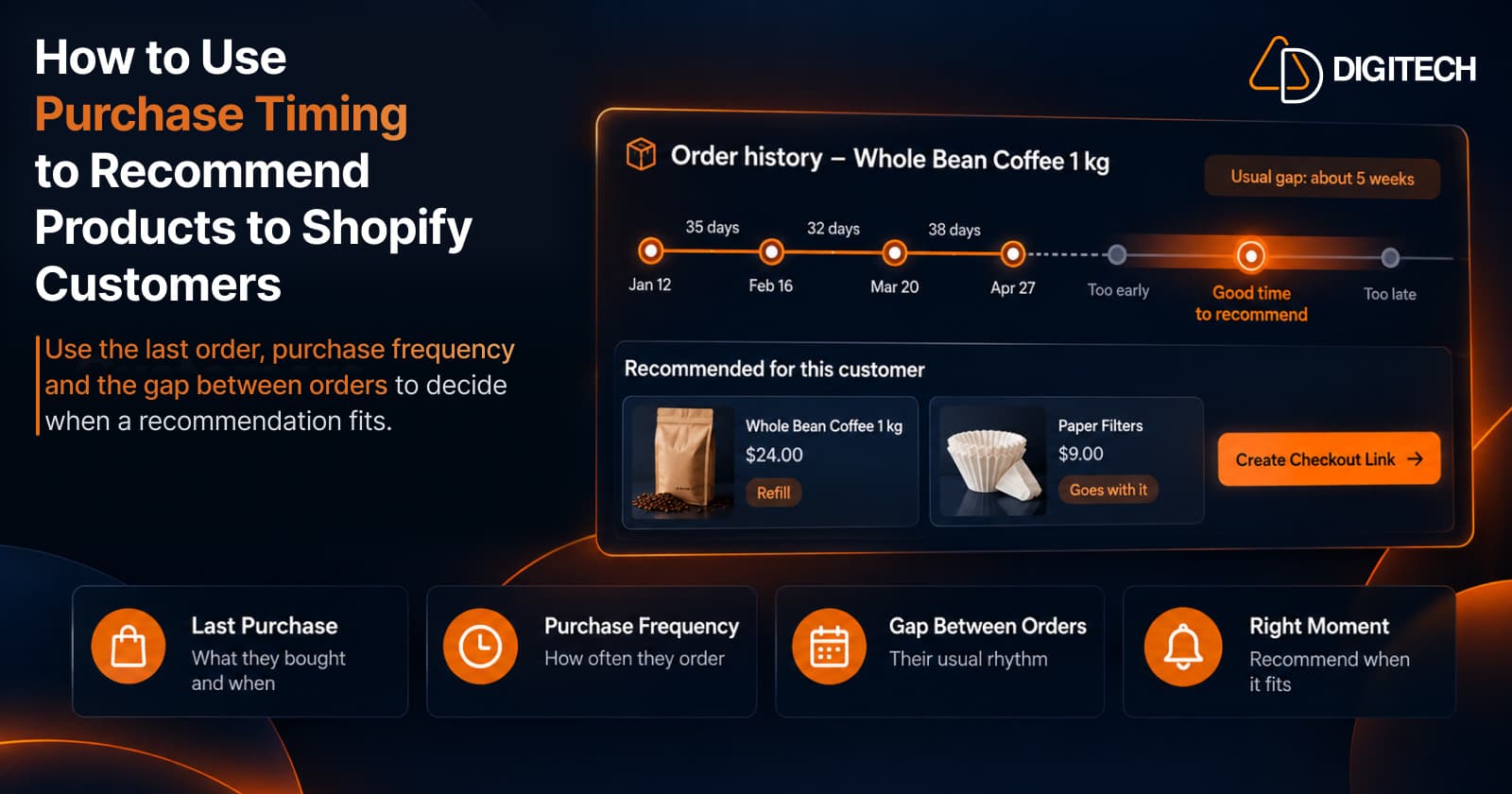
Here is one customer's history for a coffee product:
| Order | Date | Gap since previous order |
|---|---|---|
| 1 | January 12 | — |
| 2 | February 16 | 35 days |
| 3 | March 20 | 32 days |
| 4 | April 27 | 38 days |
The gaps are close to each other, at roughly five weeks. That's a clear pattern. If the last order was April 27, a replenishment recommendation makes more sense toward the end of May than in the first week of May.
Now a second customer, whose gaps were 21 days, then 98 days, then 42 days. There's no reliable rhythm there, and inventing one would be a mistake.
Gaps help you see whether a customer tends to return quickly, gradually or irregularly. Not every customer has a predictable cycle. Some show clearer patterns than others, and a pattern drawn from two orders is much weaker than one drawn from six.
Different Products Need Different Timing
The type of follow-up purchase changes what "the right time" means.
| Purchase type | Examples | What usually drives the timing |
|---|---|---|
| Replenishment of a consumable | Supplements, coffee, skincare, pet supplies, food, household consumables | The previous purchase, the quantity bought, and the customer's own reorder history |
| Complementary product | Camera → memory card, bike → lights, sofa → care products, shoes → accessories | The main purchase. Often relevant sooner than a replenishment |
| Replacement | Equipment, electronics accessories, wearable products | Product lifespan and how the customer uses it |
| New category or expansion | A customer who buys coffee later trying brewing equipment | How settled the customer is in the first category |
These are examples, not universal rules. A care product may suit one customer straight away and another only after months of use. Your own order data is a better guide than any general timeline.
Don't Recommend Too Early
Early recommendations are the most common timing mistake. They include:
- Recommending a replenishment immediately, before the customer could have used what they bought.
- Ignoring what the customer just purchased, including the quantity.
- Recommending something they already own.
- Treating every customer the same, regardless of how often each one buys.
- Assuming every product follows the same purchase cycle.
An early recommendation costs more than a missed sale. It tells the customer you haven't looked at their order.
Don't Wait Until the Opportunity Is Gone
Waiting too long has its own cost. An accessory matters most when the customer starts using the main product. A refill matters before they run out, not weeks after.
Signals that a customer may be becoming relevant for another purchase:
- The time since their last order is approaching their usual gap.
- They bought a main product recently, and its accessories weren't in the order.
- A product they own is reaching the age at which customers in your store tend to replace it.
None of these means a purchase will follow. They mean the recommendation is more likely to be useful now than at another time.
Combine Timing With Product Relationships
Timing alone doesn't tell you what to recommend. Product relationships answer that part.
Say a customer bought a camera five days ago. Related products include a memory card, a camera bag, a tripod and a lens. Timing helps sort them:
- Memory card and camera bag: useful straight away, if they weren't in the original order.
- Tripod: depends on how the customer uses the camera, so it may fit a little later.
- Lens: usually a later purchase, once they know what the kit lens can't do.
The question becomes: what should this customer buy next, and when does it make sense? Our guide to recommending complementary products covers the relationship side in detail.
Combine Timing With Customer Context
Timing is one layer. The others still apply:
- Previous purchases and the categories they fall into
- Products the customer already owns
- Price range
- Purchase frequency and recency
- Product relationships
- Anything specific to this customer's history
The goal isn't a complicated scoring system. It's a more relevant decision made from information you already have. For the product-fit checks, see how to choose the right products for each Shopify customer.
A Practical 10-Step Framework
- Select an existing customer.
- Review their previous orders, with dates.
- Identify the most recent purchase: product, quantity and date.
- Review the time between previous orders.
- Look for a repeat purchase pattern. If there isn't one, don't force it.
- Identify products related to previous purchases.
- Remove products the customer already owns.
- Consider the customer's price range and product fit.
- Decide whether the timing makes the recommendation relevant now. If not, note when to look again.
- Build an easy-to-buy recommendation or basket. Several items can become a personalized bundle.
Step 9 is the one this article adds. A recommendation that passes every product check can still be set aside for later.
Manual Product Selection vs AI-Assisted Recommendations
The manual approach: the merchant reviews the customer's history, checks previous orders, thinks about timing, searches the catalogue, selects products and builds the recommendation. It works, and it takes time for each customer.
The AI-assisted approach: the customer's history provides the context, product relationships and timing help narrow the candidates, AI suggests possible options, and the merchant reviews and decides.
AI should assist the merchant, not replace merchant judgement. Timing in particular needs a person's read, because the data shows when orders happened, not why. The principle is: AI selects. Your data grounds it. You decide.
How Curivo Helps Shopify Merchants Use Customer Timing
Curivo is a personalized customer recommendation tool for Shopify. The workflow:
- Select a customer.
- Review their purchase history and customer context.
- Consider what they bought and when.
- Build a basket yourself, or ask Curivo to suggest four options.
- Review and edit the recommendation.
- Optionally apply a discount, an expiry or a single-use setting.
- Create a draft order with a direct checkout link.
- Send the ready-to-buy basket to the customer yourself.
- Track recommendation activity and revenue attribution, where supported.
Curivo doesn't send recommendations automatically based on timing. You decide when a customer is ready, and you send the link through whichever channel you already use. Curivo is available on the Shopify App Store.
Customer → Timing → Product → Basket → Revenue
Put together, the sequence looks like this:
- Customer
- Purchase history
- Timing signals
- Relevant products
- Personalized basket
- Direct checkout
- Measurable revenue
Each step narrows the one after it. History tells you about the customer, timing tells you whether now is sensible, and relevance tells you what to offer. The basket and checkout link make it easy to act on, and attribution shows what happened. That's what personal, buyable and measurable means in practice.
Common Mistakes When Using Purchase Timing
- Treating timing as a fixed rule.
- Using one timing rule for every customer.
- Ignoring the latest purchase.
- Ignoring purchase frequency.
- Recommending products the customer already owns.
- Ignoring product relationships.
- Recommending too many products.
- Sending recommendations that aren't easy to buy.
- Assuming a recommendation will always lead to a purchase.
- Reading timing from too little history. One or two orders rarely show a pattern.
Conclusion
The goal isn't to recommend more products. It's to recommend a relevant product when the context makes sense.
For existing customers, purchase timing adds another layer to purchase history and product relationships. The last order, the gaps between orders and the type of product all help you judge whether now is the right moment, or whether to wait. Curivo is built for that kind of decision: you review one customer's history, decide what fits and when, and send a basket they can buy.
Frequently asked questions
Why does purchase timing matter for Shopify product recommendations?
Because a relevant product can still be a poor recommendation at the wrong moment. A refill offered right after a customer stocked up, or an accessory offered long after they needed it, is less useful than the same product offered when it fits their situation.
How can Shopify merchants identify a customer's purchase pattern?
Look at the dates of the customer's previous orders and the time between them, not only the number of orders. Some customers show a steady gap between purchases, and others buy irregularly, in which case there's no pattern to rely on.
Should every customer receive recommendations at the same time?
No. Customers buy at different rhythms, and products have different buying cycles. A timing rule that suits a frequent buyer of a consumable won't suit an occasional buyer of a durable product.
How does purchase frequency affect product recommendations?
A customer who orders often gives you more history to read and shorter gaps between purchases, so timing can be judged more closely. For an occasional buyer, there's less evidence, and what they bought matters more than when.
Can purchase history help determine when to recommend a product?
Yes, as a signal. The last order date, the products and quantities bought, and the gaps between earlier orders all suggest when a follow-up may be relevant. It's a guide to check, not a guarantee.
How can merchants combine purchase timing with complementary products?
Product relationships tell you what could go with a purchase, and timing tells you which of those makes sense now. Accessories often fit soon after the main purchase, while refills, care products and upgrades usually fit later.
Can Curivo use customer purchase history to help build recommendations?
Yes. In Curivo you select a customer, review their purchase history, and either build a basket yourself or ask Curivo to suggest four options grounded in your product and customer data. You review and edit it before creating a checkout link. Curivo doesn't send recommendations automatically.
Turn Customer History Into Your Next Sale
See how Curivo helps Shopify merchants turn customer purchase history into personalized recommendations, ready-to-buy baskets, and measurable revenue.
Related reading
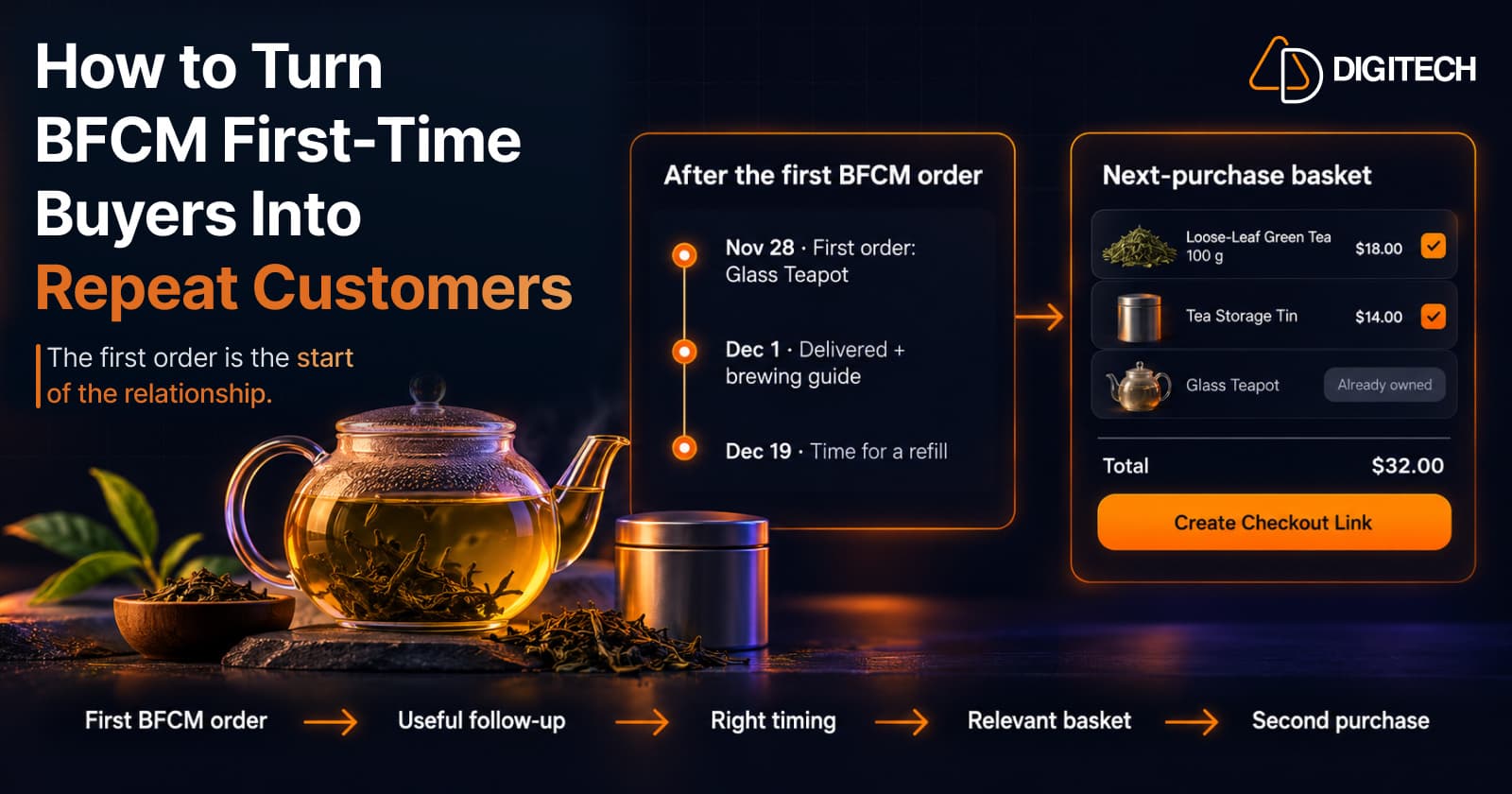
How to Turn BFCM First-Time Buyers Into Repeat Customers
A first BFCM order is the start of a customer relationship. Here's how to follow up with first-time buyers so a relevant second purchase becomes more likely.
Read article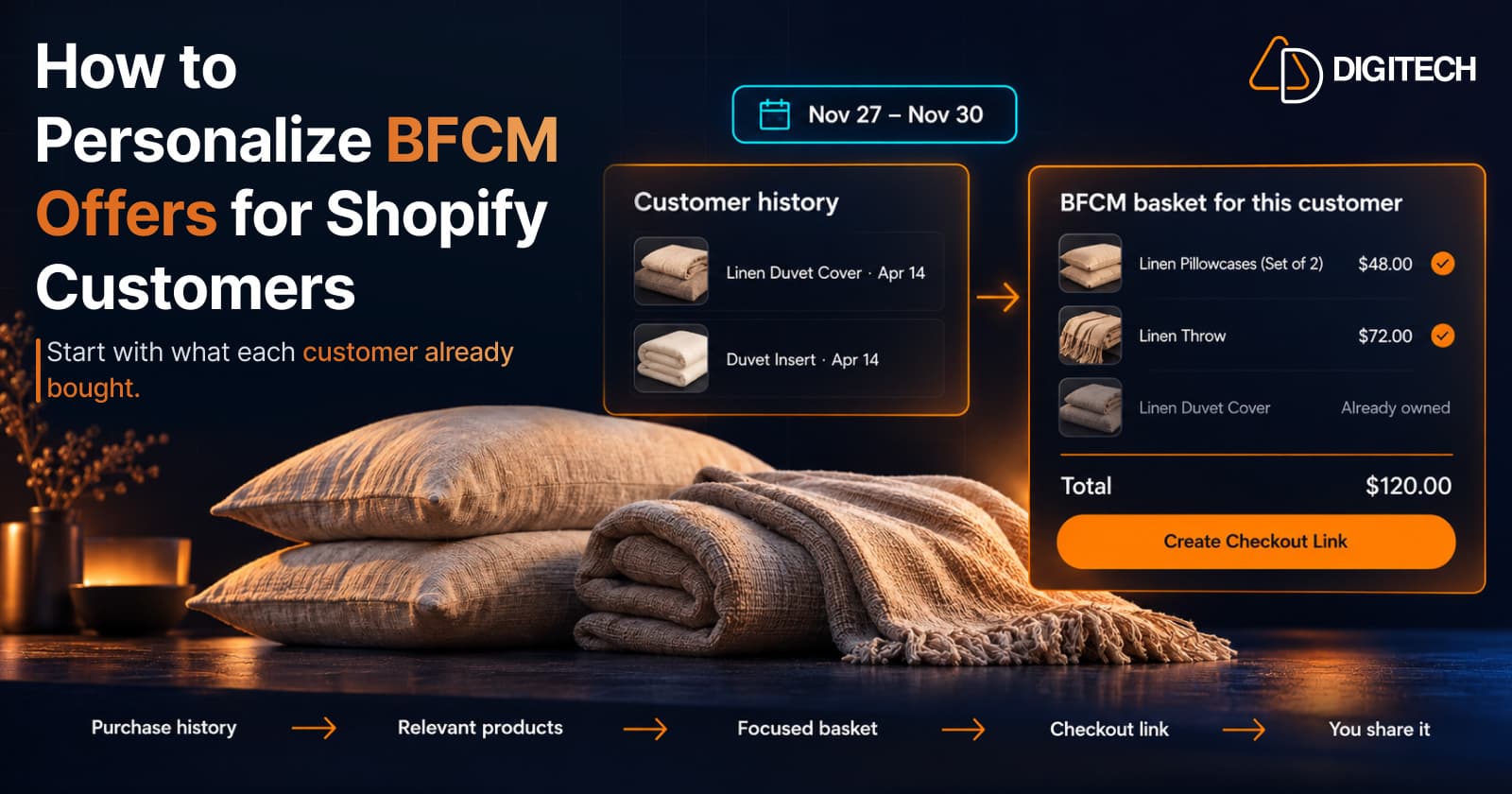
How to Personalize BFCM Offers for Shopify Customers
Use Shopify customer purchase history to build relevant BFCM offers for existing customers: what to check, five ways to personalize, and how to measure it.
Read article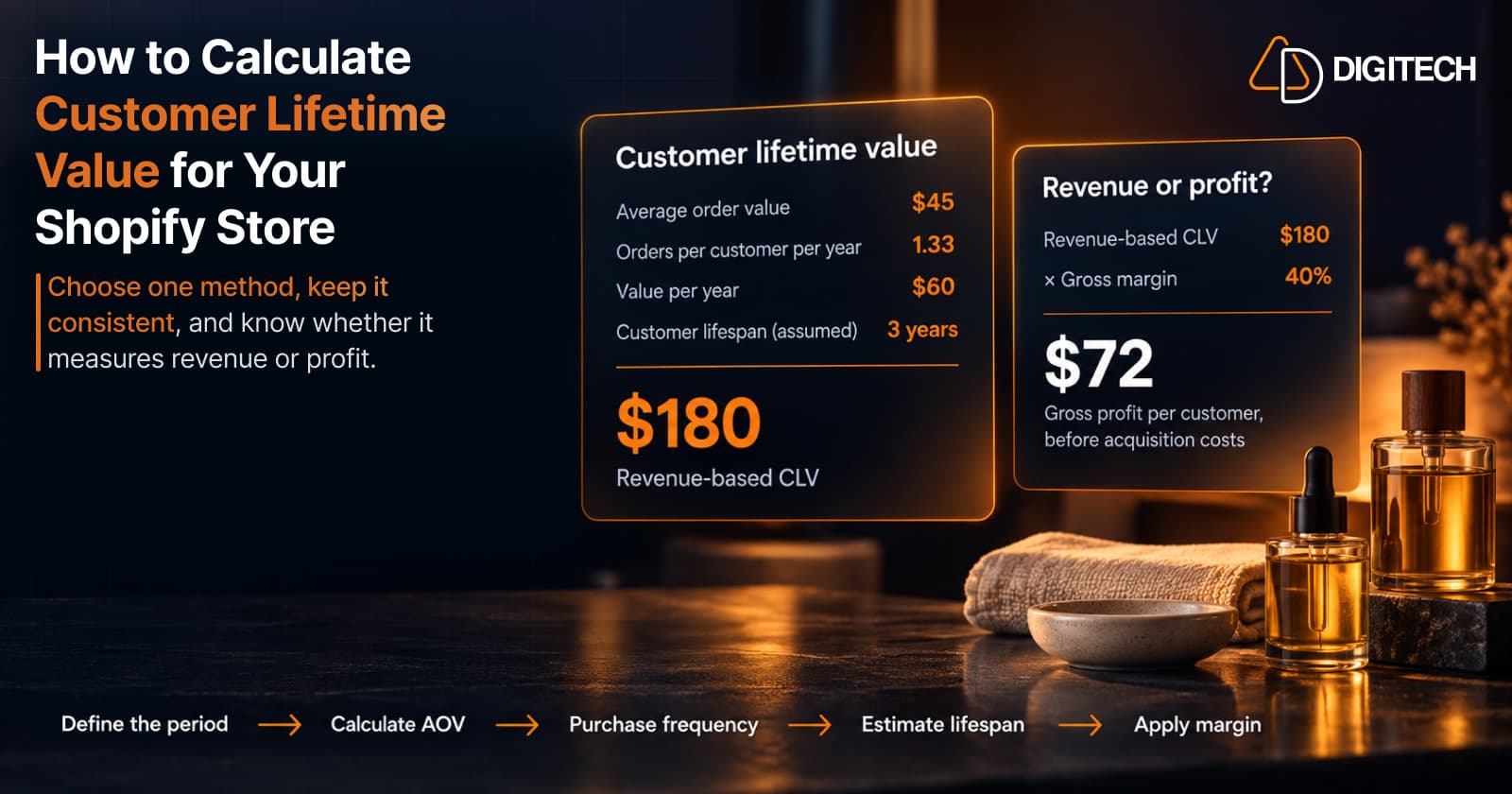
How to Calculate Customer Lifetime Value for Your Shopify Store
Learn how to calculate customer lifetime value for a Shopify store, choose between revenue and profit-based CLV, find the data in Shopify, and avoid common mistakes.
Read article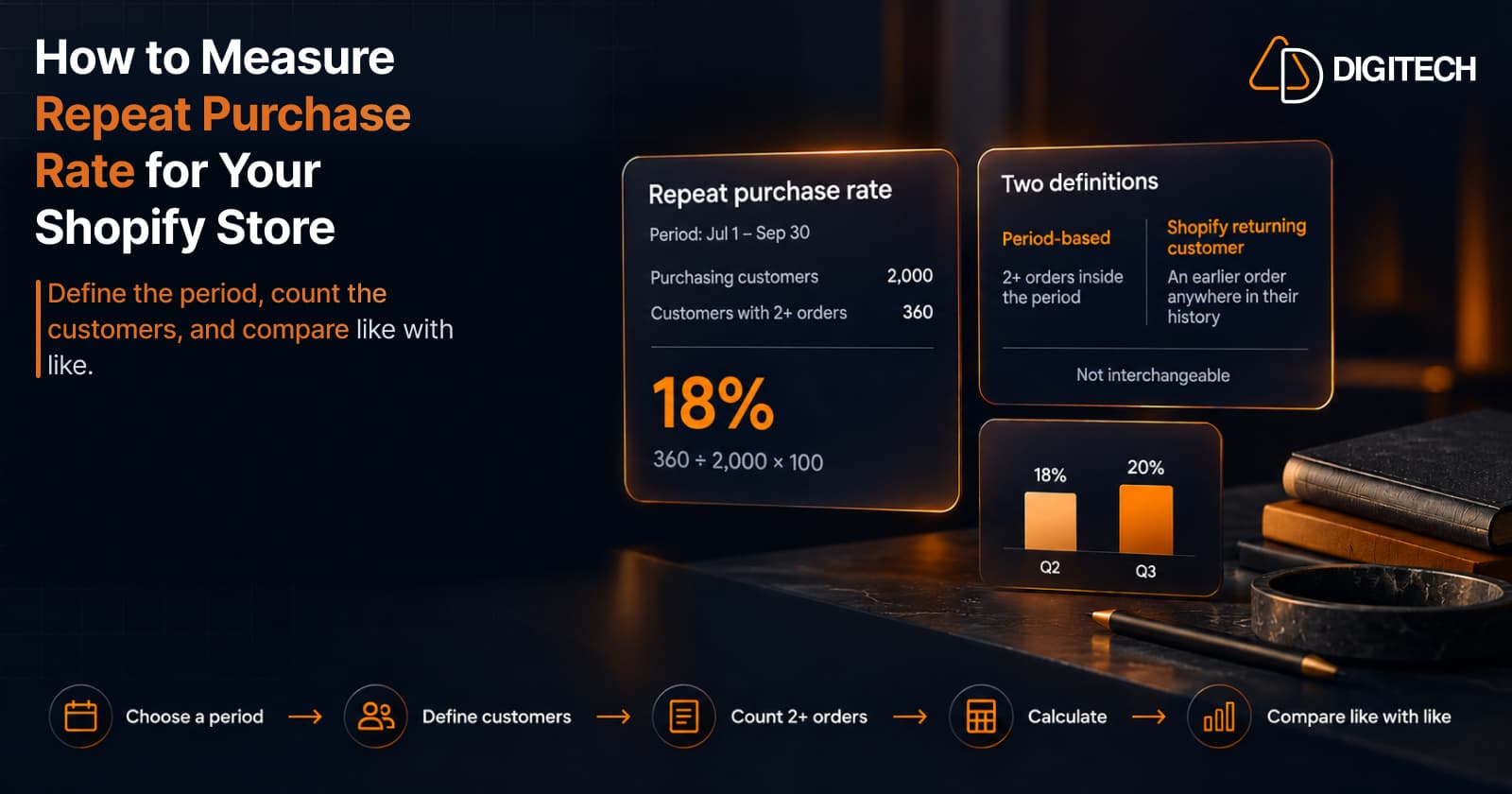
How to Measure Repeat Purchase Rate for Your Shopify Store
Learn how to calculate repeat purchase rate for a Shopify store, choose the right period and customer population, read the result carefully, and track the related retention metrics.
Read article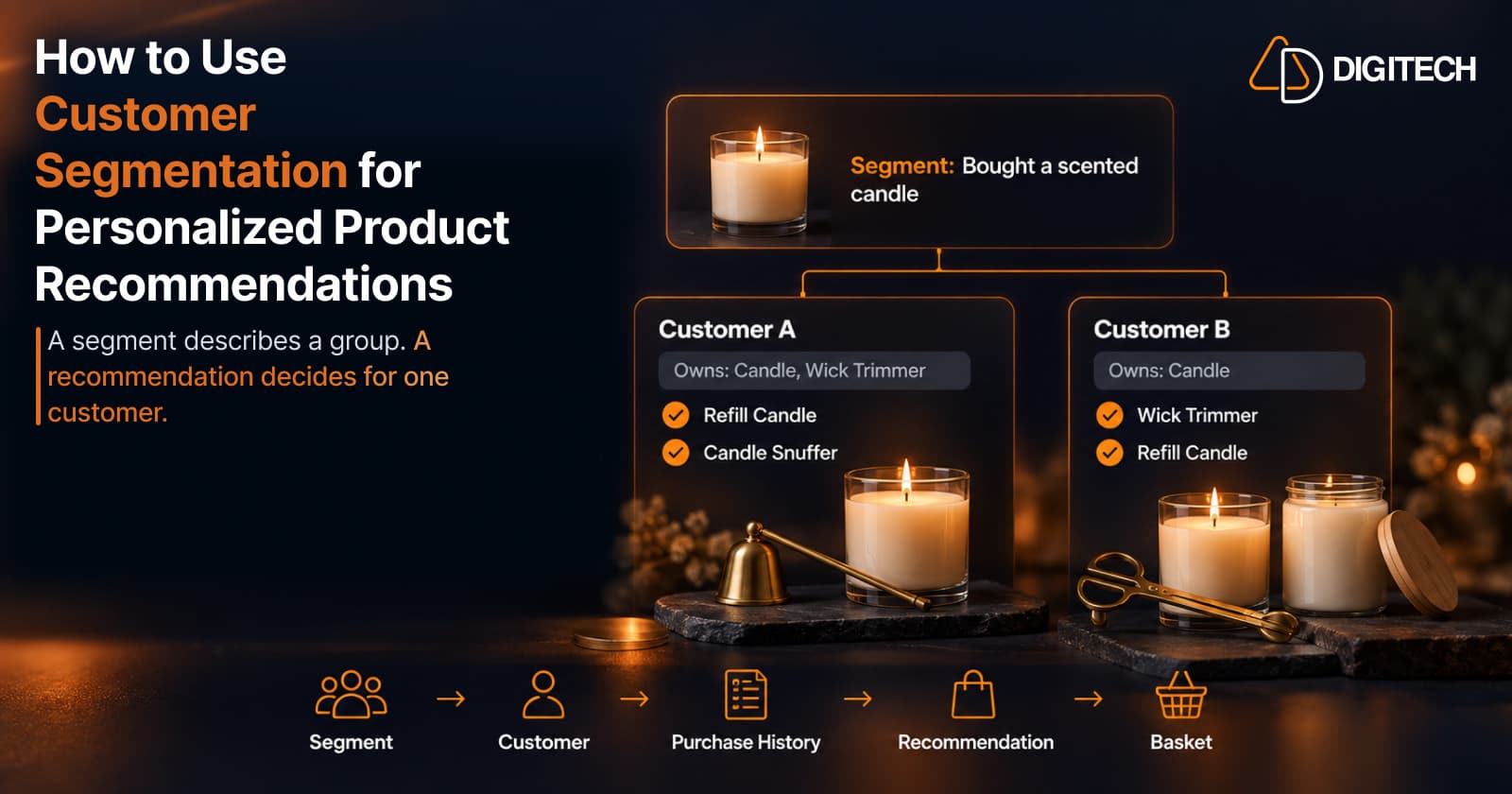
How to Use Customer Segmentation for Personalized Product Recommendations on Shopify
Learn how to use Shopify customer segments to make product recommendations more relevant, and how to turn a segment-level insight into a recommendation for one customer.
Read article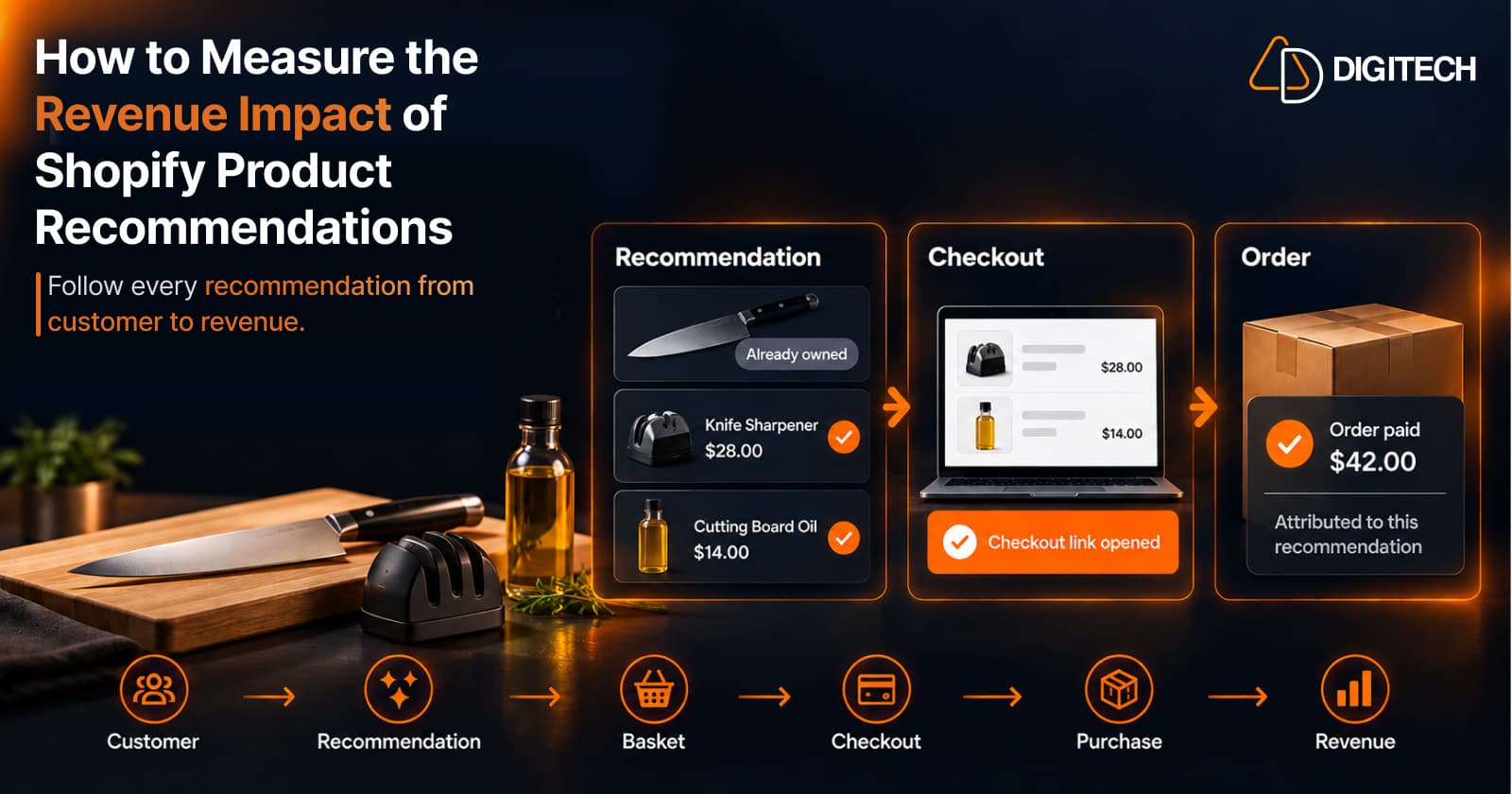
How to Measure the Revenue Impact of Shopify Product Recommendations
Learn how Shopify merchants can measure product recommendation performance, track checkout activity, attribute revenue, and improve personalized recommendations.
Read article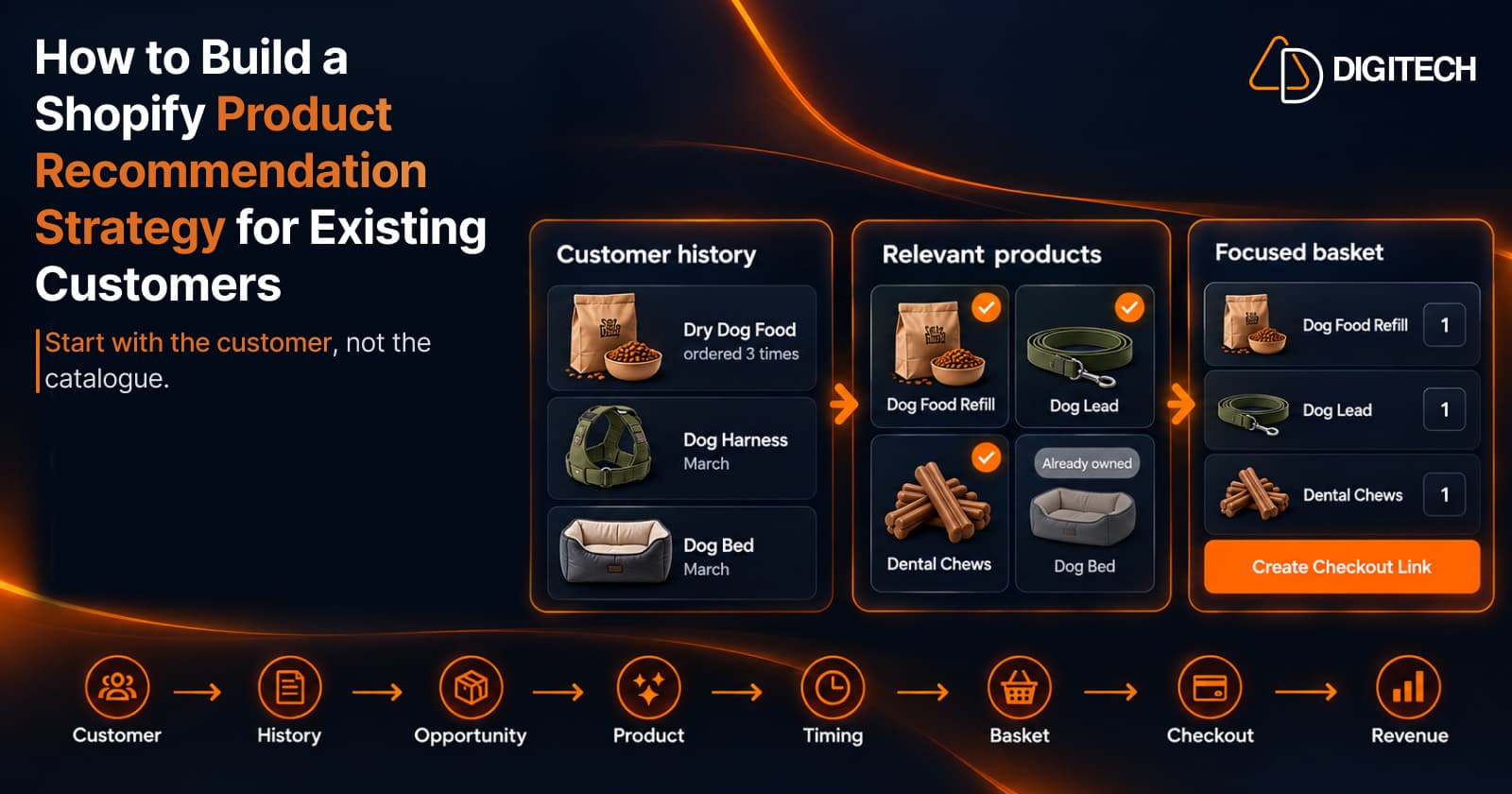
How to Build a Shopify Product Recommendation Strategy for Existing Customers
Learn how to build a Shopify product recommendation strategy using customer history, product relationships, timing, and personalized recommendations.
Read article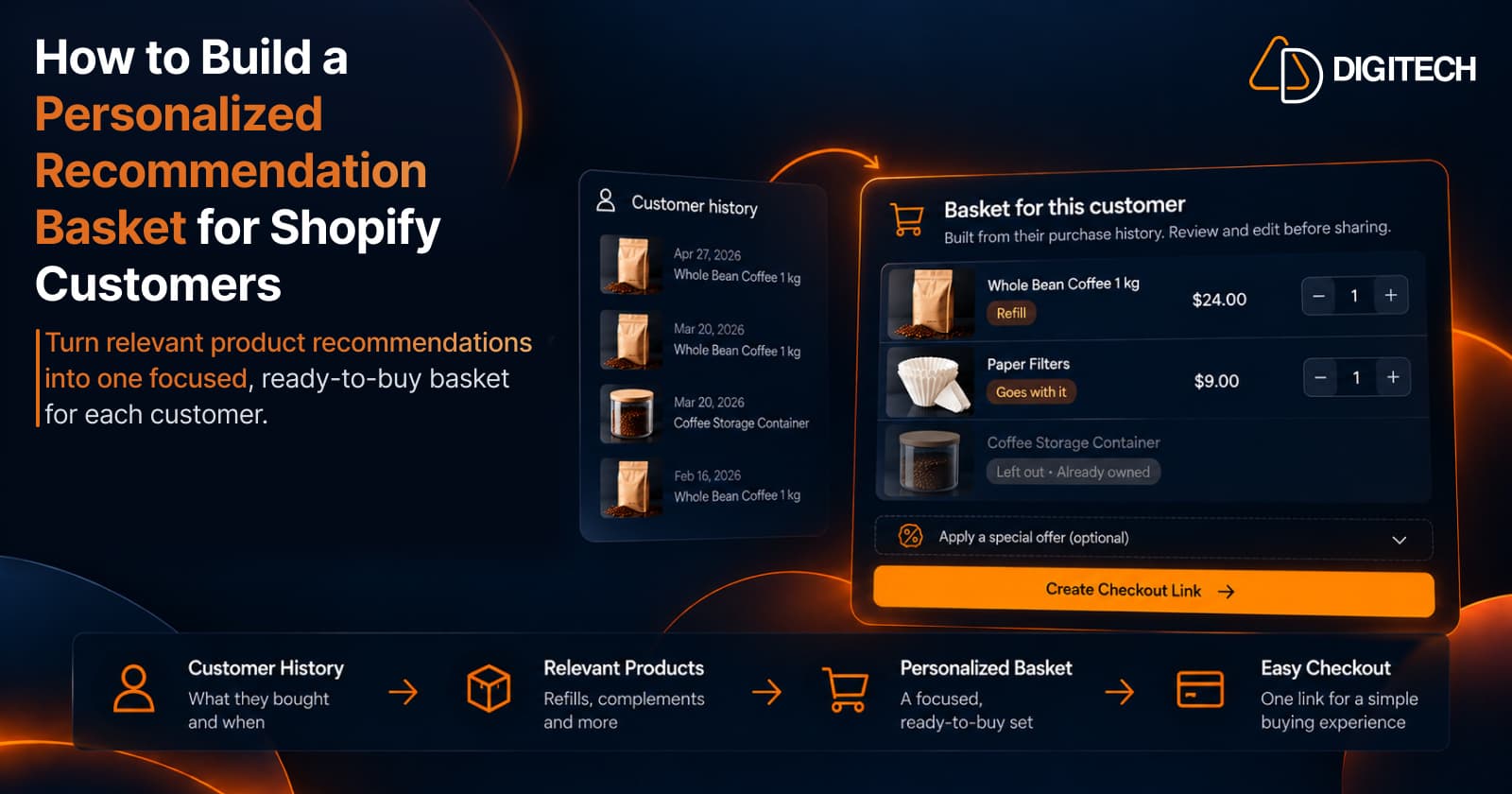
How to Build a Personalized Recommendation Basket for Shopify Customers
Learn how Shopify merchants can build personalized recommendation baskets using customer history, product relationships, timing, and product fit.
Read article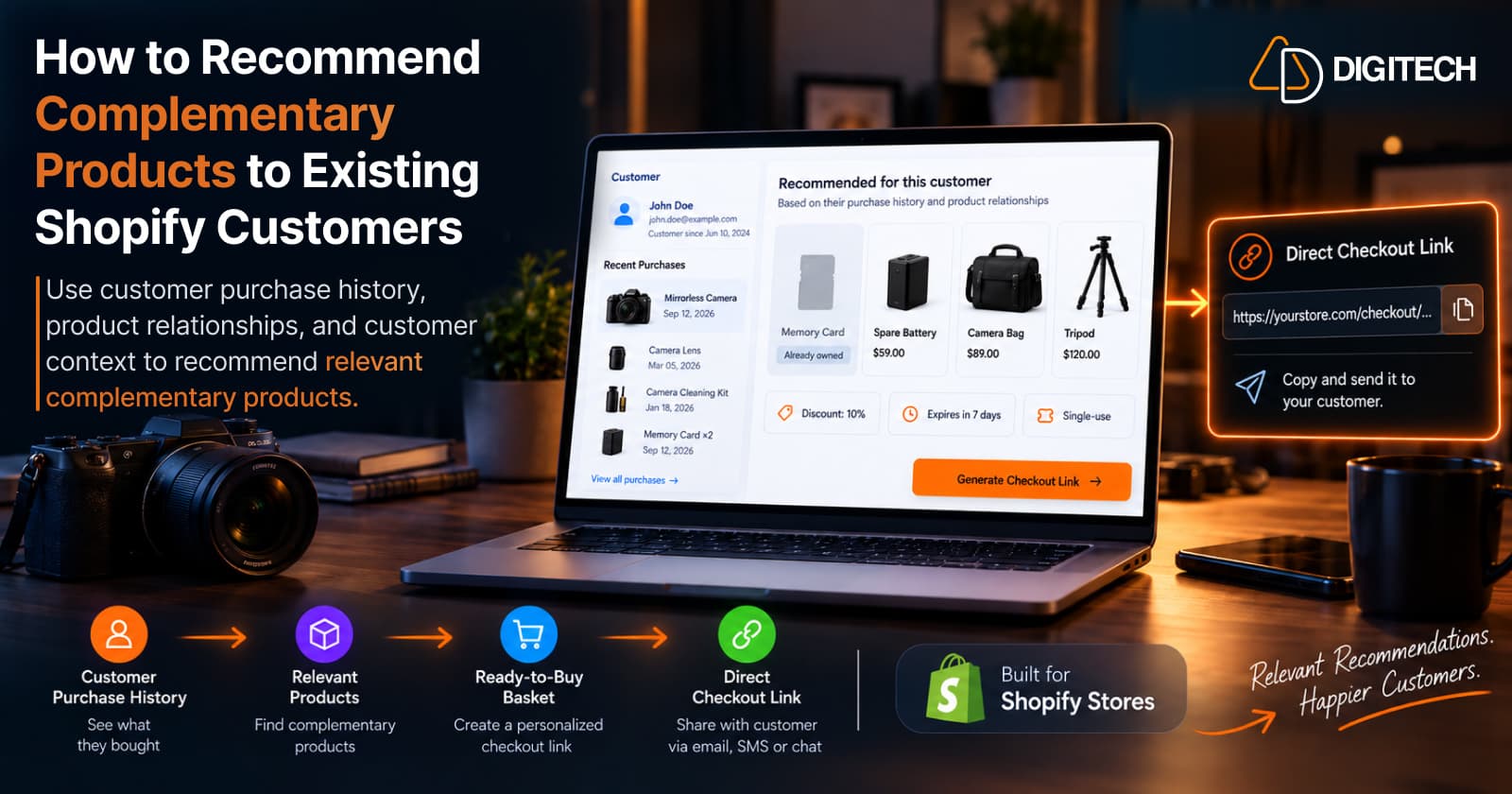
How to Recommend Complementary Products to Existing Shopify Customers
Learn how to recommend complementary products to existing Shopify customers using purchase history, product relationships, timing, and customer context.
Read article