How to Automate Personalized Product Recommendations After Order Delivery on Shopify
Automate post-delivery product recommendations on Shopify: delivery triggers, wait periods, consent, previews, queues and tracking sent or skipped offers.
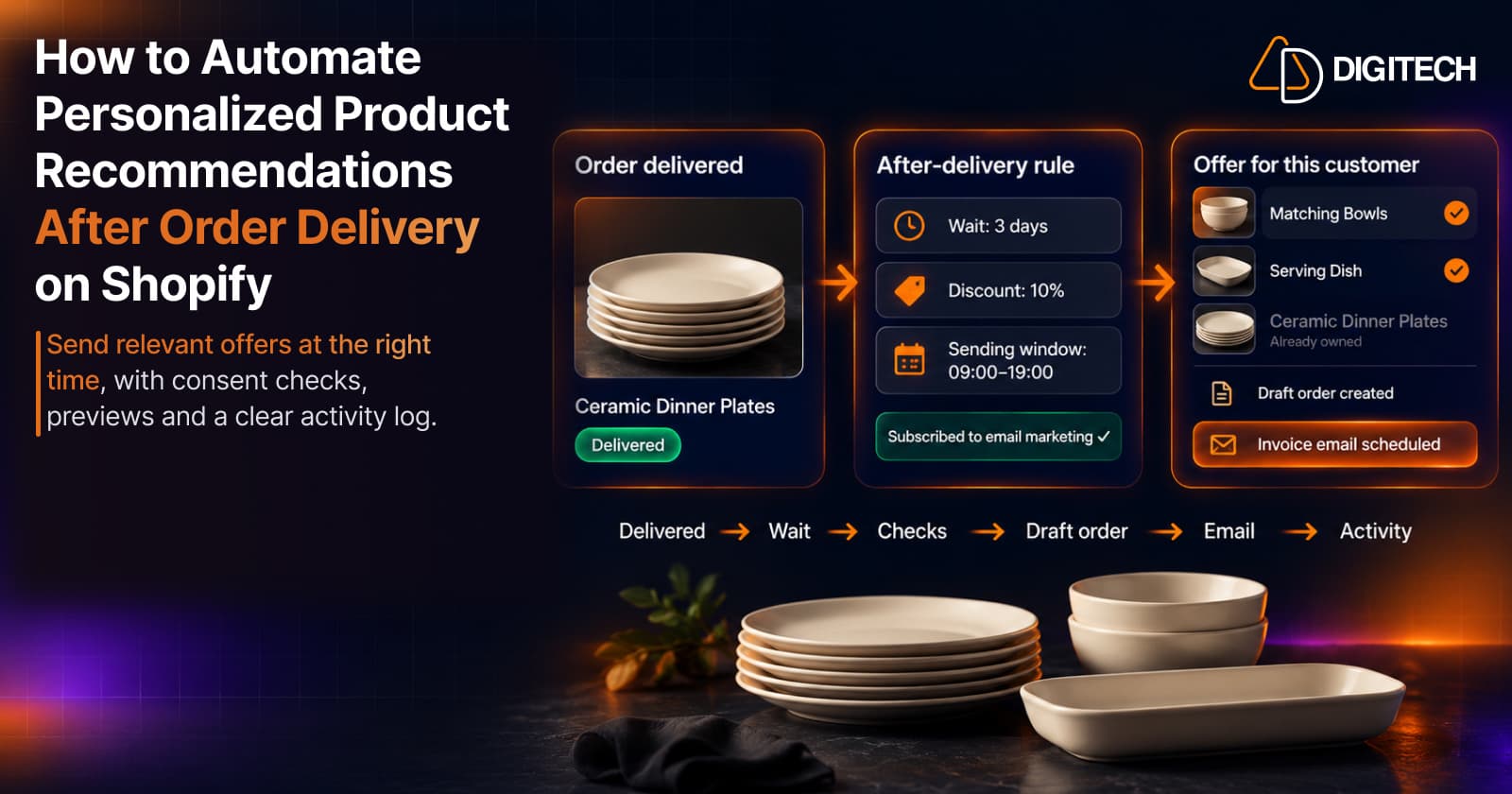
Recommending the right next product after an order arrives is one of the more useful things a store can do for an existing customer. It's also easy to let slide. Someone has to notice the delivery, look at what the customer bought, pick products that go with it, build an offer and send it at a sensible time. For a handful of orders a week, that's manageable by hand. For hundreds, it usually doesn't happen.
This guide covers how to automate that post-purchase follow-up on Shopify: what "delivered" means, how a post-delivery rule works, and how to check it before and after it runs.
Why Post-Delivery Product Recommendations Matter
The days after delivery are a natural point for a relevant suggestion: the customer has the product in hand, so a recommendation can be about using it. Three kinds tend to fit:
- Complements: products that go with what was just delivered.
- Replenishment: consumables that will run out, though these usually need a longer wait.
- Next purchase: the logical next step in a category the customer is clearly into.
That doesn't mean every customer is ready to buy again straight after delivery. Some are still deciding whether they like what they bought, and some bought a gift, so timing, eligibility and relevance matter more than the automation itself. For more on timing, see our guide to using purchase timing to recommend products.
Manual vs Automated Product Recommendations
| Manual | Automated | |
|---|---|---|
| Who decides | You, for each customer | Rules you set once, applied to every matching order |
| Best for | High-value customers, unusual orders, B2B | Repeatable post-delivery follow-ups at volume |
| Effort | Time per customer | Setup time, then monitoring |
| Control | You see every basket before it's shared | You control the rules and can review previews, the queue and activity |
| Risk | Follow-ups are missed when the team is busy | A poor rule repeats the same mistake for every order |
They aren't either/or: automate the routine follow-up and keep building baskets by hand for customers who deserve a closer look. Our guide to building a personalized recommendation basket covers the manual side.
When to use automation
Automation is worth it when the same follow-up keeps coming up: many orders a week for products with obvious complements, a team that can't review every delivery by hand, and shipping that reliably reports delivery. Keep it manual for high-value or unusual orders, wholesale customers, and products where the right next step depends on a conversation.
How Post-Delivery Recommendation Automation Works
Here's the general flow. The exact steps depend on your tool.
- The order is delivered. The rule starts from a delivered status, not from the order being created or fulfilled.
- A wait period passes, for example three days after delivery.
- Eligibility is checked. For example: the customer agreed to marketing and has an email address, the order wasn't cancelled or refunded, and the customer didn't already receive an offer recently.
- Products are selected from the customer's purchase history and your catalog.
- An offer is created. In Shopify, a natural way to do this is a draft order: a basket for one customer. Shopify can email a draft order's invoice, which includes a secure checkout link.
- The customer is contacted within the sending window you set.
- The outcome is recorded: sent, skipped or failed, and any order that follows.
Fulfilled is not delivered
This distinction matters for any delivery-based rule. In Shopify, an order is fulfilled when you fulfill and ship the items. It's delivered when the shipment reaches the customer, which Shopify generally knows from carrier tracking, shown on the order status page as stages such as "On its way", "Out for delivery" and "Delivered".
Not every order gets a delivery update. If you ship without a tracking number, or with a carrier Shopify doesn't recognize, the order may stay at "On its way", and you'd need to mark it delivered yourself. Local delivery and pickup work differently again. Before you rely on a delivery trigger, check how your common shipping methods report delivery, or those orders may never trigger the rule.
Good automation tools let you decide what happens to those orders. Curivo, for example, can time a delivery rule from carrier tracking or from the shipping date plus a transit time, and when a carrier never reports delivery it either assumes the order arrived after a set number of days or skips it. For orders shipped in several packages, you choose whether the first package or every package counts.
How to Configure Personalized Automation Rules
Most post-delivery rules come down to five settings:
- Trigger: order delivered. Make sure your shipping setup produces delivery updates for the orders you want to include.
- Wait period. How long after delivery to wait. A few days suits complements; consumables usually need longer.
- Product strategy. What to recommend: what the customer may buy next, based on their purchase history.
- Discount. Optional, for example 10%. A relevant product at full price is often enough, and a discount on every follow-up trains customers to wait for one.
- Sending window. The days and hours offers can go out, so customers don't hear from you at 3 a.m. or on days your team can't answer questions.
How to Preview Automation Before Sending Offers
A preview runs your rule against recent orders and shows what would have happened: how many orders matched, which offers would have been sent, and which would have been skipped and why. It's a simulation. Nothing is created or sent, and real results can differ on new orders.
A high skip rate isn't necessarily bad; it often means the eligibility checks are working. If almost every order is skipped for the same reason, though, fix the rule or your store data before you turn it on.
How to Manage Scheduled Offers
Once a rule is active, a queue shows the offers waiting to go out: the customer, the rule, when it's due and the likely basket. Check it often in the first weeks; it's the last chance to catch a problem, such as an offer due on a holiday when your team is away. Queued offers aren't final, because eligibility and stock can change before the send time.
How to Track Sent, Skipped and Failed Offers
An activity log records what actually happened: offers sent, skipped (with a reason) and failed (an error, such as a draft order that couldn't be created). Check failures first, since they usually point to a problem that will repeat, then skip reasons, then results. A sent offer isn't a sale, so measure what happens next: checkouts started, orders placed and revenue from those orders. Our guide to measuring the revenue impact of recommendations covers how.
Practical Shopify Store Examples
These examples are illustrative.
Fashion. A customer's wool coat is delivered. A few days later, a scarf and gloves in a matching colour make sense: they go with the coat and the weather that made them buy it. Another coat doesn't.
Skincare. A customer buys a cleanser and a serum. A moisturizer a few days after delivery completes the routine. A cleanser refill belongs in a later offer, closer to when the bottle runs low.
Home and lifestyle. A customer's ceramic dinner plates are delivered. Matching bowls or serving dishes from the same range are a natural next step; a second set of the same plates usually isn't.
In each case, the recommendation follows from what was delivered and what the customer doesn't already own. For more on choosing complements, see recommending complementary products.
Common Automation Mistakes to Avoid
- Sending too often. Limit how often one customer can receive an offer, especially around busy periods when they're already getting order emails.
- Recommending irrelevant products. A rule that ignores what was bought sends generic offers at scale.
- Ignoring marketing consent. Shopify's guidance is to send promotional content only to customers who agreed to receive marketing from your store, and complying with the laws that apply to you is your responsibility.
- Confusing fulfillment with delivery. Triggering on fulfillment can send an offer before the product arrives.
- Offering out-of-stock products. Check stock when the offer is built, not only when it's scheduled.
- Applying discounts by default. Use them where they help, not on every follow-up.
- Ignoring skipped and failed activity. These are early warnings that a rule or your data needs fixing.
- Forgetting returns and gifts. A returned order, or a gift sent to someone else, is a poor basis for a "goes with what you bought" offer. See what to recommend after a returned or exchanged order and after a gift purchase.
How Curivo Helps Automate Personalized Product Recommendations
Curivo helps Shopify merchants recommend what each customer should buy next, based on their purchase history. It now offers two ways to work.
Manual recommendations (unchanged). Pick a customer, build a basket yourself or choose from four AI-generated options, review and edit it, and share the checkout link however you like.
Automated offers. You create a rule with a trigger (order delivered, or order created), a wait time, how products are chosen (by rules or with AI), an optional discount, a sending window, and optional conditions such as order value, specific products or collections, or customer tags.
When an offer is due, Curivo checks it again before doing anything:
- The order is still valid: not cancelled, refunded or a test.
- The customer is subscribed to email marketing and has a valid email address.
- The order still meets the rule's conditions.
- The customer hasn't received an automated offer within the repeat window (30 days by default).
- It's inside the sending window (09:00–19:00 store time by default, on the days you choose).
If the offer passes, Curivo builds a basket from in-stock, published products the customer doesn't already own, creates a Shopify draft order with your discount, and sends Shopify's draft order invoice email with your subject and message. The invoice includes a secure checkout link. If you'd rather check each one first, a rule can hold drafts for review so you send or delete them yourself.
Around that, Curivo gives you:
- Rehearsal. A new rule runs in rehearsal for at least 24 hours before it goes live, and you can replay the last seven days of orders against it. The preview shows counts, skip reasons and examples. Rehearsal creates nothing in Shopify and uses no AI.
- Queue. Upcoming offers with their likely basket. You can cancel one or all of them.
- Activity. Sent, skipped (with the reason) and failed offers, with a CSV export.
- Cleanup. Unpaid automated draft orders are deleted after seven days by default.
- Attribution. An order paid from a Curivo draft is linked back to its offer.
AI suggestions are a starting point, not a guarantee of a match, and automation doesn't guarantee a sale. You don't need automation to use Curivo. Automation needs a paid plan: Starter allows one active rule and Growth four, and the Free plan covers manual baskets. An automated offer uses an AI generation only when the rule chooses products with AI.
Conclusion
Automating post-delivery recommendations is about sending the right offer at a sensible time without relying on someone to remember. Start with one clear case, such as complements a few days after delivery. Check that your shipping reports delivery, respect marketing consent, preview the rule, watch the queue and tune it from the activity log.
If you'd like to try it, Curivo is available on the Shopify App Store with a free plan, and automation on its paid plans.
Frequently asked questions
What's the difference between a fulfilled order and a delivered order on Shopify?
Fulfilled means you've fulfilled and shipped the items. Delivered means the shipment reached the customer, which Shopify usually knows from carrier tracking. An order shipped without a tracking number doesn't get carrier updates, so it may never show as delivered unless you mark it delivered yourself.
How long should I wait after delivery before sending a recommendation?
It depends on the product. A few days gives the customer time to use what they bought, which suits accessories and complements. Consumables usually need a longer wait, closer to when they'll run low. Start with a short wait for complements, review the results in your activity log, and adjust.
Do I need marketing consent to send post-delivery offers?
A personalized offer with a discount is promotional, so treat it as marketing. Shopify's guidance is to send promotional content only to customers who agreed to receive marketing from your store, and you're responsible for complying with the laws that apply to you. Check how your automation tool handles consent before you turn it on. Curivo sends automated offers only to customers subscribed to email marketing and skips everyone else.
Do I need automation to use Curivo?
No. The manual workflow works as before: pick a customer, build a basket yourself or choose from four AI-generated options, review it and share the checkout link. Automation is an extra option on the Starter and Growth plans.
Will automated recommendations increase my sales?
Not guaranteed. Automation makes it practical to send relevant offers at a consistent time, but whether customers buy depends on the products, the timing and the offer. Track sent, skipped and failed offers and the orders that follow.
Turn Customer History Into Your Next Sale
See how Curivo helps Shopify merchants turn customer purchase history into personalized recommendations, ready-to-buy baskets, and measurable revenue.
Related reading
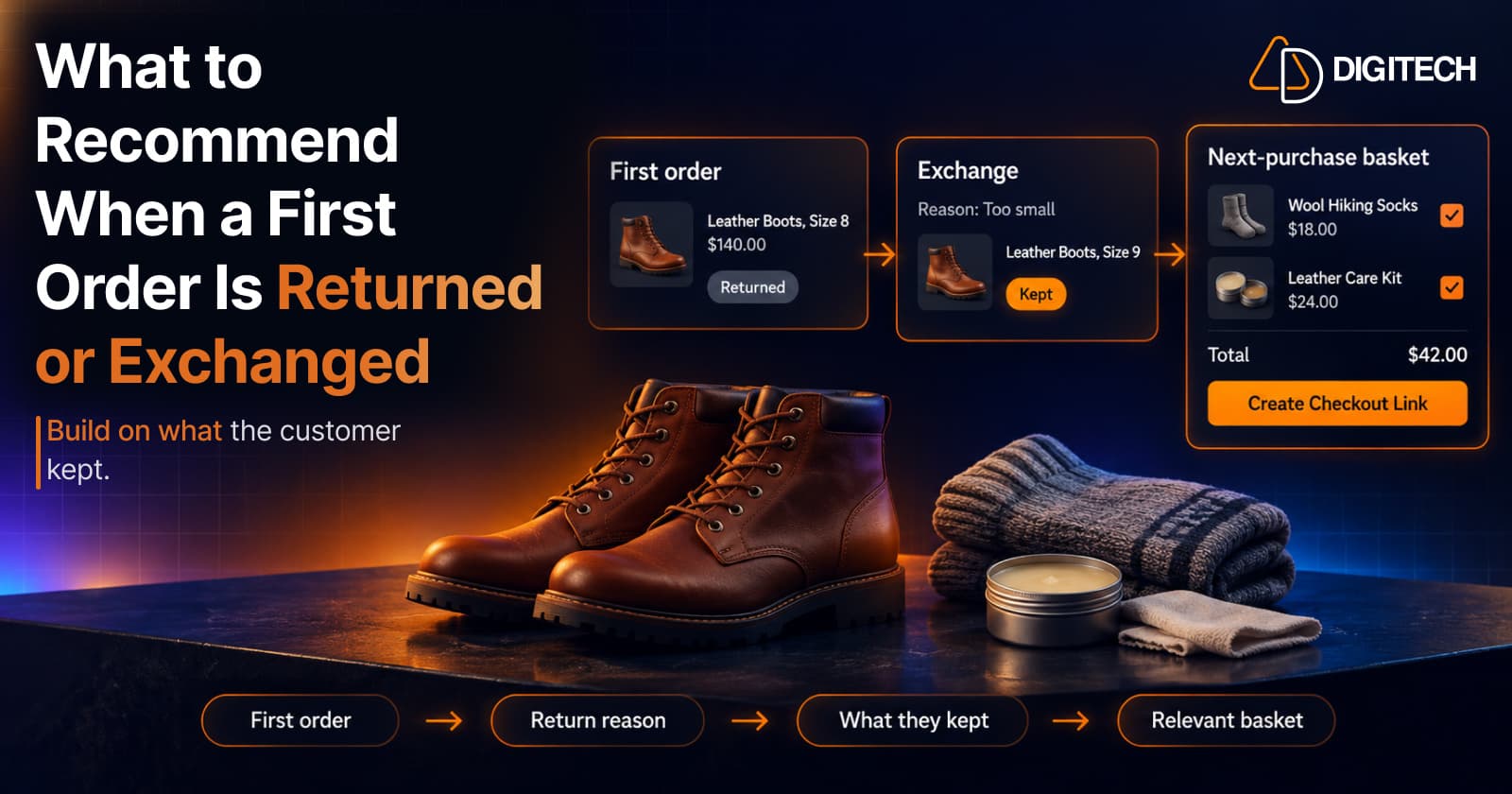
What to Recommend When a Customer's First Shopify Order Is Returned or Exchanged
A returned or exchanged first order changes what you know about a customer. Here's how Shopify merchants can read return reasons and recommend a relevant next product.
Read article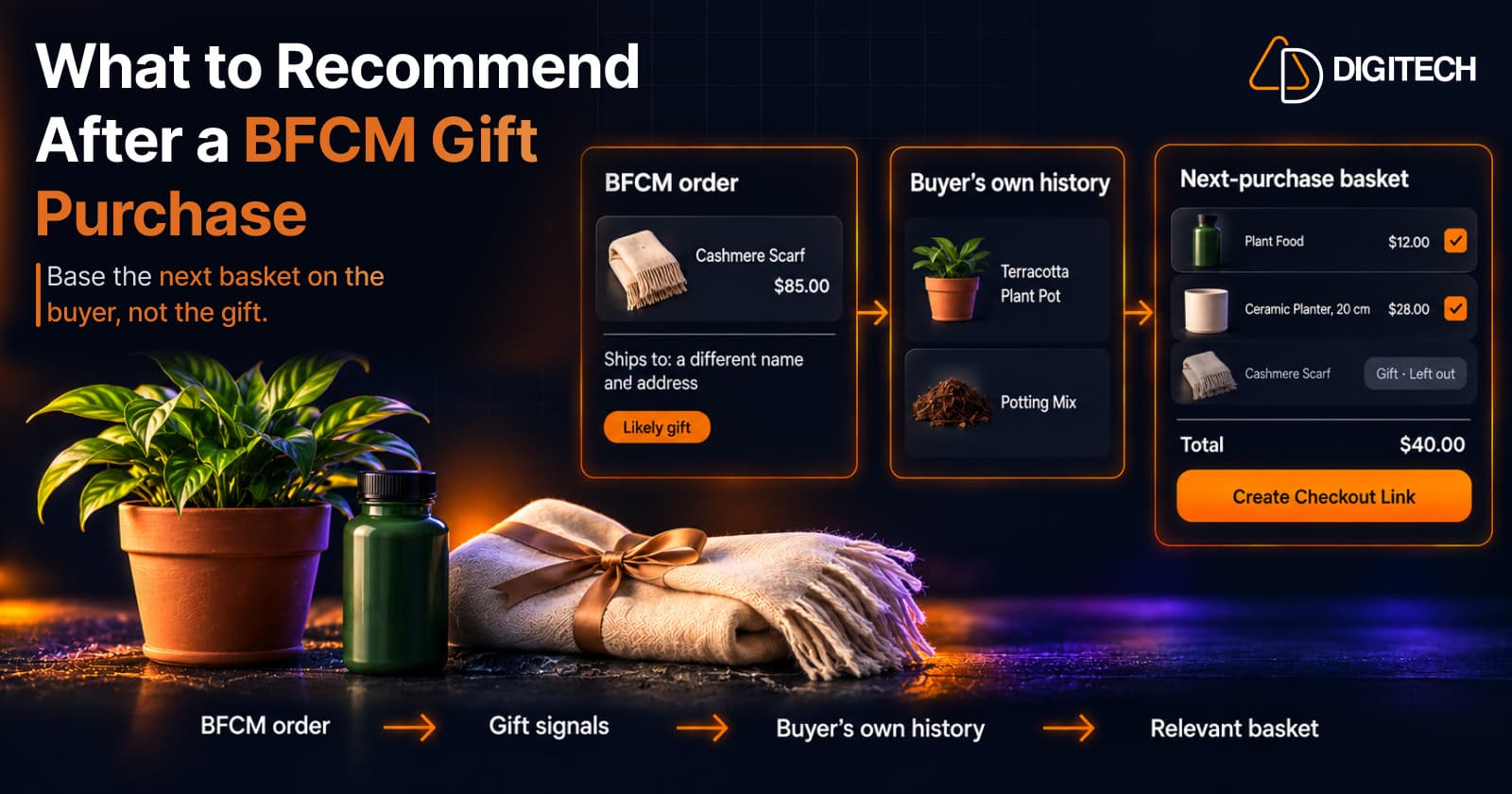
What to Recommend After a BFCM Gift Purchase: A Guide for Shopify Merchants
Some BFCM orders are gifts, which makes purchase history misleading. Here's how Shopify merchants can spot likely gift orders and recommend a relevant next product.
Read article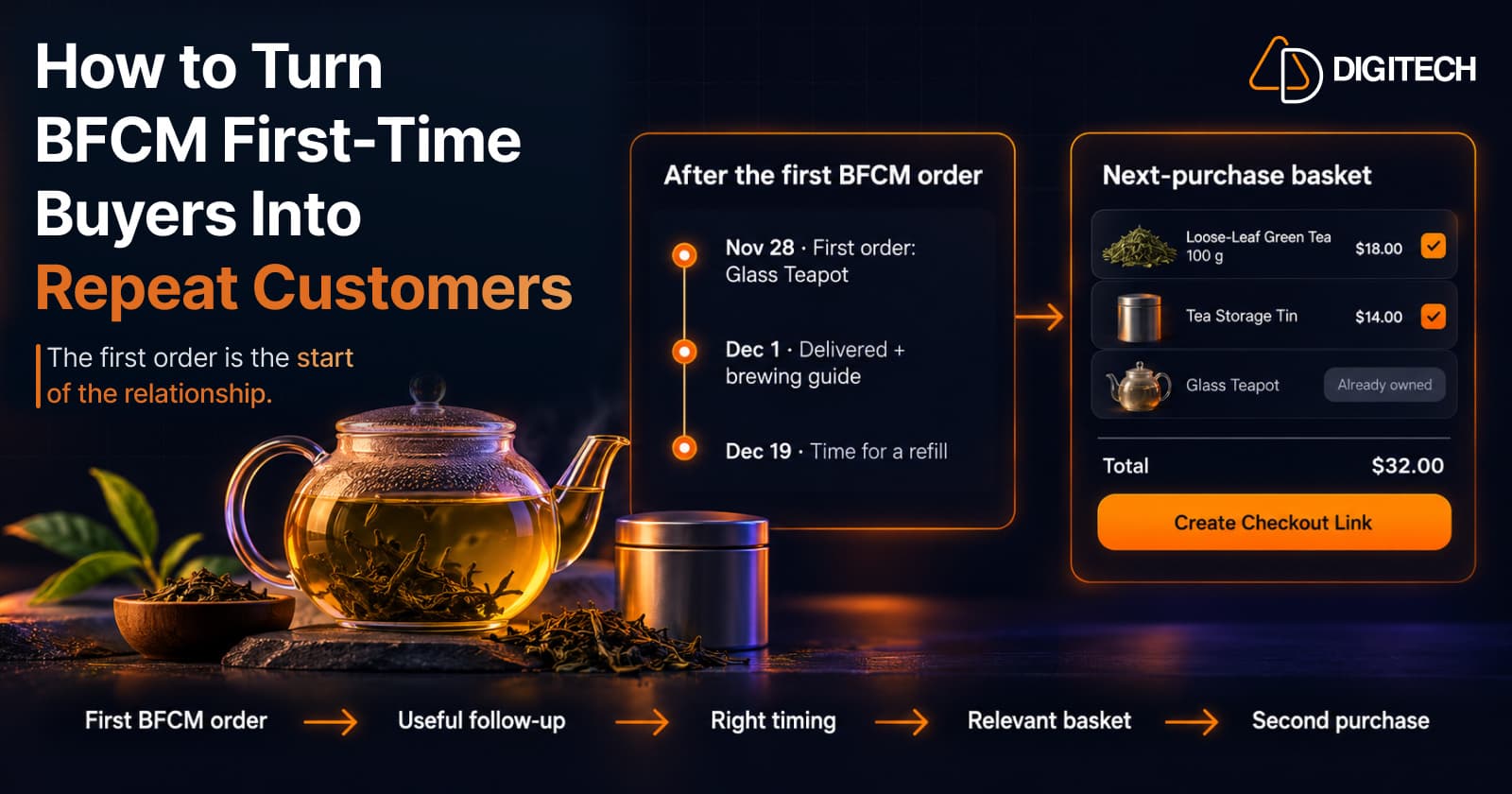
How to Turn BFCM First-Time Buyers Into Repeat Customers
A first BFCM order is the start of a customer relationship. Here's how to follow up with first-time buyers so a relevant second purchase becomes more likely.
Read article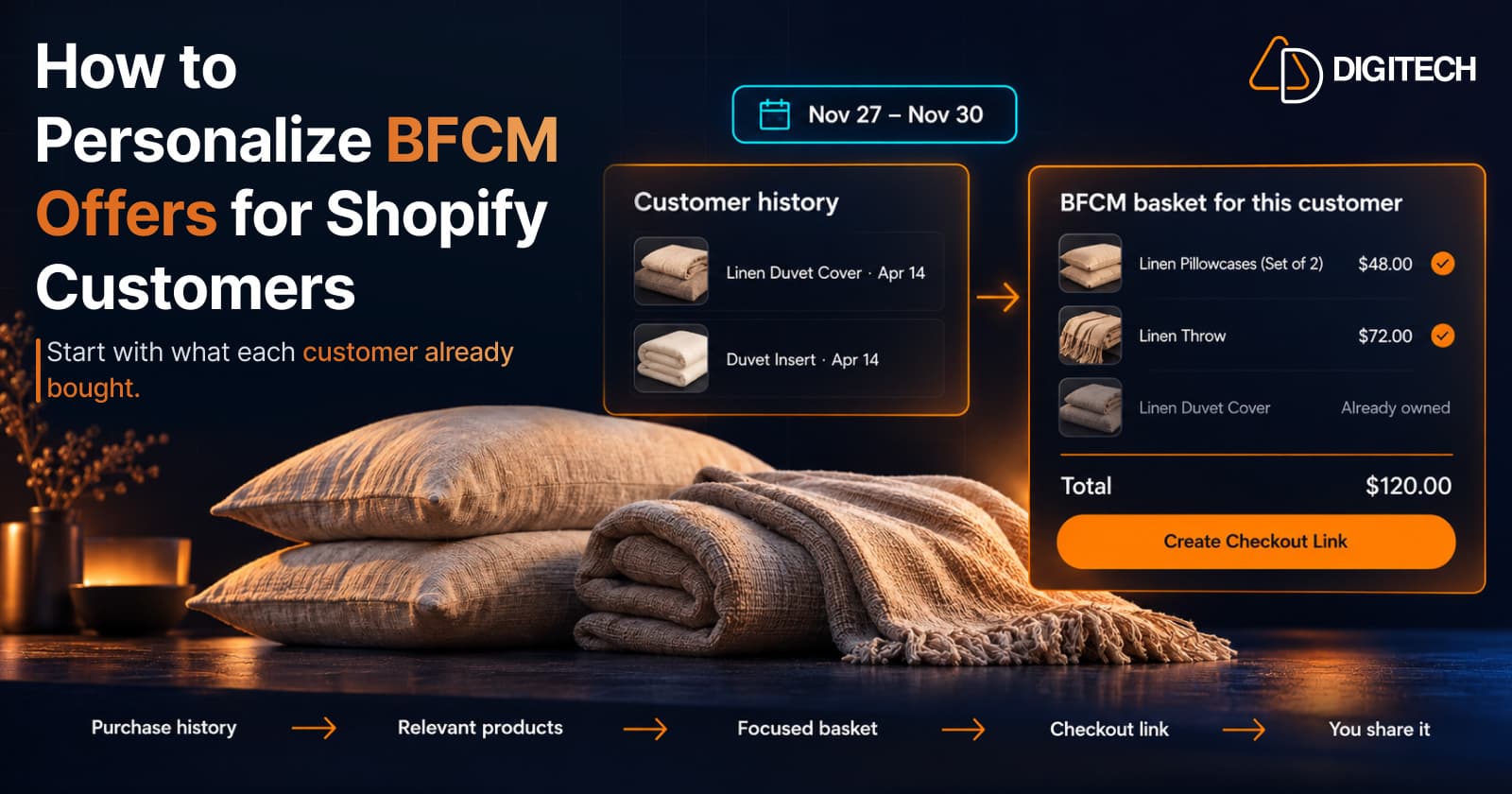
How to Personalize BFCM Offers for Shopify Customers
Use Shopify customer purchase history to build relevant BFCM offers for existing customers: what to check, five ways to personalize, and how to measure it.
Read article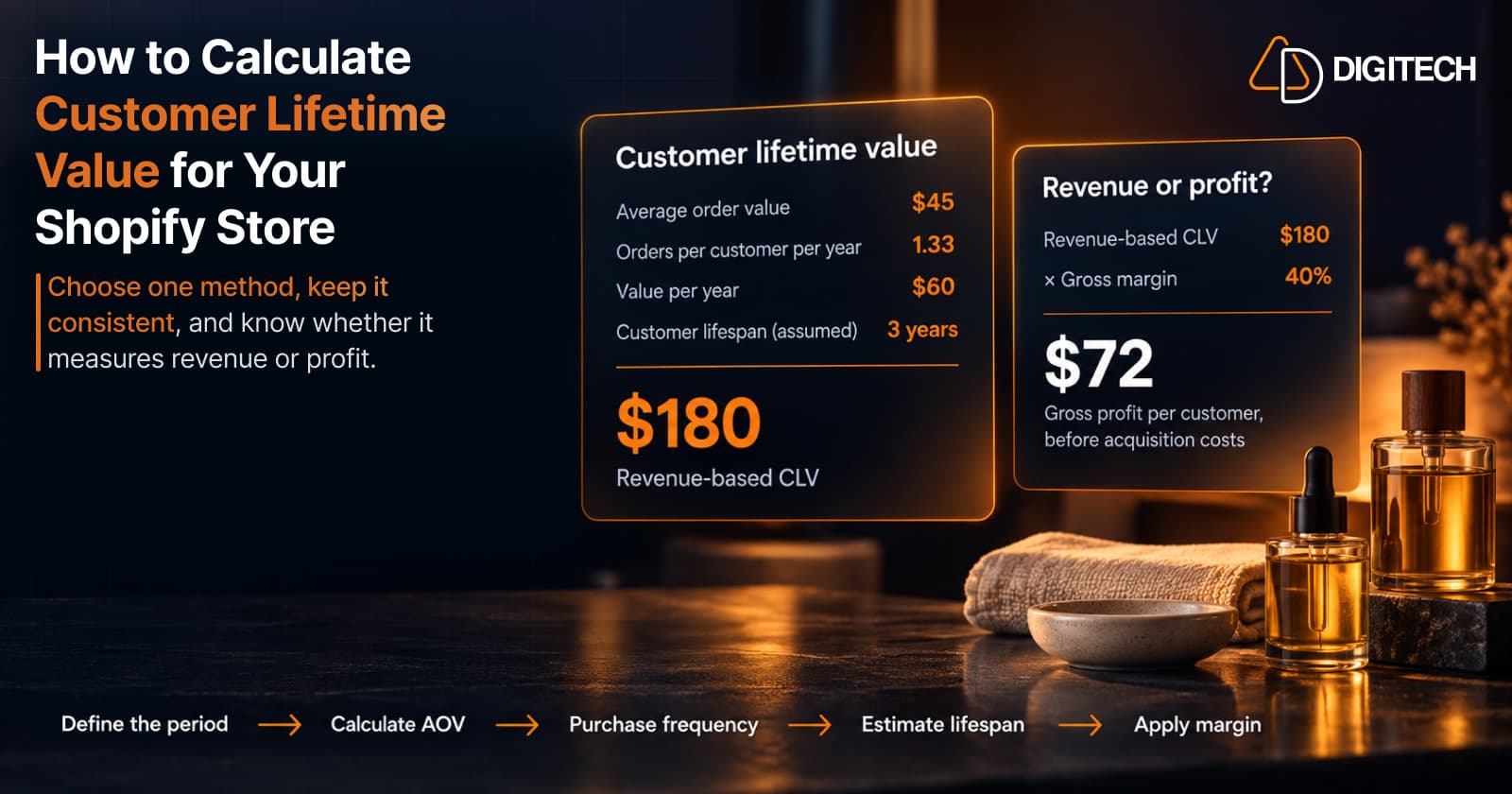
How to Calculate Customer Lifetime Value for Your Shopify Store
Learn how to calculate customer lifetime value for a Shopify store, choose between revenue and profit-based CLV, find the data in Shopify, and avoid common mistakes.
Read article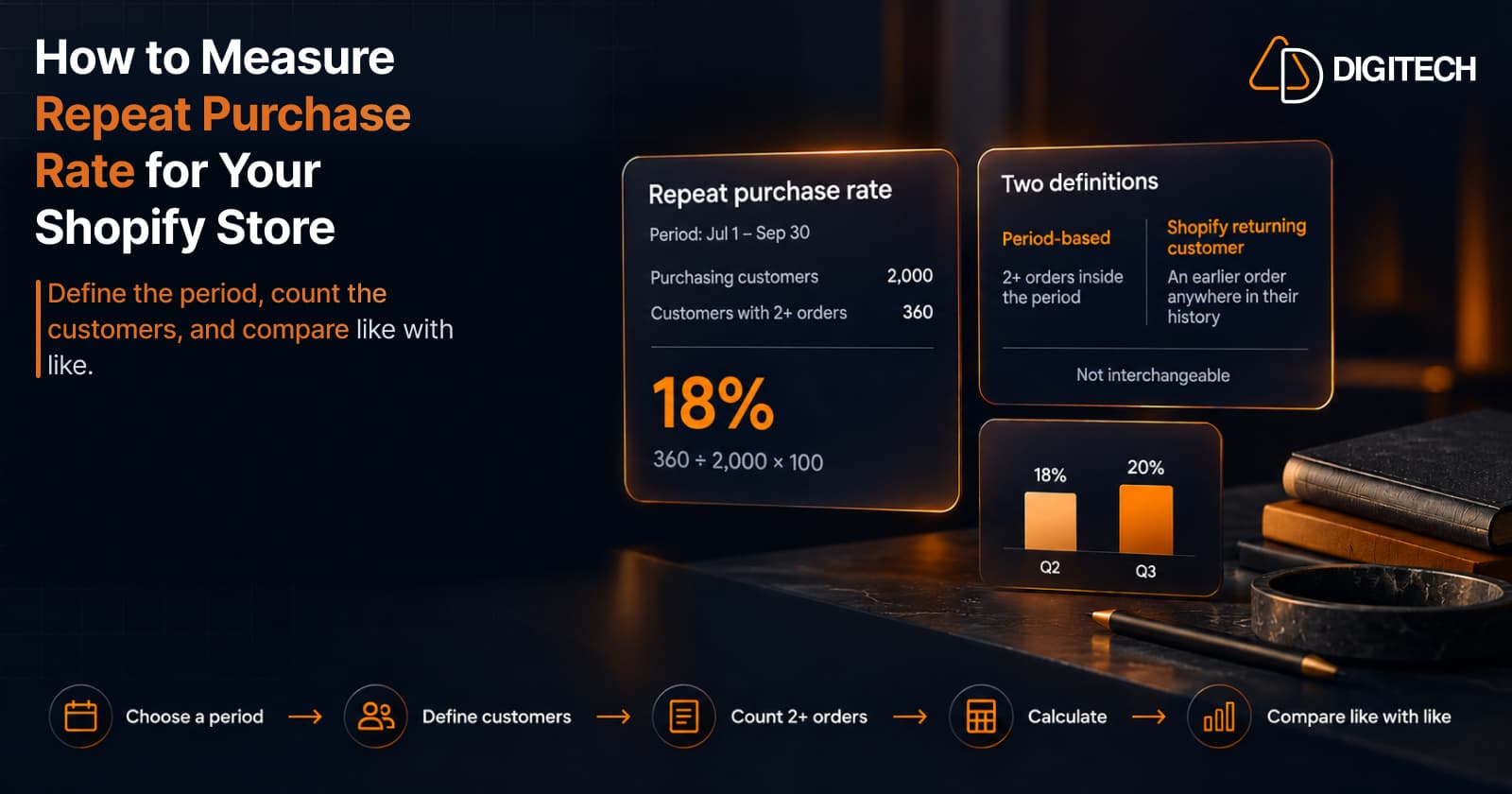
How to Measure Repeat Purchase Rate for Your Shopify Store
Learn how to calculate repeat purchase rate for a Shopify store, choose the right period and customer population, read the result carefully, and track the related retention metrics.
Read article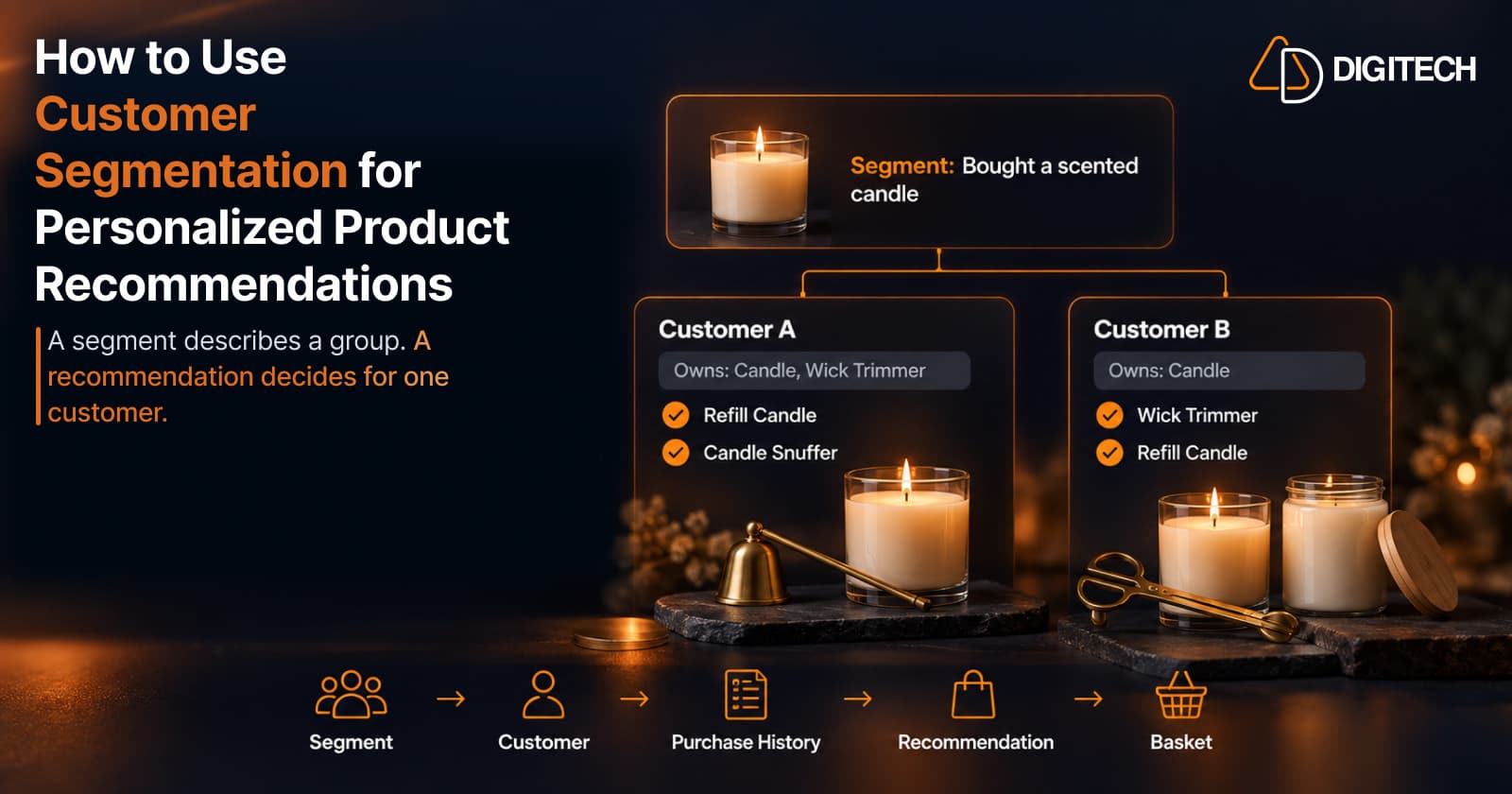
How to Use Customer Segmentation for Personalized Product Recommendations on Shopify
Learn how to use Shopify customer segments to make product recommendations more relevant, and how to turn a segment-level insight into a recommendation for one customer.
Read article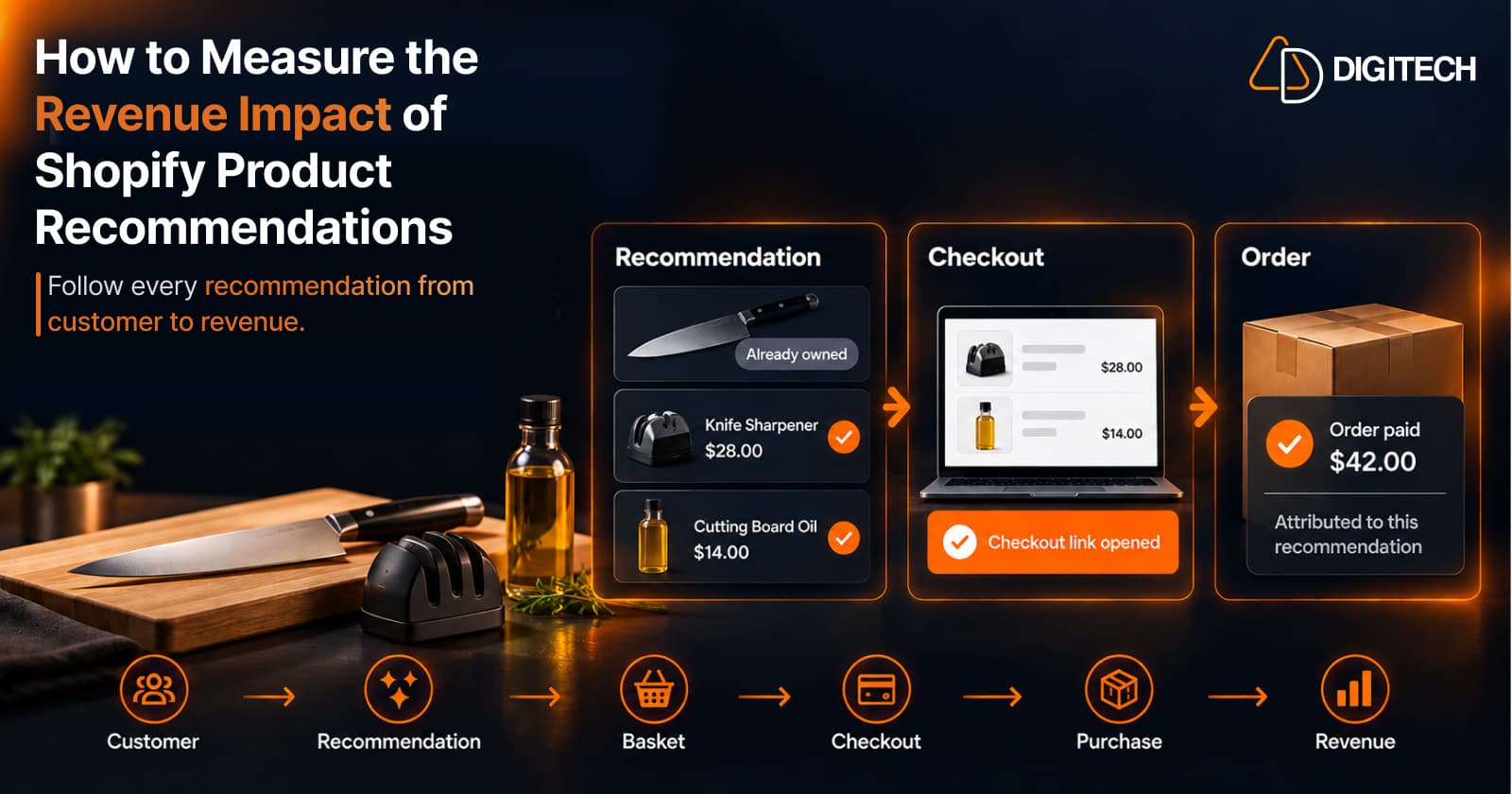
How to Measure the Revenue Impact of Shopify Product Recommendations
Learn how Shopify merchants can measure product recommendation performance, track checkout activity, attribute revenue, and improve personalized recommendations.
Read article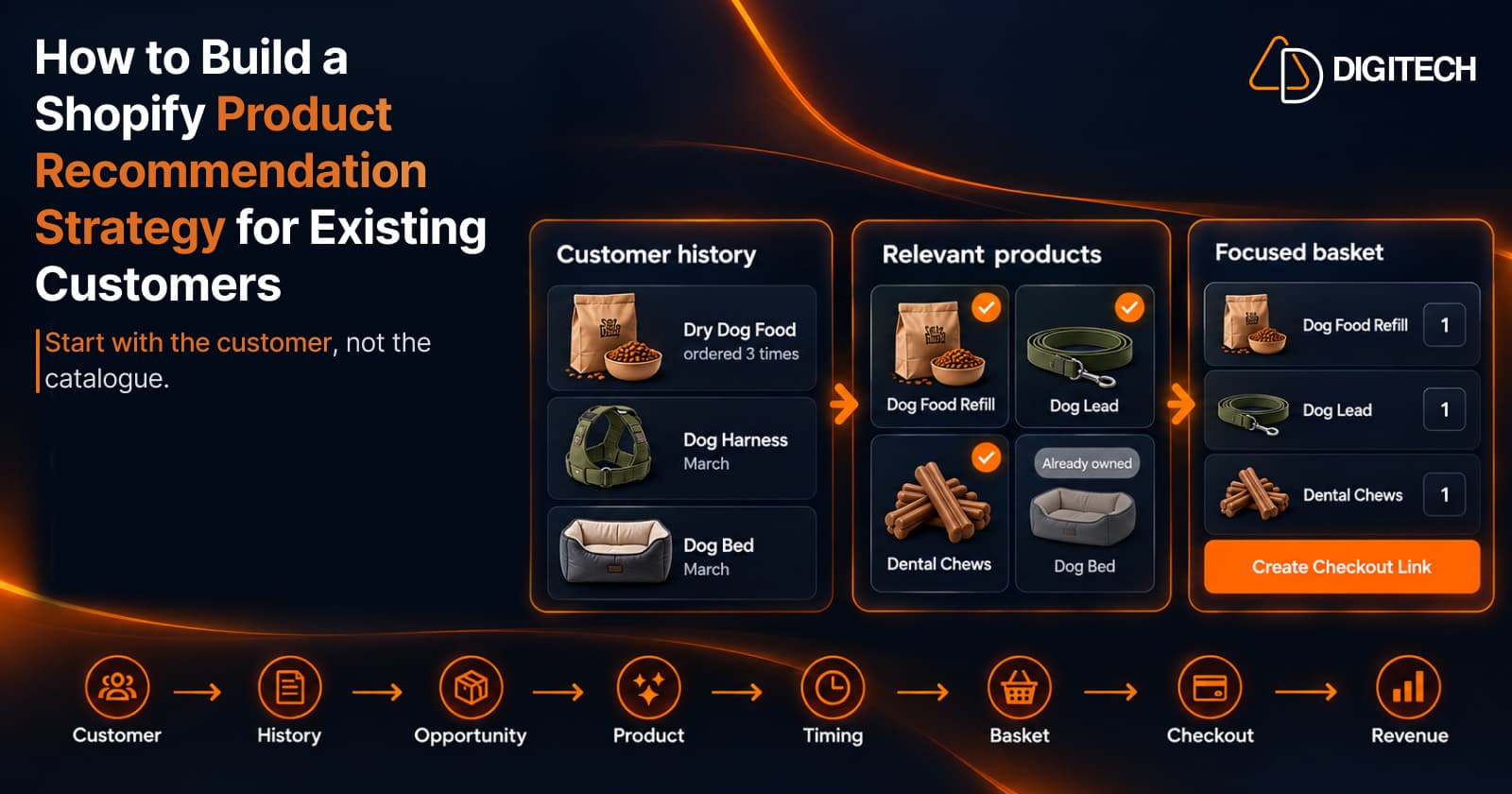
How to Build a Shopify Product Recommendation Strategy for Existing Customers
Learn how to build a Shopify product recommendation strategy using customer history, product relationships, timing, and personalized recommendations.
Read article