How to Measure the Revenue Impact of Shopify Product Recommendations
Learn how Shopify merchants can measure product recommendation performance, track checkout activity, attribute revenue, and improve personalized recommendations.
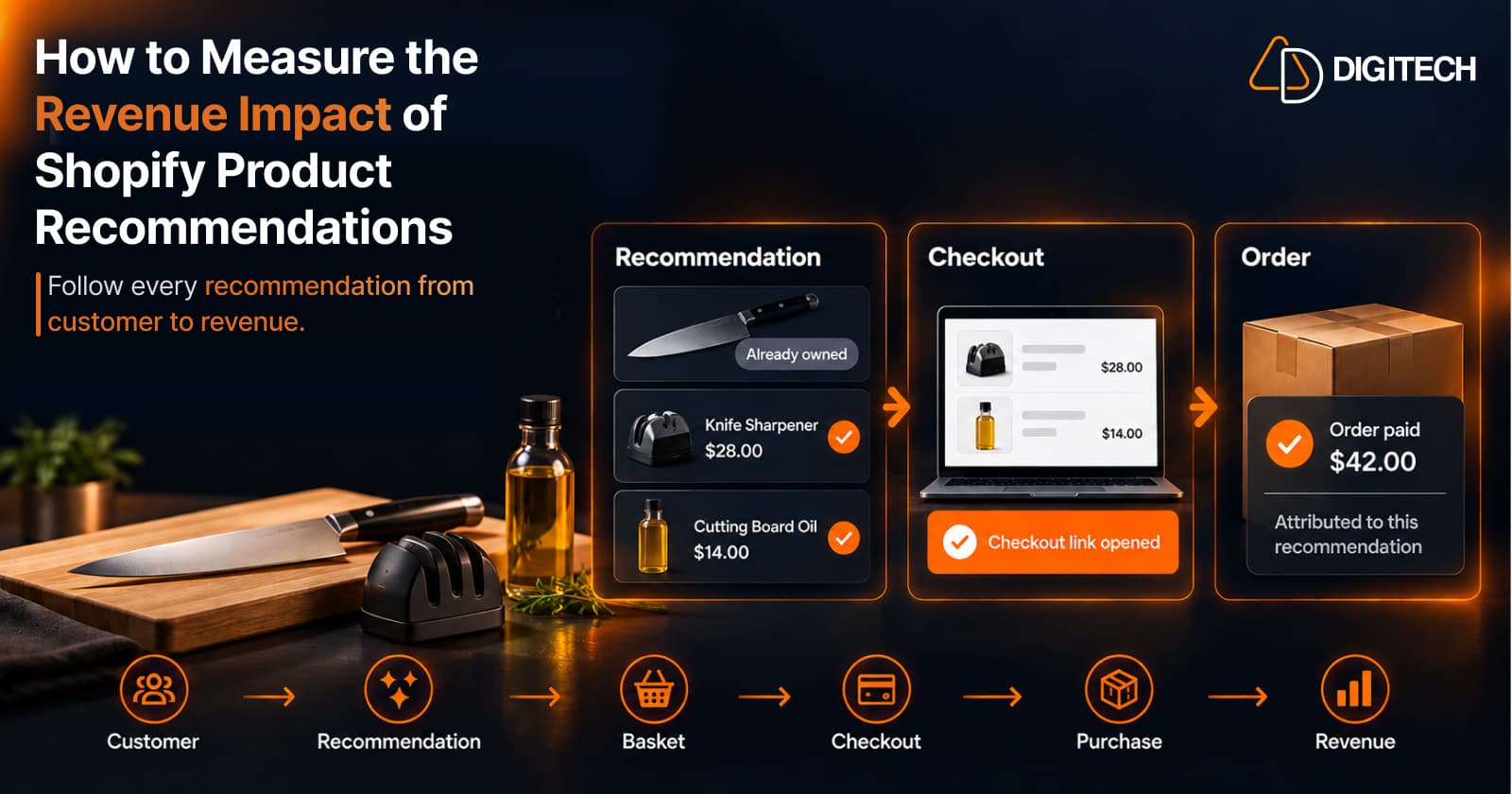
A recommendation can look useful and still do nothing for the business. The customer may never open it, or open it and never buy.
Recommendations are only useful if merchants can understand what happens after the recommendation. That's what it means to measure Shopify product recommendations properly.
There's a difference between each of these stages:
- Showing a product: the customer had the chance to see it.
- Getting engagement: they opened the recommendation or clicked through.
- Creating a basket: the recommendation became a set of products ready to buy.
- Getting checkout activity: the customer reached checkout.
- Generating revenue: an order was placed and paid.
Most stores measure the first two and assume the rest. This article covers how to follow a recommendation made to an existing customer all the way to revenue, and how to connect the two honestly.
Customer → Recommendation → Basket → Checkout → Purchase → Revenue
A recommendation becomes commercially useful when you can understand what happened after it and, where attribution is available, connect it to the resulting revenue.
What Does It Mean to Measure a Shopify Product Recommendation?
Measuring a recommendation means following its journey, not checking one isolated number:
Recommendation → Engagement → Basket → Checkout → Purchase → Revenue
Each step answers a different question:
- Engagement: whether the recommendation earned attention.
- Basket and checkout: whether it was easy to act on.
- Purchase and revenue: whether it helped generate a sale.
Not every merchant can see every step. What you can measure depends on how the recommendation was delivered and what tools connect it to the order. The goal is to measure as much of the journey as your setup allows, and to be clear about the gaps.
Start With the Customer, Not Just the Product
A recommendation made to an existing customer should be judged in that customer's context:
- Previous purchases: what they bought and how often.
- Products already owned: a recommendation for something they have is wasted.
- Purchase frequency and timing: whether the recommendation arrived at a sensible moment.
- Complementary products: whether it went with what they own.
- Customer value and product fit: whether the price and type suited them.
"Product X sold 500 times" doesn't mean Product X was the right recommendation for a specific customer.
Popularity measures the product. Recommendation performance measures the decision to suggest it to one person. Shopify customer purchase history covers reading those signals.
Take a customer who bought a camera. Instead of recommending the best-selling accessory, a merchant would check what they already own, what complements the camera, how long ago they bought it and whether the product is relevant now. When you later measure the result, that context explains it.
Track Recommendation Activity
Before revenue, there's activity. Useful signals include:
- Recommendation created: the merchant decided to recommend something to this customer.
- Recommendation reviewed: someone checked it before it went out.
- Products selected: which products made the final recommendation.
- Basket created: the products became a ready-to-buy basket.
- Recommendation shared: the customer received it.
- Checkout link created and checkout reached.
Which of these you can record depends on the implementation. Shopify doesn't log "recommendation created" as an event of its own; it's something a merchant's process or an app has to capture. The value is in having the record at all: without it, a later order can't be compared with what was recommended.
Measure Recommendation-to-Checkout Performance
Getting the customer to a ready-to-buy basket or checkout is the most useful intermediate step. It shows whether the recommendation was easy to act on, before the purchase decision itself.
Useful metrics to track:
- Baskets created: recommendations that became something buyable.
- Checkout links used: customers who opened the checkout.
- Recommendation-to-checkout rate: the share of recommendations that reached checkout.
- Checkout completion: the share of checkouts that became orders.
These aren't universal Shopify-native metrics. They're measurement concepts that depend on how the recommendation reaches the customer.
A recommendation sent as a few product links is hard to follow to checkout. A recommendation turned into a single checkout link is much easier.
Measure Revenue Generated From Recommendations
This is where most measurement stops short. The metrics worth tracking:
- Recommendation-associated orders: orders that came from a recommendation.
- Attributed revenue: the value of those orders.
- Average basket value: what a recommended basket was worth when bought.
- Number of purchases across recommendations over a period.
- Revenue per recommendation: attributed revenue divided by recommendations sent.
- Repeat purchase value: whether customers who bought from a recommendation came back again.
All of these require a reliable connection between the recommendation and the resulting order. Shopify's draft orders provide one such connection:
- A draft order can carry a secure checkout link.
- Shopify's Help Center says that when a draft order is paid, it becomes a regular order.
- So when a recommendation becomes a draft order and the customer pays through its link, the paid order comes from that specific draft order.
That's an identifiable reference, rather than a guess based on timing. Recording which recommendation each draft order came from still depends on the implementation, through merchant-defined or app-level tracking.
Without that kind of reference, you can still watch totals, but you can't say which recommendation produced which order.
Why Recommendation Attribution Matters
Compare two statements:
- "The customer bought Product A."
- "The customer received Recommendation A, opened the checkout, and purchased Product A."
The first is a sale. The second tells you something about the recommendation workflow. Attribution helps merchants learn which recommendations work, which products are strong next-product candidates, which recommendation types create revenue and which customer situations deserve more attention.
It helps to separate four levels of measurement:
| Level | What it tells you | Example |
|---|---|---|
| Shopify-native reporting | What sold, and to whom | Orders, products and customer reports in Shopify analytics |
| Merchant-defined tracking | What your own process records | A spreadsheet of recommendations and outcomes |
| App-level attribution | Sales an app associates with its features | Revenue an app reports for its widgets or links |
| Recommendation-level attribution | Which specific recommendation led to an order | Recommendation A → checkout → order → revenue |
Shopify's own reports sit at the first level. The other three depend on merchant-defined or app-level tracking.
Only the last level answers the question this article started with: did this recommendation help generate a sale?
Measure Different Recommendation Types
Not every recommendation does the same job, so don't measure them as one group:
- Complementary recommendations: products that go with something the customer owns. See how to recommend complementary products.
- Replenishment recommendations: refills of products the customer uses up, where timing matters most.
- Replacement recommendations: products that wear out or are outgrown.
- Next logical purchase: the natural next step after what they bought.
- Personalized bundles: several relevant products for one customer, assembled into one basket.
A replenishment recommendation may convert often at a modest basket value, while a next-logical-purchase recommendation may convert less often at a higher one. Averaged together, both look mediocre. Compared by type, each tells you something.
Measure the Basket, Not Just the Individual Product
A recommendation can create value through the complete basket, not one product. Track:
- Basket size and number of products.
- Basket value and average order value of recommended orders.
- Products added together, to see which combinations customers accept.
- Basket-to-checkout progression: whether larger baskets stall before checkout.
This is where a ready-to-buy basket matters. When a customer receives a focused set of products that can go straight to checkout, the basket itself becomes the unit you measure. How to build a personalized recommendation basket covers building one.
Manual vs AI-Assisted Recommendations
Both paths need the same measurement, but they start differently.
Manual: Customer history → Merchant decides → Merchant creates basket → Sends to customer → Outcome
AI-assisted: Customer history → AI suggests options → Merchant reviews and edits → Basket → Checkout → Outcome
AI shouldn't remove merchant control. It can propose options faster; the merchant still decides what reaches the customer.
That's Curivo's principle: AI selects. Your data grounds it. You decide.
When you measure, record which path each recommendation took. Don't assume AI-assisted recommendations produce more revenue. Compare the two on baskets, checkouts and attributed revenue over time, and let the results decide.
A Practical 10-Step Framework to Measure Shopify Product Recommendations
- Identify the customer
- Every recommendation belongs to one known customer.
- Record the recommendation context
- Why this customer, why now, and what they already own.
- Record the recommended products
- Include the recommendation type.
- Track whether a basket was created
- Did the recommendation become something the customer can buy?
- Track whether the recommendation was shared
- Did it reach the customer?
- Track checkout activity
- Links opened and checkouts reached.
- Connect the resulting order where attribution is available
- Use an identifiable reference, such as a draft order's checkout.
- Measure attributed revenue
- Per recommendation and per basket.
- Compare recommendation types
- Also compare manual and AI-assisted paths.
- Use the results to improve future recommendations
- Repeat what converts and drop what doesn't.
How Curivo Helps Shopify Merchants Measure Recommendations
Curivo is built around this journey. The current workflow:
- Select a customer.
- Review their purchase history and customer context.
- Build a basket yourself or ask Curivo to suggest four options.
- Review and edit the recommendation.
- Optionally add a discount, an expiry or single-use controls.
- Create a Shopify draft order with a direct checkout link.
- Share the ready-to-buy basket with the customer through the channel you already use.
- Track recommendation activity and revenue attribution, where supported.
There are two ways to build the recommendation:
- Build it yourself. You choose the products. It doesn't use an AI generation, and it's unlimited on every plan, including the free one. It suits recommendations you want to control fully.
- Suggest four options. One AI generation returns four complete recommendation options. You choose one and edit it. The AI assists the decision; it doesn't replace it.
Where attribution is supported, Curivo connects the resulting order back to the specific recommendation, so you can see the clicks, orders and revenue attributed to it.
On the Starter and Growth plans it can also send offers automatically after an order is created or delivered, and orders paid from those offers are linked back to them in the same way. It isn't a storefront widget. Curivo is available on the Shopify App Store.
Customer → Recommendation → Basket → Checkout → Revenue
Curivo isn't only about recommending a product. It connects the recommendation to a buyable basket and to the commercial outcome:
Customer → Purchase History → Relevant Recommendation → Personalized Basket → Direct Checkout → Revenue Attribution
Each link makes the next one measurable:
- Purchase history makes the recommendation relevant.
- The basket makes it buyable.
- The direct checkout gives the order an identifiable source.
- Attribution, where it's available, turns that into something you can learn from.
Building a recommendation strategy shows how the same chain works as a repeatable process.
Common Mistakes When Measuring Product Recommendations
- Measuring clicks only. Interest isn't revenue.
- Measuring product popularity instead of recommendation relevance. A best seller can still be the wrong suggestion for one customer.
- Ignoring the customer context, so you can't tell why a recommendation worked.
- Not removing products the customer already owns, which drags results down for no reason. See how to choose the right products for each customer.
- Measuring recommendations without checkout context.
- Treating every recommendation type the same.
- Assuming correlation equals attribution. A customer who buys a week later may have bought anyway.
- Looking at aggregate results without customer-level context.
- Optimizing for more recommendations instead of better ones.
Conclusion
The goal isn't to make more recommendations. It's to make more relevant recommendations that customers can act on, and that merchants can learn from.
When you measure Shopify product recommendations from customer to revenue, each one teaches you something about the next. How to recommend the next product is a good place to apply what you learn.
Personal. Buyable. Measurable.
Frequently asked questions
How do Shopify merchants measure product recommendation performance?
Follow each recommendation through its journey: who received it, what was recommended, whether a basket and checkout followed, and whether an order and revenue came from it. Store-level sales reports show what sold, but not which recommendation led to it.
What metrics should I track for product recommendations?
Useful metrics include recommendations created, baskets created, checkout links clicked, recommendation-to-checkout rate, recommendation-associated orders, attributed revenue, average basket value and revenue per recommendation. Which ones you can see depends on your tools.
How can I measure revenue from product recommendations?
You need a reliable connection between the recommendation and the resulting order. When a recommendation becomes a draft order and the customer pays through its checkout link, the paid order comes from that specific draft order, which gives you an identifiable reference.
What is recommendation attribution?
It's connecting an order to the specific recommendation that led to it, rather than to the product or the store in general. It lets you see which recommendations generate revenue, not just which products sell.
Should I measure clicks or revenue from recommendations?
Both, but don't stop at clicks. Clicks show interest. Orders and attributed revenue show whether the recommendation helped generate a sale.
How can purchase history improve recommendation measurement?
It gives each result context. Knowing what the customer already owned, when they last bought and what the recommendation complemented helps you judge why it worked or didn't, and which customer situations to repeat.
Can Shopify product recommendations be tracked to orders?
Shopify's reports show orders, products and customers, but they don't connect a sale to a specific recommendation on their own. That connection needs merchant-defined tracking or an app that links the recommendation to the resulting order.
How can AI-assisted recommendations be evaluated?
The same way as manual ones: through baskets, checkouts, orders and attributed revenue. Record which recommendations started from AI options and compare them over time, rather than assuming AI performs better.
Build Your Next Customer Recommendation
Use Curivo to turn customer purchase history into personalized recommendations, ready-to-buy baskets, and measurable revenue.
Related reading
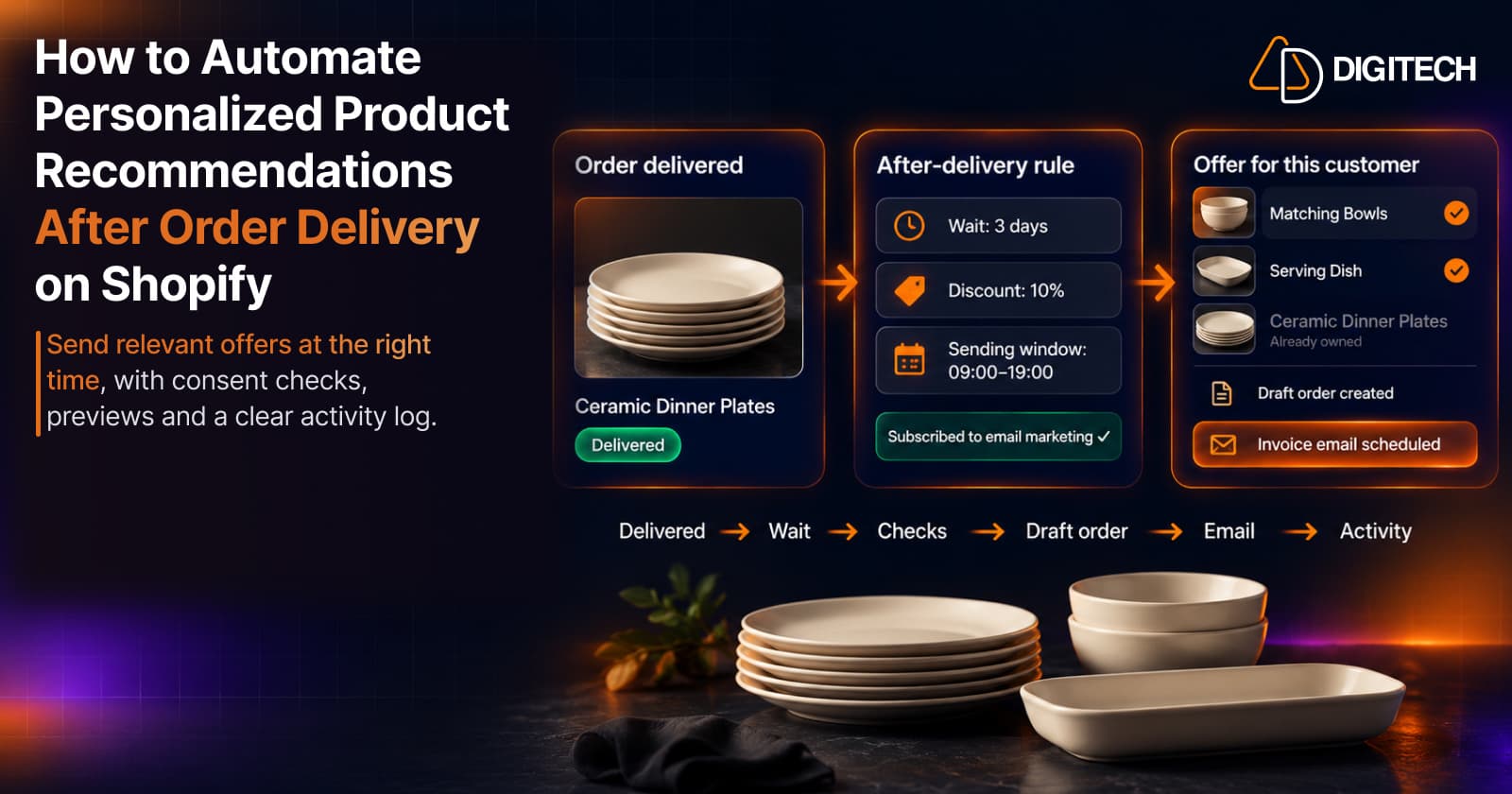
How to Automate Personalized Product Recommendations After Order Delivery on Shopify
Automate post-delivery product recommendations on Shopify: delivery triggers, wait periods, consent, previews, queues and tracking sent or skipped offers.
Read article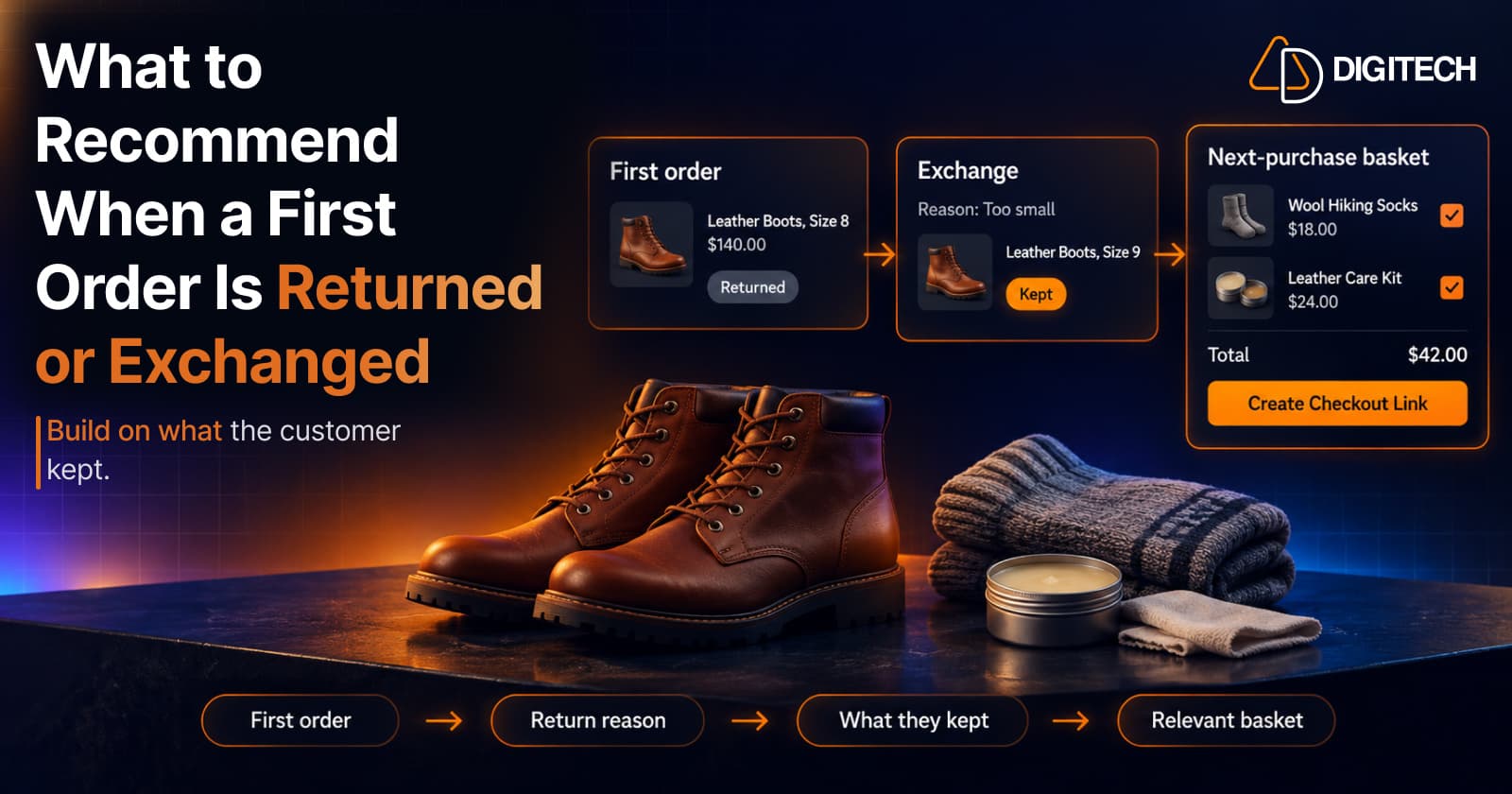
What to Recommend When a Customer's First Shopify Order Is Returned or Exchanged
A returned or exchanged first order changes what you know about a customer. Here's how Shopify merchants can read return reasons and recommend a relevant next product.
Read article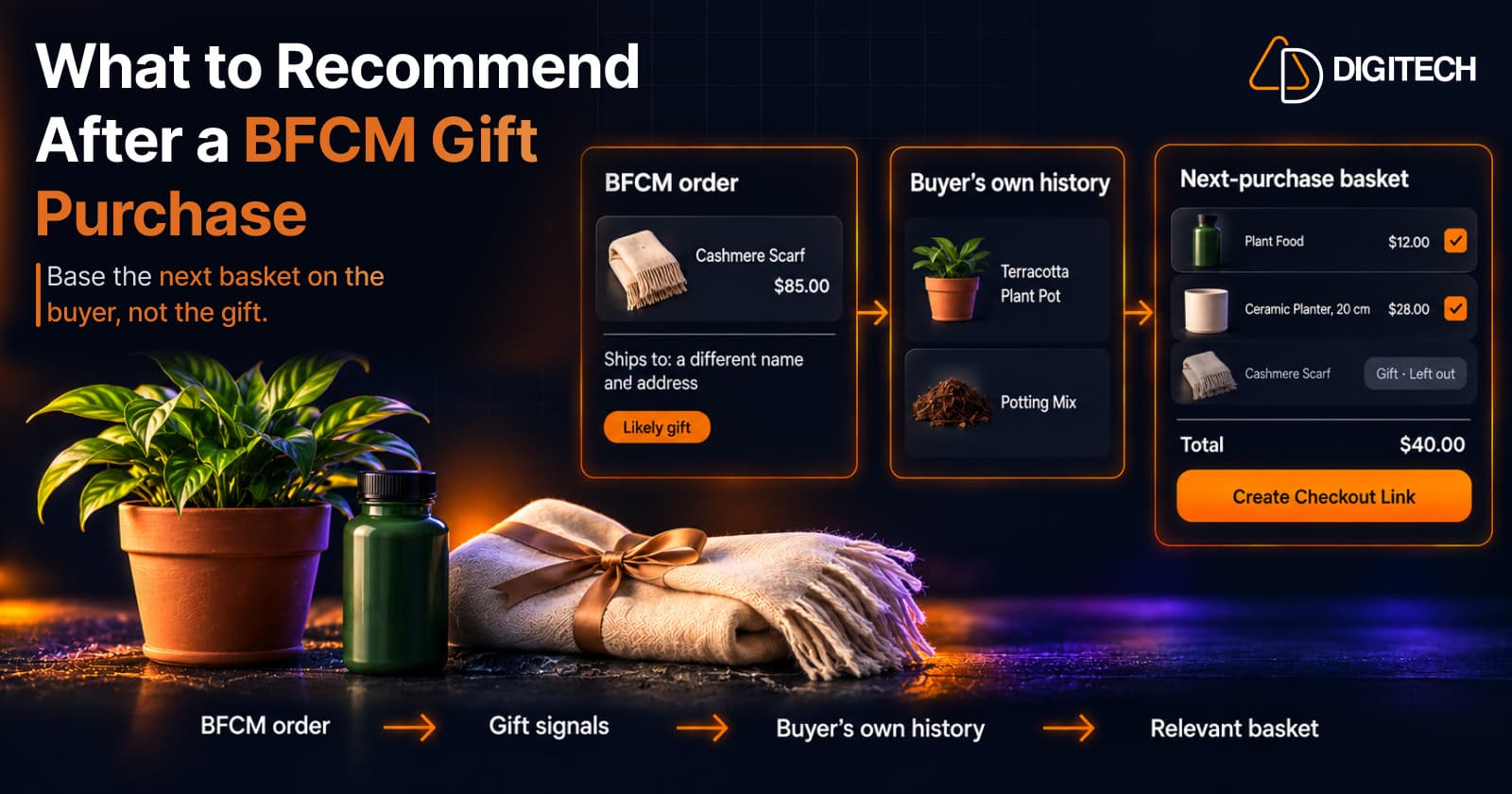
What to Recommend After a BFCM Gift Purchase: A Guide for Shopify Merchants
Some BFCM orders are gifts, which makes purchase history misleading. Here's how Shopify merchants can spot likely gift orders and recommend a relevant next product.
Read article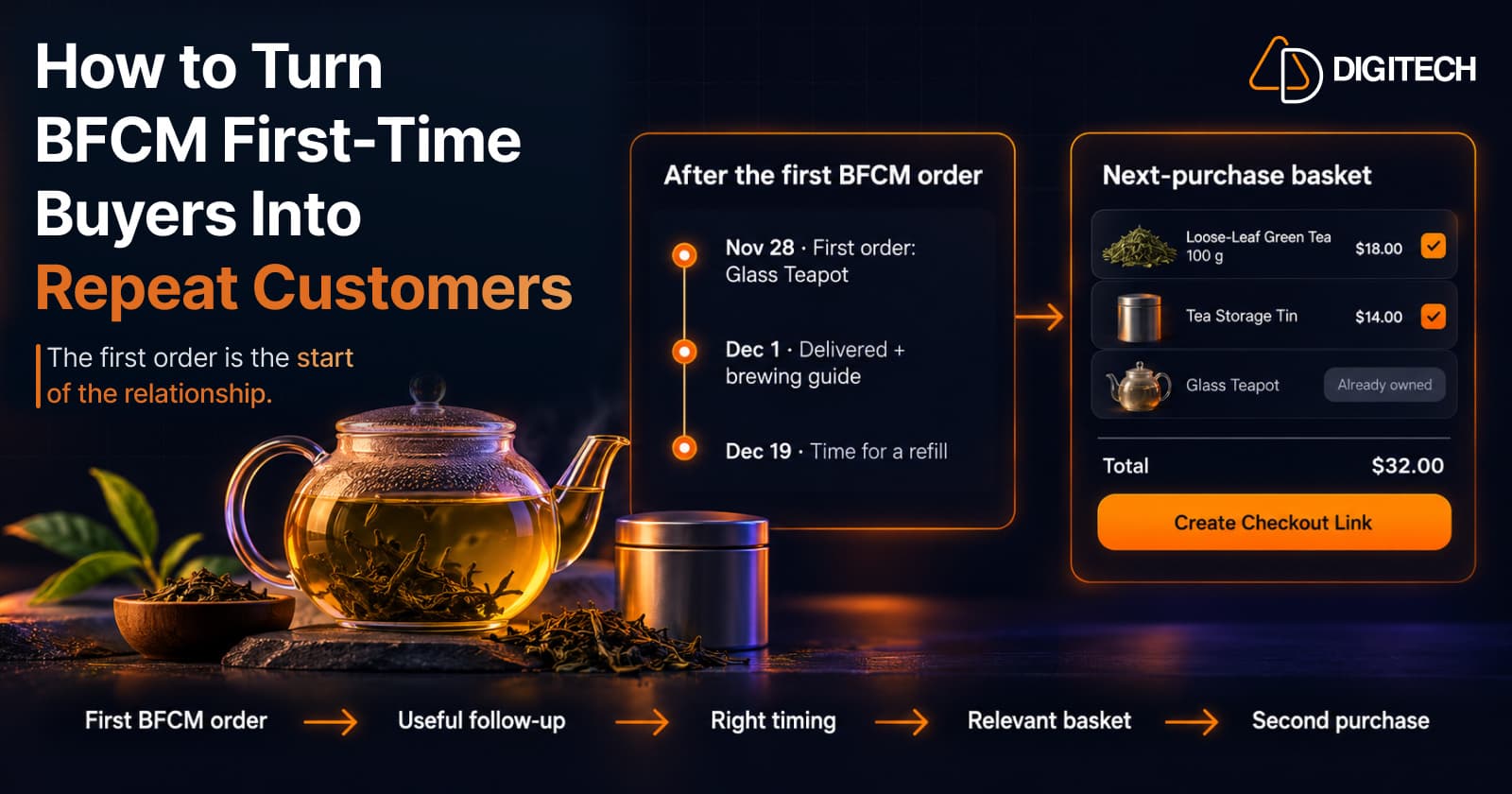
How to Turn BFCM First-Time Buyers Into Repeat Customers
A first BFCM order is the start of a customer relationship. Here's how to follow up with first-time buyers so a relevant second purchase becomes more likely.
Read article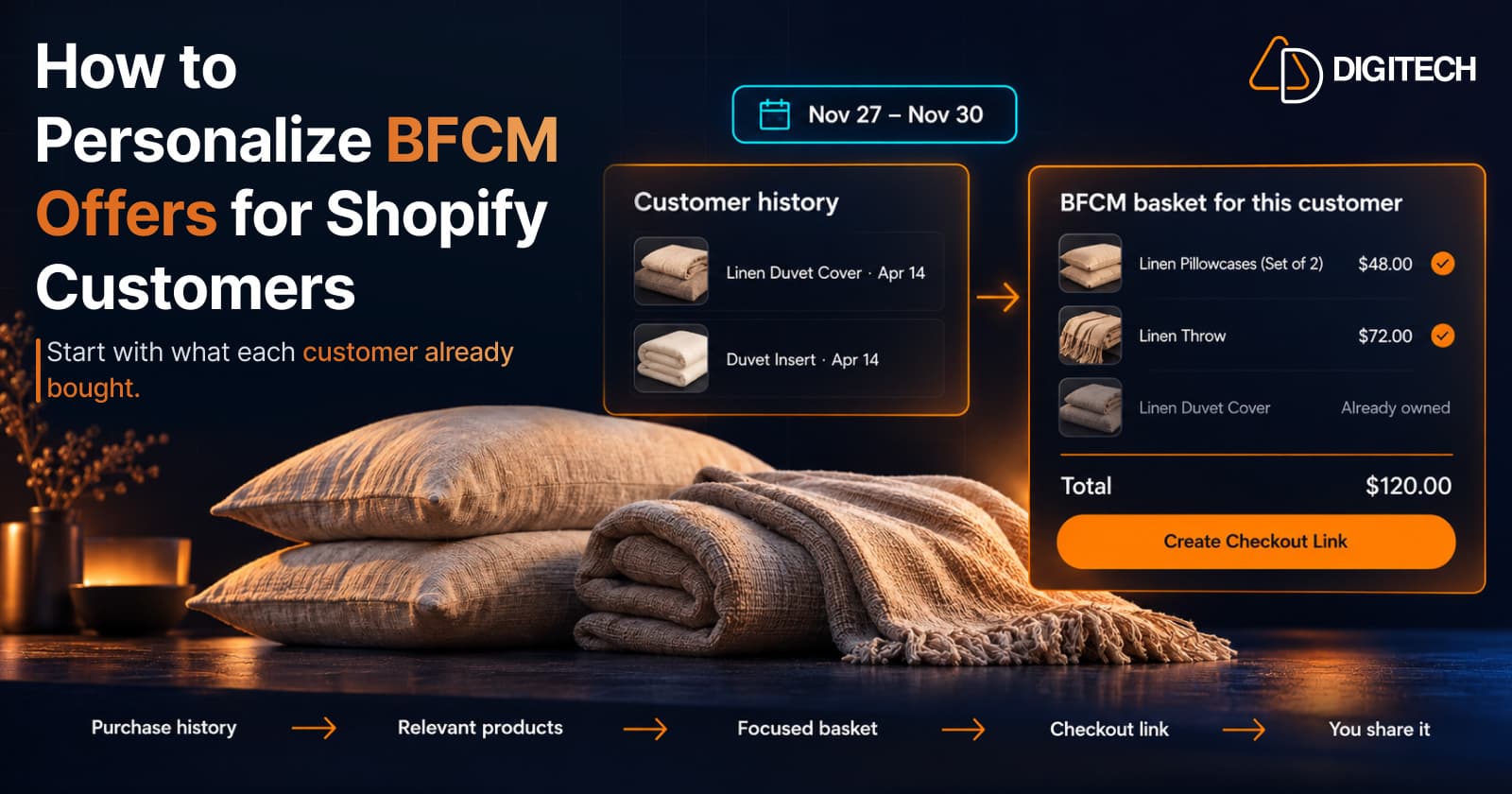
How to Personalize BFCM Offers for Shopify Customers
Use Shopify customer purchase history to build relevant BFCM offers for existing customers: what to check, five ways to personalize, and how to measure it.
Read article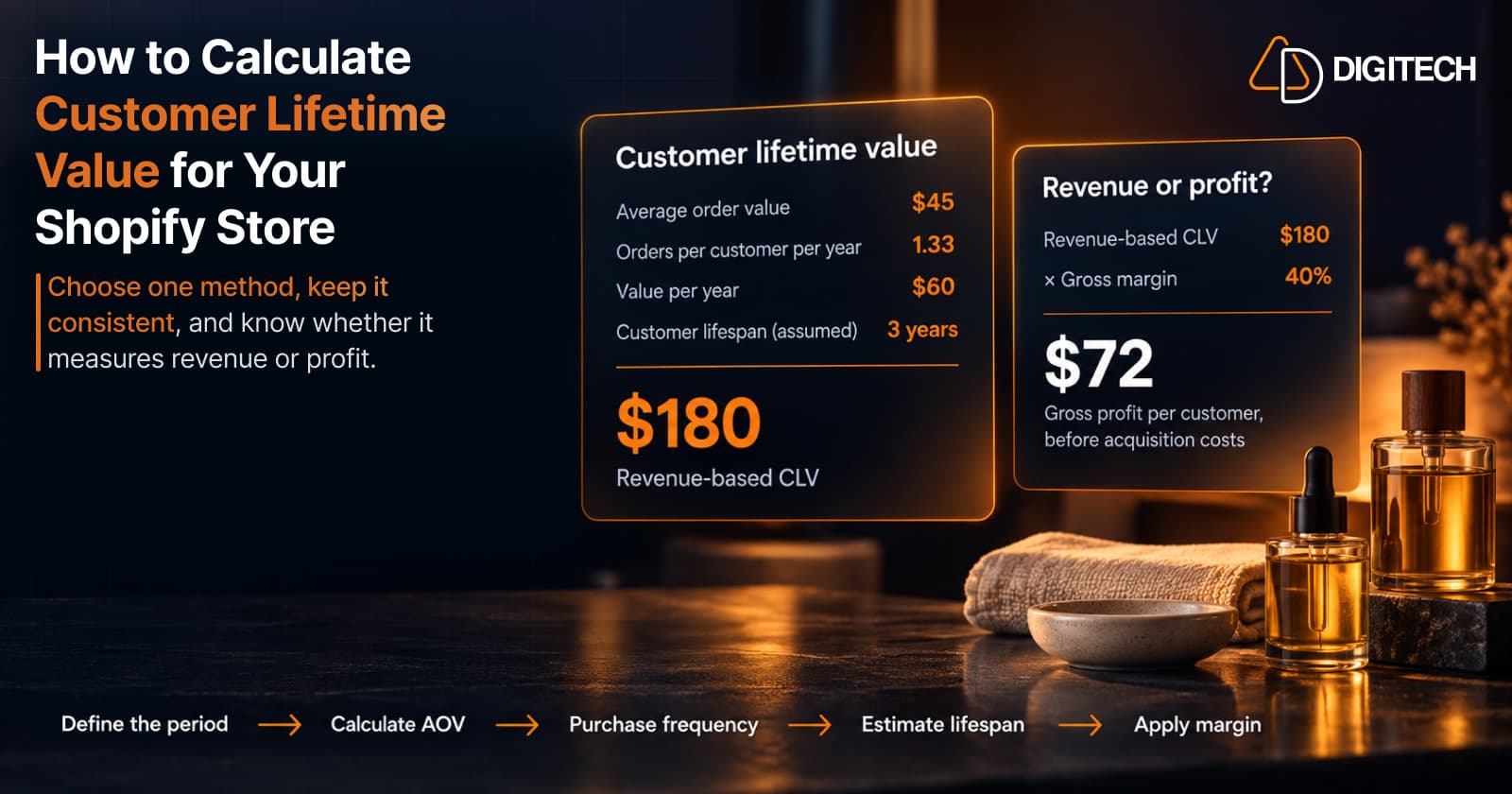
How to Calculate Customer Lifetime Value for Your Shopify Store
Learn how to calculate customer lifetime value for a Shopify store, choose between revenue and profit-based CLV, find the data in Shopify, and avoid common mistakes.
Read article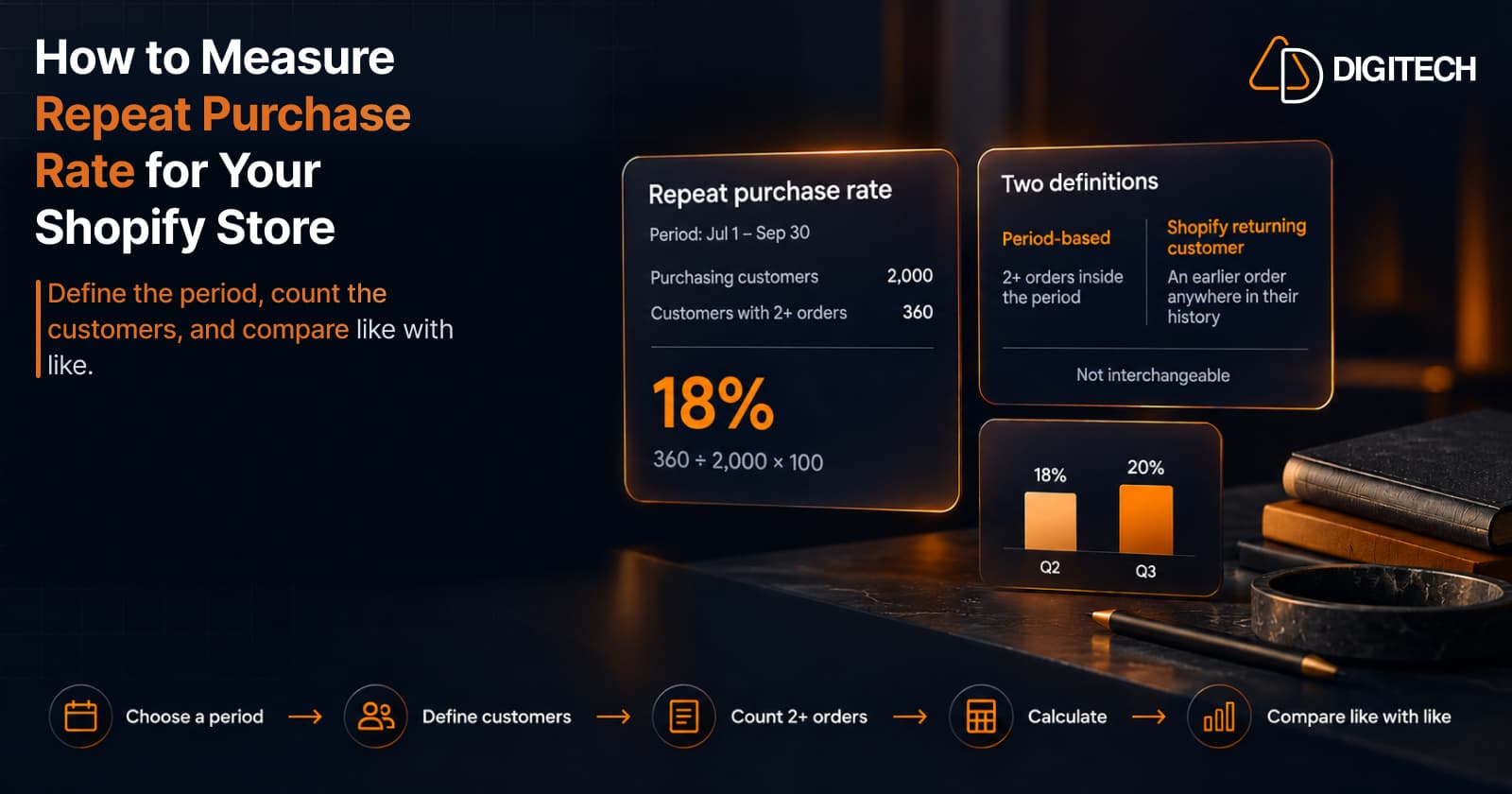
How to Measure Repeat Purchase Rate for Your Shopify Store
Learn how to calculate repeat purchase rate for a Shopify store, choose the right period and customer population, read the result carefully, and track the related retention metrics.
Read article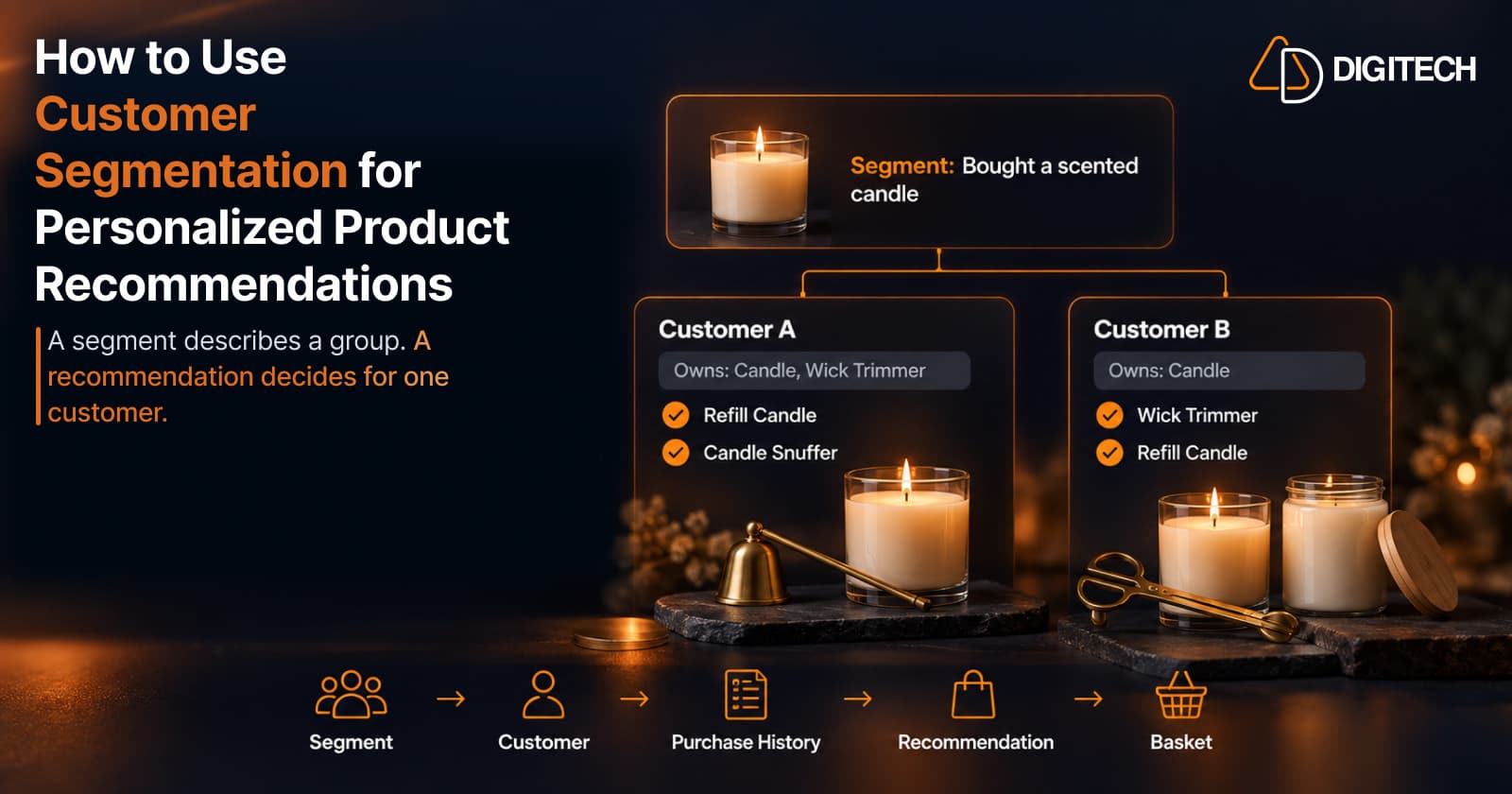
How to Use Customer Segmentation for Personalized Product Recommendations on Shopify
Learn how to use Shopify customer segments to make product recommendations more relevant, and how to turn a segment-level insight into a recommendation for one customer.
Read article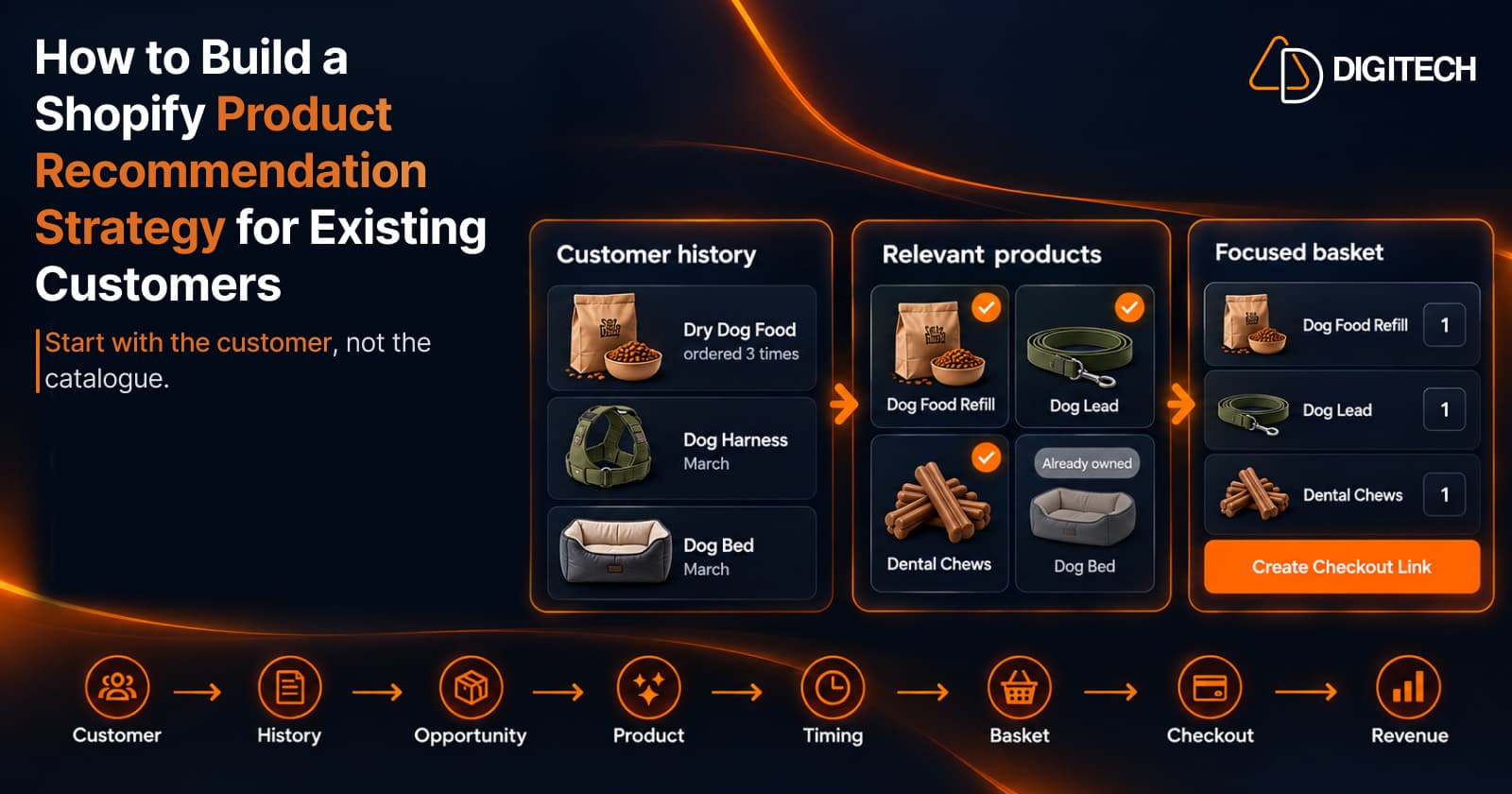
How to Build a Shopify Product Recommendation Strategy for Existing Customers
Learn how to build a Shopify product recommendation strategy using customer history, product relationships, timing, and personalized recommendations.
Read article