How to Choose the Right Products for Each Shopify Customer
Learn how Shopify merchants can choose more relevant products for each customer using purchase history, product relationships, timing, and customer context.
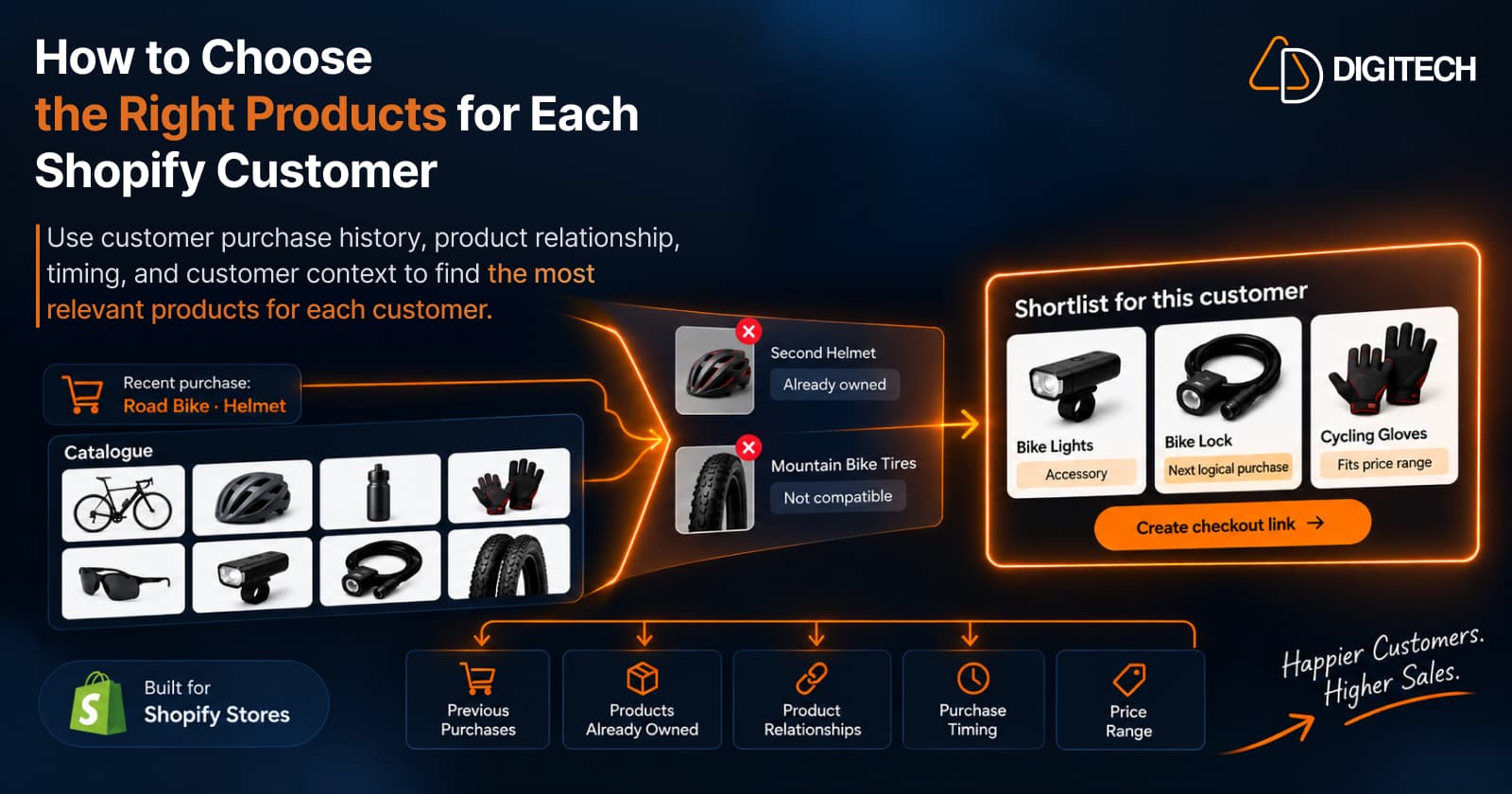
A large catalogue is an advantage when a new visitor is browsing. For an existing customer, it creates a different problem. The challenge isn't finding products to recommend; it's deciding which few, out of hundreds or thousands, are actually relevant to this one person.
Most stores answer that with whatever is popular. But popularity is a store-level signal. It tells you what many people bought, not what makes sense for the customer in front of you. This guide is about the narrower question: what should this customer buy next, and how do you choose it? It treats product selection as a filtering job, from a full catalogue to a short list you'd be comfortable sending.
Why Choosing the Right Product Matters
Four things make product selection harder than it looks:
- Large catalogues create too many possible recommendations. Without a way to narrow them, the default becomes "show the best sellers."
- Popular products aren't automatically relevant. A top seller can be something the customer already owns, doesn't need, or would never buy.
- Existing customers already have a purchase history. Unlike an anonymous visitor, you know what they chose, when, and at what price.
- That history is usable context. It lets you rule products out as well as in, which is most of the work.
Getting selection right is also the foundation of increasing repeat purchases from existing customers. A relevant recommendation gives a returning customer a reason to buy again; an irrelevant one teaches them to ignore your messages.
Start With What the Customer Already Bought
Before looking at the catalogue, build a quick picture of the customer from their orders. Five things matter for selection:
- Categories they care about. Where their purchases cluster tells you where to look.
- Products they already own. This becomes your exclusion list.
- Their price range. What they've typically spent per item.
- Product relationships. What their purchases connect to in your catalogue.
- Potential follow-up products. Items that would naturally come next.
That picture is your filter. Every candidate product gets checked against it. For a deeper look at reading order history for signals, see Shopify customer purchase history.
Remove Products the Customer Already Owns
This is the simplest filter and the most often skipped. Recommending something a customer bought last month doesn't just waste the slot; it tells them the recommendation wasn't made for them.
Before shortlisting, check:
- Recent orders. Anything bought in the last few weeks is usually out.
- Previous purchases. Durable products bought earlier are rarely needed twice.
- Near-duplicates. A second, similar item competes with what they own rather than adding to it.
- Variants. The same jacket in another color is still the same jacket, unless they've shown they buy multiple colors.
The exception is consumables and refills. For coffee, skincare, or pet food, buying the same product again is the point, so ownership becomes a timing question rather than an exclusion.
Two cases can mislead you. A product the customer returned isn't something they own; it may point to a better-fitting alternative instead. And an order shipped to a different address may have been a gift, so it says less about what the customer uses themselves.
Look for Complementary Products
Once owned products are removed, the strongest candidates usually relate to something the customer already has:
- Accessories: a case for a camera, a strap for a bag.
- Add-ons: an extra attachment or a larger capacity option.
- Care products: cleaner for leather shoes, protectant for a jacket.
- Refills: replacement filters, pods, or cartridges.
- Compatible products: items that fit or work with what they own, such as lenses for their specific camera mount.
- Products commonly used together: a yoga mat and blocks, a grinder and beans.
One caution: a "frequently bought together" pattern across your store doesn't automatically apply to every customer. If many customers buy a tent with a camping stove, that's a reasonable candidate, but not for someone who already owns a stove or only buys for day hikes. Check each relationship against this customer's history.
Compatibility deserves its own check. A case has to fit the customer's phone model, a filter has to fit their machine, and a size-specific accessory has to match the size they bought. A complementary product that doesn't fit is worse than no recommendation.
Consider Purchase Timing
A relevant product can still be the wrong recommendation today. Timing changes relevance in a few common ways:
- Consumables often have natural replenishment windows, based on how the customer has reordered before.
- Seasonal products become relevant at certain times of year and irrelevant at others.
- Accessories often make most sense shortly after a primary product purchase.
- Some purchases signal a future upgrade, but usually not immediately after the original purchase.
Use the customer's own history for timing where you can. Avoid assuming exact replenishment dates; purchase rhythms vary, and a pattern is a hint to check, not a schedule.
Use the Customer's Price Range
Price context narrows the list further. A customer who repeatedly buys products in a certain range may respond differently to a recommendation far outside it than a customer with a wider spending pattern.
In practice:
- Look at item prices, not order totals. An order total mixes several products; what they paid per item is the better signal.
- Match candidates to the range they've shown, especially for add-ons and accessories.
- Treat big jumps with care. A premium upgrade can be right, but it needs a clear reason in their history.
- Don't over-read it. Price alone doesn't determine intent. Gifts, sales, and changing needs all shift what someone will spend.
Think in Terms of the Next Logical Purchase
A next logical purchase is a product that naturally follows from what the customer already bought or owns. It usually falls into one of five types:
- A refill of something they use up
- An accessory for something they own
- A complementary product that works with it
- An upgrade when the timing and history support it
- A related product in a category they clearly care about
What counts as logical depends on the product category and the customer's context. A refill is logical for a coffee subscriber and meaningless for someone who bought a single mug. For the broader decision of what to recommend next, see how to recommend the next product to existing Shopify customers.
Don't Recommend Too Many Products
The point of filtering is to end with a small set. A long list shifts the work back to the customer, who then has to do the selection you were trying to do for them.
A short list of relevant products is easier to evaluate, easier to explain, and easier to buy. If you can't say in a sentence why each product is on the list, it probably shouldn't be.
Aim for variety within that short list. Three near-identical accessories give the customer one choice presented three times. A refill, an accessory, and a related product give them three different reasons to buy, which makes it more likely one of them fits.
Finally, check availability. A well-chosen product that's out of stock, or sold out in the customer's size, turns a good recommendation into a frustrating one.
A Practical Framework for Choosing Products
- Select the customer. Start with customers where a recommendation is likely to be relevant; identifying high-value customers covers how to prioritize.
- Review purchase history.
- Identify what they already own.
- Identify relevant product relationships.
- Consider timing and purchase frequency.
- Consider price and context.
- Remove weak or duplicate candidates.
- Shortlist the most relevant products.
- Build the recommendation or basket. Several products can become one personalized bundle.
- Make it easy for the customer to buy.
Here's what steps 3 to 8 look like for a fictional cycling store customer who bought a road bike three weeks ago and a helmet with it:
| Candidate product | Keep? | Why |
|---|---|---|
| Bike lights | Keep | Complementary accessory for a new road bike |
| Bike lock | Keep | A common next purchase for a new bike owner |
| Cycling gloves | Keep | Related product, similar price to past add-ons |
| Second helmet | Remove | Already owns one |
| Mountain bike tires | Remove | Not compatible with a road bike |
| Carbon wheel upgrade | Not yet | An upgrade, but too soon and well above their range |
| Chain lube | Later | A consumable that becomes relevant with use |
| Best-selling yoga mat | Remove | Popular in the store, unrelated to this customer |
Eight candidates become a shortlist of three, and every one has a reason tied to this customer.
Manual Product Selection vs. AI-Assisted Recommendations
Merchants can do all of this by hand: open the customer, read their orders, browse the catalogue, apply the filters above, and choose. For a small number of customers, manual selection works well and keeps full control with someone who knows the products.
The limit is time. Applying ownership, relationship, timing, and price checks across a large catalogue, customer by customer, becomes slow as the list grows.
AI can help with the narrowing: taking the customer's history and your product data and proposing a few relevant options to review. It isn't automatically better than a merchant's judgment, and it shouldn't replace it. The useful split is that AI does the sorting, and the merchant makes the final decision.
When you review AI-suggested products, apply the same filters you'd use by hand. Is anything already owned? Does each item fit what the customer has? Is it in stock, and within a sensible price range? Is there a clear reason for each item? If a suggestion fails one of those checks, edit it out.
How Curivo Helps Shopify Merchants Choose Products
Curivo is AD Digitech's app for personalized customer recommendations for Shopify, available on the Shopify App Store. It follows the same path as this guide: customer, purchase history, relevant products, personalized basket, direct checkout, and measurable revenue.
The workflow:
- Select an existing customer.
- Review their purchase history and context.
- Build a basket manually, or ask Curivo to suggest options. One AI generation returns four complete recommendation options to compare.
- Review and edit the option you choose.
- Optionally apply a discount, an expiry, or single-use settings.
- Create a draft order with a direct checkout link.
- Send the checkout link to the customer through the channel you already use.
- Track recommendation activity and revenue attribution where supported.
The approach is AI selects. Your data grounds it. You decide. Suggestions are grounded in your store and product data and the customer's purchase context, and you review every basket before it goes anywhere. Curivo doesn't send recommendations on its own, it doesn't currently integrate with WhatsApp, SMS, or email marketing platforms, and it isn't a storefront recommendation widget. It helps with one customer at a time, and you stay in control of the choice.
Conclusion
Choosing the right products for a customer is mostly a process of elimination. Start from their purchase history, remove what they already own, keep what relates to it, check timing and price, and end with a short list you can explain. The goal isn't more recommendations. It's a recommendation that makes sense for the person receiving it.
Frequently asked questions
How do I choose the right product to recommend to a Shopify customer?
Start with the customer's purchase history, remove products they already own, then keep candidates that relate to what they bought, fit the timing and their usual price range, and would make sense as a next purchase. Shortlist a few, not dozens.
Should Shopify recommendations use previous purchases?
For existing customers, yes. Previous purchases show the categories a customer cares about, what they already own, and the price range they're comfortable with. That context is what separates a relevant recommendation from a popular one.
How do I avoid recommending products a customer already owns?
Check recent and past orders before recommending anything, including other variants of the same product. The exception is consumables and refills, where a repeat purchase is the point.
How many products should I recommend to one customer?
There's no universal number, but a small, relevant set is easier to evaluate than a long list. Three or four well-chosen products usually give a customer a clear choice without overwhelming them.
What makes a product a logical next purchase?
It follows naturally from what the customer already bought or owns: a refill, an accessory, a complementary product, an upgrade, or a related item. What counts as logical depends on the product category and the customer's context.
Can AI help choose products for individual Shopify customers?
It can help narrow a large catalogue into a few relevant options based on the customer's history and your product data. The merchant should still review, edit, and decide what to send.
Turn Customer History Into Your Next Sale
See how Curivo helps Shopify merchants turn customer purchase history into personalized recommendations, ready-to-buy baskets, and measurable revenue.
Related reading
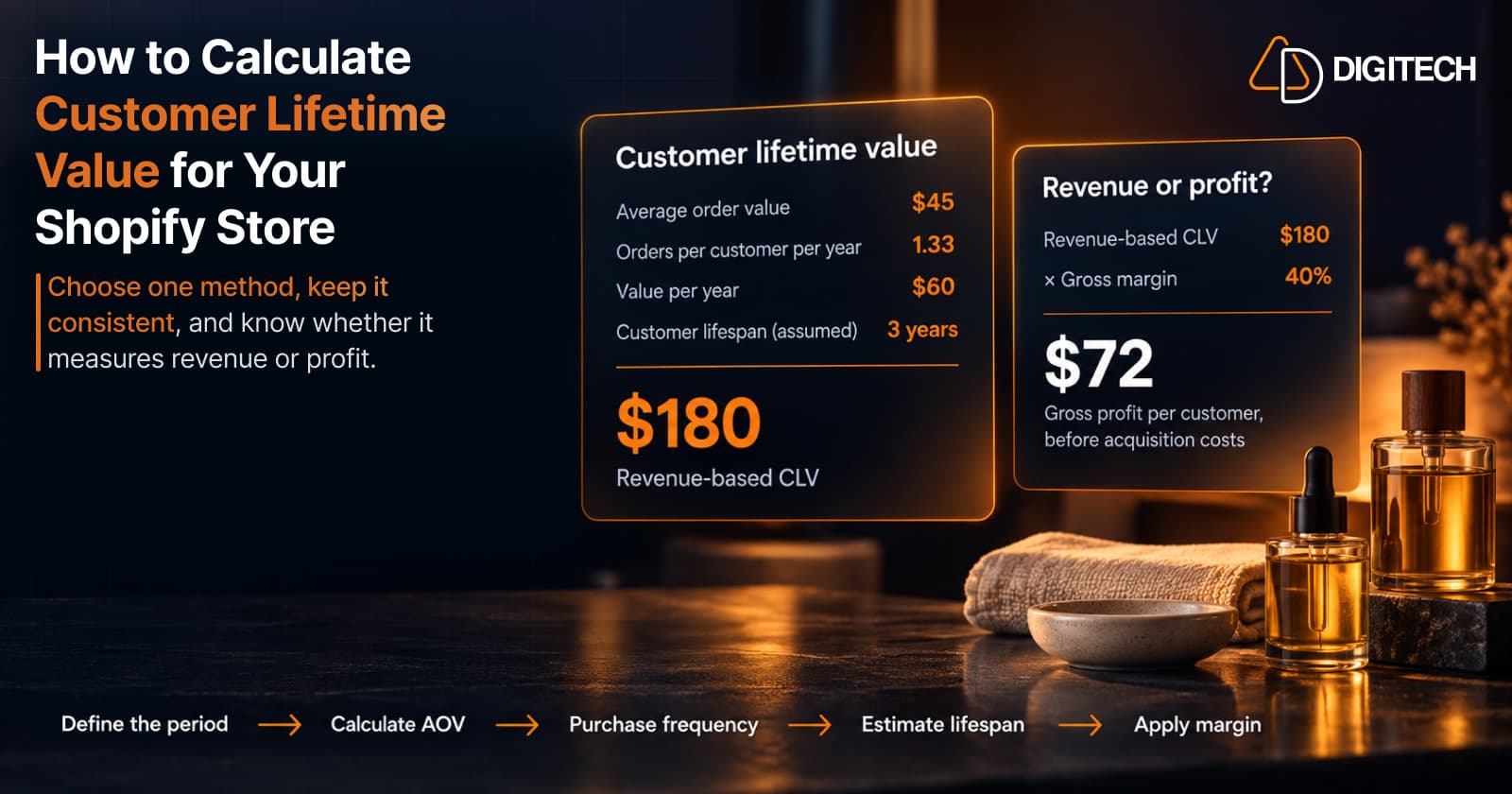
How to Calculate Customer Lifetime Value for Your Shopify Store
Learn how to calculate customer lifetime value for a Shopify store, choose between revenue and profit-based CLV, find the data in Shopify, and avoid common mistakes.
Read article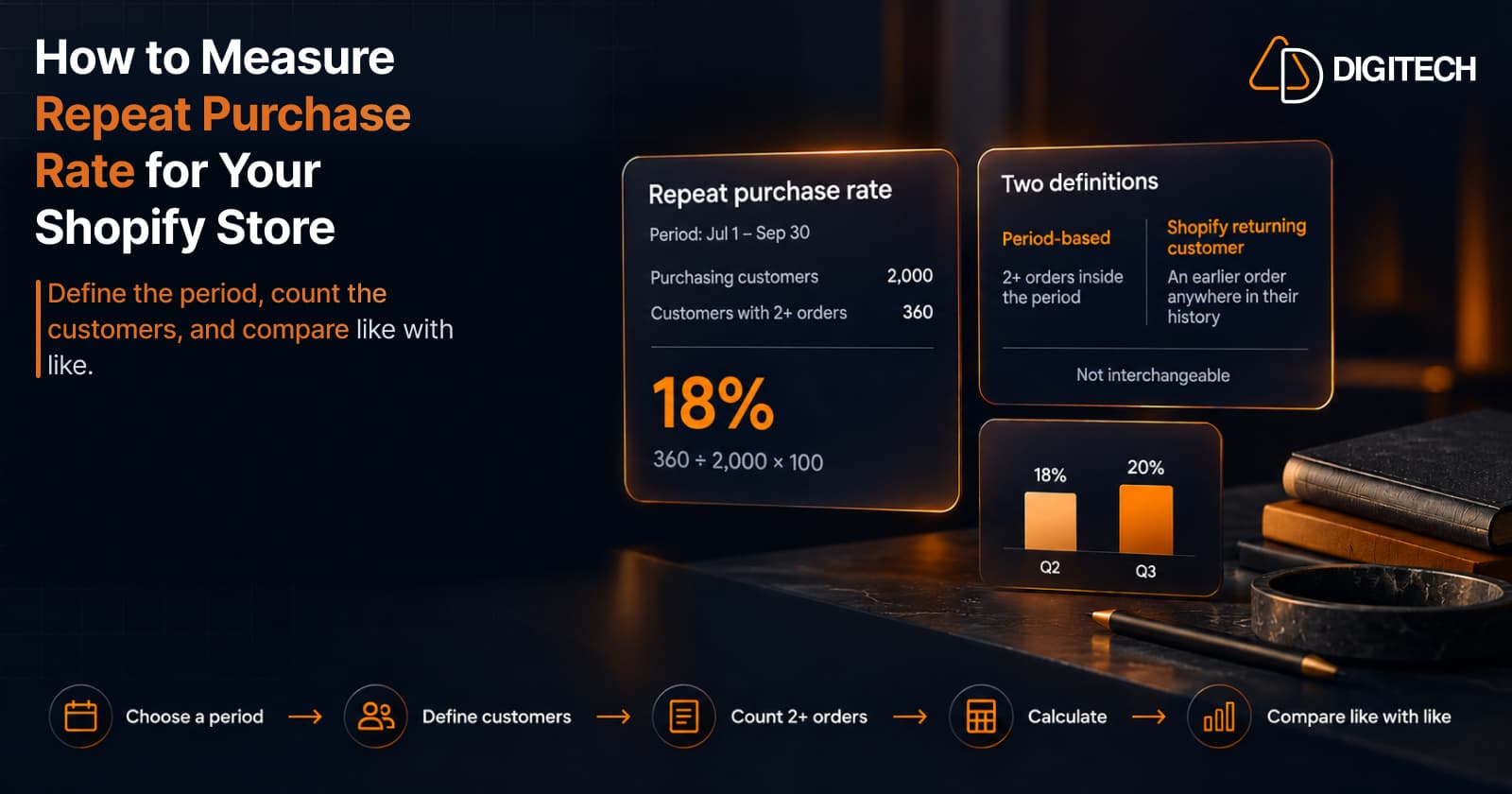
How to Measure Repeat Purchase Rate for Your Shopify Store
Learn how to calculate repeat purchase rate for a Shopify store, choose the right period and customer population, read the result carefully, and track the related retention metrics.
Read article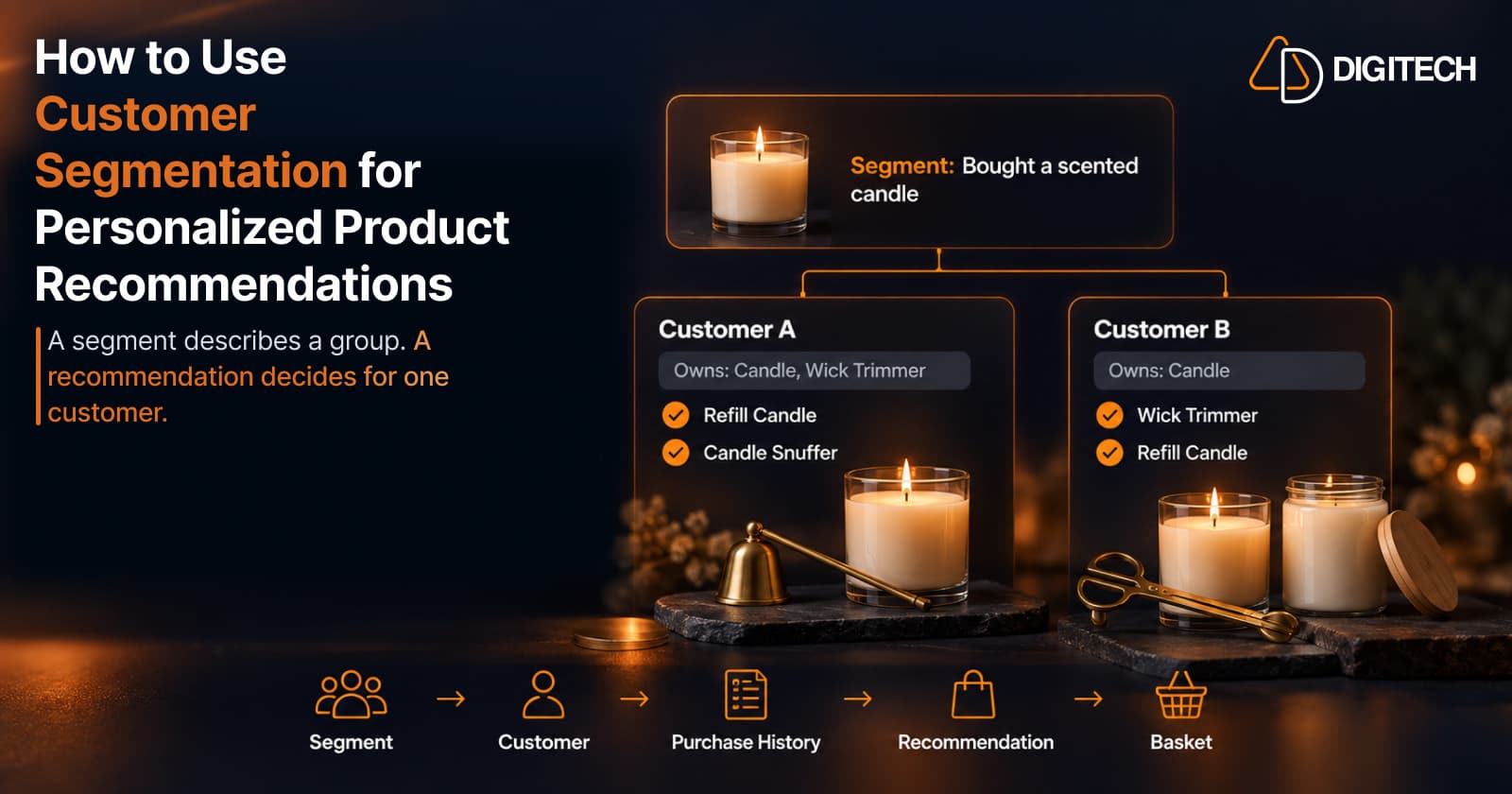
How to Use Customer Segmentation for Personalized Product Recommendations on Shopify
Learn how to use Shopify customer segments to make product recommendations more relevant, and how to turn a segment-level insight into a recommendation for one customer.
Read article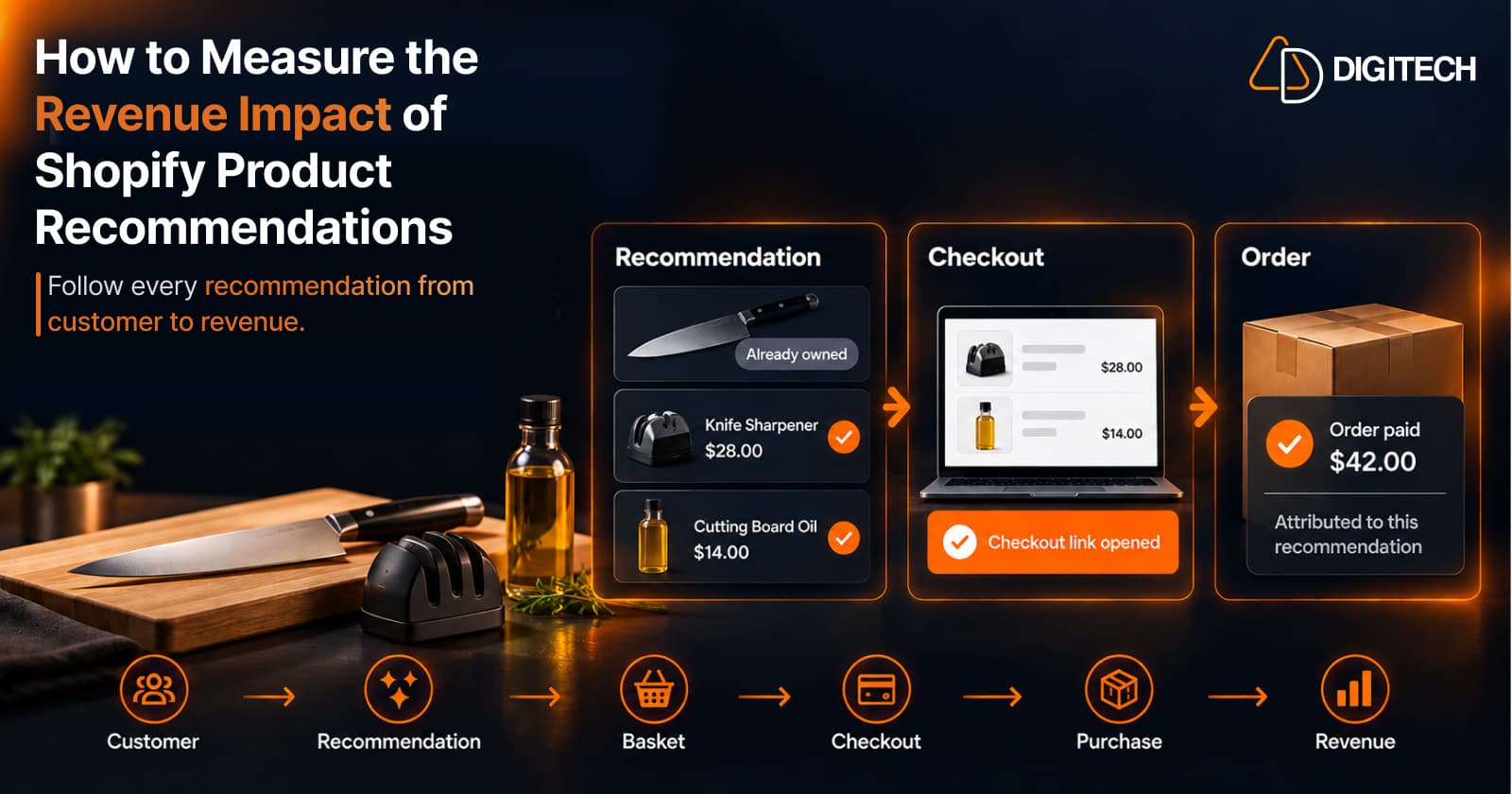
How to Measure the Revenue Impact of Shopify Product Recommendations
Learn how Shopify merchants can measure product recommendation performance, track checkout activity, attribute revenue, and improve personalized recommendations.
Read article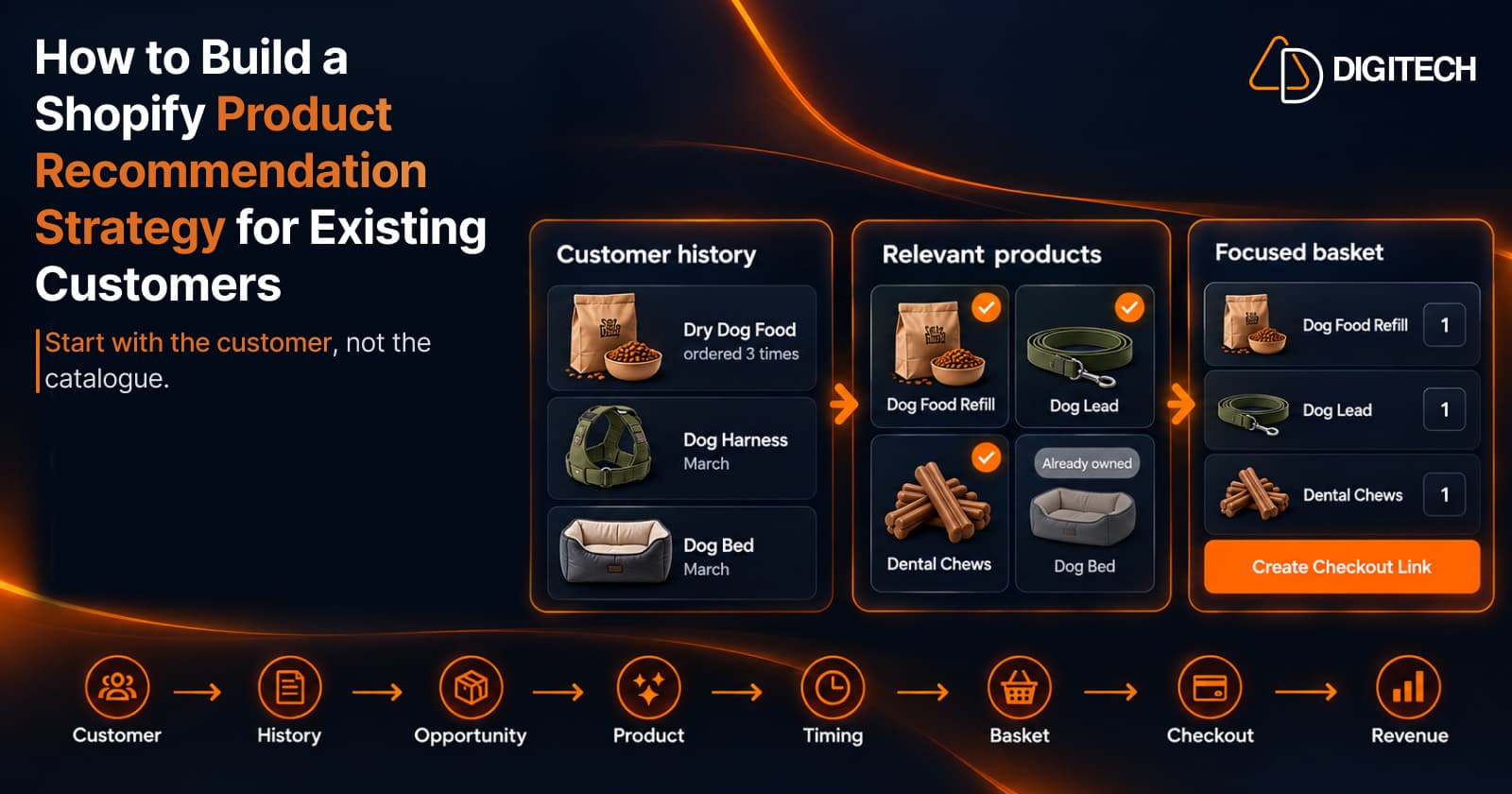
How to Build a Shopify Product Recommendation Strategy for Existing Customers
Learn how to build a Shopify product recommendation strategy using customer history, product relationships, timing, and personalized recommendations.
Read article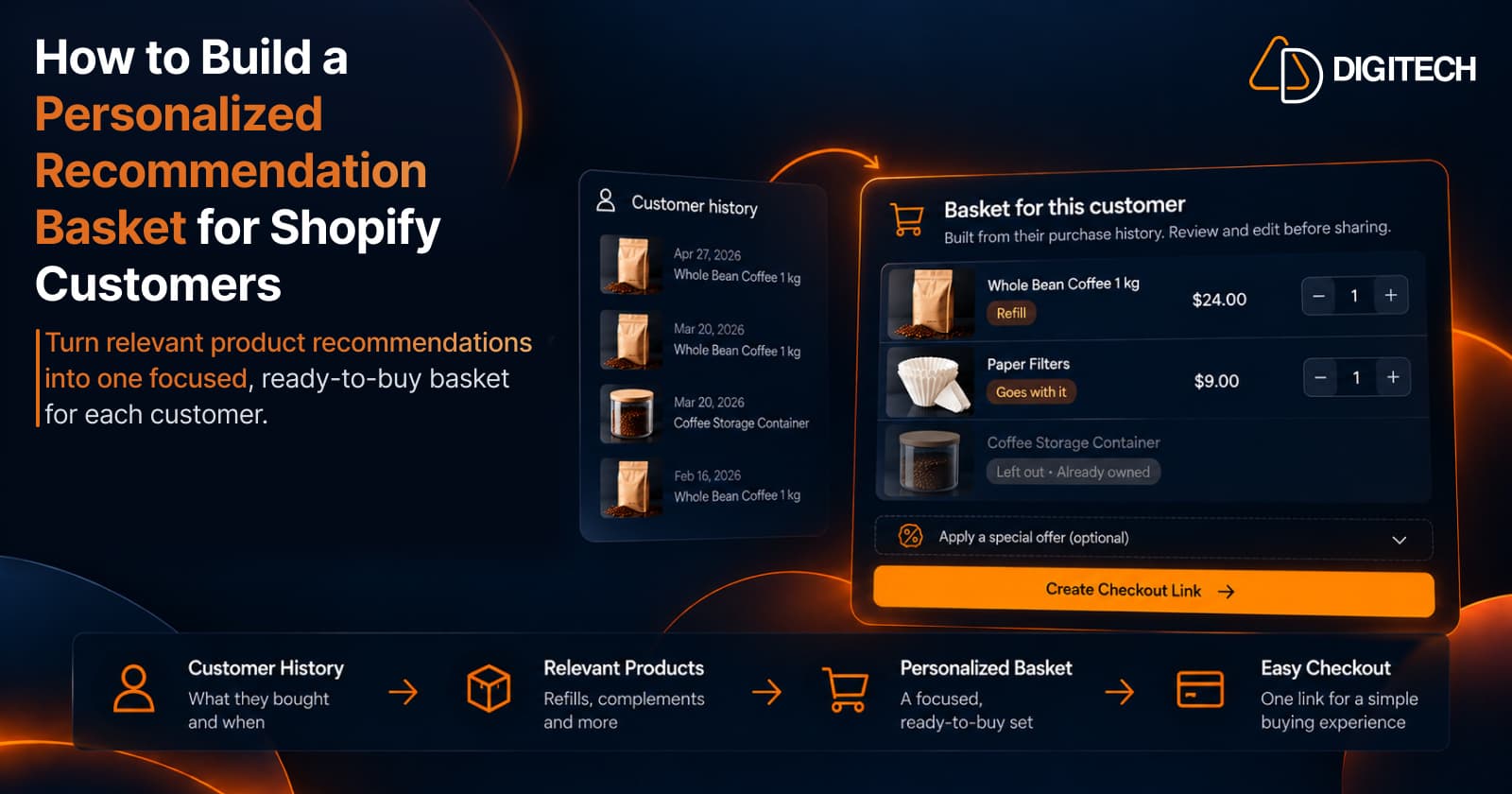
How to Build a Personalized Recommendation Basket for Shopify Customers
Learn how Shopify merchants can build personalized recommendation baskets using customer history, product relationships, timing, and product fit.
Read article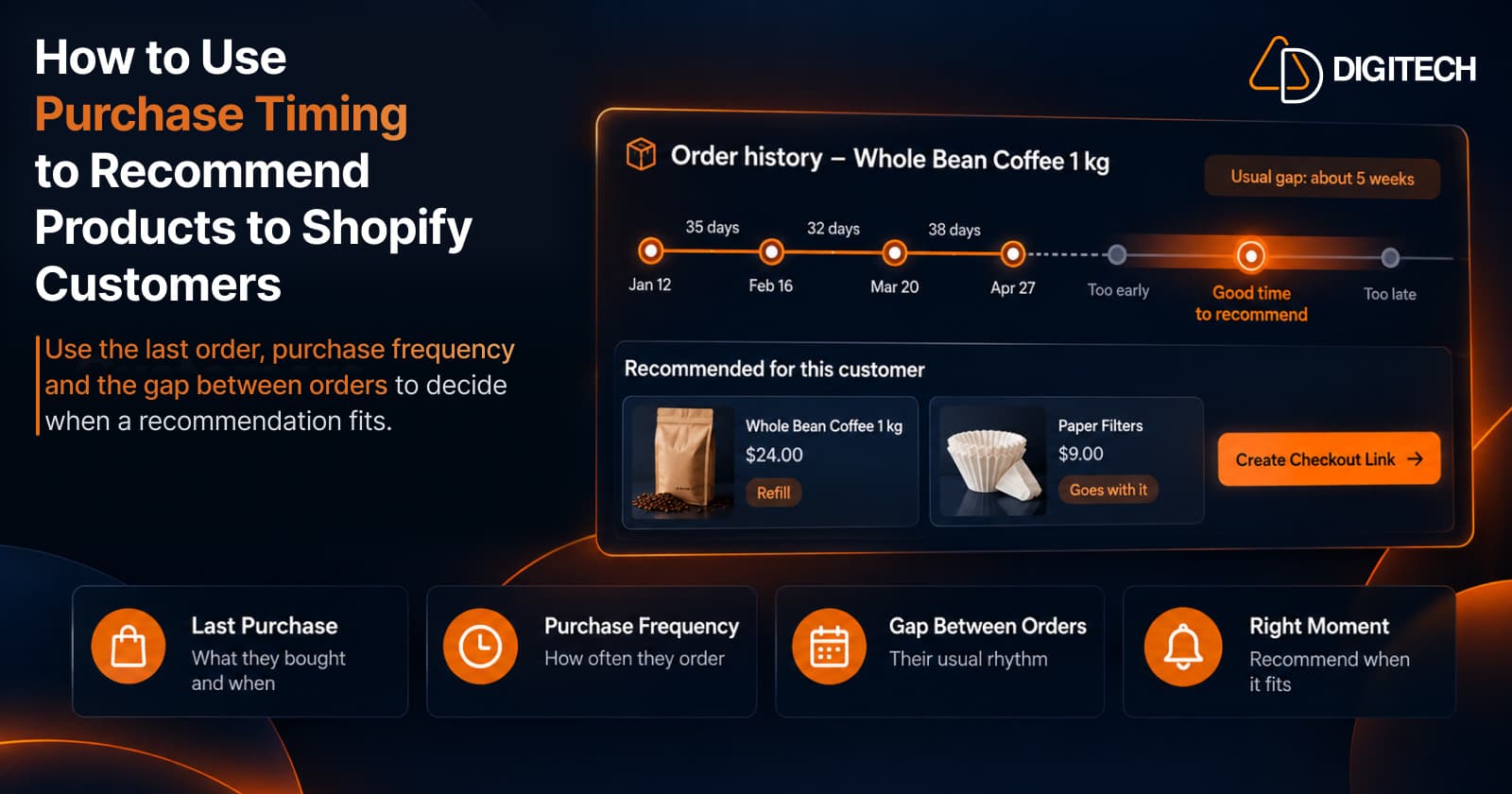
How to Use Purchase Timing to Recommend Products to Shopify Customers
Learn how Shopify merchants can use purchase timing, purchase frequency, recency, and customer history to make product recommendations more relevant.
Read article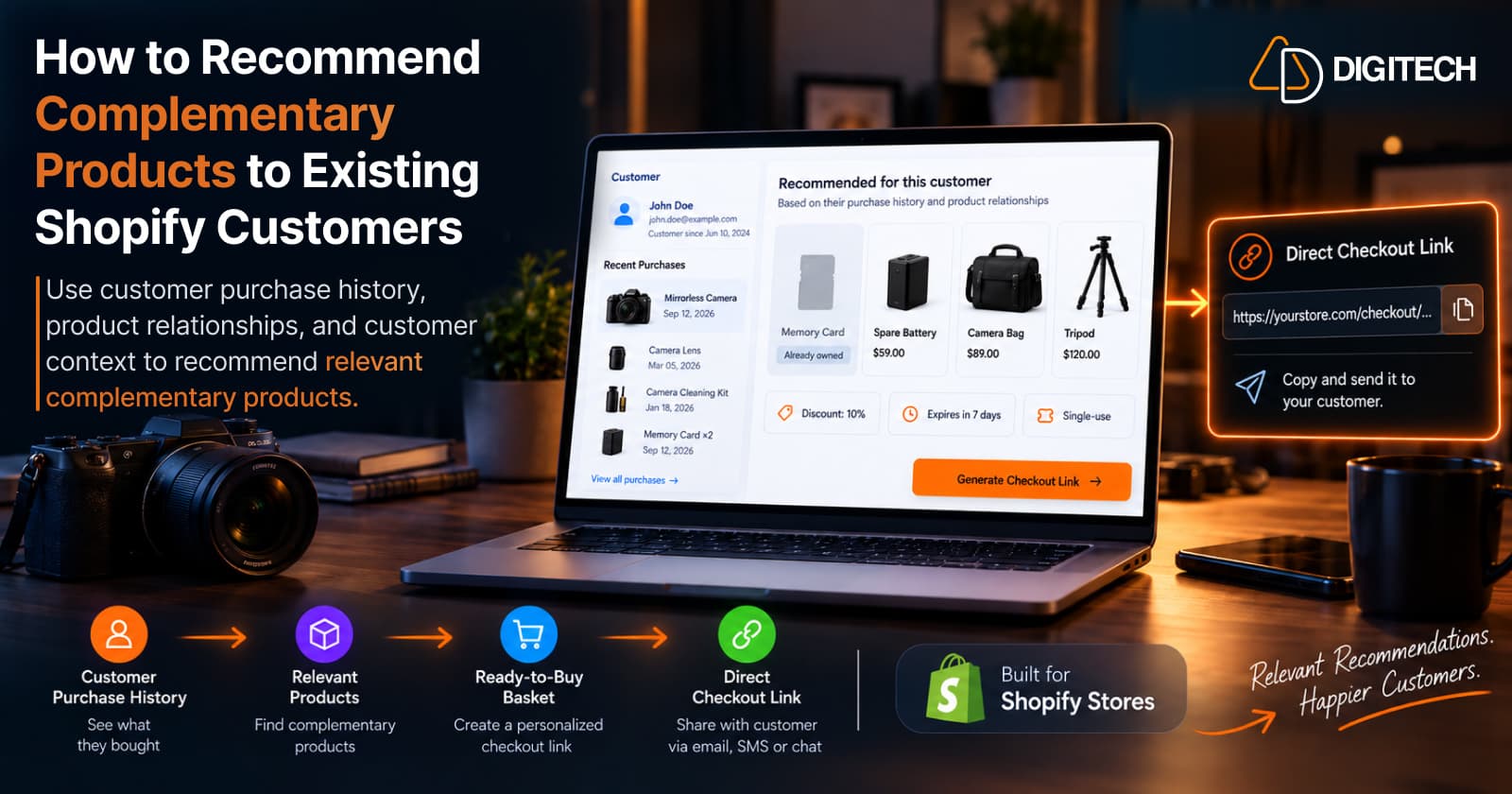
How to Recommend Complementary Products to Existing Shopify Customers
Learn how to recommend complementary products to existing Shopify customers using purchase history, product relationships, timing, and customer context.
Read article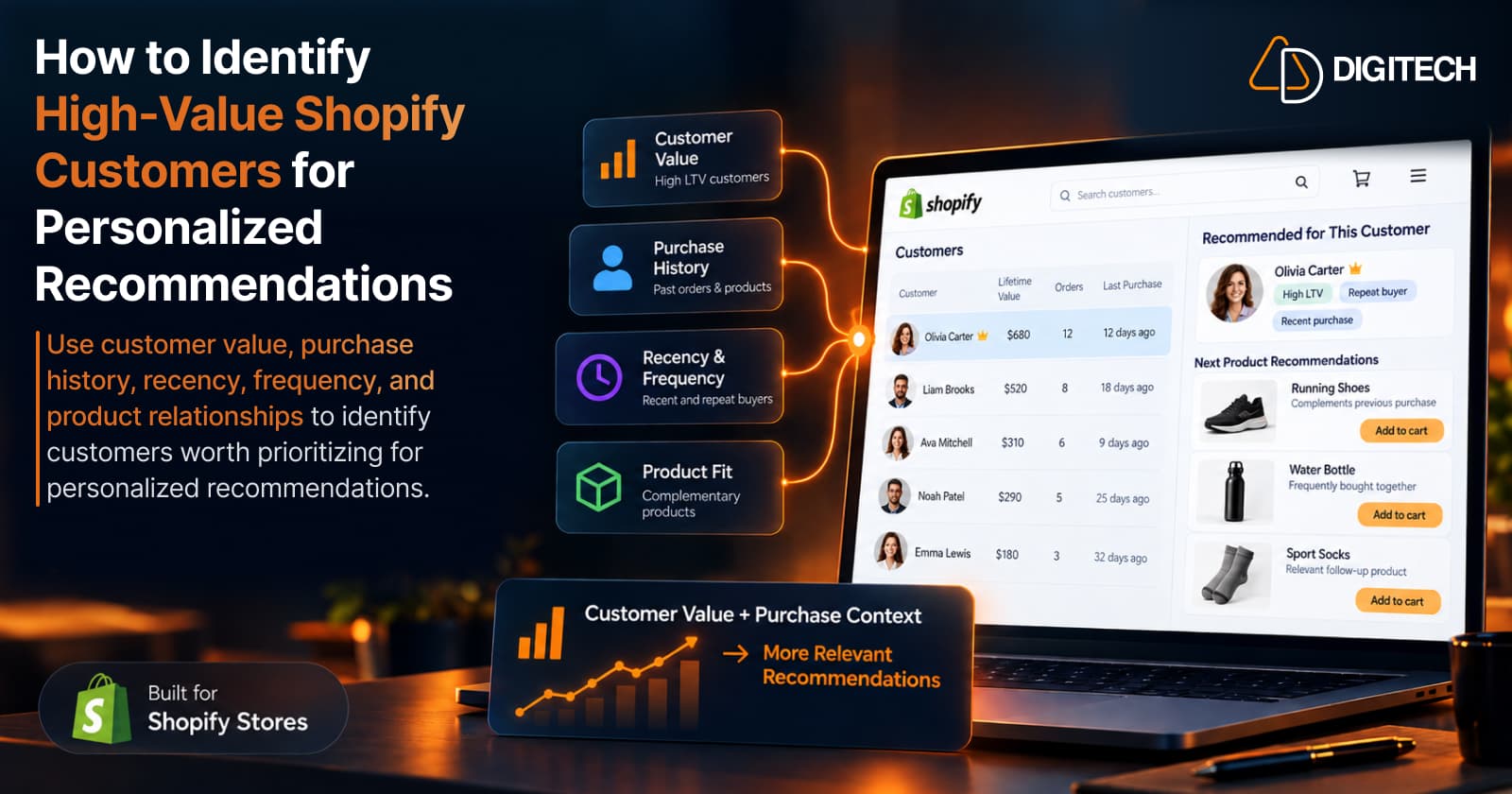
How to Identify High-Value Shopify Customers for Personalized Recommendations
How to identify high-value Shopify customers and real recommendation opportunities using purchase history, customer value, recency, and product relationships.
Read article