Shopify Customer Purchase History: How to Turn Past Orders Into New Sales
Learn how to use Shopify customer purchase history to identify relevant next products, create personalized recommendations, and increase repeat sales.
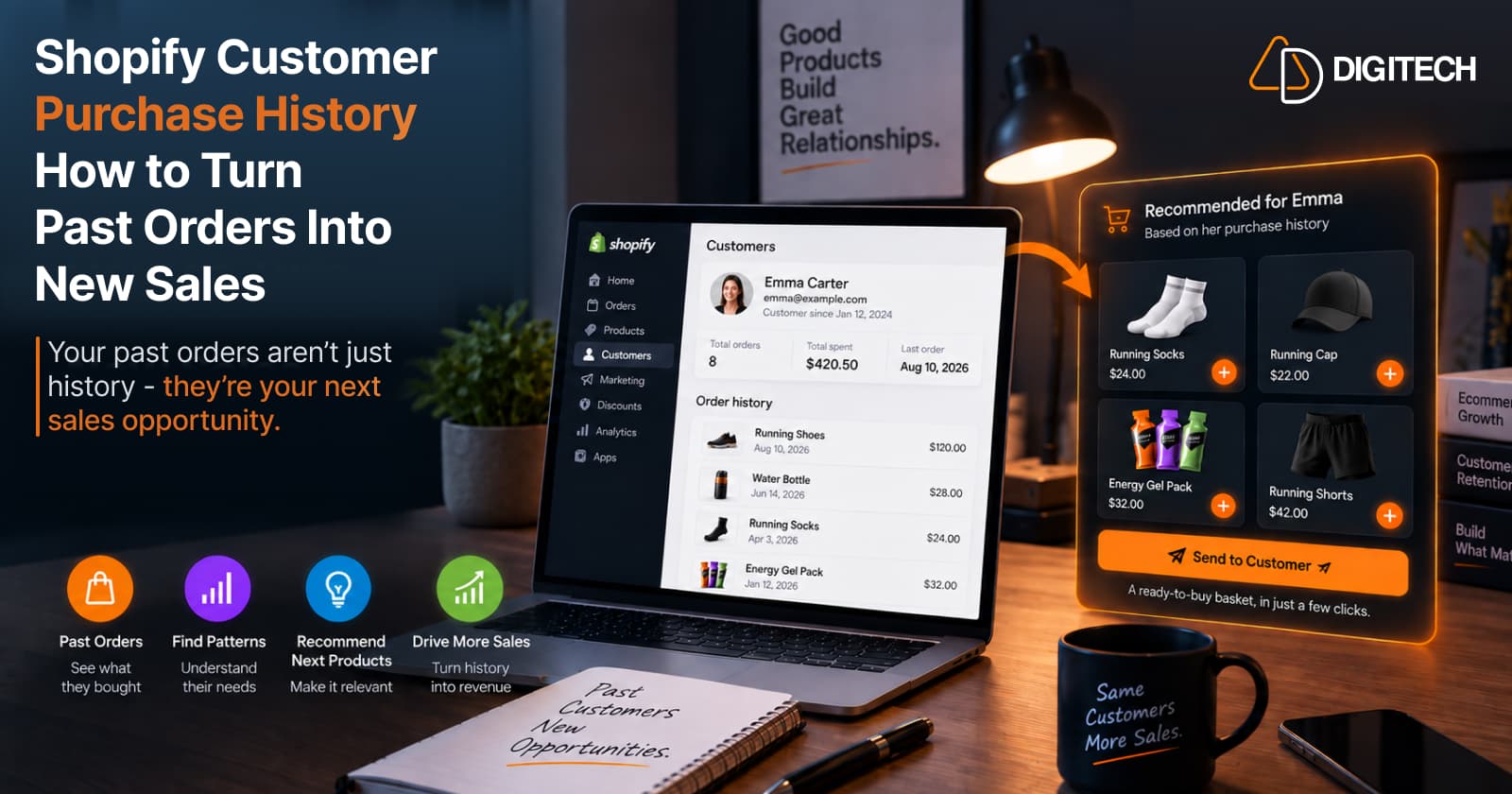
You already have it. Sitting inside your Shopify admin is a record of what every customer bought, when they bought it, how often they come back, and which products they tend to buy together. Most stores treat that as an order archive — a place to look up a past transaction. It's more than that. A customer's purchase history is one of the clearest signals you have about what they might want next.
The problem for most merchants isn't a lack of data; it's turning that data into a decision. Knowing a customer bought something six weeks ago only helps if it informs what you recommend today. This article is about closing that gap: how to read purchase history for signals, turn those signals into a relevant next-product recommendation, make it easy to buy, and measure the result.
Why Customer Purchase History Matters for Repeat Sales
There's a difference between having customer data and using it. Most stores have plenty of order data; far fewer use it to decide what to sell a specific customer next.
That's what separates an existing customer from a first-time shopper: context. With a new visitor you know almost nothing, so you fall back on best sellers and popular products. With an existing customer, you already know what they bought, what they liked enough to reorder, and what price range they're comfortable with. That context is the advantage — and purchase history is where it lives. A first-time visitor might see your best-selling jacket; a returning customer who has already bought two jackets and a pair of boots from you should probably see something else entirely — a scarf, a care kit, or next season's arrival. Same store, very different right answer, and only the history tells you which. Earning that second and third order is the foundation of repeat purchases from existing Shopify customers.
What Shopify Purchase History Can Tell You
Purchase history is really a set of signals. The useful ones:
- What they bought — the products and categories they've chosen.
- How often they buy — a one-time buyer versus a regular.
- When they last purchased — recency shapes whether a nudge is timely.
- Products they repeatedly buy — consumables, favourites, replenishables.
- Products bought together — what pairs in their baskets.
- Category preferences — the parts of your catalogue they lean toward.
- Typical order value or price range — what they're comfortable spending.
- Changes in their pattern — buying more, less, or shifting categories.
Each is a hint. A customer who reorders the same coffee every month may indicate a replenishment need; one who bought a camera likely has accessory gaps; one who always buys mid-range is signalling a price comfort zone. None of these guarantees the next purchase — but together they narrow thousands of products down to a handful that make sense.
Find the Next Logical Product
The move is from "what did this customer buy?" to "what would logically make sense next?"
A few examples — possible relevance, not guaranteed recommendations:
- Running shoes → running socks, shoe care, running apparel, a hydration accessory.
- A skincare cleanser → the matching moisturizer or serum.
- A coffee grinder → beans, filters, a storage canister.
- A yoga mat → a strap, blocks, or a carry bag.
The next logical product connects to what the customer already owns. It might be a companion, a refill, or a natural step up — the point is that it follows from the purchase rather than being a random popular item. Deciding exactly which one to show is the focus of how to recommend the next product to existing customers.
Use Product Relationships
Much of the "next logical product" comes from how your products relate to each other:
- Complementary products — items used together (a camera and a memory card).
- Accessories — the add-on that completes the purchase.
- Replenishment products — consumables that run out and get reordered.
- Upgrades — a better version, when the timing fits.
- Commonly purchased together — pairs that recur across orders.
These relationships often make a recommendation more relevant than a best seller. A best seller is popular in general; a complementary product is relevant to this customer's actual purchase. Knowing how your catalogue relates — through tags, metafields, or a sensible taxonomy — is what lets you surface those pairings.
Consider Purchase Timing
A relevant product can still be the wrong thing to show today. Timing matters:
- Replenishable products are relevant on a rough cadence — as the customer would be running low, not the day after they restocked.
- Seasonal products only make sense at certain times of year.
- Typical repeat cycles — some products tend to be reordered after a period (for example, a consumable a customer buys roughly monthly — an example, not a fixed rule).
- Post-purchase windows — an accessory may make sense weeks after the main item, not the same day.
You don't need precise data science here. You need to avoid the obvious misses: a refill nudge to someone who just stocked up, or a summer product in the middle of winter.
Look for Patterns Across Previous Orders
One order is a data point; several orders are a pattern. Multiple purchases reveal stronger context than a single transaction — a customer who repeatedly buys from one category, stays within a price range, or reorders on a rhythm tells you far more than one order can.
For example, a customer with three orders all from the same collection, all mid-range, is signalling a clear preference. Recommend within that collection, at that price, and you're likely relevant. Patterns are what turn a guess into an informed decision, so look across the whole order history, not just the most recent purchase.
Don't Recommend the Same Product to Every Customer
A best seller is popular by definition — but popular for the store isn't the same as relevant to the person. Show the same top-sellers block to every existing customer and some are looking at products they already own, or that don't fit what they buy.
The question changes from "what products are popular?" to "what makes sense for this customer?" That shift is the entire point of using purchase history, and it's the distinction we cover in personalized vs generic product recommendations. Generic recommendations aren't bad — they're just blind to the individual, and for a customer you already know, you can do better.
Turn Purchase History Into a Ready-to-Buy Basket
Identifying a relevant product is only half the job. A recommendation the customer has to hunt down and rebuild themselves tends to leak. It becomes far easier to act on when you can:
- select the products,
- assemble them into a basket,
- review and edit it,
- apply an offer when appropriate,
- and send the customer straight toward checkout.
The easier the recommendation is to act on, the fewer steps the customer has to complete before checkout. A customer who has to search for each item, add them one at a time, and figure out what you had in mind has more steps to complete before purchasing; a basket that's already assembled and ready to buy makes the recommendation easier to act on. Reading the history well and then making the customer do the work undoes the effort — the point is to make the relevant next purchase as easy as possible to say yes to.
How to Use Customer Purchase History in a Practical Workflow
A repeatable workflow to run for a known customer:
- Select an existing customer.
- Review their purchase history — the signals above.
- Identify the useful signals — is a replenishment due? a clear category preference? a complementary gap?
- Find relevant next products — a small set, not a wall.
- Build or review a recommendation — pick the best fit.
- Create a ready-to-buy basket — assembled and ready to purchase.
- Send it to the customer — get it as close to checkout as possible.
- Measure what happened — did it lead to an actual sale?
Run this consistently and it compounds: each round teaches you which signals actually convert for your catalogue, so the next recommendation is sharper than the last.
Common Mistakes When Using Purchase History
- Looking only at the last order — the pattern across orders is richer than one purchase.
- Recommending the same product to everyone — that ignores the individual context that makes an existing customer valuable.
- Ignoring purchase timing — the right product at the wrong time still misses.
- Ignoring complementary products — often the easiest relevant win.
- Recommending too many products — a wall of options makes the next step unclear.
- Making the customer rebuild the basket — every extra step is a chance to lose the sale.
- Treating purchase history as a guarantee — it's a signal, not a certainty.
- Measuring clicks instead of actual sales — only the resulting order tells you it worked.
How Curivo Uses Customer Purchase History
Curivo — built and operated by AD Digitech — is designed around exactly this: turning a customer's own purchase history into a personalized product recommendation. The workflow:
- Select a customer.
- Review their purchase history.
- Build the basket yourself, or ask Curivo to suggest four options.
- Review and edit the recommendation.
- Create a ready-to-buy basket.
- Send the customer straight to checkout.
- Track the revenue the recommendation generated.
The positioning is deliberate: AI selects. Your data grounds it. You decide. In shorthand, Customer → Basket → Revenue.
A few things worth being clear about: the selection is grounded in your store and product data plus the customer's purchase context; Curivo does not send customer identity to the AI; you review and edit every basket you build before it reaches anyone, and automated offers follow the rules you set; and it isn't a generic storefront recommendation widget — it works from an individual customer's history, and the final decision stays with you.
A Practical Framework for Shopify Merchants
Compressed to five steps:
- Understand the customer — read their history.
- Identify the purchase signal — recency, repeat, category, price, pairing.
- Find the next relevant product — the logical follow-on.
- Make it easy to buy — a ready-to-buy basket near checkout.
- Measure the result — attribute the sale, and learn from it.
Conclusion
Your Shopify customer list isn't just a database of past orders. It's a set of signals about what each customer might want next — and reading those signals is how you turn history into the next sale. The goal isn't to recommend more products; it's to make the next recommendation more relevant to the person in front of you.
That's the job Curivo is built for: turning customer purchase history into personalized, ready-to-buy recommendations you stay in control of and can measure — customer, to basket, to revenue.
Frequently asked questions
What is Shopify customer purchase history?
It's the record of a customer's past orders inside Shopify — which products they bought, when they bought them, how often they return, and what tends to appear in their orders together. Beyond being an order archive, it's a useful set of signals about what a customer may want next.
How can Shopify merchants use purchase history to increase repeat sales?
Read the history for signals — what they bought, how often, how recently, what they repeatedly buy, and which products pair together — then use those signals to find a relevant next product, make it easy to buy, and measure whether it produced a sale. The aim is a more relevant next recommendation, not just more recommendations.
What can you learn from a customer's previous orders?
The products and categories they prefer, how frequently they buy, when they last purchased, which items they reorder, what tends to be bought together, their typical price range, and changes in their buying pattern. Each is a hint that helps narrow a large catalogue to a handful of products that make sense for that customer.
How do you recommend products based on purchase history?
Start with what the customer already bought, then look for the next logical product — a complementary item, a replenishment, or a sensible step up — using product relationships and timing. Keep it to a small, relevant set rather than a wall of options, and treat the history as a signal of likely relevance, not a guarantee.
Can Shopify customer purchase history help with product recommendations?
Yes. For existing customers, purchase history is one of the most useful inputs for a recommendation, because it reflects what the customer actually chose. It won't predict every purchase, but it can inform a far more relevant next recommendation than a generic best-seller shown to everyone.
How does Curivo use customer purchase history?
Curivo lets a merchant select a customer, review their purchase history, and either build a recommendation basket themselves or ask Curivo to suggest four options to review and edit. It then creates a ready-to-buy basket, sends the customer toward checkout, and tracks the revenue generated. The selection is grounded in your store and product data plus the customer's purchase context, customer identity isn't sent to the AI, and you keep control of every basket.
Turn Customer History Into Your Next Sale
See how Curivo helps Shopify merchants turn customer purchase history into personalized recommendations, ready-to-buy baskets, and measurable revenue.
Related reading
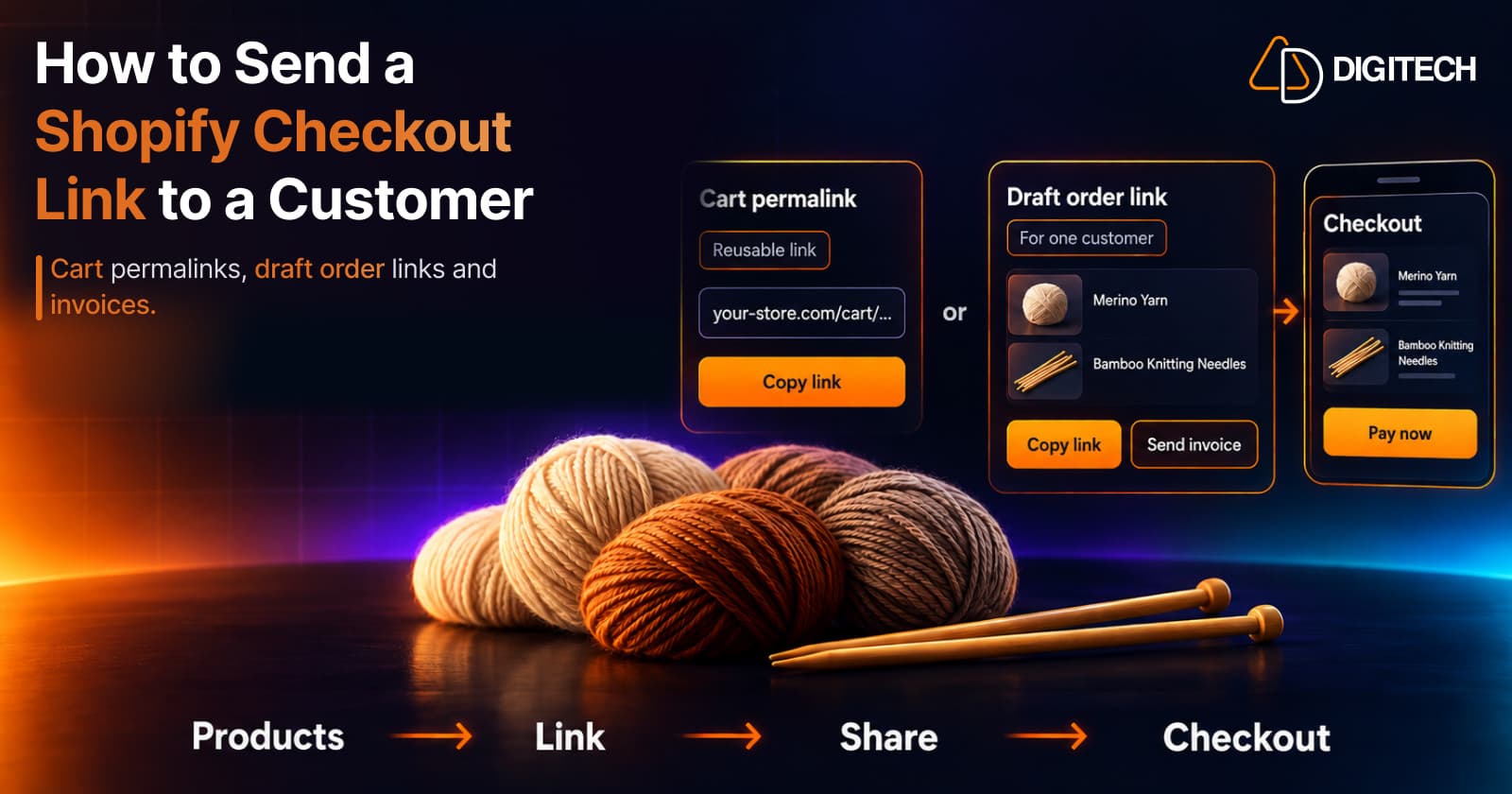
How to Send a Shopify Checkout Link to a Customer
Learn how to create and share Shopify checkout links using cart permalinks, draft orders, and personalized offers. Compare methods and avoid common mistakes.
Read article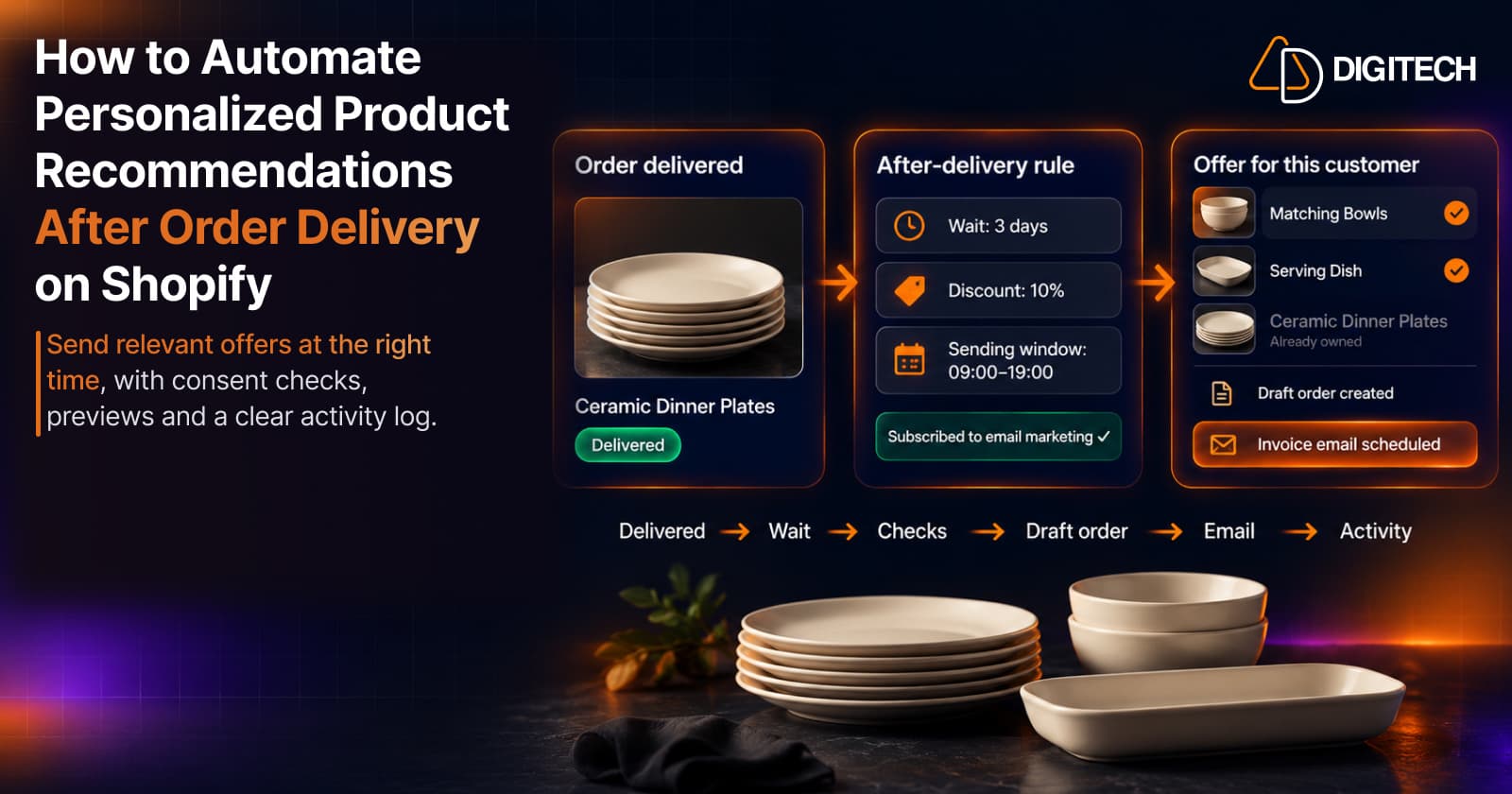
How to Automate Personalized Product Recommendations After Order Delivery on Shopify
Automate post-delivery product recommendations on Shopify: delivery triggers, wait periods, consent, previews, queues and tracking sent or skipped offers.
Read article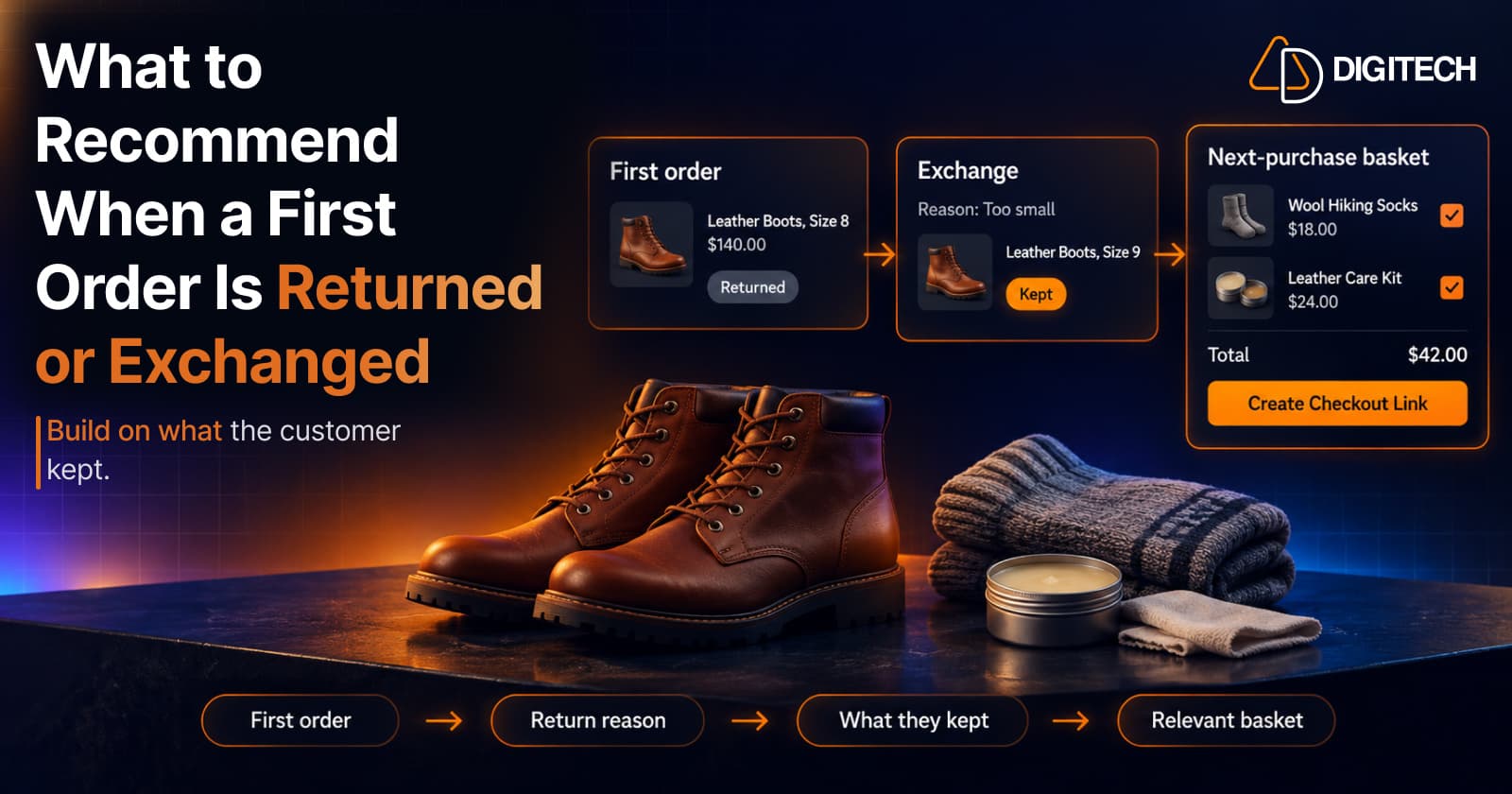
What to Recommend When a Customer's First Shopify Order Is Returned or Exchanged
A returned or exchanged first order changes what you know about a customer. Here's how Shopify merchants can read return reasons and recommend a relevant next product.
Read article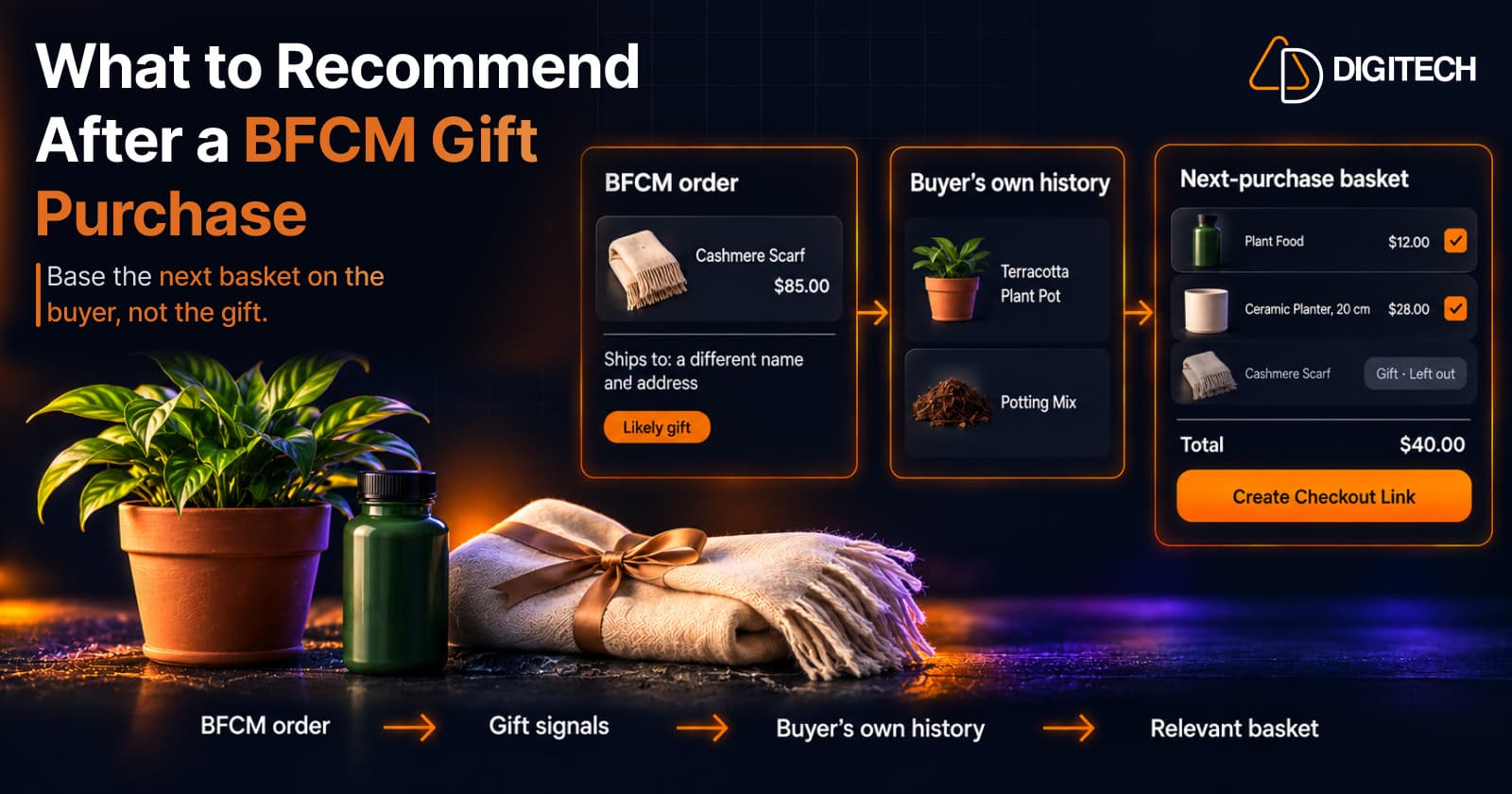
What to Recommend After a BFCM Gift Purchase: A Guide for Shopify Merchants
Some BFCM orders are gifts, which makes purchase history misleading. Here's how Shopify merchants can spot likely gift orders and recommend a relevant next product.
Read article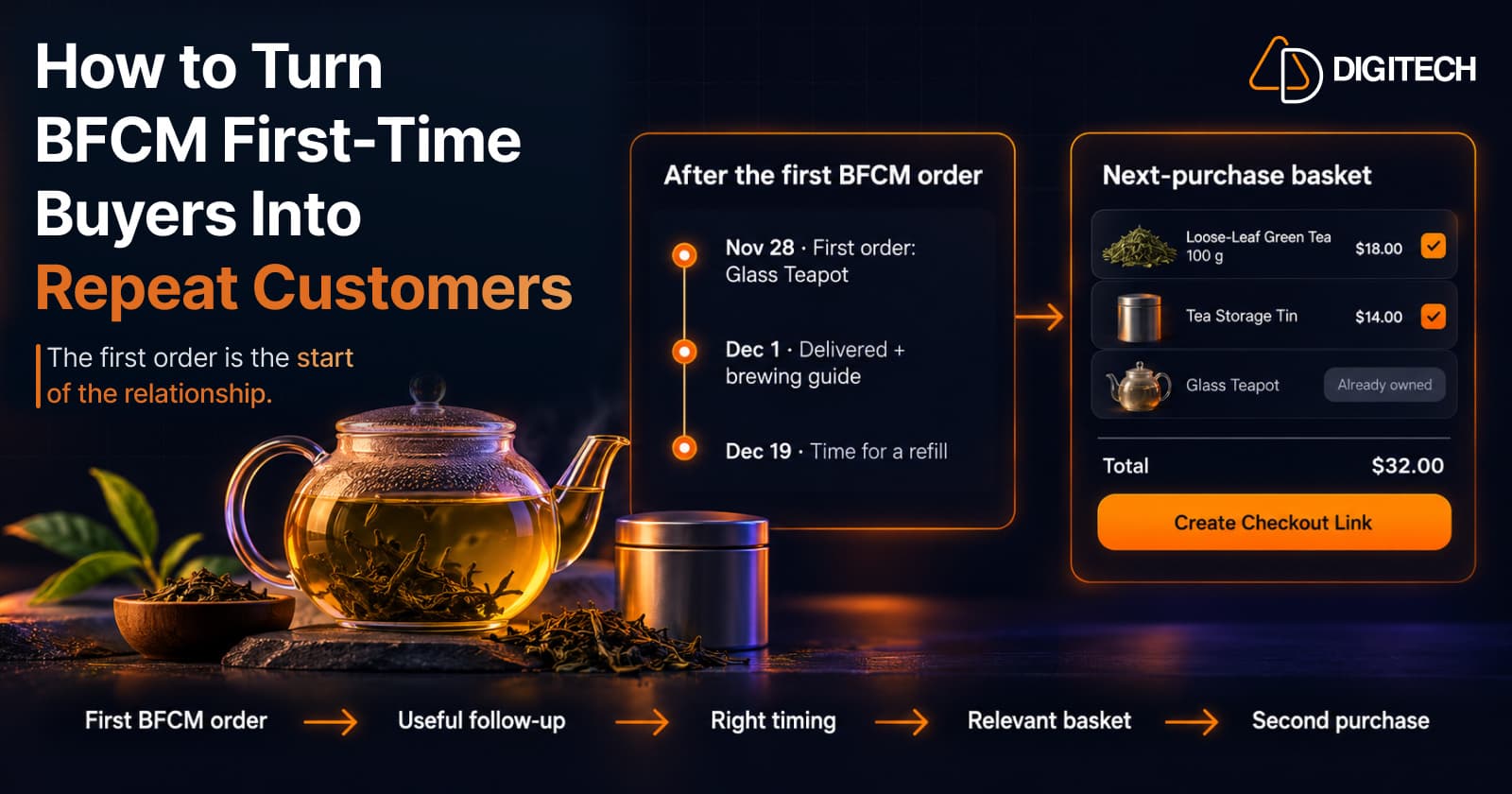
How to Turn BFCM First-Time Buyers Into Repeat Customers
A first BFCM order is the start of a customer relationship. Here's how to follow up with first-time buyers so a relevant second purchase becomes more likely.
Read article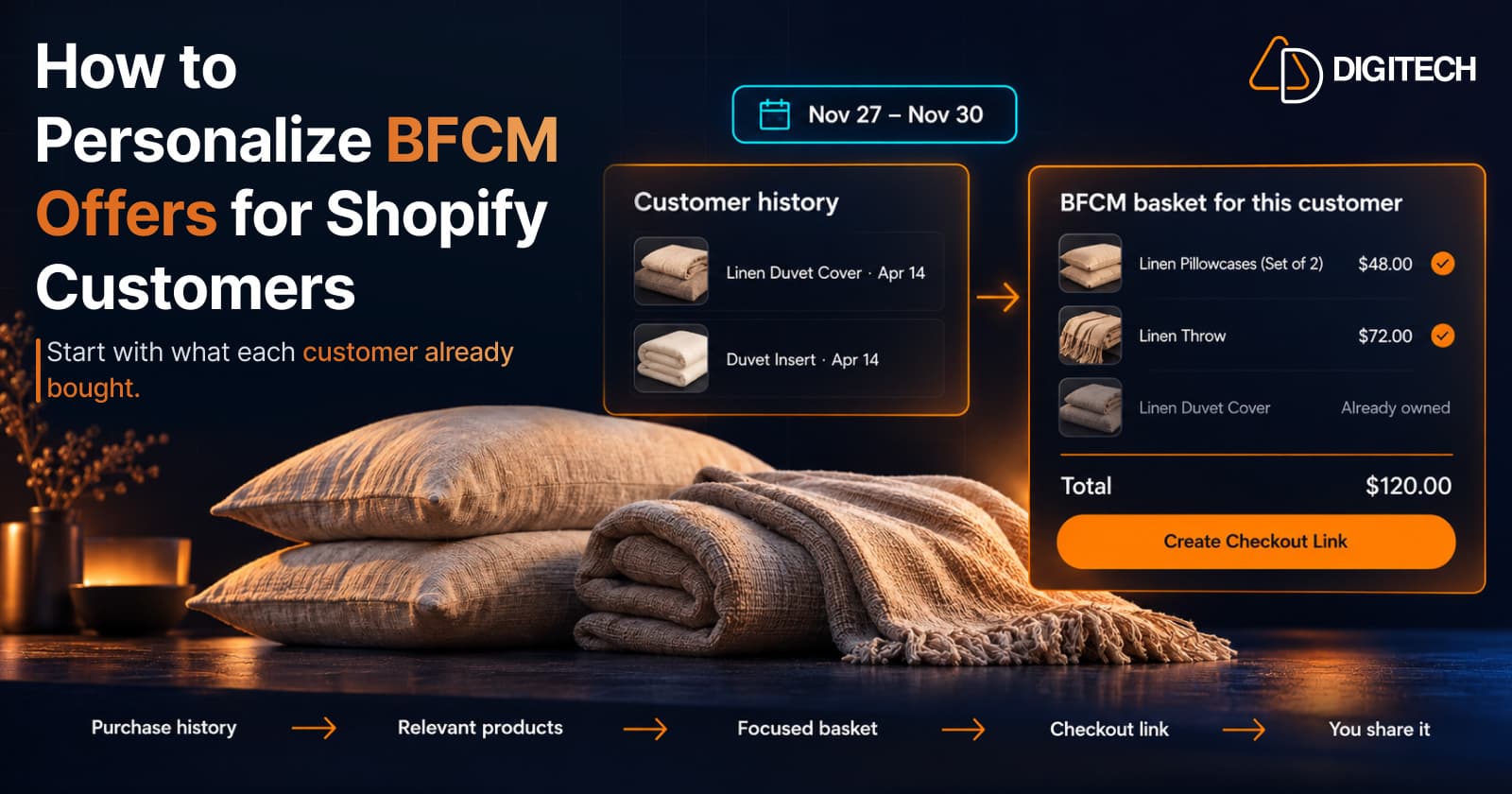
How to Personalize BFCM Offers for Shopify Customers
Use Shopify customer purchase history to build relevant BFCM offers for existing customers: what to check, five ways to personalize, and how to measure it.
Read article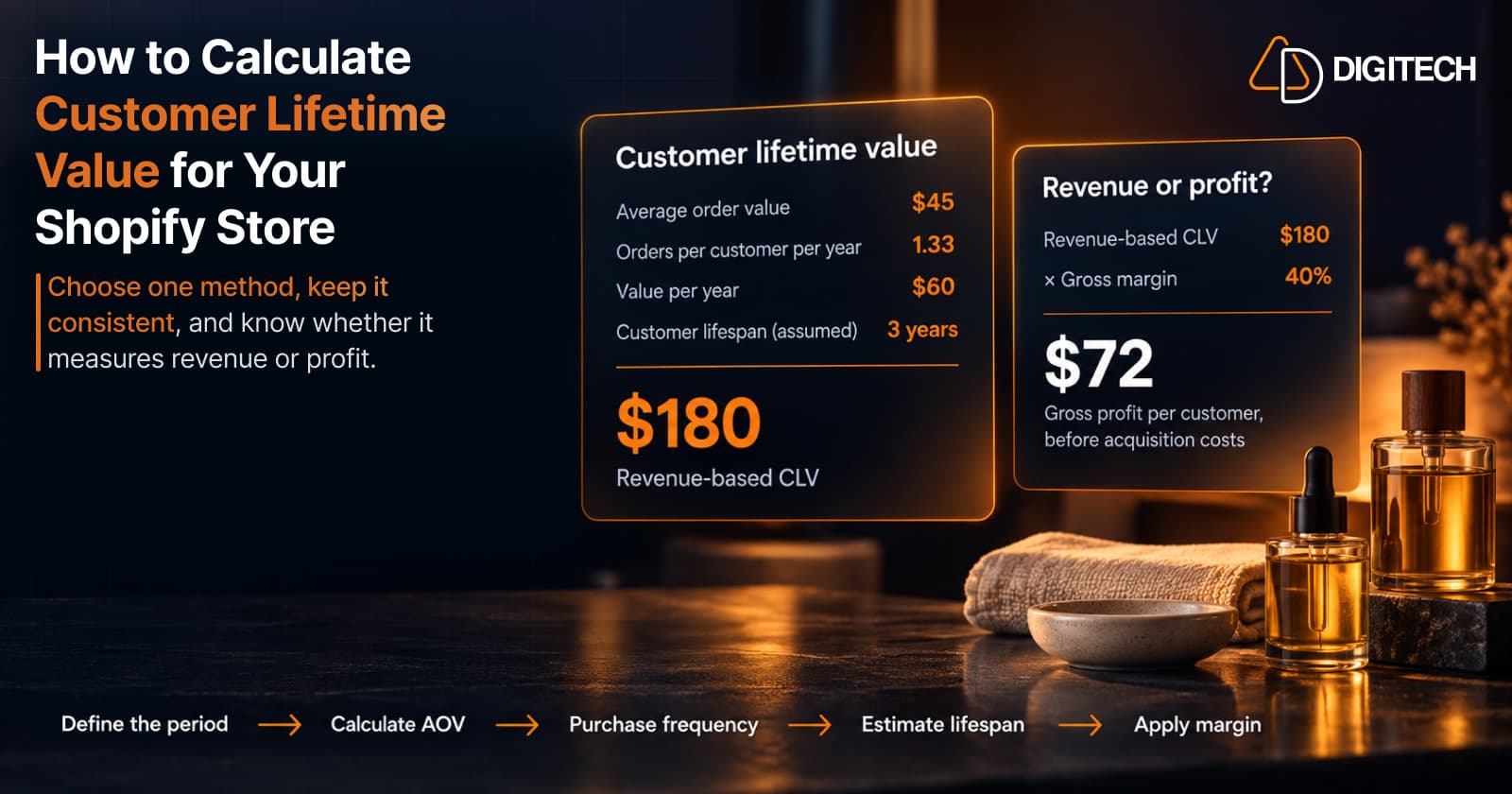
How to Calculate Customer Lifetime Value for Your Shopify Store
Learn how to calculate customer lifetime value for a Shopify store, choose between revenue and profit-based CLV, find the data in Shopify, and avoid common mistakes.
Read article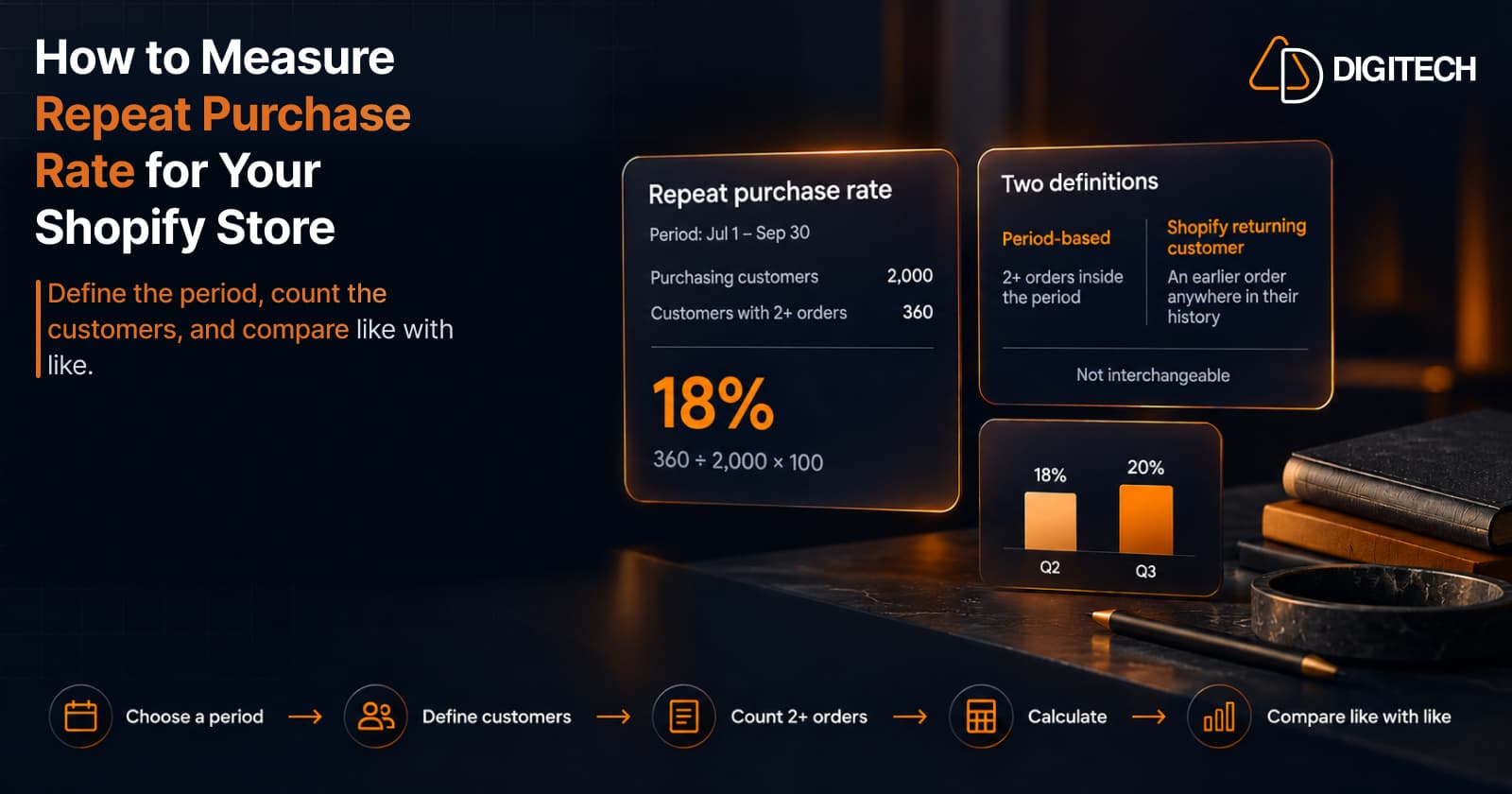
How to Measure Repeat Purchase Rate for Your Shopify Store
Learn how to calculate repeat purchase rate for a Shopify store, choose the right period and customer population, read the result carefully, and track the related retention metrics.
Read article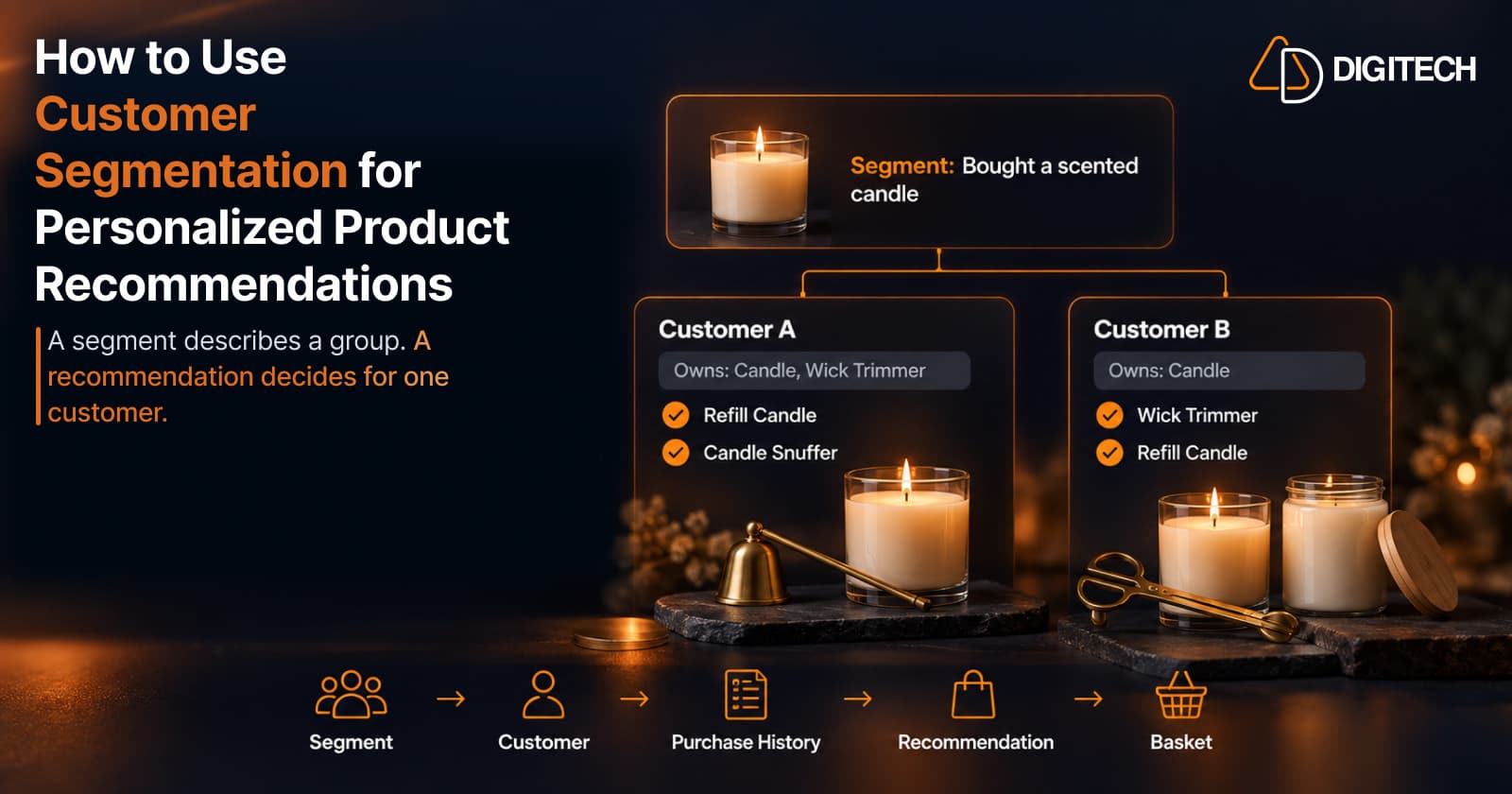
How to Use Customer Segmentation for Personalized Product Recommendations on Shopify
Learn how to use Shopify customer segments to make product recommendations more relevant, and how to turn a segment-level insight into a recommendation for one customer.
Read article