How to Create Personalized Product Bundles for Shopify Customers
Learn how to create personalized Shopify product bundles using customer purchase history, product relationships, and relevant next-product recommendations.
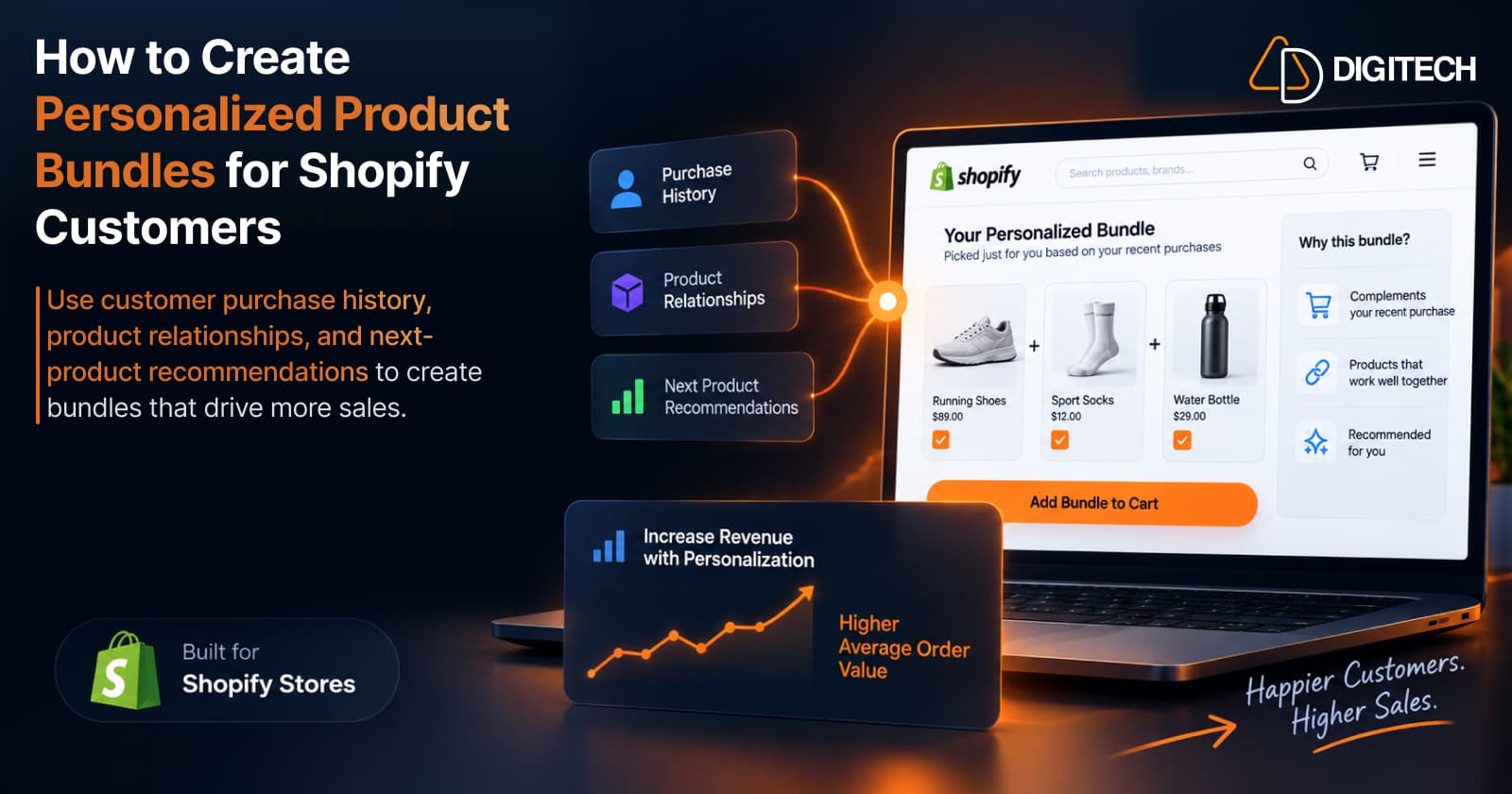
Creating a bundle is easy. Any Shopify store can group three products, give the set a name, and call it a bundle — "Running Shoes + Socks + Shoe Care." Creating a bundle that's actually relevant to the person looking at it is the harder part.
That same running bundle is a great fit for a first-time runner. It's a poor fit for a customer who bought those exact shoes last month and already owns the socks. Same products, very different relevance — and the difference is who you built the bundle for.
That's what personalization changes. It moves the starting question from "what products go together?" to "what products make sense together for this customer?" This guide is about the second question: how to build a product bundle around one known customer — their purchase history, what they already own, and what would make a sensible next basket — and how that differs from the fixed and generic bundles most stores rely on.
What Is a Personalized Product Bundle?
A personalized product bundle is a small set of products chosen for one specific customer, based on what you know about them — usually their purchase history — rather than a fixed set shown to everyone. Three approaches, side by side:
- Fixed bundle — the same products, packaged for broad demand. A "starter kit" or "gift set." Everyone sees the same thing.
- Generic recommendation bundle — a "frequently bought together" combination drawn from aggregate shopper behaviour. The same for everyone viewing that product.
- Personalized customer bundle — built around a known customer's history. It can differ from one customer to the next.
The difference isn't the wrapping; it's the selection. A fixed bundle starts with your catalogue. A personalized bundle starts with the customer.
Why Generic Bundles Don't Always Fit Existing Customers
Generic and fixed bundles are genuinely useful. For storefront merchandising, promotions, gifting, and new visitors you know nothing about, a well-designed fixed bundle is often exactly the right tool. The gap shows up with existing customers, where you actually have context:
- The same bundle is shown to everyone, regardless of what they've bought.
- The customer may already own one of the items.
- The customer may have different preferences than the average buyer.
- The customer may have already purchased one of the bundle products from you.
- The customer may be at a different stage of their buying journey.
None of this makes generic bundles bad — it just means that once you know a customer, showing them the same set as a stranger leaves relevance on the table. That distinction is the subject of personalized vs generic product recommendations.
Start With the Customer's Purchase History
For an existing customer, the best starting point is what they've already bought. The signals worth reviewing:
- Previous products — what they own.
- Categories — the parts of your catalogue they buy from.
- Purchase sequence — the order things were bought in.
- Purchase frequency — how often they buy.
- Price range — what they're comfortable spending.
- Products commonly purchased together — pairs that recur.
- Time since previous purchase — recency.
- Products already owned — so you don't re-bundle them.
History is context, not a prediction. It can provide useful context and help narrow the options; it doesn't tell you exactly what a customer wants. But it turns "which of my 4,000 products?" into "which few make sense for this person?" — the foundation of a personalized bundle. For more on reading these signals, see Shopify customer purchase history.
Identify the Bundle's Purpose
A personalized bundle isn't one thing. It can serve different purposes, and naming the purpose first makes the product selection obvious. Five common ones:
1. Complete the previous purchase
The bundle finishes what they started. Camera → memory card → camera bag.
2. Replenish
The bundle refills a consumable and adds what pairs with it. Coffee → their next coffee selection → filters.
3. Build a routine
The bundle extends a routine one product at a time. Skincare cleanser → serum → moisturizer.
4. Upgrade
The bundle offers a step up plus a fitting accessory. A basic product → the premium version → an accessory.
5. Expand the customer's category
The bundle broadens within a category they already buy. Running shoes → running socks → a recovery product.
Pick the purpose that fits what the customer's history suggests, then choose products that serve it. This is closely related to the single-product version of the decision, covered in how to recommend the next product to existing customers — a bundle is really a small set of "next products" assembled around a purpose.
Choose Products That Actually Belong Together
Once you know the purpose, filter candidate products against practical criteria:
- Product relationship — do they genuinely go together?
- Compatibility — will they work with what the customer already owns?
- Customer history — does it fit their pattern?
- Availability — is it in stock?
- Price fit — is it in their demonstrated range?
- Quantity — the right amount, not a pile.
- Timing — is now the right moment (replenishment, season)?
- Already owned? — don't re-bundle what they already have.
Resist adding a product just because it's a best seller. A best seller is popular in general; it isn't automatically relevant to this customer's bundle. In a personalized basket, relevance beats popularity.
Personalization Should Change the Bundle, Not Just the Message
This is the part stores most often get wrong. Personalization isn't a personalized subject line on the same fixed bundle. Compare:
- "Here is our running bundle." — the same products, with the customer's name on top.
- "You previously bought these running shoes, so here are products that complement that purchase." — a bundle whose products were chosen because of what the customer bought.
Real personalization changes the selection, not just the wording. If every customer receives the same three products regardless of history, it isn't a personalized bundle — it's a fixed bundle with a personalized greeting.
How Many Products Should Be in a Personalized Bundle?
There's no universal right number, and prescribing one ("always three!") misses the point. The right size depends on:
- Product category — some categories bundle naturally in twos, others in fives.
- Price — higher-priced items usually mean fewer per basket.
- Customer familiarity — a loyal customer may accept a fuller basket than a second-time buyer.
- Complexity — complex products need fewer, clearer choices.
- Purpose — a "complete the purchase" bundle may be two items; a "build a routine" bundle a few.
A useful rule of thumb: a small, relevant basket is easier for a customer to evaluate and act on than a long list. Fewer, more relevant products usually beat more, less relevant ones.
Let the Merchant Review the Bundle
No system knows your business the way you do. Before a personalized bundle goes out, a human should be able to review it — because the merchant may know things the data doesn't:
- the current stock situation,
- the customer relationship beyond their orders,
- upcoming promotions that change what to offer,
- product compatibility edge cases,
- special circumstances,
- and products they simply don't want to recommend right now.
The right division of labour is assistance, not replacement: a tool can narrow the options and suggest a basket; the merchant makes the final call. Automation should sharpen your judgment, not remove it.
Make the Bundle Easy to Buy
A relevant bundle still leaks if it's hard to act on. Consider the difference between:
- sending three separate product links the customer has to open one by one,
- asking the customer to search for each item and rebuild the basket themselves,
- and giving them a ready-to-buy basket — the products already gathered, ready to purchase.
Every extra step between the recommendation and checkout is a chance to drift away. The goal is to remove the unnecessary ones, so a relevant bundle is as easy to buy as possible.
Measure Whether the Bundle Actually Worked
If you can't see what a bundle did, you can't get better at building them. Useful signals:
- Recommendations sent — how many bundles went out.
- Clicks — did the customer engage?
- Checkout activity — did they reach checkout?
- Orders — did it convert?
- Revenue attributed to the recommendation, where your setup supports it.
- Which bundle types (complete, replenish, routine…) lead to purchases.
Attribution isn't always easy — only rely on it if your tool actually connects a specific bundle to the order it produced. Over time, seeing which purposes and product combinations convert tells you what to build next.
Personalized Bundles vs Fixed Bundles
Neither wins; they do different jobs:
| Fixed bundle | Personalized bundle | |
|---|---|---|
| Products | Same for everyone | Built around a known customer |
| Basis | Broad demand | Customer history |
| Varies by customer? | No | Yes |
| Best for | Promotions, gifting, discovery | Repeat selling to existing customers |
| Requires | A good product combination | Customer context |
| Merchandising | Easy to set up and display | Built per customer |
A fixed bundle is the right tool for a storefront promotion or a new visitor. A personalized bundle is the right tool when you know the customer and want the next basket to fit them — which is where repeat purchases from existing customers come from. Most stores benefit from using both, each in its place.
How Curivo Helps Shopify Merchants Build Personalized Baskets
Curivo — built by AD Digitech — is designed for exactly this: building a personalized basket around a known customer, not a storefront widget for anonymous visitors. It starts with the customer and their history. The workflow:
- Select a customer.
- Review their purchase history.
- Build a basket manually, using product relationships and co-purchase suggestions — or…
- Ask Curivo to suggest four differentiated basket options. One generation returns four options to compare, so you're choosing between distinct baskets rather than starting from a blank page.
- Review and edit the products — you stay in control of the final selection.
- Create a Shopify draft order.
- Send the direct checkout link.
- Track the revenue attributed to the recommendation.
The positioning is deliberate: AI selects. Your data grounds it. You decide. The selection is grounded in your store and product data plus the customer's purchase context; you review and edit every basket you build before it goes out; and nothing is sent automatically unless you set up an automation rule — the merchant controls what's sent and how. In shorthand, it's known customer → purchase history → recommendation → personalized basket → checkout → revenue attribution.
A couple of things worth being clear about: Curivo isn't a generic storefront recommendation widget, and it doesn't connect to WhatsApp, SMS, or email marketing platforms. For baskets you build, you decide how the checkout link reaches the customer; automated offers, on the Starter and Growth plans, go out as Shopify draft order invoice emails to customers subscribed to email marketing.
A Practical Example
Take a fashion store. A customer previously bought a premium jacket — a considered, higher-priced purchase — and, a while back, a mid-range accessory.
Reviewing their history, the merchant sees three useful things: the jacket purchase itself, the price range it sits in, and the earlier accessory purchase that hints at how they like to round out an outfit.
A possible personalized basket:
- matching trousers that pair with the jacket,
- a complementary shirt in a compatible style,
- and a suitable accessory in line with what they bought before.
The merchant chose this basket because each item connects to the jacket, sits in the customer's demonstrated price range, and completes an outfit rather than repeating something they already own. That doesn't mean the customer definitely wanted these products — it means the basket is a relevant, well-reasoned starting point built from real context, which is far more likely to land than a generic "frequently bought together" set.
Common Mistakes When Creating Personalized Bundles
- Showing the same bundle to everyone — that's a fixed bundle, not a personalized one.
- Including products the customer already owns.
- Adding products only because they're best sellers.
- Making the bundle too large — a wall of products is hard to act on.
- Ignoring product compatibility.
- Ignoring purchase timing — the right product at the wrong time still misses.
- Removing merchant review — losing the judgment that catches what data can't.
- Making checkout complicated — every extra step leaks the sale.
- Failing to measure the resulting order, so you never learn what works.
A Simple Framework
Compressed to five steps:
- Start with the customer — not the catalogue.
- Read the purchase history — the signals above.
- Identify the bundle purpose — complete, replenish, routine, upgrade, or expand.
- Build and review a small, relevant basket — keep the human in the loop.
- Send and measure the outcome — make it easy to buy, then learn from what happens.
Conclusion
The goal of personalization isn't to create more products or more bundles. It's to make the bundle more relevant to the customer who's actually going to receive it.
A fixed bundle starts with products: what goes together, for everyone. A personalized bundle starts with the customer: what makes sense for this person, given what they've already bought. Both have a place — but when you know the customer, starting with them is what turns a bundle from a generic offer into a relevant one.
Frequently asked questions
What is a personalized product bundle?
A personalized product bundle is a small set of products chosen for one specific customer — usually based on their purchase history and what they already own — rather than a fixed set shown to everyone. The difference from a standard bundle is the selection: the products are picked because of what this customer bought, not packaged for broad demand.
How do personalized Shopify bundles work?
You start with a known customer and review their purchase history for context — what they bought, what pairs with it, their price range, and what they may be ready to consider buying again. From those signals you build a small, relevant basket, keep the products you're confident in, and make it easy for the customer to buy. History provides useful context; it isn't a prediction of exactly what they want.
Can Shopify bundles use customer purchase history?
Yes. For existing customers, purchase history is one of the most useful signals for building a personalized bundle. It shows the categories and price range a customer is comfortable with, what tends to go together in their orders, and what they already own — which helps narrow a large catalogue to a handful of products that make sense to bundle for that person.
What is the difference between a fixed bundle and a personalized bundle?
A fixed bundle is the same set of products offered to everyone, designed for broad demand — useful for promotions, gifting, and new visitors. A personalized bundle is built around one known customer using their history, so it can change from customer to customer. They're not competing concepts; a store can use both, each where it fits.
How many products should be in a personalized bundle?
There's no universal number. The right size depends on the product category, price, how familiar the customer is, the complexity of the products, and the bundle's purpose. As a rule of thumb, a small, relevant basket is easier for a customer to evaluate and act on than a long list.
How can merchants measure whether a personalized bundle generated a sale?
Track the recommendations sent, clicks, whether the customer reached checkout, the resulting orders, and — where your setup supports it — the revenue attributed to the specific recommendation. Comparing which bundle types convert tells you what to build next. Only rely on revenue attribution if your tool actually connects a bundle to the order it produced.
Can personalized bundles be created manually?
Yes. A merchant can review a customer's purchase history, choose complementary products by hand, and assemble the basket themselves — the personalization comes from starting with the customer, not from any particular tool. Tools can speed up the sorting and suggest options, but the manual approach works and keeps the merchant fully in control of the final selection.
Turn Customer History Into Your Next Sale
See how Curivo helps Shopify merchants turn customer purchase history into personalized recommendations, ready-to-buy baskets, and measurable revenue.
Related reading
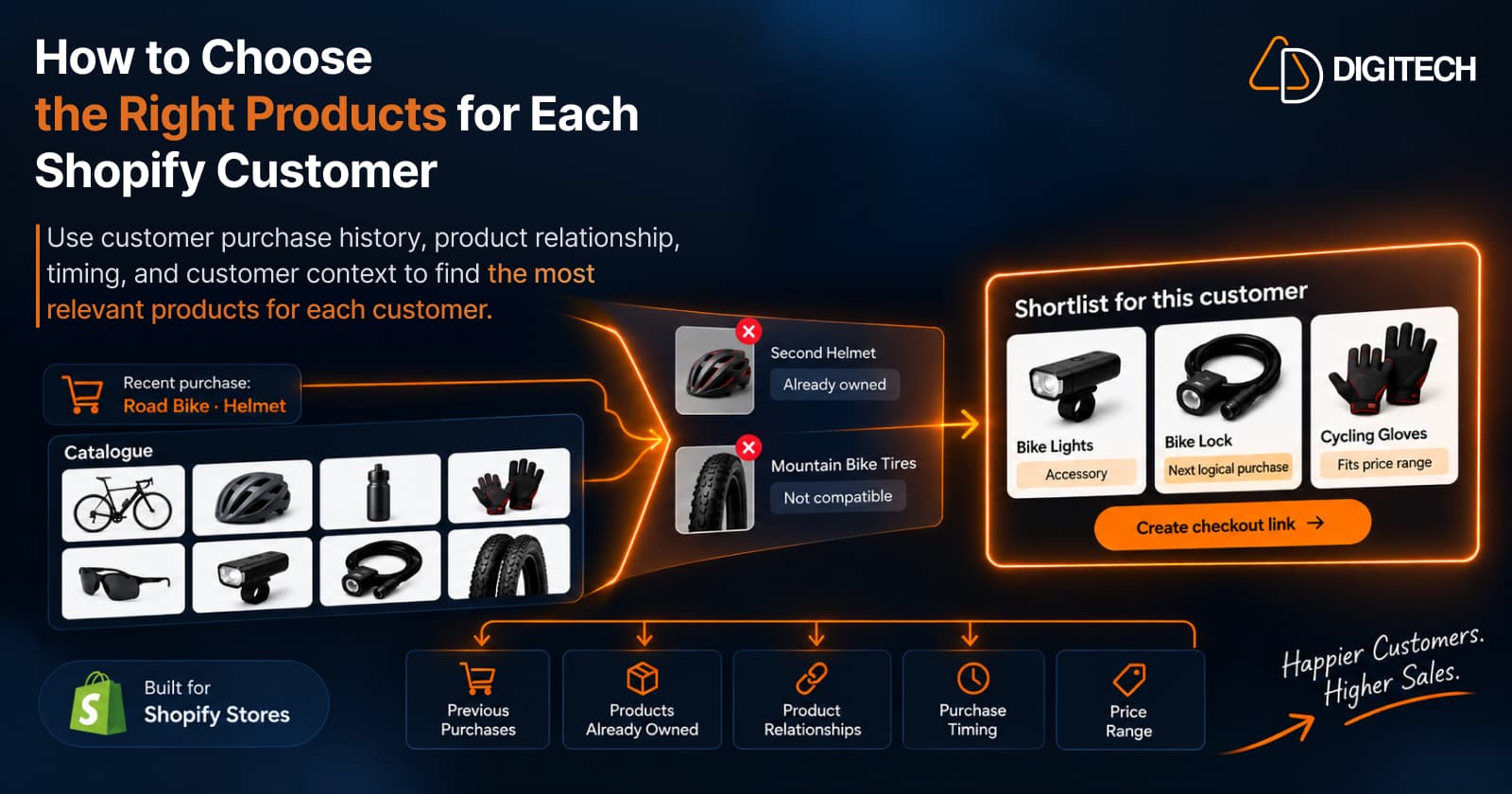
How to Choose the Right Products for Each Shopify Customer
Learn how Shopify merchants can choose more relevant products for each customer using purchase history, product relationships, timing, and customer context.
Read article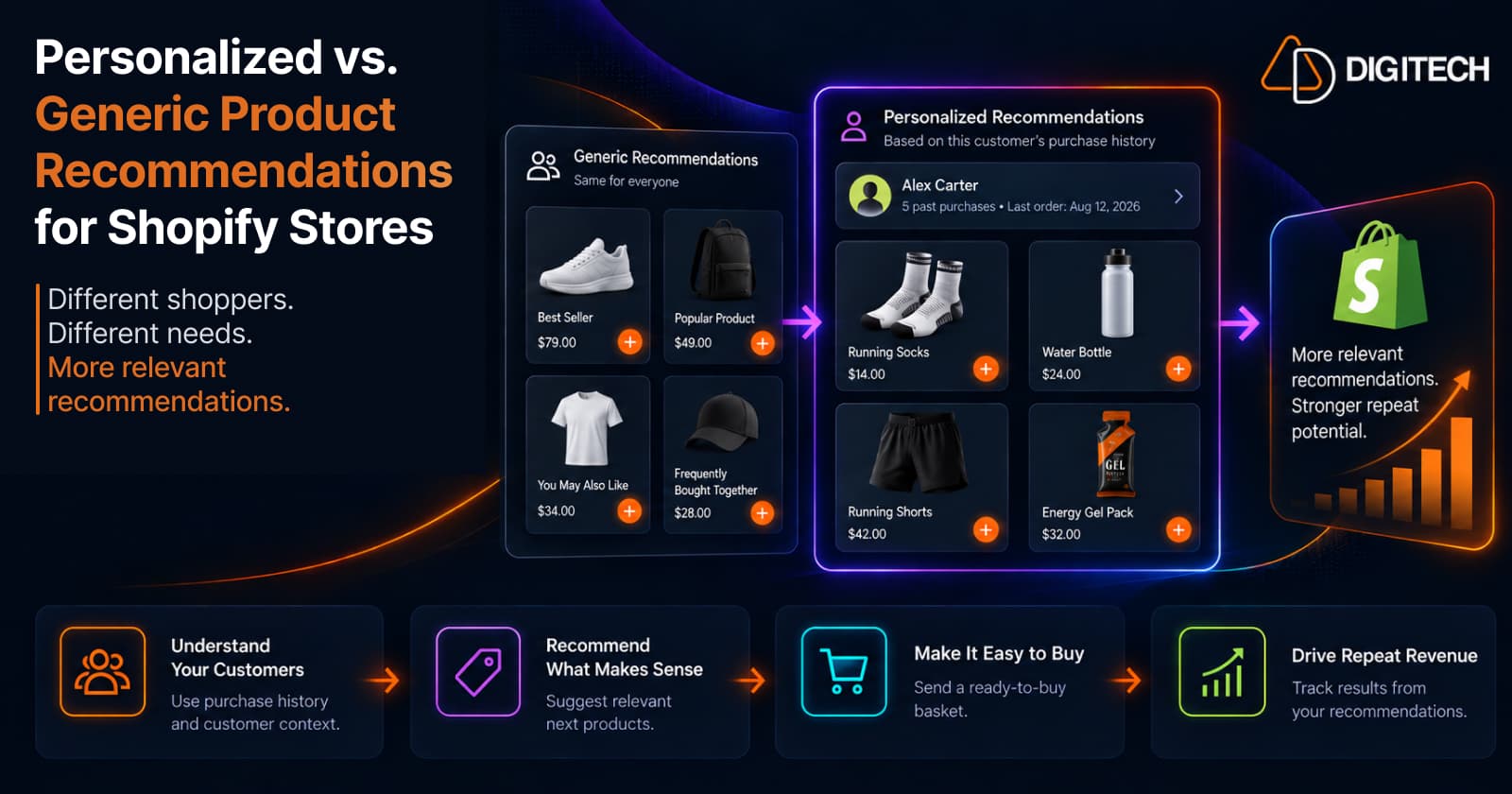
Personalized vs. Generic Product Recommendations for Shopify Stores
Generic vs personalized product recommendations for Shopify: what each one is, when to use them, and how a customer's purchase history makes recommendations more relevant.
Read article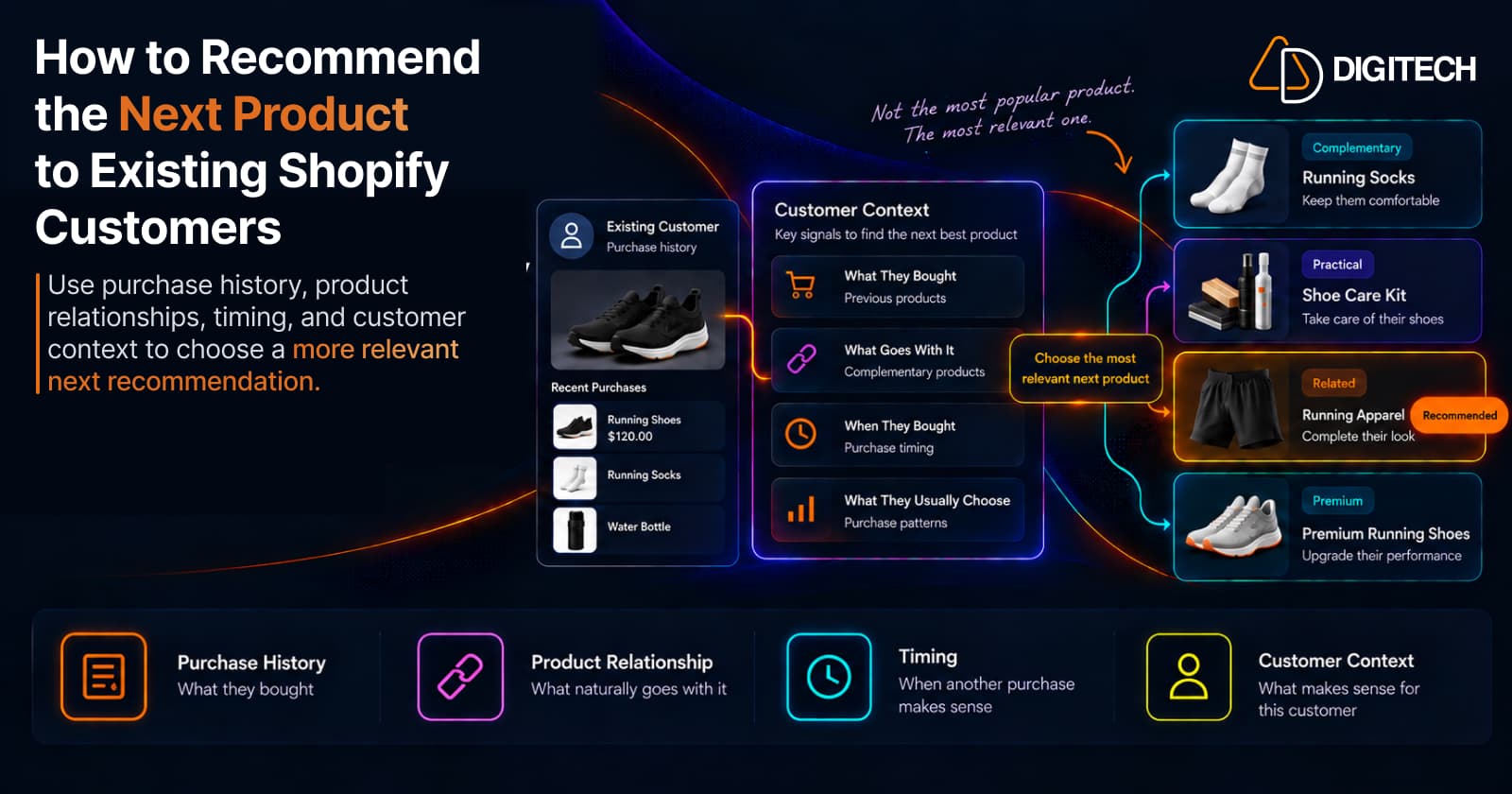
How to Recommend the Next Product to Existing Shopify Customers
Learn how to recommend the next product to existing Shopify customers using purchase history, complementary products, timing, and personalized recommendations.
Read article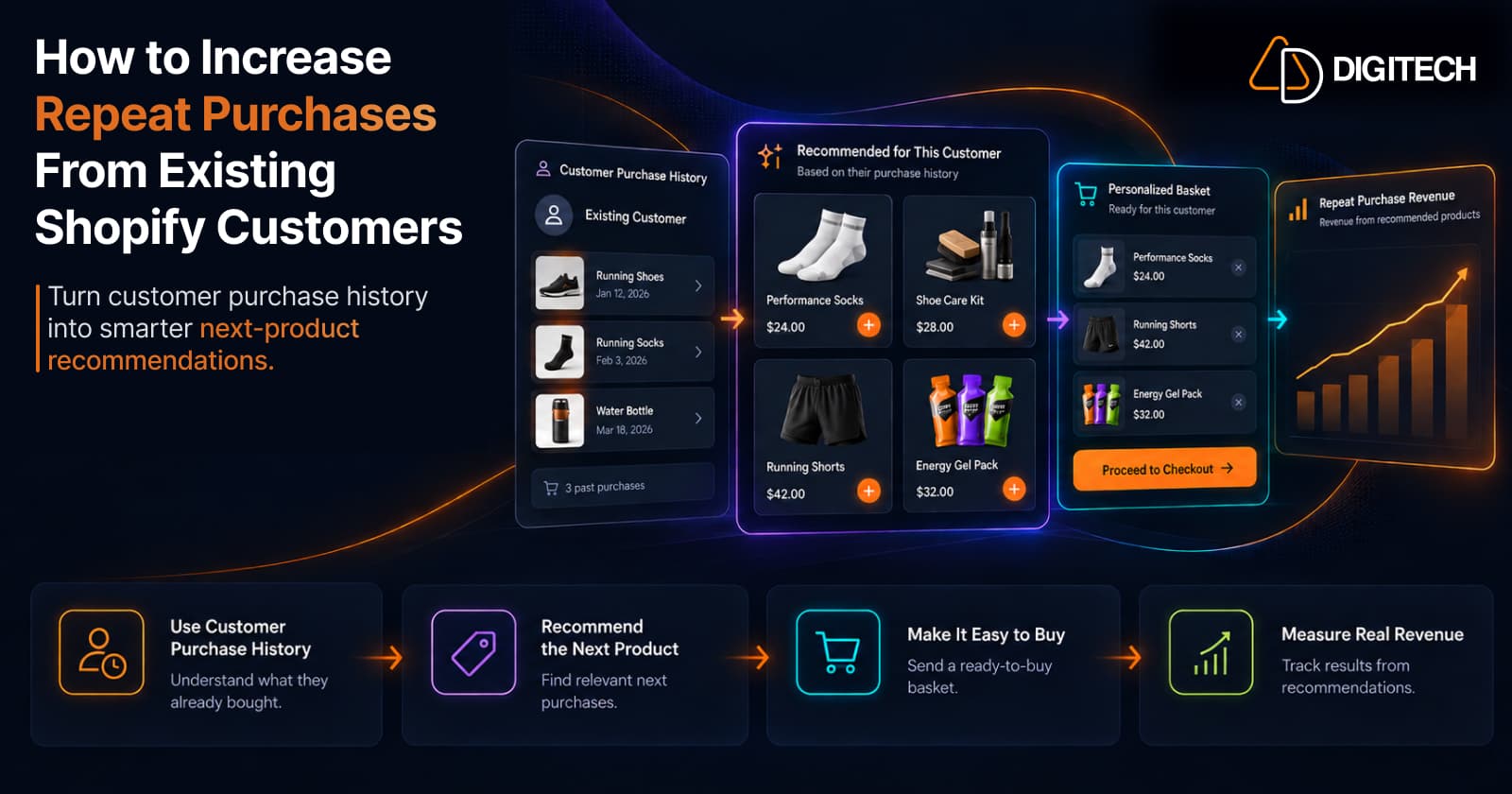
How to Increase Repeat Purchases From Existing Shopify Customers
Learn how to increase repeat purchases from existing Shopify customers using purchase history, personalized recommendations, smarter follow-ups, and measurable customer selling.
Read article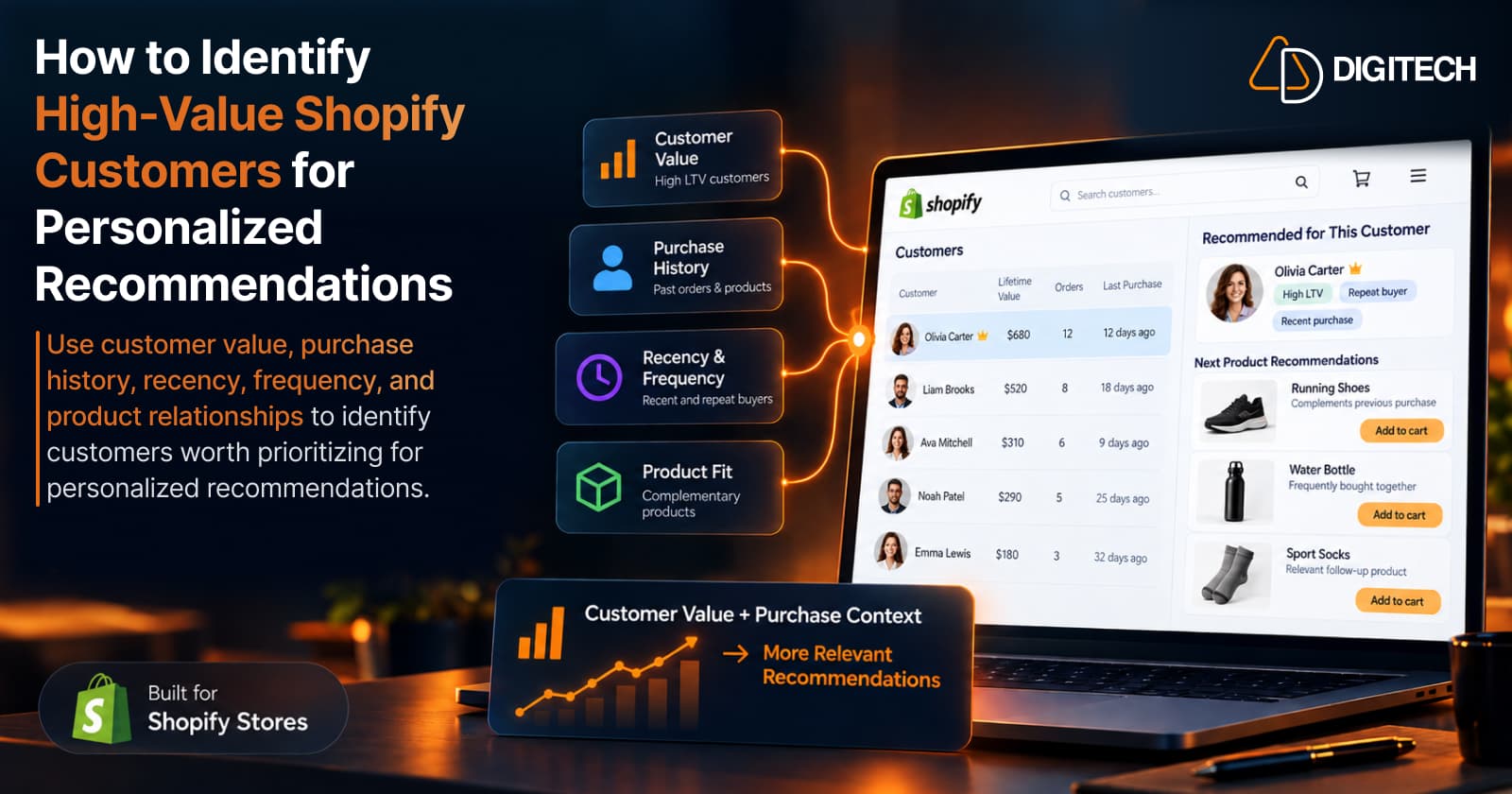
How to Identify High-Value Shopify Customers for Personalized Recommendations
How to identify high-value Shopify customers and real recommendation opportunities using purchase history, customer value, recency, and product relationships.
Read article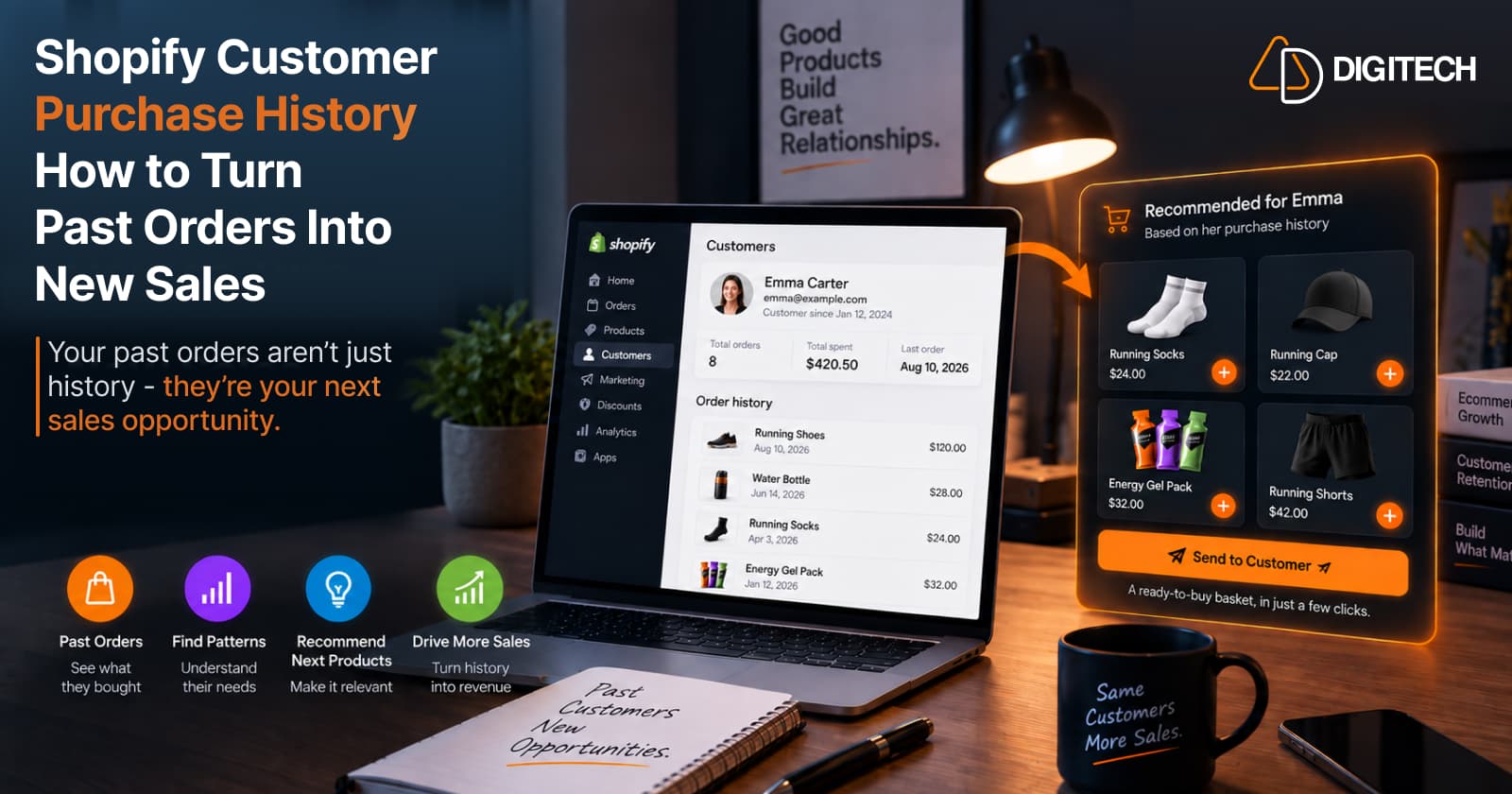
Shopify Customer Purchase History: How to Turn Past Orders Into New Sales
Learn how to use Shopify customer purchase history to identify relevant next products, create personalized recommendations, and increase repeat sales.
Read article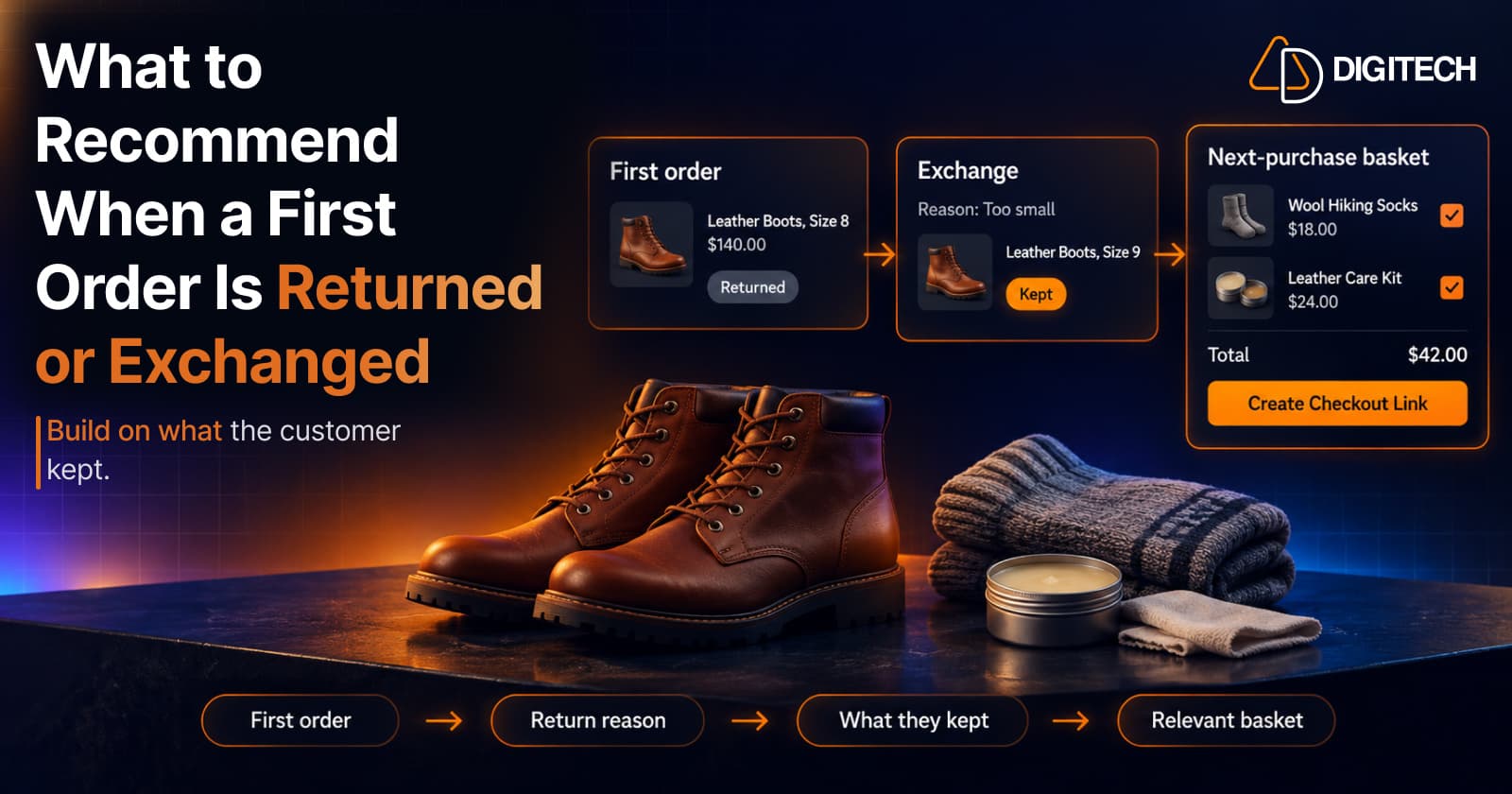
What to Recommend When a Customer's First Shopify Order Is Returned or Exchanged
A returned or exchanged first order changes what you know about a customer. Here's how Shopify merchants can read return reasons and recommend a relevant next product.
Read article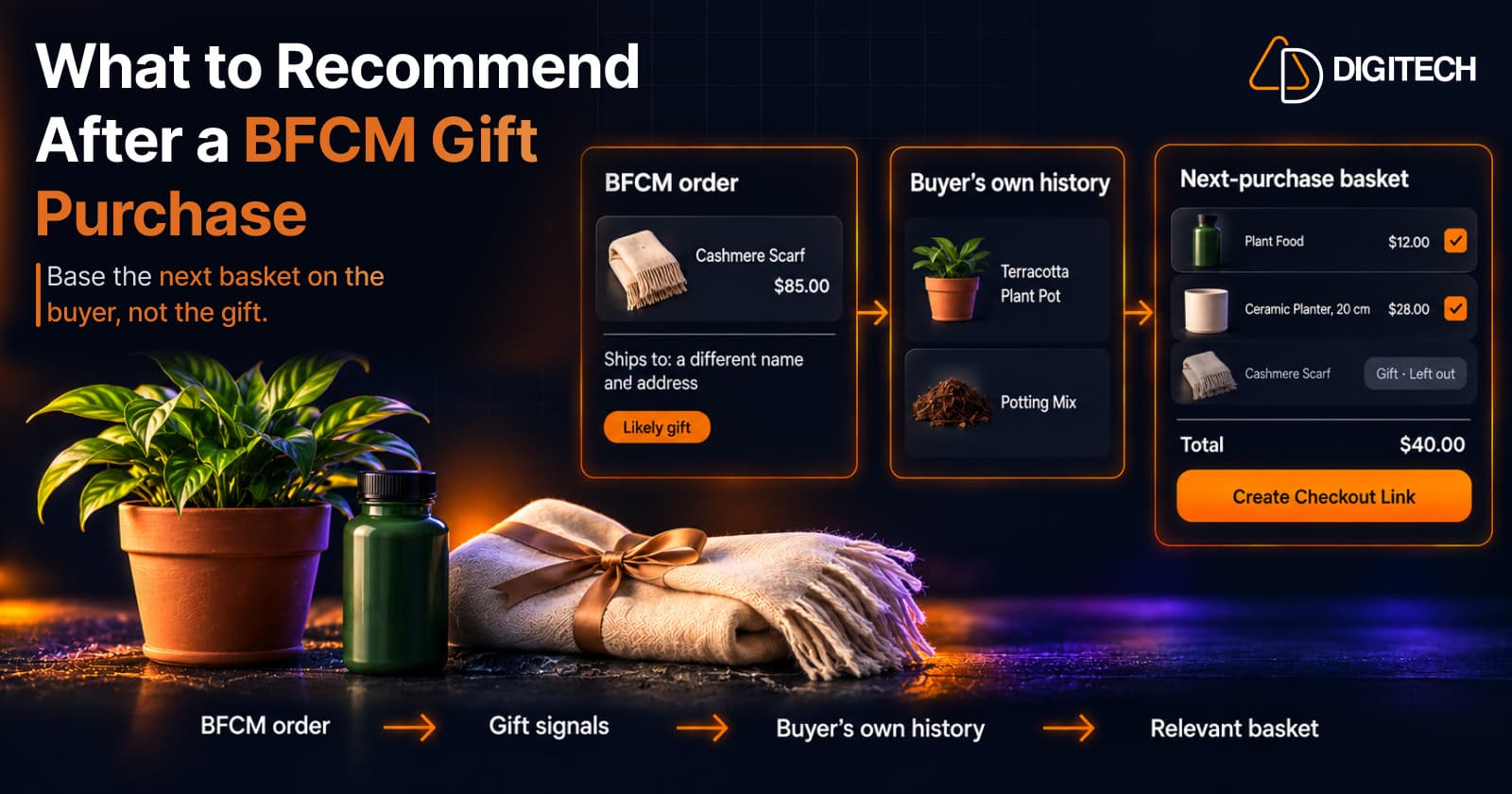
What to Recommend After a BFCM Gift Purchase: A Guide for Shopify Merchants
Some BFCM orders are gifts, which makes purchase history misleading. Here's how Shopify merchants can spot likely gift orders and recommend a relevant next product.
Read article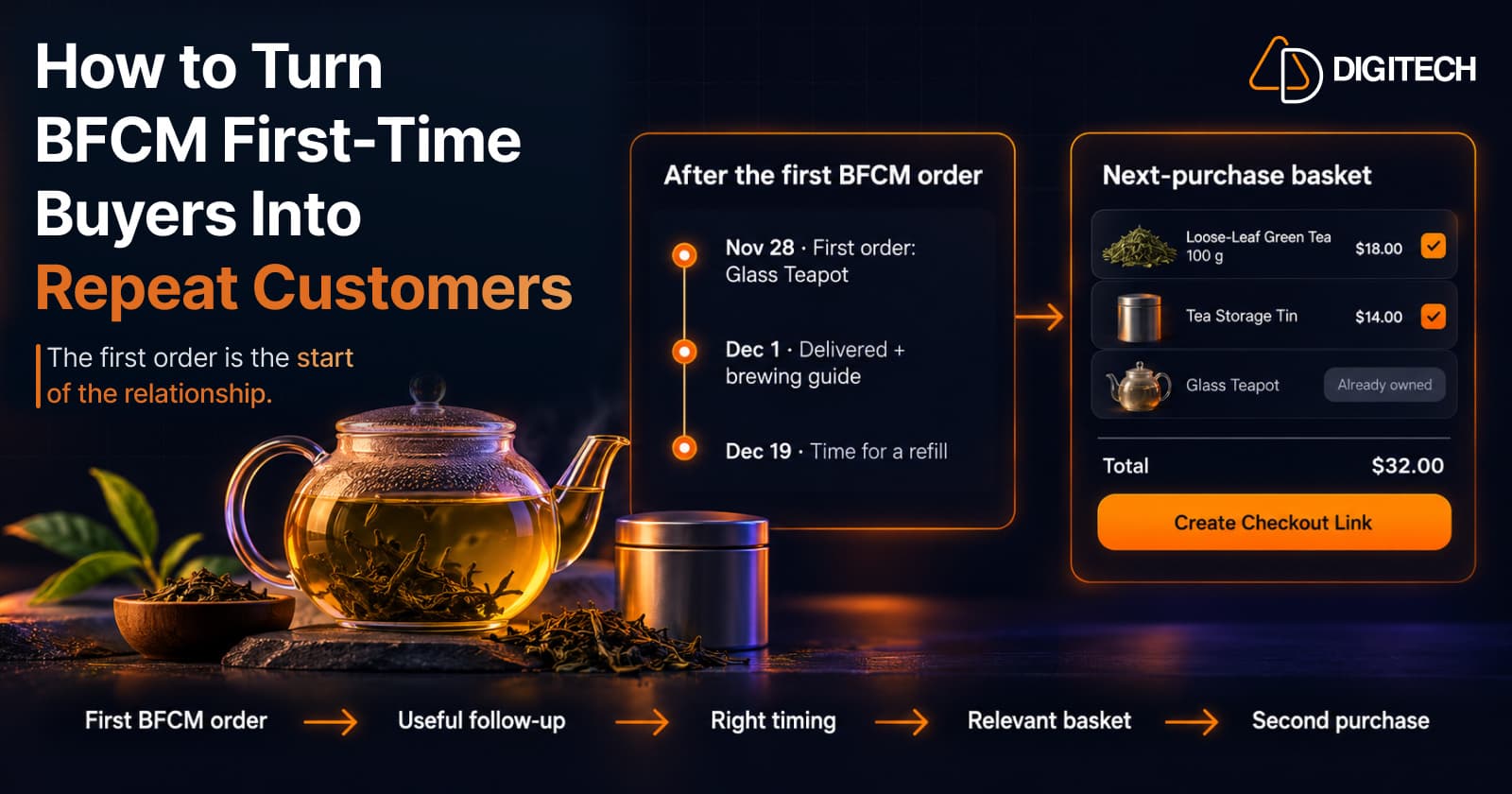
How to Turn BFCM First-Time Buyers Into Repeat Customers
A first BFCM order is the start of a customer relationship. Here's how to follow up with first-time buyers so a relevant second purchase becomes more likely.
Read article