How to Build a Personalized Recommendation Basket for Shopify Customers
Learn how Shopify merchants can build personalized recommendation baskets using customer history, product relationships, timing, and product fit.
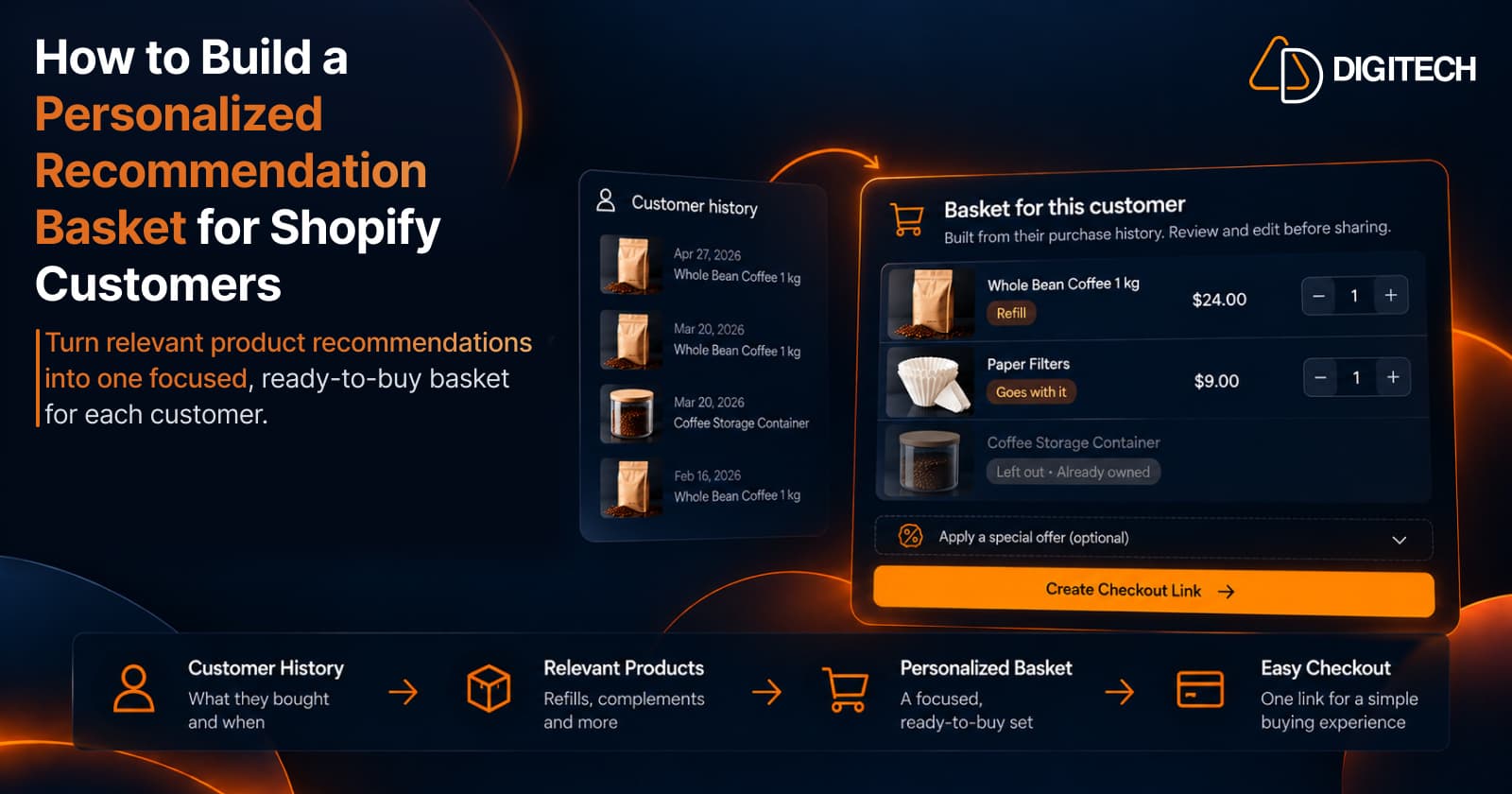
A merchant often knows several products that would suit a particular customer. The usual next step is to send three or four product links, which leaves the customer to work out the rest:
- Which of these belong together?
- What should I actually buy?
- What did the merchant recommend?
- Where do I start?
A personalized recommendation basket answers those questions before the customer has to ask. It brings the relevant products together into one focused buying opportunity:
Customer → Relevant Products → Personalized Basket → Checkout
A basket doesn't make anyone buy. Its purpose is to make a recommendation more relevant and easier to act on. This guide covers how to build one.
What Is a Personalized Recommendation Basket?
A personalized recommendation basket is a group of products selected for one specific existing customer, using signals such as:
- Previous purchases
- Products they already own
- Product relationships
- Purchase timing and frequency
- Their price range
- Product fit
The difference from a generic recommendation is where it starts.
- Generic recommendation: "Here are products other customers may like."
- Personalized recommendation basket: "Based on what this customer has already bought and their context, these products make sense as their next buying opportunity."
The basket is also prepared for buying. The products are already together, so the customer reviews one thing, not several.
Personalized Recommendation Basket vs Product Bundle
The two are easy to confuse, because both put several products together.
| Product bundle | Personalized recommendation basket | |
|---|---|---|
| Built around | Products that sell well together | One customer's history and context |
| Who it's for | Many customers, often everyone | One known customer |
| Purpose | Merchandising or promotion | A specific next purchase for that customer |
| Differs between customers | Usually not | Yes |
| Reviewed before sending | Set up once | Reviewed and edited for each customer |
Bundles aren't the weaker option. A bundle answers "what should we sell together?", and it works well on a storefront, in a promotion, or for visitors you know nothing about. A basket answers "what should this customer buy next?"
A bundle can also be tailored to one customer, which is where the two meet. Our guide to personalized product bundles covers that overlap.
Start With the Customer, Not the Catalogue
Starting from the catalogue leads to popular products. Starting from the customer leads to relevant ones. Before choosing anything, review:
- Previous purchases, and the most recent one
- How often they buy
- The product categories they buy from
- Products they already own
- Products related to what they've bought
- How long it's been since their last order
The aim is to narrow the catalogue before you build anything: from everything you sell, down to the few products that make sense for this customer. For how to read order history, see Shopify customer purchase history.
Give Every Product a Reason
Every product in the basket should have a clear reason for being there. Common reasons:
- Refill: they've used it up, or soon will.
- Complement: it goes with something they bought.
- Accessory or add-on: it helps them use or extend a product.
- Replacement: something they own is due to be replaced.
- Next logical purchase: the obvious following step.
- Category expansion: a related category they haven't tried.
Take a customer who previously bought Whole Bean Coffee 1 kg:
| Candidate product | Reason |
|---|---|
| Whole Bean Coffee 1 kg | Refill |
| Paper Filters | Goes with it |
| Coffee Storage Container | Supports the same use case |
If you can't state the reason in a few words, the product probably doesn't belong. Having a reason doesn't guarantee a place either. These are candidates, and the next sections narrow them. For more on how products relate, see how to recommend complementary products.
Remove Products the Customer Already Owns
A product can be generally relevant and still be useless to this customer, because they already have it. This check is one of the clearest differences between a generic and a customer-specific recommendation.
Look through their history for:
- Previous orders containing the same product
- Duplicates, such as a second storage container
- Similar products that already cover the need
- Recently purchased products
The exception is anything they use up and reorder, like the coffee itself. Our guide to choosing the right products for each Shopify customer covers these checks in more depth.
Use Purchase Timing to Shape the Basket
Timing decides whether a product belongs in the basket now.
- A refill becomes relevant around the customer's usual gap between orders.
- A complementary product may make sense sooner.
- A replacement usually needs a longer interval.
- A new category product may not follow a fixed cycle at all.
For the coffee customer, suppose they reorder about every five weeks. Five weeks after their last order, the refill belongs in the basket. Two weeks after it, the refill is too early, but filters might still fit. See how to use purchase timing for how to read those gaps.
Consider Customer Price Range and Product Fit
Past purchases show how a customer tends to buy. Consider:
- Their typical order value
- The prices of products they've bought before
- Whether they choose premium or entry-level options
- Product preferences, such as size, flavor or style
- Whether the product fits what they own
Price is a signal, not a rule. A customer who buys entry-level beans may still want a good storage container. Use price to choose between options that already make sense, not to decide what someone can afford.
Keep the Basket Focused
More products don't make a better recommendation. A useful basket is:
- Relevant to this customer
- Focused on one idea
- Easy to understand at a glance
- Easy to review
- Easy to buy
As an illustration, two to four products is often enough to be useful without becoming a catalogue. No number is right for every store or customer.
Build the Basket Around a Clear Customer Need
A basket should have one coherent purpose. For example:
- Restock what the customer may need next
- Complete a previous purchase
- Prepare for a new use
- Add products that naturally fit something they own
- Replace or upgrade something relevant
Give the basket a one-line purpose and test each product against it. If you're unsure what the need is, start from the customer's next logical purchase.
Here is the coffee customer's finished basket, with the purpose "Restock your coffee setup":
| Product | Decision | Why |
|---|---|---|
| Whole Bean Coffee 1 kg | In the basket | Refill, due around now |
| Paper Filters | In the basket | Goes with it |
| Coffee Storage Container | Left out | They bought one in March |
A popular product with no link to that purpose stays out, however well it sells.
Make the Basket Easy to Buy
A basket only helps if the customer can act on it.
| Product list | Ready-to-buy basket | |
|---|---|---|
| What the customer receives | Separate links to product pages | One basket with the products already in it |
| What they do next | Open each page, choose options, add to cart | Review the basket and go to checkout |
| What's clear | Little about what was recommended, or the total | The recommendation and its total |
The path is: relevant products, then a reviewed basket, then direct checkout. The goal is to remove product-by-product searching. It makes the recommendation easier to act on, and it doesn't guarantee a sale.
Optional Offer Controls
A basket can stand without an offer. When you do want one, three controls are useful:
- Discount: a reason to act now.
- Expiry: a date after which the offer ends.
- Single-use: the offer can be used once, by this customer.
How you apply these depends on your tools. They aren't part of every Shopify store's workflow in the same way. In Curivo they're settings on the recommendation, covered below. Use them deliberately: a relevant basket often doesn't need a discount.
A Practical 10-Step Framework
- Select an existing customer.
- Review their purchase history, with dates.
- Identify what they already own.
- Identify relevant product relationships.
- Consider purchase timing. Does each product fit now?
- Consider price range and product fit.
- Shortlist relevant products, each with a reason.
- Remove weak or redundant recommendations.
- Build a focused personalized basket with one clear purpose.
- Create an easy checkout path, and track the outcome, so you learn what works.
Steps 7 to 9 turn a list of ideas into a basket: shortlist, cut, then assemble.
Manual vs AI-Assisted Basket Building
Manual:
- Select the customer
- Review their history
- Search the catalogue
- Select the products
- Build the basket
- Review it before sending
AI-assisted:
- Customer context provides the foundation
- Product data and relationships narrow the candidates
- AI suggests several basket options
- The merchant reviews and edits
- The merchant stays in control
AI works only from the data and context it's given. It doesn't know anything about the customer beyond that, and it can suggest a weak option, which is why the review step matters. The principle is: AI selects. Your data grounds it. You decide.
How Curivo Helps Build Personalized Recommendation Baskets
Curivo is a personalized customer recommendation app for Shopify. Its workflow follows the steps above:
- Select a customer.
- Review their purchase history and customer context.
- Choose "Build it yourself" or "Suggest four options".
- Review the recommendation options.
- Select and edit the preferred basket.
- Optionally apply a discount, an expiry or a single-use setting.
- Create a draft order with a direct checkout link.
- Share the ready-to-buy basket with the customer.
- Track recommendation activity and revenue attribution, where supported.
The two paths differ in who picks the products:
| Build it yourself | Suggest four options | |
|---|---|---|
| Cost | No AI generation, unlimited on every plan | Uses one AI generation |
| Who picks the products | You do | Curivo proposes four complete options |
| What you do next | Review your basket | Choose one option and edit it |
Both paths end the same way: Basket → Direct Checkout → Attribution.
Building baskets by hand is unlimited on every plan, including the free one. Checkout links are counted separately: the Free plan includes 20 a month, and the paid plans include unlimited checkout links.
Curivo doesn't send the basket for you. You share the checkout link through whichever channel you already use. It isn't a storefront recommendation widget either. It's for building a recommendation for one known customer.
Customer → Basket → Revenue
The whole sequence, in order:
- Customer
- Purchase history
- Relevant products
- Personalized basket
- Direct checkout
- Revenue attribution
The first three steps make the recommendation personal, the basket and checkout make it buyable, and attribution makes it measurable.
Common Mistakes
- Starting with popular products instead of the customer.
- Adding products the customer already owns.
- Adding too many products.
- Mixing unrelated products.
- Ignoring purchase timing.
- Ignoring product relationships.
- Ignoring the customer's price range.
- Treating every customer the same.
- Sending scattered product links.
- Making the basket difficult to buy.
- Assuming every recommendation will convert.
Conclusion
The goal is not to give customers more products to browse. The goal is to select a focused set of relevant products for one specific customer, and to make that recommendation easy to act on.
A strong personalized recommendation connects four things: customer context, relevant products, a focused basket and an easy checkout. Curivo is built around that sequence, whether you choose the products yourself or start from four suggested options.
Frequently asked questions
What is a personalized recommendation basket?
It's a small group of products chosen for one specific existing customer, using their purchase history, what they already own, product relationships, timing and fit. The products are gathered into one basket the customer can review and buy in a single step.
How is a personalized recommendation basket different from a product bundle?
A product bundle groups products together as an offer or merchandising strategy, and it can be the same for many customers. A personalized recommendation basket is built around one known customer's context, so it can differ for every customer. They solve different problems.
How can Shopify merchants build a basket using customer purchase history?
Start with the customer's orders: what they bought, when, and how often. Shortlist related products, remove what they already own, check timing and fit, then keep the few products that serve one clear need.
How many products should a personalized recommendation basket contain?
There's no fixed number. Two to four is a common illustration because it's easy to review and buy, but the right size depends on the need the basket serves.
Should merchants remove products the customer already owns?
Yes, unless it's something the customer uses up and reorders. Check previous orders for the same product, duplicates, similar items and anything bought recently.
Can purchase timing help determine what belongs in a recommendation basket?
Yes. Timing decides whether a product belongs in the basket now. A refill fits near the customer's usual gap between orders, a complementary product may fit sooner, and a replacement usually fits much later.
Can Curivo help Shopify merchants build personalized recommendation baskets?
Yes. In Curivo you select a customer, review their purchase history, then build a basket yourself or ask for four suggested options. You edit the result, optionally add a discount, expiry or single-use setting, and create a direct checkout link to share with the customer.
Build Your Next Customer Recommendation
Use Curivo to turn customer purchase history into personalized recommendations, ready-to-buy baskets, and measurable revenue.
Related reading
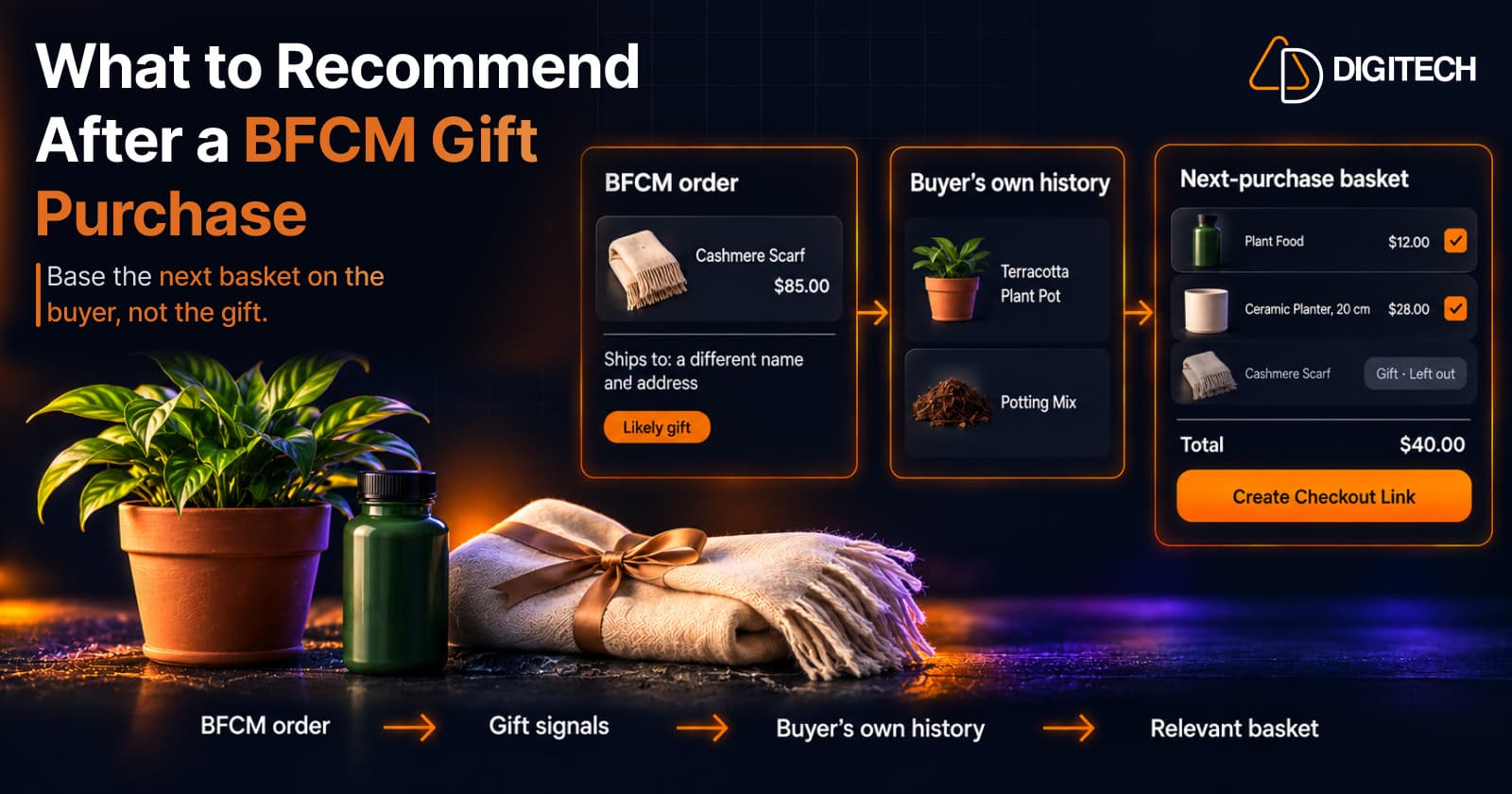
What to Recommend After a BFCM Gift Purchase: A Guide for Shopify Merchants
Some BFCM orders are gifts, which makes purchase history misleading. Here's how Shopify merchants can spot likely gift orders and recommend a relevant next product.
Read article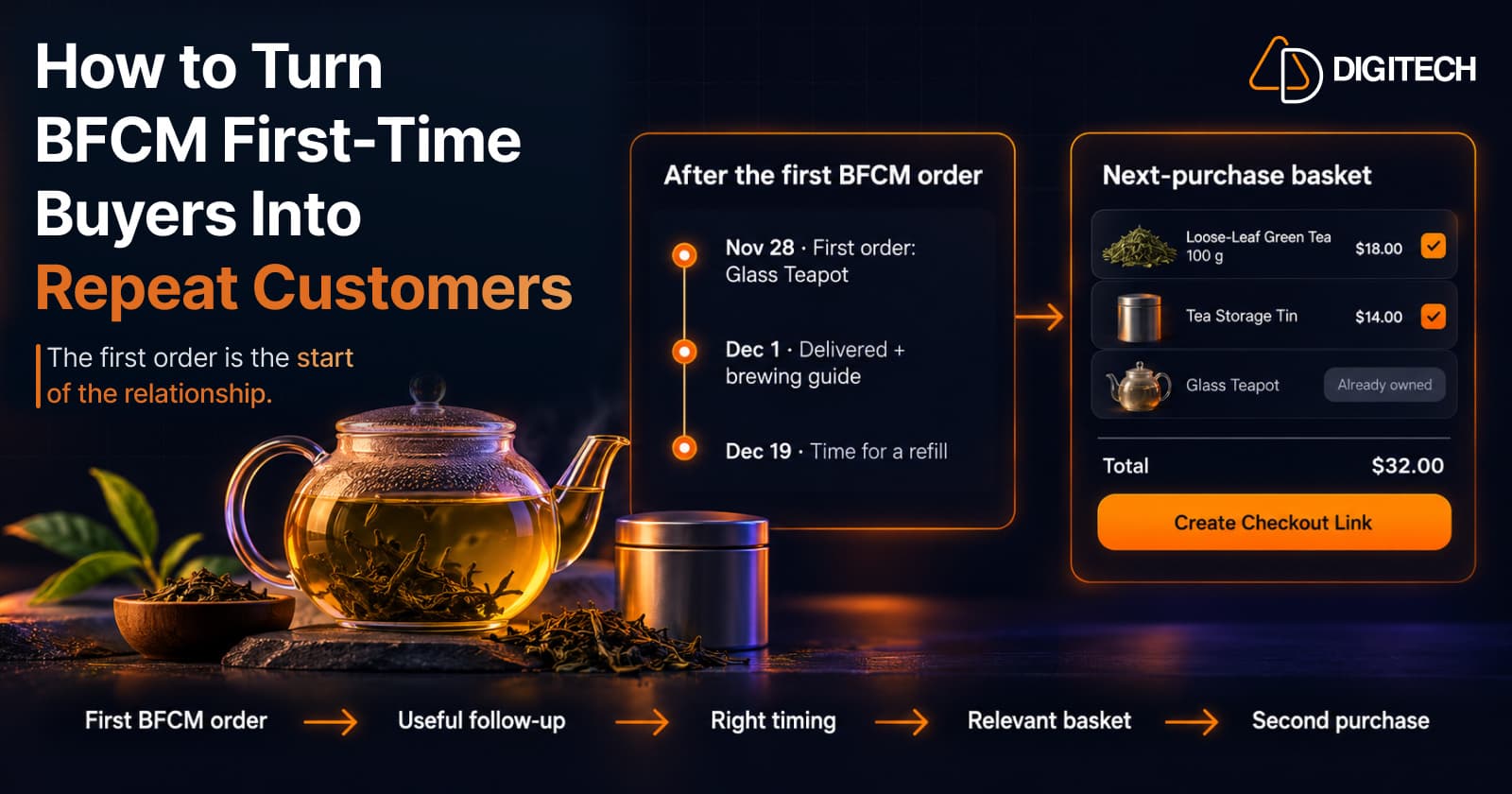
How to Turn BFCM First-Time Buyers Into Repeat Customers
A first BFCM order is the start of a customer relationship. Here's how to follow up with first-time buyers so a relevant second purchase becomes more likely.
Read article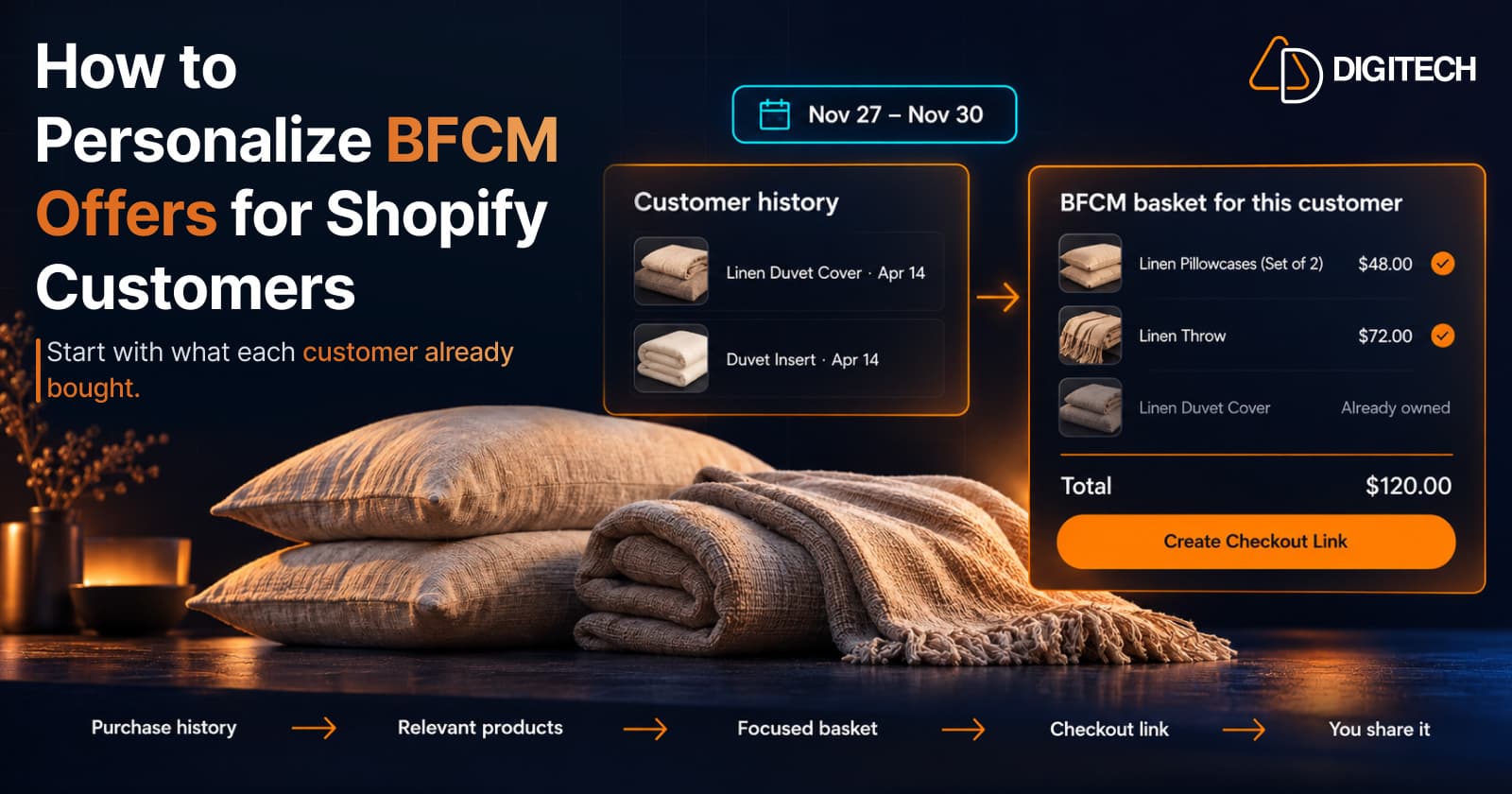
How to Personalize BFCM Offers for Shopify Customers
Use Shopify customer purchase history to build relevant BFCM offers for existing customers: what to check, five ways to personalize, and how to measure it.
Read article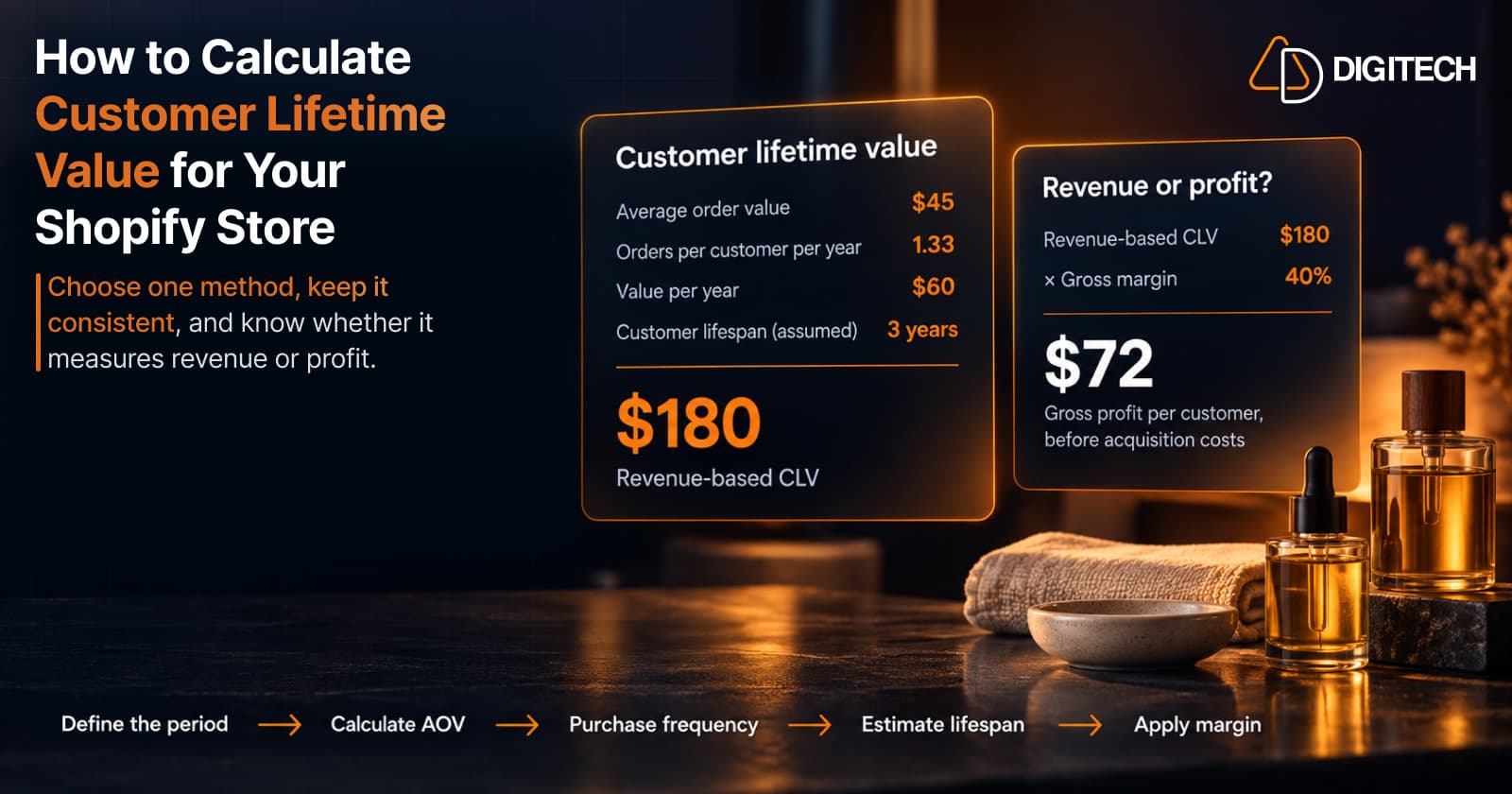
How to Calculate Customer Lifetime Value for Your Shopify Store
Learn how to calculate customer lifetime value for a Shopify store, choose between revenue and profit-based CLV, find the data in Shopify, and avoid common mistakes.
Read article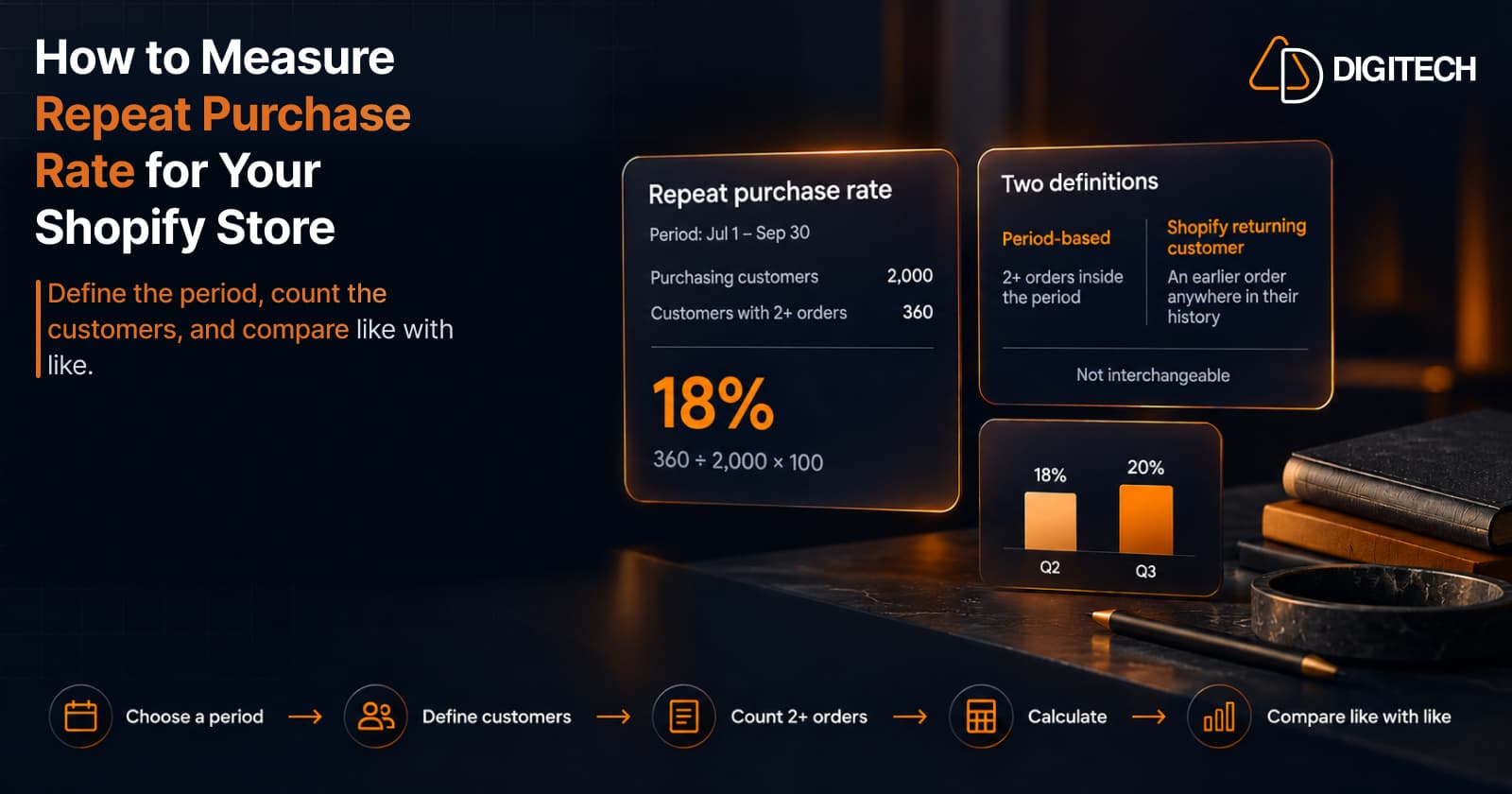
How to Measure Repeat Purchase Rate for Your Shopify Store
Learn how to calculate repeat purchase rate for a Shopify store, choose the right period and customer population, read the result carefully, and track the related retention metrics.
Read article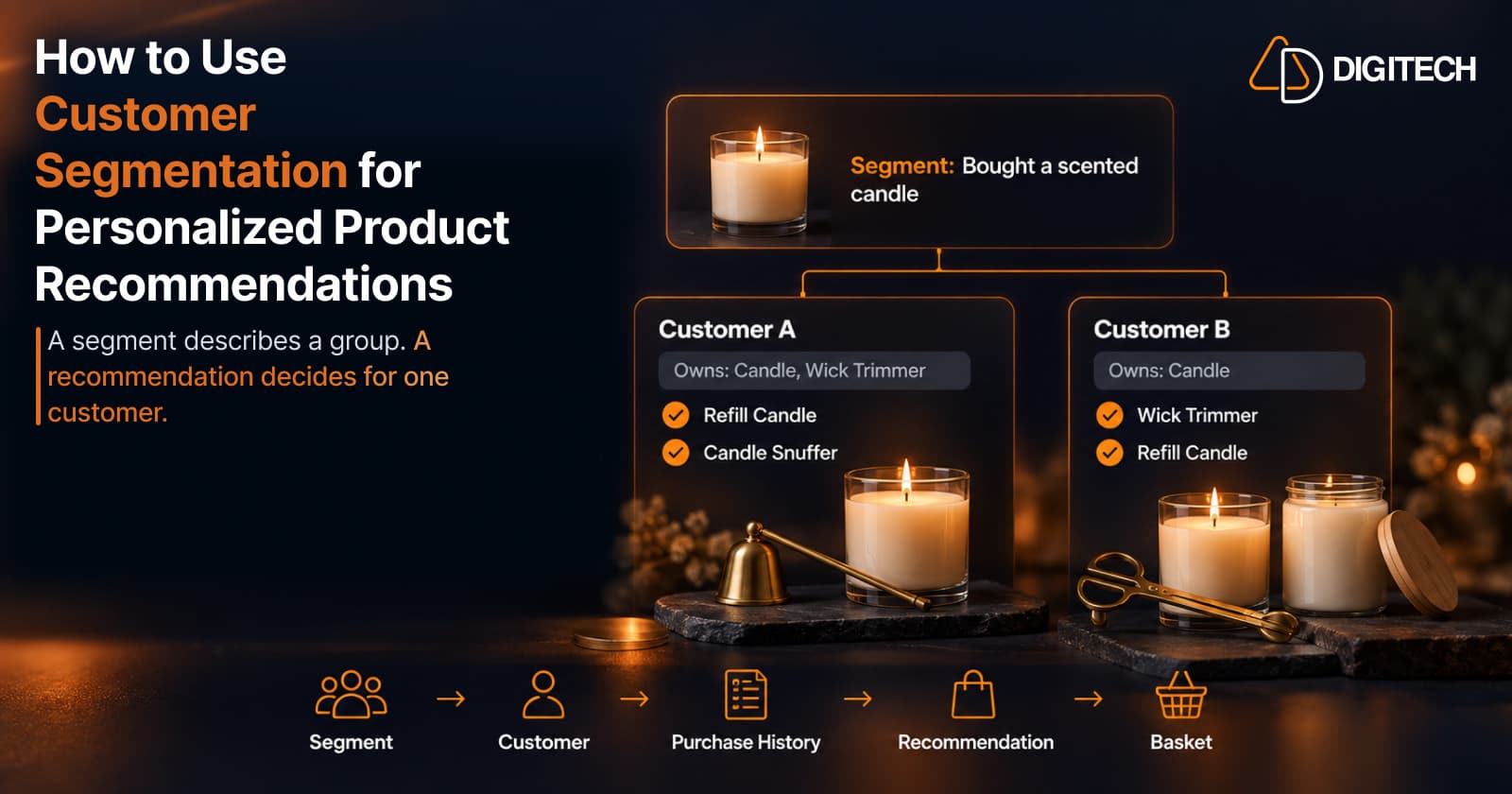
How to Use Customer Segmentation for Personalized Product Recommendations on Shopify
Learn how to use Shopify customer segments to make product recommendations more relevant, and how to turn a segment-level insight into a recommendation for one customer.
Read article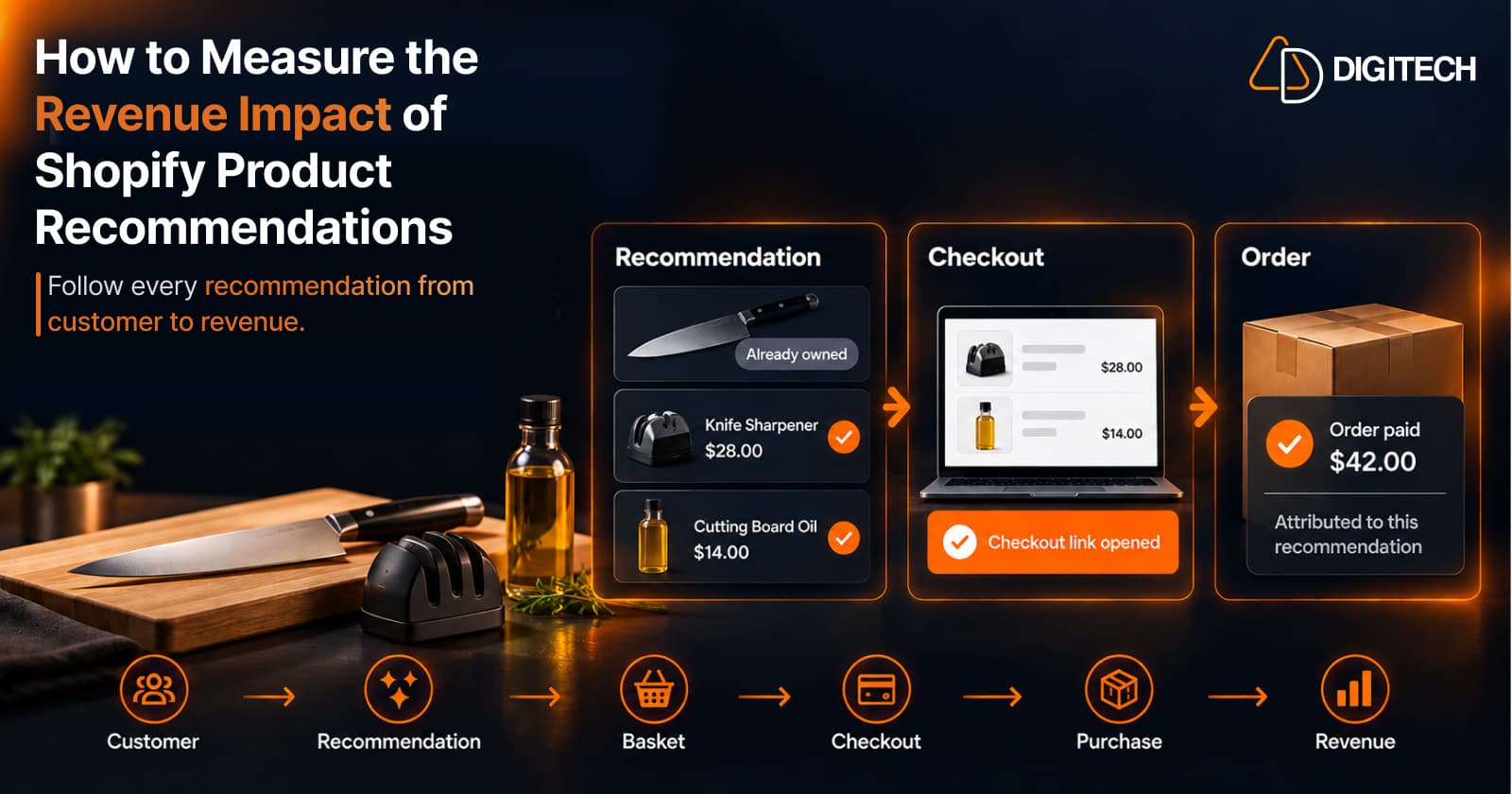
How to Measure the Revenue Impact of Shopify Product Recommendations
Learn how Shopify merchants can measure product recommendation performance, track checkout activity, attribute revenue, and improve personalized recommendations.
Read article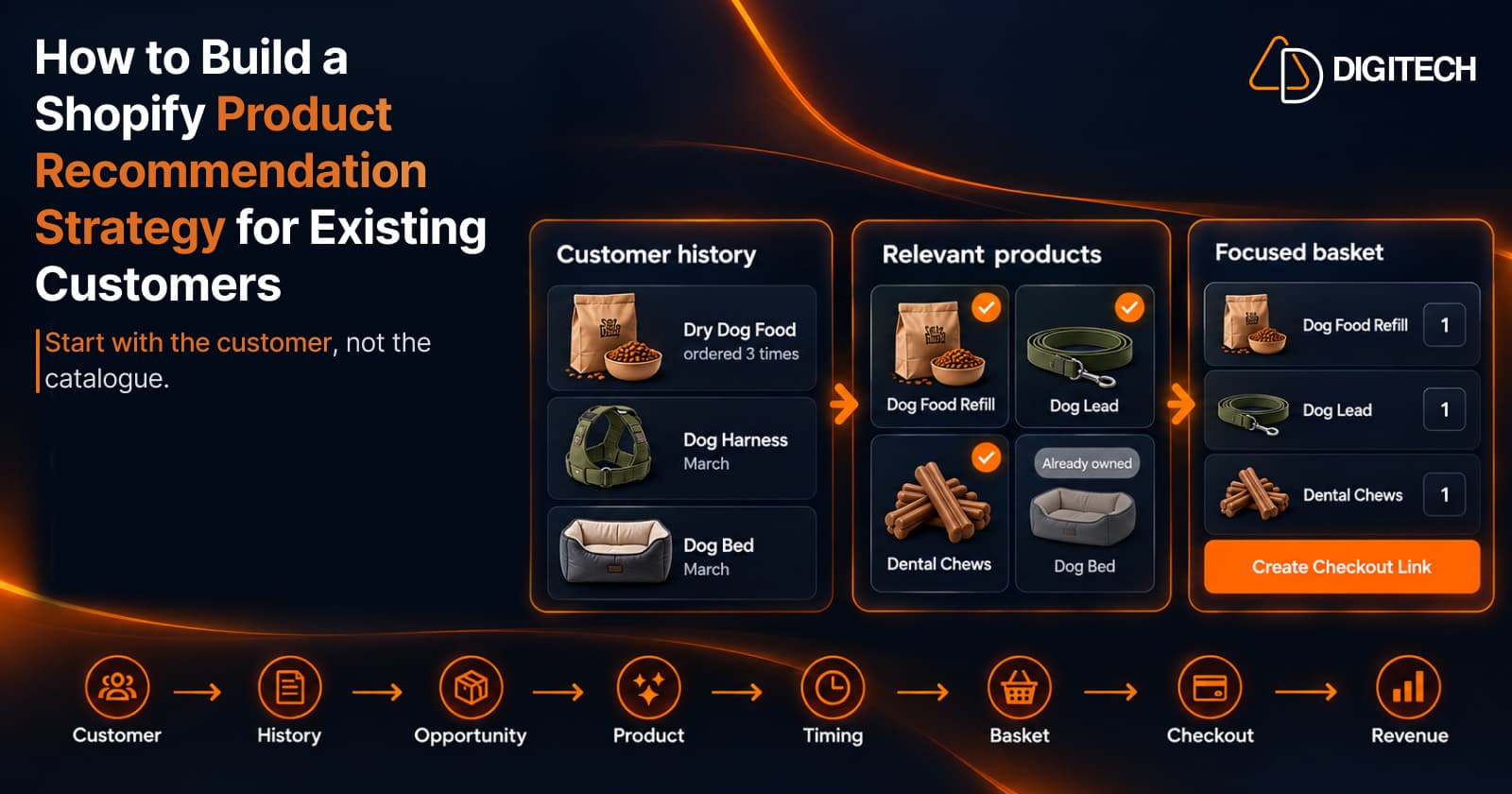
How to Build a Shopify Product Recommendation Strategy for Existing Customers
Learn how to build a Shopify product recommendation strategy using customer history, product relationships, timing, and personalized recommendations.
Read article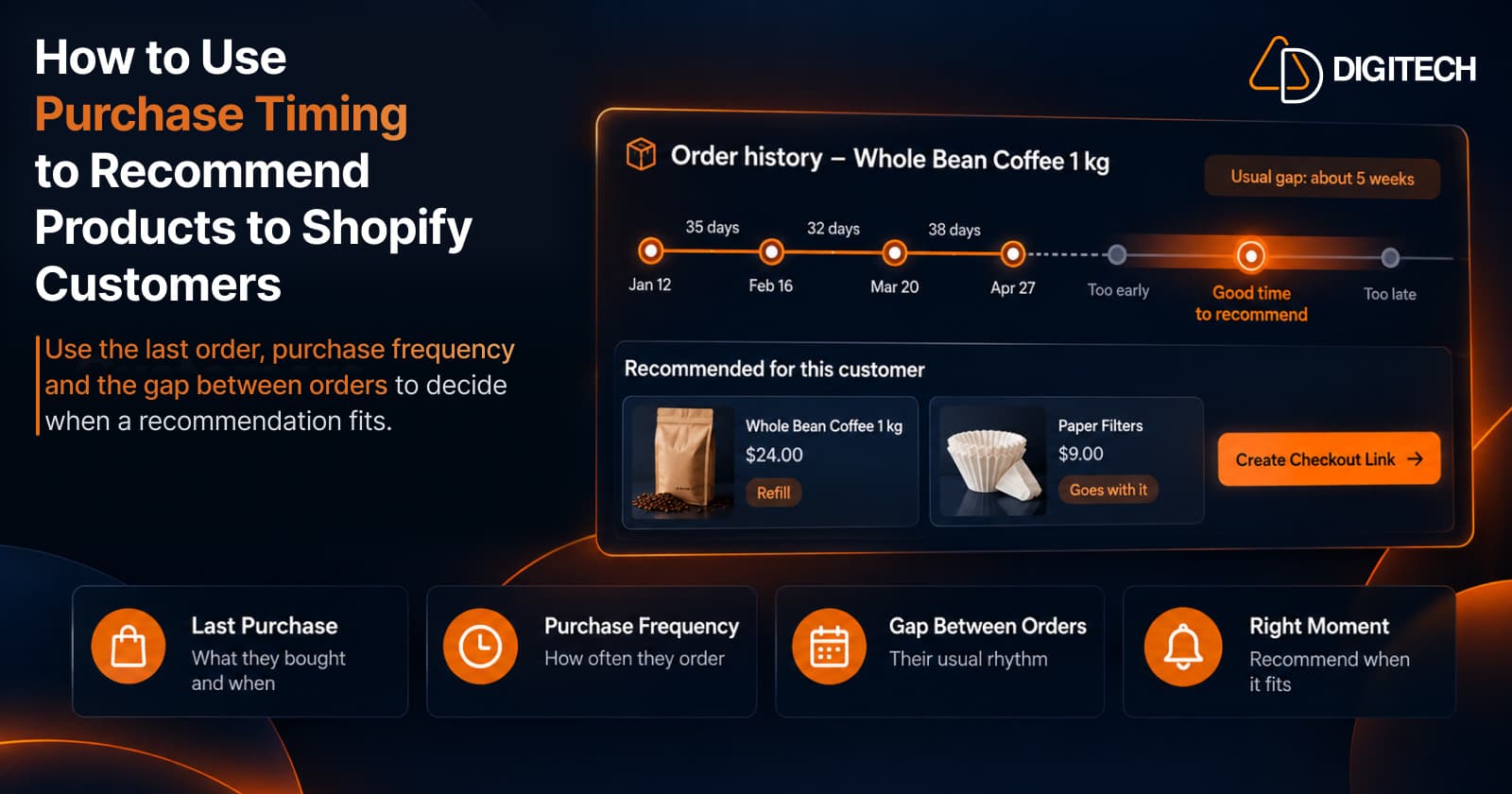
How to Use Purchase Timing to Recommend Products to Shopify Customers
Learn how Shopify merchants can use purchase timing, purchase frequency, recency, and customer history to make product recommendations more relevant.
Read article