Shopify Email Marketing Consent Before BFCM: How to Collect It and Use It for Post-Purchase Offers
Your BFCM buyers can only receive promotional follow-ups if they agreed to hear from you. Here's how Shopify's email subscription states work, where customers give consent, what to set up before the sale, and how consent shapes your post-purchase offers.
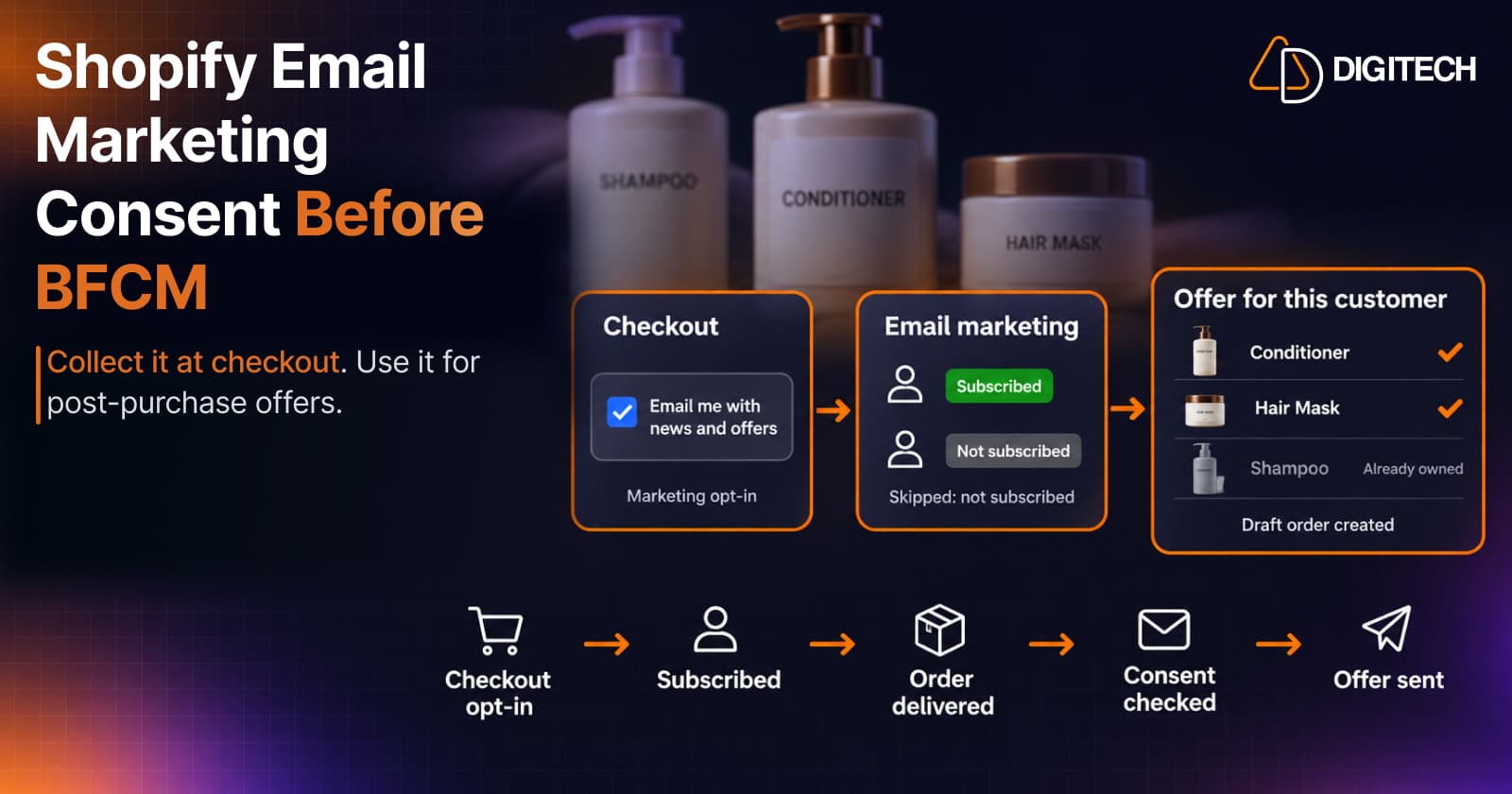
BFCM brings a wave of first-time buyers. In December, you'll want to follow up with some of them: a refill, an accessory, the next logical product. Whether you can send those offers by email depends on one setting you choose now: whether customers can agree to marketing when they buy.
This guide explains how email marketing consent works in Shopify, where customers give it, what to set up before the sale, and how consent shapes the offers you send afterwards. It isn't legal advice. Rules differ by country, and Shopify itself says its consent settings aren't a substitute for legal advice.
Why Consent Decides Your Post-BFCM Follow-Up
Shopify's BFCM checklist gives two reminders for after the sale: make sure "you have consent to send promotional emails", and be "careful not to over-communicate, since purchasers are likely getting order-related emails in the days following BFCM".
The first decides who you can email at all. If a buyer never agreed to marketing, a product offer to their inbox isn't an option, however relevant it is. The second decides how often. Both are easier to get right before the sale than after it.
Shopify's Six Email Subscription States
Every customer in Shopify has an email subscription state. You can see it on the customer's profile and filter by it in customer segments with email_subscription_status.
| State | What Shopify says it means | Promotional email? |
|---|---|---|
| Subscribed | The customer is subscribed to your marketing email | Yes |
| Not subscribed | The customer hasn't subscribed to your marketing email | No |
| Pending | The customer is in the process of subscribing | Not yet (for example, waiting to confirm a double opt-in) |
| Unsubscribed | The customer has unsubscribed from your marketing emails | No |
| Invalid | The customer's email marketing state is invalid | No |
| Redacted | The customer's email address has been redacted | No |
Shopify's subscriber list guidance is clear on the principle: "For legal and privacy reasons, make sure that you send promotional emails only to customers who have agreed to receive marketing from your online store." It also notes that buying a list of email addresses and adding them to your subscribers is prohibited.
Where Customers Give Consent
Shopify describes three places where customers can subscribe:
- At checkout, by ticking the marketing checkbox.
- When signing in to their customer account.
- Through a newsletter sign-up on your online store, for example a form built with the Shopify Forms app.
For checkout and sign-in, the setting is under Settings > Checkout > Marketing opt-in, where you choose Checkout only, Sign-in page only, or Checkout and sign-in page. Check the wording your theme shows next to the checkbox, so customers know they're signing up for offers, not only order updates.
Preselecting the checkbox
You can preselect the sign-up option for customers without an account and choose the regions where it's preselected. By default, no regions are selected. Customers can still untick the box, and it isn't preselected for account holders who have opted out.
Whether a preselected box counts as valid consent depends on where your customers are. Shopify says its automated consent settings "aren't a substitute for legal advice" and that you're responsible for compliance, so decide this with your own advisers rather than turning it on everywhere.
Double opt-in
Double opt-in asks a new subscriber to confirm by clicking a link in an email. Shopify notes that "in some countries, double opt-in is required by law". You turn it on under Settings > Notifications > Customer notifications, in the Marketing double opt-in section. It needs the Online Store sales channel, and customers who subscribed before you turned it on aren't asked to confirm.
With double opt-in on, new sign-ups show as Pending until they confirm.
Pre-BFCM Consent Setup Checklist
A short list to finish before November 27:
- Turn on the marketing opt-in at checkout, sign-in or both.
- Decide on preselection by region, with advice for the countries you sell to.
- Decide whether you need double opt-in, and turn it on if so.
- Check the checkbox wording in your theme and checkout.
- Place a test order and confirm the customer's subscription state on their profile.
- Open the Email subscribers segment to record your starting point.
- If a customer asks to stop receiving marketing, update Edit marketing settings on their profile straight away, and never tick the box for someone who didn't agree.
Order Notifications vs Promotional Offers
After a BFCM order, customers receive order emails from Shopify: confirmation, shipping updates, delivery. These are part of completing the purchase.
A product recommendation with a discount is different. Its purpose is to sell something new, so treat it as promotional, whatever tool sends it.
That includes offers sent as a draft order invoice. Shopify's draft order feature sends an invoice with a secure checkout link, and the Help Center doesn't describe invoices as exempt from marketing consent. An invoice for something the customer asked for is one thing; an unrequested offer delivered as an invoice is still an offer. The safe approach is to send promotional offers only to customers who agreed to marketing.
Frequency matters too. In the days after BFCM, customers already get several order emails. A relevant offer a little later, sent once, respects both their inbox and Shopify's advice not to over-communicate. For timing by product, see our guide to using purchase timing.
How Curivo Handles Consent
Curivo builds personalized baskets from each customer's purchase history. There are two ways to use it, and consent works differently in each.
Automated offers (Starter and Growth plans) start when an order is created or delivered. Curivo checks each customer when the offer is due:
- Offers go only to customers subscribed to email marketing, with a valid email address.
- If a rule holds offers for your review, the subscription status is checked again when you release the offer, so a customer who unsubscribed in the meantime isn't emailed.
- Offers that can't go out are skipped, and Activity shows the reason next to each one.
- A repeat window you set (30, 45, 60, 90 or 120 days) stops the same customer from getting another automated offer too soon.
For how these automations are set up, see our guide to automating post-delivery recommendations.
Manual recommendations are different: you build the basket, Curivo creates the checkout link, and you share it yourself through the channel you choose. The same principle applies: if you email an offer, send it to customers who agreed to receive marketing.
Common Mistakes
- Adding customers to your list without their agreement, including ticking the marketing box on their behalf.
- Buying or importing lists of addresses, which Shopify prohibits.
- Preselecting the checkbox everywhere without checking the rules where your customers are.
- Treating offers as order emails because they arrive as an invoice.
- Following up too often in the weeks after BFCM, when inboxes are already full of order updates.
Putting It Together
Consent is the quiet part of post-purchase marketing. Set up the opt-in before the sale, keep subscription states accurate, and send offers only to customers who agreed. For what to send them afterwards, see our guides on turning BFCM first-time buyers into repeat customers, personalizing BFCM offers, using customer segments and sending checkout links.
Frequently asked questions
What does "Subscribed" mean in Shopify?
It means the customer has agreed to receive your marketing emails. Shopify's other email subscription states are Not subscribed, Pending, Invalid, Unsubscribed and Redacted, and you can filter customers by any of them in segments.
Can I preselect the marketing checkbox at checkout?
Shopify lets you preselect it for customers without an account, and choose the regions where it's preselected. Customers can still untick it. Rules on preselected consent differ by country, and Shopify says its consent settings aren't a substitute for legal advice, so check what applies to your customers.
Do I need double opt-in?
Shopify notes that double opt-in is required by law in some countries. It's a setting under Settings > Notifications, it asks new subscribers to confirm by clicking a link, and it doesn't ask existing subscribers to confirm again.
Can I send a discount offer to a customer who didn't subscribe?
Treat a discount or product offer as promotional, even when it's sent as a draft order invoice. Shopify's guidance is to send promotional emails only to customers who agreed to receive marketing from your store.
Does Curivo send automated offers to customers who aren't subscribed?
No. Curivo's automated offers go only to customers subscribed to email marketing, and the status is checked again before a held offer is sent. Offers that can't go out are skipped, and the reason shows in Activity. Baskets you build by hand are shared by you, through the channel you choose.
Send Relevant Offers to Customers Who Asked to Hear From You
Curivo turns each customer's purchase history into a personalized basket you can share yourself, or send automatically after an order to customers subscribed to email marketing.
Related reading
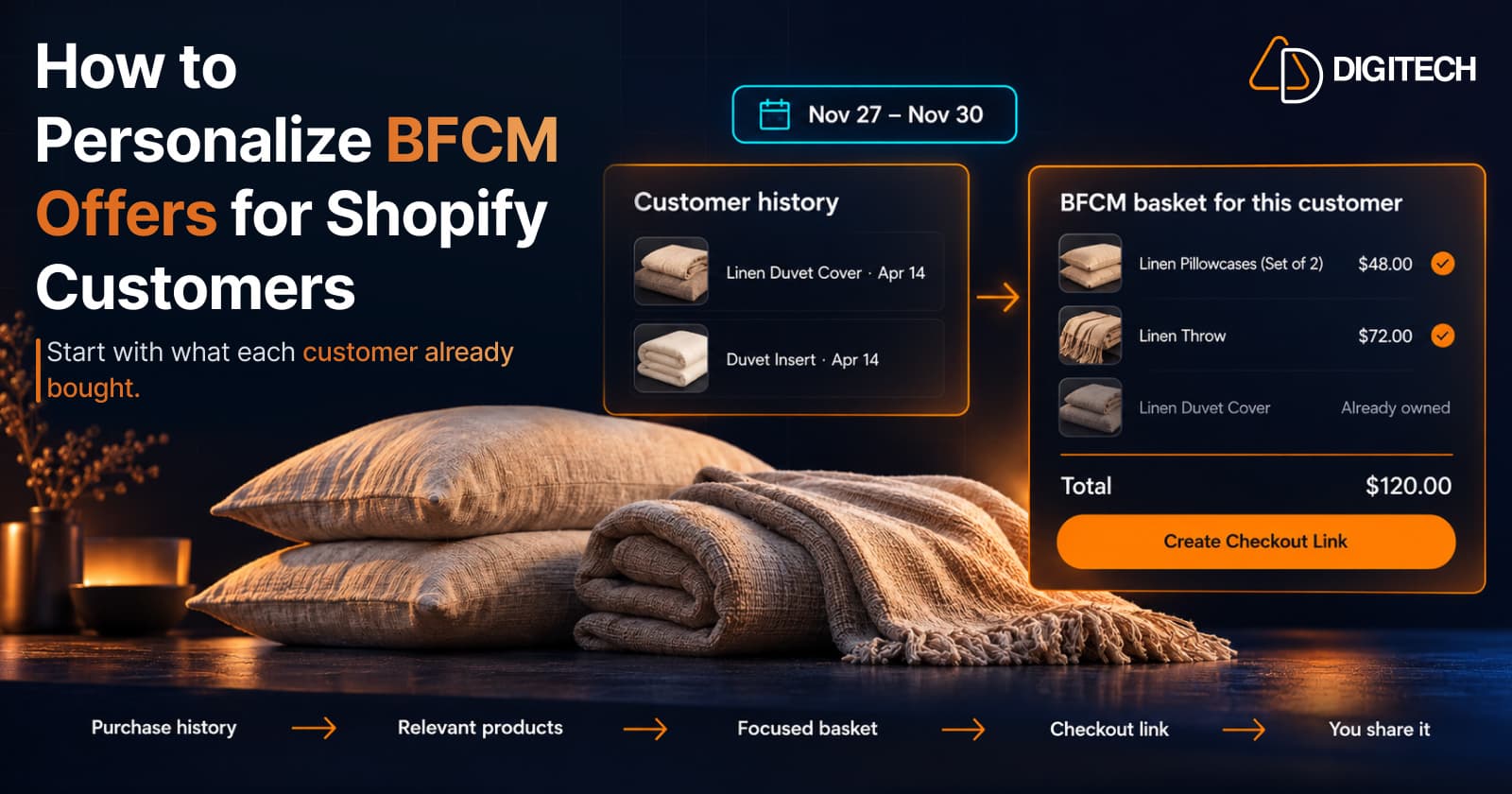
How to Personalize BFCM Offers for Shopify Customers
Use Shopify customer purchase history to build relevant BFCM offers for existing customers: what to check, five ways to personalize, and how to measure it.
Read article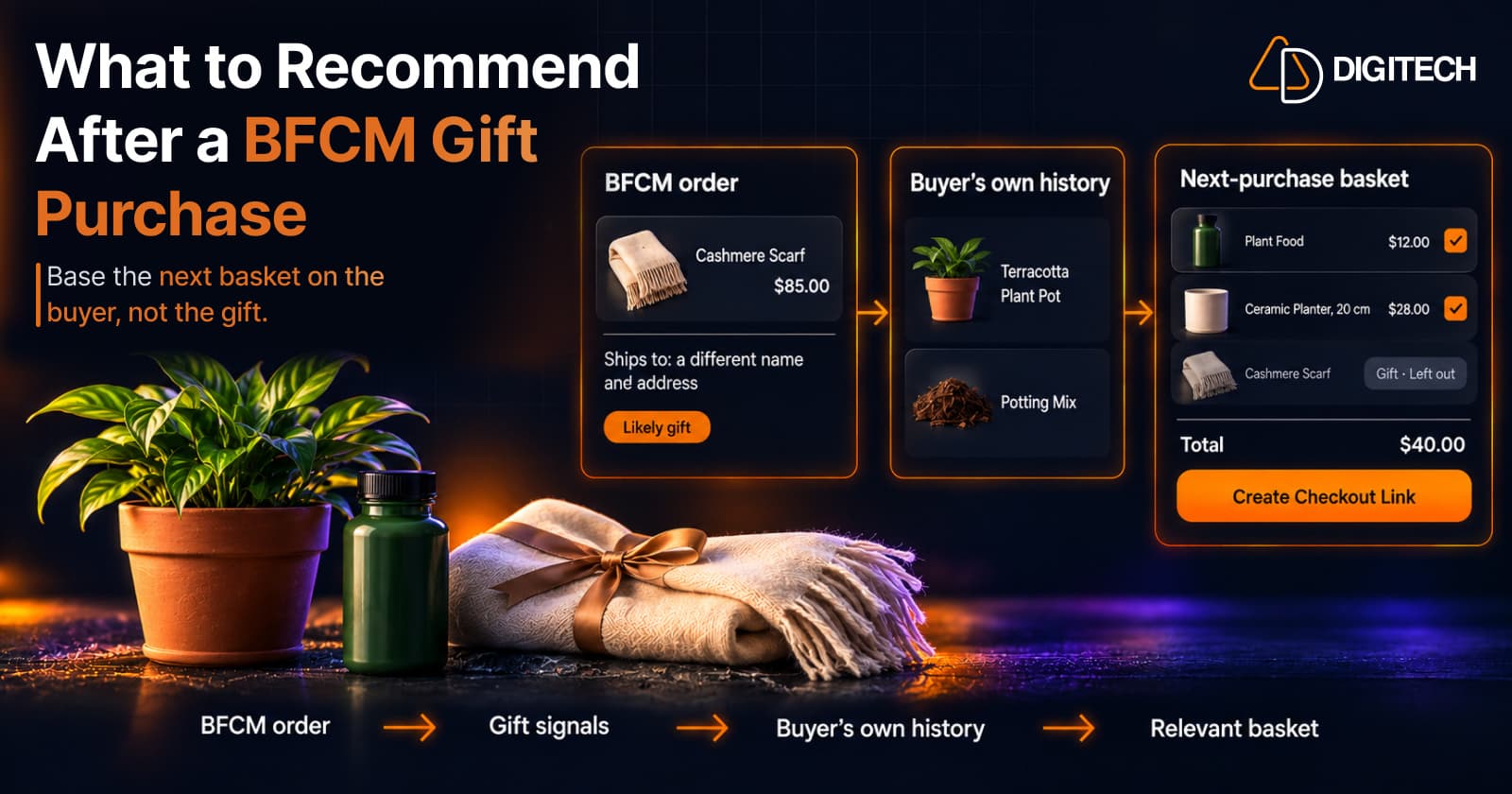
What to Recommend After a BFCM Gift Purchase: A Guide for Shopify Merchants
Some BFCM orders are gifts, which makes purchase history misleading. Here's how Shopify merchants can spot likely gift orders and recommend a relevant next product.
Read article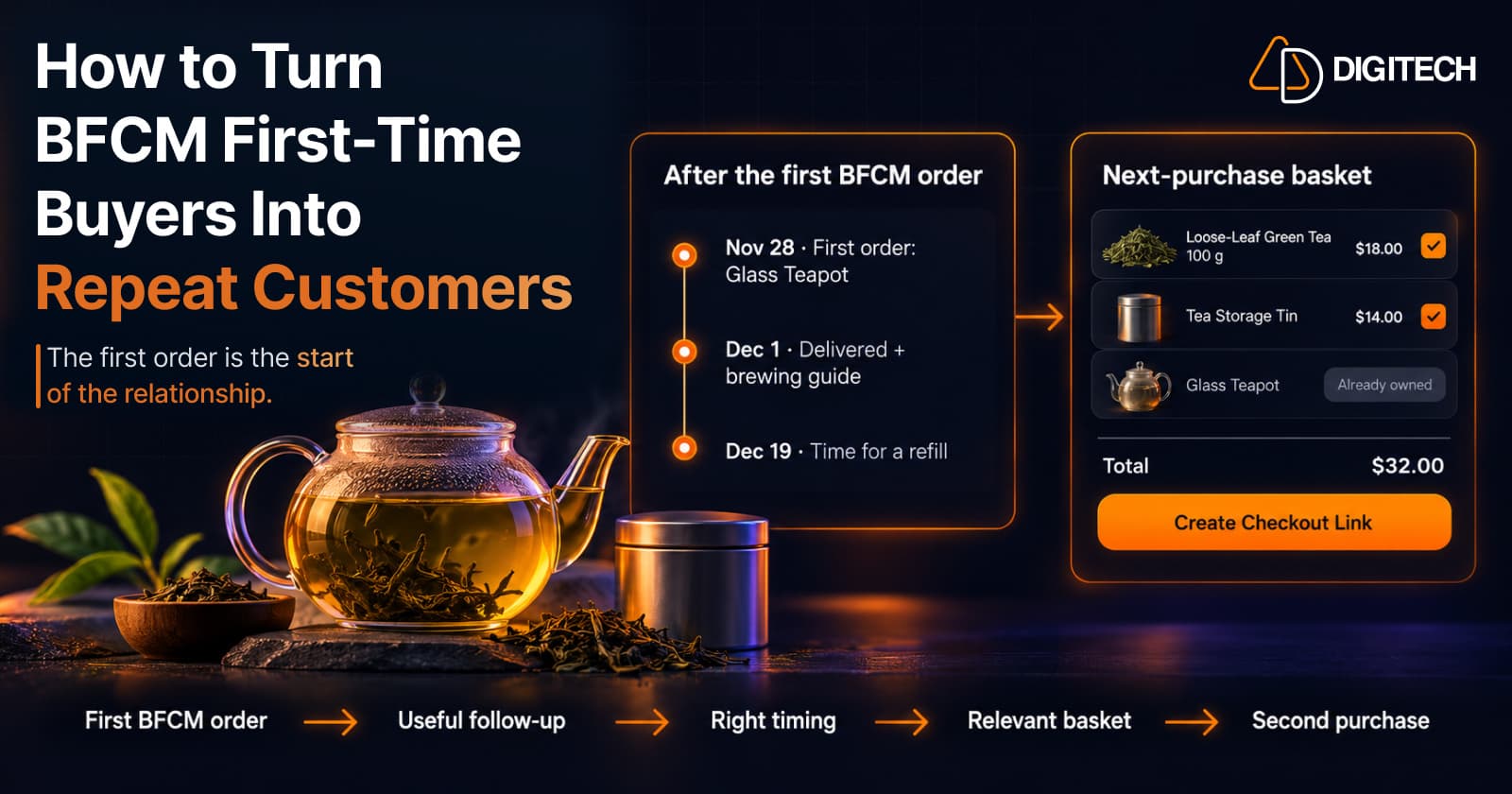
How to Turn BFCM First-Time Buyers Into Repeat Customers
A first BFCM order is the start of a customer relationship. Here's how to follow up with first-time buyers so a relevant second purchase becomes more likely.
Read article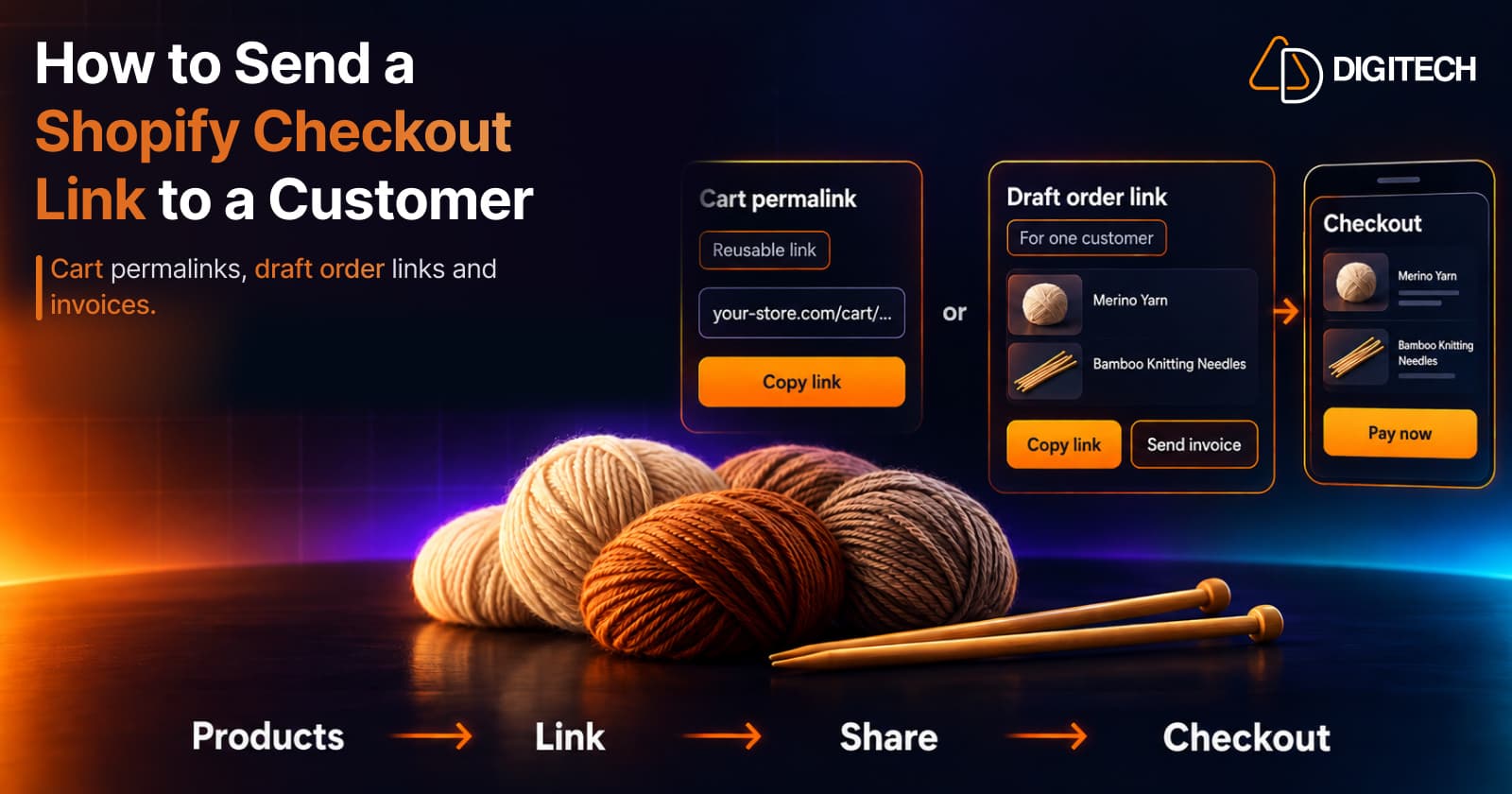
How to Send a Shopify Checkout Link to a Customer
Learn how to create and share Shopify checkout links using cart permalinks, draft orders, and personalized offers. Compare methods and avoid common mistakes.
Read article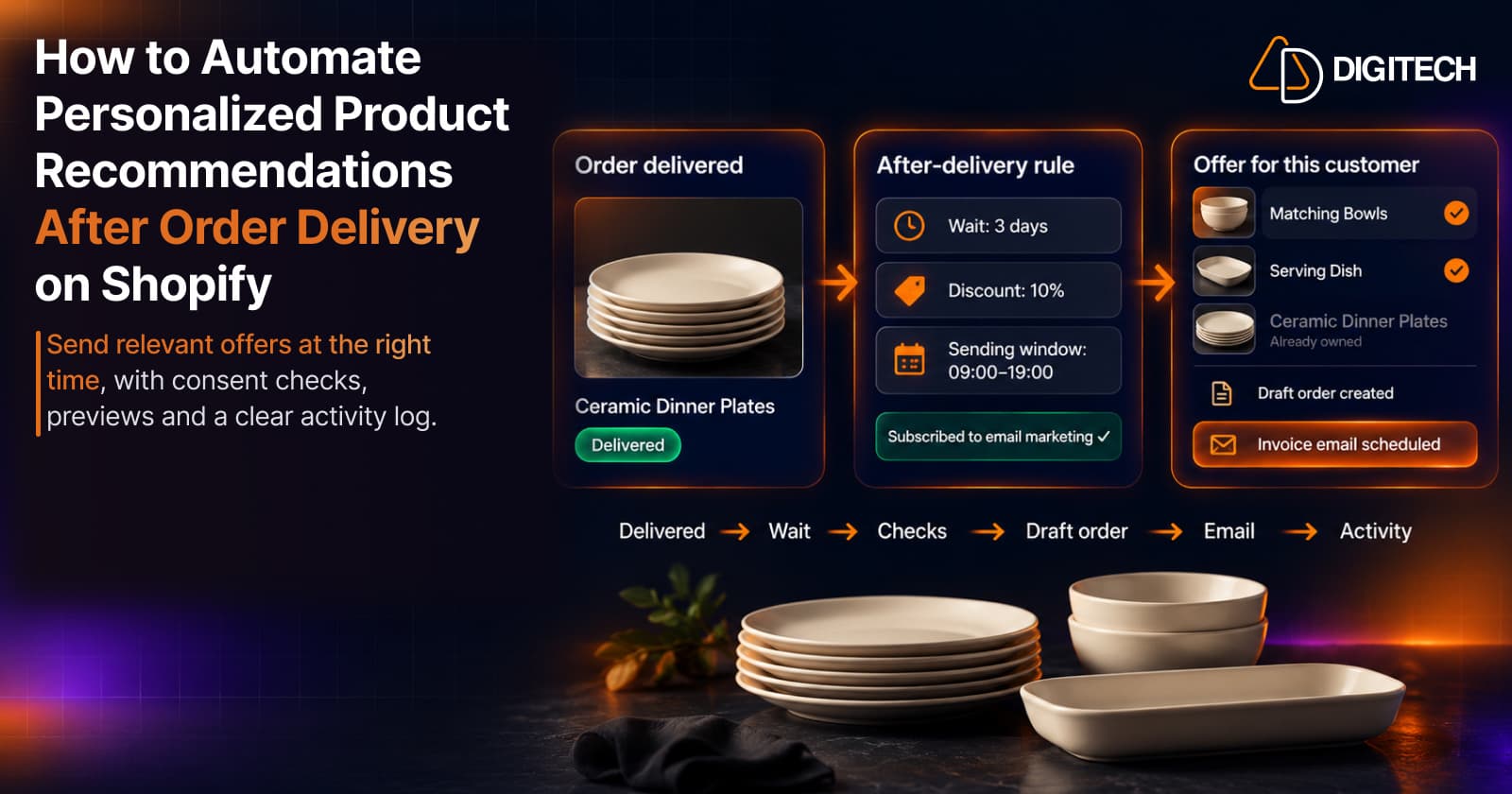
How to Automate Personalized Product Recommendations After Order Delivery on Shopify
Automate post-delivery product recommendations on Shopify: delivery triggers, wait periods, consent, previews, queues and tracking sent or skipped offers.
Read article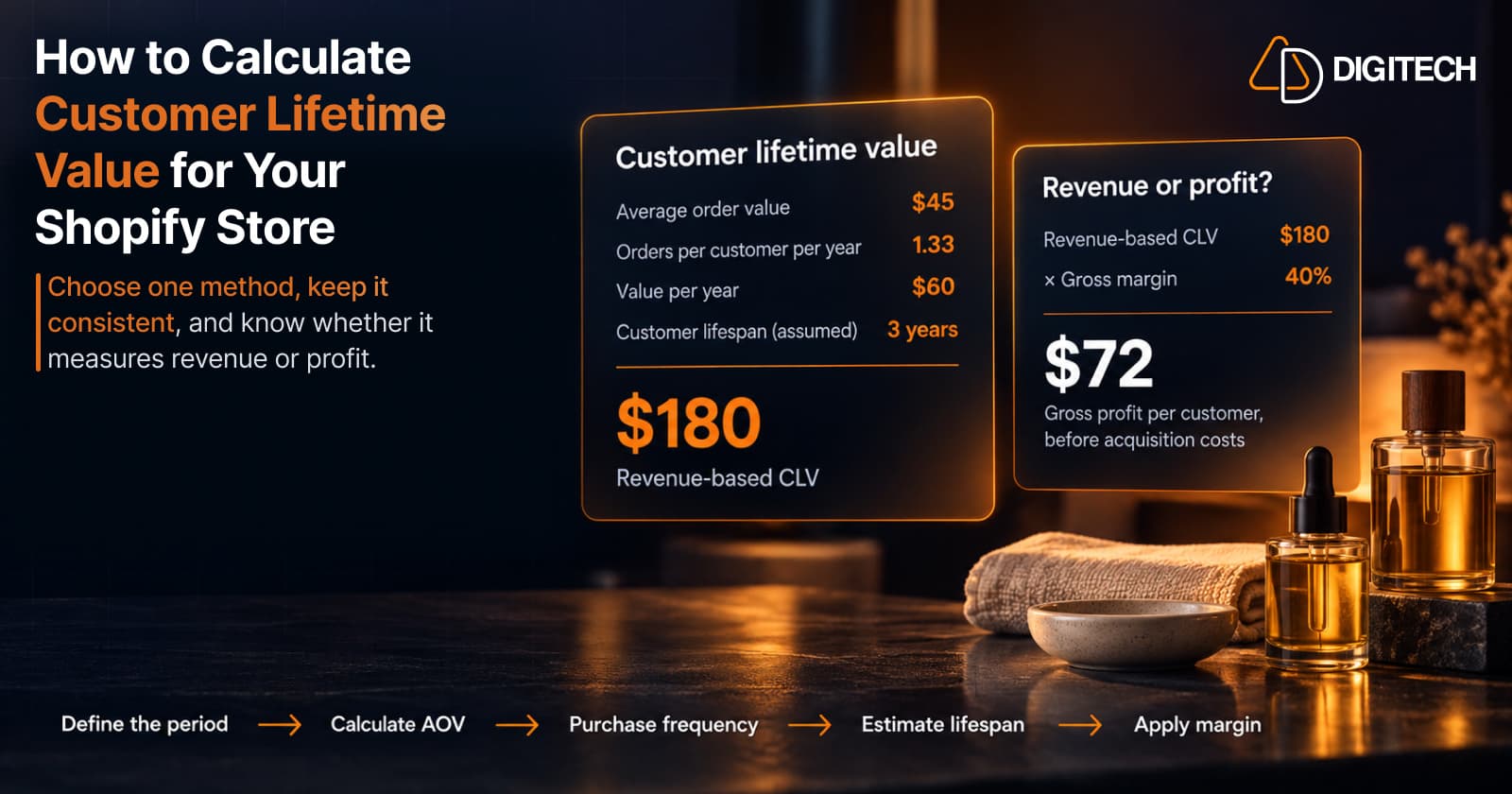
How to Calculate Customer Lifetime Value for Your Shopify Store
Learn how to calculate customer lifetime value for a Shopify store, choose between revenue and profit-based CLV, find the data in Shopify, and avoid common mistakes.
Read article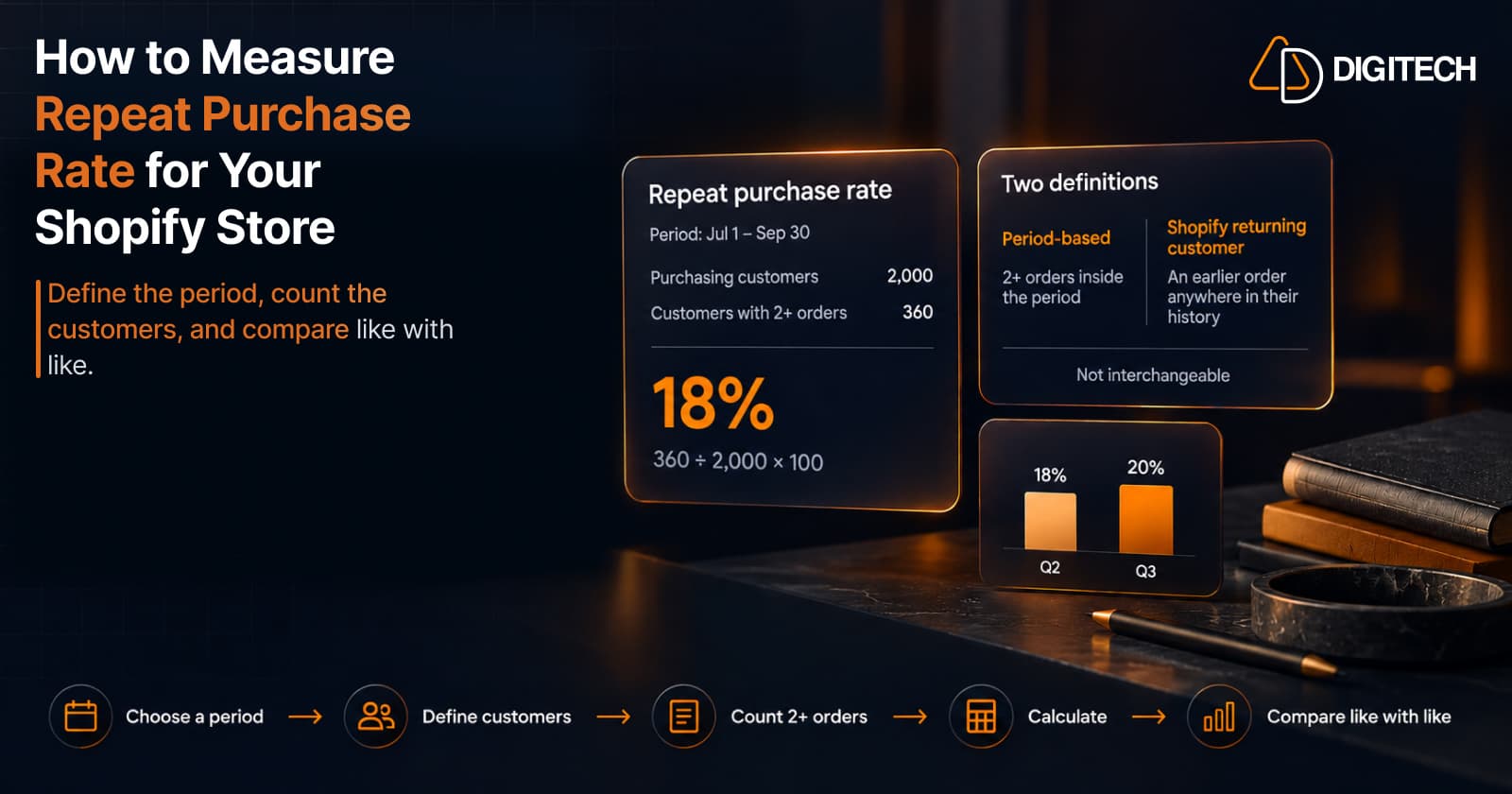
How to Measure Repeat Purchase Rate for Your Shopify Store
Learn how to calculate repeat purchase rate for a Shopify store, choose the right period and customer population, read the result carefully, and track the related retention metrics.
Read article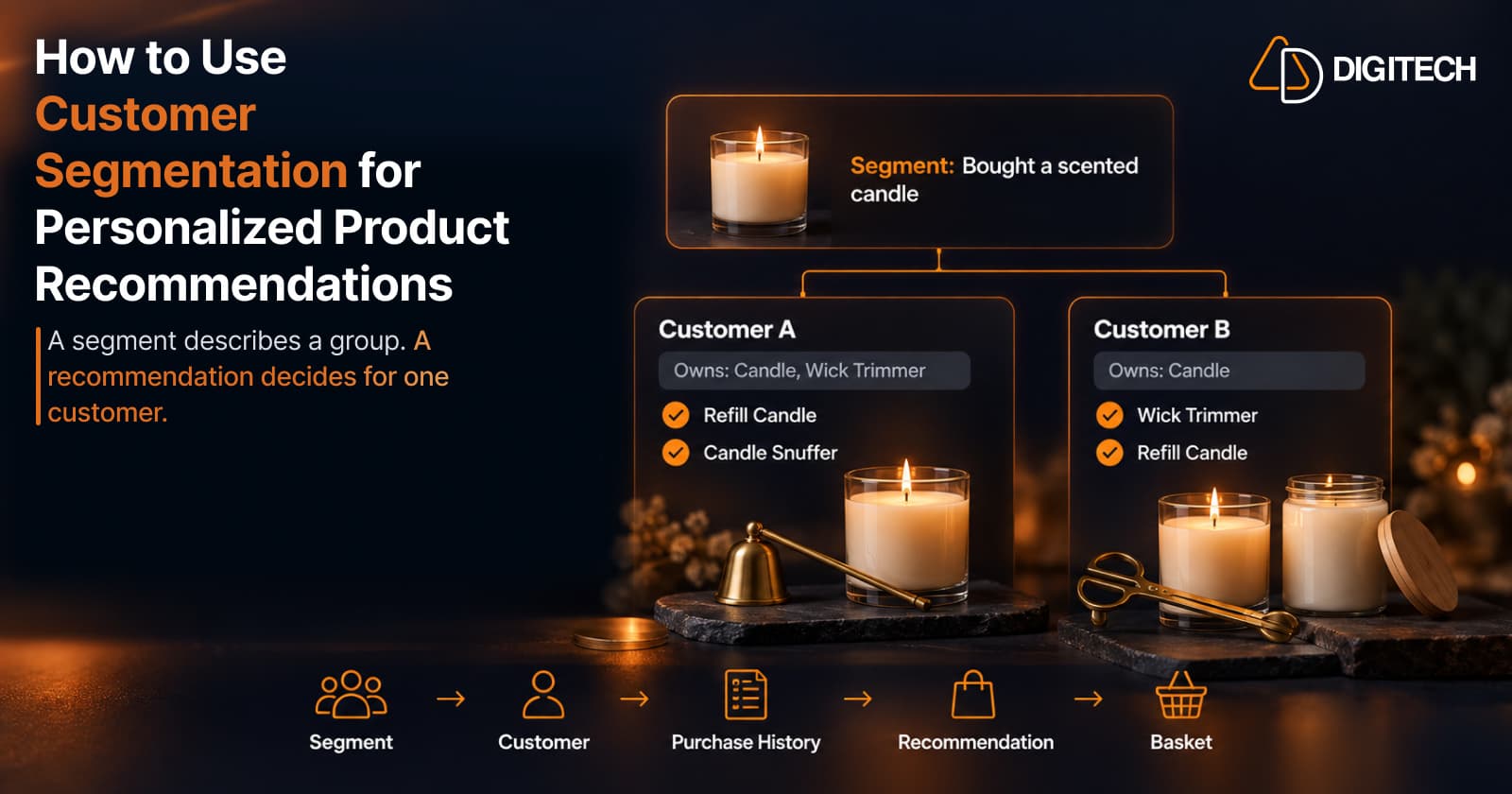
How to Use Customer Segmentation for Personalized Product Recommendations on Shopify
Learn how to use Shopify customer segments to make product recommendations more relevant, and how to turn a segment-level insight into a recommendation for one customer.
Read article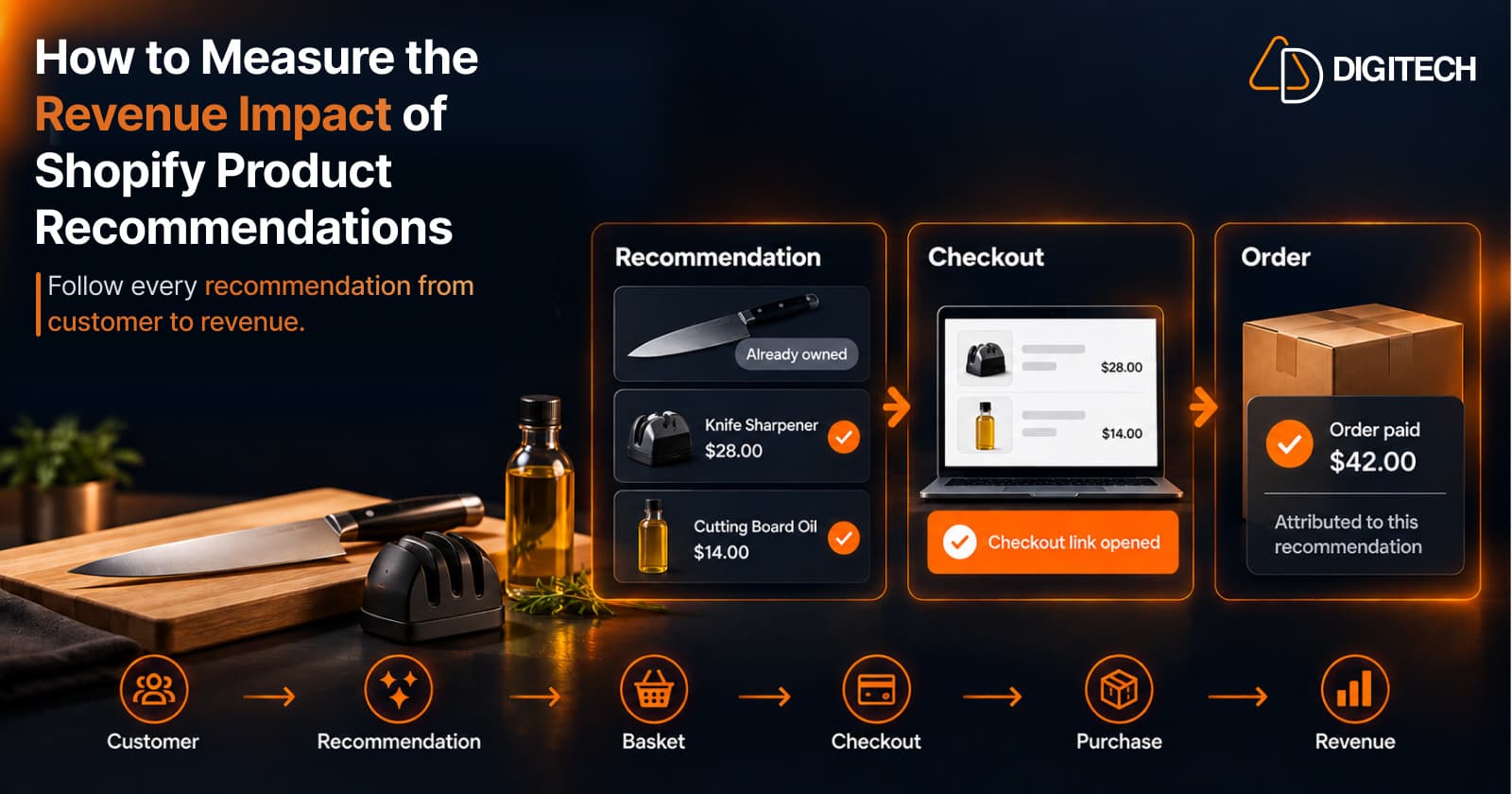
How to Measure the Revenue Impact of Shopify Product Recommendations
Learn how Shopify merchants can measure product recommendation performance, track checkout activity, attribute revenue, and improve personalized recommendations.
Read article