How to Personalize BFCM Offers for Shopify Customers
Use Shopify customer purchase history to build relevant BFCM offers for existing customers: what to check, five ways to personalize, and how to measure it.
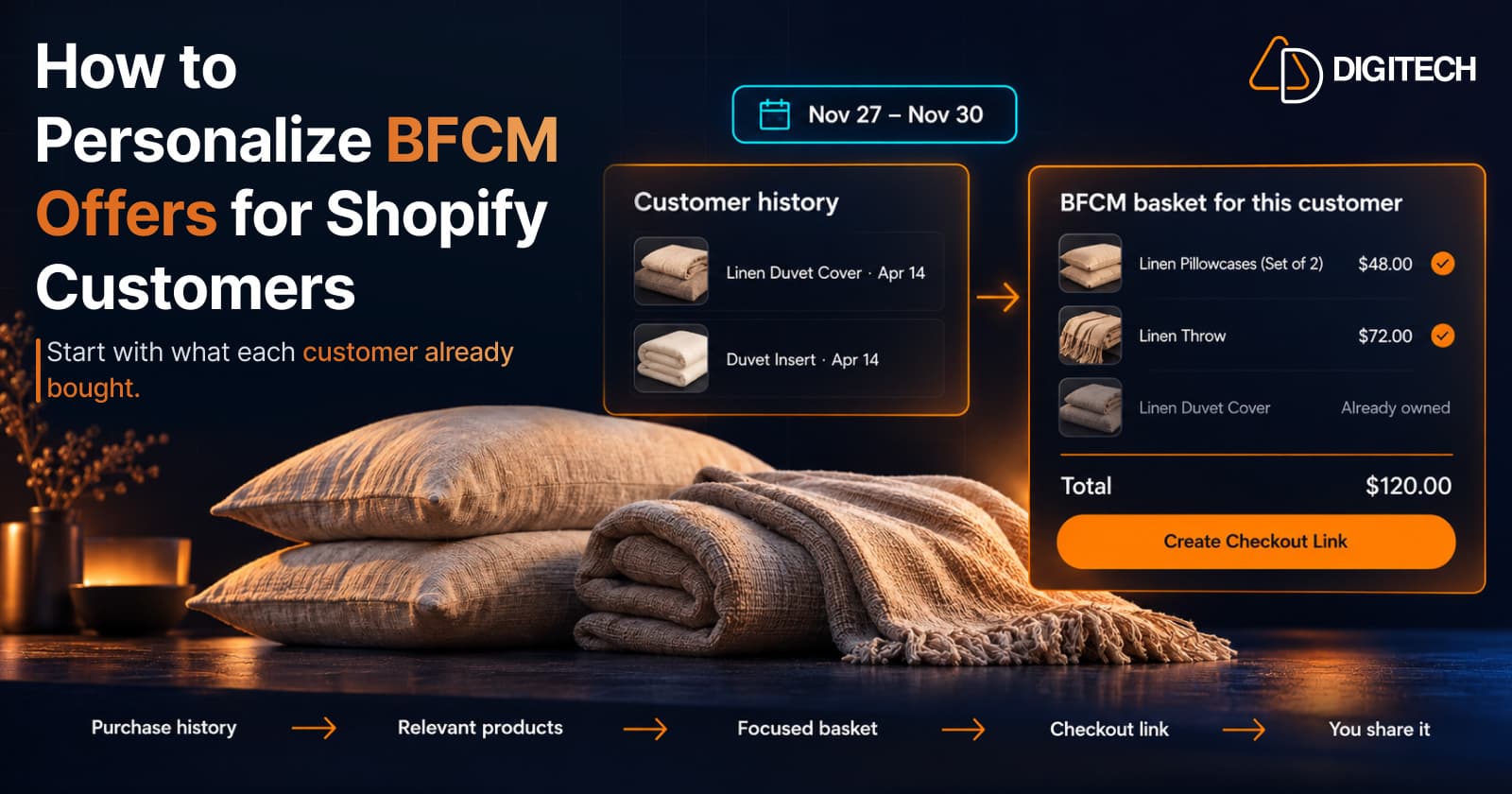
Black Friday falls on November 27, 2026, and Cyber Monday on November 30. Most BFCM planning starts with one storewide offer: 20% off everything, free shipping over a threshold, a gift with purchase.
That works for reach. But each existing customer has an order history that says what they use, what they still need and what they won't buy twice. A storewide offer ignores it.
This guide covers how to turn Shopify purchase history into BFCM offers that fit the customer receiving them. Purchase history won't predict what anyone buys next, but it beats guessing.
Why Generic BFCM Offers Can Miss the Mark
A storewide discount treats every customer the same. In practice:
- Customers buy different things. A customer who only buys coffee gets little from a sitewide email led by mugs.
- Some offers point at products they already own. A discount on the espresso machine they bought in June isn't relevant to them.
- A discount doesn't make a product relevant. It lowers the price of something they may not need.
Shopify's own BFCM guidance points the same way. Its BFCM campaigns guide suggests you "segment first-time and repeat customers to deliver personalized offers" and "build segments based on product interest or past purchases." Its BFCM checklist suggests including "offers and product recommendations based on their purchase history" in campaigns.
Personalization improves relevance. It doesn't guarantee a sale.
How to Use Shopify Customer Purchase History for BFCM
Start with what you already have in your admin.
- Order history on the customer profile. Each customer's profile lists their past orders, so you can see which products they bought and when. This is the core input, and our guide to using purchase history to create new sales goes into reading it.
- Customer reports. Shopify's customer reports include Returning customers, defined as customers "whose order history includes two or more orders," and One-time customers. Shopify notes that customer report data "is based on the entire order history" of the customers in the report.
- Customer segments. Shopify customer segments can filter customers by behavior, such as products purchased, number of orders and last order date, so you can find everyone who bought a particular product line.
- Predicted spend tier. Shopify's predicted spend tier groups customers as High, Medium or Low, but it's only available after a store has made more than 100 sales.
The Help Center pages for these reports don't list plan requirements, so check what your own admin shows before you plan around a specific report.
Five Ways to Personalize BFCM Product Recommendations
The examples below are hypothetical stores, not case studies.
1. Recommend complementary products
When it's useful: the customer bought a main product that has natural add-ons.
Example: a skincare store's customer bought a cleanser and a serum in September. A BFCM offer built around a moisturizer and SPF from the same line fits that routine better than a sitewide discount.
Tip: check the customer's whole history first, so you don't recommend something they already bought.
Caveat: "goes with" is a judgment. Some customers already have a moisturizer they like from another brand. Our guide to recommending complementary products covers how to judge those pairings.
2. Suggest additions from a category they already buy
When it's useful: a customer buys repeatedly within one category.
Example: an apparel store's customer has bought three merino base layers over two winters. Merino socks or a neck warmer in the same material extend the category without repeating what they own.
Tip: match sizes, materials and style to what they kept, not just what they ordered.
Caveat: returned items aren't preferences. Check returns before you treat an order as a signal.
3. Build a basket around demonstrated interests
When it's useful: a customer's orders show a clear project or interest.
Example: a home goods store's customer bought linen bedding and a duvet insert in the spring. A basket of two linen pillowcases and a matching throw is one focused decision instead of a catalogue.
Tip: keep it short. Two or three products that clearly belong together are easier to accept. Our guide to building a personalized recommendation basket covers how to choose them.
Caveat: an interest from spring may be finished by November.
4. Time replenishment for consumable products
When it's useful: the product is used up on a fairly regular cycle.
Example: a coffee store's customer orders a 1 kg bag about every five weeks, and their last order was in mid-October. A BFCM offer on their usual beans, plus paper filters, arrives close to when they'd reorder anyway.
Tip: base the timing on that customer's own gaps between orders, not a store-wide average. Our guide to using purchase timing explains how to read those gaps.
Caveat: this only fits consumables with a real buying cycle. Irregular buyers don't have a pattern to time against.
5. Tailor the selection to the customer's context
When it's useful: customers who look similar need different things.
Example: a pet supply store has two customers who both bought dog food. One also bought a puppy harness last month; the other has bought senior-dog supplements for a year. The first might suit a larger harness and training treats, the second a joint supplement refill and an orthopedic bed.
Tip: use a segment to find candidates, then decide for each customer.
Caveat: you're inferring from orders, not asking. Keep recommendations reasonable and easy to ignore.
How to Build a Personalized BFCM Offer Step by Step
- Choose a customer or a small group. Start with customers whose history gives you something to work with, such as repeat buyers in one category.
- Review their purchase history, including dates and anything returned.
- Identify products that complement what they bought and that they don't already own.
- Create a short basket of two or three relevant products.
- Decide whether a discount is needed. Shopify's amount off discounts can be limited to "Customer segments" or "Specific customers," limited to one use per customer, and given start and end dates that match your BFCM window.
- Check availability, pricing, margins and promotion rules. A discount on top of your storewide BFCM offer can cut deeper than you planned.
- Share the offer through a channel you already use, such as email, SMS or a direct message, within your customers' marketing consent.
- Measure the outcome and note what to repeat next year.
Preparing a basket and sending a campaign are separate steps. One way to package a basket is a draft order: Shopify lets you "send invoices with secure checkout links for customers to complete payment online," and "When a draft order is paid, it becomes a regular order on your Orders page" (Draft orders and invoices). Creating a link doesn't send it. Someone still has to share it.
How Curivo Can Help Shopify Merchants Prepare Personalized BFCM Baskets
Curivo is our Shopify app for the basket step. The workflow:
- Select a customer and review their purchase history and context.
- Build a basket yourself, or ask Curivo's AI to generate four recommendation options from that history. One request uses one AI generation.
- Review and edit the basket. You decide what goes in.
- Create a checkout link through Curivo's draft order and direct checkout workflow.
- Share the link with the customer through your own channel.
- Review the analytics for activity and attributed revenue, where attribution is supported.
Building baskets by hand is unlimited on every plan. AI generations are limited by plan. According to the Curivo App Store listing:
| Plan | Price | AI generations | Checkout links | Extra generations |
|---|---|---|---|---|
| Free | $0 | 10 a month | 20 a month | Not listed |
| Starter | $14.99/month | 50 a month | Unlimited | $0.30 each |
| Growth | $39/month | 200 a month | Unlimited | $0.20 each |
If you plan to send many links during BFCM, check the Free plan's checkout link limit before the week starts.
What Curivo doesn't do matters too. It doesn't send emails or messages, run automated BFCM campaigns, add a recommendation widget to your storefront, or predict what a customer will buy. You review every basket and share every link yourself. The Curivo product page has the full overview.
How to Measure Your BFCM Recommendations
Track what you can reliably connect:
- Offers created: how many personalized baskets or links you prepared.
- Engagement: link opens or checkouts started, where your tools track them.
- Orders and revenue from the offer, where the order can be traced back to it, such as a paid draft order or a single-use code.
- Repeat purchases afterward, over a period long enough to mean something, not just BFCM week.
- Profit, not just revenue: subtract discounts and the relevant costs before you call an offer a success.
Attribution is imperfect. A customer who would have bought during BFCM anyway may also have clicked your link, so don't credit every order to a recommendation. Our guide to measuring the revenue impact of recommendations covers the levels of attribution in more detail.
Common Mistakes to Avoid
- Sending the same recommendation to everyone.
- Recommending products unrelated to purchase history, or ones they already own.
- Discounting by default when the product's relevance might be enough.
- Ignoring stock, margins and fulfillment capacity in the busiest week of the year.
- Treating past purchases as proof of current intent.
- Over-messaging. Shopify's checklist warns to "be careful not to over-communicate, since purchasers are likely getting order-related emails in the days following BFCM."
- Confusing a checkout link with a campaign. Creating a link delivers nothing by itself.
- Measuring revenue without discounts and costs.
A Practical BFCM Preparation Checklist
- Review customer and order data, including returns.
- Choose which customers or groups get personalized offers.
- Identify relevant and complementary products for each.
- Check stock and margins for every product you plan to recommend.
- Prepare the baskets.
- Decide which offers need a discount, and set its eligibility, limits and end date.
- Test every checkout link before it's sent.
- Plan who sends each offer, on which channel, and when.
- Decide in advance how you'll measure results.
Conclusion
BFCM personalization should start with relevance, not with a bigger discount. Look at what each customer has bought, pick a few products that genuinely fit, decide whether a discount is needed, and measure what happens with margins in view.
If you want to prepare personalized baskets from purchase history without assembling them by hand, you can try Curivo on the Shopify App Store. Its free plan includes unlimited hand-built baskets and 10 AI generations a month.
Frequently asked questions
What is a personalized BFCM offer?
It's a Black Friday or Cyber Monday offer built around what one customer, or a small group of similar customers, has already bought, instead of the same promotion for everyone. It usually means choosing products that go with past purchases and deciding separately whether a discount is needed.
Can Shopify personalize BFCM offers by itself?
Shopify gives you the data and tools: order history on each customer profile, customer segments, discounts limited to segments or specific customers, and Shopify Messaging, which can include recommendations based on purchase history. Choosing which products suit which customer is still your decision.
Should every personalized BFCM offer include a discount?
No. A discount is one lever, not a requirement. A relevant product at a fair price may be enough for some customers, and every discount reduces margin, so decide it per offer.
How many products should a personalized BFCM basket include?
Usually only a few that clearly connect to what the customer already bought. A short, focused basket is easier to review and easier for the customer to decide on than a long list.
Does Curivo send BFCM offers to customers automatically?
No. Curivo helps you build a basket for a customer and create a checkout link. You review it and share the link yourself, through a channel you already use.
Turn Customer History Into Your Next Sale
See how Curivo helps Shopify merchants turn customer purchase history into personalized recommendations, ready-to-buy baskets, and measurable revenue.
Related reading
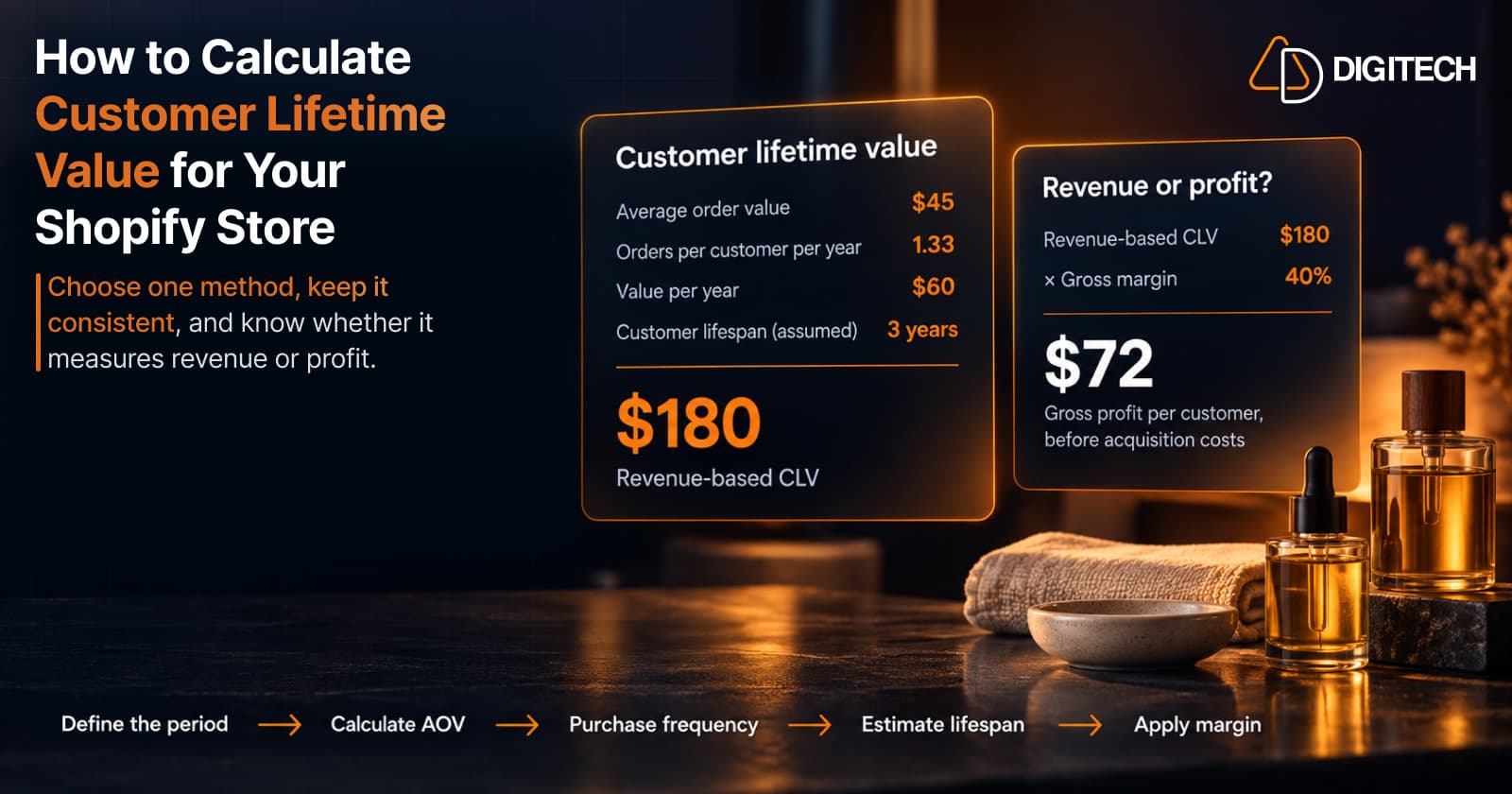
How to Calculate Customer Lifetime Value for Your Shopify Store
Learn how to calculate customer lifetime value for a Shopify store, choose between revenue and profit-based CLV, find the data in Shopify, and avoid common mistakes.
Read article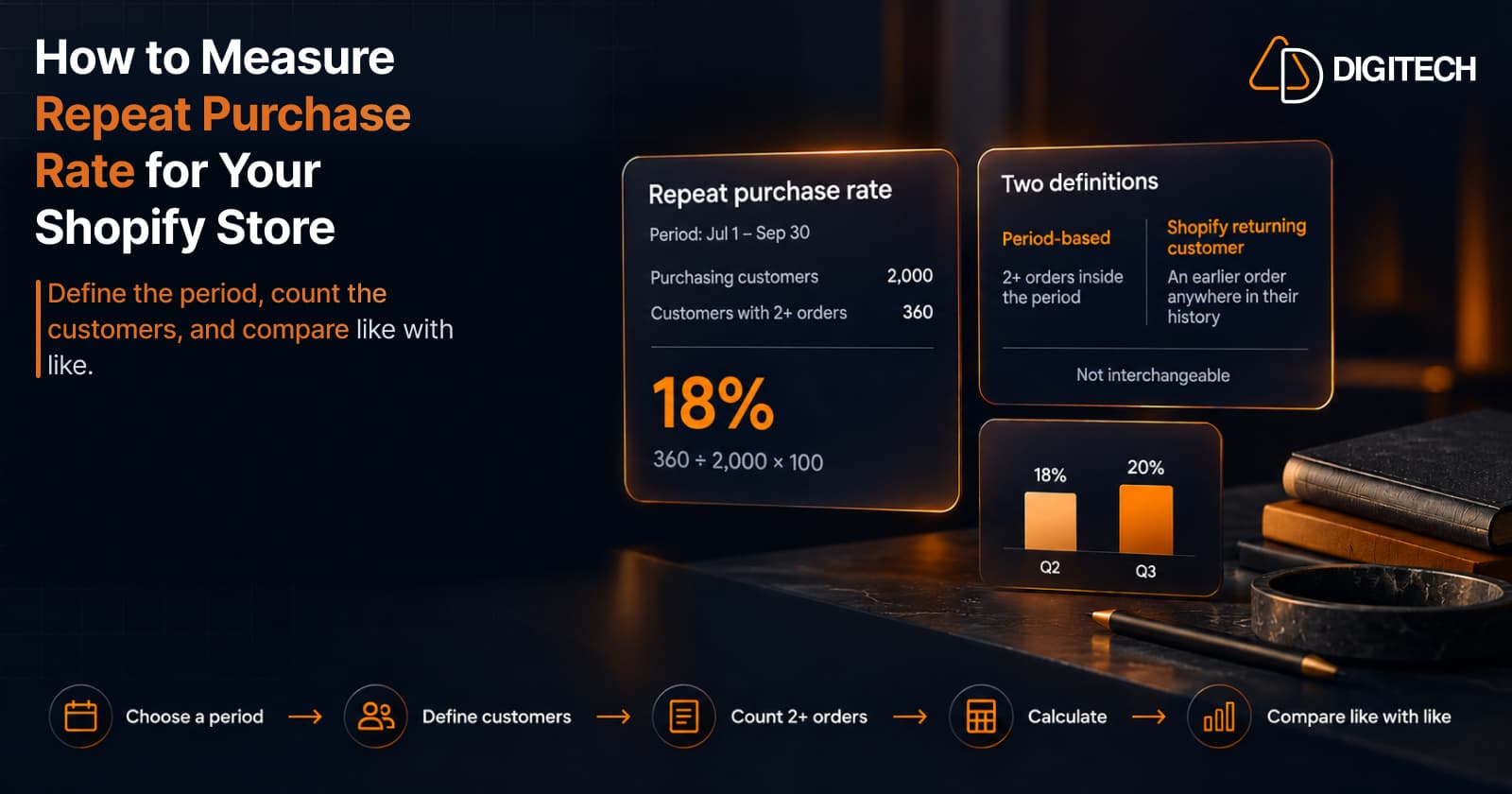
How to Measure Repeat Purchase Rate for Your Shopify Store
Learn how to calculate repeat purchase rate for a Shopify store, choose the right period and customer population, read the result carefully, and track the related retention metrics.
Read article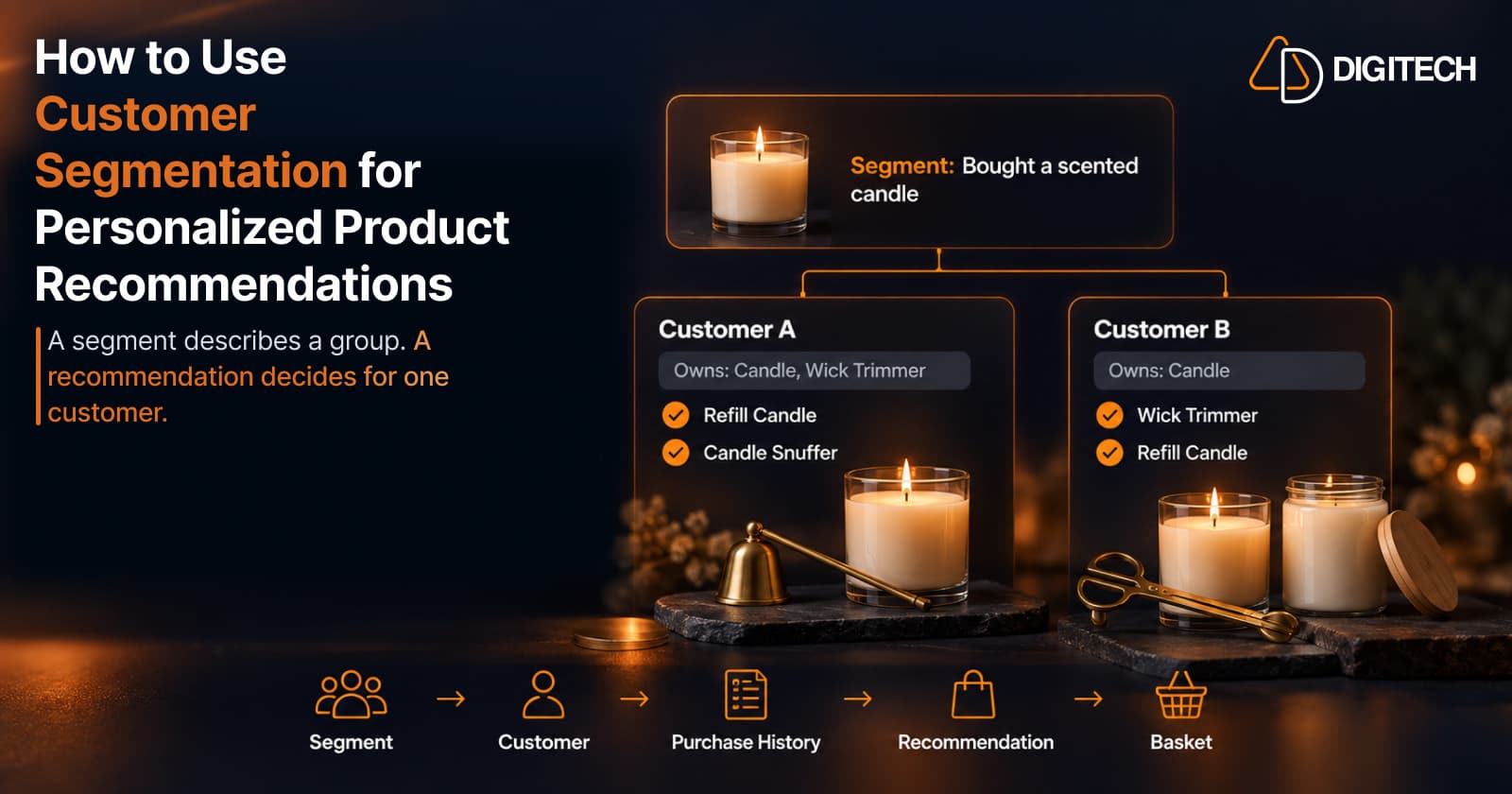
How to Use Customer Segmentation for Personalized Product Recommendations on Shopify
Learn how to use Shopify customer segments to make product recommendations more relevant, and how to turn a segment-level insight into a recommendation for one customer.
Read article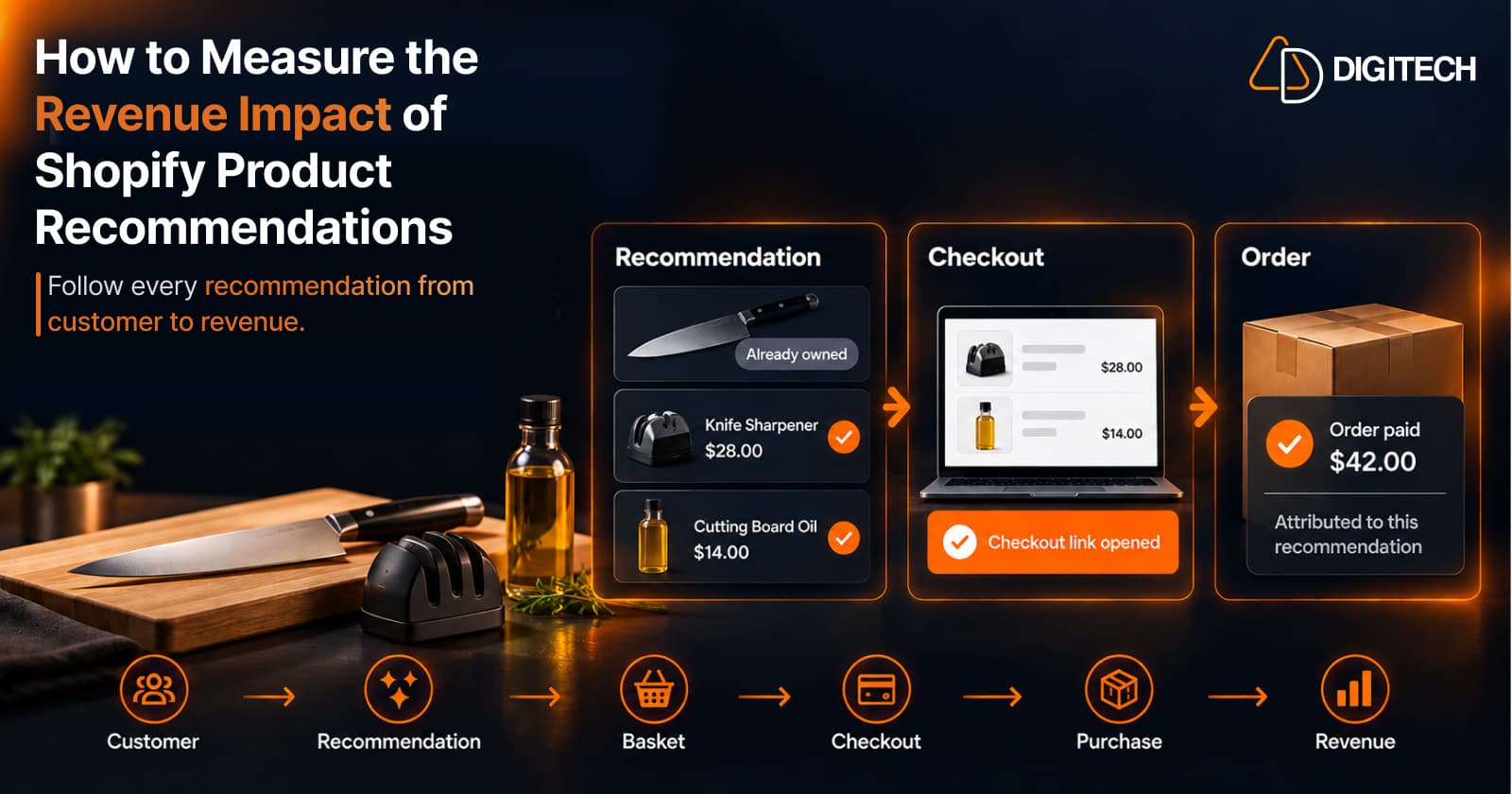
How to Measure the Revenue Impact of Shopify Product Recommendations
Learn how Shopify merchants can measure product recommendation performance, track checkout activity, attribute revenue, and improve personalized recommendations.
Read article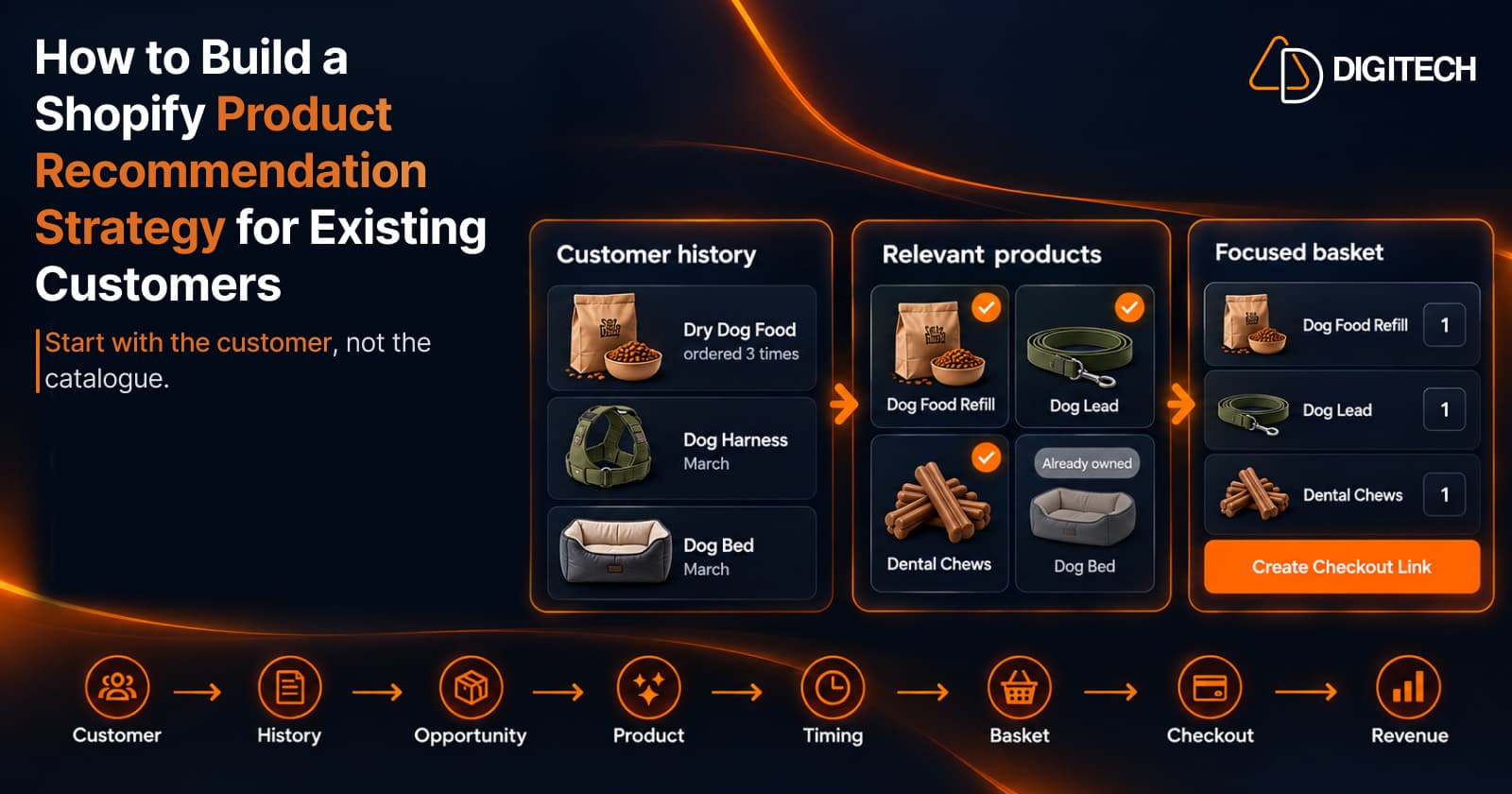
How to Build a Shopify Product Recommendation Strategy for Existing Customers
Learn how to build a Shopify product recommendation strategy using customer history, product relationships, timing, and personalized recommendations.
Read article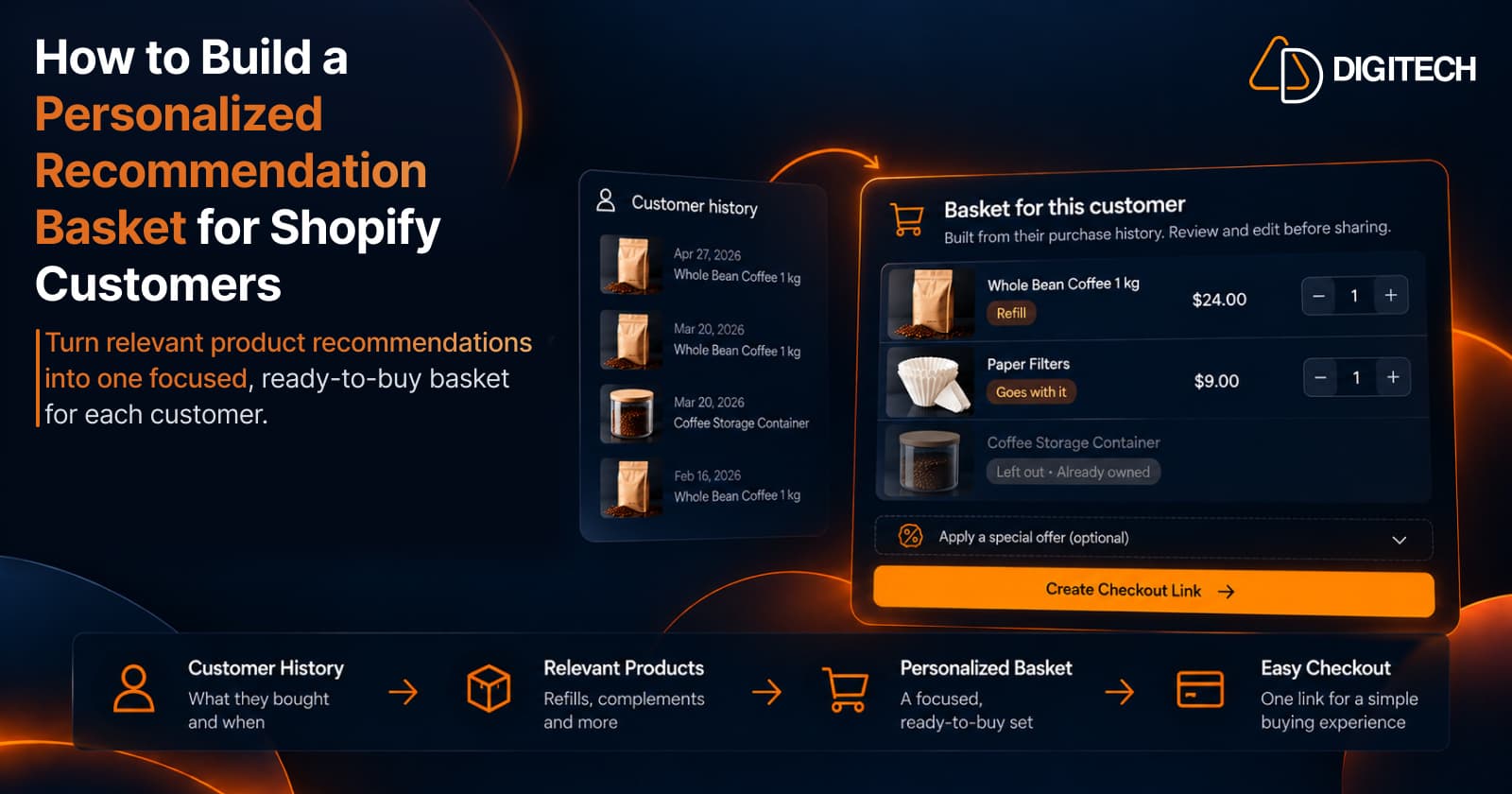
How to Build a Personalized Recommendation Basket for Shopify Customers
Learn how Shopify merchants can build personalized recommendation baskets using customer history, product relationships, timing, and product fit.
Read article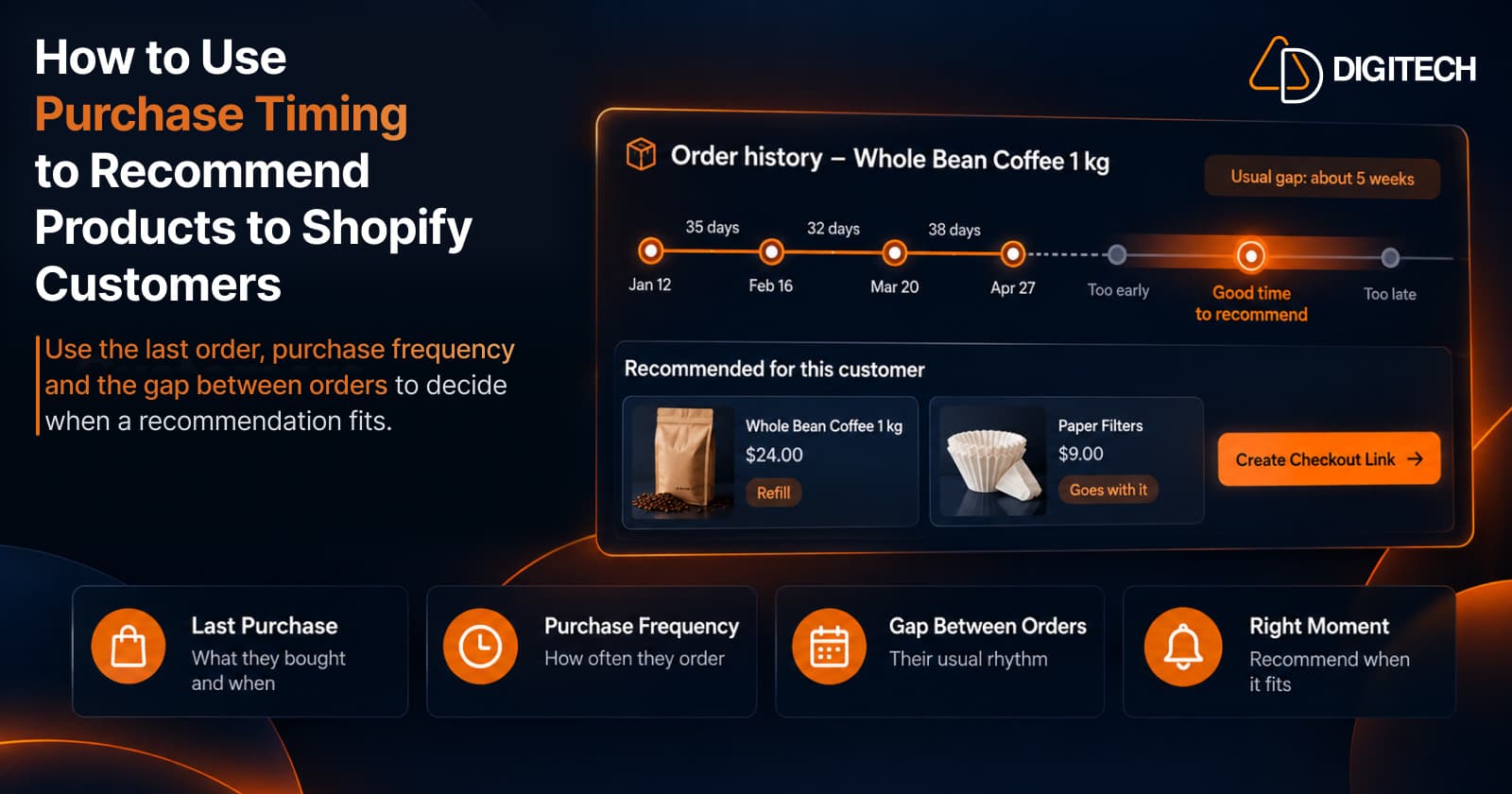
How to Use Purchase Timing to Recommend Products to Shopify Customers
Learn how Shopify merchants can use purchase timing, purchase frequency, recency, and customer history to make product recommendations more relevant.
Read article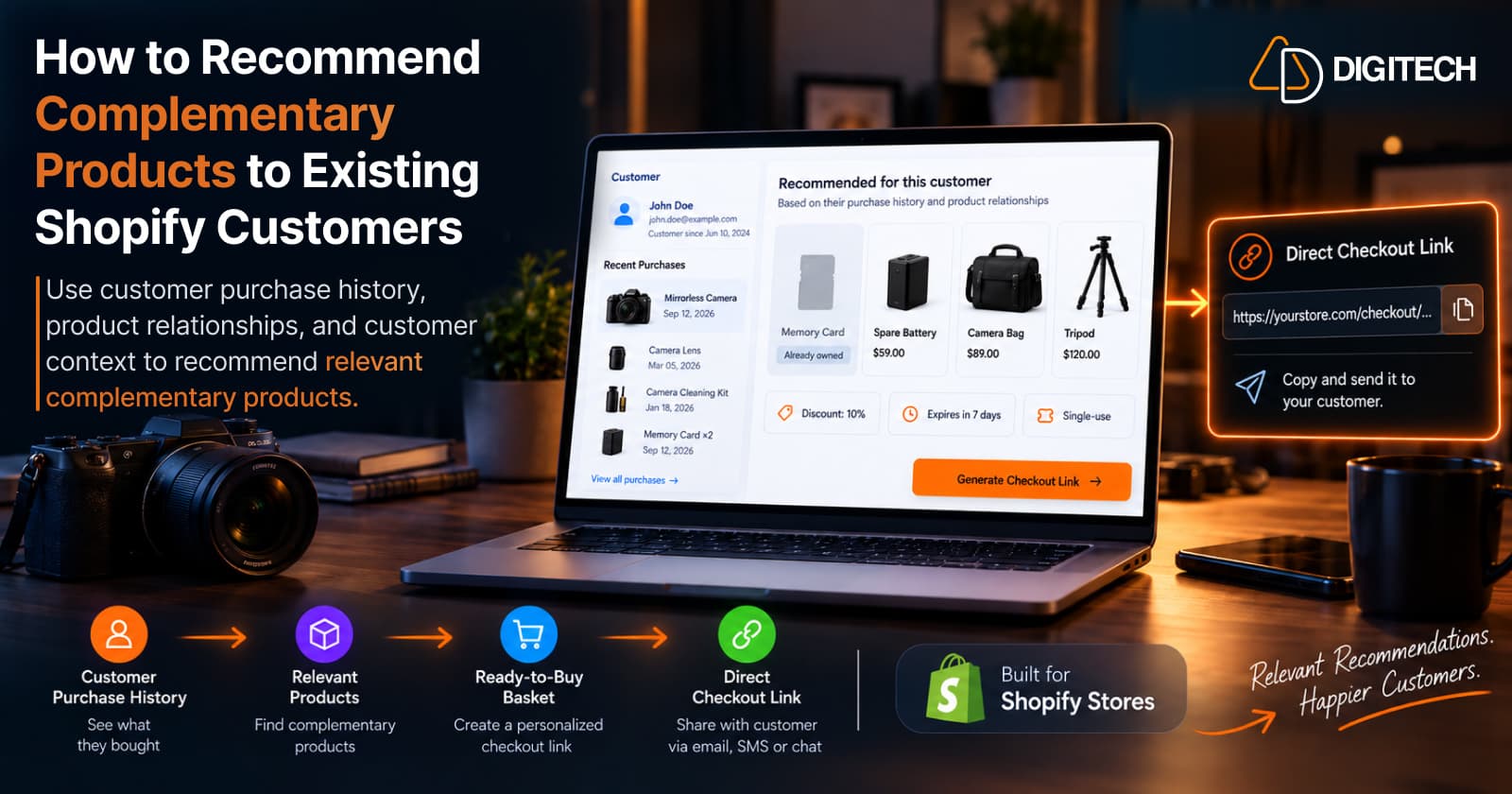
How to Recommend Complementary Products to Existing Shopify Customers
Learn how to recommend complementary products to existing Shopify customers using purchase history, product relationships, timing, and customer context.
Read article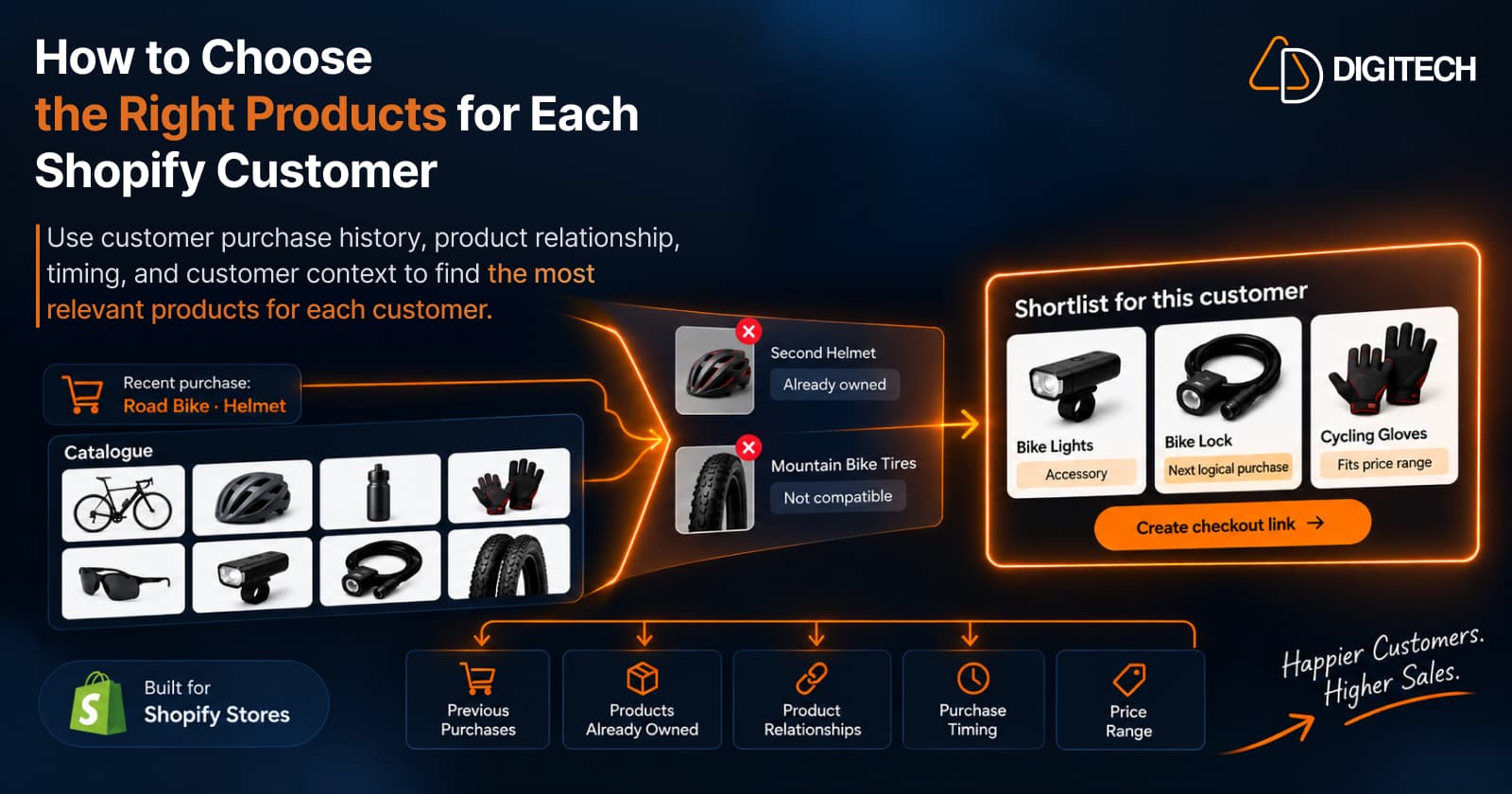
How to Choose the Right Products for Each Shopify Customer
Learn how Shopify merchants can choose more relevant products for each customer using purchase history, product relationships, timing, and customer context.
Read article