Migrating from WooCommerce to Shopify: The 2026 Playbook
A practical WooCommerce to Shopify migration guide for 2026: how to move products, customers, orders, and SEO without breaking your business. Planning, redirects, data, and launch.
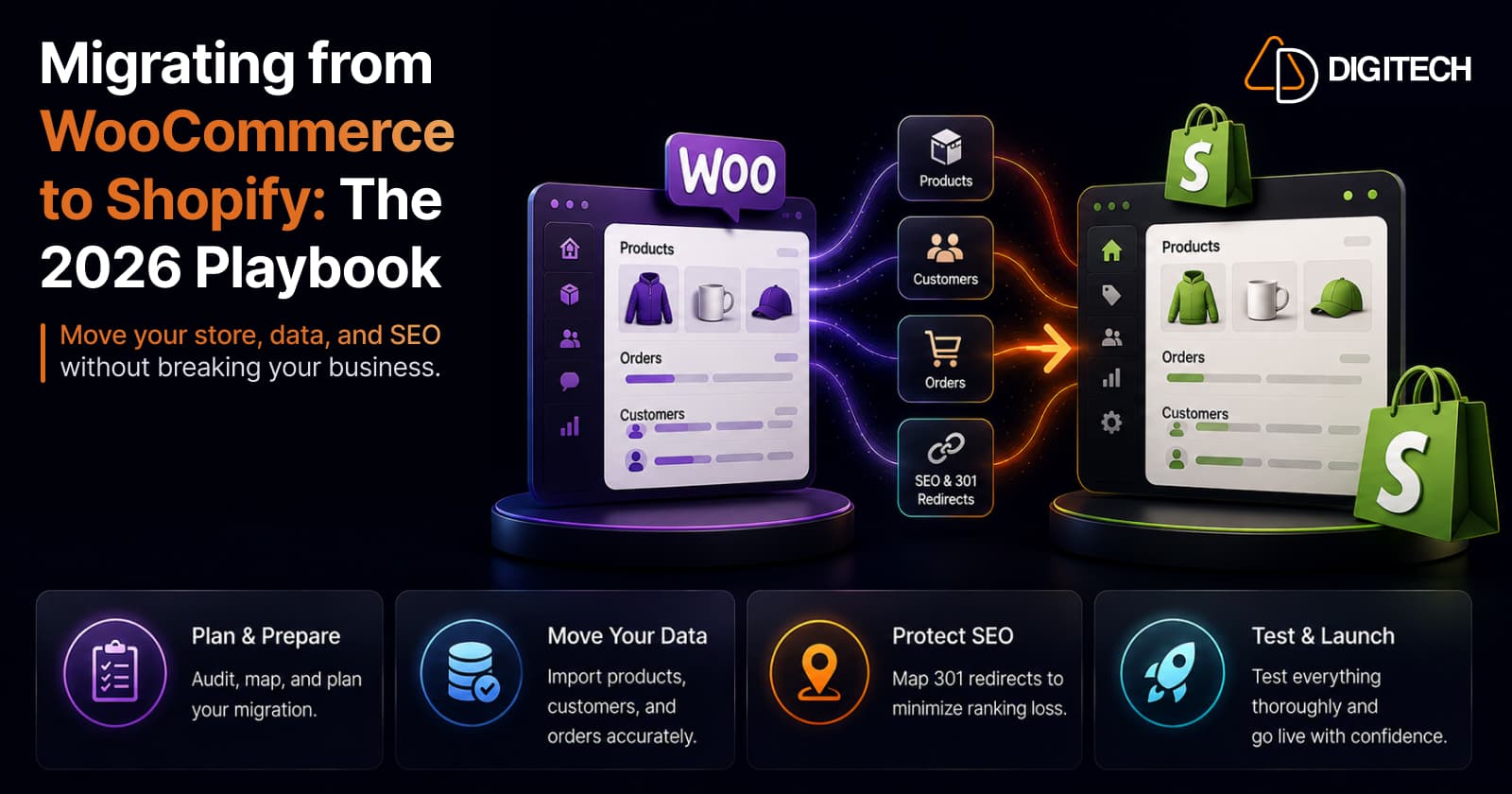
The short version: migrating from WooCommerce to Shopify is not "export products, import products." The products are the easy part. The real project is moving the business, your SEO, customer and order data, integrations, analytics, existing URLs, and conversion flows, without breaking any of them. A migration is finished when the store performs, not when products appear in the admin. This playbook covers the full sequence: planning, data, architecture, SEO, design, apps, analytics, testing, launch, and post-launch monitoring.
We plan and run WooCommerce to Shopify migrations, so this is written for merchants and ecommerce managers: the decisions and risks first, with technical detail explained only where it changes what you should do.
Why merchants move from WooCommerce to Shopify in 2026
Shopify is not universally better than WooCommerce, and it is worth being honest about that up front. WooCommerce gives you open-ended control, and for a team that is equipped to manage hosting, updates, plugins, and security, that control is valuable.
Merchants move to Shopify when the cost of that control starts to outweigh its benefit. Shopify is a fully hosted, managed platform: it runs the servers, the checkout, security patching, and PCI compliance, so those stop being your team's problem. For a growing store, that shift, from maintaining infrastructure to running a business, is usually the real motivation. The question is not "which platform is better," but "which platform fits how we want to operate."
When moving to Shopify makes sense (and when it does not)
Migration tends to make sense when several of these are true:
- Maintenance is eating time. Plugin conflicts, update breakages, and hosting issues are a recurring tax on your team.
- Performance is hard to keep stable, especially under traffic spikes, and every fix means another plugin or a bigger server.
- Security and PCI compliance have become a burden you would rather hand off.
- Plugin dependency is fragile. Core functionality relies on a stack of plugins that must all stay compatible.
- You are scaling, and operational complexity is growing faster than revenue.
- You want the Shopify ecosystem, a specific app, sales channel, or checkout capability, or you are heading toward Shopify Plus. If enterprise features are the driver, it is worth understanding when the Plus upgrade actually pays off before assuming you need it.
- International expansion is on the roadmap and you want native multi-currency and multi-language support.
Migration makes less sense when your WooCommerce store is stable, well-maintained, and deeply customized in ways that would be expensive to rebuild, or when your business depends on a level of code-level control that a managed platform intentionally restricts. A migration is a real project with real cost and real risk. If WooCommerce is not actually holding you back, staying put can be the right call.
What actually changes during the migration
This is not a platform comparison. What matters for migration is the specific architectural differences you have to plan around. These are the ones that catch teams out:
| Area | WooCommerce | Shopify | Migration implication |
|---|---|---|---|
| Hosting | Self-managed | Fully hosted by Shopify | Server, security, and PCI move off your plate |
| Themes | WordPress themes + page builders | Shopify themes (Online Store 2.0, Liquid) | Design is rebuilt, not copied file-for-file |
| Product options | Flexible attributes | Up to 3 options per product | Extra attributes need metafields or an app |
| URLs | Custom permalinks | Fixed prefixes (/products/, /collections/…) | Every URL changes; 301 redirects required |
| Checkout | Customizable/plugin-driven | Shopify's hosted checkout | Checkout behavior and tracking work differently |
| Extensions | Plugins (server-side) | Apps (sandboxed) | Plugins do not transfer; each needs a decision |
| Customer accounts | Email + password | Passwordless (email one-time code) | No passwords to migrate |
| Orders | Live records in your DB | Imported as historical records | Order numbering and financial detail need planning |
The pattern across the table is the same: Shopify trades some flexibility for a managed, standardized system. That trade is the reason to migrate, and also the reason migration takes planning rather than a plugin.
Plan first: audit everything before you move anything
The most common cause of a painful migration is starting the data move before anyone has taken inventory. Build a complete picture of the existing store first, because you cannot preserve what you have not documented.
Audit and export a record of:
- Catalog: products, variants, product images, prices, SKUs, inventory, and how products are categorized and tagged.
- Customers and orders: customer records, order history, and any customer tags or segments you rely on.
- Content: blog posts, pages, and their images and metadata.
- URLs: a full crawl of every indexed URL, especially your highest-traffic and highest-ranking pages.
- SEO metadata: page titles, meta descriptions, and structured data.
- Commerce config: discounts, active coupons, reviews, shipping rules, and tax setup.
- Plugins and integrations: every plugin in use and what it does, plus payment, shipping, ERP, CRM, email, and analytics connections.
- Tracking: GA4, Google Search Console, Meta Pixel, Google Ads, and any custom tracking scripts.
Do this before migration because it drives every later decision: what to redirect, what to rebuild, what to replace, and what to quietly retire. It is also your safety net. If something is missing after launch, this inventory is how you know.
Product and variant migration
Products are the most straightforward data to move, but "straightforward" is not the same as "one-to-one." WooCommerce and Shopify model products differently, and the gaps are predictable.
You can migrate titles, descriptions, images, prices, SKUs, inventory, and variants, using Shopify's first-party Store Migration app (currently in early access), CSV import, or a third-party migration app. The differences to plan for:
- The three-option limit. Shopify products support up to three options, for example Size, Color, and Material. A WooCommerce product with four or more attributes will not import those extra options cleanly. The fix is to model the additional attributes as metafields or use a third-party app, which is a modeling decision to make deliberately, not discover at launch.
- Categories become collections. WooCommerce categories and tags map to Shopify collections and tags, but not always neatly (more on this below).
- Product data quality. Migration is the best moment you will ever get to clean up inconsistent product types, missing attributes, and duplicate entries. Import clean data, not a copy of years of drift.
A simple example of transformation: a WooCommerce hoodie with attributes for Size, Color, Fabric, and Fit has four attributes. In Shopify, three become product options and the fourth (say, Fit) is better stored as a metafield you can also filter on. Deciding that mapping in advance is what separates a clean catalog from a broken one.
Customer data migration and the password question
Customer names, email addresses, and addresses import into Shopify without difficulty, and customer tags can usually be preserved for segmentation. The part that worries merchants most, passwords, is mostly a non-issue once you understand it.
Passwords do not transfer between platforms. Password data is stored as a one-way, platform-specific hash, so it cannot be exported from WooCommerce and loaded into Shopify. This is a security reality, not a Shopify limitation, and any tool that claims to move passwords should be treated with suspicion.
In practice it rarely matters, because Shopify's current customer accounts are passwordless. A returning customer enters their email and receives a one-time verification code to sign in, so there is no password to migrate in the first place. Their account, order history, and saved addresses are all there; they simply log in with their email. Communicate this change to customers before launch so the new sign-in experience is expected rather than confusing.
Order history migration
Orders take more thought than products, because you are importing records of events that already happened rather than live objects. You can migrate historical orders through the same tooling, but be clear about what that means.
- Order numbering. Shopify generates its own sequential order numbers. Your original WooCommerce order numbers will not automatically become Shopify order numbers, so if you need them for customer service or accounting, plan to preserve them (for example in an order note or metafield) rather than assuming they carry across.
- Financial detail is partial. Imported historical orders are reference records. Fine-grained transaction data, partial refunds, and payment gateway detail may not reconstruct fully, so keep your existing records or exports as the source of truth for historical financials.
- Connect the records. This is why import order matters: products and customers must exist in Shopify before orders are imported, so each order links to the right customer and line items.
Decide early how much order history you actually need in Shopify. Many merchants import one to two years for customer-service continuity and keep older history in an export or their accounting system, rather than importing everything by default.
Rebuilding store architecture, not just copying it
WooCommerce categories map to Shopify collections, but treat this as a chance to improve, not a copy-paste job. Shopify offers both manual collections and automated collections (populated by rules such as tag, type, or price), which is often a cleaner way to organize a catalog than a rigid category tree.
The migration is the ideal moment to rethink how customers actually navigate and discover products, because you are rebuilding the front end anyway. Collections, tags, filters, and navigation should reflect how people shop, not how your old admin happened to be organized. Shopify's collection model has been evolving, and it is worth understanding how collections are changing before you rebuild the structure, then applying a deliberate collection page setup rather than recreating the old one.
URL structure and 301 redirects: the highest-risk section
If you get one thing technically right in a migration, make it this. URLs are how search engines and existing links point at your pages, and Shopify's URLs will not match WooCommerce's.
Shopify uses fixed URL prefixes, for example /products/<handle>, /collections/<handle>, /pages/<handle>, and /blogs/<blog>/<article>. WooCommerce typically uses different patterns such as /product/ and /product-category/, or fully custom permalinks. That mismatch means every important URL changes, and each one needs a 301 redirect from the old address to the new one.
There is a meaningful difference between changing a URL and migrating it. Changing a URL just moves the page and abandons its history. Migrating a URL means pointing a permanent (301) redirect from the old address to the new one, so the accumulated SEO signals and any inbound links and bookmarks follow the page to its new home.
How to do it properly:
- Build a complete redirect map from your URL audit: old product URL to new product URL, old category to new collection, old content URL to new page or article.
- Use Shopify's native redirects. Shopify supports URL redirects and lets you bulk-import them by CSV (in the admin under Content, then URL redirects), which is how you handle hundreds or thousands of them at once.
- Prioritize by value. Your highest-traffic and highest-ranking pages must be mapped precisely. Do not let a top landing page resolve to a generic homepage redirect.
- Avoid redirect chains. Redirect old to final destination in one hop, not old to interim to final.
- Test after launch. Crawl the old URL list against the live site to confirm each one lands where it should with a 301.
One honest caveat: correct redirects do not guarantee that rankings stay identical. Proper implementation preserves the signals that determine rankings, which is the best thing you can do, but search engines re-evaluate a moved site, and some fluctuation in the weeks after launch is normal. The goal is to protect the signals and recover quickly, not to promise zero movement.
The SEO migration checklist
SEO migration is planned before launch, not repaired after it. By the time traffic drops, the damage is already indexed. Work through this before the store goes live:
- Redirects mapped and ready to activate (the section above).
- Page titles and meta descriptions carried over for products, collections, pages, and posts. Shopify lets you edit these per resource in the search engine listing fields.
- Canonical URLs. Shopify adds self-referencing canonical tags automatically to reduce duplicate content; confirm nothing in the theme overrides them incorrectly.
- XML sitemap. Shopify generates and auto-updates
sitemap.xmlfor products, images, pages, collections, and posts. Plan to submit it in Search Console at launch. - robots.txt. Shopify auto-generates it, and it can be customized via
robots.txt.liquidif needed. This is an advanced, unsupported edit that can cost you all your traffic if done wrong, so change it only with care. - Structured data (product, breadcrumb, and similar) rebuilt in the new theme, since it does not carry over from WooCommerce.
- Image metadata and alt text preserved.
- Internal links and breadcrumbs re-pointed to new URLs so you are not internally linking through redirects.
- High-value landing pages verified individually, not just spot-checked.
- Search Console and analytics ready to verify the new property at launch.
Theme and UX migration
You have two honest options: recreate the existing WooCommerce design as closely as Shopify allows, or use the migration as the moment to improve the experience. Most merchants are better served by the second, because a pixel-for-pixel copy is neither fully possible nor usually desirable.
Shopify's theme architecture (Online Store 2.0, Liquid, sections and blocks) is different from WordPress themes and page builders, so visual design is rebuilt rather than transferred. The checkout in particular is Shopify's own hosted, standardized checkout, and it will not match a customized WooCommerce checkout, by design. That standardization is part of what you are buying.
Focus the rebuild on the pages that carry conversion: navigation, homepage, collection pages, and especially product pages, all built mobile-first since that is where most traffic shops. Migration is also the right time to get performance right from the start; a Shopify build gives you a clean opportunity to hit good Core Web Vitals rather than inheriting years of front-end weight.
WooCommerce plugins are not Shopify apps
This is where migrations quietly balloon in scope. A WooCommerce plugin has no automatic Shopify equivalent. For every piece of functionality your store depends on, make an explicit decision:
| Decision | When to choose it |
|---|---|
| Native Shopify feature | Shopify already does it (for example basic discounts, gift cards, abandoned checkout) |
| Shopify app | A well-built app covers the need without custom work (reviews, subscriptions, loyalty) |
| Custom development | The functionality is core, complex, or specific to your business |
| Remove or rethink | The feature exists because WooCommerce made it easy, not because it earns its keep |
Work from your plugin audit, function by function: reviews (an app, since reviews do not migrate natively), subscriptions, bundles, search and filters, loyalty, shipping logic, marketing, and SEO tooling. The goal is not to find an app for every plugin. It is to decide, deliberately, how each capability should exist on Shopify, and to resist rebuilding functionality nobody actually used. Be mindful that every front-end app carries a performance cost, which is one of the most common causes of a slow Shopify store, so a lean, intentional app stack is part of a good migration.
Analytics and tracking migration
Analytics is easy to overlook and expensive to get wrong, because a gap in tracking is invisible until you need the data you did not collect. Plan to re-implement, then validate before and after launch:
- GA4, typically connected through Shopify's Google channel or a tag manager.
- Google Search Console, with the new property verified and the sitemap submitted at launch.
- Meta Pixel and Google Ads conversion tracking, re-created and tested with real events.
- Ecommerce events (product views, add to cart, checkout, purchase), confirmed firing correctly, since Shopify's event model differs from WooCommerce's and often uses Shopify's custom pixel and customer-events tooling.
Validate tracking with test transactions before launch and again immediately after, comparing against the old store where possible. Do not assume an integration works because it is installed; confirm the events actually arrive.
Integrations and custom functionality
Beyond apps, most established stores have deeper connections, ERP, CRM, email marketing, shipping and tax services, inventory or warehouse systems, and custom internal tools. Each needs its own decision along the same spectrum:
Native integration → App → Custom integration (API).
Prefer a native or well-supported app connection when one exists, because it is cheaper to run and maintain. Reach for a custom API integration when the system is business-critical and no reliable connector exists. The key is to inventory every integration during planning, because a missed ERP or fulfillment connection discovered after launch is an operational emergency, not a backlog item.
Pre-launch QA checklist
Do not launch on trust. Work through this on staging, on desktop and on a real phone:
☐ Product pages · ☐ Collections · ☐ Search · ☐ Filters · ☐ Cart · ☐ Checkout · ☐ Customer accounts · ☐ Forms · ☐ Payments · ☐ Shipping rates · ☐ Discounts · ☐ Mobile UX · ☐ Redirects · ☐ Metadata · ☐ Analytics · ☐ Tracking events · ☐ Transactional emails · ☐ Integrations · ☐ Broken links · ☐ 404 handling · ☐ Sitemap · ☐ robots.txt · ☐ Indexability
The two that get skipped most often are transactional emails (order confirmations, shipping notifications) and a real end-to-end checkout with a live payment method. Test both.
A safe launch sequence
Launch is a sequence, not a switch. The exact steps vary with your setup, but the shape holds:
- Final data sync so Shopify reflects the latest products, customers, and orders.
- Freeze critical changes on the old store during the cutover window.
- Verify data one last time: products, customers, and orders present and correct.
- Activate redirects so old URLs resolve the moment the domain points at Shopify.
- Point the domain to Shopify and confirm it resolves securely.
- Test checkout live with a real transaction.
- Validate analytics and tracking are firing on the live domain.
- Submit the sitemap in Search Console.
- Monitor errors actively through the first hours.
- Watch rankings and traffic over the following days and weeks.
Launch during a lower-traffic window if you can, and have a rollback plan for the domain in case something material breaks.
What to monitor after migration
Migration is not finished at launch; the first month is part of the project. Watch different things over different windows:
- First 24 hours: checkout completions, payment success, 404s, redirect errors, and any spike in customer-service contacts. These are the "is it on fire" signals.
- First 7 days: indexation of new URLs, redirect coverage, conversion rate, revenue against the prior baseline, and analytics accuracy. This is where silent tracking gaps surface.
- First 30 days: organic traffic and rankings trends, ongoing 404 patterns, and overall conversion performance. Expect some ranking movement and focus on the trend, not any single day.
If organic traffic dips in the first weeks, resist the urge to panic-change things. Verify redirects and indexation first; a genuine implementation problem looks different from normal post-migration re-evaluation. If revenue is soft despite steady traffic, the issue is usually conversion, not the migration itself, and the same reasons stores lose sales despite traffic apply on a new platform too.
What a migration actually costs
There is no honest fixed price for a WooCommerce to Shopify migration, and anyone quoting one before understanding your store is guessing. Cost tracks scope, and the real drivers are:
- Catalog size and the state of your product data (clean data is cheaper to move).
- Order and customer volume, and how much history you import.
- Content volume and SEO requirements, including the size of the redirect map.
- Design complexity and how much of the front end is rebuilt versus themed.
- Custom functionality and the number of plugins that need a Shopify equivalent.
- Integrations, especially custom API work for ERP, CRM, or fulfillment.
- International markets and any Shopify Plus requirements.
- Data cleanup, which is often underestimated and frequently the difference between a smooth migration and a messy one.
A DIY, app-based import is the least expensive route and works for small, simple stores, but it has real limits around SEO, custom functionality, and data quality. A full-service migration is priced by the work of preserving and rebuilding a business, not by a per-product rate. The useful question is not "what does it cost," but "what is in scope," because scope determines cost.
When to bring in a Shopify development partner
Plenty of small stores migrate themselves, and that is a legitimate choice. Professional help earns its cost when the risk or complexity is high:
- A large or complex catalog where data modeling and the three-option limit require real planning.
- An SEO-sensitive business where organic traffic is a primary revenue channel and redirect and indexation work cannot be improvised.
- Custom functionality that must be rebuilt as apps or bespoke development.
- Multiple or business-critical integrations (ERP, CRM, fulfillment).
- An international store, or a move that coincides with going to Shopify Plus.
- A firm launch deadline where mistakes are expensive.
The common thread is that these are situations where a mistake is costly and hard to undo, which is exactly when experience is worth paying for.
Bringing it together
A WooCommerce to Shopify migration is not a platform switch. It is a coordinated project across data, SEO, UX, technology, analytics, QA, and launch, and it is finished when the store performs, not when products appear in the admin. The stores that migrate well treat it that way: they audit before they move, protect their URLs and SEO deliberately, rebuild functionality with intent rather than copying it, validate everything before launch, and monitor closely afterward.
Done properly, migration also protects the business while creating an opening to improve it: cleaner data, a faster storefront, and a better-organized catalog than the one you left behind.
Planning a WooCommerce to Shopify migration? AD Digitech can help plan the migration, preserve your SEO and URL structure, rebuild the storefront, migrate your data, and validate the store before launch. Learn about our Shopify store development work, or talk to us about your migration.
Frequently asked questions
Can I migrate from WooCommerce to Shopify without losing SEO?
You can preserve most of your SEO value, but not automatically. The key is a complete 301 redirect map from every old WooCommerce URL to its new Shopify equivalent (products, categories/collections, and content), plus carrying over titles, meta descriptions, and image data, and submitting a fresh sitemap. Done properly this preserves existing SEO signals, but rankings can still fluctuate for a period after any migration, so the SEO work must be planned before launch and monitored closely afterward. No migration 'automatically improves SEO'; the outcome depends entirely on implementation.
Does Shopify import WooCommerce products, customers, and orders?
Yes. Shopify supports importing products, customers, and historical orders, through a first-party Store Migration app (in early access), CSV files, or third-party migration apps. Some data does not transfer natively: product reviews require a separate app, products with more than three options need metafields or an app, and discounts and gift cards generally have to be recreated. Import in the order products, then customers, then orders, so records connect correctly.
What happens to customer passwords when migrating to Shopify?
Customer passwords do not transfer between platforms, because password data is stored in a hashed, platform-specific format that can't be moved. This is rarely a problem in practice: Shopify's current customer accounts use passwordless login, where a customer enters their email and receives a one-time verification code, so there are no passwords to migrate. Customer names, emails, and addresses import normally, and customers simply sign in with their email afterward.
Will my URLs change when I move from WooCommerce to Shopify?
Almost certainly. Shopify uses fixed URL patterns such as /products/, /collections/, /pages/, and /blogs/, which usually differ from WooCommerce's structure. Old URLs therefore need 301 redirects to their new equivalents. Shopify supports redirects natively and lets you bulk-import them by CSV, which is essential for preserving SEO signals and not breaking pages that are bookmarked or linked from other sites.
How long does a WooCommerce to Shopify migration take?
It depends on scope. A small catalog with a simple design and few integrations can move in a couple of weeks, while a large catalog with complex data, custom functionality, multiple integrations, or international requirements can take considerably longer. The raw data import is often the quickest part; SEO mapping, rebuilding functionality, integrations, and testing usually take the most time.
How much does it cost to migrate from WooCommerce to Shopify?
There is no fixed price, because cost tracks scope. The main drivers are catalog size, order and customer volume, content, SEO requirements, design complexity, custom functionality, integrations, international markets, and how much data cleanup is required. A DIY app-based import is the cheapest route but has real limits; a full-service migration is priced by the work of preserving and rebuilding the business, not by a simple per-product rate.
Is Shopify better than WooCommerce?
Not universally. Shopify is a fully hosted, managed platform, which suits merchants who want less technical, hosting, and security overhead, a predictable checkout, and a large app ecosystem. WooCommerce offers more open-ended control for teams equipped to manage their own hosting, updates, and security. Migration makes sense when the operational cost or scaling limits of WooCommerce outweigh that flexibility, not as an automatic upgrade.
Building something on Shopify?
We design, build, and maintain Shopify apps, stores, and AI products — to the standard this article describes.
Related reading
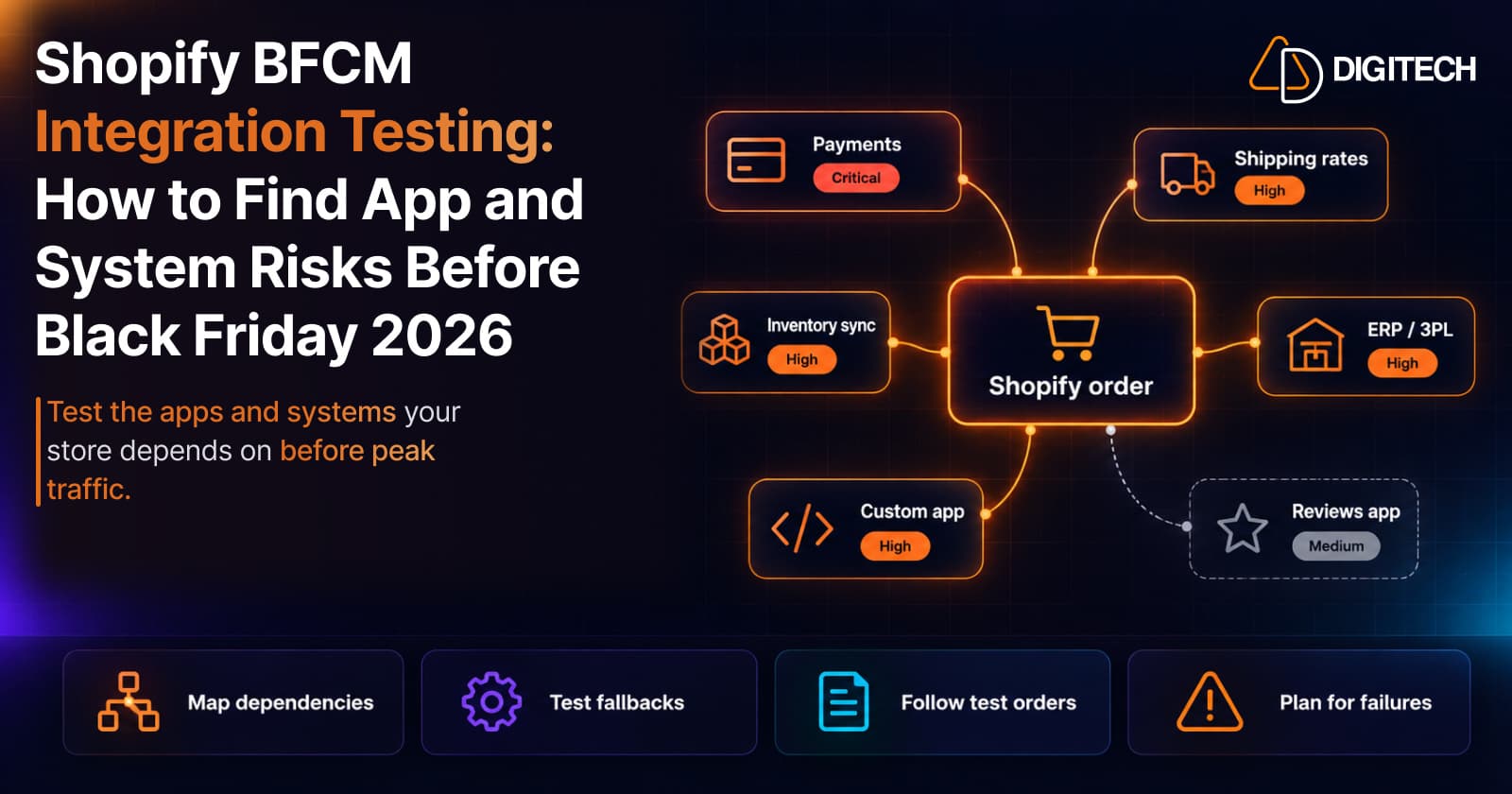
Shopify BFCM Integration Testing: How to Find App and System Risks Before Black Friday 2026
Prepare your Shopify store for BFCM 2026. Test checkout, shipping apps, payments, inventory sync, and custom integrations before Black Friday.
Read article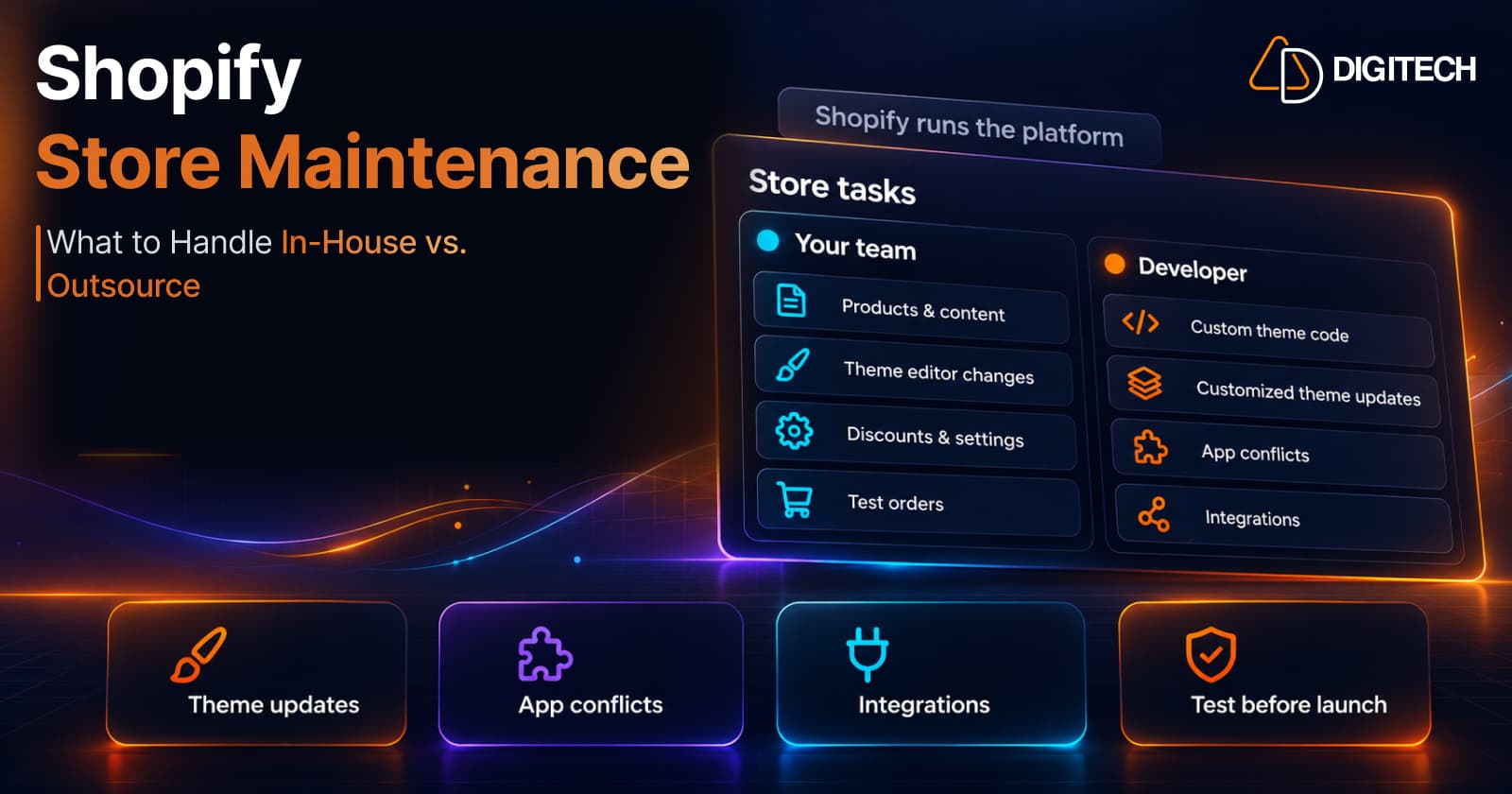
Shopify Store Maintenance: What to Handle In-House vs. Outsource
Shopify runs the platform; your theme, apps and integrations are yours to maintain. What to handle in-house, when to hire a developer and what support covers.
Read article
Shopify Adds Stock Counts in Admin: How Merchants Can Verify Inventory Before Peak Season
Shopify stock counts let staff record what's on the shelf and let a manager approve the differences before inventory changes. Here's how the workflow works in admin and POS.
Read article
Shopify Adds Arabic, Urdu, and Hebrew Support: What Merchants Must Check Before Launch
Shopify improved RTL support for Arabic, Urdu and Hebrew in the admin, storefronts and checkout. Here's what's covered, what isn't, and what to test before launch.
Read article
Shopify Translate & Adapt Auto-Sync: How to Keep Translations Current Before BFCM
Translate & Adapt can now update translations weekly with Auto-sync. Here's who can use it, how it differs from Translate now, and how to plan translations before BFCM.
Read article
Shopify Flow Shipping Label Automation: Setup, Rules, and What Merchants Should Test Before BFCM
Shopify Flow can now buy shipping labels automatically for orders that match your rules. Here's how the action works, example workflows, and what to test before BFCM.
Read article
Shopify Automated Policies: 7 Things Merchants Should Check Before Enabling Them
Shopify can now generate and update your return, shipping, terms of service and contact policies from your store settings. Here's what to check before you turn automation on.
Read article
Shopify Purchase Order Analytics: How to Spot Stock Risks Before BFCM
Shopify Analytics now includes purchase order reports. Here's what each report shows, how to use them to spot stock risks before BFCM, and what they can't tell you.
Read article
Shopify Rollouts: How Merchants Can Safely Test Store Changes Before BFCM
Learn how Shopify Rollouts let merchants schedule, test, and launch store changes safely before BFCM, including themes, discounts, catalogs, and checkout.
Read article