Shopify Plus vs Shopify: When the Upgrade Pays Off (2026)
A practitioner's guide to choosing between standard Shopify and Shopify Plus in 2026 — real pricing, the Plus-only features that actually matter, and the specific signals that mean it's time to upgrade (and when it isn't).
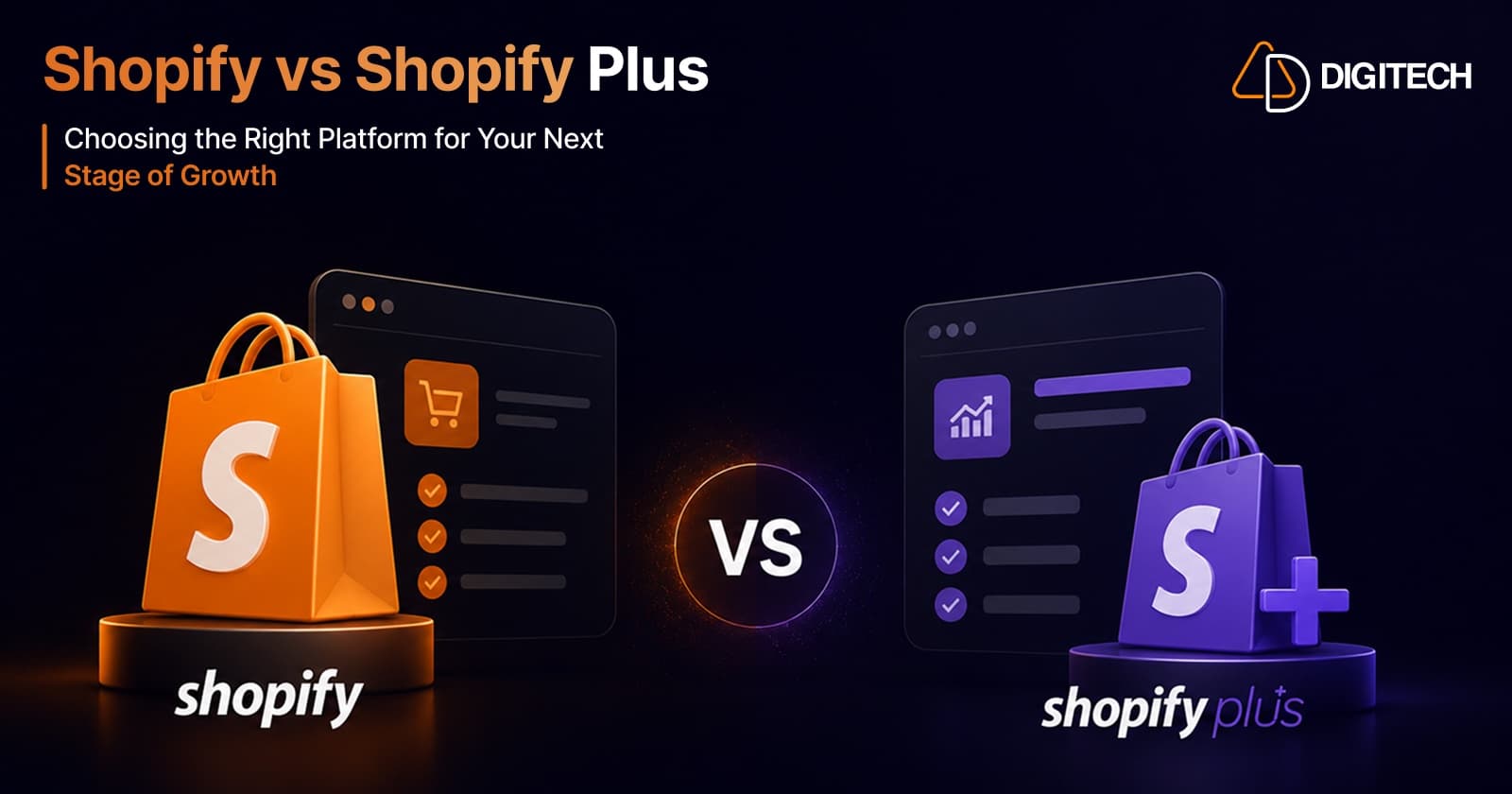
The short answer: Shopify Plus pays off when you've hit the operational ceilings of a standard plan — checkout customization, B2B/wholesale, international expansion, or automation at scale — not simply when you cross a revenue number or want lower transaction fees.
We build and migrate stores on both standard Shopify and Plus, so this is the exact framework we walk clients through. Here's the real 2026 pricing, the Plus-only capabilities that actually justify the jump, and a checklist for deciding.
Shopify vs Shopify Plus: the 2026 numbers
| Plan | Monthly | Online card rate | Best for |
|---|---|---|---|
| Basic | $39 | 2.9% + 30¢ | New and small stores |
| Advanced | $399 ($299 annual) | 2.5% + 30¢, up to 10 locations | Growing stores — the top standard tier |
| Plus | from $2,300 (3-yr term; $2,500 on 1-yr) | Lower, negotiated | Enterprise scale, customization, B2B |
One nuance that catches people out: once you pass roughly $800,000/month in sales, Plus shifts from the flat fee to a variable 0.35% of revenue (0.40% on a 1-year term), capped at $40,000/month.
So Plus is about 6× the base cost of Advanced — and that gap is the whole decision. It's almost never justified by transaction-fee savings alone. It's justified by what the platform lets you do.
What Plus gives you that standard plans can't
Checkout customization
Standard plans let you style checkout lightly. Plus unlocks full Checkout Extensibility — custom fields, one-click upsells, validation rules, and branded flows — plus Shopify Functions for custom discount, shipping, and payment logic. This is the single most common reason brands move to Plus.
B2B & wholesale
Company accounts, customer-specific catalogs and price lists, net payment terms, PO numbers and tax-exemption fields at checkout, and tiered volume pricing. If you sell wholesale alongside DTC, this is Plus territory.
International expansion
Up to 9 expansion stores for dedicated regional storefronts, plus deeper Shopify Markets control for multi-currency, multi-language, and market-specific catalogs. (That's the kind of build behind Vitapack's multi-market storefront.)
Automation & launches at scale
Shopify Flow with advanced triggers for operational automation, and Launchpad to schedule flash sales, drops, and price changes to the minute.
Operational headroom
Unlimited staff accounts with granular permissions, higher API rate limits (critical when an ERP or 3PL is syncing constantly), and a dedicated Merchant Success Manager.
When the upgrade pays off
Upgrade when you can say yes to one or more of these — not when you hit an arbitrary revenue figure:
- You need to customize checkout beyond what standard allows — upsells, custom fields, validation — or you're re-platforming checkout logic anyway (see the deadline below).
- You sell B2B/wholesale and need company accounts, custom pricing, or net terms.
- You're expanding internationally and want dedicated regional storefronts and market-specific catalogs.
- You're hitting platform limits — staff seats, or API rate limits throttling your ERP/3PL sync.
- You run big, time-sensitive launches where Launchpad scheduling and extra infrastructure headroom matter.
- You're already paying for it in workarounds — stacking apps and manual processes to fake Plus features.
That last point is the real tell. When the duct-tape of apps and manual ops you use to simulate Plus capabilities costs more — in fees and fragility — than the Plus delta itself, the upgrade has already paid off.
When it doesn't (stay on Advanced)
Be honest with yourself. Stay on a standard plan if:
- You're under ~$1M/year with a standard DTC checkout and no B2B.
- You don't need checkout customization beyond branding and basic settings.
- Your team is small and you're not hitting API or staff limits.
- You're eyeing Plus mainly for lower transaction fees.
Paying ~6× for capabilities you won't use is the most common Shopify Plus mistake we see.
The real cost math: don't upgrade for fee savings
Run the actual numbers before anyone sells you on "lower fees." The base gap between Advanced ($399/mo) and Plus ($2,300/mo) is about $1,900/month. To recover that on processing-rate savings alone, you'd need enormous volume — and at that volume you're usually past the flat fee into Plus's variable pricing anyway.
Budget for the real total cost, not the sticker price: in practice, Plus stores run roughly $5,000–$8,000/month all-in (fees + apps + development) at ~$1M/year, and $15,000–$25,000/month at ~$10M/year. Justify the move on capabilities and operational leverage, never on shaving transaction fees.
The 2026 deadline forcing the conversation
There's a hard date you can't ignore: on June 30, 2026, Shopify fully sunsets checkout.liquid and Shopify Scripts. From July 1, any checkout logic still running on Scripts — discount combinations, tiered shipping, B2B pricing, bundles — simply stops working.
The replacement is Shopify Functions (JavaScript or Rust, packaged as an app) plus Checkout Extensibility. If your store leans on Scripts or a customized checkout.liquid, you're migrating regardless — and that migration is the natural moment to decide whether Plus's checkout capabilities are worth formalizing. Functions are built and shipped like apps, which is exactly the work behind our Built for Shopify builds and our Shopify app development practice.
How to decide, in one line
If you need to change how checkout, pricing, or B2B works — or you're drowning in apps and manual ops to fake those capabilities — Plus pays off. If you just want a cheaper rate or a bigger plan name, it won't.
We migrate stores up to Plus and build the Functions and checkout work that comes with it — and we'll tell you honestly when you don't need to. Take a look at our Shopify store development, or talk to us about your store.
Frequently asked questions
How much does Shopify Plus cost in 2026?
Shopify Plus starts at $2,300/month on a 3-year term, or $2,500/month on a 1-year term. Once your sales exceed roughly $800,000/month, pricing shifts from the flat fee to a variable rate — 0.35% of sales on a 3-year term (0.40% on a 1-year term) — capped at $40,000/month.
Is Shopify Plus worth it?
It's worth it when you need capabilities standard plans don't offer — deep checkout customization, B2B/wholesale, international expansion stores, advanced automation, or higher API limits. It's rarely worth it for transaction-fee savings alone, because the base price gap almost never recovers on processing rates.
What's the difference between Shopify Advanced and Shopify Plus?
Advanced ($399/month, or $299 billed annually) is the top standard plan, with a 2.5% + 30¢ card rate and up to 10 locations. Plus (from $2,300/month) adds Checkout Extensibility, Shopify Functions, B2B company accounts, up to 9 expansion stores, Shopify Flow, Launchpad, unlimited staff accounts, higher API rate limits, and a dedicated Merchant Success Manager.
Do I need Shopify Plus to customize checkout?
Deep checkout customization — custom fields, validation, upsells, and business logic via Checkout Extensibility and Shopify Functions — is a Shopify Plus capability. Standard plans only allow lighter checkout styling and settings.
What happens to Shopify Scripts and checkout.liquid in 2026?
Both are fully sunset on June 30, 2026. From July 1, 2026, Scripts-based logic (discount combinations, tiered shipping, B2B pricing, bundles) stops working. The migration path is Shopify Functions (JavaScript or Rust, packaged as an app) plus Checkout Extensibility.
Building something on Shopify?
We design, build, and maintain Shopify apps, stores, and AI products — to the standard this article describes.
Related reading
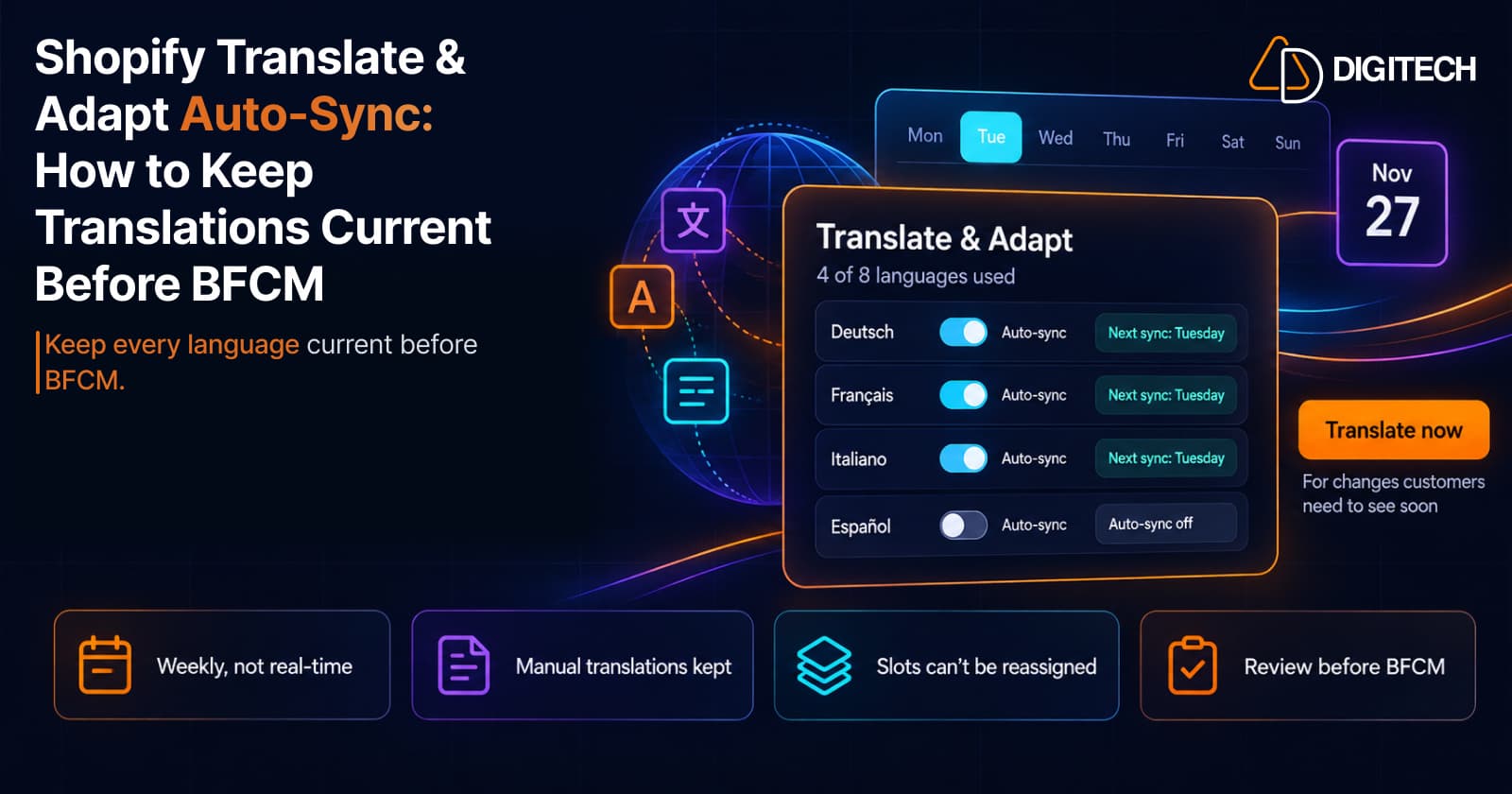
Shopify Translate & Adapt Auto-Sync: How to Keep Translations Current Before BFCM
Translate & Adapt can now update translations weekly with Auto-sync. Here's who can use it, how it differs from Translate now, and how to plan translations before BFCM.
Read article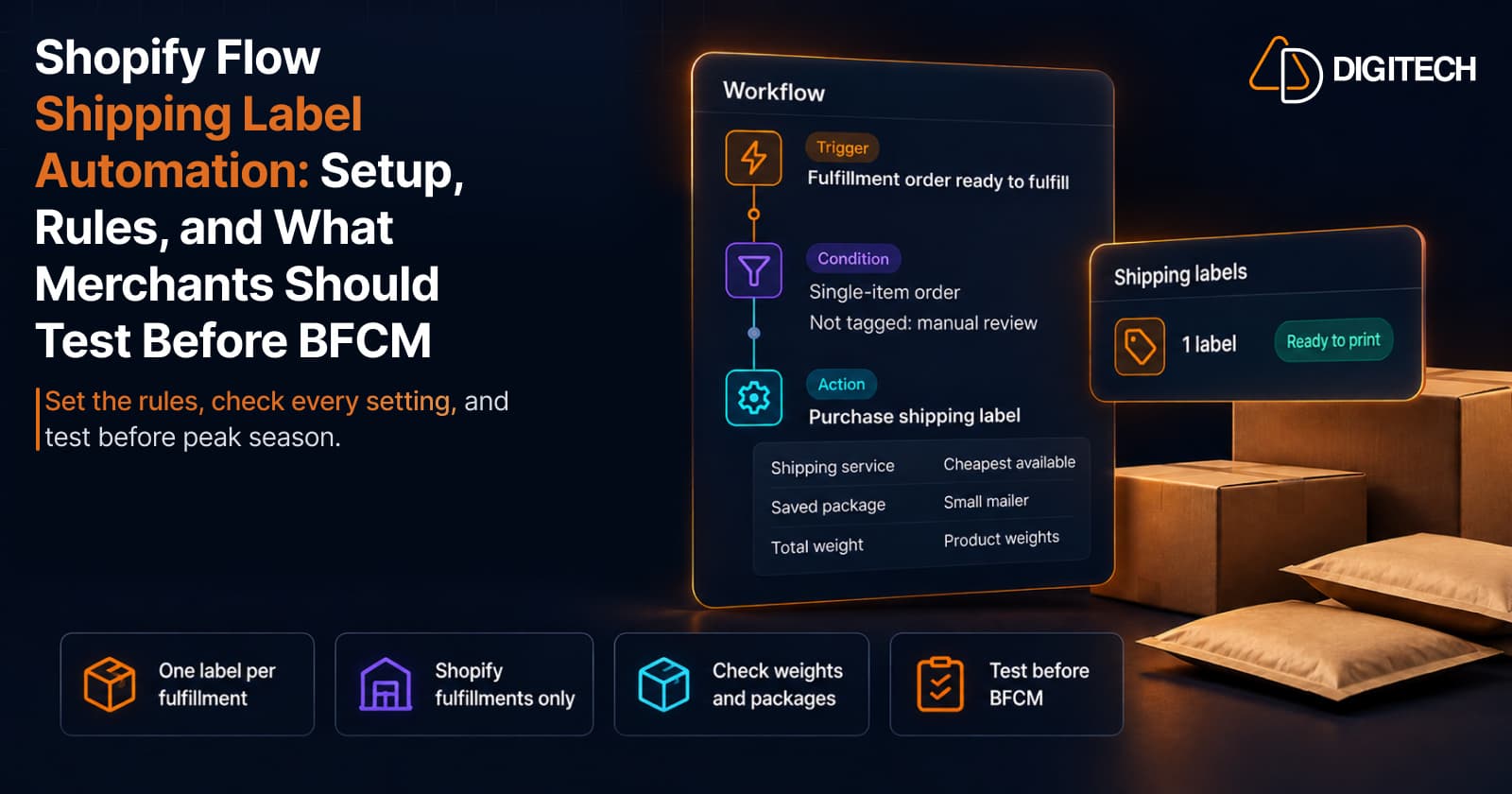
Shopify Flow Shipping Label Automation: Setup, Rules, and What Merchants Should Test Before BFCM
Shopify Flow can now buy shipping labels automatically for orders that match your rules. Here's how the action works, example workflows, and what to test before BFCM.
Read article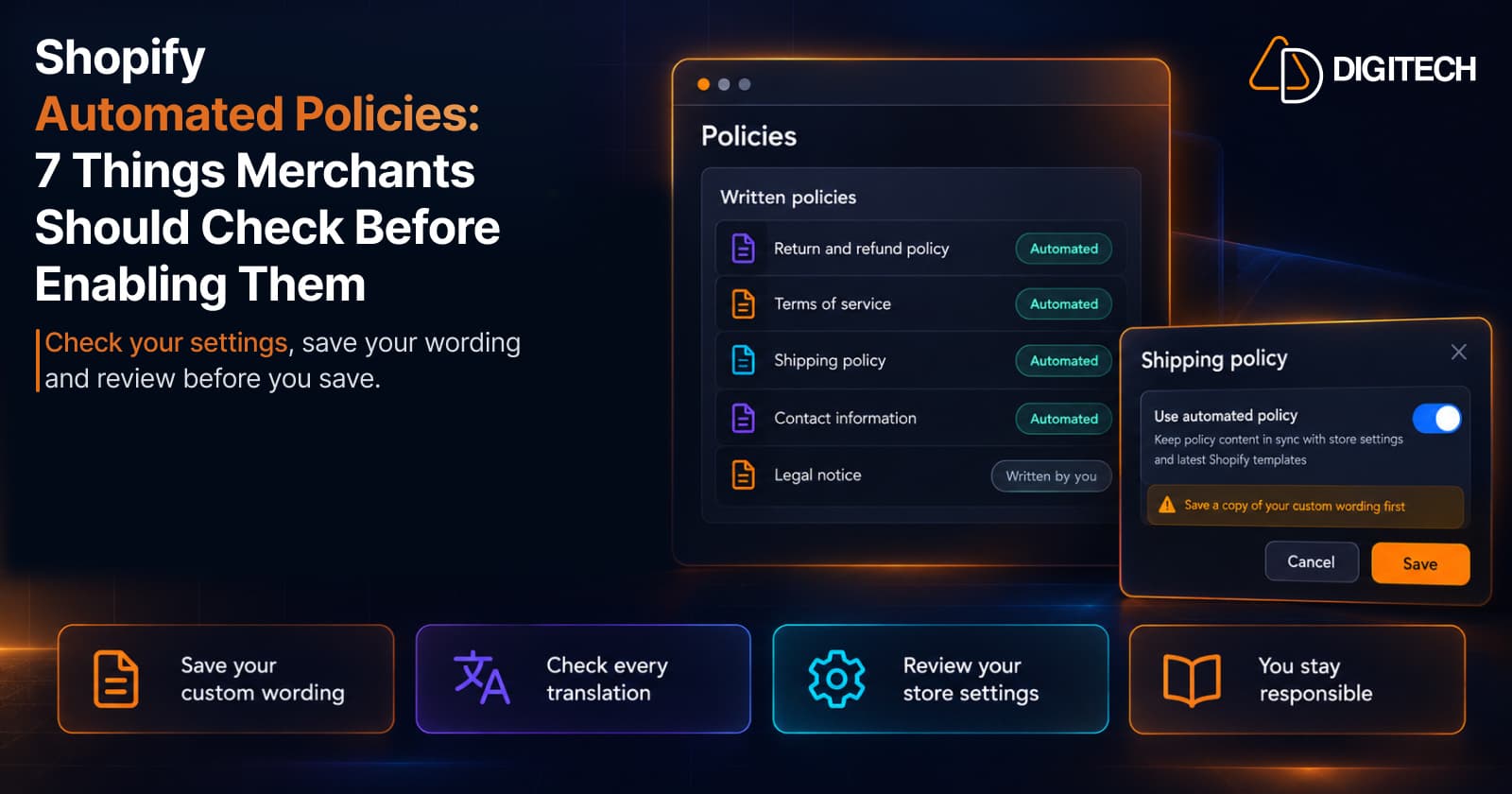
Shopify Automated Policies: 7 Things Merchants Should Check Before Enabling Them
Shopify can now generate and update your return, shipping, terms of service and contact policies from your store settings. Here's what to check before you turn automation on.
Read article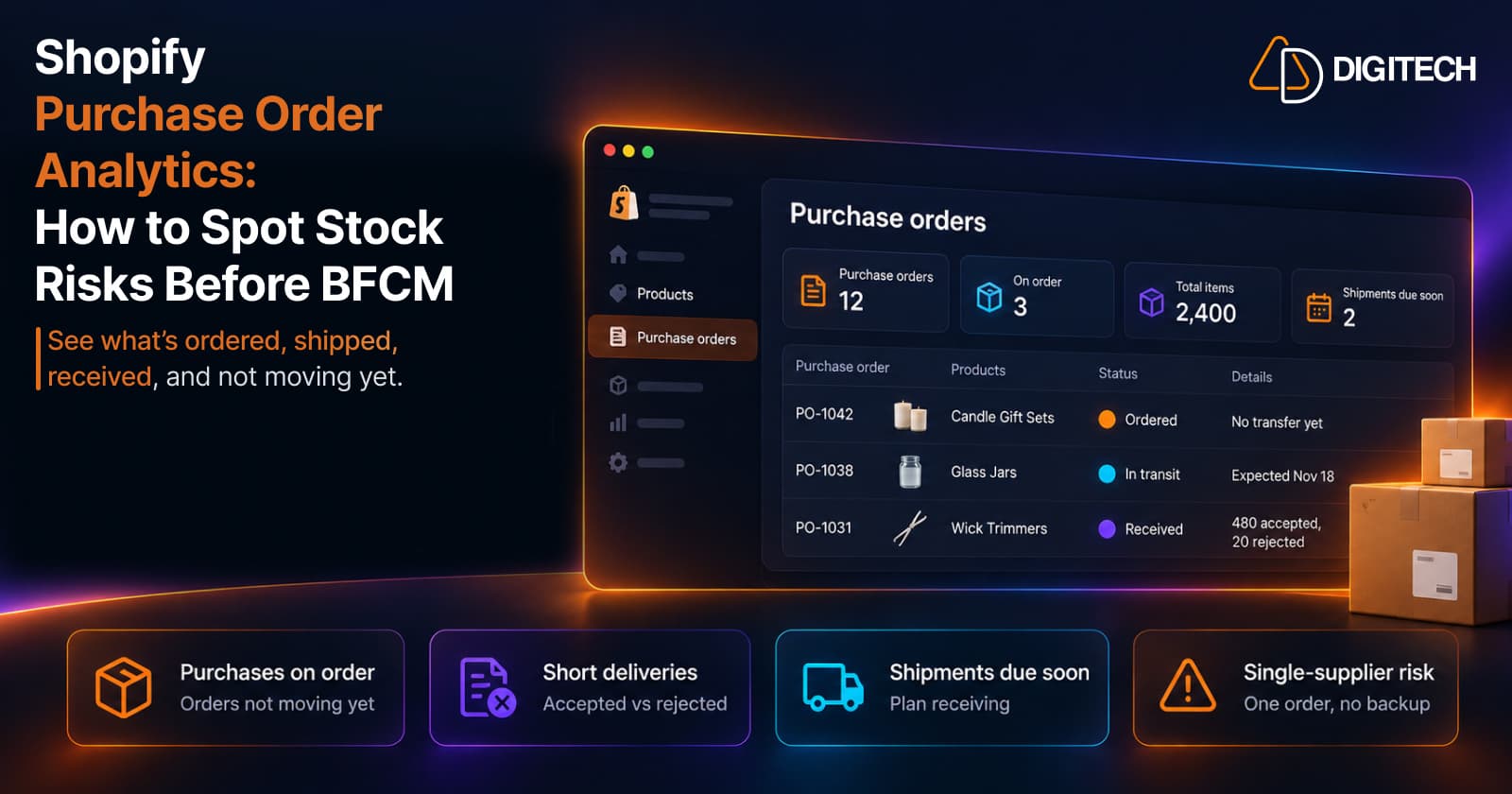
Shopify Purchase Order Analytics: How to Spot Stock Risks Before BFCM
Shopify Analytics now includes purchase order reports. Here's what each report shows, how to use them to spot stock risks before BFCM, and what they can't tell you.
Read article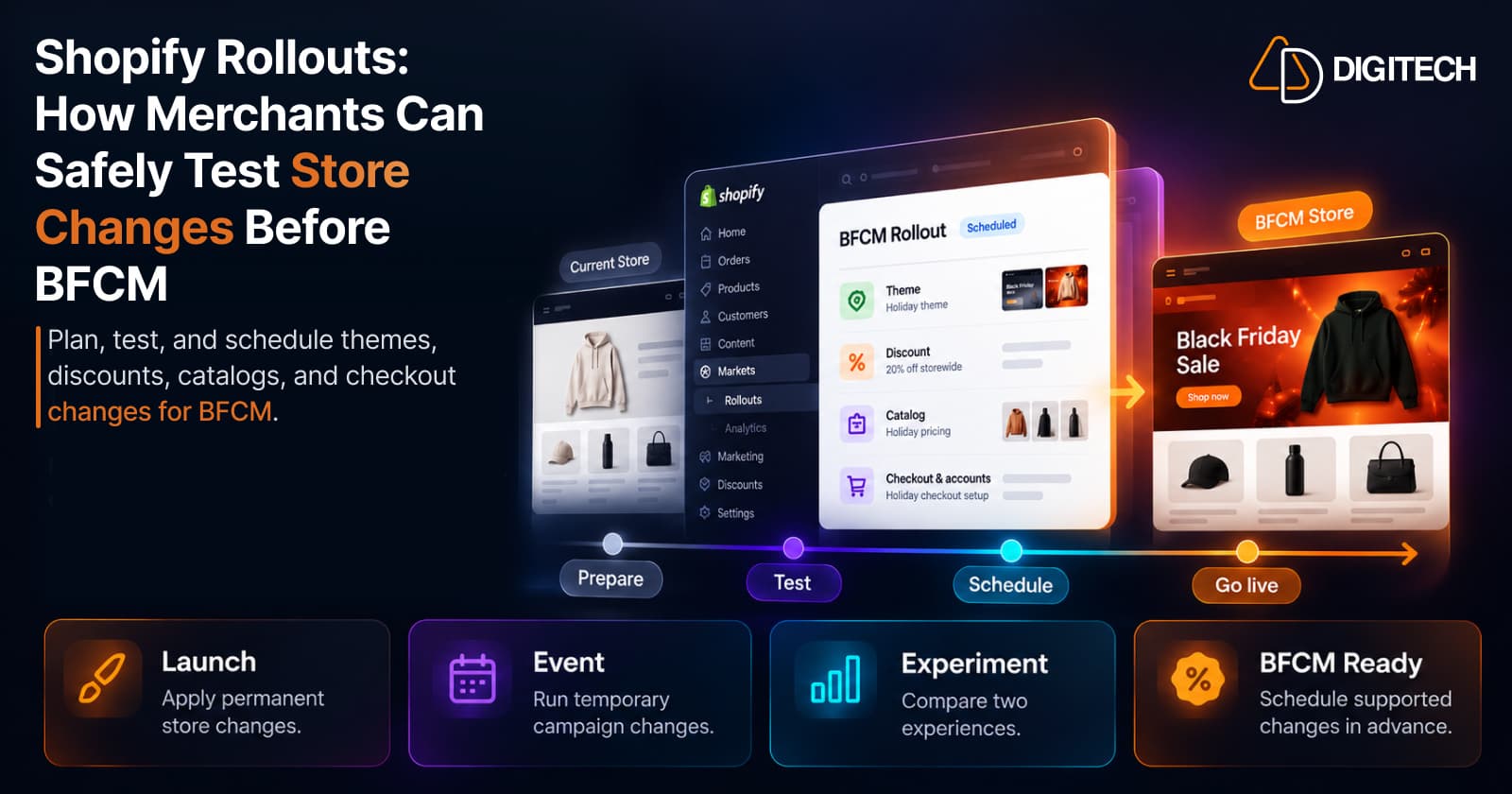
Shopify Rollouts: How Merchants Can Safely Test Store Changes Before BFCM
Learn how Shopify Rollouts let merchants schedule, test, and launch store changes safely before BFCM, including themes, discounts, catalogs, and checkout.
Read article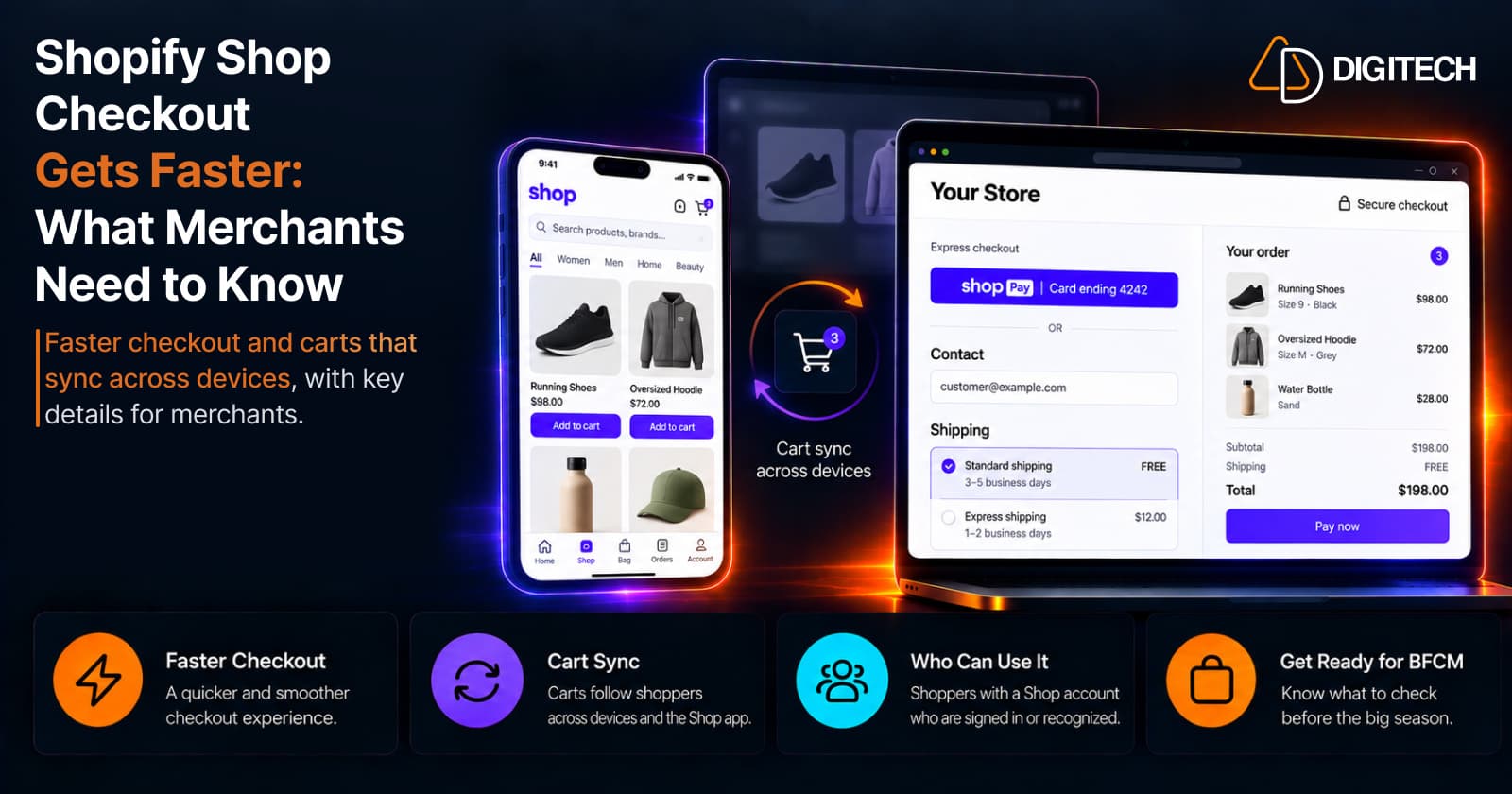
Shopify Shop Checkout Gets Faster: What Merchants Need to Know
Shopify's October 5, 2026 Shop update brings faster checkout and carts that sync across devices. See how it works, who qualifies and what to check before BFCM.
Read article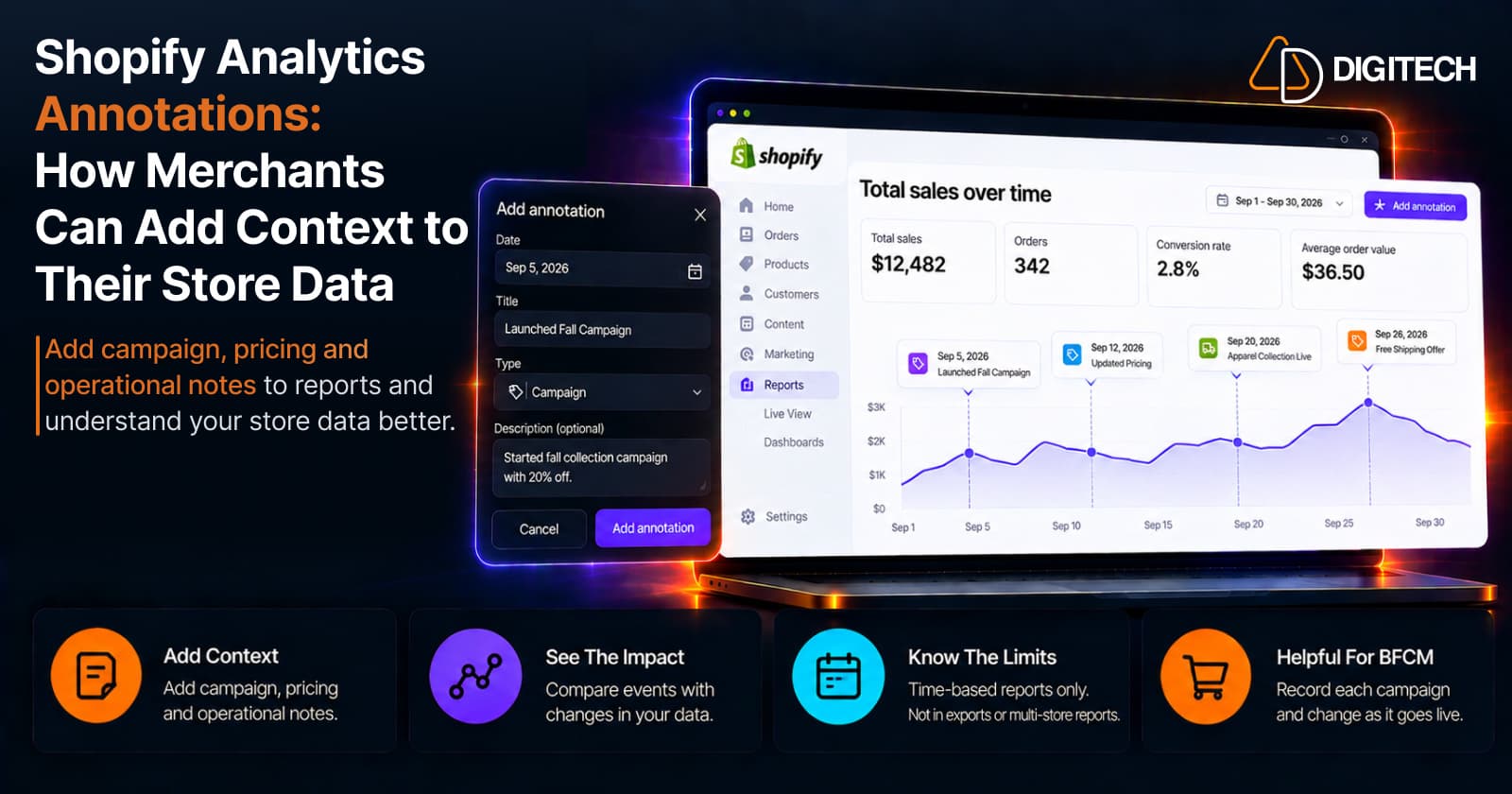
Shopify Analytics Annotations: How Merchants Can Add Context to Their Store Data
Shopify Analytics annotations let merchants add campaign, pricing and operational notes to reports. See how they work, the limits, and how to use them for BFCM.
Read article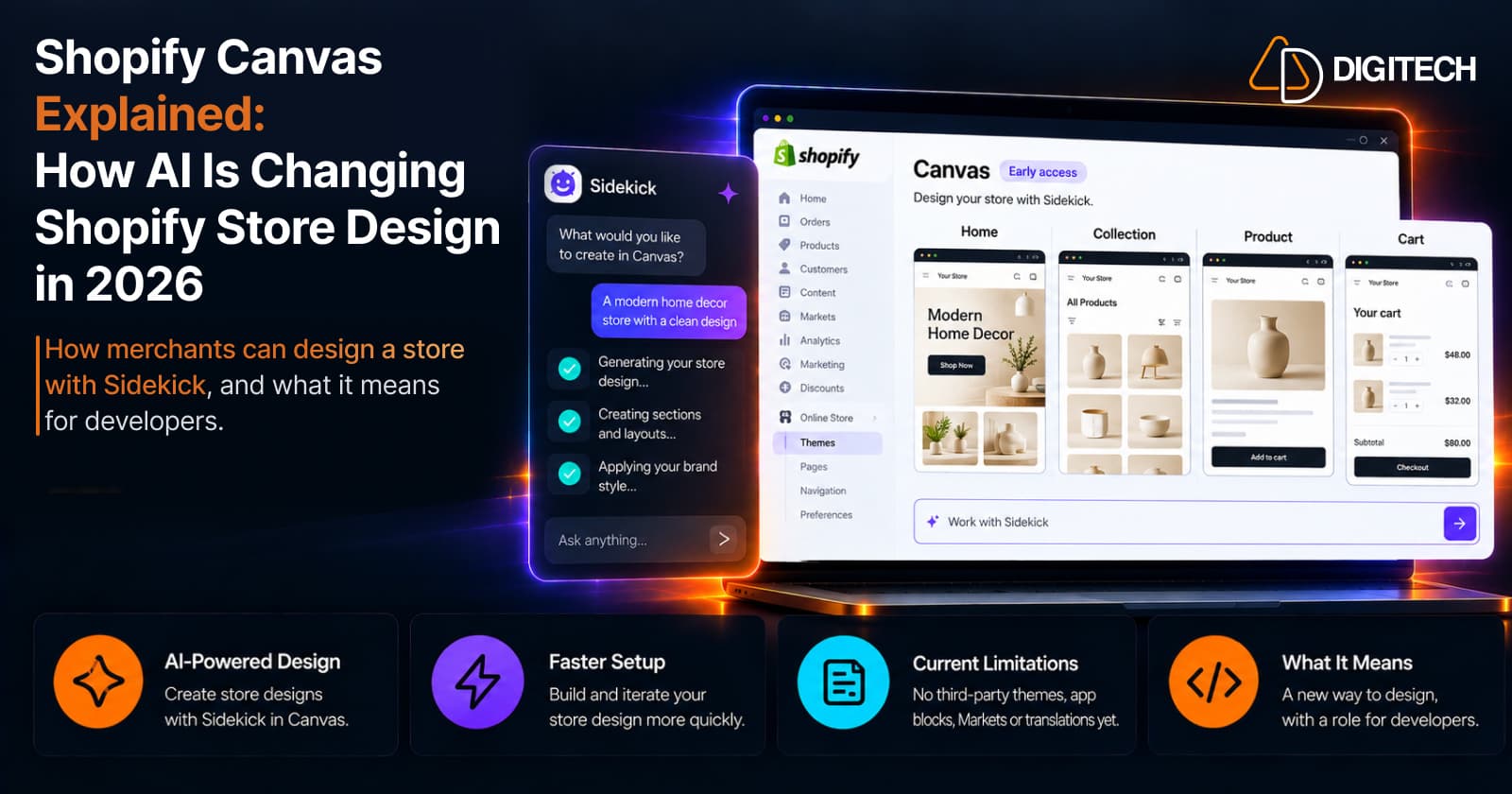
Shopify Canvas Explained: How AI Is Changing Shopify Store Design in 2026
Shopify Canvas, announced October 1, 2026, lets merchants design a store with Sidekick. See how it works, its current limits, and what it means for developers.
Read article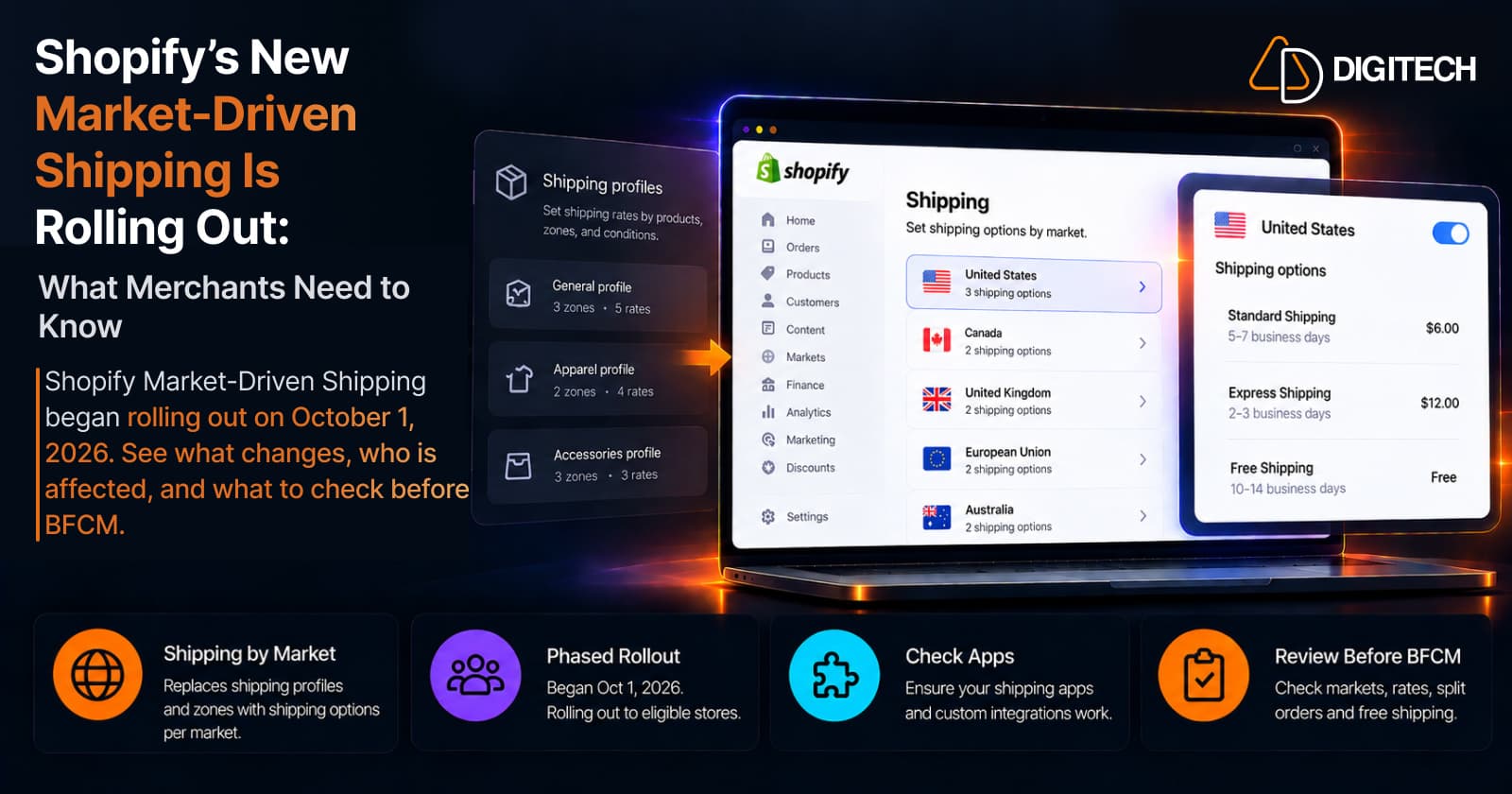
Shopify's New Market-Driven Shipping Is Rolling Out: What Merchants Need to Know
Shopify Market-Driven Shipping began rolling out on October 1, 2026. See what changes, who is affected, and what to check before BFCM.
Read article