Shopify Customer Accounts: What Merchants Should Know in 2026
What Shopify customer accounts can do in 2026 — passwordless login, order history, self-serve returns, store credit — and when native, an app, or custom development is the right call.
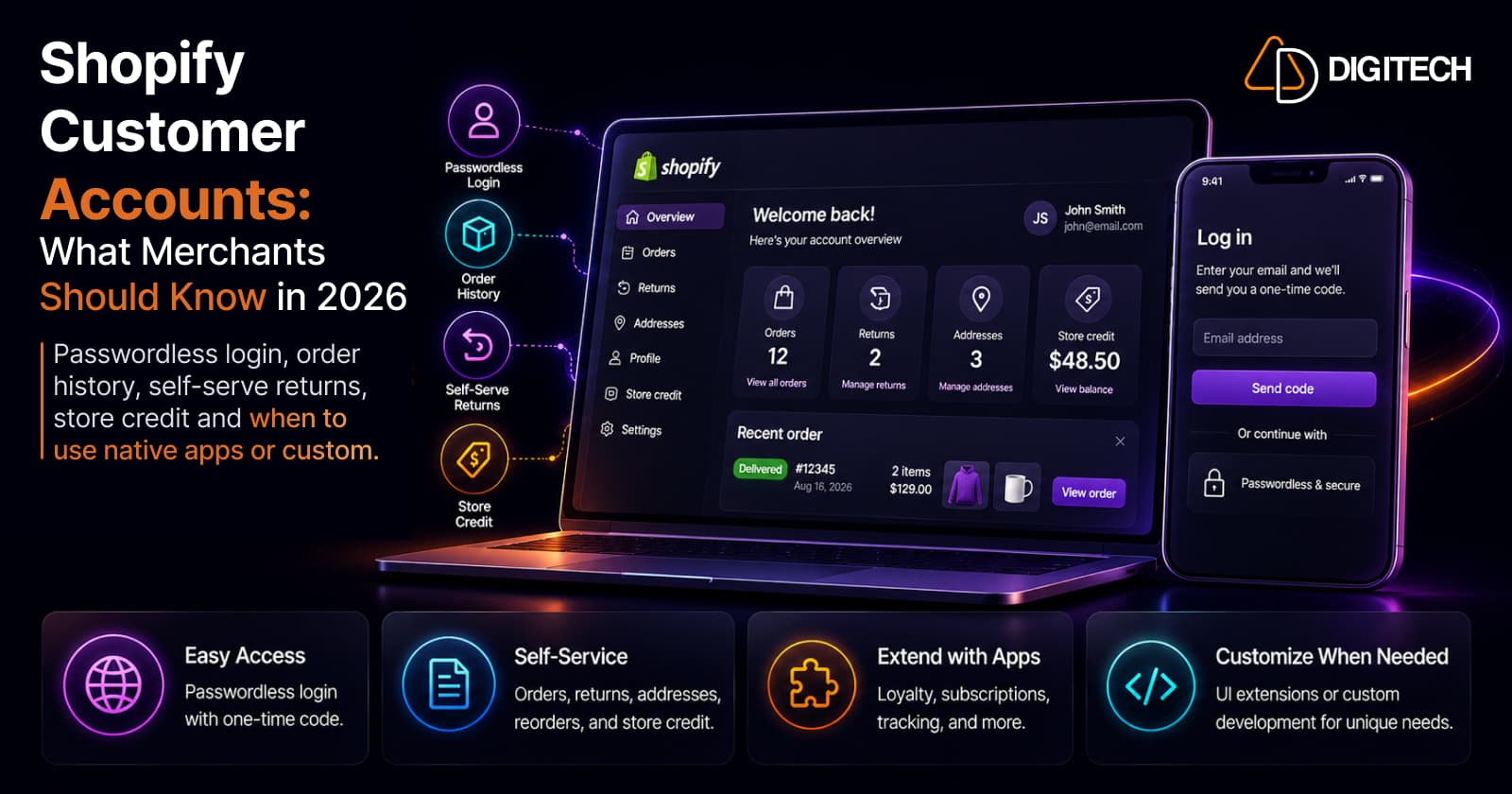
The short version: Shopify customer accounts in 2026 are a self-service hub, not just an order list. Customers log in without a password, view orders and status, manage their profile and addresses, start returns, reorder, and use store credit, all natively. Apps and custom development extend that experience through customer account UI extensions. The merchant's job is to start with native, add an app for a real gap, and build custom only when the business genuinely needs it.
We build and customize Shopify storefronts, so this is written for merchants: what the account experience does today, and how to decide when to go beyond it.
Customers increasingly expect to handle post-purchase tasks themselves: check an order, track a shipment, update an address, start a return, or buy something again. When that is easy, it reduces support load and gives customers a reason to come back. When it is missing or clumsy, it generates tickets and friction. The account experience is where a lot of that plays out.
What Shopify customer accounts are in 2026
A Shopify customer account is the logged-in area where a customer manages their relationship with your store. The current experience is passwordless: the customer enters their email and receives a one-time 6-digit code to sign in. There is no password to remember or reset, which removes a familiar point of friction.
One important 2026 change: the older, password-based legacy customer accounts were deprecated on February 26, 2026. They are no longer available to new stores, and merchants have moved to the current version. In practice this means the "new vs old" question is settled, every store is on the newer passwordless experience, so the useful discussion now is what you do with it.
If your store previously relied on customizations built on the legacy accounts, those did not carry across automatically. The current accounts are extended through a different mechanism, customer account UI extensions, which is worth knowing before you plan any account work (more on that below).
What customers can do from their account
Natively, without any apps, customers can handle most common post-purchase tasks:
| Customer need | Native Shopify capability |
|---|---|
| Order history | View past orders and their details |
| Order status | Track fulfillment and shipping status |
| Profile | Update their own profile information |
| Addresses | Add and manage saved addresses |
| Returns | Start a self-serve return and print a shipping label |
| Reorder | Buy a previous order or product again |
| Store credit | View store credit and spend it at checkout |
This matters because each of these is a task a customer would otherwise email you about. The account is effectively your first line of customer support, and it is the third post-purchase surface alongside the thank you and order status pages, which is worth understanding as distinct surfaces with distinct jobs.
Why customer accounts matter for merchants
The value is practical, and it shows up in four ways.
Self-service. Customers resolve common questions on their own, which deflects repetitive tickets. Fewer "where's my order" and "how do I return this" emails free up your team.
Repeat purchases. Reorder and accessible order history lower the effort of buying again. This supports retention, though it does not guarantee it; the effect depends on your products and customer journey.
Centralized experience. A single place for orders, addresses, returns, and store credit makes the store feel organized and trustworthy after the sale.
Operational efficiency. Every task a customer completes themselves is one your team does not handle manually. At volume, that adds up.
The honest caveat: none of this automatically lifts conversion or retention. A good account experience removes friction and reduces support cost. What it earns depends on how well it fits how your customers actually behave.
How customizable are Shopify customer accounts?
This is where most merchant decisions happen. There are three levels, and the right one depends on the requirement.
Native configuration. The built-in account already covers order history, status, profile, addresses, returns, reorder, and store credit. For many stores this is enough, and it is the cheapest and most maintainable option.
Customer account UI extensions. This is the modern way to extend the account. Apps, including custom apps you commission, use customer account UI extensions to securely add functionality to the account pages without compromising customer data. They can add elements to existing pages such as order status and profile, add order-action buttons, or create entirely new pages. Typical examples include loyalty program information, subscription management, shipment tracking, and enhanced returns.
Custom development. When your needs go beyond what native settings and standard apps express, custom development, usually a custom app built with customer account UI extensions, or a headless build using the Customer Account API, gives you full control over the experience.
The principle: use native first, reach for an extension or app when there is a real gap, and build custom only when the business case is clear.
Extending accounts with apps
Apps are the middle ground, and most of them extend the account through the same UI-extension framework. Common categories:
- Loyalty and rewards shown inside the account.
- Subscription management so customers can pause, skip, or change deliveries.
- Returns and exchanges beyond the native flow.
- Reordering and personalization based on purchase history.
Two rules keep this sane. First, do not add an app for something native Shopify already does well, since every app is a dependency and a potential performance cost. Second, when you do choose one, favor well-built apps, Built for Shopify is a useful signal that an app meets Shopify's standards and won't drag down the experience.
What different stores actually need
The right account experience depends on the business model.
- DTC and fashion: order history, easy reordering, self-serve returns, and saved details cover most needs. Native plus a returns app is often enough.
- Subscription brands: the account becomes a control panel, customers need to manage their subscription, billing, and delivery schedule, which usually means a subscription app with account extensions.
- B2B: accounts carry company information and the company locations a buyer has access to, and often need account-specific purchasing workflows and multiple buyers. This is where requirements get bespoke fast, see Shopify B2B in 2026, and where Shopify Plus capabilities and custom work more often come into play.
- High-volume ecommerce: the priority is deflecting support at scale, so robust self-service and sometimes custom integrations (ERP, CRM, order data) earn their place.
Native vs app vs custom: a simple framework
Match the solution to the requirement, not the other way around.
| Requirement | Best starting point |
|---|---|
| Standard order and account functionality | Native Shopify |
| A common extension (loyalty, returns) | Shopify app / extension |
| Simple loyalty or subscription | App |
| Unique business workflow | Custom development |
| ERP/CRM data inside the account | Custom development |
| Highly customized account experience | Custom development |
These are starting points, not absolute rules. The right choice depends on your requirements, budget, scale, and technical constraints. Custom development should solve a genuine business need that native Shopify or an appropriate app cannot handle efficiently, not exist for its own sake.
Customer account UX checklist
Whatever route you take, the experience should pass these:
- Sign-in is obvious and the passwordless flow is clear to customers
- Customers can find their orders quickly
- Order and shipping status is easy to read
- Profile details are simple to update
- Addresses are easy to add and manage
- The return process is findable and clear
- Reordering is available where it makes sense
- The account works well on mobile (test on a real phone)
- Any custom account feature has a clear purpose
- You are not running apps for things native Shopify already does
The bottom line
Shopify customer accounts give most stores a strong native foundation for self-service and post-purchase experience: passwordless login, order history and status, profile and address management, returns, reorder, and store credit, with no development required. Extend it with an app when there is a real gap, and build custom when the business genuinely needs functionality the standard experience cannot express.
Need a customer account experience that goes beyond Shopify's standard functionality? AD Digitech can help evaluate the native options, apps, extensions, and custom development that fit your store. See our Shopify store development work, or talk to us about your customer account experience.
Frequently asked questions
What are Shopify customer accounts in 2026?
They're the logged-in area where customers view order history and status, manage their profile and saved addresses, start self-serve returns, reorder, and use store credit. Login is passwordless: the customer enters their email and receives a one-time 6-digit code. Legacy password-based accounts were deprecated in February 2026, so all stores now use this newer experience.
Do customers need a password to log into a Shopify store?
No. Current Shopify customer accounts use passwordless login: the customer enters their email and receives a one-time verification code. There's no password to remember or reset, which removes a common point of friction at sign-in and reduces password-related support requests.
Can I customize the Shopify customer account page?
Yes, to a degree. You can configure the native experience, and apps or custom development can extend the pages using customer account UI extensions, which securely add functionality such as loyalty, subscription management, shipment tracking, or returns, or even whole new pages. Start with native, and add an extension only for a genuine need.
What can customers do from their Shopify account without contacting support?
View orders and order status, update profile details, manage addresses, start a return and print a shipping label, reorder past purchases, and view and spend store credit. Strong self-service here reduces repetitive 'where's my order' and 'how do I return this' requests, though the actual impact depends on your store and customers.
When do I need custom development for customer accounts?
When native features and standard apps can't express your requirement: a custom account dashboard, ERP or CRM data shown inside the account, bespoke loyalty or subscription experiences, B2B purchasing workflows, or unusual post-purchase flows. If native Shopify or a well-built app already solves it, custom development usually isn't worth the cost.
Building something on Shopify?
We design, build, and maintain Shopify apps, stores, and AI products — to the standard this article describes.
Related reading

Shopify Translate & Adapt Auto-Sync: How to Keep Translations Current Before BFCM
Translate & Adapt can now update translations weekly with Auto-sync. Here's who can use it, how it differs from Translate now, and how to plan translations before BFCM.
Read article
Shopify Flow Shipping Label Automation: Setup, Rules, and What Merchants Should Test Before BFCM
Shopify Flow can now buy shipping labels automatically for orders that match your rules. Here's how the action works, example workflows, and what to test before BFCM.
Read article
Shopify Automated Policies: 7 Things Merchants Should Check Before Enabling Them
Shopify can now generate and update your return, shipping, terms of service and contact policies from your store settings. Here's what to check before you turn automation on.
Read article
Shopify Purchase Order Analytics: How to Spot Stock Risks Before BFCM
Shopify Analytics now includes purchase order reports. Here's what each report shows, how to use them to spot stock risks before BFCM, and what they can't tell you.
Read article
Shopify Rollouts: How Merchants Can Safely Test Store Changes Before BFCM
Learn how Shopify Rollouts let merchants schedule, test, and launch store changes safely before BFCM, including themes, discounts, catalogs, and checkout.
Read article
Shopify Shop Checkout Gets Faster: What Merchants Need to Know
Shopify's October 5, 2026 Shop update brings faster checkout and carts that sync across devices. See how it works, who qualifies and what to check before BFCM.
Read article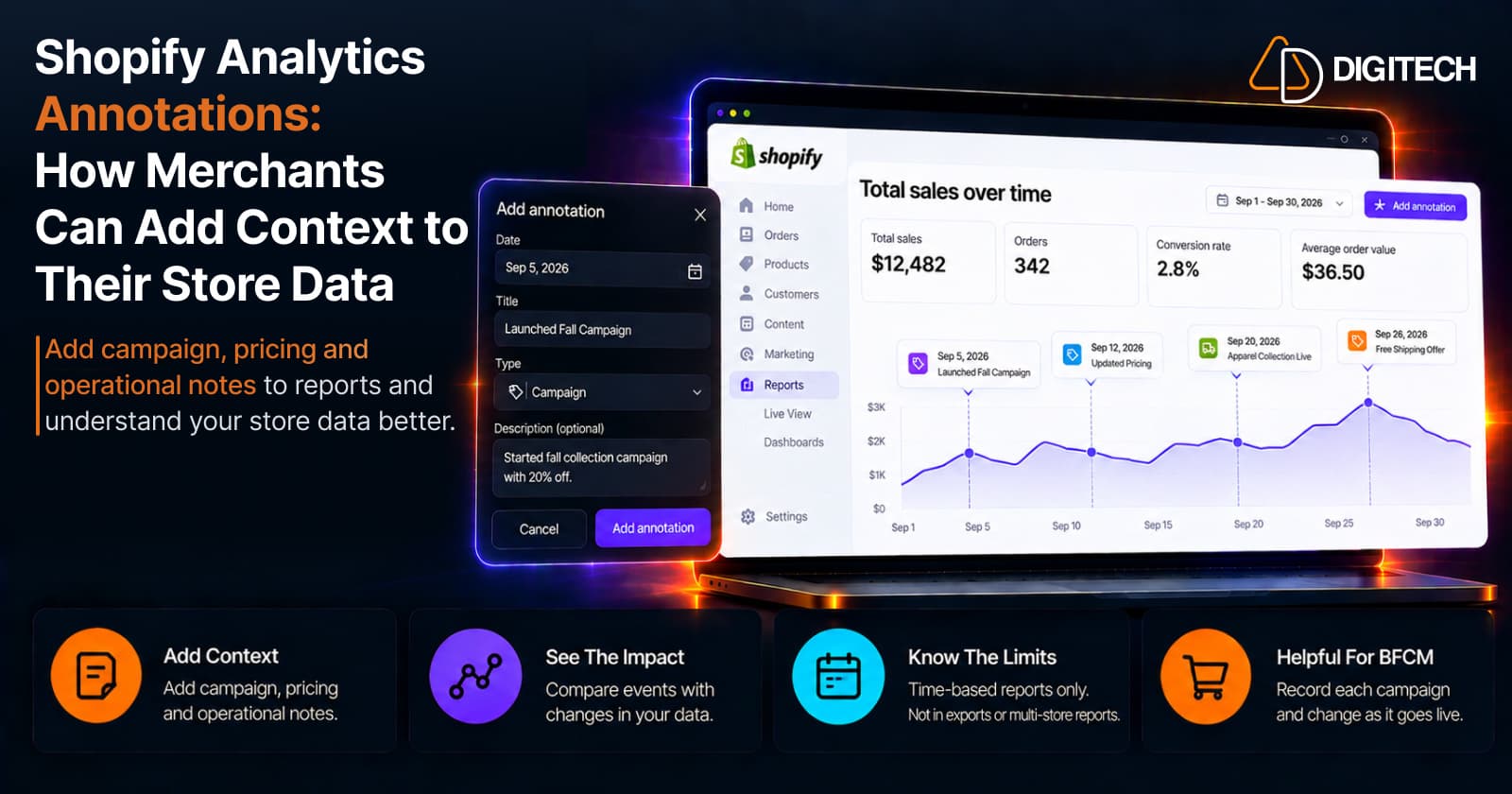
Shopify Analytics Annotations: How Merchants Can Add Context to Their Store Data
Shopify Analytics annotations let merchants add campaign, pricing and operational notes to reports. See how they work, the limits, and how to use them for BFCM.
Read article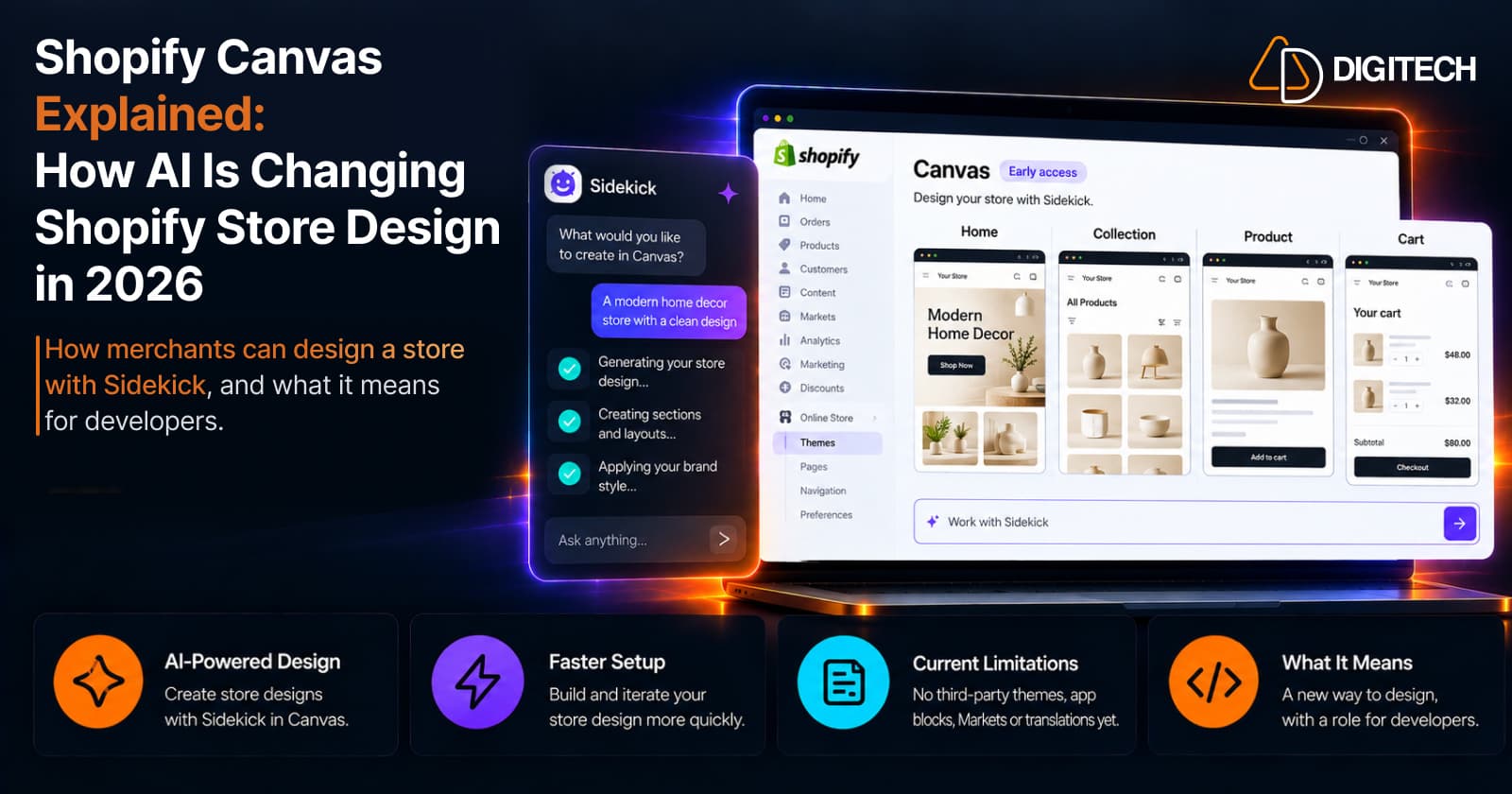
Shopify Canvas Explained: How AI Is Changing Shopify Store Design in 2026
Shopify Canvas, announced October 1, 2026, lets merchants design a store with Sidekick. See how it works, its current limits, and what it means for developers.
Read article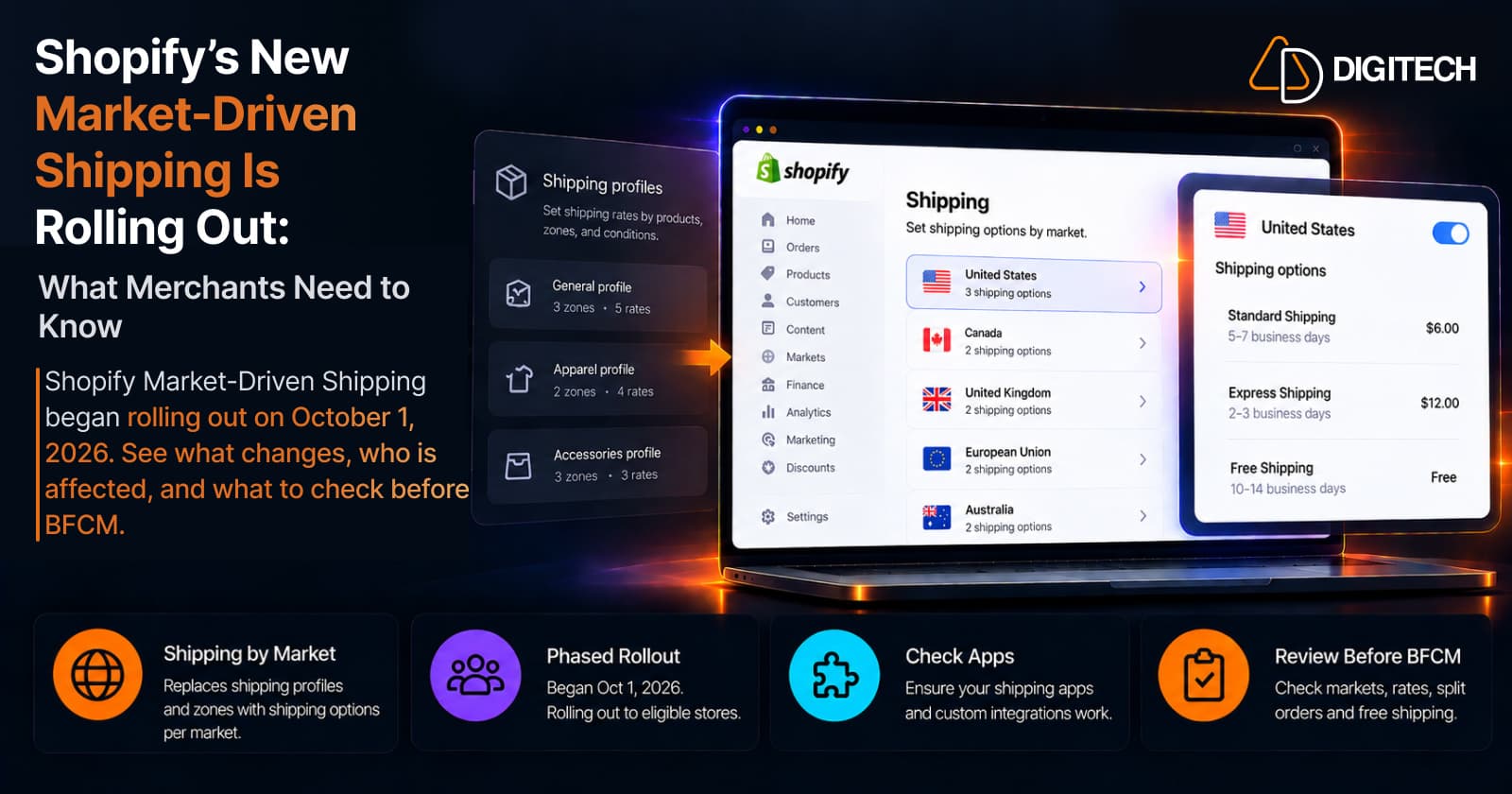
Shopify's New Market-Driven Shipping Is Rolling Out: What Merchants Need to Know
Shopify Market-Driven Shipping began rolling out on October 1, 2026. See what changes, who is affected, and what to check before BFCM.
Read article