Shopify Automated Policies: 7 Things Merchants Should Check Before Enabling Them
Shopify can now generate and update your return, shipping, terms of service and contact policies from your store settings. Here's what to check before you turn automation on.

On October 8, 2026, Shopify announced automatically generated policies. Instead of writing a return policy or shipping policy from scratch, you can let Shopify generate it from your store settings and keep it updated when those settings change.
That's useful, but it moves the work rather than removing it. An automated policy is only as accurate as the settings behind it, and switching it on replaces whatever you had written before. Below is what changed, then seven things to check before you turn it on.
What Shopify Changed on October 8, 2026
According to Shopify's changelog, merchants can now "automate your return and refund, contact information, terms of service, shipping, and legal notice policies." Shopify says automated policies "stay up to date as your store settings change and in sync with Shopify's recommendations," and that "You remain responsible for your policies and your store's compliance with applicable laws."
Shopify's Help Center page on adding store policies explains how it works: automated policies "use information from your store settings to generate and publish policy content," and when automation is on, "the policy content stays in sync with the relevant store settings and Shopify's templates."
Which policies the toggle covers
Not every policy is automated by the same feature:
- Documented for Use automated policy: Shopify's Help Center instructions list four: return and refund, terms of service, shipping and contact information.
- Announced, not yet documented: legal notice. Shopify's October 8 changelog includes legal notice, but the Help Center's instructions don't list it, and in a store we checked on October 15, 2026, Legal notice had no Use automated policy option. Until Shopify documents it, plan to maintain it yourself and check your admin.
- Automated separately: the privacy policy. It's part of Shopify's automated privacy settings, managed under Settings > Customer privacy, not the October 8 update. Shopify's privacy documentation describes a separate Use automated policy option for the privacy policy there. These settings also cover the cookie banner and data sharing opt-out page, and are on by default for new stores.
- Still written by you: any other policy, such as a subscription policy, plus anything the automated template doesn't cover.
Before you turn it on: protect your existing wording
On an existing store, turning on automation "replaces that policy's content with Shopify's automated template." It also "replaces custom translations in languages that have an automated template." Before you switch:
- Save a copy of the current policy text outside Shopify.
- Check every translation, including any language versions you edited by hand.
- Review the generated policy before and after you save.
- Don't assume any of your custom wording will be kept.
How to turn it on
- In your Shopify admin, go to Settings > Policies.
- In the Written policies section, click the policy you want to automate.
- Turn on Use automated policy.
- Review the generated policy.
- Click Save.
Each policy is turned on separately: "Activating one policy doesn't activate automation for every policy."
7 Things to Check Before Enabling Automated Policies
1. Whether Your Existing Wording Is Worth Keeping
If your current policy contains anything Shopify's template wouldn't, such as a lawyer's wording, final-sale exceptions, warranty terms or made-to-order conditions, automation will replace it. Compare your saved copy with the generated version during the review step and note what disappears. Then decide: automatic updates, or your exact wording?
You can go back. Turning automation off "keeps the current policy content; it doesn't delete the policy," and you can edit it again. But turning automation back on replaces your custom content once more.
2. Your Translations and Multilingual Pages
Automation replaces custom translations only in languages that have an automated template, and Shopify doesn't list which languages those are. After you enable a policy, open it in each of your store's languages and check whether the text changed. Shopify's advice is to "Review each translated policy to make sure that it accurately reflects your policies."
3. Your Business Details and Contact Information
The automated contact information policy pulls your store address, company name, phone number and store email from Settings > General. If you have tax registrations in the EU or UK, Shopify adds a VAT number from Settings > Taxes and duties: the first registration you added, excluding IOSS numbers. If you don't enter a company name, Shopify uses your store name instead.
Shopify's advice is to "Check that the public contact information is accurate and suitable for customers." A home address or personal phone number entered during setup would end up on a public page.
4. Your Return, Refund and Shipping Rules
The automated policies are only as accurate as these settings:
- Return terms come from your return rules, set in Settings > Policies > Return and cancellation rules. If you use a returns app, Shopify says to review the automated policy "to make sure that it matches the return rules and customer instructions you use with the app." Our article on return shipping fees covers the return rule settings.
- Processing time comes from the fulfillment time in Settings > Shipping and delivery > Estimated delivery dates, and is used only when estimated delivery dates are set to Manual or Automated.
- Shipping destinations are the countries in both your shipping zones and your region markets. If you're moving to shipping options by market, see our guide to market-driven shipping.
As Shopify warns: "Don't promise delivery or shipping times that you can't provide."
5. Whether the Generated Text Matches How You Operate
Correct settings don't guarantee a complete policy. Shopify notes that automation "doesn't replace your responsibility to identify missing information." Read it as a customer would: does it describe your real return window, the countries you ship to, and how customers contact you? With automation on, fix errors at the source: correct the store setting rather than the policy text.
6. The Final Policy After Enabling, and Your Records
Because automated policies change when your settings change, review them after enabling and again whenever you update store settings or how your business operates. Shopify archives policy changes and "saves past policies for 2 years," which you can export from Settings > Policies with Get past policies. It also says "It's your responsibility to maintain records of changes to your policies, as needed." If you may need to show what a policy said on a specific date, export copies regularly.
7. Your Responsibility for Legal Accuracy
Shopify is clear that the templates "are for informational purposes only, aren't legal advice, and don't guarantee compliance with applicable laws," and that "You're responsible for the accuracy of your published policies and for following them." Shopify says you might need to update the templates or add specific disclosures if you offer auto-renewing subscriptions, sell regulated products such as alcohol, sell products subject to market-specific rules, or operate a child-directed site, and suggests consulting a lawyer to work out which requirements apply.
Shopify adds: "Sidekick can't change your privacy policy, or a policy with Use automated policy turned on." To use Sidekick on a policy's wording, turn automation off first. Our Sidekick article covers what it can do in checkout settings.
When Automation Makes Sense, and When to Keep a Custom Policy
Automation is a good fit when:
- You're launching a new store and don't have written policies yet.
- You're adding markets and want shipping destinations to stay in sync.
A custom policy may be better when:
- A lawyer wrote or reviewed your current policy.
- Your terms include exceptions that settings can't express, such as final-sale items, warranties or made-to-order products.
- Your returns are managed in an app with its own rules.
- You maintain carefully localized translations.
You can also mix the two, for example automating shipping and keeping a custom return policy.
Pre-Enablement Checklist
- Store address, company name, phone and store email are complete and suitable to publish.
- VAT registrations are correct, if you sell in the EU or UK.
- Return rules match your real return window, fees and conditions, and any returns app.
- Estimated delivery dates and fulfillment time are set up accurately.
- Shipping zones and markets list only countries you actually ship to.
- The current policy text and translations are saved outside Shopify.
- The generated text has been reviewed against your current policy before saving.
- You have a routine for exporting past policies.
- Someone owns reviewing policies when settings or business practices change.
Common Mistakes
- Fixing the policy instead of the setting. With automation on, an error in the policy usually comes from a store setting. Correct the setting.
- Not checking each language after enabling, when custom translations can be replaced.
- Assuming every policy is covered. The privacy policy is handled in Customer privacy, and legal notice isn't in Shopify's setup instructions.
- Treating "in sync with Shopify's recommendations" as legal review. It isn't.
Conclusion
Shopify's automated policies remove the blank-page problem and keep policies aligned with store settings as they change. But the policy can only be as accurate as your settings, switching it on replaces custom text, and the legal responsibility stays with you. Check your settings first, keep a copy of what you had, and review the generated text before you save.
If your store needs settings, apps and custom features to work together cleanly, our Shopify development team can help with the setup.
Frequently asked questions
What are Shopify automated policies?
They're store policies that Shopify generates from your store settings and its own templates. When automation is on, the policy stays in sync with those settings. Shopify announced the feature on October 8, 2026.
Which Shopify policies can be automated?
Shopify's Help Center lists the return and refund policy, terms of service, shipping policy and contact information. The changelog also announces legal notice, but the Help Center's setup instructions don't list it, so check your admin. The privacy policy is automated separately, in Settings > Customer privacy.
How do I turn on automated policies in Shopify?
Go to Settings > Policies, click a policy in the Written policies section, turn on Use automated policy, review the generated text and click Save. Each policy is turned on separately, so save a copy of any custom text first.
Can I edit an automated policy?
Turn off automation for that policy first. The current text stays, and you can edit it. If you turn automation back on later, Shopify's template replaces your custom text and custom translations in languages with an automated template.
Does an automated policy make my store legally compliant?
No. Shopify says the templates are for informational purposes and aren't legal advice, and that you remain responsible for your policies and your store's compliance with applicable laws. Get legal advice where your situation needs it.
Building something on Shopify?
We design, build, and maintain Shopify apps, stores, and AI products — to the standard this article describes.
Related reading
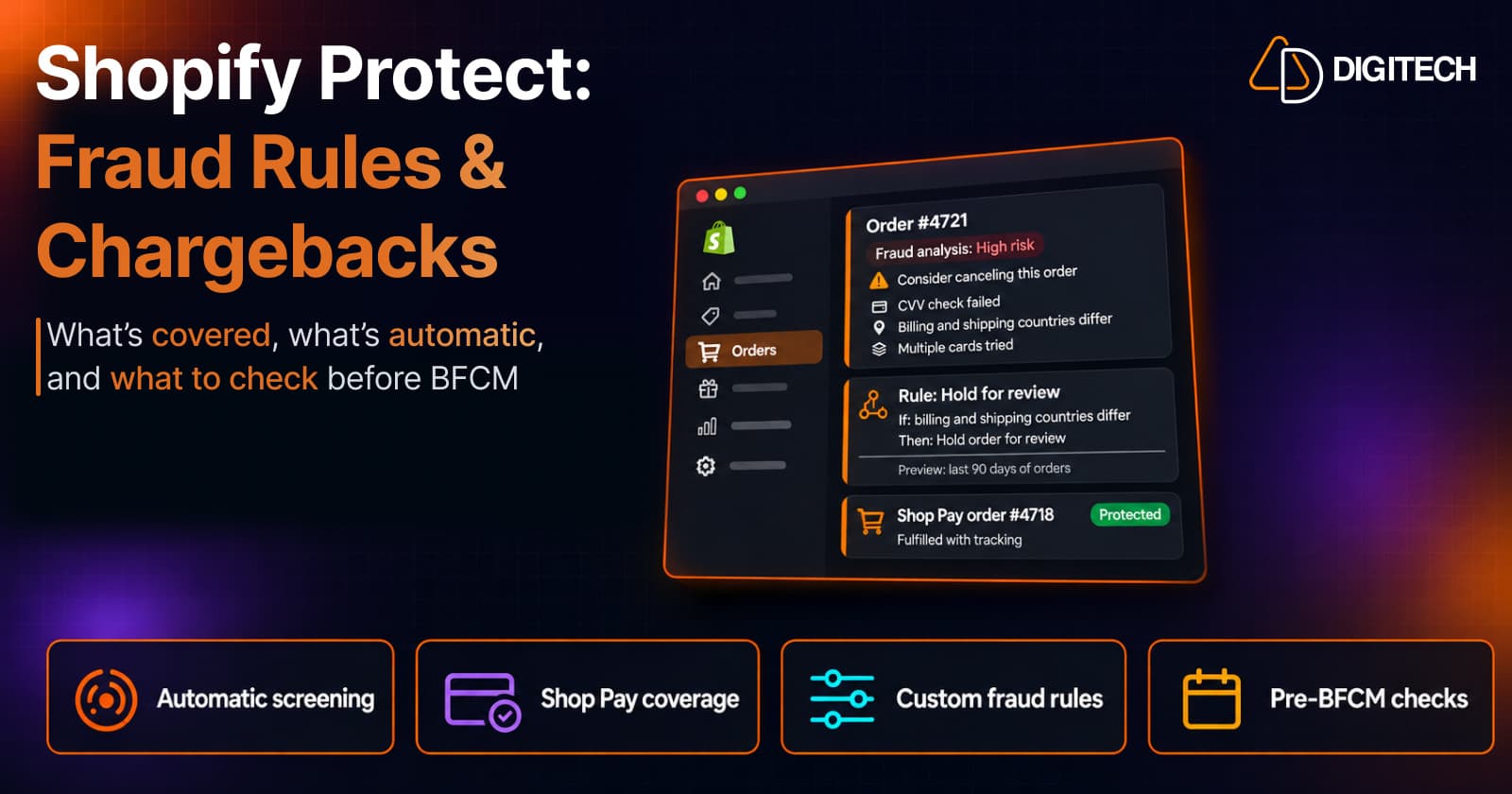
Shopify Protect: What It Covers, How Fraud Rules Work, and What Merchants Should Check Before BFCM
Shopify now uses the name Shopify Protect for its fraud and dispute tools on Shopify Payments, not only for Shop Pay chargeback coverage. Here's what works automatically, which chargebacks are covered, how the new Rule Builder app works, and what to check before BFCM.
Read article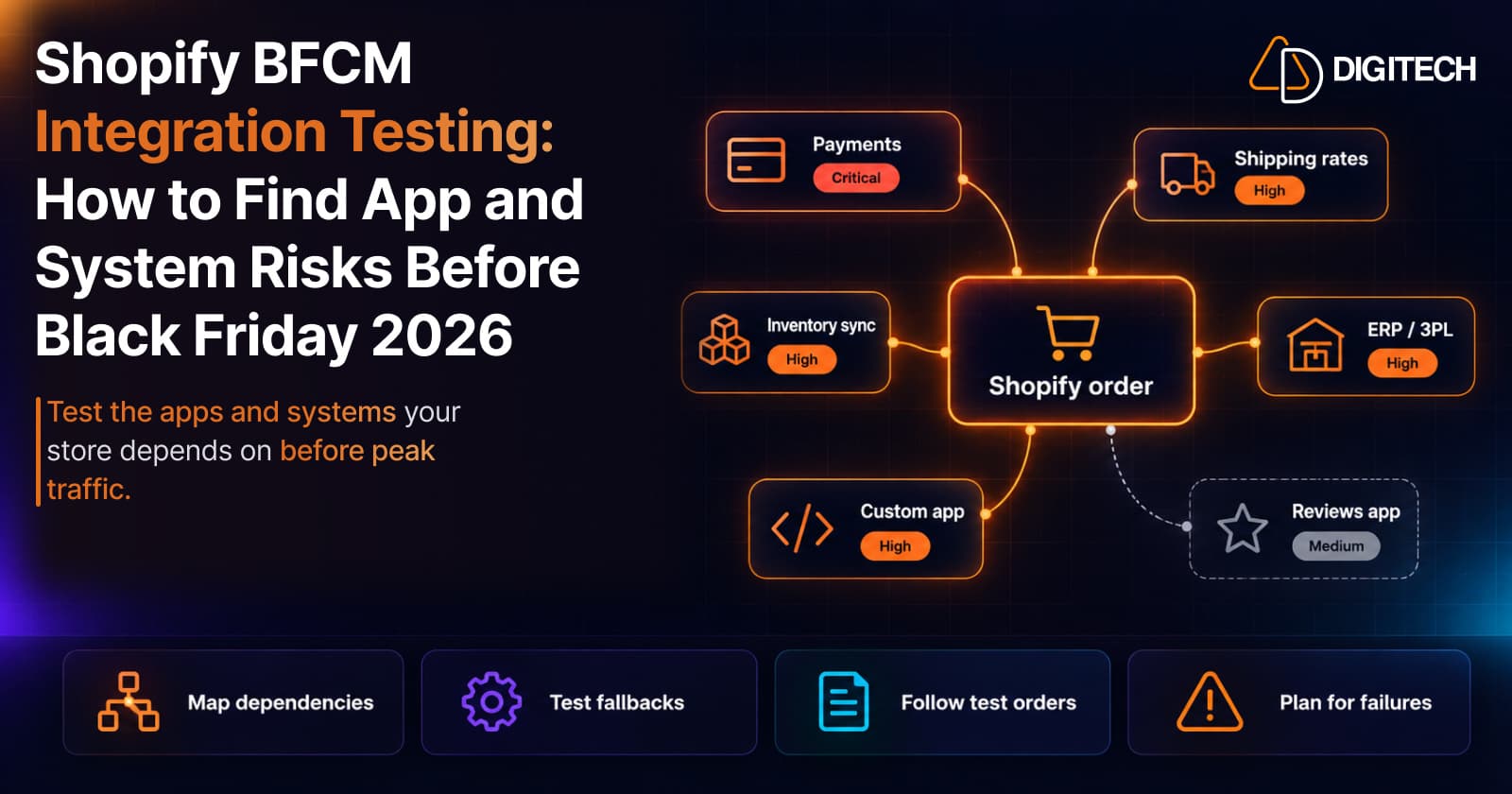
Shopify BFCM Integration Testing: How to Find App and System Risks Before Black Friday 2026
Prepare your Shopify store for BFCM 2026. Test checkout, shipping apps, payments, inventory sync, and custom integrations before Black Friday.
Read article
Shopify Adds Stock Counts in Admin: How Merchants Can Verify Inventory Before Peak Season
Shopify stock counts let staff record what's on the shelf and let a manager approve the differences before inventory changes. Here's how the workflow works in admin and POS.
Read article
Shopify Flow Shipping Label Automation: Setup, Rules, and What Merchants Should Test Before BFCM
Shopify Flow can now buy shipping labels automatically for orders that match your rules. Here's how the action works, example workflows, and what to test before BFCM.
Read article
Shopify Purchase Order Analytics: How to Spot Stock Risks Before BFCM
Shopify Analytics now includes purchase order reports. Here's what each report shows, how to use them to spot stock risks before BFCM, and what they can't tell you.
Read article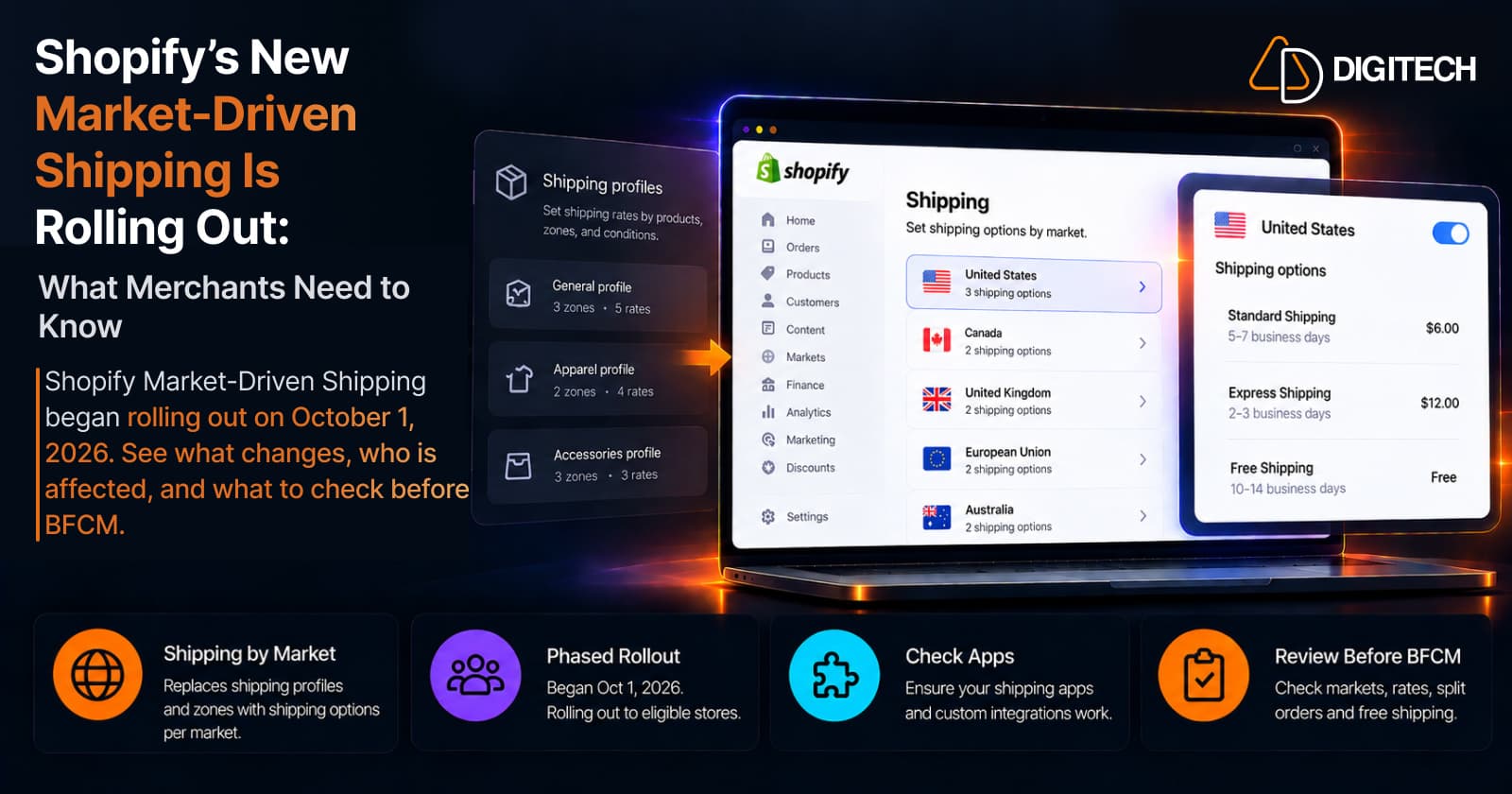
Shopify's New Market-Driven Shipping Is Rolling Out: What Merchants Need to Know
Shopify Market-Driven Shipping began rolling out on October 1, 2026. See what changes, who is affected, and what to check before BFCM.
Read article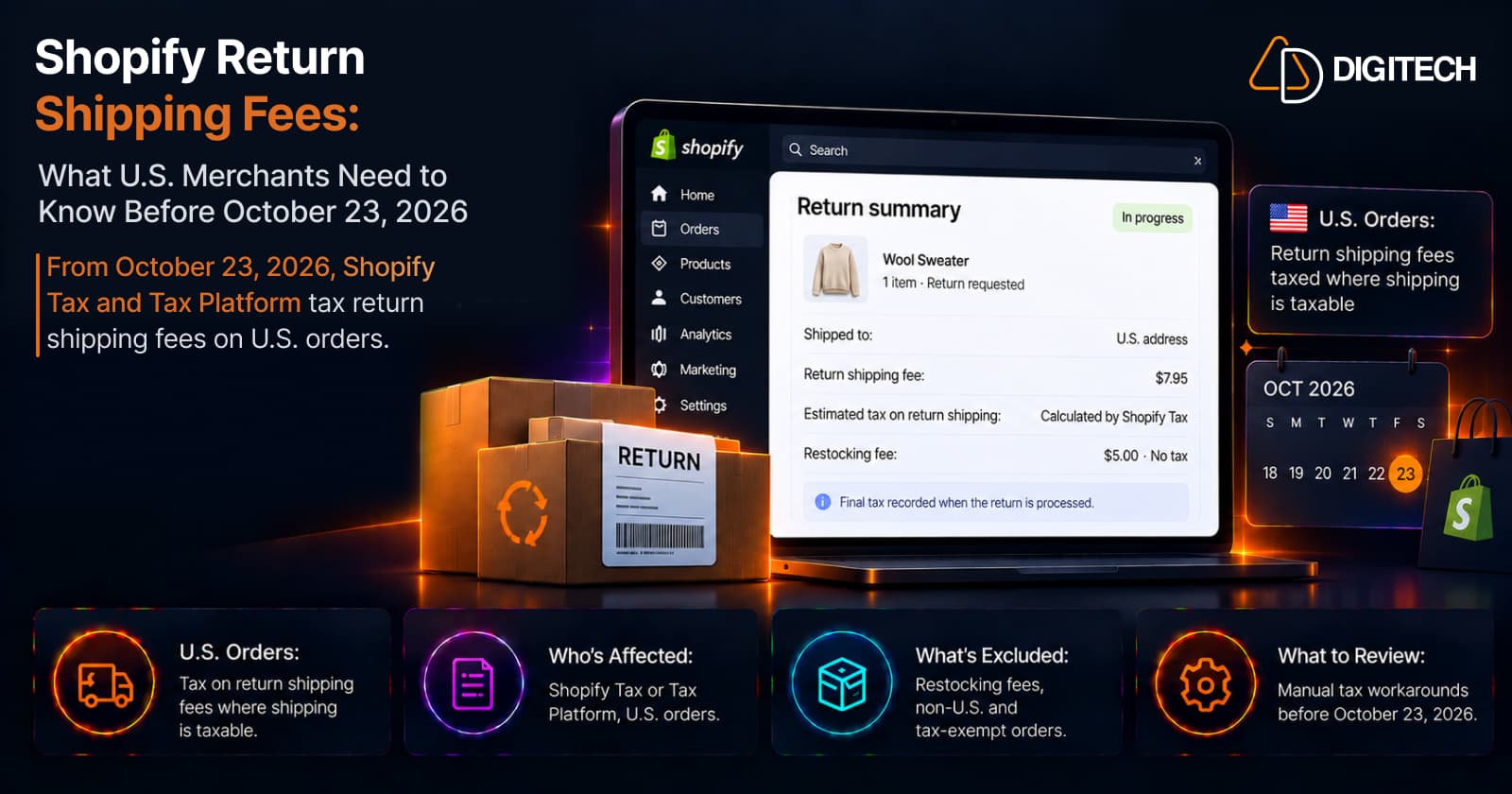
Shopify Return Shipping Fee Tax: What U.S. Merchants Need to Know
Since October 23, 2026, Shopify Tax and Tax Platform calculate tax on return shipping fees for U.S. orders. Who's affected, what's excluded, and what to review.
Read article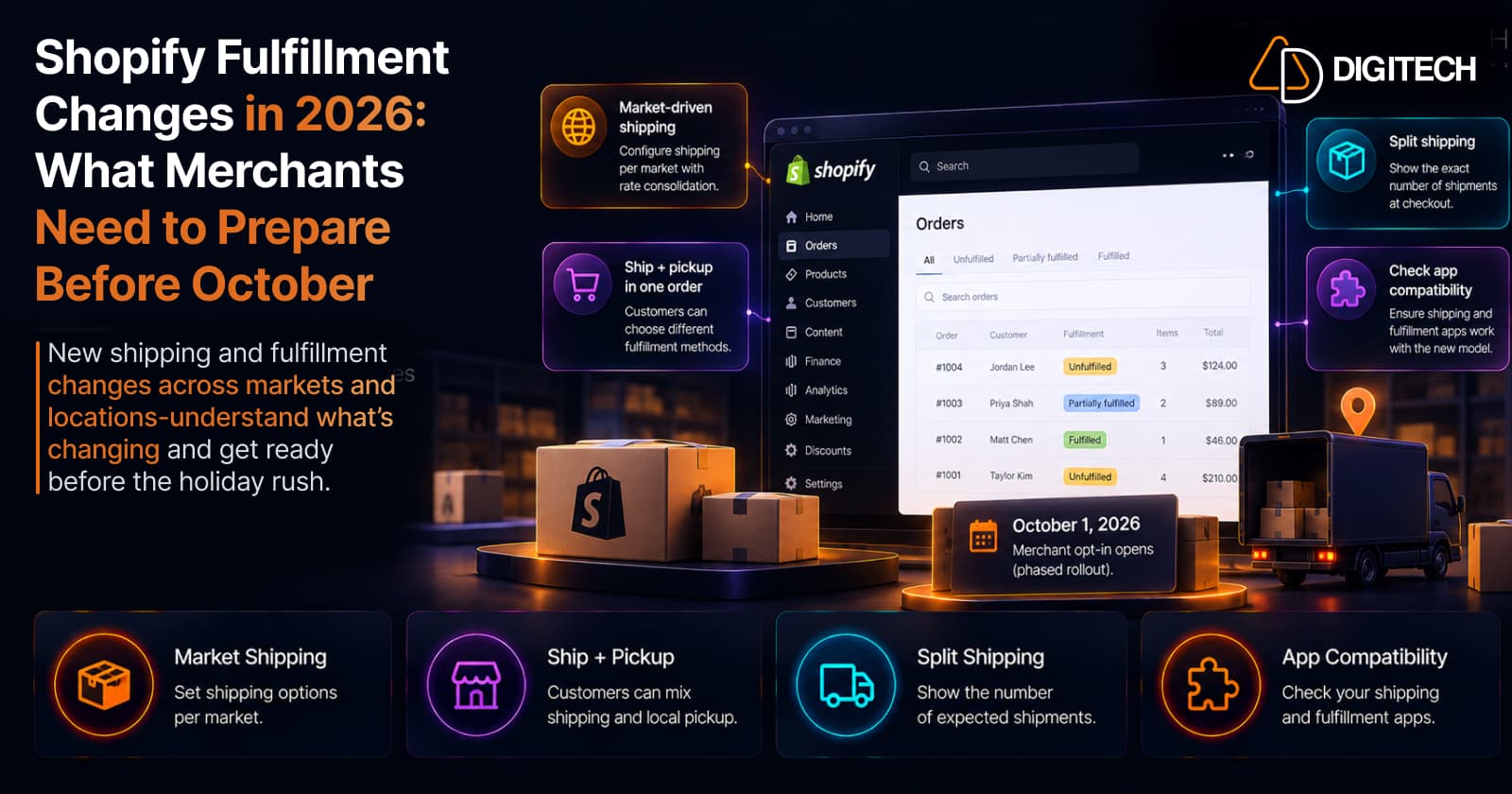
Shopify Fulfillment Changes in 2026: What Merchants Need to Know
Shopify is changing shipping and fulfillment across markets and locations. What October 1, 2026 actually means, who's affected, and what to check before holiday volume — no forced migration.
Read article
Shopify POS in 2026: 10 Updates Retail Merchants Should Know
The 10 most useful Shopify POS updates of 2026 — abandoned online carts in store, gift-card scanning, bulk staff setup, cart handoff, returns in cart, and more — and why each matters.
Read article