Shopify Purchase Order Analytics: How to Spot Stock Risks Before BFCM
Shopify Analytics now includes purchase order reports. Here's what each report shows, how to use them to spot stock risks before BFCM, and what they can't tell you.

Black Friday stock problems rarely start in November. They start weeks earlier, with a supplier order that hasn't shipped, a delivery that arrived short, or a reorder nobody placed.
On October 6, 2026, Shopify added purchase order reports to Shopify Analytics. If you use Shopify purchase orders and the reports are available to your store, you can now see what you've ordered, what has shipped, what's been received and what hasn't moved at all, in one place. Shopify Purchase Order Analytics doesn't forecast anything. It makes the supply side of your inventory visible, which is exactly what you need to check before BFCM.
What Shopify Introduced on October 6, 2026
Shopify's changelog announced that merchants can "review and export purchase order data in Shopify Analytics." The update adds three default reports:
- Purchase order costs: ordered items, quantities, supplier costs, estimated taxes and purchase order costs.
- Purchase order transfers: follows purchase orders through transfers, shipments and receiving.
- Purchases on order: open, ordered purchase orders that don't have linked transfers.
The Purchase Orders page (Products > Purchase orders) now also shows summary metrics: purchase orders, on-order purchase orders, total items ordered, acceptance rate and shipments due soon.
Shopify's purchase order reports documentation says you can use these reports "if purchase order analytics is available to your store." It doesn't list a plan requirement, so check under Analytics > Reports in your admin.
How Purchase Orders and Transfers Fit Together
The reports make more sense once you know how Shopify splits the work. Since June 2026, a purchase order and an inventory transfer are two linked records:
- The purchase order records the commercial agreement: supplier, products, quantities, costs and payment terms. Its statuses are Draft and Ordered. Marking a purchase order as ordered can't be reversed.
- The linked transfer records the actual movement of stock. Partial, received and closed statuses are tracked there, not on the purchase order.
A transfer can contain several shipments, each tracked separately. Each shipment can carry an expected arrival date, which is optional. Once a transfer is moved to in transit, its inventory is marked as incoming at the destination. When items are received, accepted quantities become available, while rejected quantities are recorded but don't add to available stock.
That split is why there are three reports, not one.
Purchase Order Analytics: Reports and Metrics Explained
| Report or metric | What it shows | Useful for |
|---|---|---|
| Purchase order costs | Ordered quantities, supplier costs, estimated taxes and total cost, by purchase order, ordered date, supplier, destination and item | What you've committed to buy, and from whom |
| Purchase order transfers | Shipped, received, accepted and rejected quantities on transfers linked to purchase orders | What has actually arrived, and in what condition |
| Purchases on order | Ordered quantities and costs for open purchase orders with no linked transfer | Orders that haven't started moving yet |
| Acceptance rate (Purchase Orders page) | A summary metric; Shopify doesn't publish how it's calculated | A prompt to check accepted and rejected quantities in Purchase order transfers |
| Shipments due soon (Purchase Orders page) | A summary metric; Shopify doesn't publish the time window | A prompt to check expected arrival dates and plan receiving |
Use both as prompts to open the detailed reports, not as precise figures.
A few documented details matter when you read the numbers:
- Reports are built from line items, so one purchase order can appear across several rows.
- Costs are converted to your store currency using a daily exchange rate based on when each line item was added.
- Costs can show zero if supplier unit cost, tax rate or ordered quantity wasn't set.
- Some line items may not have product variant information.
How to Use Purchase Order Data to Spot Potential Stock Risks
The reports show where stock is in the supply chain. Turning that into a risk check is your job. Four patterns are worth looking for. The examples are illustrative.
Orders That Haven't Started Moving
Purchases on order lists ordered purchase orders with no linked transfer. Nothing has been set up to ship or receive against them.
Illustrative example: a candle brand placed a purchase order for 600 gift sets on September 20 for its BFCM bundle. On October 14 it still appears in Purchases on order. That's the first supplier to call.
Short or Rejected Deliveries
Purchase order transfers shows shipped, received, accepted and rejected quantities. A gap between ordered and accepted means less sellable stock than you planned.
Illustrative example: 500 units shipped, 480 accepted and 20 rejected as damaged. If the BFCM plan assumed 500, the shortfall needs a decision now, not on Black Friday.
Shipments Arriving Too Close to the Sale
Shipments due soon and the expected arrival dates on shipments show what's about to land. Stock that arrives the week of Black Friday still has to be received, counted and listed before it can sell.
Products That Depend on One Purchase Order
Look at Purchase order costs by destination and item to see which BFCM products rely on a single order or supplier. Those are the products where one delay has nowhere else to go.
A Practical Pre-BFCM Purchase Order Review Workflow
- List your BFCM products, including bundle components. Shopify bundles depend on the stock of each component.
- Open Purchases on order and contact the supplier for anything still without a transfer.
- Check expected arrival dates on open shipments, and add them where they're missing.
- Review Purchase order transfers for short or rejected quantities on BFCM products.
- Compare what's on order with what you expect to sell, using your sales history and your own judgment.
- Plan receiving capacity for shipments due in November, in the admin or in POS.
- Check costs in Purchase order costs, so your BFCM pricing still covers landed cost.
- Repeat weekly until the sale starts, and again before Cyber Monday restocks.
If you track key moments in your sales reports, an Analytics annotation for a late or short delivery can explain a dip later.
Common Mistakes Merchants Should Avoid
- Marking a purchase order as ordered before the supplier confirms. It can't be reversed.
- Skipping expected arrival dates. Without them, any date-based view of shipments has less to work with.
- Leaving supplier costs or tax rates blank, which shows as zero in cost reports.
- Treating "on order" as "in stock." Stock becomes available only when it's received and accepted.
- Ignoring rejected quantities. They're recorded, but they don't add to sellable inventory.
- Reading one report in isolation. Costs, transfers and on-order data answer different questions.
What Purchase Order Analytics Cannot Tell You
- It doesn't forecast demand. It shows supply you've arranged, not what customers will buy.
- It doesn't predict stockouts or recommend reorder quantities. Shopify's documentation describes reports, not forecasts; the replenishment decisions are yours.
- Shopify's documentation doesn't describe alerts for late suppliers, so plan to review the reports yourself.
- It only covers purchase orders recorded in Shopify. Orders managed in spreadsheets, ERPs or supplier portals aren't included unless they're entered as Shopify purchase orders.
- It doesn't verify supplier promises. An expected arrival date is what you or your supplier entered.
For stock you already hold across locations, the 2026 fulfillment changes and Shopify POS updates cover routing and in-store receiving.
Pre-BFCM Inventory-Readiness Checklist
- Every BFCM product and bundle component has stock on hand or on a purchase order.
- No BFCM purchase order is sitting in Purchases on order without a supplier update.
- Open shipments have expected arrival dates.
- Short and rejected deliveries are reviewed, with a plan for each.
- Supplier costs and taxes are filled in on purchase orders.
- Receiving is planned for late-arriving shipments.
- Product pages for low-stock items set accurate expectations. Our BFCM product page checklist covers what to show.
Conclusion
Shopify Purchase Order Analytics won't tell you what will sell on Black Friday. It tells you what's coming, what's arrived, and what hasn't moved. That's enough to find supplier problems while there's still time to act.
If your purchase orders, inventory and Shopify setup need to work together more closely, our Shopify development team helps merchants build inventory workflows and reporting that fit how they actually operate.
Frequently asked questions
What is Shopify Purchase Order Analytics?
It's a set of purchase order reports in Shopify Analytics, added on October 6, 2026: Purchase order costs, Purchase order transfers and Purchases on order. The Purchase Orders page also shows summary metrics such as total items ordered, acceptance rate and shipments due soon.
How can purchase order data help before BFCM?
It shows what you've ordered, what has shipped and been received, and what's still on order with no shipment yet. That makes it easier to see which BFCM products depend on stock that hasn't arrived.
What is the Purchases on order report?
It shows ordered quantities and costs for purchase orders that are ordered and open but don't have a linked transfer yet, meaning nothing has been set up to ship or receive against them.
Does Purchase Order Analytics forecast demand or predict stockouts?
No. The reports show what you've ordered, shipped and received. They don't forecast demand, predict stockouts or tell you how much to reorder. You combine them with your own sales data and supplier knowledge.
Is Purchase Order Analytics available on every Shopify plan?
Shopify's documentation doesn't list a plan requirement. It says the reports are available if purchase order analytics is available to your store, so check Analytics > Reports in your admin.
Building something on Shopify?
We design, build, and maintain Shopify apps, stores, and AI products — to the standard this article describes.
Related reading
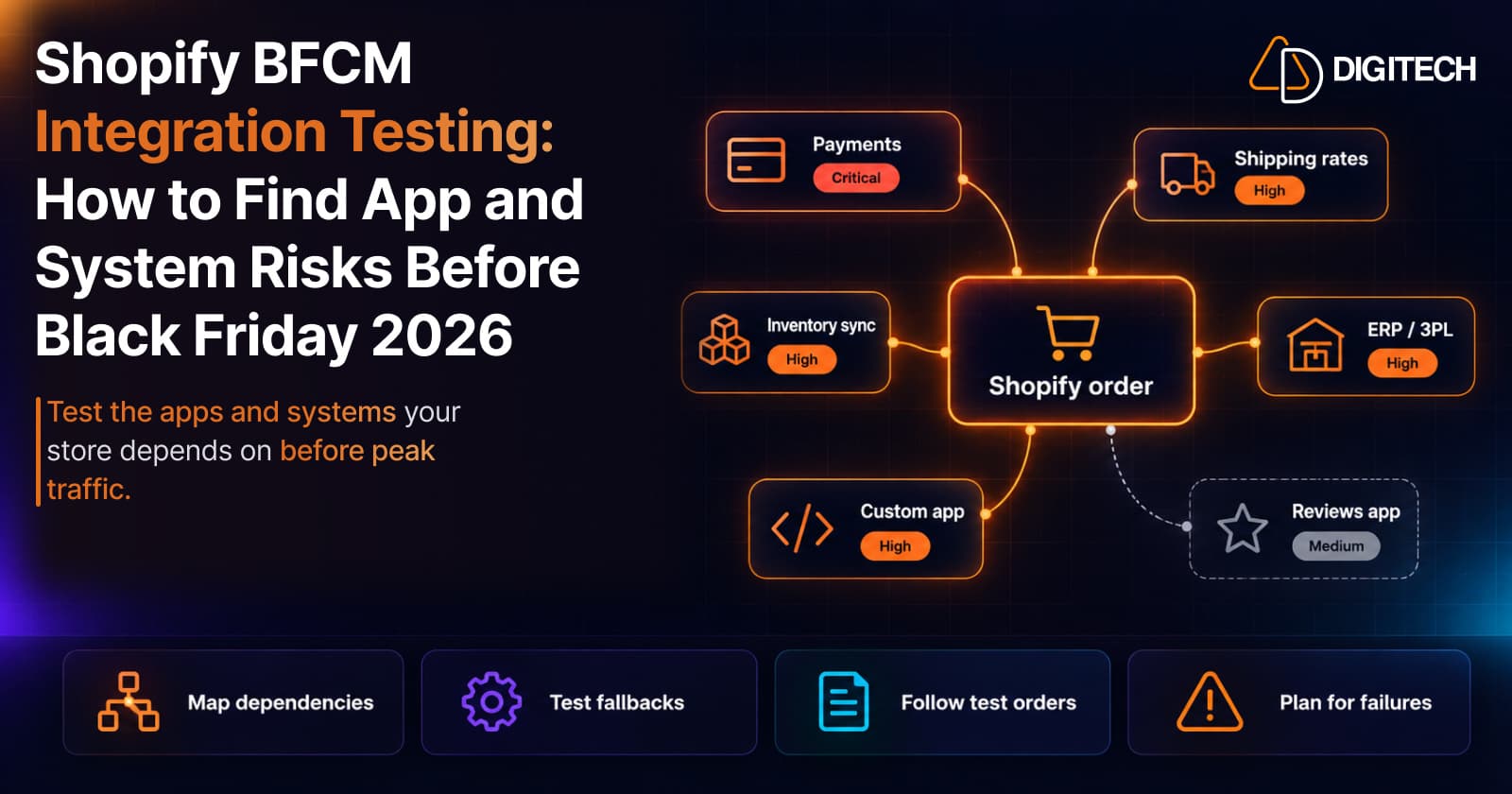
Shopify BFCM Integration Testing: How to Find App and System Risks Before Black Friday 2026
Prepare your Shopify store for BFCM 2026. Test checkout, shipping apps, payments, inventory sync, and custom integrations before Black Friday.
Read article
Shopify Flow Shipping Label Automation: Setup, Rules, and What Merchants Should Test Before BFCM
Shopify Flow can now buy shipping labels automatically for orders that match your rules. Here's how the action works, example workflows, and what to test before BFCM.
Read article
Shopify Adds Stock Counts in Admin: How Merchants Can Verify Inventory Before Peak Season
Shopify stock counts let staff record what's on the shelf and let a manager approve the differences before inventory changes. Here's how the workflow works in admin and POS.
Read article
Shopify Automated Policies: 7 Things Merchants Should Check Before Enabling Them
Shopify can now generate and update your return, shipping, terms of service and contact policies from your store settings. Here's what to check before you turn automation on.
Read article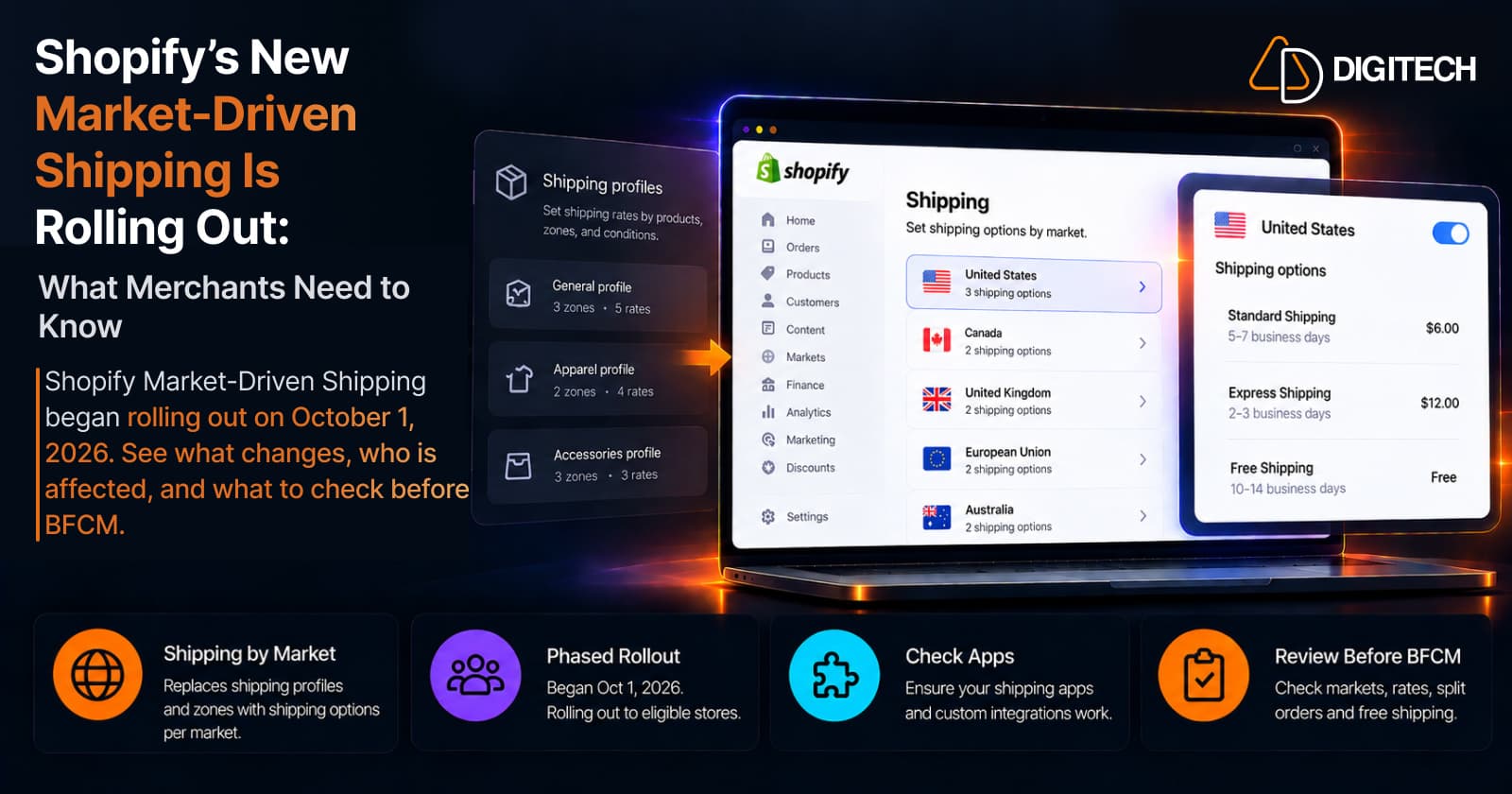
Shopify's New Market-Driven Shipping Is Rolling Out: What Merchants Need to Know
Shopify Market-Driven Shipping began rolling out on October 1, 2026. See what changes, who is affected, and what to check before BFCM.
Read article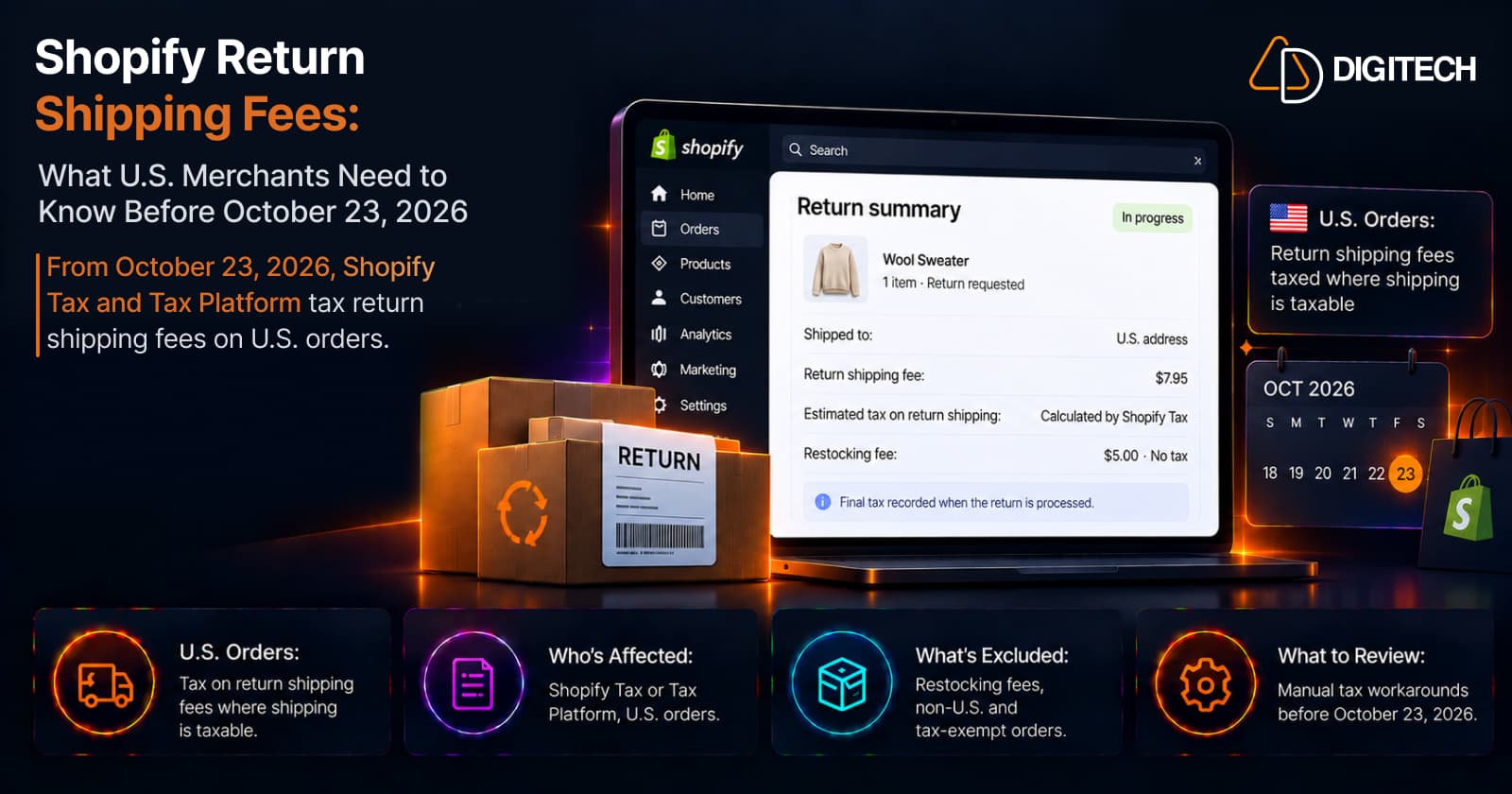
Shopify Return Shipping Fee Tax: What U.S. Merchants Need to Know
Since October 23, 2026, Shopify Tax and Tax Platform calculate tax on return shipping fees for U.S. orders. Who's affected, what's excluded, and what to review.
Read article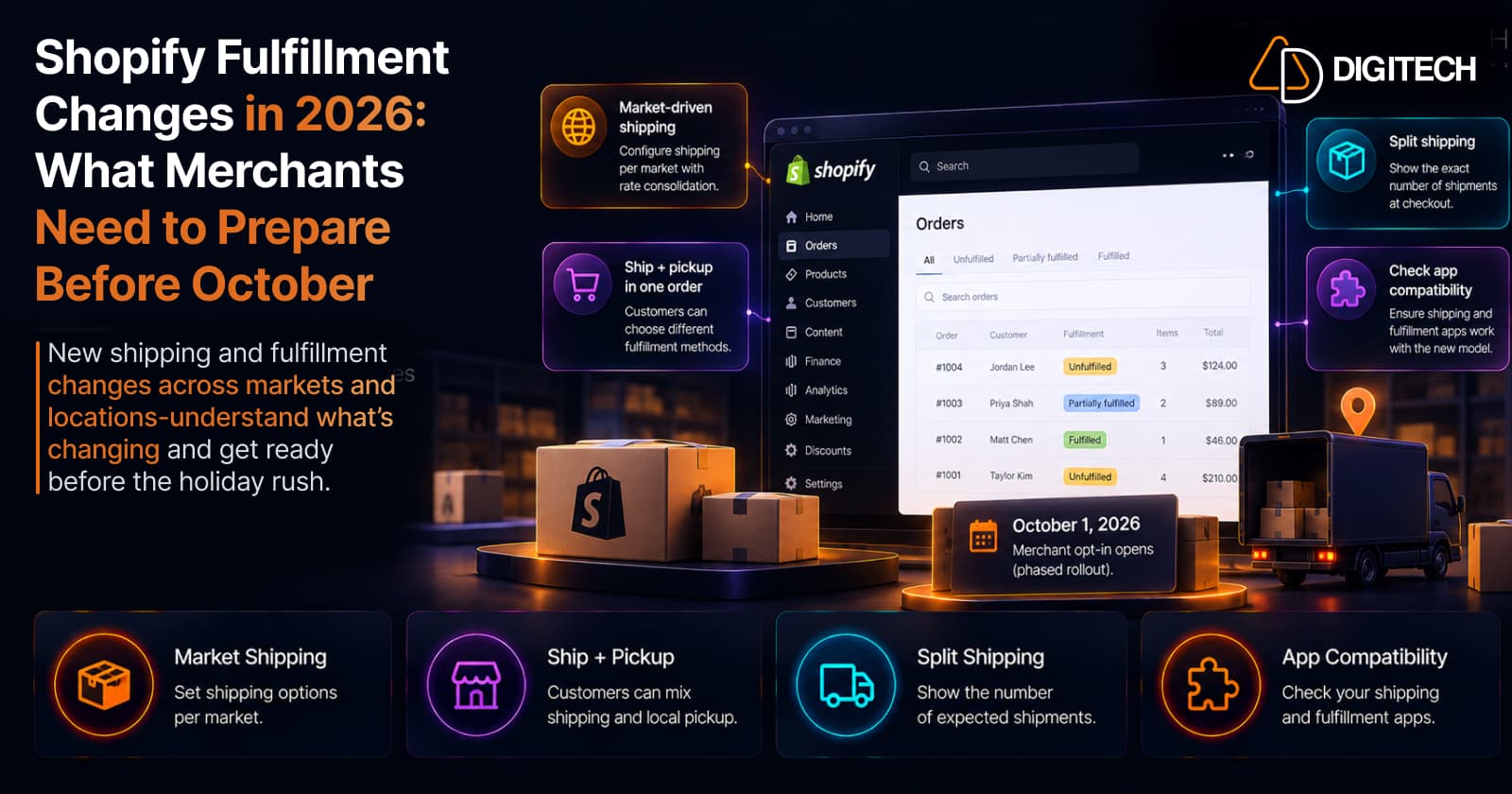
Shopify Fulfillment Changes in 2026: What Merchants Need to Know
Shopify is changing shipping and fulfillment across markets and locations. What October 1, 2026 actually means, who's affected, and what to check before holiday volume — no forced migration.
Read article
Shopify POS in 2026: 10 Updates Retail Merchants Should Know
The 10 most useful Shopify POS updates of 2026 — abandoned online carts in store, gift-card scanning, bulk staff setup, cart handoff, returns in cart, and more — and why each matters.
Read article
Shopify Payments: What Merchants Should Know About the New Balance Activity Report
Shopify's new Payments activity report explains how money moved through your balance — starting balance, gross activity, fees, payouts, ending balance. A merchant's guide to reading and reconciling it.
Read article