Shopify POS in 2026: 10 Updates Retail Merchants Should Know
The 10 most useful Shopify POS updates of 2026 — abandoned online carts in store, gift-card scanning, bulk staff setup, cart handoff, returns in cart, and more — and why each matters.

Shopify POS changed a lot during 2026, and the theme isn't just "faster checkout." Shopify has been connecting the parts of a retail business that used to sit apart — online shopping, in-store selling, customer data, inventory, and staff operations — so the POS is less a cash register and more a window into the whole store.
This article covers the 10 updates retail merchants are most likely to notice or benefit from, with what changed and why it matters for a real store. Work it as a pre-season review.
Shopify POS in 2026: what actually changed?
The direction is consistent across the year's releases: quicker in-store checkout, a stronger link between a customer's online and in-store activity, cleaner staff and team workflows, inventory that moves through POS instead of around it, and better visibility into who sold what and where. Shopify shipped these across regular POS updates through 2026, so if you haven't updated the app in a while, some of them may already be waiting for you. Below are the specific changes behind that shift.
1. Continue online shopping conversations in store
What changed: POS can now surface an identified customer's abandoned online cart so staff can pick up where the customer left off. A shopper browses your site, adds items, doesn't check out — then walks into your store. Once staff identify them, the eligible cart is right there to complete.
It works only when the customer is identified with an email, has an eligible abandoned checkout, and the POS session has location context. If the customer isn't identified or never left an email, the cart won't appear — so the practical move is to make customer lookup and email capture a normal part of how your staff greet shoppers. Used well, it turns "I was looking at this online" into a completed sale without the customer starting over.
2. Gift cards apply with fewer steps
What changed: Valid gift cards are now applied automatically when staff scan them at checkout, using the in-app camera or a supported first-party hardware scanner. No manual code entry, no forgetting to apply the balance.
It's a small change with a real payoff at a busy counter: fewer taps, faster lines, and fewer missed redemptions that turn into awkward post-sale corrections.
3. Manage seasonal retail staff in bulk
What changed: You can now create, suspend, and reactivate staff accounts in bulk from a CSV in Shopify admin (Settings → Users → Import), including assigning PINs. Download the sample template, fill it, upload once.
This matters most right before peak. Onboarding 30 seasonal associates across three stores used to be a one-by-one chore; now it's a single file. For example, a store lead can prepare the whole holiday roster in the CSV, upload it the week before Black Friday, and every associate walks in on day one with a working PIN and the right role. It's equally useful for a new store opening and for fast offboarding — suspend a batch of seasonal accounts in one upload when the season ends.
4. Know whether your store is ready to sell
What changed: POS Home now shows a connectivity and readiness view — internet, Shopify service, and hardware status — without digging through menus. Before you open, a glance confirms you're ready; during a disruption, staff can see whether the problem is the internet, Shopify, or a disconnected device instead of guessing.
For a store, that's the difference between a 30-second check and a line of frustrated customers while someone reboots a router at random. During a disruption, it tells staff whether to switch to a backup connection, wait out a Shopify service issue, or reconnect a specific device — a decision, not a guess.
5. Support more real-world barcode scenarios
What changed: A product variant can now be identified by any of its associated barcodes. Staff can scan or search with whatever code is on the item in hand — manufacturer, supplier, or your own retail packaging label — and still land on the correct variant.
Real inventory rarely has one clean barcode per item. This removes the friction of "the scanner won't find it" when a supplier's label differs from the one your system expects.
6. Keep carts moving between staff and devices
What changed: A cart started on one POS device can be completed on another, with the sale attributed to the device where checkout actually happens — so cash tracking stays accurate and order histories stay clean.
In a busy store this is a quiet lifesaver: an associate builds a cart on the floor, the customer finishes at the counter, or a shift changes mid-transaction — and nothing gets lost or double-counted.
7. Returns and exchanges fit the POS workflow
What changed: Returns, refunds, and exchanges now run through the main cart workflow instead of a separate, linear flow. Staff select return items, add exchange items, and make refund decisions in the same cart, using the tools they already know — product search, barcode scanning, Smart Grid actions, notes, and customer info.
The result is a faster, less error-prone service moment, especially for an exchange, which used to mean juggling two disconnected steps. (Set the right staff permissions so the workflow matches who's allowed to approve refunds.)
8. Retail staff and device management move into admin
What changed: Alongside bulk user setup, device management now lives in Shopify admin under the POS channel → Devices (devices need to run POS 11.9 or higher to appear). Managing who can sell and which devices are active is increasingly a centralized job in admin rather than something configured device by device.
As a retailer adds locations and staff, that centralization is what keeps access tidy and auditable — the operational cleanup that prevents "who has access to what?" from becoming a monthly headache.
9. Use POS data to understand retail performance
What changed: Staff attribution got a faster selection flow and now feeds POS analytics, and it defaults on for new stores (auto-attribution credits the pinned-in staff member as items are added). You can report on retail sales by the staff member who processed the sale and by the staff attributed to the sale — who actually helped the customer.
For a manager, that answers the practical questions: which locations are performing, and which associates are driving assisted sales. POS transactions also flow into your Shopify Payments balance, so pair this with the Payments activity report when you reconcile.
10. Shopify POS is becoming your retail operations hub
What changed: Inventory operations increasingly run through POS, not around it. Purchase orders now generate inventory transfers, incoming stock can be received in admin or at the POS (with partial deliveries and barcode scanning), and store teams send, receive, and update inventory directly in POS. This requires Shopify POS Pro at the origin and destination locations plus the Inventory and Manage Transfers staff permissions, and it's the workflow that replaced the retired Stocky app.
That same connective tissue supports fulfilling a customer's request from wherever the stock actually is — pickup in store, or an order fulfilled from another location's inventory — so a sale isn't lost just because the item isn't on the shelf in front of the customer.
Put the year's updates together — online carts, customer identity, cart handoff, returns, staff attribution, and inventory movement — and the picture is clear: POS is now part of your overall commerce operations, not just a checkout screen. It doesn't replace every retail system, but it does far more of the day-to-day than it used to.
Who should pay attention to which updates?
Not every update matters equally to every store:
| Retailer type | Updates that matter most |
|---|---|
| Single-location | Connectivity readiness, gift-card scanning, multiple barcodes, returns-in-cart |
| Multi-location | Inventory transfers, device management in admin, staff attribution, cart handoff |
| Online-first opening stores | Abandoned online carts, unified customer identity, returns-in-cart |
| Seasonal retailer | Bulk staff CSV, connectivity readiness, staff attribution |
| Shopify Plus / larger teams | Staff attribution + analytics, admin-based user/device management, inventory operations |
Shopify POS 2026 merchant checklist
Work through this before your next major retail event:
- Review your POS version and what's available on your plan
- Review staff roles, permissions, and PINs
- Set up seasonal staff in bulk via CSV
- Check the connectivity/readiness view on POS Home
- Test barcode workflows, including alternate barcodes
- Test gift-card scanning at checkout
- Test the abandoned-online-cart flow if your customers are identified
- Test cart handoff between devices
- Review the returns and exchanges workflow and permissions
- Review POS analytics and staff attribution
- Review inventory transfer and purchase-order receiving in POS
- Run a full test transaction before the event
When Shopify POS needs custom development
Native POS covers the large majority of retail needs — the point of this article is how much it now does out of the box. But some operations have requirements that go past native functionality: custom POS integrations, connecting POS to an ERP or external inventory system, custom customer-data or reporting workflows, or specialized retail processes that span several systems.
If your retail workflow spans Shopify POS, inventory systems, ERP tools, customer platforms, or other business software, AD Digitech can help evaluate the gaps and build the integration or custom Shopify functionality needed to connect those systems — so your store operates as one flow rather than several disconnected ones. See our Shopify store development work, or talk to us about your retail setup.
Frequently asked questions
What are the biggest Shopify POS updates in 2026?
The most useful for retailers: abandoned online carts surfaced in store, automatic gift-card application when scanned, bulk staff setup via CSV, a connectivity/readiness view on POS Home, multiple barcodes per variant, cart handoff across devices, returns and exchanges in the main cart, staff attribution in POS analytics, device management in admin, and inventory transfers and purchase-order receiving in POS.
Can Shopify POS show abandoned online carts?
Yes. POS can surface an identified customer's abandoned online checkout so staff can help complete the purchase in store. It requires the customer to be identified with an email, to have an eligible abandoned checkout, and the POS session to have location context.
Can Shopify POS automatically apply scanned gift cards?
Yes. Valid gift cards are applied automatically when staff scan them at checkout, using the in-app camera or a supported first-party hardware scanner — removing the manual entry step and the risk of a missed redemption.
Can Shopify manage retail staff in bulk?
Yes. In Shopify admin (Settings → Users → Import) you can create, suspend, and reactivate staff accounts in bulk from a CSV, including assigning PINs. It's built for seasonal hiring, new store openings, and fast offboarding.
Can Shopify POS work across multiple store locations?
Yes. Multi-location retailers get inventory transfers and purchase-order receiving in POS, device management in admin, per-location staff attribution, and cart handoff between devices. Inventory transfers require Shopify POS Pro at both locations plus the relevant staff permissions.
What changed in Shopify POS returns and exchanges?
Returns, refunds, and exchanges now run through the main cart workflow instead of a separate linear flow. Staff select return items, add exchange items, and manage refund decisions in the cart using the same tools they already use — product search, barcode scanning, Smart Grid actions, and customer info.
When does a Shopify retailer need custom POS development?
When requirements go beyond native functionality — custom POS integrations, ERP or external inventory connections, specialized retail processes, custom reporting, or workflows that span multiple systems. Native POS covers most retail needs; custom development connects it to the rest of your operation.
Building something on Shopify?
We design, build, and maintain Shopify apps, stores, and AI products — to the standard this article describes.
Related reading

Shopify Adds Arabic, Urdu, and Hebrew Support: What Merchants Must Check Before Launch
Shopify improved RTL support for Arabic, Urdu and Hebrew in the admin, storefronts and checkout. Here's what's covered, what isn't, and what to test before launch.
Read article
Shopify Translate & Adapt Auto-Sync: How to Keep Translations Current Before BFCM
Translate & Adapt can now update translations weekly with Auto-sync. Here's who can use it, how it differs from Translate now, and how to plan translations before BFCM.
Read article
Shopify Flow Shipping Label Automation: Setup, Rules, and What Merchants Should Test Before BFCM
Shopify Flow can now buy shipping labels automatically for orders that match your rules. Here's how the action works, example workflows, and what to test before BFCM.
Read article
Shopify Automated Policies: 7 Things Merchants Should Check Before Enabling Them
Shopify can now generate and update your return, shipping, terms of service and contact policies from your store settings. Here's what to check before you turn automation on.
Read article
Shopify Purchase Order Analytics: How to Spot Stock Risks Before BFCM
Shopify Analytics now includes purchase order reports. Here's what each report shows, how to use them to spot stock risks before BFCM, and what they can't tell you.
Read article
Shopify Rollouts: How Merchants Can Safely Test Store Changes Before BFCM
Learn how Shopify Rollouts let merchants schedule, test, and launch store changes safely before BFCM, including themes, discounts, catalogs, and checkout.
Read article
Shopify Shop Checkout Gets Faster: What Merchants Need to Know
Shopify's October 5, 2026 Shop update brings faster checkout and carts that sync across devices. See how it works, who qualifies and what to check before BFCM.
Read article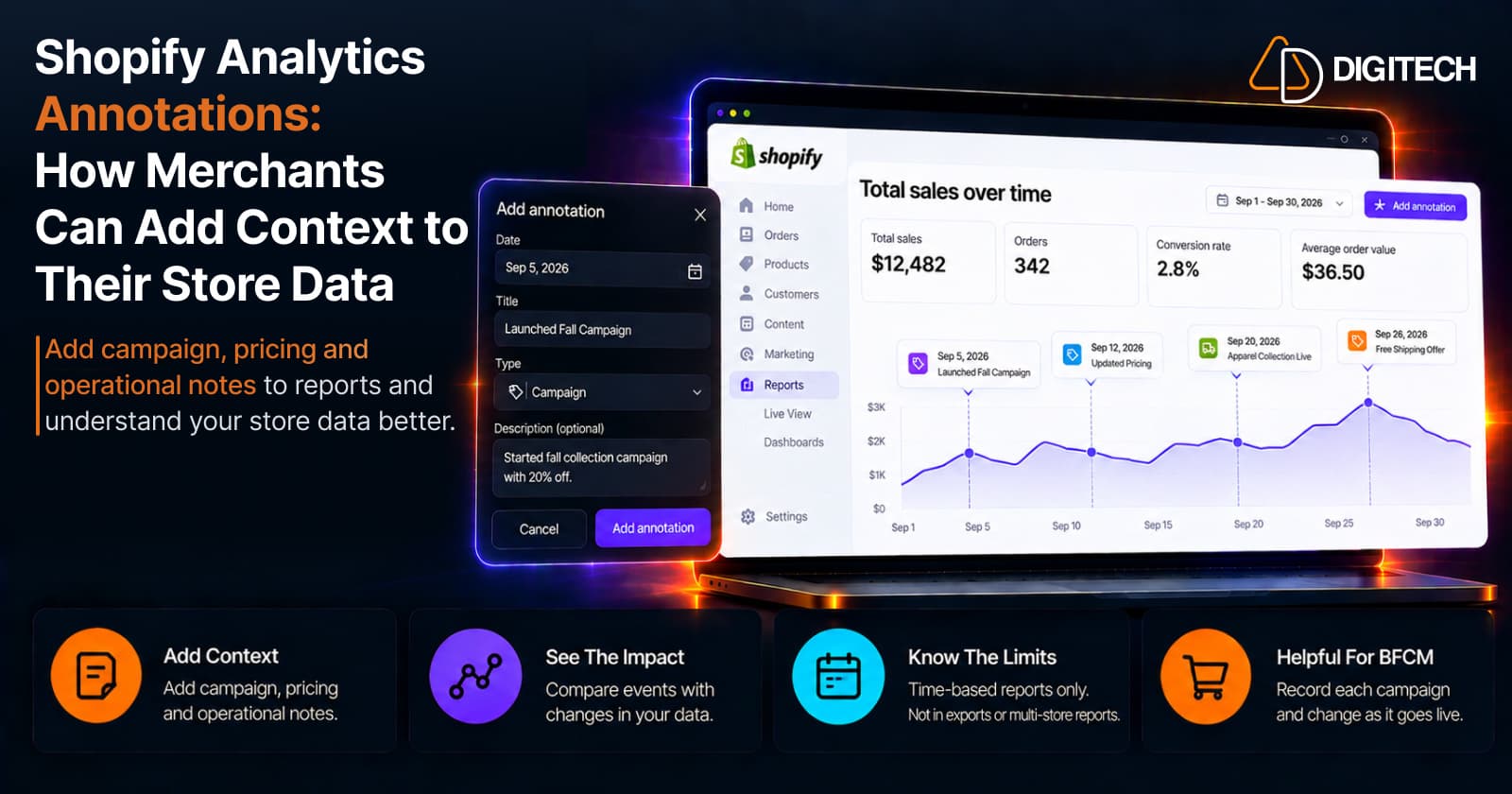
Shopify Analytics Annotations: How Merchants Can Add Context to Their Store Data
Shopify Analytics annotations let merchants add campaign, pricing and operational notes to reports. See how they work, the limits, and how to use them for BFCM.
Read article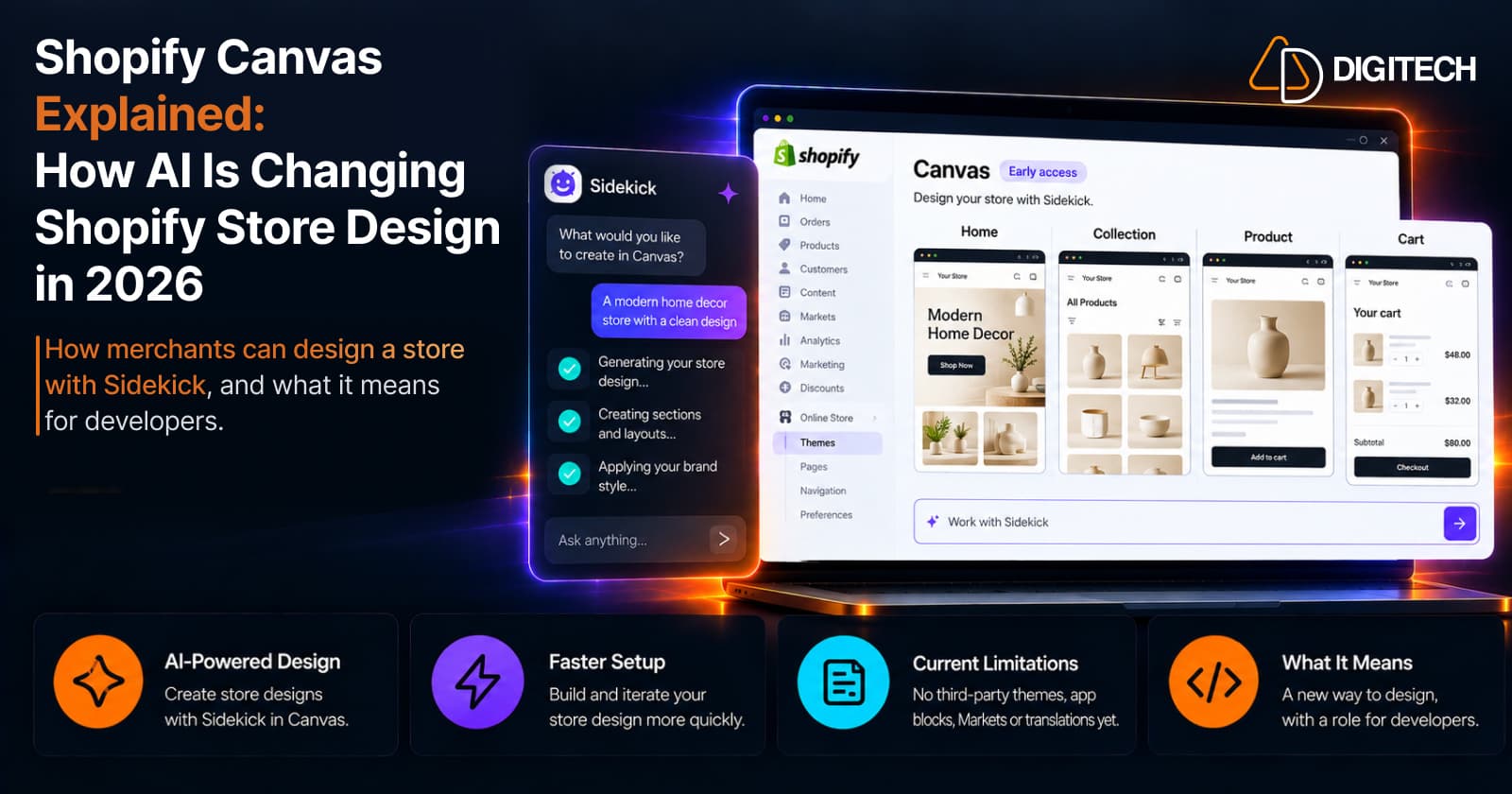
Shopify Canvas Explained: How AI Is Changing Shopify Store Design in 2026
Shopify Canvas, announced October 1, 2026, lets merchants design a store with Sidekick. See how it works, its current limits, and what it means for developers.
Read article