Shopify Protect: What It Covers, How Fraud Rules Work, and What Merchants Should Check Before BFCM
Shopify now uses the name Shopify Protect for its fraud and dispute tools on Shopify Payments, not only for Shop Pay chargeback coverage. Here's what works automatically, which chargebacks are covered, how the new Rule Builder app works, and what to check before BFCM.
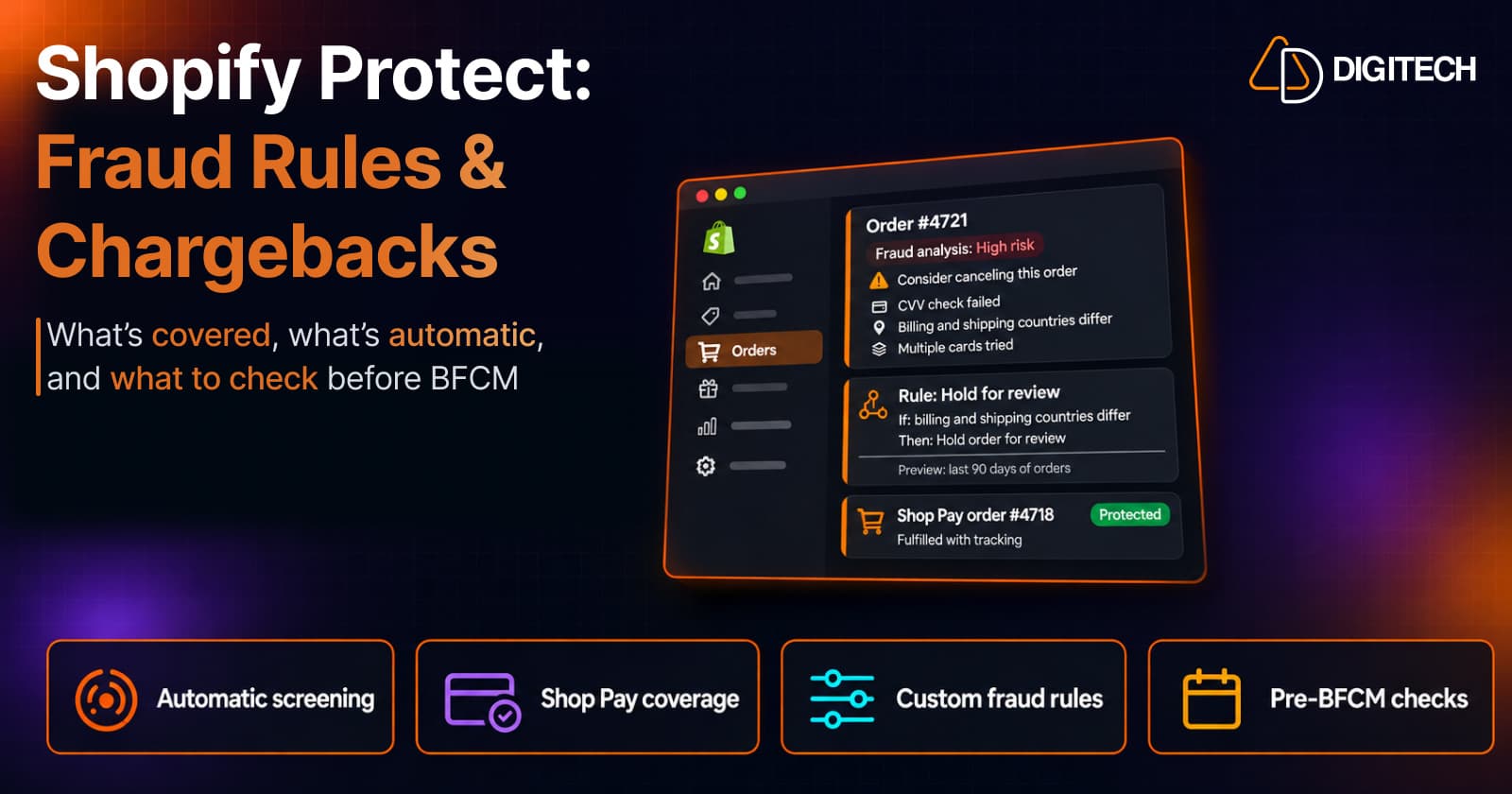
If you've seen "Shopify Protect" in your admin or in Shopify's Fall '26 Edition and wondered whether your chargebacks are now covered, the short answer is: some are, most aren't, and the name now means more than it used to.
Until recently, Shopify Protect meant one thing: free chargeback coverage for eligible Shop Pay orders in the US. On October 28, 2026, Shopify started using the name for its wider fraud and dispute tools on Shopify Payments, and released a new app for custom fraud rules. Some of it works automatically today, some is announced, and some is still rolling out.
This guide separates the three, explains who qualifies for chargeback coverage, and ends with a checklist for the weeks before BFCM.
What "Shopify Protect" Means Now
There are two things under one name:
- The fraud and dispute tools on Shopify Payments. Shopify describes these as working "automatically for every business on Shopify Payments, at no extra cost": declining payments it's near-certain are fraudulent, explaining each order's risk, and building your chargeback responses.
- Shopify Protect for Shop Pay. The original program: Shopify covers the loss when an eligible Shop Pay order is disputed as fraud. Shopify's Help Center still describes Shopify Protect this way.
If a page only talks about Shop Pay orders, it's describing the second. Coverage of chargebacks is the narrow part; the fraud screening is the broad part.
What Works Automatically on Shopify Payments
According to Shopify, these work without setup if you use Shopify Payments:
- High-risk payments declined before authorization. When Shopify is near-certain a payment is fraudulent, it declines it before it reaches the bank, so there's no order to cancel or refund.
- Order risk you can read. Fraud analysis shows indicators such as AVS and CVV checks and location mismatches, and a low, medium or high risk recommendation with a suggested next step. Fraud indicators are available on the Basic plan and up; recommendations need the Grow plan or higher, or Shopify Payments. Some orders, such as POS, B2B and subscription renewals, don't get a recommendation.
- Dispute responses prepared for you. For chargebacks on Shopify Payments, order details are added to your response automatically, tracking PDFs can include a carrier's delivery photo, and for card chargebacks and inquiries Shopify writes an AI-generated defense, which you can exclude. The response is submitted by the due date even if you add nothing, though your own evidence still strengthens it.
None of this guarantees you'll win a dispute. Banks decide chargebacks, and Shopify says it isn't involved in that decision.
Which Chargebacks Are Actually Covered
Coverage, meaning Shopify reimburses the amount and the chargeback fee, applies only to eligible Shop Pay orders. The main conditions:
- You're located in the US with a US Shopify Payments account.
- The order was paid with Shop Pay. Shop Pay Installments orders aren't eligible.
- The order contains only physical items that ship. Any digital product or local pickup item makes the whole order ineligible.
- For subscriptions, only the first order is covered.
- It's fulfilled with valid tracking within 7 days and in transit within 10, with a supported carrier.
- The shipping address isn't changed after checkout. Changing it voids coverage.
- The dispute is for fraud or an unrecognized charge. "Not received", "defective" and "not as described" disputes aren't covered.
Check an order's Shopify Protect status in the admin rather than assuming it's covered. Everything else is a normal chargeback: the bank takes the amount and a fee ($15 USD in the US, returned if you win), and you respond with evidence.
The Rule Builder App
Shopify Protect: Rule Builder is a new app from Shopify for custom fraud rules, built without code. According to its listing, you can:
- Choose the signals that matter to your store, with reusable lists of emails, IPs and more.
- Pick an outcome: block the payment, request 3D Secure, or hold the order for review.
- Preview a rule against your last 90 days of orders before it goes live.
- Get alerted when a rule's results drift from what you tested.
- Track each rule in Shopify Analytics alongside your sales.
Pricing: free to install, then $0.07 per screened transaction, billed in USD.
What isn't documented yet: the listing doesn't state which plans, countries or payment providers the app supports, and there's no Help Center article for it yet. Shopify's Fall '26 Edition describes the fraud features as "rolling out soon", so the app may not be available to every store yet. Check what your admin shows before you plan around it.
Rule Builder vs Fraud Control vs Shopify Flow
| Rule Builder | Fraud Control checkout rules | Shopify Flow | |
|---|---|---|---|
| What it does | Custom rules on risky payments | Blocks checkouts that match your conditions | Automates actions on orders after they're placed |
| Outcomes | Block, request 3D Secure, hold for review | Block | Flag, hold or cancel orders |
| Testing | Preview against the last 90 days of orders, drift alerts | Fraud dashboard in the admin | Review each workflow's recent runs |
| Availability | Not yet documented; check your admin | Shopify Payments stores | Basic plan and up |
| Cost | $0.07 per screened transaction | Free app | Free app |
| Best for | Stores that want to test rules before applying them | Simple blocks on known bad emails, addresses or IPs | Reviewing or cancelling high-risk orders automatically |
Sources: Rule Builder listing, Fraud Control, preventing fraud.
Flow is the tool most merchants already have. Shopify's templates include holding payment capture on high-risk orders and cancelling and restocking them. If you already use Flow for this, our Flow shipping label guide shows how its triggers and conditions work.
Announced, Not Live Yet
Two parts of Shopify's October announcement aren't available yet:
- Chargeback coverage beyond Shop Pay. Shopify says it's extending coverage to orders not paid with Shop Pay; the Fall '26 Edition lists it as "coming soon". Until then, only eligible Shop Pay orders are covered.
- A Shopify Protect report in Analytics. Shopify says a new report "will show" what Shopify Protect blocked or challenged and what that was worth.
Pre-BFCM Fraud and Checkout Checklist
BFCM runs from November 27 to 30. A few checks now are better than rule changes during the sale:
- Confirm you're on Shopify Payments if you want the automatic protections, and know which of your orders use Shop Pay.
- Read the fraud analysis on a few recent high-risk orders, so your team knows what to do with "Consider canceling this order".
- Decide who reviews held orders during the sale, and how fast.
- If you add rules in Rule Builder or Fraud Control, preview or monitor them now. Prefer a hold for review over a block where a false positive would cost a real customer.
- Check that your Flow workflows for high-risk orders still run as expected.
- Fulfill with tracking within 7 days, using a supported carrier, so eligible Shop Pay orders keep their coverage.
- Avoid changing shipping addresses after checkout on Shop Pay orders, or accept that it voids coverage.
- Know where chargebacks appear and how long you have to respond, usually 7 to 21 days.
For the rest of your peak preparation, see our pre-peak checkout review and BFCM integration testing guide. Disputes and fees also show up in your Shopify Payments activity report.
The Bottom Line
Shopify Protect is now two things. The fraud screening and dispute help on Shopify Payments works automatically. The chargeback coverage is narrower: eligible Shop Pay orders from US merchants. The Rule Builder adds testable custom rules, but its availability isn't documented yet.
None of this replaces a clear review process. If you'd like a second pair of eyes on your payments, Flow workflows and checkout before the sale, our Shopify development team can help.
Frequently asked questions
Is Shopify Protect free?
Shopify says the automatic protections work for every business on Shopify Payments at no extra cost, and Shop Pay chargeback coverage has no fee. The Shopify Protect: Rule Builder app is free to install, then charges $0.07 per screened transaction, according to its App Store listing.
Does Shopify Protect cover all my chargebacks?
No. Chargeback coverage applies to eligible Shop Pay orders that are disputed as fraudulent or unrecognized. You need to be in the US with a US Shopify Payments account, the order must contain only shipped physical items, and it must be fulfilled with tracking within Shopify's deadlines. Disputes such as "not received" or "not as described" aren't covered, though Shopify still helps assemble your response.
Do I need Shopify Payments to use Shopify Protect?
For the automatic protections and Shop Pay chargeback coverage, yes. For the Rule Builder app, the listing doesn't state the requirements, so check eligibility when you install it. Fraud Control checkout rules also require Shopify Payments, while Shopify Flow works on the Basic plan and up.
What's the difference between Rule Builder and Fraud Control checkout rules?
Fraud Control checkout rules block checkouts that match conditions you set, such as an email, address or IP address. Rule Builder adds two more outcomes, requesting 3D Secure or holding the order for review, and lets you preview a rule against your last 90 days of orders before it goes live.
Should I add custom fraud rules right before Black Friday?
Only with testing. A rule that's too strict blocks good customers on your busiest days. Preview it against past orders, start with a hold for review rather than a block where you can, and set rules up early enough to watch how they perform before peak traffic.
Need a Fraud and Checkout Review Before BFCM?
Get help reviewing your Shopify Payments fraud settings, Shopify Flow workflows, checkout setup and fulfillment process before peak-sale traffic arrives.
Related reading
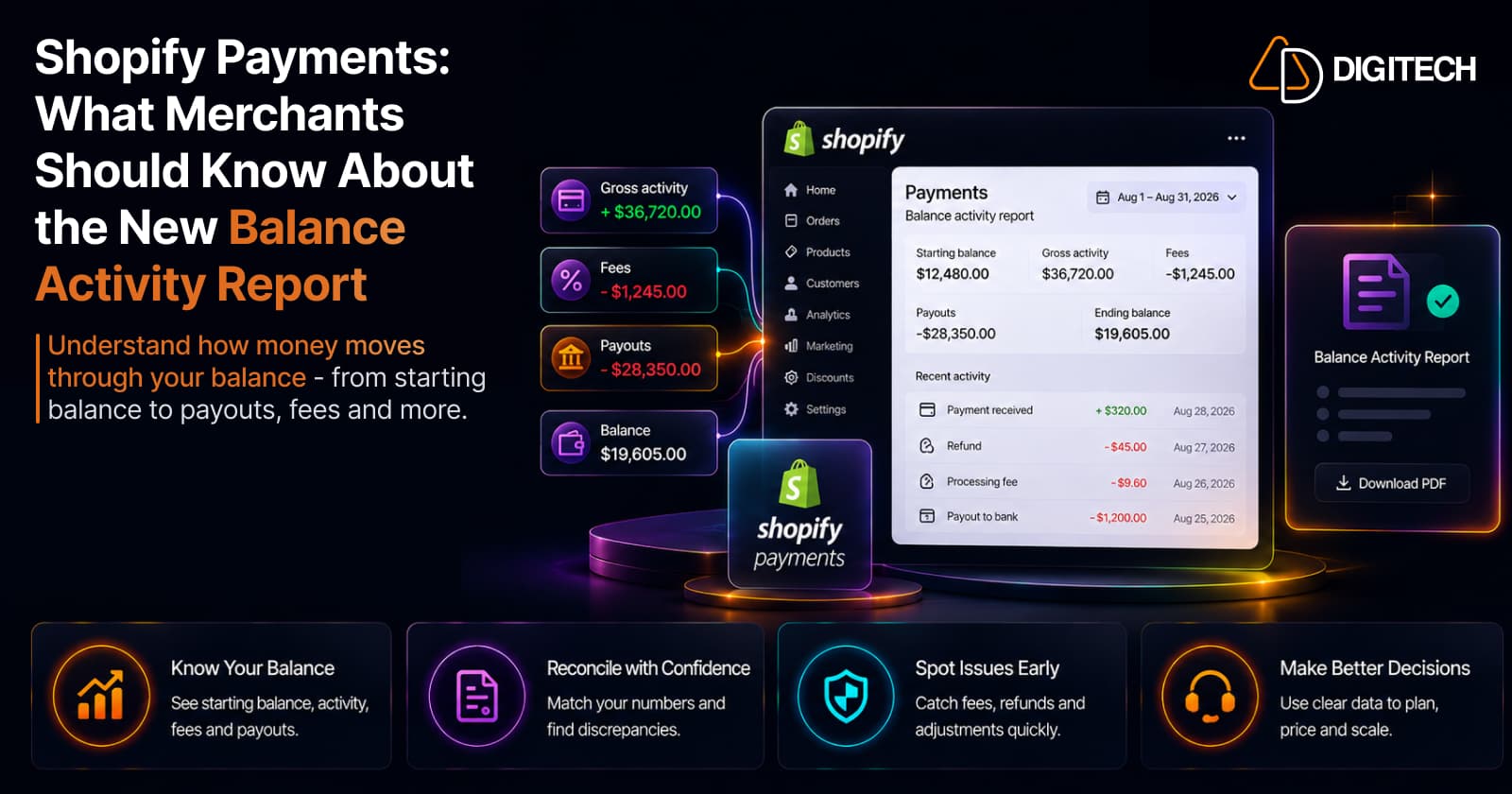
Shopify Payments: What Merchants Should Know About the New Balance Activity Report
Shopify's new Payments activity report explains how money moved through your balance — starting balance, gross activity, fees, payouts, ending balance. A merchant's guide to reading and reconciling it.
Read article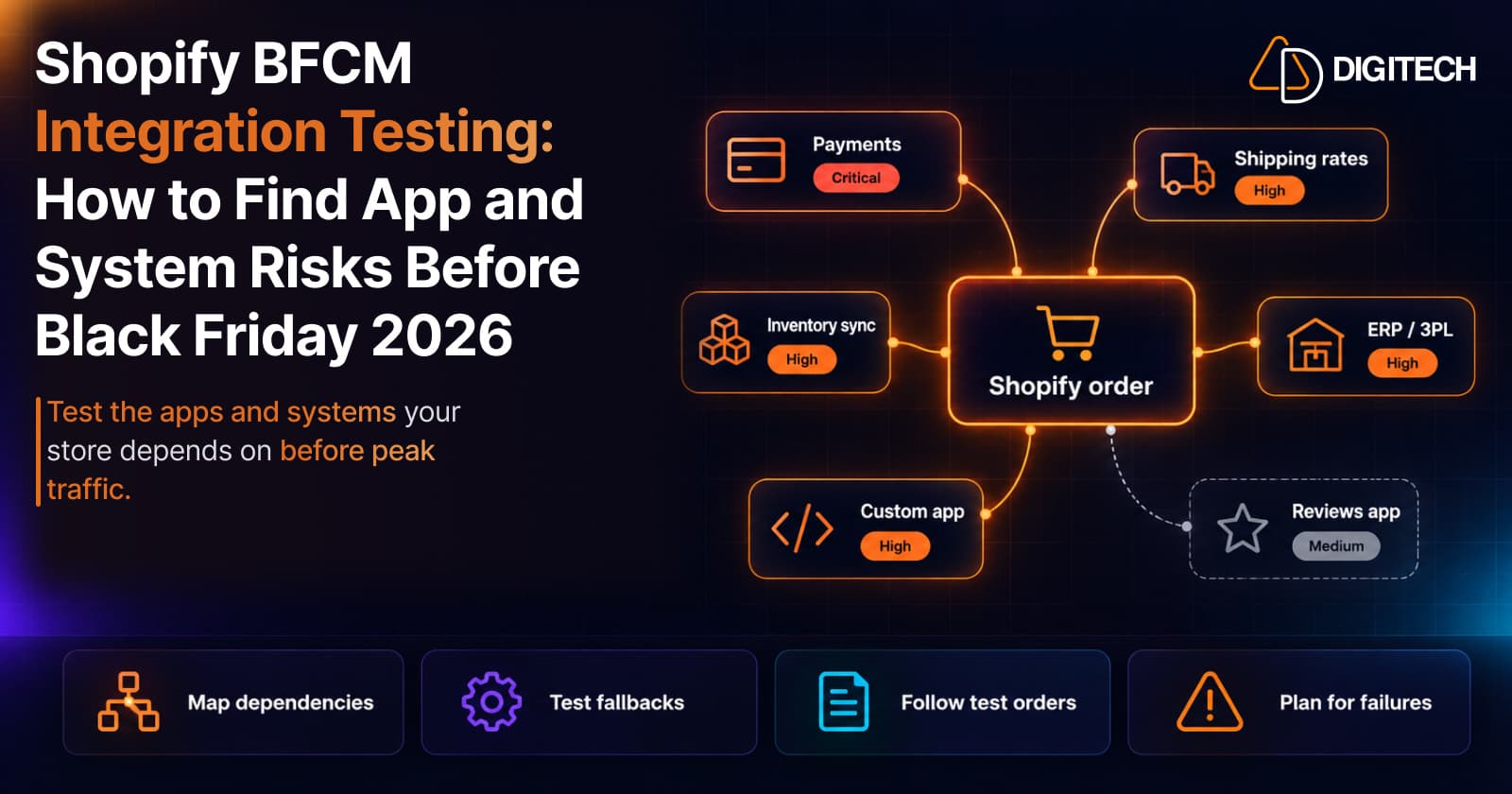
Shopify BFCM Integration Testing: How to Find App and System Risks Before Black Friday 2026
Prepare your Shopify store for BFCM 2026. Test checkout, shipping apps, payments, inventory sync, and custom integrations before Black Friday.
Read article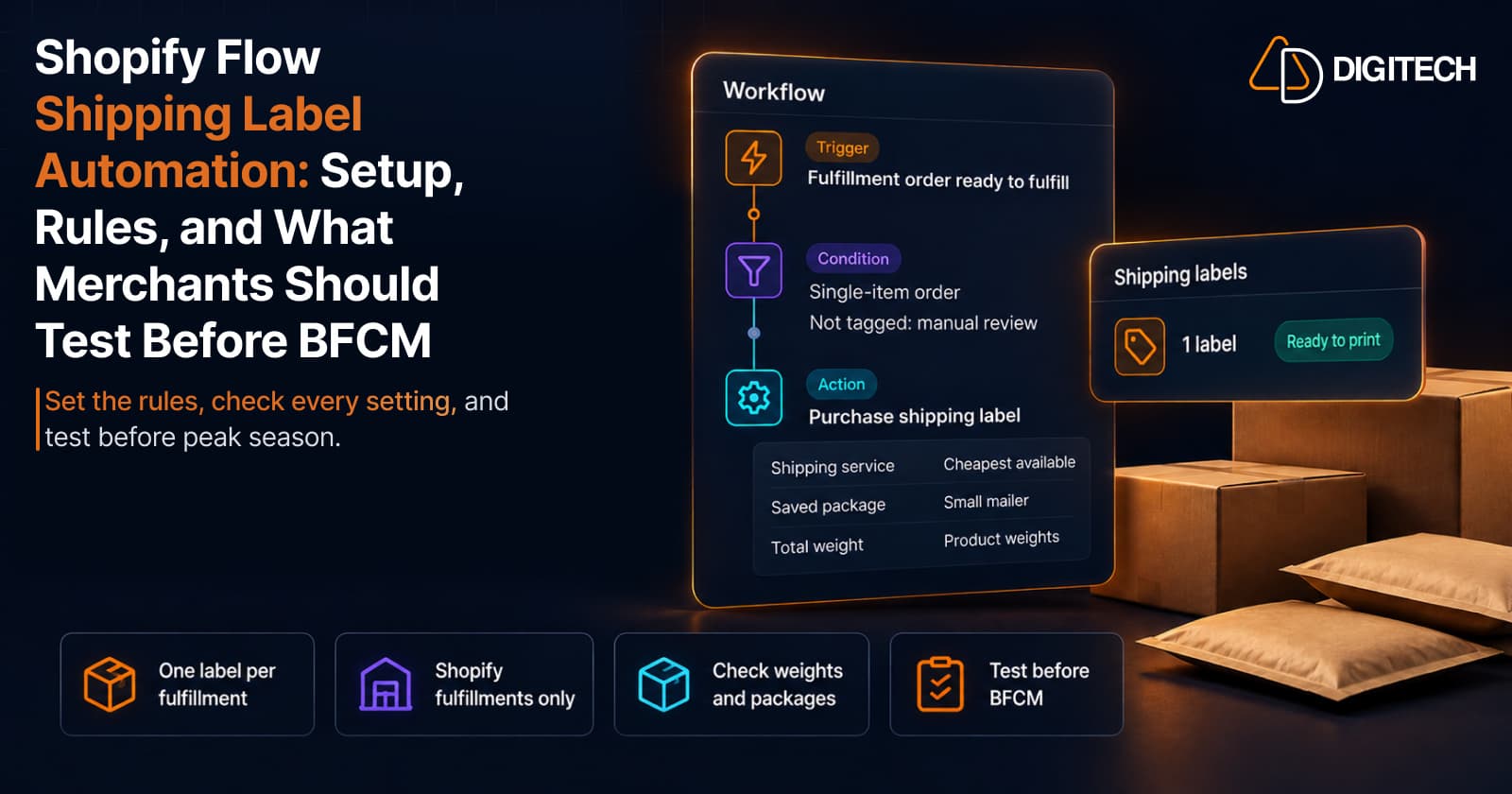
Shopify Flow Shipping Label Automation: Setup, Rules, and What Merchants Should Test Before BFCM
Shopify Flow can now buy shipping labels automatically for orders that match your rules. Here's how the action works, example workflows, and what to test before BFCM.
Read article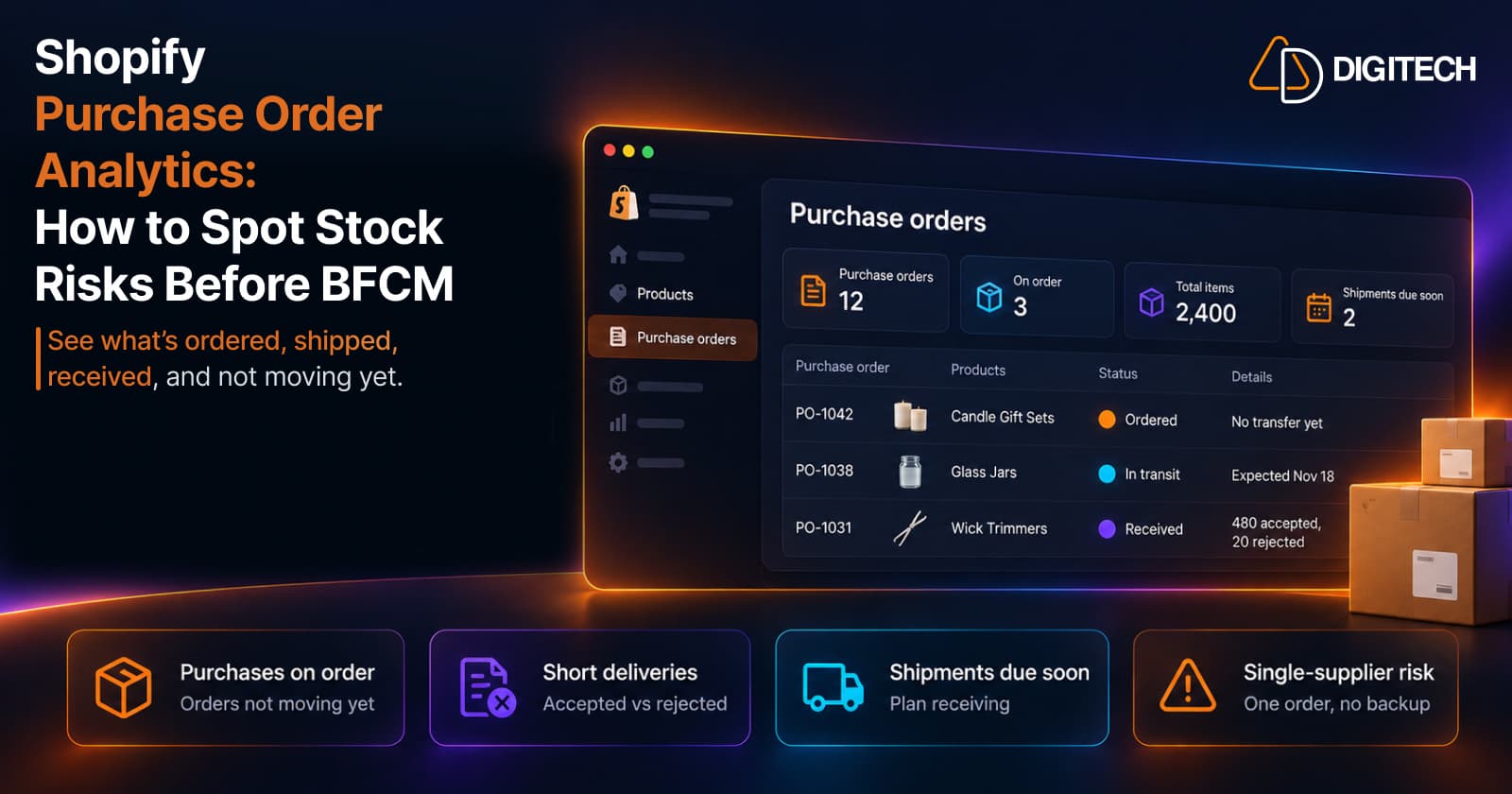
Shopify Purchase Order Analytics: How to Spot Stock Risks Before BFCM
Shopify Analytics now includes purchase order reports. Here's what each report shows, how to use them to spot stock risks before BFCM, and what they can't tell you.
Read article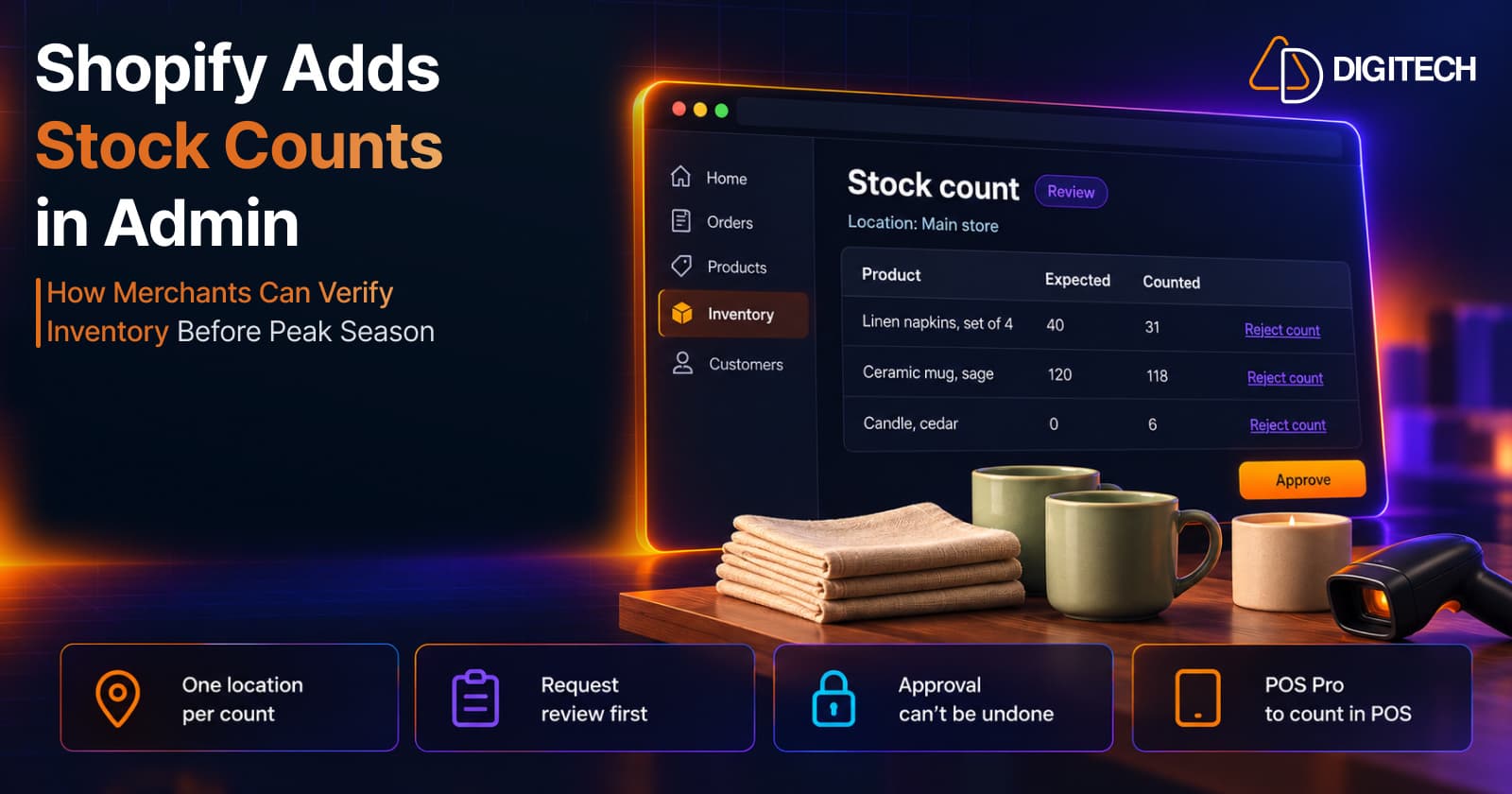
Shopify Adds Stock Counts in Admin: How Merchants Can Verify Inventory Before Peak Season
Shopify stock counts let staff record what's on the shelf and let a manager approve the differences before inventory changes. Here's how the workflow works in admin and POS.
Read article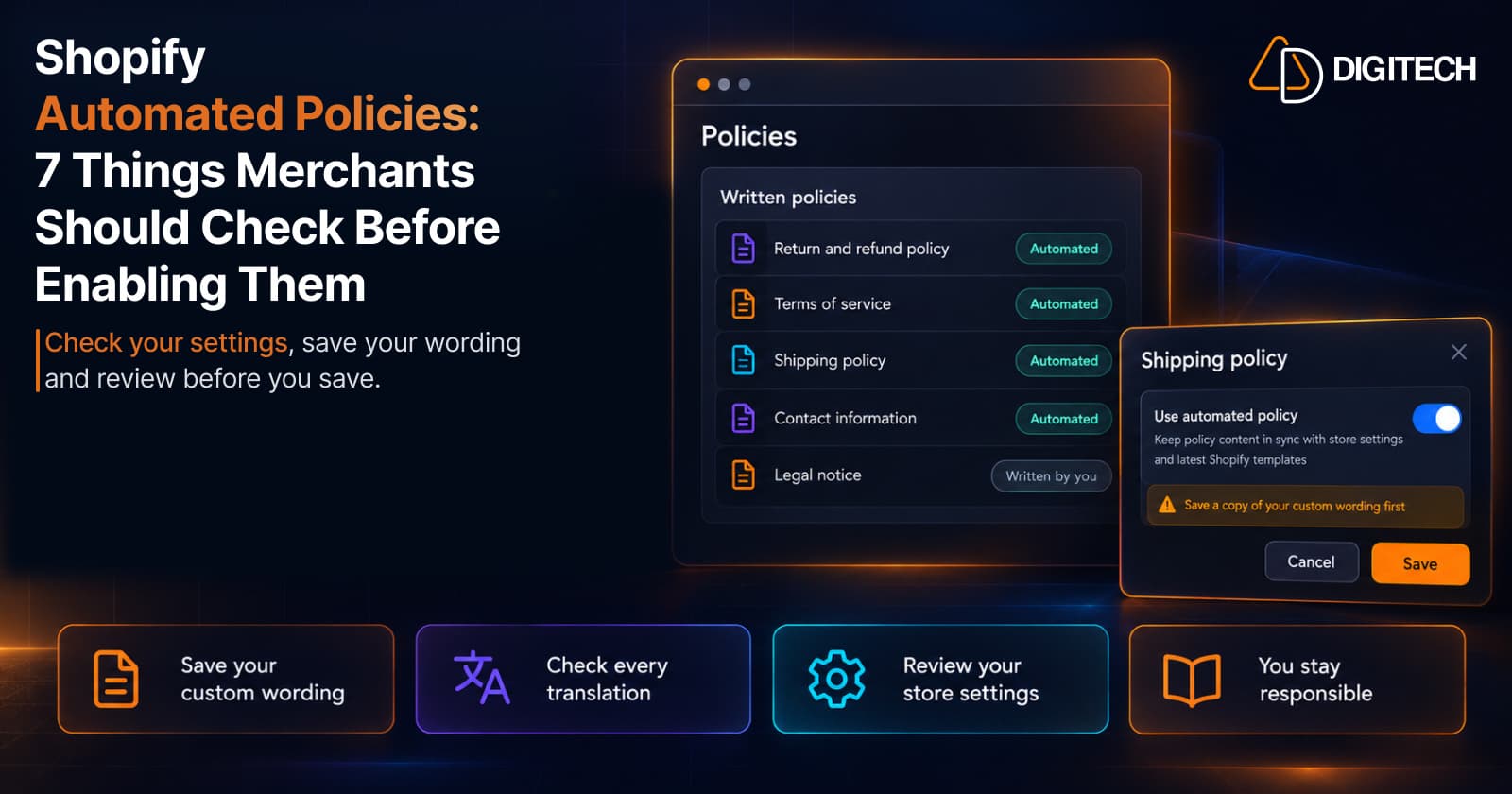
Shopify Automated Policies: 7 Things Merchants Should Check Before Enabling Them
Shopify can now generate and update your return, shipping, terms of service and contact policies from your store settings. Here's what to check before you turn automation on.
Read article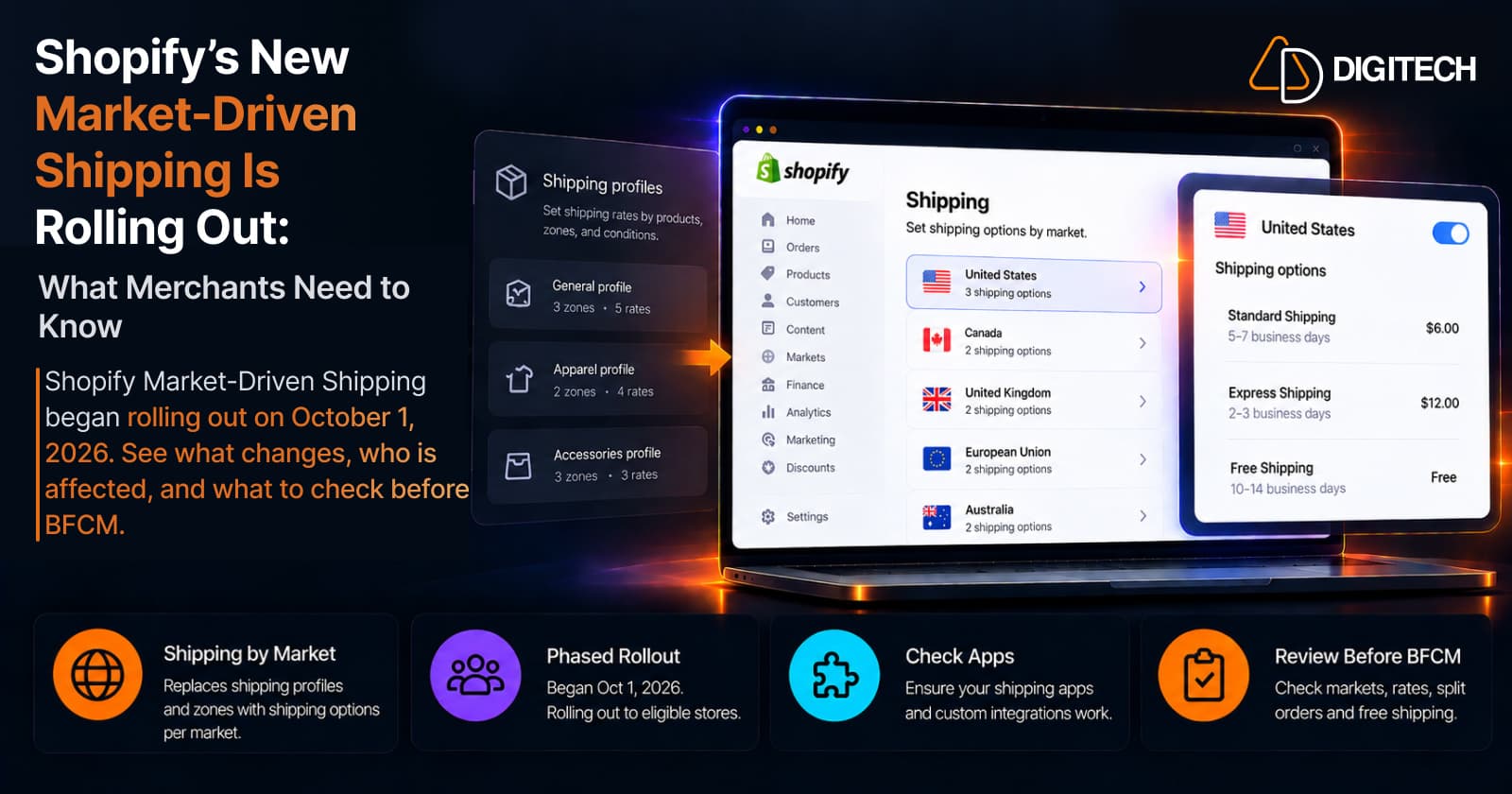
Shopify's New Market-Driven Shipping Is Rolling Out: What Merchants Need to Know
Shopify Market-Driven Shipping began rolling out on October 1, 2026. See what changes, who is affected, and what to check before BFCM.
Read article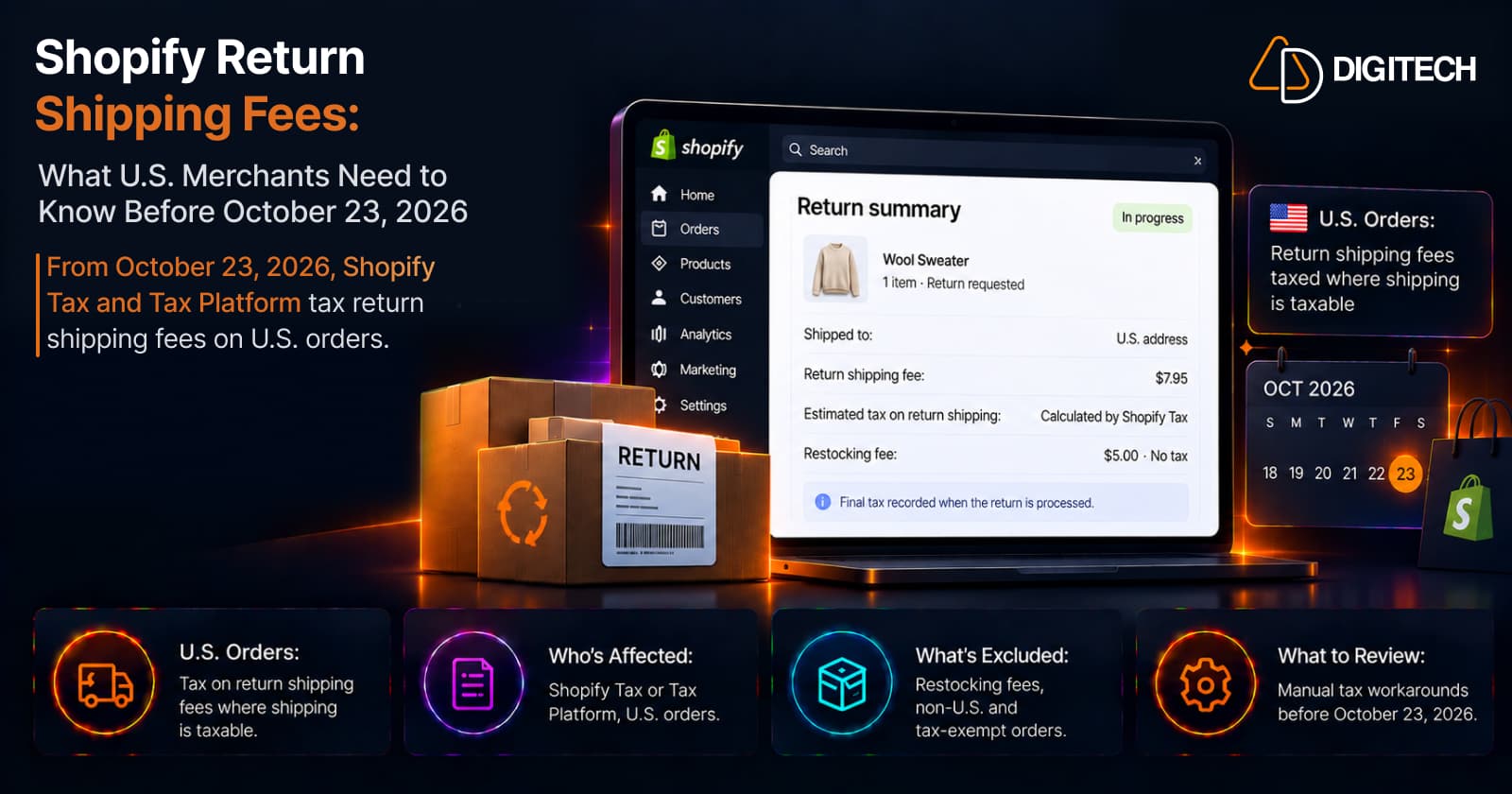
Shopify Return Shipping Fee Tax: What U.S. Merchants Need to Know
Since October 23, 2026, Shopify Tax and Tax Platform calculate tax on return shipping fees for U.S. orders. Who's affected, what's excluded, and what to review.
Read article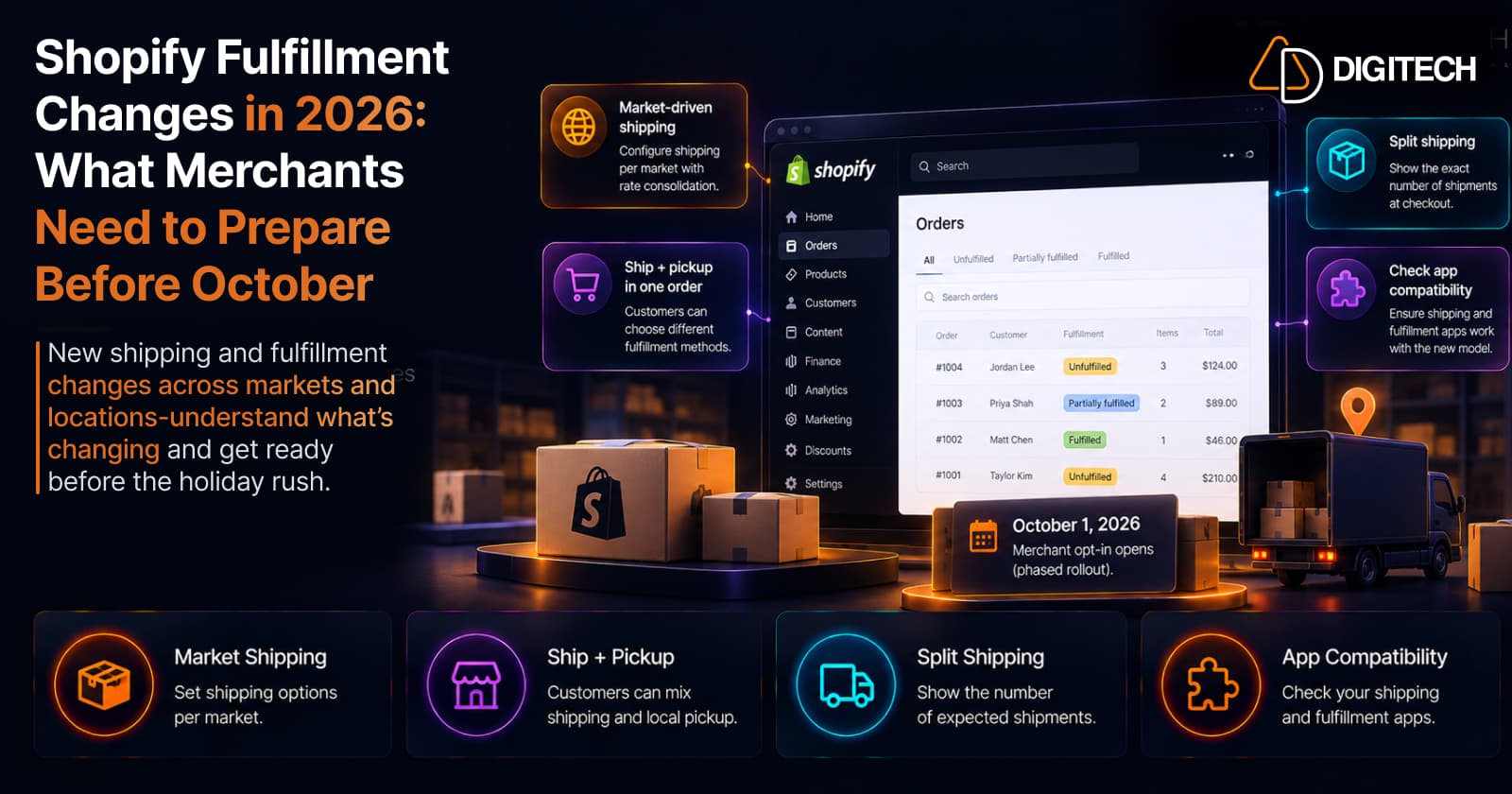
Shopify Fulfillment Changes in 2026: What Merchants Need to Know
Shopify is changing shipping and fulfillment across markets and locations. What October 1, 2026 actually means, who's affected, and what to check before holiday volume — no forced migration.
Read article