Shopify Flow's New "Updated" Triggers: Automate Changes to Orders, Customers, Returns and More
Explore Shopify Flow's 8 new updated triggers for orders, customers, returns and more, with practical automation examples and key limitations.
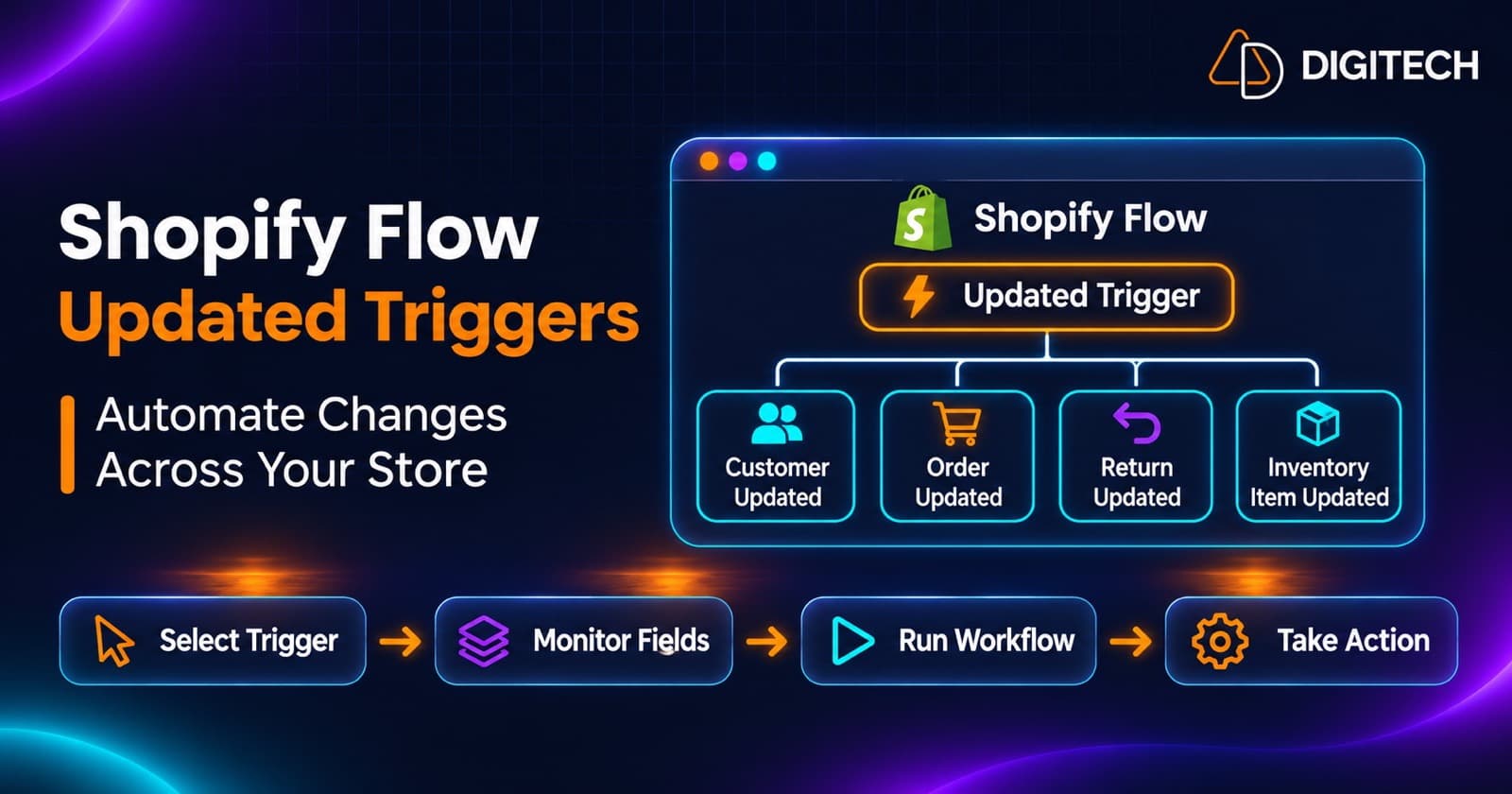
On November 20, 2026, Shopify added eight new "updated" triggers to Shopify Flow. Workflows can now start when a customer, order, refund, fulfillment order, return, collection, location or inventory item changes, not only when one is created.
The new triggers work like the existing Product updated trigger, which already let workflows react to field changes on products. For field changes on other records, merchants often relied on scheduled workflows that checked records on a timer, or on apps and custom code. Shopify's announcement describes the new triggers as a way "to act on changes without scheduled workflows or workarounds."
This guide explains how the triggers work, what each one can watch, practical workflow ideas, and the limits to plan around.
What Are Shopify Flow Updated Triggers?
An updated trigger watches specific fields on a record. You pick which fields matter, and the workflow runs when one of them changes. Changes to other fields are ignored.
That's the key difference from a "created" trigger, which runs once when a record is added. An updated trigger can run many times over a record's life: when an order is cancelled, when a customer's tags change, when a return is declined.
Three rules apply to every new trigger, according to Shopify's trigger documentation:
- You select between one and five fields. "When any one of the selected fields changes, the workflow runs."
- Metafields count against the limit. "Each metafield definition or namespace that you select counts as one of your five fields."
- Only current values are available. "The previous values of the fields that changed aren't available in the workflow." A workflow knows a field changed and what it is now, not what it was before.
All Eight New Shopify Flow Updated Triggers
The fields below come from each trigger's page in Shopify's Help Center (read on November 23, 2026). The lists are partial; open the trigger's documentation for the full set.
| Trigger | Example fields you can monitor | Example use | Qualification |
|---|---|---|---|
| Order updated | cancellation, displayFinancialStatus, displayFulfillmentStatus, tags, note, totals, line item quantities, shippingLines | Alert staff when an order is cancelled or its payment status changes | No shipping address field is listed |
| Customer updated | amountSpent, numberOfOrders, tags, state, taxExempt, email marketing state, addresses | Tag customers whose total spend changes | Previous values aren't available |
| Refund updated | refundLineItems, refund subtotals, transactions.status, transactions.fees, orderAdjustments | Flag refunds whose transaction status changes | Fees are available only for Shopify Payments transactions |
| Fulfillment order updated | status, requestStatus, fulfillAt, fulfillBy, destination, fulfillmentHolds, tracking info | Notify the warehouse when a fulfillment hold is placed | Shopify doesn't define what destination contains |
| Return updated | status, decline, closedAt, return line item quantities, restocking fees, return shipping fees | Tell customer service when a return is declined | Previous status isn't available |
| Collection updated | title, handle, descriptionHtml, image, sortOrder, products | Review merchandising when products join or leave a collection | Watches the collection, not the products' own fields |
| Location updated | isActive, deactivatedAt, fulfillsOnlineOrders, shipsInventory, address fields | Alert operations when a location stops fulfilling online orders | Previous values aren't available |
| Inventory item updated | unitCost, sku, tracked, countryCodeOfOrigin, harmonizedSystemCode, weight | Update a product metafield when an item's cost changes | Doesn't monitor inventory quantities |
A note on shipping address changes
Shopify's announcement gives "notify your fulfillment team when an order's shipping address changes" as an example. The Order updated documentation doesn't list a shipping address field. Its only shipping field, shippingLines, runs when a shipping line is added or removed. Fulfillment order updated lists a field called destination, but the documentation doesn't say what it holds.
If address changes matter to your operation, build the workflow on a test order first and confirm which change actually starts it before relying on it.
How to Set Up an Updated Trigger in Shopify Flow
The steps are the same for each trigger, but the fields and actions you see depend on the trigger you choose.
- Install Shopify Flow. Shopify says Flow is "a free app available on the Basic, Grow, Advanced, and Plus plans." Install it from the Shopify App Store.
- Create a workflow and choose one of the updated triggers.
- Select the fields to monitor. In the trigger, open the field selector and choose up to five. For a metafield, pick a definition or enter a namespace.
- Add conditions to narrow the workflow, such as "only orders over a set value" or "only customers with a specific tag."
- Add an action. Order updated, for example, supports actions such as Add order tags, Hold fulfillment order and Cancel order, plus customer actions like Add customer tags.
- Test it. Shopify's instructions are to turn on the workflow, then change a monitored field in the Shopify admin. For Refund updated, Shopify suggests refunding an order.
- Monitor the runs. Check the workflow's run history for the first days and adjust conditions if it runs more or less than expected.
Practical Shopify Automation Examples
These are illustrative workflow designs, not tested templates. Fields come from Shopify's documentation; check that each action is available for your trigger and test on a development store or with test records first.
1. Tag customers as their spend grows
- Goal: keep a "VIP" tag current without a scheduled workflow.
- Trigger: Customer updated, monitoring
amountSpent. - Condition: amount spent is above your VIP threshold.
- Action: Add customer tags (for example
vip). - Prerequisite: decide how you'll remove the tag if spend drops after refunds, since the workflow can't see the previous amount.
2. Alert the team when an order is cancelled or payment status changes
- Goal: stop the warehouse packing orders that are no longer valid.
- Trigger: Order updated, monitoring
cancellationanddisplayFinancialStatus. - Condition: the order is unfulfilled.
- Action: an internal notification, plus Add order tags for visibility.
- Prerequisite: agree who acts on the alert and how quickly.
3. Flag declined returns for customer service
- Goal: contact customers before a declined return becomes a complaint.
- Trigger: Return updated, monitoring
declineorstatus. - Action: notify customer service and tag the order.
- Prerequisite: a clear returns policy your team can refer to.
4. Catch fulfillment holds
- Goal: make sure held orders don't sit unnoticed.
- Trigger: Fulfillment order updated, monitoring
fulfillmentHolds. - Action: notify the fulfillment team.
- Prerequisite: know which apps or staff place holds in your store, so the alert is actionable.
5. Review merchandising when collection membership changes
- Goal: spot products added to or removed from a key collection, such as a sale or gift collection.
- Trigger: Collection updated, monitoring
products. - Condition: the collection's handle matches the collections you care about.
- Action: notify the merchandising owner.
6. Track product cost or SKU changes
- Goal: keep margin reporting accurate and catch accidental SKU edits.
- Trigger: Inventory item updated, monitoring
unitCostorsku. - Action: update a product metafield (Shopify's own example) or notify the person who owns pricing.
- Prerequisite: a metafield definition for the value you want to store.
If you also automate label buying, our guide to Shopify Flow shipping label automation covers that action and what to test.
Important Limitations
- Five fields per trigger. If a workflow needs to watch more, split it into separate workflows with clear purposes.
- No previous values. You can't build a condition like "status changed from A to B." Conditions work on the current value only, so design around states, not transitions.
- Inventory items aren't inventory quantities. Inventory item updated watches item details such as cost and SKU. For stock changes, Shopify has a separate trigger, Product variant inventory quantity changed.
- Fields differ by trigger. A field you expect may not be listed, as with order shipping addresses. Check the trigger's documentation before planning a workflow around it.
- Some fields run more often than you'd expect. Shopify notes that adding a line item counts as a change when a line item field is monitored. A Refund updated workflow on refund subtotals "also runs when returned items are restocked after the refund, or when that restock is canceled." Money fields ending in
Setrun when either the shop or presentment amount changes, unless you choose one. - Watch for actions that edit the fields you monitor. If an action changes a field the same workflow watches, check in testing that it doesn't start the workflow again.
- Test and monitor. Run history is your record of what happened. For changes across the store, the Store activity log shows who or what made them.
When to Use Flow vs Custom Shopify Development
Updated triggers make Flow useful for many operational rules: tagging, alerts, holds and metafield updates driven by changes in the admin. If the rule fits a trigger, a field and an available action, native Flow is usually the simplest and most maintainable option.
Custom development is worth considering when:
- you need the previous value of a field, or logic that depends on a sequence of changes;
- the change lives in a system outside Shopify, such as an ERP or warehouse system, and both sides need to stay in sync;
- the workflow needs data or actions Flow doesn't provide, or volume and reliability requirements beyond what you want to manage in Flow;
- you want error handling, retries and logging built for your operation.
Our comparison of Shopify apps vs custom apps covers that decision in more detail, and if your store relies on several integrations, our guide to BFCM integration testing shows how to map what depends on what.
Conclusion
Shopify Flow's updated triggers close a long-standing gap: workflows can now react when orders, customers, returns and other records change, without timers or workarounds. The limits are clear and worth designing around: five fields, current values only, and field lists that differ by trigger.
Start with one rule your team already applies by hand, build it with the fields Shopify documents, and test it before it touches live orders. If you'd like help designing automations or integrations that go beyond Flow, our Shopify development team can help.
Frequently asked questions
What are Shopify Flow's new updated triggers?
On November 20, 2026, Shopify added eight triggers that start a workflow when a record changes: Customer updated, Order updated, Refund updated, Fulfillment order updated, Return updated, Collection updated, Location updated and Inventory item updated. They work like the existing Product updated trigger.
How many fields can an updated trigger monitor?
Up to five. You choose at least one field, and the workflow runs when any selected field changes. Each metafield definition or namespace you select counts as one of the five.
Can a workflow compare the old value with the new one?
No. Shopify's trigger documentation says the previous values of the fields that changed aren't available in the workflow. Conditions and actions can only use the current values.
Does Inventory item updated run when stock levels change?
No. Shopify says the Inventory item updated trigger doesn't monitor inventory quantities. For stock changes, use a trigger such as Product variant inventory quantity changed.
Which Shopify plans include Shopify Flow?
Shopify says Flow is a free app available on the Basic, Grow, Advanced and Plus plans. You install it from the Shopify App Store before building workflows.
Need Help Automating Your Shopify Operations?
We design Shopify Flow workflows, custom apps and integrations that keep orders, customers and inventory in sync, and help you test them before they go live.
Related reading
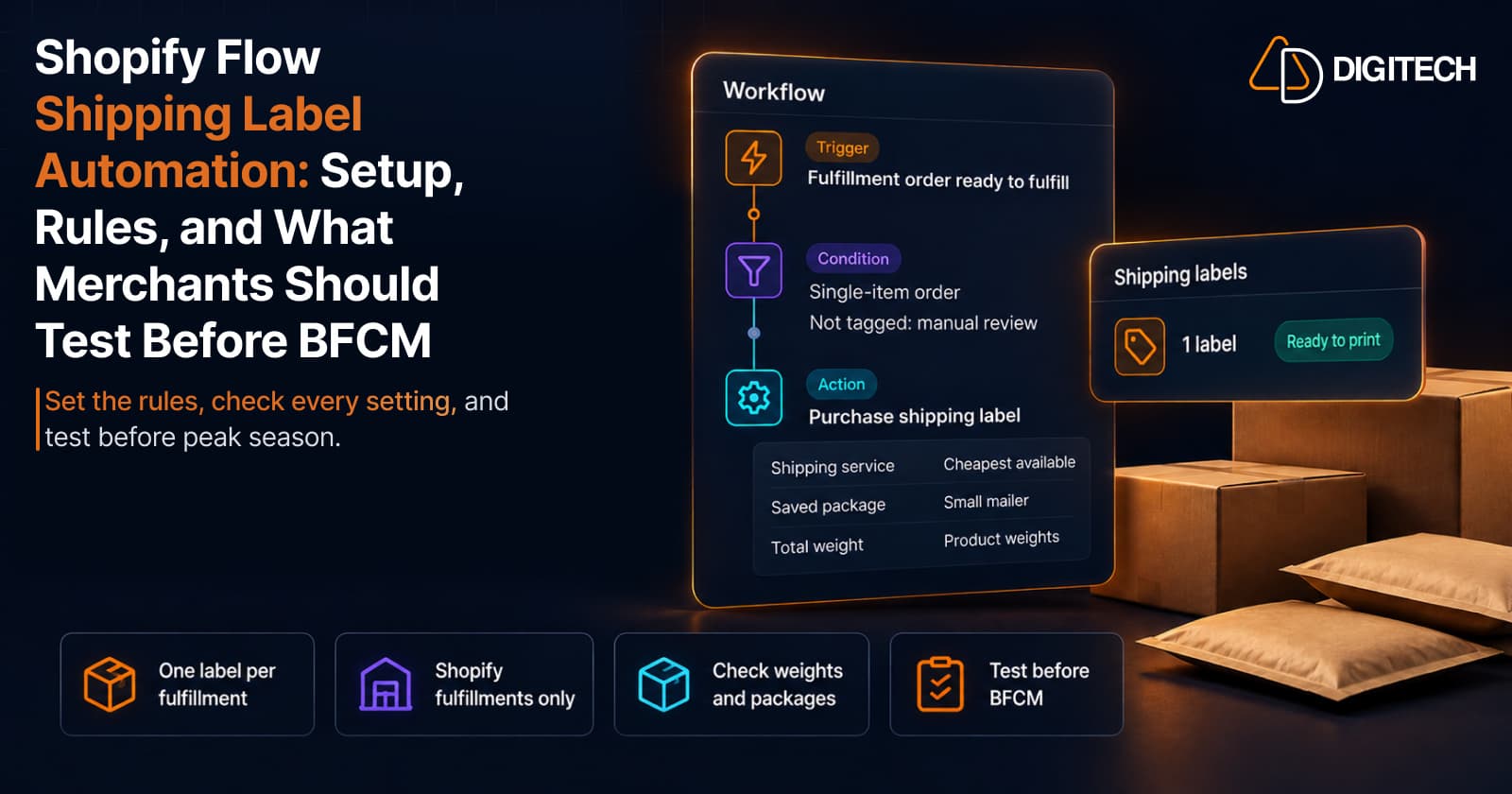
Shopify Flow Shipping Label Automation: Setup, Rules, and What Merchants Should Test Before BFCM
Shopify Flow can now buy shipping labels automatically for orders that match your rules. Here's how the action works, example workflows, and what to test before BFCM.
Read article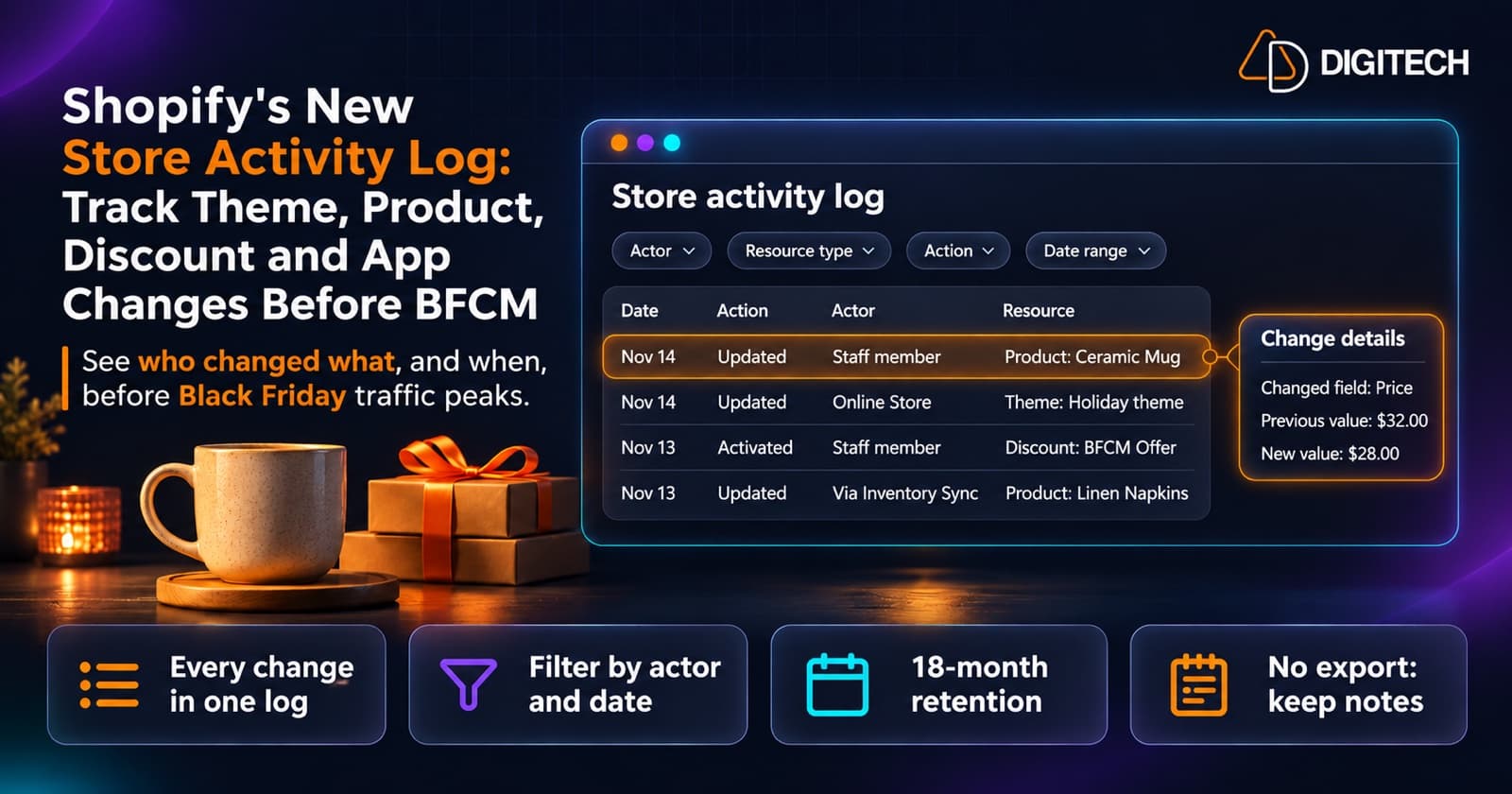
Shopify's New Store Activity Log: Track Theme, Product, Discount and App Changes Before BFCM
Shopify rebuilt its store activity log with filters, change details and 18-month retention. Who gets it, what it records, its limits and a BFCM checklist.
Read article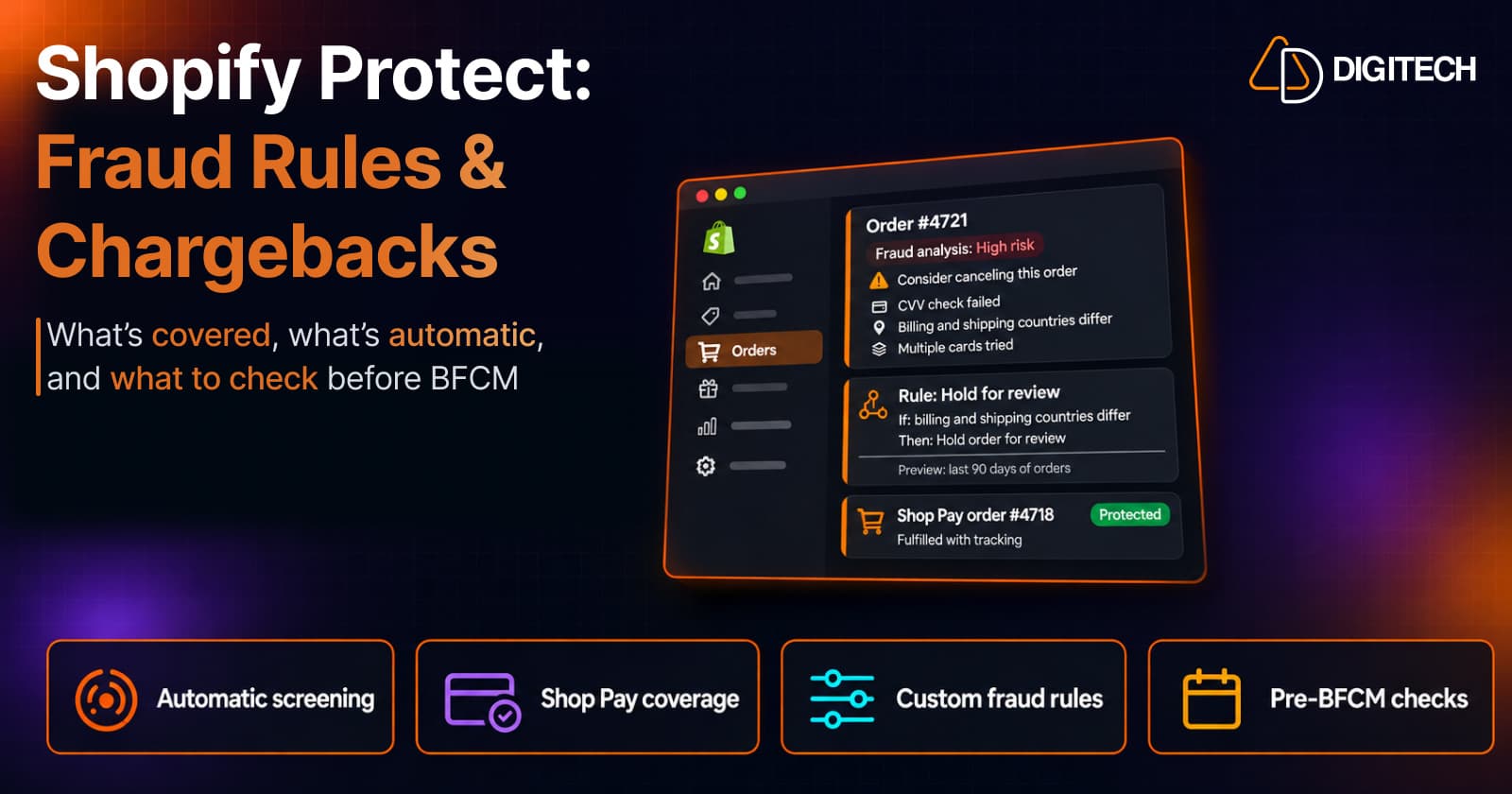
Shopify Protect: What It Covers, How Fraud Rules Work, and What Merchants Should Check Before BFCM
Shopify now uses the name Shopify Protect for its fraud and dispute tools on Shopify Payments, not only for Shop Pay chargeback coverage. Here's what works automatically, which chargebacks are covered, how the new Rule Builder app works, and what to check before BFCM.
Read article
Shopify BFCM Integration Testing: How to Find App and System Risks Before Black Friday 2026
Prepare your Shopify store for BFCM 2026. Test checkout, shipping apps, payments, inventory sync, and custom integrations before Black Friday.
Read article
Shopify Adds Stock Counts in Admin: How Merchants Can Verify Inventory Before Peak Season
Shopify stock counts let staff record what's on the shelf and let a manager approve the differences before inventory changes. Here's how the workflow works in admin and POS.
Read article
Shopify Automated Policies: 7 Things Merchants Should Check Before Enabling Them
Shopify can now generate and update your return, shipping, terms of service and contact policies from your store settings. Here's what to check before you turn automation on.
Read article
Shopify Purchase Order Analytics: How to Spot Stock Risks Before BFCM
Shopify Analytics now includes purchase order reports. Here's what each report shows, how to use them to spot stock risks before BFCM, and what they can't tell you.
Read article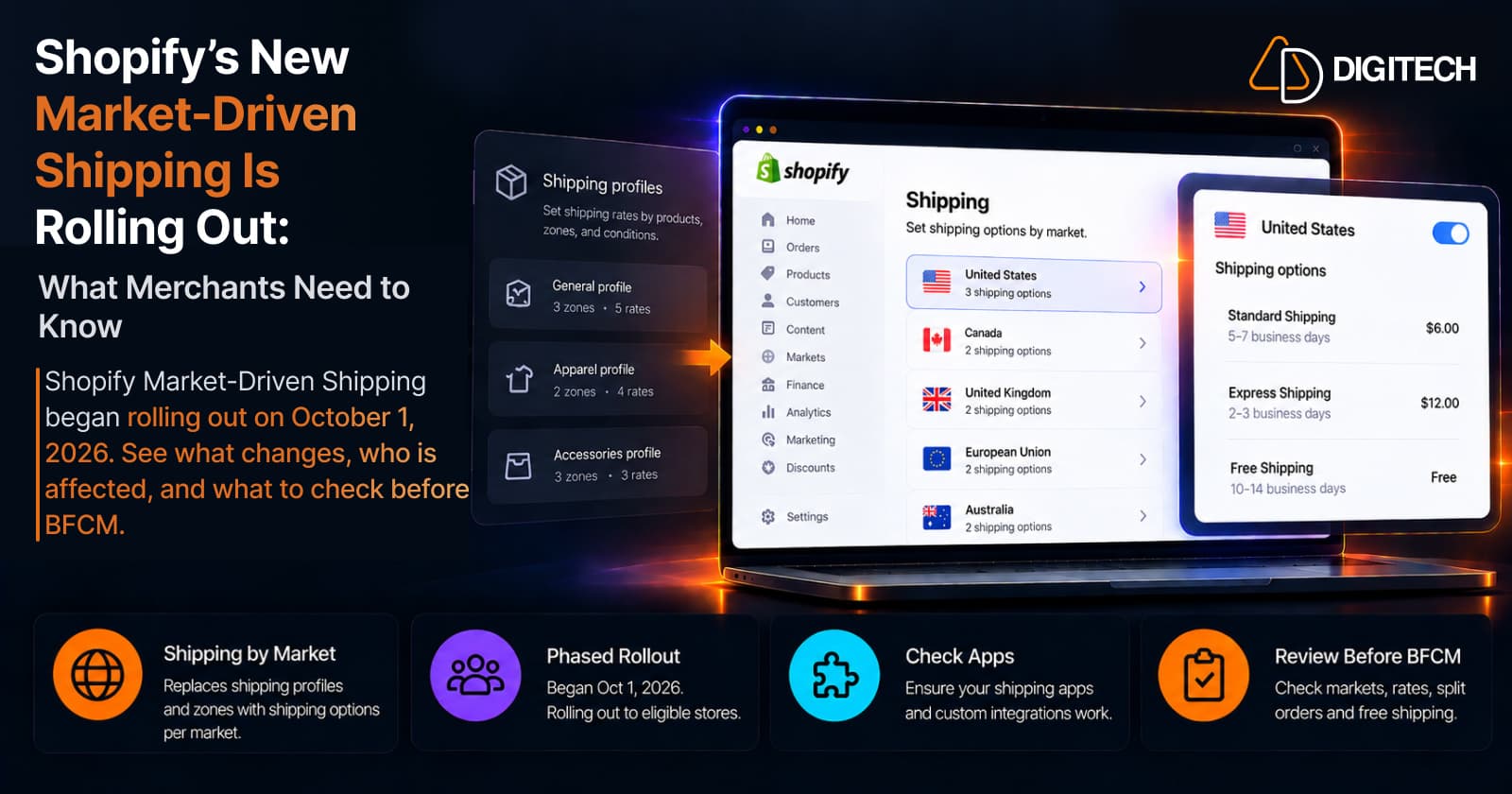
Shopify's New Market-Driven Shipping Is Rolling Out: What Merchants Need to Know
Shopify Market-Driven Shipping began rolling out on October 1, 2026. See what changes, who is affected, and what to check before BFCM.
Read article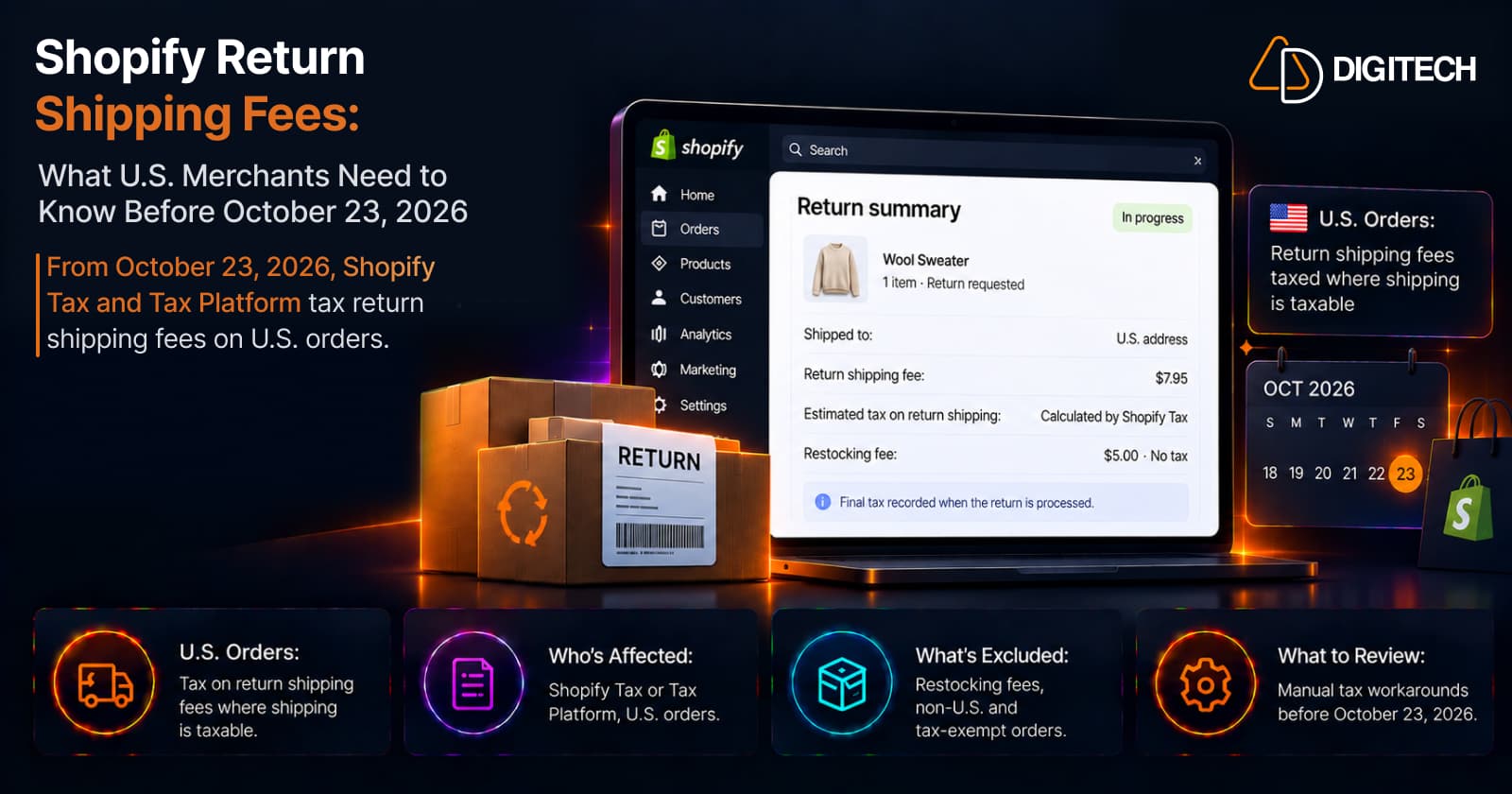
Shopify Return Shipping Fee Tax: What U.S. Merchants Need to Know
Since October 23, 2026, Shopify Tax and Tax Platform calculate tax on return shipping fees for U.S. orders. Who's affected, what's excluded, and what to review.
Read article