Shopify App vs Custom App: When Your Store Needs Custom Development
When is an existing Shopify App Store app enough, and when does your store need a custom app? Signs, costs, platform limits and a checklist for merchants.
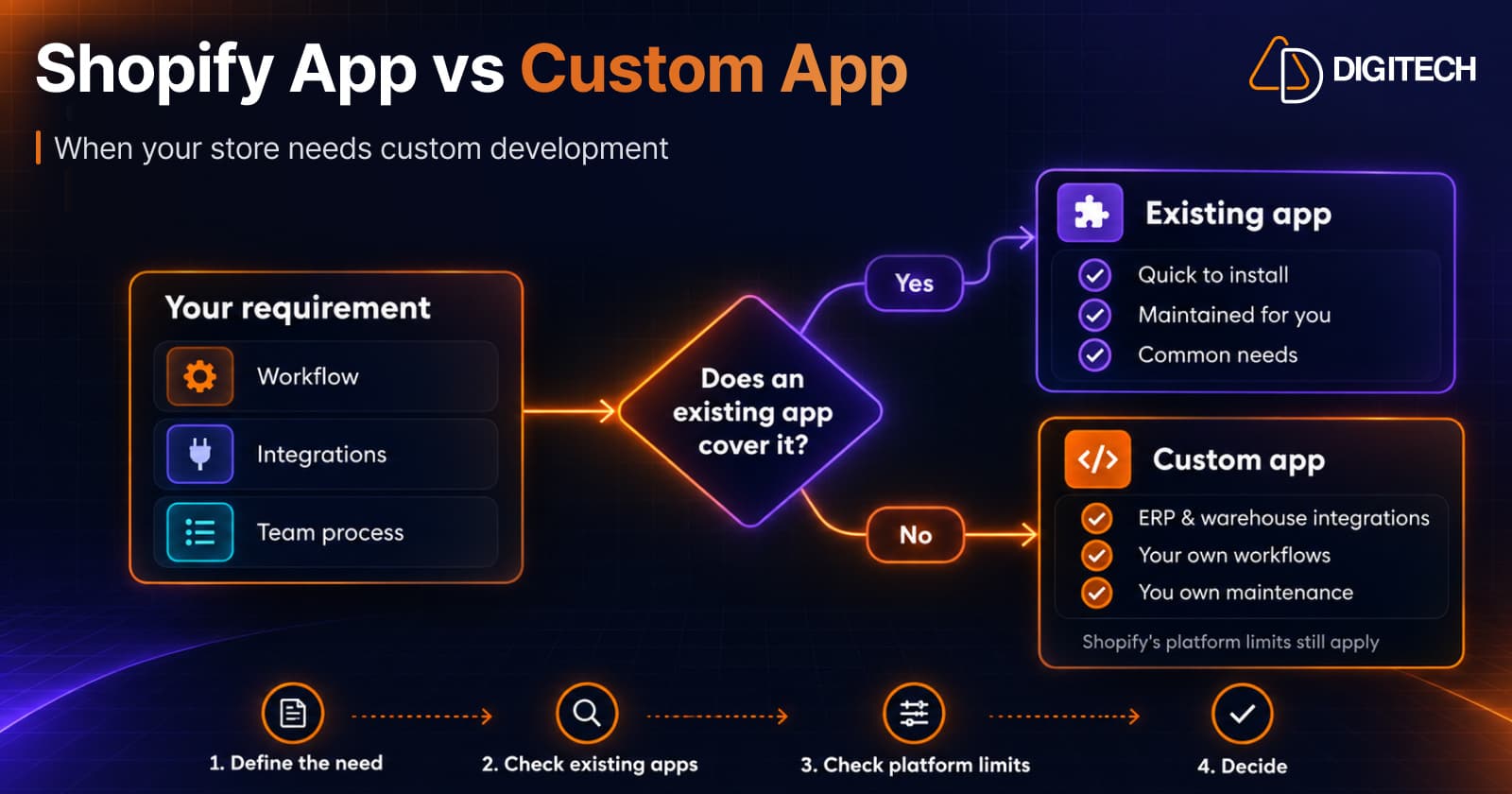
Most Shopify stores run on apps from the Shopify App Store, and for good reason: they're quick to install, someone else maintains them, and they cover common needs well. But sometimes the app that fits your business doesn't exist, or you're paying for three apps and a spreadsheet to do one job.
This guide is for merchants weighing that decision: when an existing app is enough, and when a custom Shopify app is worth it. It isn't a case for building everything yourself. Often the honest answer is "use an app".
Shopify App Store Apps vs Custom Apps
Shopify distinguishes two kinds of apps a merchant installs:
- Public apps are built for many stores. They're installed from the Shopify App Store (listed, or unlisted with a direct link), and both go through Shopify's app review.
- Custom apps are built for one store. Shopify describes a custom app as one "that you or a developer builds exclusively for your Shopify store". Custom apps aren't listed on the App Store and don't go through App Store review.
A custom app can be installed on a single store, on several stores in the same Shopify Plus organization, or on development stores. New custom apps are created and managed in Shopify's Dev Dashboard. Apps created in the admin before January 1, 2026 still work as legacy custom apps, but new ones can't be created there. The old "private apps" were deprecated in 2022 and converted to custom apps, so a quote that mentions private apps is out of date.
If the question is whether to use Shopify Functions or an app for discounts, shipping or payment logic, that's a different decision, covered in our guide to Shopify Functions vs traditional apps.
What an Existing App Does Well
An App Store app is usually the right choice when:
- The need is common. Reviews, subscriptions, loyalty, email, product bundles and shipping labels are well served.
- Speed matters. You can install and test an app in an afternoon.
- You don't want to maintain software. The developer handles hosting, updates, API changes and security.
- It covers most of what you need. A small gap you can work around is cheaper than custom software.
- Many stores use it. Popular apps have been tested across many setups, and reviews show how the developer supports merchants.
App Store apps aren't free of trade-offs: monthly fees, features you don't need, app code that can slow the storefront, and the risk that the developer changes pricing or stops supporting the app. Our guide to how third-party apps affect store performance covers the speed side.
What a Custom App Can Do
A custom app is software built around your business. Typical uses:
- Integrations with systems that have no reliable connector: an ERP, a warehouse or 3PL, a CRM, a product information system or an internal tool.
- Workflows specific to your operation: approvals, made-to-order production steps, custom fulfillment routing, B2B rules.
- Admin tools for your team, such as a screen that pulls together data from several places.
- Data handling on your terms: what's stored, where, and for how long.
- Replacing several apps that each do part of one job.
A custom app can also include extensions, such as admin blocks, checkout UI extensions or Shopify Functions, where your plan allows them.
Signs Your Store May Need a Custom App
None of these alone proves you need one. Several together usually mean it's worth a closer look.
- No app does the core job. You've tried the realistic options and each misses something essential, not a nice-to-have.
- You're stacking apps and manual work for one outcome. Data moves between apps by export, spreadsheet or copy-paste.
- A key system has no connector, or the connector can't handle your data, volumes or timing.
- The workflow is central to how you make money, and every workaround costs time or causes errors.
- Your team does the same manual task every day that software could do reliably.
- App fees keep growing with order volume, and you're paying for features you don't use.
- You need control over data or access that an app's settings don't give you.
When an Existing App Is the Better Choice
- The app covers your need and the gap is minor.
- The process isn't central to the business or doesn't happen often.
- You don't have budget for ongoing maintenance, not only the first build.
- You're still working out the process. Software built too early tends to cement the wrong process.
- The real fix is smaller: a setting, a Shopify Flow workflow, a theme change or a metafield.
Practical Examples
These scenarios are illustrative, not client cases.
| Situation | Usually enough | When a custom app makes sense |
|---|---|---|
| Sync stock with a warehouse | A connector app from the 3PL or an App Store integration | The warehouse system has no connector, or you need custom rules for allocation and timing |
| Send orders to an ERP | An existing ERP connector | The connector can't map your products, tax or B2B data the way your ERP needs |
| Made-to-order products | A product options app plus order notes | Orders need production steps, approvals or files tracked across a team |
| Wholesale pricing and terms | Shopify's B2B features (on Plus) or a wholesale app | Your pricing rules or approval flow go beyond what either supports |
| Monthly reporting from several sources | Shopify Analytics plus app reports | You need one internal view combining Shopify data with other systems |
Cost: Subscription vs Build and Ownership
Prices vary too much to quote fairly, so compare the parts instead:
| App Store app | Custom app | |
|---|---|---|
| Upfront | Usually none, or setup | Discovery, design, development and testing |
| Ongoing | Monthly fee, sometimes usage-based | Hosting, monitoring, maintenance and support |
| Platform changes | The developer updates the app | You pay to keep up with Shopify API changes |
| Changes to fit you | Limited to the app's settings | You decide, and pay for each change |
| Ownership | You use the vendor's product | You own the app's code, according to your contract |
Two points are easy to miss:
- Maintenance isn't optional. Shopify releases a new API version every quarter, and each is supported for at least 12 months. A custom app has to be updated to keep working.
- Custom apps can't bill you through Shopify. The developer charges you directly, under your own agreement.
Platform Limits Still Apply
A custom app doesn't bypass Shopify's rules:
- Same APIs and permissions. A custom app can only access data through Shopify's APIs and the permissions you grant. Rate limits apply, and some limits vary by API and plan.
- Functions in custom apps are Plus-only. Shopify's docs say only stores on Shopify Plus can use custom apps that contain Shopify Functions. Stores on any plan can use public apps with Functions.
- Checkout is restricted. Apps on the information, shipping and payment steps of checkout are for Shopify Plus, and checkout apps must meet Shopify's design requirements, whether public or custom.
- Protected customer data has additional requirements. Access to sensitive customer information depends on the app's distribution method, requested permissions, and Shopify's protected customer data requirements. For legacy admin-created custom apps, access to Level 2 protected customer data can also depend on the merchant's Shopify plan. Confirm the applicable requirements before development.
If a requirement depends on something Shopify doesn't allow, a custom app won't change that. A good developer will tell you early.
How to Evaluate Your Requirements Before Hiring a Developer
Write down:
- The outcome. What should happen, in one or two sentences?
- The current process. Every step, every tool, and who does it.
- Systems involved. Shopify, plus any ERP, 3PL, CRM or internal tools, and whether they have APIs.
- What you've tried. Which apps, and exactly where each fell short.
- Volume and frequency. Orders, products and how often the process runs.
- Plan. Whether you're on Shopify Plus matters for checkout and Functions.
- Ownership. Who will maintain the app, and your budget for that.
- Success. How you'll know it's working.
This is also the best way to find out you don't need a custom app at all.
Decision Checklist
- An existing app covers the essential need → use the app.
- The gap is small and can be worked around → use the app.
- A setting, Flow workflow or theme change solves it → do that first.
- No app fits a workflow that matters to revenue or operations → consider a custom app.
- Several apps plus manual work produce one outcome → consider a custom app.
- A system you depend on has no workable connector → consider a custom app.
- You can't fund ongoing maintenance → don't build yet.
- The requirement depends on something Shopify doesn't allow → a custom app won't solve it.
For apps built by agencies that also serve many stores, see our guide to Built for Shopify certification, which covers the quality bar Shopify sets for App Store apps.
Frequently asked questions
What is a custom Shopify app?
An app built for one store's specific needs. Shopify describes it as an app that you or a developer builds exclusively for your store. It isn't listed on the Shopify App Store, and new custom apps are created and managed in Shopify's Dev Dashboard.
Is a custom app better than an app from the Shopify App Store?
Not by default. If an existing app covers what you need at a sensible price, it's usually faster, cheaper and maintained by someone else. A custom app makes sense when no app fits a workflow that matters to your business, or when you'd otherwise stitch several apps together.
Can a custom app get around Shopify's limits?
No. A custom app uses the same APIs, permissions and platform rules as any other app. For example, only stores on Shopify Plus can use custom apps that contain Shopify Functions, and checkout apps on the information, shipping and payment steps are Plus-only.
Who maintains a custom Shopify app?
You do, usually through a developer or agency. Shopify releases a new API version every quarter and supports each one for at least 12 months, so a custom app needs regular updates as well as hosting, monitoring and security care.
Can I still create a custom app in the Shopify admin?
Not new ones. Shopify says custom apps are created and managed in the Dev Dashboard; legacy custom apps created in the admin before January 1, 2026 can still be managed there and keep working.
What should I prepare before talking to a Shopify developer?
A clear description of the workflow, the systems involved, what an existing app can't do, how often it happens, who uses it, and what would count as success. That makes it much easier to judge whether you need a custom app, an existing app, a Shopify Flow workflow or a small theme change.
Need a Custom Shopify App for Your Store?
AD Digitech helps Shopify merchants build custom apps, automate workflows, and connect their stores with external systems. Share your requirements with our team to explore the right solution.
Related reading
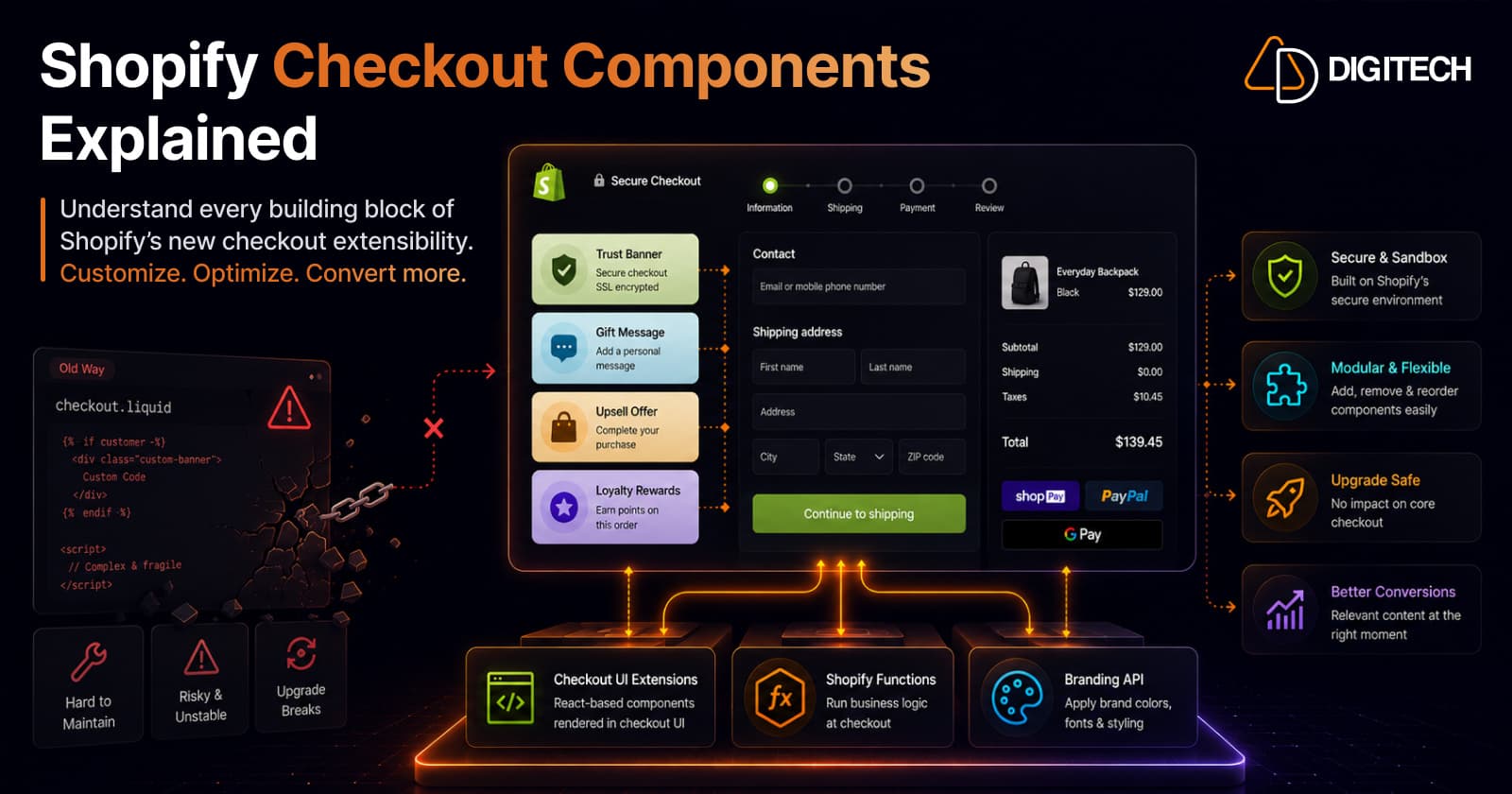
Shopify Checkout Components Explained: What Merchants Need to Know in 2026
Checkout Components — Shopify's Checkout UI Extensions — are the modern, supported way to customize checkout: sandboxed React-style components that add banners, custom fields, and upsells without touching checkout.liquid. Here's what they are, what you can build, why the new model is safer, and what's available on your plan in 2026.
Read article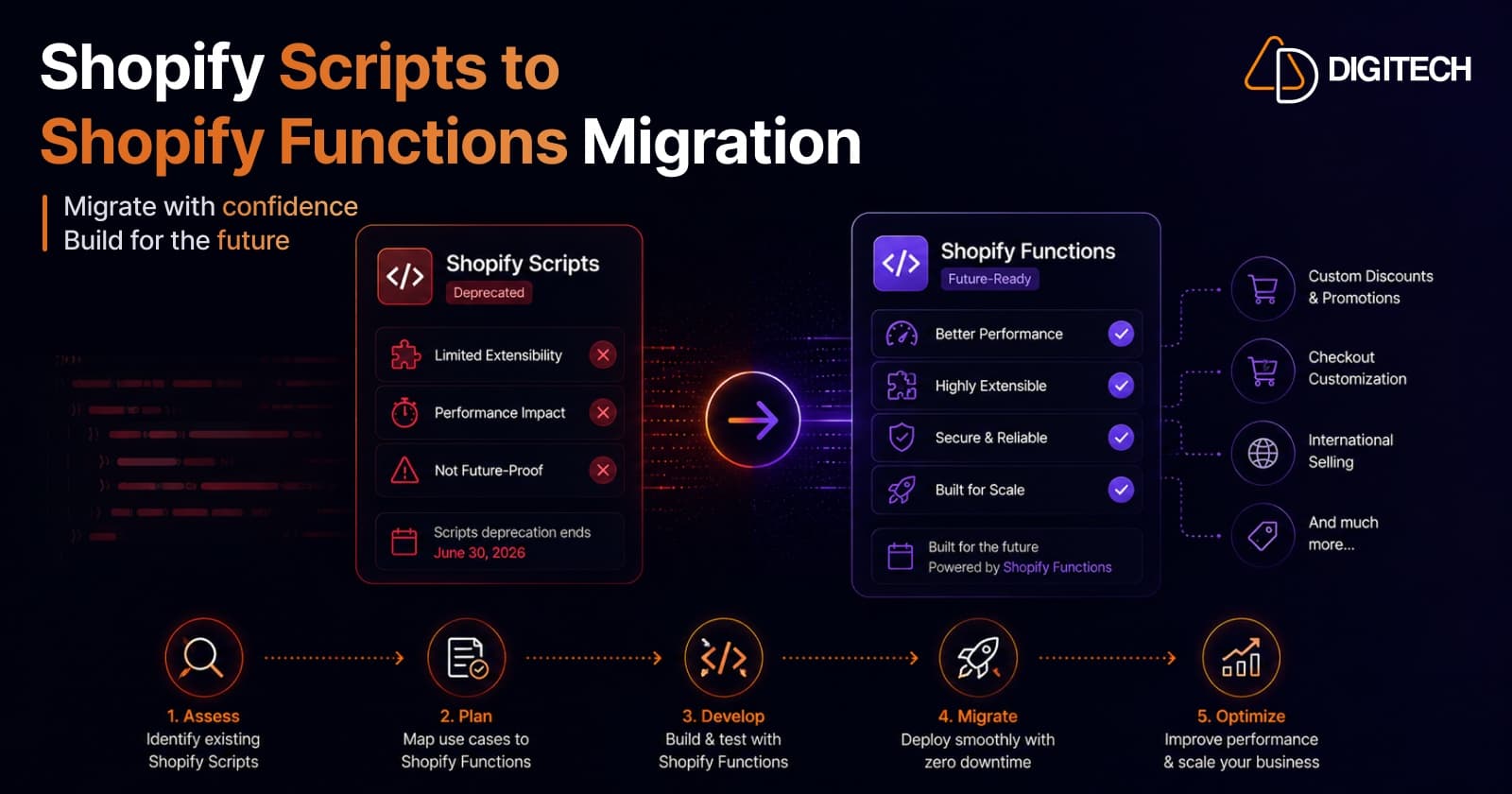
Shopify Scripts Are Deprecated: How to Migrate to Shopify Functions (Complete Guide)
Shopify Scripts and checkout.liquid stop executing on June 30, 2026 — permanently, with no grace period. This complete guide covers exactly what's affected, how to audit your Scripts, the three migration paths to Shopify Functions, and a step-by-step cutover plan to keep your discount, shipping, and payment logic working.
Read article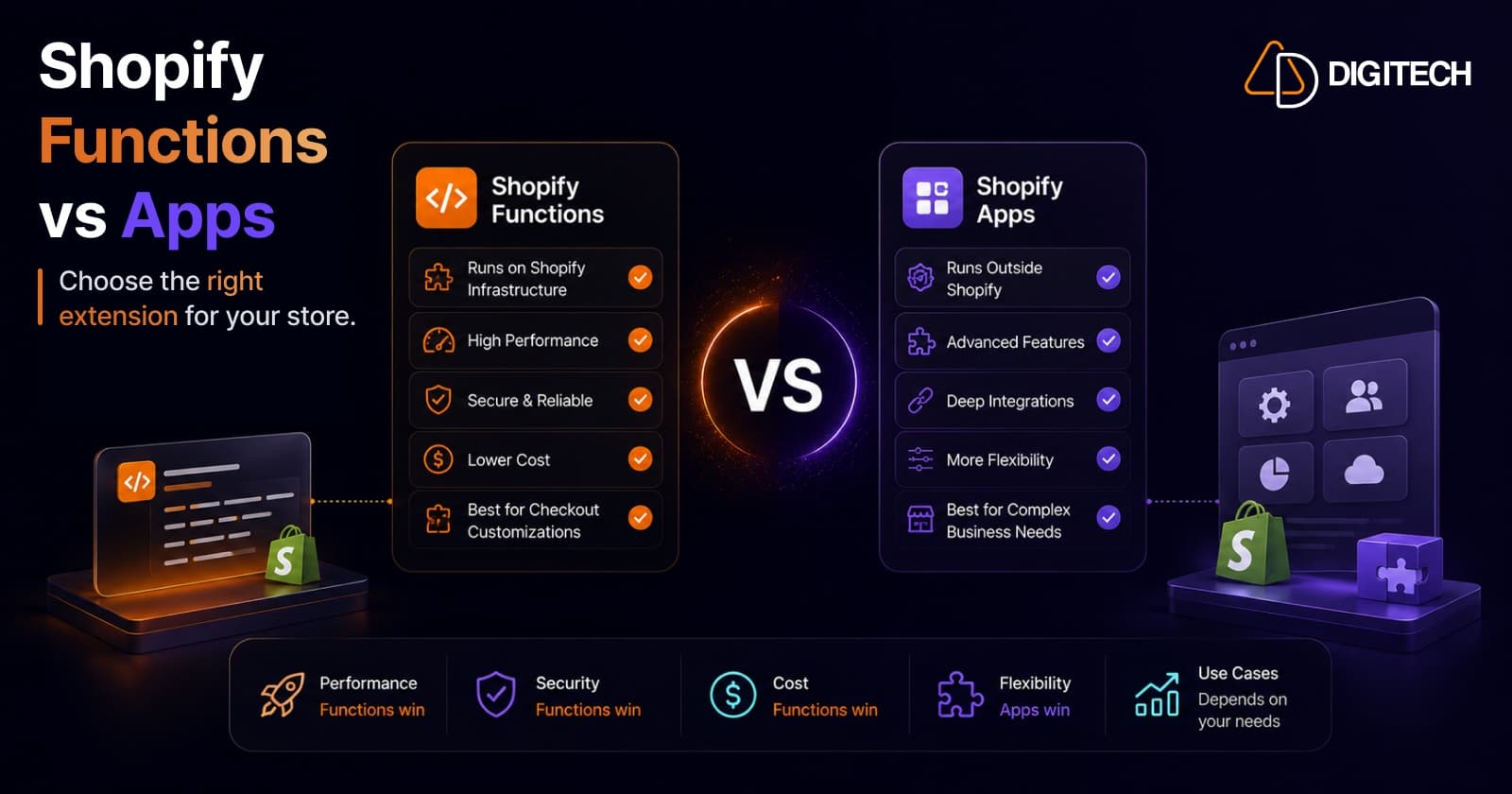
Shopify Functions vs Traditional Apps: Which Solution Is Right for Your Store?
Shopify Functions run custom logic natively on Shopify's infrastructure; traditional apps run on external servers with full flexibility. Here's a practitioner's guide to which to use, when to combine them, and why the June 30, 2026 Scripts sunset makes the decision urgent.
Read article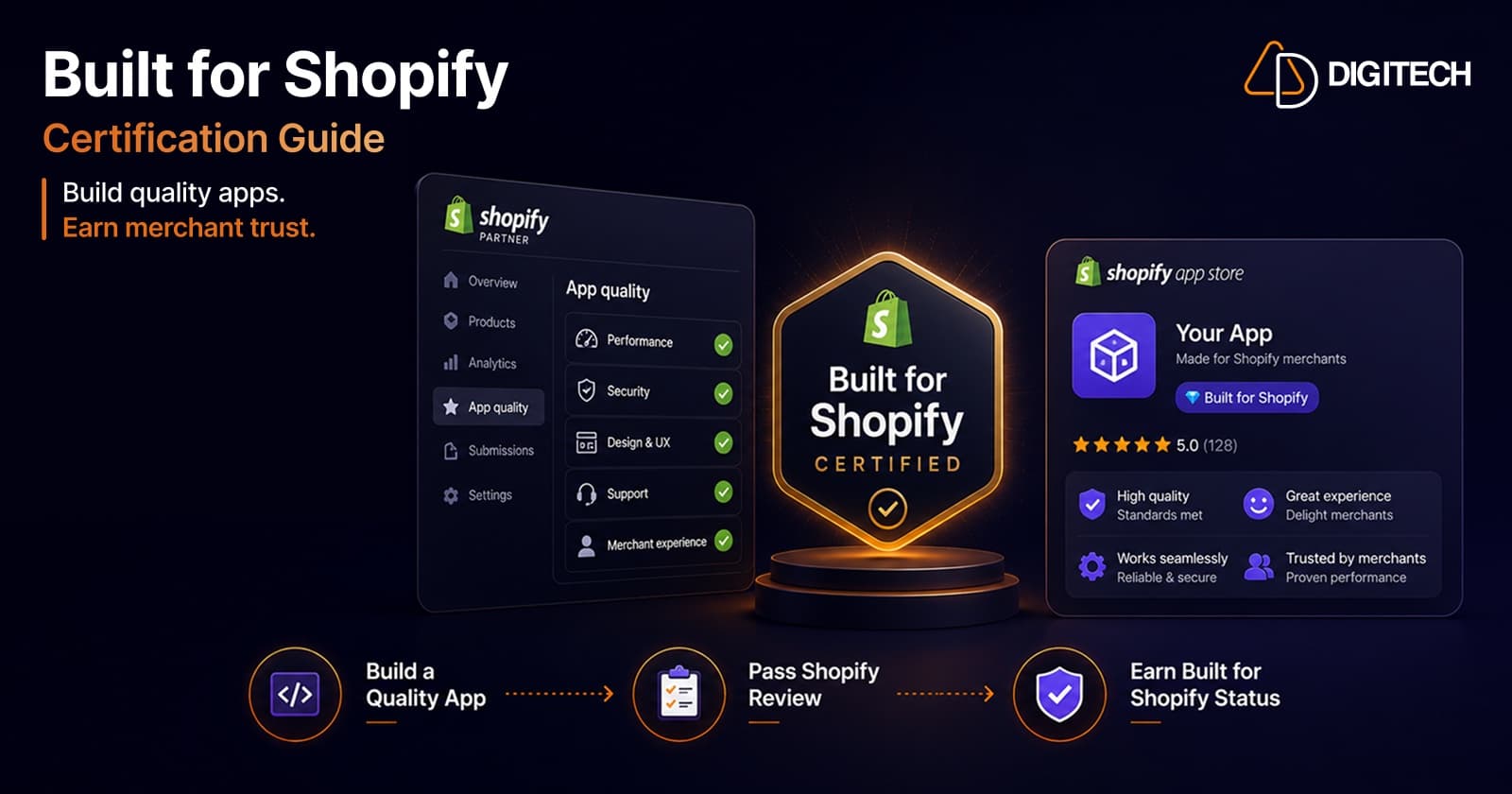
How to Get Built for Shopify Certified: A Practitioner's Guide (From a Team That's Done It Twice)
What the Built for Shopify badge actually requires in 2026 — the performance, design, and integration bars — and the step-by-step path to earning and keeping it, from a team with two certified apps.
Read article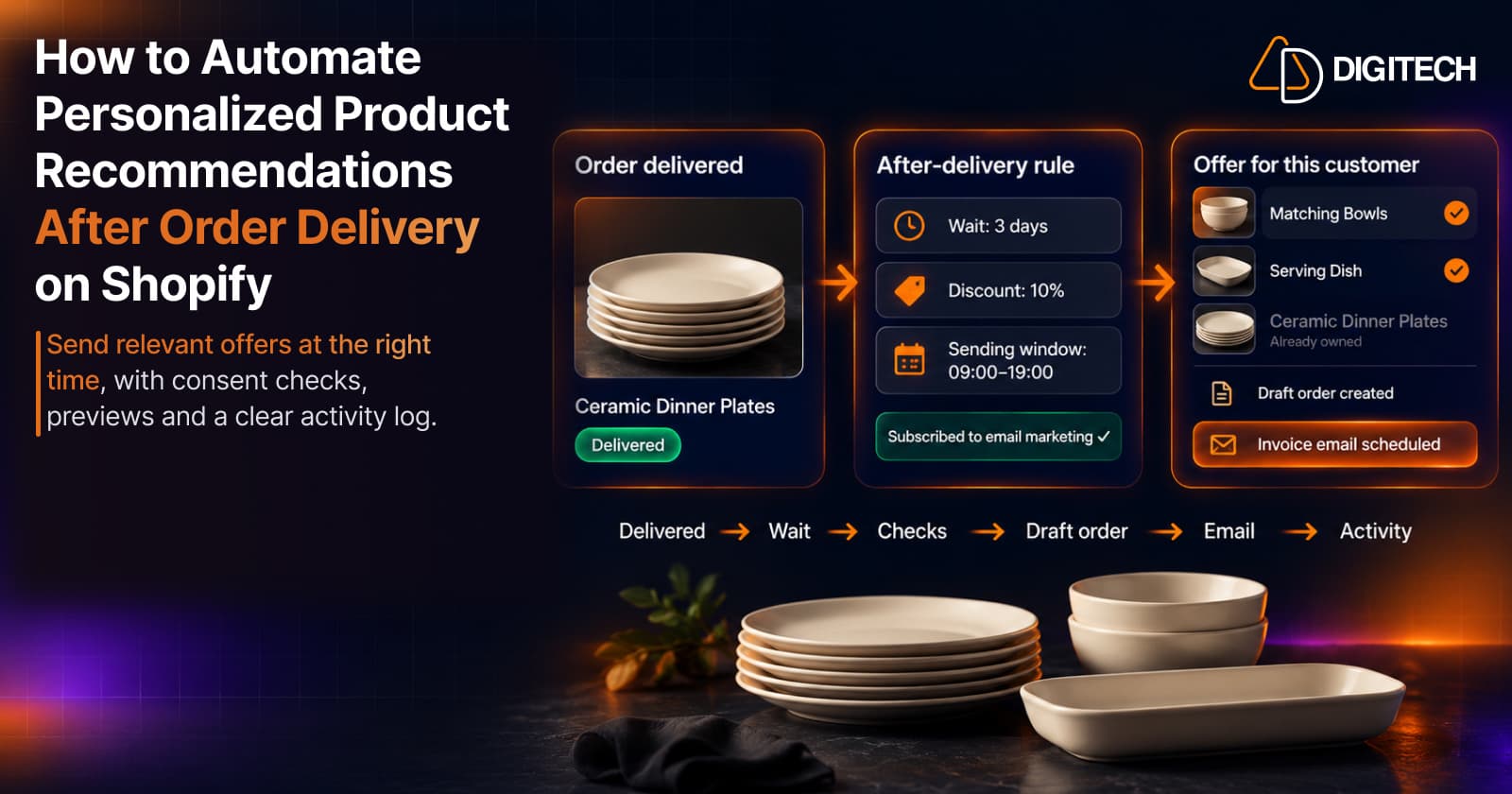
How to Automate Personalized Product Recommendations After Order Delivery on Shopify
Automate post-delivery product recommendations on Shopify: delivery triggers, wait periods, consent, previews, queues and tracking sent or skipped offers.
Read article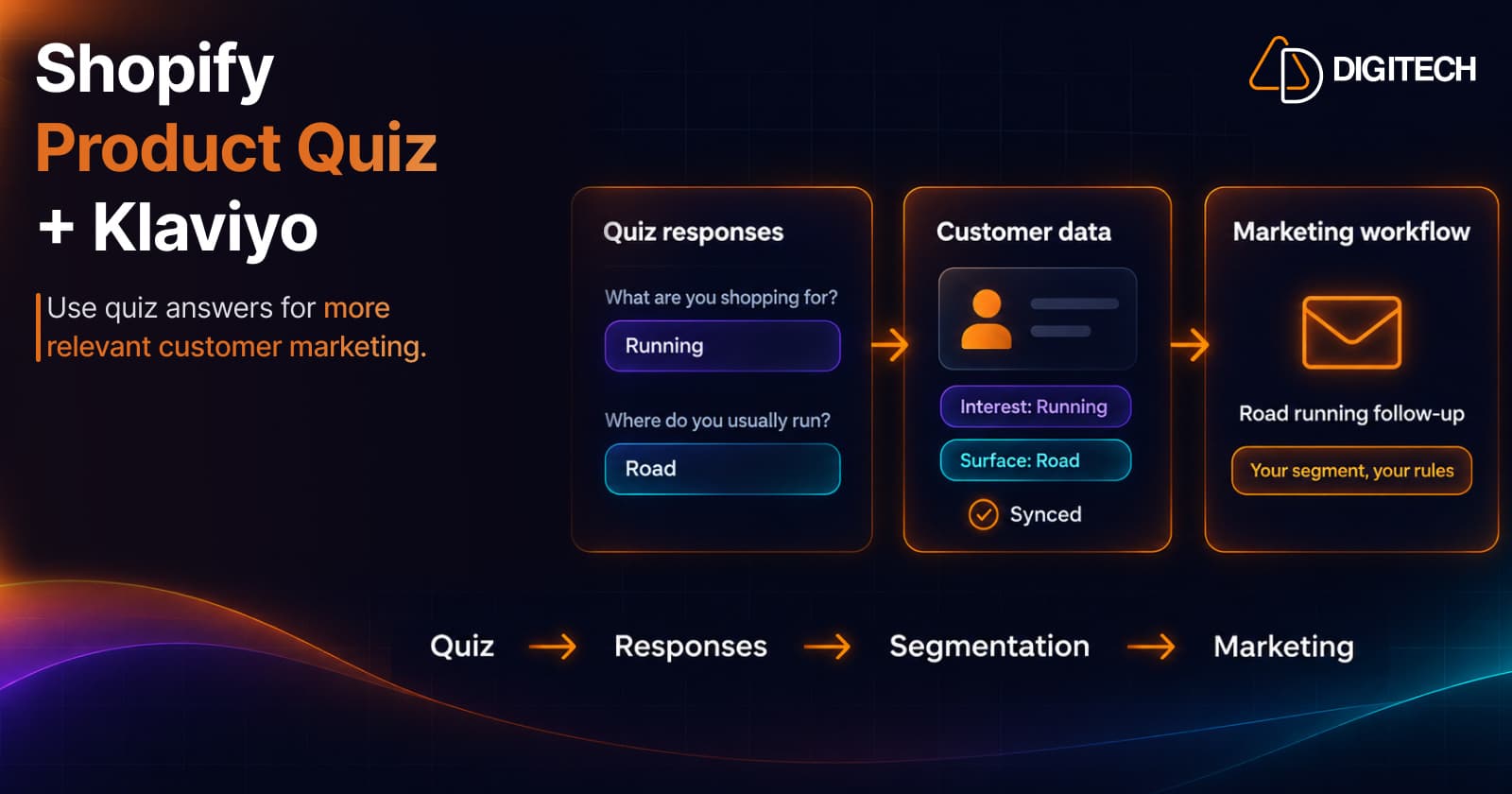
Shopify Product Quiz + Klaviyo: How to Use Quiz Answers for Better Customer Segmentation
Learn how Shopify product quizzes can collect customer preferences and sync quiz responses with Klaviyo and Omnisend for relevant marketing.
Read article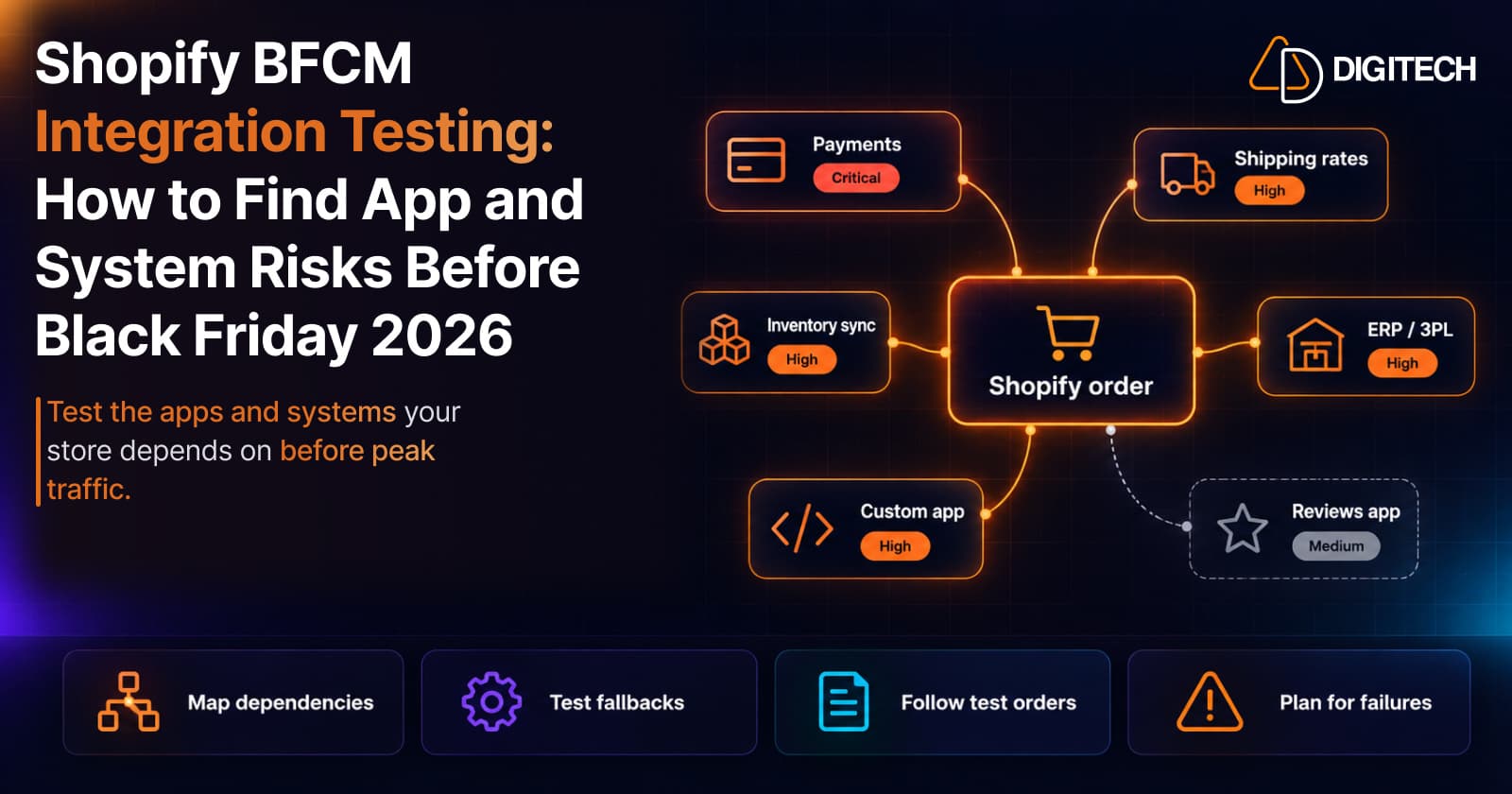
Shopify BFCM Integration Testing: How to Find App and System Risks Before Black Friday 2026
Prepare your Shopify store for BFCM 2026. Test checkout, shipping apps, payments, inventory sync, and custom integrations before Black Friday.
Read article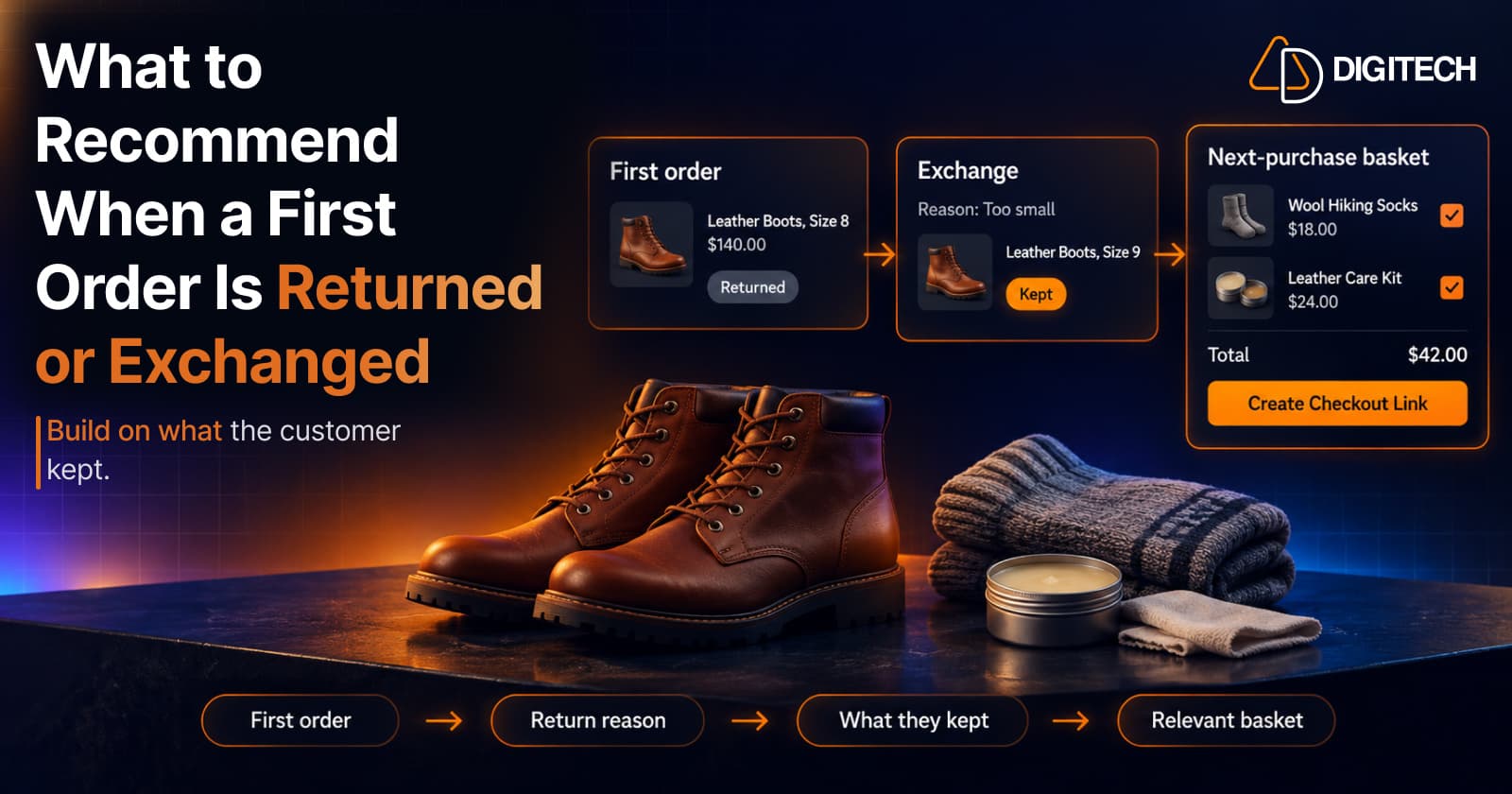
What to Recommend When a Customer's First Shopify Order Is Returned or Exchanged
A returned or exchanged first order changes what you know about a customer. Here's how Shopify merchants can read return reasons and recommend a relevant next product.
Read article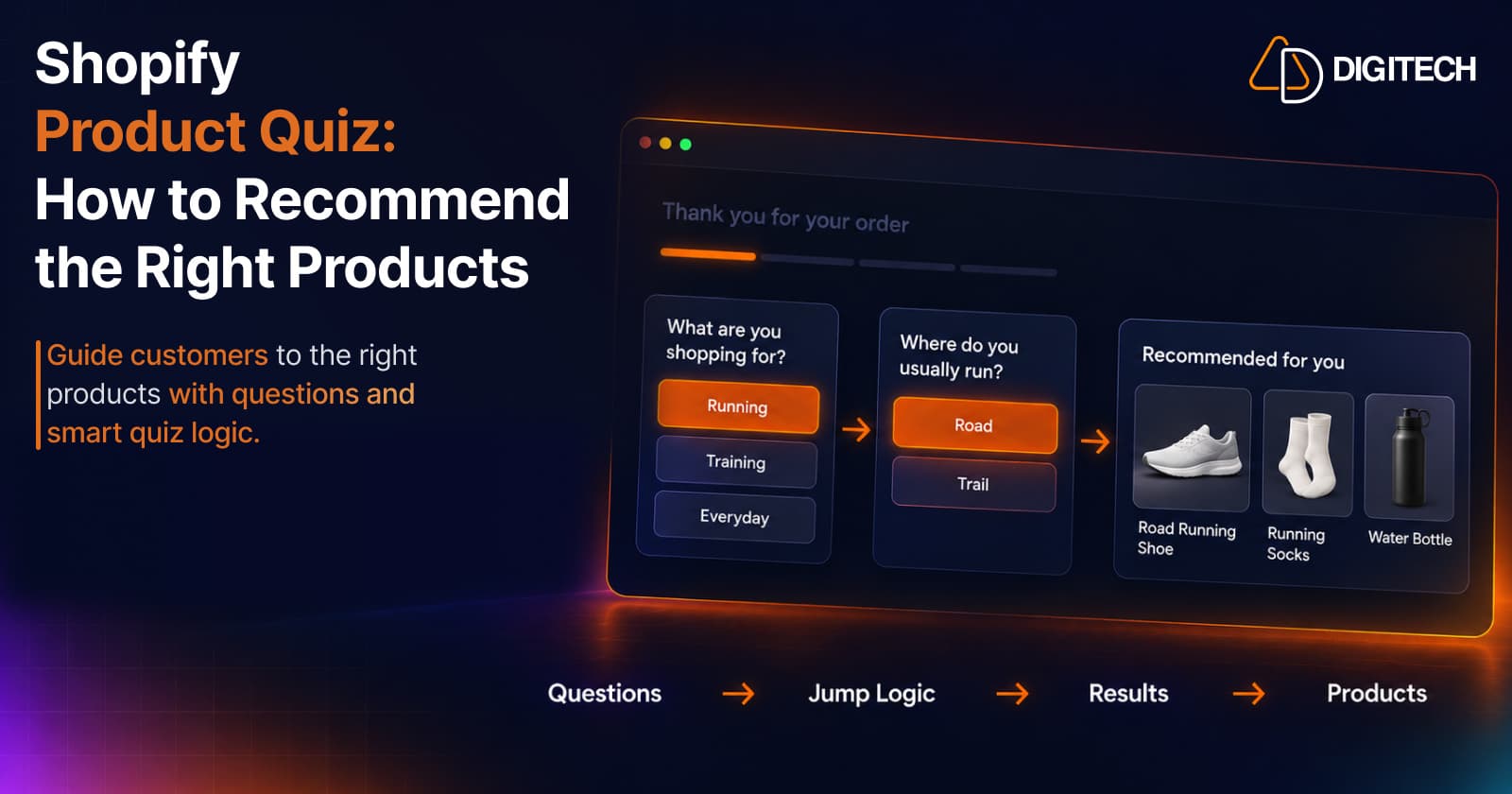
Shopify Product Quiz: How to Recommend the Right Products Based on Customer Answers
Learn how Shopify product quizzes use questions, logic and results to guide customers toward relevant products.
Read article