Shopify Functions vs Traditional Apps: Which Solution Is Right for Your Store?
Shopify Functions run custom logic natively on Shopify's infrastructure; traditional apps run on external servers with full flexibility. Here's a practitioner's guide to which to use, when to combine them, and why the June 30, 2026 Scripts sunset makes the decision urgent.
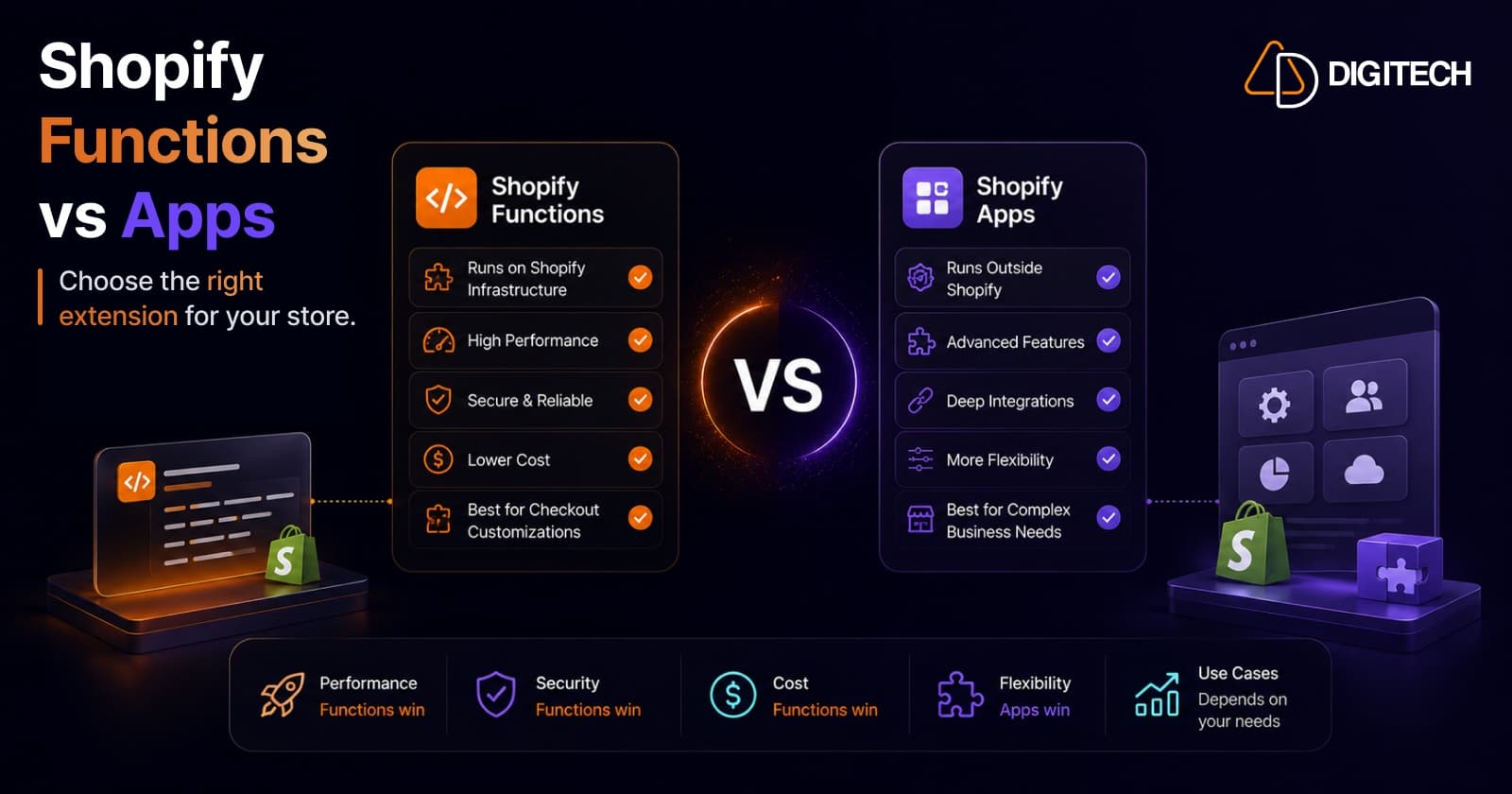
The short answer: it's not either/or. Shopify Functions handle fast, native back-end logic at the cart and checkout; traditional apps handle UI, integrations, and external data. The right choice depends on what you're customizing — and if you're still on Shopify Scripts, the June 30, 2026 sunset makes this decision urgent.
We build both — custom Functions and full Shopify apps — so this is the framework we walk clients through when they ask "do we need an app for this, or can a Function do it?"
First, clear up the confusion
A Shopify Function is delivered as an app extension — so "Functions vs apps" is slightly misleading. The useful distinction is where the logic runs:
- Shopify Functions run natively on Shopify's infrastructure (compiled to WebAssembly), at specific extension points, with no external server.
- Traditional apps run on your own or a vendor's servers, talking to Shopify over APIs and webhooks, often with their own UI and database.
That difference — native vs external — drives everything below: speed, cost, flexibility, and maintenance.
What Shopify Functions are
Functions are small, focused pieces of custom logic that Shopify executes inside its own platform. You write them (in Rust or JavaScript/TypeScript compiled to WASM), package them like an app, and deploy them to run at well-defined points:
- Discounts — product, order, and shipping discounts (including complex, multi-condition logic)
- Cart and checkout validation — block or warn on quantities, combinations, addresses
- Delivery and payment customization — reorder, rename, or hide methods
- Cart transforms / bundles — group or expand line items
- Fulfillment constraints and order routing — newer extension points, with more added over time
Their superpower is performance. Because they run at Shopify's infrastructure layer rather than over a network round-trip, they're effectively instant, don't slow checkout, and carry no hosting cost. That also makes them friendly to the Built for Shopify performance bar.
We've shipped this in production: Podifai — a Shopify product-customizer app we built — applies its custom add-on and engraving pricing natively at checkout through a Shopify Function, so prices update instantly with no external call in the buyer's path.
Their limit is scope. A Function only runs at its defined point, works from the input Shopify gives it, can't make external API calls mid-execution, and runs under strict time/resource limits. No UI, no database, no calling your ERP. They do one job, extremely fast.
What "traditional apps" are
A traditional app runs on infrastructure you control. It uses the Admin and Storefront APIs, subscribes to webhooks, can embed UI in the admin (via App Bridge) or in checkout (checkout UI extensions on Plus), and can do essentially anything code can do:
- Custom dashboards and merchant-facing UI
- Third-party and external-data integrations (ERP, CRM, 3PL, marketing)
- Background jobs, scheduled syncs, and queues
- Storing and processing data outside Shopify
Its superpower is flexibility. If you can imagine it, an app can do it. Its costs are latency (network round-trips), hosting and maintenance, and a performance footprint you have to manage carefully.
The 2026 forcing function: Scripts sunset June 30
If your store runs Shopify Scripts, this isn't an academic comparison. Scripts and checkout.liquid are fully sunset on June 30, 2026 — they stop executing that day, with no gradual phase-out (an editing freeze has applied since April 15, 2026). Any discount, shipping, or payment logic still on Scripts must move to Shopify Functions before then, or it simply stops working. (We cover the broader checkout-extensibility migration in our Shopify Plus vs Shopify guide.)
That migration is exactly the moment to decide, per use case, whether the logic belongs in a Function, a no-code Functions-powered app, or a custom build.
Strengths and limits, side by side
| Shopify Functions | Traditional apps | |
|---|---|---|
| Runs on | Shopify's infrastructure (WASM) | External server you/vendor host |
| Speed | Near-instant, no network hop | Network round-trips add latency |
| Cost | No hosting cost | Hosting + maintenance |
| Flexibility | Narrow, defined extension points | Virtually unlimited |
| UI | None | Admin + checkout UI |
| External data / APIs | Not during execution | Yes |
| Performance footprint | Minimal (BFS-friendly) | Must be managed |
| Best for | Checkout/cart logic | UI, integrations, workflows |
Which to use, by scenario
| What you need | Best fit |
|---|---|
| Custom or stacked discounts | Function |
| Volume / tiered / B2B pricing | Function |
| Hide/reorder/rename shipping or payment methods | Function (Plus) |
| Cart or checkout validation rules | Function |
| Product bundles | Function (cart transform) |
| One-click upsells / custom checkout UI | App (checkout UI extension, Plus) |
| Subscriptions | App |
| ERP / CRM / 3PL integration | App |
| Loyalty, reviews, marketing dashboards | App |
| Sync external data into pricing/availability | App (often feeding a Function) |
The hybrid reality
For most growing stores the answer is both, working together. A common pattern: an app owns the merchant UI and syncs data from an external system, then a Function applies the resulting logic at checkout in milliseconds. You get the app's flexibility and the Function's speed — without an external call slowing the buyer down at the worst possible moment.
The mistake we see most often is reaching for a heavy app (or stacking several) to do something a Function now does natively — paying in latency, fees, and fragility for capability Shopify gives you for free.
How to decide, in one line
If the customization is back-end logic at the cart or checkout, default to a Function — it's faster, cheaper, and performance-safe. If it needs UI, external data, or integration, you need an app. When it needs both, use an app to manage it and a Function to execute it.
We build and migrate both — Scripts-to-Functions migrations, custom Functions, and full Shopify apps — and we'll tell you honestly which one your use case actually needs. Explore our Shopify app development and Shopify store development work, or talk to us about your checkout logic before the Scripts deadline.
Frequently asked questions
What's the difference between Shopify Functions and traditional apps?
Shopify Functions are small pieces of custom back-end logic — discounts, shipping and payment rules, cart and checkout validation, bundles — that run natively on Shopify's own infrastructure, fast and with no external server. Traditional apps run on your (or a vendor's) servers and connect via APIs and webhooks; they're far more flexible (UI, dashboards, third-party integrations, external data) but add network latency and hosting cost. Functions are actually delivered as a type of app extension, so the real question is whether your customization can run as a Function or needs a full app.
Are Shopify Functions replacing apps?
No. They replace Shopify Scripts (which sunset June 30, 2026) and a slice of what some apps did at checkout — not apps in general. Functions only run at specific points (discounts, cart/checkout logic, delivery and payment customization) with constrained inputs and no external API calls. Anything involving UI, integrations, external data, or background processing still needs an app. Most stores use both.
Do Shopify Functions require Shopify Plus?
Not all of them. Discount Functions (product, order, and shipping discounts) are available on every plan. But delivery and payment customization Functions, and checkout UI extensions, require Shopify Plus as part of Checkout Extensibility. So basic discount logic is open to all stores; deeper checkout customization is a Plus capability.
When do Shopify Scripts stop working?
Shopify Scripts and checkout.liquid are fully sunset on June 30, 2026 — they stop executing that day with no gradual phase-out, and an editing freeze has applied since April 15, 2026. Any discount, shipping, or payment logic still running on Scripts must move to Shopify Functions (custom-built or via a Functions-powered app) before then, or it stops working.
Can a Shopify Function replace my app?
Sometimes. If an app exists purely to apply custom discounts, tiered or volume pricing, shipping/payment rules, or checkout validation, a Function can often replace it — faster and cheaper, with no external server. But if the app provides a UI, syncs external data, integrates a third-party service, or runs background jobs, a Function can't replace it; at most it offloads the checkout-logic piece.
Building something on Shopify?
We design, build, and maintain Shopify apps, stores, and AI products — to the standard this article describes.
Related reading
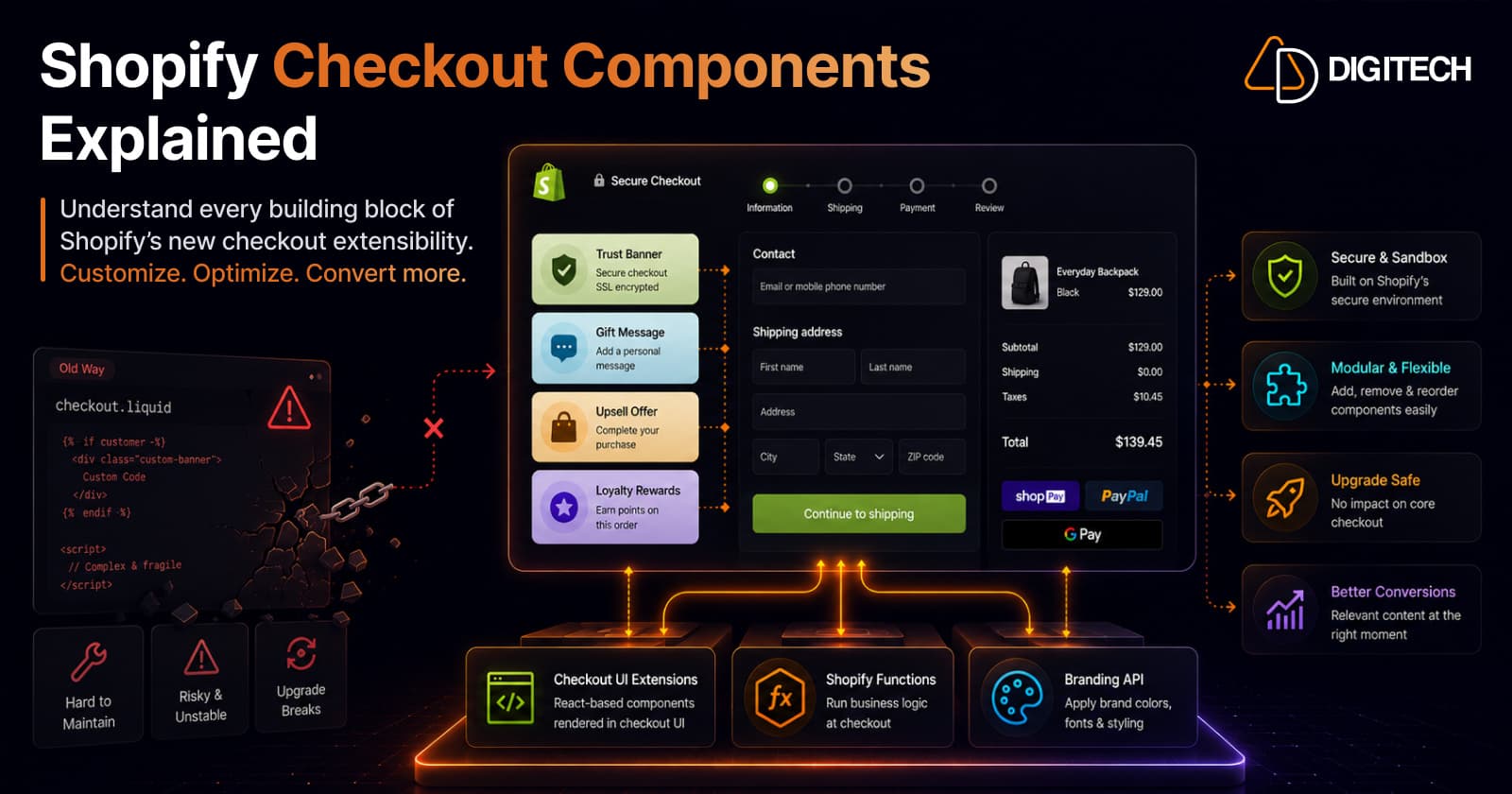
Shopify Checkout Components Explained: What Merchants Need to Know in 2026
Checkout Components — Shopify's Checkout UI Extensions — are the modern, supported way to customize checkout: sandboxed React-style components that add banners, custom fields, and upsells without touching checkout.liquid. Here's what they are, what you can build, why the new model is safer, and what's available on your plan in 2026.
Read article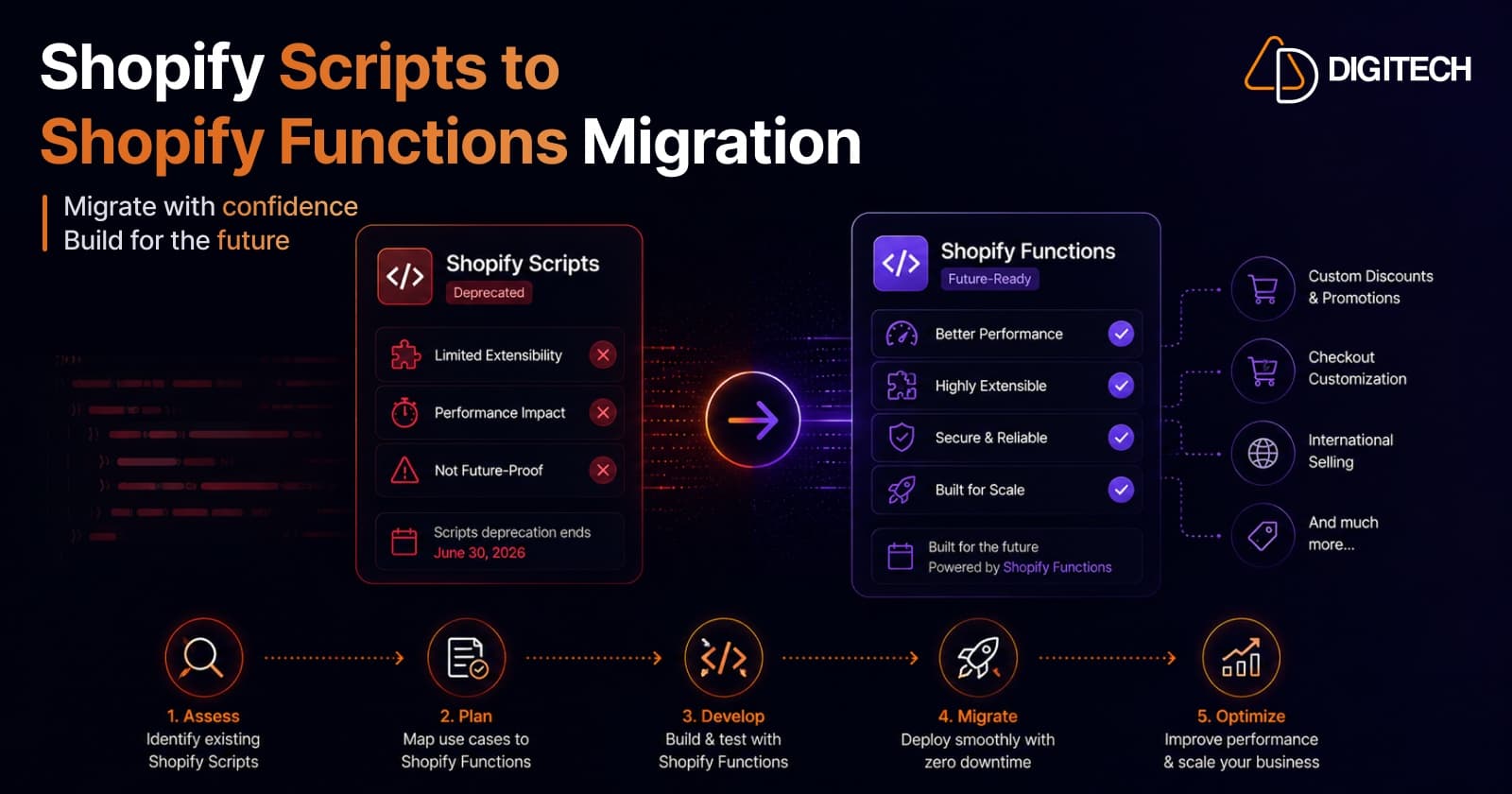
Shopify Scripts Are Deprecated: How to Migrate to Shopify Functions (Complete Guide)
Shopify Scripts and checkout.liquid stop executing on June 30, 2026 — permanently, with no grace period. This complete guide covers exactly what's affected, how to audit your Scripts, the three migration paths to Shopify Functions, and a step-by-step cutover plan to keep your discount, shipping, and payment logic working.
Read article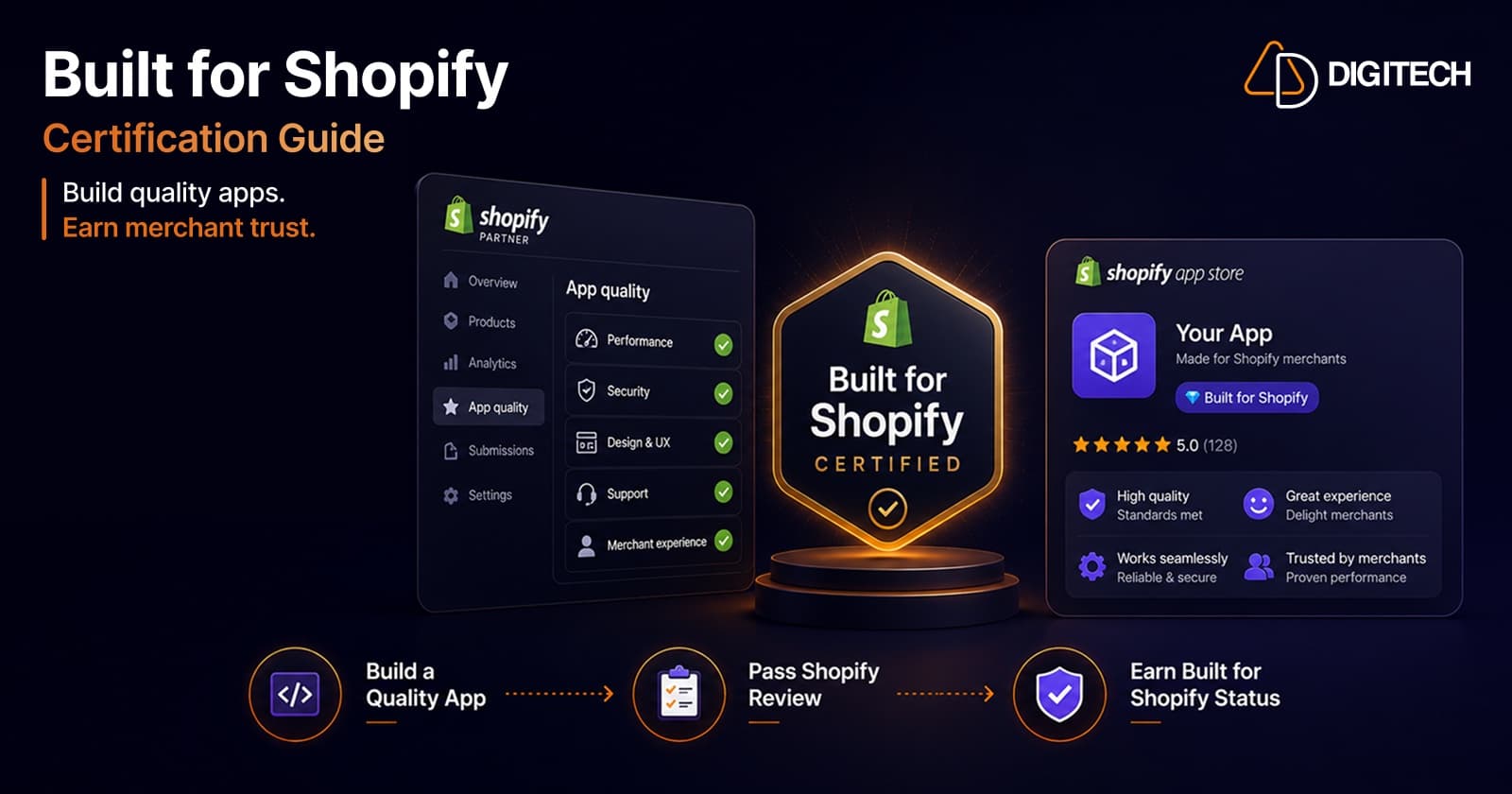
How to Get Built for Shopify Certified: A Practitioner's Guide (From a Team That's Done It Twice)
What the Built for Shopify badge actually requires in 2026 — the performance, design, and integration bars — and the step-by-step path to earning and keeping it, from a team with two certified apps.
Read article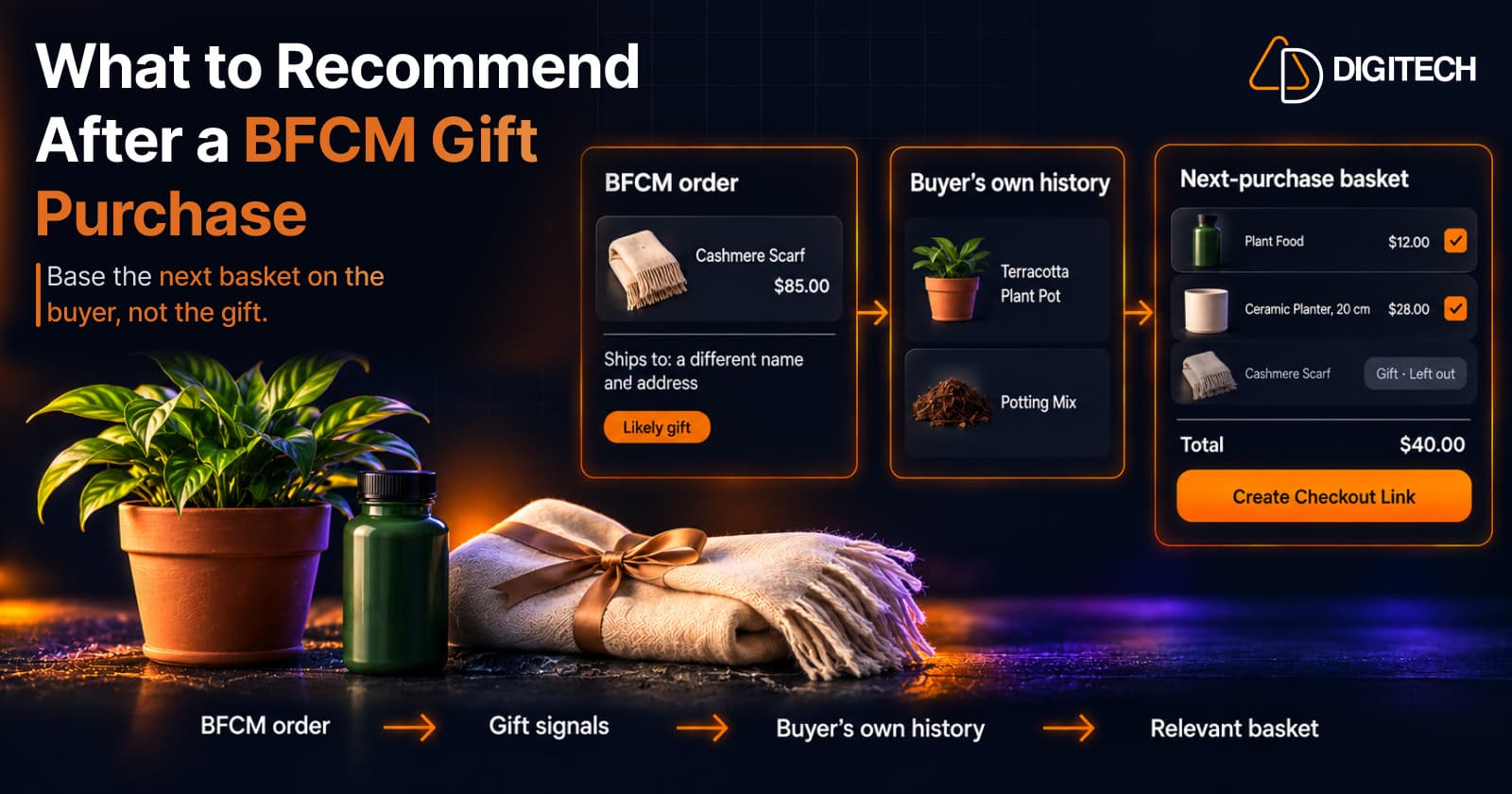
What to Recommend After a BFCM Gift Purchase: A Guide for Shopify Merchants
Some BFCM orders are gifts, which makes purchase history misleading. Here's how Shopify merchants can spot likely gift orders and recommend a relevant next product.
Read article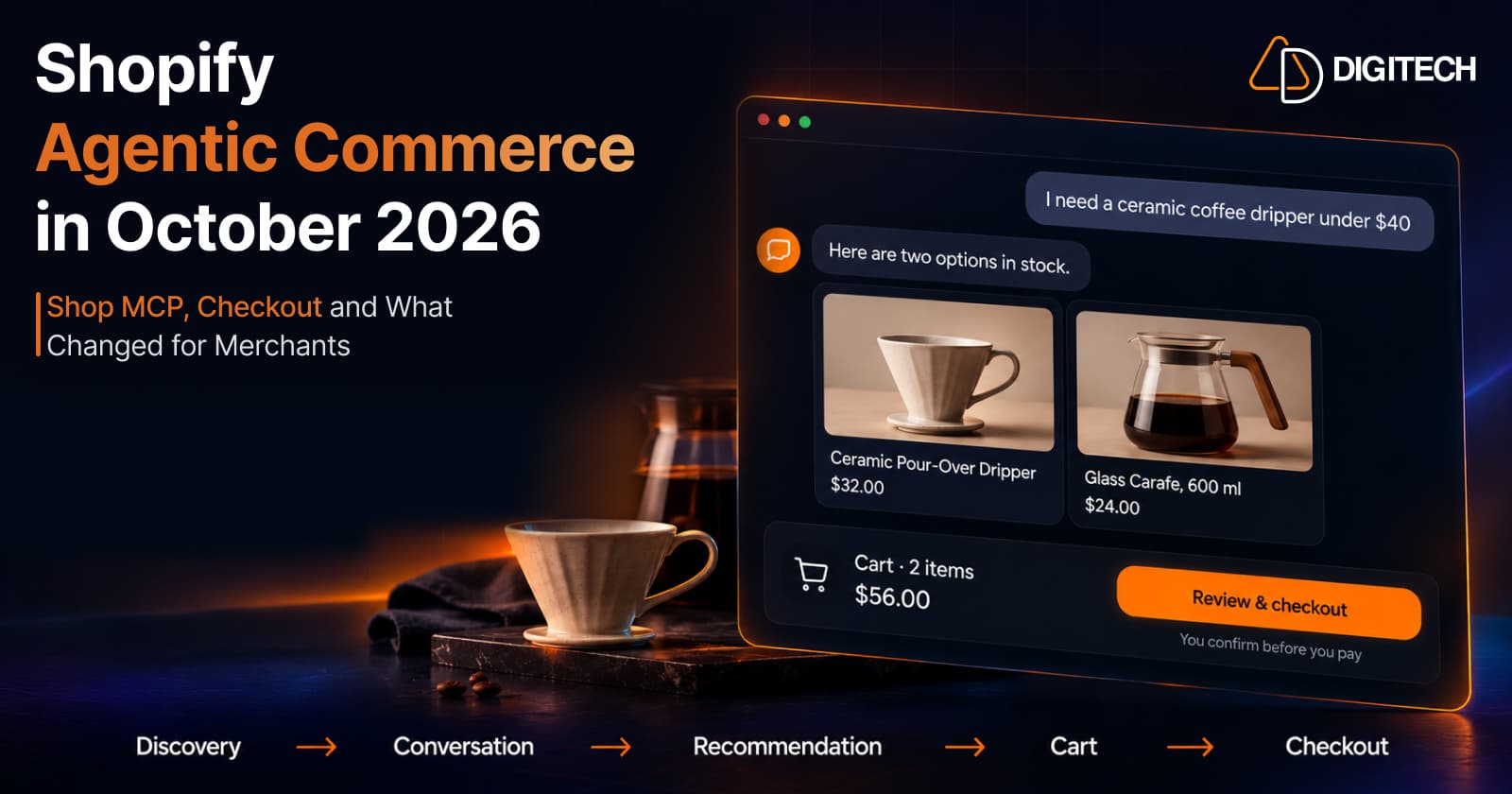
Shopify Agentic Commerce in October 2026: Shop MCP, Checkout and What Changed for Merchants
Shopify agentic commerce moved forward in September and October 2026: Shop MCP, Cart and Checkout MCP, WebMCP, buyer consent and store locations. Here's what it means for merchants.
Read article
Shopify Adds Stock Counts in Admin: How Merchants Can Verify Inventory Before Peak Season
Shopify stock counts let staff record what's on the shelf and let a manager approve the differences before inventory changes. Here's how the workflow works in admin and POS.
Read article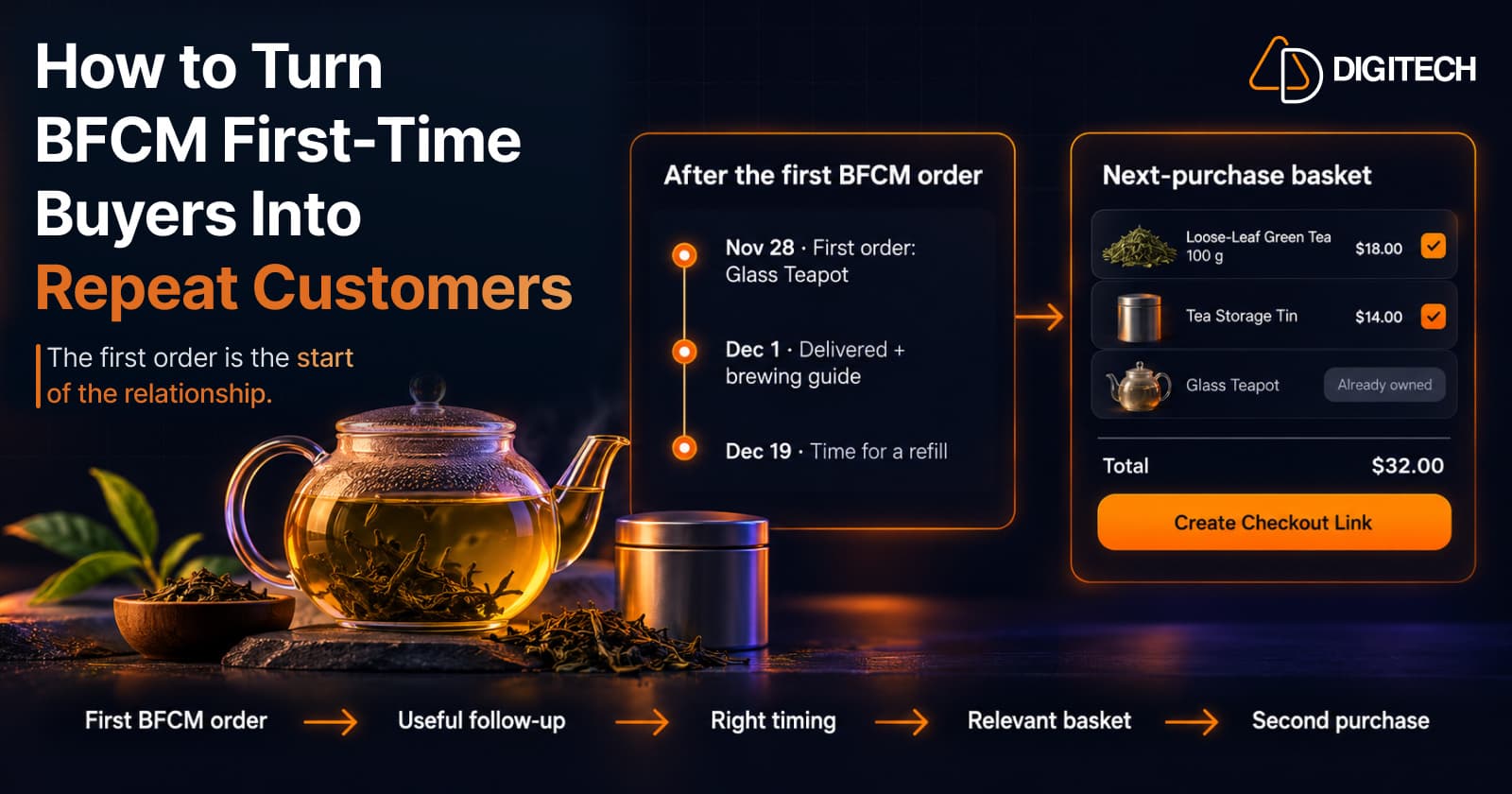
How to Turn BFCM First-Time Buyers Into Repeat Customers
A first BFCM order is the start of a customer relationship. Here's how to follow up with first-time buyers so a relevant second purchase becomes more likely.
Read article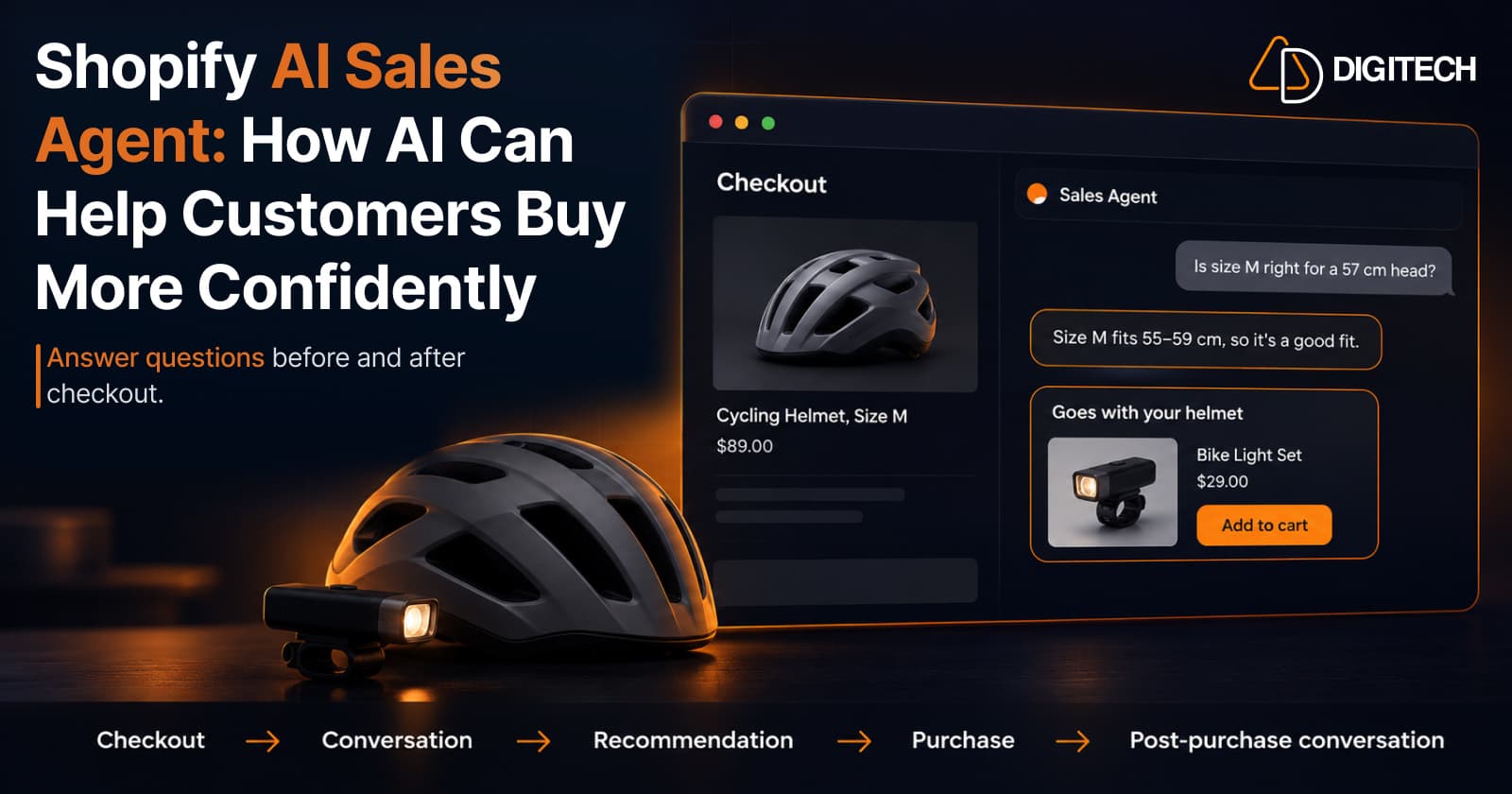
Shopify AI Sales Agent: How AI Can Help Customers Buy More Confidently
Learn how Shopify AI Sales Agents can help customers with product questions, recommendations, upsells and post-purchase conversations.
Read article
Shopify Adds Arabic, Urdu, and Hebrew Support: What Merchants Must Check Before Launch
Shopify improved RTL support for Arabic, Urdu and Hebrew in the admin, storefronts and checkout. Here's what's covered, what isn't, and what to test before launch.
Read article