Improving Shopify Core Web Vitals (Without Ripping Out Your Theme)
You almost never need a re-theme to pass Core Web Vitals. Shopify runs the hosting and CDN, but your theme's Liquid still affects server response time, and stores usually fail because of what gets piled on top: apps, scripts, heavy Liquid, oversized images, and layout shift. All fixable in place. Here's the incremental playbook, metric by metric, plus how Shopify's real-user reports and Google's field data fit together.
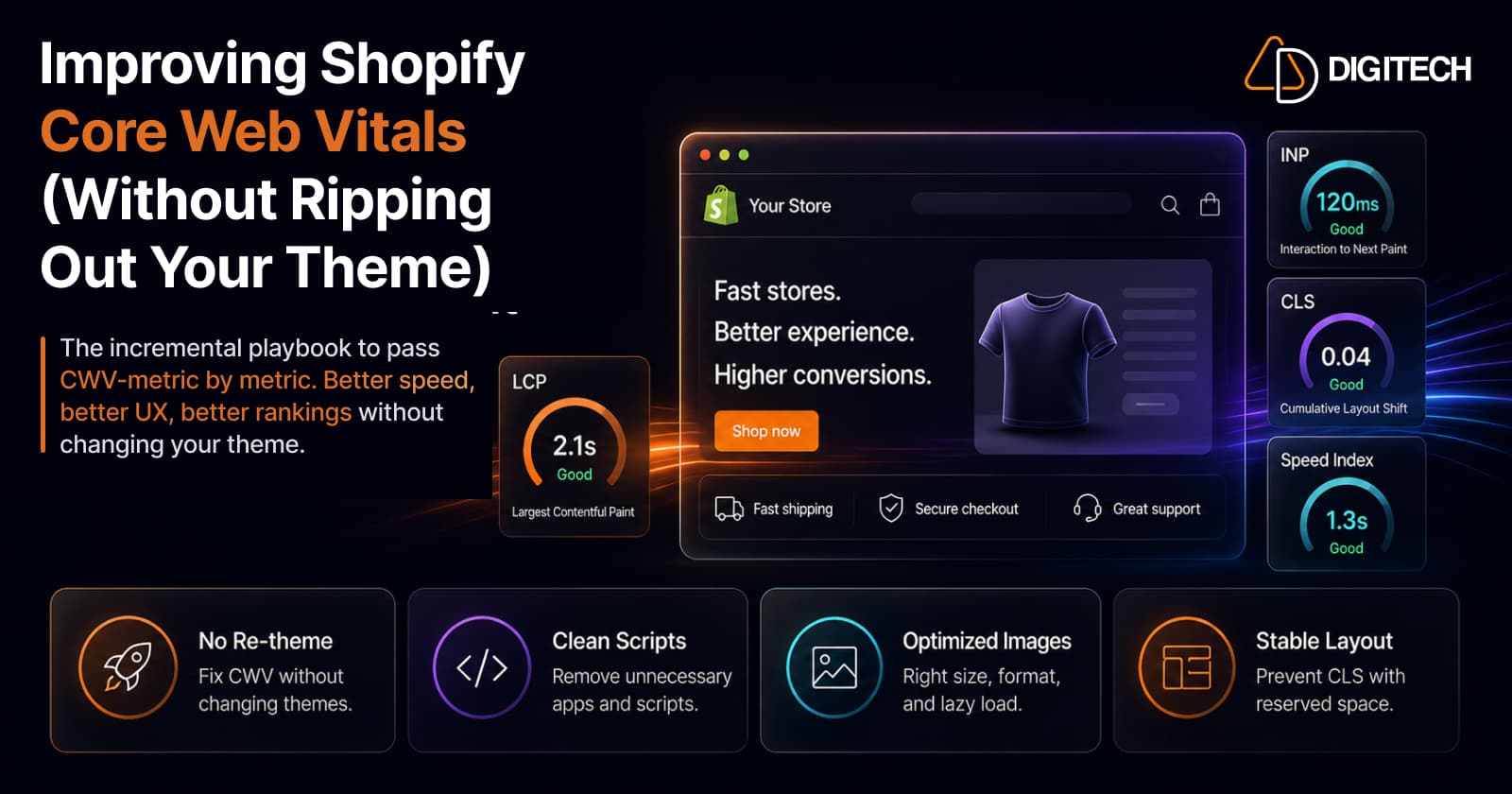
The short version: you almost never need to rebuild your theme to pass Core Web Vitals. On hosted Shopify, the servers and CDN are Shopify's job, but your theme's Liquid still runs on those servers and affects time to first byte. Stores usually fail because of what gets piled on top: apps, scripts, heavy Liquid, oversized images, and layout shift. Every one of those is fixable in place. Here's the incremental playbook.
We build and optimise Shopify stores, so this is the order we actually work in — not "start over," but "find what's dragging and fix it."
First, the reframe: you probably don't need a new theme
The instinct when Search Console flags Core Web Vitals is to assume the theme is rotten and needs replacing. It usually isn't, and it usually doesn't.
Here's why. Shopify is fully hosted — it runs the servers and CDN, and you can't change that infrastructure. But it doesn't make time to first byte entirely Shopify's: Shopify renders your theme's Liquid on every page request, and its performance documentation says the time spent executing that Liquid directly determines time to first byte. Inefficient Liquid, such as nested loops over large collections, can slow every page that uses it, and the Shopify Theme Inspector for Chrome shows which lines are slowest. Where Shopify stores usually fail Core Web Vitals is the layer you do control: the apps, third-party scripts, custom theme edits and Liquid, oversized images, and font loading stacked on top of the base theme.
That's good news. It means the fixes are targeted and incremental — remove this app, preload that image, add a width to this element — not "burn it down and start again." A re-theme is a rebuild, not a swap (which is exactly why a Horizon migration is a bigger project than it looks), and you rarely need to take that on just to pass CWV.
Measure real-user data first — and know which report you're reading
Before you change anything, look at the right number. This trips up almost everyone.
Your Shopify admin has web performance reports: a summary on the Online Store > Themes page and the full set under Analytics > Reports. Since January 2024 they've been built on real-user Core Web Vitals (LCP, INP and CLS at the 75th percentile), replacing the old Lighthouse-based speed score.
What Google ranks on is field data: real Chrome users, aggregated in the CrUX dataset over a rolling 28-day window, reported at the 75th percentile. You see it in Google Search Console (Core Web Vitals report) and PageSpeed Insights (the "field data" panel at the top). Shopify collects its data from Chromium-based browsers and Firefox, while CrUX covers opted-in Chrome users, so the two will trend together without matching exactly.
Lab tools are a different thing again. Lighthouse (in PageSpeed Insights or Chrome DevTools) runs one simulated visit on a simulated device and network, and lab and field results can diverge sharply:
- A store can score a mediocre 42 in the lab yet pass Core Web Vitals in the field, and Google won't penalise it.
- A store can score a healthy 78 in the lab yet fail INP in the field — and get dinged.
So the rule is simple: optimise for real-user (field) data, verify in lab tools. Chasing a lab score up and down is optimising the wrong number.
The three metrics — and what actually moves each
Core Web Vitals is three measurements, each with a different cause and a different fix:
| Metric | What it measures | Pass (75th pct, mobile) |
|---|---|---|
| LCP — Largest Contentful Paint | How fast the main content (usually the hero image) renders | ≤ 2.5s |
| INP — Interaction to Next Paint | How responsive the page feels when tapped/clicked | ≤ 200ms |
| CLS — Cumulative Layout Shift | How much the layout jumps around while loading | ≤ 0.1 |
(INP replaced FID as the responsiveness metric in March 2024 — if you're working from an older checklist that says "First Input Delay," it's out of date.)
Almost every failing Shopify store fails one or two of these for a specific, findable reason. Take them one at a time.
Fixing LCP — start with the hero image
LCP is the big one for stores, and the culprit is usually the largest above-the-fold image — your hero or first product shot. The highest-impact fixes, in order:
- Don't lazy-load the LCP image. Dawn and other OS 2.0 themes lazy-load images by default — which is right for everything except the one image that defines your LCP. Lazy-loading your hero actively makes LCP worse. Exclude it.
- Preload it. Add a preload hint so the browser starts downloading the hero immediately instead of discovering it late.
- Right-size and compress it. Serve it at the dimensions it actually displays, in a modern format, compressed. An uncompressed 3000px hero on a phone is a common reason LCP fails.
- Inline critical CSS and preload fonts with
display: swap. So text and layout paint without waiting on render-blocking resources.
Get the hero right and LCP usually falls into range on its own.
Fixing INP — this is where app bloat lives
If LCP is about images, INP is about JavaScript — and on Shopify, JavaScript often means apps. App bloat is a frequent cause of slow Shopify stores, and INP is where it shows up: every app that injects script adds work the browser must do before it can respond to a tap.
The fixes, in order of leverage:
- Audit and remove unused apps. Start here. Apps get installed for a trial or a season and never removed, but their scripts can keep loading. Go through every installed app and ask "is this earning its place?"
- Check that uninstalled apps left nothing behind. Some leave orphaned script tags or theme snippets. Removing the app doesn't always remove the code.
- Break up long JavaScript tasks in custom code so the main thread isn't blocked during interaction.
- Defer or remove non-essential third-party scripts — chat widgets, heavy analytics, marketing pixels you no longer use.
The mental model: your INP problem is usually a subscription you forgot to cancel. Fixing it often saves money as well as milliseconds.
Fixing CLS — reserve the space
CLS is the most mechanical of the three. Layout shift happens when something loads and pushes other content around. The fixes are boring and reliable:
- Put explicit
widthandheight(or an aspect ratio) on every image, video, iframe, and embed. This lets the browser reserve the space before the asset arrives — the most basic CLS fix. - Reserve space for anything an app injects — banners, badges, cookie bars, review widgets. A block that pops in above the fold after load is a classic CLS spike.
- Use
font-display: swapand preload fonts so text doesn't reflow when the web font arrives.
CLS problems are almost always findable by scrolling the page slowly on a throttled connection and watching what jumps.
The one time a re-theme is actually justified
To be fair to the "rebuild it" camp — there is a case for it, just a narrow one:
- You're on a genuinely old, pre-OS-2.0 theme that lacks modern lazy-loading and section structure, and it's fighting you at every turn.
- You're redesigning anyway, so the performance rebuild rides along for free.
If that's you, do it deliberately — and measure a new theme's performance on your own store rather than assuming it, because choosing Horizon isn't an automatic performance win, and neither is any other base theme. Your build quality — apps, image discipline, custom code — matters more than the base theme either way. Outside those cases, in-place fixes get you there faster and cheaper.
Measure before and after — and give the field data time
Two rules that separate real improvement from wishful thinking:
- Change one thing at a time and re-measure. If you remove three apps, compress the hero, and add width attributes all at once, you won't know what worked. For deliberate before/after comparison, treat it like any other optimisation and measure it properly.
- Give the field data ~28 days. A lab tool will show your LCP fix instantly, which is great for confidence — but Search Console's field data is a 28-day rolling average, so the ranking-relevant number catches up over about a month. Don't panic if Search Console lags; don't celebrate off the lab score alone.
And it's worth doing, because speed isn't only a ranking factor — a slow mobile LCP quietly increases bounce and abandonment before a visitor ever sees your product, which is one of the most common reasons stores leak sales despite growing traffic. It also feeds AI and search discovery, where mobile experience is increasingly part of how you get surfaced at all.
The bottom line
Core Web Vitals on Shopify looks intimidating because the report is red and the instinct is to blame the theme. But the hosting layer is Shopify's, and the failing layer is usually the one you can edit, including the Liquid that Shopify renders for every page:
LCP → fix the hero image. INP → remove the app bloat. CLS → reserve the space.
Do those three and measure the field data before deciding on anything bigger — a rebuild, a migration, or ripping out a theme that may never have been the problem.
We help Shopify brands diagnose and fix Core Web Vitals in place — app audits, LCP and INP work, and the measurement that proves the lift in the field, not just the lab. See our Shopify store development work, or talk to us about your store's performance.
Frequently asked questions
What are good Core Web Vitals scores for a Shopify store?
The thresholds are the same on Shopify as anywhere: LCP of 2.5 seconds or less, INP of 200 milliseconds or less, and CLS of 0.1 or less — measured at the 75th percentile of real page visits, with mobile and desktop assessed separately. Google's field data uses a rolling 28-day window. Shopify's web performance reports use the same Good thresholds.
Why do Shopify's web performance reports differ from Google Search Console?
Because they collect real-user data differently. Shopify's web performance reports use visits from Chromium-based browsers and Firefox, while Search Console uses Google's Chrome UX Report (CrUX), which covers opted-in Chrome users. Both report Core Web Vitals at the 75th percentile, so expect them to move together but not match exactly. Lab tools such as Lighthouse are a third, separate measure: useful for testing a fix, but not what Search Console reports.
Do I need to change my theme to pass Core Web Vitals?
Usually not. Shopify manages the hosting and CDN, but it renders your theme's Liquid on every page request, and that rendering time is part of time to first byte, so inefficient Liquid can slow your store. Stores usually fail Core Web Vitals because of what's added on top — apps, third-party scripts, heavy Liquid customizations, oversized images, and excessive fonts — all of which are fixable in place. A full re-theme is only warranted if you're on a genuinely outdated, pre-OS-2.0 theme or you're redesigning anyway.
What usually slows a Shopify store down?
Often, app bloat. Every app that injects JavaScript adds work the browser has to do on every page, and INP suffers most. Auditing and removing unused apps is a good first fix, alongside image compression. If you've installed and forgotten apps over the years, that's the first place to look.
Should I lazy-load images to speed up my store?
Lazy-load below-the-fold images, but never the hero or first product image — that's usually your LCP element, and lazy-loading it makes LCP worse. Dawn and other OS 2.0 themes lazy-load by default, so the fix is making sure your LCP image is excluded from lazy-loading and, ideally, preloaded so it starts downloading immediately.
How long before my Core Web Vitals improvements show up?
Field data is a 28-day rolling average, so Google Search Console can take several weeks to reflect a fix even when a lab tool shows the improvement instantly. Verify the change in a lab tool right away for confidence, but expect the ranking-relevant field data to catch up over roughly a month. Shopify's own web performance reports can also be delayed by up to 36 hours.
Building something on Shopify?
We design, build, and maintain Shopify apps, stores, and AI products — to the standard this article describes.
Related reading
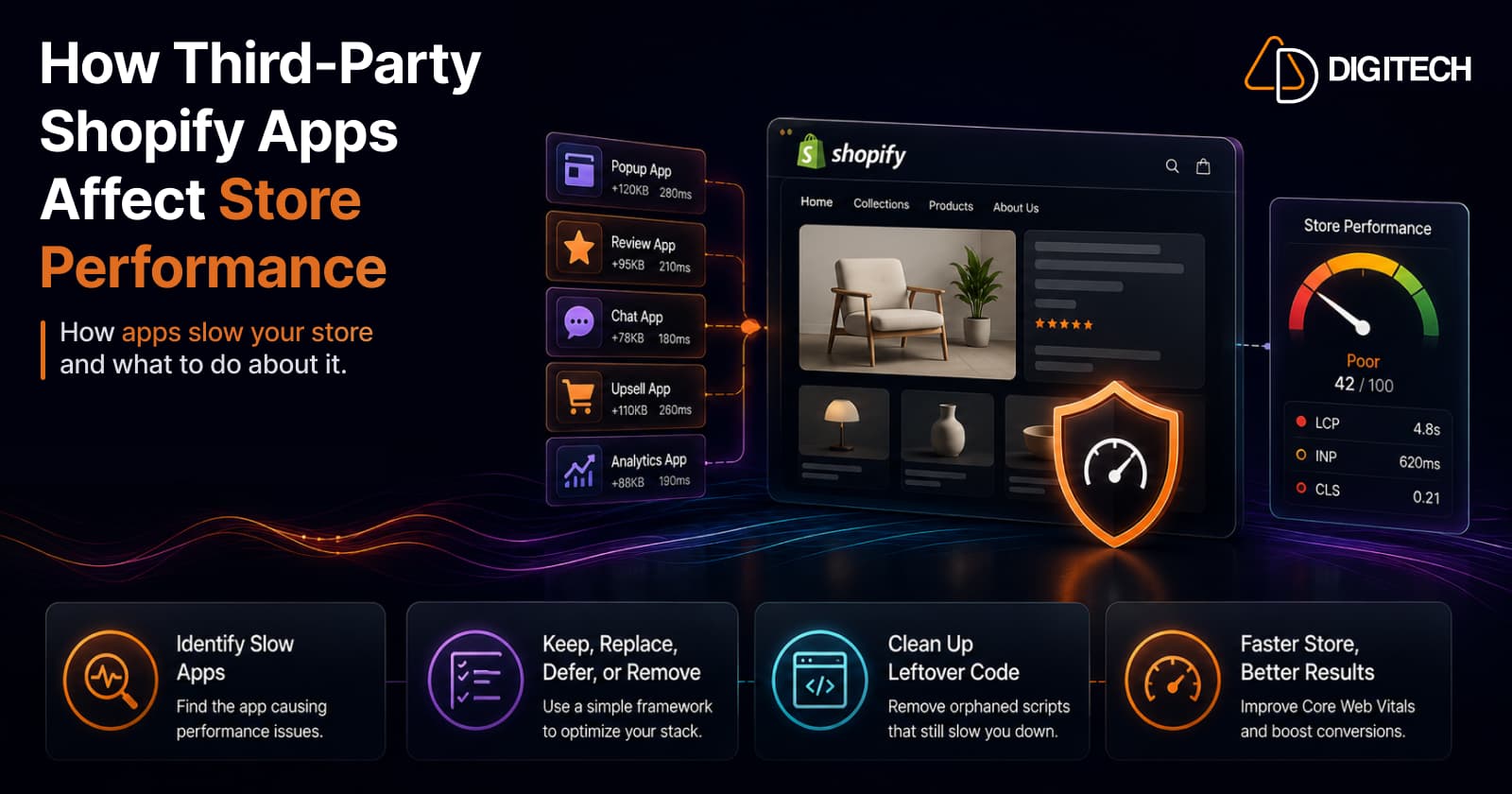
How Third-Party Shopify Apps Affect Store Performance (And What to Do About It)
Third-party apps are a common cause of slow Shopify stores — but the answer isn't zero apps, it's a lean, intentional stack. Here's exactly how apps hurt performance, the difference between the ones that matter and the ones that don't, how to find which app is slowing you down, and a keep/replace/defer/remove framework to fix it without losing function.
Read article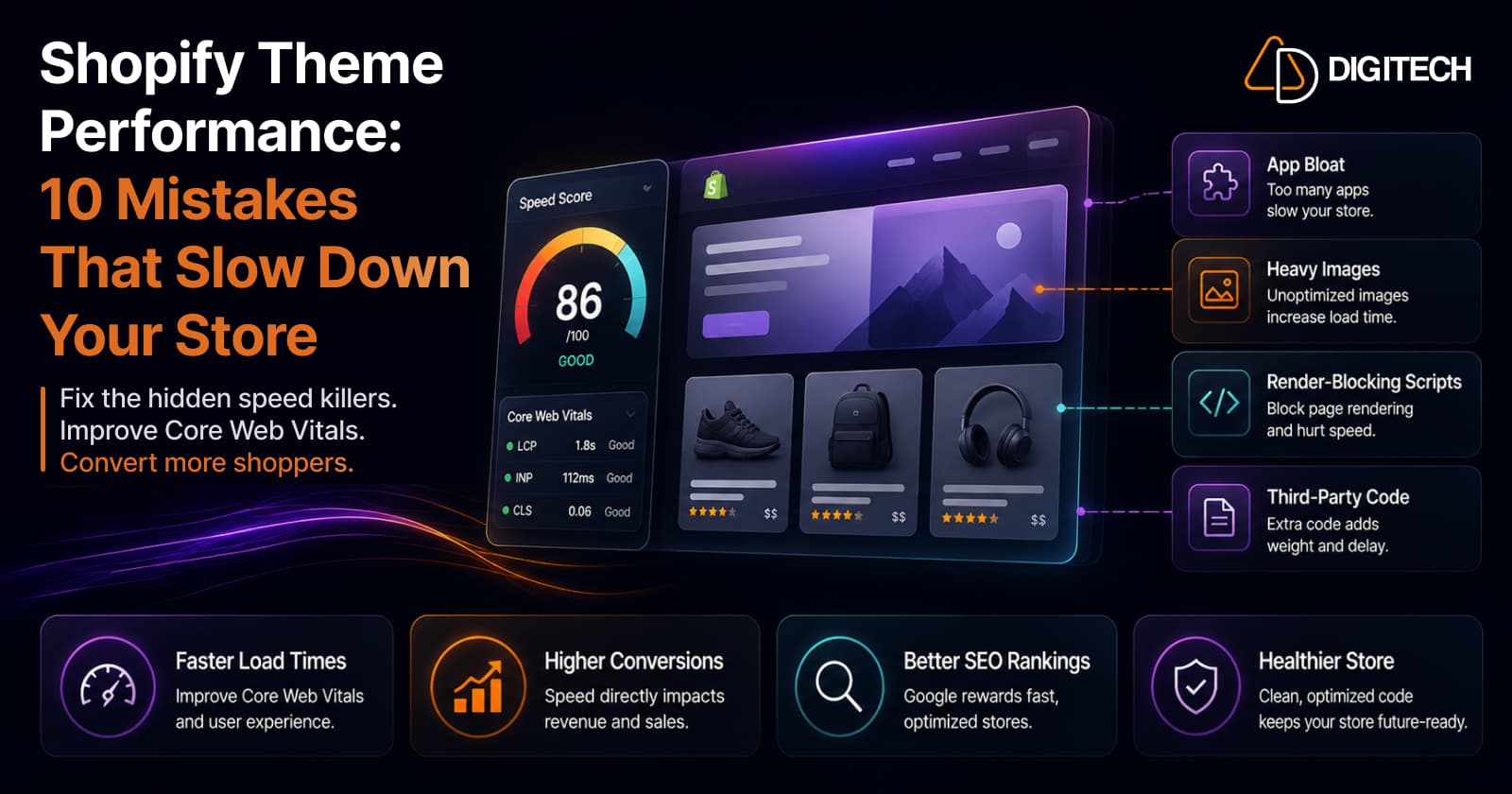
Shopify Theme Performance: 10 Mistakes That Slow Down Your Store
Three of these (app bloat, heavy images, render-blocking scripts) are the first places to look. Here are the 10 theme-performance mistakes we check for on every audit, why each one matters, and the honest fix: it's almost always subtraction, not another app.
Read article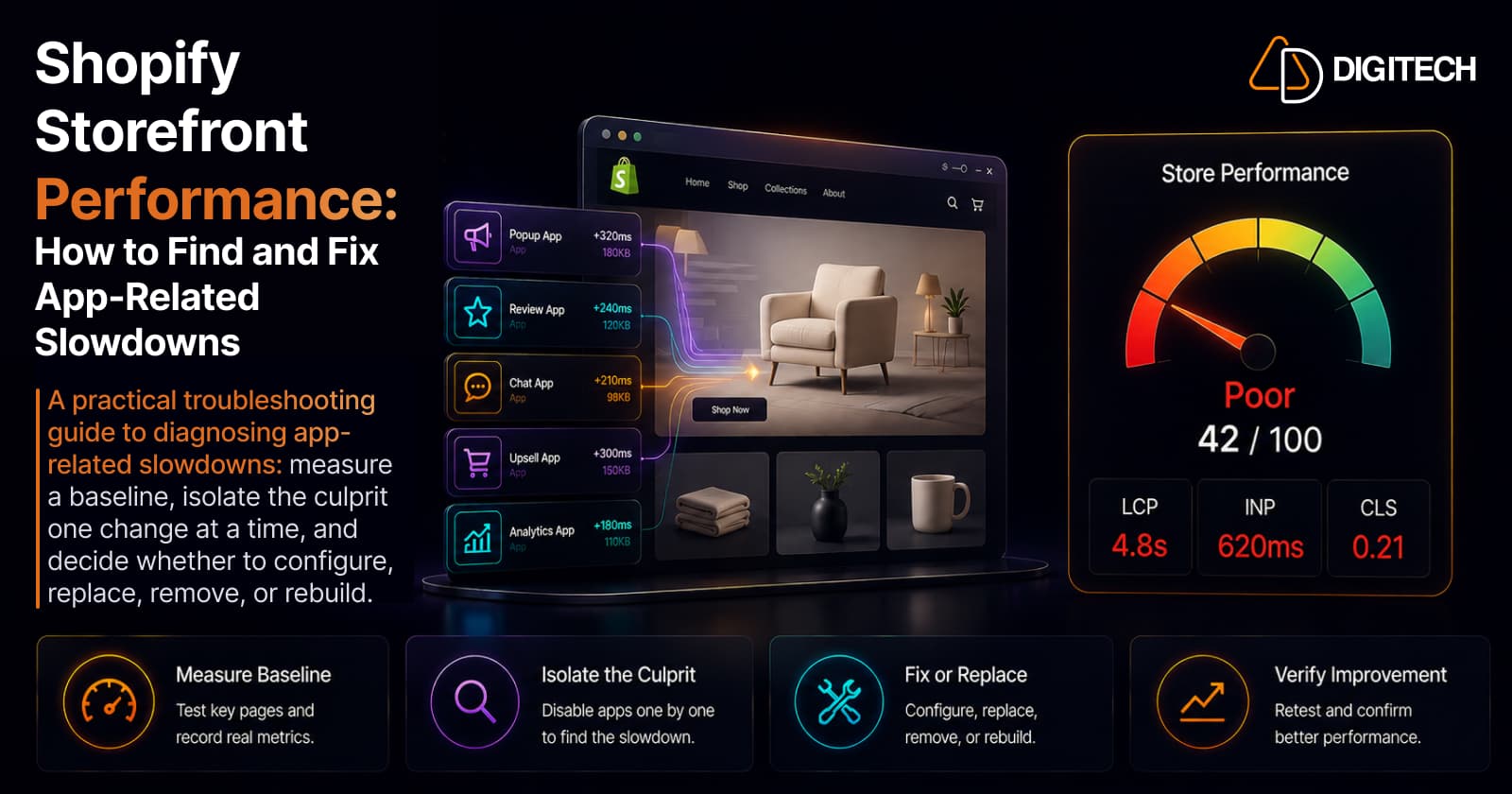
Shopify Storefront Performance: How to Find and Fix App-Related Slowdowns
A practical troubleshooting guide to diagnosing app-related Shopify slowdowns: measure a baseline, isolate the culprit one change at a time, and decide whether to configure, replace, remove, or rebuild.
Read article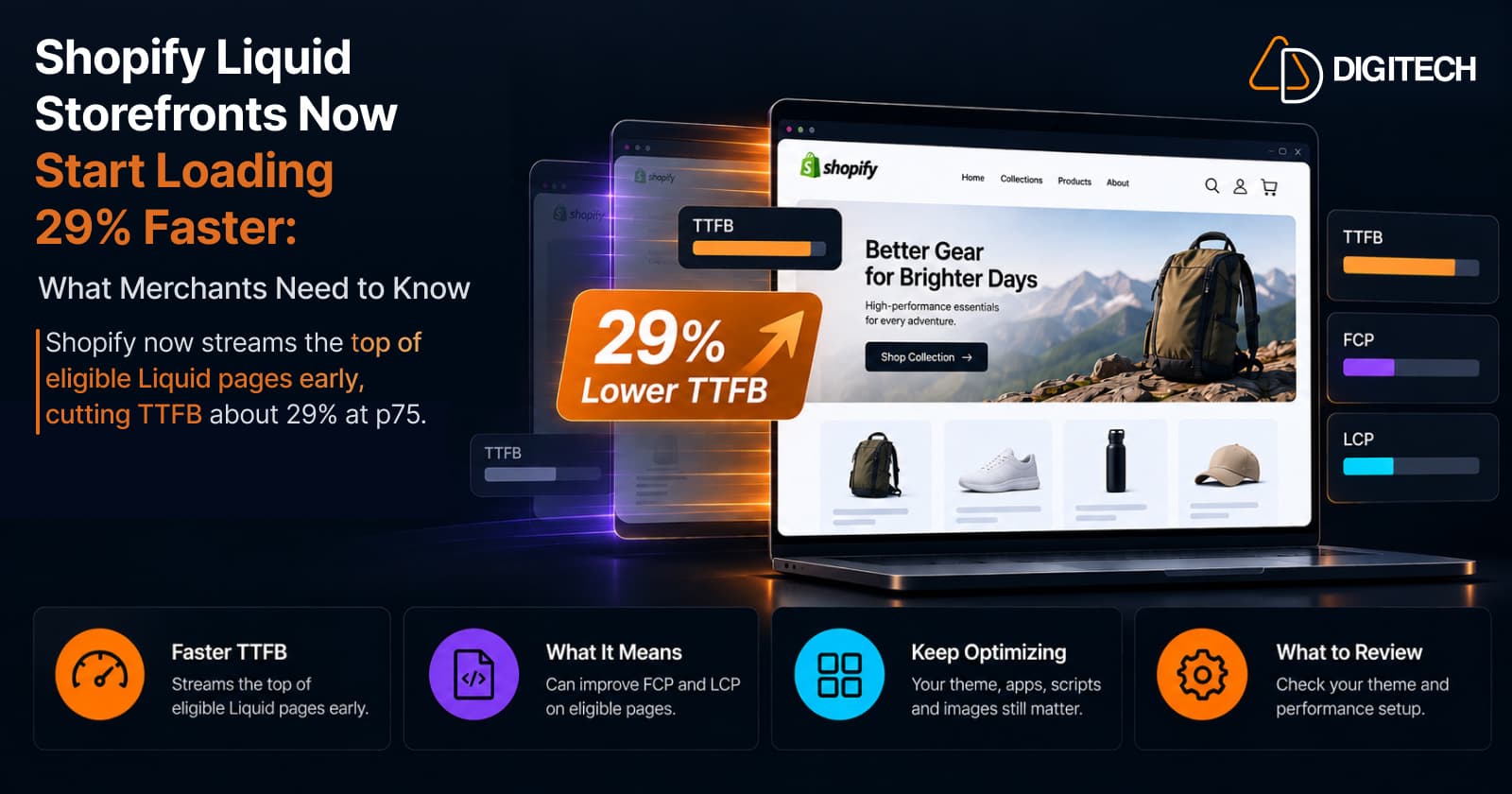
Shopify Liquid Storefronts Now Start Loading 29% Faster: What Merchants Need to Know
Shopify now streams the top of eligible Liquid pages early, cutting TTFB about 29% at p75. What it means for FCP, LCP, your theme, and what still needs fixing.
Read article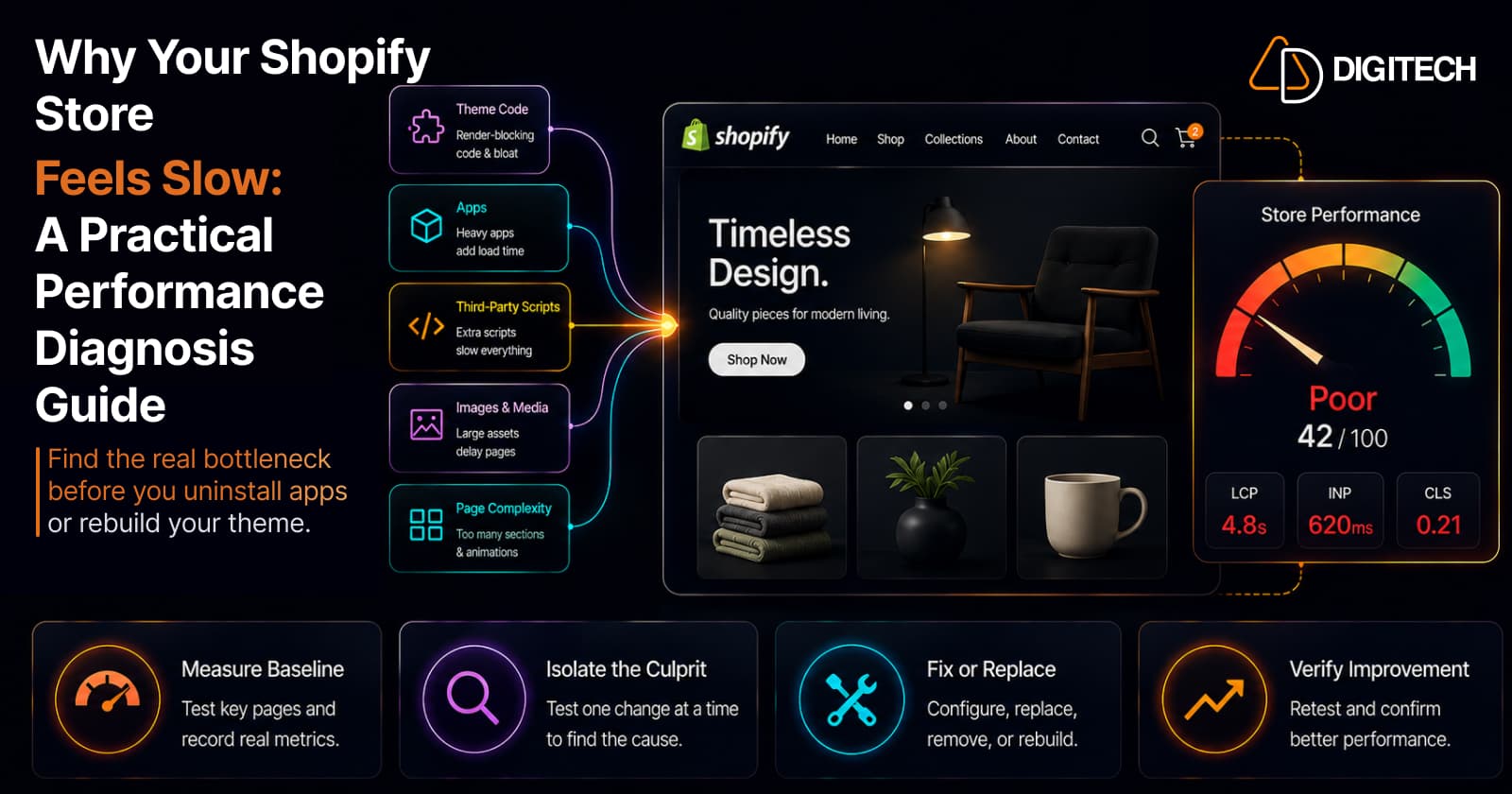
Why Your Shopify Store Feels Slow: A Practical Performance Diagnosis Guide
Your Shopify store feels slow — but what's actually causing it? A merchant-first diagnosis guide to find the real bottleneck before you uninstall apps or rebuild your theme.
Read article
Shopify Canvas Explained: How AI Is Changing Shopify Store Design in 2026
Shopify Canvas, announced October 1, 2026, lets merchants design a store with Sidekick. See how it works, its current limits, and what it means for developers.
Read article
Shopify Horizon Theme: Should Merchants Upgrade in 2026?
Horizon is Shopify's new collection of free themes, built with theme blocks — nested blocks, reusable blocks and AI block generation. But is it worth migrating your existing store in 2026? Here's what Horizon does better than Dawn, how to judge performance on your own store, why the move is a rebuild not a swap, and a clear decision framework.
Read article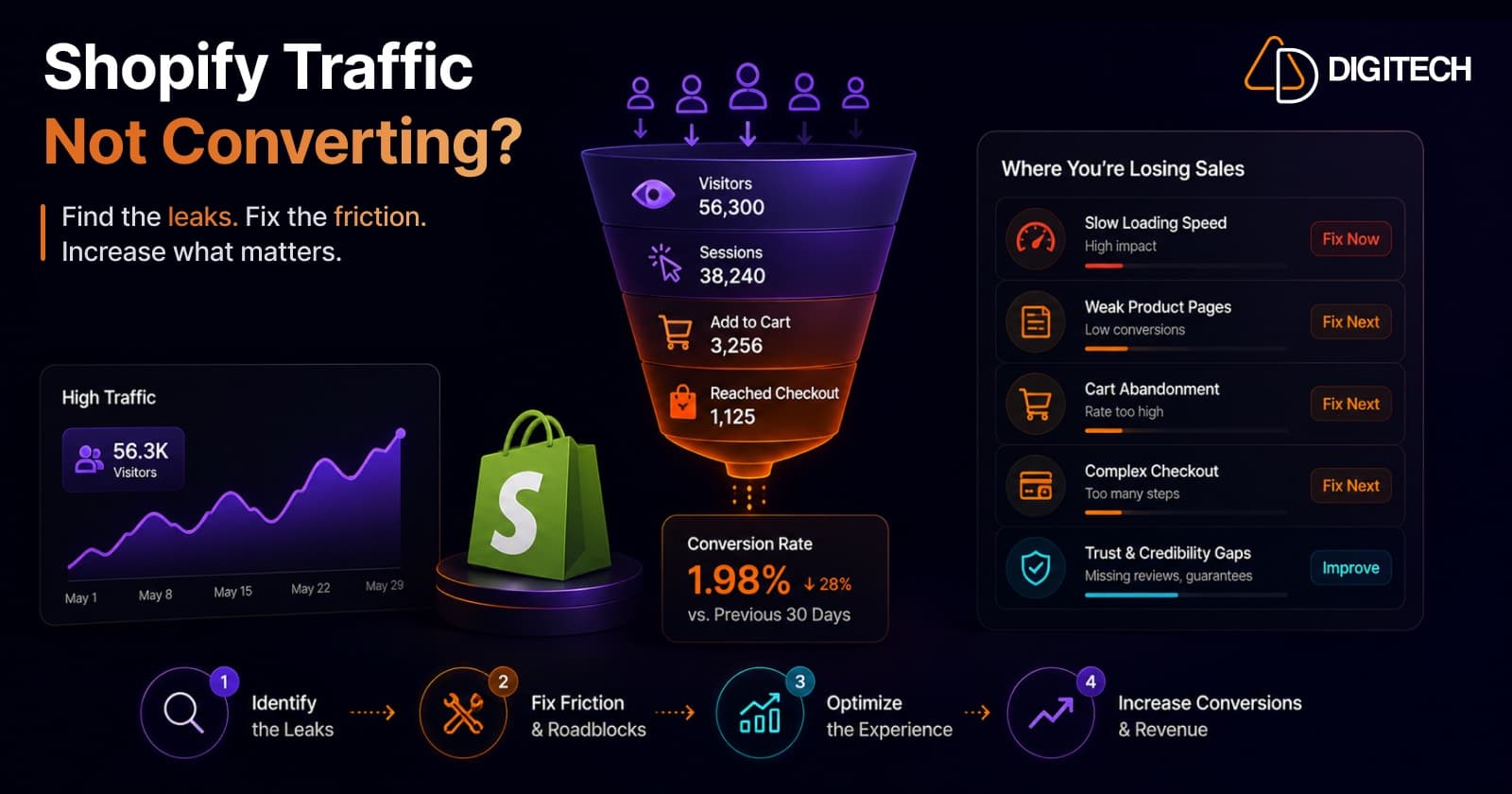
Why Shopify Stores Lose Sales Despite Growing Traffic
Traffic is up but sales aren't following? Traffic volume alone rarely explains it — usually it's the conversion gap. Here are the real reasons Shopify stores leak sales despite growing visits — speed, product pages, mobile, checkout, trust, traffic quality, and search — and how to diagnose and fix each.
Read article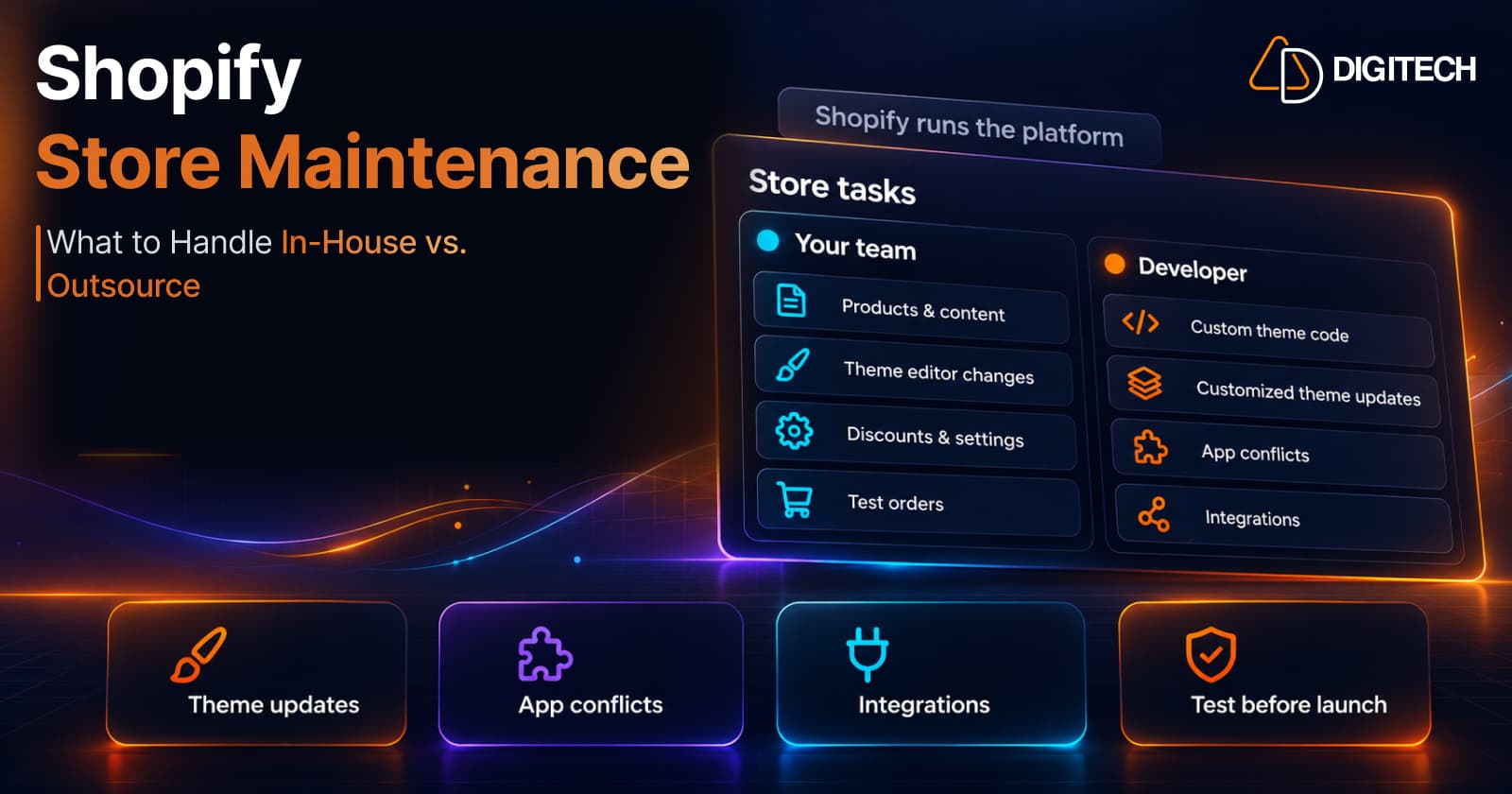
Shopify Store Maintenance: What to Handle In-House vs. Outsource
Shopify runs the platform; your theme, apps and integrations are yours to maintain. What to handle in-house, when to hire a developer and what support covers.
Read article