Shopify Theme Performance: 10 Mistakes That Slow Down Your Store
Most Shopify stores are guilty of four or five of these — and the big three (app bloat, heavy images, render-blocking scripts) cause the majority of the damage. Here are the 10 theme-performance mistakes we check for on every audit, with the real numbers behind each, and the honest fix: it's almost always subtraction, not another app.
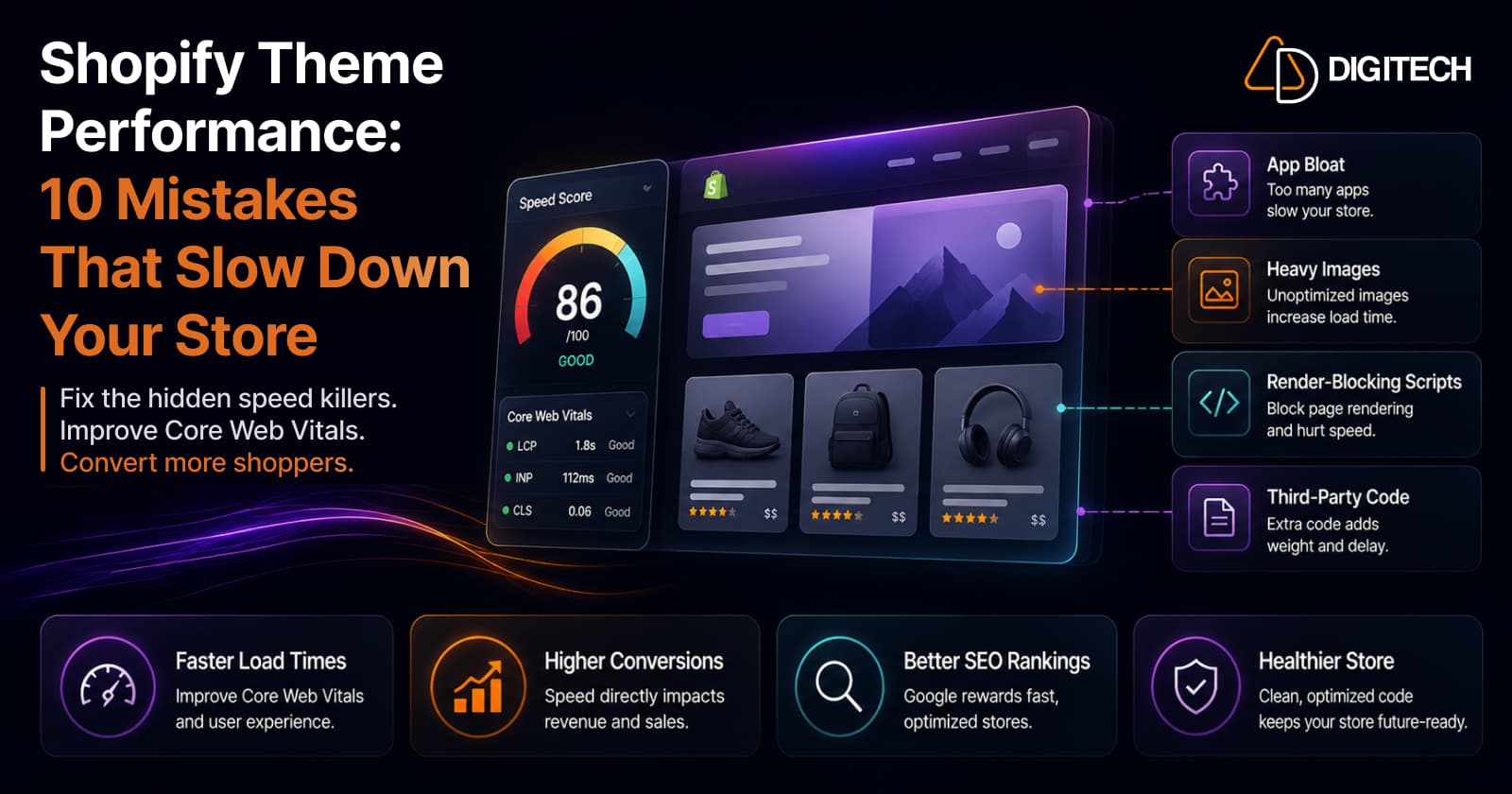
The short version: most Shopify stores are guilty of four or five of these, and three of them — app bloat, heavy images, and render-blocking scripts — cause the majority of the damage. Here are the 10 theme-performance mistakes we check on every audit, the real numbers behind each, and the honest fix: it's almost always subtraction, not another app.
We audit and fix Shopify store speed, so this is the actual list we run against. If you want the framework behind why these matter — the metrics, and why your admin Speed Score isn't the number Google ranks on — start with improving Core Web Vitals without ripping out your theme. This post is the concrete culprits.
For context on where you stand: the average Shopify store scores just 25–35 on mobile PageSpeed (well below the "good" 50+), and median mobile LCP runs around 3.7s for fashion and 4.3s for home goods — both failing Google's 2.5s bar. If that's you, you're normal. Here's what's usually behind it.
1. Heavy, bloated theme code
Feature-crammed and ageing themes carry large amounts of unused Liquid, CSS, and JavaScript loaded "just in case." A theme built to do everything ships code for features you don't use — on every page. Inefficient Liquid loops and unminified assets pile on top. To be clear, this is rarely the theme's fault so much as how it's been built and extended over time — build quality matters more than which base theme you chose. But an old, heavily-modified theme is a common starting point for slowness.
2. Unused JavaScript
JavaScript is the single largest contributor to slow Shopify themes, and a lot of it does nothing. A whole library loaded for one small widget. Leftover code from a feature you removed a year ago. A legacy dependency kept alive for a single plugin. Every kilobyte still gets downloaded, parsed, and executed on the main thread — including the parts nothing ever calls. Dead code isn't free; it's just invisible.
3. Render-blocking scripts and styles
Even necessary code slows you down if it blocks the first paint. Ten to twenty-five render-blocking scripts — not unusual on a store that's a few years old — can add 1 to 3 seconds before anything appears on screen. Scripts sitting in the <head> without defer or async, and CSS that hasn't been split into critical-plus-deferred, hold the entire page hostage while they load.
4. App bloat
The single biggest speed killer on Shopify, full stop. The average store runs 15–20 apps, each injecting 100–500ms of JavaScript on every page, and app scripts are blamed for 60–80% of Shopify slowdowns. The pattern is stark: stores with more than ~8 front-end apps typically show mobile LCP above 3 seconds, while stores with 3 or fewer usually stay under 2. Worse, uninstalling an app often leaves orphaned script tags behind. Auditing your apps — and confirming removed ones left nothing behind — is the highest-leverage thing on this entire list.
5. Too many third-party scripts
Chat widgets, marketing pixels, A/B tools, review embeds, live Instagram feeds — each is a connection to a third-party server you don't control, and your page often waits on the slowest one. A live social feed firing on page load is a textbook culprit. Every one you add is a bet that their infrastructure is as fast as yours; usually it isn't.
6. Unoptimized images
Images are the heaviest thing on most pages — uncompressed images account for 50–80% of page weight, and compression alone can cut load time by 40–60%. The usual sins: serving a 3000px image into a 400px slot, using PNG or JPEG where WebP would roughly halve the size, and omitting width/height (which also causes layout shift). Right-size, modern-format, and compress every image, and use Shopify's image transforms to serve the correct dimensions.
7. Lazy-loading the wrong things
Lazy-loading is right for below-the-fold images and wrong for your hero. Lazy-loading the LCP image is a disaster — it adds a script-checking delay that pushes LCP straight into the red. The opposite mistake is just as common: no lazy-loading at all, so every below-fold image competes with the hero for bandwidth on first load. The fix is the split — eager-load (ideally preload) the hero, lazy-load everything below it.
8. Too many web fonts, loaded the wrong way
Fonts block text from rendering until they download, and they add up fast: a single family with four weights can add 200–400KB and delay text by 500ms–2s on slower connections. The common mistakes are loading weights you never use, pulling from a third-party font host (which adds a DNS lookup and connection) instead of self-hosting .woff2 in Shopify's asset library, and skipping font-display: swap so visitors stare at invisible text while the font loads.
9. Heavy hero sliders and autoplay carousels
The most common LCP failure on Shopify is a massive hero image — and a carousel or slider multiplies it, because each slide needs its own image, plus scripts and animation to run the thing. Autoplay video is heavier still. Beyond speed, sliders rarely earn their keep on conversion either. A single strong static hero almost always wins on both counts.
10. A bloated homepage and oversized DOM
Cramming every section, mega-menu, and widget onto one page inflates the DOM — the total number of HTML elements — which makes layout and rendering measurably slower, especially on mobile. And more sections means more images, more scripts, and more nodes all competing. A long homepage feels productive to build; it's often just heavy. Ship the sections that earn their place and cut the rest.
How to actually fix it: subtract first
Notice the pattern across all ten — the fix is almost always removal, not addition. Which is exactly why "install a speed-booster app" is the wrong instinct: you'd be adding another third-party script to solve a problem caused by too many third-party scripts.
Work in impact order, not alphabetical order:
- Audit and remove apps (mistakes 4 and 5) — biggest win, do it first.
- Fix images and the hero (6, 7, 9) — the next-biggest, and mostly mechanical.
- Then trim JS, fonts, and render-blocking (2, 3, 8) — real gains, more technical.
- Polish DOM and theme code last (1, 10) — worth it, but not before the big three.
And measure the right number. Don't chase the admin Speed Score up and down — it's a single lab estimate. Judge every change on your real Core Web Vitals field data (again, the framework post covers how). Speed isn't a vanity metric: a slow store is one of the top reasons stores lose sales despite growing traffic, and it quietly undermines even a well-built product page — a page that's still loading converts nobody.
The bottom line
Slow Shopify stores are rarely slow for one dramatic reason. They're slow because four or five of these mistakes have accumulated quietly over years of adding apps, sections, fonts, and "just one more" pixel.
The good news: the fix is almost always subtraction. Remove the app bloat, compress the images, kill the slider — and most stores are fast again without a rebuild.
We audit and fix Shopify store performance — app and script audits, image and font optimisation, and the field-data measurement that proves the lift. See our Shopify store development work, or talk to us about your store's speed.
Frequently asked questions
What slows down a Shopify store the most?
App bloat and heavy images, by a wide margin. The average store runs 15–20 apps, each adding 100–500ms of JavaScript per page, and app scripts are blamed for 60–80% of Shopify slowdowns. Uncompressed images make up 50–80% of page weight. Fix those two before you touch anything smaller — they cause most of the damage on most stores.
How many apps is too many for store speed?
There's no hard cap, but front-end app count tracks closely with speed: stores running more than roughly 8 front-end apps typically show a mobile LCP above 3 seconds, while stores with 3 or fewer usually stay under 2. Audit for apps you no longer use — and check that uninstalled ones didn't leave orphaned scripts behind, which is common.
Do web fonts really slow down my store?
Yes. Fonts block text from rendering until they download, and a single family with four weights can add 200–400KB and delay text by 500ms–2s on slower connections. Load only the weights you actually use, add font-display: swap so text shows immediately, and self-host .woff2 files rather than pulling from a third-party font host that adds a DNS lookup.
Should I use a hero slider or carousel on my homepage?
Usually not. A hero image is the single most common cause of a slow LCP, and a carousel multiplies it with extra images, scripts, and animation. A single strong static hero almost always beats a slider on both speed and conversion — and whatever you do, never lazy-load the hero, which pushes LCP straight into the red.
Will a speed-optimization app fix my slow store?
Sometimes partly — but be careful, because the irony is that many 'speed booster' apps add yet another third-party script. The most reliable performance fix on Shopify is subtraction: remove unused apps and scripts, compress images, and trim fonts. Reach for an app only for a specific job (like image compression) that it does without piling on overhead.
How do I know if my theme is the problem?
Measure the right number first — don't trust the admin Speed Score, which is a single lab estimate; check your real Core Web Vitals field data. Then audit against the ten mistakes here. Usually it isn't the base theme at all but what's layered on top (apps, images, scripts) — build quality matters far more than which theme you started from.
Building something on Shopify?
We design, build, and maintain Shopify apps, stores, and AI products — to the standard this article describes.
Related reading

Shopify Adds Arabic, Urdu, and Hebrew Support: What Merchants Must Check Before Launch
Shopify improved RTL support for Arabic, Urdu and Hebrew in the admin, storefronts and checkout. Here's what's covered, what isn't, and what to test before launch.
Read article
Shopify Translate & Adapt Auto-Sync: How to Keep Translations Current Before BFCM
Translate & Adapt can now update translations weekly with Auto-sync. Here's who can use it, how it differs from Translate now, and how to plan translations before BFCM.
Read article
Shopify Flow Shipping Label Automation: Setup, Rules, and What Merchants Should Test Before BFCM
Shopify Flow can now buy shipping labels automatically for orders that match your rules. Here's how the action works, example workflows, and what to test before BFCM.
Read article
Shopify Automated Policies: 7 Things Merchants Should Check Before Enabling Them
Shopify can now generate and update your return, shipping, terms of service and contact policies from your store settings. Here's what to check before you turn automation on.
Read article
Shopify Purchase Order Analytics: How to Spot Stock Risks Before BFCM
Shopify Analytics now includes purchase order reports. Here's what each report shows, how to use them to spot stock risks before BFCM, and what they can't tell you.
Read article
Shopify Rollouts: How Merchants Can Safely Test Store Changes Before BFCM
Learn how Shopify Rollouts let merchants schedule, test, and launch store changes safely before BFCM, including themes, discounts, catalogs, and checkout.
Read article
Shopify Shop Checkout Gets Faster: What Merchants Need to Know
Shopify's October 5, 2026 Shop update brings faster checkout and carts that sync across devices. See how it works, who qualifies and what to check before BFCM.
Read article
Shopify Analytics Annotations: How Merchants Can Add Context to Their Store Data
Shopify Analytics annotations let merchants add campaign, pricing and operational notes to reports. See how they work, the limits, and how to use them for BFCM.
Read article
Shopify Canvas Explained: How AI Is Changing Shopify Store Design in 2026
Shopify Canvas, announced October 1, 2026, lets merchants design a store with Sidekick. See how it works, its current limits, and what it means for developers.
Read article