Why Your Shopify Store Feels Slow: A Practical Performance Diagnosis Guide
Your Shopify store feels slow — but what's actually causing it? A merchant-first diagnosis guide to find the real bottleneck before you uninstall apps or rebuild your theme.
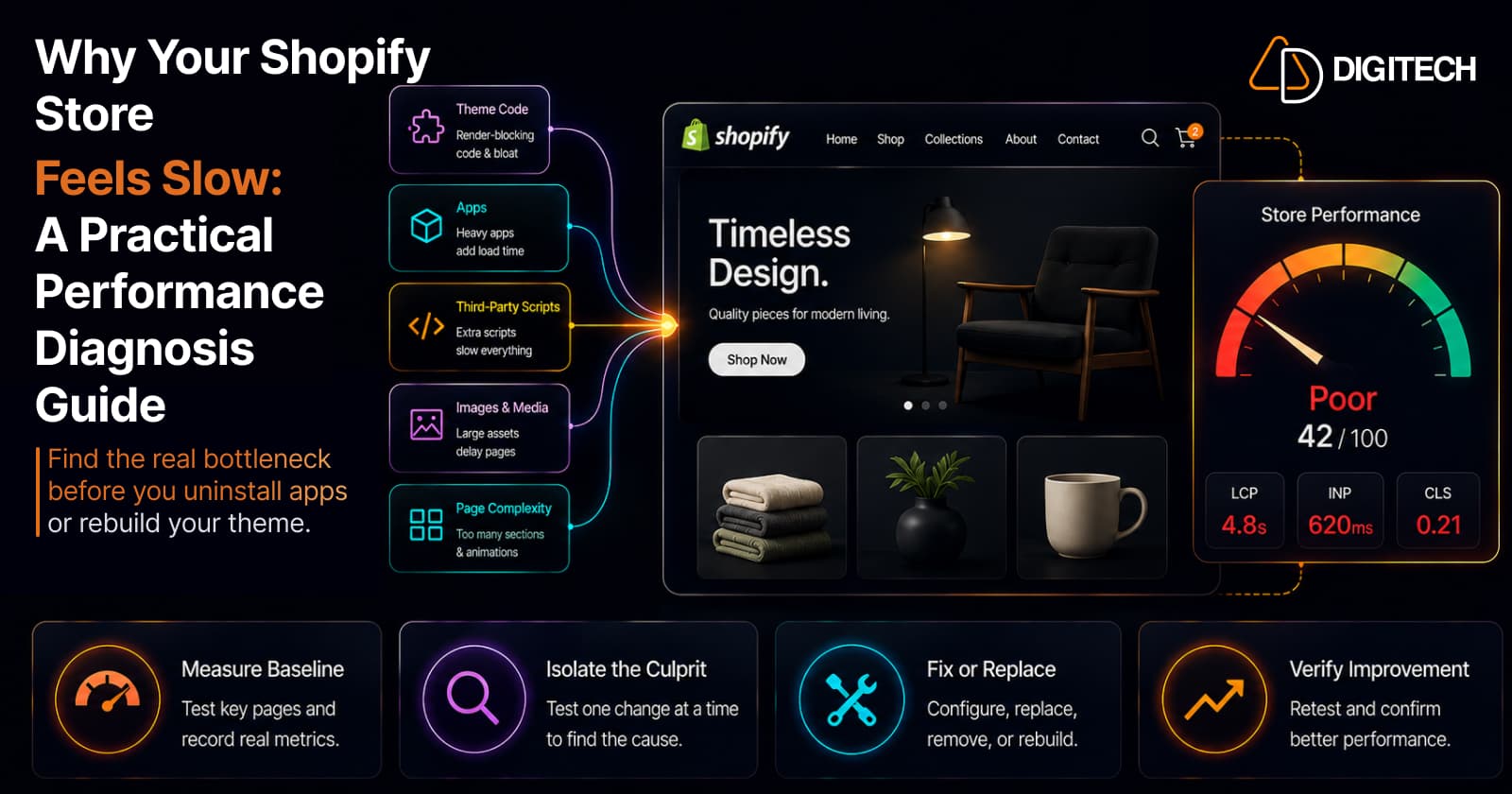
The homepage feels sluggish. Someone runs PageSpeed Insights, sees a red score, and the team starts reacting — blame the theme, uninstall apps, compress everything, budget for a redesign. The problem is that none of those moves are guaranteed to touch what's actually slowing the store down.
A Shopify store rarely feels slow for one clean reason. It's usually the combination of theme code, apps, third-party scripts, media, customizations, and page complexity layered on top of a fast platform. Shopify itself handles the heavy infrastructure — global CDN, caching, compression, image optimization — and as of August 2026 it even generates storefront Early Hints automatically, shaving loading time with no action from you. So the slowness you feel almost always lives in what's been added on top. This guide helps you find it — moving from symptom → evidence → root cause → fix → verify before you rip anything out.
1. First, confirm your store is actually slow
Start with the Web Performance report in your Shopify admin. It uses real-visitor data (real user metrics) rather than a single simulated test, shows your Core Web Vitals over time, and rates each as good, needs-improvement, or poor — a truer signal than any lab score, because it reflects real customers on real devices and networks.
One PageSpeed run isn't enough. Lab scores fluctuate between tests, and mobile and desktop behave differently — mobile is slower and matters more. Look at the trend across real users, split by device, not a single number.
2. Know what the three Core Web Vitals are telling you
Core Web Vitals are three plain-language questions about the experience, measured across your real visitors:
- LCP (Largest Contentful Paint) — how long until the main thing is visible? Good is under 2.5 seconds. A poor LCP points to your main content: hero images, how the theme loads, and render-blocking resources.
- CLS (Cumulative Layout Shift) — does the page jump around while loading? Good is under 0.1. A poor CLS points to images without set dimensions, injected app content, banners, ads, and late-loading fonts.
- INP (Interaction to Next Paint) — how quickly does the page respond when someone taps or clicks? Good is under 200 milliseconds. INP replaced First Input Delay in 2024 and measures every interaction, not just the first. A poor INP points to heavy JavaScript, apps, and third-party scripts.
3. Find the first suspect: the theme
A theme rarely starts slow — it becomes slow. A solid base theme accumulates weight over years of edits: added sections, animations, mega menus, sliders and carousels, custom JavaScript, and duplicated or abandoned code from changes no one removed.
So the question isn't "is my theme bad?" It's "what has been layered onto it?" Check your theme version, then look hard at customizations — especially anything animated, interactive, or copied in and never cleaned up. Shopify publishes current theme performance guidance, and updating your theme where practical helps, but the bigger wins usually come from removing accumulated cruft — the specifics are in 10 theme mistakes that slow down a store.
4. Check apps and third-party code
Apps are the most common hidden cost, because many load storefront assets — scripts, styles, tracking — on every page, including ones where the feature isn't used.
The strongest signal is correlation: if performance changed right after you installed or changed something, investigate that first. Shopify's Web Performance report marks app installs and theme updates on its timeline for this reason — line up the drop with the event. Then check scope: is a review widget, tag manager, or tracking pixel loading globally when it only matters on one template? And a common trap — uninstalling an app doesn't always remove every piece of code it added to your theme, so leftover snippets can keep loading after the app is gone.
We go deep on both in how third-party apps affect performance and finding and fixing app-related slowdowns — use those once you've confirmed apps as the cause.
5. Look at images, video, and page weight
Shopify already optimizes image delivery — resizing, modern formats like WebP and AVIF, CDN. So don't try to "fix Shopify's image delivery." Focus on the assets themselves and how they're used.
The usual culprits: an oversized hero image, too many images at once, autoplay video, oversized product galleries, and image-heavy collection pages that load everything up front. A single unoptimized hero is a common LCP culprit. The fix is rarely "compress everything" — it's finding the specific heavy asset, or the gallery loading far more than a shopper sees before scrolling.
6. Check page complexity
Sometimes nothing is broken — there's just too much on the page. Every section, carousel, review widget, popup, recommendation block, and social feed has a cost, and they add up.
Weigh each feature as business value vs. performance cost: if it doesn't meaningfully help shoppers or conversions, question why it needs to load. Large collection pages deserve special attention — huge product counts and endless product cards are heavy, and how you paginate them matters. (If catalog scale is the real issue, that's a product data problem as much as a speed one.)
7. Use the right tool for the right diagnosis
No single tool tells the whole story — each answers a different question:
| Tool | What it tells you | When to use it |
|---|---|---|
| Shopify Web Performance report | Real-visitor Core Web Vitals over time, by page type, with app/theme events marked | Your starting point — is the problem real, and did a change cause it? |
| PageSpeed Insights | A single lab test plus field data for one URL, with specific opportunities | Diagnosing one page in depth — never as your only signal |
| Chrome DevTools (Performance / Lighthouse) | What loads, in what order, which scripts block, what's heavy | Pinpointing the exact resource or script behind a symptom |
| Shopify Analytics / conversion data | Whether speed is affecting real behavior, by device | Deciding whether an issue is worth prioritizing |
| Manual browser testing (real device, throttled) | The actual shopper experience your metrics summarize | Reproducing and sanity-checking before and after a fix |
Don't rely on PageSpeed alone: use real-user data to know there's a problem, then lab tools to find the cause.
8. Build a Shopify performance investigation workflow
This is where fixing separates from guessing. Work it in order:
- Confirm the problem — real-user data shows a genuine, repeatable issue.
- Identify affected pages — homepage, product, collection, cart? Narrow it down.
- Check mobile vs. desktop — they differ; mobile usually matters more.
- Look at Core Web Vitals — which of LCP, CLS, or INP is failing points you at a category.
- Review recent changes — new apps, theme edits, scripts. Correlation is your fastest lead.
- Audit theme customizations — sections, animations, custom code, leftovers.
- Audit apps and third-party scripts — what loads globally, what's unused, what's left over.
- Review images, video, and page complexity — heavy assets and overloaded pages.
- Make one meaningful change at a time — so you know what actually helped.
- Re-test using real-user data — verify the change moved the metric that mattered.
Change one thing at a time, or you'll never know which fix actually worked.
9. Should you rebuild your Shopify theme?
A rebuild is a big, expensive answer, and often the wrong first one. You probably don't need one when the cause is isolated: a single heavy app, a few unnecessary scripts, poorly implemented images, an overloaded homepage, or old customizations that can simply be removed. Targeted fixes — often the kind covered in improving Core Web Vitals without ripping out your theme — solve these faster and cheaper.
A serious redevelopment makes sense when the problems are structural: years of accumulated customizations, code that's hard to maintain, multiple systems tightly coupled, performance issues spread across the whole storefront, or business requirements the current theme can't support cleanly. At that scale — especially for Shopify Plus stores with complex requirements — a fundamentally different architecture can be right. The real test is whether the problem is localized or everywhere.
10. What to prioritize first
Not every issue is worth the same effort:
High priority — obvious slow scripts, unnecessary third-party code, oversized media, broken or duplicated theme code, and excessive page complexity. These deliver the biggest, most visible gains.
Medium priority — animations, secondary widgets, non-critical content, and oversized menus or carousels. Worth trimming once the big items are handled.
Low priority — tiny score improvements that don't change what a shopper actually feels.
The goal isn't a perfect score — it's a faster, more stable, more responsive store, one part of the overall customer experience rather than a number to win.
11. Quick diagnosis checklist
Save this and run it whenever the store feels slow:
- Check the Shopify Web Performance report
- Compare mobile and desktop
- Check LCP, CLS, and INP
- Identify which templates are affected
- Review recent theme changes
- Review recently installed apps
- Audit third-party scripts
- Check the tag manager
- Review large images and video
- Check page sections and complexity
- Check collection size and pagination
- Remove features that don't earn their weight
- Test after each meaningful change
- Monitor real-user performance over time
When you need Shopify development help
Much of this you can diagnose yourself. But some problems are structural — custom theme code, accumulated technical debt, app integrations that need restructuring, or custom functionality that must be rebuilt to run efficiently. Shopify Plus stores with complex requirements often fall here too.
If you've already removed the obvious bottlenecks but your storefront still struggles, AD Digitech can help identify whether the problem is in the theme, the customizations, the integrations, or the storefront architecture — and recommend the smallest practical fix before suggesting a rebuild. See our Shopify store development work, or talk to us about a structured performance audit.
Frequently asked questions
Why is my Shopify store suddenly slow?
A sudden change almost always traces to a recent change. Check your Shopify Web Performance report timeline for an app install, theme update, or new third-party script that lines up with the drop. Investigate that change first before touching anything else — sudden slowness rarely comes from Shopify's own infrastructure.
Can Shopify apps slow down my store?
Yes. Apps that load storefront scripts, styles, or tracking on every page — including pages where they aren't used — add weight and JavaScript that can affect loading and responsiveness. The fix isn't to fear apps; it's to identify which specific app is causing measurable impact and address that one.
Does changing Shopify themes make a store faster?
Not reliably. A new theme can help if years of accumulated customizations are the root cause, but if the real problem is one heavy app, oversized images, or an overloaded homepage, a new theme won't fix it — and you'll rebuild those same problems into it. Diagnose first.
How do I check Shopify store performance?
Start with the Web Performance report in your Shopify admin, which uses real-visitor Core Web Vitals data. Then use PageSpeed Insights and Chrome DevTools on specific pages for detail, and check whether device-level conversion data shows a real business impact. Each tool answers a different question.
Is PageSpeed Insights accurate for Shopify?
It's useful but incomplete. Its lab score is a single simulated test that fluctuates and can differ sharply from what real visitors experience. Treat it as one diagnostic input alongside Shopify's real-user data — never as the single score you optimize toward.
Should I uninstall apps to make Shopify faster?
Not blindly. Uninstall apps you genuinely don't use, but mass-uninstalling can remove features shoppers rely on without fixing the real bottleneck. Also, uninstalling doesn't always remove every piece of code an app left in your theme. Identify the specific offender first.
When should I rebuild my Shopify theme?
When the problems are structural, not isolated: years of layered customizations, hard-to-maintain code, tightly coupled systems, and performance issues spread across the whole storefront. If a single app, a few scripts, or an overloaded page is the cause, a targeted fix is faster and cheaper.
Building something on Shopify?
We design, build, and maintain Shopify apps, stores, and AI products — to the standard this article describes.
Related reading

Shopify Liquid Storefronts Now Start Loading 29% Faster: What Merchants Need to Know
Shopify now streams the top of eligible Liquid pages early, cutting TTFB about 29% at p75. What it means for FCP, LCP, your theme, and what still needs fixing.
Read article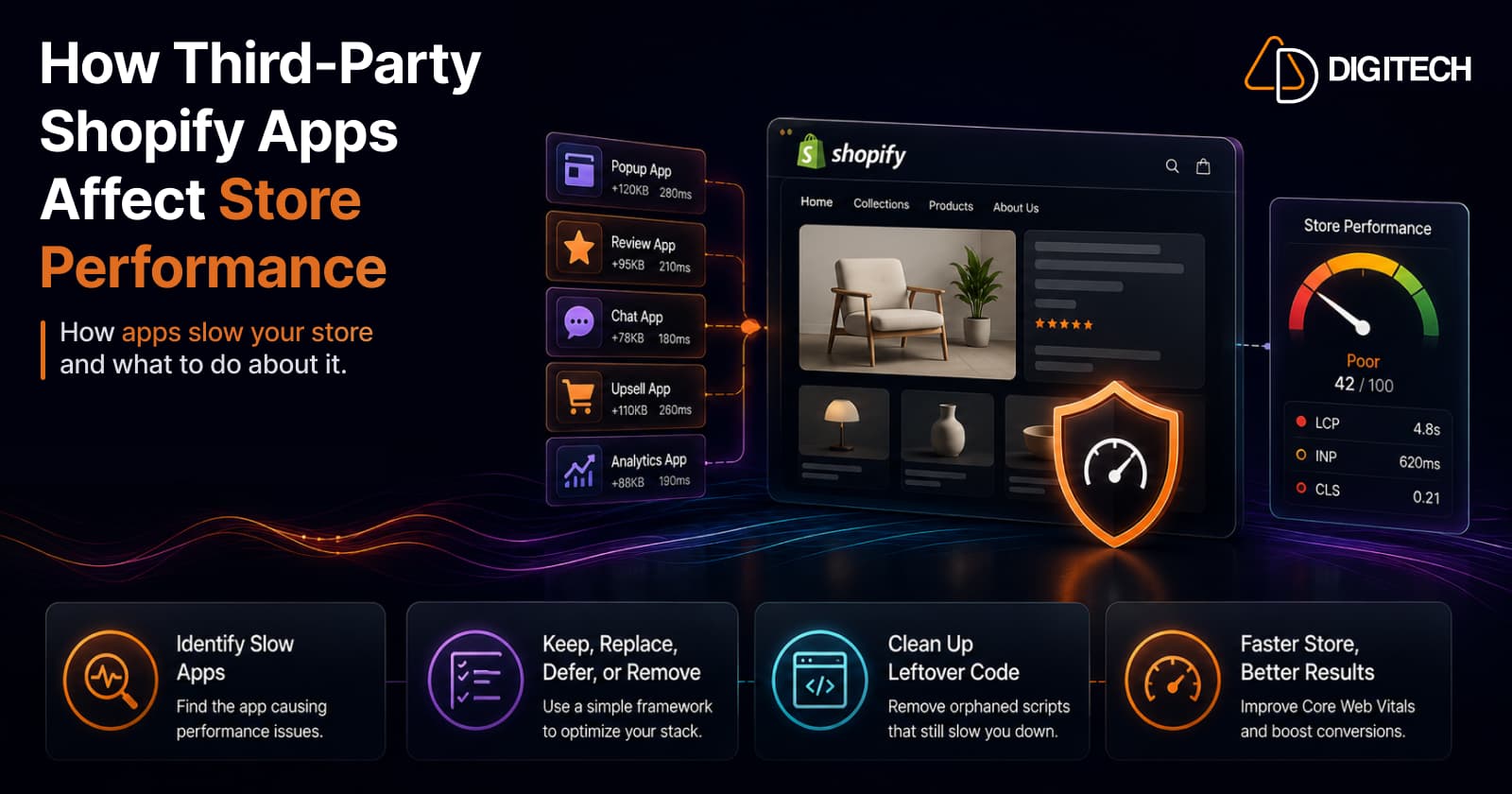
How Third-Party Shopify Apps Affect Store Performance (And What to Do About It)
Third-party apps are a common cause of slow Shopify stores — but the answer isn't zero apps, it's a lean, intentional stack. Here's exactly how apps hurt performance, the difference between the ones that matter and the ones that don't, how to find which app is slowing you down, and a keep/replace/defer/remove framework to fix it without losing function.
Read article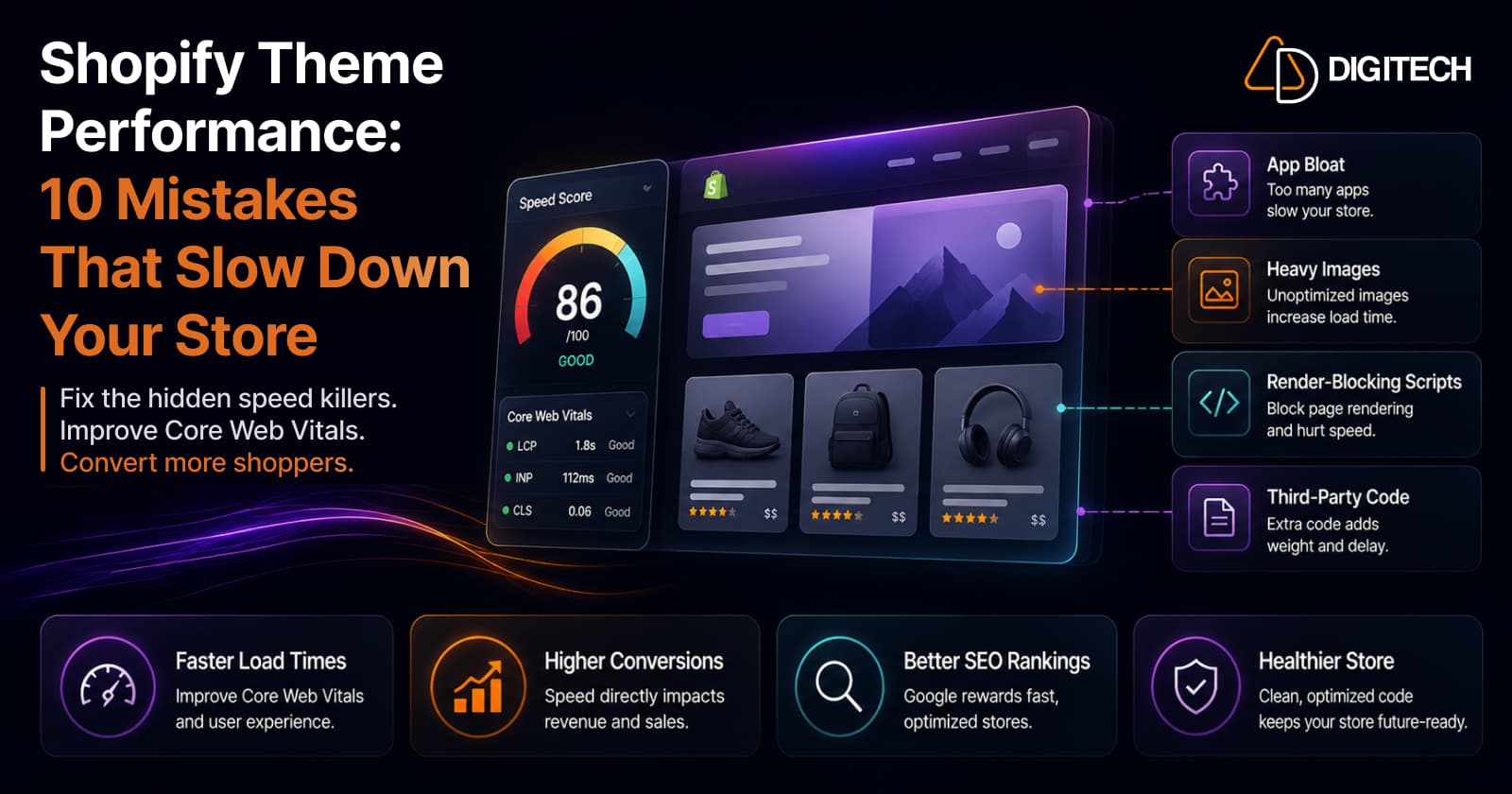
Shopify Theme Performance: 10 Mistakes That Slow Down Your Store
Three of these (app bloat, heavy images, render-blocking scripts) are the first places to look. Here are the 10 theme-performance mistakes we check for on every audit, why each one matters, and the honest fix: it's almost always subtraction, not another app.
Read article
Improving Shopify Core Web Vitals (Without Ripping Out Your Theme)
You almost never need a re-theme to pass Core Web Vitals. On hosted Shopify the server is already fast — stores fail because of what gets piled on top: apps, scripts, oversized images, and layout shift. All fixable in place. Here's the incremental playbook, metric by metric, plus how Shopify's real-user reports and Google's field data fit together.
Read article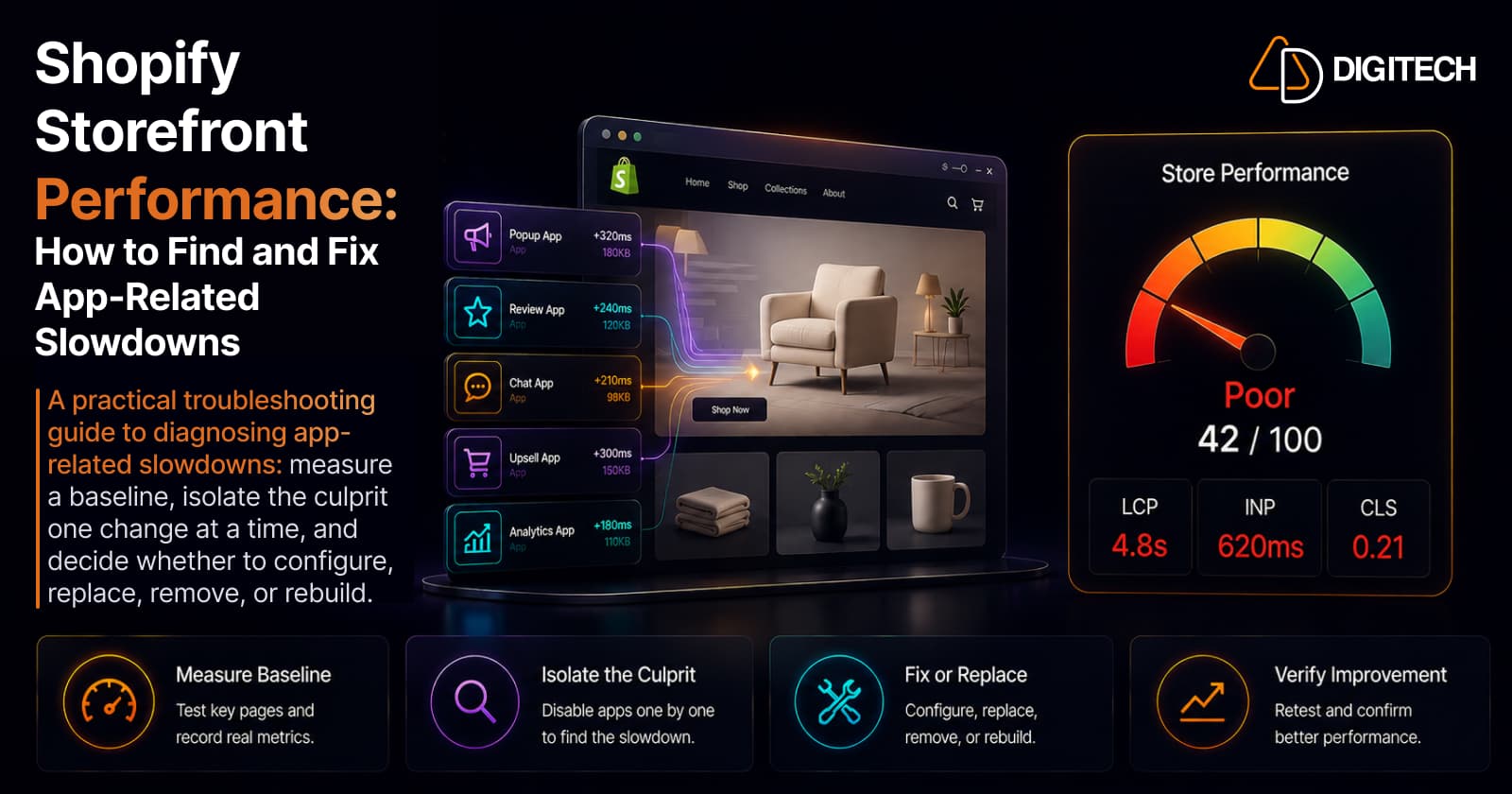
Shopify Storefront Performance: How to Find and Fix App-Related Slowdowns
A practical troubleshooting guide to diagnosing app-related Shopify slowdowns: measure a baseline, isolate the culprit one change at a time, and decide whether to configure, replace, remove, or rebuild.
Read article
Shopify Canvas Explained: How AI Is Changing Shopify Store Design in 2026
Shopify Canvas, announced October 1, 2026, lets merchants design a store with Sidekick. See how it works, its current limits, and what it means for developers.
Read article
Shopify Horizon Theme: Should Merchants Upgrade in 2026?
Horizon is Shopify's new collection of free themes, built with theme blocks — nested blocks, reusable blocks and AI block generation. But is it worth migrating your existing store in 2026? Here's what Horizon does better than Dawn, how to judge performance on your own store, why the move is a rebuild not a swap, and a clear decision framework.
Read article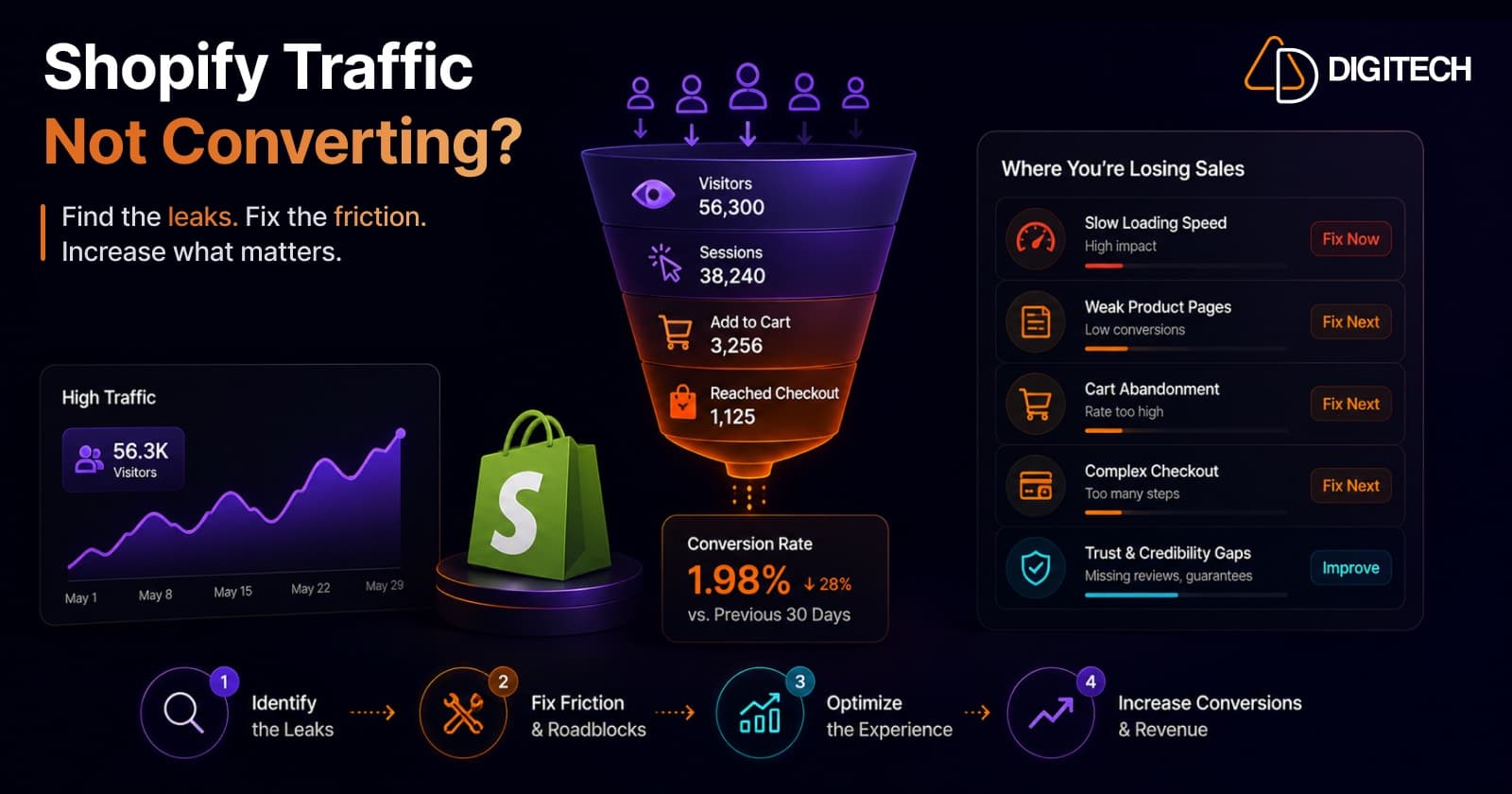
Why Shopify Stores Lose Sales Despite Growing Traffic
Traffic is up but sales aren't following? Traffic volume alone rarely explains it — usually it's the conversion gap. Here are the real reasons Shopify stores leak sales despite growing visits — speed, product pages, mobile, checkout, trust, traffic quality, and search — and how to diagnose and fix each.
Read article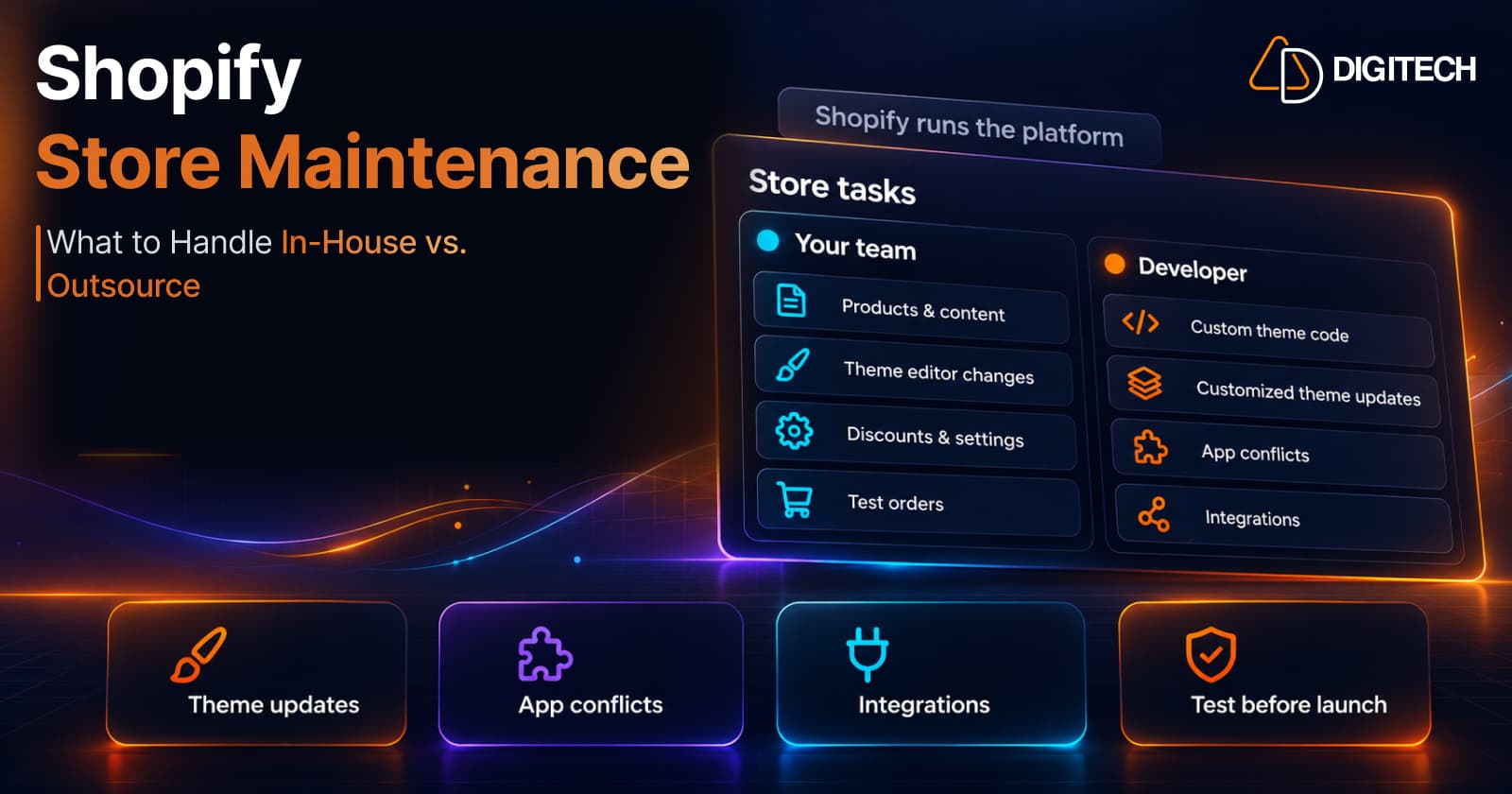
Shopify Store Maintenance: What to Handle In-House vs. Outsource
Shopify runs the platform; your theme, apps and integrations are yours to maintain. What to handle in-house, when to hire a developer and what support covers.
Read article