Shopify Product Data Management: When Your Store Has Outgrown Spreadsheets
How to manage Shopify product data as your catalog scales: signs you've outgrown spreadsheets, the single-source-of-truth problem, and when you actually need a PIM, ERP integration, or custom development.
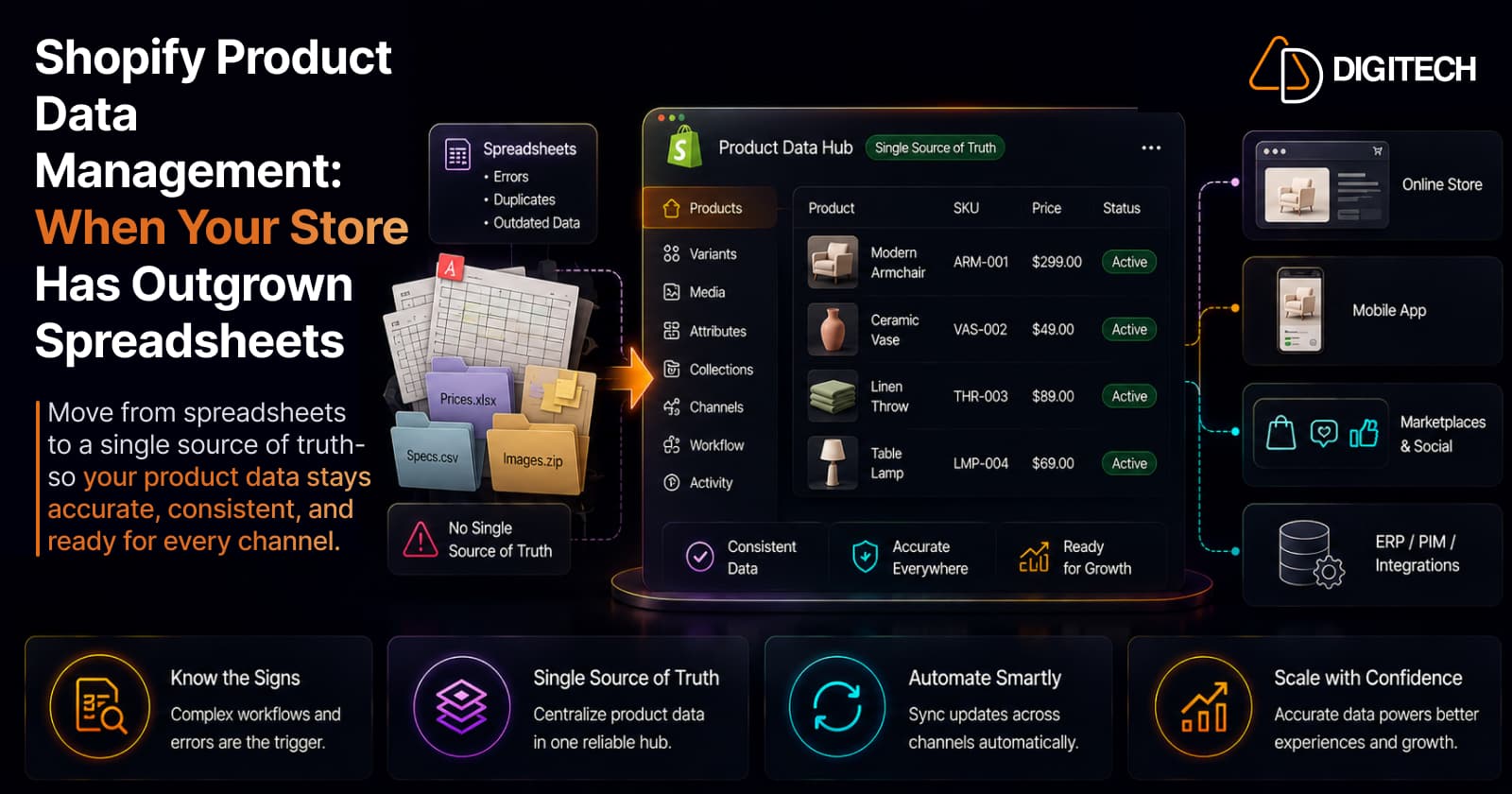
The short version: the question isn't "how many products do I have?" — it's "how complex is my product-data workflow?" A 500-product catalog with many variants, suppliers, and channels can be harder to run than a 5,000-product one with clean, consistent data. When spreadsheets and manual admin work start causing errors and rework, the fix is a deliberate order: standardize, centralize, automate, integrate — reaching for a PIM, ERP integration, or custom development only when the business actually needs it.
We build and integrate Shopify stores, so this is about operating catalog data at scale — not why it matters (see why your catalog matters more than SEO) or how to structure taxonomy (see product taxonomy), but how to keep it accurate and in sync as you grow.
A store starts with 50 products in a spreadsheet, grows to 200, then 1,000, adds suppliers, more variants, new markets, and extra sales channels. At some point the spreadsheets get hard to trust. The pressure isn't the product count itself; it's the growing number of attributes, variants, suppliers, systems, workflows, updates, and channels all touching the same data.
What product data management actually means
Product data management is keeping all the information attached to your products — titles, descriptions, images, prices, SKUs, variants, categories and types, attributes, metafields, inventory-related fields, and SEO fields — accurate, consistent, and synchronized over time. The hard part isn't entering it once. It's keeping it correct across every update, every system, and every channel as the catalog and the team grow.
Why spreadsheets work — until they don't
Spreadsheets are a genuinely good starting point, and there's no need to apologize for using them. They're cheap, flexible, easy to understand and share, and excellent for one-off bulk preparation and initial catalog cleanup before an import.
The limits appear with scale and collaboration, not size alone. Once several people edit product data, updates repeat manually, or the "master" file forks into three slightly different versions, the spreadsheet stops being a reliable record and starts being a source of errors. That's the signal to change how you manage data — not necessarily what tools you buy.
Eight signs you've outgrown spreadsheets
You're past the spreadsheet stage when several of these are true:
- Multiple people edit the same product data, and changes collide or overwrite each other.
- Information has become inconsistent — the same attribute spelled or formatted three ways.
- The same updates are made manually, repeatedly, across products or systems.
- Products carry many attributes that are hard to track in flat rows.
- Variants have become unwieldy — sizes, colors, bundles multiplying.
- Different sales channels need different data, and keeping them aligned is manual.
- Shopify has to stay in sync with other systems (ERP, supplier feeds, marketplaces).
- Nobody's certain which spreadsheet is the latest version.
The last one is the clearest tell. When the answer to "where's the current data?" is "let me check which file," you have a management problem, not a tooling gap yet.
The real problem: no single source of truth
Most data errors trace back to one root cause — the same product information living in several places that drift apart:
Supplier feed → internal spreadsheet → ERP → Shopify → marketplaces → marketing tools
If each holds a slightly different version, you get wrong descriptions, mismatched specs, missing images, inconsistent pricing, and outdated details on whichever channel didn't get the memo. As you add systems and channels, the cost of that drift rises fast. The goal isn't a specific product — it's designating one authoritative source for each type of data, so everything else pulls from it rather than diverging from it.
Standardize before you systematize
Before buying any system, fix the standards. This is operational governance, separate from taxonomy structure: agree how data is entered, not just how it's categorized.
Define clear conventions for naming, units and measurements, SKU format, image requirements, descriptions, and which fields are required versus optional. Use controlled values where it matters — instead of "Blue / blue color / navy / Navy Blue" scattered across products, pick one value per option. Shopify helps enforce this: metafield definitions apply data types and validation rules consistently, so the structure itself resists messy input. Standards first; systems second. A tidy spreadsheet with real standards beats a PIM full of inconsistent data.
Shopify Admin, spreadsheet, or PIM?
Shopify's native tools handle more than many merchants expect before any external system is needed: the bulk editor updates products and variants in a table (price, SKU, compare-at, and more), CSV import/export moves large volumes of data in and out including defined metafields, and metafield validation keeps it consistent.
| Approach | Best for | Main limitation |
|---|---|---|
| Shopify Admin (+ bulk editor, CSV) | Most catalogs, day-to-day operations | Manual effort grows with complexity |
| Spreadsheet | Planning, cleanup, bulk import prep | Version control and workflow gaps |
| PIM | Genuinely complex product information | An extra system and cost |
| Custom integration | Connected, automated workflows | Development and maintenance |
There's no product-count line where one replaces another. Match the tool to complexity, and don't buy a system to solve a discipline problem.
When you actually need a PIM (and when you don't)
A PIM — a dedicated system for centralizing product information — is worth it when data is genuinely complex: large catalogs with many attributes, multiple suppliers, multiple channels or languages, frequent updates, several teams editing, or enrichment and approval workflows that need control and audit trails.
It's unnecessary when the catalog is simple, the product structure is straightforward, few people manage it, there's one primary channel, updates are infrequent, or Shopify's native tools already meet the need. Buying a PIM you don't need adds a system to maintain without removing a real pain.
Shopify + ERP + PIM: who owns what
When multiple systems are involved, decide who's authoritative for each kind of data. A common — but not universal — split:
ERP → operational/business data (inventory, orders, purchasing, finance) PIM → product information (attributes, descriptions, media, enrichment) Shopify → the commerce/storefront experience Sales channels → pull from Shopify
Shopify integrates with ERP and PIM systems so governance can live upstream while Shopify stays the commerce-facing source of product truth. The exact ownership depends on your existing systems — the point is that it's decided deliberately, not by accident of which team last edited a field.
Automate — but not bad data
Automation removes repetitive work: bulk updates, supplier imports, inventory synchronization, product enrichment, metafield and image updates, category mapping, and validation. Done well, it saves your team hours and reduces human error.
But it fixes effort, not structure. Automating bad product data just spreads bad product data faster and to more places. Standardize and choose your source of truth before you automate, or you'll scale the mistakes along with the good data.
When custom development makes sense
Custom development earns its place when off-the-shelf tools can't connect your systems the way the business needs: Shopify ↔ ERP or PIM integration, supplier-feed synchronization, custom data transformations, automated metafield updates, complex product workflows, custom admin tooling, or multi-system data pipelines.
It's the wrong move when Shopify's native tools or a suitable existing app already solve the problem — and every integration is also a dependency to maintain, which is worth weighing the same way you'd weigh adding another app. The principle: use the simplest architecture that reliably solves the business problem, and no more.
A framework, and a checklist
A sensible order of operations:
- Audit your existing product data and find the inconsistencies.
- Define required fields and standards (naming, units, SKUs, images).
- Standardize attributes and controlled values.
- Identify the source of truth for each data type.
- Assign ownership — who maintains what.
- Automate the repetitive updates.
- Add a PIM, ERP integration, or custom development only where justified.
A quick health check for where you are today:
- Product naming and formats are standardized
- Required attributes and fields are defined
- Variant data is consistent across products
- Images follow a clear standard
- Metafields have defined purposes and validation
- Data ownership is assigned, not assumed
- A single source of truth is identified per data type
- Repetitive updates are automated
- Cross-system synchronization is monitored
- Product data is reviewed on a regular cadence
The bottom line
The trigger to move beyond spreadsheets isn't a product count — it's workflow complexity and the cost of errors. Stay on spreadsheets while the catalog is simple, the team is small, and updates are infrequent. Move toward centralization, automation, and integration when product complexity climbs, mistakes get expensive, multiple systems must stay in sync, or manual work is eating real time.
Work the sequence — standardize, centralize, automate, integrate — and use Shopify's native capabilities first. Add a PIM, ERP integration, or custom development only when the business genuinely requires it.
If your Shopify catalog has become difficult to manage across spreadsheets, suppliers, ERP systems, or other platforms, AD Digitech can help design the right product data architecture and build the integrations that keep your store in sync. See our Shopify store development work, or talk to us about your catalog.
Frequently asked questions
When should I stop using spreadsheets for Shopify product data?
When complexity, not count, makes them error-prone: multiple people editing the same data, frequent updates, many attributes and variants, several sales channels, or a need to sync Shopify with other systems. If nobody's sure which spreadsheet is the current one, you've already outgrown them. A simple catalog with one editor and infrequent updates can stay on spreadsheets indefinitely.
Do I need a PIM for my Shopify store?
Not automatically, and not just because the catalog is large. A PIM earns its place when product information is genuinely complex — many attributes, multiple suppliers and channels, multiple languages, several teams editing, or enrichment and approval workflows. If Shopify's native tools plus clean processes already keep your data accurate, a PIM adds cost without solving a real problem.
What product data can Shopify manage natively?
More than many merchants realize. The bulk editor updates products and variants in a table (price, SKU, and more); CSV import/export moves large amounts of data in and out, including defined metafields; and metafield definitions enforce data types and validation rules for consistency. Shopify also integrates with ERP and PIM systems, staying the commerce-facing source of truth while those manage upstream data.
Is there a product count at which Shopify becomes hard to manage?
No universal number. A 500-product catalog with many variants, suppliers, attributes, and channels can be harder to manage than a 5,000-product catalog with simple, consistent data. The trigger is workflow complexity and the cost of errors, not the product count.
Should I automate my product data updates?
Automation helps with repetitive work — bulk updates, supplier imports, inventory sync, metafield updates — but only once your data structure is sound. Automating messy data just spreads the mess faster and wider. Standardize first, then automate.
Building something on Shopify?
We design, build, and maintain Shopify apps, stores, and AI products — to the standard this article describes.
Related reading
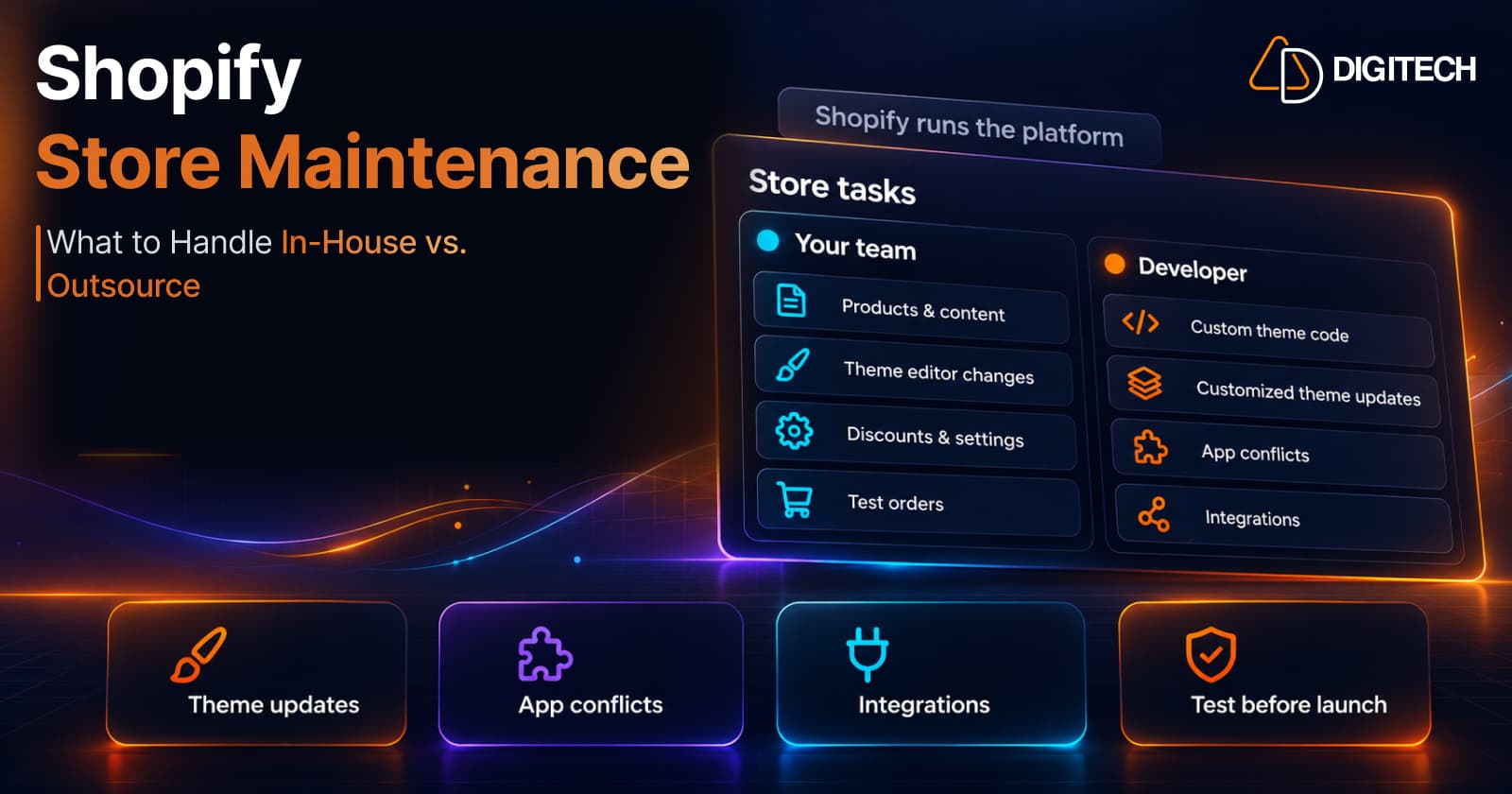
Shopify Store Maintenance: What to Handle In-House vs. Outsource
Shopify runs the platform; your theme, apps and integrations are yours to maintain. What to handle in-house, when to hire a developer and what support covers.
Read article
Shopify Adds Stock Counts in Admin: How Merchants Can Verify Inventory Before Peak Season
Shopify stock counts let staff record what's on the shelf and let a manager approve the differences before inventory changes. Here's how the workflow works in admin and POS.
Read article
Shopify Adds Arabic, Urdu, and Hebrew Support: What Merchants Must Check Before Launch
Shopify improved RTL support for Arabic, Urdu and Hebrew in the admin, storefronts and checkout. Here's what's covered, what isn't, and what to test before launch.
Read article
Shopify Translate & Adapt Auto-Sync: How to Keep Translations Current Before BFCM
Translate & Adapt can now update translations weekly with Auto-sync. Here's who can use it, how it differs from Translate now, and how to plan translations before BFCM.
Read article
Shopify Flow Shipping Label Automation: Setup, Rules, and What Merchants Should Test Before BFCM
Shopify Flow can now buy shipping labels automatically for orders that match your rules. Here's how the action works, example workflows, and what to test before BFCM.
Read article
Shopify Automated Policies: 7 Things Merchants Should Check Before Enabling Them
Shopify can now generate and update your return, shipping, terms of service and contact policies from your store settings. Here's what to check before you turn automation on.
Read article
Shopify Purchase Order Analytics: How to Spot Stock Risks Before BFCM
Shopify Analytics now includes purchase order reports. Here's what each report shows, how to use them to spot stock risks before BFCM, and what they can't tell you.
Read article
Shopify Rollouts: How Merchants Can Safely Test Store Changes Before BFCM
Learn how Shopify Rollouts let merchants schedule, test, and launch store changes safely before BFCM, including themes, discounts, catalogs, and checkout.
Read article
Shopify Shop Checkout Gets Faster: What Merchants Need to Know
Shopify's October 5, 2026 Shop update brings faster checkout and carts that sync across devices. See how it works, who qualifies and what to check before BFCM.
Read article