How to Improve Shopify Search & Filters for Better Conversions
Shoppers can't buy what they can't find. A merchant-first guide to improving Shopify search, filters, and product discovery so buying intent turns into sales.
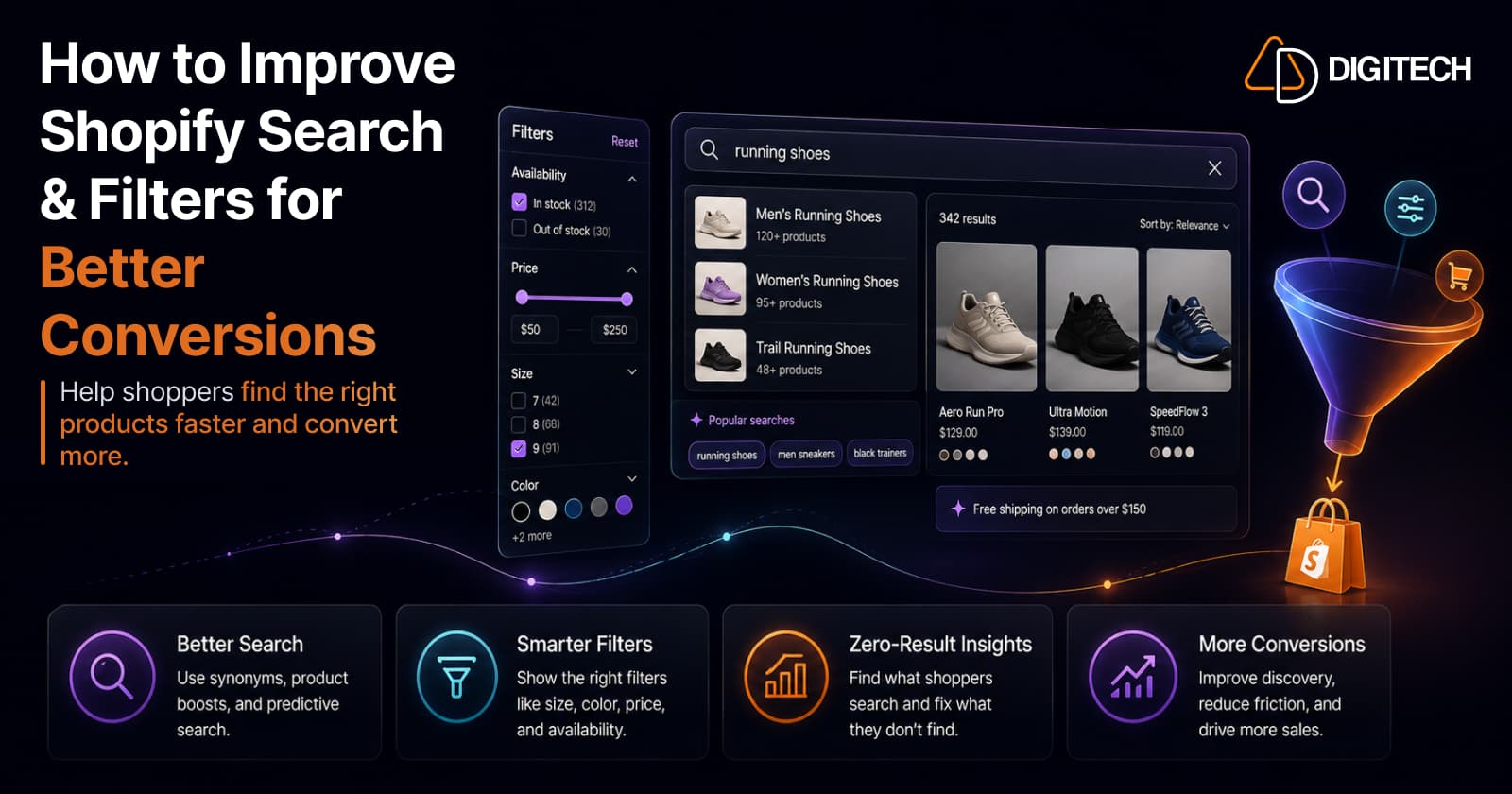
The short version: customers cannot buy products they cannot find. A shopper can arrive with strong intent, ready to spend, and still leave because reaching the right product took too much effort. Search and filtering sit in the middle of that journey, and when they create friction, conversion suffers no matter how good your traffic, product pages, or prices are. This guide covers where discovery breaks on Shopify and how to fix it, using the platform's native tools first.
We build and optimize Shopify stores, so this is written for merchants: business decisions first, with the technical detail explained only where it changes what you should do.
Traffic is not the problem you think it is
Most stores that feel stuck do not have a traffic problem. They have a discovery problem. The visitor is already on the site. They typed a query into your search bar or clicked into a collection because they want something specific. Everything from that point is yours to win or lose.
When a shopper searches "waterproof jacket" and gets nothing, or opens a collection of 300 products with no way to narrow it down, the effort of finding the right item quietly exceeds their patience. They do not email you to complain. They leave, and the visit reads as "didn't convert." This is one of the most common and least visible reasons that Shopify stores lose sales despite growing traffic: the money is being lost between arrival and the product page, in the part of the journey nobody watches.
Where search and filtering sit in the funnel
It helps to see the path a shopper actually takes:
Traffic → Search or navigation → Collection → Filtering → Product page → Purchase
Search and filtering are the connective tissue in the middle. Marketing and SEO win the traffic. Your product page and checkout win the sale. But between those two, search and filtering decide whether the shopper ever reaches a product worth buying. A brilliant product page converts nobody if the shopper never lands on it.
That middle layer is also where small improvements compound. Every shopper who finds the right product faster is a shopper who reaches your product page in a buying frame of mind, rather than an exhausted one.
Why shoppers fail to find products
Discovery breaks in a handful of predictable places. Each one looks different to you in the admin than it does to the shopper on their phone.
- Product names written for you, not for them. If a product is titled "AXR-200 Series Performance Layer" but shoppers search "waterproof running jacket," search has little to match against.
- Thin or inconsistent product data. When some products have a color set and others do not, or product types are entered inconsistently, filters become unreliable and search relevance drops.
- Collection structure that does not match how people shop. If your catalog is organized around how you buy from suppliers rather than how customers choose, the natural browsing path leads to dead ends.
- Missing filters. A shopper who only wants a size 10 in blue has no way to express that, so they scroll, get tired, and give up.
- Too many filters. The opposite failure. Twenty filter options create decision fatigue before the shopper has seen a single product.
- Irrelevant search results. A search for "gift" returns 200 loosely tagged items in no useful order, which feels the same as no results at all.
- Terminology mismatch. The shopper's word and your word for the same thing do not match, so the search comes back empty.
- Poor mobile filtering. Filters that are hard to open, hard to apply, or hard to clear on a small screen are effectively not there, and most of your traffic is on a small screen.
- Out-of-stock products crowding the results. When sold-out items sit at the top of a collection or search result, shoppers spend their attention on things they cannot buy.
- Variants that are hard to reach. When the thing a shopper wants is a specific variant, and there is no way to filter to it, the product may as well not exist for that shopper.
Every item on that list is a shopper reaching for something and not getting it. The rest of this article is about closing those gaps.
Search relevance starts with your product data
Search can only be as good as the data it searches. Before adjusting any tool, the highest-leverage work is usually your catalog itself.
Shopify's storefront search draws on your product content: titles, descriptions, product type, vendor, tags, and, increasingly, structured attributes. When that data is clean and consistent, search has something reliable to match against. When it is patchy, no configuration will rescue it.
Practical priorities, in order:
- Titles that include the words shoppers use. Keep the human-readable name, but make sure the terms customers actually type appear in the title or description. "Merino wool base layer" beats a bare model code.
- Descriptions that cover the obvious questions. Material, use case, fit, and compatibility are all things shoppers search for and filter by.
- Consistent product types and attributes. This is what makes filtering trustworthy. If "Shoes" and "Footwear" both exist as product types, your filters fracture.
- Metafields for the attributes that matter in your category. Metafields let you store structured data (such as "waterproof rating" or "screen size") that both search and filters can use.
Shopify's free, first-party Search & Discovery app also lets you shape relevance directly. Its semantic search interprets shopper intent rather than matching keywords alone, and product boosts let you assign up to 10 search terms to a product so it ranks higher for the queries you care about. These are useful levers, but they work best on top of clean data, not as a substitute for it.
Fixing zero-result searches
A zero-result search is exactly what it sounds like: a shopper searched, and your store returned nothing. It is the purest form of lost intent, because the shopper told you precisely what they wanted and you had no answer.
The classic cause is a language gap. Consider:
A customer searches "navy running shoes." Your catalog calls them "midnight blue trainers."
You stock the exact product. The shopper cannot find it. Multiply that across every regional word, abbreviation, and synonym your customers use, and a meaningful slice of your traffic is searching its way out of your store.
Shopify gives you the tools to close this gap directly:
- Find the failures. The Search & Discovery app includes a Searches with no results report (with longer date ranges in Analytics > Reports). This is a ranked list of exactly which words are failing your shoppers. It is one of the most valuable reports in your admin, and most merchants never open it.
- Fix them with synonym groups. Search & Discovery lets you create synonym groups so different words return the same products. You could group "trainers," "sneakers," and "running shoes," or "navy" and "midnight blue," so the shopper's word maps to yours. Each synonym can be up to five words, with up to 20 synonyms per group.
- Update the source data too. Synonyms patch the gap; better titles and descriptions prevent it. Do both.
Working through your no-result terms is often the single fastest conversion improvement available on a Shopify store, because you are recovering shoppers who had already decided to buy.
Build filters around how customers decide, not around your data
Filters exist to help a shopper narrow a large set of options down to the few that fit their decision. The best filters mirror the questions a customer is already asking themselves.
That means the right filters are category-specific:
| Category | Filters that match the decision |
|---|---|
| Fashion | Size, color, fit, material |
| Furniture | Dimensions, material, room, color |
| Electronics | Compatibility, storage, screen size, key features |
The Search & Discovery app builds filters from real sources in your catalog: availability, price, product type, tags, vendor, product options, and metafields. If you have added a "Size" product option, a matching size filter becomes available. If "waterproof rating" lives in a metafield, you can filter on it.
The discipline is knowing what to leave out. Do not add a filter simply because the data exists. A "vendor" filter is meaningless to a shopper who has never heard of your suppliers. A filter earns its place only when customers actually use that attribute to choose.
This is also where filter overload does its damage. Shopify allows up to 25 filters per store, but a page with a dozen filter groups asks the shopper to do work before they have seen anything. Two to four well-chosen filters almost always outperform ten generic ones. Prioritize ruthlessly, and let the category, not your database, decide. Since these filters render on your collection and search pages, they work hand in hand with your collection page setup and the way your collections themselves are structured.
Search and filtering on mobile
Most Shopify traffic shops on a phone, which means the mobile filtering experience is not a smaller version of the real thing. It is the real thing. A filter system that works on a desktop and frustrates on a phone is failing most of your customers.
What matters on mobile, from the shopper's point of view:
- Filters must be easy to reach. A clear, obvious filter control, usually a drawer or panel, that opens without hunting.
- Applied filters must stay visible. Shoppers need to see what they have already selected, as chips or tags, so they are never lost in the results.
- Clearing must be effortless. A one-tap "clear all," plus the ability to remove a single filter, prevents the frustration of starting over.
- Result counts help. Showing how many products match a selection sets expectations and prevents dead-end combinations.
- Tap targets must be finger-sized. Filters and sort controls that are too small to tap reliably get abandoned.
- Sorting should be within reach. Sort by price, newness, or best-selling belongs next to filtering, not buried.
None of this requires custom development on a modern theme. It requires treating the mobile experience as the primary one and testing it on an actual phone, not a resized browser window.
Variants and product discovery
Variants are where discovery gets genuinely tricky, and where it is easy to assume capabilities the platform does not have. Here is what is actually true on Shopify today.
In the Search & Discovery app, product options are variant-level filters. If color is a product option, a shopper filtering by "blue" is filtering against your variants. You can also build variant metafield filters for attributes stored at the variant level. Shopify's own guidance is to use variant metafields when linking to specific variants matters, and product metafields when it does not.
There is a nuance worth understanding. Because these filters resolve to products, selecting several values of a variant-level option can still return a single product if all those values belong to one product's variants. So variant-level filtering helps shoppers find products that contain a matching variant, rather than isolating an individual variant on the results page. For most catalogs that is exactly what you want. For unusual cases, such as selling individual variants as if they were standalone products, this is one of the situations where custom development starts to make sense.
Whatever the shopper filters to, the handoff to the product page has to be clean, with the right variant preselected and clearly available. Discovery and the product page are one continuous experience, not two.
Merchandising: shaping what shoppers see first
Filtering is what the shopper controls. Merchandising is what you control, and it is just as important to conversion.
The order in which products appear is a commercial decision. A collection or search result that leads with your best-sellers and hero products, and pushes sold-out items down, converts better than one left on a default sort. Within search specifically, product boosts let you promote chosen items for chosen queries, and synonym groups quietly widen how many searches reach the right products at all.
The goal is not to bury shoppers in options and hope. It is to make sure that the first screen of results, the part most people actually look at, is working as hard as it can. Keep this focused: a few deliberate boosts and a sensible default sort do more than an elaborate ruleset that nobody maintains.
What to measure, and where the numbers actually come from
You cannot improve what you cannot see, and this is an area where it is easy to assume Shopify shows a metric that it does not. Here is the honest split.
Native to Shopify (Search & Discovery app, last 30 days, with longer ranges in Analytics > Reports):
- Searches by search query — what people actually search for.
- Searches with no results — the queries failing your shoppers.
- Searches with no clicks — searches that returned products but tempted no one.
- Click rate — how often search results get clicked.
- Purchase rate — how often a search-discovered product is bought.
Usually needs GA4, an app, or custom tracking:
- Which filters are used most, and which are ignored.
- How filtering correlates with add-to-cart and checkout.
- Full search-to-purchase paths and drop-off points.
- On-site search exit rates in detail.
The practical approach: start with the native reports, because they already tell you your top searches, your zero-result terms, and whether search leads to purchases. Reach for GA4 or a dedicated tool when you need to understand filter behavior and the deeper funnel. Do not assume Shopify exposes a metric it does not; check the report list first.
A practical Shopify search and filter audit
You can run most of this yourself in an afternoon. Work through it from the shopper's side of the screen.
- Test your 20 most common searches and judge the results as a customer would.
- Open the Searches with no results report and list the terms to fix first.
- Review the Searches with no clicks report for queries that return weak matches.
- Create synonym groups for the language gaps you find (regional words, abbreviations, alternate names).
- Audit product titles and descriptions for the words shoppers actually use.
- Check product type consistency across the catalog so filters stay reliable.
- Review metafield consistency for the attributes you filter on.
- Question every filter. Does each one reflect a real buying decision, or is it there because the data exists?
- Test filters on an actual phone: opening, applying, seeing selections, clearing, and result counts.
- Confirm out-of-stock handling so sold-out items are not crowding discovery.
- Test your important variants, especially color and size, to confirm shoppers can filter to them.
- Check your default sort on key collections and search results.
If you do nothing else from this article, do the search reports and the synonym work. They recover shoppers who had already made up their minds.
When native Shopify is enough, and when custom development helps
For a large share of stores, the free Search & Discovery app plus disciplined product data is genuinely enough. Clean titles, consistent product types, sensible metafields, a short list of decision-driven filters, synonym groups, and a maintained default sort will fix the discovery problems most merchants have. It is worth exhausting these before spending on anything heavier.
Custom development starts to make sense when the catalog or the experience outgrows what the native tools can express. Common signals:
- Large or complex catalogs, including those approaching the limits where native filters stop displaying.
- Industry-specific filtering that standard sources do not capture cleanly.
- Complex product relationships, such as configurable bundles or compatibility matrices.
- Advanced merchandising rules that change by segment, season, or inventory in ways the native tools cannot maintain.
- Custom UX or unusual discovery flows that your theme cannot support.
The right sequence is to prove the native tools are the constraint before building past them. When they genuinely are, custom search, filtering, and merchandising can be built to fit the catalog rather than the other way around.
The bottom line
Better search is not about adding more filters or installing more apps. It is about helping a shopper reach the right product with less effort than it takes to give up. Most of the wins are unglamorous and available today: clean product data, synonym groups that speak your customers' language, a short list of filters that match how people decide, a mobile experience tested on a real phone, and the honesty to read your zero-result report.
Do that work and the rest of your store finally gets the traffic it deserves, because shoppers are arriving at the right product pages ready to buy, instead of leaving from a search bar that had nothing to say.
If your catalog has outgrown native search and filtering, or you want a second pair of eyes on where discovery is leaking, our Shopify store development team can help. Talk to us about your product discovery experience.
Frequently asked questions
Does Shopify have built-in search and filtering?
Yes. Shopify's free first-party Search & Discovery app adds customizable storefront search and filtering on top of the native search. It supports synonyms, product boosts, predictive search result types, and filters based on availability, price, product type, product options, and metafields, on any compatible Online Store 2.0 theme. Many stores can improve product discovery significantly before ever considering a third-party app.
How do I fix 'no results' searches on Shopify?
Start with the Searches with no results report in the Search & Discovery app (longer date ranges are in Analytics > Reports). Then close the gap between customer language and your catalog language, usually by creating synonym groups that map the words shoppers use to the words on your products, and by improving product titles and descriptions. Zero-result searches are one of the clearest and highest-value fixes available, because each one is a shopper who wanted something and left empty-handed.
Can Shopify filters work at the variant level?
Yes, to a degree. In the Search & Discovery app, product options are treated as variant-level filters, and you can also build filters from variant metafields. This matters when an attribute such as color or size lives on the variant rather than the product. Filters require a compatible theme and have limits: for example, filters are not displayed on collections with more than 5,000 products, and a store can have up to 25 filters.
How many filters should a Shopify store show?
Enough to match how customers actually decide, and no more. Prioritize the two to four attributes that drive the purchase in your category (for fashion, often size, color, fit, and material) and resist adding a filter simply because the data exists. Shopify permits up to 25 filters per store, but using anywhere near that number usually makes shopping harder, especially on mobile.
What search and filter metrics does Shopify show natively?
The Search & Discovery app reports search click rate, purchase rate, searches by search query, searches with no results, and searches with no clicks, covering the last 30 days, with longer ranges available in Analytics > Reports. Deeper funnel questions, such as how often a specific filter is used or how search interacts with checkout, usually require GA4 or additional tracking.
When should I move beyond Shopify's native search and filtering?
When the native tooling stops fitting the catalog: very large or complex catalogs, industry-specific filtering, complex product relationships, advanced merchandising rules, or an unusual discovery flow. For many stores, the free Search & Discovery app plus clean, consistent product data is enough. Custom development earns its place when the catalog or the experience genuinely exceeds what the native tools can express.
Building something on Shopify?
We design, build, and maintain Shopify apps, stores, and AI products — to the standard this article describes.
Related reading
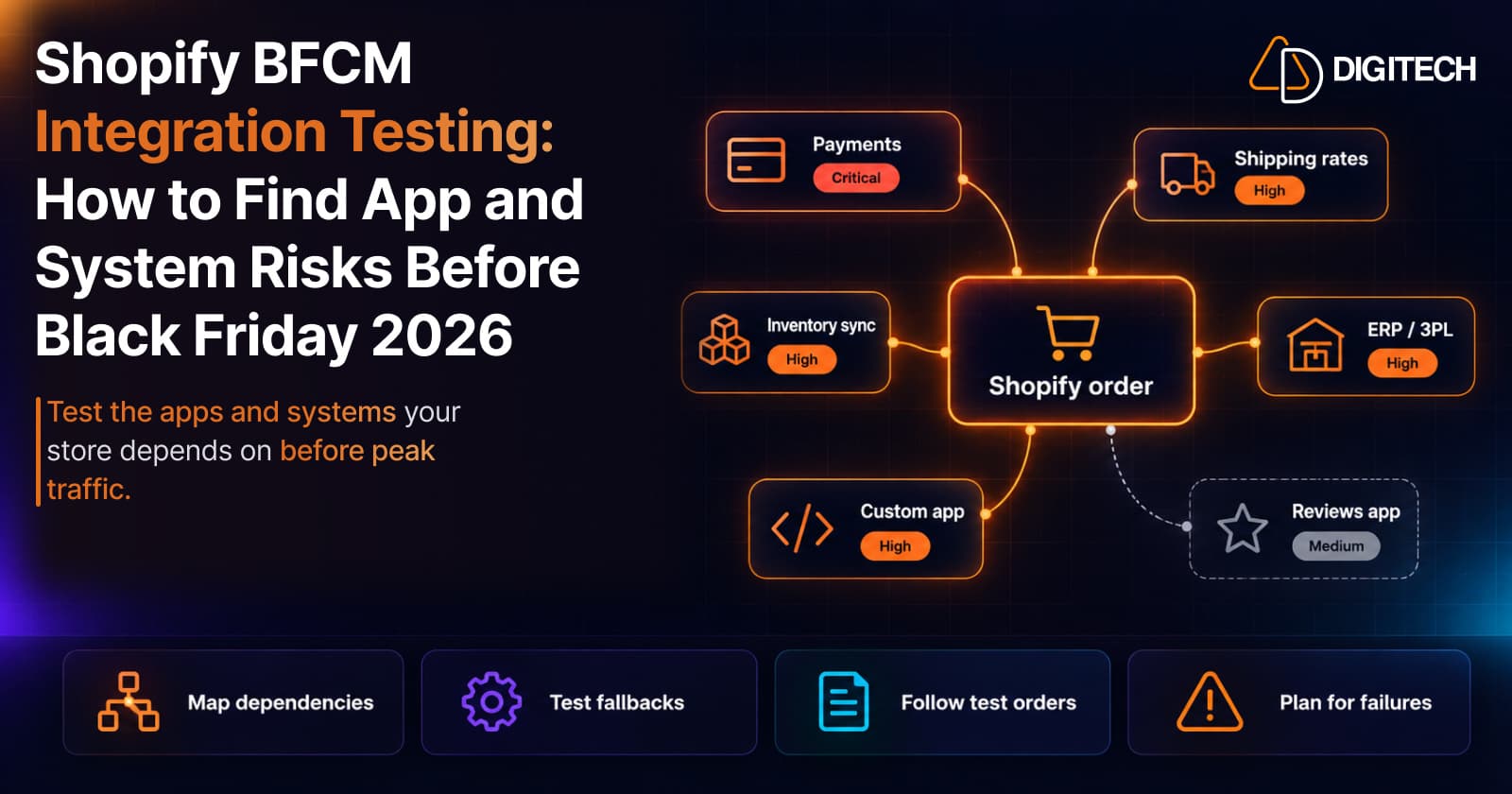
Shopify BFCM Integration Testing: How to Find App and System Risks Before Black Friday 2026
Prepare your Shopify store for BFCM 2026. Test checkout, shipping apps, payments, inventory sync, and custom integrations before Black Friday.
Read article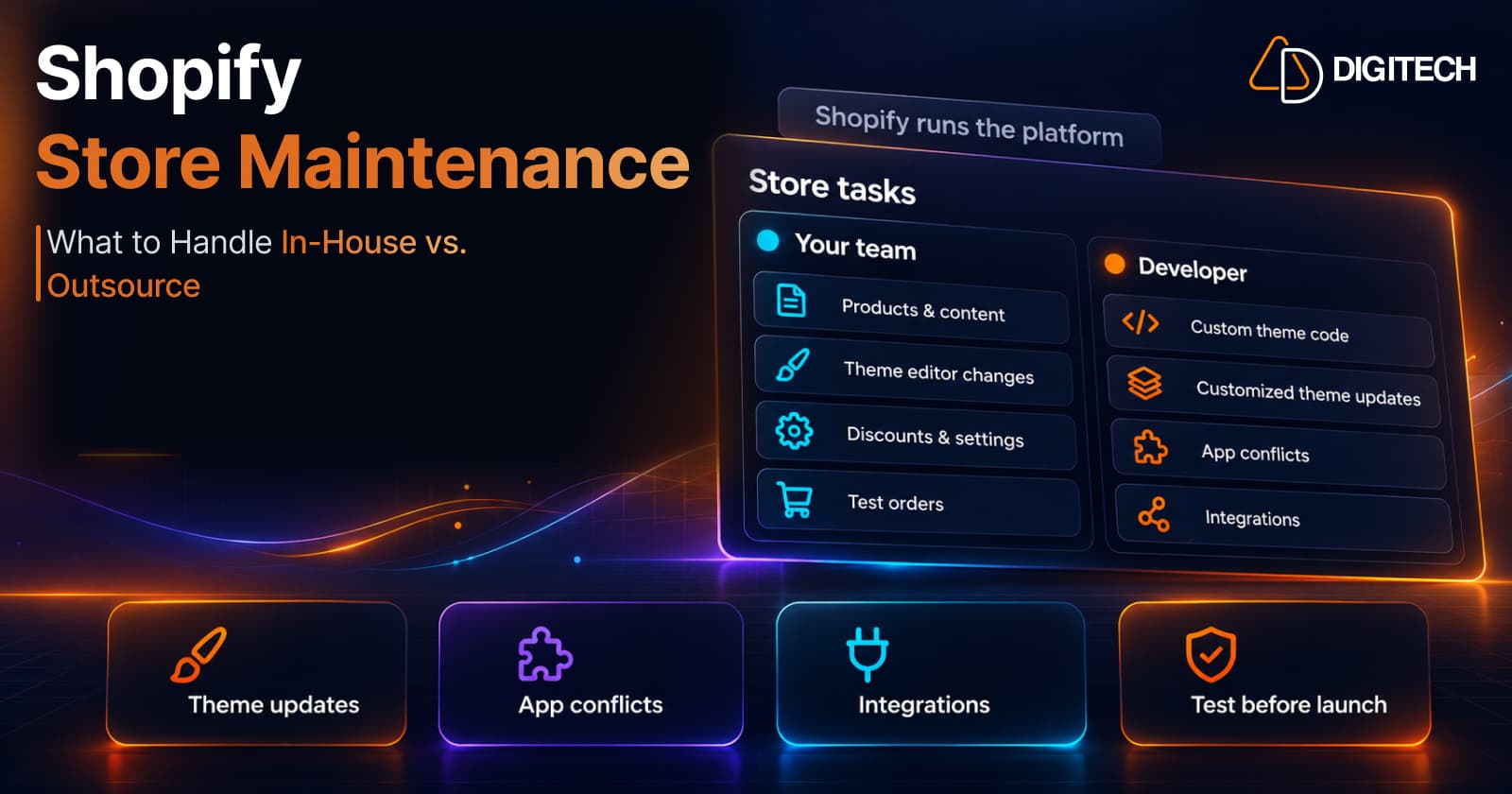
Shopify Store Maintenance: What to Handle In-House vs. Outsource
Shopify runs the platform; your theme, apps and integrations are yours to maintain. What to handle in-house, when to hire a developer and what support covers.
Read article
Shopify Adds Stock Counts in Admin: How Merchants Can Verify Inventory Before Peak Season
Shopify stock counts let staff record what's on the shelf and let a manager approve the differences before inventory changes. Here's how the workflow works in admin and POS.
Read article
Shopify Adds Arabic, Urdu, and Hebrew Support: What Merchants Must Check Before Launch
Shopify improved RTL support for Arabic, Urdu and Hebrew in the admin, storefronts and checkout. Here's what's covered, what isn't, and what to test before launch.
Read article
Shopify Translate & Adapt Auto-Sync: How to Keep Translations Current Before BFCM
Translate & Adapt can now update translations weekly with Auto-sync. Here's who can use it, how it differs from Translate now, and how to plan translations before BFCM.
Read article
Shopify Flow Shipping Label Automation: Setup, Rules, and What Merchants Should Test Before BFCM
Shopify Flow can now buy shipping labels automatically for orders that match your rules. Here's how the action works, example workflows, and what to test before BFCM.
Read article
Shopify Automated Policies: 7 Things Merchants Should Check Before Enabling Them
Shopify can now generate and update your return, shipping, terms of service and contact policies from your store settings. Here's what to check before you turn automation on.
Read article
Shopify Purchase Order Analytics: How to Spot Stock Risks Before BFCM
Shopify Analytics now includes purchase order reports. Here's what each report shows, how to use them to spot stock risks before BFCM, and what they can't tell you.
Read article
Shopify Rollouts: How Merchants Can Safely Test Store Changes Before BFCM
Learn how Shopify Rollouts let merchants schedule, test, and launch store changes safely before BFCM, including themes, discounts, catalogs, and checkout.
Read article