Shopify Product Taxonomy: How to Organize Your Catalog for Better Search, SEO & AI Discovery
A practical guide to structuring your Shopify catalog: product category vs type, collections, tags, metafields, and attributes — organized around how customers actually shop.
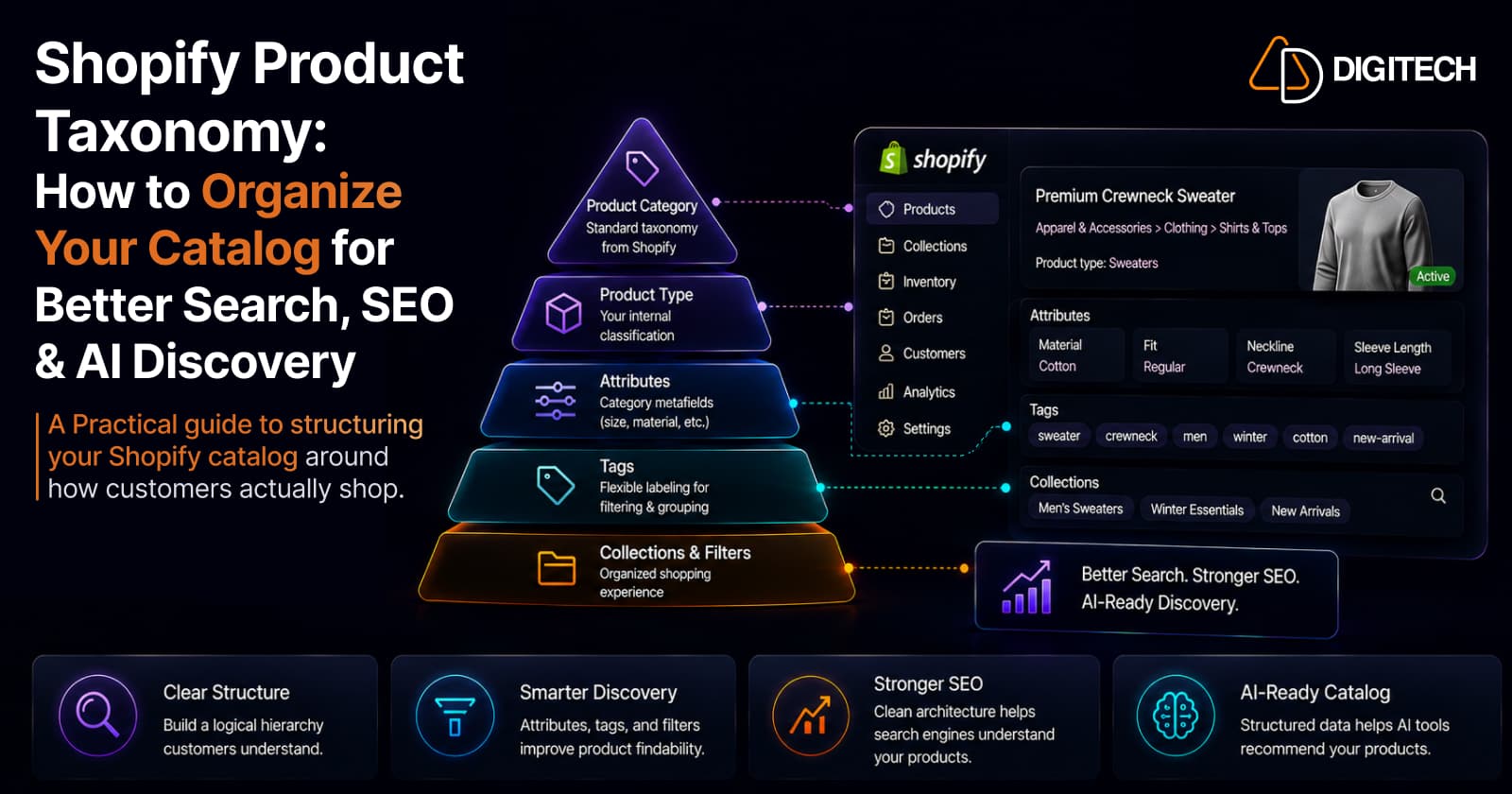
The short version: a store can have thousands of products and still be hard to shop if the catalog is poorly structured. Good product taxonomy is not about adding more categories, tags, or metafields. It's a consistent way of describing what each product is and how customers shop for it, so search, filters, merchandising, SEO, and AI systems can all make sense of your catalog. This is the practical how-to.
If you want the case for why catalog quality now matters as much as it does, we covered that in why your product catalog matters more than SEO. This article is the other half: how to structure it properly.
Poor structure has a chain reaction. Inconsistent product data leads to weak search, confusing filters, difficult merchandising, thinner SEO context, and a catalog that AI shopping tools struggle to interpret. Fixing the structure improves all of those at once.
What product taxonomy actually means
Product taxonomy is the system you use to organize products by what they are, what category they belong to, what attributes they have, and how customers search for and compare them. It has layers, not just a single category tree.
A quick fashion example shows the layers:
- Category: Shoes → Running Shoes
- Attributes: gender, size, color, material, activity
- Variants: the specific size and color combinations a customer buys
Each layer does a different job. The goal is that every product is described consistently across all of them.
Product category vs product type vs collection
This is the distinction that trips up most merchants, and Shopify's model is clearer than it used to be.
| Shopify concept | Main purpose | Example |
|---|---|---|
| Product category | Standardized classification from Shopify's Standard Product Taxonomy; one per product | Apparel & Accessories > Clothing > Shirts |
| Product type | Your own custom label for internal classification; one per product | "Summer Shirt" |
| Collection | Storefront merchandising group (manual or automated) | "New Arrivals," "Under $50" |
The key modern point: product category is powered by Shopify's Standard Product Taxonomy, a standardized library spanning 26+ verticals, over 10,000 categories, and more than 1,000 associated attributes. When you assign the correct category, Shopify unlocks category-specific attributes (stored as category metafields) that fit that product, for example neckline, sleeve length, and fabric for a shirt. The category is also used for tax and for selling on other channels.
Product type is different. It's a free-text label you define for your own organization when the standard categories don't match how your team thinks about products. Use both: the standardized category for accuracy and discoverability, the product type for your internal grouping. Collections are separate again, they're how you merchandise on the storefront, not how you classify a product, and it's worth knowing how collections themselves are evolving before you build them.
Where tags and metafields fit
Tags and metafields are not substitutes for categories, and they do different jobs.
Tags are simple labels for grouping, such as sale, clearance, or vip. They're good for quick internal filtering and broad segmentation. They are not a structured attribute system, so relying on tags as your whole taxonomy gets messy fast.
Metafields store structured attributes in a consistent format, material, dimensions, compatibility, care instructions, technical specs. They offer more structure and flexibility than tags, and they can power filters and automated collections. Many attributes are already provided as category metafields once you set the product category; you add custom metafields only for attributes the taxonomy doesn't cover. The discipline: create metafields around real customer and business needs, not because you can.
Build your taxonomy around how customers shop
The most common mistake is organizing products the way your internal team thinks about them, rather than the way customers shop. Before defining attributes and filters, ask: what do customers search for, how do they compare products, and which differences actually affect the buying decision?
The right attributes are category-specific:
- Fashion (shoes): size, color, fit, material, activity
- Furniture: room, material, dimensions, color, style
- Electronics: compatibility, storage, screen size, connectivity
Structure the attributes that drive decisions, and leave out the ones that don't. A filter nobody uses is clutter, and clutter makes the catalog harder to shop, not easier.
What good taxonomy unlocks
Clean structure is worth the effort because it feeds several systems at once.
Search and filters. Filters are built directly from your structured data, product options, metafields, and standard attributes. Consistent taxonomy is what makes reliable filtering possible in the first place; without it, filters break or return nonsense. This is the structural groundwork behind improving Shopify search and filters. Adding more fields does not automatically improve search ranking, but consistent fields make discovery work.
SEO. Clear categorization, sensible collections, breadcrumbs, and consistent terminology help search engines understand your products and how they relate to each other. To be clear: taxonomy supports SEO, it does not replace it. Good structure won't guarantee higher rankings, but it makes the rest of your SEO work more effective by giving search engines clean signals to read.
AI discovery. AI shopping tools can only reliably interpret what your catalog clearly communicates, product identity, category, attributes, variants, availability, and how products relate. Structured, consistent data is what lets those systems represent your products accurately, which is increasingly part of getting recommended by AI search. You don't need to do anything AI-specific here; clean taxonomy is the work.
Common taxonomy mistakes
Most catalogs share the same handful of problems:
- Inconsistent product types ("Shoes" and "Footwear" both in use).
- Treating tags as a full taxonomy instead of a light labeling layer.
- Too many collections that overlap and confuse navigation.
- Filters customers don't use, added because the data existed.
- The same attribute named differently across products.
- Attributes buried in titles inconsistently instead of structured.
- Ignoring variants, so variant-level differences aren't discoverable.
- Metafields with no clear purpose.
- Internal terminology used where customer terminology belongs.
- No maintenance, so structure drifts as the catalog grows.
A practical taxonomy framework
A simple sequence that works for most stores:
- Define your major product categories using Shopify's Standard Product Taxonomy.
- Set product types for your own internal grouping where useful.
- Identify the attributes customers actually use to choose in each category.
- Map those attributes to filters so shoppers can act on them.
- Decide which data belongs in metafields, using category metafields first and custom ones only for real gaps.
- Build collections around shopping journeys, not around your admin.
- Standardize terminology so the same attribute is named the same way everywhere.
- Test with real customer queries, searching and filtering as a customer would.
Product taxonomy audit checklist
- Product categories are assigned consistently using the standard taxonomy
- Product types follow a clear naming convention
- Customer-important attributes are structured, not buried in text
- Variants are organized consistently
- Filters reflect real buying decisions
- Collections each have a clear, distinct purpose
- Product terminology matches customer language
- Metafields have defined use cases
- Common and zero-result search queries have been reviewed
- Taxonomy is documented so new products stay consistent
When native structure is enough, and when custom helps
For most stores, using Shopify's native taxonomy correctly is enough, and it should always be the first move. The Standard Product Taxonomy, category metafields, collections, and filters cover a great deal without custom work.
Custom development becomes relevant when native capabilities can't efficiently support the requirement: very large or complex catalogs, complex product relationships, industry-specific attributes, ERP or product-information-system integrations, product configurators, or advanced filtering and merchandising rules. The test is not catalog size alone, it's whether the business need genuinely exceeds what the native tools express. If native Shopify handles it, use native Shopify.
The bottom line
Good Shopify taxonomy isn't about creating more categories, tags, or metafields. It's a consistent product-information structure that mirrors how customers actually shop, and that consistency is what powers better discovery, filtering, merchandising, cleaner SEO structure, and product data that AI systems can understand. Assign accurate categories, structure the attributes that matter, standardize your terminology, and maintain it as you grow.
If your catalog has grown beyond simple product categories and needs structured attributes, advanced filtering, custom integrations, or a more tailored storefront, AD Digitech can help design and implement the right Shopify architecture. See our Shopify store development work, or talk to us about your catalog structure.
Frequently asked questions
What is product taxonomy in Shopify?
It's how you organize products so they can be understood and found: the product category (from Shopify's Standard Product Taxonomy), the product type, attributes (category metafields), variants, tags, and the collections and filters built on top. Done well, it's a consistent structure that reflects what each product is and how customers shop for it, not just a category tree.
What's the difference between product category and product type in Shopify?
Product category is a standardized classification from Shopify's Standard Product Taxonomy (for example Apparel & Accessories > Clothing > Shirts). Each product has one, and choosing it unlocks category-specific attributes and helps with tax and sales channels. Product type is your own custom label for internal classification. They're complementary, not interchangeable, and a product can have both.
Do metafields improve product discovery?
They can, when they hold real attributes customers use to choose, such as material, size, or compatibility, because metafields power filters and automated collections in a consistent, structured way. But creating metafields without a purpose adds clutter, not discoverability. Structure data around genuine customer and business needs, not because a field exists.
Does better product taxonomy improve SEO?
It supports SEO but does not replace it. Clear categorization, sensible collections, breadcrumbs, and consistent terminology help search engines understand your products and how they relate. It won't guarantee higher rankings on its own; it makes the rest of your SEO work more effective.
When do I need custom development for catalog structure?
When native Shopify structure can't efficiently support the requirement: very large or complex catalogs, industry-specific attributes, product configurators, external product-information systems, or advanced filtering and merchandising. Most stores should first use Shopify's native taxonomy correctly; custom development is for genuine gaps, not simply for having a big catalog.
Building something on Shopify?
We design, build, and maintain Shopify apps, stores, and AI products — to the standard this article describes.
Related reading

Shopify Flow Shipping Label Automation: Setup, Rules, and What Merchants Should Test Before BFCM
Shopify Flow can now buy shipping labels automatically for orders that match your rules. Here's how the action works, example workflows, and what to test before BFCM.
Read article
Shopify Automated Policies: 7 Things Merchants Should Check Before Enabling Them
Shopify can now generate and update your return, shipping, terms of service and contact policies from your store settings. Here's what to check before you turn automation on.
Read article
Shopify Purchase Order Analytics: How to Spot Stock Risks Before BFCM
Shopify Analytics now includes purchase order reports. Here's what each report shows, how to use them to spot stock risks before BFCM, and what they can't tell you.
Read article
Shopify Rollouts: How Merchants Can Safely Test Store Changes Before BFCM
Learn how Shopify Rollouts let merchants schedule, test, and launch store changes safely before BFCM, including themes, discounts, catalogs, and checkout.
Read article
Shopify Shop Checkout Gets Faster: What Merchants Need to Know
Shopify's October 5, 2026 Shop update brings faster checkout and carts that sync across devices. See how it works, who qualifies and what to check before BFCM.
Read article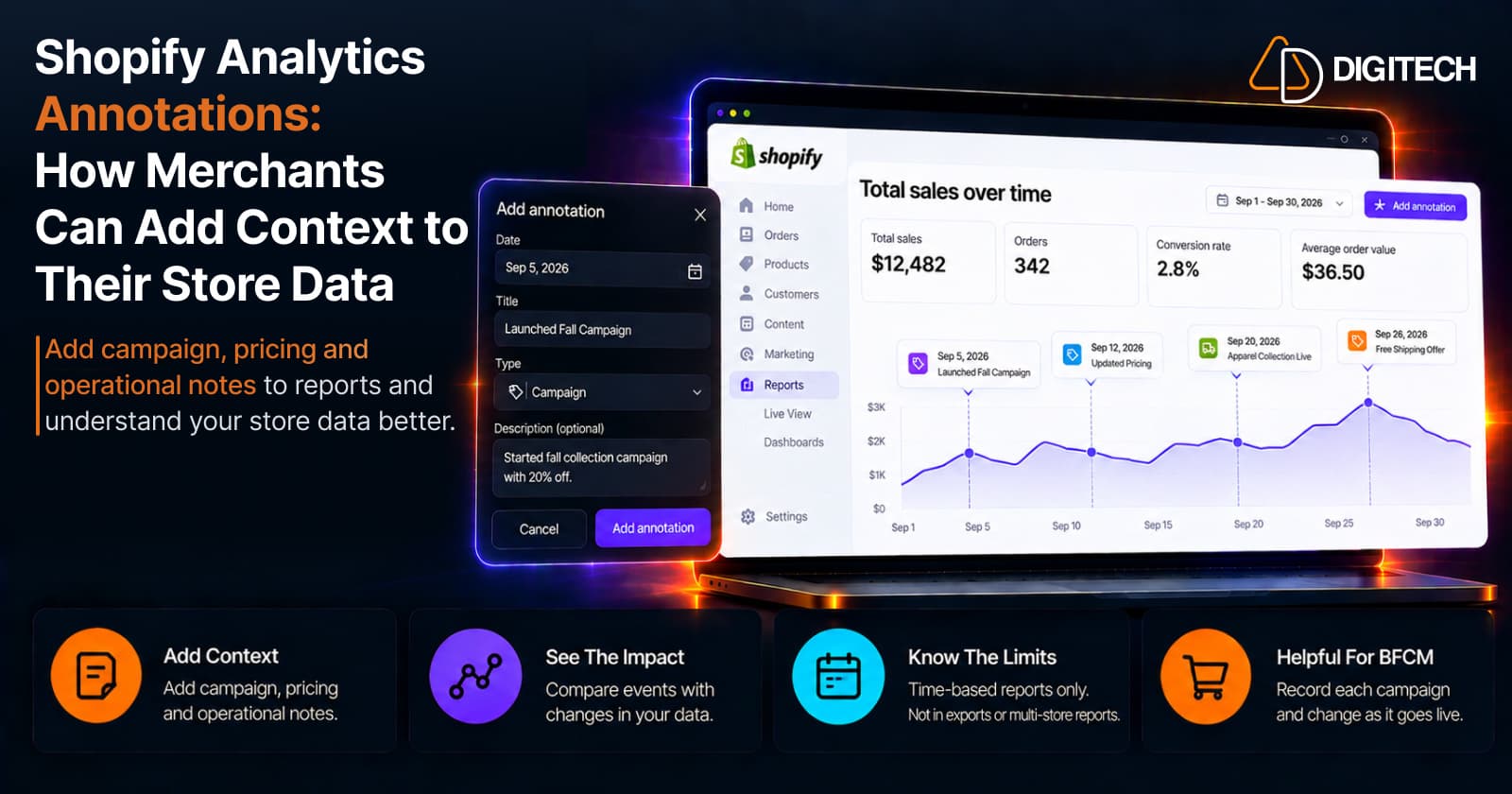
Shopify Analytics Annotations: How Merchants Can Add Context to Their Store Data
Shopify Analytics annotations let merchants add campaign, pricing and operational notes to reports. See how they work, the limits, and how to use them for BFCM.
Read article
Shopify Canvas Explained: How AI Is Changing Shopify Store Design in 2026
Shopify Canvas, announced October 1, 2026, lets merchants design a store with Sidekick. See how it works, its current limits, and what it means for developers.
Read article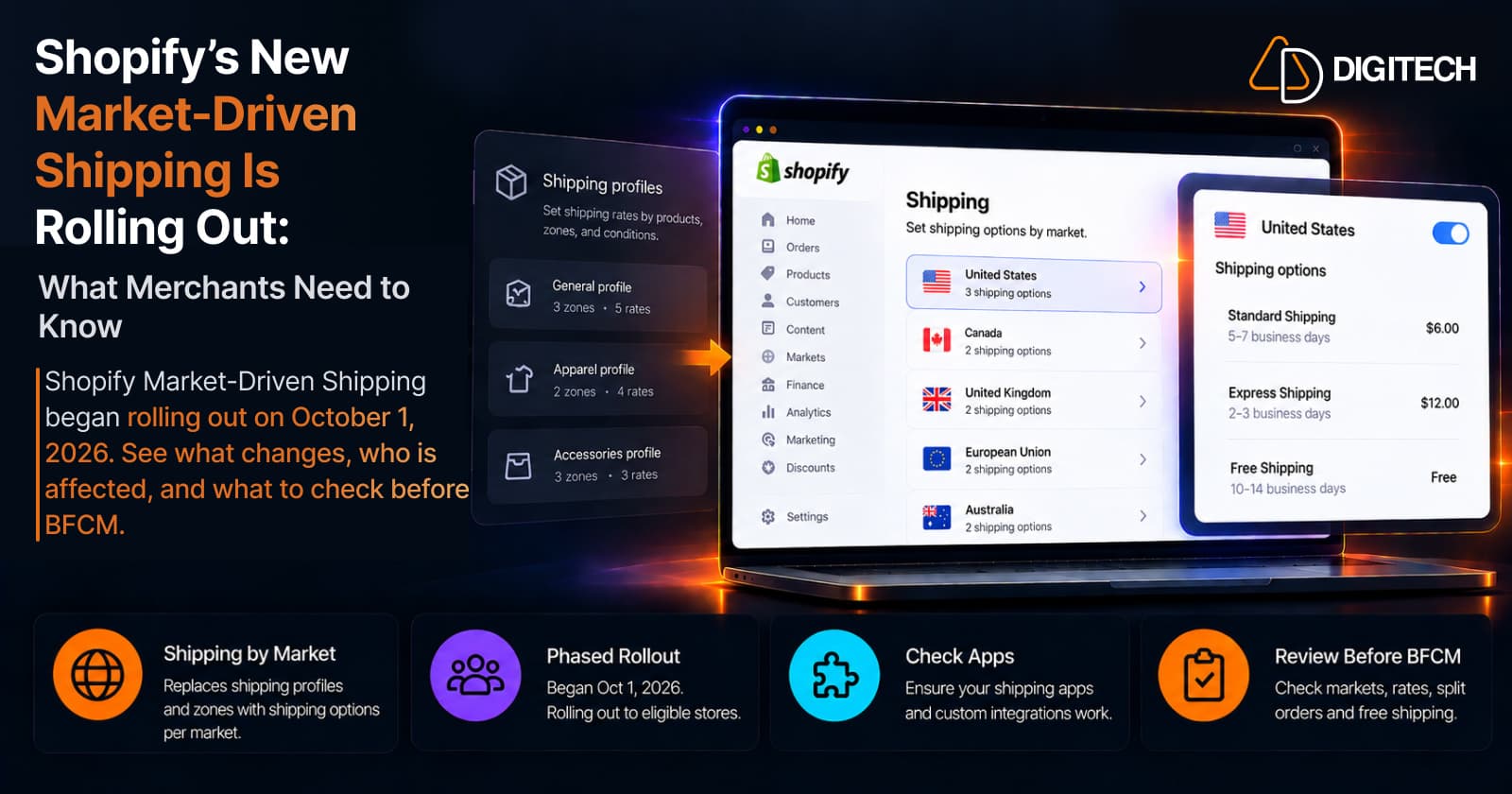
Shopify's New Market-Driven Shipping Is Rolling Out: What Merchants Need to Know
Shopify Market-Driven Shipping began rolling out on October 1, 2026. See what changes, who is affected, and what to check before BFCM.
Read article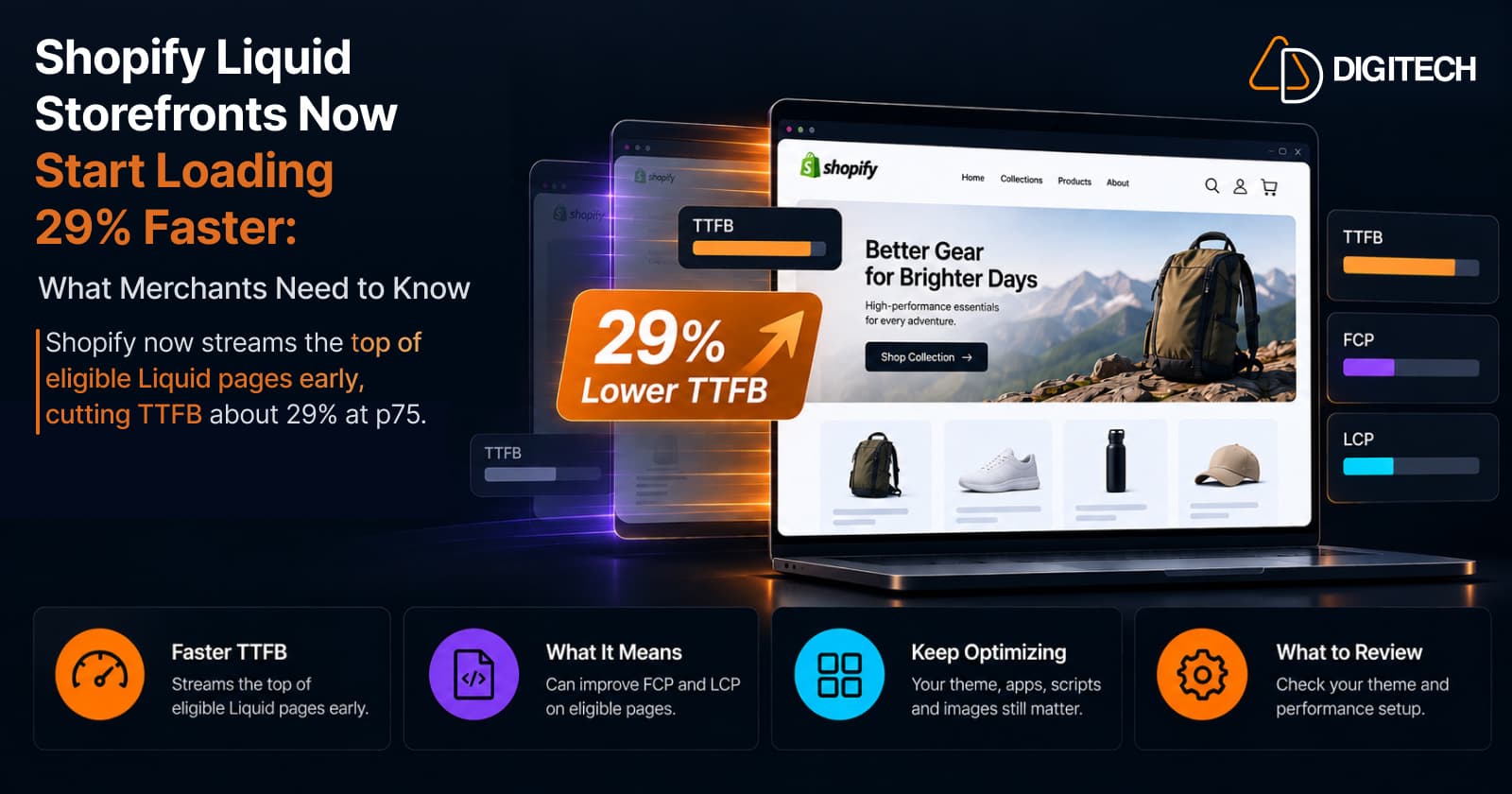
Shopify Liquid Storefronts Now Start Loading 29% Faster: What Merchants Need to Know
Shopify now streams the top of eligible Liquid pages early, cutting TTFB about 29% at p75. What it means for FCP, LCP, your theme, and what still needs fixing.
Read article