Shopify BFCM Product Page Optimization: What to Fix Before Black Friday
Shopify BFCM product page optimization: which pages to fix first, what to fix now vs later, a 9-week timeline to Black Friday 2026, and a final checklist.
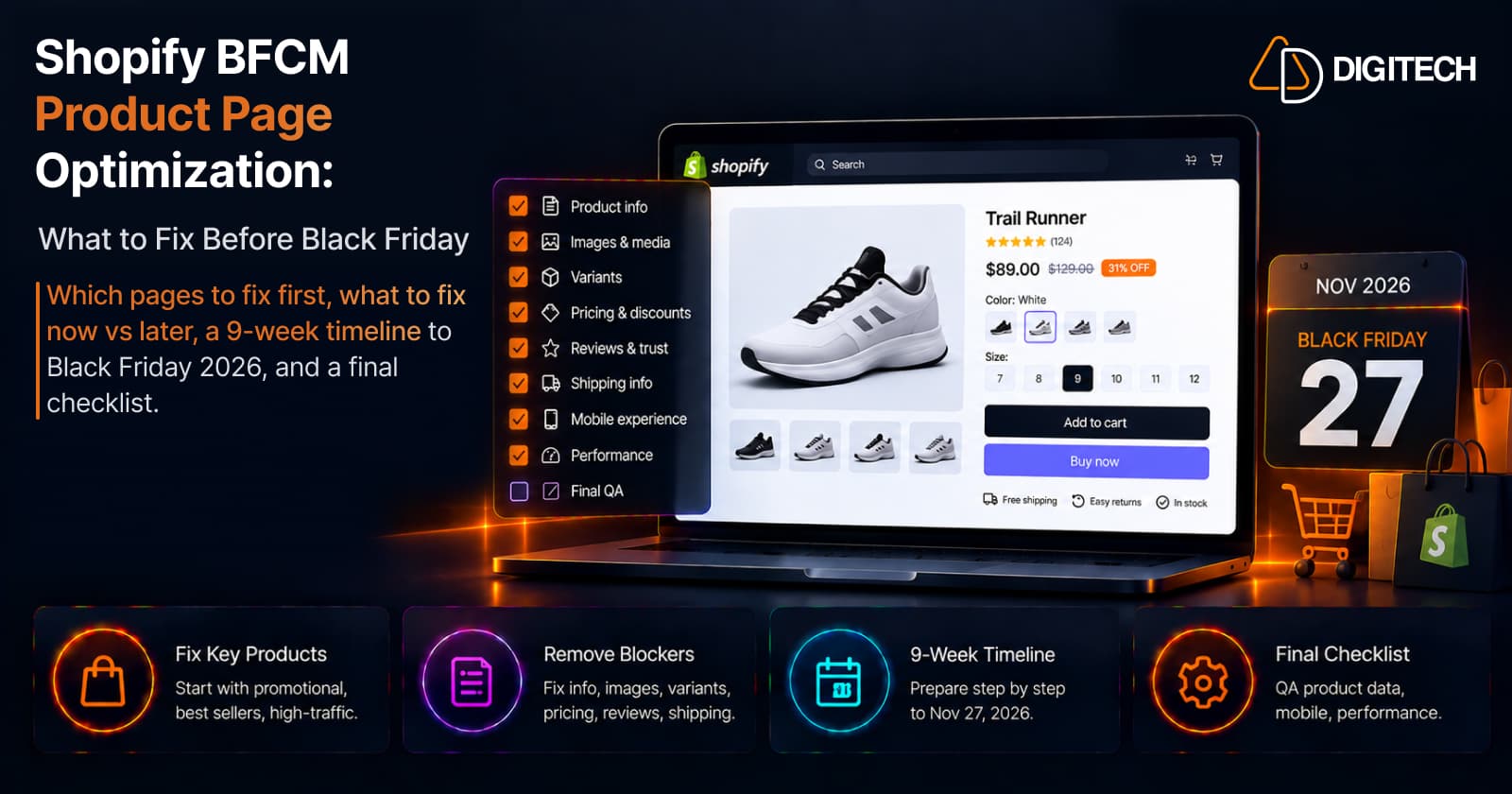
Black Friday 2026 falls on November 27. Two months sounds like plenty of time until you count the copywriting, product data, photography, theme or app work, and testing a product-page fix can involve.
Shopify's 2026 Black Friday timeline calls September the foundation building month, and its list for this window includes reviewing product pages "for accuracy and completeness."
BFCM traffic only matters if the product pages are ready to convert it. This isn't a general product-page guide (our product page CRO checklist covers that). It's about which pages to fix first, what can wait, and how to use the weeks left.
Which product pages should you optimize first?
Start where holiday traffic and revenue will concentrate:
| Priority | Product type | Why review early |
|---|---|---|
| P1 | BFCM campaign products | Direct exposure to holiday demand |
| P1 | Best sellers | Highest business impact |
| P1 | High-traffic products | Largest audience |
| P2 | High-margin products | Central to offer strategy |
| P2 | Strong add-to-cart, weak purchase completion | Signals friction |
| P2 | Products with frequent support questions | Missing information |
| P3 | Long-tail, low-traffic products | Lower BFCM exposure |
This is a framework, not a formula; your sales, margins, stock, and campaign plan set the final order.
Can a shopper understand the product quickly?
Could a first-time visitor decide from what's on the page? Check that the title says what the product is, the opening lines give the main benefit, and specifications, sizing, compatibility, what's included, and variant differences are clear.
Shopify's advice: "Answer any questions your target customer may ask right on the product page." If gaps stem from messy catalog data, see Shopify product data management.
Do your images and media do their job?
Photography takes time to arrange, so start in September. Check for a main image that reads clearly at phone size, multiple angles and close-ups, an in-use or scale shot, a variant image for every color or finish, and video only where it explains something images can't. For square images, Shopify notes that "2048 x 2048 px usually displays best."
Are variants easy to choose?
A shopper clicks an ad for the green version and lands on black; another can't tell which sizes are in stock. Check that sold-out variants are clearly marked, the default variant is in stock, price and image update on selection, and option names are plain. Point ads for one option at it; Shopify product URLs can include a variant parameter that preselects it.
Is the BFCM price and offer clear?
Is the actual offer clear, including eligibility, minimum spend, exclusions, bundle pricing, and end time? Shopify treats product prices and discounts as separate mechanisms:
- Sale pricing is set on the product. The price holds the sale price and the compare-at price holds the higher regular price. Both can display on product and collection pages; checkout shows only the sale price.
- Discount codes and automatic discounts are separate from product prices. A code applies when the shopper enters it; an automatic discount applies without one. Both show a crossed-out price at checkout, but showing one on product and collection pages needs a third-party discount app or a custom build, so an automatic BFCM discount may not be visible until the cart. Decide how the page communicates it.
- Discount stacking: Shopify Plus stores can apply multiple product discounts to the same cart line when the discounts are configured to combine and the applicable rules are satisfied. Test your BFCM offer alongside loyalty, affiliate, and influencer discounts to confirm the final price is what you intended.
Verify that regular price, sale price, and compare-at price display accurately where applicable, and separately test any discount codes or automatic discounts used for the BFCM offer; Shopify's BFCM checklist recommends confirming they apply correctly at checkout.
Do reviews and trust signals display correctly?
Confirm the rating shows near the top, customer photos load, and the widget works on mobile. Keep returns, warranty, and payment information near Add to cart; Shopify's BFCM checklist lists product pages among the places your return policy should appear. Few reviews? Start requests now; collecting them takes weeks.
Is shipping information visible before checkout?
Make shipping costs, availability, delivery expectations, and return information easy for shoppers to find before checkout. Baymard Institute research cited by Shopify finds unexpected extra costs are the leading cause of cart abandonment (39% of shoppers who abandoned an order). Cover shipping cost, any free shipping threshold, the last order date for holiday delivery, and the holiday return window.
Don't assume delivery dates appear on product pages. Shopify can show delivery dates at checkout once fulfillment time is set up, and the Shop Promise badge adds them to product pages only for eligible US domestic orders. Any other product-page delivery message comes from your theme or an app, so check it matches your real settings. Advertise only shipping times you can reasonably meet; if you're changing shipping setup this fall, see Shopify's 2026 fulfillment changes.
Does availability reflect reality?
Before heavy promotion, confirm inventory is accurate for the products and variants you'll promote, across every sales channel. Shopify's "Continue selling when out of stock" setting keeps a tracked product purchasable at zero stock, which suits preorders only if the page says when the item ships. For bundles, Shopify notes availability follows the component with the lowest stock. Low-stock and urgency messages should reflect reality; Shopify's promotion guide notes false time limits can be deceptive advertising under FTC rules.
Does the product page work on a real phone?
Adobe Analytics data cited by Shopify shows smartphones drove 56.4% of online holiday shopping transactions in 2025, peaking at 61.6% on Thanksgiving Day. Test each P1 page on real iOS and Android phones, from gallery and variant selector to Add to cart, pop-ups, and load time. The theme editor's mobile preview isn't enough: Shopify notes the accelerated checkout button a shopper sees depends on their browser, device, and payment history.
Can shoppers get from product page to checkout without friction?
This is the path to checkout; Shopify checkout changes in 2026 covers checkout itself. Test that Add to cart works for every variant and custom option, quantity rules behave, the cart shows the right item, price, and discount, errors are readable, and accelerated checkout buttons work (they buy one variant of a product at a time).
Have you tested every app and widget on the page?
Apps aren't the problem; untested apps are. For each widget, script, or piece of custom code, check mobile rendering, speed, console errors, variant changes, Add to cart behavior, and conflicts with other apps. Shopify's BFCM checklist also advises removing apps and scripts you don't use. See how third-party apps affect performance.
Are product recommendations helping or distracting?
Check that recommended products are relevant, in stock, priced correctly under your offer, and not excluded from the sale. Keep them below Add to cart so they support the purchase.
Is the page clear to search engines and AI systems?
Make product information clear and structured enough for search engines and emerging AI-powered discovery experiences to understand the product accurately. Confirm unique titles and descriptions, clear attributes, the right product category, descriptive alt text, and accurate price, availability, and variant data. None of these are confirmed ranking factors, so aim for accurate, consistent information. More in getting recommended by AI search.
How fast are your highest-traffic product pages?
Focus speed work on your P1 pages, not the whole store. Shopify's BFCM checklist suggests testing with tools like PageSpeed Insights. Weight usually comes from main images or video, app widgets, third-party scripts, and theme code. For a full diagnosis, see why your Shopify store feels slow.
What should you fix now, and what can wait?
Remove purchase blockers first; don't redesign the store.
| Issue | Fix now? | Reason |
|---|---|---|
| Broken variant selection | Now | Purchase blocker |
| Offer unclear on the page | Now | Shoppers can't see the deal |
| Missing product information | Now | Needs content work |
| Poor or missing images | Now | May need photography |
| Slow or broken app widget | Now | Needs development and testing |
| Few or no reviews | Now | Takes weeks to collect |
| Minor spacing issue | Depends | Only if it affects usability |
| Small visual inconsistency | Later | Low impact |
| Complete redesign | Only if necessary | High testing risk |
A 9-week BFCM product-page timeline
September 25 to November 27 is exactly nine weeks:
| Week | Dates | Focus |
|---|---|---|
| 1 | Sep 25–Oct 2 | Audit priority product pages |
| 2 | Oct 3–9 | Fix product data, copy, images, and variants |
| 3 | Oct 10–16 | Validate pricing, discounts, reviews, shipping, and availability |
| 4 | Oct 17–23 | Complete theme, app, and custom development changes |
| 5 | Oct 24–30 | Test mobile experience and performance |
| 6 | Oct 31–Nov 6 | Test discounts, inventory, add-to-cart, and checkout flows |
| 7 | Nov 7–13 | Full QA across priority product pages |
| 8 | Nov 14–20 | Final validation and monitoring setup |
| 9 | Nov 21–27 | Avoid unnecessary major changes; monitor the store and resolve issues |
Not every store needs exactly nine weeks. Shopify's Rollouts (Basic plans and above) can schedule theme changes to go live at a set time and revert after a limited-time event.
Final BFCM product page checklist
Product information: clear title, benefits, specifications, variants
Images: quality, variant images, mobile gallery, file sizes
Pricing: BFCM and compare-at prices, tested discounts and stacking, clear offer terms
Trust: reviews, shipping and return information, warranty where applicable
Mobile: real-device testing, Add to cart, variant selector, checkout path
Performance: widgets, scripts, images, app conflicts
Operations: inventory, shipping settings, availability, analytics
The bottom line
Prioritize the products most likely to get BFCM traffic, fix purchase blockers first, and keep the final weeks for QA. There's still time before November 27, but the slowest work needs to start now.
If your Shopify store needs product-page development, theme improvements, app integration, performance work, or BFCM readiness testing, AD Digitech can help audit and implement the changes before peak holiday traffic arrives.
Frequently asked questions
When should I optimize my Shopify product pages for BFCM?
In September or early October, so there's time to fix and test before Black Friday on November 27.
Which Shopify product pages should I optimize first for Black Friday?
BFCM campaign products, best sellers, and high-traffic products, then high-margin products and pages with weak purchase completion.
What should I check on a Shopify product page before BFCM?
Product information, images, variants, offer clarity, reviews, shipping, inventory, and the mobile path from product page to checkout.
How do I prepare Shopify product pages for mobile BFCM traffic?
Test priority pages on real phones, not a resized desktop browser, from product page through to checkout.
Should I redesign my Shopify product pages before Black Friday?
Usually not. Fix purchase blockers and missing information now, and save redesigns for after the holidays.
How far in advance should Shopify merchants prepare for BFCM?
Start by early fall. From late September, you have about nine weeks to audit, fix, test, and monitor.
Building something on Shopify?
We design, build, and maintain Shopify apps, stores, and AI products — to the standard this article describes.
Related reading
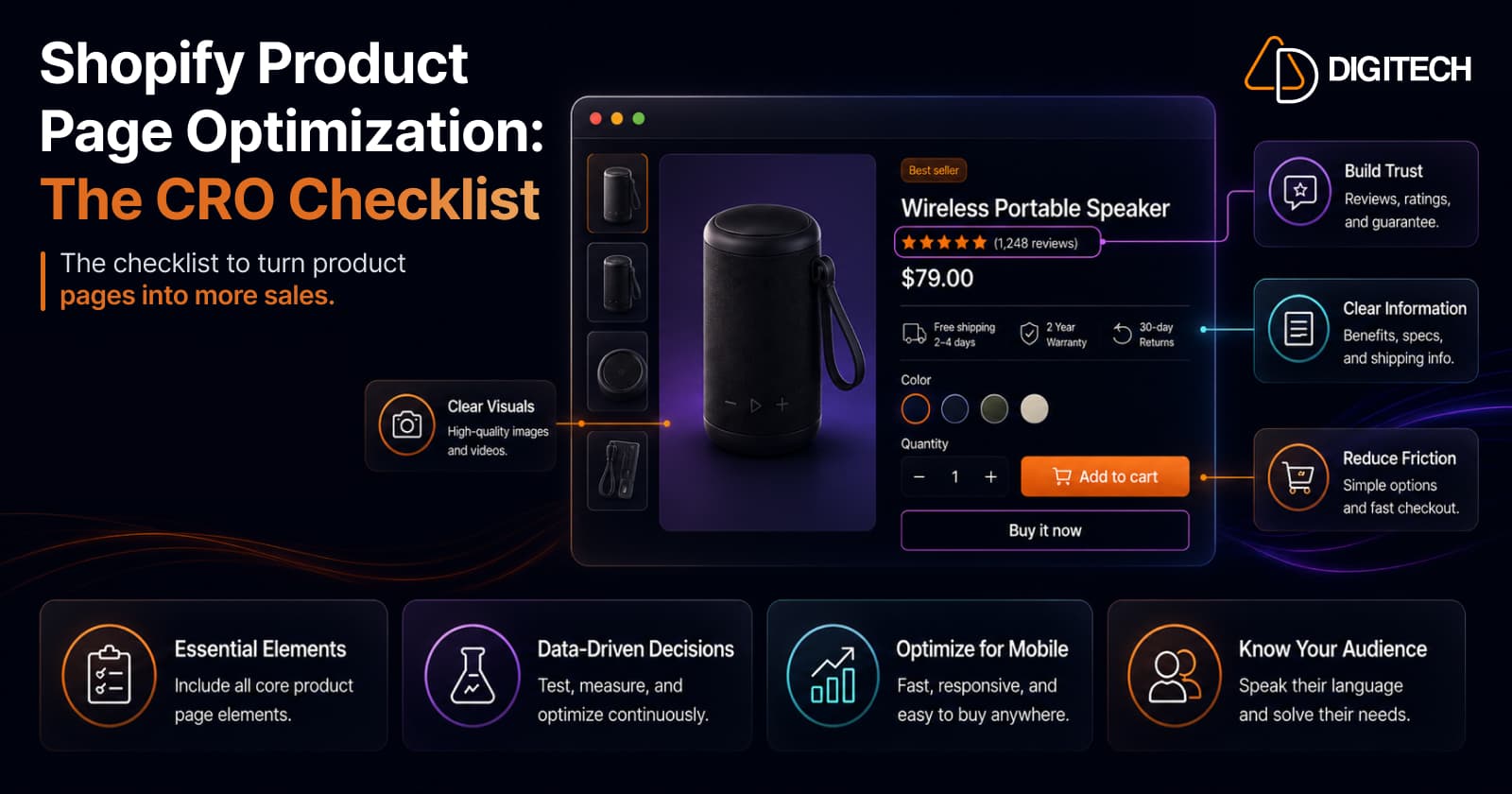
Shopify Product Page Optimization: The CRO Checklist
A product-page checklist gets you to table stakes — a page missing a core element leaves buyers with an unanswered question. But a checklist is a hypothesis, not a strategy. Here's the full CRO checklist we actually run on Shopify product pages, in priority order, plus the honest part most listicles skip: where checklists mislead.
Read article
Shopify Rollouts: How Merchants Can Safely Test Store Changes Before BFCM
Learn how Shopify Rollouts let merchants schedule, test, and launch store changes safely before BFCM, including themes, discounts, catalogs, and checkout.
Read article
How to Run Multiple Shopify Discounts Without Hurting Your Margins
Shopify's discount combination rules are protective by default — the risk is what happens when you loosen them. Because a discount comes entirely out of profit, not revenue, stacking promotions can quietly ship orders below your profit floor. Here's how Shopify combinations actually work, the break-even math, and the guardrails that let you run several discounts at once without eroding margin.
Read article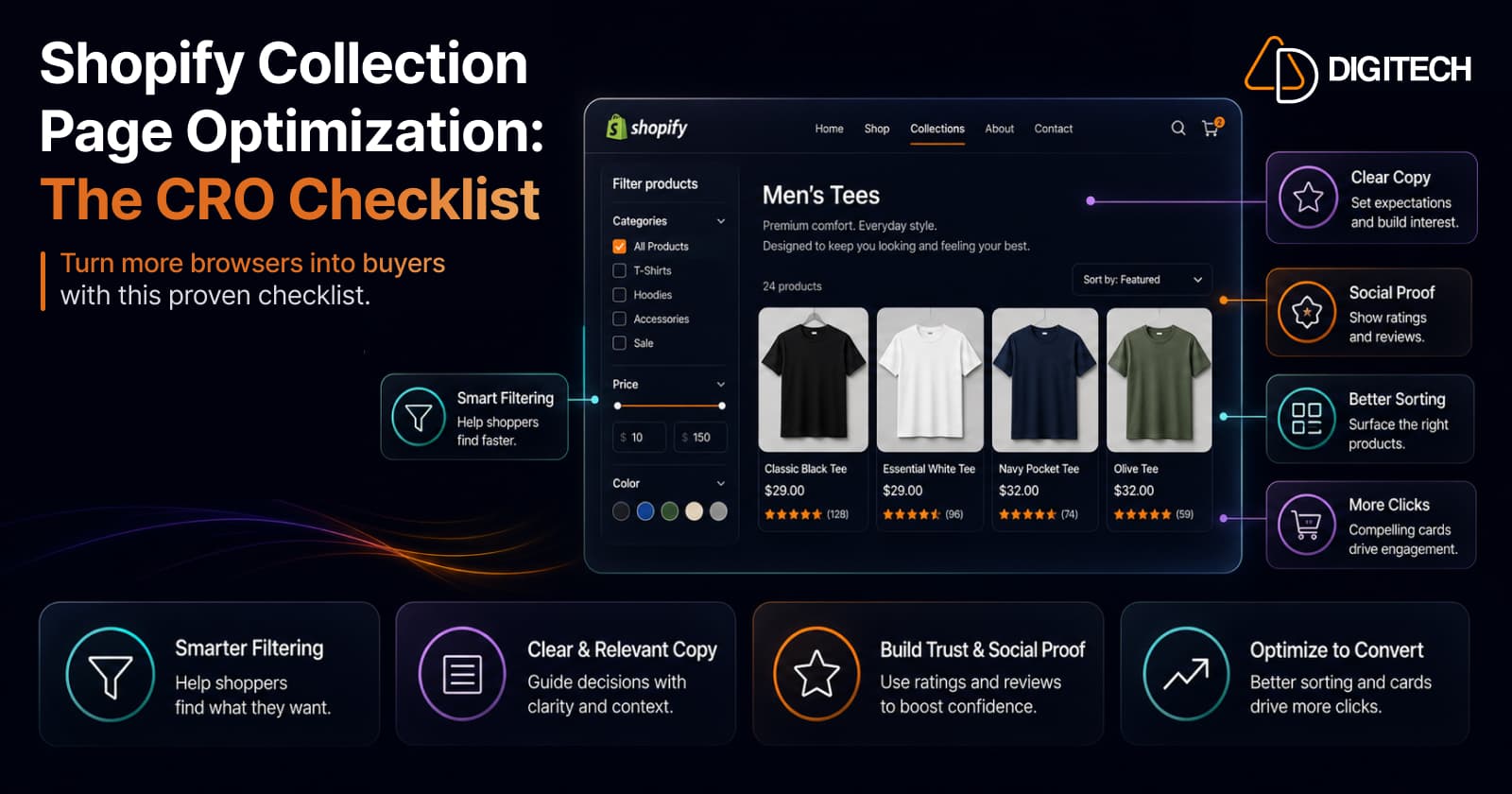
Shopify Collection Page Optimization: The CRO Checklist
Your collection page decides whether shoppers ever reach your product pages — and it's often the page that ranks for category searches. Most stores leave it on default sort with no copy. Here's the full CRO checklist for Shopify collection pages, in priority order, plus the honest part: the checklist is a hypothesis, and faceted navigation is an SEO trap.
Read article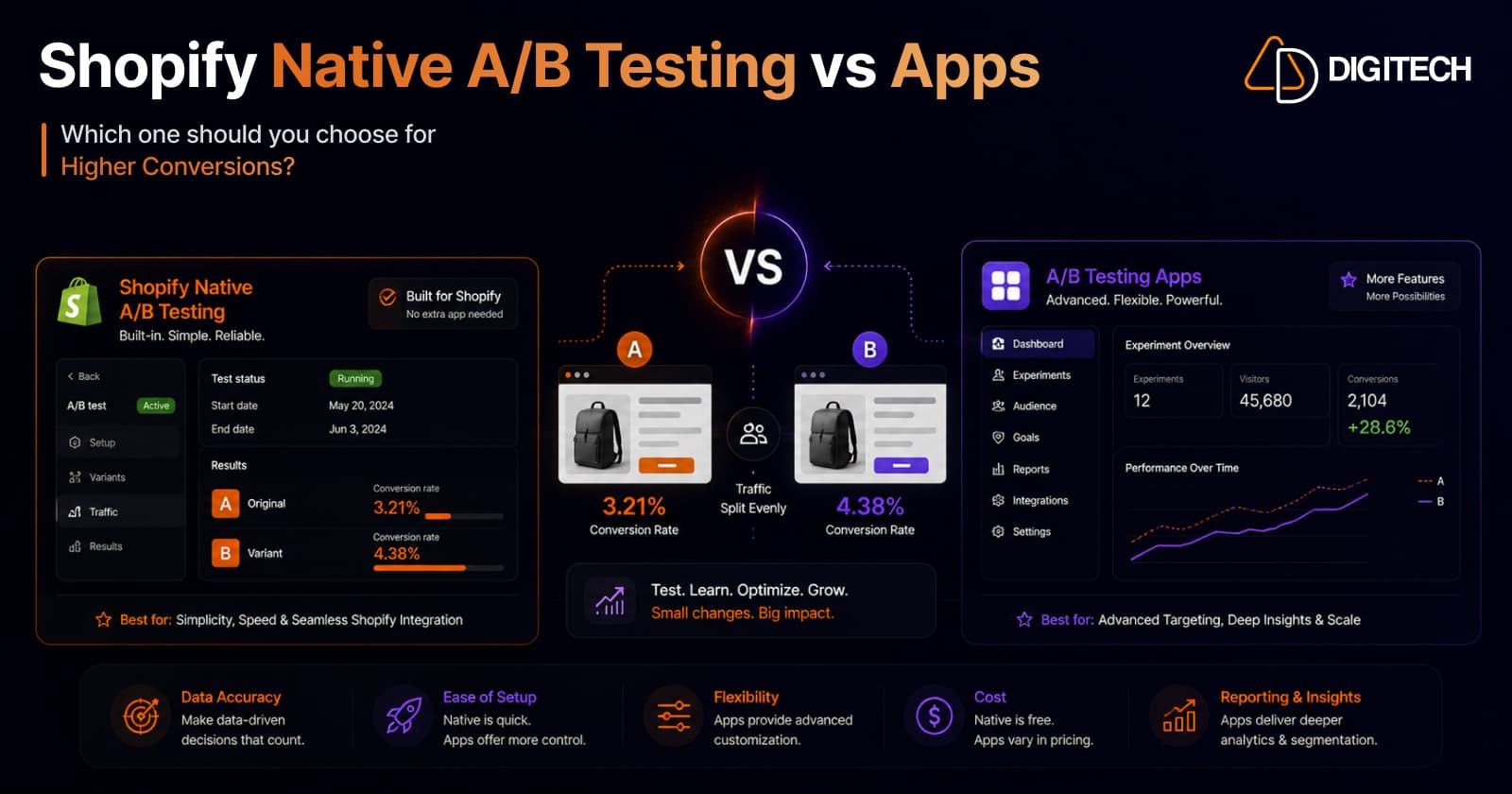
Shopify Native A/B Testing vs Third-Party Apps: Which Should You Use?
Shopify now ships native A/B testing — Rollouts — for themes and checkout, server-side and with no app. So do you still need Shoplift, Intelligems, or Visually? Here's exactly what native testing does well, what it can't do yet, and a clear decision framework for choosing between native and third-party tools in 2026.
Read article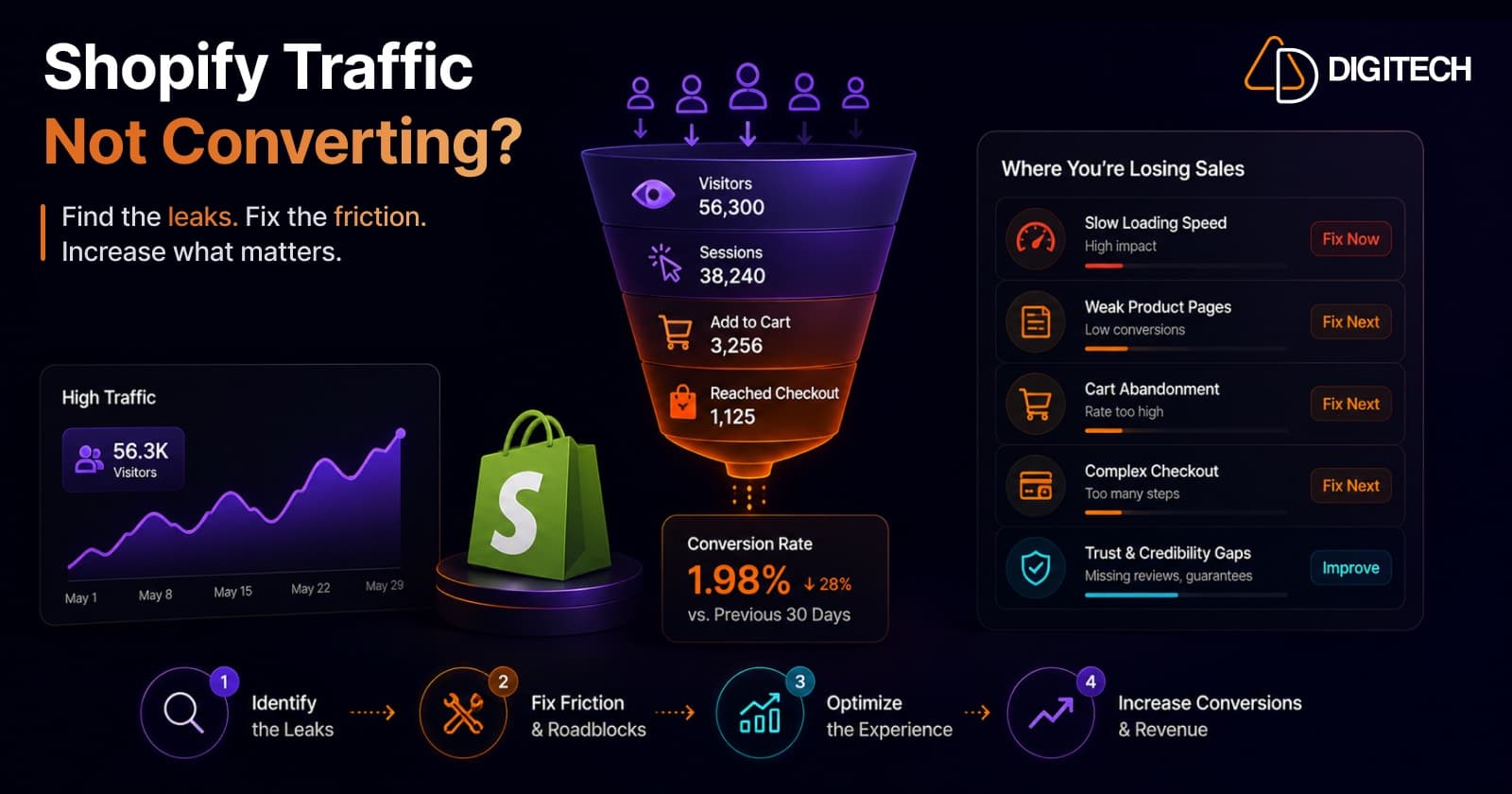
Why Shopify Stores Lose Sales Despite Growing Traffic
Traffic is up but sales aren't following? Traffic volume alone rarely explains it — usually it's the conversion gap. Here are the real reasons Shopify stores leak sales despite growing visits — speed, product pages, mobile, checkout, trust, traffic quality, and search — and how to diagnose and fix each.
Read article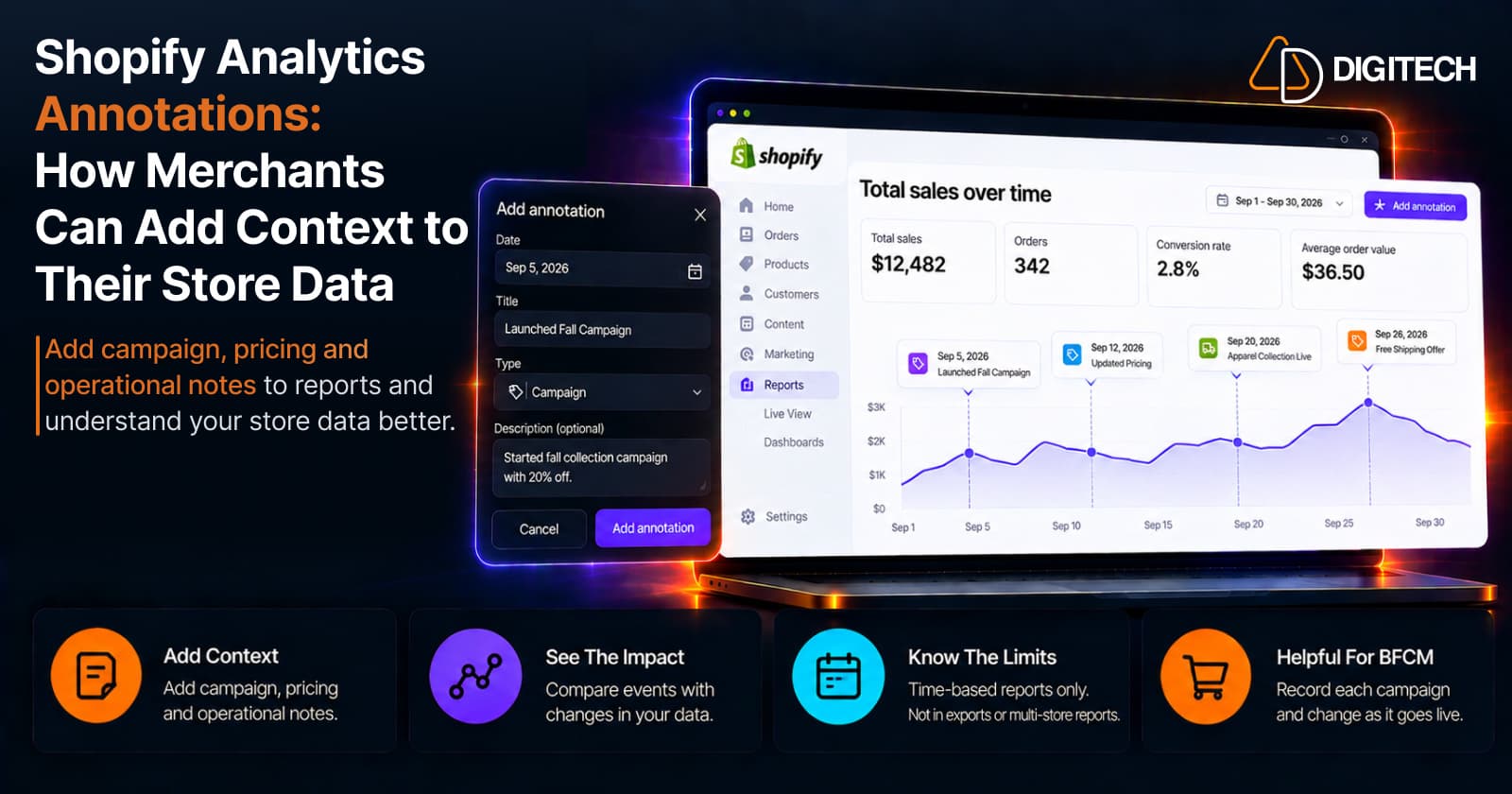
Shopify Analytics Annotations: How Merchants Can Add Context to Their Store Data
Shopify Analytics annotations let merchants add campaign, pricing and operational notes to reports. See how they work, the limits, and how to use them for BFCM.
Read article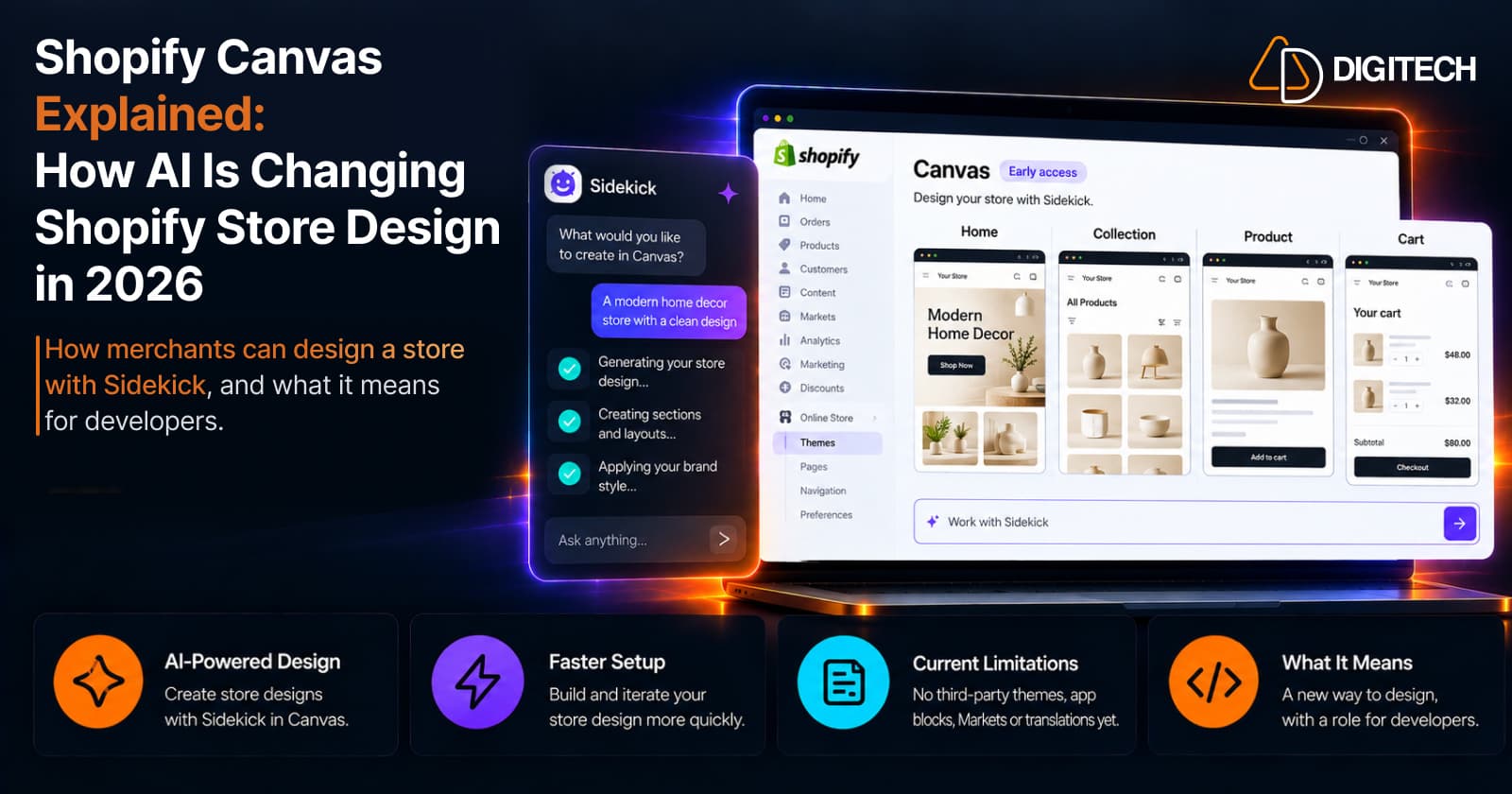
Shopify Canvas Explained: How AI Is Changing Shopify Store Design in 2026
Shopify Canvas, announced October 1, 2026, lets merchants design a store with Sidekick. See how it works, its current limits, and what it means for developers.
Read article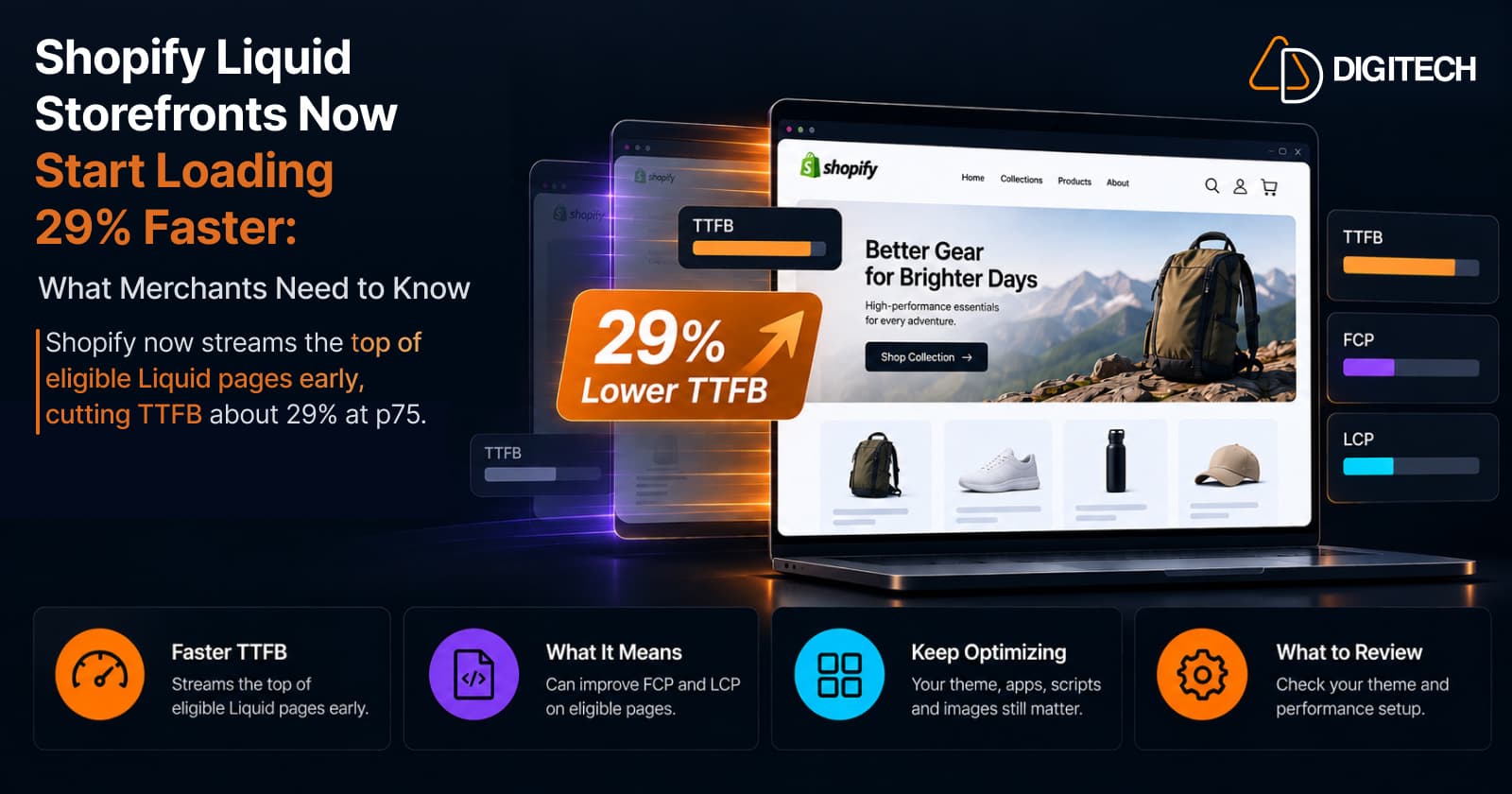
Shopify Liquid Storefronts Now Start Loading 29% Faster: What Merchants Need to Know
Shopify now streams the top of eligible Liquid pages early, cutting TTFB about 29% at p75. What it means for FCP, LCP, your theme, and what still needs fixing.
Read article