Why Shopify Stores Lose Sales Despite Growing Traffic
Traffic is up but sales aren't following? The problem is almost never traffic — it's the conversion gap. Here are the real reasons Shopify stores leak sales despite growing visits — speed, product pages, mobile, checkout, trust, traffic quality, and search — and how to diagnose and fix each.
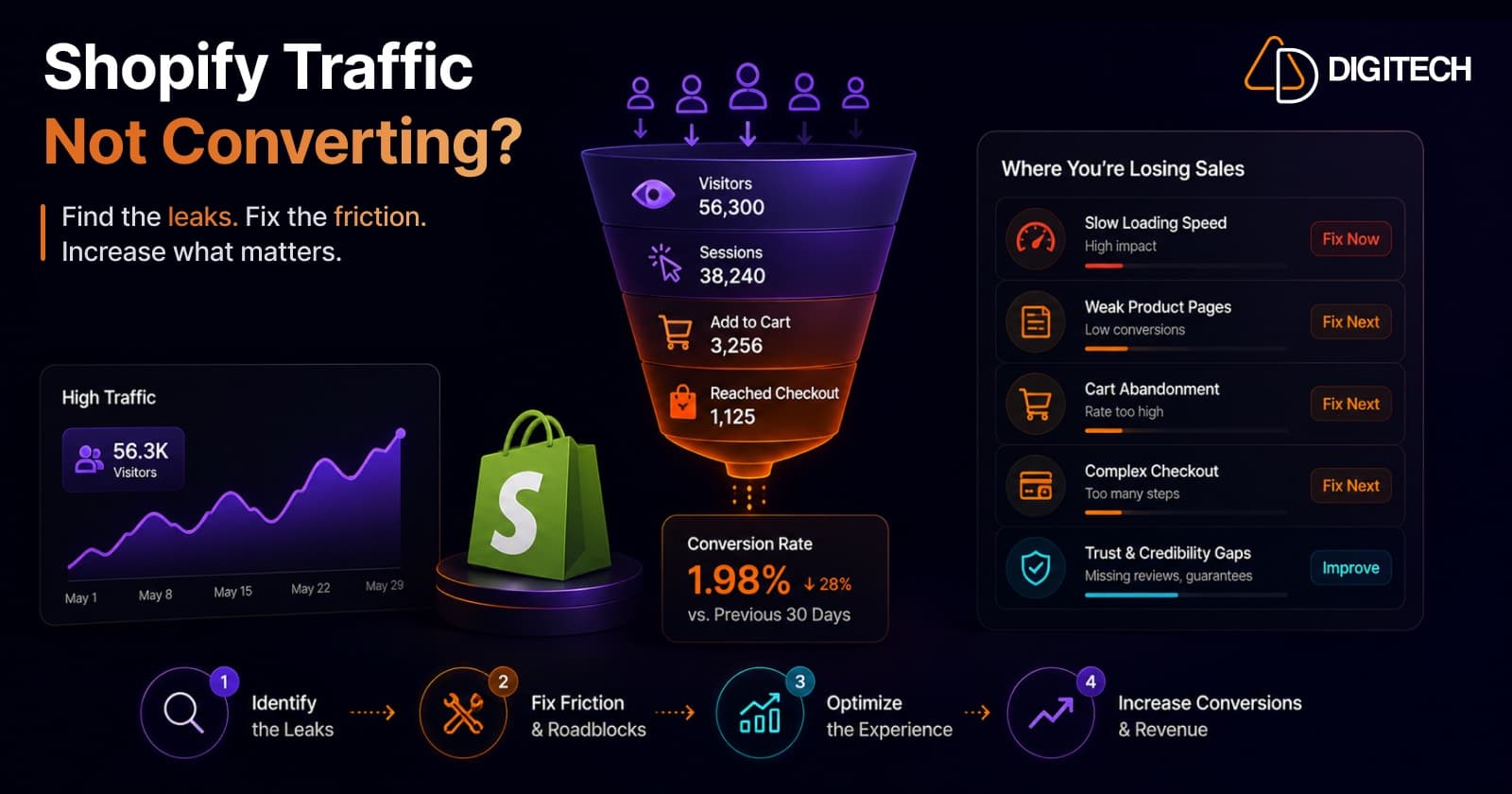
The short version: if your traffic is climbing but your sales aren't, you almost never have a traffic problem — you have a conversion problem. The money is leaking somewhere between the landing page and the checkout, and more visitors just pour more water through the same holes.
We build and optimise Shopify stores, so this is the exact diagnosis we run when a client says "we're getting more visitors than ever, but revenue is flat." Here are the real reasons it happens — and how to find and fix yours.
The math nobody likes
Conversion rate is just orders ÷ sessions. If traffic grows 40% and revenue is flat, your conversion rate has dropped by roughly the same 40% — every new visitor is now worth less than the last. Growing traffic can actively hide a worsening store, because the raw revenue line looks stable while the efficiency underneath it collapses.
For context, the average Shopify store converts around 1.4% of visits into orders, with most sitting in the 1.4–2% range; the top 10% reach ~4.7%+. But the number that matters is your own trend, and where in the funnel you lose people. Let's find it.
Reason 1: The store is too slow (especially on mobile)
This is the most common and most under-rated cause. A slow Largest Contentful Paint — particularly on mid-range phones over mobile data — means a chunk of visitors bounce before your product even renders. They never enter the funnel, so they quietly drag your conversion rate down as traffic grows.
Speed also compounds: a fast store gives every other optimisation a chance to work. It's usually the single highest-leverage fix on a "growing traffic, flat sales" store. (It's why we obsess over Core Web Vitals on every build — see our Built for Shopify work.)
Reason 2: Product pages that don't actually sell
Traffic lands, looks, and leaves. Usually because the product page does the bare minimum:
- Weak imagery — too few photos, no lifestyle/context shots, no zoom.
- Thin copy — features listed, but no reason to want it; no answer to "why this, why now, why you."
- No social proof above the fold — reviews, ratings, UGC.
- Unclear value — shipping, returns, and guarantees buried instead of reassuring.
The product page is where intent converts to desire. If it's a spec sheet, you're leaking.
Reason 3: Mobile is treated as an afterthought
Mobile now drives roughly 75% of store traffic but converts at about half the desktop rate (~1.4–2% on mobile versus ~3–4% on desktop). So as your traffic mix shifts more mobile (it always does), blended conversion drops — even if nothing "broke." Tiny tap targets, sticky-header overlap, a cramped cart, and slow mobile loads all tax the exact segment that's growing fastest. A store designed desktop-first bleeds here.
Reason 4: Checkout friction
You've done the hard part — they added to cart — and then lose them at the register. Industry-wide, about 70% of carts are abandoned (Baymard's documented benchmark is 70.22%) — and on mobile it's worse, around 80%. The top reasons are consistent and fixable:
- Surprise shipping costs or fees revealed too late
- Forced account creation
- A long or confusing multi-step checkout
- Too few payment options (no express wallets / local methods)
On Shopify Plus, Checkout Extensibility and Shopify Functions let you streamline and customise this properly (we cover that in Shopify Functions vs Apps and Shopify Plus vs Shopify). On any plan, accelerated checkouts and transparent shipping recover real revenue.
And once the order is placed, there's a lever most stores ignore: post-purchase upsells. Offers on the thank-you and order-status pages lift revenue per customer without touching the purchase decision — extra margin on traffic you've already paid for. (Our own Grovia app does exactly this — thank-you-page upsells, coupons, and bundles, no code.)
Reason 5: Missing trust signals
First-time visitors don't know you. If the store doesn't earn trust fast, they won't risk a card. Common gaps: no visible reviews, no clear returns/guarantee, no security/payment cues at checkout, thin "about"/brand story, and inconsistent design that feels unfinished. Trust is conversion infrastructure, not decoration.
Reason 6: You're buying the wrong traffic
Sometimes the store is fine and the traffic changed. A new paid campaign, a broad influencer push, or a viral-but-mismatched source can spike sessions with low purchase intent — inflating the denominator while orders stay flat. This looks identical to a store problem on the surface, which is why segmentation matters (below). More traffic isn't progress if it's the wrong traffic.
Reason 7: Visitors can't find what they want
On larger catalogs, weak search and navigation is a silent killer — shoppers who can't find a product don't buy it. Poor on-site search, no useful filters, and confusing collections send high-intent visitors away empty-handed. (Fixing exactly this is what drove the results in our Smart Search & Menu app build.)
How to diagnose yours (the practitioner method)
Don't guess — map the funnel and segment it:
- Conversion by device. Compare mobile vs desktop. A big gap points at mobile UX/speed.
- Conversion by source. If some sources convert and others don't, it's traffic quality (Reason 6). If all are low, it's the store.
- Funnel drop-off. Where do sessions die — product page, cart, or checkout? That's your leak's location.
- Core Web Vitals. Run PageSpeed Insights (mobile). Slow LCP/INP is Reason 1.
- Checkout analytics + a few session recordings. Watch real people fail; it's humbling and instructive.
The biggest gap between any two segments is almost always where your money is leaking.
The fix: treat conversion as a system
CRO isn't a checklist you do once — it's a loop: measure → hypothesise → test → ship → repeat. Fix the speed and funnel fundamentals first (they unlock everything else), then A/B test product-page and checkout changes against real revenue, not vanity metrics. Done consistently, this is how stores go from leaking traffic to compounding it.
We diagnose and fix exactly this — performance, product-page CRO, mobile UX, and checkout — for Shopify and Shopify Plus stores, and we'll tell you honestly where your biggest leak is. Take a look at our Shopify store development work and case studies, or talk to us about auditing your funnel.
Frequently asked questions
What's a good Shopify conversion rate?
The average Shopify store converts around 1.4% of visits into orders, and most sit in the 1.4–2% range. Consistently above ~3% is strong, and the top 10% of stores reach ~4.7%+. But the right benchmark is your own trend and your own funnel — a 2% store with a fixable checkout leak has more upside than chasing a generic number.
Why is my traffic going up but my sales staying flat?
Because your conversion rate is falling at the same pace your traffic is rising — so each new visitor is worth less. The leak is somewhere between landing and checkout: usually site speed (especially on mobile), weak product pages, checkout friction, missing trust signals, or lower-intent traffic. Flat sales on rising traffic is a conversion problem, not a traffic problem.
Does site speed really affect Shopify sales?
Significantly. Slow pages — especially a slow Largest Contentful Paint on mobile — increase bounce and abandonment before a visitor ever sees your product. Speed compounds with everything else: a fast store gives every other optimisation a chance to work. It's usually the highest-leverage fix on a store with growing traffic but flat revenue.
How do I find what's actually killing my conversion rate?
Map the funnel and segment it. In analytics, compare conversion rate by device (mobile vs desktop) and by traffic source, then look at where sessions drop off — product page, cart, or checkout. Layer in Core Web Vitals (PageSpeed Insights), checkout analytics, and a few session recordings. The biggest gap between two segments is almost always where your money is leaking.
Is the problem my store or my traffic?
Segment by source to find out. If some sources (e.g., branded search, email) convert fine but others (e.g., a new paid campaign) don't, it's a traffic-quality/mismatch problem. If conversion is low across every source, it's the store — speed, UX, product pages, or checkout. Most stores with 'growing traffic, flat sales' have a bit of both.
Building something on Shopify?
We design, build, and maintain Shopify apps, stores, and AI products — to the standard this article describes.
Related reading
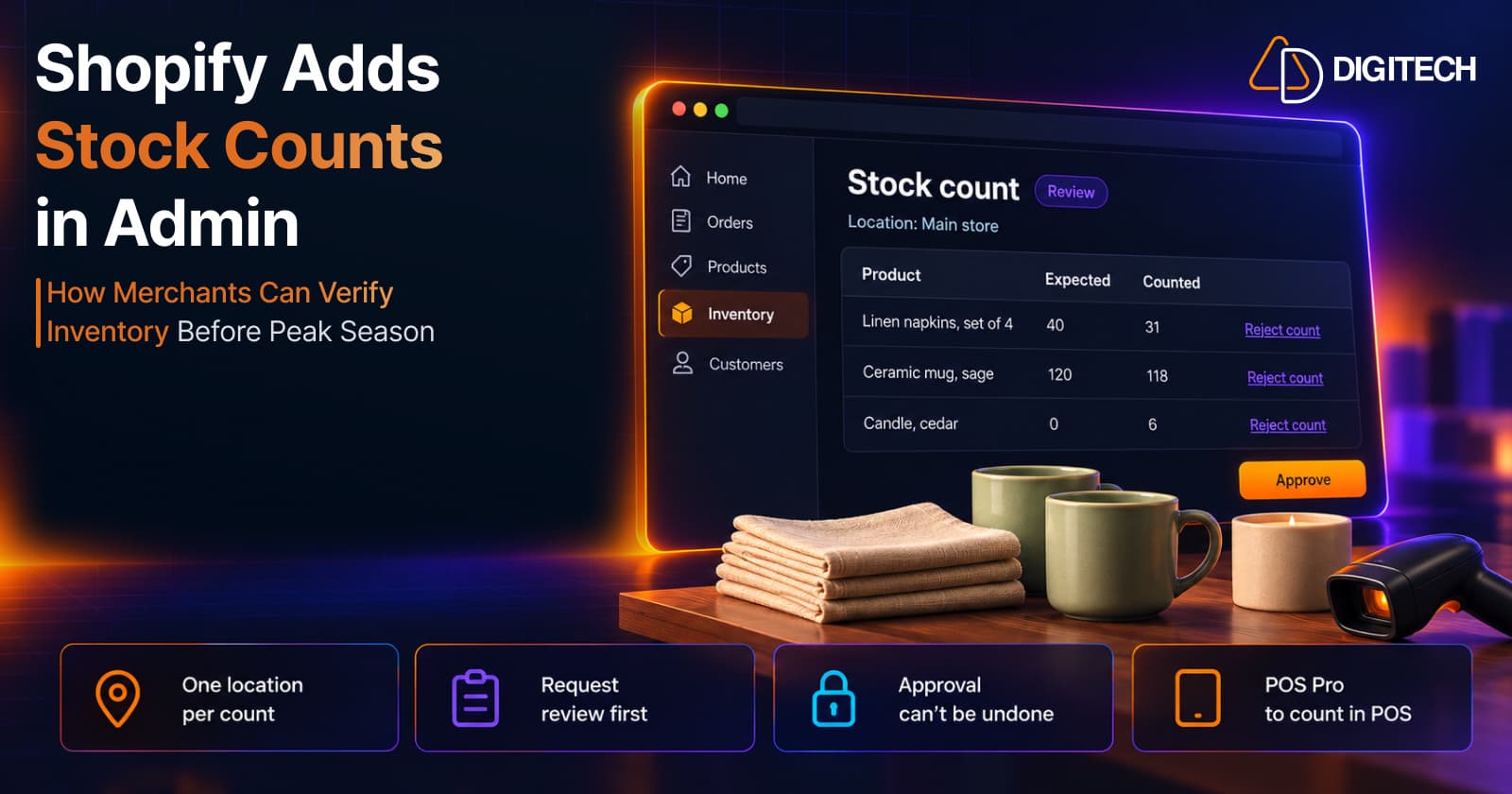
Shopify Adds Stock Counts in Admin: How Merchants Can Verify Inventory Before Peak Season
Shopify stock counts let staff record what's on the shelf and let a manager approve the differences before inventory changes. Here's how the workflow works in admin and POS.
Read article
Shopify Adds Arabic, Urdu, and Hebrew Support: What Merchants Must Check Before Launch
Shopify improved RTL support for Arabic, Urdu and Hebrew in the admin, storefronts and checkout. Here's what's covered, what isn't, and what to test before launch.
Read article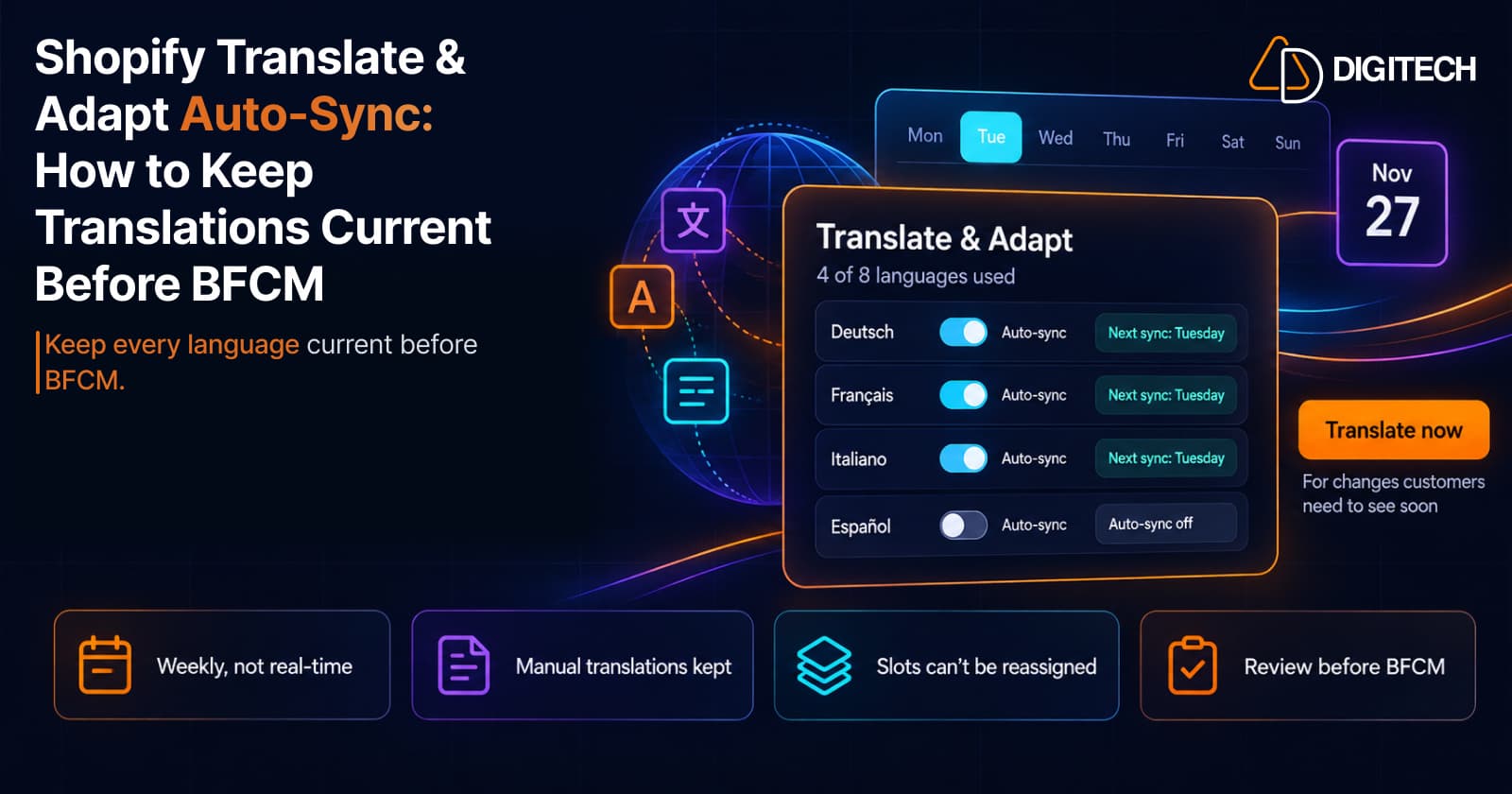
Shopify Translate & Adapt Auto-Sync: How to Keep Translations Current Before BFCM
Translate & Adapt can now update translations weekly with Auto-sync. Here's who can use it, how it differs from Translate now, and how to plan translations before BFCM.
Read article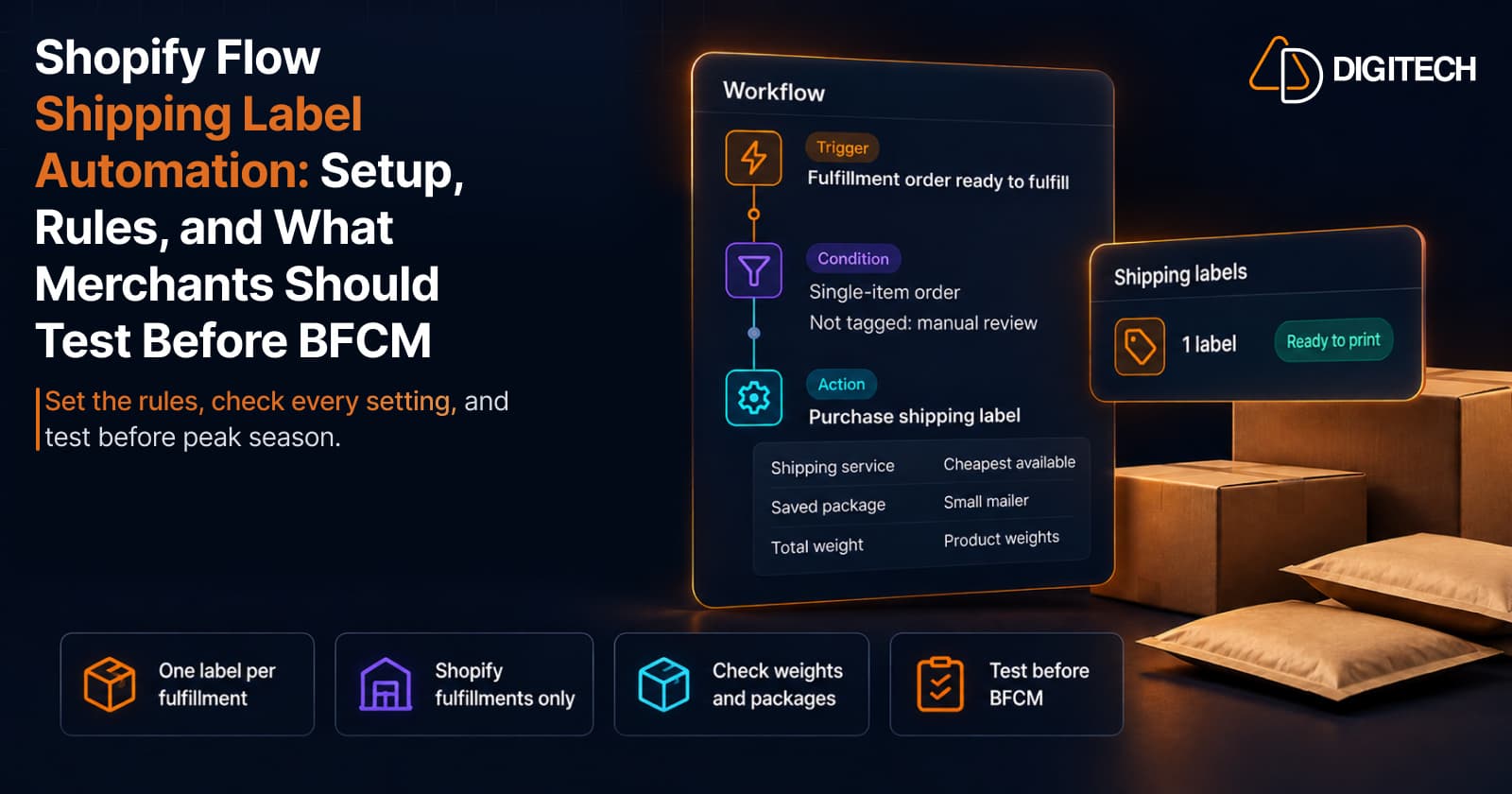
Shopify Flow Shipping Label Automation: Setup, Rules, and What Merchants Should Test Before BFCM
Shopify Flow can now buy shipping labels automatically for orders that match your rules. Here's how the action works, example workflows, and what to test before BFCM.
Read article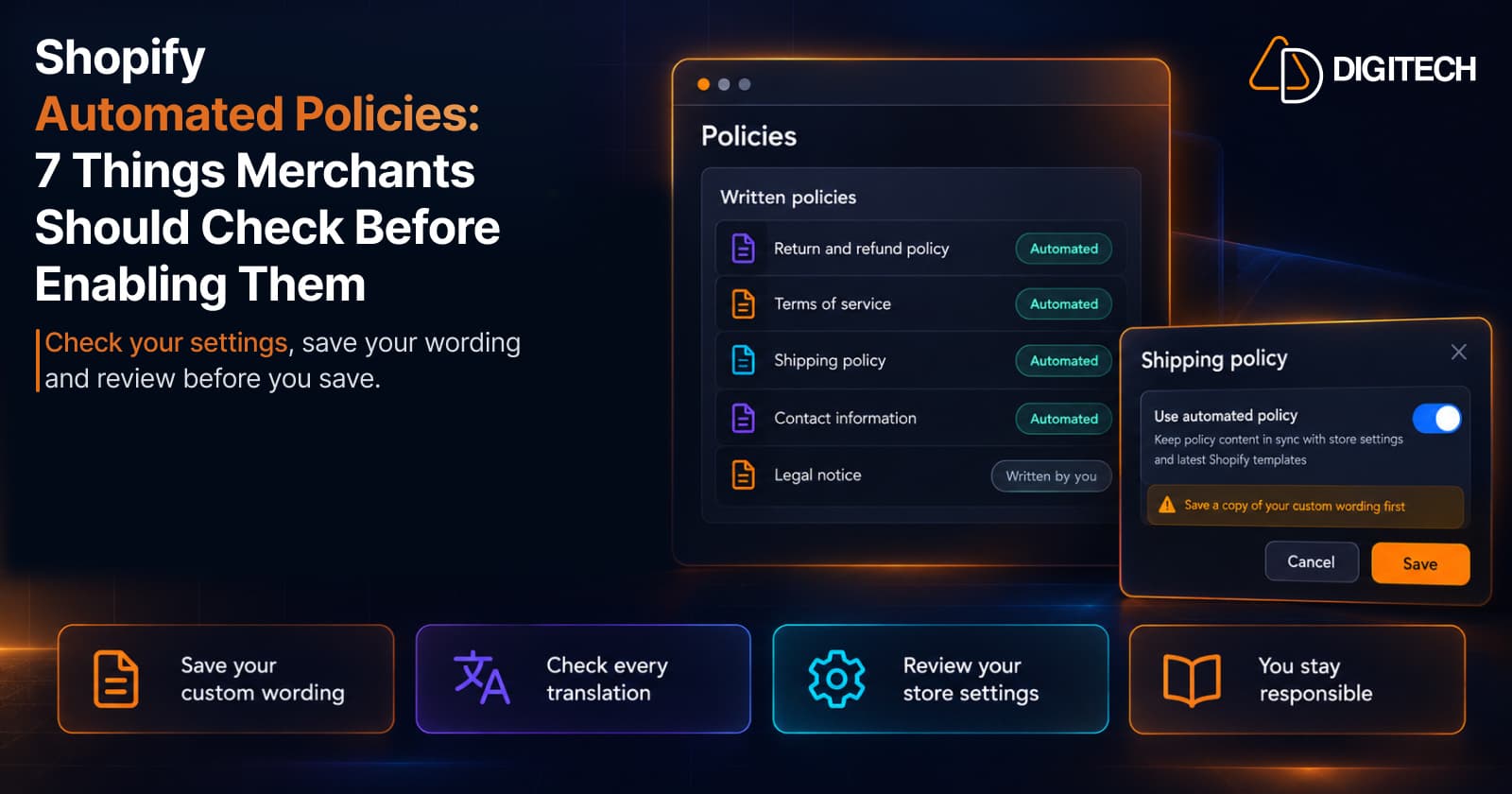
Shopify Automated Policies: 7 Things Merchants Should Check Before Enabling Them
Shopify can now generate and update your return, shipping, terms of service and contact policies from your store settings. Here's what to check before you turn automation on.
Read article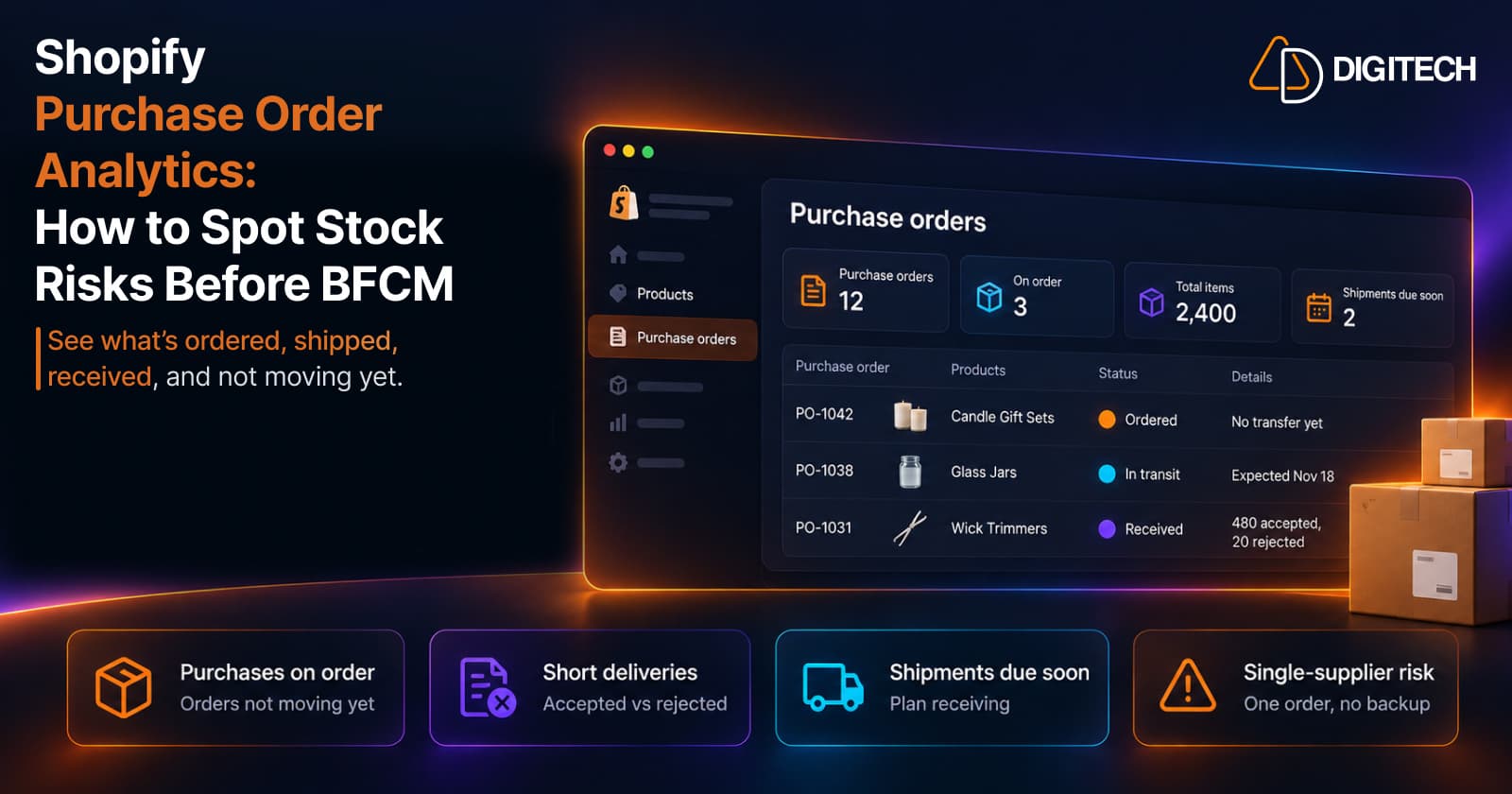
Shopify Purchase Order Analytics: How to Spot Stock Risks Before BFCM
Shopify Analytics now includes purchase order reports. Here's what each report shows, how to use them to spot stock risks before BFCM, and what they can't tell you.
Read article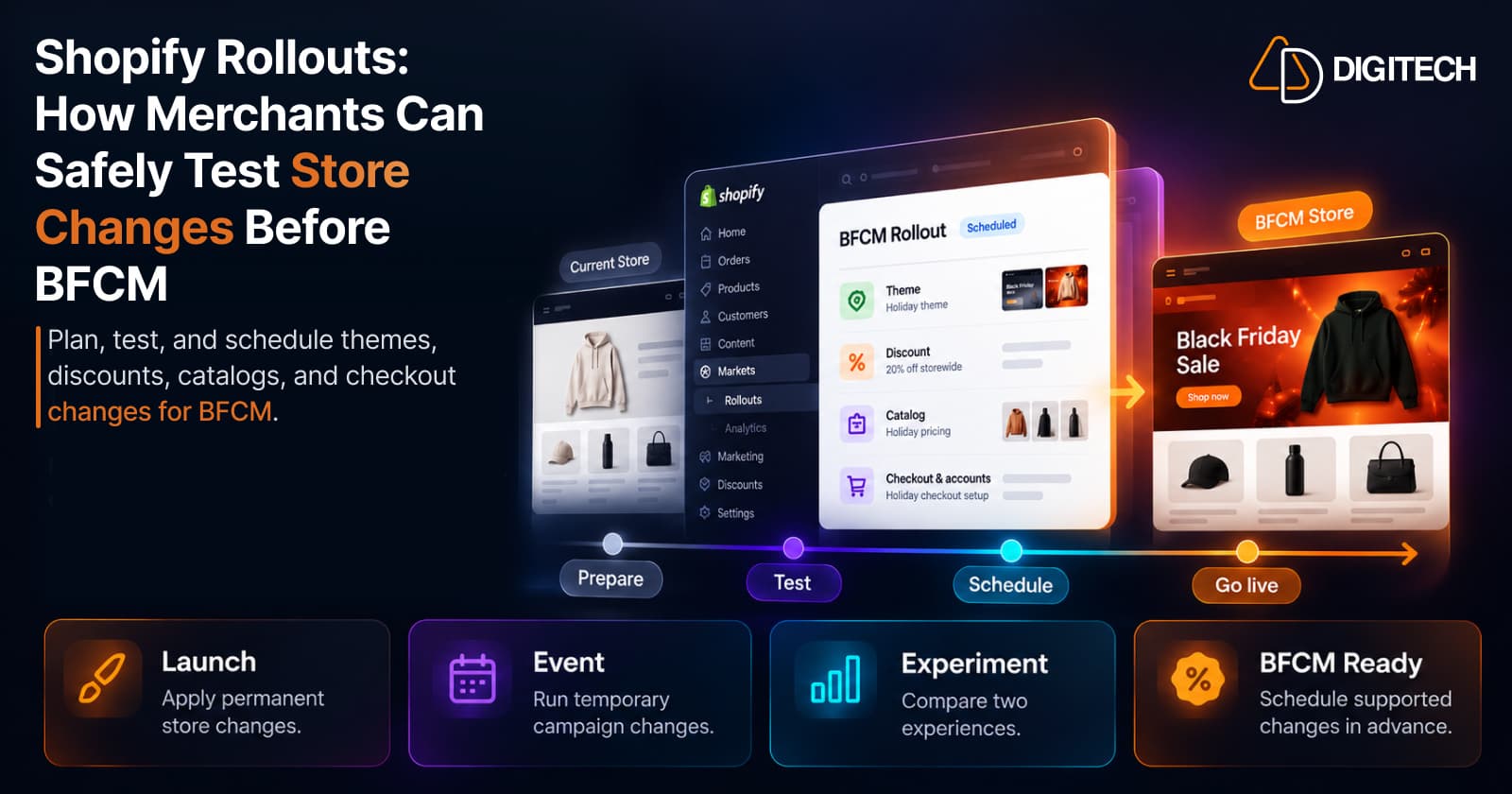
Shopify Rollouts: How Merchants Can Safely Test Store Changes Before BFCM
Learn how Shopify Rollouts let merchants schedule, test, and launch store changes safely before BFCM, including themes, discounts, catalogs, and checkout.
Read article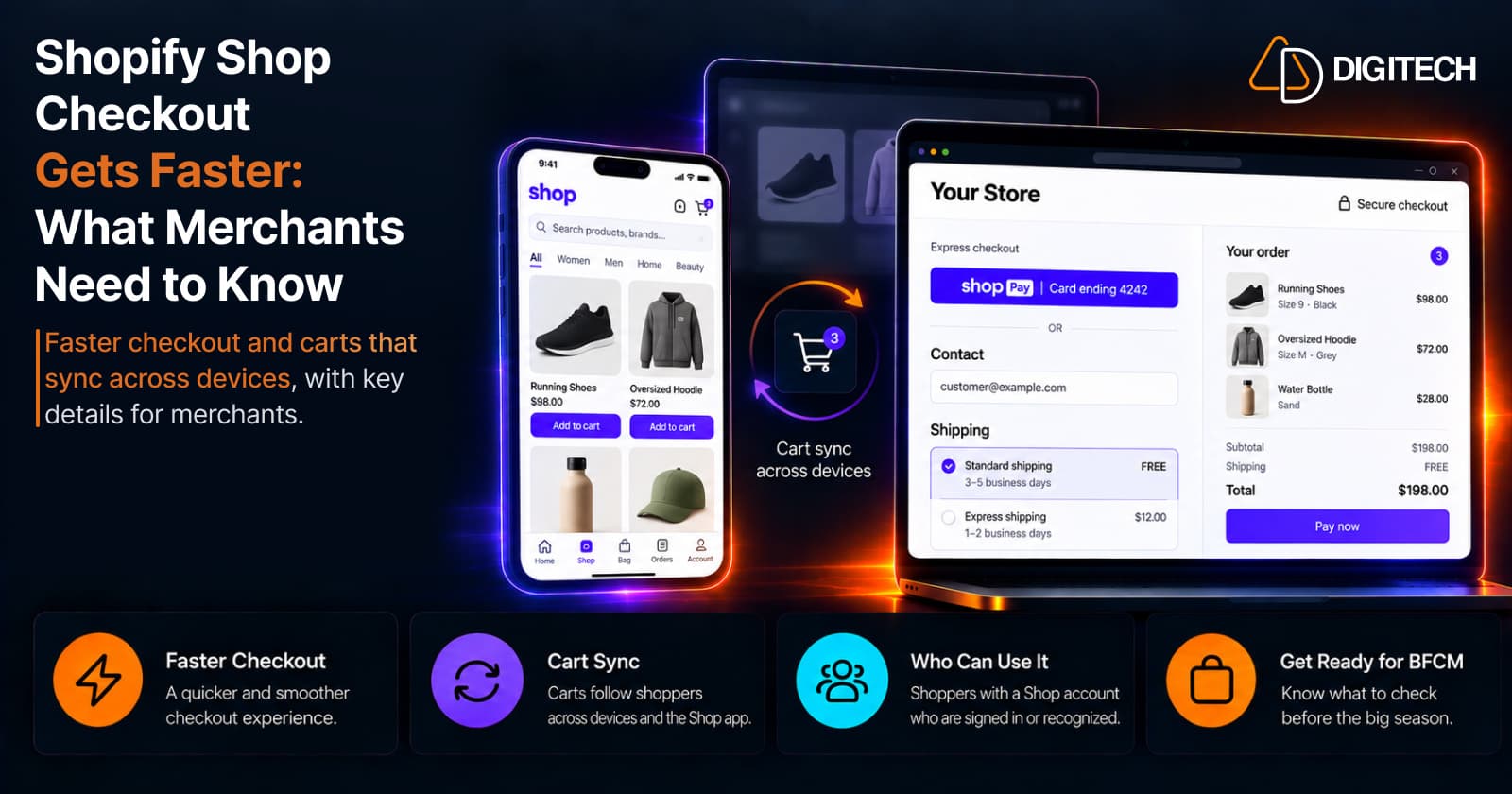
Shopify Shop Checkout Gets Faster: What Merchants Need to Know
Shopify's October 5, 2026 Shop update brings faster checkout and carts that sync across devices. See how it works, who qualifies and what to check before BFCM.
Read article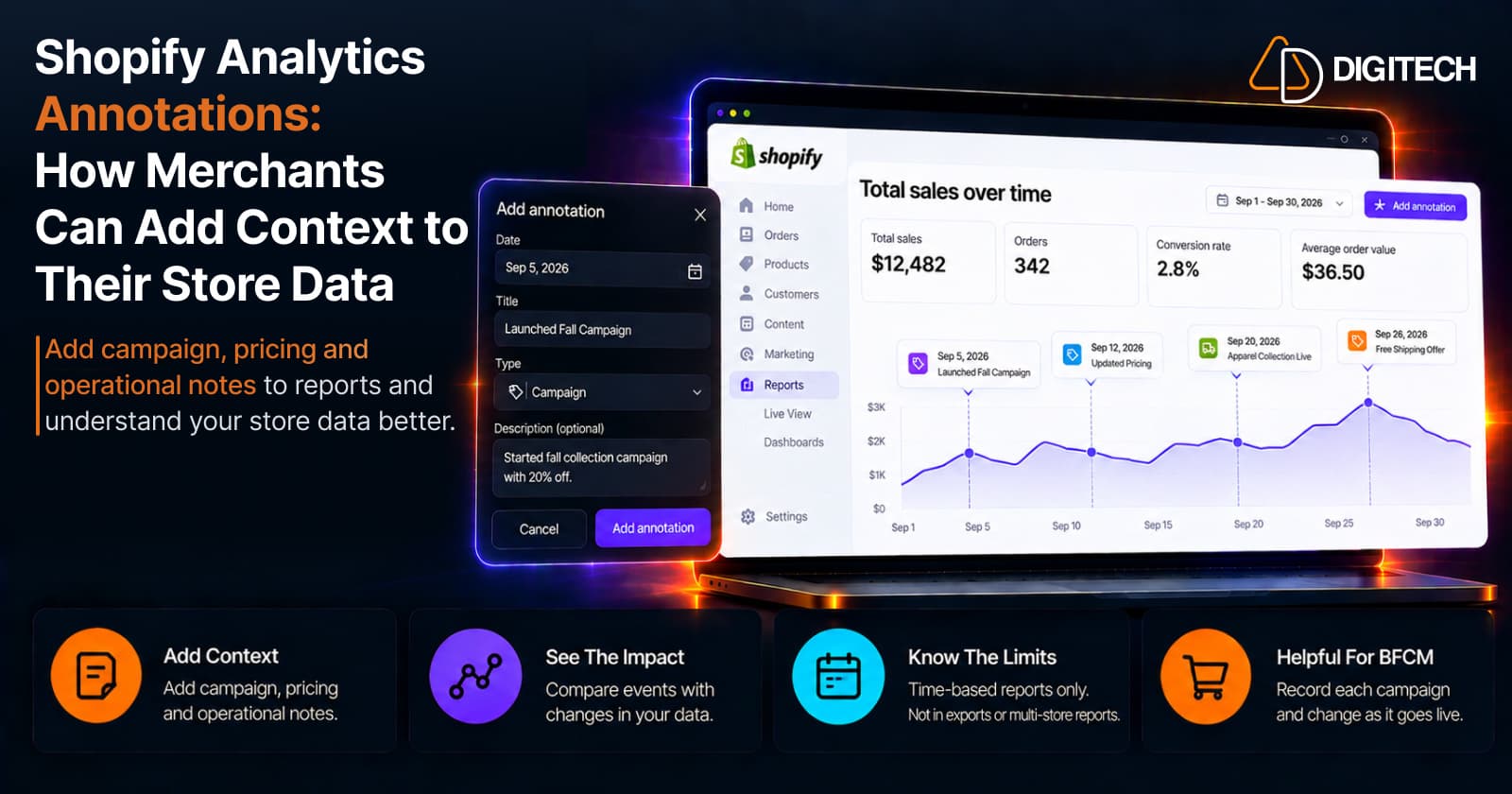
Shopify Analytics Annotations: How Merchants Can Add Context to Their Store Data
Shopify Analytics annotations let merchants add campaign, pricing and operational notes to reports. See how they work, the limits, and how to use them for BFCM.
Read article