Shopify Thank You Page: How to Turn It Into a Revenue Channel
The thank you page is the second-most-viewed page in your store after the homepage — and most stores leave it completely empty. Post-purchase offers convert at 8–15%, five to ten times better than pre-purchase upsells, because the payment is already done. Here's how to turn that page into real revenue in 2026.
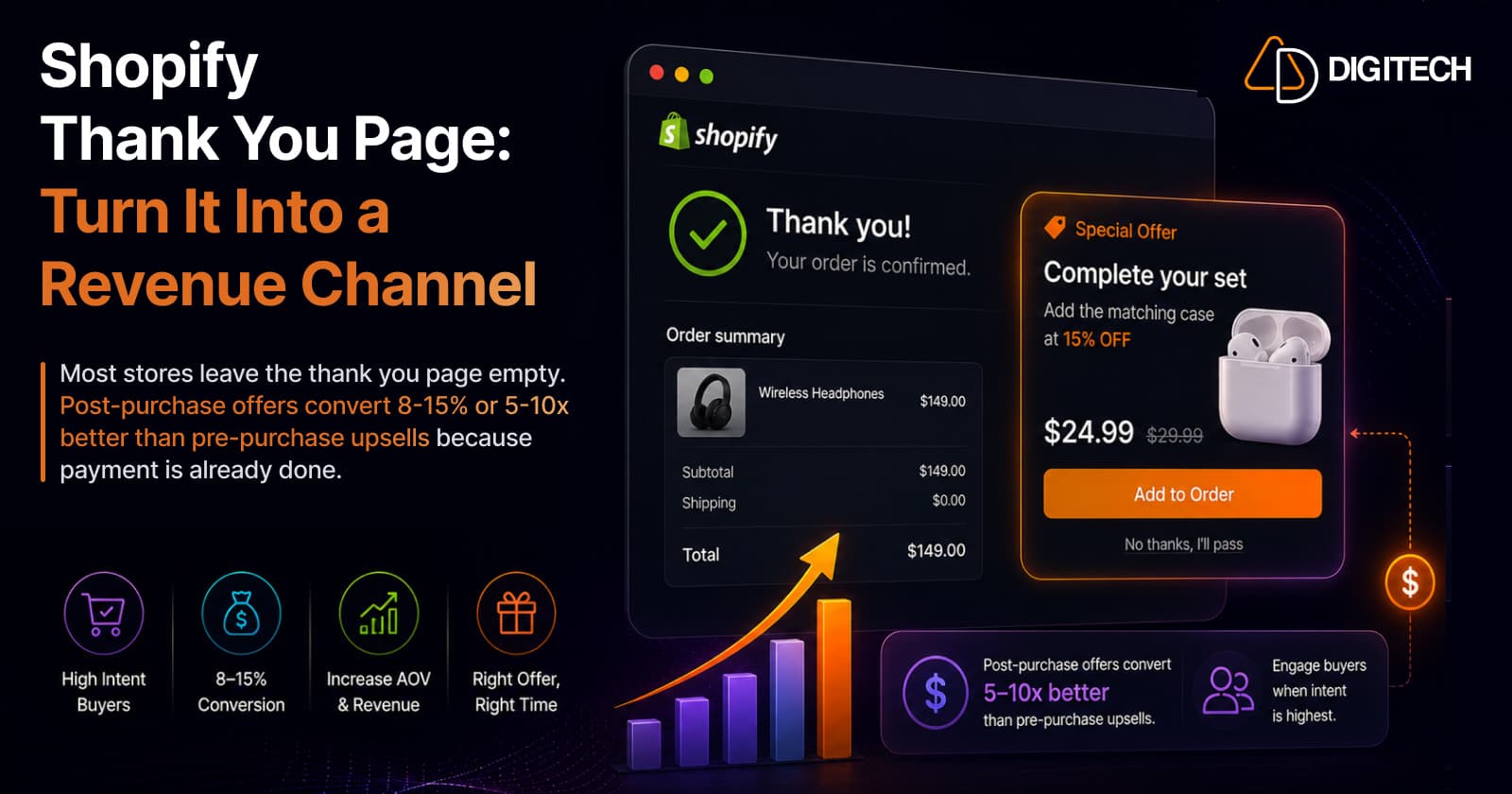
The short version: the thank you page is the second-most-viewed page in your store after the homepage — and most stores leave it completely empty. Post-purchase offers convert at 8–15%, five to ten times better than pre-purchase upsells, because the payment is already done and nothing is at risk. It's the cheapest revenue on your store.
We build and optimise Shopify checkouts, so here's how to actually turn that page into a channel.
The most-wasted page in your store
Think about the traffic maths for a second. Every single person who buys from you sees the thank you page. Then many of them come back to the order status page — repeatedly — to check tracking. It is, in a typical store, the second-most-viewed page after the homepage.
And on most stores, it says: "Thank you for your order." That's it. A blank page in front of your single most qualified audience — people who have just proven they'll pay you money, with their card details already on file.
You would never leave your homepage blank. This is the same mistake, hiding in a place nobody thinks to look.
Why post-purchase converts so absurdly well
The numbers here aren't marginal:
- Post-purchase offers convert at roughly 8–15% — five to ten times higher than any pre-purchase upsell.
- Acceptance rates of 10–15% are typical on a well-built thank-you-page offer.
- Optimised thank you pages lift AOV by 10–30%.
- Checkout customization plus post-purchase upsells together routinely add 15–25% to AOV — with zero extra acquisition spend.
The reason is simple psychology plus mechanics: the purchase decision is already made and paid for. A pre-purchase upsell asks someone mid-decision to reconsider — every offer is friction that risks the sale you already had. A post-purchase offer carries no such risk, because the original order is banked before the customer ever sees it. Trust is also at its peak: they just chose you.
That asymmetry is why this is the highest-leverage CRO work most stores never do. (If you're still losing sales earlier in the funnel, fix that first — see why stores lose sales despite growing traffic.)
Know the difference: post-purchase page vs. thank you page
These get conflated constantly, and it matters:
| Surface | When it appears | Key trait |
|---|---|---|
| Post-purchase page | Between payment confirmation and the thank you page | Supports one-click purchases — no re-entering payment |
| Thank you page | After the order completes | Where customers land, then return via order status |
They have different technical implementations and different conversion rates. The one-click post-purchase page is powerful but narrow; the thank you and order status pages are where you can build a persistent, content-rich experience customers come back to. Most stores should use both — but be clear which one you're optimising and measure them separately.
What to actually put there (in priority order)
- One relevant offer. A complementary product, an upgrade, or a bundle — matched to what they just bought. Relevance beats discount depth every time.
- A coupon with a countdown timer for the next order. You've just earned a customer; give them a reason to return while goodwill is highest.
- Order tracking and status. Genuinely useful — and it quietly deflects "where's my order?" support tickets.
- Referral or social prompts. The moment of peak satisfaction is the moment to ask.
- Trust and reassurance — returns policy, guarantees, support contact. Reduces post-purchase anxiety and cancellations.
What not to do: don't cram all five in. A cluttered thank you page converts worse than a focused one. Lead with a single, well-matched offer; let everything else support it.
How to build it in 2026 — and a deadline you shouldn't miss
The modern, supported way is Checkout Extensibility, which lets you add blocks directly into the checkout, thank you, and order status pages — sandboxed, upgrade-safe, and no theme edits. (For how that framework actually works, see Shopify Checkout Components explained.)
⚠️ There's a hard date attached. Shopify required Plus stores to migrate by August 28, 2025, and non-Plus stores must migrate by August 26, 2026. If you're on a standard plan and still relying on legacy customization, that's not a distant deadline — it's weeks away. Migrating is unavoidable; the smart move is to treat it as an opportunity and build the revenue blocks while you're in there anyway.
Apps vs. a custom build
For the vast majority of stores, an app from the App Store covers it — upsells, bundles, coupon timers, and content blocks with no code and no theme changes. Reach for a custom checkout UI extension only when you need logic an off-the-shelf app genuinely can't do (complex eligibility rules, ERP-driven offers, bespoke UI).
(Full disclosure: this is a problem we care enough about to have built for. Our own app, Grovia, does exactly this — thank you and order status page upsells, bundles, and coupon timers via drag-and-drop. Plenty of good alternatives exist; pick whichever fits your stack.)
Measure it, then test it
Two rules that separate real gains from wishful thinking:
- Track the right metric. Not "did it convert" in isolation — measure AOV and revenue per order, before and after, plus offer acceptance rate.
- Test the offer, not just the page. Which product, which discount, which position. Shopify's native testing makes this straightforward now (see native A/B testing vs. apps).
Most stores set a thank-you-page offer once and never revisit it. The compounding wins come from iterating on what you offer, not from having an offer at all.
The bottom line
You've already paid to acquire the customer. You've already earned the sale. The thank you page is the one place where extra revenue costs you nothing but the work of setting it up — and the conversion rates are five to ten times what you'd get anywhere earlier in the funnel.
With the August 26, 2026 migration deadline forcing non-Plus stores onto Checkout Extensibility anyway, there's no better moment to stop leaving that page blank.
We build and optimise Shopify checkout and post-purchase experiences — migrations to Checkout Extensibility, custom extensions, and the offer testing that turns a blank thank you page into a measurable revenue line. See our Shopify store development work, or talk to us about your checkout.
Frequently asked questions
What is the Shopify thank you page?
It's the page a customer lands on right after completing checkout, alongside the order status page they return to for tracking. Together they're the second-most-viewed page in a typical store after the homepage — and most stores leave them completely empty, which is why they're such an obvious revenue opportunity.
Do post-purchase upsells hurt my conversion rate?
No — that's precisely the point. The payment is already complete before the offer appears, so it can't jeopardise the original sale the way a pre-purchase upsell can. That's why post-purchase offers convert at roughly 8–15%, five to ten times higher than pre-purchase upsells.
What's the difference between the post-purchase page and the thank you page?
They're two different surfaces. The post-purchase page renders between payment confirmation and the thank you page, and supports one-click purchases (no re-entering payment details). The thank you page comes after. They have different technical implementations and different conversion rates, so it's worth being clear about which one you're optimising.
How much AOV lift can a thank you page realistically add?
Optimised thank you pages typically lift average order value by 10–30%. Combined with checkout customization, post-purchase upsells routinely add 15–25% to AOV — and unlike ads, that revenue comes without any extra acquisition spend, because you're monetising traffic you've already paid for.
How do I customize the Shopify thank you page in 2026?
Through Checkout Extensibility, which lets you add blocks directly into the checkout, thank you, and order status pages. Note the deadline: Shopify required Plus stores to migrate by August 28, 2025, and non-Plus stores must migrate by August 26, 2026. You can do it with an app from the App Store or with a custom checkout UI extension.
Do I need a developer to do this?
Usually not. Apps built on Checkout UI Extensions let you add upsells, bundles, coupon timers, and content blocks with no coding and no theme changes. You only need a developer for bespoke logic an off-the-shelf app can't handle.
Building something on Shopify?
We design, build, and maintain Shopify apps, stores, and AI products — to the standard this article describes.
Related reading

Shopify Adds Stock Counts in Admin: How Merchants Can Verify Inventory Before Peak Season
Shopify stock counts let staff record what's on the shelf and let a manager approve the differences before inventory changes. Here's how the workflow works in admin and POS.
Read article
Shopify Adds Arabic, Urdu, and Hebrew Support: What Merchants Must Check Before Launch
Shopify improved RTL support for Arabic, Urdu and Hebrew in the admin, storefronts and checkout. Here's what's covered, what isn't, and what to test before launch.
Read article
Shopify Translate & Adapt Auto-Sync: How to Keep Translations Current Before BFCM
Translate & Adapt can now update translations weekly with Auto-sync. Here's who can use it, how it differs from Translate now, and how to plan translations before BFCM.
Read article
Shopify Flow Shipping Label Automation: Setup, Rules, and What Merchants Should Test Before BFCM
Shopify Flow can now buy shipping labels automatically for orders that match your rules. Here's how the action works, example workflows, and what to test before BFCM.
Read article
Shopify Automated Policies: 7 Things Merchants Should Check Before Enabling Them
Shopify can now generate and update your return, shipping, terms of service and contact policies from your store settings. Here's what to check before you turn automation on.
Read article
Shopify Purchase Order Analytics: How to Spot Stock Risks Before BFCM
Shopify Analytics now includes purchase order reports. Here's what each report shows, how to use them to spot stock risks before BFCM, and what they can't tell you.
Read article
Shopify Rollouts: How Merchants Can Safely Test Store Changes Before BFCM
Learn how Shopify Rollouts let merchants schedule, test, and launch store changes safely before BFCM, including themes, discounts, catalogs, and checkout.
Read article
Shopify Shop Checkout Gets Faster: What Merchants Need to Know
Shopify's October 5, 2026 Shop update brings faster checkout and carts that sync across devices. See how it works, who qualifies and what to check before BFCM.
Read article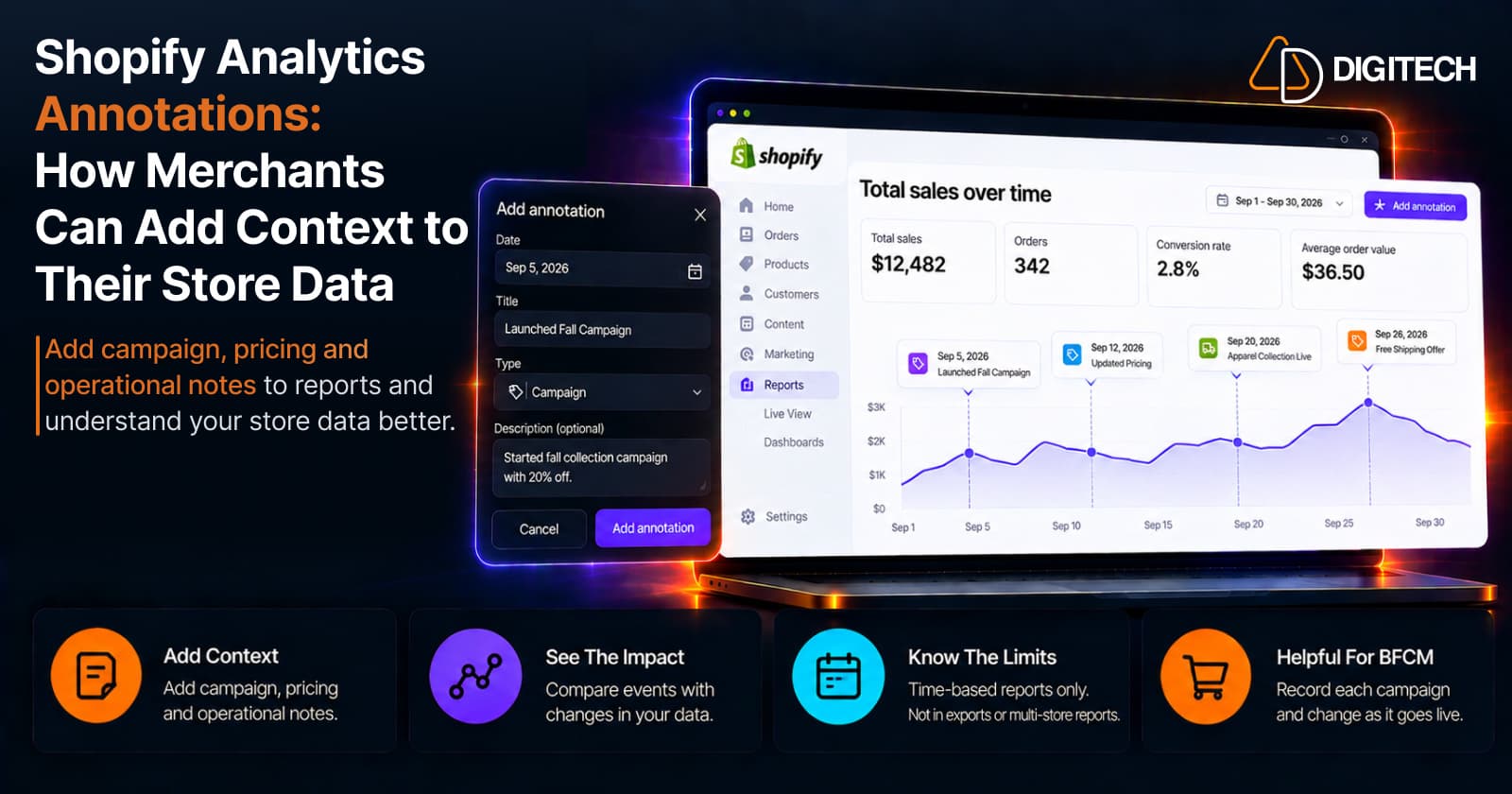
Shopify Analytics Annotations: How Merchants Can Add Context to Their Store Data
Shopify Analytics annotations let merchants add campaign, pricing and operational notes to reports. See how they work, the limits, and how to use them for BFCM.
Read article