How to Increase Shopify AOV Using Post-Purchase Upsells
Post-purchase upsells lift AOV by 10–20% — but only if you get the offer right. The pricing ratio, the relevance rule, and the one-offer principle decide whether you land 14% acceptance or under 3%. Here's the tactical playbook, with the benchmarks to measure yourself against.
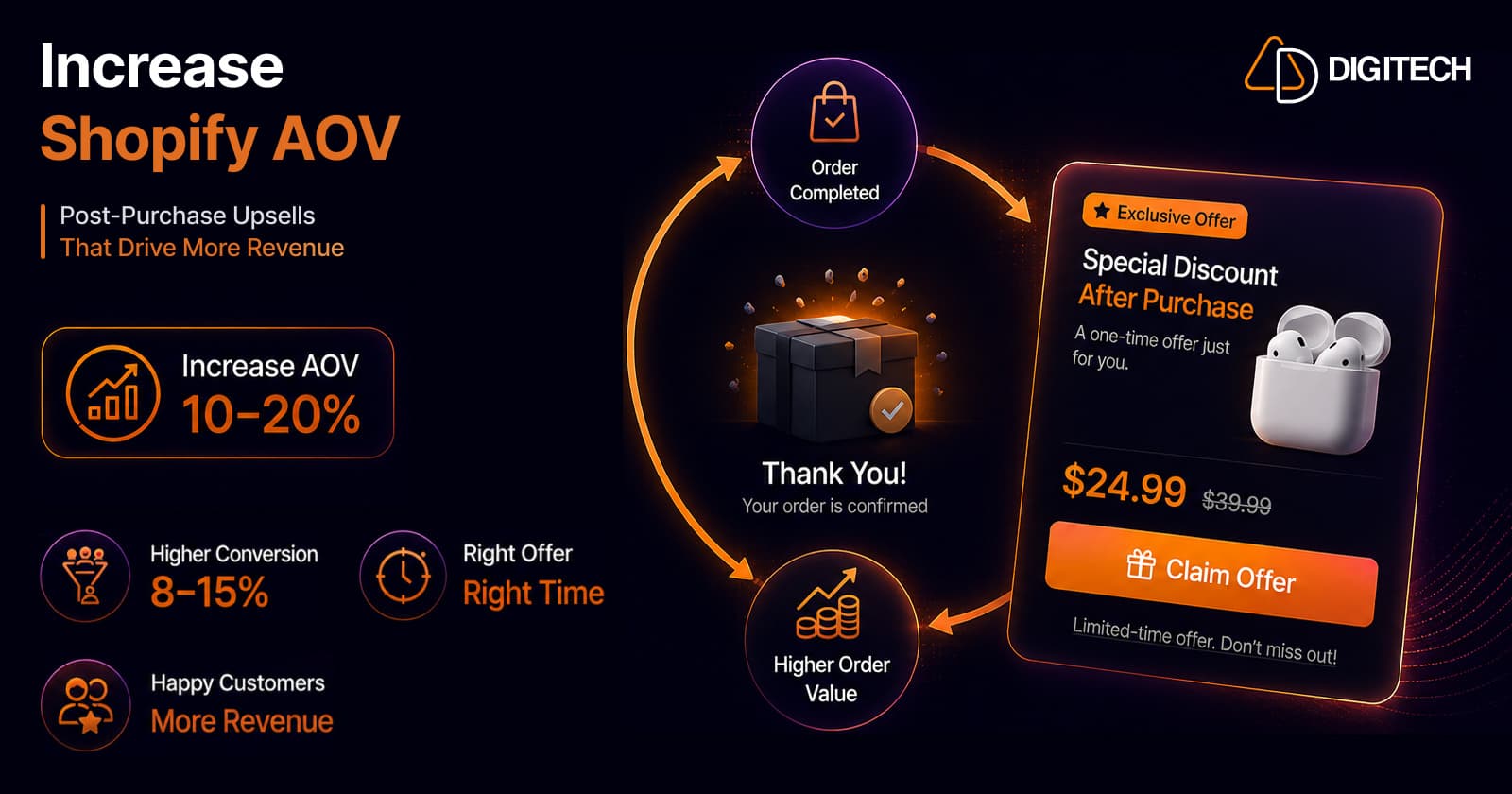
The short version: post-purchase upsells lift AOV by 10–20% — but the technology isn't what decides that. The offer does. Get the price ratio, the relevance, and the number of options right and you land 10–16% acceptance. Get them wrong and you're under 3%. This is the tactical playbook.
We build and optimise Shopify checkouts, so this is the offer design we actually use.
The opportunity almost nobody is taking
Two numbers, side by side, that explain why this is worth your afternoon:
- ~68% of shoppers say they're receptive to a post-purchase offer.
- Fewer than 20% of merchants run one.
That's a wide-open gap. Your customers are willing; most of your competitors aren't asking. And the mechanism is uniquely safe: the order is already complete and paid before the offer appears, so unlike a pre-purchase upsell it cannot cost you the sale you already had. (For the case for the page itself, see turning your thank you page into a revenue channel.)
What "good" looks like — the benchmarks
Measure yourself against real numbers, not hope:
| Metric | Benchmark |
|---|---|
| AOV lift | 10–20% with strong relevance + pricing |
| Acceptance rate (confirmation page) | 10–16% typical |
| One-click offers, well-targeted | 8–15% |
| Independent study (1,847 businesses, 2025) | 14.6% |
| Under 3% | 🚩 your offer is wrong — not your app |
That last row matters most. If you're converting under 3%, don't go shopping for a different app. Fix the offer. Below is how.
Rule 1 — Relevance beats everything
Offers matching what's in the cart convert 3–5× better than generic suggestions. Relevance is the number one factor in acceptance rate. Nothing else you tune comes close.
The mental model: don't sell them another thing — sell them the thing that completes what they just bought.
- Bought a supplement? Offer a travel pack, or a complementary SKU in the same routine.
- Bought cookware? Offer care supplies, or the utensil that makes the first use better.
- Bought a jacket? Offer the proofing spray, not a pair of jeans.
The test: "does this make what they already bought better?" If yes, it's an upsell. If no, it's an ad — and it converts like one.
Rule 2 — Get the price ratio right
This is the most common, most fixable mistake:
Keep the upsell between 15% and 40% of cart value. A $20 add-on to a $60 cart (33%) is the sweet spot.
Push an expensive item at this moment and acceptance drops below 3% — because the ask stops feeling helpful and starts feeling opportunistic. The customer notices, and it costs you goodwill on top of the miss.
The psychology is simple: they've just committed to spending £X. A small addition rides on that decision. A large one forces a new decision — and new decisions at the thank-you page get declined.
Rule 3 — One offer, never a menu
Present a single offer. Two or more options at the post-purchase moment cause choice paralysis and frequently convert at zero.
This feels wrong to merchants — surely more options means more chances? No. The customer has already decided to buy. You're not reopening a shopping session; you're asking for one easy yes. A menu turns a yes/no into a research task, and research tasks get postponed forever.
Pick your best-matched product. Show that. Only that.
Rule 4 — Know which surface you're on
Two different surfaces, often conflated, with different mechanics:
| Surface | Mechanic |
|---|---|
| Post-purchase page (between payment and thank you) | One-click — no re-entering payment details |
| Thank you / order status page | Persistent content the customer returns to |
The one-click page has the least friction — payment is already captured, so accepting is a single tap. That's why the 8–15% figures cluster there. The thank-you and order-status pages are where you can build something that keeps working (coupons for the next order, tracking, content) because customers come back to them.
Use both, measure them separately, and don't average them into one meaningless number.
Putting it together — the offer checklist
Before you launch, your offer should pass all five:
- Relevant — it completes the purchase they just made
- 15–40% of cart value — small enough to ride the decision they already made
- One offer — not a menu
- One-click where possible — no re-entering payment
- Instantly understandable — if it needs a paragraph, it's the wrong offer
Then measure AOV and revenue per order before/after, plus acceptance rate — and test the offer, not the page. Which product, which discount, which position. Shopify's native testing makes this straightforward (see native A/B testing vs apps).
How to build it
The modern, supported route is Checkout Extensibility, which lets you add blocks to the checkout, thank you, and order status pages with no theme edits — see Shopify Checkout Components explained. ⚠️ Note the deadline if you're on a standard plan: non-Plus stores must migrate by August 26, 2026.
For most stores an App Store app covers it with no code. Reach for a custom checkout UI extension only when your offer logic genuinely needs it — complex eligibility rules, ERP-driven offers, bespoke UI.
(Full disclosure: our own app, Grovia, does thank-you and order-status upsells, bundles, and coupon timers with a drag-and-drop editor. Plenty of good alternatives exist — pick whichever fits your stack. The rules above matter far more than the tool.)
The bottom line
Post-purchase upselling isn't a technology problem — every app on the App Store can render an offer. It's an offer design problem, and the whole thing comes down to three decisions: make it relevant, keep it at 15–40% of cart, show exactly one.
Get those right and 10–20% more AOV is a realistic expectation on traffic you've already paid for. Get them wrong and you'll conclude post-purchase upsells "don't work" — while ~68% of your customers sit there willing to say yes.
We help Shopify brands design and build post-purchase offers that actually convert — offer strategy, Checkout Extensibility builds, and the testing that proves the lift. See our Shopify store development work, or talk to us about your AOV.
Frequently asked questions
How much can post-purchase upsells increase AOV?
Well-targeted one-click post-purchase offers typically drive 10–20% AOV growth when the product relevance and pricing are right. Top Shopify brands running them consistently report lifts in that range. The variance is almost entirely down to offer quality — relevance and price ratio — not the technology.
What's a good acceptance rate for a post-purchase offer?
Benchmarks put confirmation-page take rates at roughly 10–16%, and one independent 2025 study across 1,847 businesses found 14.6%. Well-targeted one-click offers generally land between 8% and 15%. If you're below 3%, the problem is nearly always the offer — usually a price that's too high or a product that isn't relevant.
How should I price a post-purchase upsell?
Keep the upsell between 15% and 40% of the cart value — a $20 add-on to a $60 cart (33%) is the sweet spot. Push a high-priced item at this moment and acceptance drops below 3%, because the ask starts to feel opportunistic rather than helpful.
Should I show more than one offer?
No. Present a single offer, not a menu. Two or more options at the post-purchase moment produce choice paralysis and frequently convert at zero. The customer has already decided to buy — your job is to make one easy yes, not to reopen a shopping session.
What should I actually offer?
Something that completes what they just bought. Offers matching the cart convert 3–5x better than generic suggestions. If they bought a supplement, offer a travel pack or a complementary SKU. If they bought cookware, offer care supplies or a utensil that improves the first use. Relevance is the single biggest factor in acceptance.
Will a post-purchase upsell hurt my conversion rate?
No — the order is already complete and paid before the offer appears, so it can't jeopardise the original sale the way a pre-purchase upsell can. That's precisely why it's the safest place in the funnel to make an offer.
Building something on Shopify?
We design, build, and maintain Shopify apps, stores, and AI products — to the standard this article describes.
Related reading
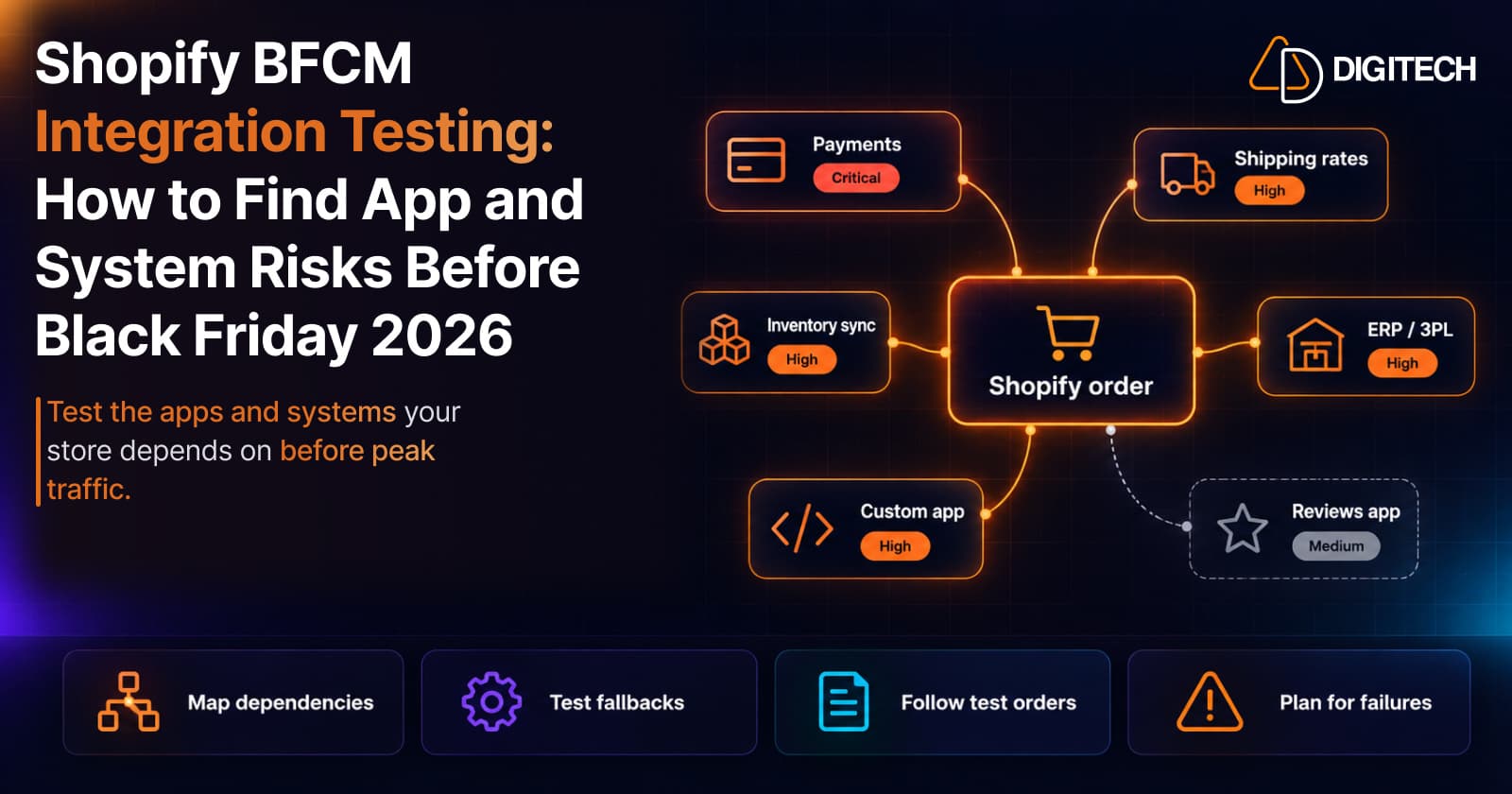
Shopify BFCM Integration Testing: How to Find App and System Risks Before Black Friday 2026
Prepare your Shopify store for BFCM 2026. Test checkout, shipping apps, payments, inventory sync, and custom integrations before Black Friday.
Read article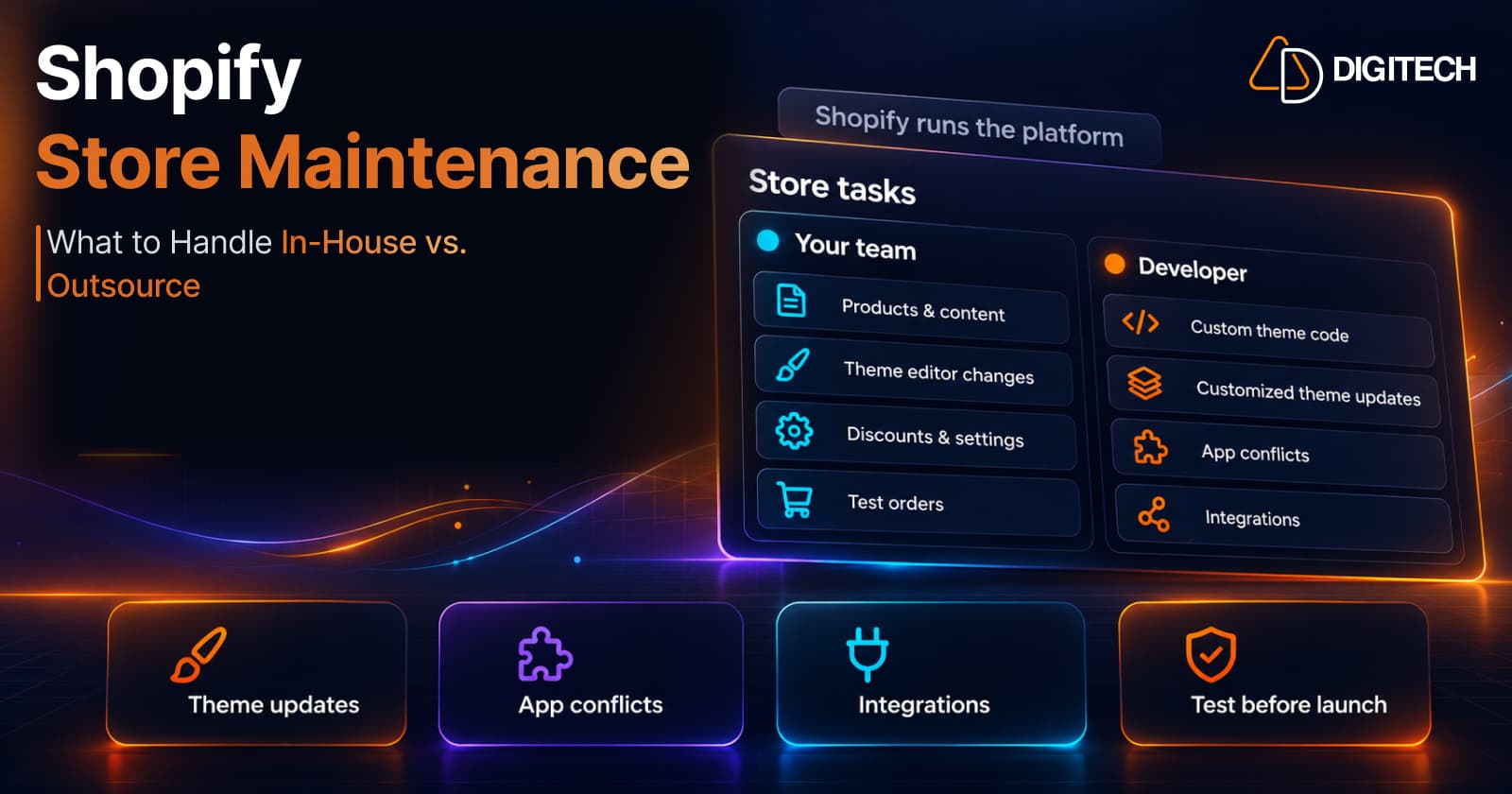
Shopify Store Maintenance: What to Handle In-House vs. Outsource
Shopify runs the platform; your theme, apps and integrations are yours to maintain. What to handle in-house, when to hire a developer and what support covers.
Read article
Shopify Adds Stock Counts in Admin: How Merchants Can Verify Inventory Before Peak Season
Shopify stock counts let staff record what's on the shelf and let a manager approve the differences before inventory changes. Here's how the workflow works in admin and POS.
Read article
Shopify Adds Arabic, Urdu, and Hebrew Support: What Merchants Must Check Before Launch
Shopify improved RTL support for Arabic, Urdu and Hebrew in the admin, storefronts and checkout. Here's what's covered, what isn't, and what to test before launch.
Read article
Shopify Translate & Adapt Auto-Sync: How to Keep Translations Current Before BFCM
Translate & Adapt can now update translations weekly with Auto-sync. Here's who can use it, how it differs from Translate now, and how to plan translations before BFCM.
Read article
Shopify Flow Shipping Label Automation: Setup, Rules, and What Merchants Should Test Before BFCM
Shopify Flow can now buy shipping labels automatically for orders that match your rules. Here's how the action works, example workflows, and what to test before BFCM.
Read article
Shopify Automated Policies: 7 Things Merchants Should Check Before Enabling Them
Shopify can now generate and update your return, shipping, terms of service and contact policies from your store settings. Here's what to check before you turn automation on.
Read article
Shopify Purchase Order Analytics: How to Spot Stock Risks Before BFCM
Shopify Analytics now includes purchase order reports. Here's what each report shows, how to use them to spot stock risks before BFCM, and what they can't tell you.
Read article
Shopify Rollouts: How Merchants Can Safely Test Store Changes Before BFCM
Learn how Shopify Rollouts let merchants schedule, test, and launch store changes safely before BFCM, including themes, discounts, catalogs, and checkout.
Read article