Shopify Thank You Page vs Order Status Page: What's the Difference?
They're not the same page — and there are three post-purchase surfaces, not two. The thank you page is seen once at peak attention, the order status page is returned to repeatedly while they wait, and the customer account page lasts the whole relationship. Separate extension targets, different jobs — putting identical content on all three wastes the difference.
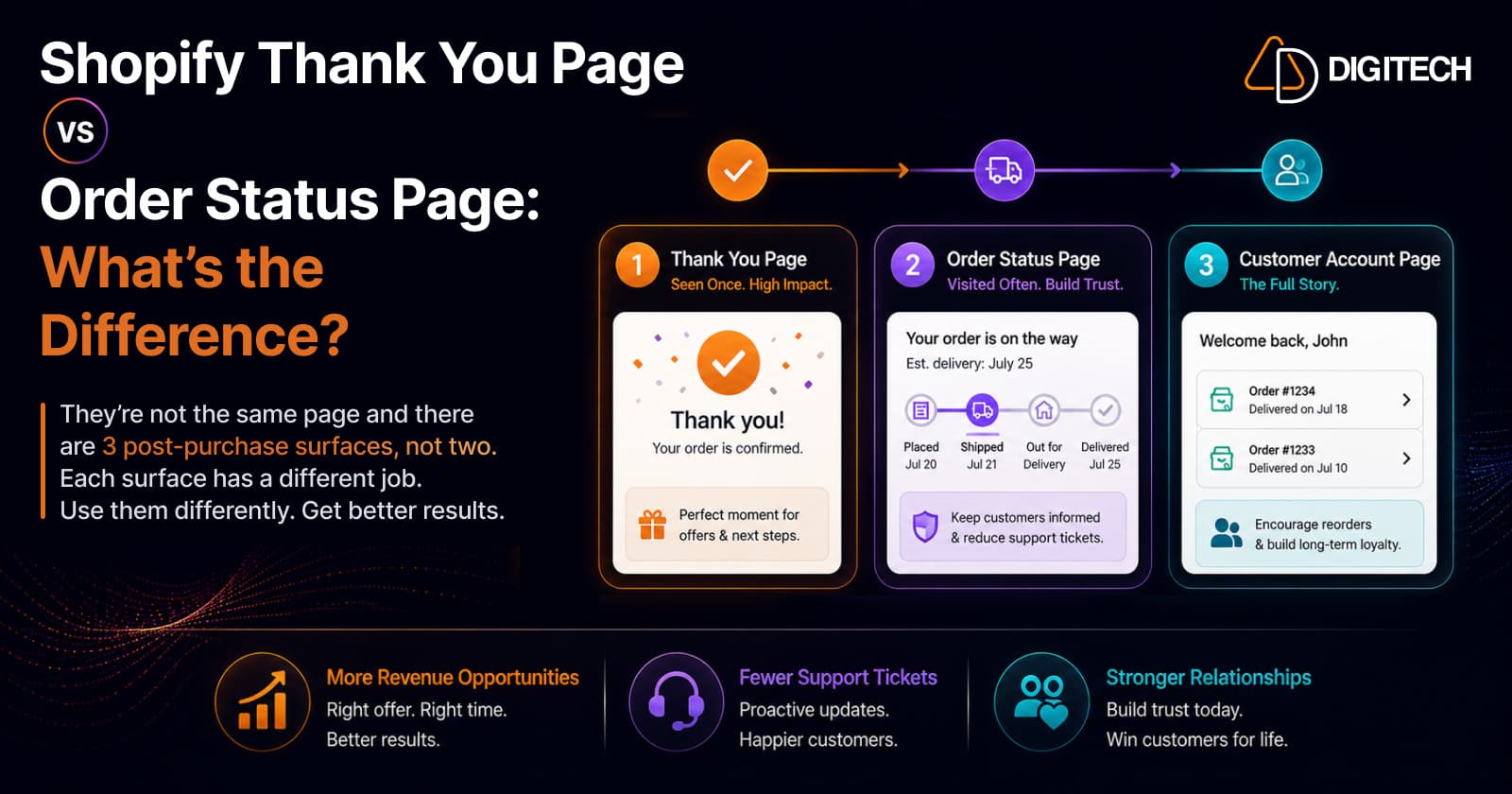
The short version: they are not the same page — and there are three post-purchase surfaces, not two. The thank you page is seen once, at peak attention. The order status page is returned to repeatedly while the customer waits. The customer account page lasts the whole relationship. They're separate surfaces with different jobs, and putting identical content on all three wastes the difference.
We build Shopify post-purchase experiences, so here's the distinction that actually changes what you should build.
Three surfaces, not two
Most merchants think of "the thank you page" as one thing. It's three, and they behave differently — because the customer meets them at three different moments:
| Surface | When they see it | Defining trait |
|---|---|---|
| Thank you page | Immediately after the order completes | Seen once, at peak attention |
| Order status page | Any time they check their order | Returned to repeatedly while they wait |
| Customer account page | Whenever they log in, indefinitely | The full history — every past order |
Each one is a different opportunity, and the mistake almost everyone makes is treating them as one page with one piece of content.
A note on the post-purchase page. There's also a fourth, more technical surface: the post-purchase page, which renders between payment confirmation and the thank you page and supports one-click purchases (no re-entering payment details). It's a checkout-level extension rather than a page customers navigate back to, with its own implementation and its own conversion rates — so don't lump its numbers in with the three above.
The difference that actually matters: how often it's seen
Forget the technical definitions for a second. The strategically important difference is frequency of view:
- The thank you page is a one-shot moment. The customer has just paid, they're in a good mood, their attention is entirely on you. Then they close the tab and it's gone forever.
- The order status page is a recurring destination. Over the next few days they come back — repeatedly — to check where their order is. Some check daily.
- The customer account page is permanent. It's there for the whole relationship, holding every order they've ever placed with you.
That single fact should drive everything you put on each. One is a moment, one is a channel, one is a relationship.
What to put on the thank you page
You get one shot at maximum attention. So use it for the thing that only works right now — and if you're not using this page at all yet, start with why it's a revenue channel:
- One well-matched offer. A single relevant add-on — not a menu. (For getting that offer right, see how to increase AOV with post-purchase upsells.)
- Clear confirmation of what happens next — reassurance reduces "did my order go through?" support tickets.
- A time-sensitive coupon, if you're using urgency at all — this is where it belongs, not on a page they'll revisit for a week.
What not to do: cram five things in. The value of this page is the customer's undivided attention, and a cluttered page destroys exactly that.
What to put on the order status page
Different page, different job — this one earns its keep through repetition:
- Tracking and delivery status. This is why they came. Give it to them immediately and prominently — it also quietly deflects "where's my order?" tickets.
- A coupon for the next order. Repeat exposure works in your favour here: seeing it on visits two, three and four is what converts.
- Referral prompts. Best placed after delivery, at peak satisfaction.
- Complementary products that make sense after the item arrives — care supplies, accessories, refills.
The mental shift: stop thinking of this as "the confirmation page" and start thinking of it as a channel you own that the customer voluntarily revisits for a week. Almost nobody uses it that way.
What to put on the customer account page
The long game. This page holds the customer's entire history with you, and it's the one surface still there six months later:
- Their full order history, easy to browse — the foundation for everything else here.
- One-click reorder. For consumables and replenishables this is the single highest-value thing on the page.
- Loyalty status, credit, or points, if you run them — a reason to log in at all.
- Recommendations based on what they've actually bought, not what they browsed once.
The thank you page wins you a bigger order. The order status page keeps them warm. The customer account page is where repeat revenue lives — which, unlike acquisition, costs you nothing to earn twice.
They're separate extension targets — you must configure both
Here's the practical trap. Under Checkout Extensibility, these are distinct extension targets. An app can place extensions in:
- Two locations on the thank you page — above the order status block, and within the customer information block
- Two locations on the order status page
Content does not carry across automatically. Set up an offer on the thank you page and it will not appear on the order status page unless you configure it there too. Merchants regularly assume they've "set up post-purchase upsells" when they've actually only covered one of two surfaces — and then wonder why the numbers are half what they expected.
(For how the underlying framework works, see Shopify Checkout Components explained.)
⚠️ The migration deadline
If you're still on the legacy pages, this is time-sensitive:
- Shopify Plus stores — deadline was August 28, 2025 (passed).
- Non-Plus stores — August 26, 2026.
If you're on a standard plan, that's weeks away, not months. And there's a genuine upside beyond compliance: on the extensible pages, order data is populated during order creation, independently of the thank you page loading, which improves scale and gives customers a faster page.
Measure them separately
Because the surfaces differ, so do their numbers — and averaging them tells you nothing:
- Track acceptance rate per surface, not one blended figure.
- Track AOV and revenue per order for the thank-you-page offer and the order-status offer independently.
- Expect the thank you page to spike (peak attention, one shot), the order status page to compound over repeat visits, and the customer account page to pay back slowly in repeat orders.
- Keep the one-click post-purchase page in its own column — least friction, highest raw conversion, and not comparable to the rest.
If your reporting shows a single "post-purchase conversion rate", you can't tell which surface is working — and you'll optimise the wrong one.
The bottom line
The thank you page and order status page look similar and get talked about interchangeably, but they're different pages, with different extension targets, seen at different frequencies, doing different jobs — and the customer account page is a third opportunity most stores ignore entirely:
Thank you page = one moment of peak attention. Order status page = a channel they return to for a week. Customer account page = the relationship, and repeat revenue.
Treat them the same and you'll under-use all three. Treat them differently — one sharp offer, then durable repeat-exposure content, then easy reordering — and you get three working surfaces instead of one duplicated one.
(Full disclosure: our own app, Grovia, works on both the thank you and order status pages — upsells, bundles, and coupon timers via drag-and-drop. Plenty of good alternatives exist; pick whichever fits your stack.)
We build and migrate Shopify post-purchase experiences — Checkout Extensibility migrations, custom extensions across all three surfaces, and the measurement that tells you which one is actually earning. See our Shopify store development work, or talk to us about your post-purchase pages.
Frequently asked questions
Are the Shopify thank you page and order status page the same thing?
No. They're separate pages with distinct purposes and, under Checkout Extensibility, separate extension targets. The thank you page displays immediately after a purchase completes. The order status page is where customers check on their order at any time afterwards — which means they return to it repeatedly while they wait for delivery.
What is the third post-purchase surface?
The customer account page. It's the one most stores ignore entirely, and it lasts the whole relationship — it holds every order the customer has ever placed, so it's where one-click reorder, loyalty status, and history-based recommendations belong. The thank you page wins a bigger order; the account page is where repeat revenue lives.
What about the post-purchase page — is that the same thing?
No, that's a separate and more technical surface. The post-purchase page renders between payment confirmation and the thank you page and supports one-click purchases (no re-entering payment details). It's a checkout-level extension rather than a page customers navigate back to, with its own implementation and its own conversion rates — so don't blend its numbers with the other three.
What should go on each page?
Match the content to how often it's seen. The thank you page is a one-time, peak-attention moment — use it for your single best offer and clear confirmation of what happens next. The order status page is visited repeatedly, so it suits tracking (the reason they came), a next-order coupon, and referral prompts. The customer account page is permanent, so it suits one-click reorder, loyalty status, and recommendations based on real purchase history.
Do my app blocks appear on both pages automatically?
No — and this catches people out. They are separate extension targets. An app can place extensions in two locations on the thank you page (above the order status block, and within the customer information block) and two on the order status page. You configure each surface; content does not carry across on its own.
When is the migration deadline for these pages?
Shopify Plus stores had to migrate to the extensible thank you and order status pages by August 28, 2025. Non-Plus stores must migrate by August 26, 2026. If you're on a standard plan and still on the legacy pages, that deadline is close.
Which page converts better?
They convert differently and should be measured separately — never averaged into one number. The thank you page catches peak attention once. The order status page compounds through repeat visits. The customer account page converts slowly but drives repeat orders over months. And the one-click post-purchase page has the least friction of all, because payment is already captured. Each needs its own tracking.
Building something on Shopify?
We design, build, and maintain Shopify apps, stores, and AI products — to the standard this article describes.
Related reading
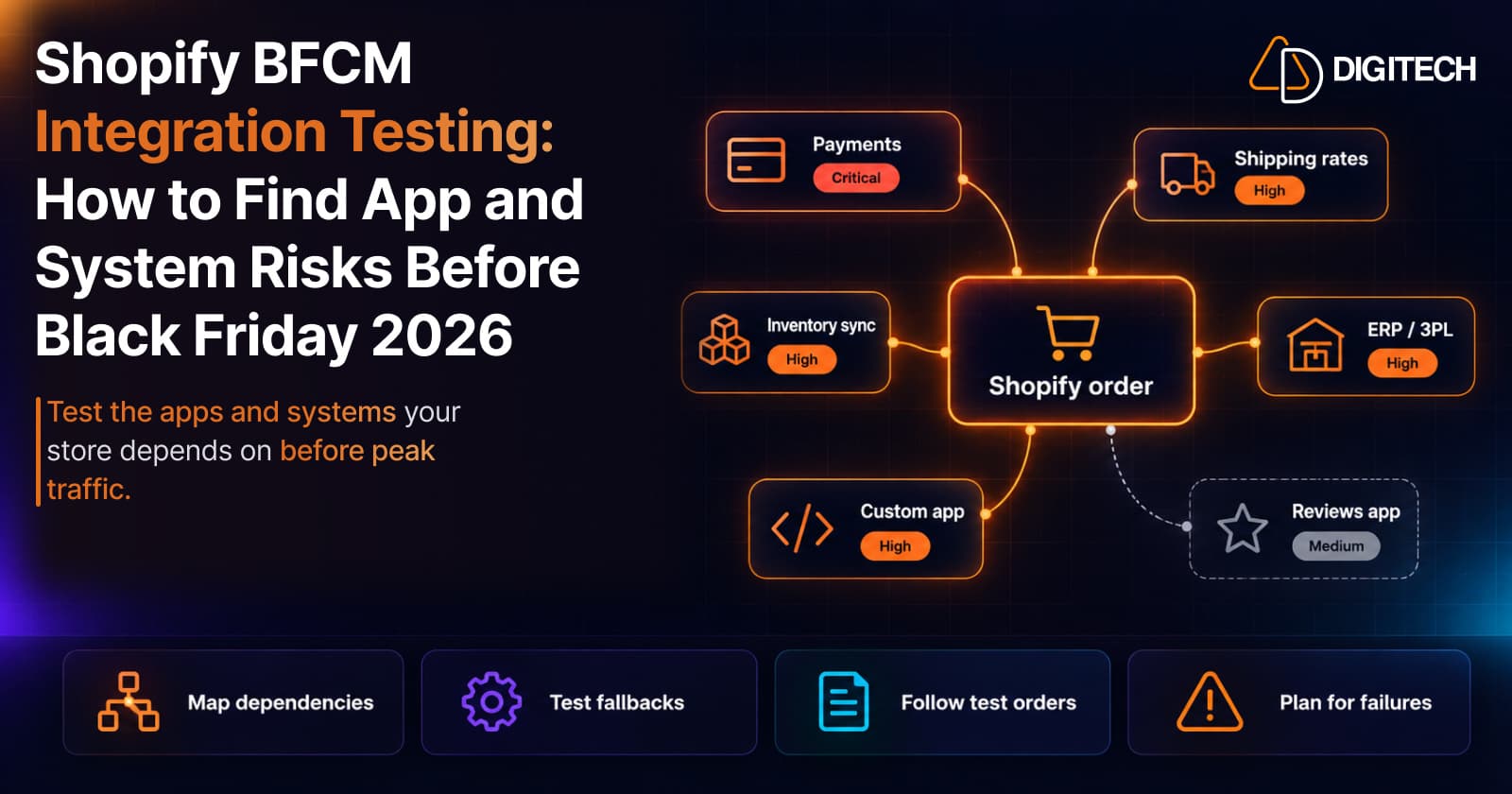
Shopify BFCM Integration Testing: How to Find App and System Risks Before Black Friday 2026
Prepare your Shopify store for BFCM 2026. Test checkout, shipping apps, payments, inventory sync, and custom integrations before Black Friday.
Read article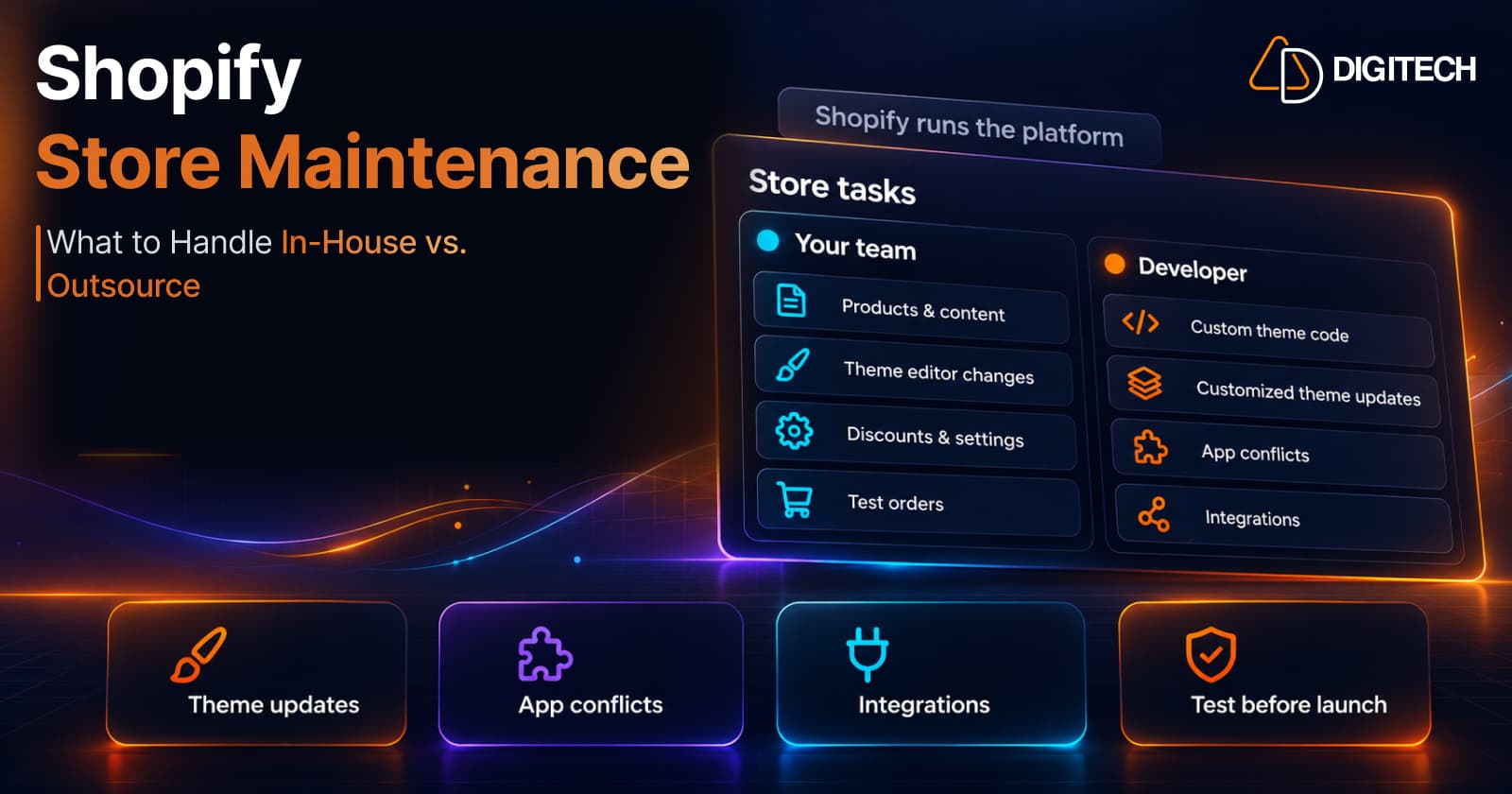
Shopify Store Maintenance: What to Handle In-House vs. Outsource
Shopify runs the platform; your theme, apps and integrations are yours to maintain. What to handle in-house, when to hire a developer and what support covers.
Read article
Shopify Adds Stock Counts in Admin: How Merchants Can Verify Inventory Before Peak Season
Shopify stock counts let staff record what's on the shelf and let a manager approve the differences before inventory changes. Here's how the workflow works in admin and POS.
Read article
Shopify Adds Arabic, Urdu, and Hebrew Support: What Merchants Must Check Before Launch
Shopify improved RTL support for Arabic, Urdu and Hebrew in the admin, storefronts and checkout. Here's what's covered, what isn't, and what to test before launch.
Read article
Shopify Translate & Adapt Auto-Sync: How to Keep Translations Current Before BFCM
Translate & Adapt can now update translations weekly with Auto-sync. Here's who can use it, how it differs from Translate now, and how to plan translations before BFCM.
Read article
Shopify Flow Shipping Label Automation: Setup, Rules, and What Merchants Should Test Before BFCM
Shopify Flow can now buy shipping labels automatically for orders that match your rules. Here's how the action works, example workflows, and what to test before BFCM.
Read article
Shopify Automated Policies: 7 Things Merchants Should Check Before Enabling Them
Shopify can now generate and update your return, shipping, terms of service and contact policies from your store settings. Here's what to check before you turn automation on.
Read article
Shopify Purchase Order Analytics: How to Spot Stock Risks Before BFCM
Shopify Analytics now includes purchase order reports. Here's what each report shows, how to use them to spot stock risks before BFCM, and what they can't tell you.
Read article
Shopify Rollouts: How Merchants Can Safely Test Store Changes Before BFCM
Learn how Shopify Rollouts let merchants schedule, test, and launch store changes safely before BFCM, including themes, discounts, catalogs, and checkout.
Read article