Shopify Scripts Are Deprecated: How to Migrate to Shopify Functions (Complete Guide)
Shopify Scripts and checkout.liquid stop executing on June 30, 2026 — permanently, with no grace period. This complete guide covers exactly what's affected, how to audit your Scripts, the three migration paths to Shopify Functions, and a step-by-step cutover plan to keep your discount, shipping, and payment logic working.
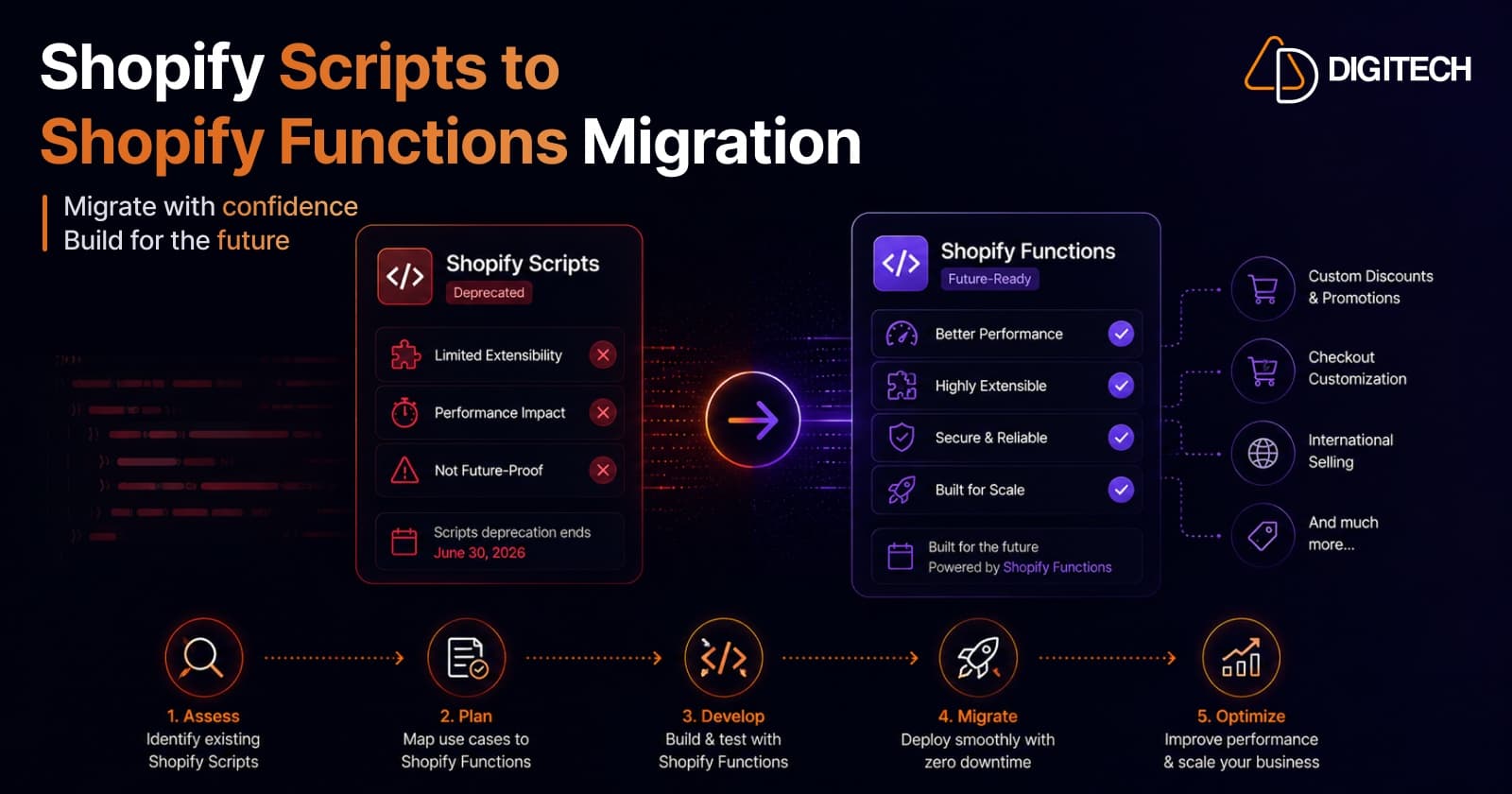
The short version: Shopify Scripts and checkout.liquid stop executing on June 30, 2026 — permanently, with no grace period and no rollback. If your store runs discount, shipping, or payment Scripts, they must be rebuilt as Shopify Functions or that logic simply breaks at checkout. This is the complete migration guide.
We build and migrate Shopify checkout logic, so this is the exact process we run with clients. If you're reading this close to the deadline, skip to "If you're out of time" at the end first.
The deadline — and the one that already passed
Two dates matter:
- June 30, 2026 — the hard cutoff. All Shopify Scripts (and
checkout.liquid) stop running. Shopify has confirmed this won't be extended again. No grace period, no rollback. - April 15, 2026 — the editing freeze (already in effect). Since this date you can no longer create, edit, or publish Scripts. Existing Scripts keep running until June 30 — but if one has a bug, you can't fix it.
So the migration isn't optional and the clock isn't theoretical. Anything still on Scripts after June 30 reverts to default behavior.
What's affected
Shopify Scripts powered three kinds of checkout logic, all of which are at risk:
- Line-item Scripts — custom and combined discounts, tiered/volume pricing, BOGO, cart-based promotions.
- Shipping Scripts — hiding, renaming, reordering, or re-rating delivery options.
- Payment Scripts — hiding, renaming, or reordering payment methods.
Plus the older checkout.liquid customization, which is sunset on the same date. If you're on a customized checkout.liquid, you're migrating to Checkout Extensibility regardless.
What replaces them: Shopify Functions
Shopify Functions are the official replacement. They're small pieces of custom logic (written in Rust or JavaScript, compiled to WebAssembly) that run natively on Shopify's infrastructure — faster than Scripts, with no external server, and friendly to the Built for Shopify performance bar. They cover discounts, delivery and payment customization, and cart/checkout validation, and are delivered as app extensions. (For the deeper "when is a Function the right tool vs. a full app" decision, see Shopify Functions vs Apps.)
Step 1 — Audit your Scripts (use the built-in report)
Don't guess what you're running. Shopify gives you the exact list:
- In your Shopify admin, go to Apps → Script Editor.
- In the "Replace your Shopify Scripts" banner, click Replace Shopify Scripts.
The Scripts customizations report lists every active Script, what each one does, and links to recommended replacement apps or Function API tutorials. That report is your migration checklist — export it and work through it line by line.
Step 2 — Choose a path for each Script
There are three ways to recreate each Script. Pick per use case:
| Migration path | Best for |
|---|---|
| No-code Functions-powered app | Common cases — most discount, shipping, and payment rules have an off-the-shelf app. Fastest, no build. |
| Native Shopify feature | Basic rules Shopify now handles natively (e.g., simple automatic discounts). |
| Custom Shopify Function | B2B/customer-specific pricing, ERP-driven logic, multi-condition discounts, bespoke shipping/payment rules — anything off-the-shelf can't do. |
Mapping by Script type:
- Discount Scripts → discount Functions (or a discount app). Available on all plans.
- Shipping Scripts → delivery customization Functions (Plus).
- Payment Scripts → payment customization Functions (Plus).
Step 3 — Build and test on a development store
Rebuild the logic, then validate it before touching production:
- Recreate each rule as a Function (or configure the app) on a dev store.
- Test every edge case the Script covered — combinations, thresholds, exclusions, B2B vs DTC, edge quantities.
- Heads-up: a Script and a Function targeting the same checkout logic can conflict if both are live. Don't leave them running in parallel longer than a quick verification.
Step 4 — Cut over to production, then monitor
- Deploy the Function to production.
- Disable the corresponding Script immediately once the Function is verified (to avoid the conflict above).
- Monitor checkout closely for the first days — discounts applying correctly, shipping/payment options behaving, no abandoned-cart spike.
The timeline reality
A focused migration of 5–15 scripts realistically takes 8–14 weeks — scoping, development, QA on a dev store, and a monitored cutover. That's the honest number, and it's why "we'll deal with it later" has run out of road.
If you're out of time
With the deadline days away, an 8–14 week project isn't an option — so triage:
- Cover what you can with no-code Functions-powered apps now — this keeps the bulk of your discount/shipping/payment logic working past June 30.
- Prioritise revenue-critical logic — whatever directly affects what customers pay or which options they see.
- Rebuild the complex, custom rules as Functions right after, on a proper timeline, replacing the stopgap apps where needed.
The one thing you cannot do is nothing — after June 30 there's no Script to fall back on.
We run Scripts-to-Functions migrations end to end — audit, custom Functions, and the production cutover — and we move fast when a deadline is involved. See our Shopify app development and Shopify store development work, or talk to us before June 30.
Frequently asked questions
When are Shopify Scripts deprecated?
Shopify Scripts and checkout.liquid stop executing permanently on June 30, 2026 — a hard cutoff with no grace period and no rollback. An earlier deadline has already passed: since April 15, 2026 you can no longer create, edit, or publish Scripts, so you can't even patch a broken one. Existing published Scripts keep running only until June 30.
What replaces Shopify Scripts?
Shopify Functions, often alongside Checkout Extensibility. Functions are small pieces of custom logic (discounts, shipping/delivery customization, payment customization, cart and checkout validation) that run natively on Shopify's infrastructure — faster than Scripts and with no external server. They're delivered as app extensions, either via a no-code Functions-powered app or a custom build.
How do I see which Scripts I need to migrate?
Use the built-in report: in your Shopify admin go to Apps > Script Editor, and in the 'Replace your Shopify Scripts' banner click 'Replace Shopify Scripts'. It lists every active Script, what each does, and links to recommended replacement apps or Function API tutorials — your migration checklist in one place.
Do Shopify Functions require Shopify Plus?
Not all. Discount Functions (product, order, and shipping discounts) work on every plan. Delivery and payment customization Functions, and checkout UI extensions, require Shopify Plus as part of Checkout Extensibility. So basic discount logic is open to all stores; deeper checkout customization is a Plus capability.
What happens if I don't migrate by June 30, 2026?
Any logic still running on Scripts simply stops on that date — discount combinations, tiered/volume pricing, shipping rules, and payment-method customizations all revert to default. There's no rollback, and since editing has been frozen since April 15, you can't fix Scripts in place. The result is broken or incorrect checkout behavior until the logic is rebuilt as Functions.
How long does a Scripts-to-Functions migration take?
A focused migration of 5–15 scripts typically runs 8–14 weeks end to end — scoping, development, QA on a development store, and a monitored production cutover. With the deadline imminent, the fastest way to stay live is to cover what you can with no-code Functions-powered apps now, then rebuild the complex, custom logic as Functions.
Building something on Shopify?
We design, build, and maintain Shopify apps, stores, and AI products — to the standard this article describes.
Related reading
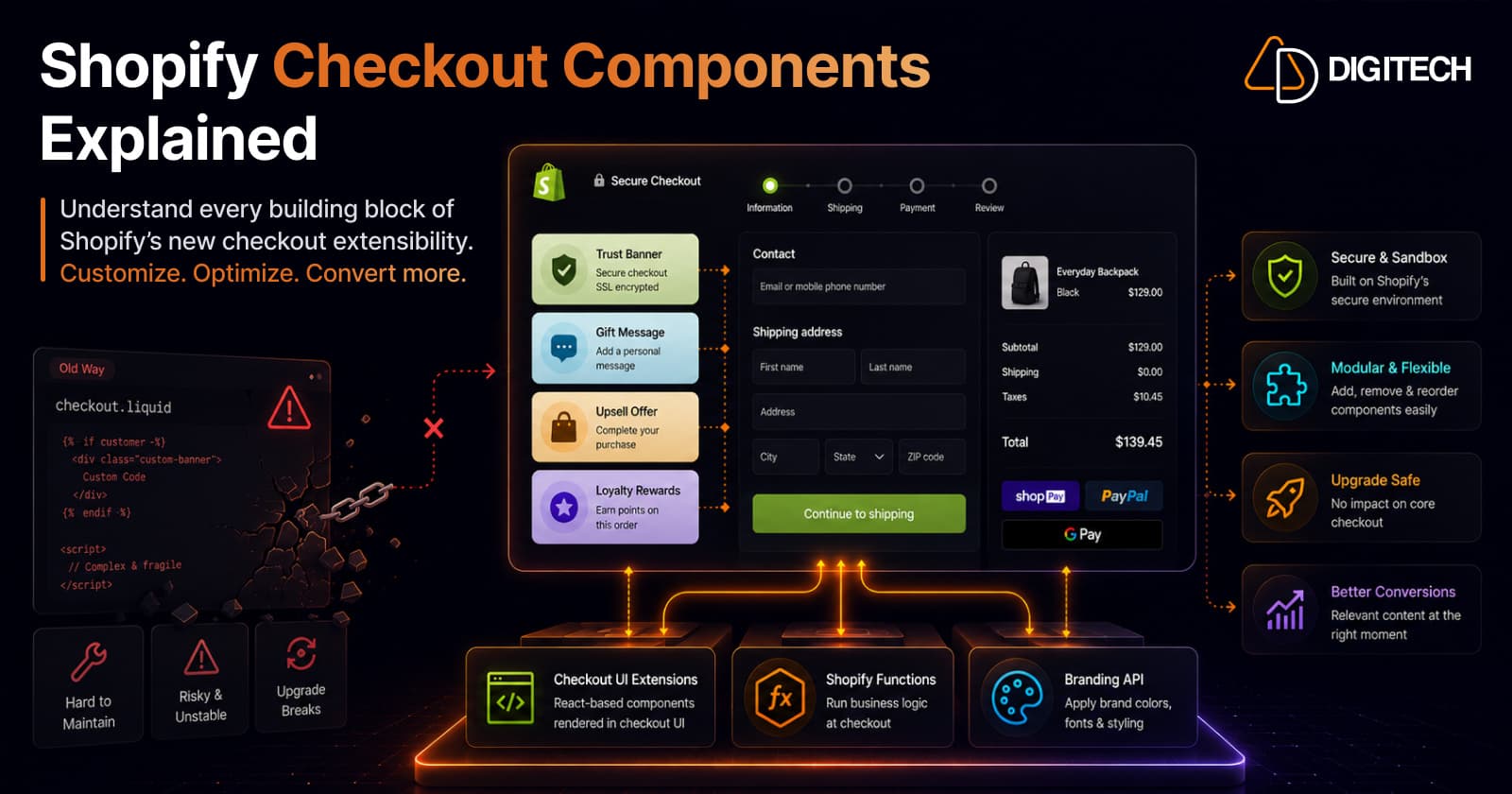
Shopify Checkout Components Explained: What Merchants Need to Know in 2026
Checkout Components — Shopify's Checkout UI Extensions — are the modern, supported way to customize checkout: sandboxed React-style components that add banners, custom fields, and upsells without touching checkout.liquid. Here's what they are, what you can build, why the new model is safer, and what's available on your plan in 2026.
Read article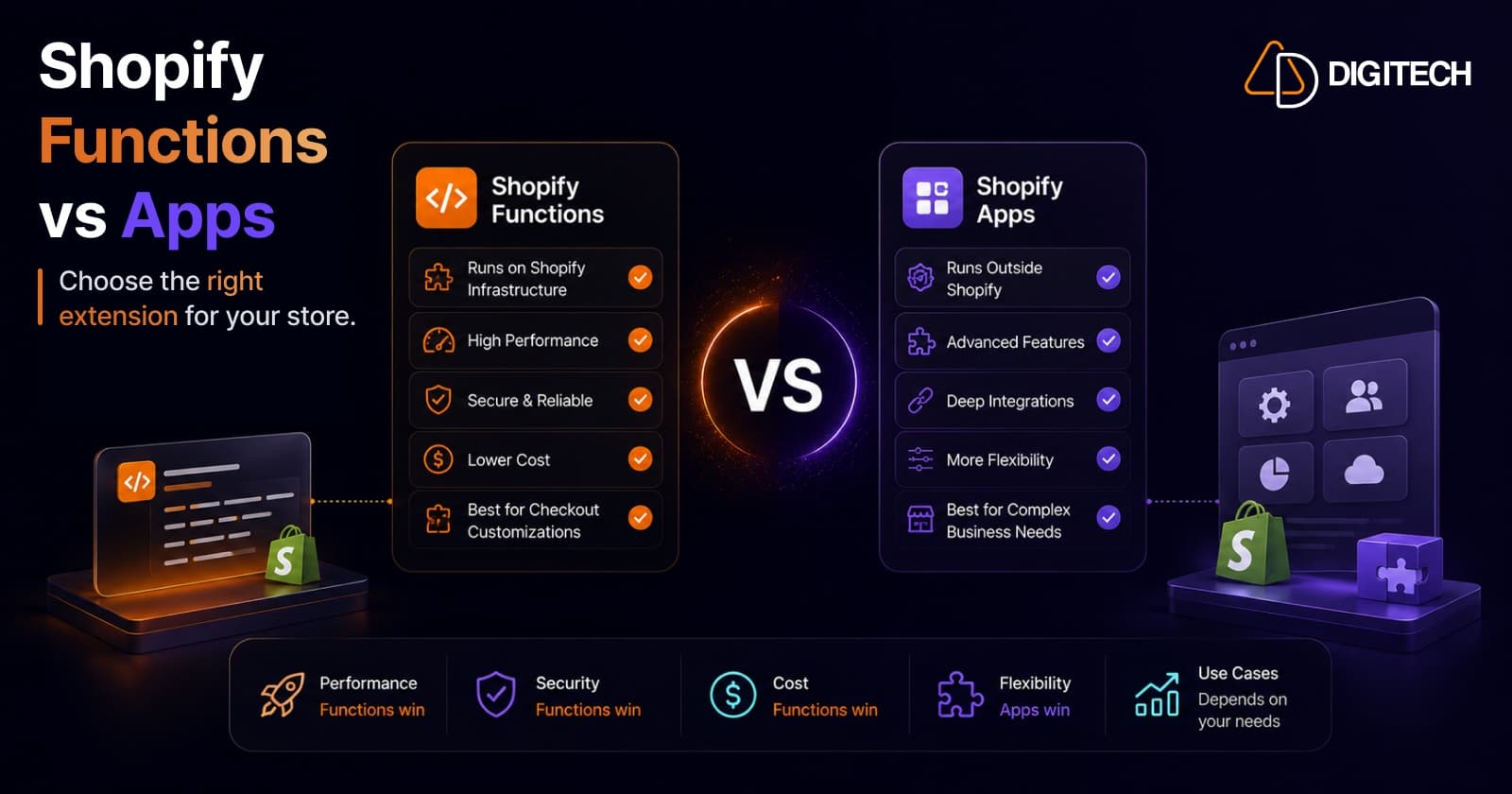
Shopify Functions vs Traditional Apps: Which Solution Is Right for Your Store?
Shopify Functions run custom logic natively on Shopify's infrastructure; traditional apps run on external servers with full flexibility. Here's a practitioner's guide to which to use, when to combine them, and why the June 30, 2026 Scripts sunset makes the decision urgent.
Read article
How to Get Built for Shopify Certified: A Practitioner's Guide (From a Team That's Done It Twice)
What the Built for Shopify badge actually requires in 2026 — the performance, design, and integration bars — and the step-by-step path to earning and keeping it, from a team with two certified apps.
Read article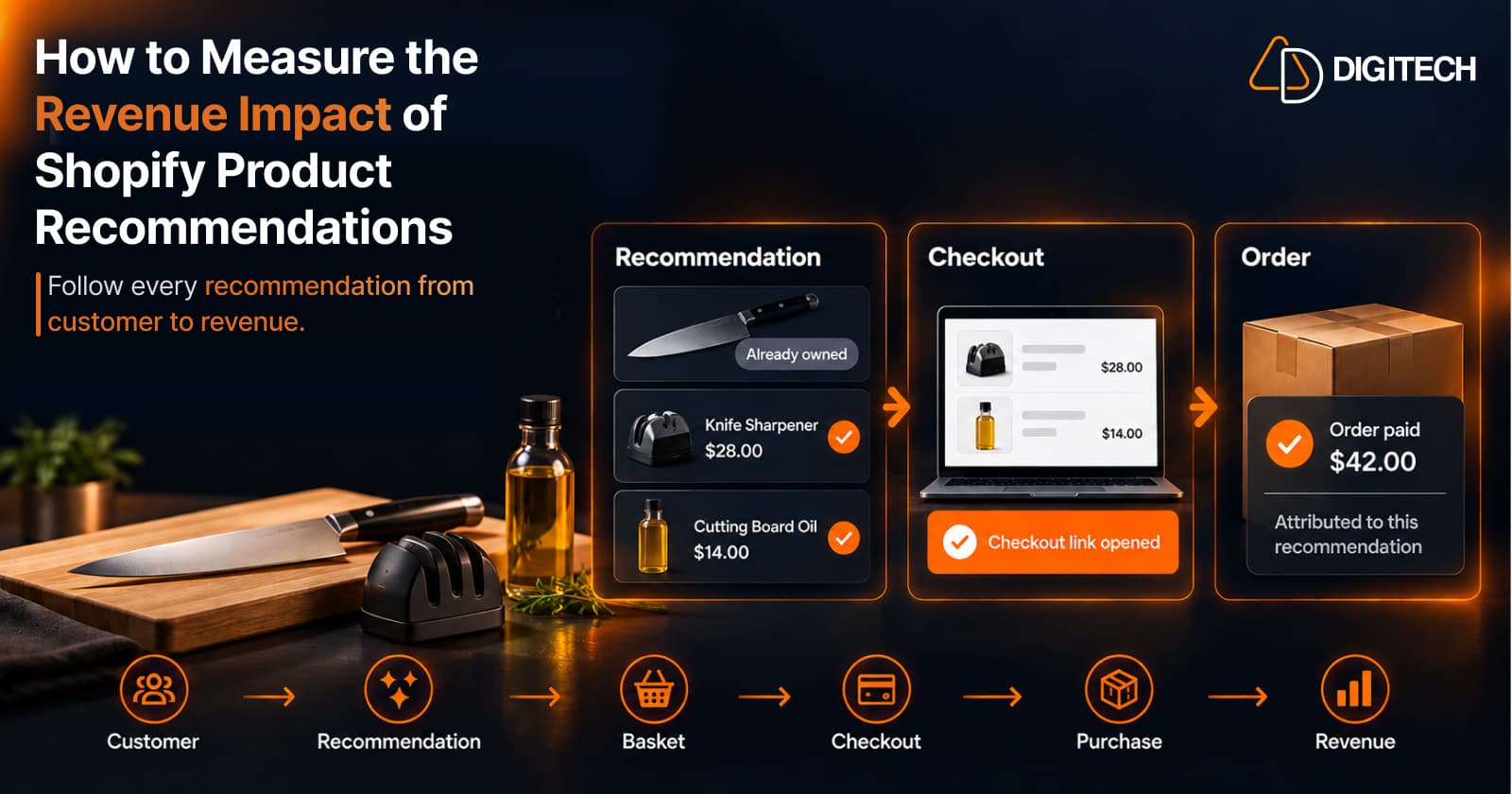
How to Measure the Revenue Impact of Shopify Product Recommendations
Learn how Shopify merchants can measure product recommendation performance, track checkout activity, attribute revenue, and improve personalized recommendations.
Read article
Shopify Thank You Page Offers: How to Create Post-Purchase Offers
Learn how to create Shopify Thank You Page offers with discounts, coupons, countdown timers and relevant promotions to drive additional purchases.
Read article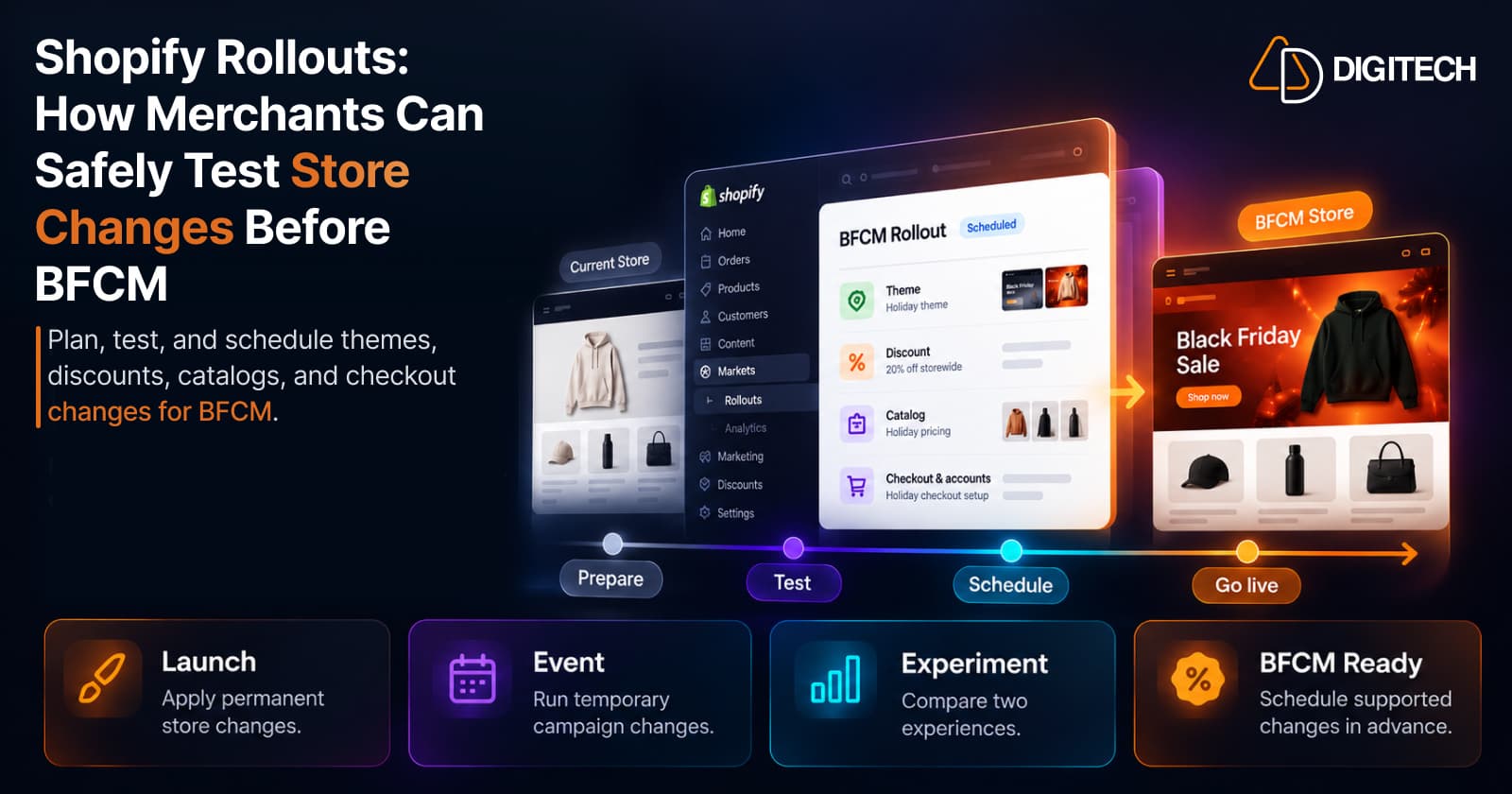
Shopify Rollouts: How Merchants Can Safely Test Store Changes Before BFCM
Learn how Shopify Rollouts let merchants schedule, test, and launch store changes safely before BFCM, including themes, discounts, catalogs, and checkout.
Read article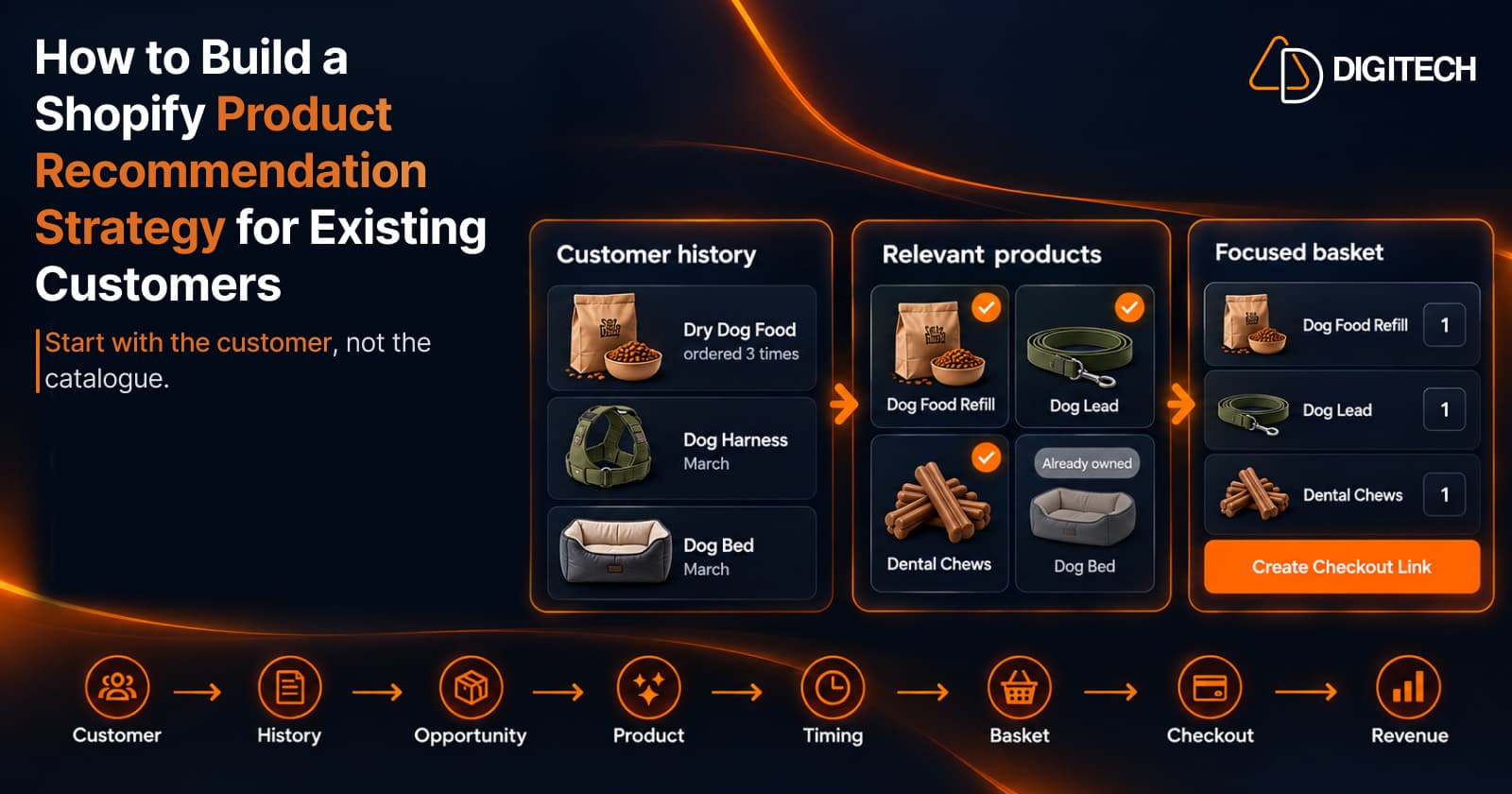
How to Build a Shopify Product Recommendation Strategy for Existing Customers
Learn how to build a Shopify product recommendation strategy using customer history, product relationships, timing, and personalized recommendations.
Read article
How to Personalize the Shopify Thank You Page for Each Customer
Learn how to personalize the Shopify Thank You Page with relevant recommendations, cross-sells, bundles, offers and post-purchase content.
Read article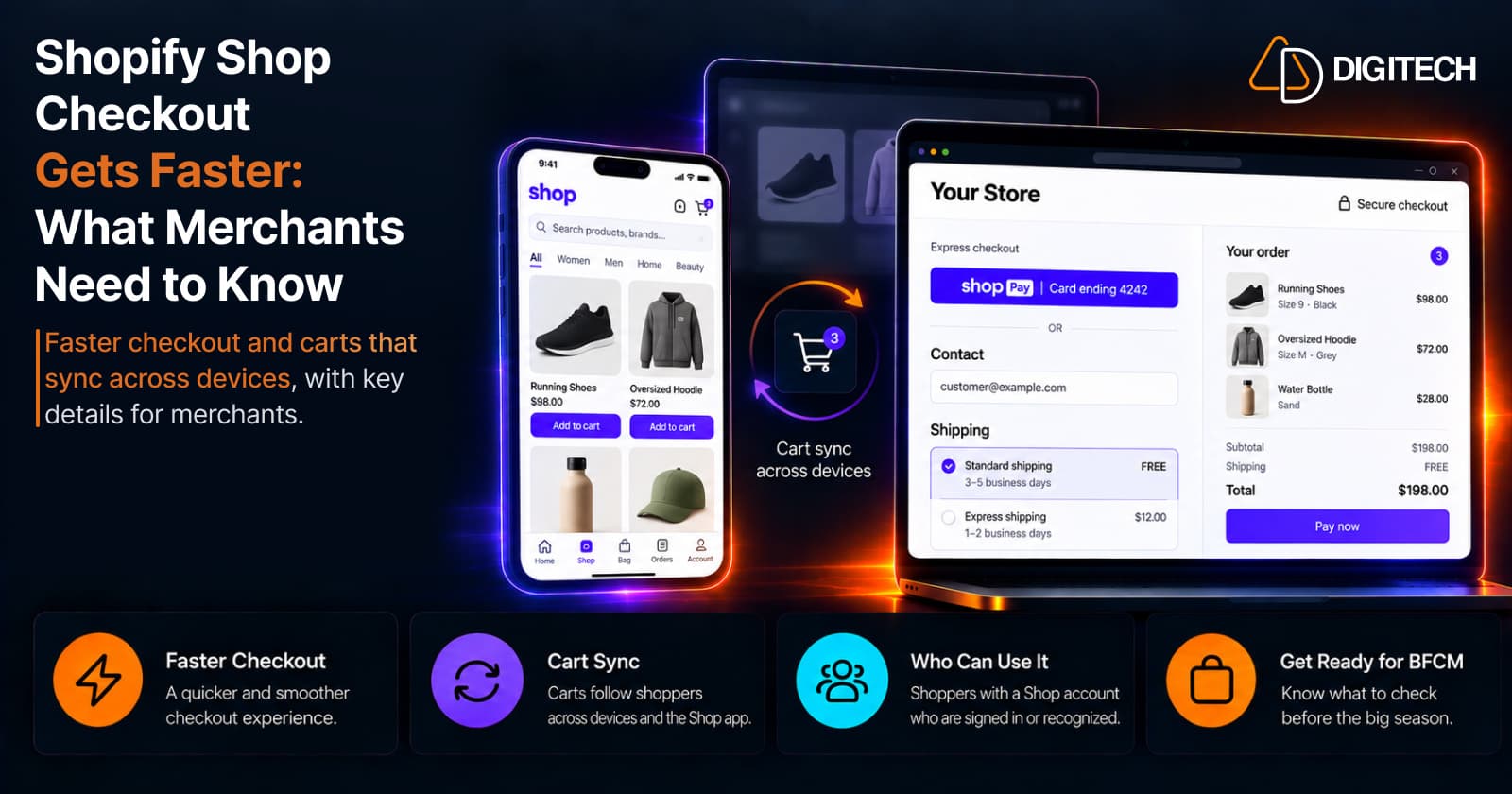
Shopify Shop Checkout Gets Faster: What Merchants Need to Know
Shopify's October 5, 2026 Shop update brings faster checkout and carts that sync across devices. See how it works, who qualifies and what to check before BFCM.
Read article