How to Get Built for Shopify Certified: A Practitioner's Guide (From a Team That's Done It Twice)
What the Built for Shopify badge actually requires in 2026 — the performance, design, and integration bars — and the step-by-step path to earning and keeping it, from a team with two certified apps.
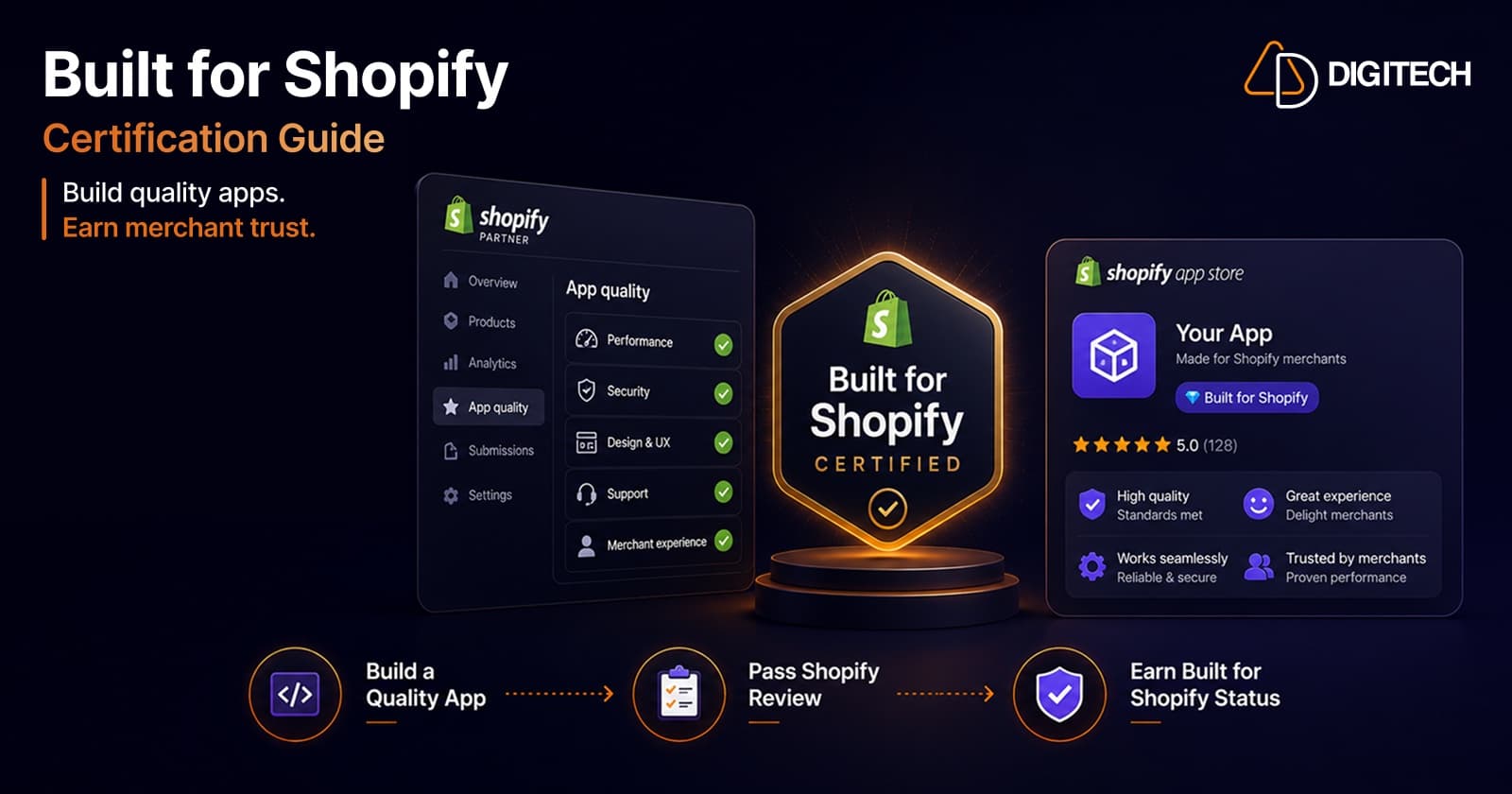
The Built for Shopify badge is Shopify's highest quality mark for apps — and earning it comes down to clearing three bars: performance, design, and integration. The performance bar is where most apps fail, because it holds your admin experience to the same Core Web Vitals standard Google holds storefronts to.
We've taken two apps through this process and kept them certified, so this guide is the version we wish we'd had: what the requirements actually mean in 2026, how to approach each one, and where teams most often get stuck.
What "Built for Shopify" actually is
Built for Shopify (BFS) is an optional certification tier that sits on top of a normal App Store listing. You don't need it to publish an app — but apps that earn it display a badge on their listing and rank more prominently, because Shopify is signalling to merchants: this app meets our highest standards for speed, design, and platform integration.
It is not a one-time award. Shopify monitors certified apps continuously and re-reviews them annually. Treat it as a standard you maintain, not a milestone you pass once.
Why the badge is worth chasing
For an app business, BFS is one of the few credibility signals Shopify itself controls:
- Better placement and discovery in the App Store, where the badge is surfaced to merchants.
- Higher trust at the point of install — the badge is a third-party endorsement of quality, which lifts conversion on your listing.
- A defensible quality moat — most competing apps never clear the performance bar, so the badge separates you from the long tail.
The three requirement areas
Shopify evaluates BFS across three areas. Here's what each one means in practice.
Performance — the bar most apps miss
For apps that load in the Shopify admin, Shopify measures Web Vitals at the 75th percentile of page loads, and your app needs the latest App Bridge so Shopify can collect the data. The targets:
- Largest Contentful Paint (LCP): 2.5 seconds or less
- Cumulative Layout Shift (CLS): 0.1 or less
- Interaction to Next Paint (INP): 200 milliseconds or less
Each metric needs a minimum of 100 qualifying loads over the last 28 days before Shopify can assess it — so a brand-new app won't be evaluated until it has real usage.
Separately, if your app touches the storefront, it must not decrease storefront speed by more than 10 performance points.
This is the area we spend the most engineering time on, and the rest of this guide reflects that.
Design
Your app must follow Shopify's design standards so it feels native to the admin — consistent components, predictable navigation, accessible interactions, and Polaris-aligned patterns. The goal is that a merchant never feels like they've left Shopify when they're inside your app.
Integration
Your app must use Shopify's latest, recommended technology standards — current APIs, the latest App Bridge, proper OAuth and session handling, and the embedded patterns Shopify expects rather than deprecated approaches. Integration and performance are linked: App Bridge is both an integration requirement and how Shopify measures your Web Vitals.
How to get certified, step by step
- Embed properly with the latest App Bridge. This is the foundation — it's required for integration and it's how Shopify gathers your performance data. Without it, you can't be measured at all.
- Instrument your own Web Vitals. Measure LCP, CLS, and INP in production at the 75th percentile, the same way Shopify will. You can't fix what you can't see, and lab numbers rarely match field numbers.
- Get each metric under target — in the field. Optimize against real-world p75, not a single fast test on your own machine.
- Align the UI with Polaris and the design standards. Audit components, navigation, empty states, and accessibility.
- Reach the data threshold. You need 100+ qualifying loads per metric over 28 days, so the app needs genuine traffic before assessment.
- Submit and monitor. Once you're consistently passing, Shopify evaluates the app. Then keep watching the metrics — certification is ongoing.
Why apps fail the performance bar (and how we fix it)
Almost every certification effort we've run has come down to LCP and CLS in the admin. The usual culprits, and the fixes that work:
- LCP dragged down by a heavy first render. Embedded apps often ship a large JS bundle and fetch everything before painting anything useful. The fix is to render a meaningful first screen fast — split the bundle, defer non-critical work, stream or skeleton the data-heavy parts, and stop blocking paint on requests that can happen after.
- CLS from late-arriving content. Layout shifts come from images, banners, and async content that push the page around as they load. Reserve space for anything that loads late, set explicit dimensions, and avoid injecting content above what the merchant is already reading.
- INP from doing too much on interaction. Heavy synchronous work on click makes the app feel laggy. Break up long tasks, debounce expensive handlers, and keep the main thread free so the next paint lands within 200ms.
- Regressions after shipping. The badge is measured continuously, so a feature that quietly adds 400ms to LCP can cost you the certification weeks later. We treat Web Vitals as a release gate, not a one-time cleanup.
This is exactly the work behind our own certified apps — AutopilotSEO and Smart Search & Menu — both of which carry the Built for Shopify badge today.
Maintaining the badge
Earning BFS is the start; keeping it is the discipline. Because Shopify monitors performance continuously and reviews annually:
- Gate releases on Web Vitals so no feature can quietly regress LCP, CLS, or INP below target.
- Watch the field data, not just local tests — your p75 is what counts.
- Re-audit design and integration whenever Shopify updates its standards or App Bridge.
If you're building a new Shopify app — or have one that keeps falling short of the performance bar — this is the work we do every day. See how we approach Shopify app development, or tell us about your app and we'll take a look.
Frequently asked questions
How long does Built for Shopify certification take?
There's no fixed review window. Once your app meets every requirement and has enough traffic for Shopify to measure performance (a minimum of 100 qualifying loads over 28 days for each Web Vital), Shopify evaluates it automatically. In practice, getting an existing app to consistently pass the performance bar is the part that takes the most engineering time — often a few weeks of focused work.
Do I need Built for Shopify to list an app on the App Store?
No. Built for Shopify is an optional quality tier on top of a standard App Store listing. Any compliant app can be listed; the badge is awarded to apps that additionally meet Shopify's highest performance, design, and integration standards.
Can an app lose the Built for Shopify badge?
Yes. Shopify continuously monitors performance and reviews certifications annually. If your app stops meeting the Web Vitals targets or other requirements — for example after a feature ships that regresses LCP or CLS — it can lose the badge until it's back in compliance.
What performance metrics does Built for Shopify measure?
For apps that load in the Shopify admin, Shopify measures Largest Contentful Paint (LCP ≤ 2.5s), Cumulative Layout Shift (CLS ≤ 0.1), and Interaction to Next Paint (INP ≤ 200ms) at the 75th percentile, using the latest App Bridge to collect the data. Apps must also not slow a storefront by more than 10 performance points.
Building something on Shopify?
We design, build, and maintain Shopify apps, stores, and AI products — to the standard this article describes.
Related reading
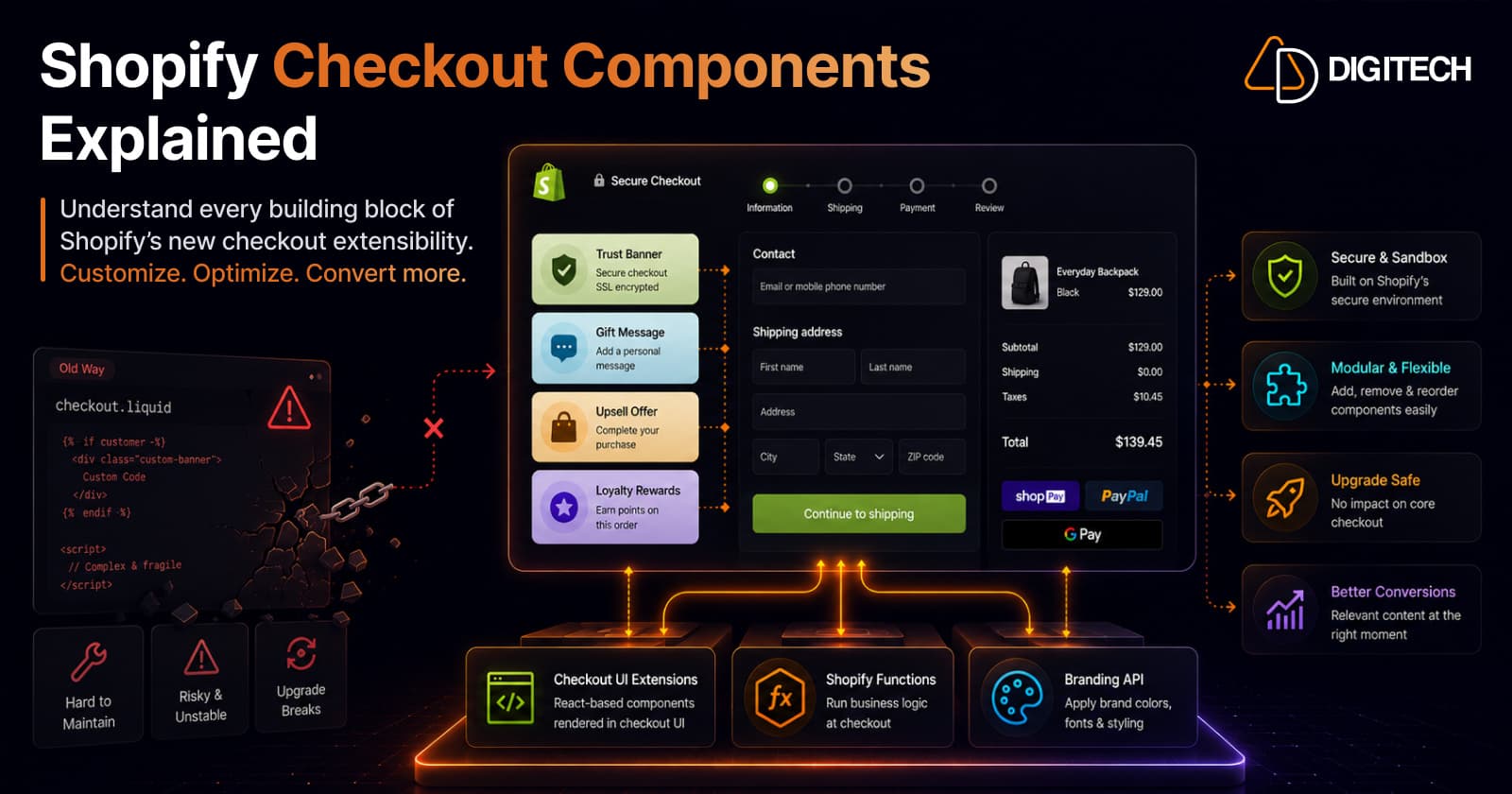
Shopify Checkout Components Explained: What Merchants Need to Know in 2026
Checkout Components — Shopify's Checkout UI Extensions — are the modern, supported way to customize checkout: sandboxed React-style components that add banners, custom fields, and upsells without touching checkout.liquid. Here's what they are, what you can build, why the new model is safer, and what's available on your plan in 2026.
Read article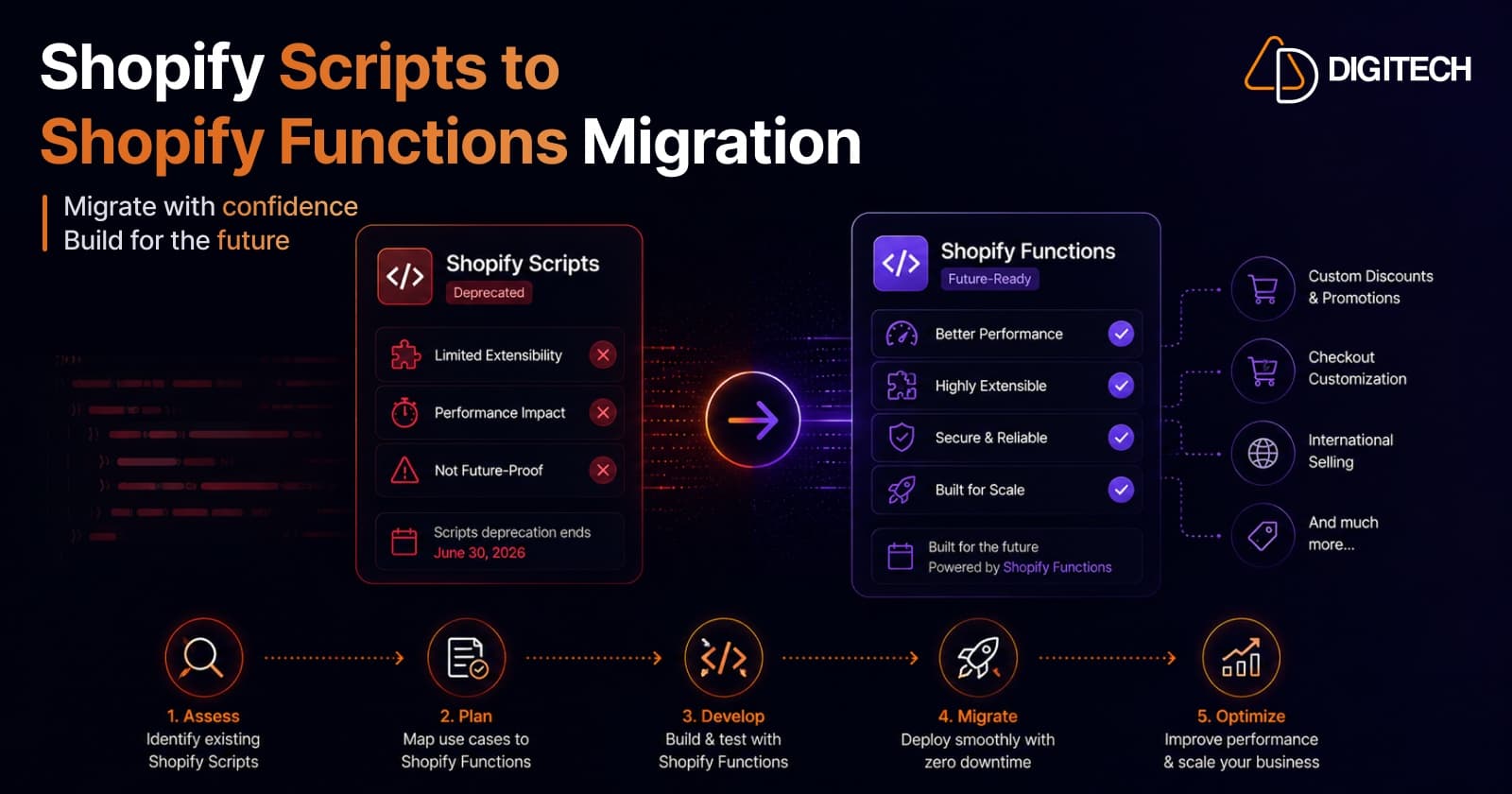
Shopify Scripts Are Deprecated: How to Migrate to Shopify Functions (Complete Guide)
Shopify Scripts and checkout.liquid stop executing on June 30, 2026 — permanently, with no grace period. This complete guide covers exactly what's affected, how to audit your Scripts, the three migration paths to Shopify Functions, and a step-by-step cutover plan to keep your discount, shipping, and payment logic working.
Read article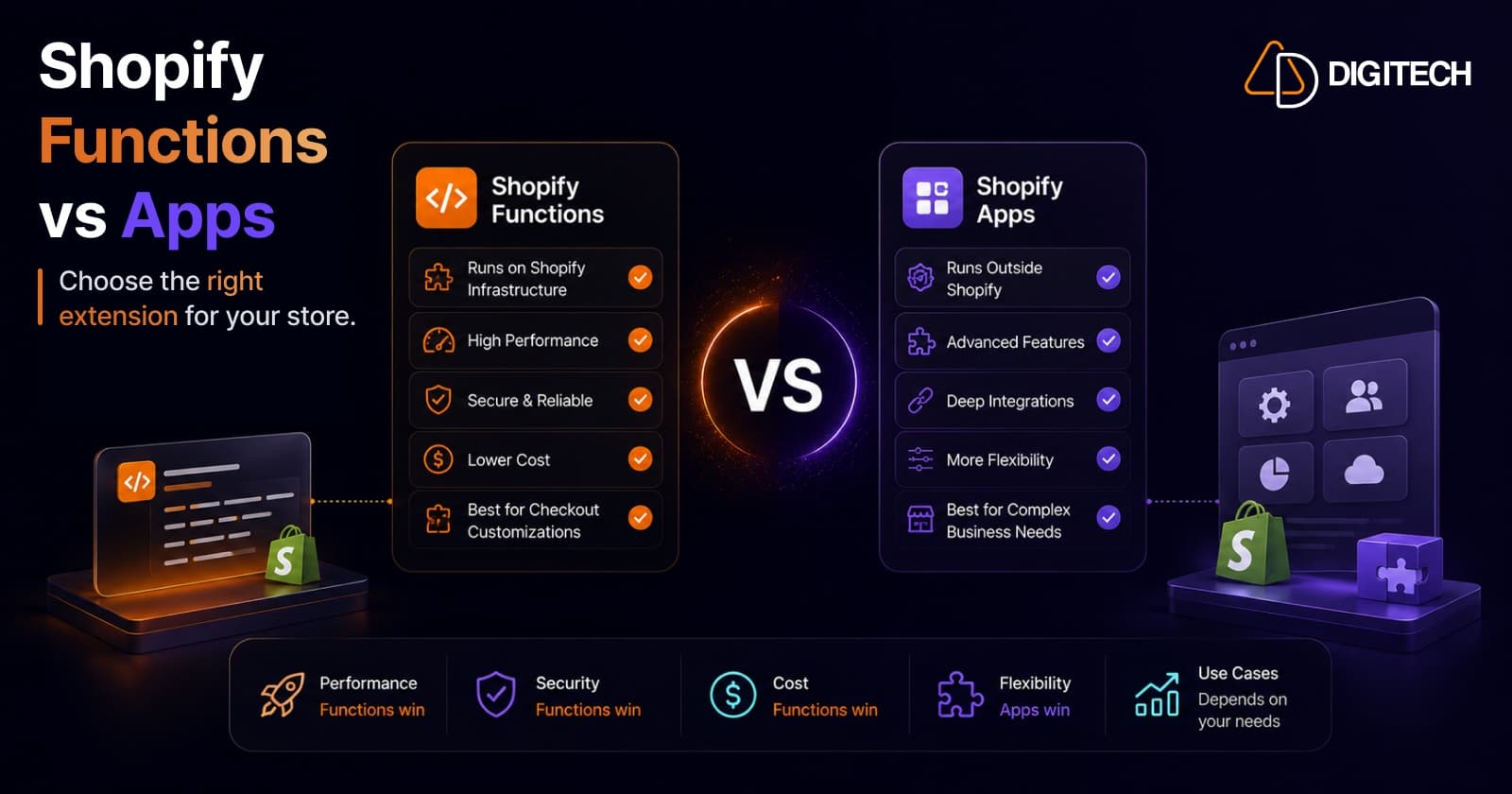
Shopify Functions vs Traditional Apps: Which Solution Is Right for Your Store?
Shopify Functions run custom logic natively on Shopify's infrastructure; traditional apps run on external servers with full flexibility. Here's a practitioner's guide to which to use, when to combine them, and why the June 30, 2026 Scripts sunset makes the decision urgent.
Read article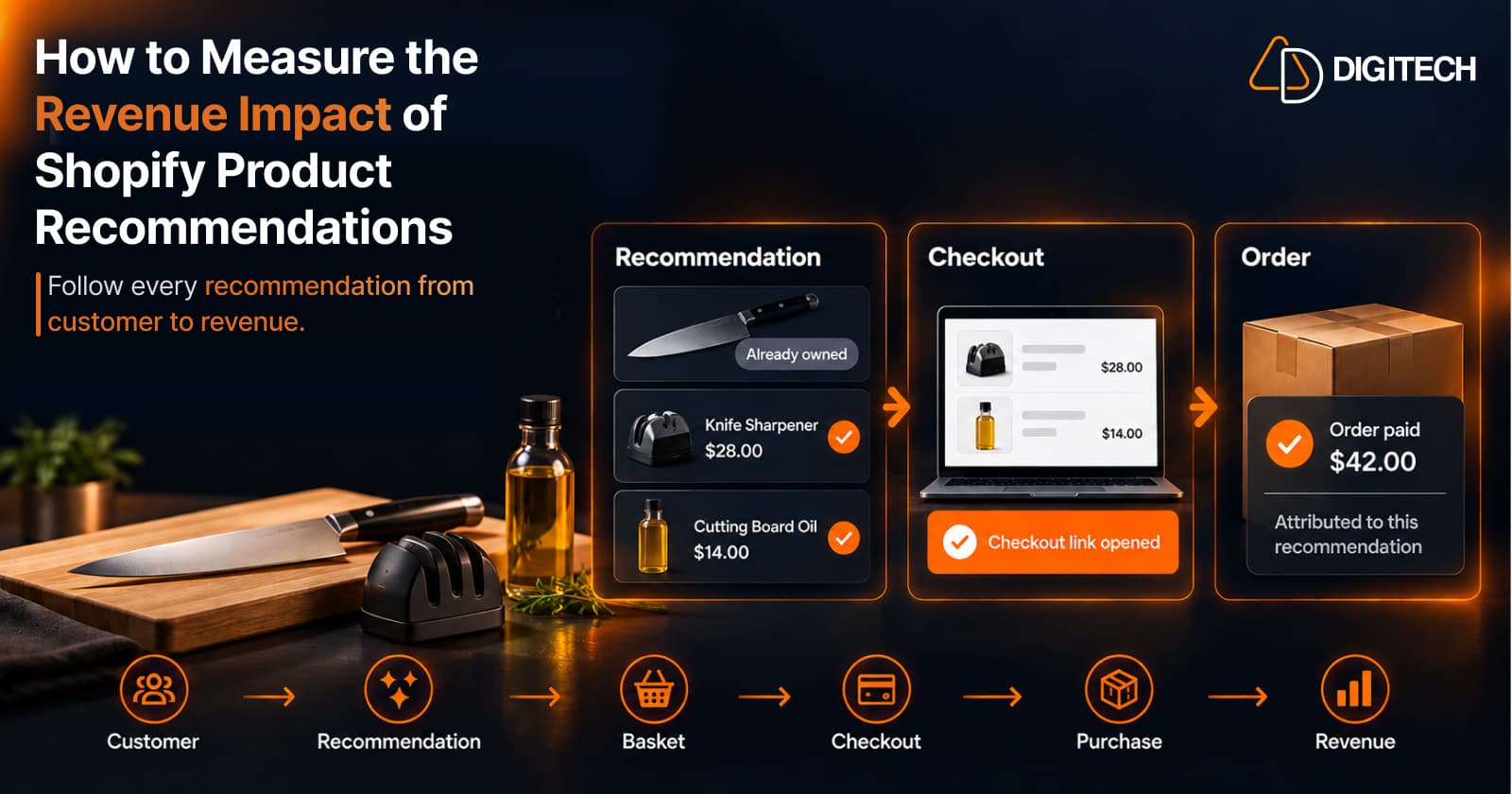
How to Measure the Revenue Impact of Shopify Product Recommendations
Learn how Shopify merchants can measure product recommendation performance, track checkout activity, attribute revenue, and improve personalized recommendations.
Read article
Shopify Thank You Page Offers: How to Create Post-Purchase Offers
Learn how to create Shopify Thank You Page offers with discounts, coupons, countdown timers and relevant promotions to drive additional purchases.
Read article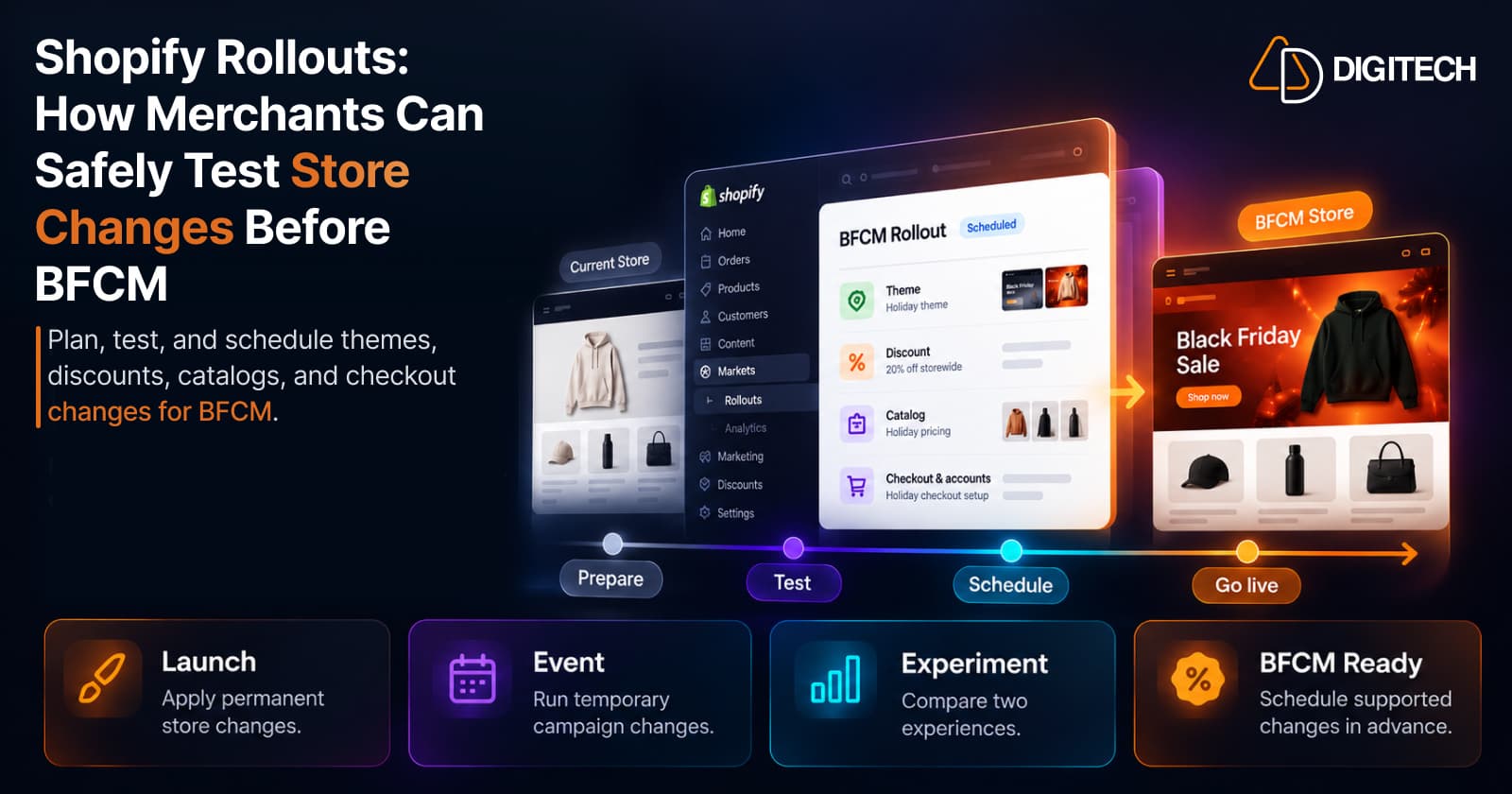
Shopify Rollouts: How Merchants Can Safely Test Store Changes Before BFCM
Learn how Shopify Rollouts let merchants schedule, test, and launch store changes safely before BFCM, including themes, discounts, catalogs, and checkout.
Read article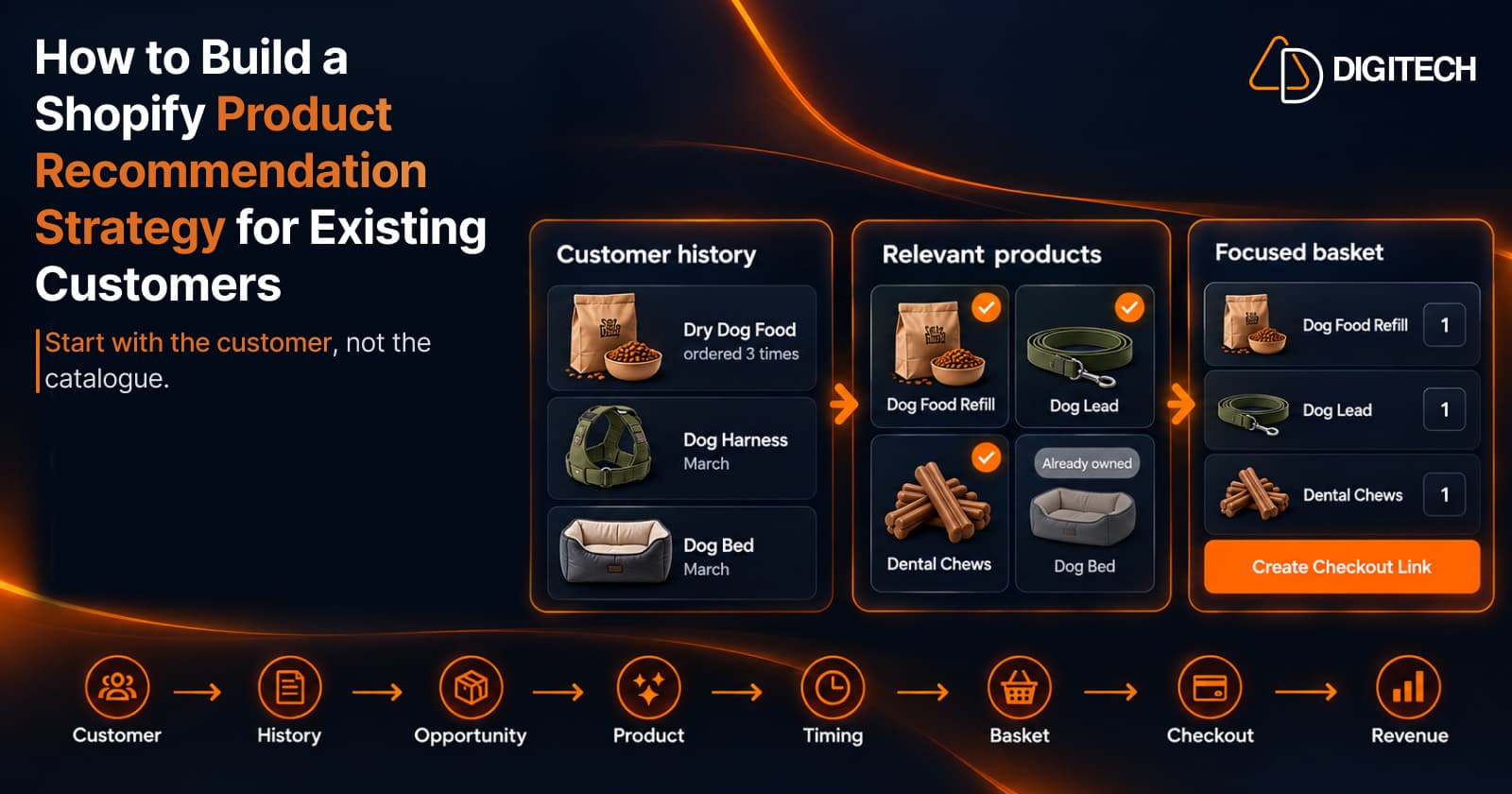
How to Build a Shopify Product Recommendation Strategy for Existing Customers
Learn how to build a Shopify product recommendation strategy using customer history, product relationships, timing, and personalized recommendations.
Read article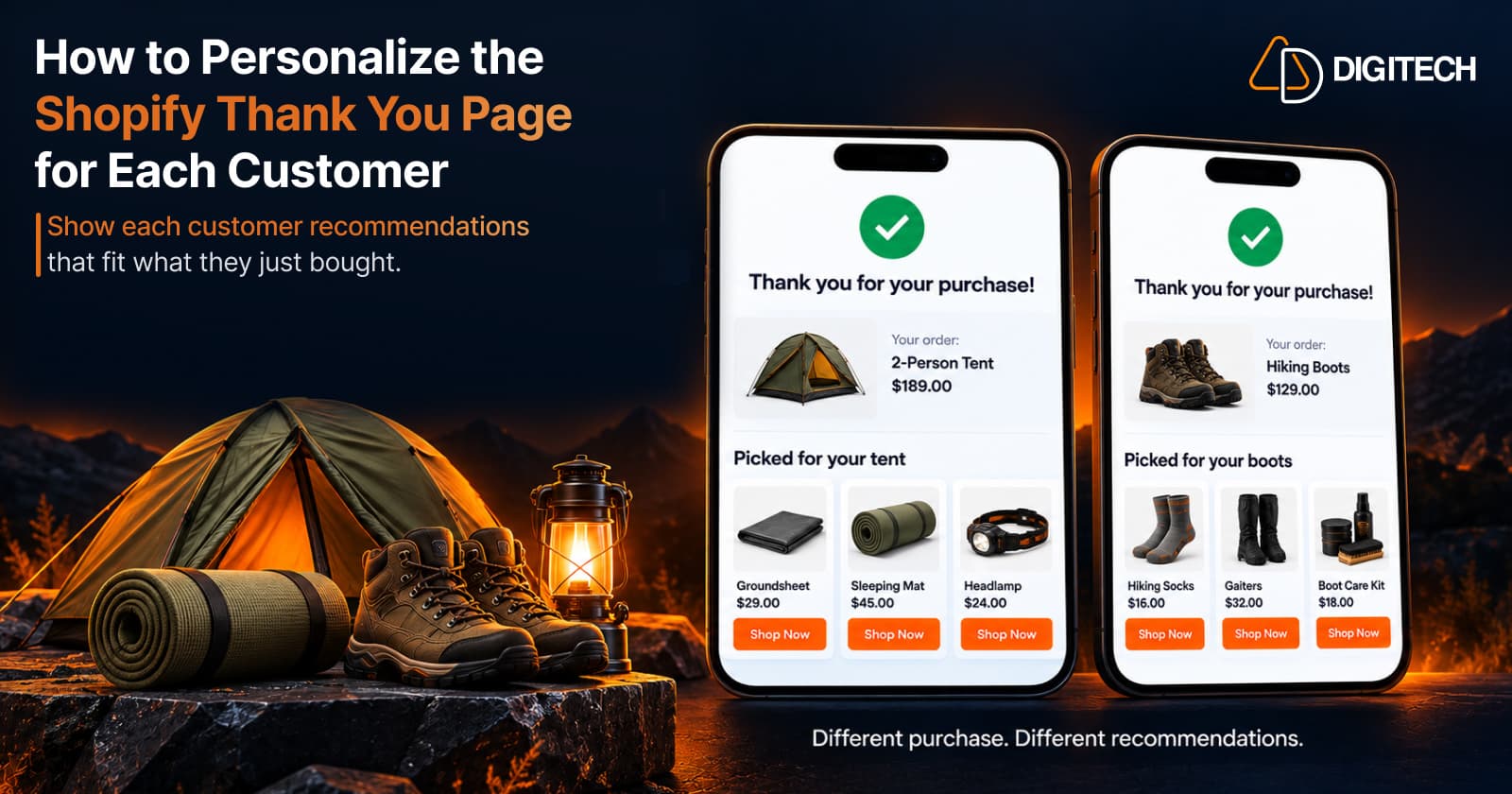
How to Personalize the Shopify Thank You Page for Each Customer
Learn how to personalize the Shopify Thank You Page with relevant recommendations, cross-sells, bundles, offers and post-purchase content.
Read article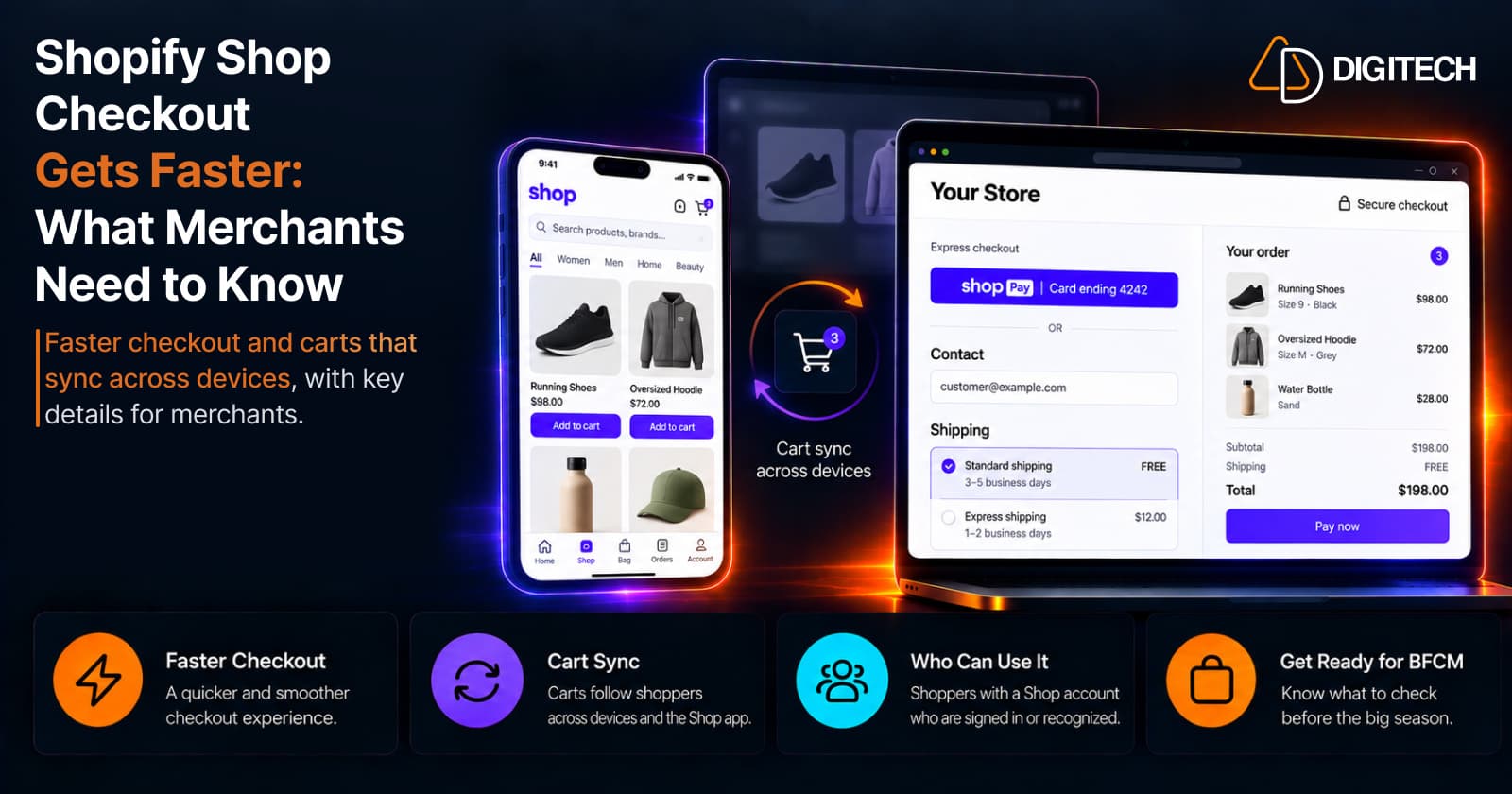
Shopify Shop Checkout Gets Faster: What Merchants Need to Know
Shopify's October 5, 2026 Shop update brings faster checkout and carts that sync across devices. See how it works, who qualifies and what to check before BFCM.
Read article