How to Run Multiple Shopify Discounts Without Hurting Your Margins
Shopify's discount combination rules are protective by default — the risk is what happens when you loosen them. Because a discount comes entirely out of profit, not revenue, stacking promotions can quietly ship orders below your profit floor. Here's how Shopify combinations actually work, the break-even math, and the guardrails that let you run several discounts at once without eroding margin.
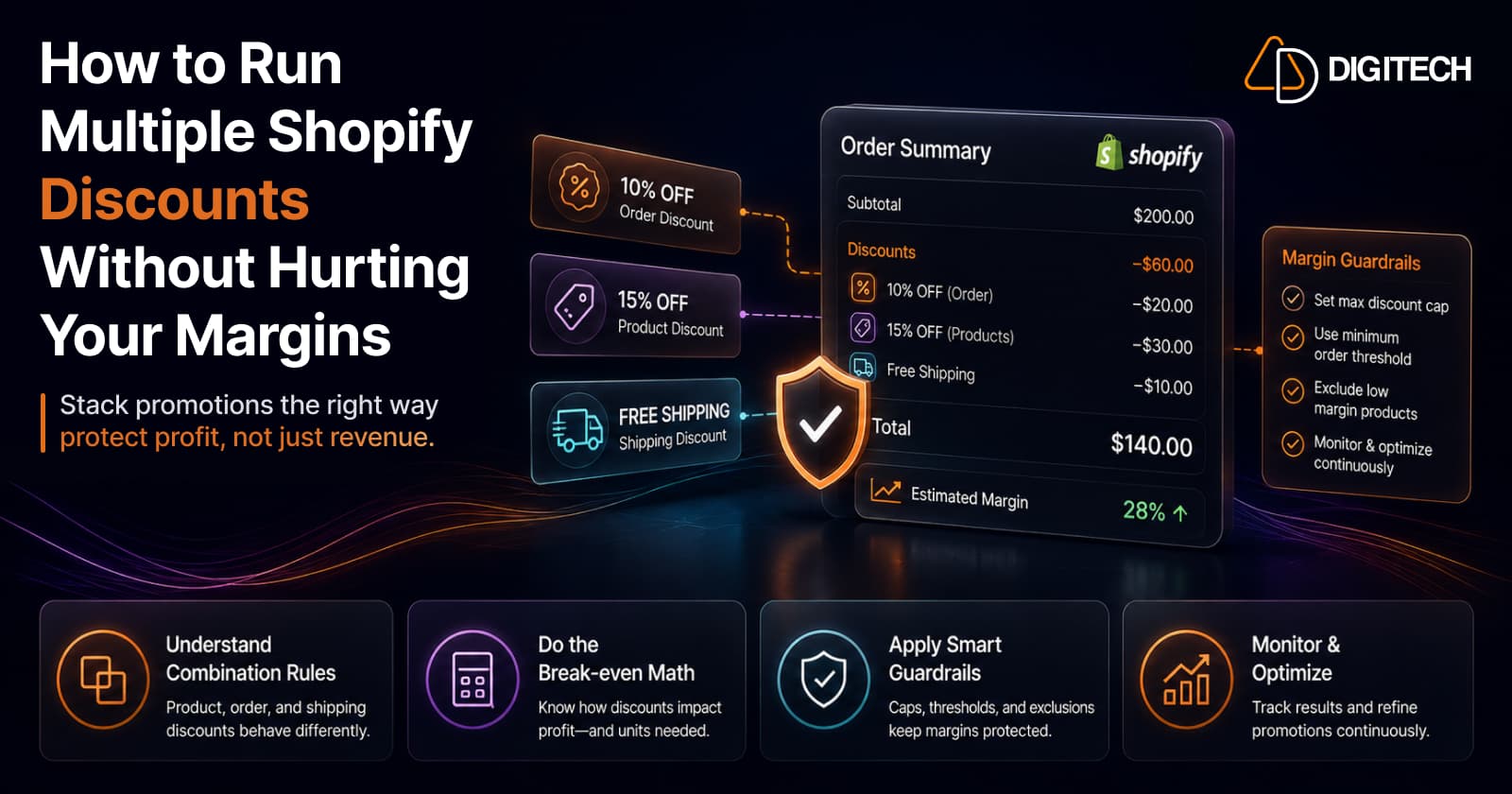
The short version: Shopify's discount combination rules are actually protective by default — the danger isn't that Shopify won't let you stack, it's what happens when you loosen the rules without doing the math. Because a discount comes entirely out of profit, not revenue, stacking promotions can quietly ship orders below your profit floor. Here's how combinations really work, the break-even math, and the guardrails that let you run several at once safely.
We build and optimise Shopify stores, so this is how we actually set discounts up — mechanics first, then margin protection.
First, the uncomfortable math: discounts come out of profit
Before any mechanics, internalise this, because it's the whole reason "multiple discounts" is risky:
A discount is subtracted entirely from your gross profit, not your revenue. When you take 20% off, your COGS, shipping, and fulfillment costs don't drop by a cent — so that 20% comes straight out of the margin. Which means discounts shrink profit far faster than they shrink revenue.
The break-even question is: how much extra volume does a discount need to generate just to hold the same profit dollars? The formula is simple:
Extra unit sales needed = discount ÷ (gross margin − discount)
Run it and the numbers are sobering:
| Gross margin | Discount | Extra sales just to break even |
|---|---|---|
| 50% | 10% | +25% |
| 50% | 20% | +67% |
| 40% | 20% | +100% (you must double sales) |
| 30% | 20% | +200% |
That's for one discount. Now stack a second on top, and you're compounding against your thinnest number. This is why running multiple discounts demands care — not because it's hard to set up, but because it's easy to give away all your profit without noticing.
How Shopify discount combinations actually work
Here's the reassuring part: Shopify's defaults are on your side. The combination system is built around three discount classes:
- Product discounts (amount/percentage off specific items)
- Order discounts (amount/percentage off the order total)
- Shipping discounts (free or reduced shipping)
And the rules are protective:
- Only one product discount can apply per line item, unless you're on Shopify Plus. Since July 2026, Plus stores can combine several product discounts on the same item: you tag discounts (for example loyalty or seasonal), and discounts with matching, reciprocal tags combine at checkout. On other plans you can't double-discount the same item. On Plus, this is exactly where stacking eats into a single product's margin, so run the break-even math above before you tag discounts to combine.
- Shipping discounts can't combine with other shipping discounts.
- An order discount can combine with a product discount — but only if both are explicitly set to allow it.
- Nothing stacks unless you turn on combinations. By default a discount is standalone. You opt in, per discount, to which classes it may combine with.
- On the code side, a single customer can use up to 5 product or order discount codes plus 1 shipping code on one order.
- Automatic discounts and Buy X Get Y don't stack by default either.
In other words, Shopify won't accidentally stack you into oblivion. The exposure appears the moment you start ticking "combines with" boxes — that's when the margin math above becomes your responsibility, not the platform's.
The safe way to run several discounts at once
The instinct is to stack percentage on percentage. Don't — that's the fastest route through your profit floor. Instead:
Use different incentive types for different jobs. The cleanest multi-discount setup pairs incentives that do different things:
- Free shipping above an order threshold (nudges basket size) + a percentage discount scoped to one collection (drives a specific category).
These combine cleanly under Shopify's classes (shipping + product/order) and each does a distinct job, rather than two percentages both eating the same margin.
Scope discounts to collections — and exclude the wrong products. Put low-margin items, MAP-restricted products, and new arrivals into an excluded collection so promotions never touch them. A store-wide percentage is the bluntest, most margin-destructive tool you own.
Attach minimum order thresholds so any discount rides a bigger basket instead of subsidising a single cheap item — and be especially wary of combining a product discount with free shipping on low-priced orders, which erodes profit fastest of all.
Decide combinability deliberately, per discount. Every "combines with" checkbox is a margin decision. Treat it as one.
Set a profit floor — the guardrail that matters most
One rule sits above all the others: no order should ship below your minimum margin. Everything else is in service of that.
Native Shopify settings get you part way — caps, thresholds, collection scoping, and combination controls. But when your rules get more sophisticated than the admin allows, the supported tool is Shopify Functions. A discount Function lets you build exactly the logic native discounts can't:
- Tiered discounts (spend more, save more) with a hard ceiling
- Per-order discount caps so stacking can't exceed a set maximum
- Product / collection exclusions enforced in code
- A minimum-margin floor that overrides promotions, so nothing ever ships below profit
This is precisely the custom discount logic Functions were designed for — it's worth understanding when to reach for a Function versus an app, and if you're still on legacy Scripts, that logic now lives in Functions after the Scripts-to-Functions migration.
Then check the discount is even working
A promotion can hit its "revenue target" and still lose you money — because, again, discounts shrink margin faster than revenue. So measure the right thing:
- Track gross profit dollars, not revenue or units. Revenue up with profit down is a losing promo dressed as a win.
- Test incrementality with a holdout. The real question is whether the discount created new sales or just subsidised demand you'd have captured anyway. A holdout group answers it; treat promotions like any other change worth measuring properly.
- Prefer margin-neutral levers where you can. Raising average order value through post-purchase upsells grows profit without giving anything away — often a better first move than a deeper discount.
The bottom line
Running multiple Shopify discounts isn't dangerous because the platform makes it hard — it's dangerous because the platform makes it easy, and every stacked percentage comes straight out of your thinnest number.
Understand the combination classes, use different incentive types instead of stacking percentages, and enforce a profit floor. Then multiple discounts become a controlled lever — not a slow leak.
We help Shopify brands design and build margin-safe promotions — combination strategy, custom discount Functions, profit-floor enforcement, and the measurement that proves a promo actually made money. See our Shopify store development work, or talk to us about your discount strategy.
Frequently asked questions
Can you stack multiple discount codes on Shopify?
Partly. Shopify's combination system works by discount class — product, order, and shipping. On most plans, two product discounts can't apply to the same line item; Shopify Plus stores can combine them on the same item using matching discount tags. Shipping discounts can't combine with each other, but an order discount can combine with a product discount if both are set to allow it. A single customer can use up to 5 product or order discount codes plus 1 shipping discount code on one order. Nothing stacks unless you explicitly enable combinations.
Do Shopify discounts combine automatically?
No — combinations are opt-in. By default a discount doesn't stack with others; you choose, per discount, which classes it's allowed to combine with (product, order, shipping). That default is protective, because it stops accidental over-discounting. The risk starts when you loosen it without first doing the margin math.
Why do discounts hurt margins more than they look?
Because the discount comes entirely out of your gross profit, not your revenue — your COGS, shipping, and fulfillment costs don't fall when you discount. A 20% discount on a product with a 50% gross margin means you need roughly 67% more unit sales just to hold the same profit dollars. Stacking multiple discounts compounds that against your thinnest number.
How do I stop discounts from stacking below my profit floor?
Set guardrails. Cap the maximum total discount per order, set minimum order thresholds so a discount rides a bigger basket, scope discounts to collections that exclude low-margin or MAP items, and — where the native settings stop — use a Shopify Function to enforce a minimum-margin rule so no order can ship below your profit floor.
Can I build custom discount logic on Shopify?
Yes, with Shopify Functions. Native discounts cover the common cases, but a discount Function lets you implement custom logic — tiered discounts, product or collection exclusions, per-order caps, and a hard minimum-margin floor. It's the supported replacement for the old Scripts, and it's the right tool when your promotion rules are more complex than the admin allows.
What's the safest way to run several promotions at once?
Use different incentive types for different jobs rather than piling percentage on percentage. For example: free shipping above an order threshold, plus a percentage discount reserved for a specific collection. That combines cleanly, protects margin, and nudges basket size. Then measure gross profit dollars — not revenue — ideally against a holdout group, to confirm the promotion is creating genuinely new sales.
Building something on Shopify?
We design, build, and maintain Shopify apps, stores, and AI products — to the standard this article describes.
Related reading

Shopify Adds Stock Counts in Admin: How Merchants Can Verify Inventory Before Peak Season
Shopify stock counts let staff record what's on the shelf and let a manager approve the differences before inventory changes. Here's how the workflow works in admin and POS.
Read article
Shopify Adds Arabic, Urdu, and Hebrew Support: What Merchants Must Check Before Launch
Shopify improved RTL support for Arabic, Urdu and Hebrew in the admin, storefronts and checkout. Here's what's covered, what isn't, and what to test before launch.
Read article
Shopify Translate & Adapt Auto-Sync: How to Keep Translations Current Before BFCM
Translate & Adapt can now update translations weekly with Auto-sync. Here's who can use it, how it differs from Translate now, and how to plan translations before BFCM.
Read article
Shopify Flow Shipping Label Automation: Setup, Rules, and What Merchants Should Test Before BFCM
Shopify Flow can now buy shipping labels automatically for orders that match your rules. Here's how the action works, example workflows, and what to test before BFCM.
Read article
Shopify Automated Policies: 7 Things Merchants Should Check Before Enabling Them
Shopify can now generate and update your return, shipping, terms of service and contact policies from your store settings. Here's what to check before you turn automation on.
Read article
Shopify Purchase Order Analytics: How to Spot Stock Risks Before BFCM
Shopify Analytics now includes purchase order reports. Here's what each report shows, how to use them to spot stock risks before BFCM, and what they can't tell you.
Read article
Shopify Rollouts: How Merchants Can Safely Test Store Changes Before BFCM
Learn how Shopify Rollouts let merchants schedule, test, and launch store changes safely before BFCM, including themes, discounts, catalogs, and checkout.
Read article
Shopify Shop Checkout Gets Faster: What Merchants Need to Know
Shopify's October 5, 2026 Shop update brings faster checkout and carts that sync across devices. See how it works, who qualifies and what to check before BFCM.
Read article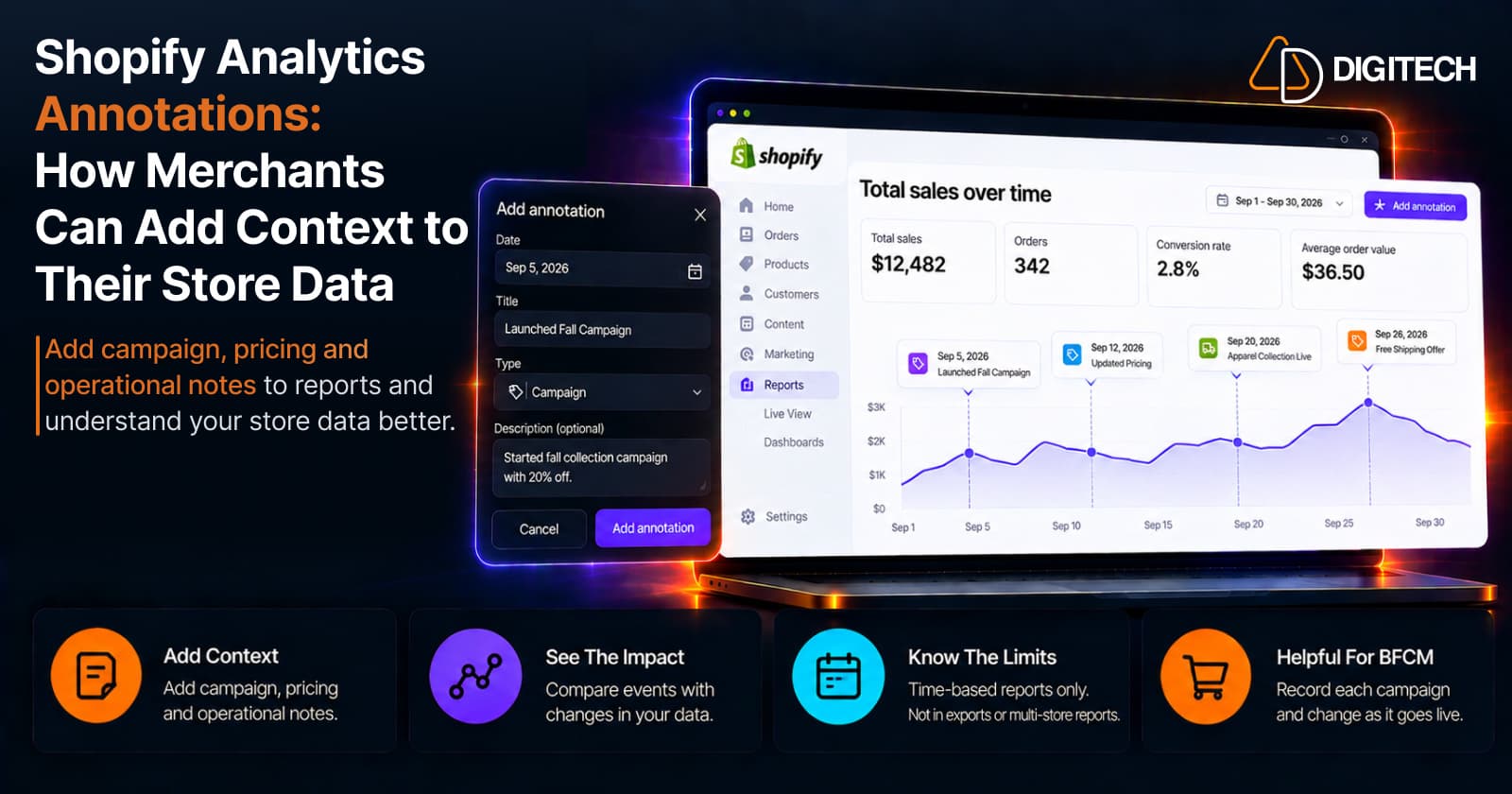
Shopify Analytics Annotations: How Merchants Can Add Context to Their Store Data
Shopify Analytics annotations let merchants add campaign, pricing and operational notes to reports. See how they work, the limits, and how to use them for BFCM.
Read article