Shopify Native A/B Testing vs Third-Party Apps: Which Should You Use?
Shopify now ships native A/B testing — Rollouts — for themes and checkout, server-side and with no app. So do you still need Shoplift, Intelligems, or Visually? Here's exactly what native testing does well, what it can't do yet, and a clear decision framework for choosing between native and third-party tools in 2026.
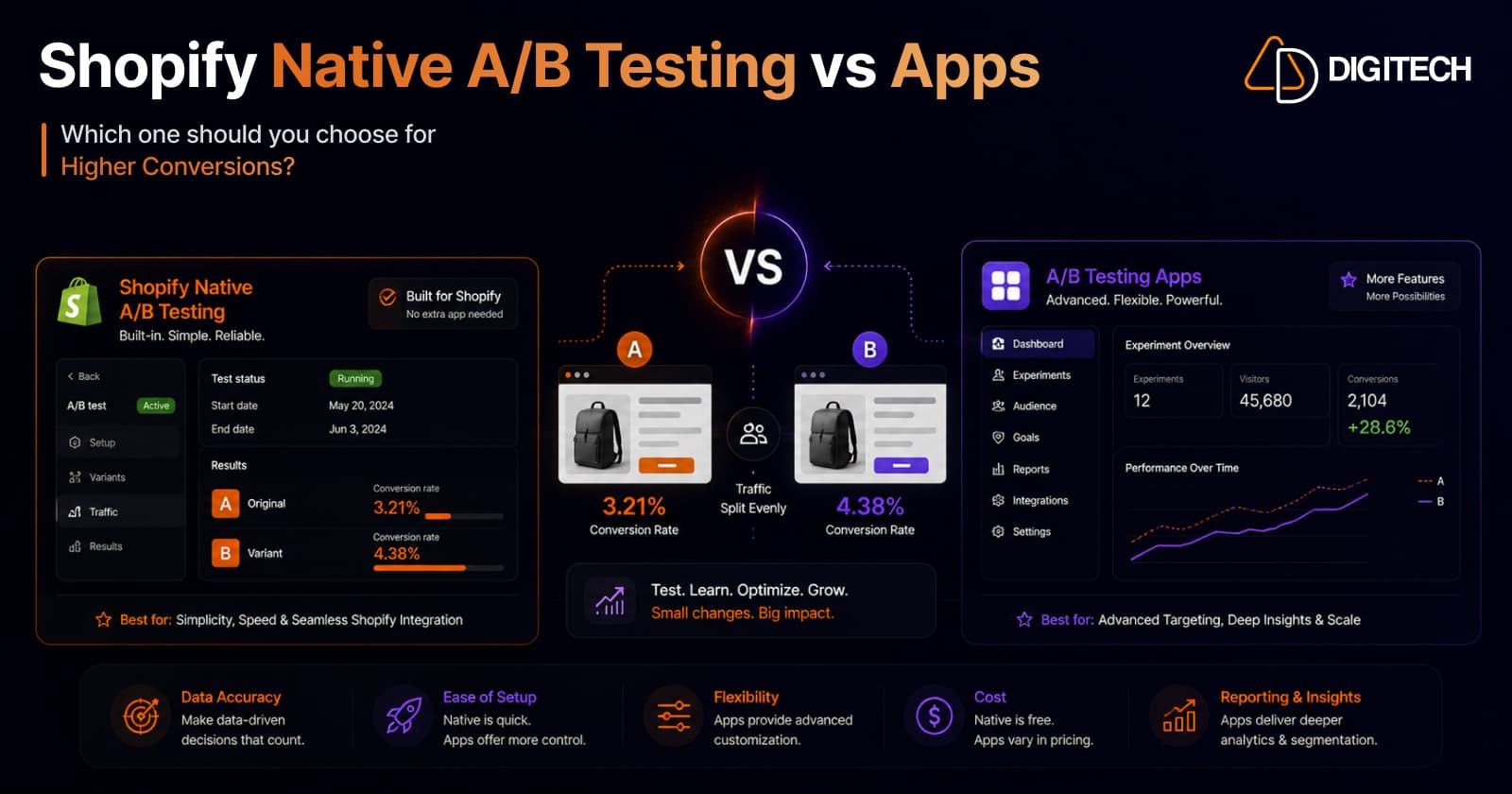
The short answer: for most Shopify stores in 2026, start with native A/B testing — Shopify Rollouts. It's free (on Grow+), server-side, and set up in minutes. Reach for a third-party app like Shoplift, Intelligems, or Visually when you need something native can't do yet — price testing, audience segmentation, or Liquid-level changes. It's not either/or; it's native-first, apps for the advanced cases.
We build and optimize Shopify stores, so here's the honest breakdown of where each wins.
What "native" means now: Shopify Rollouts
Until recently, any real A/B test on Shopify meant installing a CRO app. That changed with Rollouts, introduced in the Winter '26 Edition and expanded in Summer '26 to cover both themes and checkout. On October 2, 2026, Shopify added discounts to Rollouts as well.
Rollouts lets you schedule, gradually release, and split-test theme variants and checkout configurations directly in the admin — no app, no third-party scripts. Crucially, the split runs server-side: the visitor is assigned a variant before the page renders, so there's no flash of the original content and no client-side script slowing the page down. Running a measured experiment with analytics requires the Grow plan or higher.
What native Rollouts does well
- Cost. No app fee. For stores already on Grow or Plus, testing adds nothing — versus $50–500+/month for a dedicated CRO app.
- Page speed. Server-side splitting means no injected script, no flicker (FOUC), and no Core Web Vitals hit — the thing that quietly undermines both conversions and AI/SEO discovery.
- Speed to launch. Set up inside the admin in minutes, not hours of app configuration.
- The common tests. Theme variants (layouts, sections, content via the theme editor) and checkout configurations — which is what a large share of stores were paying an app to test anyway.
- Gradual rollouts. Beyond A/B tests, you can phase a new theme out to a slice of traffic before going 100% — a genuinely useful safety net.
What Rollouts can't do (yet)
This is where you need to be clear-eyed. As of 2026, native Rollouts does not cover:
- Price testing — no native way to test price points. Discounts are a different story since October 2, 2026: Rollouts can now schedule discount changes and run an Experiment that compares a new discount with your store's current discount setup. It doesn't report discount-specific metrics, such as revenue or orders attributed to a discount, so you compare the metrics available for that rollout. See our guide to Shopify Rollouts for BFCM for how that works.
- Audience segmentation — you can't target new vs. returning, mobile vs. desktop, or by geography.
- Liquid template changes — it tests only customizations made through the theme editor, not edits in Liquid template files.
- Vintage themes — older theme architectures aren't supported.
- Multi-page funnel tests, post-purchase survey splits, or deep segment-level analytics.
If your hypothesis lives in any of those, native isn't the tool — yet.
Where third-party apps still win
The dedicated CRO apps have had years to go deep, and it shows:
- Intelligems effectively owns price and margin testing — testing price points, shipping thresholds, and discount strategies. Native Rollouts can now compare a new discount with your current one, but there's still no native way to test price points or shipping thresholds, or to see discount-level results.
- Shoplift does template, theme, and URL testing with Bayesian analysis, and at higher tiers adds price testing, advanced segmentation, and GA4 integration. Pricing runs roughly £74/mo (Core) → £299/mo (Advanced) → £699/mo (Pro).
- Visually and others add full-storefront testing, custom event tracking, and multivariate experiments.
In short, apps win on audience targeting, custom event tracking, full-storefront and Liquid-level testing, price testing, and multivariate — the advanced end of CRO.
The decision framework
| Use native Rollouts if you're testing… | Use a third-party app if you need… |
|---|---|
| Theme layouts, sections, content (theme editor) | Price or shipping testing, or discount tests with discount-level reporting |
| Checkout configuration variants | Audience segmentation (new/returning, device, geo) |
| A gradual/phased theme rollout | Liquid template-level or full-storefront changes |
| Simple A/B with minimal setup and zero page-speed cost | Multivariate tests or custom event tracking |
| You're on Grow/Plus and want $0 added cost | Deep segment-level analytics or funnel tests |
A simple rule of thumb: if the test can be built in the theme editor or checkout settings, do it natively. The moment you need price, segments, or code, bring in an app.
Can you run both? Yes — carefully
You can absolutely use native Rollouts and an app — most serious CRO programs will. The one hard rule: don't run two overlapping splits on the same surface. Two tools independently splitting traffic on the same page contaminate each other's results. Divide by use case — native for theme/checkout tests, an app for price/segment tests — and you get the best of both.
The part that matters more than the tool
Here's what a decade of running tests teaches you: the tool is rarely why a test fails — the process is. The most common mistake is declaring a winner on too little data.
Whichever you choose, the fundamentals don't change:
- Enough traffic and conversions to reach statistical significance — low-traffic stores often can't power a valid test in a reasonable window.
- One clear hypothesis per test (or a proper multivariate design), not five changes at once.
- A pre-decided sample size or duration, run to completion — no stopping early because an early lead looks exciting.
- A real hypothesis rooted in a conversion problem, not a random guess. (If you're not sure where your leaks are, start with why stores lose sales despite growing traffic.)
A great tool won't rescue an underpowered or badly designed test — and a disciplined process will get results out of even the free native tooling.
Our recommendation
For most stores: go native-first. Rollouts covers the majority of everyday theme and checkout tests at zero added cost and zero page-speed penalty, and for many merchants that's the entire CRO tooling need met. Layer in Intelligems the moment you want to test pricing, or Shoplift/Visually when you need segmentation, Liquid-level tests, or multivariate. And whichever you run, invest more in test design than in tooling.
We help Shopify brands build a proper CRO program — from setting up native Rollouts and choosing the right app, to designing tests that actually reach significance and reading the results correctly. See our Shopify store development work, or talk to us about a conversion audit.
Frequently asked questions
Does Shopify have built-in A/B testing now?
Yes. Shopify introduced native A/B testing — called Rollouts — in the Winter '26 Edition and expanded it in Summer '26 to cover both themes and checkout. It lets you schedule, gradually release, and split-test theme variants and checkout configurations directly in the admin, with no third-party app or scripts. The split runs server-side, so it happens before the page renders. Running a measured traffic-split experiment with analytics requires the Grow plan or higher.
Is Shopify's native A/B testing free?
There's no app to install, no third-party scripts, and no extra monthly cost on top of your Shopify subscription. The catch is plan-gating: the actual traffic-split experiment and its analytics are available on the Grow plan or higher. So for stores already on Grow or Plus, native testing effectively adds no cost — versus $50–500+/month for a dedicated CRO app.
What can't Shopify native A/B testing do yet?
Rollouts doesn't do price testing, audience segmentation (new vs returning, mobile vs desktop, geography), or changes made in Liquid template files — it only tests customizations made through the theme editor. It also doesn't support older vintage themes, multi-page funnel tests, post-purchase survey splits, or deep segment-level analytics. Those remain third-party territory. Discounts are now covered: since October 2, 2026, Rollouts can schedule discount changes and compare a new discount with your store's current discount setup, although it doesn't report discount-specific metrics such as revenue or orders attributed to a discount.
Do I still need Shoplift or Intelligems?
For advanced testing, yes. Intelligems effectively owns price and margin testing, with no real native competitor for price points. Shoplift and Visually add audience segmentation, full-storefront and Liquid-level testing, custom event tracking, and multivariate experiments. For straightforward theme and checkout variant tests, native Rollouts now covers what most stores were paying an app to do.
Can I run native Rollouts and a third-party app at the same time?
Yes, but not on the same surface at the same time — two tools splitting traffic on the same page will contaminate each other's results. The clean pattern is to divide by use case: native Rollouts for theme and checkout variant tests, and a third-party app for the things native can't do, like price tests or segment-targeted experiments. Never run two overlapping splits on one page.
What matters most for A/B testing success — the tool or the process?
The process. The most common reason tests fail isn't the tool; it's calling a winner on too little data. You need enough traffic and conversions to reach statistical significance, one clear hypothesis per test, a pre-decided sample size or duration, and the discipline not to stop early on an early lead. A great tool won't rescue an underpowered test.
Building something on Shopify?
We design, build, and maintain Shopify apps, stores, and AI products — to the standard this article describes.
Related reading
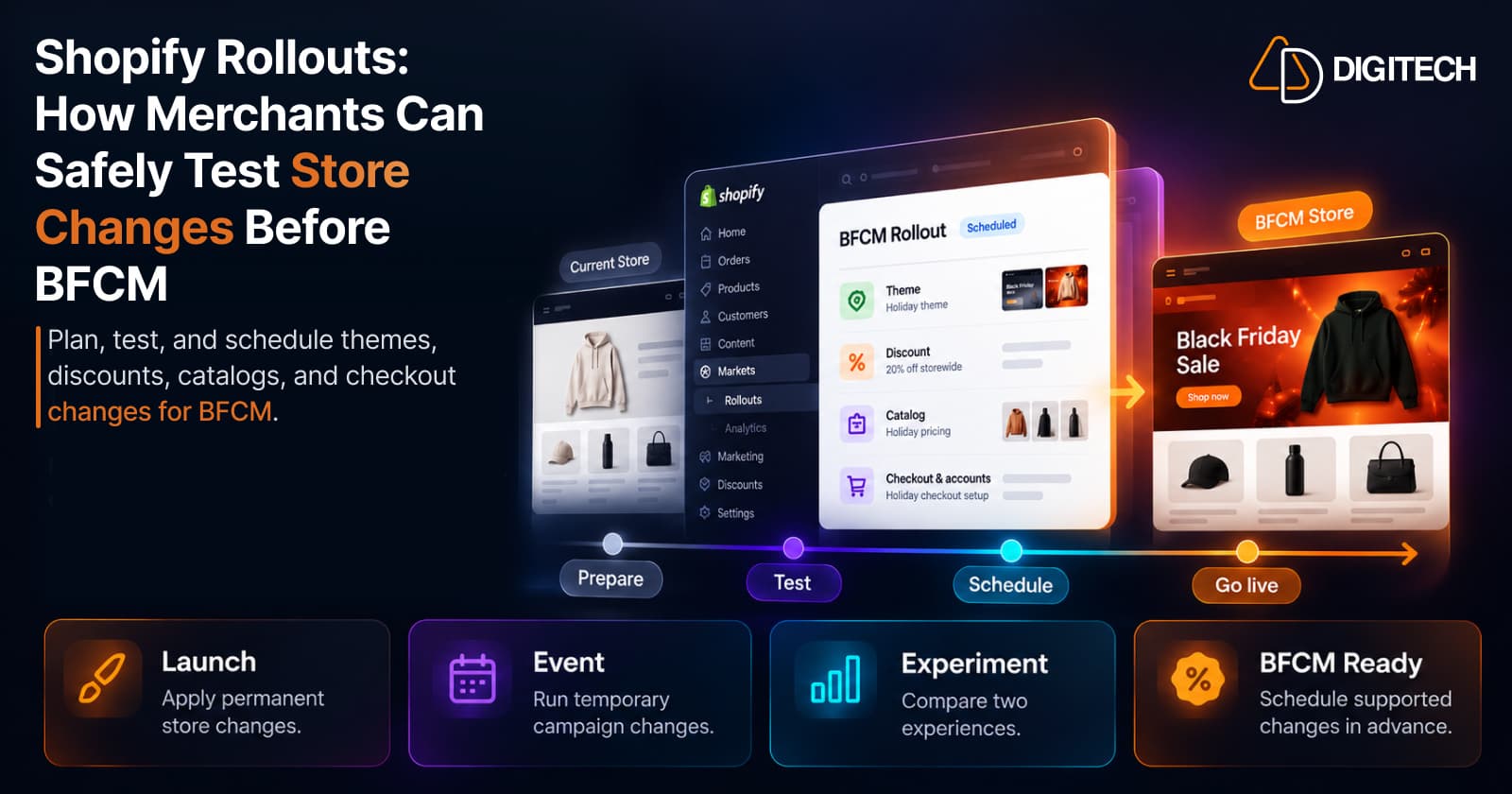
Shopify Rollouts: How Merchants Can Safely Test Store Changes Before BFCM
Learn how Shopify Rollouts let merchants schedule, test, and launch store changes safely before BFCM, including themes, discounts, catalogs, and checkout.
Read article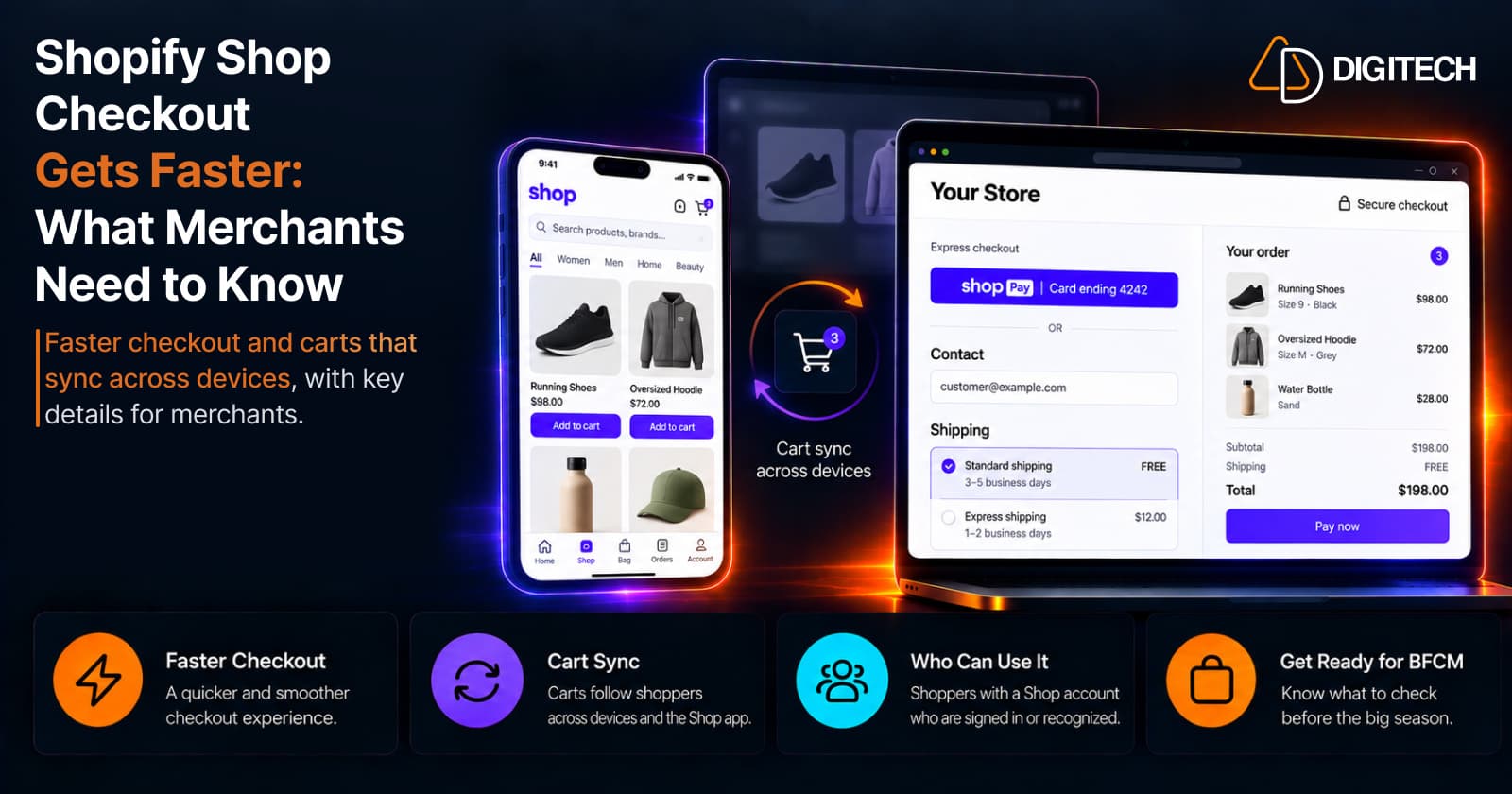
Shopify Shop Checkout Gets Faster: What Merchants Need to Know
Shopify's October 5, 2026 Shop update brings faster checkout and carts that sync across devices. See how it works, who qualifies and what to check before BFCM.
Read article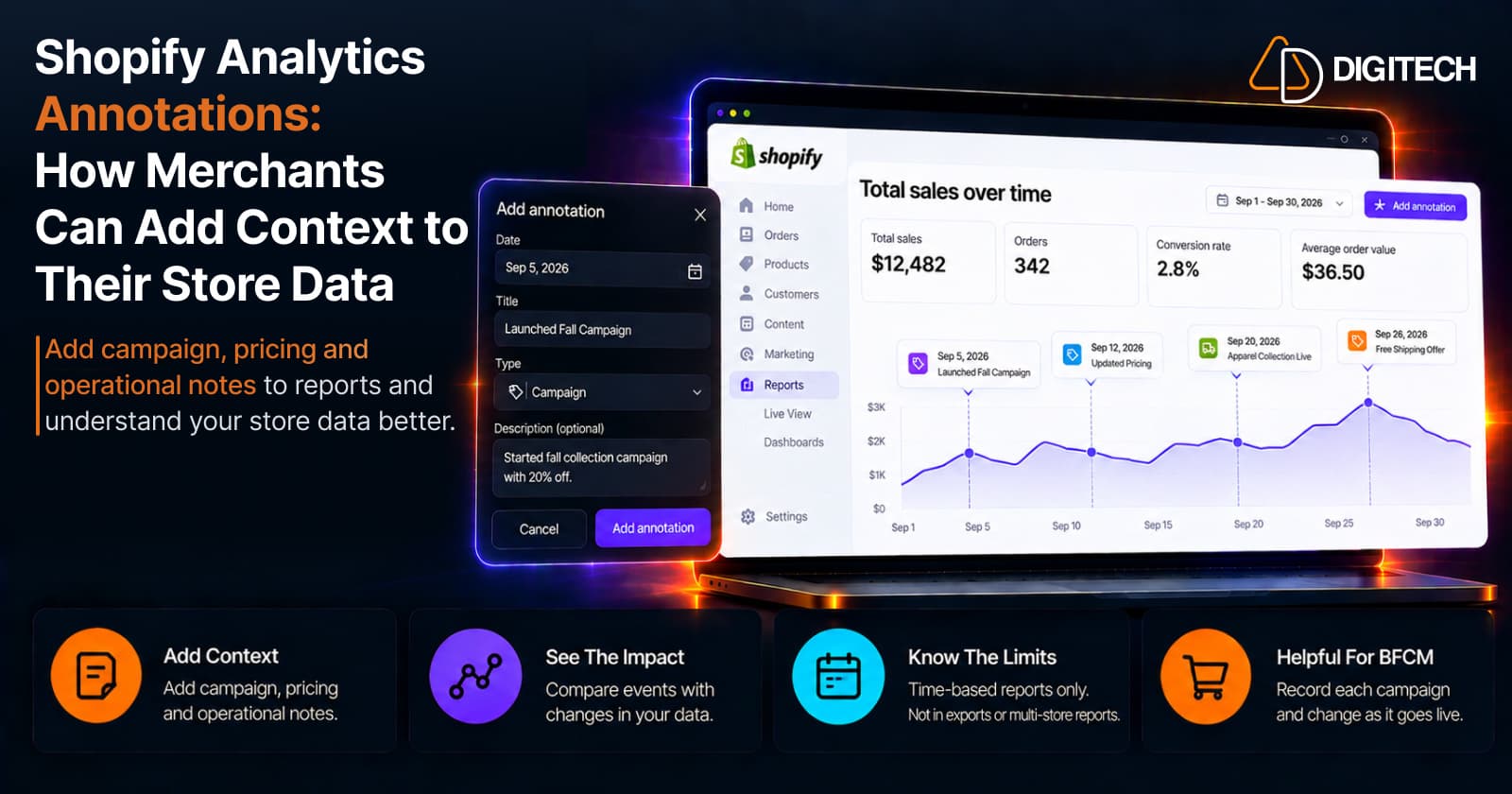
Shopify Analytics Annotations: How Merchants Can Add Context to Their Store Data
Shopify Analytics annotations let merchants add campaign, pricing and operational notes to reports. See how they work, the limits, and how to use them for BFCM.
Read article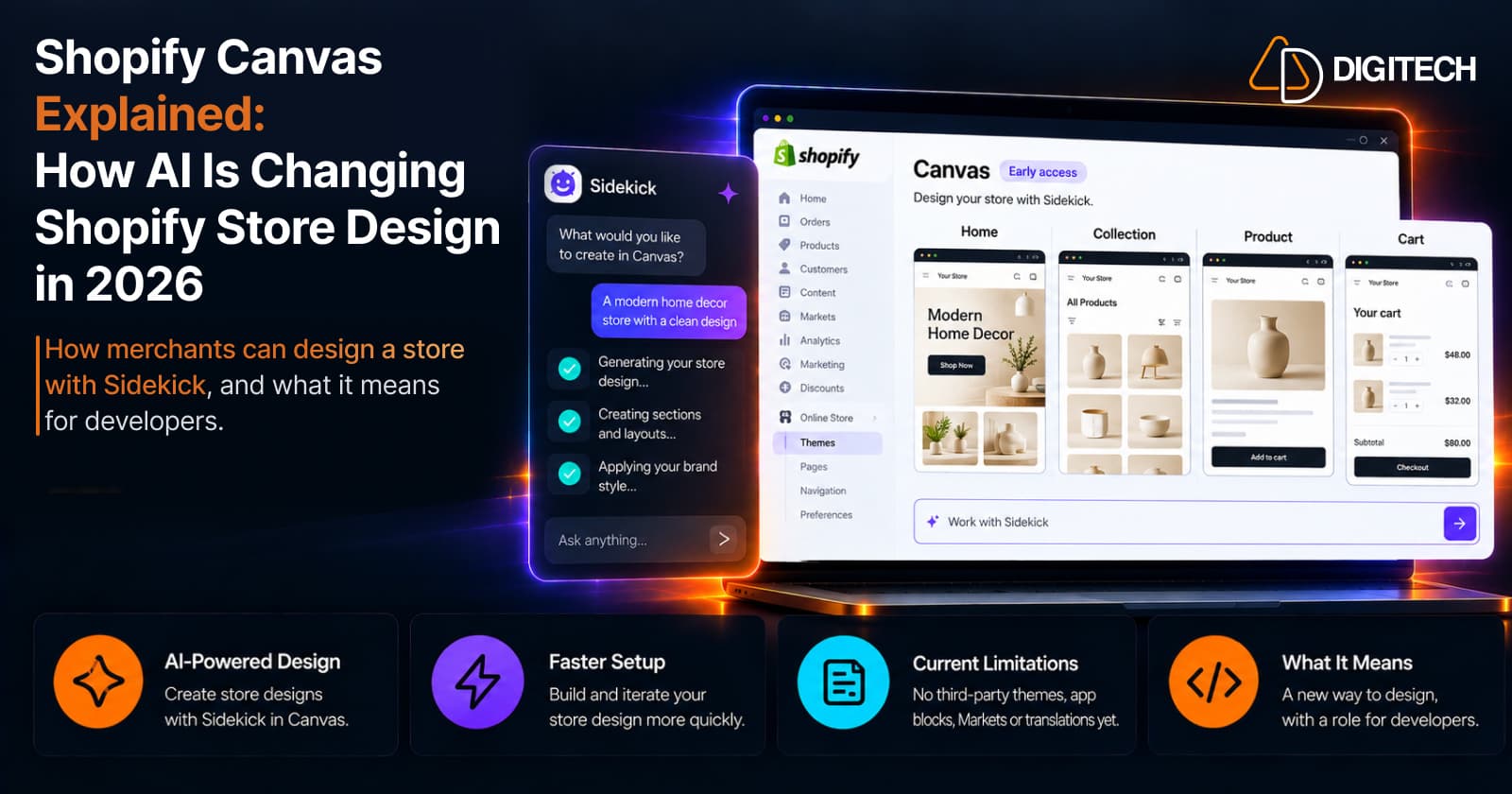
Shopify Canvas Explained: How AI Is Changing Shopify Store Design in 2026
Shopify Canvas, announced October 1, 2026, lets merchants design a store with Sidekick. See how it works, its current limits, and what it means for developers.
Read article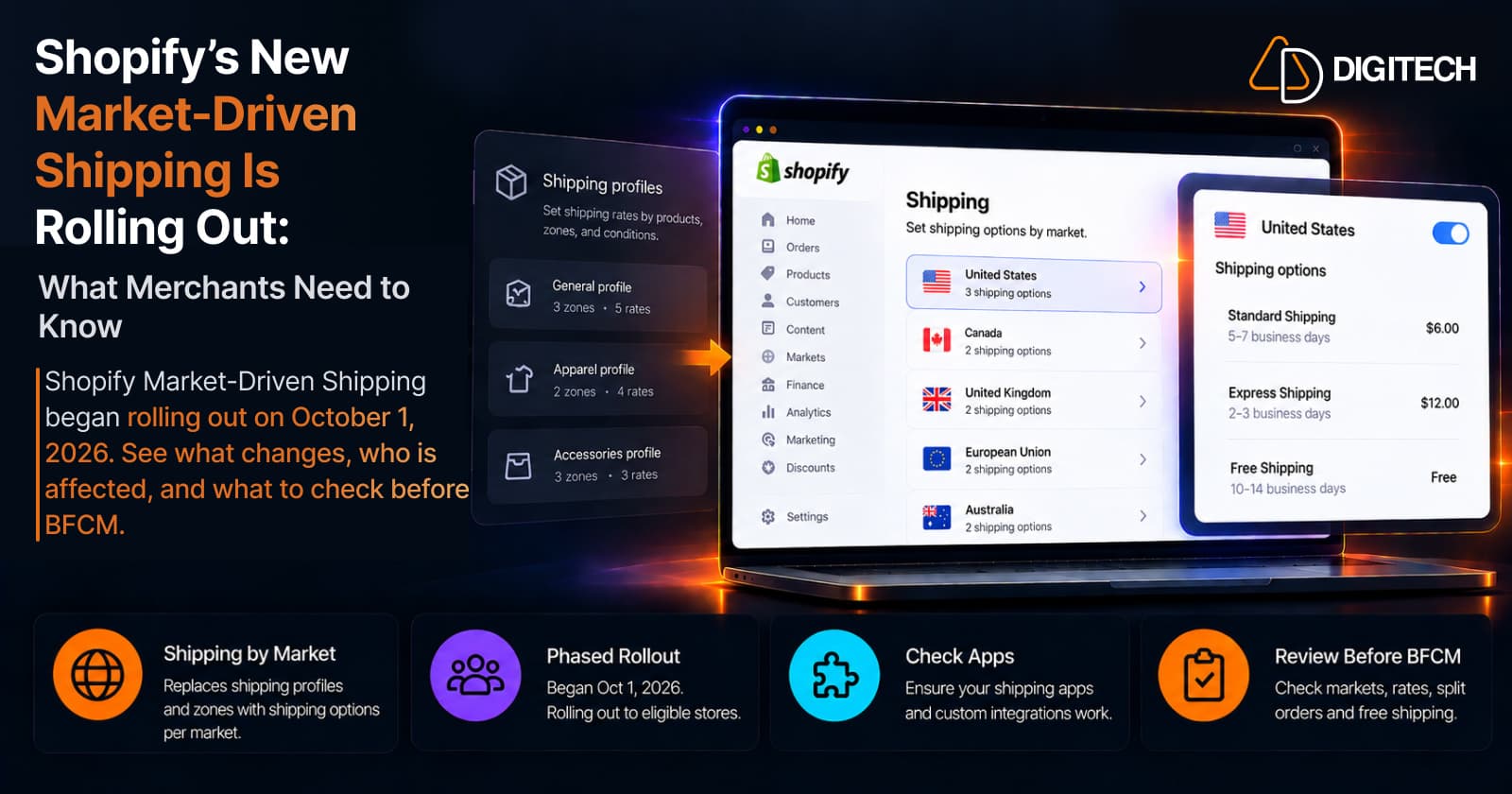
Shopify's New Market-Driven Shipping Is Rolling Out: What Merchants Need to Know
Shopify Market-Driven Shipping began rolling out on October 1, 2026. See what changes, who is affected, and what to check before BFCM.
Read article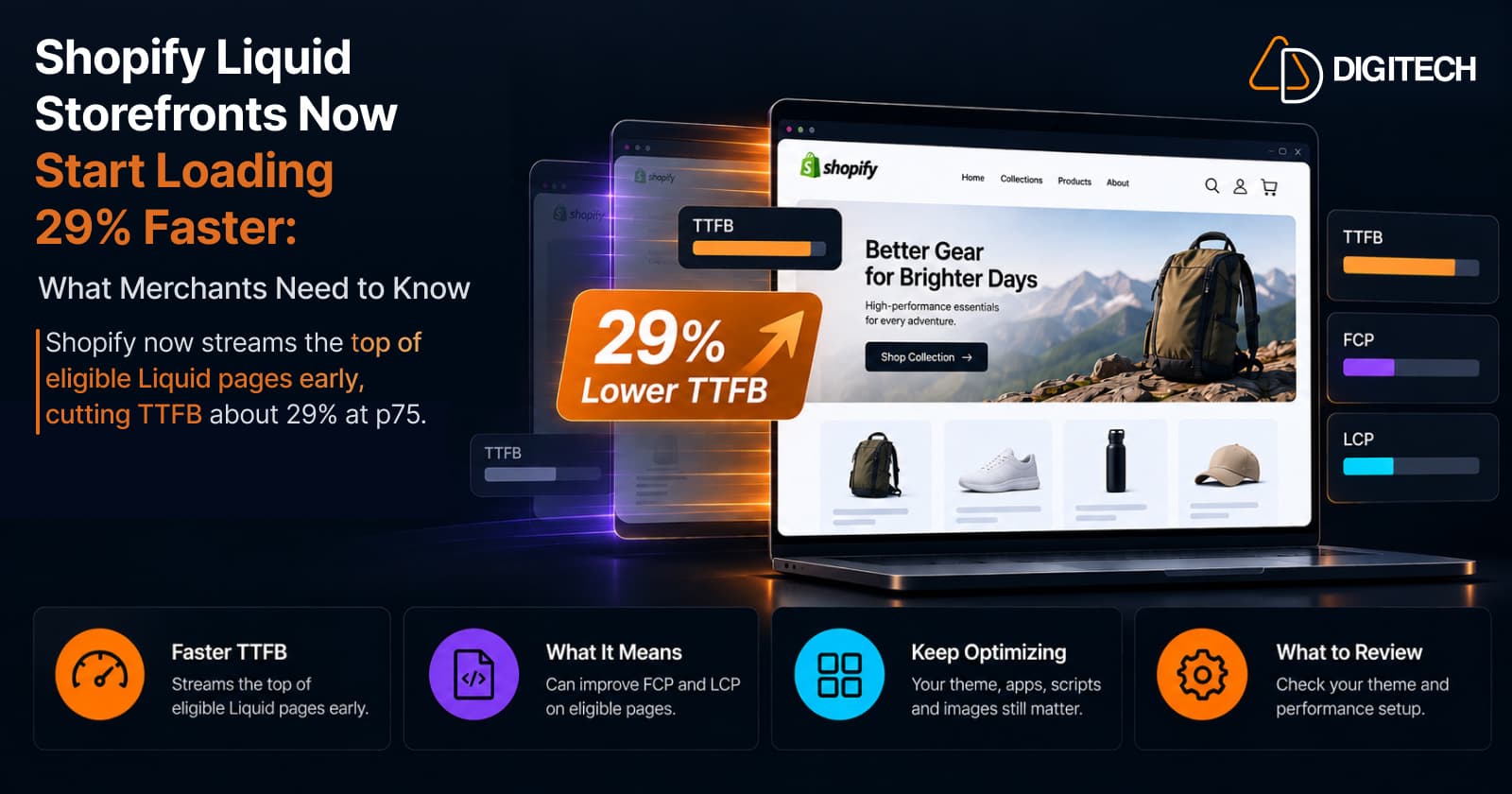
Shopify Liquid Storefronts Now Start Loading 29% Faster: What Merchants Need to Know
Shopify now streams the top of eligible Liquid pages early, cutting TTFB about 29% at p75. What it means for FCP, LCP, your theme, and what still needs fixing.
Read article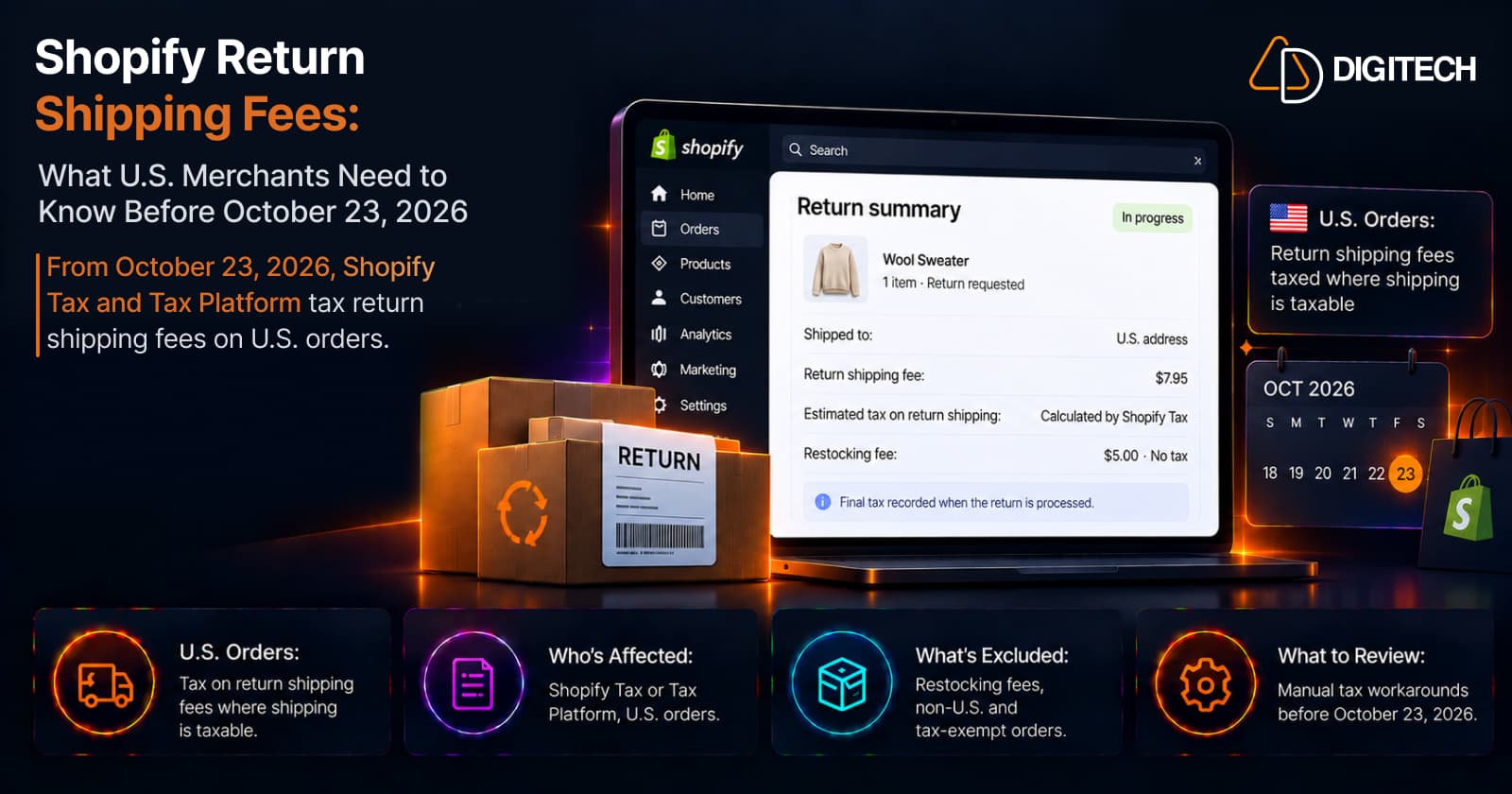
Shopify Return Shipping Fees: What U.S. Merchants Need to Know Before October 23, 2026
From October 23, 2026, Shopify Tax and Tax Platform tax return shipping fees on U.S. orders. Who's affected, what's excluded, and what to review.
Read article
Shopify BFCM Product Page Optimization: What to Fix Before Black Friday
Shopify BFCM product page optimization: which pages to fix first, what to fix now vs later, a 9-week timeline to Black Friday 2026, and a final checklist.
Read article
Shopify Analytics Changed in September 2026: Why Your Sessions & Conversion Rate May Look Different
Shopify's Sept 21, 2026 Analytics update changes how sessions are measured, so sessions and conversion rate may look different — but orders and sales aren't affected.
Read article