Shopify Checkout Components Explained: What Merchants Need to Know in 2026
Checkout Components — Shopify's Checkout UI Extensions — are the modern, supported way to customize checkout: sandboxed React-style components that add banners, custom fields, and upsells without touching checkout.liquid. Here's what they are, what you can build, why the new model is safer, and what's available on your plan in 2026.
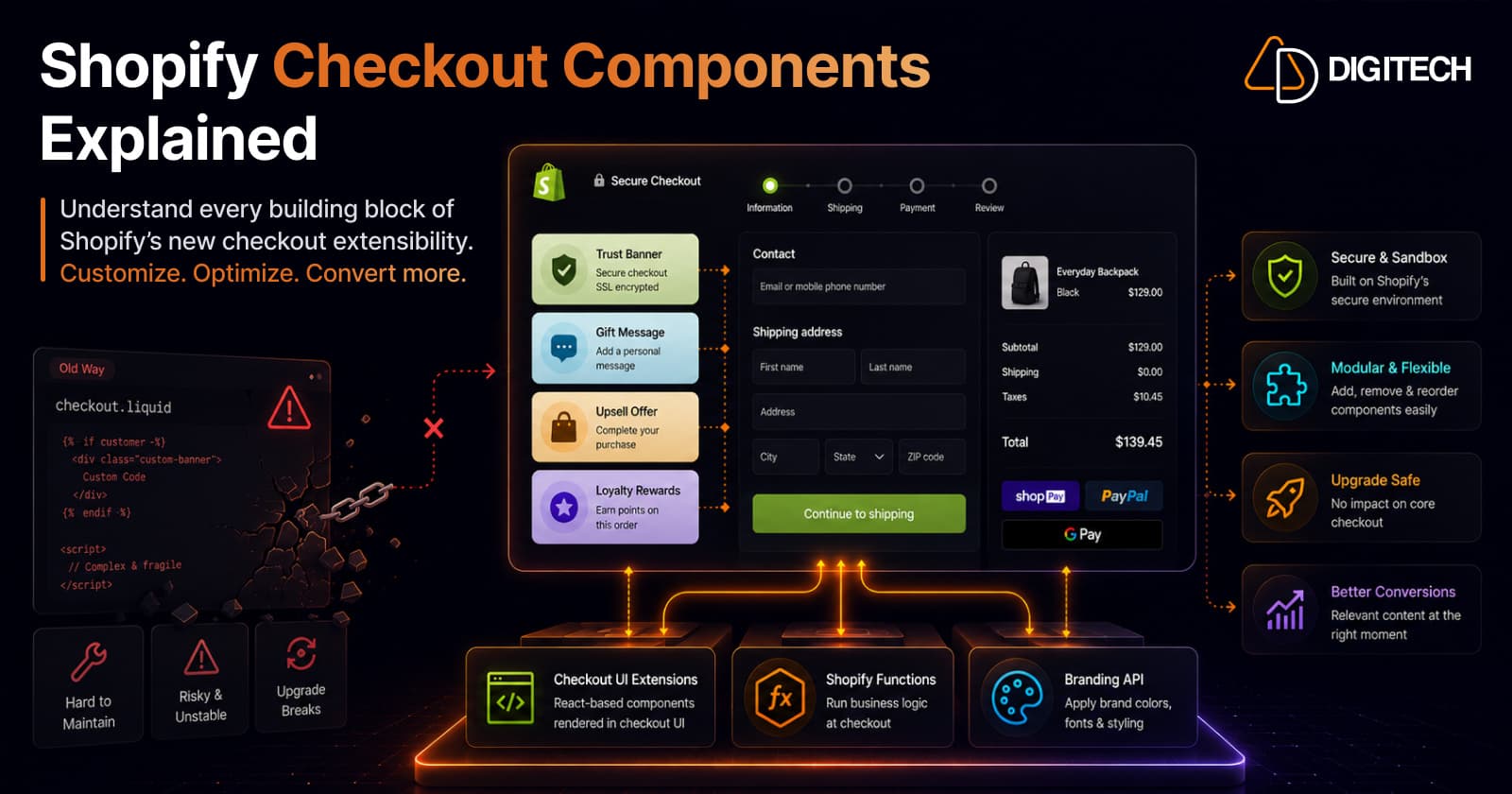
The short version: Checkout Components — Shopify's Checkout UI Extensions — are the modern, supported way to customize your checkout. They're sandboxed, React-style components that drop banners, custom fields, and upsells into defined checkout slots, without ever touching checkout.liquid. Here's what they are, what you can build, and what your plan unlocks.
We build Shopify checkout extensions and Functions, so here's the practical explainer.
Why this exists: checkout.liquid is gone
For years, deep checkout customization meant editing checkout.liquid — hand-written code injected into the checkout page. It was powerful but fragile: it broke on platform updates, was hard to keep PCI-safe, and Shopify has now sunset it (alongside Scripts) as of June 30, 2026. (If you're still on it, see our Scripts-to-Functions migration guide.)
Checkout Extensibility is the replacement — and Checkout Components are the most visible part of it.
What "Checkout Components" actually are
Checkout Components are React-style UI components that render in specific, Shopify-defined slots of the hosted checkout — think informational banners, custom input fields, content blocks, and upsell modules. Formally they're Checkout UI Extensions, and they're the frontend layer of the broader Checkout Extensibility framework.
Instead of writing free-form code into the checkout page, you build a component and Shopify renders it, in a supported slot, through its own engine.
The three surfaces of Checkout Extensibility
Checkout Components don't work alone. Extensibility gives you three tools, and most real customizations use a combination:
| Surface | What it does |
|---|---|
| Checkout UI Extensions (Components) | The frontend — render custom UI (banners, fields, upsells, loyalty displays) in checkout slots. |
| Shopify Functions | Server-side logic that runs on cart and checkout events — custom discounts, shipping, and payment rules. |
| Branding API | Controlled styling of the hosted checkout — colors, typography, and layout within Shopify's guardrails. |
Components handle what the customer sees; Functions handle the logic; the Branding API handles how it looks. (For when a Function is the right tool vs. a full app, see Shopify Functions vs Apps.)
What you can actually build
The practical, revenue-relevant things merchants add with Checkout Components:
- Trust & info banners — shipping cutoffs, guarantees, delivery promises.
- Custom fields — gift messages, delivery instructions, PO numbers, VAT IDs.
- Upsells & cross-sells — in-checkout offers and add-ons.
- Loyalty & rewards — points balances, redemption prompts.
- Custom delivery & payment logic — via Functions (hide/reorder/rename methods, conditional rules).
- Thank-you / order-status content — order tracking, surveys, and post-purchase upsells after the order is placed.
Why the new model is genuinely better
This is the part that matters most to merchants, even non-technical ones:
- It's secure by design. Extensions run in an isolated sandbox — separate from the checkout page and from each other — with no access to sensitive payment information or the checkout page itself. Custom code can't compromise customer data the way
checkout.liquidcould. - It's upgrade-proof. Because Shopify renders your component through its own engine, your customization survives platform upgrades instead of silently breaking after an update.
- It's faster and cleaner. Sandboxed, component-based extensions avoid the performance and maintenance drag of injected checkout code — and keep you aligned with the Built for Shopify performance bar.
In short: you get customization power without the fragility and PCI risk of the old approach.
What's available on your plan
Good news for smaller stores — you're not locked out:
- All Shopify plans support Checkout UI Extensions for block-based customization (banners, fields, content, upsell blocks).
- Shopify Plus is still required for post-purchase extensions, advanced checkout branding, and certain payment customization features.
So basic checkout components are open to everyone; the deepest branding and post-purchase capabilities are a Plus upgrade. (For where the Plus line sits overall, see Shopify Plus vs Shopify.)
How merchants actually get them
Two paths, depending on how custom your need is:
- Install an app — most common checkout needs (upsells, custom fields, trust badges, loyalty) are covered by App Store apps built on Checkout UI Extensions. No code, fast to deploy.
- Build a custom extension — for bespoke UI or logic an app can't do, a developer builds a custom Checkout UI Extension (plus Functions for custom rules). Same supported framework, tailored to you.
Either way, you're on Shopify's supported, upgrade-safe foundation — not brittle checkout hacks.
If you're still on checkout.liquid
Then this is your migration path, and the clock has run out: checkout.liquid stopped executing on June 30, 2026. Any checkout customization you relied on there needs rebuilding as Checkout UI Extensions, Functions, and Branding API — the exact move covered in our Scripts-to-Functions migration guide.
We build and migrate Shopify checkout experiences end to end — custom Checkout UI Extensions, Functions, and branding, plus the migration off checkout.liquid. See our Shopify app development and Shopify store development work, or talk to us about your checkout.
Frequently asked questions
What are Shopify Checkout Components?
They're React-style UI components that render in defined slots of the Shopify checkout — informational banners, custom fields, content blocks, and upsells. They're the frontend part of Shopify's Checkout Extensibility framework (formally called Checkout UI Extensions), and they let you add custom UI to checkout without editing checkout.liquid.
What is Checkout Extensibility?
Checkout Extensibility is Shopify's modern, supported framework for customizing the hosted checkout, replacing the old checkout.liquid template-editing approach. It has three surfaces: Checkout UI Extensions (React-style frontend components), Shopify Functions (server-side logic that runs on cart and checkout events), and the Branding API (controlled styling of the hosted checkout).
What can I add to my Shopify checkout with them?
Common examples: informational or trust banners, custom input fields (gift messages, delivery instructions, PO numbers), upsell and cross-sell blocks, loyalty and rewards displays, and — via Functions — custom discount, shipping, and payment logic. You can also add content and post-purchase upsells to the thank-you / order-status page.
Do Checkout UI Extensions require Shopify Plus?
Not all of them. As of 2025, every Shopify plan supports Checkout UI Extensions for block-based customization. Shopify Plus is still required for post-purchase extensions, advanced checkout branding, and certain payment customization features. So basic checkout UI is open to all stores; the deepest customization is a Plus capability.
Are Checkout UI Extensions secure?
Yes — security is a core reason they exist. Extensions run in an isolated sandbox, separate from the checkout page and from each other, and have no access to sensitive payment information or the checkout page itself. They render through Shopify's own engine, so they can't compromise customer data the way custom checkout.liquid code could — and they survive platform upgrades without breaking.
How do I add Checkout Components to my store?
Two routes. For common needs, install an app from the Shopify App Store that's built on Checkout UI Extensions — no code, covers most cases. For bespoke requirements, have a developer build a custom checkout extension (and Functions, if you need custom logic). Both deliver as app extensions on the same supported framework.
Building something on Shopify?
We design, build, and maintain Shopify apps, stores, and AI products — to the standard this article describes.
Related reading
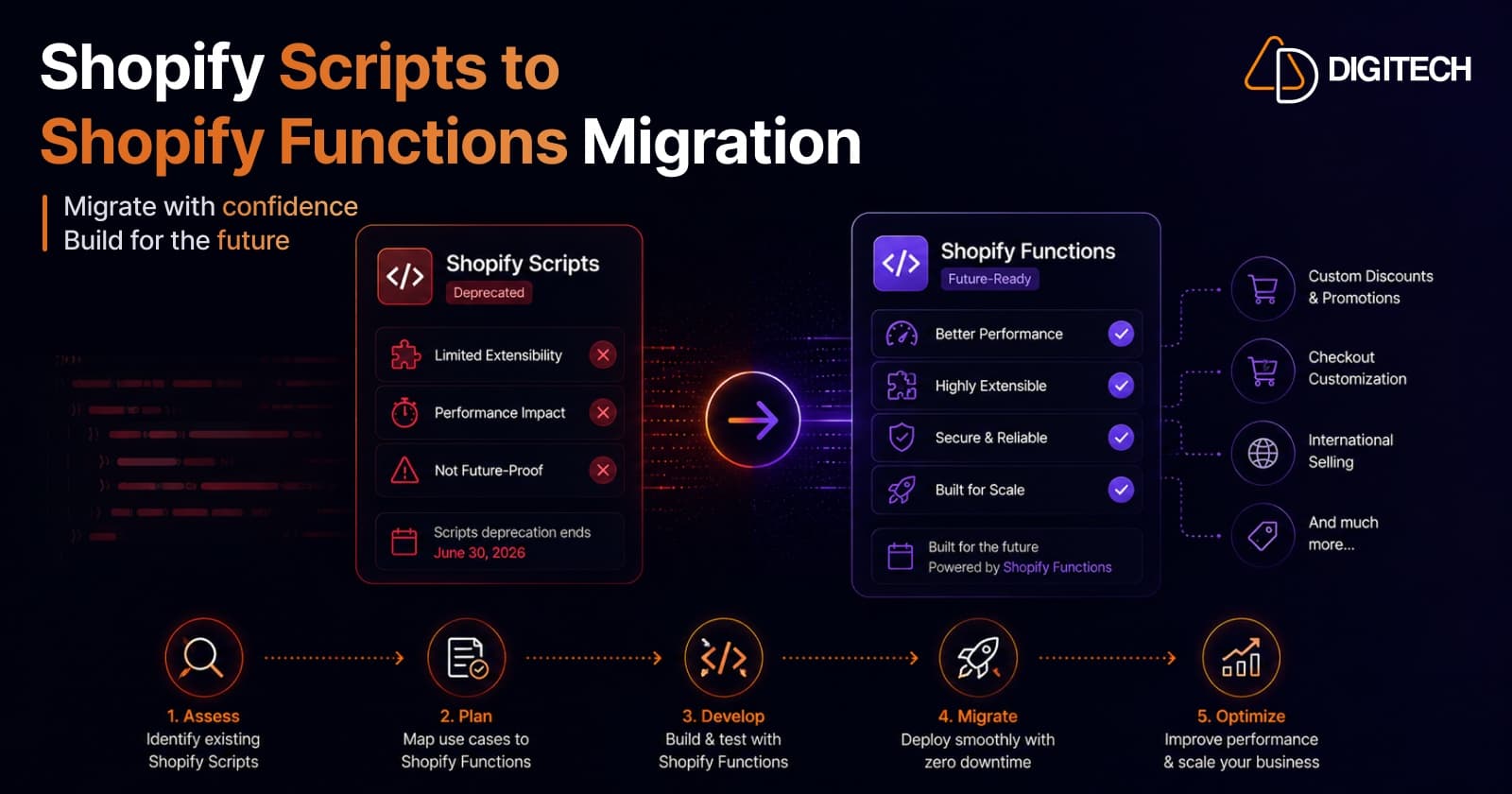
Shopify Scripts Are Deprecated: How to Migrate to Shopify Functions (Complete Guide)
Shopify Scripts and checkout.liquid stop executing on June 30, 2026 — permanently, with no grace period. This complete guide covers exactly what's affected, how to audit your Scripts, the three migration paths to Shopify Functions, and a step-by-step cutover plan to keep your discount, shipping, and payment logic working.
Read article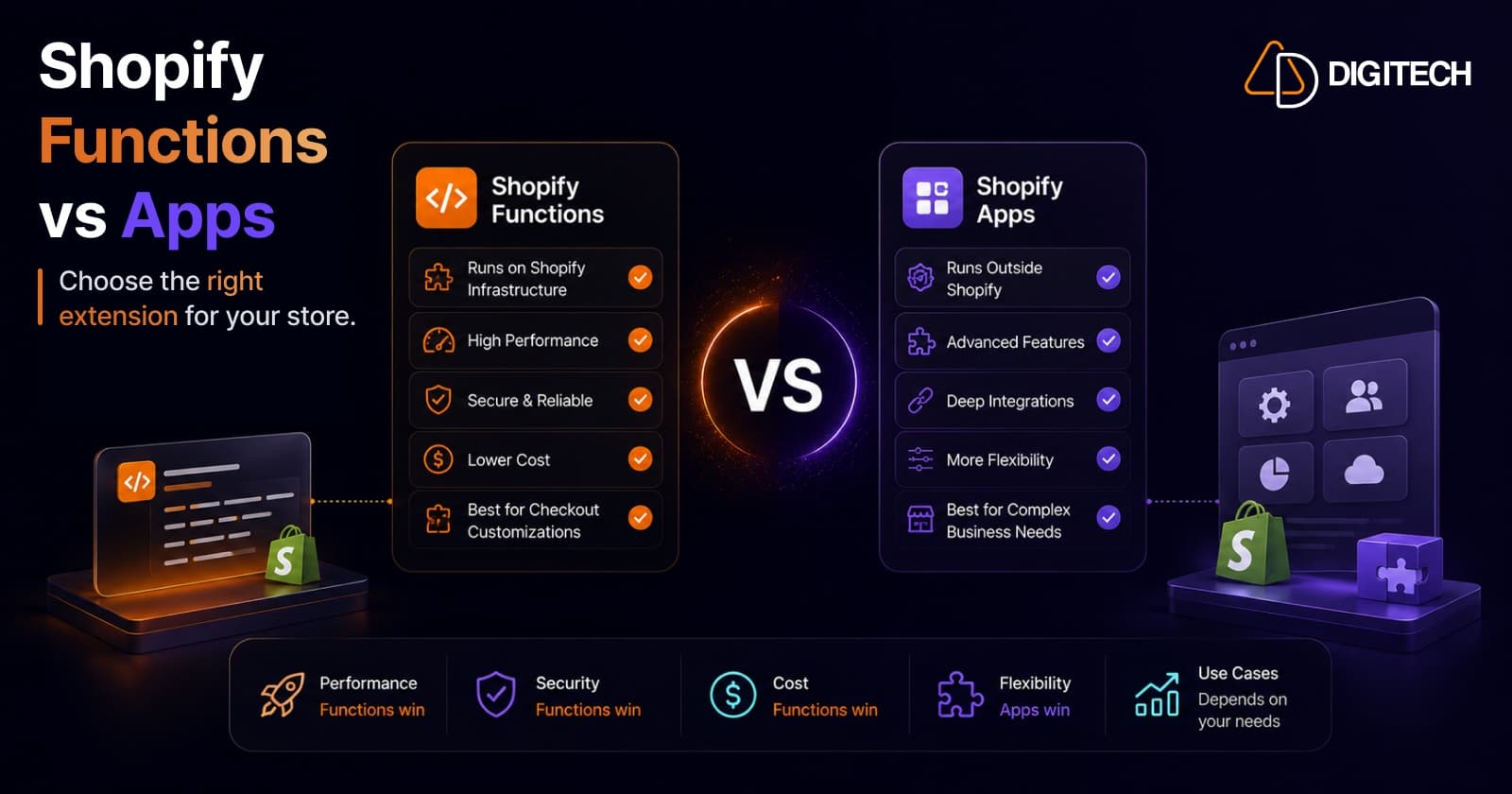
Shopify Functions vs Traditional Apps: Which Solution Is Right for Your Store?
Shopify Functions run custom logic natively on Shopify's infrastructure; traditional apps run on external servers with full flexibility. Here's a practitioner's guide to which to use, when to combine them, and why the June 30, 2026 Scripts sunset makes the decision urgent.
Read article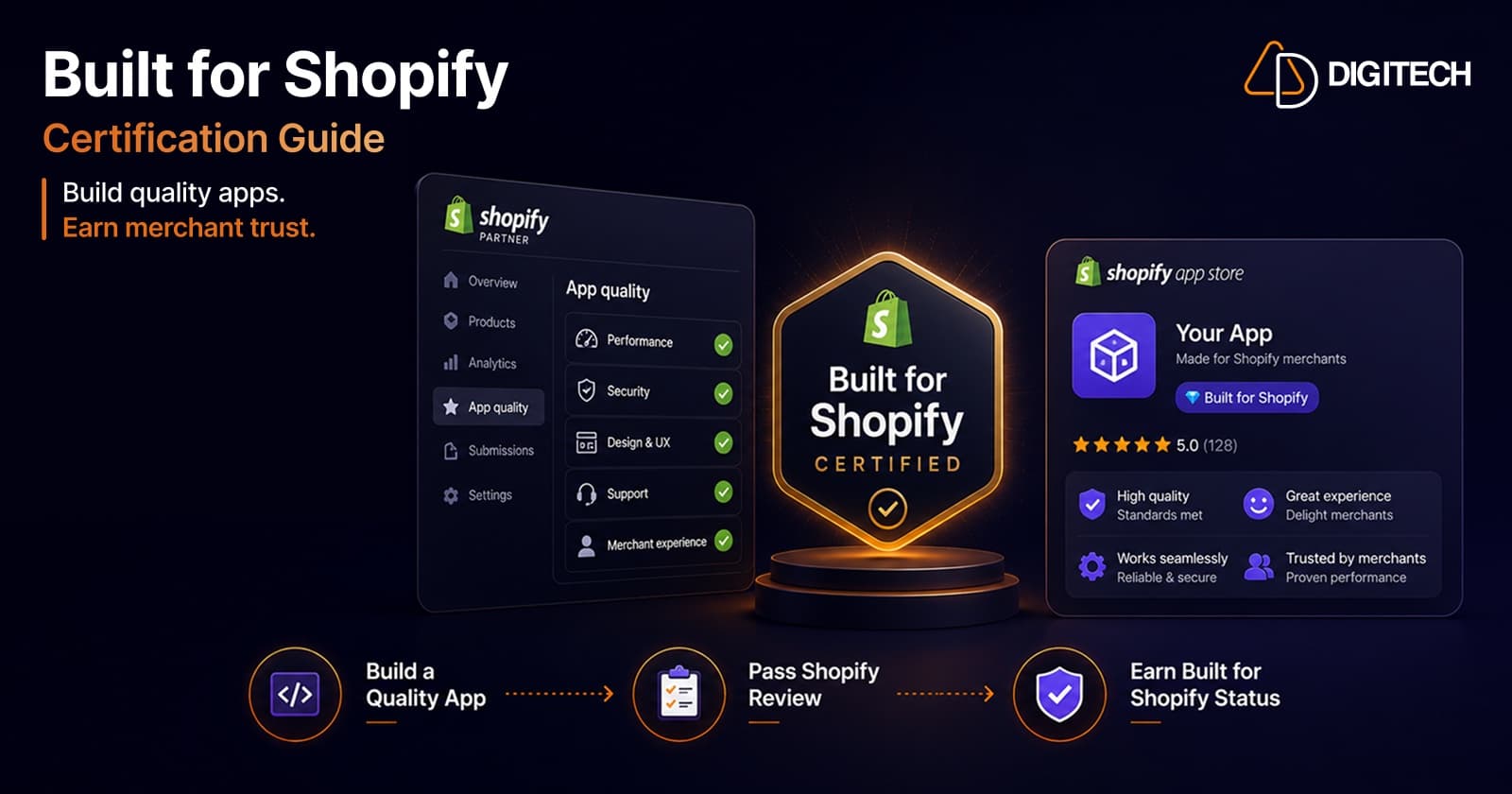
How to Get Built for Shopify Certified: A Practitioner's Guide (From a Team That's Done It Twice)
What the Built for Shopify badge actually requires in 2026 — the performance, design, and integration bars — and the step-by-step path to earning and keeping it, from a team with two certified apps.
Read article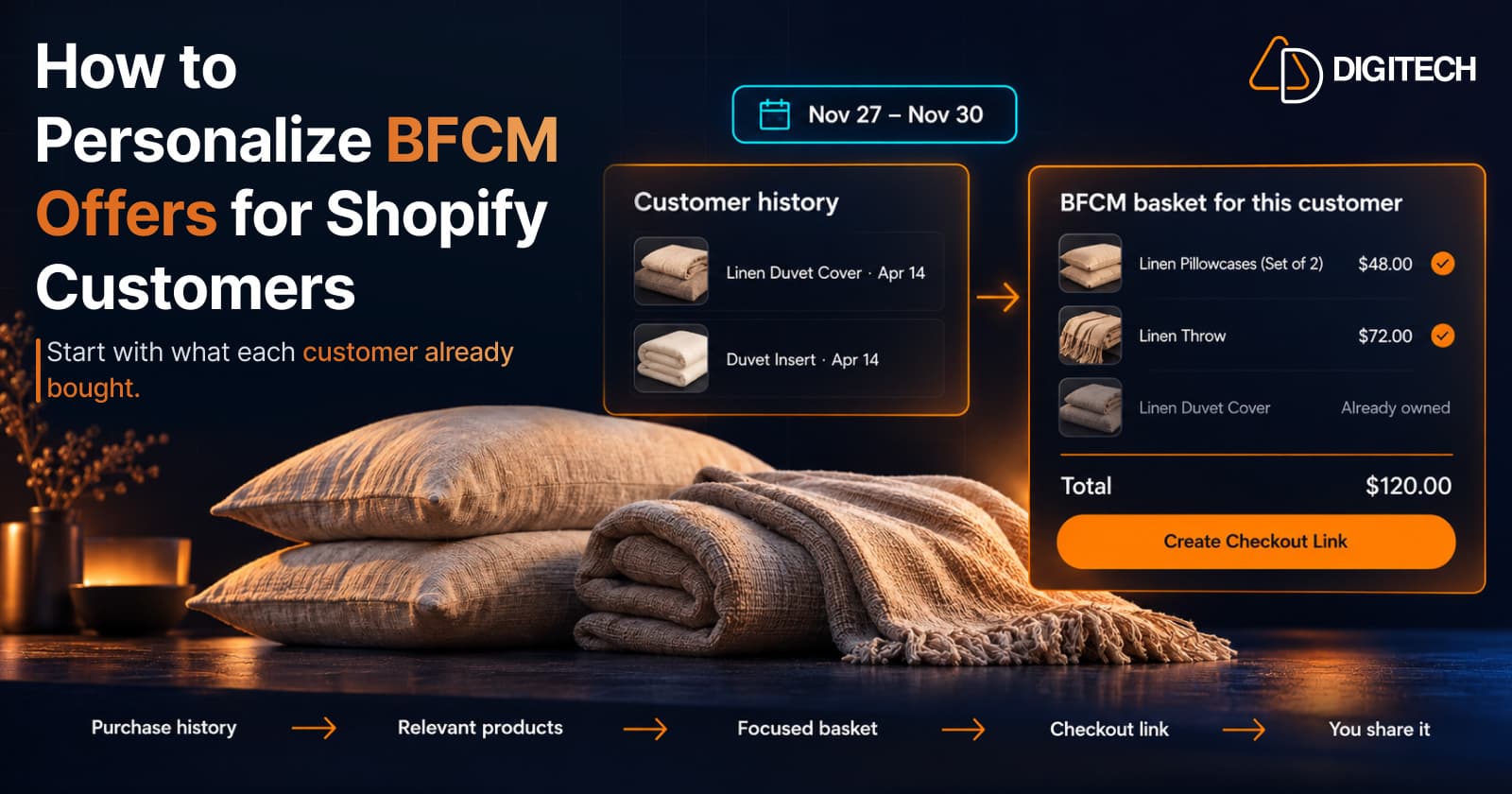
How to Personalize BFCM Offers for Shopify Customers
Use Shopify customer purchase history to build relevant BFCM offers for existing customers: what to check, five ways to personalize, and how to measure it.
Read article
How to Use Your Shopify Thank You Page for BFCM Sales
Learn how to use the Shopify Thank You Page during BFCM with relevant upsells, product recommendations, bundles, offers and countdown timers.
Read article
Shopify Translate & Adapt Auto-Sync: How to Keep Translations Current Before BFCM
Translate & Adapt can now update translations weekly with Auto-sync. Here's who can use it, how it differs from Translate now, and how to plan translations before BFCM.
Read article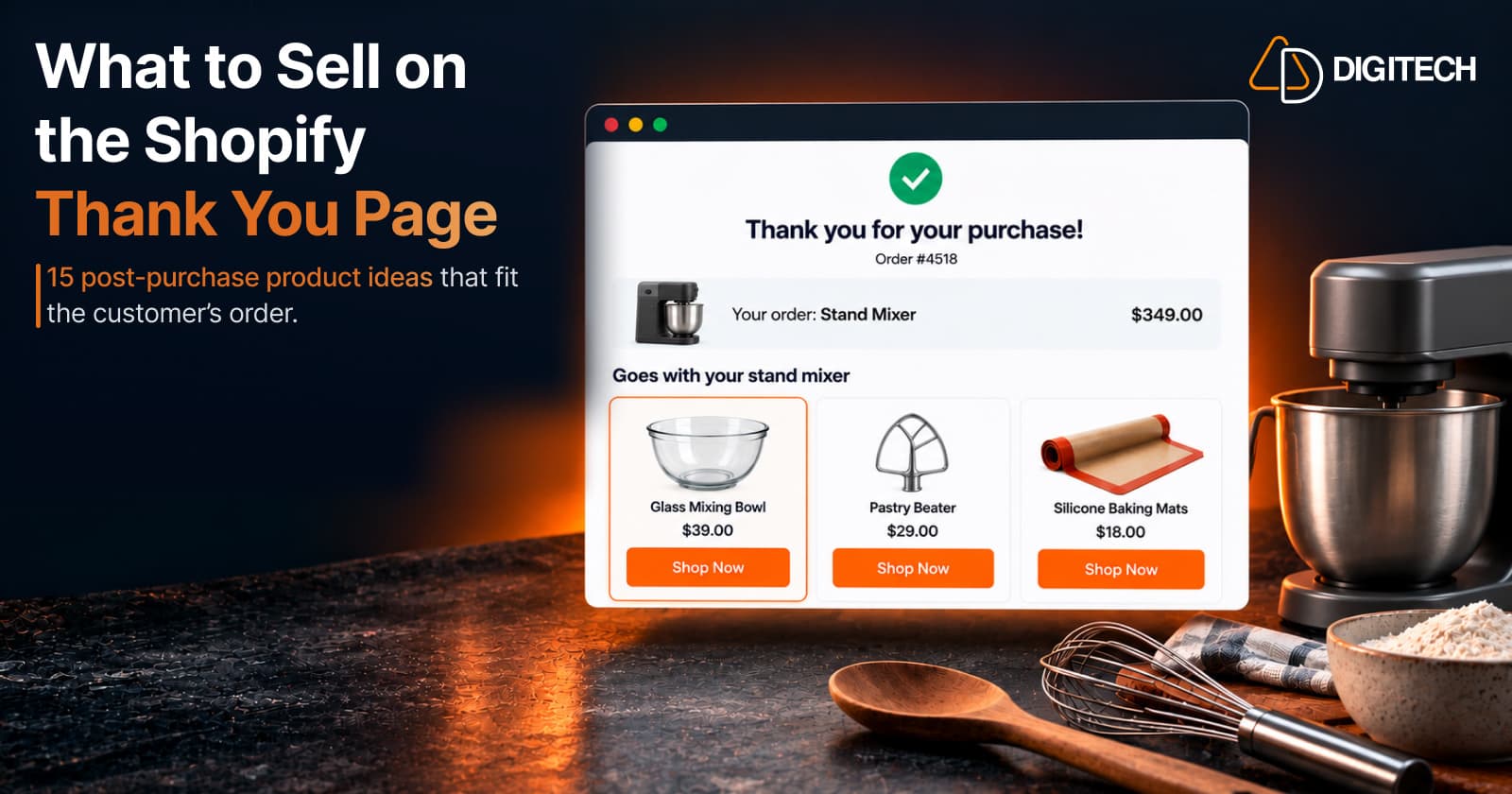
What to Sell on the Shopify Thank You Page: 15 Post-Purchase Product Ideas
Discover 15 Shopify Thank You Page product ideas, from complementary accessories and bundles to upgrades, refills and relevant post-purchase offers.
Read article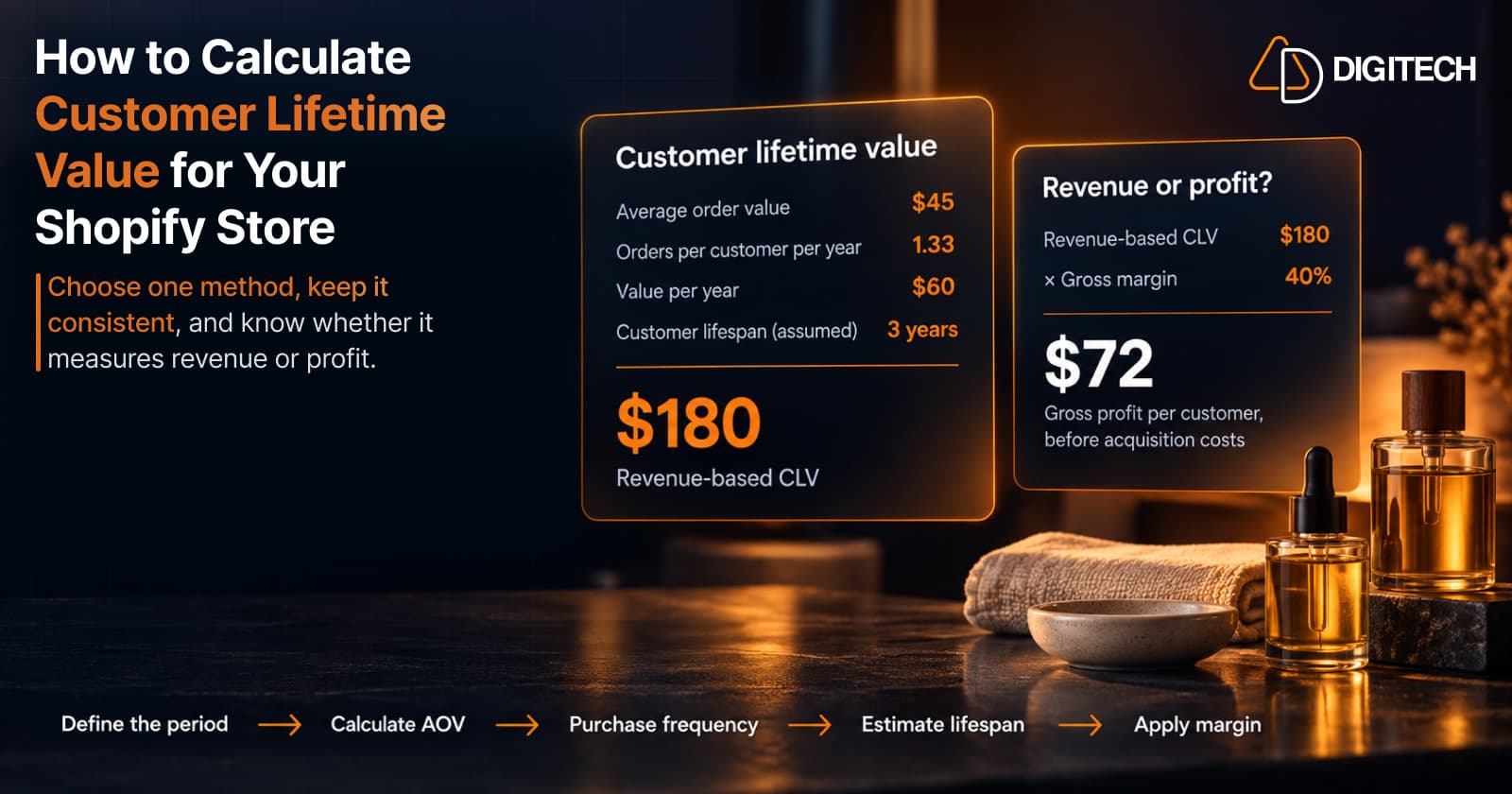
How to Calculate Customer Lifetime Value for Your Shopify Store
Learn how to calculate customer lifetime value for a Shopify store, choose between revenue and profit-based CLV, find the data in Shopify, and avoid common mistakes.
Read article
Shopify Flow Shipping Label Automation: Setup, Rules, and What Merchants Should Test Before BFCM
Shopify Flow can now buy shipping labels automatically for orders that match your rules. Here's how the action works, example workflows, and what to test before BFCM.
Read article