Shopify Markets in 2026: How to Sell Internationally Without Rebuilding Your Store
How to use Shopify Markets to expand into new countries — currencies, pricing, domains, languages, duties, and SEO — without a separate store or a headless rebuild.
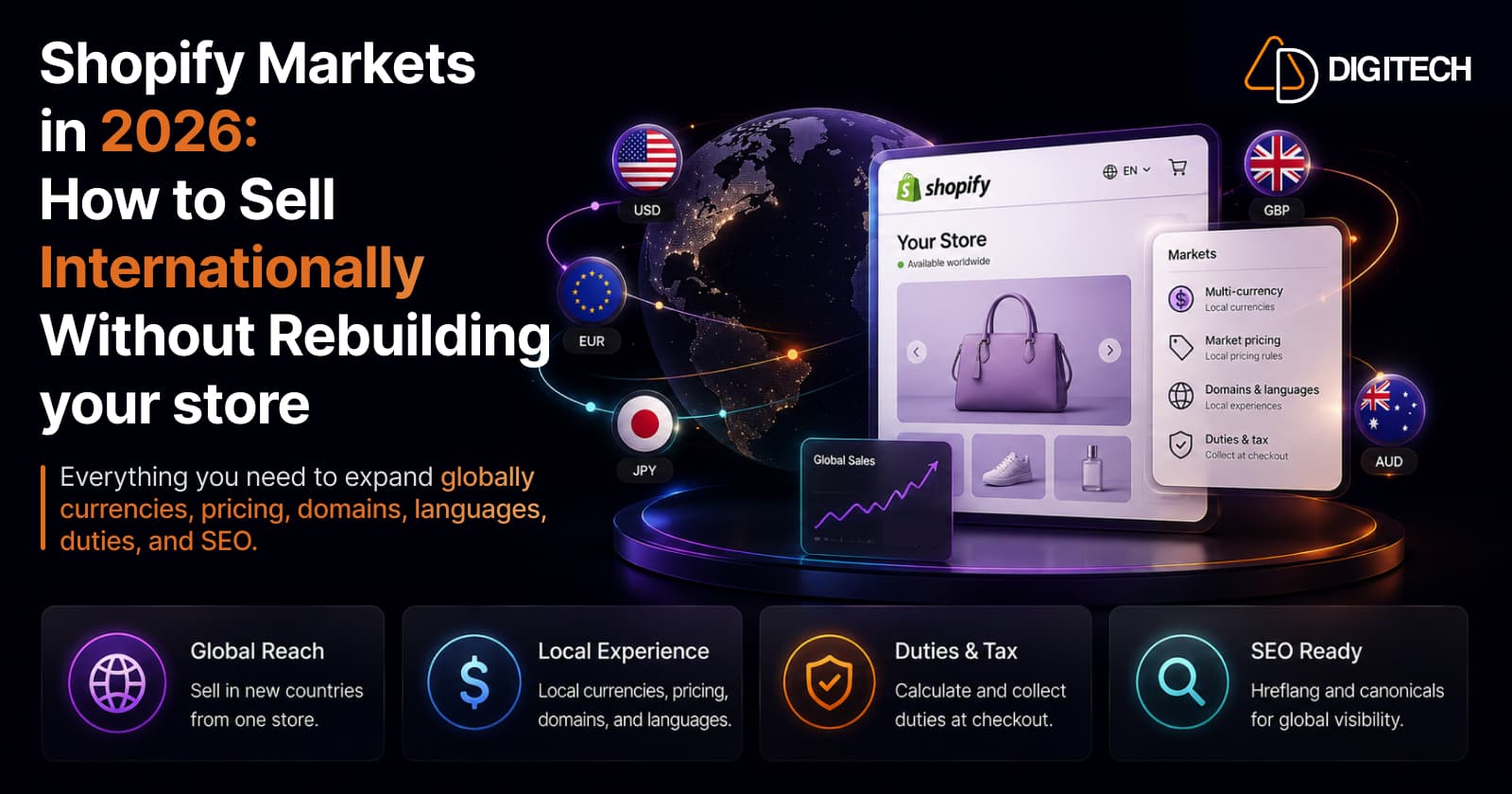
The short version: Shopify Markets lets you sell into new countries from your existing store, with local currencies, per-market pricing, localized domains and languages, and market-specific product availability, without building a separate storefront or going headless. Native tools cover most expansion. Custom development is for when your requirements genuinely outgrow them.
If you run a Shopify store and want to reach customers in the US, UK, EU, Canada, or Australia, the questions pile up fast: currency, pricing, taxes, duties, domains, languages, SEO, checkout, and which products to show where. The good news is that Shopify Markets handles a large share of this natively. The skill is knowing what it covers, what Managed Markets adds, and the narrow set of cases where custom work earns its cost.
What Shopify Markets controls
Markets is the native layer for managing international selling from a single store. At a glance:
| Area | What Markets controls |
|---|---|
| Currency | Local currency per market (requires Shopify Payments) |
| Pricing | Per-market prices, rounding, and percentage adjustments |
| Domains | Top-level domains, subdomains, or auto-created subfolders |
| Languages | Localized storefront content per market |
| Products | Which products are available in each market |
| Localization | Market-specific content, currency, and tax settings |
Many of these are free to use, including subfolders, per-market pricing, and translation management. You are configuring one store to behave differently by region, not cloning it.
Shopify Markets vs Managed Markets
These are often confused, and the difference matters.
Shopify Markets handles the storefront: currency, pricing, domains, languages, and product availability. It is available to all merchants selling internationally.
Managed Markets adds the operations of cross-border commerce. Global-e becomes the merchant of record and handles duties, tax remittance, commercial invoices, local payment methods, and tax registration, so you don't have to register for tax in every country you sell to.
| Shopify Markets | Managed Markets | |
|---|---|---|
| Focus | Storefront localization | Cross-border operations |
| Currency & pricing | Yes | Yes |
| Duties & tax remittance | Calculate/collect at checkout | Handled by Global-e (merchant of record) |
| Tax registration abroad | Your responsibility | Provided by Global-e |
| Availability | All international merchants | US-based, plus certain Canada/UK stores |
Managed Markets is not available to everyone. It requires a store based in the continental US (with certain Canada and UK stores supported, UK in early access), a Basic plan or higher, and the use of Shopify Tax or Basic Tax rather than manual tax settings. If you qualify and cross-border admin is your bottleneck, it removes a lot of work. If you don't, native Markets plus Shopify's duty tools still take you a long way.
International pricing: currency is not enough
Selling abroad is not just converting USD to EUR. Automatic conversion is a starting point, but it rarely reflects what a price should be in a market.
A product that sells for $100 in the US should not necessarily be its exact converted equivalent in Europe. Duties, local taxes, shipping costs, competitor pricing, and rounded price points all argue for a deliberate market price. Markets supports this directly: you can set per-market prices, apply percentage adjustments, and round to clean local price points, so a €99 product looks intentional rather than a $100 conversion with awkward decimals. Protecting margin across currencies is a pricing decision, not an exchange-rate default.
Domains, languages, and localization
You have three ways to structure international URLs:
- Country top-level domain (yourstore.de) — strongest local signal, most overhead.
- Subdomain (de.yourstore.com).
- Subfolder (yourstore.com/de) — Markets creates these automatically and it's the simplest to manage.
Secondary-market subfolders combine language and country, for example /en-eu or /fr-ca. For language itself, Shopify's free Translate & Adapt app (or a compatible third-party app) manages translations, and a country and language selector lets customers switch. Localization is more than translation: currency, formatting, and market-specific content all shape whether the store feels local rather than merely readable.
Product availability by market
International expansion does not mean showing your entire catalog everywhere. Markets lets you choose which products are available in each region, which matters for two reasons.
The first is merchandising: some products only make sense in certain markets. The second is compliance: some items can't be sold, shipped, or advertised in particular regions. Controlling availability per market keeps you compliant and lets you tailor the assortment. It's also a chance to think about market-specific collections rather than a single global structure, which fits how Shopify collections are changing.
Duties, taxes, and import fees
This is where cross-border selling gets real, and where customer experience is won or lost. The core question is what the customer sees and pays.
Shopify can calculate and collect duties and import taxes at checkout on all plans, so buyers aren't ambushed by a courier invoice later. Managed Markets goes further by prepaying and remitting duties through Global-e, which for eligible merchants means fewer surprises and no foreign tax registration. Decide deliberately whether customers see duty-inclusive pricing or duties added at checkout, because unexpected import costs are a leading cause of abandoned international orders.
One recent development for EU sellers: as of July 2026, Managed Markets supports EU buyer cancellation and return requests to meet the EU Right of Withdrawal, applying a 14-day cancellation and return rule managed through Global-e. It applies automatically to eligible EU Managed Markets orders; merchants still procure return labels and must refund within 14 days of a request.
SEO and hreflang
International SEO is where merchants most often assume the platform does everything. It does part of it.
For market subfolders, Shopify automatically outputs hreflang annotations and self-referencing canonical tags that link your localized versions together, which helps search engines serve the right version to the right country and reduces duplicate-content risk. That is genuinely useful, but it is not the whole job. You still need to validate indexation, confirm language and country targeting, check redirects, and keep internal links pointing to the correct market version. Monitor each market in Search Console rather than assuming it resolved itself.
Checkout and customer experience
Expansion isn't finished when the currency symbol changes. A shopper in Berlin expects prices in euros, familiar local payment methods, clear duty and tax visibility, realistic shipping options, and content that reads as local.
Markets and Shopify Payments cover much of this, surfacing local currency and supported local payment methods at checkout. The gaps to check are the human ones: is shipping to that country actually configured and priced sensibly, and does the checkout answer the questions a local buyer would ask before paying?
When native Markets is enough, and when custom development helps
Start native. For most merchants, Shopify Markets covers international expansion without custom work.
Native Markets is usually enough when you have:
- A straightforward catalog and a few priority markets.
- Standard localization and translation needs.
- Per-market pricing that rules and percentage adjustments can express.
- Requirements that existing Markets and Payments features already meet.
Custom development starts to make sense when you have:
- Complex, conditional pricing logic beyond per-market rules.
- Advanced product-availability or entitlement rules.
- Deep ERP, inventory, or tax-engine integrations.
- Bespoke market-specific UX, advanced localization, or a headless storefront.
- Complex international B2B or wholesale workflows.
The rule is simple: use native capabilities first, and add custom development only where a real business requirement exceeds them. If your growth is heading toward enterprise-scale international operations, that is also the point where it's worth weighing whether Shopify Plus pays off.
International expansion checklist
- Define your priority markets
- Set currencies (activate Shopify Payments)
- Review per-market pricing, not just conversion
- Configure domains or subfolders
- Translate key content and add a market/language selector
- Set product availability per market
- Configure duties and import taxes
- Review and price shipping per market
- Validate international SEO (hreflang, canonicals, indexation)
- Test checkout from each priority market
The bottom line
Selling internationally on Shopify does not require rebuilding your store. Shopify Markets handles currencies, pricing, domains, languages, and product availability natively; Managed Markets adds cross-border operations for eligible merchants; and custom development is reserved for the requirements that genuinely exceed the native tools. Start with what Shopify gives you, layer on Managed Markets where it fits, and build custom only where the business case is clear.
Expanding a Shopify store into new markets can involve more than turning on a new country. AD Digitech can help with market architecture, localization, custom storefront requirements, integrations, and international store development. See our Shopify store development work, or talk to us about your expansion.
Frequently asked questions
Can I sell internationally on Shopify without a separate store?
Yes. Shopify Markets lets you add international markets to your existing store, each with its own currency, pricing, domain or subfolder, language, and product availability. Most merchants expand this way, without a separate storefront or a headless rebuild.
What's the difference between Shopify Markets and Managed Markets?
Shopify Markets configures the storefront side: currency, pricing, domains, languages, and product availability. Managed Markets adds cross-border operations, with Global-e acting as merchant of record to handle duties, tax remittance, and compliance. Managed Markets has eligibility limits: it's available to merchants based in the continental US, plus certain stores in Canada and the UK.
Does Shopify handle duties and import taxes?
Partly, depending on setup. Shopify can calculate and collect duties and import taxes at checkout on all plans. Managed Markets goes further, with Global-e handling duty prepayment, tax remittance, and tax registration on your behalf for eligible merchants, so you don't register in each country you sell to.
Does Shopify Markets handle international SEO automatically?
It handles part of it. For market subfolders, Shopify automatically outputs hreflang and self-referencing canonical tags that link your localized versions together. You still need to validate indexation, language targeting, redirects, and internal links yourself. No platform solves international SEO entirely.
Do I need custom development to sell internationally?
Usually not to start. Native Shopify Markets covers standard multi-currency, multi-language, and per-market pricing needs. Custom development makes sense when you have complex pricing logic, advanced availability rules, deep ERP integration, bespoke market UX, or headless requirements.
Building something on Shopify?
We design, build, and maintain Shopify apps, stores, and AI products — to the standard this article describes.
Related reading
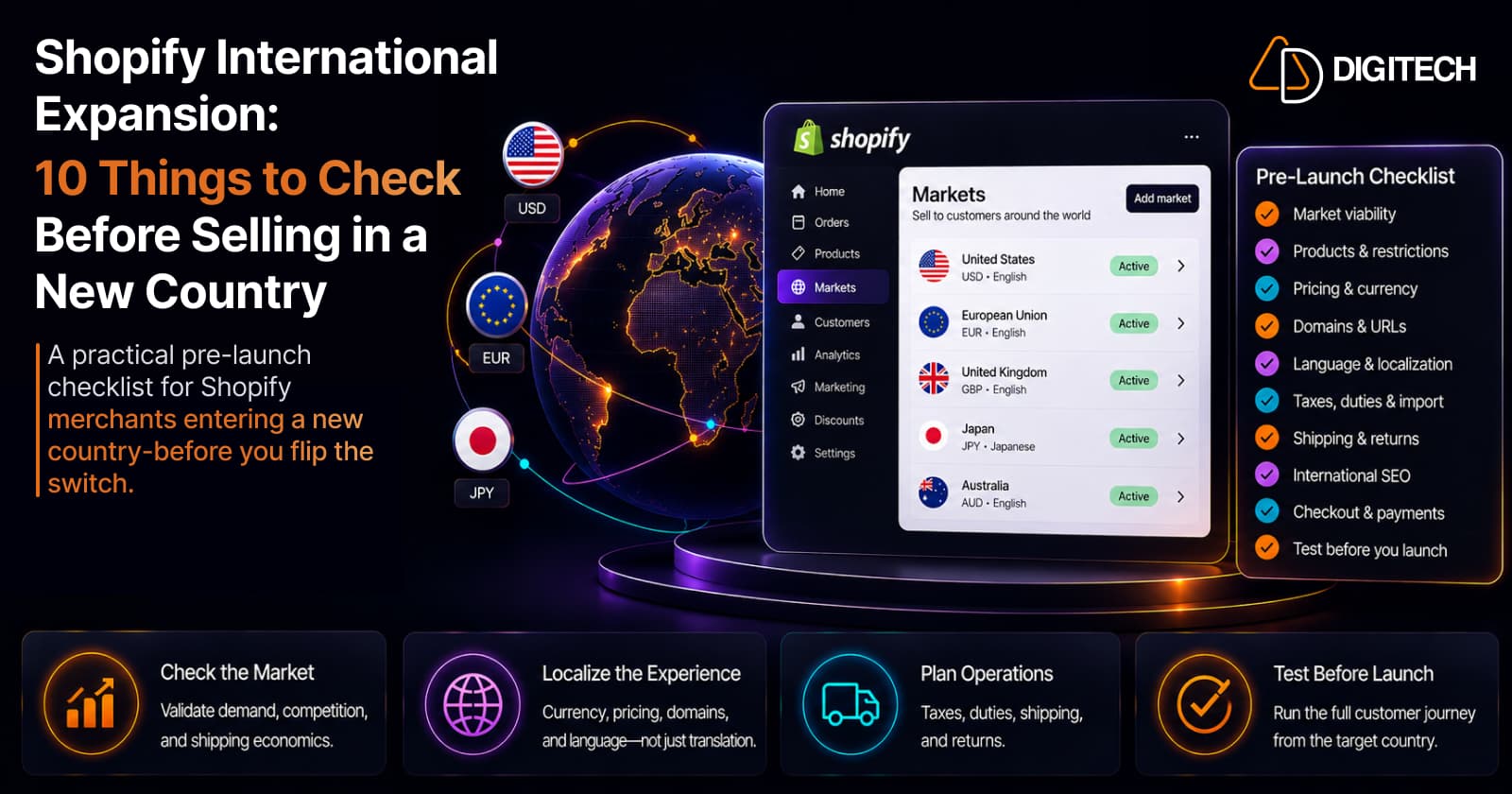
Shopify International Expansion: 10 Things to Check Before Selling in a New Country
A practical pre-launch checklist for Shopify merchants entering a new country: market viability, products, pricing, domains, localization, duties, shipping, SEO, checkout, and testing — before you flip the switch.
Read article
Shopify Translate & Adapt Auto-Sync: How to Keep Translations Current Before BFCM
Translate & Adapt can now update translations weekly with Auto-sync. Here's who can use it, how it differs from Translate now, and how to plan translations before BFCM.
Read article
Shopify Adds Arabic, Urdu, and Hebrew Support: What Merchants Must Check Before Launch
Shopify improved RTL support for Arabic, Urdu and Hebrew in the admin, storefronts and checkout. Here's what's covered, what isn't, and what to test before launch.
Read article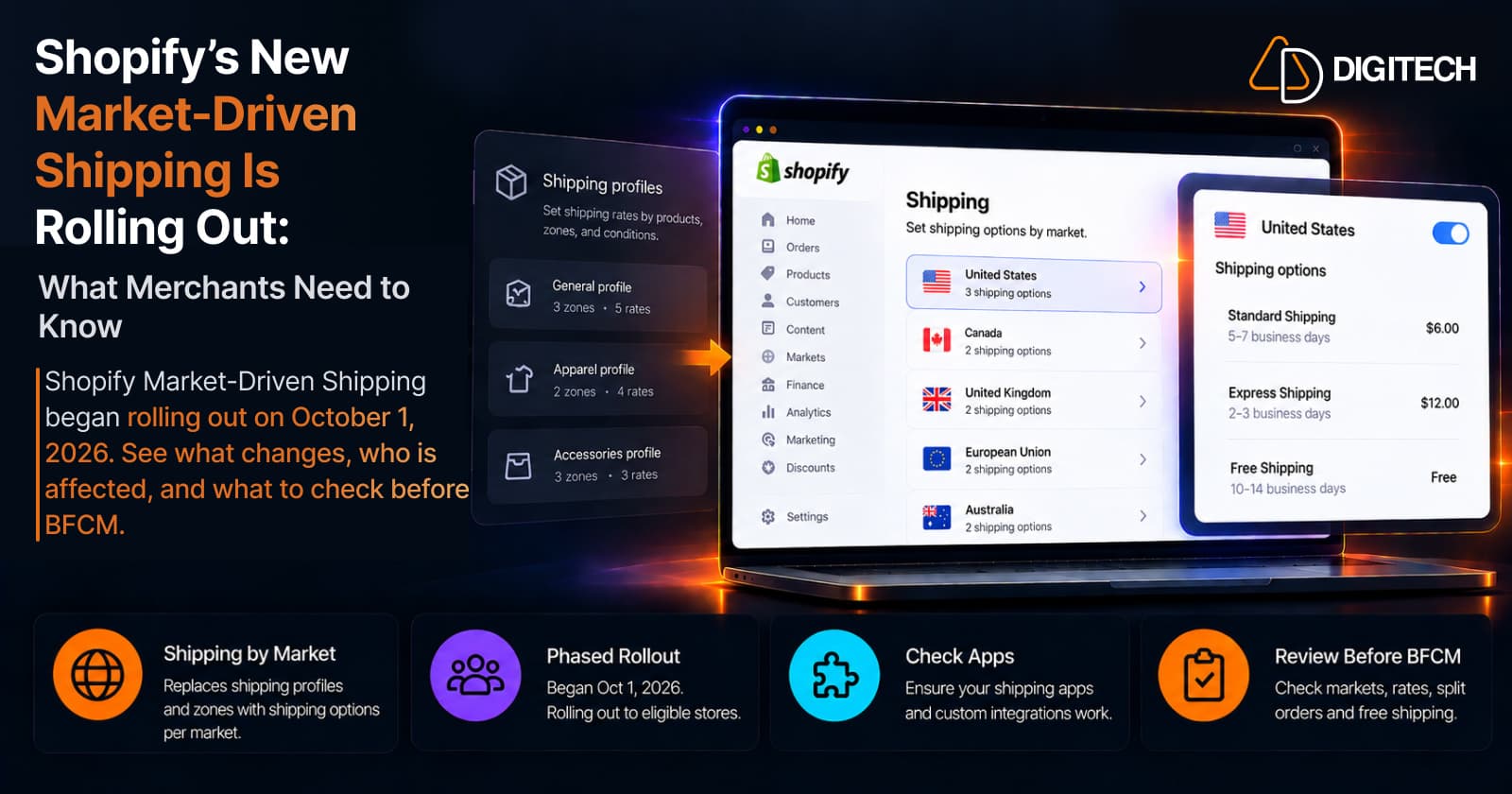
Shopify's New Market-Driven Shipping Is Rolling Out: What Merchants Need to Know
Shopify Market-Driven Shipping began rolling out on October 1, 2026. See what changes, who is affected, and what to check before BFCM.
Read article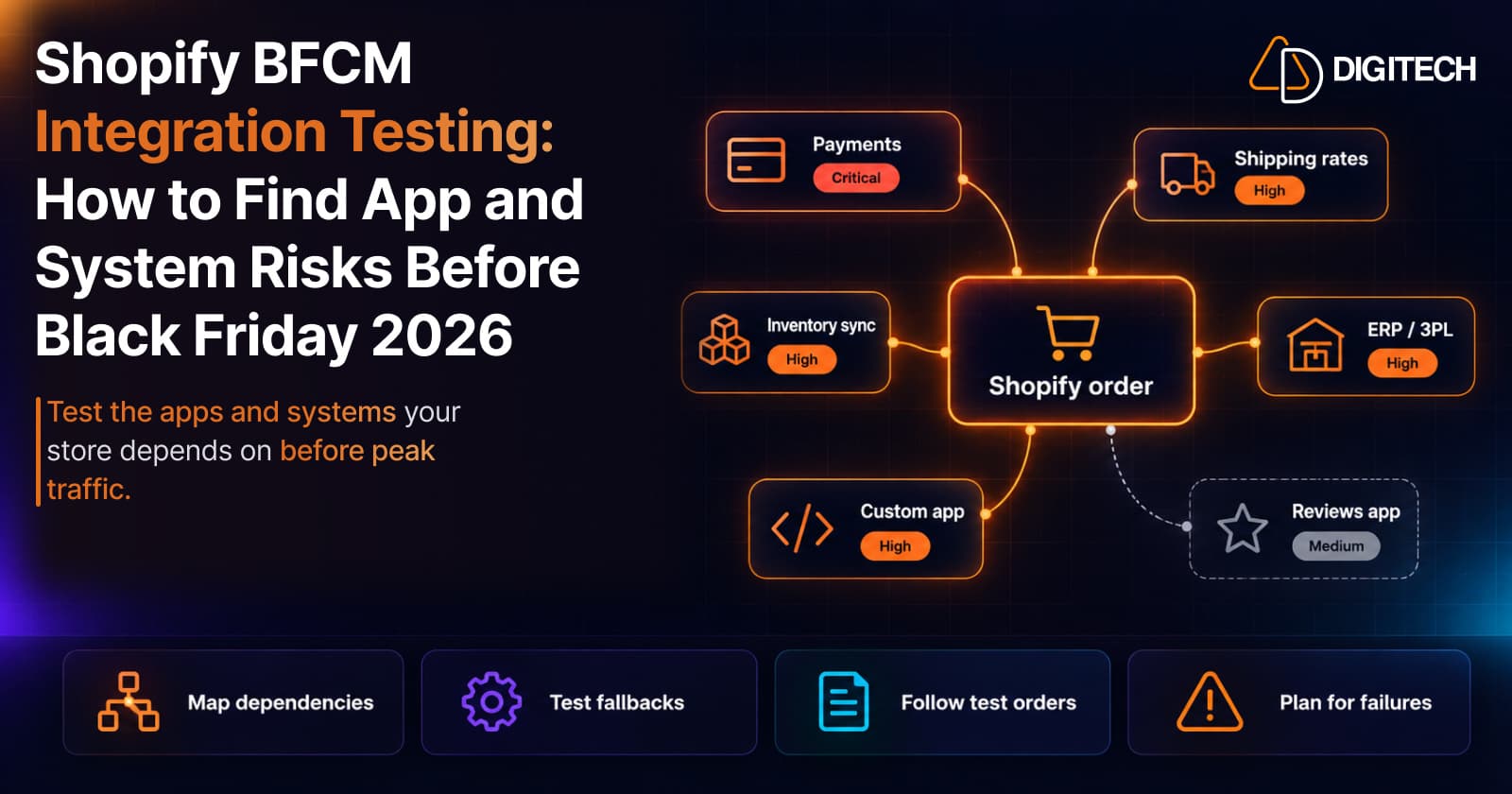
Shopify BFCM Integration Testing: How to Find App and System Risks Before Black Friday 2026
Prepare your Shopify store for BFCM 2026. Test checkout, shipping apps, payments, inventory sync, and custom integrations before Black Friday.
Read article
Shopify Adds Stock Counts in Admin: How Merchants Can Verify Inventory Before Peak Season
Shopify stock counts let staff record what's on the shelf and let a manager approve the differences before inventory changes. Here's how the workflow works in admin and POS.
Read article
Shopify Flow Shipping Label Automation: Setup, Rules, and What Merchants Should Test Before BFCM
Shopify Flow can now buy shipping labels automatically for orders that match your rules. Here's how the action works, example workflows, and what to test before BFCM.
Read article
Shopify Automated Policies: 7 Things Merchants Should Check Before Enabling Them
Shopify can now generate and update your return, shipping, terms of service and contact policies from your store settings. Here's what to check before you turn automation on.
Read article
Shopify Purchase Order Analytics: How to Spot Stock Risks Before BFCM
Shopify Analytics now includes purchase order reports. Here's what each report shows, how to use them to spot stock risks before BFCM, and what they can't tell you.
Read article