Shopify Adds Arabic, Urdu, and Hebrew Support: What Merchants Must Check Before Launch
Shopify improved RTL support for Arabic, Urdu and Hebrew in the admin, storefronts and checkout. Here's what's covered, what isn't, and what to test before launch.

Arabic, Urdu and Hebrew are written right to left. For a store, that affects more than the text: menus, arrows, image galleries, forms and checkout all need to read in the other direction. A translated page laid out left to right looks broken to the customers it was translated for.
On October 2, 2026, Shopify announced improved support for these three languages in both the admin and storefronts. That's useful, but it isn't the same as every store being ready. This guide covers what changed, what it doesn't cover, and what to test before launching an RTL storefront. If you're still deciding whether to sell in these markets at all, start with our international expansion checklist.
What Shopify Actually Announced
Shopify's changelog post of October 2, 2026, titled "Admin now supports 3 new languages", says Shopify has "released improved support for 3 right-to-left languages (Arabic, Urdu, and Hebrew) in both Admin and Storefronts, including checkout, customer accounts and the Horizon family of themes."
It adds three points:
- "Display language is determined based on the user's device settings, if available." The post doesn't say whether this means staff or shoppers.
- "Product pages and other merchant-owned content will continue to be displayed in the languages that you have enabled."
- Translations on product pages can be added with the Translate & Adapt app.
Shopify's Help Center confirms the theme side. Its page on requirements for selling in multiple languages says: "The latest versions of themes in the Horizon family support right-to-left languages, such as Arabic, Hebrew, and Urdu." For other themes, it advises confirming RTL support so the layout displays correctly.
Admin Language vs. Storefront Language: The Important Difference
The headline says "Admin", but the two are separate settings.
The admin language is what you and your staff see. Shopify's account language page lists Arabic, Hebrew and Urdu among the admin languages. You choose it under your profile's Preferred language, and Shopify says it changes "only the language that is displayed to you in your Shopify admin" and "won't affect the language of your online storefront."
The storefront language is what customers see. You add and publish it in Settings > Languages, and you decide which markets use it.
Switching your own admin to Arabic tells you nothing about how your storefront will look in Arabic.
How RTL Layout Affects Product Pages, Navigation, and Customer Journeys
When a page switches to right to left, the whole layout mirrors, not only the text. A few examples of what typically changes (illustrative, not Shopify-specific behavior):
- Navigation: the logo, menu and cart icon swap sides, and drawers open from the other edge.
- Arrows: "next" points left, so slideshow and gallery arrows need to flip.
- Product pages: image galleries, thumbnails and the buy box usually swap sides.
- Mixed text: product names, SKUs, email addresses and brand names often stay in Latin script inside Arabic or Hebrew sentences. Text that mixes both directions can render out of order if the theme doesn't handle it.
- Numbers and prices: digits read left to right even inside RTL text, so check how prices, discounts, sizes and dates sit next to words.
For developers, Shopify's Liquid shop_locale object has a direction property that "Returns rtl for right-to-left locales," and Shopify notes you can use it to set the dir attribute on the html element "so that the page flows correctly for right-to-left languages." That's the starting point for a custom theme, not the whole job. Every component styled with "left" and "right" still has to be checked.
Shopify Themes: What Merchants Should Verify
Shopify's documented position is narrow and clear:
- Horizon family, latest versions: support right-to-left languages.
- Other themes: confirm RTL support with the theme developer.
- Free Shopify themes are compatible with selling in multiple languages. That's a different statement from RTL support, so don't read one as the other.
- Custom themes must use the
routesLiquid object for internal links to work with language URLs.
What to do:
- Check your theme version. "Latest versions" matters. An older Horizon install may need an update first. Our guide to upgrading to Horizon covers that process.
- Ask your theme developer directly if you use a third-party or custom theme: does it set the
dirattribute, and has it been tested in Arabic or Hebrew? - Check your customizations. Sections or CSS added to a theme that supports RTL can still break in RTL if they assume left-to-right layouts.
Translation and Localization: What Translate & Adapt Does and Does Not Cover
Shopify's announcement is explicit that your own content isn't translated for you: product pages and merchant-owned content "will continue to be displayed in the languages that you have enabled."
The Help Center adds that "Adding a language only adds translations in supported languages to supported themes and checkouts," and that a language published without your own translations "displays only the default translations" for the theme and checkout. In practice, on a supported theme, theme and checkout labels can appear in Arabic while your product titles, descriptions, collections and pages stay in your default language until you translate them. As Shopify's translation overview puts it: "When translations don't exist, your store displays content in your default language."
Translate & Adapt is Shopify's app for that. Shopify says it lets you translate your store's content, "such as products, collections, blog posts, policies, and pages." Its automatic translation limits and Auto-sync availability depend on where your store is located, which we cover in our Translate & Adapt Auto-sync guide. Shopify recommends reviewing machine translations before publishing, and notes that legal policies can't be translated automatically, so a professional translator is worth considering for them.
Localization also covers units, sizing, imagery and contact details; our Shopify Markets guide covers the market settings.
Checkout, Customer Accounts, Forms, and Third-Party Apps: Compatibility Checks
The announcement names checkout and customer accounts as covered. The Help Center adds that after you publish a language, "your checkout and email notifications are displayed in the customer's language."
What the documentation doesn't cover, and so what you should test:
- Third-party apps. Shopify says selling in multiple languages "supports only compatible third-party translation apps." Its documentation doesn't say how other apps handle right-to-left layouts, so check with each app's developer. Review widgets, upsell blocks, chat widgets, size guides and pop-ups may not translate or mirror.
- Checkout extensions and app blocks added by apps, which render their own content.
- Email notifications. They're sent in the customer's language, but if you've customized the templates, check that their layout works right to left.
- Forms such as contact, newsletter and back-in-stock forms, including their validation and error messages.
A Practical RTL Pre-Launch Testing Checklist
These are our recommended tests, not Shopify requirements. Run them in each RTL language you publish, on desktop and mobile:
- Direction and alignment: the page sets
dir="rtl", and text aligns to the right. - Mixed text: product names, SKUs, emails and URLs in Latin script display in the right order.
- Numbers, prices, dates and punctuation: prices, discounts, quantities and delivery dates read correctly next to Arabic or Hebrew text.
- Images and galleries: thumbnails, zoom and swipe direction behave as expected.
- Menus, drawers, icons and arrows: the menu and cart drawer open from the right side, and directional icons point the right way.
- Mobile and desktop layouts: nothing overlaps, truncates or scrolls sideways.
- Forms and error states: fields, placeholders and validation messages align and read correctly.
- Checkout and customer accounts: run a test checkout (with a test payment method where available), sign in, and view an order in each language.
- Translation completeness: no English left in products, collections, menus, pages or notifications you meant to translate.
- Apps and theme customizations: every app block and custom section renders correctly.
- SEO and language targeting: the language URL works, and the page source has one set of hreflang tags.
On that last point, Shopify's developer documentation says that if your store uses Shopify Markets, Shopify adds hreflang tags automatically, and warns that adding your own on top "can produce duplicate or conflicting annotations."
Common RTL Implementation Mistakes
- Treating the admin language as storefront readiness. They're separate settings.
- Assuming every theme supports RTL. Shopify documents it for the latest Horizon versions only.
- Publishing a language before translating content, so customers see Arabic buttons around English products.
- Mirroring everything, including logos, product photos or charts that shouldn't flip.
- Forgetting app content, which often doesn't follow the theme's direction.
- Testing only on desktop, when drawers and galleries behave differently on mobile.
- Adding hreflang tags manually on top of Shopify's automatic ones.
Conclusion
Shopify's October 2 update makes Arabic, Urdu and Hebrew a real option: Shopify has improved right-to-left support in the admin, checkout, customer accounts and the Horizon family of themes. Your theme version, customizations, apps and translations still decide whether the storefront works. Check the theme, translate your content, and test the full journey in each language before you publish it.
If your store runs on a custom or third-party theme that needs RTL work, or you'd like a pre-launch review of an Arabic or Hebrew storefront, our Shopify development team can help.
Official Sources
- Shopify Changelog: Admin now supports 3 new languages (October 2, 2026)
- Shopify Help Center: Requirements and considerations for selling in multiple languages
- Shopify Help Center: Choosing your account language and region
- Shopify Help Center: Localization and translation
- Shopify Help Center: Add language translations using the Translate & Adapt app
- Shopify developer docs: shop_locale and hreflang tags
Frequently asked questions
Does Shopify support right-to-left languages?
Yes. On October 2, 2026, Shopify announced improved support for Arabic, Urdu and Hebrew in the admin and in storefronts, including checkout, customer accounts and the Horizon family of themes. Other themes need to be checked with their developer.
Does changing my admin language to Arabic or Hebrew change my storefront?
No. Shopify says changing your admin language changes only what you see in the admin and won't affect the language of your online storefront. Customer-facing languages are added and published separately.
Will my product descriptions appear in Arabic automatically?
No. Shopify says product pages and other merchant-owned content are displayed in the languages you've enabled, using your own translations. You can add them with the Translate & Adapt app or a compatible translation app.
Does my theme support right-to-left layouts?
Shopify says the latest versions of Horizon family themes support right-to-left languages. For any other theme, including third-party and custom themes, confirm RTL support with the developer and test the layout yourself.
Do I need to add hreflang tags for an Arabic or Hebrew version?
Usually not. If your store uses Shopify Markets, Shopify adds hreflang tags to your theme automatically. Check that a theme or app isn't adding a second set.
Building something on Shopify?
We design, build, and maintain Shopify apps, stores, and AI products — to the standard this article describes.
Related reading

Shopify Translate & Adapt Auto-Sync: How to Keep Translations Current Before BFCM
Translate & Adapt can now update translations weekly with Auto-sync. Here's who can use it, how it differs from Translate now, and how to plan translations before BFCM.
Read article
Shopify Flow Shipping Label Automation: Setup, Rules, and What Merchants Should Test Before BFCM
Shopify Flow can now buy shipping labels automatically for orders that match your rules. Here's how the action works, example workflows, and what to test before BFCM.
Read article
Shopify Automated Policies: 7 Things Merchants Should Check Before Enabling Them
Shopify can now generate and update your return, shipping, terms of service and contact policies from your store settings. Here's what to check before you turn automation on.
Read article
Shopify Purchase Order Analytics: How to Spot Stock Risks Before BFCM
Shopify Analytics now includes purchase order reports. Here's what each report shows, how to use them to spot stock risks before BFCM, and what they can't tell you.
Read article
Shopify Rollouts: How Merchants Can Safely Test Store Changes Before BFCM
Learn how Shopify Rollouts let merchants schedule, test, and launch store changes safely before BFCM, including themes, discounts, catalogs, and checkout.
Read article
Shopify Shop Checkout Gets Faster: What Merchants Need to Know
Shopify's October 5, 2026 Shop update brings faster checkout and carts that sync across devices. See how it works, who qualifies and what to check before BFCM.
Read article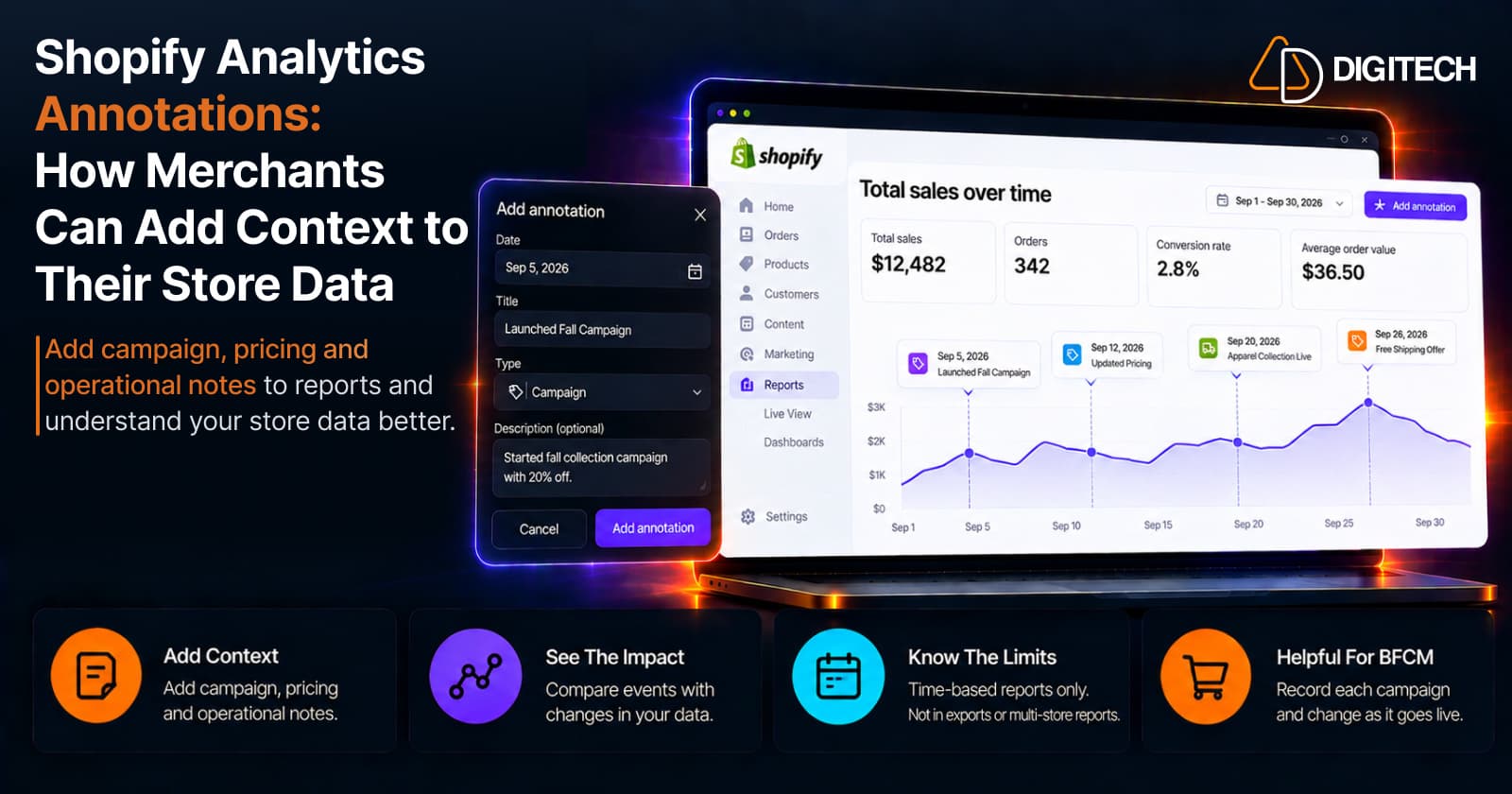
Shopify Analytics Annotations: How Merchants Can Add Context to Their Store Data
Shopify Analytics annotations let merchants add campaign, pricing and operational notes to reports. See how they work, the limits, and how to use them for BFCM.
Read article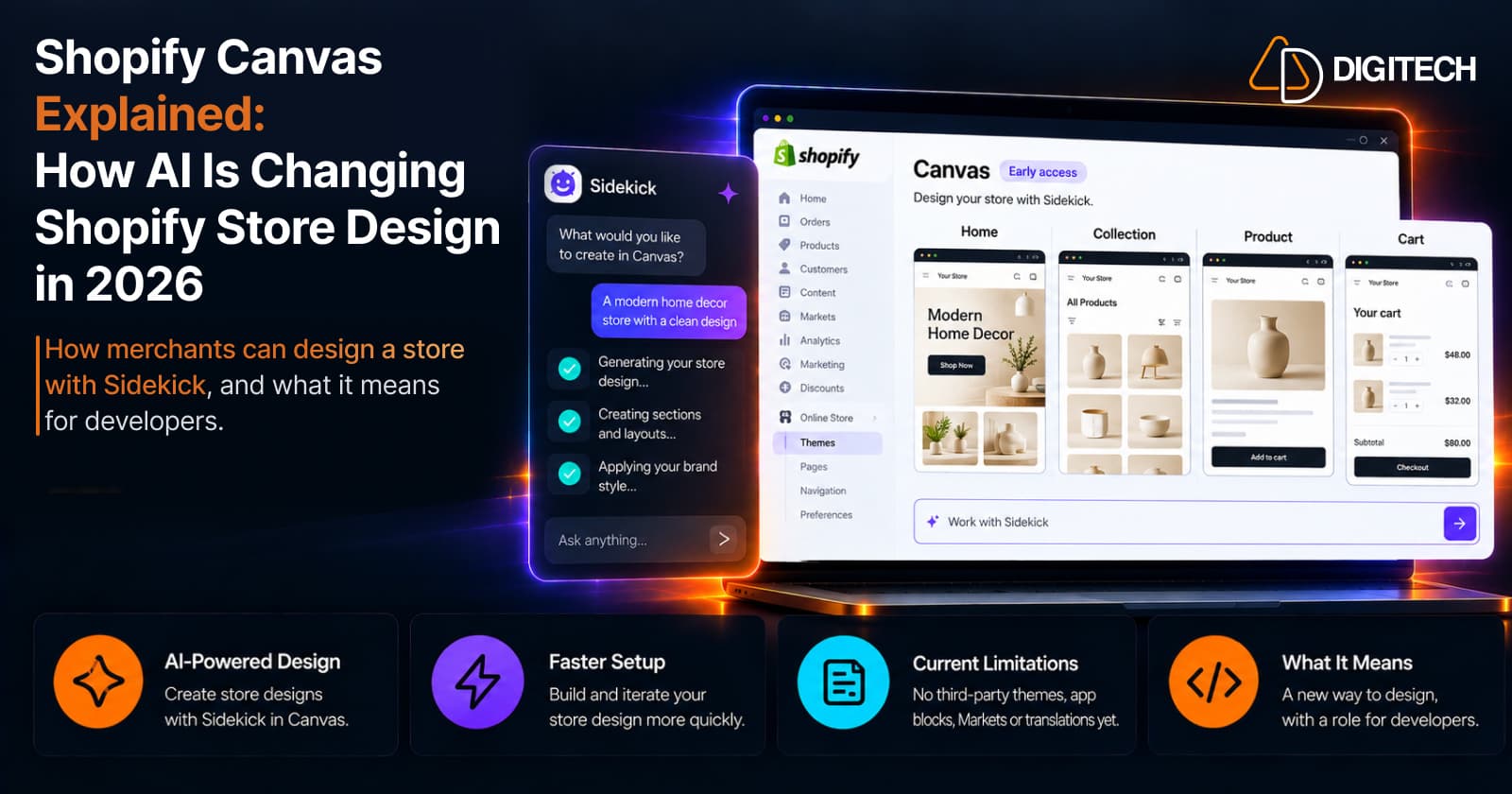
Shopify Canvas Explained: How AI Is Changing Shopify Store Design in 2026
Shopify Canvas, announced October 1, 2026, lets merchants design a store with Sidekick. See how it works, its current limits, and what it means for developers.
Read article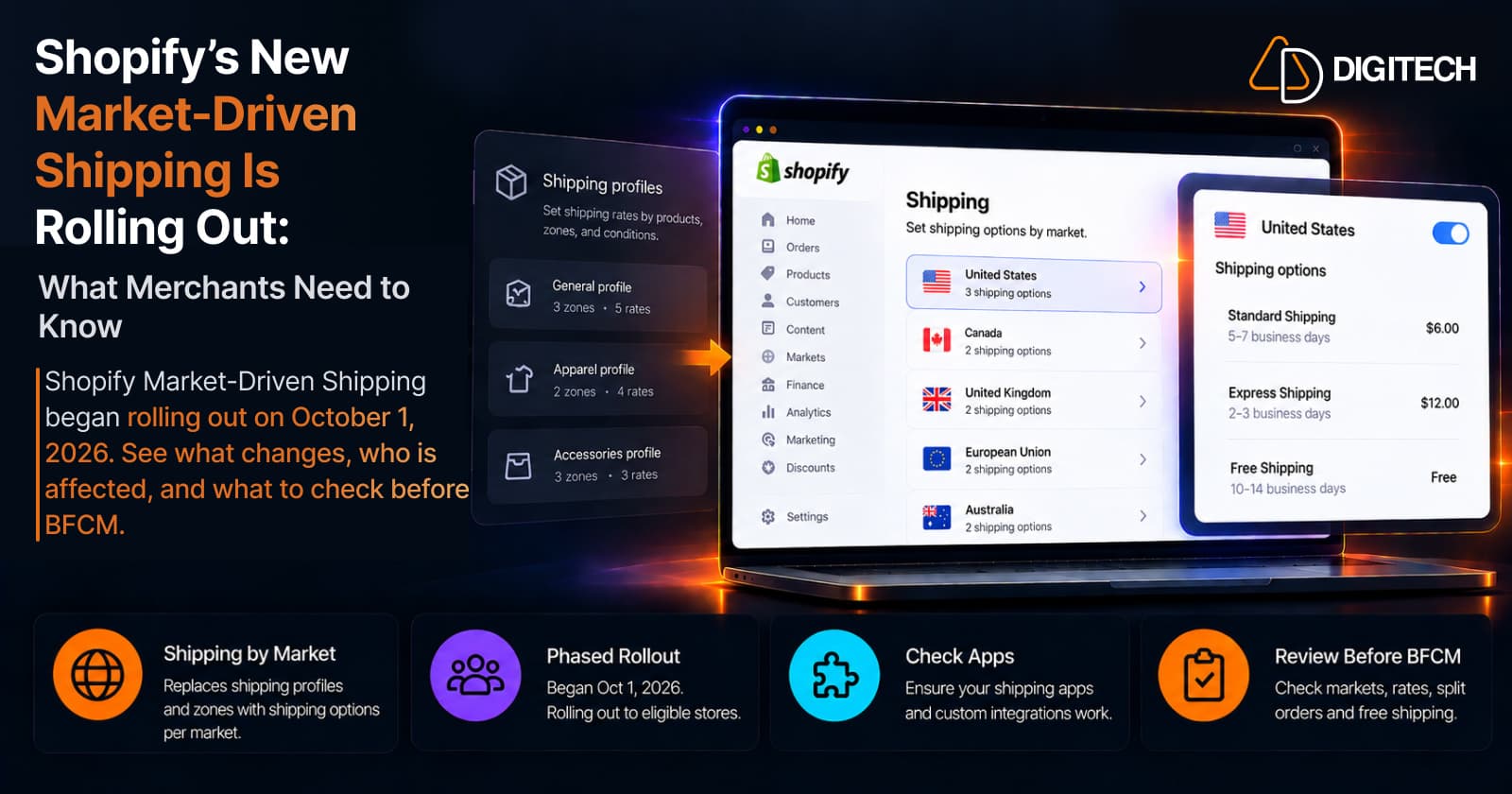
Shopify's New Market-Driven Shipping Is Rolling Out: What Merchants Need to Know
Shopify Market-Driven Shipping began rolling out on October 1, 2026. See what changes, who is affected, and what to check before BFCM.
Read article