Shopify Horizon Theme: Should Merchants Upgrade in 2026?
Horizon is Shopify's new collection of free themes, built with theme blocks — nested blocks, reusable blocks and AI block generation. But is it worth migrating your existing store in 2026? Here's what Horizon does better than Dawn, how to judge performance on your own store, why the move is a rebuild not a swap, and a clear decision framework.

The short answer: Horizon is genuinely the future of Shopify themes — but "should you upgrade?" isn't a yes/no. If you're launching a new store or redesigning from scratch in 2026, build on Horizon. If you run a mature, well-performing store on Dawn and aren't redesigning, there's no urgent reason to migrate yet — the move is a rebuild, and you should test performance on your own store before you switch.
We build and migrate Shopify themes, so here's the honest breakdown.
What Horizon actually is
Horizon is Shopify's new collection of free themes, which Shopify describes as its "new design foundation", built with theme blocks. It's not a reskinned Dawn — it's a different architecture:
- Nested blocks — theme blocks can contain other blocks, for far more layout flexibility.
- Reusable blocks — a theme block is defined once at the theme level and can be used across different sections, unlike section-defined blocks, which belong to one section.
- AI block generation — create new theme blocks from natural-language prompts.
The editing experience improved at the same time. The theme editor itself is Shopify's, and its May 2025 update (block previews in the picker, one-click text editing, right-click shortcuts, copy and paste for blocks and sections) isn't tied to one theme. Where Horizon pulls ahead is that it's built with theme blocks throughout, so the features that depend on them, such as nested blocks and AI-generated theme blocks, have more to work with. If you spend real time in the theme editor, that's where you'll notice the difference.
What's genuinely better
For building and maintaining a store, Horizon is a step up:
- Layout flexibility. Nested theme blocks let you build layouts inside a section that section-defined blocks can't, without custom code.
- Reusable blocks. A theme block you set up once can be added to any section that accepts it, which speeds up building pages with repeated layouts.
- AI blocks. Describe what you want; get a starting block. Still maturing, but a real accelerator for rough-drafting layouts.
- Active development. Horizon gets regular releases (4.3.0 on October 9, 2026). Dawn is still maintained too (16.1.1 on November 2, 2026), so the reason to choose Horizon is its theme-block architecture, not that Dawn has stopped.
The catch #1: test performance on your own store
Shopify doesn't publish a Horizon-versus-Dawn PageSpeed comparison, and a demo store's score says little about a real store with your apps, images and content.
What Shopify has published is narrower. When it began streaming Liquid storefronts in September 2026, both themes saw a similar cut in time to first byte, and Horizon turned it into roughly three times Dawn's first-paint gain, because it loads its critical CSS and fonts early. That's one measurement of how the page starts loading, not an overall speed score.
Two practical points:
- Your build matters more than the base theme. A bloated Dawn store with heavy apps and unoptimized images will lose to a carefully built Horizon store, and the reverse is just as true.
- Test before you switch. Measure your key pages (home, a collection, a product) on mobile before and after the move, and keep watching real-user data in Shopify's web performance reports afterward. Mobile performance feeds both conversions and AI/SEO discovery.
The catch #2: migrating is a rebuild, not a swap
There is no automatic translation between Dawn's section model and Horizon's nested-block model. If you switch themes, your homepage resets to Horizon defaults and you rebuild your templates. That's not a five-minute theme swap — it's a design-and-build project with real time and budget attached.
This is the single biggest reason not to migrate a working store on a whim. If your Dawn store is converting well, "upgrading" the theme means rebuilding it — with all the QA and regression risk that implies.
The decision framework
| Go Horizon if… | Stay on Dawn (for now) if… |
|---|---|
| You're launching a new store in 2026 | You have a mature, conversion-optimized store and aren't redesigning |
| You're redesigning from scratch anyway | You haven't tested performance on your own templates yet |
| You spend hours/week in the editor and want AI blocks and nested layouts | You have limited time/budget and the current store works |
| You want to build on the architecture Shopify is investing in | You'd be migrating purely for novelty, not need |
Rule of thumb: new build or full redesign → Horizon. Working store you're not redesigning → not yet.
The honest recommendation for existing stores
For most established Dawn stores, the answer is still not yet — unless you're due a redesign. Horizon is already on its 4.x releases (4.3.0 at the time of writing), so it's less a question of waiting for it to mature and more one of timing: when you next redesign, do it on Horizon, and test performance on your own templates first.
The exceptions are clear: if you're starting a new store, begin on Horizon. If you're already committed to a redesign, build the new version on Horizon rather than pouring effort into the older foundation. In both cases you're moving with Shopify's direction instead of against it.
If you do upgrade, treat it as a project
When you do move, don't switch the live theme and hope:
- Build on an unpublished/dev theme first — rebuild templates, migrate content, and QA thoroughly before anything goes live.
- Benchmark performance before and after — measure your real mobile and desktop scores, not the demo theme's, and optimize images, apps, and code.
- Roll out gradually. On the Basic plan or higher, Shopify Rollouts can replace your main theme on a schedule or for a share of your traffic. To A/B test the new theme against your current one, you need an Experiment, which requires the Grow plan or higher. Rollouts don't work with vintage themes. It's a safer path for a big change like this. (See native A/B testing vs. apps.)
- Re-validate conversions, don't just eyeball the design — a prettier store that converts worse is a loss. (If you're unsure where your conversion leaks are, start with why stores lose sales despite growing traffic.)
We help Shopify brands make this call and execute it — from deciding whether Horizon is right for you, to rebuilding and migrating without tanking performance or conversions. See our Shopify store development work, or talk to us about a Horizon migration or a new build.
Frequently asked questions
What is the Shopify Horizon theme?
Horizon is Shopify's new collection of free themes, which Shopify describes as its 'new design foundation', built with theme blocks. Theme blocks can be nested inside other blocks and reused across sections, and you can generate new theme blocks with AI from a text prompt. Horizon launched in May 2025 alongside a round of theme editor improvements (block previews, one-click text editing, right-click shortcuts, copy and paste) that apply to the editor as a whole, not only to Horizon. It's the direction Shopify is taking theme architecture beyond Dawn.
Is Horizon better than Dawn in 2026?
For layout flexibility, yes: nested and reusable theme blocks and AI-generated blocks give you more to build with, though many of the newer theme editor features work in other themes too. For performance, Shopify doesn't publish a Horizon-versus-Dawn score, so don't rely on demo-store numbers: test your own key pages on mobile before deciding. When Shopify started streaming Liquid storefronts in September 2026, both themes saw a similar cut in time to first byte, and Horizon turned it into a larger first-paint gain.
Should I migrate my existing store from Dawn to Horizon?
For most well-performing Dawn stores, not urgently. There's no automatic translation between Dawn's section model and Horizon's nested-block model — switching resets your homepage to Horizon defaults and you rebuild your templates. The sensible time to move is when you're redesigning anyway, after you've tested Horizon against your current store's key pages.
Should a new Shopify store use Horizon?
Yes. If you're launching a new store or redesigning from scratch in 2026, start on Horizon. You get nested and reusable theme blocks and AI block generation, and you're building on the architecture Shopify is actively investing in — rather than starting new work on the older Dawn foundation.
Is migrating from Dawn to Horizon automatic?
No. Dawn's section model and Horizon's nested-block model aren't interchangeable, so there's no one-click conversion. Moving is effectively a rebuild of your templates on the new theme — which is why it should be planned as a project, not treated as a quick theme swap.
Will Horizon hurt my Core Web Vitals or SEO?
It doesn't have to. Mobile performance affects both conversion rate and AI/SEO discovery, but there's no published Horizon-versus-Dawn benchmark to rely on. But your build quality — apps, image sizes, custom code — matters more than the base theme. A carefully built Horizon store can perform well; a bloated Dawn store won't. Test real performance before and after, don't assume the base theme's demo score is your score.
Building something on Shopify?
We design, build, and maintain Shopify apps, stores, and AI products — to the standard this article describes.
Related reading
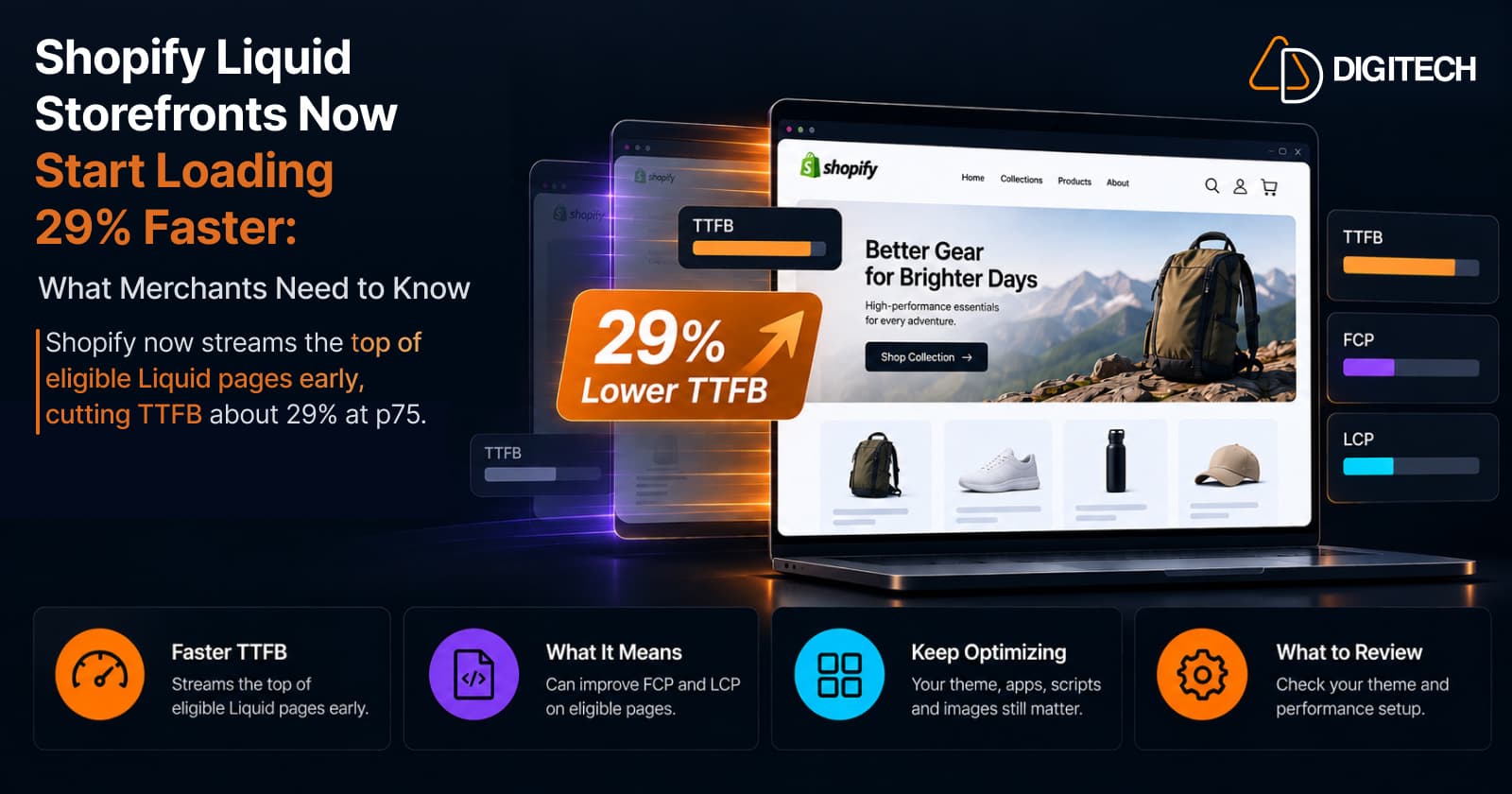
Shopify Liquid Storefronts Now Start Loading 29% Faster: What Merchants Need to Know
Shopify now streams the top of eligible Liquid pages early, cutting TTFB about 29% at p75. What it means for FCP, LCP, your theme, and what still needs fixing.
Read article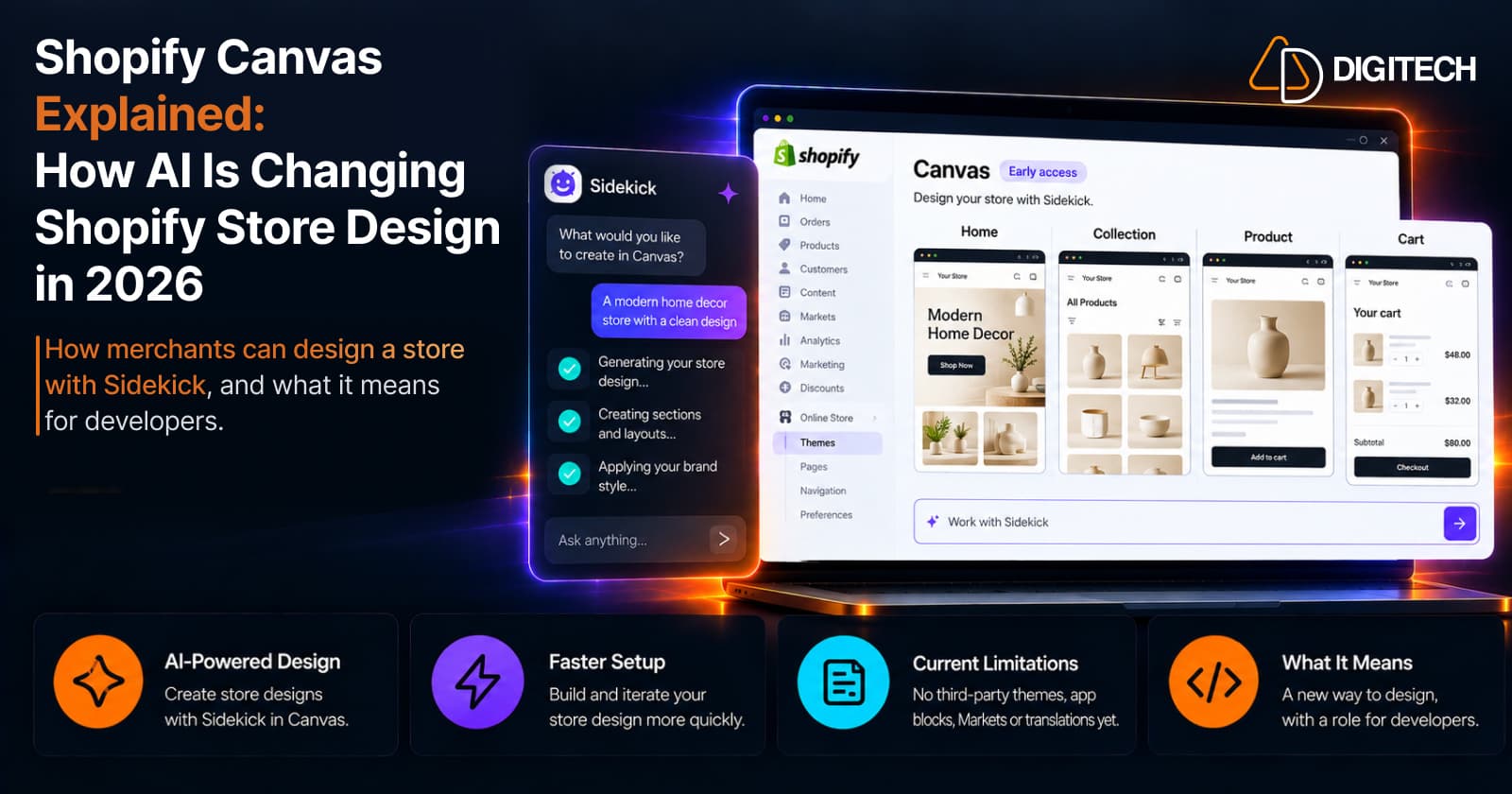
Shopify Canvas Explained: How AI Is Changing Shopify Store Design in 2026
Shopify Canvas, announced October 1, 2026, lets merchants design a store with Sidekick. See how it works, its current limits, and what it means for developers.
Read article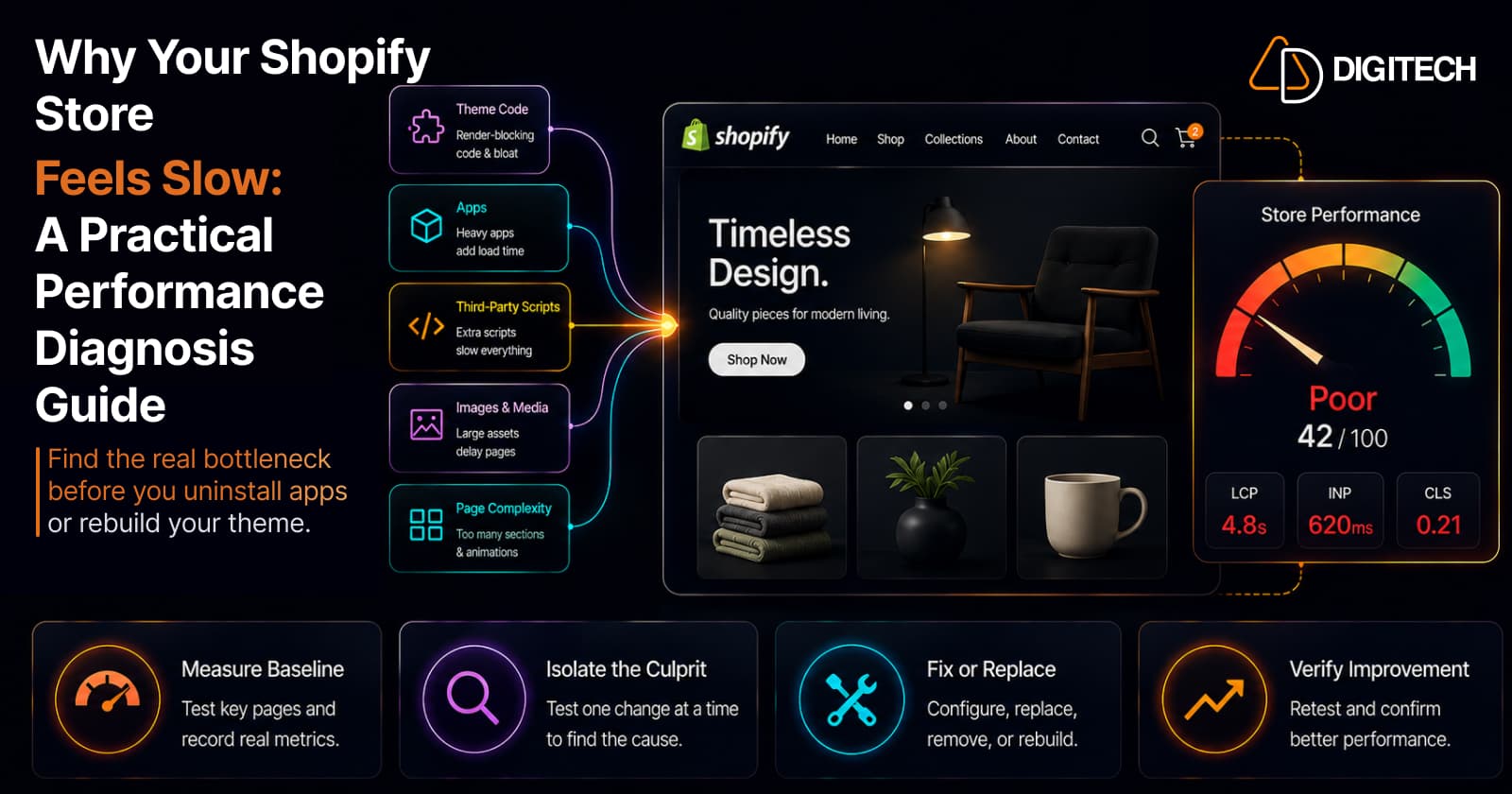
Why Your Shopify Store Feels Slow: A Practical Performance Diagnosis Guide
Your Shopify store feels slow — but what's actually causing it? A merchant-first diagnosis guide to find the real bottleneck before you uninstall apps or rebuild your theme.
Read article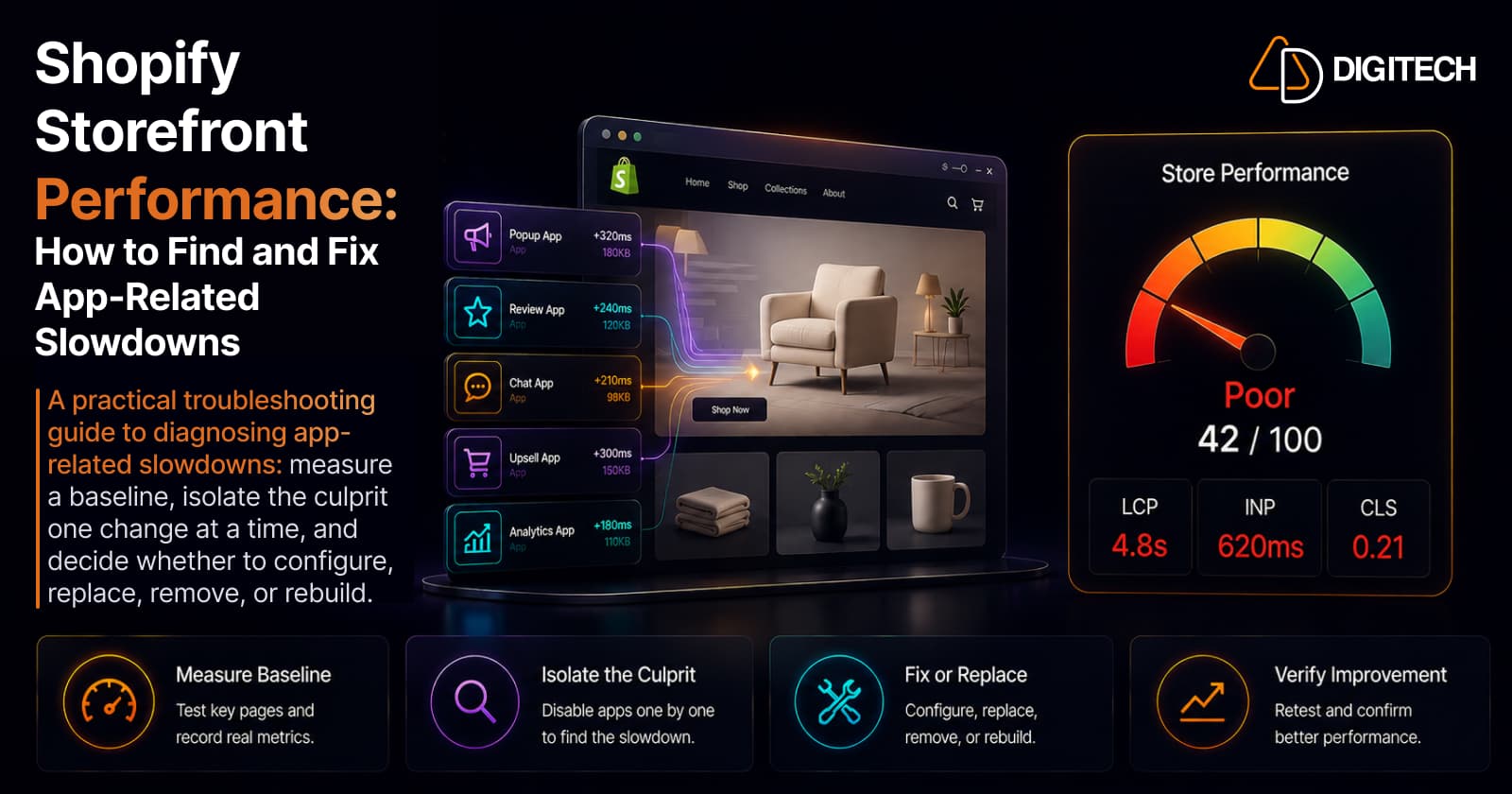
Shopify Storefront Performance: How to Find and Fix App-Related Slowdowns
A practical troubleshooting guide to diagnosing app-related Shopify slowdowns: measure a baseline, isolate the culprit one change at a time, and decide whether to configure, replace, remove, or rebuild.
Read article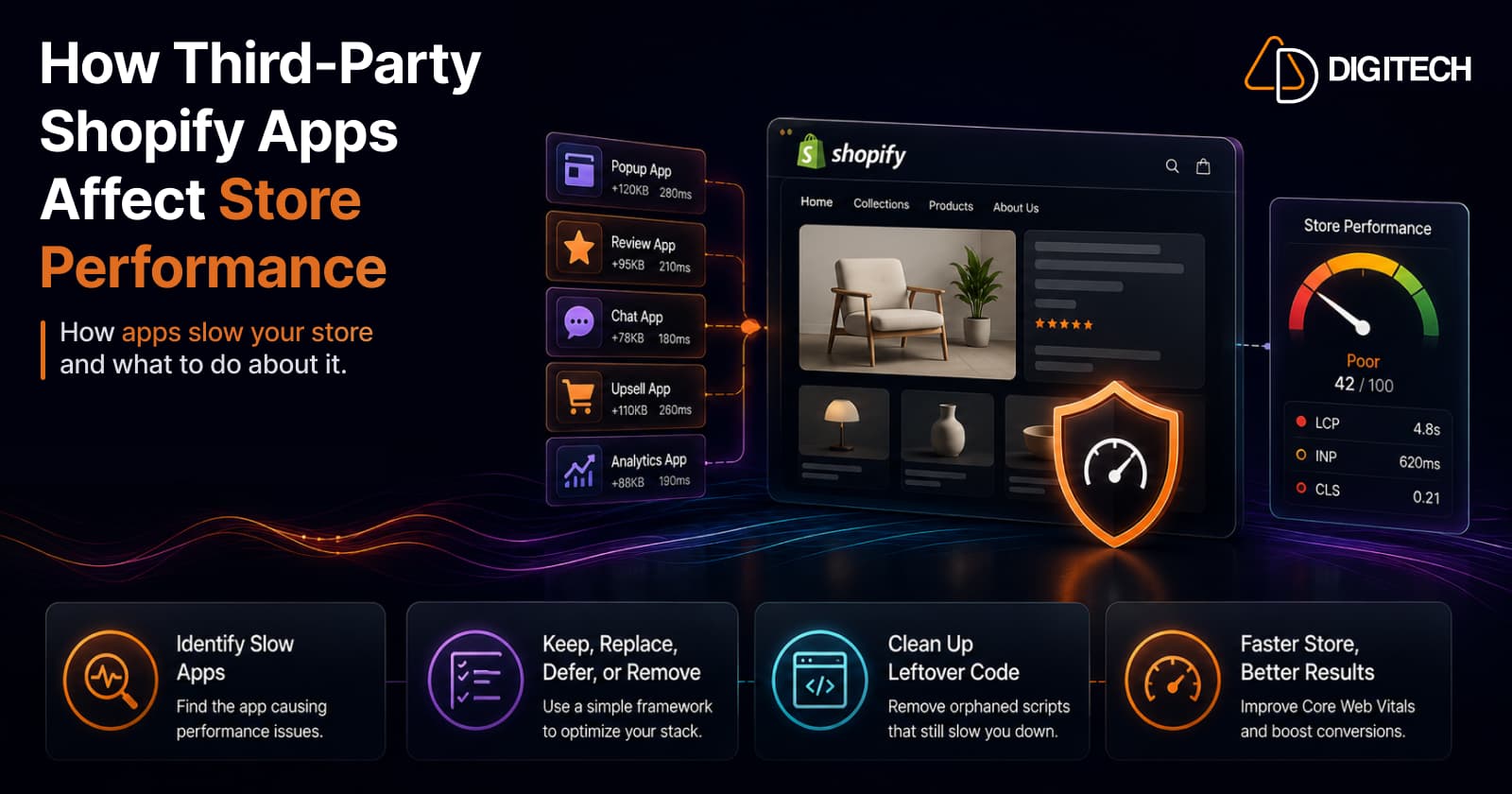
How Third-Party Shopify Apps Affect Store Performance (And What to Do About It)
Third-party apps are a common cause of slow Shopify stores — but the answer isn't zero apps, it's a lean, intentional stack. Here's exactly how apps hurt performance, the difference between the ones that matter and the ones that don't, how to find which app is slowing you down, and a keep/replace/defer/remove framework to fix it without losing function.
Read article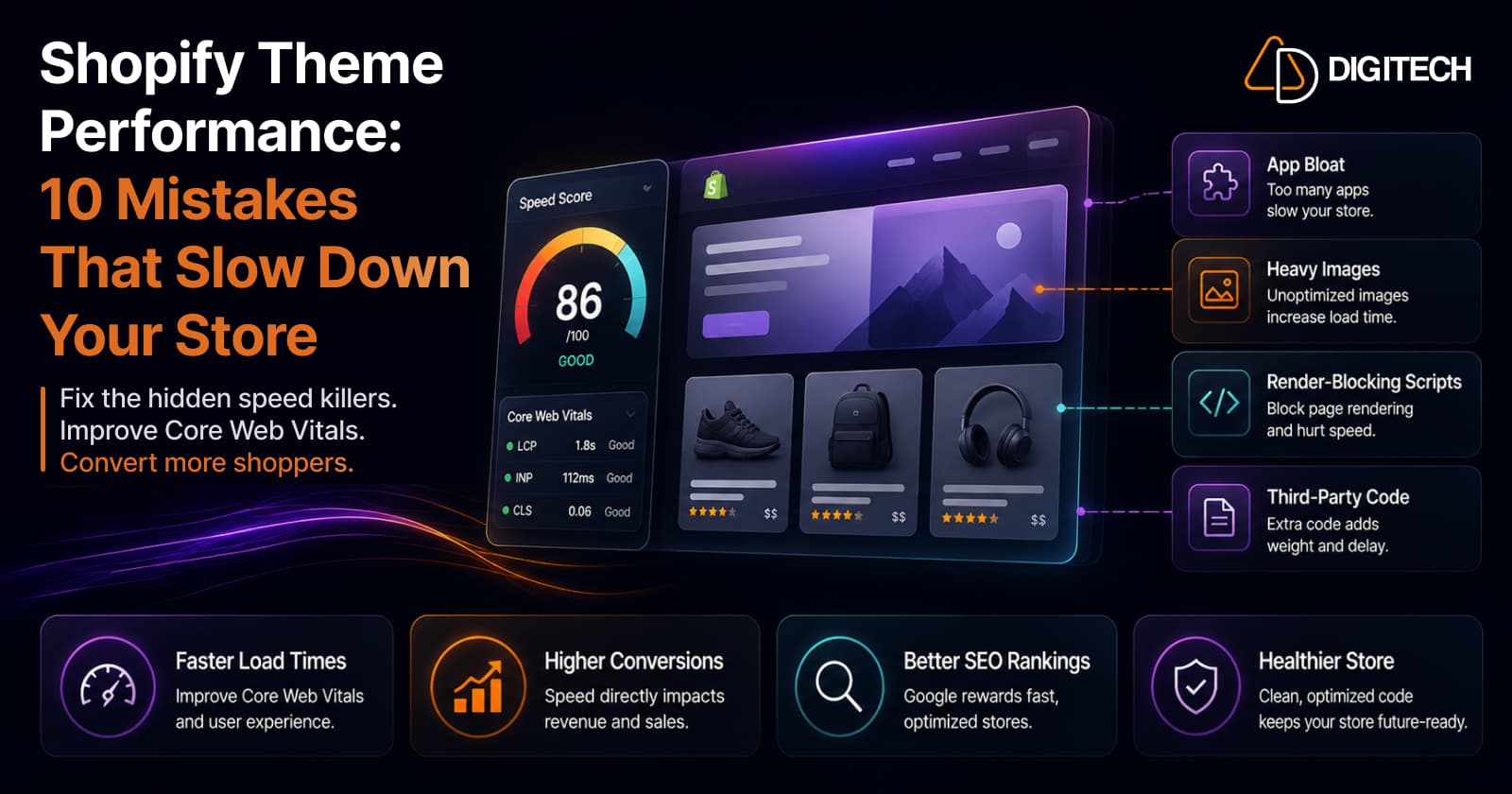
Shopify Theme Performance: 10 Mistakes That Slow Down Your Store
Three of these (app bloat, heavy images, render-blocking scripts) are the first places to look. Here are the 10 theme-performance mistakes we check for on every audit, why each one matters, and the honest fix: it's almost always subtraction, not another app.
Read article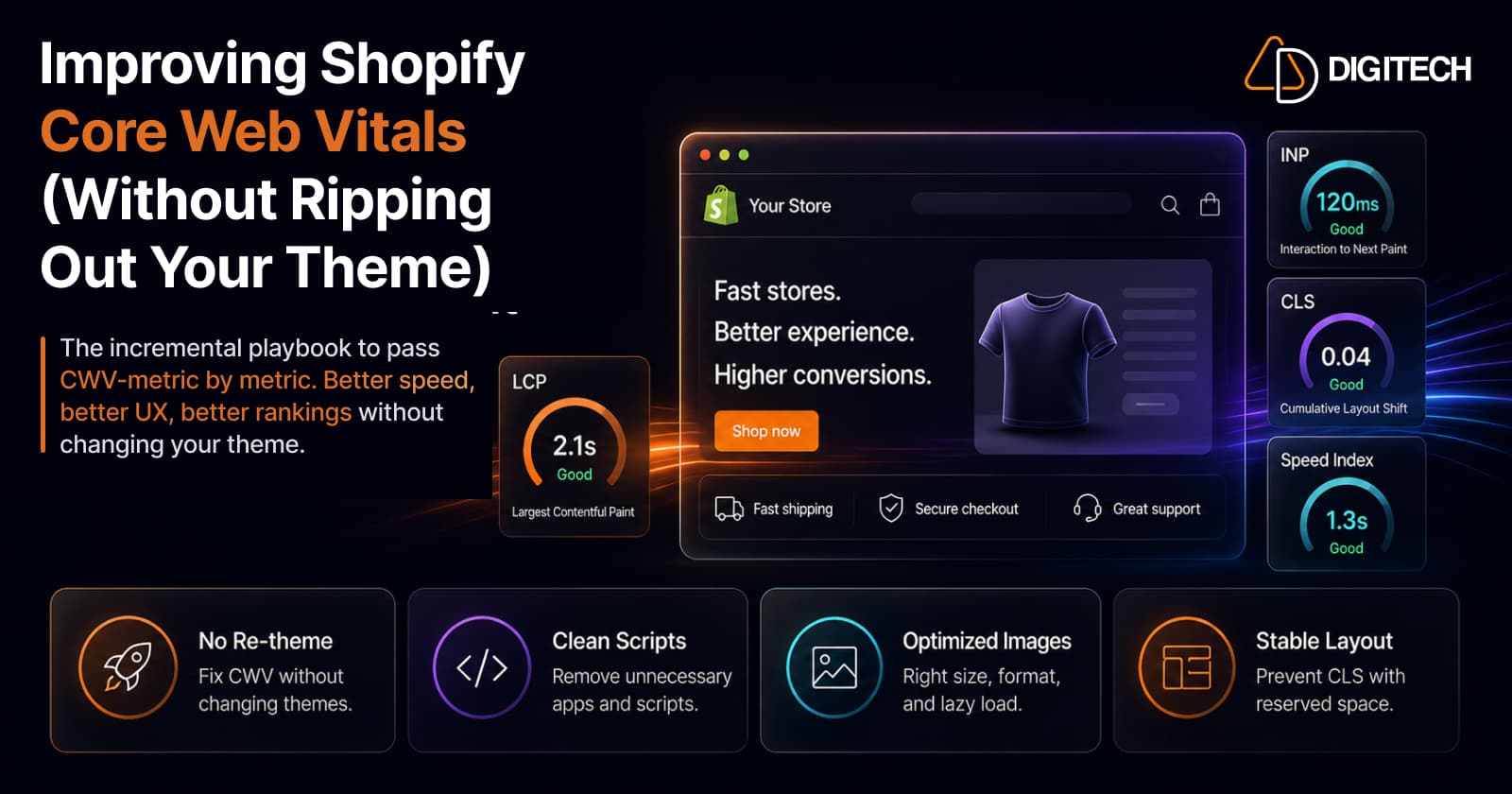
Improving Shopify Core Web Vitals (Without Ripping Out Your Theme)
You almost never need a re-theme to pass Core Web Vitals. Shopify runs the hosting and CDN, but your theme's Liquid still affects server response time, and stores usually fail because of what gets piled on top: apps, scripts, heavy Liquid, oversized images, and layout shift. All fixable in place. Here's the incremental playbook, metric by metric, plus how Shopify's real-user reports and Google's field data fit together.
Read article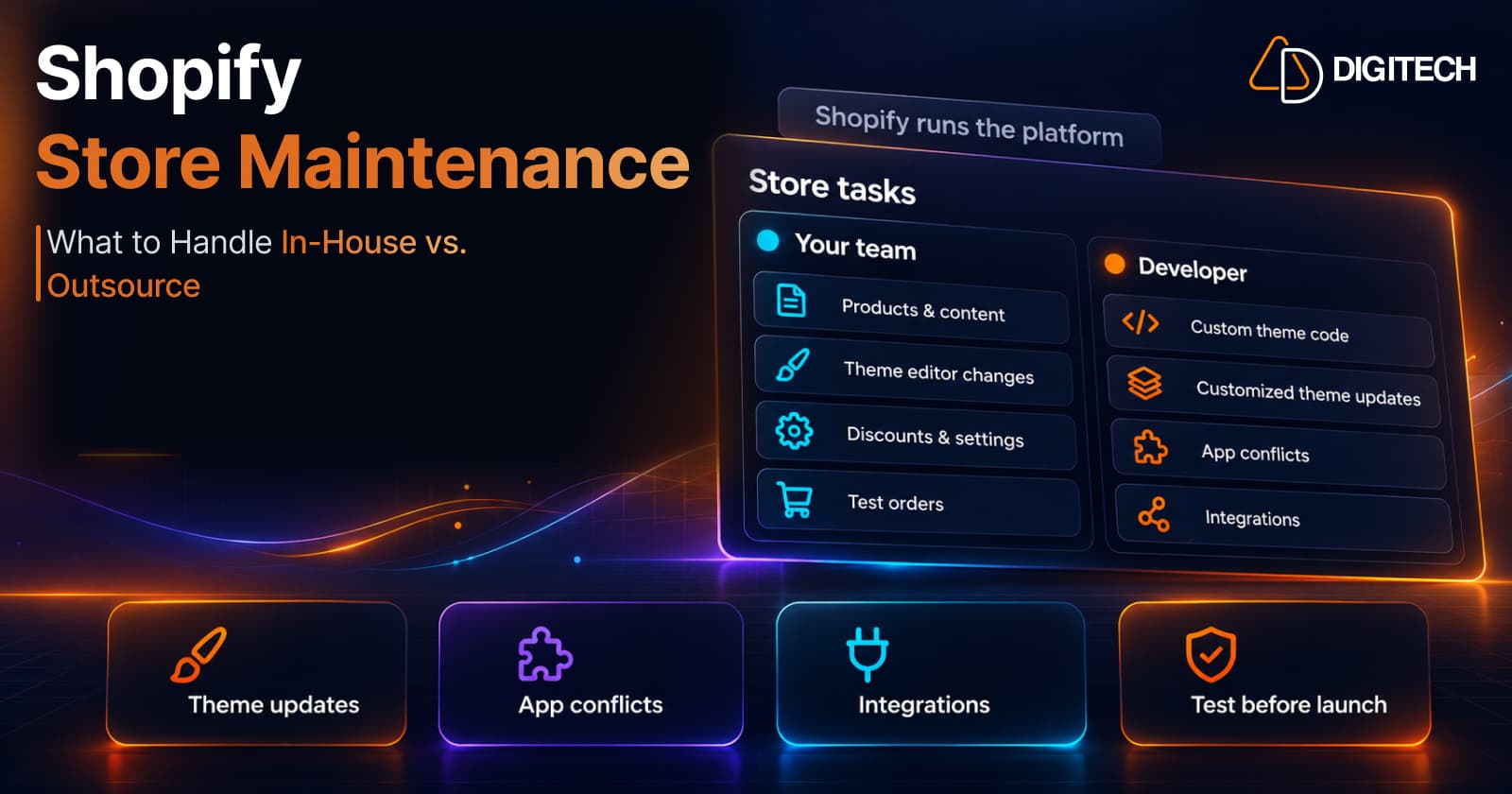
Shopify Store Maintenance: What to Handle In-House vs. Outsource
Shopify runs the platform; your theme, apps and integrations are yours to maintain. What to handle in-house, when to hire a developer and what support covers.
Read article
Shopify Rollouts: How Merchants Can Safely Test Store Changes Before BFCM
Learn how Shopify Rollouts let merchants schedule, test, and launch store changes safely before BFCM, including themes, discounts, catalogs, and checkout.
Read article