Shopify Store Migration SEO: How to Protect Organic Traffic After a Platform Migration
How to protect organic traffic when migrating to Shopify: SEO baseline, URL mapping, 301 redirects, metadata, canonicals, sitemap, and Search Console — before, during, and after launch.
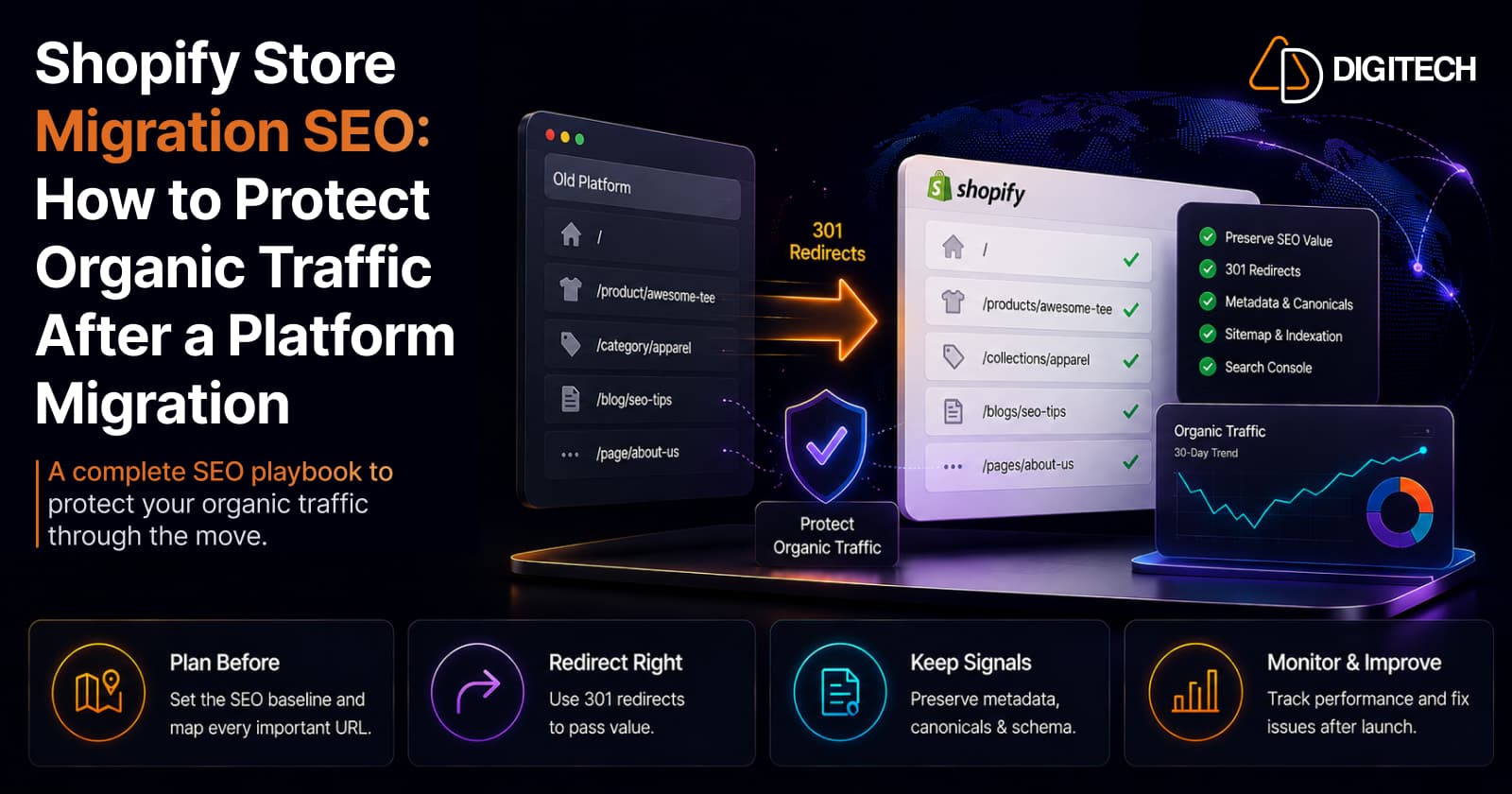
The short version: a platform migration can move your products, orders, and design perfectly and still damage your SEO, because search engines read URLs, content, internal links, canonical signals, and indexation, not your admin. The good news is that most SEO loss in a migration is avoidable with planning. This is the SEO half of the job: what to do before, during, and after launch to protect organic traffic.
This article assumes you already understand the broader move; for the full process, see migrating from WooCommerce to Shopify. Here we focus only on protecting organic search.
Why migrations put organic traffic at risk
A migration changes many of the exact things search engines rely on: URLs, page content, navigation, collection structure, metadata, internal links, canonical tags, and which pages are indexable. Each change is a signal search engines have to re-learn.
To be clear, Shopify itself doesn't cause the problem. The risk comes from the changes a migration introduces and from incorrect implementation, most often a missing or broken redirect map. Get the implementation right and the risk drops sharply.
Set an SEO baseline before you migrate
You cannot tell whether a migration hurt your SEO if you never recorded where you started. Before anything moves, capture a baseline:
- Organic traffic and organic conversions
- Top organic landing pages and highest-value URLs
- Product and collection pages that rank and convert
- Pages with valuable backlinks
- Your indexed pages
- Search Console performance (clicks, impressions, top queries)
Export and save this. After launch it becomes your reference point for what recovered, what didn't, and where to look first if something drops.
Build a URL mapping document
This is the backbone of a safe migration. Shopify's URL structure differs from most platforms, so almost every URL changes and each valuable one needs a defined destination.
A URL map is simply: old URL → new Shopify URL → redirect. For example:
- Old:
/product/blue-running-shoes/ - New:
/products/blue-running-shoes - Action: 301 redirect old to new
Map every URL that has value: products, collections, key content, and any page with traffic or backlinks. Don't manufacture redirects for URLs with no useful equivalent, pointing dead or thin pages somewhere just to have a rule adds noise. The map is the single document your whole SEO migration depends on.
301 redirects: the core task
A 301 is a permanent redirect that tells search engines a URL has moved for good. It's the mechanism that carries your accumulated signals to the new address. Google states plainly that 301 (and other permanent) redirects don't cause a loss in PageRank — but that is not the same as "rankings stay identical." Google also notes that any significant site change brings ranking fluctuations while it recrawls and reindexes, which can take a few weeks for a medium site and longer for a large one.
Practical rules, from Google's own guidance:
- Move all URLs at once, not section by section. It helps Google detect the move and update its index faster.
- Redirect straight to the final URL. Avoid chains; keep any unavoidable chain short (fewer than five hops, ideally under three).
- Use Shopify's native redirects. They support bulk CSV import (Content → URL redirects), which is how you handle hundreds or thousands at once.
- Submit a sitemap to speed discovery of the new URLs.
Test redirects before and after launch. A quick per-redirect check:
- Old URL exists in the map
- New URL exists and loads
- The redirect returns a 301 (not 302 or 404)
- It points directly to the final URL
- No redirect chain
- No redirect loop
Preserve metadata and on-page SEO
Carry over the on-page elements search engines read: title tags, meta descriptions, H1s, product and collection descriptions, image alt text, and structured data where you use it. Shopify lets you edit titles and meta descriptions per product, collection, and page.
Migration is a fair moment to improve genuinely weak metadata, but resist rewriting everything at once. Too many simultaneous changes make it impossible to tell whether a later traffic shift came from the platform move or the content edits. Migrate cleanly first; treat major content changes as a separate, measurable phase.
Don't break internal links and architecture
A URL can be redirected perfectly and still lose visibility if nothing links to it any more. Internal links tell search engines which pages matter and how they relate, so audit them as carefully as your redirects: main navigation, collections, product pages, breadcrumbs, blog links, and your key landing pages.
This is also where migration meets merchandising, your collection structure and navigation shape both discovery and SEO, so rebuild them deliberately (see collection page optimization) rather than approximating the old site from memory.
Canonicals, sitemap, indexation, and Search Console
Shopify automates several signals, but you must verify them:
- Canonicals. Shopify adds self-referencing canonical tags automatically. Confirm nothing in the theme points them at the wrong URLs.
- Sitemap. Shopify generates and auto-updates
sitemap.xml. Check it's reachable and contains the URLs you expect. - Indexation. Confirm important pages are actually indexable and not accidentally set to
noindex. - Robots.txt. Shopify auto-generates it (editable via
robots.txt.liquid). Verify you aren't unintentionally blocking important content.
After launch, in Google Search Console: verify the property, submit or confirm the sitemap, and monitor indexing, 404s, and performance against your baseline. If you're also moving to a new domain, use the Change of Address tool, which forwards signals and tells Google to prefer the new site for about 180 days. Don't expect Search Console to reflect everything immediately; recrawling takes time.
What to monitor after launch
Watch different things over different windows:
- First 24–48 hours: site accessibility, redirects firing, broken pages, indexability, sitemap, analytics, and a working checkout. The "is it on fire" checks.
- First 7 days: 404 patterns, organic traffic, Search Console coverage, your important URLs, rankings, and conversion rate.
- First 30 days: organic traffic and ranking trends, indexed-page counts, any lost landing pages, new errors, and organic revenue.
Expect movement, and judge the trend, not any single day. Don't assume traffic returns to the exact previous level on a fixed timeline.
If organic traffic drops, diagnose in order
A dip in the first weeks is often normal recrawling, not a disaster. If it's sharp or sustained, work through technical causes before concluding anything about rankings:
- Is the site accessible and rendering?
- Are redirects firing correctly (301, direct)?
- Are there spikes in 404 errors?
- Are important pages indexable?
- Do canonicals point to the right URLs?
- Is the sitemap correct and submitted?
- Did important content or metadata change?
- Are internal links intact?
- Compare old vs new top landing pages, what's missing?
- What does Search Console actually show?
Most "the migration killed our SEO" cases trace back to a technical issue in that list, not a penalty. A slow, steady drop with rising traffic elsewhere is a different problem, sometimes a conversion issue rather than a visibility one (see why stores lose sales despite traffic).
Common migration SEO mistakes
- Launching with no redirect map
- Redirecting every old URL to the homepage instead of its true equivalent
- Creating redirect chains or loops
- Forgetting high-value or backlinked old URLs
- Losing title tags and meta descriptions in the move
- Removing content that was ranking
- Breaking internal links and navigation
- Accidentally blocking indexation (
noindexor robots.txt) - Changing too many SEO variables at once
- Never opening Search Console after launch
Shopify migration SEO checklist
- Export top organic landing pages and record high-value URLs
- Audit currently indexed pages
- Save a Search Console performance baseline
- Build a complete URL mapping document
- Configure and bulk-import 301 redirects
- Preserve important titles, meta descriptions, and alt text
- Verify canonical URLs point to intended pages
- Review internal links, navigation, and breadcrumbs
- Confirm the sitemap is reachable and complete
- Verify important pages are indexable
- Verify the Search Console property and submit the sitemap
- Monitor organic traffic, 404s, and rankings after launch
When to bring in a migration and SEO partner
Plenty of small stores migrate safely on their own. Professional help earns its cost as the SEO and technical footprint grows: a large catalog, thousands of indexed URLs, significant organic traffic, complex URL structures, multiple markets or integrations, Shopify Plus requirements, or a business that depends heavily on organic search. It's not that a big catalog requires an agency; it's that the more you have to lose, the more a structured, tested migration plan is worth. Getting good Core Web Vitals in the rebuild is part of that technical foundation.
The bottom line
A successful Shopify migration isn't just moving products and launching a storefront. Protecting organic traffic is its own discipline: plan, map, redirect, validate, monitor. Done carefully, it reduces avoidable SEO losses and gives you a cleaner technical foundation than the site you left, without pretending rankings won't move at all while search engines catch up.
Planning a Shopify migration and concerned about SEO? AD Digitech can help map the migration, rebuild the storefront, implement redirects, preserve important SEO signals, and validate the store before and after launch. See our Shopify store development work, or talk to us about your migration.
Frequently asked questions
Will I lose SEO rankings when migrating to Shopify?
Not necessarily, but there's real risk and no one can honestly promise zero loss. A properly planned migration, with a complete 301 redirect map, preserved metadata, and correct canonicals and sitemap, reduces avoidable losses. Rankings and traffic can still fluctuate for a period, because search engines need to recrawl and reprocess the new URLs before things settle.
What is the most important SEO task in a Shopify migration?
A complete, accurate 301 redirect map from every valuable old URL to its new Shopify equivalent. Shopify uses fixed URL patterns such as /products/ and /collections/, so your URLs change, and 301s are how you tell search engines the move is permanent. Google states that 301 redirects don't cause a loss in PageRank, but that doesn't guarantee rankings stay identical while the site is reprocessed.
How long does organic traffic take to recover after a migration?
It varies. Search engines need time to recrawl and reindex, so some fluctuation in the first weeks is normal, and larger sites take longer than smaller ones. Focus on the 30-day trend rather than any single day. If traffic drops sharply, investigate technical issues (redirects, indexation, 404s) before assuming a ranking problem.
Does Shopify handle migration SEO automatically?
Partly. Shopify auto-generates a sitemap and robots.txt, adds self-referencing canonical tags, and supports 301 redirects with bulk CSV import. But it does not build your redirect map, preserve your metadata, or fix your internal links. Those are your responsibility, and they're where most migration SEO risk actually lives.
Should I redesign content and SEO at the same time as migrating?
Be cautious. Migration is a reasonable moment to fix genuinely weak metadata, but changing many SEO variables at once makes it hard to diagnose what caused any traffic change. Migrate structure and redirects cleanly first, then make larger content changes as a deliberate, separate phase where you can measure the effect.
Building something on Shopify?
We design, build, and maintain Shopify apps, stores, and AI products — to the standard this article describes.
Related reading

Shopify Adds Arabic, Urdu, and Hebrew Support: What Merchants Must Check Before Launch
Shopify improved RTL support for Arabic, Urdu and Hebrew in the admin, storefronts and checkout. Here's what's covered, what isn't, and what to test before launch.
Read article
Shopify Translate & Adapt Auto-Sync: How to Keep Translations Current Before BFCM
Translate & Adapt can now update translations weekly with Auto-sync. Here's who can use it, how it differs from Translate now, and how to plan translations before BFCM.
Read article
Shopify Flow Shipping Label Automation: Setup, Rules, and What Merchants Should Test Before BFCM
Shopify Flow can now buy shipping labels automatically for orders that match your rules. Here's how the action works, example workflows, and what to test before BFCM.
Read article
Shopify Automated Policies: 7 Things Merchants Should Check Before Enabling Them
Shopify can now generate and update your return, shipping, terms of service and contact policies from your store settings. Here's what to check before you turn automation on.
Read article
Shopify Purchase Order Analytics: How to Spot Stock Risks Before BFCM
Shopify Analytics now includes purchase order reports. Here's what each report shows, how to use them to spot stock risks before BFCM, and what they can't tell you.
Read article
Shopify Rollouts: How Merchants Can Safely Test Store Changes Before BFCM
Learn how Shopify Rollouts let merchants schedule, test, and launch store changes safely before BFCM, including themes, discounts, catalogs, and checkout.
Read article
Shopify Shop Checkout Gets Faster: What Merchants Need to Know
Shopify's October 5, 2026 Shop update brings faster checkout and carts that sync across devices. See how it works, who qualifies and what to check before BFCM.
Read article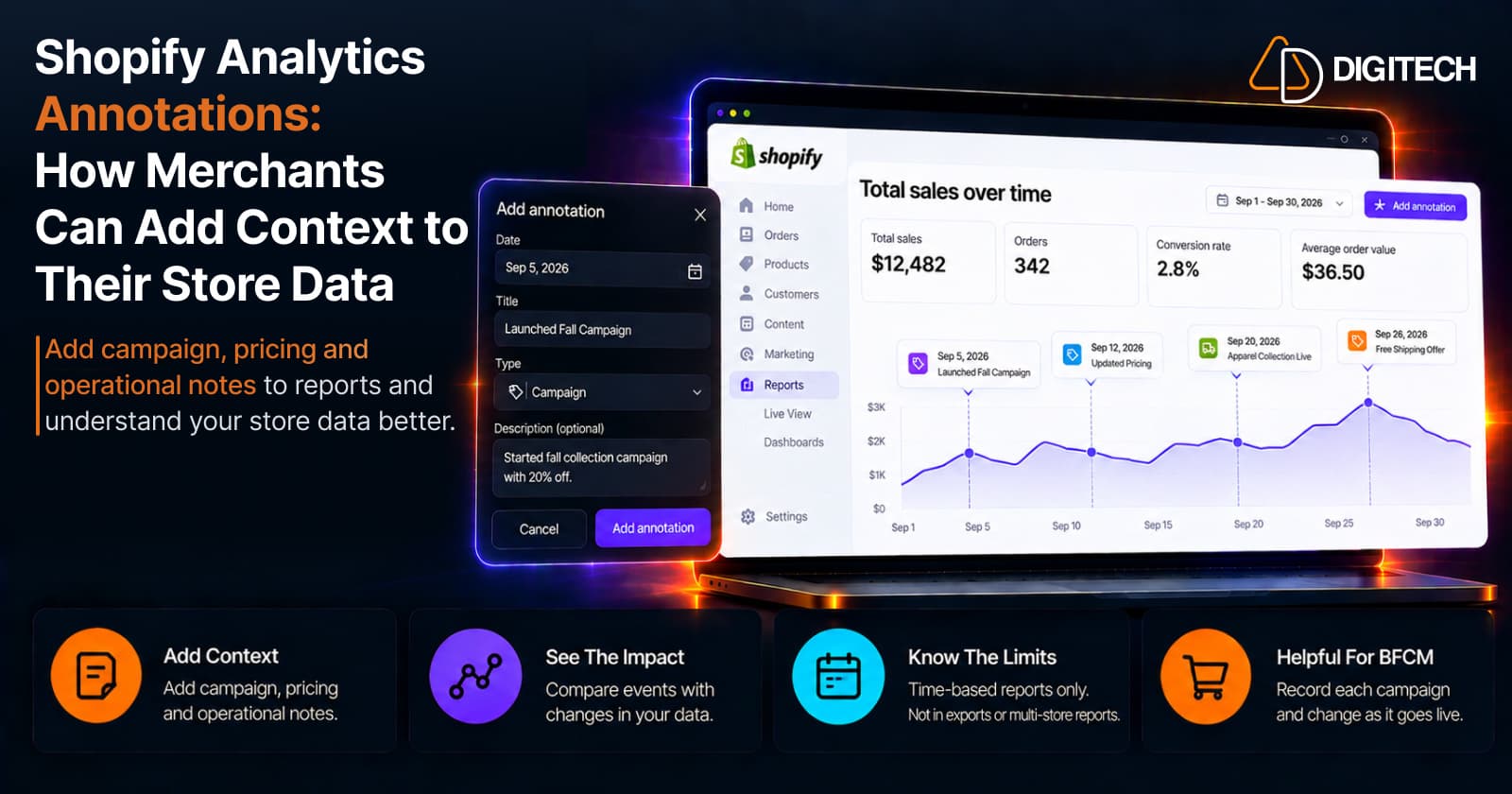
Shopify Analytics Annotations: How Merchants Can Add Context to Their Store Data
Shopify Analytics annotations let merchants add campaign, pricing and operational notes to reports. See how they work, the limits, and how to use them for BFCM.
Read article
Shopify Canvas Explained: How AI Is Changing Shopify Store Design in 2026
Shopify Canvas, announced October 1, 2026, lets merchants design a store with Sidekick. See how it works, its current limits, and what it means for developers.
Read article