Shopify Plus Upgrade: 10 Signs Your Store Is Ready to Move Beyond Shopify
Not sure if you need Shopify Plus? Ten operational readiness signals — multi-store, complex B2B, checkout, automation, governance — to self-assess whether Plus solves a real problem or you'd be paying for capabilities you don't need.
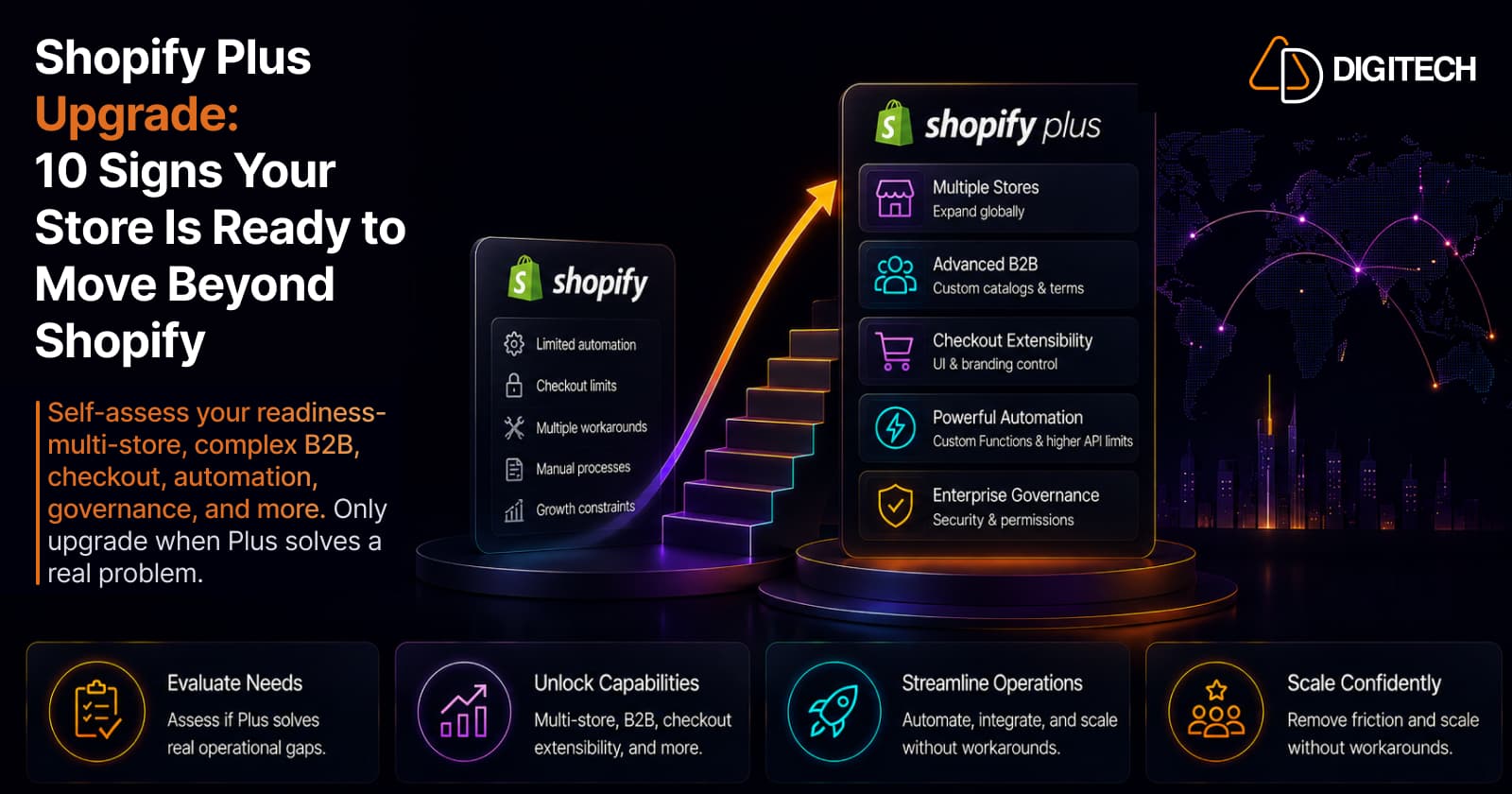
The short version: a Shopify store can grow a long way without needing Shopify Plus. The question isn't "is my store big enough?" — it's "has my business become complex enough that Plus would solve real operational problems?" Growth alone is not a reason to upgrade. These are ten readiness signals to self-assess against; if several describe you and they're costing time, risk, or growth, Plus is worth evaluating.
For the financial and business case — what Plus costs and when the numbers work — see Shopify Plus vs Shopify: when the upgrade pays off. This article is the operational side: the signals that tell you a store is ready, not just larger. Treat them as a diagnostic, not a scorecard — one signal that's genuinely costing you money or capping growth can matter more than five that merely sound familiar.
1. You're managing multiple regional storefronts, not just multiple markets
Selling internationally doesn't require Plus — Shopify Markets handles multiple currencies and languages on a standard plan (see selling internationally with Markets). The signal is when one store can no longer express your regional reality: genuinely separate storefronts with different catalogs, pricing, and operations per region. Plus adds expansion stores (localized clone stores) and organization-level management across them. If you're running regional complexity through workarounds on a single store, that's the tell.
2. Your B2B has outgrown the basics
Core B2B is no longer Plus-only — Shopify brought company accounts and standard wholesale features to non-Plus plans. What stays exclusive to Plus is the complex end: unlimited customer-specific catalogs, assigning catalogs to specific companies and locations, and payment terms like deposits and partial payments. Basic wholesale can run without Plus; when your B2B needs per-buyer catalogs, location-level pricing, and structured payment terms, that's the Plus signal (more on the state of Shopify B2B).
3. You need to customize the checkout steps themselves
Customizing the thank-you and order-status pages, and standard checkout configuration, is available on every plan. Plus is what unlocks the checkout steps — checkout UI extensions for the information, shipping, and payment stages, and the Checkout Branding API for deeper visual control. If your requirements stop at post-purchase pages, you don't need Plus for checkout; if you need custom logic and UI inside the checkout flow itself, you do (background: Shopify checkout components explained).
4. Repetitive operations are quietly costing you
Before asking "can Plus automate this?", measure the problem. How many hours a week does your team spend on manual discounts, repeated order actions, product operations, or market updates — and how often do those manual steps introduce errors? Operational time and risk are the real cost. When repetitive work is consuming meaningful team capacity, that's a business problem worth solving, whether the fix is Plus or not.
5. Your automation needs custom logic
Automation itself doesn't require Plus. Shopify Flow runs from the Basic plan up, and public App Store apps built on Shopify Functions work on any plan. Plus raises the ceiling: higher automation and API limits, custom-app Flow tasks, and the ability to run your own custom Functions (bespoke discount, checkout, or fulfillment logic). If off-the-shelf automation and public apps cover you, stay put. If you need custom-built rules and higher volume, that points to Plus — and it's worth knowing when a Function beats an app.
6. Multiple teams need real governance
A small store runs fine with a handful of staff accounts. As you add an ecommerce team, marketing, operations, support, developers, and regional staff, loose permissions become a risk. Plus provides organization-level administration — managing staff access and permissions across all your stores from one place, with more structured roles. When "who can change what, where" has become a governance question rather than a settings toggle, that's a Plus signal.
7. Your storefront requirements have become highly customized
Custom product logic, specialized B2B experiences, bespoke merchandising, and advanced customer experiences push past what native configuration expresses. Plus provides more platform capability to build on — higher limits, checkout and Functions access, and organization tooling. But be clear-eyed: Plus is a better foundation, not a substitute for custom development. The signal here is that your roadmap genuinely needs platform-level capabilities, not just another theme tweak.
8. Your integrations and data workflows are straining the platform
Having an ERP, CRM, PIM, or WMS connection isn't a Plus signal by itself. The signal is when your integration architecture has become hard to maintain or scale — sync jobs bumping into rate limits, brittle pipelines, and data workflows that need constant attention. Plus offers substantially higher API rate limits (up to several times a standard plan), which matters for heavy, real-time integration workloads. If your integrations are hitting the platform's ceiling, that's worth weighing.
9. Operational complexity is capping your growth
Growth compounds complexity: more markets, products, orders, staff, workflows, integrations, and customer types. At some point the question flips from "how do we grow?" to "what's slowing us down?" If your current Shopify setup has become the bottleneck — where routine changes are slow, risky, or require a developer — that's a readiness signal. (Plus doesn't create growth or revenue on its own; it removes operational friction, which is a different thing.)
10. You're building workarounds around Shopify's limits
This is the strongest signal. When your team is repeatedly stacking manual processes, extra apps, custom hacks, fragile integrations, and developer time onto routine operations just to work around platform limits, the foundation may be the problem. A pile of workarounds is real evidence, in a way that revenue or product count never is.
The honest caveat: the fix isn't always Plus. Sometimes a pattern of workarounds points to better configuration, the right app, targeted custom development, or a process change. The point is to notice the pattern and evaluate the real cause — not to assume Plus, and not to keep patching.
When Shopify Plus is probably not necessary
Credibility cuts both ways. You likely don't need Plus when one storefront covers your business, standard Shopify functionality meets your requirements, operations are relatively simple, customization needs are limited, you're a straightforward B2C brand, you serve few markets, you have no complex B2B, and your current apps and workflows are working well. Growth alone does not mean Plus. Paying for enterprise capabilities you won't use is its own kind of waste.
Shopify Plus readiness checklist
Score yourself honestly — the more "yes" answers that come with real cost, the stronger the case:
- Do we run (or need) multiple regional storefronts, not just multiple markets?
- Has our B2B outgrown basic company accounts (per-company catalogs, payment terms)?
- Do we need to customize the checkout steps themselves?
- Are manual, repetitive workflows consuming meaningful team time?
- Do we need custom automation logic or higher automation volume?
- Do multiple teams need organization-level permissions and governance?
- Have our integrations become hard to maintain or hit platform limits?
- Are we using apps mainly to compensate for platform limitations?
- Is operational complexity actively slowing our growth?
- Would specific Plus capabilities solve a concrete problem we have today?
How to decide: Shopify, Plus, or custom development
Match the path to the requirement, not to your revenue:
| Situation | Sensible starting point |
|---|---|
| Standard store requirements | Shopify (your current plan) |
| A specific missing feature | An app |
| A unique technical requirement | Custom development |
| Complex, platform-level requirements | Shopify Plus |
| Complex Plus requirements | Shopify Plus + custom development |
These aren't absolute rules. Weigh business requirements, complexity, ROI, operational cost, development and maintenance cost, and future growth together — the right answer is the one that solves the real problem at the lowest total cost.
The bottom line
The best reason to upgrade to Shopify Plus isn't "we're growing." It's "our complexity has reached a point where Plus solves real operational or technical problems." Evaluate against specific requirements — regional storefronts, complex B2B, deep checkout, custom automation, team governance, straining integrations, and workarounds — not against revenue or product count.
Not sure whether your store needs Shopify Plus, better configuration, or custom development? AD Digitech can evaluate your current architecture, workflows, integrations, and growth requirements and recommend the most practical path. See our Shopify store development work, or talk to us about where you are.
Frequently asked questions
Do I need Shopify Plus just because my store is growing?
Not automatically. Growth alone isn't the trigger — complexity is. A high-revenue store with simple operations may never need Plus, while a smaller store with complex B2B, multiple regional storefronts, or deep checkout requirements might. Evaluate whether specific Plus capabilities solve a real operational problem you have today, not a milestone you've passed.
Is Shopify B2B only available on Shopify Plus?
No, not anymore. Shopify has brought core B2B features to non-Plus plans. What remains exclusive to Plus is the more advanced side: unlimited customer-specific catalogs, assigning catalogs to specific companies and locations, and payment terms such as deposits and partial payments. Basic B2B can run without Plus; complex B2B is where Plus earns its place.
What checkout customization requires Shopify Plus?
Customizing the thank-you and order-status pages, plus standard checkout configuration, is available on all plans. Plus is required for deeper customization of the checkout steps themselves (information, shipping, and payment) via checkout UI extensions, and for the Checkout Branding API's advanced visual controls. If your needs stop at the post-purchase pages, you likely don't need Plus for checkout.
Can I automate Shopify without Plus?
Yes. Shopify Flow is available from the Basic plan up, and public App Store apps that use Shopify Functions work on any plan. Plus adds higher automation and API limits, custom-app Flow tasks, and the ability to run your own custom Functions. The signal for Plus is custom automation logic and volume, not automation itself.
How do I know if I'm ready for Shopify Plus?
Look for real operational problems, not milestones: multiple regional storefronts, complex B2B, deep checkout needs, custom automation, organization-wide team governance, or a pattern of building workarounds around platform limits. If several of those describe you and they're costing time, risk, or growth, Plus is worth evaluating. If not, better configuration, an app, or targeted custom development may solve it more cheaply.
Building something on Shopify?
We design, build, and maintain Shopify apps, stores, and AI products — to the standard this article describes.
Related reading
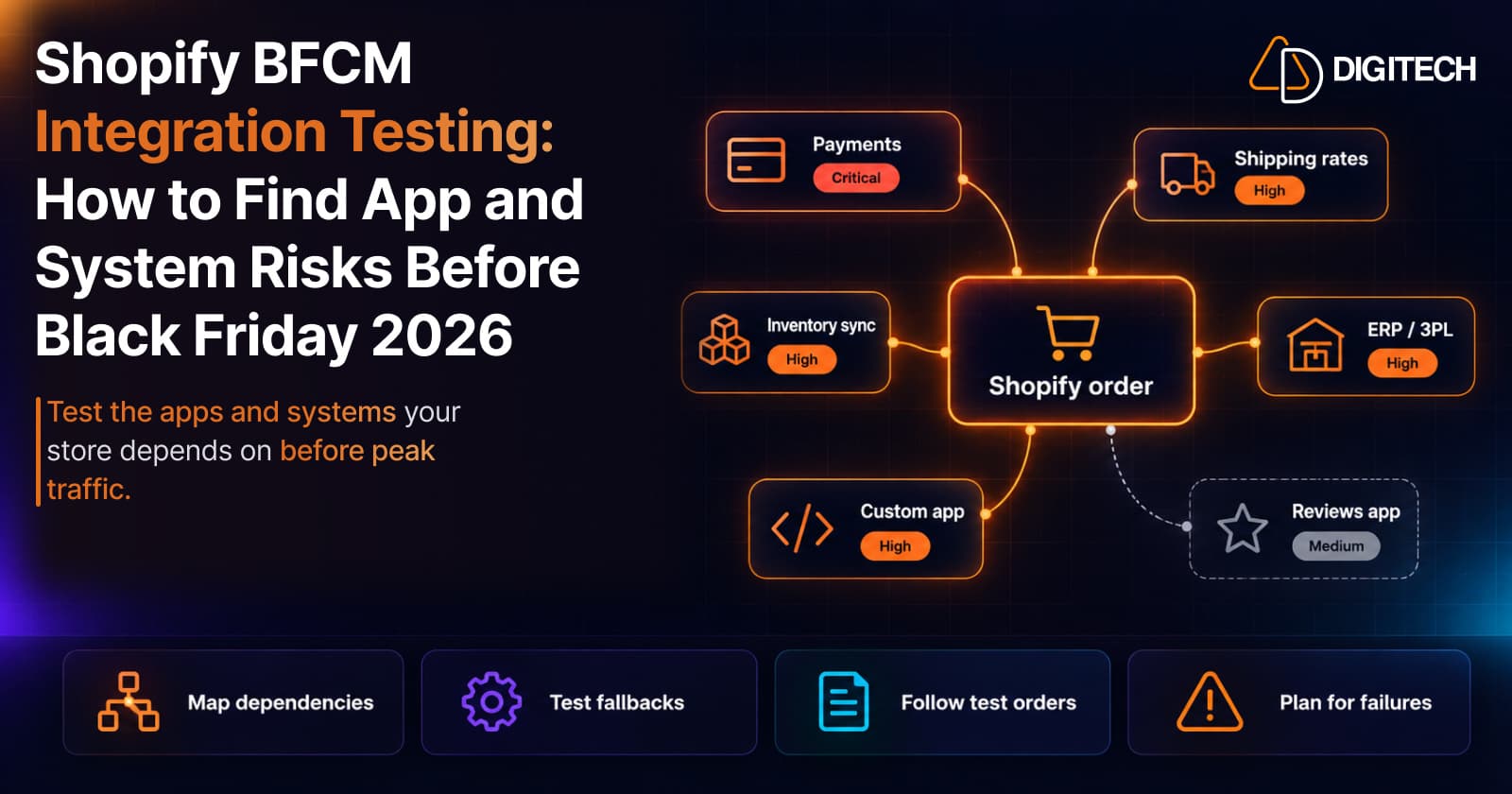
Shopify BFCM Integration Testing: How to Find App and System Risks Before Black Friday 2026
Prepare your Shopify store for BFCM 2026. Test checkout, shipping apps, payments, inventory sync, and custom integrations before Black Friday.
Read article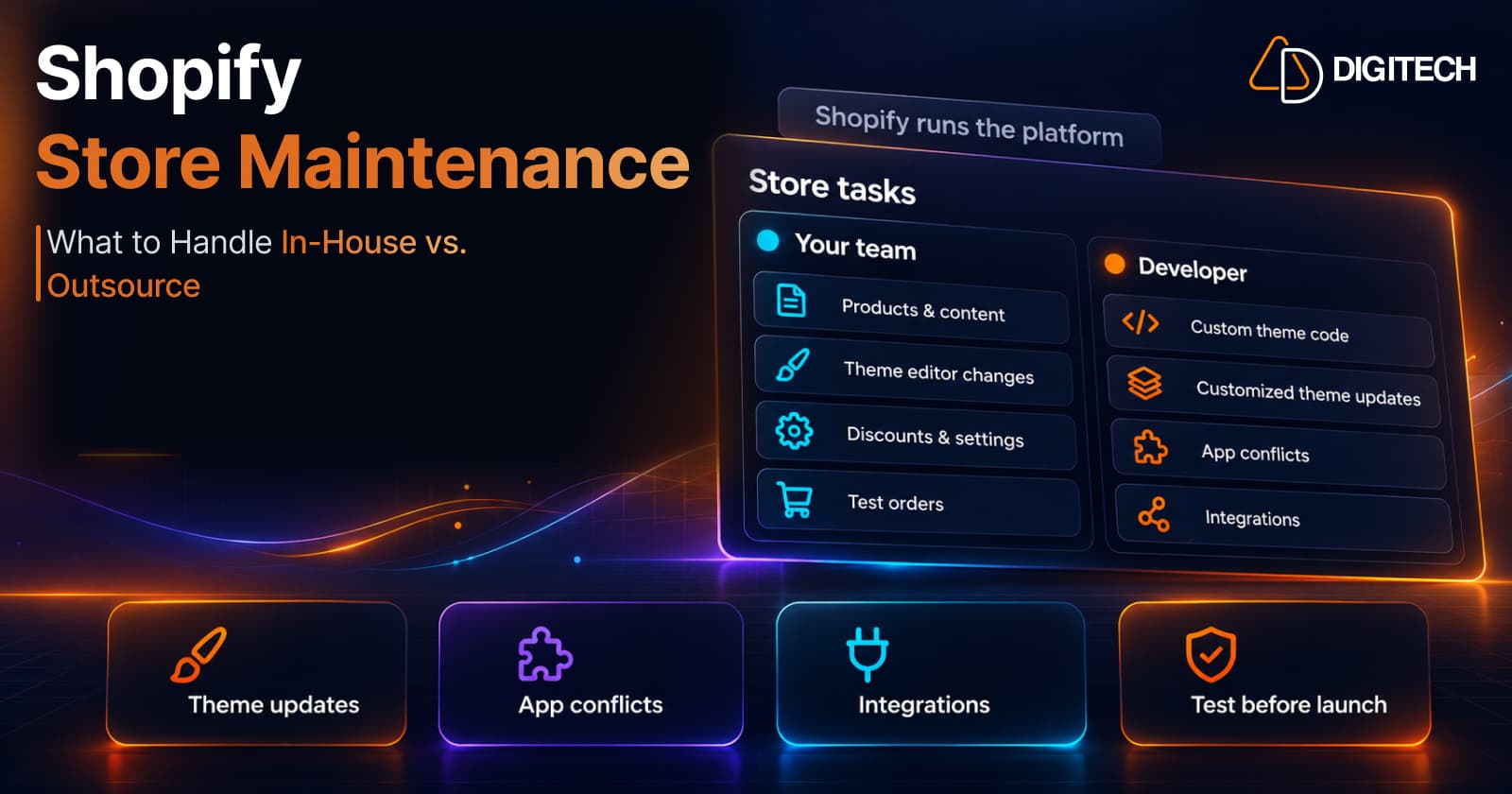
Shopify Store Maintenance: What to Handle In-House vs. Outsource
Shopify runs the platform; your theme, apps and integrations are yours to maintain. What to handle in-house, when to hire a developer and what support covers.
Read article
Shopify Adds Stock Counts in Admin: How Merchants Can Verify Inventory Before Peak Season
Shopify stock counts let staff record what's on the shelf and let a manager approve the differences before inventory changes. Here's how the workflow works in admin and POS.
Read article
Shopify Adds Arabic, Urdu, and Hebrew Support: What Merchants Must Check Before Launch
Shopify improved RTL support for Arabic, Urdu and Hebrew in the admin, storefronts and checkout. Here's what's covered, what isn't, and what to test before launch.
Read article
Shopify Translate & Adapt Auto-Sync: How to Keep Translations Current Before BFCM
Translate & Adapt can now update translations weekly with Auto-sync. Here's who can use it, how it differs from Translate now, and how to plan translations before BFCM.
Read article
Shopify Flow Shipping Label Automation: Setup, Rules, and What Merchants Should Test Before BFCM
Shopify Flow can now buy shipping labels automatically for orders that match your rules. Here's how the action works, example workflows, and what to test before BFCM.
Read article
Shopify Automated Policies: 7 Things Merchants Should Check Before Enabling Them
Shopify can now generate and update your return, shipping, terms of service and contact policies from your store settings. Here's what to check before you turn automation on.
Read article
Shopify Purchase Order Analytics: How to Spot Stock Risks Before BFCM
Shopify Analytics now includes purchase order reports. Here's what each report shows, how to use them to spot stock risks before BFCM, and what they can't tell you.
Read article
Shopify Rollouts: How Merchants Can Safely Test Store Changes Before BFCM
Learn how Shopify Rollouts let merchants schedule, test, and launch store changes safely before BFCM, including themes, discounts, catalogs, and checkout.
Read article