Shopify Shop Checkout Gets Faster: What Merchants Need to Know
Shopify's October 5, 2026 Shop update brings faster checkout and carts that sync across devices. See how it works, who qualifies and what to check before BFCM.

On October 5, 2026, Shopify announced a change to how Shop recognizes shoppers. In its words: "Shop can now verify who a shopper is while they're browsing your store, even before they make a purchase."
For shoppers with a Shop account, that means faster checkout and a cart that follows them between devices. For merchants, most of it arrives without any setup. How much each customer benefits depends on your Shop Pay and customer account setup, and on the customer.
What Shopify Changed on October 5, 2026
Shopify's October 5 update improves the Shop experience: it recognizes shoppers earlier, makes checkout faster, and keeps carts in sync across devices and between Shop and the online store. The announcement lists six effects for Shop users:
- Faster checkout, with less friction and faster load times.
- Carts that follow shoppers across their devices.
- A personalized Buy with Shop Pay button, showing the card the shopper last used.
- One-tap sign-in for Shop users signing in to their customer accounts.
- Built-in recovery: Shop reminds shoppers to finish carts they left behind.
- Two-way sync: carts started in the Shop app carry over to your storefront, and the other way round.
Shopify adds that this is "now supported on all browsers".
None of these products is new. Shop, Shop Pay and Sign in with Shop already existed, and Shopify's Help Center documents cart sync as a default-on part of Shop. The update improves recognition and continuity: Shop can identify a Shop user while they browse, before checkout.
Three names are involved, and they aren't the same product:
| Name | What it is |
|---|---|
| Shop | The shopping experience: Shopify's app and website (shop.com) for product discovery, order tracking, shopper recognition and cart continuity |
| Shop Pay | The checkout method: an accelerated checkout option that saves a customer's email, payment method, and shipping and billing details |
| Sign in with Shop | Lets customers sign in to your store with their Shop credentials. It's one of the ways Shop recognizes them |
What the New Shop Experience Means for Shoppers
The problem is a familiar one. A shopper adds products to a cart on their phone, comes back later on a laptop, and has to find the products and build the cart again.
With the updated experience, an eligible Shop user is recognized while they browse. Their cart can follow them, they can sign in with one tap, and the Shop Pay button shows the card they last used.
The experience differs by shopper:
| Shopper with a Shop account, signed in or recognized | Shopper without a Shop account | |
|---|---|---|
| Recognition | Recognized across web browsers when they visit your store | Not recognized by Shop |
| Cart | Can sync between devices, and with the Shop app | Doesn't sync through this feature |
| Checkout | Can pay with Shop Pay, using saved details | Your standard checkout |
Shopify's merchant documentation doesn't describe the technical detail of recognition, and merchants don't configure it.
How Shopify's Cross-Device Cart Sync Works
Shopify's Help Center describes it in one sentence: "Cart sync works in both directions between your online store and the Shop app, and it also carries a customer's cart between devices on your online store."
So a shopper can start a cart on mobile and continue on desktop, or start in the Shop app and finish on your storefront. Shopify states that "cart sync is turned on by default".
It applies only when conditions are met. The customer must have a Shop account, and one of these must be true:
- They've signed in to your online store with Shop.
- Your store uses customer accounts, and they're signed in with the email address they also use for Shop.
- They're recognized across browser sessions, because they signed in with Shop during another session.
Shopify also documents three limits:
- Carts aren't combined. If a customer already has a cart where they're shopping, it isn't replaced, and only one cart syncs.
- Channel availability still applies. A product exclusive to Shop syncs to your online store, but the customer can't buy it there.
- Region can limit sync. If a customer shops from a different region than the one where the cart was created, the cart might not follow them.
What Happens With Shop Pay?
Shop Pay is the checkout method, and it's separate from Shop, the shopping experience. Shopify describes it as "an accelerated checkout option" that saves a customer's payment and shipping details, included as part of Shopify Payments.
The October 5 change affects the Buy with Shop Pay button. For recognized Shop users, it's personalized to show the card they last used. Shopify calls this a "better-converting" button, without publishing figures in the announcement.
Shop Pay also determines how Sign in with Shop behaves on your store:
- With Shop Pay activated, Sign in with Shop is turned on automatically for customer accounts and legacy customer accounts.
- Shop users see a sign-in prompt when they browse or check out. You can't prevent it for individual customers while Shop Pay is active.
- It can only be removed by deactivating Shop Pay, which also removes accelerated checkout for all customers.
Our guide to Shopify customer accounts covers the sign-in options in more detail.
How Shop Can Help Recover Abandoned Carts
Shop can help bring shoppers back to carts they left behind, as part of the Shop experience. Shopify says browsing activity now syncs to a shopper's Shop account, "so Shop can resurface items they viewed and abandoned carts", and that Shop reminds shoppers to finish those carts.
For merchants, two points matter:
- It isn't an email or SMS automation you configure. It's part of Shop's own customer experience, and the announcement describes no settings for these reminders.
- It doesn't replace your own recovery. Abandoned checkout emails and marketing automations are separate, and they still matter for customers who don't use Shop.
Activity syncs only for a customer who has a Shop account and is recognized by Shop or signed in on your store.
What This Means for Shopify Merchants
You don't need to build anything. Cart sync is on by default, Sign in with Shop is automatic with Shop Pay, and Shopify documents no new setting for this update. No custom development, separate app or checkout rebuild is involved. What's worth verifying is your Shop channel, your customer account and sign-in setup, and the conditions customers have to meet.
The benefit is less repeated effort for returning shoppers. An eligible Shop user doesn't have to rebuild a cart or retype their details. Shopify gives no conversion numbers in the announcement, so treat it as reduced friction, not a guaranteed uplift.
Shopify handles the shopper data. Shopify says Shop Pay and Shop sign-in are offered as a direct service from Shopify to consumers, and that it collects data directly from Shop users, including as they browse your storefront after signing in with Shop.
Why This Matters Before BFCM
Peak season puts more weight on this journey. Shoppers move between devices, and one who browses on a phone during the week may come back on a laptop when the sale starts.
- Mobile and desktop journeys can be fragmented. Cart continuity can reduce the need to rebuild a cart.
- Returning shoppers with a Shop account face less checkout friction.
- Discovery through Shop depends on your products being eligible to display there.
- Shop and Shop Pay behavior should be tested before peak traffic, not during it.
For the wider checkout picture, see our pre-peak checkout review.
What Merchants Should Check Now
- Confirm the Shop sales channel is active. Shopify says eligible stores are listed in Shop automatically, and the Shop channel then appears in your Shopify admin.
- Review your customer account and sign-in setup. Sign in with Shop is automatic with Shop Pay. Without Shop Pay, it's managed under Settings > Customer accounts, in the Authentication section.
- Confirm Shop Pay is configured, if it suits your store: Settings > Payments, then Manage in the Shopify Payments section.
- Check product availability on your online store and in Shop.
- Test on more than one browser and device with a Shop account.
- Test cart continuity before BFCM: add to cart on a phone, then open your store on a desktop and in the Shop app.
- Place a real Shop Pay order. Shopify says you can't simulate a test order through Shop Pay. You place a real order, then cancel and refund it.
- Run your key BFCM products and offers through the same journey.
- Monitor cart and checkout behavior during peak, and annotate your reports when you change something.
Important Limitations to Know
- Not every shopper gets the same experience. It depends on a Shop account and on recognition.
- Cart sync doesn't merge two carts.
- Region differences can stop a cart following a customer.
- Shop-exclusive products can't be bought on your online store.
- The sign-in prompt can't be switched off for individual customers while Shop Pay is active.
- It doesn't replace checkout testing before peak season.
Conclusion
The October 5 update makes Shop recognize its users earlier, which makes checkout faster and keeps carts in sync for those shoppers. Merchants get it without development work. What matters is that the Shop channel, sign-in and Shop Pay setup are in order, and that the journey is tested across devices before peak season.
If your Shopify store needs help preparing its storefront, checkout or integrations for Shopify's latest platform changes, AD Digitech can help evaluate the right approach.
Frequently asked questions
What changed in Shopify Shop on October 5, 2026?
Shopify announced that Shop can verify who a shopper is while they browse a store, before they buy. This makes checkout faster for Shop users and keeps carts in sync across devices and with the Shop app. Shopify says it's now supported on all browsers.
Does Shopify Shop sync carts across devices?
Yes. Shopify says cart sync carries a customer's cart between devices on your online store, and works in both directions between your online store and the Shop app. It applies to customers who have a Shop account and are signed in with Shop or recognized by it.
Is Shop cart syncing enabled by default?
Yes. Shopify's Help Center says cart sync is turned on by default. Whether a particular cart syncs still depends on the customer having a Shop account and meeting the sign-in or recognition conditions.
Does a merchant need custom development for Shop cart sync?
No. Shopify documents no custom development, separate app or setup step for cart sync. Merchants should check that the Shop channel is active, review their customer account and sign-in setup, and confirm Shop Pay where they use it.
What is the difference between Shop and Shop Pay?
Shop is the shopping experience: Shopify's app and website for product discovery, order tracking, shopper recognition and cart continuity. Shop Pay is the checkout method: an accelerated checkout option that saves a customer's payment and shipping details.
Can Shop help shoppers recover abandoned carts?
Yes, as part of the Shop experience. Shopify says Shop can resurface items a shopper viewed and carts they abandoned, and remind them to finish. It isn't an email or SMS automation that merchants configure.
Are there limitations to Shop cart syncing?
Yes. The customer needs a Shop account and must be signed in or recognized. Carts aren't combined, region differences can stop a cart following a customer, and a product exclusive to Shop can't be bought on the online store.
Building something on Shopify?
We design, build, and maintain Shopify apps, stores, and AI products — to the standard this article describes.
Related reading
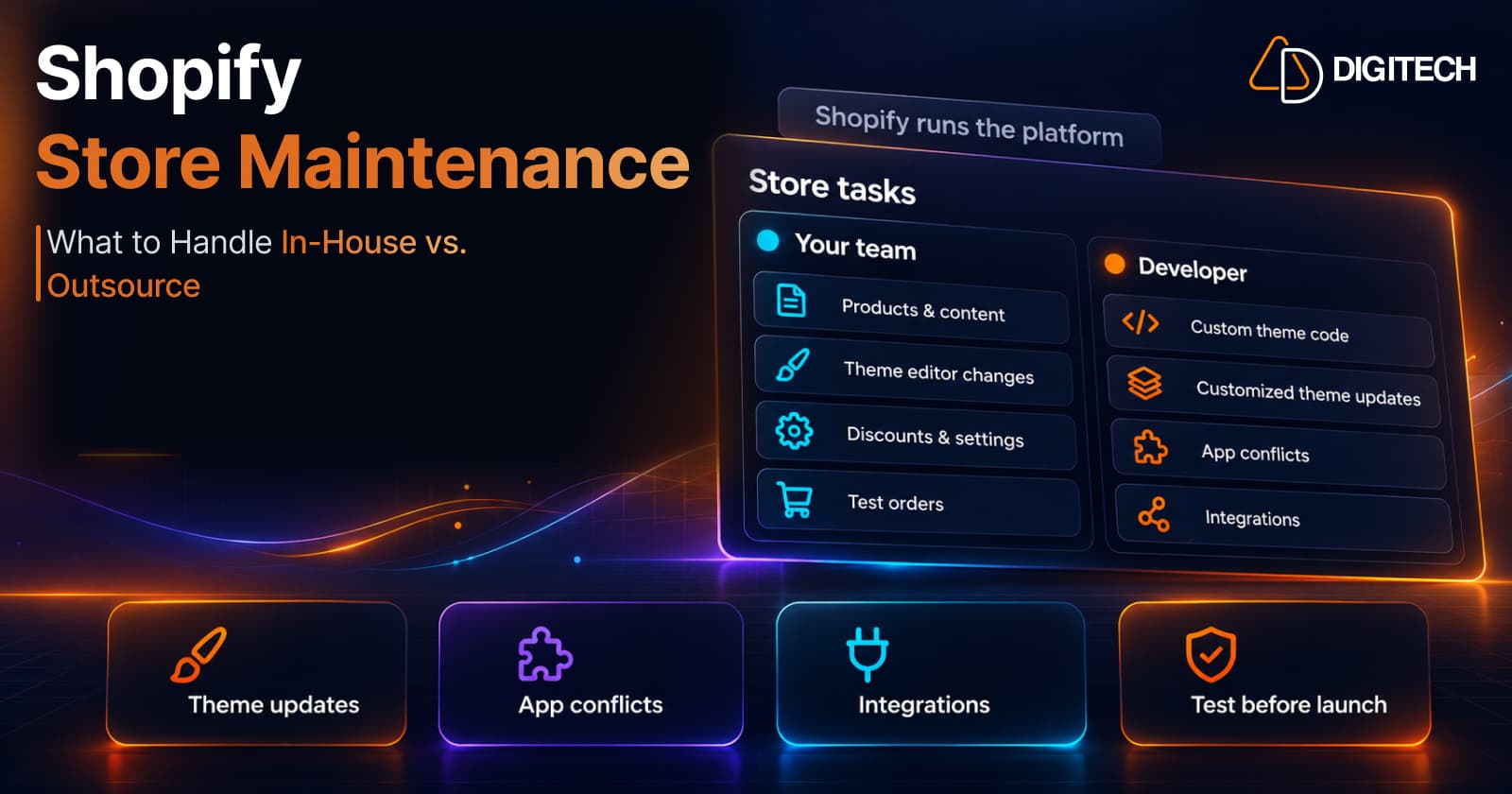
Shopify Store Maintenance: What to Handle In-House vs. Outsource
Shopify runs the platform; your theme, apps and integrations are yours to maintain. What to handle in-house, when to hire a developer and what support covers.
Read article
Shopify Adds Stock Counts in Admin: How Merchants Can Verify Inventory Before Peak Season
Shopify stock counts let staff record what's on the shelf and let a manager approve the differences before inventory changes. Here's how the workflow works in admin and POS.
Read article
Shopify Adds Arabic, Urdu, and Hebrew Support: What Merchants Must Check Before Launch
Shopify improved RTL support for Arabic, Urdu and Hebrew in the admin, storefronts and checkout. Here's what's covered, what isn't, and what to test before launch.
Read article
Shopify Translate & Adapt Auto-Sync: How to Keep Translations Current Before BFCM
Translate & Adapt can now update translations weekly with Auto-sync. Here's who can use it, how it differs from Translate now, and how to plan translations before BFCM.
Read article
Shopify Flow Shipping Label Automation: Setup, Rules, and What Merchants Should Test Before BFCM
Shopify Flow can now buy shipping labels automatically for orders that match your rules. Here's how the action works, example workflows, and what to test before BFCM.
Read article
Shopify Automated Policies: 7 Things Merchants Should Check Before Enabling Them
Shopify can now generate and update your return, shipping, terms of service and contact policies from your store settings. Here's what to check before you turn automation on.
Read article
Shopify Purchase Order Analytics: How to Spot Stock Risks Before BFCM
Shopify Analytics now includes purchase order reports. Here's what each report shows, how to use them to spot stock risks before BFCM, and what they can't tell you.
Read article
Shopify Rollouts: How Merchants Can Safely Test Store Changes Before BFCM
Learn how Shopify Rollouts let merchants schedule, test, and launch store changes safely before BFCM, including themes, discounts, catalogs, and checkout.
Read article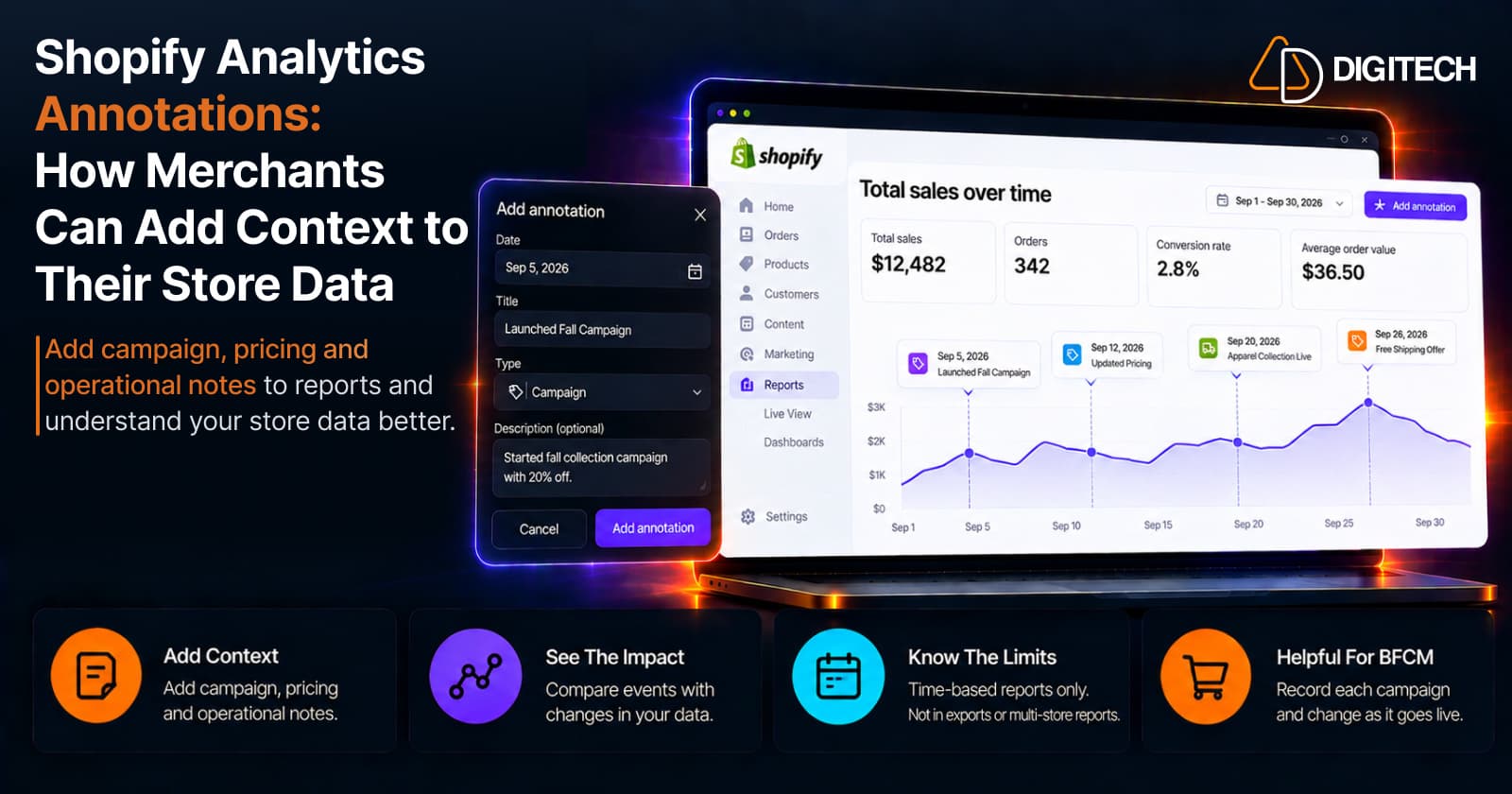
Shopify Analytics Annotations: How Merchants Can Add Context to Their Store Data
Shopify Analytics annotations let merchants add campaign, pricing and operational notes to reports. See how they work, the limits, and how to use them for BFCM.
Read article