Shopify Checkout Changes in 2026: What Merchants Need to Review Before the Holiday Rush
A practical 2026 Shopify checkout audit: what changed this year in payments, taxes, international, and B2B — and exactly what to review and test before peak season.
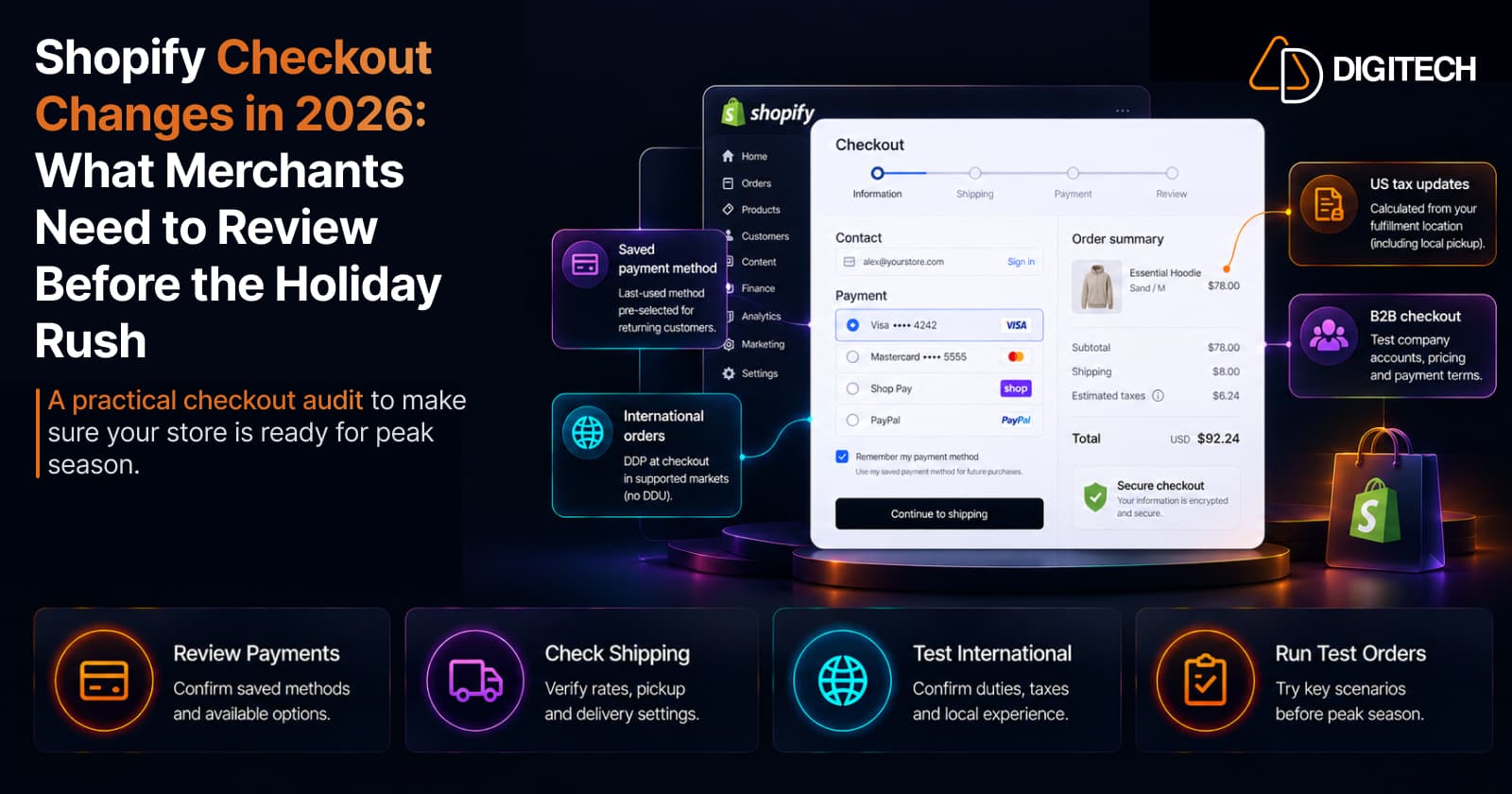
You can spend months getting products, collections, campaigns, and traffic right — and still be caught out on the day of a big sale when something in checkout behaves differently than you expected. Checkout is the one page where a small surprise costs a real order.
Shopify kept improving checkout through 2026, and some of those changes affect what your customers see and pay. The point of this article isn't to make you rebuild checkout — it's to help you review the areas that matter before your traffic and order volume spike. Work through it as a pre-peak audit.
What changed in Shopify Checkout during 2026?
The most relevant merchant-facing changes, grouped by where they hit:
| Area | What changed | Why it matters |
|---|---|---|
| Payments | Signed-in customers' last-used payment method is remembered and pre-selected, where saved payment methods are enabled (D2C and B2B) | Returning customers see their usual method first — but only if accounts and saved payments are on |
| Taxes | US tax is calculated from the fulfillment location your order routing selects; local pickup uses the pickup location | If you ship from multiple locations or offer pickup, checkout tax should match how you actually fulfill |
| International | Managed Markets ended DDU where DDP is available (Aug 24, 2026) | Affected customers now pay duties and taxes at checkout, not to the carrier on delivery |
| Experience | One-page checkout is standard on every plan, pre-filling more fields | The checkout your customers see may already differ from last year — review it fresh |
| Customization | Standard plans configure fields and branding in the checkout editor; Plus adds extensions, Functions, and A/B testing | Know what you can change natively before assuming you need custom work |
The rest of this article turns each of these into something to check.
1. Review your payment experience
Start with how customers pay. As of August 21, 2026, checkout remembers a signed-in customer's last-used payment method and pre-selects it on future purchases — but only where saved payment methods are enabled, for both D2C and B2B. The practical step: confirm customer accounts and saved payment methods are actually turned on, or returning customers won't get that smoother experience.
While you're there, review the available payment methods for your markets, that accelerated options (like Shop Pay) appear as intended, and — if you sell wholesale — that B2B payment behavior matches your account setup. The goal is a payment step that's complete and correct for each customer type, not a promise that any single method lifts conversion.
2. Review customer information and checkout fields
Checkout should ask for what you actually need to fulfill and communicate — and not much more. Review the fields you collect: email, phone, shipping address, and billing information, plus any extra fields added over time. On standard plans you can configure form fields and guest checkout in the checkout editor; confirm those settings still reflect your current operations.
Every unnecessary field is friction at the worst possible moment. Collect only what your operational or legal requirements genuinely call for (that's a business decision for you and your advisors, not one to guess at during peak season).
3. Check taxes and address-dependent calculations
Tax at checkout depends on addresses and fulfillment, and this is where 2026 changed meaningfully. For US stores, tax is now calculated from the fulfillment location your order routing selects for each order, and local pickup orders use the pickup location. If you fulfill from multiple locations, the tax now reflects where each order actually ships from.
Test the cases that apply to you: a shipping address change, orders that route to different locations, and any local-pickup flow. The principle is simple — make sure checkout's calculations match how your store actually fulfills. This isn't tax advice; confirm filing and treatment with your accountant.
4. Review shipping and delivery options
Shipping is one of the most common places checkout surprises show up, because rates and methods depend on cart contents, destination, and configuration. Test your shipping rates across a few cart values and destinations, confirm free-shipping thresholds trigger correctly, and check delivery methods and local pickup where you offer them.
If you fulfill from more than one location or run market-specific shipping, walk those paths specifically — a rate that looks right domestically can behave differently for a mixed cart or a distant address. You don't need every option; you do need the ones you actually offer to work under load.
5. Review the international checkout experience
Keep this focused on checkout itself. For each market you sell to, verify the customer sees the correct currency, that shipping is available to their address, that address formats work, and that expected payment methods appear.
The key 2026 change: Managed Markets ended DDU (delivered duty unpaid) support on August 24, 2026 in regions where DDP is available. In practice, affected customers now pay duties and taxes at checkout rather than being billed by the carrier on delivery — which removes a nasty surprise, but changes what the customer sees at the payment step. Verify that experience from the buyer's side. (For the broader market setup behind this, see selling internationally with Shopify Markets.)
6. Review B2B checkout separately
If you sell wholesale, don't assume your D2C testing covers it. B2B checkout can involve company profiles, customer-specific catalogs and pricing, payment terms, and account-based purchasing — none of which a standard consumer test exercises. Saved payment methods and the new last-used-method behavior apply to B2B too, so test a real company account through its own flow.
Run at least one full B2B order the way an actual buyer would (more on where Shopify stands for wholesale in Shopify B2B in 2026).
7. Test your checkout before peak season
One happy-path order isn't a test. Run a scenario matrix and complete each one end to end:
| Scenario | What to test |
|---|---|
| New customer | Complete checkout from product page to confirmation |
| Returning signed-in customer | Saved details and the pre-selected last-used payment method |
| Mobile | Full checkout on a phone |
| Desktop | Full checkout on desktop |
| Discount order | Apply a code or automatic discount and complete |
| International customer | Currency, shipping availability, and duties/taxes shown |
| Local pickup | Correct pickup location and pickup-based tax |
| Multi-location shipment | Tax reflects the ship-from location |
| B2B customer | Company account, terms, catalog, and saved payment method |
| High-value order | Payment and shipping behavior at a large total |
Only run the rows that apply to your store — but run all of the ones that do, and place at least one real order before launch.
8. Check what changed since your last major sale
Recent changes are where problems hide. Since your last big sale, ask:
- Did you change your theme?
- Did you change checkout settings or fields?
- Did you install a new app or integration?
- Did you change payment methods?
- Did you add a market?
- Did you change shipping rates or tax settings?
- Did you change discount rules or B2B configuration?
- Did Shopify ship a relevant checkout update?
Anything with a "yes" deserves a fresh test. Most peak-season checkout issues trace back to a change nobody re-tested — not to a platform fault.
9. Don't rebuild checkout just because something changed
Before assuming you need custom work, identify what the issue actually is: a configuration setting, supported native behavior, an app integration or conflict, a checkout customization, business logic, or a genuine platform limitation. The large majority of "checkout problems" are one of the first few — a setting or an app, not the platform.
Shopify's current checkout already supports significant customization through settings, the checkout editor, and (on Plus) extensions and Functions — so solve the real problem rather than rebuilding by default. If you want to understand what's configurable versus what needs development, our checkout components explainer covers where those lines fall.
When Shopify development help makes sense
Sometimes the requirement genuinely goes past native configuration — custom checkout functionality, extensions, integrations with your other systems, complex B2B workflows, market-specific behavior, or troubleshooting existing customizations that are misbehaving (often the province of Shopify Plus setups).
If your checkout needs go beyond Shopify's standard configuration, AD Digitech can help evaluate the requirement and determine whether it's best solved with native Shopify functionality, an extension, an integration, or custom development — before you commit to a rebuild. See our Shopify store development work, or talk to us about your checkout.
Shopify checkout pre-peak checklist
Save this and work through it before your next high-volume sale:
- Review available payment methods for your markets
- Test returning signed-in customer checkout (pre-selected last-used payment method)
- Confirm customer accounts and saved payment methods are enabled
- Review checkout fields — collect only what you need
- Test shipping rates across cart values and destinations
- Test local pickup (location and tax) if you offer it
- Verify tax by fulfillment location matches how you ship
- Test international checkout (currency, duties/taxes, availability)
- Test B2B checkout separately if you sell wholesale
- Test discount scenarios
- Test on mobile
- Test on desktop
- Review checkout changes since your last major sale
- Test newly installed apps and integrations at checkout
- Document any custom checkout behavior or extensions
- Place one real end-to-end test order before launch
Work the list, fix what the tests surface, and you go into peak season with a checkout you've actually verified — not one you're hoping holds up.
Frequently asked questions
What changed in Shopify Checkout in 2026?
The most relevant merchant-facing changes: signed-in customers now have their last-used payment method remembered and pre-selected (where saved payment methods are enabled, for D2C and B2B); US tax is now calculated from the fulfillment location your order routing selects, with local pickup using the pickup location; and Managed Markets ended DDU support where DDP is available, so affected international customers pay duties and taxes at checkout. One-page checkout is also standard across plans.
Does Shopify Checkout remember a customer's payment method?
Yes. As of August 21, 2026, for signed-in customers whose checkout has saved payment methods enabled, Shopify remembers the last-used payment method and pre-selects it on future purchases. This applies to both D2C and B2B. It relies on customer accounts and saved payment methods being enabled — confirm both are on.
What should I check before a major Shopify sale?
Review payment methods, returning-customer behavior, checkout fields, shipping rates, tax by fulfillment location and local pickup, international duties/taxes, and B2B checkout if relevant. Then test each scenario end to end — including a real order — and review anything that changed since your last big sale (theme, apps, markets, payment, shipping, or tax settings).
How should I test Shopify checkout before launch?
Run a scenario matrix rather than one happy-path order: new vs. returning customer, mobile vs. desktop, a discounted order, an international order, local pickup, a multi-location shipment, a B2B order, and a high-value order. Place at least one real end-to-end test order and confirm the confirmation page, emails, and totals behave as expected.
Can checkout settings affect international orders?
Yes. Currency, shipping availability, address formats, available payment methods, and duties/taxes all depend on your market and checkout configuration. Since Managed Markets ended DDU where DDP is available, affected customers now see and pay duties and taxes at checkout — verify that experience from the customer's side before peak season.
Do B2B and D2C Shopify checkouts behave differently?
Yes. B2B checkout can involve company profiles, customer-specific catalogs and pricing, payment terms, and account-based purchasing that a D2C test never touches. If you sell wholesale, test B2B checkout as its own flow rather than assuming your D2C testing covers it.
When does a Shopify checkout issue require custom development?
First determine whether it's a configuration setting, supported native behavior, or an app conflict — most issues are. Custom development is warranted when you need genuine custom checkout functionality, extensions, integrations, complex B2B workflows, or market-specific behavior that native settings and the checkout editor can't express.
Building something on Shopify?
We design, build, and maintain Shopify apps, stores, and AI products — to the standard this article describes.
Related reading

Shopify Translate & Adapt Auto-Sync: How to Keep Translations Current Before BFCM
Translate & Adapt can now update translations weekly with Auto-sync. Here's who can use it, how it differs from Translate now, and how to plan translations before BFCM.
Read article
Shopify Flow Shipping Label Automation: Setup, Rules, and What Merchants Should Test Before BFCM
Shopify Flow can now buy shipping labels automatically for orders that match your rules. Here's how the action works, example workflows, and what to test before BFCM.
Read article
Shopify Automated Policies: 7 Things Merchants Should Check Before Enabling Them
Shopify can now generate and update your return, shipping, terms of service and contact policies from your store settings. Here's what to check before you turn automation on.
Read article
Shopify Purchase Order Analytics: How to Spot Stock Risks Before BFCM
Shopify Analytics now includes purchase order reports. Here's what each report shows, how to use them to spot stock risks before BFCM, and what they can't tell you.
Read article
Shopify Rollouts: How Merchants Can Safely Test Store Changes Before BFCM
Learn how Shopify Rollouts let merchants schedule, test, and launch store changes safely before BFCM, including themes, discounts, catalogs, and checkout.
Read article
Shopify Shop Checkout Gets Faster: What Merchants Need to Know
Shopify's October 5, 2026 Shop update brings faster checkout and carts that sync across devices. See how it works, who qualifies and what to check before BFCM.
Read article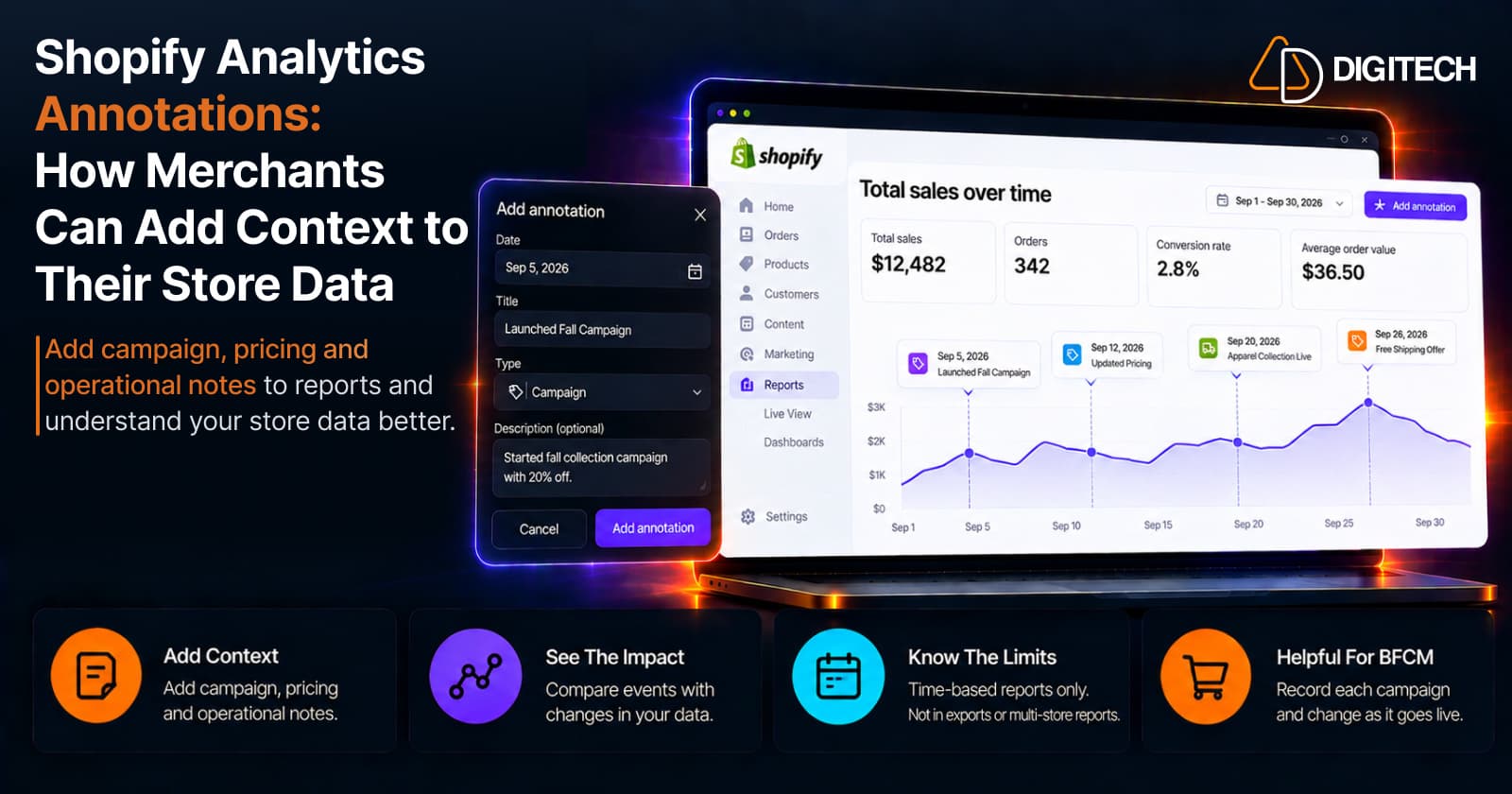
Shopify Analytics Annotations: How Merchants Can Add Context to Their Store Data
Shopify Analytics annotations let merchants add campaign, pricing and operational notes to reports. See how they work, the limits, and how to use them for BFCM.
Read article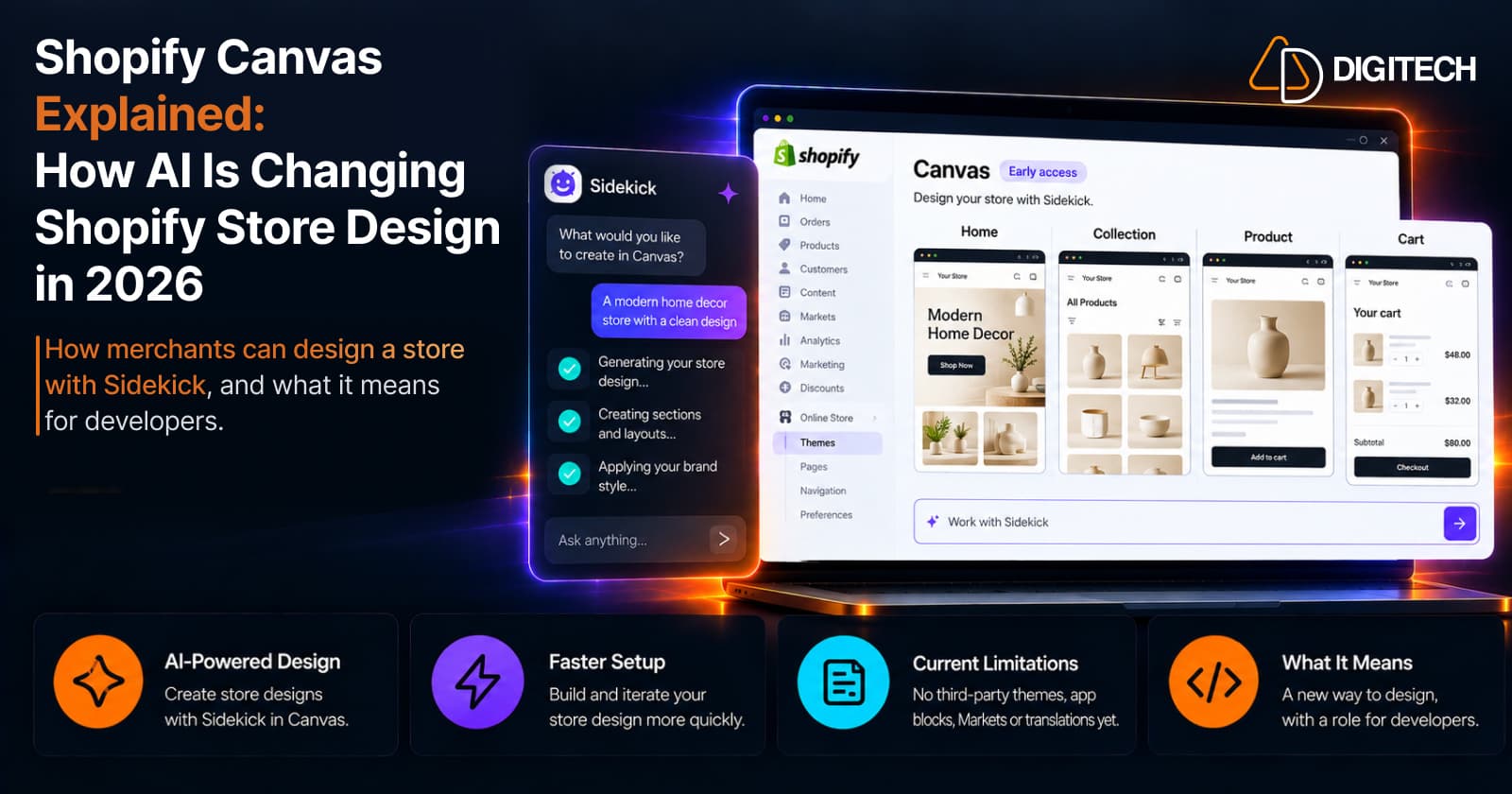
Shopify Canvas Explained: How AI Is Changing Shopify Store Design in 2026
Shopify Canvas, announced October 1, 2026, lets merchants design a store with Sidekick. See how it works, its current limits, and what it means for developers.
Read article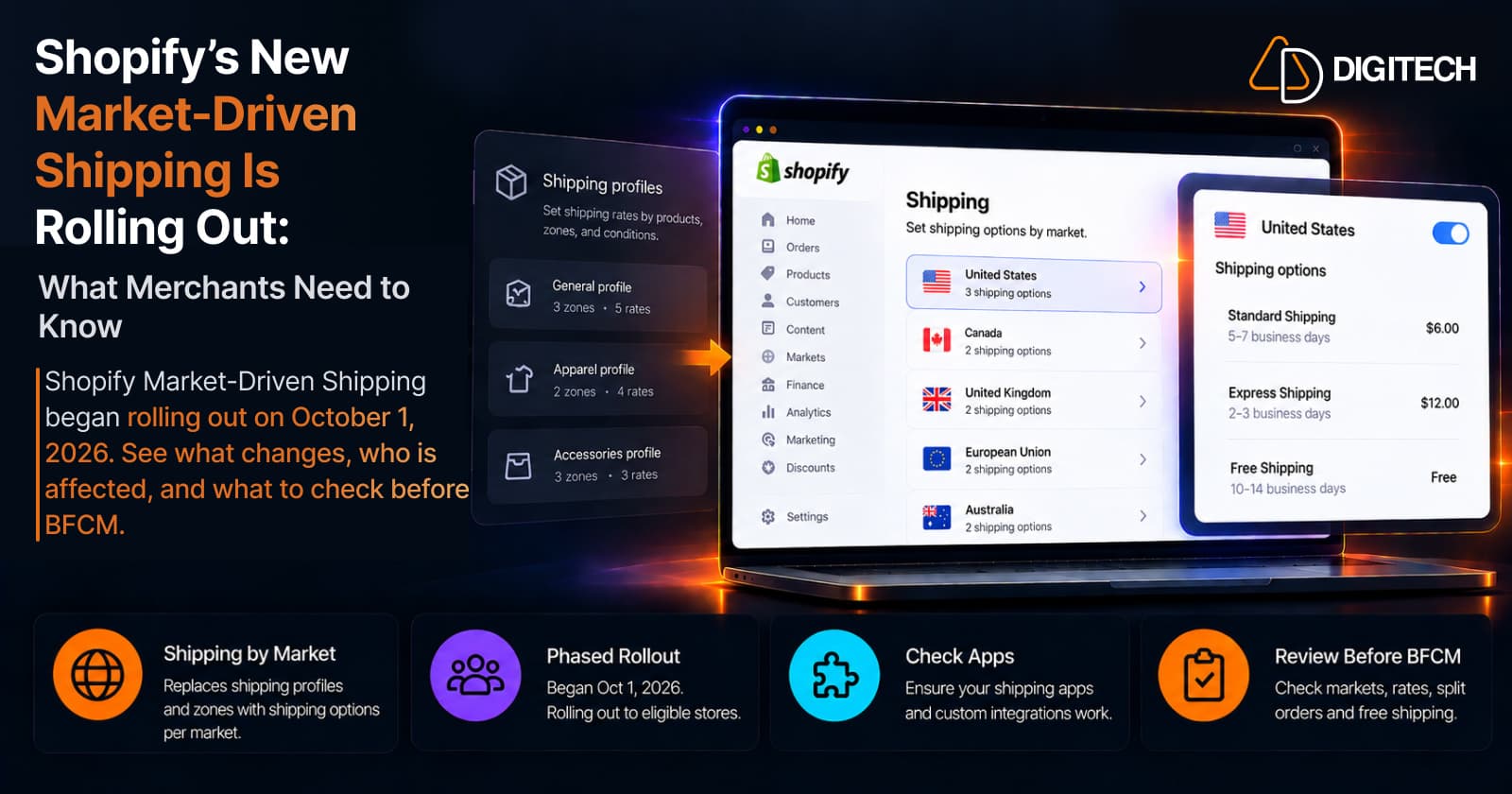
Shopify's New Market-Driven Shipping Is Rolling Out: What Merchants Need to Know
Shopify Market-Driven Shipping began rolling out on October 1, 2026. See what changes, who is affected, and what to check before BFCM.
Read article