Shopify Liquid Storefronts Now Start Loading 29% Faster: What Merchants Need to Know
Shopify now streams the top of eligible Liquid pages early, cutting TTFB about 29% at p75. What it means for FCP, LCP, your theme, and what still needs fixing.
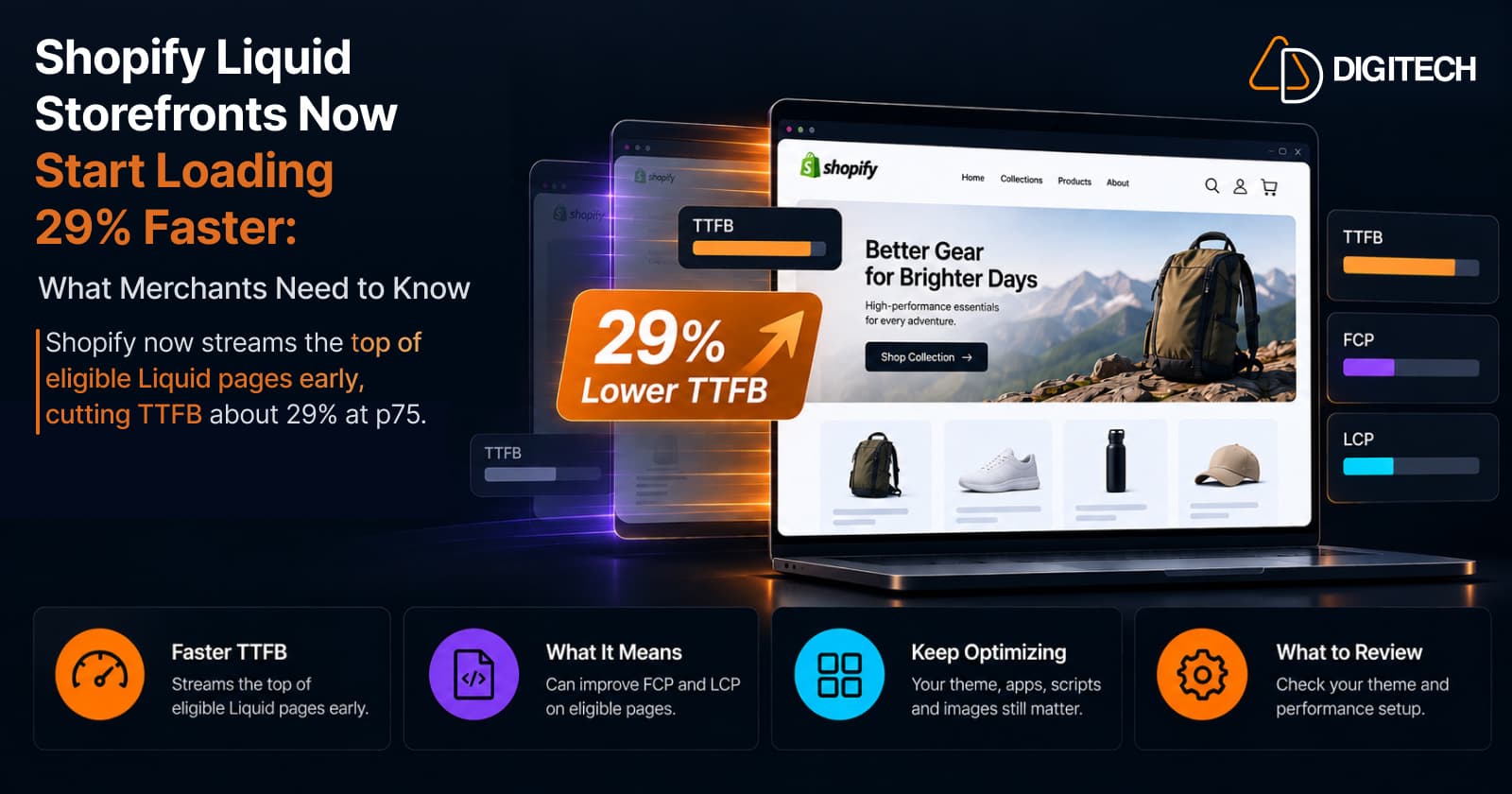
On September 22, 2026, Shopify announced that Liquid storefronts now start loading 29% faster. It's a real platform improvement, and eligible stores got it without changing anything.
The headline is easy to misread, though. The 29% is a Time to First Byte (TTFB) figure, not a measure of how fast the whole page appears. How much a store actually gains depends on its theme, and the usual causes of a slow Shopify store are all still there.
What Shopify Changed in September 2026
Shopify now sends the first part of each eligible page to the browser as soon as it's ready, instead of waiting for the whole page to render.
That first part is everything in your theme's layout up to {{ content_for_header }}, a tag every Shopify theme includes in its <head>. It's mostly static: meta tags, stylesheet links, font preloads, and a few scripts, and it renders in a couple of milliseconds.
The rest of the page, your template's sections, follows in the same response once it has rendered. That's where most of the time goes.
The HTML itself doesn't change. Joined together, the two parts are the same document as before. What changes is when the browser receives it.
How Shopify's New Streaming Works
| What happens | |
|---|---|
| Before | Shopify renders the head and all sections, then sends the page. Only then can the browser find the stylesheets and fonts and start downloading them. |
| Now | Shopify sends the head right away. The browser starts downloading while Shopify is still rendering the sections. |
The browser now works alongside Shopify instead of waiting: it can parse the HTML, discover stylesheets and fonts, open connections, and download critical resources while your sections render.
What streaming doesn't do is reduce the Liquid work on Shopify's servers. In Shopify's own words: "None of this changes how much work the server does."
What Does the 29% Improvement Actually Mean?
Shopify measured the change across all storefront page views, for the median store:
| Metric | Improvement Shopify reported |
|---|---|
| TTFB at p75 | about 29% lower |
| TTFB at p90 | about 21% lower |
| FCP and LCP | about 2% to 6% better |
The p75 and p90 percentiles describe the slower end of page views, not the best case.
So the 29% is real, but it measures the start of the response. The metrics closest to what shoppers see moved by a few percent. That's welcome, but it doesn't mean every store, or every page, loads 29% faster.
TTFB vs FCP vs LCP: Why the Numbers Matter
| Metric | What it measures |
|---|---|
| TTFB (Time to First Byte) | How quickly the browser receives the beginning of the response |
| FCP (First Contentful Paint) | When the browser first shows any text or image |
| LCP (Largest Contentful Paint) | When the largest element on the first screen, usually a hero or product image, finishes rendering |
Shoppers don't see bytes arriving. They see FCP and LCP, which is why Shopify calls those the metrics that matter more. LCP is also one of Google's Core Web Vitals, and our guide to improving Shopify Core Web Vitals covers how to move it without re-theming.
If a large image, a slow app script, or heavy sections still stand between the first byte and the first paint, most of the TTFB gain never reaches the shopper.
Which Shopify Stores and Pages Benefit?
Most storefront pages are streamed, but not all. On the theme side, Shopify says a page qualifies when:
- It renders from a JSON template. Pages built from
.liquidtemplates aren't streamed yet. {{ content_for_header }}is a plain output tag inside<head>. No filters, not wrapped in{% if %}or{% capture %}, not placed in a snippet, and not assigned to a variable first.
Two details catch stores out. A wrapped or moved tag turns streaming off for every page that uses that layout. And apps that ship their own layout, such as some landing page builders, can do the same if they capture or rewrite the tag.
Preview themes, the preview bar, and the theme editor aren't streamed, so judge the effect on your live theme. Shopify says it's working to make more pages eligible.
Why Some Themes Benefit More Than Others
Every eligible store gets the TTFB improvement. How much of it becomes a faster first paint depends on the theme, because the browser can only download what it has already received.
If a theme's main stylesheet and font declarations sit above {{ content_for_header }}, they arrive in the first part and download while Shopify renders the sections. If they sit below it, they arrive with the second part, after rendering finishes, and the head start is spent on little more than meta tags.
Shopify compared its own themes during the rollout (p75, median store):
| Theme | TTFB | FCP | LCP |
|---|---|---|---|
| Dawn (stylesheets and fonts below the tag) | ~25% | ~3% | ~2% |
| Horizon (almost everything above the tag) | ~29% | ~8% | ~4% |
The TTFB gains were similar, but Horizon turned its gain into roughly three times the FCP improvement. These are Shopify's rollout figures, not a promise for any particular store, and resource order is only one part of performance: switching to Horizon isn't automatically a speed win.
What Merchants Should Check in Their Theme
Most of these are quick checks for your developer or theme partner:
- Confirm your live pages are streamed. Test the live theme, not a preview.
- Use JSON templates for key pages. Product, collection, and homepage templates that are still
.liquidfiles aren't streamed yet. - Leave
{{ content_for_header }}untouched. It should be a plain tag inside<head>. Check layouts added by apps too. - Put first-paint resources above it. Shopify recommends placing the stylesheets, font preloads, and settings-driven CSS that the first screen needs above the tag.
- Don't move code blindly. Scripts that read
Shopify.*(such asShopify.currency) throw an error above the tag, because the Shopify object doesn't exist yet. A stylesheet moved above it can also start losing styling conflicts to styles Shopify adds below. - Keep the
<head>light. Everything above the tag renders before the first part leaves, so a meta-tags snippet that loops over collections or variants delays the whole benefit. - Review expensive Liquid. Shopify names deeply nested loops the most common cause of high TTFB, and streaming doesn't make them cheaper.
- Audit apps and scripts. App embeds and injected scripts load after
{{ content_for_header }}whatever your layout does, so reordering won't help them. Our guide to how third-party apps affect store performance shows how to find the costly ones. - Re-measure FCP, LCP, and the other Core Web Vitals after each change, not just TTFB.
For the most common theme-level problems, see 10 Shopify theme performance mistakes.
What Shopify's Update Does NOT Fix
Streaming moves the browser's downloads earlier. It doesn't reduce Liquid rendering, and nothing can paint until the sections arrive. So it doesn't fix:
- Heavy Liquid rendering, such as nested loops over products and variants
- Oversized or badly loaded images, including a lazy-loaded hero, or one hidden behind a fade-in animation, which Shopify notes delays LCP
- Render-blocking and unnecessary JavaScript, including app and tracking scripts
- Excess CSS and very large pages (a large DOM)
- Slow external API calls for above-the-fold content
- Layout shifts from images without dimensions, late fonts, or app-injected content
- Content rendered in JavaScript instead of Liquid, and weak mobile implementations
If your store still feels slow, the cause is likely on this list. Our practical performance diagnosis guide shows how to find which one.
How to Test Your Store After the Update
- Test the live theme. Preview themes and the theme editor aren't streamed.
- Check the page request in Chrome DevTools. In the Network panel, open the HTML document request and its Timing tab. On a streamed page, "Waiting for server response" (the TTFB) ends when the first part arrives, and "Content download" includes the section rendering. Compare the total duration when judging Liquid changes.
- Profile Liquid with the Theme Inspector for Chrome. It shows rendering time per section and snippet, and streaming doesn't affect it.
- Run PageSpeed Insights or Lighthouse several times. Shopify notes a single Lighthouse run can vary by 5 to 10 points, so compare the median of at least three runs.
- Check field data. Shopify's web performance dashboard in your admin, and the real-user data in PageSpeed Insights, show what actual visitors experience.
One caution: a lower TTFB after this update doesn't mean your page rendered sooner, only that its first part arrived earlier. As Shopify's testing guide notes, that gain belongs to the platform, not your theme, so judge your own changes by FCP and LCP.
What This Means Before the Holiday Shopping Season
With Black Friday on November 27, 2026, treat this as extra headroom, not a reason to stop performance work. Before traffic peaks, check your homepage, collection pages, and product pages on mobile, review app scripts, images, and theme resources, and confirm Core Web Vitals in field data. For product pages, see our BFCM product page optimization guide.
Bottom Line
Shopify has made eligible Liquid storefronts start loading faster at the platform level, with no work required from merchants. But a faster first byte isn't the same as a fast store. Theme structure, resource order, Liquid, apps, JavaScript, and images still decide what shoppers see, and when.
If your Shopify store is still struggling with slow storefront performance, AD Digitech can help identify whether the bottleneck is coming from the theme, Liquid rendering, apps, JavaScript, or other storefront resources.
Frequently asked questions
Is every Shopify store now 29% faster?
No. The 29% is Shopify's reported drop in Time to First Byte at p75 for the median store, on eligible pages. FCP and LCP, which shoppers actually notice, improved about 2% to 6%, and results vary by theme.
What is Shopify streaming HTML?
Shopify sends the top of the page, the layout up to content_for_header, as soon as it's rendered, and the rest when the sections finish. The browser starts downloading stylesheets and fonts sooner. The HTML itself is unchanged.
Does the 29% improvement apply to all Shopify themes?
Every eligible page gets the TTFB gain, but themes convert it differently. In Shopify's rollout data, Horizon, which loads critical resources above content_for_header, improved FCP about 8%, versus about 3% for Dawn.
Can I still improve my Shopify store's performance after this update?
Yes. Streaming doesn't reduce Liquid work or fix images, apps, or JavaScript. Carefully moving first-paint resources above content_for_header, simplifying Liquid, and removing unused scripts can still improve FCP and LCP.
Why is my Shopify store still slow if Shopify improved TTFB?
On a streamed page, TTFB marks when the first part arrives, not when the page is rendered. Heavy sections, large images, and app or render-blocking scripts can still delay what shoppers see.
Building something on Shopify?
We design, build, and maintain Shopify apps, stores, and AI products — to the standard this article describes.
Related reading

Shopify Translate & Adapt Auto-Sync: How to Keep Translations Current Before BFCM
Translate & Adapt can now update translations weekly with Auto-sync. Here's who can use it, how it differs from Translate now, and how to plan translations before BFCM.
Read article
Shopify Flow Shipping Label Automation: Setup, Rules, and What Merchants Should Test Before BFCM
Shopify Flow can now buy shipping labels automatically for orders that match your rules. Here's how the action works, example workflows, and what to test before BFCM.
Read article
Shopify Automated Policies: 7 Things Merchants Should Check Before Enabling Them
Shopify can now generate and update your return, shipping, terms of service and contact policies from your store settings. Here's what to check before you turn automation on.
Read article
Shopify Purchase Order Analytics: How to Spot Stock Risks Before BFCM
Shopify Analytics now includes purchase order reports. Here's what each report shows, how to use them to spot stock risks before BFCM, and what they can't tell you.
Read article
Shopify Rollouts: How Merchants Can Safely Test Store Changes Before BFCM
Learn how Shopify Rollouts let merchants schedule, test, and launch store changes safely before BFCM, including themes, discounts, catalogs, and checkout.
Read article
Shopify Shop Checkout Gets Faster: What Merchants Need to Know
Shopify's October 5, 2026 Shop update brings faster checkout and carts that sync across devices. See how it works, who qualifies and what to check before BFCM.
Read article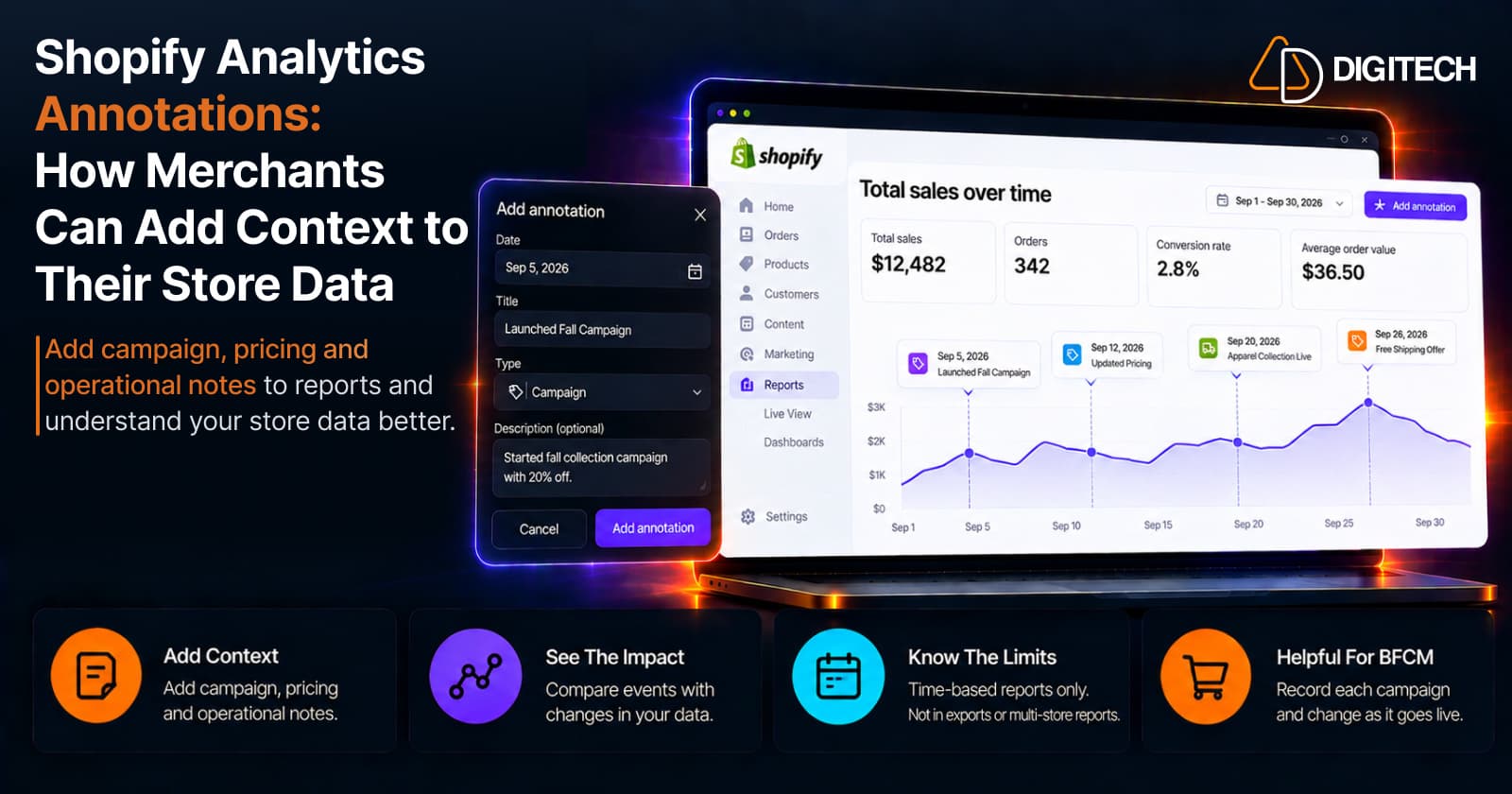
Shopify Analytics Annotations: How Merchants Can Add Context to Their Store Data
Shopify Analytics annotations let merchants add campaign, pricing and operational notes to reports. See how they work, the limits, and how to use them for BFCM.
Read article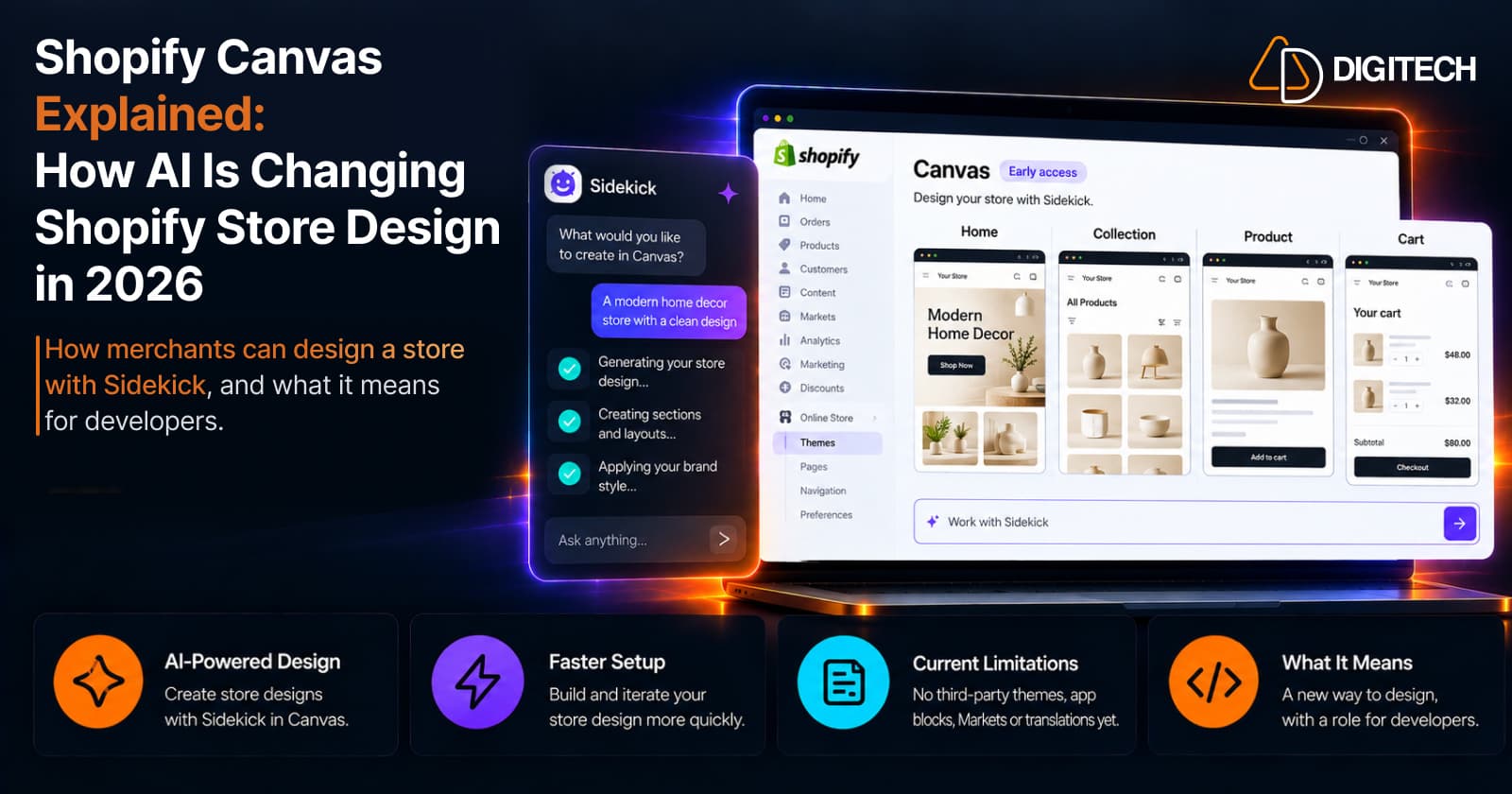
Shopify Canvas Explained: How AI Is Changing Shopify Store Design in 2026
Shopify Canvas, announced October 1, 2026, lets merchants design a store with Sidekick. See how it works, its current limits, and what it means for developers.
Read article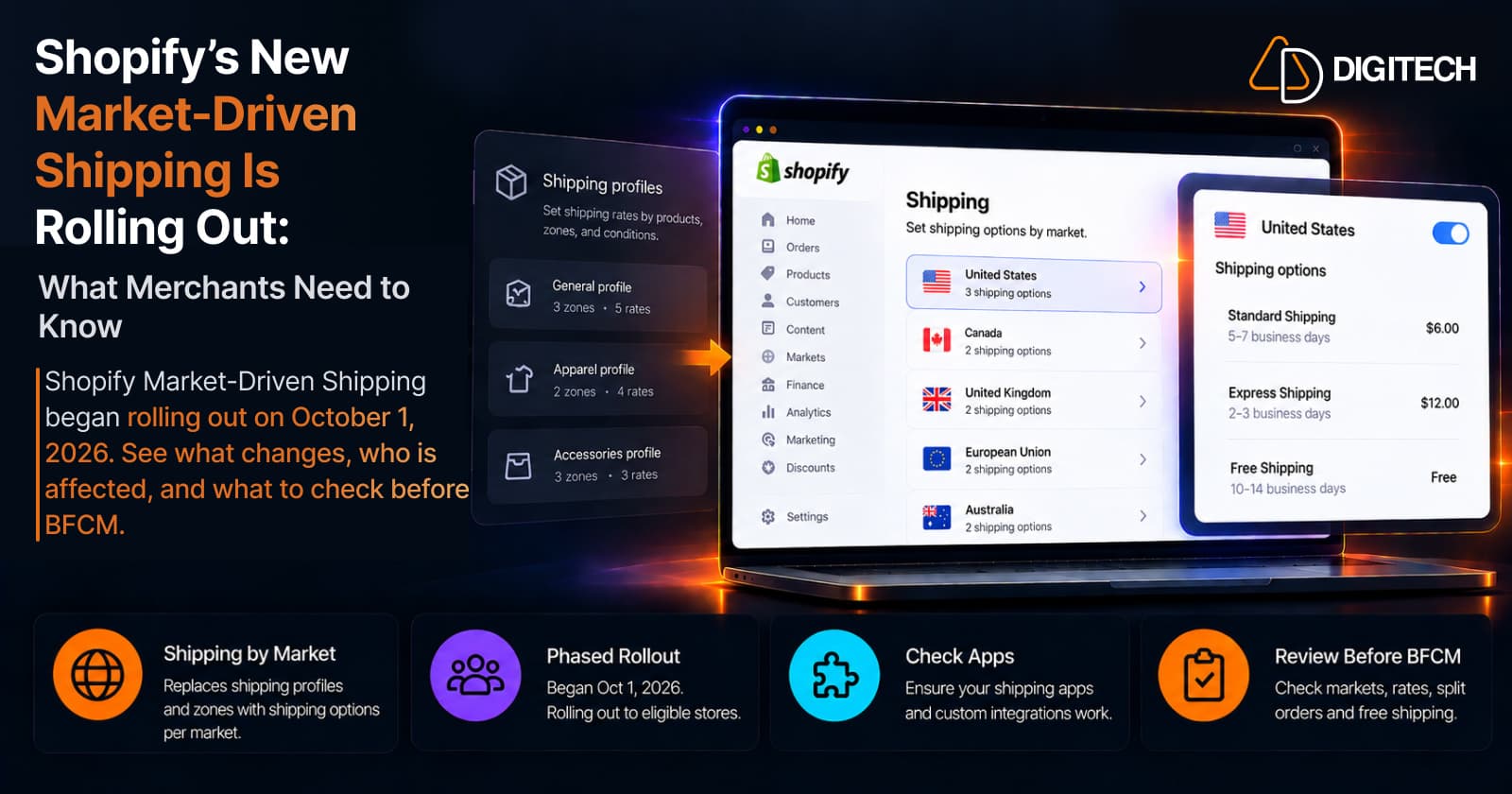
Shopify's New Market-Driven Shipping Is Rolling Out: What Merchants Need to Know
Shopify Market-Driven Shipping began rolling out on October 1, 2026. See what changes, who is affected, and what to check before BFCM.
Read article