How to Use Your Shopify Thank You Page for BFCM Sales
Learn how to use the Shopify Thank You Page during BFCM with relevant upsells, product recommendations, bundles, offers and countdown timers.
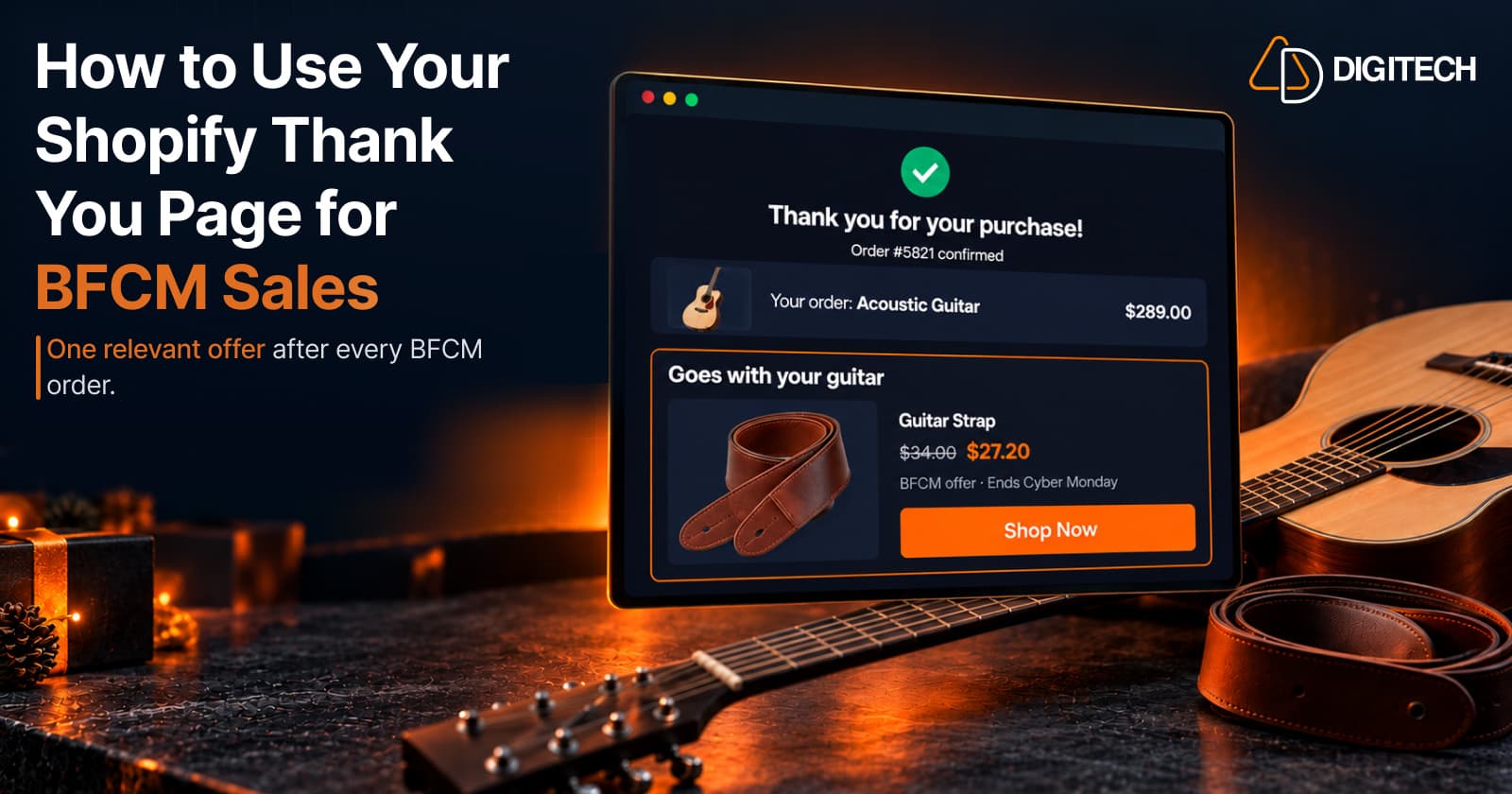
Black Friday falls on November 27, 2026, and Cyber Monday on November 30. For most Shopify stores it's the busiest stretch of the year, and a lot of budget goes into getting shoppers to checkout. Then the order is placed, and the journey usually ends with a plain confirmation.
It doesn't have to. The Shopify Thank You Page is the first page every BFCM customer sees after paying. Alongside the confirmation, it can show a product that fits what they just bought: a complement, a bundle or a time-limited offer.
The goal isn't to interfere with the completed checkout. It's to create a separate, relevant opportunity for an additional purchase. This guide covers how to plan that for BFCM while there's still time to test.
Why the Shopify Thank You Page Matters During BFCM
Every completed checkout ends on the Thank You Page. During BFCM:
- More orders mean more views. Each extra BFCM order is another customer who sees the page.
- Demand is already high. Customers are buying, and some are shopping for several people.
- The purchase gives you context. You know exactly what they bought, the best input for what to show next.
- Many buyers are new. A relevant recommendation shows a first-time customer more of your range.
- Shopping can continue. A customer still in buying mode sees something useful instead of a dead end.
That doesn't mean every customer wants to buy again. Most won't. The aim is an offer that's relevant to the ones who might and harmless to the rest.
How BFCM Post-Purchase Sales Work
BFCM promotion → customer purchases → checkout completes → Thank You Page → relevant recommendation or offer → customer decides whether to buy again
Two points matter.
The original order is already placed. Shopify describes the Thank You Page as "an initial purchase confirmation after they complete a checkout." Anything bought from an offer there is a separate purchase. It doesn't add items to the order just paid for.
The Thank You Page isn't Shopify's native post-purchase page. That's a different surface, shown after the order is confirmed but before the Thank You Page, and its extensions are still in beta. Grovia works on the Thank You Page and the Order Status Page, not that page. Our guide to how Thank You Page upsells work explains the difference.
8 Ways to Use the Shopify Thank You Page During BFCM
1. Recommend Complementary Products
Example: a customer buys a laptop at its Black Friday price. The Thank You Page shows a sleeve, a wireless mouse and a keyboard.
Complements fit BFCM well because the main decision is made. The customer isn't comparing laptops anymore, but may still need what makes it usable on day one. See our guide to cross-selling complementary products.
2. Offer Relevant Upsells
Example: a customer buys an entry-level vitamin C serum. The Thank You Page suggests the full-size night cream from the same range.
Be careful during BFCM. Recommending the premium version of the exact product they just bought on sale can feel like you held back the better deal. Upsell into related products instead.
3. Promote Product Bundles
Example: a customer buys a yoga mat. The Thank You Page offers two blocks, a resistance band set and a towel at one bundle price.
Bundles work when the items clearly belong together. During BFCM, use only products you have plenty of stock for. Our guide to Thank You Page product bundles covers the formats.
4. Show BFCM-Specific Post-Purchase Offers
Example: a customer buys sunglasses. The Thank You Page offers a hard case or cleaning kit at a small discount, valid until Cyber Monday ends.
The customer has just seen your BFCM sale. Showing the same 30% off again adds nothing. A relevant product with a modest, clearly stated offer is easier to act on. See our guide to Thank You Page offers.
5. Use Countdown Timers for Genuine Offers
A timer is honest only if the offer really ends when it does. For BFCM, the simplest version is a fixed deadline, such as the end of Cyber Monday, with the discount's end date in Shopify set to match. A timer that resets is fake urgency. Our countdown timer guide covers the details.
6. Recommend Products Based on the Purchase
Tie recommendations to what was bought using rules you set, such as a product's collection, tags or metafields:
- Camera → camera bag
- Coffee machine → coffee beans
- Tent → groundsheet
- Dog collar → leash
Shopify doesn't predict what each customer wants. You choose the rule, and the app applies it to each order, so two customers who buy the same tent see the same recommendation. See adding product recommendations.
7. Promote Giftable or Seasonal Products
Many BFCM purchases are gifts, and the buyer may still have names on the list.
Example: a customer buys a cashmere scarf. The Thank You Page shows matching gloves and a small gift set in the same color.
Keep it tied to the purchase. Unrelated gift ideas read as a second storewide promotion.
8. Encourage the Next Purchase
Example: a customer buys a coffee machine. Instead of a second discount, the page shows the beans and descaler they'll need in a few weeks, without a timer.
After a large purchase, a low-pressure recommendation they can come back to is often better than another urgent offer.
BFCM Product Recommendation Examples by Store Type
| Store type | Customer buys | Recommend |
|---|---|---|
| Fashion | Wool coat | Scarf or leather gloves |
| Beauty | Face serum | Moisturizer or cleanser |
| Electronics | Laptop | Sleeve or wireless mouse |
| Fitness | Yoga mat | Blocks or resistance bands |
| Pet | Dog collar | Leash or treat pouch |
| Home | Coffee machine | Coffee beans or filters |
| Outdoor | Tent | Groundsheet or sleeping mat |
| Kitchen | Stand mixer | Mixing bowl or baking mats |
| Music | Acoustic guitar | Guitar strap or spare strings |
| Furniture | Sofa | Matching cushions or a throw |
For more ideas, see what to sell on the Thank You Page.
How to Build a BFCM Thank You Page Offer Strategy
- Identify your most important BFCM products. They'll drive most Thank You Page views.
- Map complementary products, two or three per product.
- Choose upsell opportunities, and note where an upsell would feel like a bait and switch.
- Create relevant bundles, with stock for every item.
- Decide where a genuine limited-time offer makes sense. Not every product needs a discount. Set real end dates and check how each offer combines with your storewide BFCM discount.
- Configure the Thank You Page. Add blocks through Shopify's checkout editor with an app that supports the Thank You Page. Our guide to adding upsells to the Thank You Page walks through it.
- Test the complete experience on desktop and mobile: links, discount codes and stock.
- Monitor performance during the campaign, and replace any recommendation for a product that's running low.
Aim to finish by mid-November, so you aren't changing your checkout setup in the busiest week.
BFCM Thank You Page Offer Ideas
- Buy a camera → offer a memory card
- Buy running shoes → offer running socks
- Buy a sofa → offer matching cushions
- Buy a coffee machine → offer beans
- Buy a phone → offer a case
- Buy a serum → offer the matching moisturizer
- Buy a tent → offer camping accessories
- Buy a stand mixer → offer baking accessories
Each is something the customer is likely to need soon. The offer works because of that relevance, not the discount.
BFCM Thank You Page Best Practices
- Keep recommendations relevant to the order, and prioritize complements.
- Show two to four products, not your whole BFCM range.
- Make the value clear: what it is, why it fits, what it costs.
- Keep CTAs simple: one "Shop Now" or "Add to Cart" per product.
- Design for mobile. Many BFCM purchases happen on phones.
- Test before traffic peaks. Fixes are harder mid-sale.
- State offer terms, including the end date.
- Use urgency honestly.
- Avoid stacking promotions. One clear offer beats three competing ones.
Our Thank You Page optimization guide covers layout in more depth.
BFCM Mistakes to Avoid on the Thank You Page
- Showing unrelated products just because they're on sale.
- Adding too many offers to one page.
- Using a countdown timer that resets.
- Repeating the BFCM promotion the customer just used.
- Recommending out-of-stock products. BFCM sells items out fast, so keep fallbacks ready.
- Showing discounts without explaining how they combine with the sale.
- Using mobile layouts that push the order confirmation off screen.
- Showing every customer the same recommendation regardless of what they bought.
- Treating a Thank You Page offer as a change to the completed order.
- Putting too much content above the order confirmation.
Thank You Page vs Order Status Page During BFCM
| Thank You Page | Order Status Page | |
|---|---|---|
| When customers see it | Once, right after checkout | Later, when they come back to check the order |
| Main purpose | Confirm the purchase | Track the order and see shipping updates |
| Opportunity | Complements tied to what was just bought | Offers with a longer window |
| Typical BFCM use | Complements, bundles, a short offer | Next-purchase recommendations, offers into December |
| Grovia relevance | Recommendations, bundles, offers, timers, surveys | The same blocks, on a page customers revisit |
They're separate pages. Shopify notes that if a customer returns to the Thank You Page or checks their order status later, "they're shown the Order status page instead." When many BFCM orders are gifts with a delivery date that matters, customers may come back more than once. See our Thank You Page vs Order Status Page comparison.
How to Measure BFCM Thank You Page Performance
Track what your tools report:
- Recommendation and offer clicks
- Add-to-cart actions, where your app reports them
- Additional purchases and their conversion rate
- Revenue from those additional purchases
- Performance by type: complements, bundles, upsells and timed offers
Compare offers against each other. A complement that converts a few customers at full margin can be worth more than a discounted bundle that converts more.
If you can, note how the same offers perform in a normal week first, so you don't credit BFCM's extra traffic to the Thank You Page. And don't treat that revenue as proof of incremental sales: some customers would have bought the item anyway.
How Grovia Helps Shopify Stores During BFCM
Grovia is our app for configuring post-purchase experiences on the Shopify Thank You Page and Order Status Page, with a drag-and-drop editor and no coding or theme changes. For BFCM:
- Recommendations from rules you choose: manual selection, the same collection, best sellers over a chosen period, complementary products linked by tag or metafield, a higher-priced alternative of the same type, or new arrivals.
- Four bundle formats: fixed, mix-and-match, pick-from-collection, and buy-more-save-more (quantity-based pricing on one product).
- Upsells and cross-sells for the products you map before the sale.
- Coupon codes with countdown timers for genuine limited-time offers.
- Images, banners and trust badges, for example a delivery cut-off reminder.
- Post-purchase surveys, such as asking whether the order was a gift.
- Analytics for clicks, conversions, conversion rate and revenue.
A typical BFCM setup might show a complement after each purchase from your sale collection, a bundle for your top seller, and a small coupon with a timer that ends with Cyber Monday.
Grovia doesn't use AI or predict customer behavior; recommendations follow your rules. It doesn't change the completed order, and it isn't Shopify's native post-purchase extension. Offers lead to a separate, additional purchase.
BFCM Preparation Checklist for Your Thank You Page
- Identify your top BFCM products
- Map complementary products
- Prepare upsells, bundles and relevant offers
- Configure Thank You Page blocks
- Configure the Order Status Page where useful
- Test on desktop and mobile
- Test offer links and discount codes
- Check inventory for every recommended product
- Confirm offer terms and end dates
- Review your analytics setup
- Launch before November 27
Conclusion
During BFCM, the Thank You Page is where every customer lands after paying. It won't turn every order into two. But a relevant complement, a well-built bundle or an honest, time-limited offer gives some customers a reason to keep shopping, without touching the order they just placed. Map your top products now, test the page before November 27, and measure each offer against the others.
Frequently asked questions
Can I use the Shopify Thank You Page for BFCM upsells?
Yes. Apps that support the Thank You Page can show upsells there. The customer has already completed checkout, so an upsell invites a separate, additional purchase.
What should I recommend after a BFCM purchase?
Products that go with what was just bought, such as a case for a phone or beans for a coffee machine. Relevance matters more than discount size.
Can I offer a BFCM discount on the Thank You Page?
Yes, for example a code for specific complementary products. Make the terms clear and check how it combines with your storewide BFCM promotion.
Can I use a countdown timer for a BFCM post-purchase offer?
Yes, if the offer really ends when the timer does. Set the discount's end date in Shopify to match.
Does a Thank You Page offer change the original order?
No. The original checkout is complete. Accepting an offer leads to a separate, additional purchase.
Should I use the Thank You Page or the Order Status Page for BFCM offers?
The Thank You Page suits complements tied to the purchase, right after checkout. The Order Status Page, which customers revisit to track orders, suits offers with a longer window. Many stores use both.
How many products should I recommend after checkout?
Usually two to four. A short, relevant selection is easier to act on than a long list.
Can Grovia help with BFCM Thank You Page offers?
Yes. Grovia adds recommendations, bundles, upsells, coupon offers with countdown timers, banners and surveys to the Thank You Page and Order Status Page, without coding or theme changes.
Turn Your Thank You Page Into a Better Post-Purchase Experience
With Grovia, you can add relevant product recommendations, bundles, upsells, offers and post-purchase surveys to your Shopify Thank You Page — without coding.
Related reading
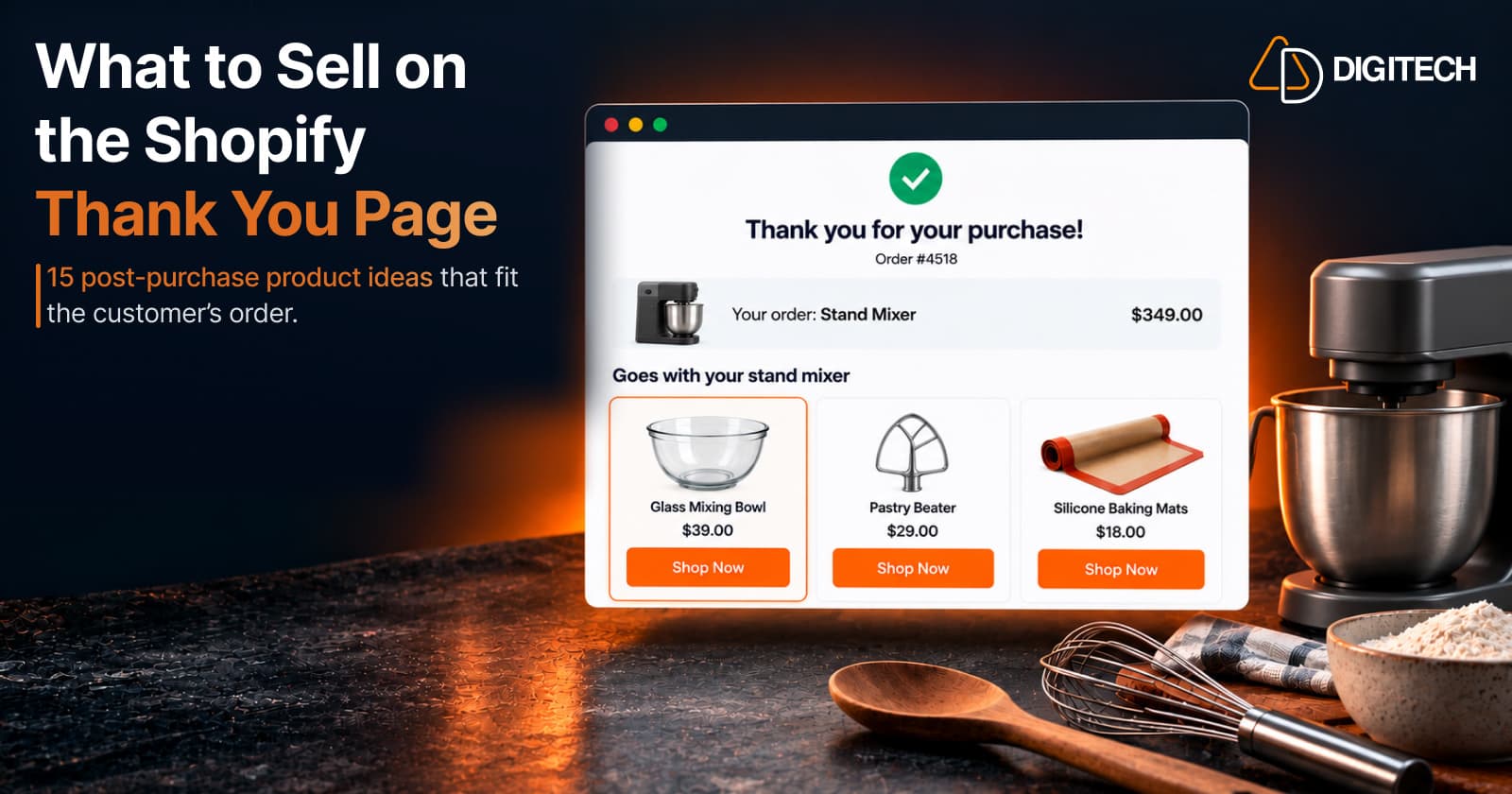
What to Sell on the Shopify Thank You Page: 15 Post-Purchase Product Ideas
Discover 15 Shopify Thank You Page product ideas, from complementary accessories and bundles to upgrades, refills and relevant post-purchase offers.
Read article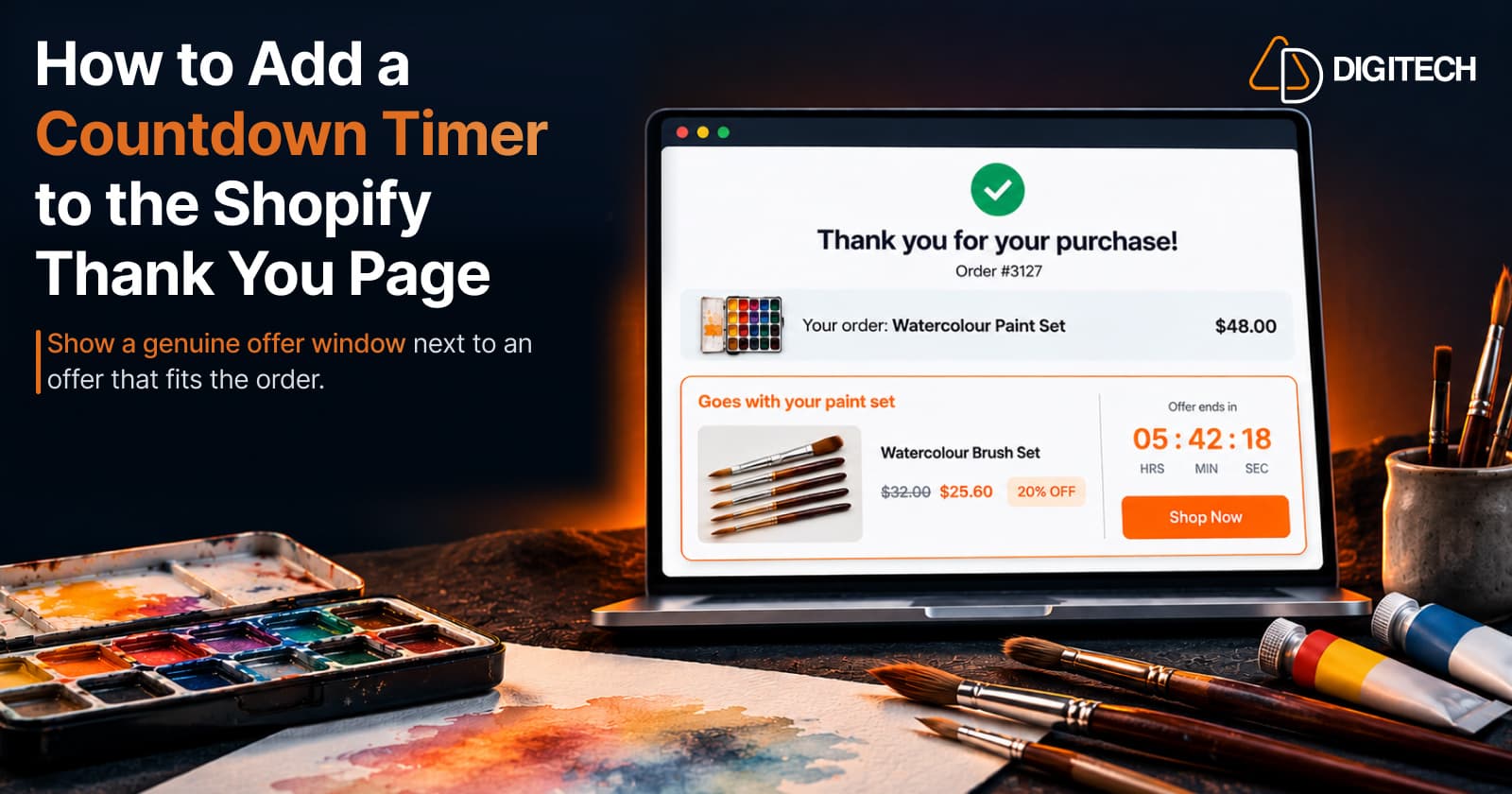
How to Add a Countdown Timer to the Shopify Thank You Page
Learn how to add a countdown timer to the Shopify Thank You Page and use time-sensitive offers, discounts and relevant products to drive post-purchase engagement.
Read article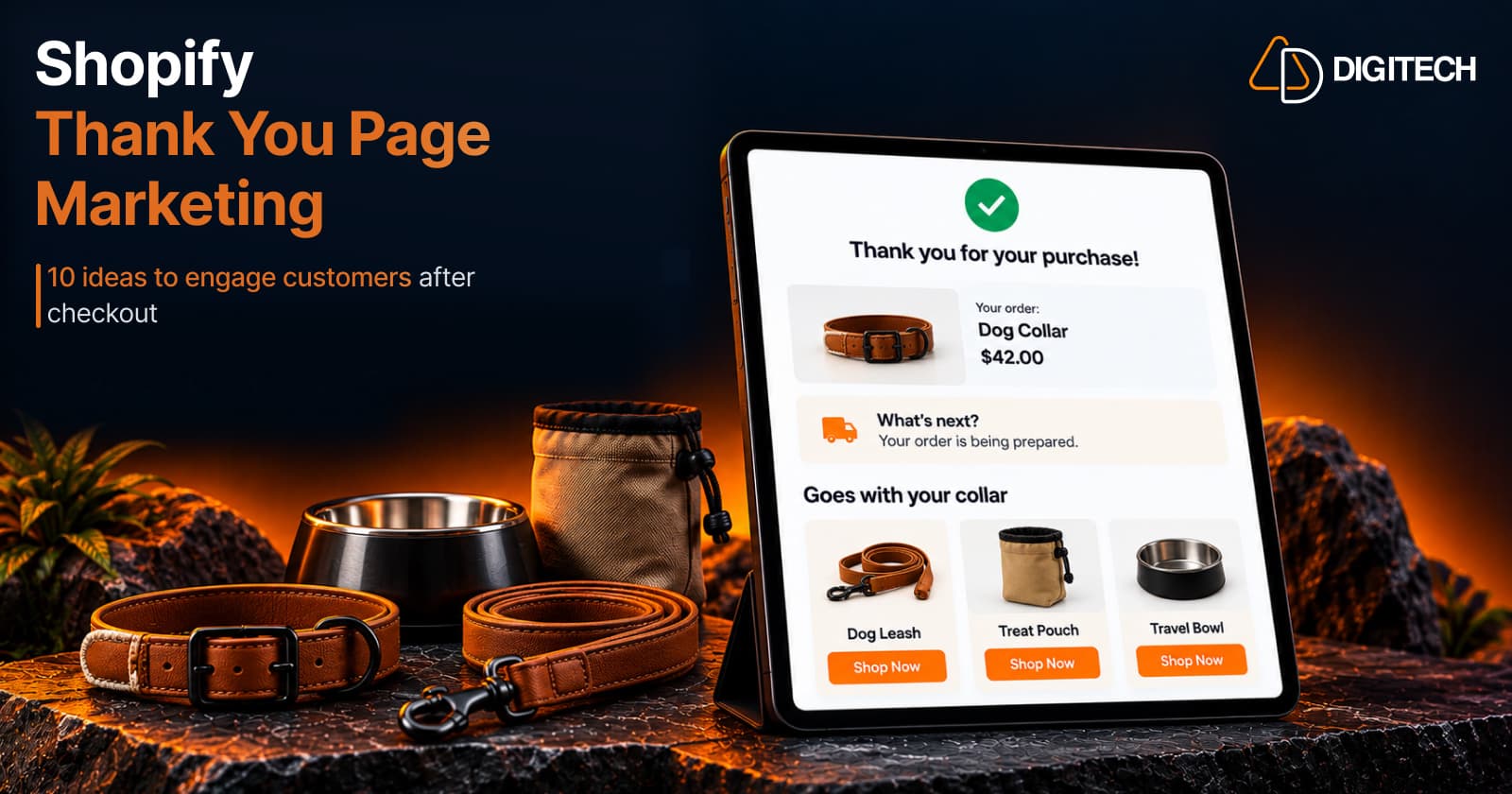
Shopify Thank You Page Marketing: 10 Ideas to Engage Customers After Checkout
Discover 10 Shopify Thank You Page marketing ideas to engage customers after checkout with recommendations, offers, bundles, feedback and useful content.
Read article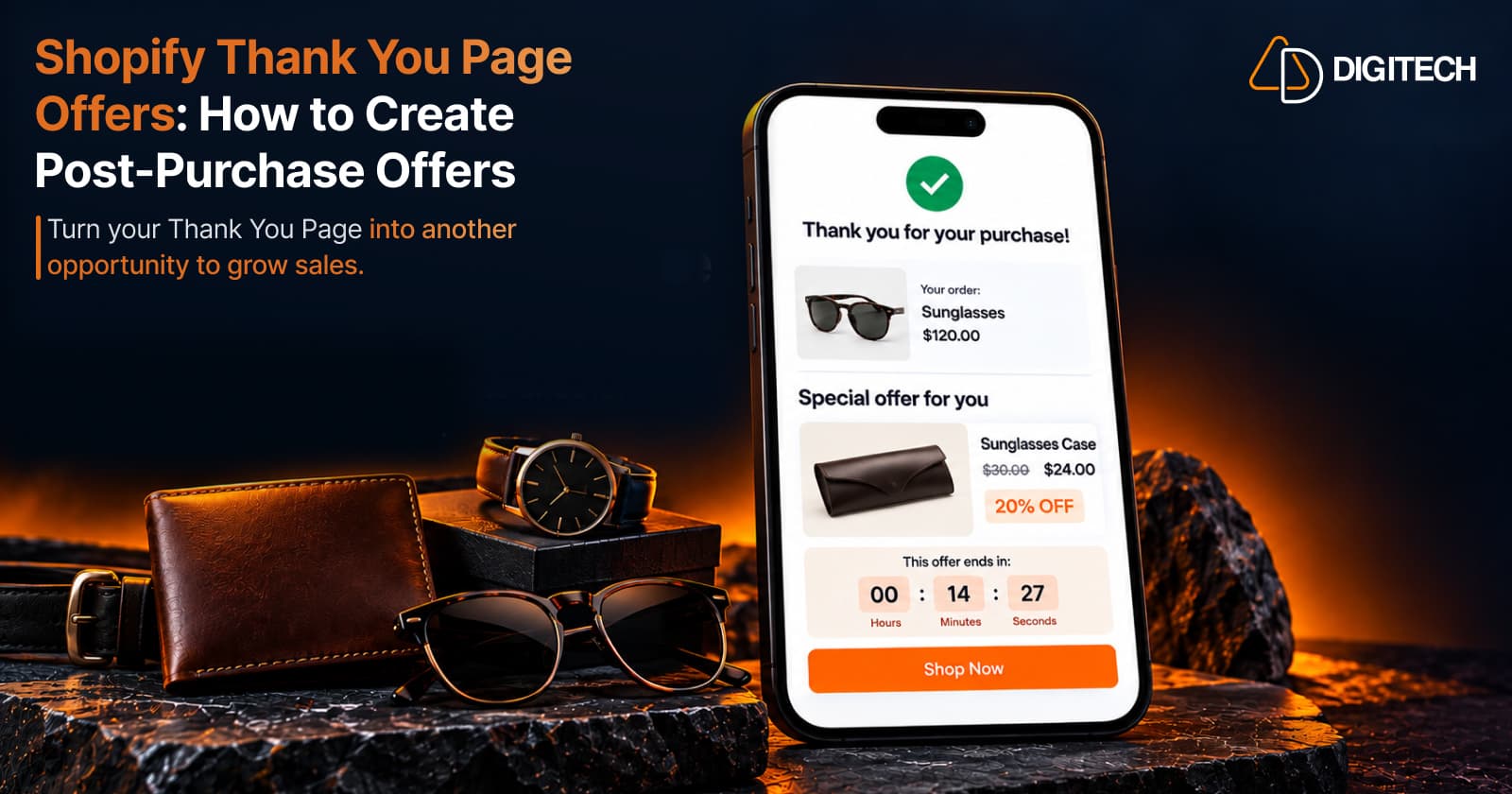
Shopify Thank You Page Offers: How to Create Post-Purchase Offers
Learn how to create Shopify Thank You Page offers with discounts, coupons, countdown timers and relevant promotions to drive additional purchases.
Read article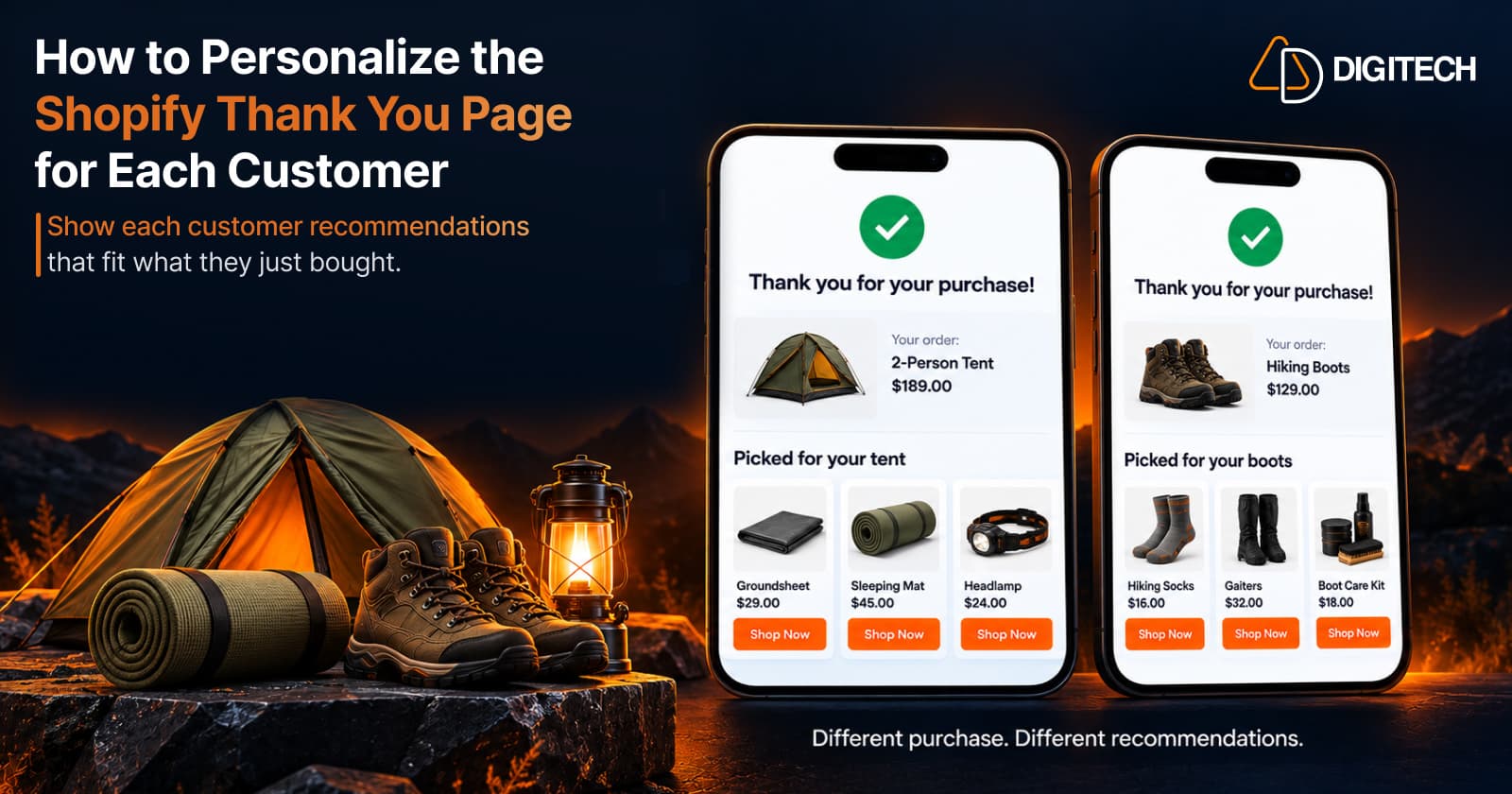
How to Personalize the Shopify Thank You Page for Each Customer
Learn how to personalize the Shopify Thank You Page with relevant recommendations, cross-sells, bundles, offers and post-purchase content.
Read article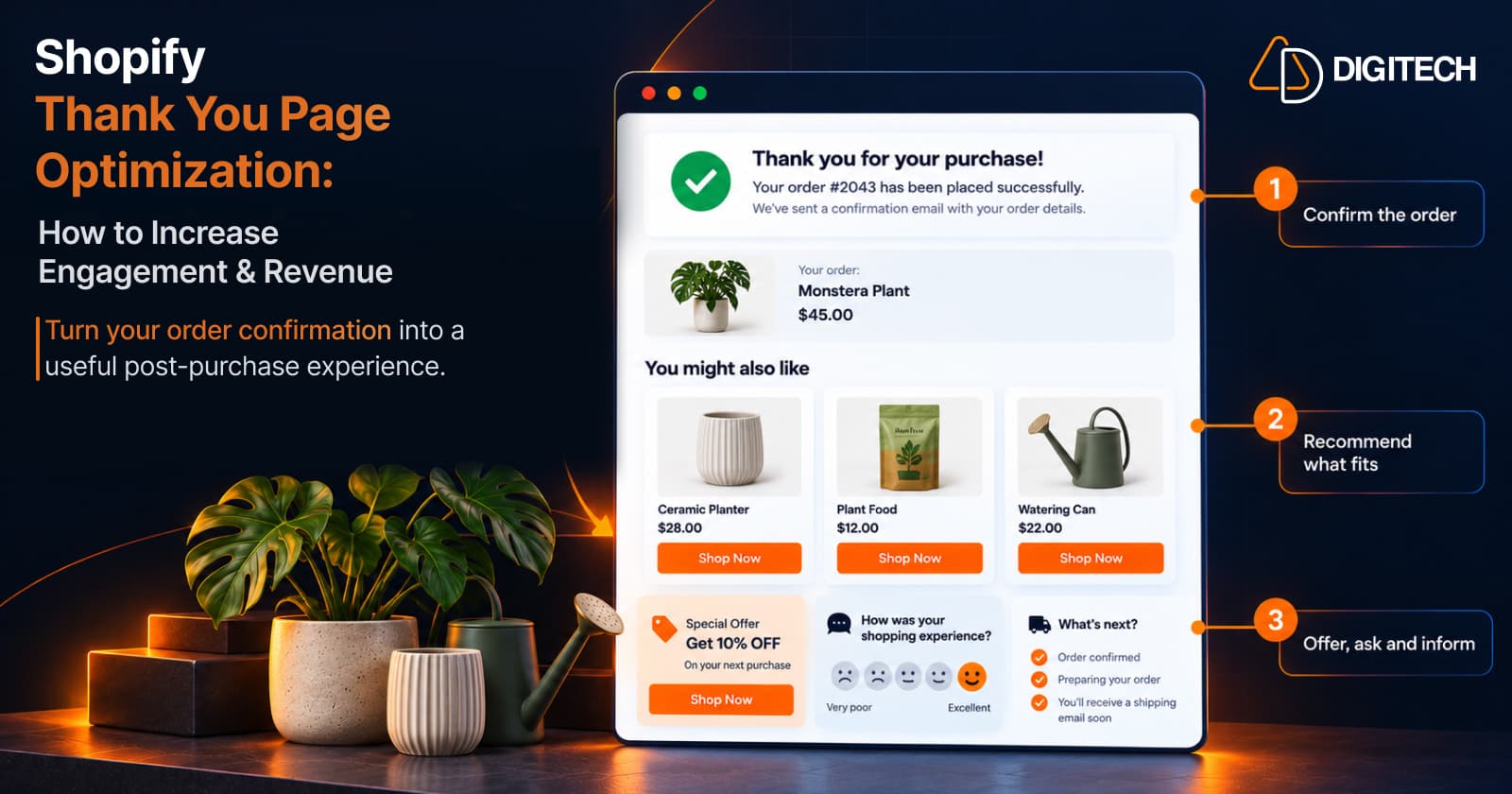
Shopify Thank You Page Optimization: How to Increase Engagement & Revenue
Learn how to optimize your Shopify Thank You Page with recommendations, upsells, bundles, offers and surveys to create a better post-purchase experience.
Read article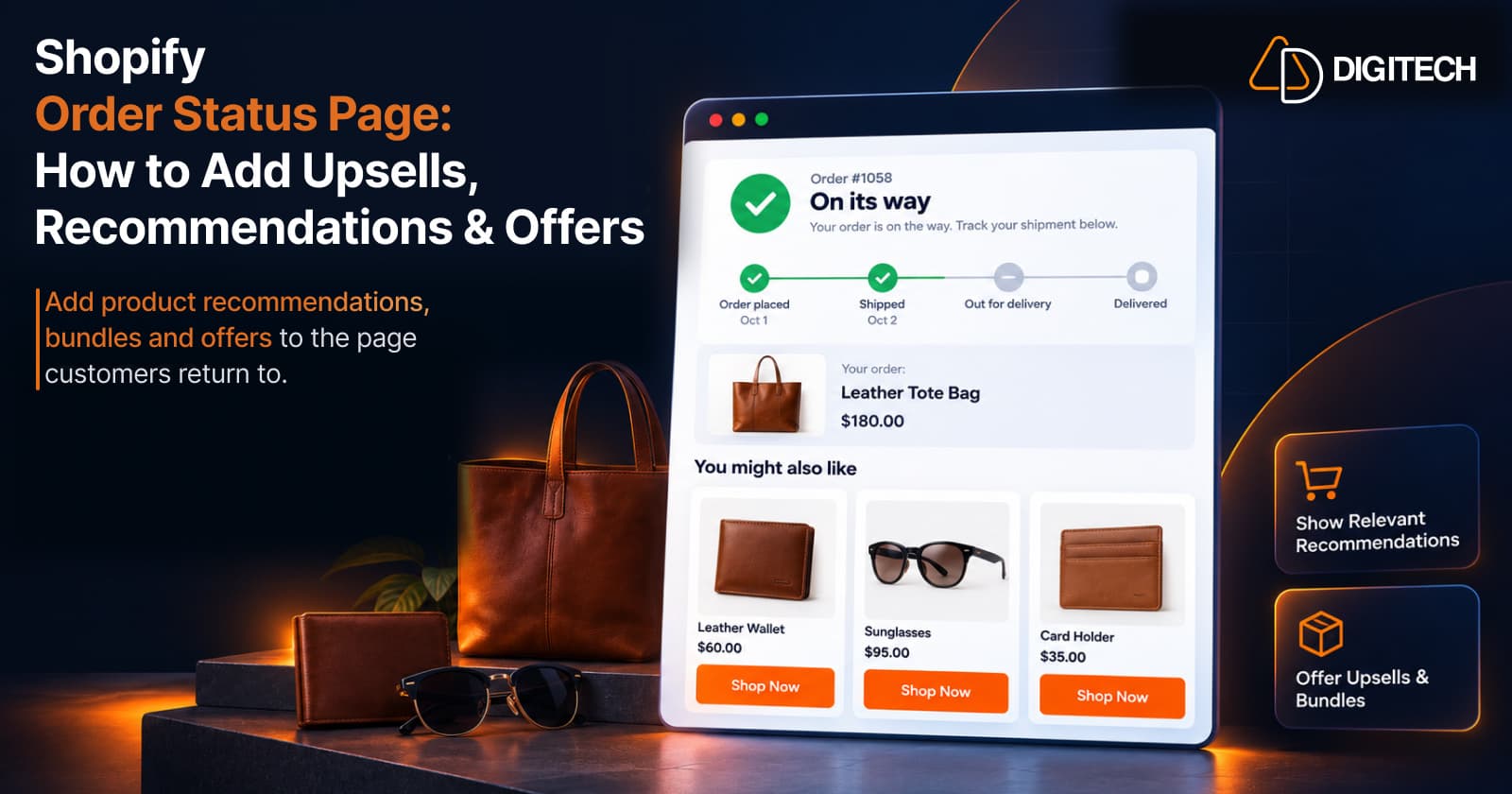
Shopify Order Status Page: How to Add Upsells, Recommendations & Offers
Learn how to customize the Shopify Order Status Page with product recommendations, upsells, bundles and offers to create better post-purchase experiences.
Read article
How to Add a Post-Purchase Survey to the Shopify Thank You Page
Learn how to add a Shopify Thank You Page survey, choose better post-purchase questions, collect customer feedback and use responses to improve your store.
Read article
Shopify Thank You Page Product Bundles: Fixed, Mix-and-Match & Volume Discounts
Learn how to use fixed, mix-and-match and volume discount product bundles on the Shopify Thank You Page to create relevant additional purchase opportunities.
Read article