How to Cross-Sell Complementary Products on the Shopify Thank You Page
Learn how to cross-sell complementary products on the Shopify Thank You Page, choose relevant recommendations, and create additional purchase opportunities.
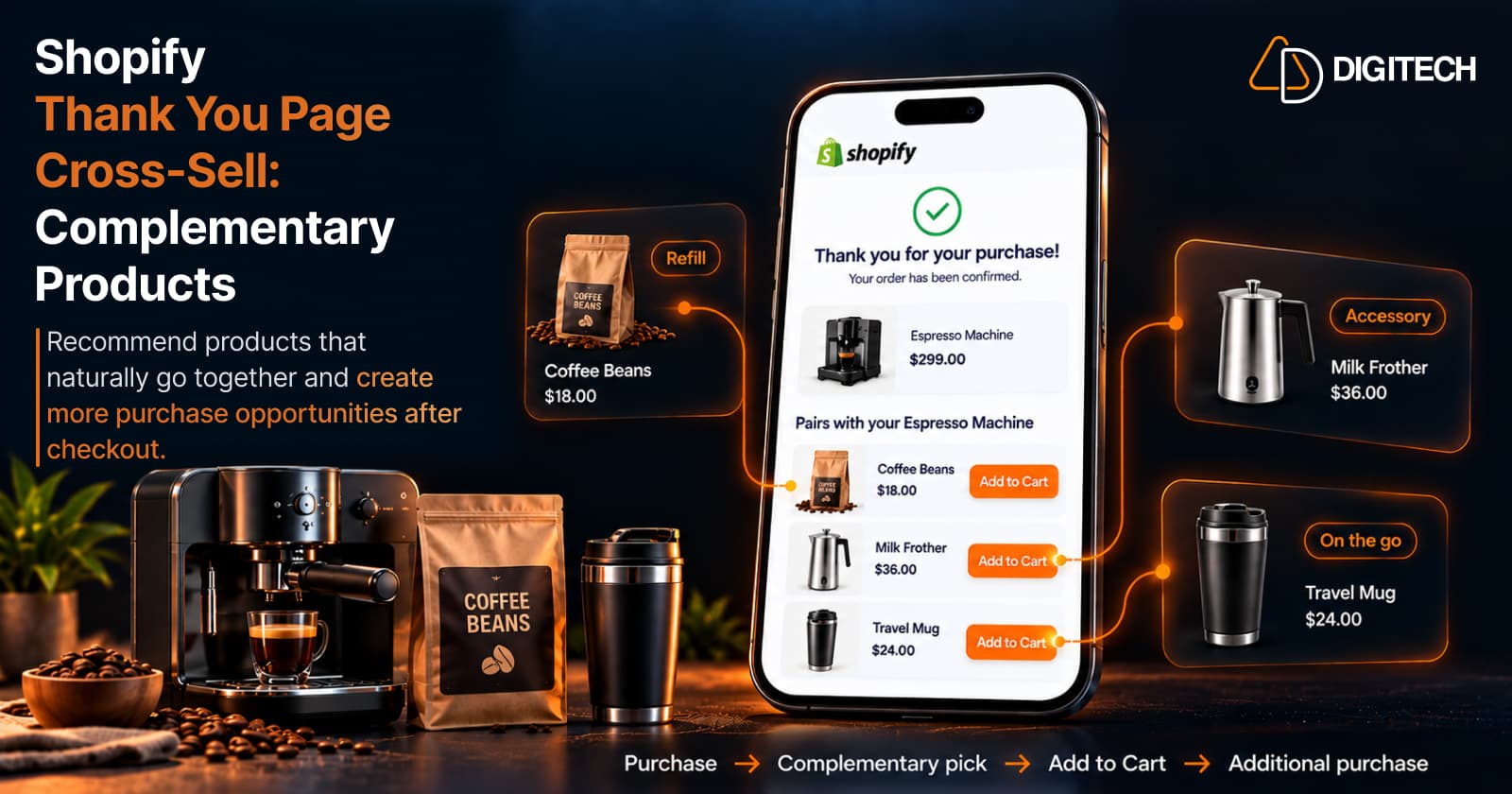
When a customer reaches the Shopify Thank You Page, checkout is finished, but the shopping journey doesn't have to be. The page confirms the order, and it can also show a few products that go naturally with what the customer just bought.
That's a Thank You Page cross-sell: recommending complementary products after checkout as an additional purchase opportunity. Done well, it helps customers find things they'll actually use. Done badly, it's a grid of unrelated products on a confirmation screen.
This guide covers what complementary products are, how to choose them, how to add them to the Thank You Page with Shopify's current tools, and how to measure whether they're working.
What Is a Shopify Thank You Page Cross-Sell?
Cross-selling means recommending a product that complements something the customer bought, rather than a replacement or a more expensive version. A Shopify Thank You Page cross-sell applies that idea to the order confirmation page: once payment is complete, the page shows products that go with the purchase.
For example, a customer buys running shoes. Relevant cross-sells might be running socks, a shoe care kit, or running insoles. Each relates directly to the shoes: it's worn with them, protects them, or improves how they feel. A popular phone case wouldn't be a cross-sell. It would just be an unrelated recommendation.
A cross-sell can be a plain recommendation ("this goes with your order") or a promotional offer (the same product with a discount code or a time limit). Either can work, but relevance comes first. A discount on the wrong product is still the wrong product.
It also helps to be precise about where this happens. Shopify shows the Thank You Page as the initial purchase confirmation after checkout. If the customer comes back later, they see the Order Status Page instead, which they can revisit to view and track their order. Both are separate from Shopify's native post-purchase page, an optional page that appears between payment and the Thank You Page for offers that change the order. This article is about the Thank You Page, where a cross-sell encourages a new purchase rather than modifying the one just placed.
What Are Complementary Products?
Complementary products work with, enhance, protect, or complete something the customer already bought. The test is simple: would the customer reasonably use the two together?
| Category | Original purchase | Complementary product |
|---|---|---|
| Fashion | Shirt | Belt |
| Fashion | Dress | Handbag |
| Beauty | Cleanser | Moisturizer |
| Beauty | Shampoo | Conditioner |
| Electronics | Laptop | Laptop sleeve |
| Electronics | Camera | Memory card |
| Fitness | Yoga mat | Yoga blocks |
| Fitness | Running shoes | Running socks |
| Home | Coffee machine | Coffee beans |
| Home | Sofa | Cushion covers |
Not every related product is a good cross-sell. A second, similar dress is related to the first, but it competes with the purchase instead of completing it. A complementary product fills a gap; a similar product often just repeats a decision the customer already made.
Why Cross-Sell Complementary Products on the Thank You Page?
A Thank You Page cross-sell can:
- Create an additional purchase opportunity on a page customers see right after checkout.
- Help customers discover useful products they may have missed while shopping.
- Make product discovery more relevant, because the recommendation starts from a known purchase.
- Introduce accessories that protect or extend the main product.
- Help customers complete a set or routine, such as the second step of a skincare regimen.
- Improve the post-purchase experience by turning a plain confirmation into useful next steps.
None of this means every customer will buy more. It gives customers a relevant option at a natural point, and some of them will take it.
Cross-Sell vs Upsell vs Product Recommendation
| Concept | What it means | Example |
|---|---|---|
| Cross-sell | Recommending a product that complements the purchase | Running shoes → running socks |
| Upsell | Encouraging a higher-value or upgraded product | Standard running shoes → premium model |
| Product recommendation | Any product suggested by relevance, rules, or manual selection | A "You may also like" block |
In practice these overlap. A recommendation block can contain cross-sells, and a bundle can mix both. The difference is commercial intent: a cross-sell adds something alongside the purchase, while an upsell steers toward something bigger. For upsells specifically, see how Shopify Thank You Page upsells work.
What Complementary Products Should You Recommend?
Start with relevance, then consider popularity. Good sources include:
- Products that naturally work together, like a camera and a memory card.
- Accessories for the purchased product, such as a case, sleeve, or strap.
- Consumables and refills, like coffee beans for a coffee machine or filters for a water jug.
- Products that complete a routine, such as conditioner after shampoo.
- Products that solve the next need, like a laptop stand after a laptop.
- Items from the same collection, when the collection is designed to be used together.
- Best sellers, when they're genuinely relevant: the top-selling sock that suits those running shoes, not the store's overall best seller.
- New arrivals that fit the purchase, such as a new roast from the coffee range the customer just bought from.
A popular product that has nothing to do with the order is still an unrelated recommendation.
How to Choose the Right Thank You Page Cross-Sell
A practical framework:
- Look at what the customer purchased. The order is your strongest signal.
- Identify the natural next product. What would they need to use, protect, or complete it?
- Check price relevance. An add-on should feel proportionate to the original order. A small accessory after a large purchase is usually an easier decision than a second large purchase.
- Avoid duplicating the purchase. Don't recommend the item they just bought or a near-identical alternative.
- Keep the number manageable. A few well-chosen products are easier to evaluate than a long grid.
- Use clear product information and a clear CTA. An image, name, price, and an Add to Cart button.
- Test different strategies. Compare complementary picks with same-collection or best-seller recommendations, and keep what performs.
Relevance matters more than volume. Three products that clearly belong with the order are more useful to a customer than twelve that loosely might.
How to Add Complementary Product Recommendations to the Shopify Thank You Page
Shopify's current approach uses the checkout and accounts editor, not theme code:
- Install an eligible app that supports the Thank You Page. In the Shopify App Store, you can filter for apps that customize checkout.
- Open the checkout and accounts editor from Settings > Checkout in your Shopify admin.
- Select the Thank You Page in the editor.
- Add the app's block and position it on the page.
- Configure the recommendation logic or product selection, such as complementary products or a manual pick.
- Add supporting messaging and a CTA, for example "Complete your setup" with an Add to Cart button.
- Preview the page in the editor.
- Test the customer flow with a test order, including on mobile.
- Monitor performance once it's live.
This is different from Shopify's native post-purchase extension, which runs on a separate page before the Thank You Page and is built for offers that change the order. It also doesn't involve Additional Scripts, checkout.liquid, or editing your theme. For a fuller setup walkthrough, see how to add product recommendations to the Shopify Thank You Page.
Shopify Thank You Page Cross-Sell Strategies
Not every strategy suits every store. Match the strategy to your catalogue:
- Complementary product cross-sell: the default when your products have clear companions.
- Accessory cross-sell: suits electronics, equipment, and fashion, where add-ons protect or finish the main item.
- Complete-the-routine cross-sell: fits beauty, haircare, and wellness products used in steps.
- Product bundle recommendation: useful when items are commonly used together, such as a coffee starter kit.
- Best-seller recommendation, when relevant: a fallback when there's no strong companion, limited to related categories.
- Same-collection recommendation: suits collections designed to be combined, like a matching furniture or clothing line.
- New-arrival recommendation: helpful for stores with frequent launches, when the new items relate to the purchase.
- Manual product selection: best when you know your catalogue well and want control over key pairings.
Stores with a clear product ecosystem often lean on complementary and accessory cross-sells. Stores with broad, loosely related catalogues may rely more on manual or same-collection picks.
Thank You Page Cross-Sell Best Practices
- Keep recommendations relevant to the specific order.
- Make the value clear. Say why the product fits, for example "Pairs with your new coffee machine."
- Don't overwhelm customers. A few products are enough.
- Use simple product cards with an image, name, and price.
- Show pricing clearly, including any discount.
- Use clear CTAs such as Add to Cart.
- Design for mobile, where many customers will see the page.
- Test product combinations and messaging over time.
- Monitor clicks and conversions, and replace recommendations that don't perform.
For page-level advice beyond cross-sells, see Shopify Thank You Page best practices.
How to Measure Shopify Thank You Page Cross-Sell Performance
Track:
- Impressions or views, where your app reports them
- Clicks on recommended products
- Click-through rate, where available
- Conversions, meaning orders that include a recommended product
- Conversion rate
- Revenue from the recommendation, where the app supports attribution
- Average order value, where relevant
Compare strategies against each other, such as complementary products versus best sellers, rather than judging one block in isolation. And don't assume attribution your app doesn't provide: if it reports clicks but not revenue, measure what it reports and cross-check against your Shopify sales reports.
How Grovia Helps with Shopify Thank You Page Cross-Selling
Grovia, a Shopify app built by AD Digitech, customizes the Thank You Page and Order Status Page. For complementary-product cross-sells, you can:
- Show product recommendations using manual selection, the same collection as the purchase, best sellers, complementary products, higher-priced alternatives, or new arrivals
- Add cross-sell recommendations and post-purchase upsells
- Offer fixed, mix-and-match, and volume discount bundles
- Add coupon codes with countdown timers
- Use images, banners, and CTAs
- Run post-purchase surveys
- Build it all in a drag-and-drop editor, with no coding and no theme changes
- Track clicks, conversions, CVR, and revenue in its analytics, where supported
A typical setup: add a recommendation block to the Thank You Page, choose complementary products as the source, add a short heading such as "Complete your setup," and review the results in the analytics. You can add recommendations to the Order Status Page as well, which customers may revisit to check on their order.
Grovia's recommendations encourage an additional purchase and don't modify the customer's completed order, and Grovia isn't Shopify's native post-purchase extension. For upsell setup, see how to add upsells to the Shopify Thank You Page.
The Bottom Line
A Thank You Page cross-sell works when it answers a simple question for the customer: what goes with what I just bought? Choose products that complete, protect, or extend the purchase, keep the selection small, use Shopify's current checkout and accounts editor rather than theme code, and measure what each strategy produces.
Frequently asked questions
What is cross-selling on the Shopify Thank You Page?
Recommending products that complement a customer's purchase on the order confirmation page shown after checkout. The goal is an additional, relevant purchase, such as running socks after running shoes.
What are complementary products in ecommerce?
Products that work with, enhance, protect, or complete another product, such as a memory card for a camera or conditioner for shampoo. A customer would reasonably use them together.
What is the difference between a cross-sell and an upsell?
A cross-sell recommends a product that goes alongside the purchase. An upsell encourages a higher-value or upgraded version. They can overlap, but their commercial intent is different.
What products should I recommend after a Shopify purchase?
Accessories, consumables, routine-completing items, and products that solve the customer's next need. Use best sellers or new arrivals only when they relate to what the customer bought.
Can I add product recommendations to the Shopify Thank You Page?
Yes. Install an eligible app, open the checkout and accounts editor from Settings > Checkout, add the app's block to the Thank You Page, configure it, and test the flow.
Can Shopify Thank You Page cross-sells create a new purchase?
Yes. Payment for the original purchase is already complete, so a Thank You Page cross-sell encourages an additional purchase rather than modifying the checkout being confirmed.
Can I customize the Thank You Page without editing theme code?
Yes. Shopify's checkout and accounts editor handles Thank You and Order Status page customization, and eligible apps add content through app blocks, so no theme code is needed.
Can Grovia recommend complementary products on the Thank You Page?
Yes. Grovia's recommendation sources include complementary products, along with manual selection, same collection, best sellers, higher-priced alternatives, and new arrivals, on both the Thank You and Order Status pages.
Turn Your Thank You Page Into a Revenue Opportunity
Your Shopify thank you and order status pages can do more than confirm an order. With Grovia, add post-purchase upsells, product recommendations, bundles, offers and more — without coding.
Related reading
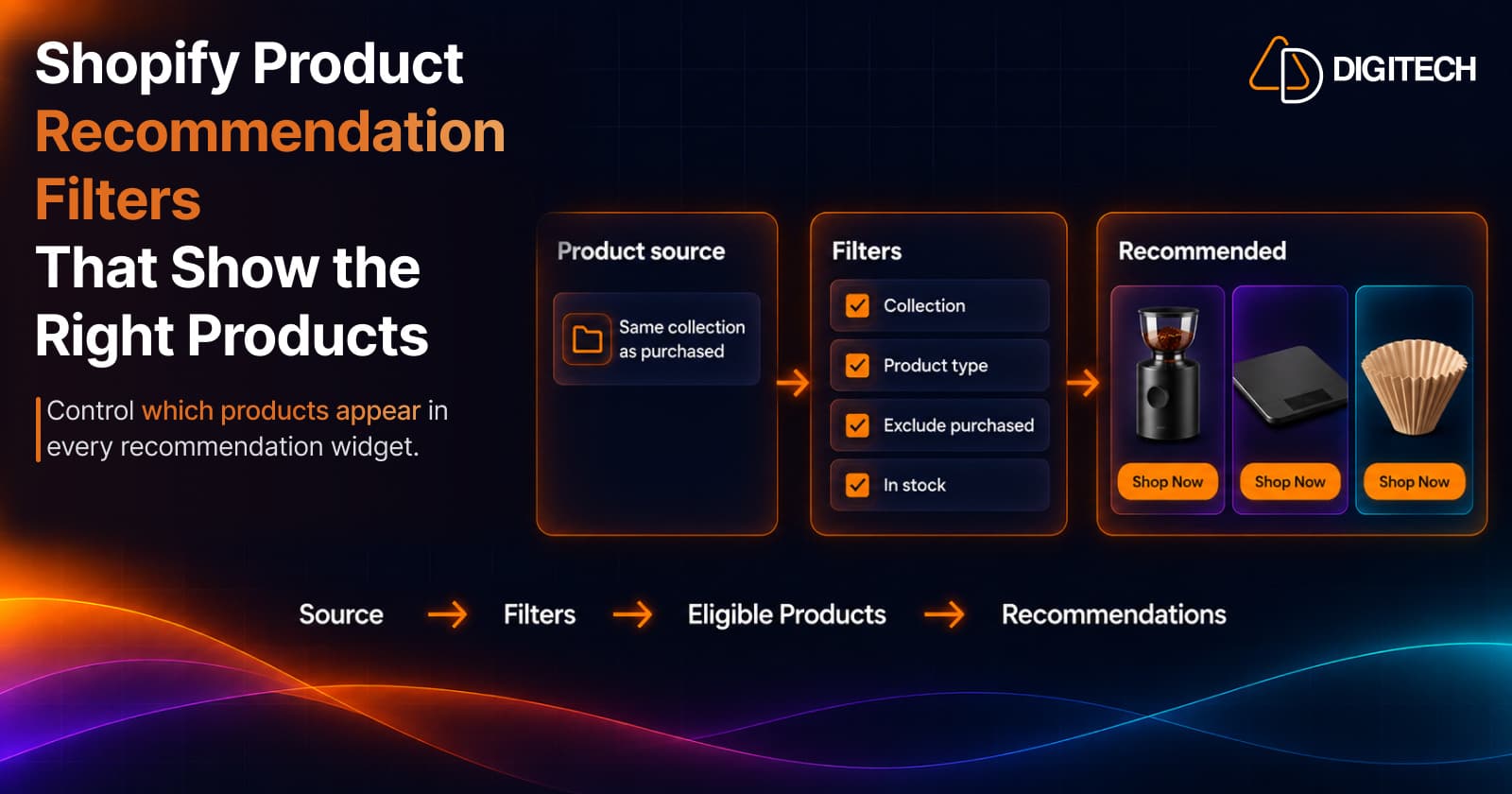
Shopify Product Recommendation Filters: How to Show the Right Products
Learn how Shopify product recommendation filters can help merchants control which products appear using collections, tags, vendors, inventory and more.
Read article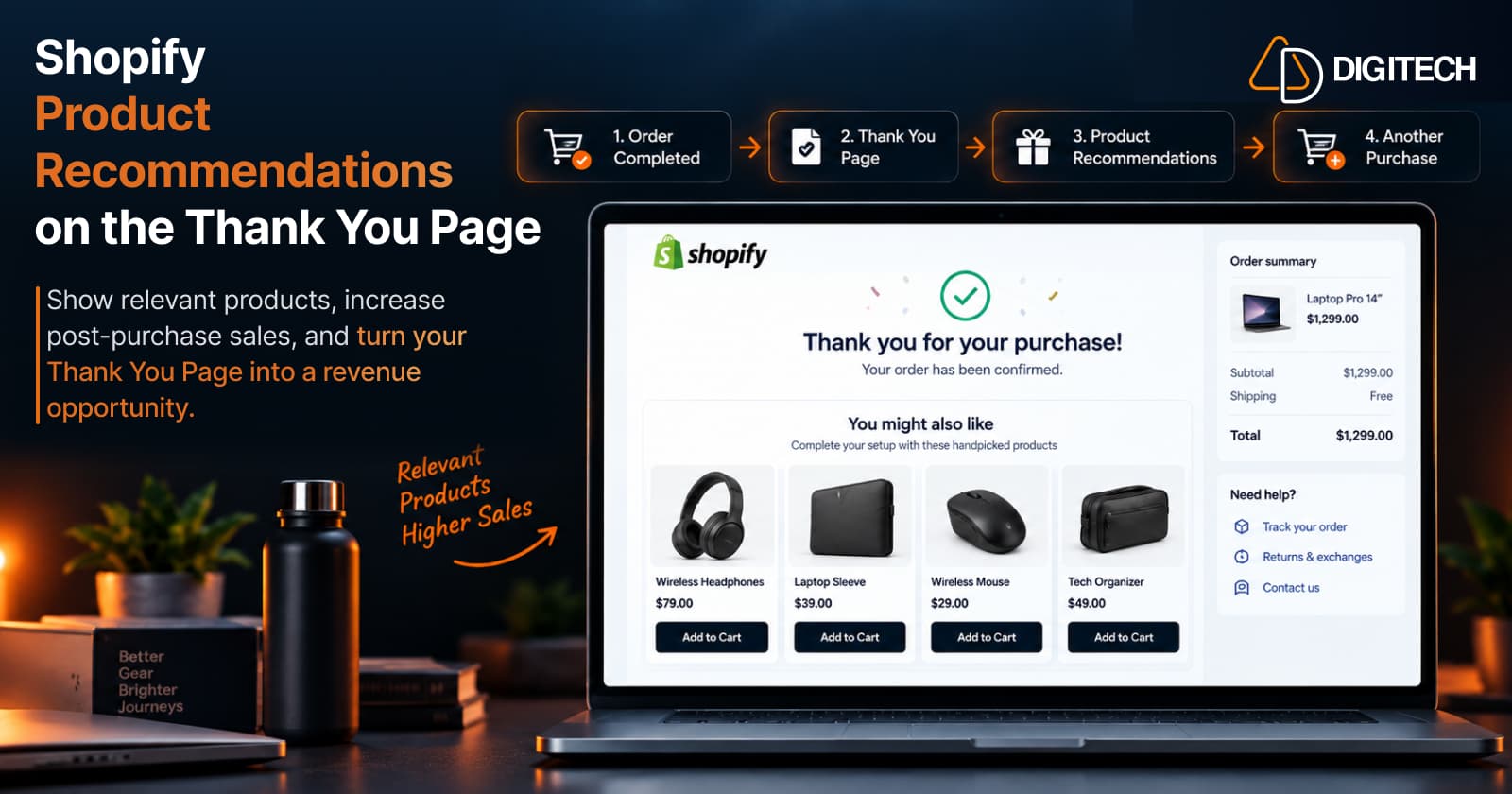
How to Add Product Recommendations to the Shopify Thank You Page
Learn how to add relevant product recommendations to your Shopify Thank You Page, choose complementary products, and improve post-purchase sales opportunities.
Read article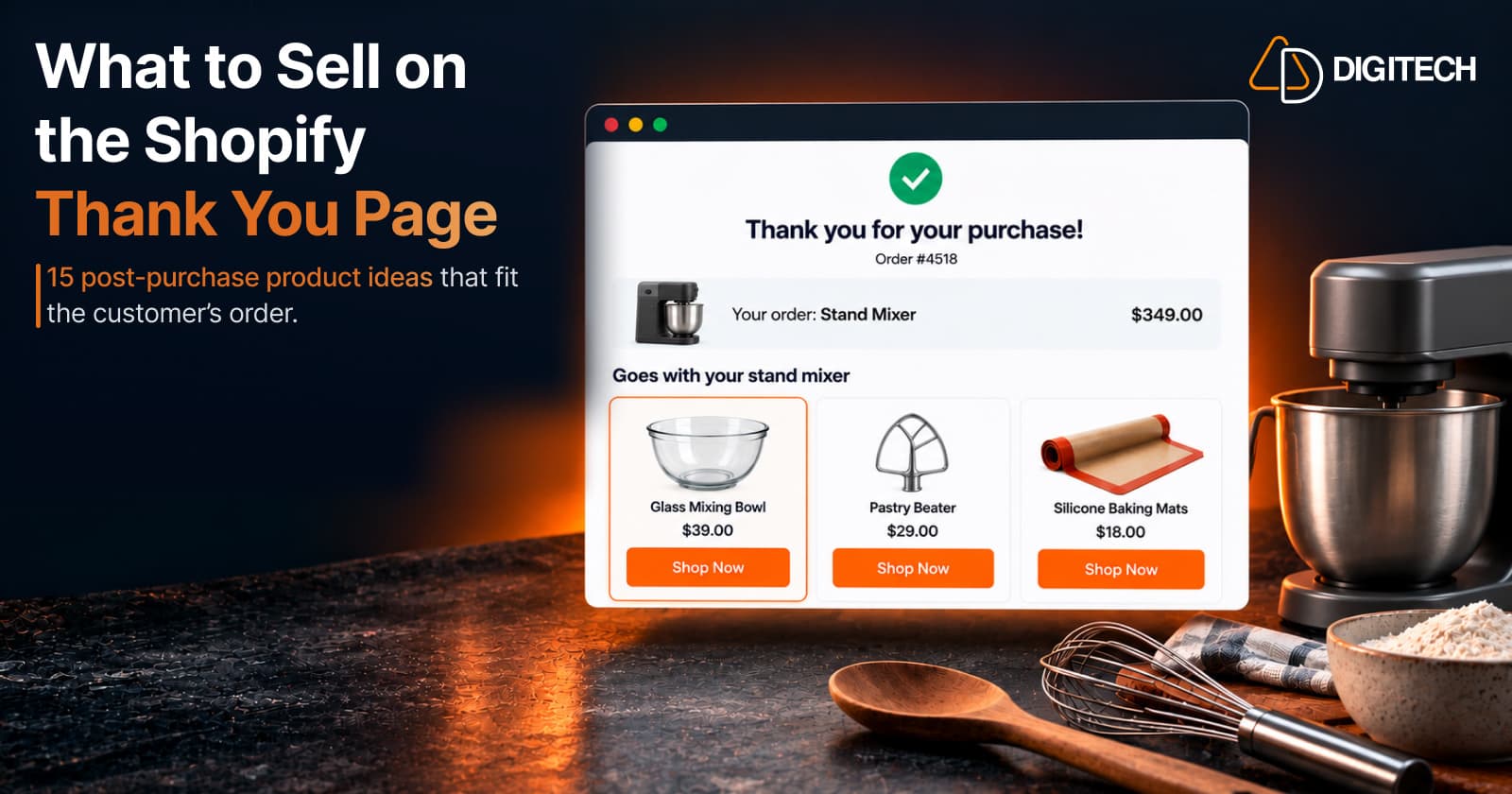
What to Sell on the Shopify Thank You Page: 15 Post-Purchase Product Ideas
Discover 15 Shopify Thank You Page product ideas, from complementary accessories and bundles to upgrades, refills and relevant post-purchase offers.
Read article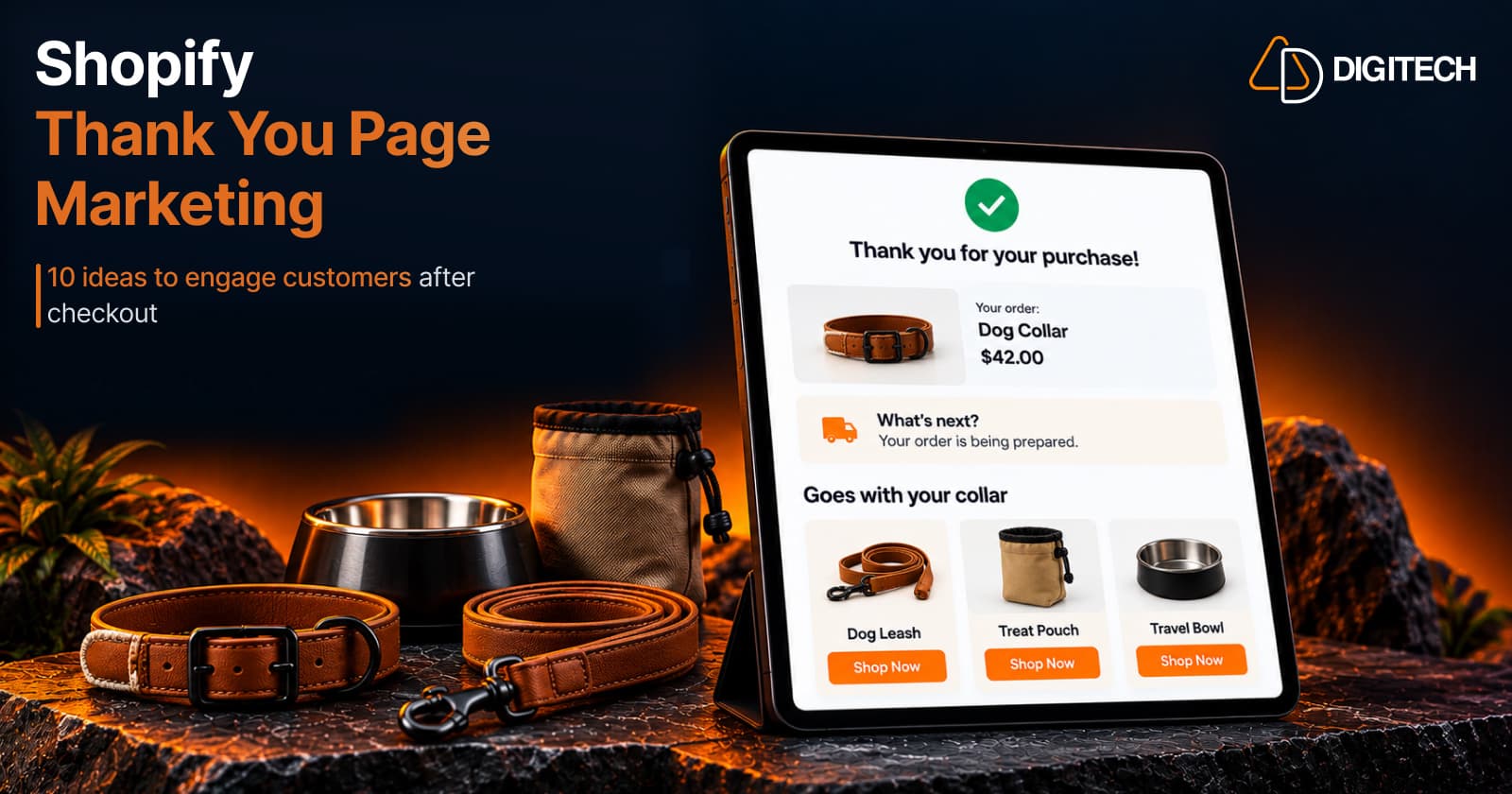
Shopify Thank You Page Marketing: 10 Ideas to Engage Customers After Checkout
Discover 10 Shopify Thank You Page marketing ideas to engage customers after checkout with recommendations, offers, bundles, feedback and useful content.
Read article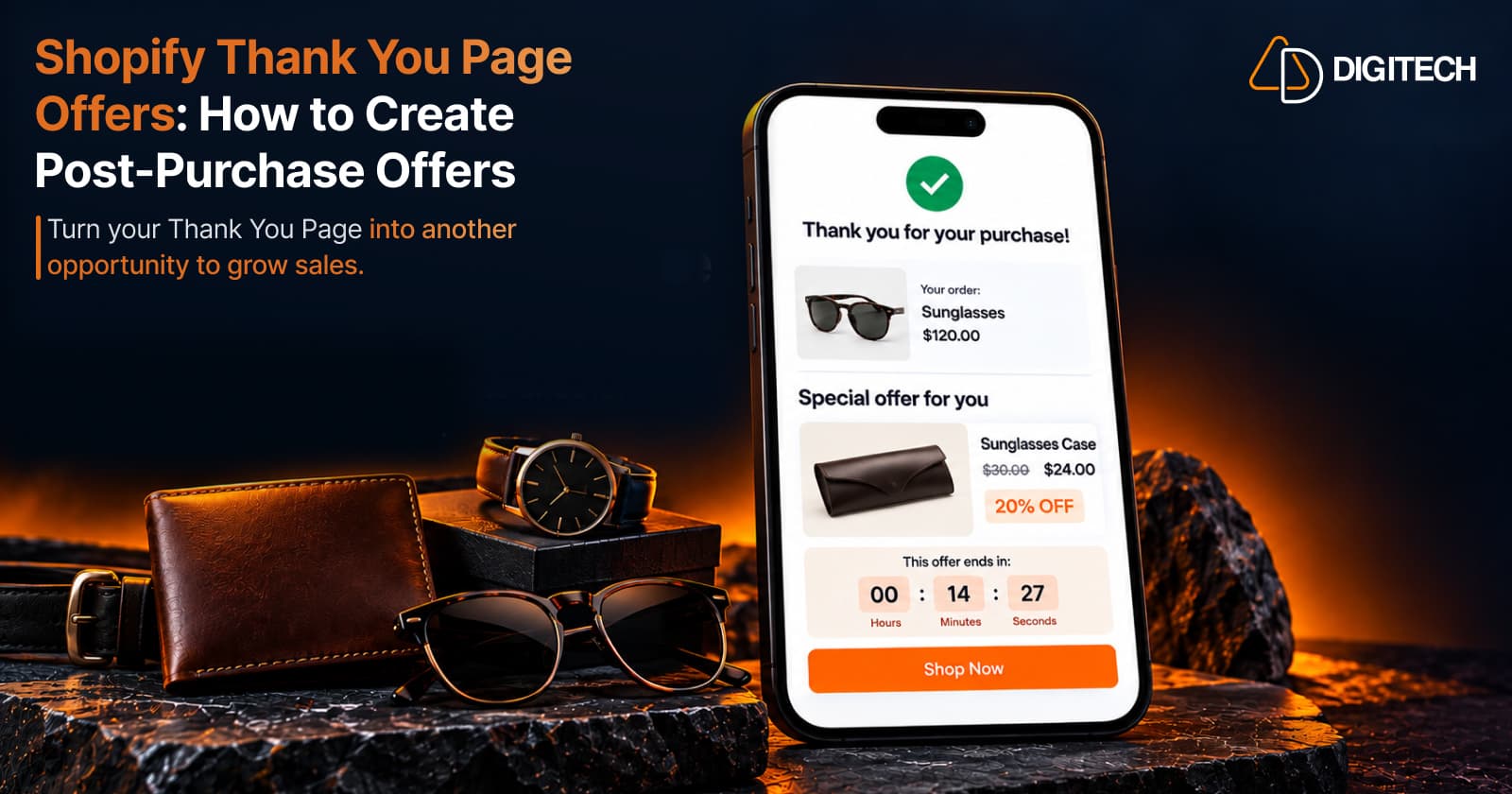
Shopify Thank You Page Offers: How to Create Post-Purchase Offers
Learn how to create Shopify Thank You Page offers with discounts, coupons, countdown timers and relevant promotions to drive additional purchases.
Read article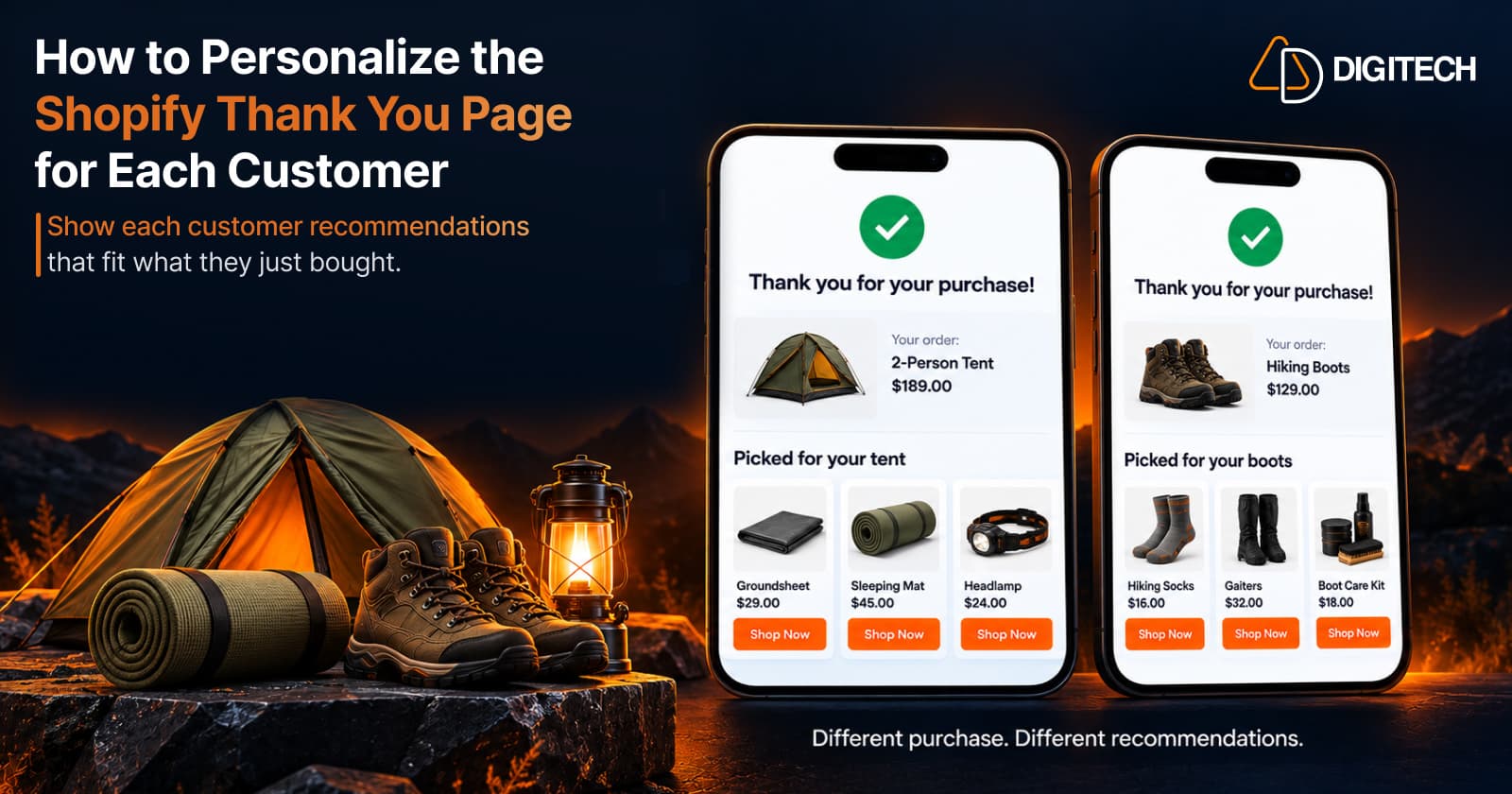
How to Personalize the Shopify Thank You Page for Each Customer
Learn how to personalize the Shopify Thank You Page with relevant recommendations, cross-sells, bundles, offers and post-purchase content.
Read article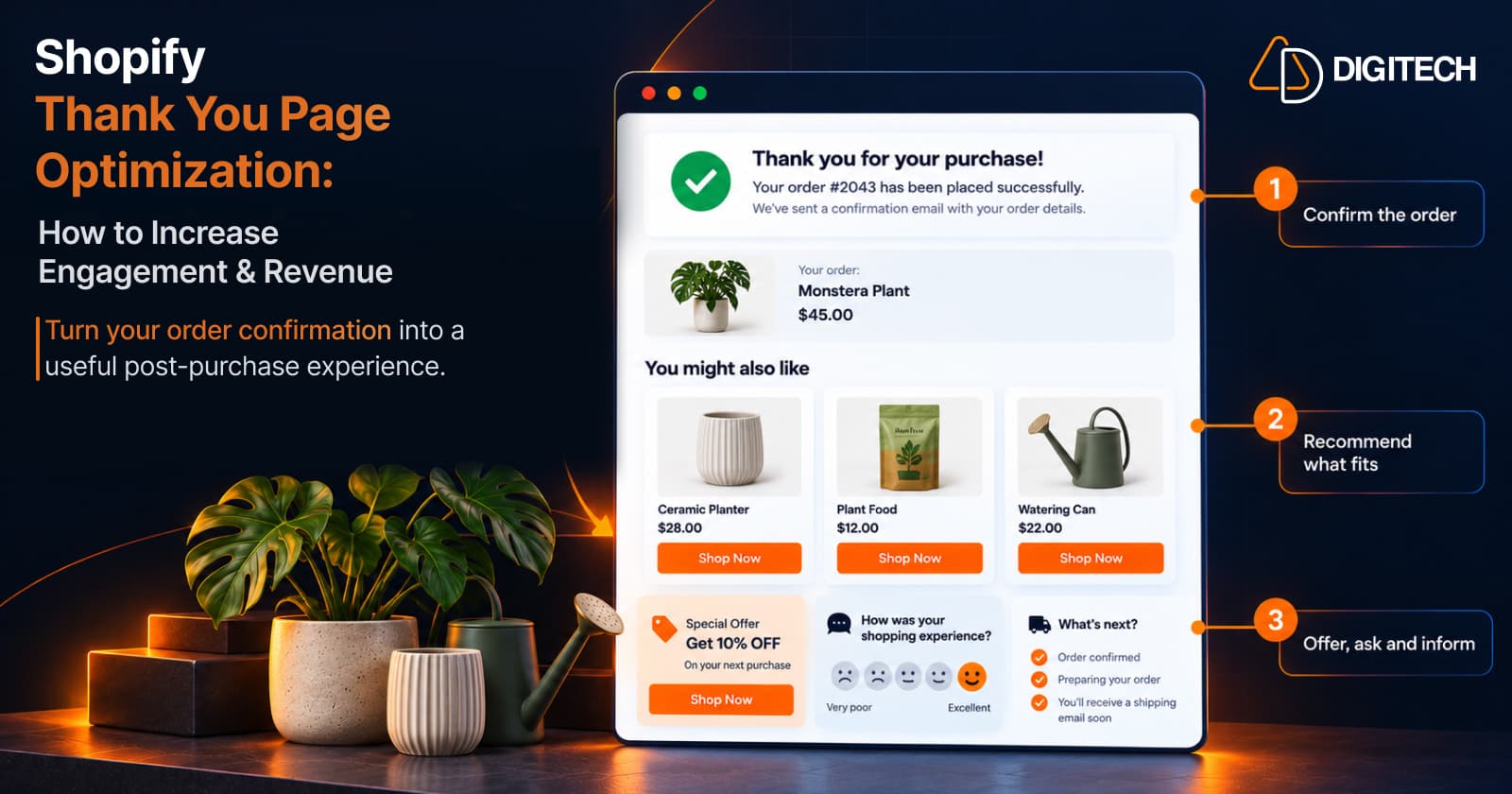
Shopify Thank You Page Optimization: How to Increase Engagement & Revenue
Learn how to optimize your Shopify Thank You Page with recommendations, upsells, bundles, offers and surveys to create a better post-purchase experience.
Read article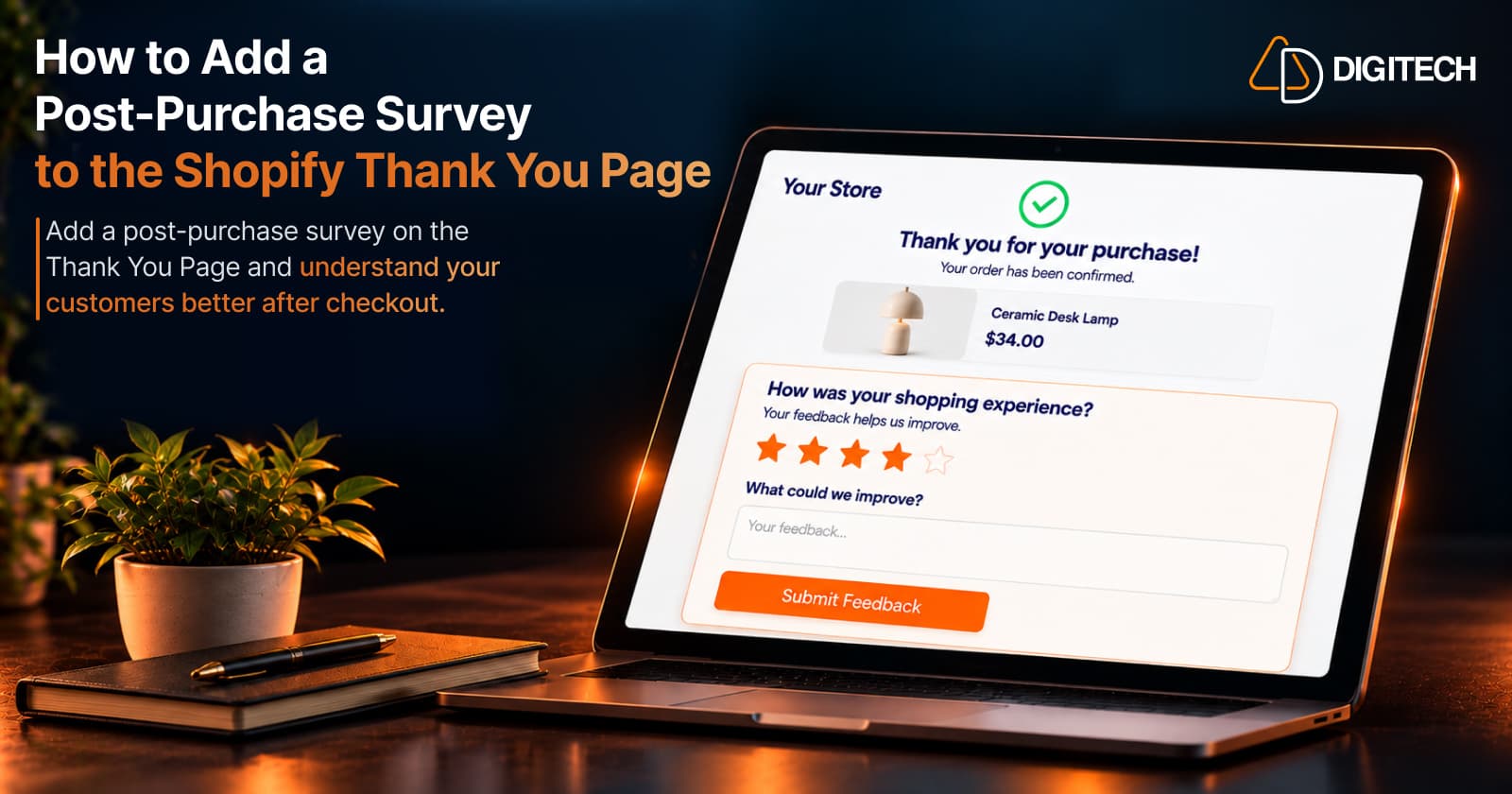
How to Add a Post-Purchase Survey to the Shopify Thank You Page
Learn how to add a Shopify Thank You Page survey, choose better post-purchase questions, collect customer feedback and use responses to improve your store.
Read article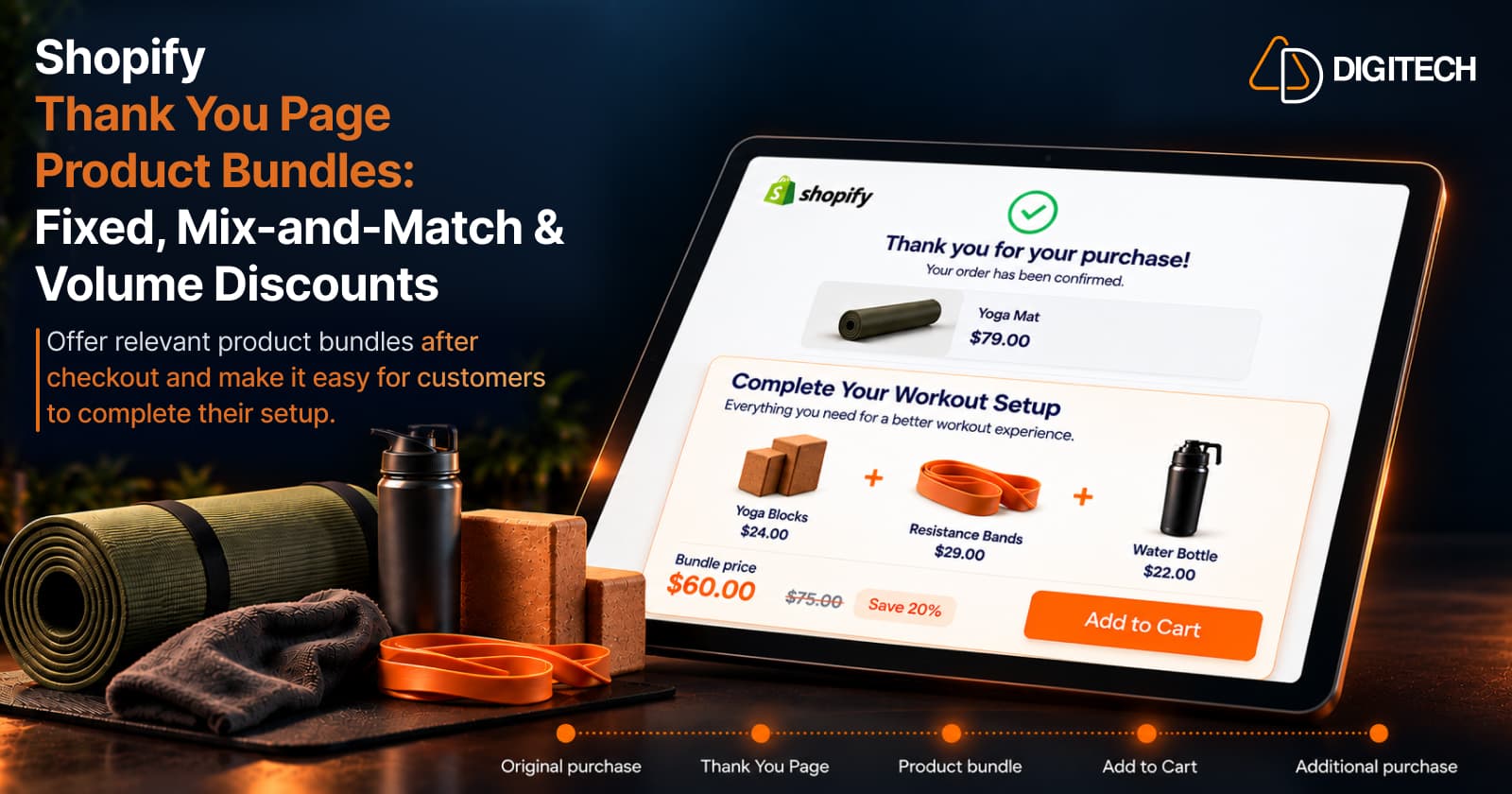
Shopify Thank You Page Product Bundles: Fixed, Mix-and-Match & Volume Discounts
Learn how to use fixed, mix-and-match and volume discount product bundles on the Shopify Thank You Page to create relevant additional purchase opportunities.
Read article